Digital Wall of Fame Blog - Recognition Display Insights & Resources
- Home /
- Digital Wall of Fame Blog - Recognition Display Insights & Resources
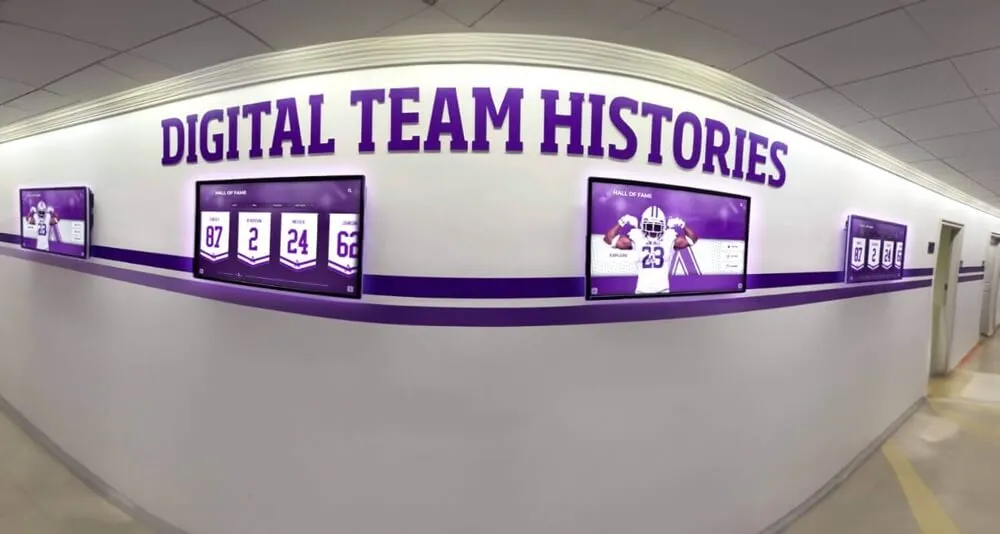
Six-on-Six Basketball History Displays: Honor Guards Alongside Forwards
An athletic director or alumni coordinator planning a six on six basketball history display faces a question the trophy case alone cannot answer: which athletes does the display recognize, and by what criteria? In Iowa girls basketball’s historic half-court game, guards and forwards held distinct roles on opposite sides of the center line—and a points-based approach to selection will almost always center the forwards who scored while leaving the guards who defended underrepresented in the story. This guide is for the athletic director or history coordinator building a hallway recognition exhibit for a historical six-on-six team. It offers a framework for starting from the complete documented team, honoring verified roles rather than assumed ones, and creating exhibit content that guards and their families can find themselves in—alongside their teammates.
Read More
Girls Wrestling Recognition Ideas: Preserve Your School's First Team and Milestones
The first girls wrestling team at your school is a moment worth preserving carefully. There are no decades of trophy cases to anchor the story, no faded championship banners from a title won two generations back—only the athletes who showed up, the coaching staff who built something from scratch, and a school community that decided girls wrestling belonged. That is exactly why documentation matters most in a program’s first years. A thoughtful girls wrestling recognition collection built now becomes the foundation every future team and every future athletic director will build on. This guide is written for the athletic director ready to start that work: how to document what happened, what display content best serves a new program, how to plan content carefully with your staff, and how an interactive hallway display can make the story visible.
Read More
Cheer Senior Night Ideas: Gifts, Posters, and a Meaningful Game-Night Tribute
Graduating cheerleaders carry years of early morning practices, competition travel, and game-day dedication into their final home athletic event. A well-planned cheer senior night honors that commitment in front of the school community that benefited from it—without reducing the seniors to a half-time decoration or folding the ceremony into another team’s spotlight. This guide focuses on the specific task of coordinating recognition at a home game: who to confirm the schedule with, what personal touches resonate, how to run the moment smoothly, and how to extend the story into your school’s lobby display after the night is over.
Read More
Digital Athletic Hall of Fame MathML Audit: Make Fractional Records Understandable
A digital athletic hall of fame MathML fraction accessibility audit determines whether fractional measurements in your school’s historical athletic records need MathML fraction markup, and whether any MathML already in place is keyboard-navigable, announced meaningfully by screen readers, and rendered correctly on the browsers and hardware your recognition program uses. The direct answer for school athletic directors and their recognition-content, IT, or archives partners: readable text with Unicode fraction characters or spelled-out fractions is sufficient for the overwhelming majority of school athletic recognition records, and is often more broadly compatible than MathML on the specific kiosk hardware schools install. Use the MathML <mfrac> element only when your platform presents genuinely mathematical content, and audit every instance for keyboard access, screen reader output, and visual rendering before publishing.
Read More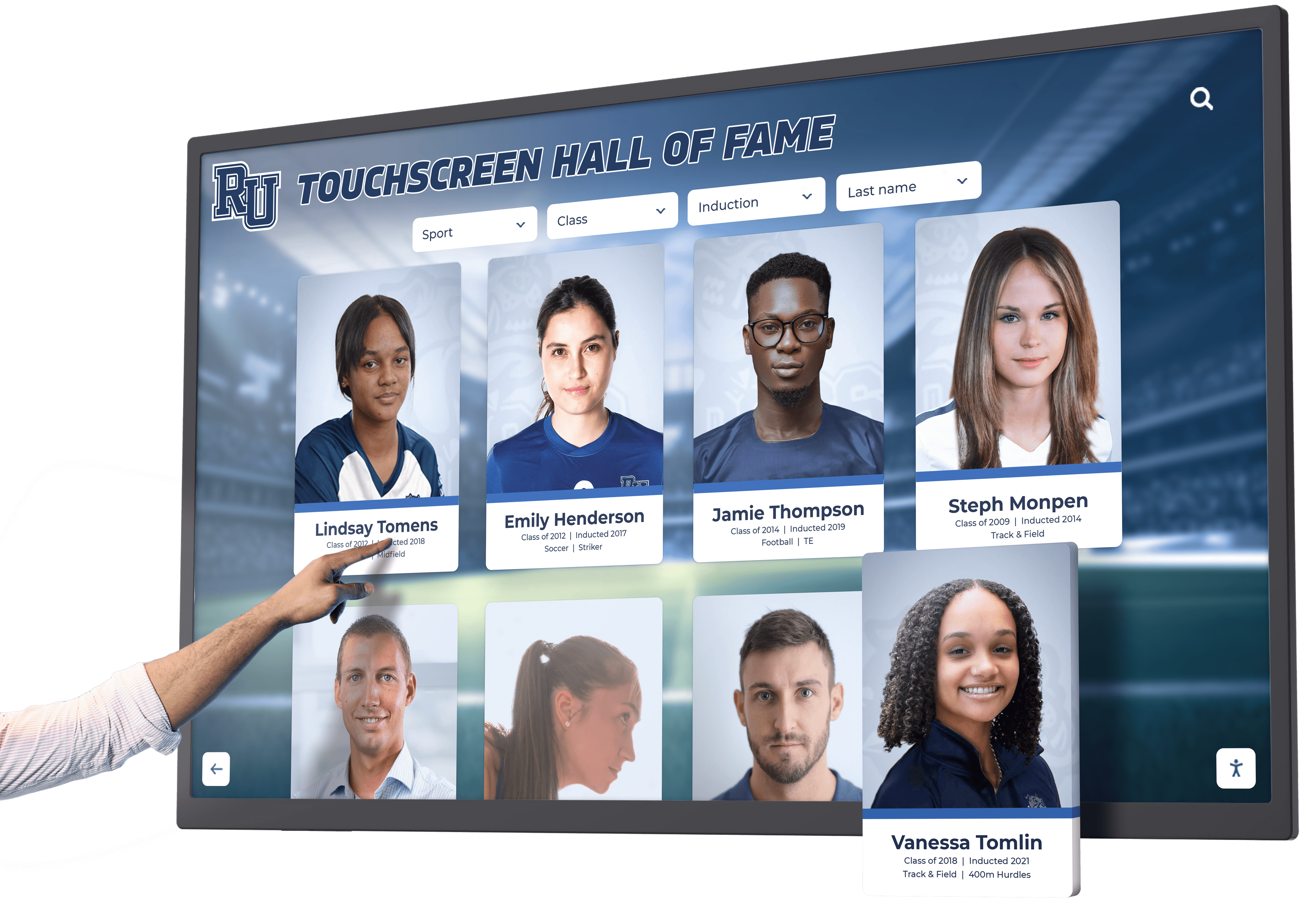
Digital Hall of Fame Ruby Annotations: Reviewing Inductee Name Pronunciation on Touchscreens
A digital hall of fame ruby name pronunciation audit is a structured editorial and rendering review confirming that <ruby>, <rt>, and <rp> markup on inductee profile pages carries pronunciation guidance verified by each inductee or their representative, renders correctly across the browsers and touchscreen devices used in your school’s recognition program, and provides a usable plain-text fallback when ruby display is absent or overridden. The direct answer for school athletic directors, recognition program coordinators, and platform administrators: ruby annotations are a visual editorial tool—they place phonetic guidance above or beside base text for sighted readers—but they do not automatically alter how a screen reader vocalizes a name. Audit every inductee record carrying ruby markup to confirm the annotation reflects pronunciation supplied or confirmed by the inductee, that <rp> parenthetical fallbacks are present so names remain readable when ruby rendering is unavailable, and that the base text alone is a complete, meaningful label that does not depend on the annotation to be understood.
Read More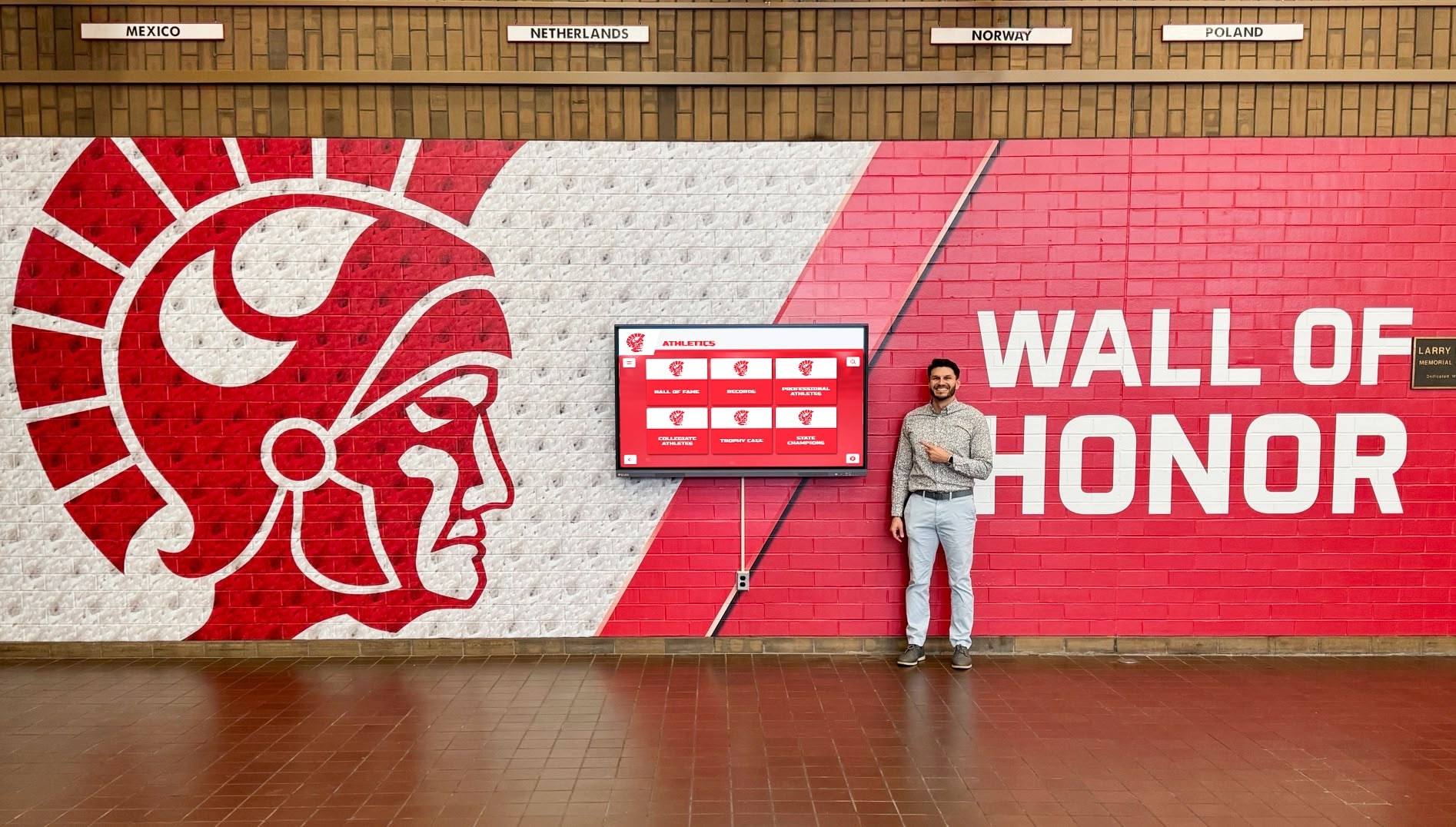
Digital Hall of Fame ARIA-Braillelabel Audit for Inductee Controls
A digital hall of fame aria-braillelabel audit is a targeted review of interactive controls on your school’s recognition platform, checking whether any aria-braillelabel overrides present on inductee controls are genuinely improving the Braille reading experience—and confirming that the attribute has not been added to controls where the ordinary accessible name already converts to clear, readable Braille. The short answer for school athletic recognition administrators, IT teams, and facilities specialists: inventory every interactive control on your inductee pages; confirm each control has a valid accessible name through a native <label>, aria-label, or aria-labelledby association first; apply aria-braillelabel only in the narrow circumstance where converting the accessible name to Braille would produce a poor result—such as when a lengthy icon description renders as an unwieldy Braille string—and verify any override with an actual braille display and compatible assistive technology before deploying it to your recognition platform.
Read More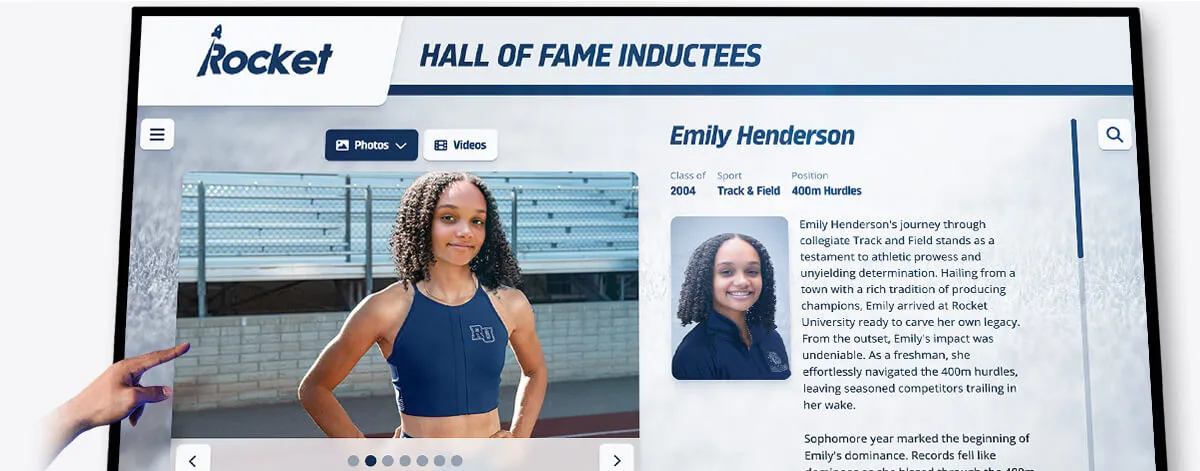
Digital Hall of Fame Bidirectional Name Display Audit: Keep Arabic and Hebrew Profiles Legible
A digital hall of fame bidirectional name display audit is a structured review confirming that inductee profiles containing Arabic or Hebrew names render their names, jersey numbers, punctuation, and induction dates in the correct visual order—so a visitor reading your recognition display sees the authentic spelling and logical sequence the athlete’s name requires, not a scrambled rearrangement caused by the browser’s Unicode Bidirectional Algorithm. The short answer for school athletic directors and IT teams: wrap every Arabic or Hebrew inline phrase in a <bdi> element when the direction is unknown at runtime, or in a <span dir="rtl"> when it is known; place Unicode directional marks (‏ or ‎) after any RTL phrase that is immediately followed by a number, punctuation, or a logically separate phrase in the opposite direction; verify the result visually in a browser and with a screen reader before the induction ceremony; and document which profile fields accept names in scripts other than Latin so each one receives the same treatment.
Read More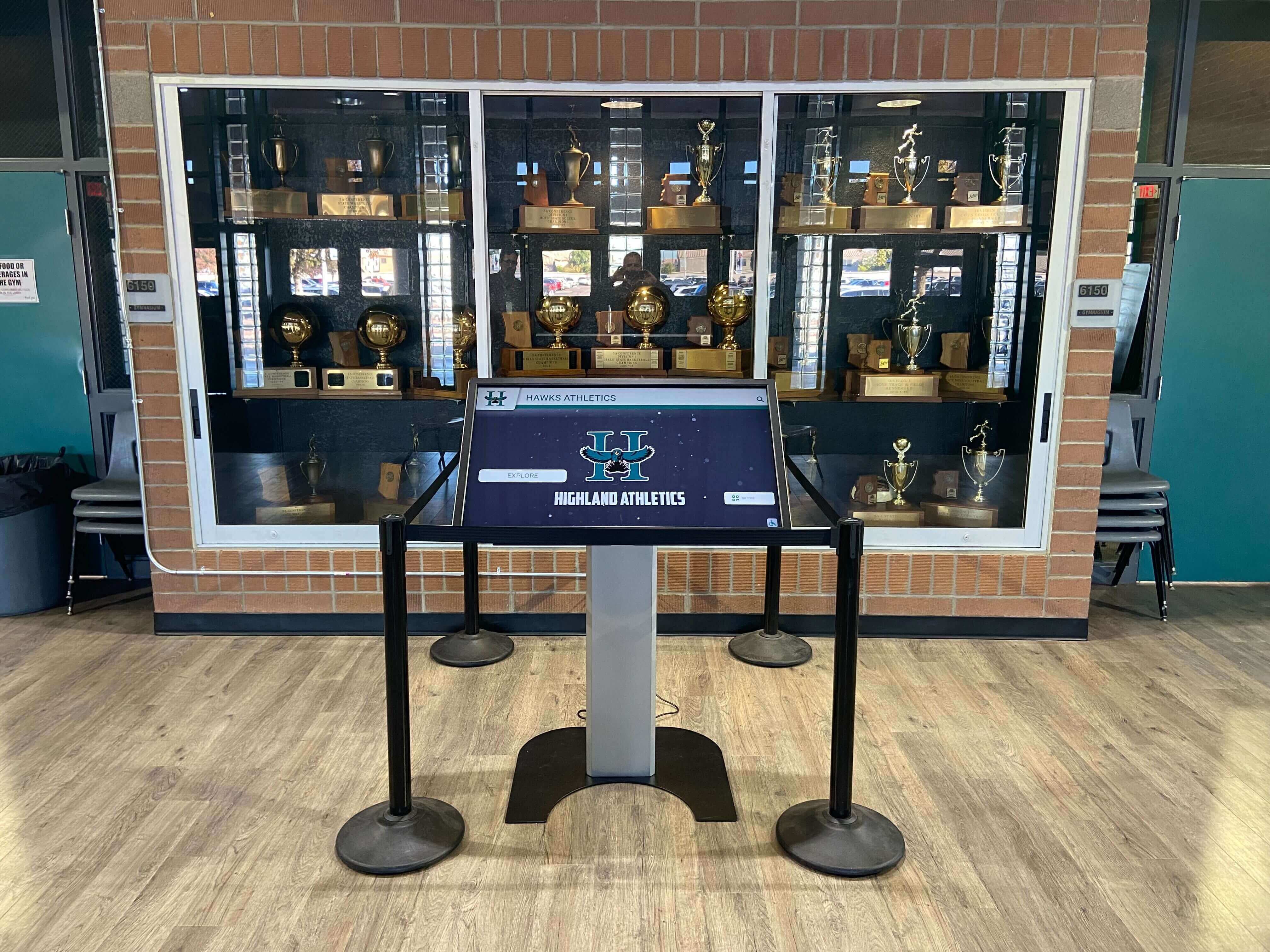
Digital Hall of Fame Tablist Keyboard Audit for Sport and Era Navigation
A digital hall of fame ARIA tablist audit is a structured keyboard and screen-reader review confirming that every sport-category tab strip and era navigation tab strip on your recognition platform implements the complete WAI-ARIA tablist pattern—so visitors browsing inductees by sport or graduation decade can navigate between tabs using arrow keys, move focus into the active inductee panel using the Tab key, and hear the tab’s name, role, count, and selected state announced without relying on visual styling. The short answer for school athletic directors, IT teams, and administrators: identify every tab strip on your hall of fame pages; press Tab once to reach the tablist and confirm focus lands on the active tab; press the Right Arrow key to confirm focus moves to the next tab without leaving the strip; press the Tab key to confirm focus enters the associated inductee panel; open DevTools and verify each tab carries role="tab", aria-selected, aria-controls, and a tabindex of 0 (active) or -1 (inactive); then confirm the same behavior with NVDA or VoiceOver before each induction season.
Read More
Digital Hall of Fame ARIA-Labelledby Audit for Inductee Search Controls
A digital hall of fame aria-labelledby audit is a structured review confirming that every search input, sport filter, class-year selector, and advanced search control on your inductee recognition platform carries an aria-labelledby attribute that references the ID of its visible label element—so screen readers announce the label text a sighted visitor reads when an assistive-technology user focuses the control. The short answer for school athletic directors, administrators, and IT teams: identify every search and filter control on your hall of fame pages; open browser DevTools and inspect each control for an aria-labelledby attribute; verify that the IDs listed in that attribute exist in the DOM and point to elements whose text accurately names the control; confirm that the referenced text is visible (or visually hidden with a compliant technique rather than display:none or visibility:hidden); and test each control with NVDA or VoiceOver to confirm the announced name matches the label a sighted visitor sees before interacting with the search or filter interface.
Read More
Digital Hall of Fame ARIA-Level Audit for Inductee Page Headings
A digital hall of fame ARIA-level audit is a structured review confirming that every heading element on your inductee profile pages—whether a native <h1>–<h6> or a custom element carrying role="heading"—exposes the correct hierarchical level to assistive technology through the aria-level attribute, so screen reader users navigating by heading can understand the page structure without relying on visual size or weight cues. The short answer for school administrators, athletic directors, IT teams, and recognition-program owners: open each inductee profile and each category or class-year section page on the platform; use browser DevTools to inspect every element that functions as a heading; confirm that any element with role="heading" carries an explicit aria-level integer reflecting its position in the page’s heading outline; verify that native <h1>–<h6> elements are not assigned conflicting aria-level values that would misrepresent the heading level to screen readers; test heading navigation with NVDA or VoiceOver to confirm the announced hierarchy matches the intended reading order; and repeat the audit after any platform update that introduces new inductee page templates or adds dynamic section headers.
Read More
Digital Hall of Fame ARIA-Invalid Audit for Search and Nomination Errors
A digital hall of fame ARIA-invalid audit is a structured review confirming that every search query field and nomination form input on your recognition platform correctly exposes its validation-error state to assistive technology through the aria-invalid attribute—and that aria-invalid is paired with aria-errormessage so screen reader users hear both that a field is invalid and exactly what must be corrected. The short answer for school administrators, athletic directors, IT teams, and recognition-program owners: open each search form and nomination form on the platform; trigger a validation error on every field through intentional bad input or empty submission; use browser developer tools to confirm that each invalid input carries aria-invalid="true" alongside an aria-errormessage reference pointing to a visible, populated error element; verify that aria-invalid is removed or reset to "false" once the user corrects the input; and test the complete error-and-recovery flow with NVDA or VoiceOver before the next nomination period opens or search functionality is updated.
Read More
Digital Hall of Fame ARIA-Multiselectable Audit for Filter Lists
A digital hall of fame ARIA-multiselectable audit is a structured review confirming that every filter list on your recognition platform that allows visitors to select more than one sport, class year, or award category at a time carries aria-multiselectable="true" on its container element—and that each individual option inside that container carries an aria-selected value of "true" or "false" reflecting its current state. Without this attribute, a visitor using JAWS, NVDA, VoiceOver, or TalkBack can open a sport filter list, navigate through Football, Basketball, Baseball, and Volleyball options, and never hear that multiple simultaneous selections are possible. The short answer for school administrators, athletic directors, IT teams, and recognition-program owners: identify every listbox, grid, or tree component on your hall of fame platform that supports multi-item selection; inspect each container in browser DevTools to confirm aria-multiselectable="true" is present; verify that every child option carries aria-selected="true" or "false" matching its current selection state; confirm that selecting or deselecting an option updates both its own aria-selected value and any live result count without resetting other selected options; and verify the full interaction with NVDA or VoiceOver before each induction season or major platform update.
Read MoreDigital Hall of Fame ARIA-Selected Audit for Tabs and Filter Results
A digital hall of fame ARIA-selected audit is a structured review confirming that every sport-category tab, era filter button, custom filter listbox, and inductee detail panel tab on your recognition platform carries a correct aria-selected attribute—so keyboard and assistive-technology users hear which option is currently chosen. Without this attribute, a visitor navigating your hall of fame with NVDA, JAWS, VoiceOver, or TalkBack can move through a row of sport tabs—Football, Basketball, Baseball, Volleyball—and hear nothing that identifies which tab is currently active. The short answer for school administrators, athletic directors, and IT teams: identify every tab, listbox option, or selectable widget element that can be chosen; inspect each element in browser DevTools to confirm aria-selected carries the value "true" on the selected item and "false" on all others in the same set; verify the value updates dynamically when the visitor activates a different option; and confirm the announcement with NVDA or VoiceOver before each induction season.
Read More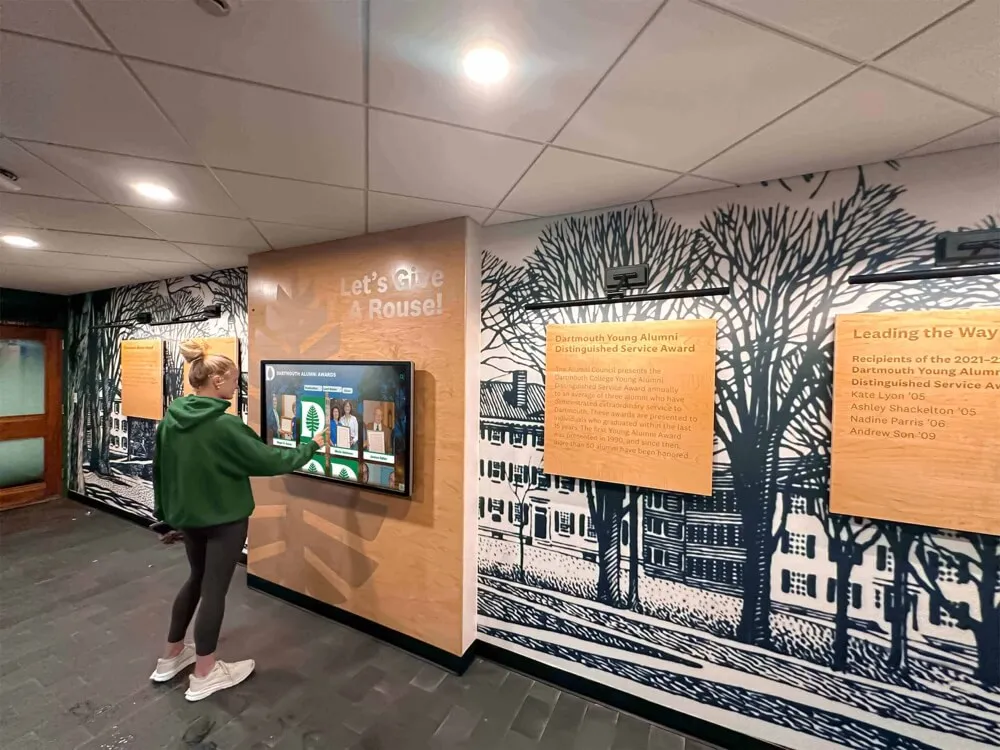
Digital Hall of Fame ARIA-Controls Audit for Search and Detail Panels
A digital hall of fame ARIA-controls audit is a structured review confirming that every interactive control on your recognition platform—search inputs, sport-filter buttons, class-year tabs, and biography panel toggles—carries an aria-controls attribute that correctly references the ID of the region or panel it affects. Without this attribute, a visitor navigating your hall of fame with NVDA, JAWS, VoiceOver, or TalkBack can activate a search button or filter tab and hear no programmatic indication of which content region just changed, forcing them to explore the page to discover where new results appeared. The short answer for school administrators, athletic directors, and IT teams: identify every control that opens, expands, or updates a separate content region; inspect each control in browser DevTools to confirm aria-controls references a valid panel ID; verify that the referenced panel ID exists in the DOM and is applied to the correct element; and test each interaction with a screen reader to confirm that assistive technology can navigate directly from the control to its associated content.
Read More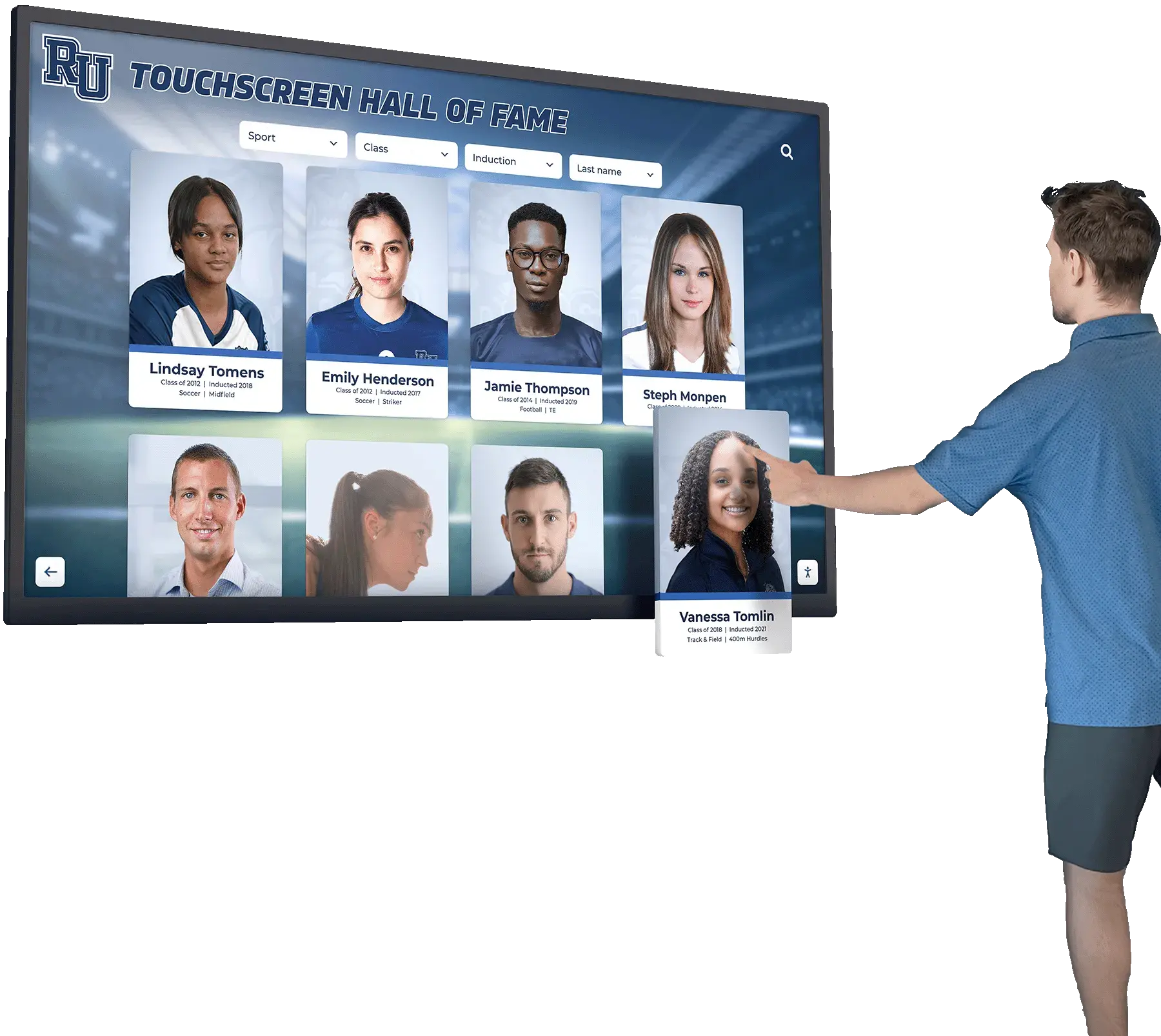
Digital Hall of Fame ARIA-Posinset and ARIA-Setsize Audit for Virtualized Inductee Lists
A digital hall of fame aria posinset aria setsize audit is a structured review confirming that every inductee list, search result collection, sport-category roster, and class-year archive rendered through virtualization exposes accurate position and total-count information to screen readers through the aria-posinset and aria-setsize attributes. Without these attributes on virtualized list items, a visitor navigating your inductee gallery with NVDA, JAWS, VoiceOver, or TalkBack hears “item 1 of 20” when your full inductee roster contains 400 names—because only the 20 cards currently rendered in the viewport exist in the DOM. The short answer for school administrators, athletic directors, and IT teams: identify every list or grid in your recognition platform that loads items incrementally or renders only the visible portion of a large dataset, inspect each list item element in browser DevTools to confirm aria-posinset and aria-setsize carry values reflecting the full collection rather than the rendered subset, test with a screen reader to verify the announced position and count are accurate, and confirm the attributes update correctly as the user scrolls or filters.
Read More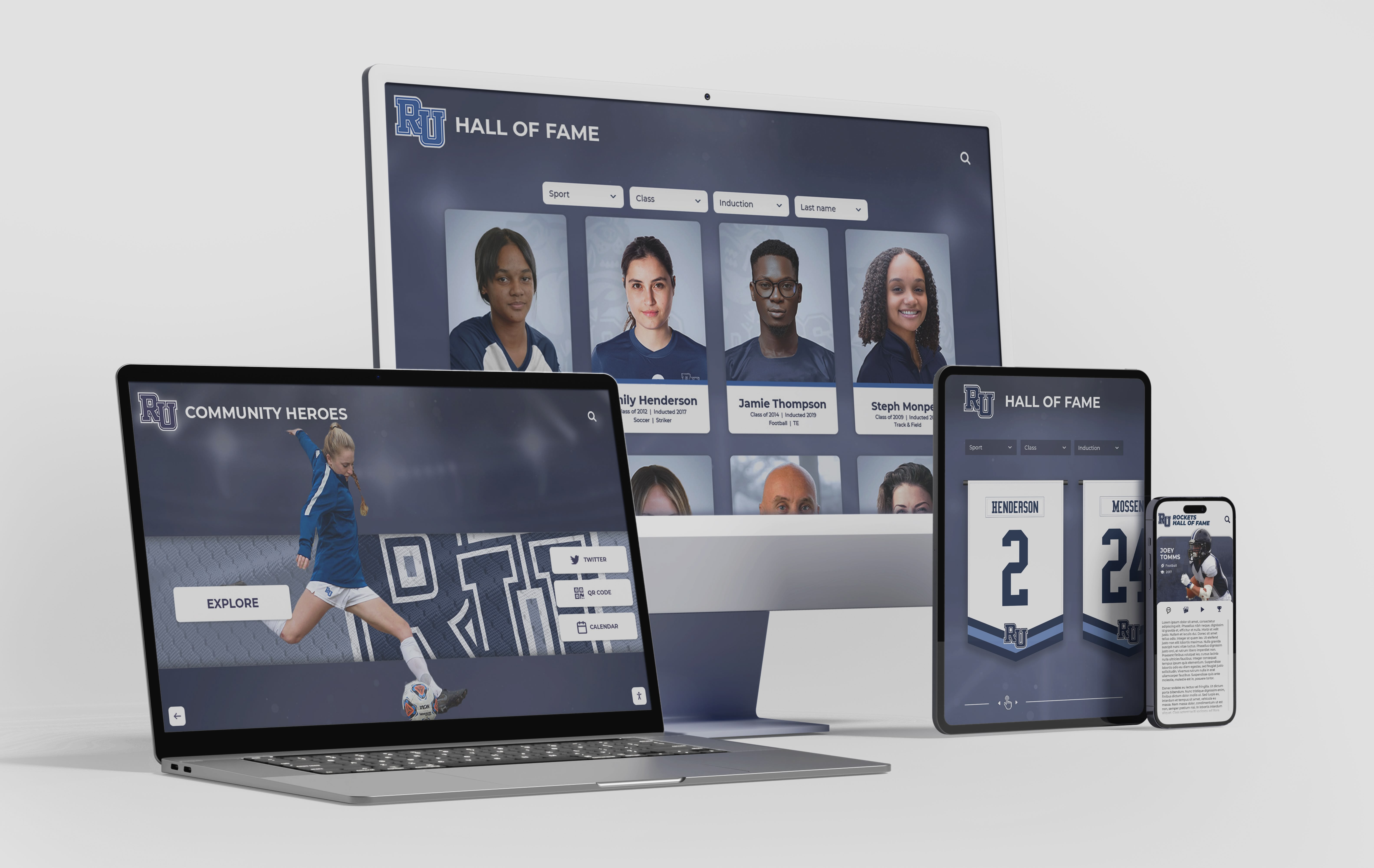
Digital Hall of Fame Search Result Highlighting Audit: Make Name Matches Clear
A digital hall of fame search result highlighting audit is a structured review confirming that every matched term in a recognition platform’s search results—inductee names, sport categories, graduation years, award designations—is visually distinguished from surrounding context text in a way that helps visitors quickly locate the correct record, without reducing contrast, obscuring surrounding text, or introducing barriers for users who rely on assistive technology. The short answer for school administrators, athletic directors, and IT teams: search your recognition platform for a known inductee’s name, inspect the result cards that return, verify that the matched characters are wrapped in a semantically appropriate element such as <mark> or a <span> with a distinct but accessible color, confirm that the highlight meets WCAG 1.4.3 contrast requirements, and test the highlighted results with a screen reader to confirm that assistive technology users receive equivalent information.
Read MoreDigital Hall of Fame ARIA-Errormessage Audit for Search and Nomination Forms
A digital hall of fame ARIA errormessage audit is a structured review confirming that every validation error displayed by a recognition platform’s search and nomination forms is programmatically linked to its triggering control through the aria-errormessage attribute—and that the control simultaneously carries aria-invalid="true" whenever a validation error is active. The short answer for school administrators, athletic directors, and IT teams: open each form on the platform, trigger a validation error on every field, use browser developer tools to confirm that the input element carries both aria-invalid="true" and an aria-errormessage value matching the ID of the visible error element, then test the flow with a screen reader to confirm the error message is announced automatically when a user reaches the invalid field.
Read MoreDigital Hall of Fame Diacritic-Insensitive Search Audit for Inductee Names
A digital hall of fame diacritic insensitive search audit is a structured test confirming that visitors who type a name without accent marks—such as “Garcia,” “Hernandez,” or “Muller”—still find the correct inductee even when the authoritative display record stores the accented form “García,” “Hernández,” or “Müller.” The short answer for recognition program administrators: compile a list of every inductee name that contains a diacritical character, run a search for each name using both the accented and unaccented forms, record which queries return no results or the wrong results, and fix the search layer using Unicode normalization so that accent-stripped queries match accent-carrying records—without altering the name as it appears on the inductee profile.
Read MoreDigital Hall of Fame Consistent Help Accessibility Audit: WCAG 2.2 Checklist for Search and Nomination Flows
A digital hall of fame consistent help accessibility audit is a structured review confirming that every contact link, chat widget, FAQ reference, and other support mechanism on your recognition platform appears in the same relative position—and in the same order among surrounding page content—across every page in the inductee search flow, the individual profile view, and the multi-step nomination form. WCAG 2.2 Success Criterion 3.2.6 (Consistent Help, Level A) requires that when help mechanisms repeat across multiple pages in a set, those mechanisms occur in the same order relative to other page content unless the user initiates a change. The short answer for recognition program administrators: audit each page type in your hall of fame platform for the presence and position of every help mechanism, compare positions across the full search-to-nomination flow, flag any page where a mechanism disappears or shifts position without a user-initiated action, and remediate by restoring the mechanism to its expected position before the next induction cycle opens.
Read More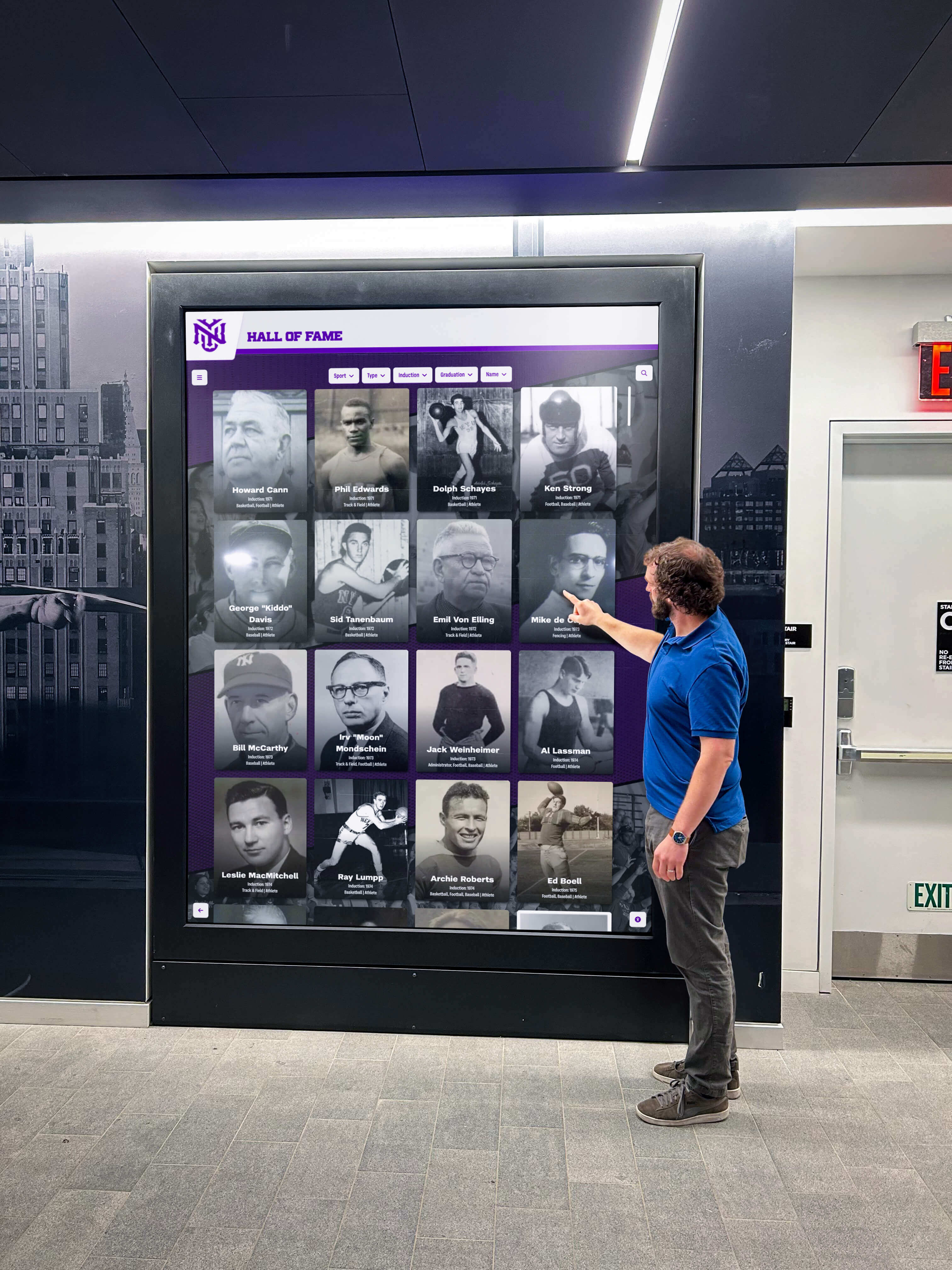
Digital Hall of Fame ARIA-Current Audit: Make Active Navigation Clear to Screen Readers
A digital hall of fame aria-current audit is a structured review confirming that every navigation link, sport-category filter tab, class-year selector, and breadcrumb on your recognition pages uses the aria-current attribute to communicate its active state to screen readers. Without this attribute, a visitor navigating your inductee gallery with NVDA, JAWS, VoiceOver, or TalkBack receives no programmatic signal identifying which link is active, which tab is selected, or which page is currently displayed—even when those states are clearly indicated by visual styling such as color, font weight, or underline. The short answer: add aria-current="page" to the <a> element of the active navigation link on every page, add aria-current="page" or aria-current="true" to the selected tab in every sport-category or class-year filter group, verify those attributes are present with a screen reader before each major content update, and confirm the attribute updates dynamically whenever a visitor activates a new tab or filter.
Read MoreCategories
- Academic Excellence ( 3 )
- Academic Recognition ( 12 )
- Accessibility ( 24 )
- Alumni Relations ( 4 )
- Athletic Development ( 2 )
- Athletic Performance ( 1 )
- Athletic Recognition ( 65 )
- Athletic Training ( 1 )
- Awards Night ( 1 )
- Coaching ( 3 )
- Coaching Resources ( 2 )
- Content Creation ( 1 )
- Corporate Recognition ( 1 )
- Design Best Practices ( 2 )
- Digital Communications ( 1 )
- Digital Displays ( 5 )
- Digital Recognition ( 10 )
- Digital Signage ( 1 )
- Display Planning ( 1 )
- Display Solutions ( 3 )
- Donor Recognition ( 4 )
- Equipment ( 1 )
- Event Planning ( 1 )
- Facility Design ( 3 )
- Facility Management ( 2 )
- Forms ( 2 )
- Girls Sports ( 2 )
- Hall of Fame ( 45 )
- Homecoming ( 2 )
- HowTo ( 9 )
- Interactive Technology ( 4 )
- Modern Design ( 1 )
- Performing Arts Recognition ( 1 )
- Program Administration ( 8 )
- Recognition ( 1 )
- Recognition Displays ( 3 )
- Recognition Planning ( 3 )
- School Culture ( 2 )
- School Design ( 2 )
- School Fundraising ( 1 )
- School History ( 1 )
- School Ideas ( 1 )
- School Leadership ( 1 )
- School Pride ( 2 )
- School Programs ( 1 )
- School Recognition ( 2 )
- School Spirit ( 5 )
- School Technology ( 1 )
- School Traditions ( 11 )
- Search ( 2 )
- Senior Night ( 6 )
- Senior Recognition ( 1 )
- Sponsorship ( 1 )
- Sports Programs ( 1 )
- Sports Training ( 1 )
- Staff Appreciation ( 1 )
- Staff Recognition ( 1 )
- Student Achievement ( 6 )
- Student Activities ( 1 )
- Student Athletes ( 3 )
- Student Recognition ( 8 )
- Swimming ( 1 )
- Team Culture ( 3 )
- Technology Solutions ( 4 )
- Wayfinding Solutions ( 1 )
- Yearbook ( 1 )
- Youth Sports ( 7 )
Tags
- Academic Achievement
- Academic Awards
- Academic Decathlon
- Academic Excellence
- Academic Honor
- Academic Honor Society
- Academic Recognition
- Academic Teams
- Accessibility
- Achievement Displays
- ADA Compliance
- AI Content Creation
- AI Procurement
- All-State
- Alt Text
- Alumni Engagement
- Alumni Outreach
- Alumni Recognition
- Alumni Relations
- Alumni Tribute
- Animations
- Arabic Hall of Fame
- ARIA
- ARIA Labels
- ARIA Landmarks
- Aria Tablist
- Aria-Braillelabel
- Aria-Controls
- Aria-Current
- Aria-Invalid
- Aria-Labelledby
- Aria-Level
- Aria-Multiselectable
- Aria-Posinset
- Aria-Selected
- Aria-Setsize
- Artifact Care
- Artifact Management
- Athlete Development
- Athlete Recognition
- Athletic Achievement
- Athletic Alumni Recognition
- Athletic Alumni Recognition Wall
- Athletic Archives
- Athletic Awards
- Athletic Ceremonies
- Athletic Communications
- Athletic Department
- Athletic Development
- Athletic Director
- Athletic Directors
- Athletic Display
- Athletic Displays
- Athletic Equipment
- Athletic Facilities
- Athletic Facility
- Athletic Fields
- Athletic History Takedown Request Policy
- Athletic Honors
- Athletic Inspiration
- Athletic Leadership
- Athletic Mission Statement
- Athletic Motivation
- Athletic Performance
- Athletic Programs
- Athletic Recognition
- Athletic Records
- Athletic Scholarships
- Athletic Skills
- Athletic Spaces
- Athletic Sponsorship
- Athletic Team Room Design
- Athletic Traditions
- Athletic Training
- Award Criteria
- Award Wall
- Awards Night
- Backstroke
- Backstroke Technique
- Band Programs
- Banner Display
- Banquet Recognition
- Baseball Coaching Tips
- Baseball Field Maintenance
- Baseball Programs
- Basketball
- Basketball Fundamentals
- Basketball Offense
- Basketball Pick and Roll
- Basketball Senior Banner
- Basketball Traditions
- Bdi Element
- Beta Club Benefits
- Bidirectional Text
- Bio Examples
- Braille
- Broken Link Audit
- Browser Compatibility
- Budget Solutions
- Building Directory
- Butterfly Stroke
- Campus Displays
- Campus Navigation
- Canonical URL
- Capital Campaigns
- Ceremony Ideas
- Ceremony Planning
- Championship Banner Inventory
- Championship Banners
- Championship Recognition
- Cheer Coach Gifts
- Cheer Recognition
- Cheer Senior Night
- Cheer Technique
- Cheer Training
- Cheerleading
- Cheerleading Hall of Fame
- Cheerleading Jumps
- Cheerleading Programs
- Class Committees
- Class President
- Class Recognition
- Class Reunion
- CLS
- CMS Administration
- Coach Appreciation
- Coaching
- Coaching Strategies
- Coaching Strategy
- Collection Management
- College Applications
- College Commitment
- College Recruiting
- College Sports
- Color Guard
- Color Guard Flags
- Color Guard Silks
- Commencement
- Competition Recognition
- Competitive Swimming
- Consistent Help
- Content Accuracy
- Content Audit
- Content Creation Tools
- Content Licensing
- Content Management
- Content Planning
- Content Versioning
- Core Web Vitals
- Correction Notice Policy
- Cost Comparison
- Cross-Browser Testing
- Cum Laude
- DAM Systems
- Data Dictionary
- Data Governance
- Data Standardization
- Deaccession Policy
- Design Ideas
- Detail Panel
- Digital Archive
- Digital Archives
- Digital Asset Management
- Digital Athletic Hall of Fame MathML Fraction Accessibility Audit
- Digital Display
- Digital Displays
- Digital Hall of Fame
- Digital Hall of Fame Aria Braillelabel Audit
- Digital Hall of Fame ARIA Errormessage Audit
- Digital Hall of Fame Aria Level Audit
- Digital Hall of Fame Aria Posinset Aria Setsize Audit
- Digital Hall of Fame Aria Tablist Audit
- Digital Hall of Fame ARIA-Controls Audit
- Digital Hall of Fame Aria-Current Audit
- Digital Hall of Fame ARIA-Invalid Audit
- Digital Hall of Fame Aria-Labelledby Audit
- Digital Hall of Fame ARIA-Multiselectable Audit
- Digital Hall of Fame ARIA-Selected Audit
- Digital Hall of Fame Bidirectional Name Display Audit
- Digital Hall of Fame Consistent Help Accessibility Audit
- Digital Hall of Fame Diacritic Insensitive Search Audit
- Digital Hall of Fame Heading Hierarchy Audit
- Digital Hall of Fame Html Lang Attribute Audit
- Digital Hall of Fame Reduced Motion Accessibility Checklist
- Digital Hall of Fame Ruby Name Pronunciation Audit
- Digital Hall of Fame Screen Reader Landmark Audit
- Digital Hall of Fame Search Result Highlighting Audit
- Digital Hall of Fame User Access Review Checklist
- Digital History Archive
- Digital Kiosk
- Digital Profiles
- Digital Recognition
- Digital Signage
- Digital Signage for Schools
- Digital Wall of Fame
- Dir Attribute
- Display Ideas
- Display Planning
- Donor Engagement
- Donor Recognition
- Donor Walls
- Double Play Drills
- East Asian Names
- Educational Excellence
- Educational Leadership
- Educational Philanthropy
- Employee Morale
- Employee Recognition
- Employee Wall of Fame
- End of Season
- Era Navigation
- Escape Key
- Event Design
- Facility Naming Rights
- Facility Planning
- Facility Upgrades
- Fastpitch Softball
- Field Management
- Filter Controls
- Filter Lists
- Filter Results
- Float Themes
- Focus Indicator
- Focus Management
- Football
- Form Validation
- Former Athletes
- Fractional Records
- Free Software
- Gift Baskets
- Girls Wrestling
- Girls Wrestling Recognition
- Goalkeeper Drills
- Goalkeeper Skills
- Golf Improvement
- Golf Putting Drills
- Golf Skills
- Golf Training
- GPA
- Graduation
- Graduation Cords
- Graduation Regalia
- Ground Ball Drills
- Groundskeeping
- Gym Design
- Gym Makeover
- Gymnastics
- Gymnastics Judging
- Hall Displays
- Hall of Fame
- Hall of Fame Annual Content Review Checklist
- Hall of Fame Broken Link Audit
- Hall of Fame Committee
- Hall of Fame Design
- Hall of Fame Display
- Hall of Fame Governance
- Hall of Fame Maintenance
- Hall of Fame Navigation
- Hall of Fame Volunteer Agreement
- Hall of Fame Wall
- Hall of Fame Website
- Hall of Fame Website Browser Compatibility Testing Checklist
- Hall of Fame Website Core Web Vitals Checklist
- Hall of Fame Website Image Optimization Checklist
- Heading Hierarchy
- Heading Structure
- Hebrew Hall of Fame
- Help Mechanism
- Herkie
- High School Athletics
- High School Baseball
- High School Basketball
- High School Color Guard
- High School Reunion Flyer
- High School Sports
- Historical Recognition
- History Display
- Homecoming
- Homecoming Court
- Homecoming Planning
- Honor Roll
- Honor Society
- Honors Graduation Stoles
- HR Recognition
- Html Lang Attribute
- HTML Ruby
- Hurdler Jump
- Image SEO
- Inductee Controls
- Inductee List
- Inductee Management
- Inductee Profiles
- Inductee Pronunciation
- Inductee Search
- Infield Drills
- INP
- Interactive Display
- Interactive Displays
- Interactive Technology
- Interactive Touch Screen
- International Names
- International Thespian Society
- Iowa Girls Basketball
- IT Teams
- Jersey Display
- Jersey Retirement
- Keyboard Navigation
- Lacrosse Equipment
- Lacrosse Gear
- Latin Honors
- Layout Design
- LCP
- Legacy Displays
- Letter Jackets
- Letter of Intent
- Letterman Jacket
- Locker Room Design
- Magna Cum Laude
- Maiden Names
- Marching Band
- MathML
- MDM Device Management
- Memorabilia Display
- Memorial Gym Naming
- Mental Health Support
- Mfrac
- Middle School
- Middle School Yearbook
- Mobile Testing
- Modal Dialog Accessibility
- Modern Design
- Multilingual
- Multilingual Recognition
- National Beta Club
- National Honor Society
- National Merit Commended Scholar
- National Merit Scholarship
- Navigation
- NHS Induction
- Nicknames
- Nomination
- Nomination Form
- Nomination Forms
- Nomination Process
- Obituary Update Policy
- Outfield Drills
- Page Speed
- Pagination
- Parade Floats
- Performing Arts
- Performing Arts Recognition
- Philanthropy
- Photo Rights
- Photography Ideas
- Photos
- Physical Displays
- Pike Jump
- Pitcher Development
- Pitching Coach
- Pitching Coaching
- Pitching Form
- Plaques
- Player Development
- Player of the Week
- Player Safety
- Pointer Cancellation
- Poster Design
- Prefers-Reduced-Motion
- Presidential Academic Fitness Award
- Presidential Award for Academic Excellence
- Principal Appreciation
- Principal Recognition
- Privacy Policy
- Profile Versioning Policy
- Program Administration
- PSAT Recognition
- PTA Ideas
- Putting Practice
- Putting Technique
- Recognition
- Recognition Board
- Recognition Content
- Recognition Displays
- Recognition Ideas
- Recognition Program
- Recognition Programs
- Recognition Space
- Recognition Wall Layout
- Recognition Walls
- Records Management
- Recruiting
- Recruiting Process
- Responsive Images
- Retirement
- Retirement Plaques
- Retirement Quotes
- Reunion Planning
- Rocket Alumni Solutions
- Rocket Graphics
- Role Management
- Roving Tabindex
- Rp Element
- Rt Element
- RTL Text
- Ruby Annotation
- Salutatorian
- Scholar Recognition
- Scholar Teams
- School Administration
- School Athletic Recognition
- School Athletics
- School Awards
- School Banners
- School Communication
- School Communications
- School Digital Displays
- School Displays
- School Facilities
- School Fundraising
- School Graphics
- School Hall of Fame
- School Heritage
- School History
- School History Display
- School Identity
- School Leadership
- School Marketing
- School Memories
- School Naming Ceremony
- School Programs
- School Recognition
- School Recognition Display
- School Records
- School Spirit
- School Sports Display Board
- School Technology
- School Theater
- School Traditions
- School Values
- Scoring System
- Screen Reader
- Screen Reader Pronunciation
- Search
- Search Controls
- Search Forms
- Search Pages
- Search Panel
- Search Quality
- Search UX
- Selection Criteria
- Senior Athletes
- Senior Awards
- Senior Night
- Senior Recognition
- Senior Superlatives
- Senior Tributes
- Senior Year
- SEO
- Setter Training
- Shadow Box Ideas
- SHH
- Signing Day
- Six on Six Basketball
- Skills Development
- Slowly Changing Dimension
- Soccer Goalie Training
- Soccer Training
- Social Media
- Social Media Graphics
- Sociedad Honoraria Hispánica
- Softball Coaching
- Softball Drills
- Softball Fielding Drills
- Softball Pitching Mechanics
- Softball Training
- Spanish Honor Society
- Spirit Week
- Sponsor Recognition
- Sponsor Visibility
- Sport Navigation
- Sports Alumni Wall
- Sports Architecture
- Sports Awards
- Sports Banquet
- Sports Categories
- Sports Collection
- Sports Equipment
- Sports Field Care
- Sports Gifts
- Sports Hall of Fame Wall
- Sports Memorabilia
- Sports Memory Board
- Sports Motivation Quotes
- Sports Parents
- Sports Photography
- Sports Recognition
- Sports Roster Graphic
- Sports Safety
- Sports Sponsorship ROI
- Sports Teams
- Sports Traditions
- Sportsmanship Awards
- Staff Appreciation
- Student Achievement
- Student Activities
- Student Athlete Mental Health
- Student Athletes
- Student Awards
- Student Council
- Student Excellence
- Student Government
- Student Highlights
- Student Leadership
- Student Recognition
- Student Success
- Student Wellness
- Student-Athlete Awards
- Summa Cum Laude
- Swim Technique
- Swim Training
- Swimming
- Synonym Dictionary
- Tabs
- Taxonomy
- Team Alumni Database
- Team Awards
- Team Building
- Team Captain Award
- Team Celebrations
- Team Culture
- Team Drills
- Team Gifts
- Team History Display
- Team Photos
- Team Recognition
- Team Room
- Team Room Ideas
- Team Roster
- Team Roster Graphic
- Team Spaces
- Team Terms
- Theater Honor Society
- Theater Induction
- Thespian Society
- Toe Touch
- Touchscreen
- Touchscreen Accessibility
- Touchscreen Directory
- Touchscreen Display
- Touchscreen Displays
- Touchscreen Kiosk
- Touchscreen Kiosks
- Touchscreen Testing
- Track and Field
- Translation Policy
- Trophy Case
- Trophy Cases
- Trophy Display
- Turf Field Maintenance
- Unicode
- Usage Rights
- User Access
- Valedictorian
- Varsity Letter
- Varsity Letterman
- Varsity Letters
- Varsity Recognition
- Velocity Development
- Velocity Training
- Vendor Comparison
- Vendor Evaluation
- Video
- Video Accessibility
- Virtualized List
- Volleyball
- Volleyball Coach Gifts
- Volleyball Coaching
- Volleyball Photos
- Volleyball Practice
- Volleyball Setting Drills
- Volleyball Team Photo Ideas
- Volunteer Management
- Wayfinding
- WCAG
- WCAG 2.1
- WCAG 2.2
- WCAG 2.5.2
- Web Audit
- WebP
- Windmill Pitch
- Workplace Culture
- World Languages
- Wrestling
- Wrestling Rules
- Wrestling Scoring
- Yearbook
- Yearbook Design
- Yearbook Planning
- Yearbook Superlatives
- Youth Baseball
- Youth Soccer
- Youth Sports




























