



Most athletic hall of fame nomination forms were designed for one purpose: gathering enough information to help a selection committee vote yes or no. They ask for a name, a sport, a graduation year, and a paragraph about why the person deserves to be inducted. That minimal intake is fine if the end product is a plaque on a wall. It becomes a significant problem the moment your school publishes digital profiles—because the committee’s voting form and the content management system feeding your touchscreen display need completely different data. This guide covers every field an athletic hall of fame nomination form should capture so that inductees transition directly into rich, accurate digital profiles without a second round of research.
When a nomination form doubles as a digital profile intake sheet, each inductee’s public record can be published on the day of induction—with complete biography, verified statistics, high-resolution media, and the permission documentation that your legal team requires—rather than waiting months while staff tracks down missing information.

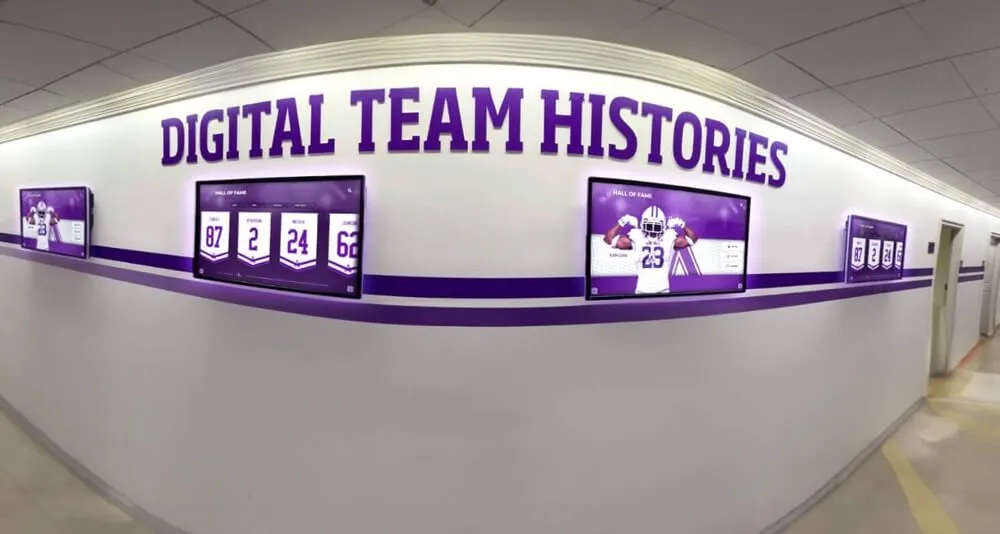
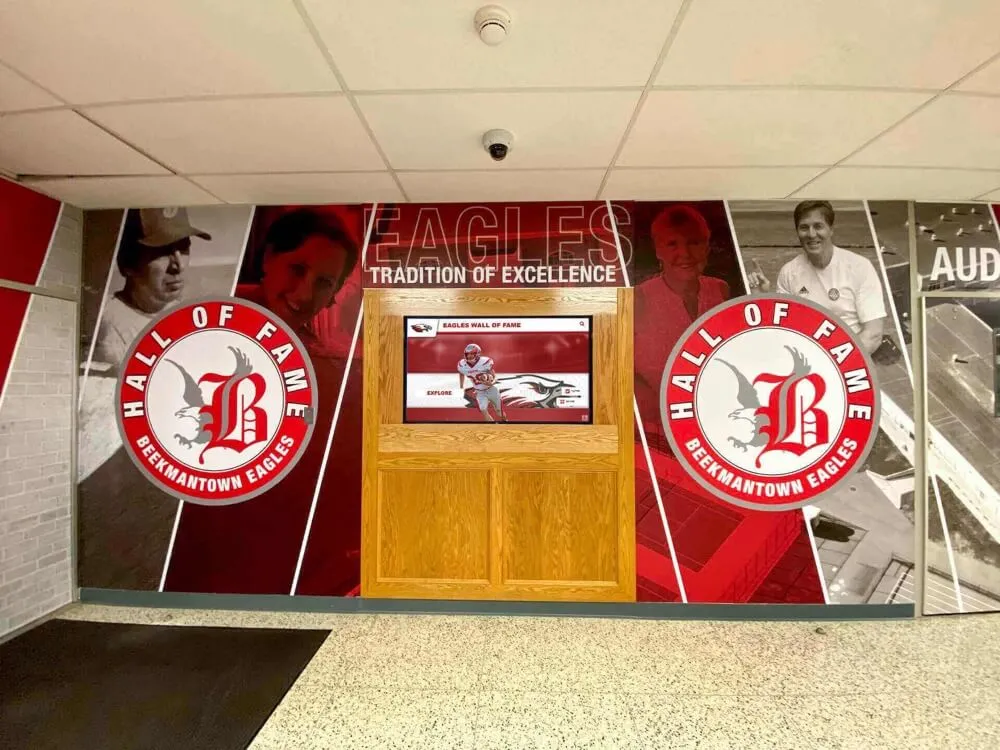
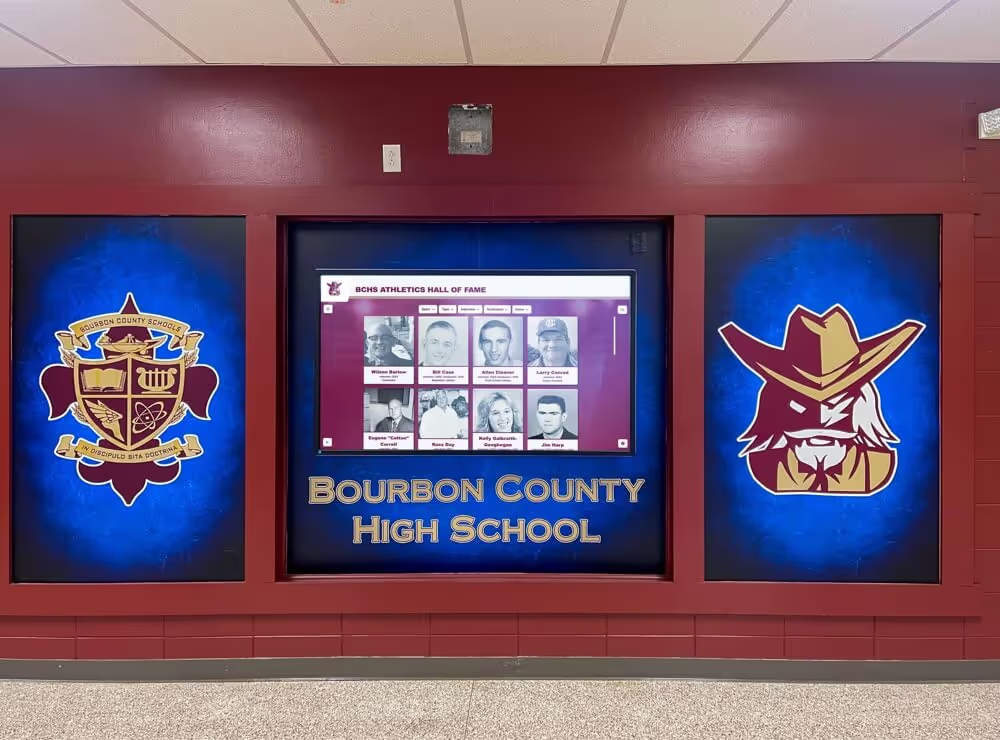
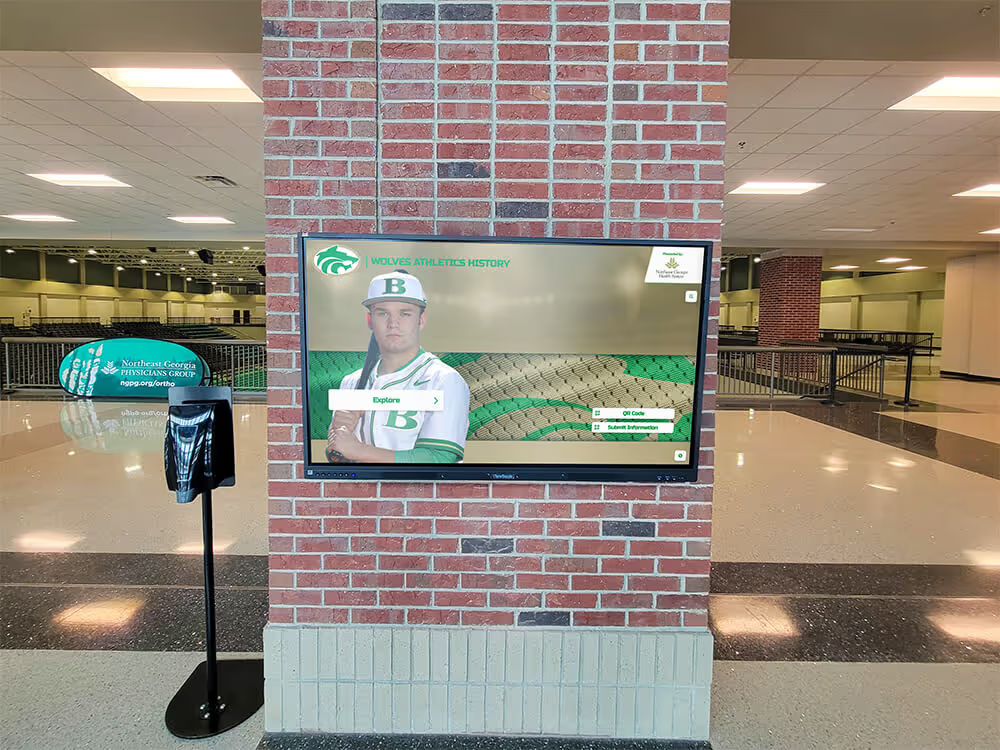
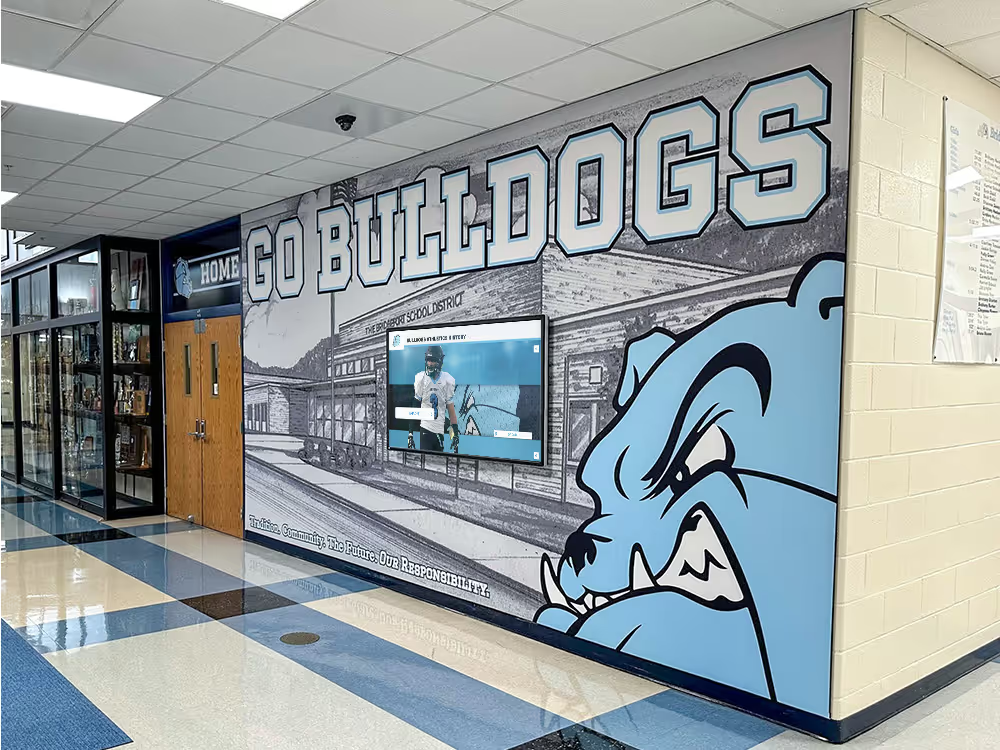
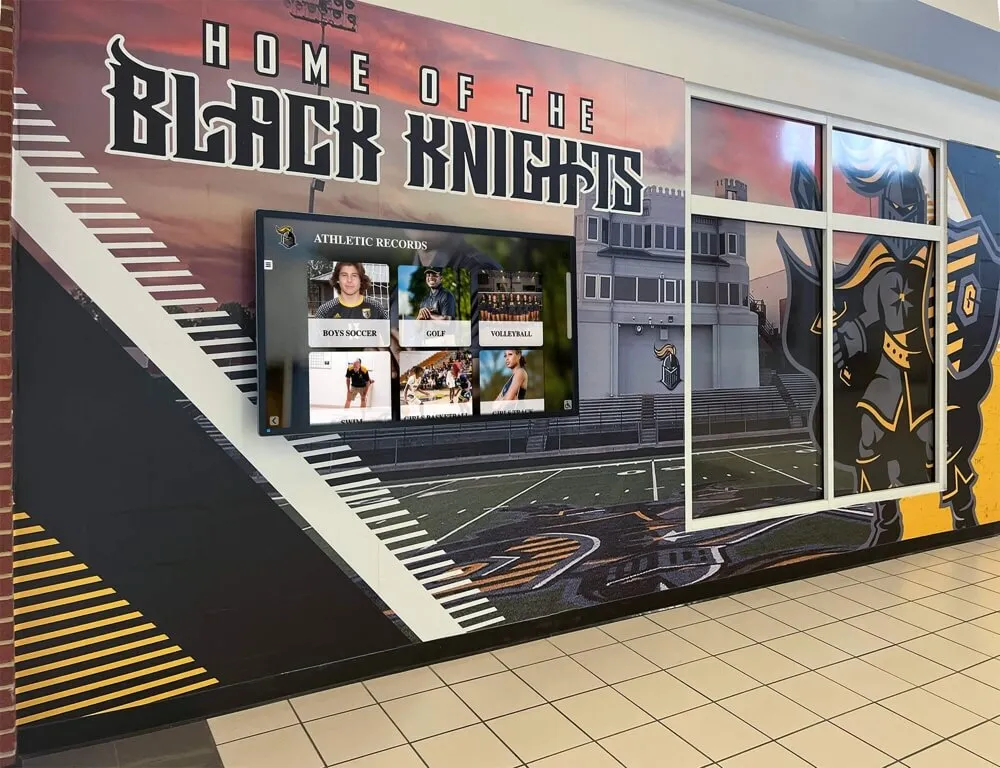
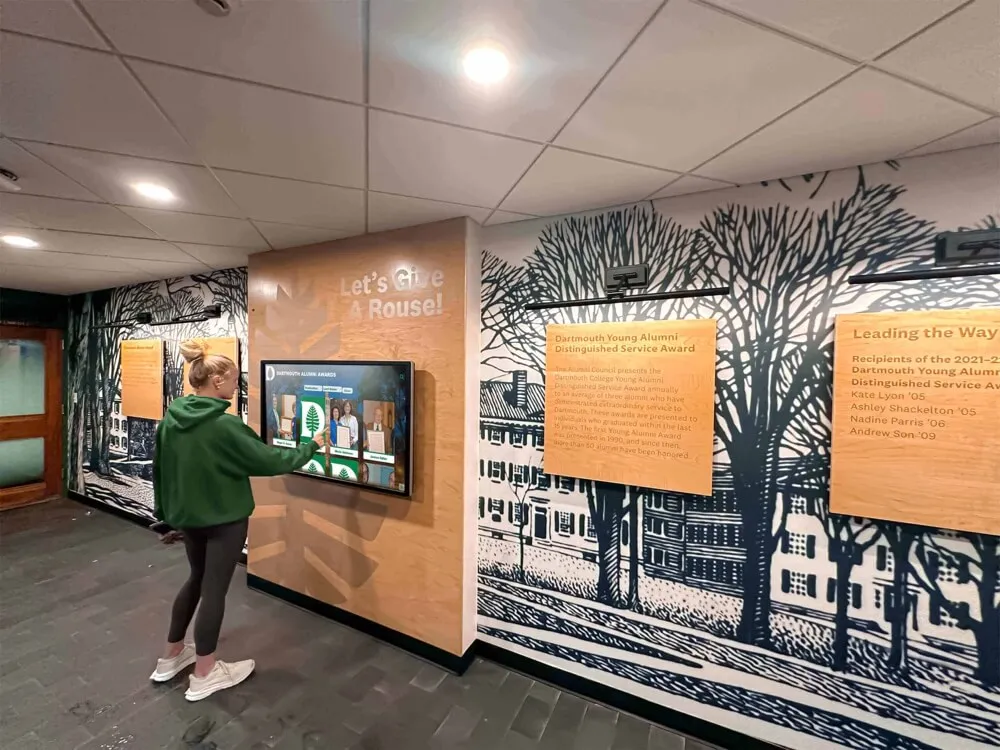
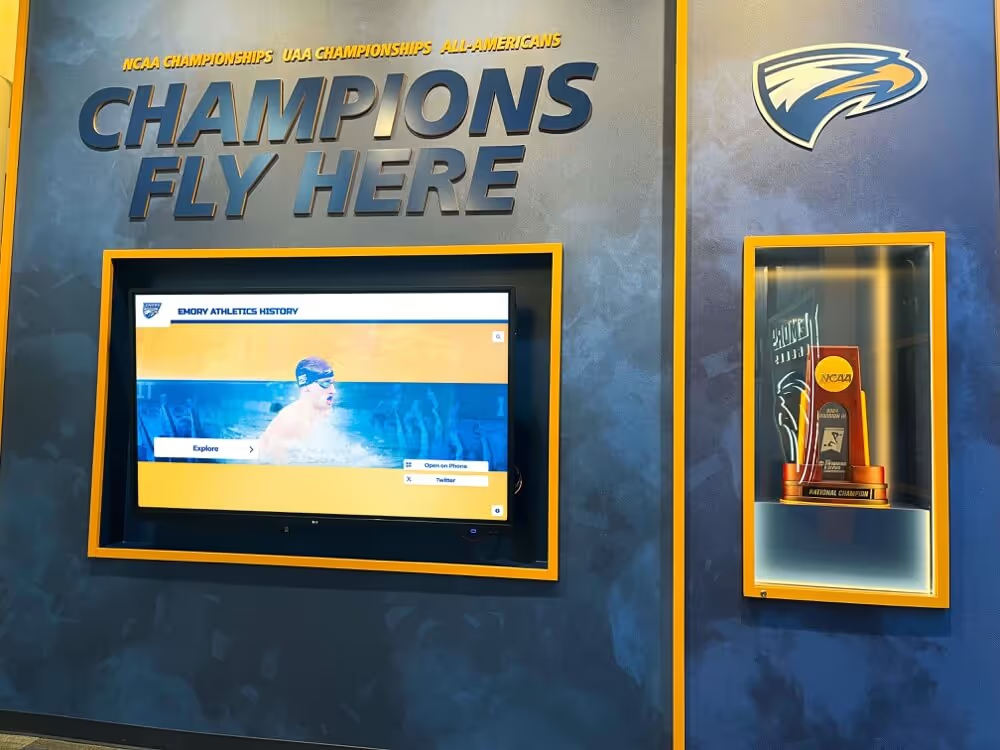
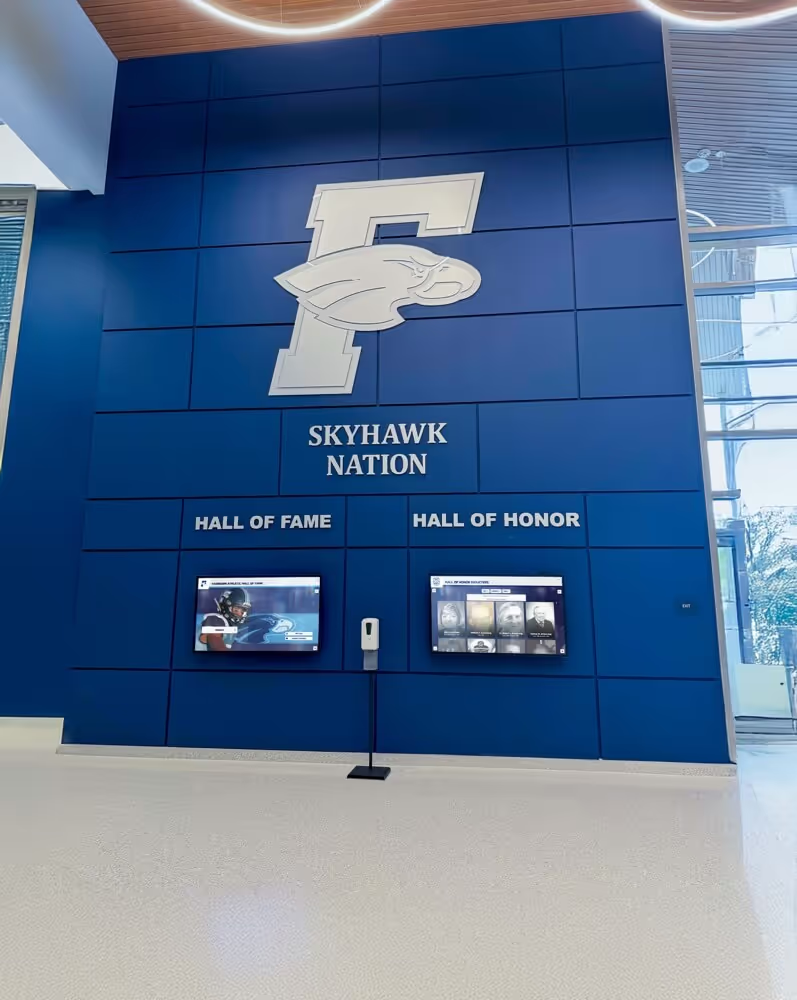
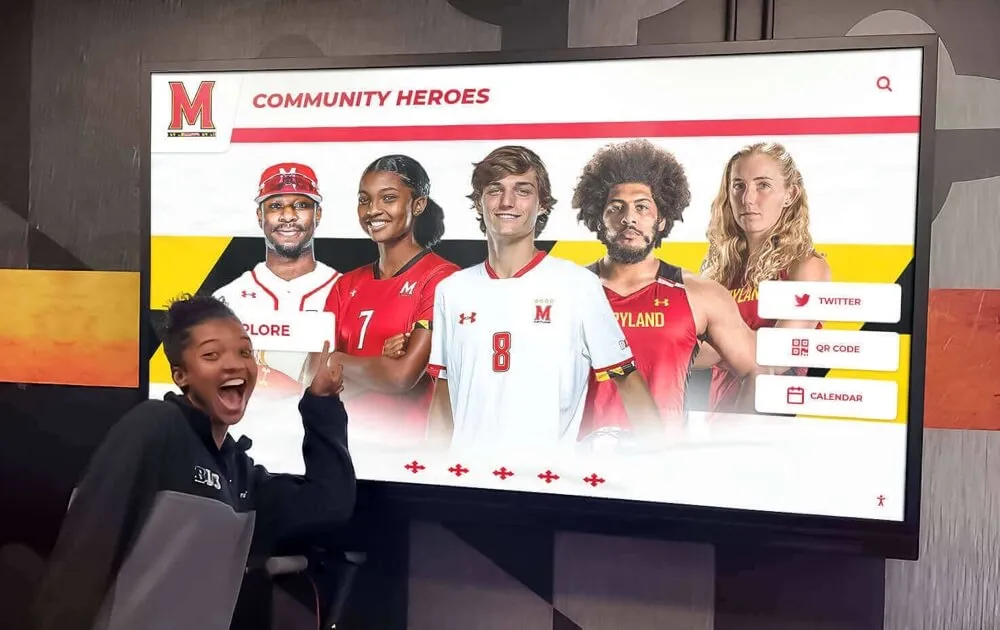
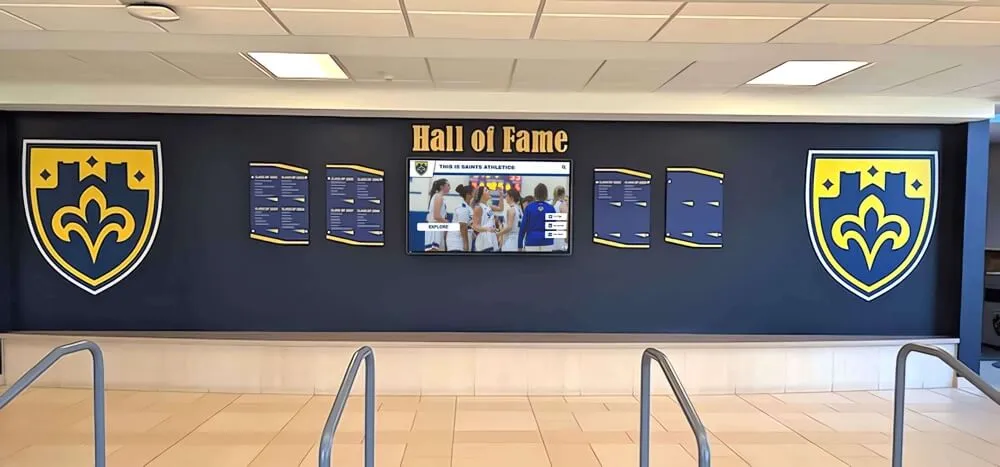
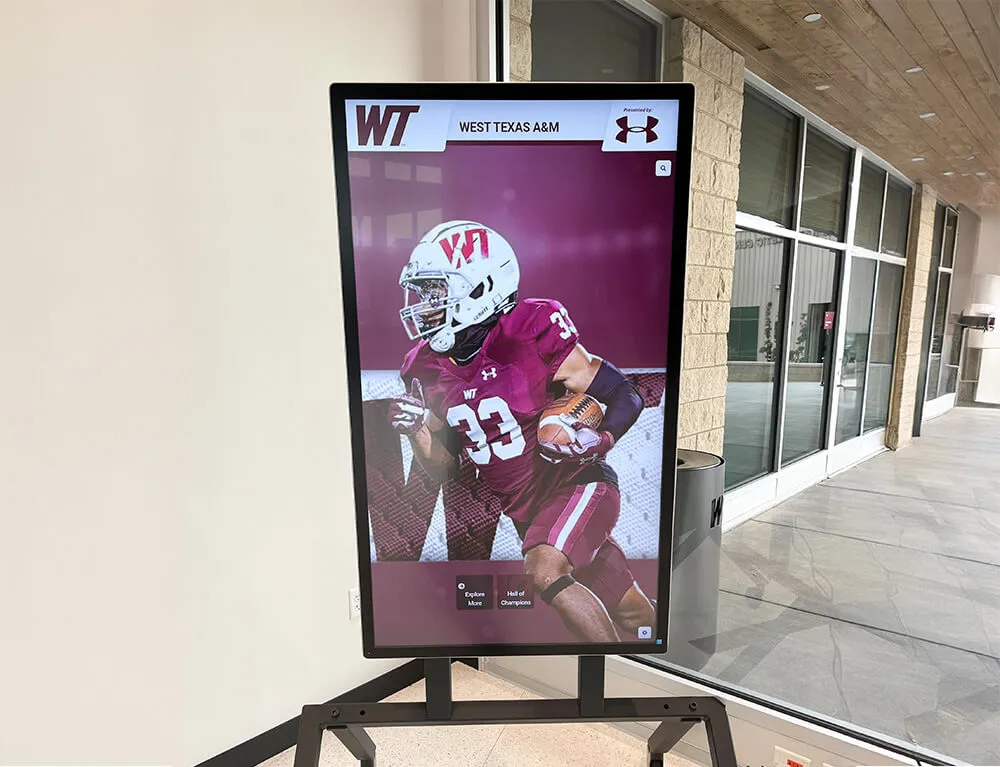
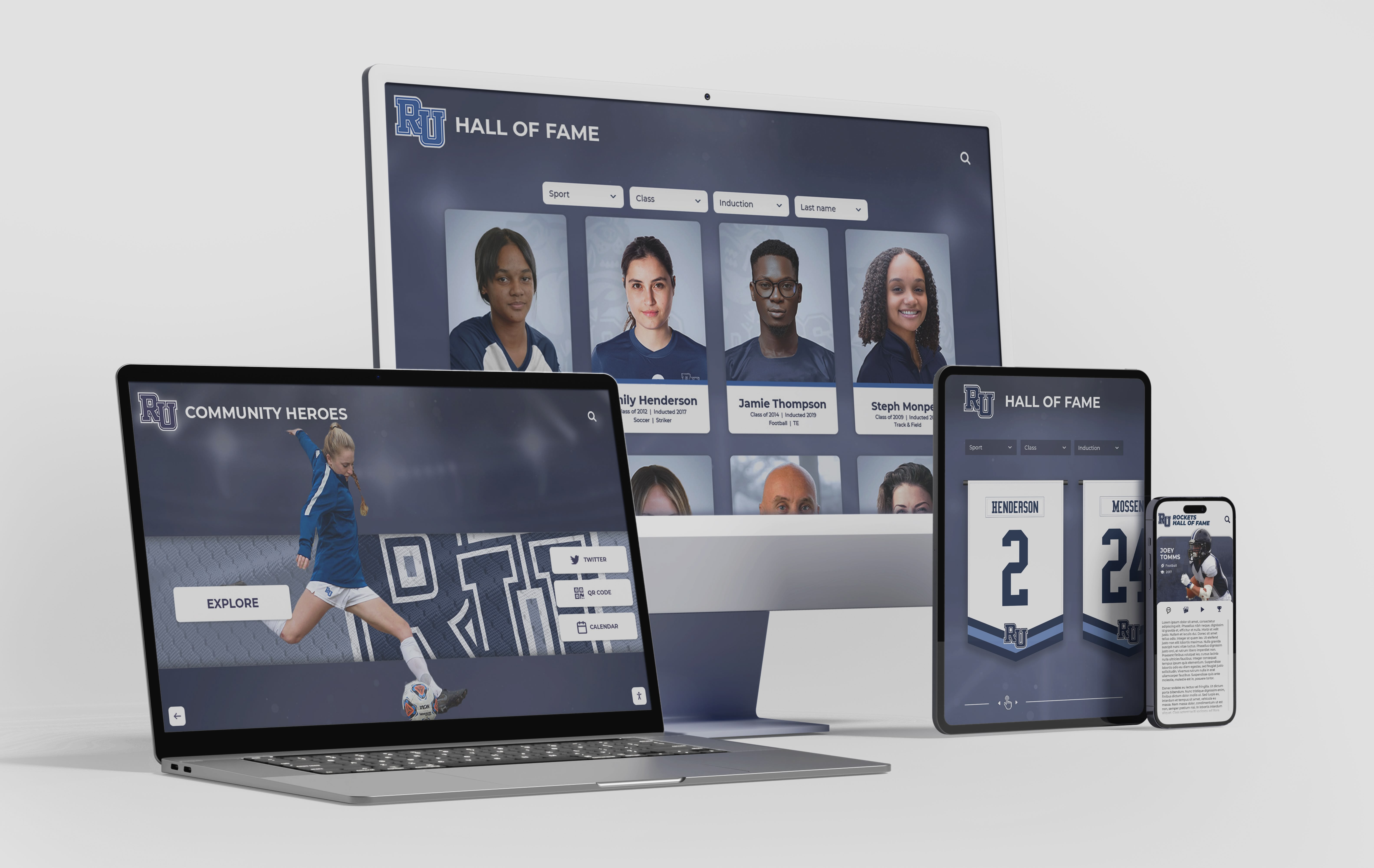
A nomination form built for digital profiles produces the data needed to publish inductee records across every screen format on induction day
Why the Nomination Form Is Your Profile Intake Sheet
Recognition programs that run a traditional hall of fame and a digital display in parallel almost always maintain two separate workflows: one to support the selection committee, and a second to collect whatever content didn’t make it into the nomination. Staff end up calling inductees weeks after the ceremony, asking for the same information the nominator already had in hand during submission.
Consolidating that work into a single nomination form eliminates the duplicate effort and improves data quality. Nominators are the people with the deepest knowledge of the candidate—former coaches, longtime teammates, family members with full scrapbooks. Capturing everything they know at nomination time produces far more accurate and detailed profiles than anything assembled by administrative staff after the fact.
Exploring what a complete athletic hall of fame program looks like helps athletic directors understand how nomination intake connects to every downstream step in a recognition program—from committee review through permanent display publication.
The sections below organize nomination form fields into logical groups. Every group should appear on the form your nominators complete.
Section 1: Core Identity Fields
These are the non-negotiable data points that every inductee record requires. Errors here cascade through every other system that references the profile.
Full Legal Name Request the inductee’s full legal name as it should appear in official records. Many athletes are known by nicknames that differ significantly from their legal names—capturing both prevents permanent display errors that are embarrassing to correct.
Preferred Display Name The name the inductee wants published on plaques, digital profiles, and ceremony programs. This may match the legal name or may reflect a preference (a maiden name, a shortened version, or a name change after graduation).
Sport(s) Competed In List every varsity sport, not just the primary one. Multi-sport athletes are common at the high school level, and a nomination covering only the sport where the candidate was strongest may miss achievements that strengthen the case.
Position(s) Capture position by sport. Positions matter for statistical context and for how digital records are filtered and searched. “Point guard” is more useful than “basketball player” when visitors browse profiles by sport category.
Jersey Number(s) Record jersey numbers by sport and by year if the number changed across seasons. Jersey numbers are among the fastest ways to reconnect physical archives—photographs, media guides, old banners—to a specific inductee profile.
Years of Participation Start and end years for each sport. If the athlete lettered in three sports across four years, capture all three windows. Participation range anchors the profile historically and makes it searchable by era.
Graduation Year The year the candidate graduated or completed their athletic eligibility. This is the field most programs already capture; it determines eligibility windows and allows era-based browsing in digital archives.
Date of Birth (Optional) Some digital platforms use this for alumni engagement workflows. Mark clearly as optional with an explanation of how it will be used, so nominators and candidates understand why it is requested.
Section 2: Contact and Alumni Relationship Fields
Digital recognition programs that do more than passively display content—sending anniversary notifications, inviting inductees to speak at ceremonies, coordinating alumni events—need current contact information captured at nomination time.
Current Mailing Address Physical address for ceremony invitations, plaque shipment, and formal correspondence.
Email Address Primary email for digital communications. Confirm with the inductee directly if the nominator provides an estimated address.
Phone Number For staff follow-up on missing documentation or last-minute ceremony logistics.
Preferred Contact Method Some inductees, especially older alumni, prefer physical mail over email. Capturing the preference prevents undelivered communications that reflect poorly on the program.
Alumni Association Member? A yes/no field that connects the hall of fame database to your alumni relations team. Inductees who are already active alumni members may have existing records that can supplement the nomination data.

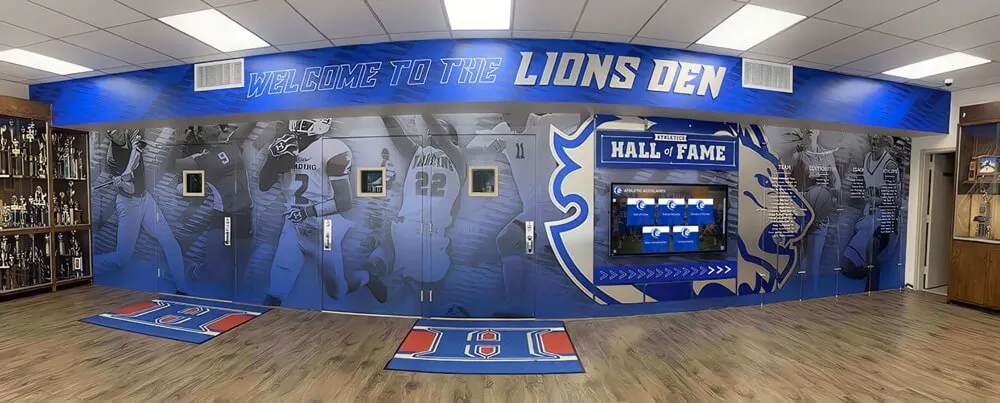
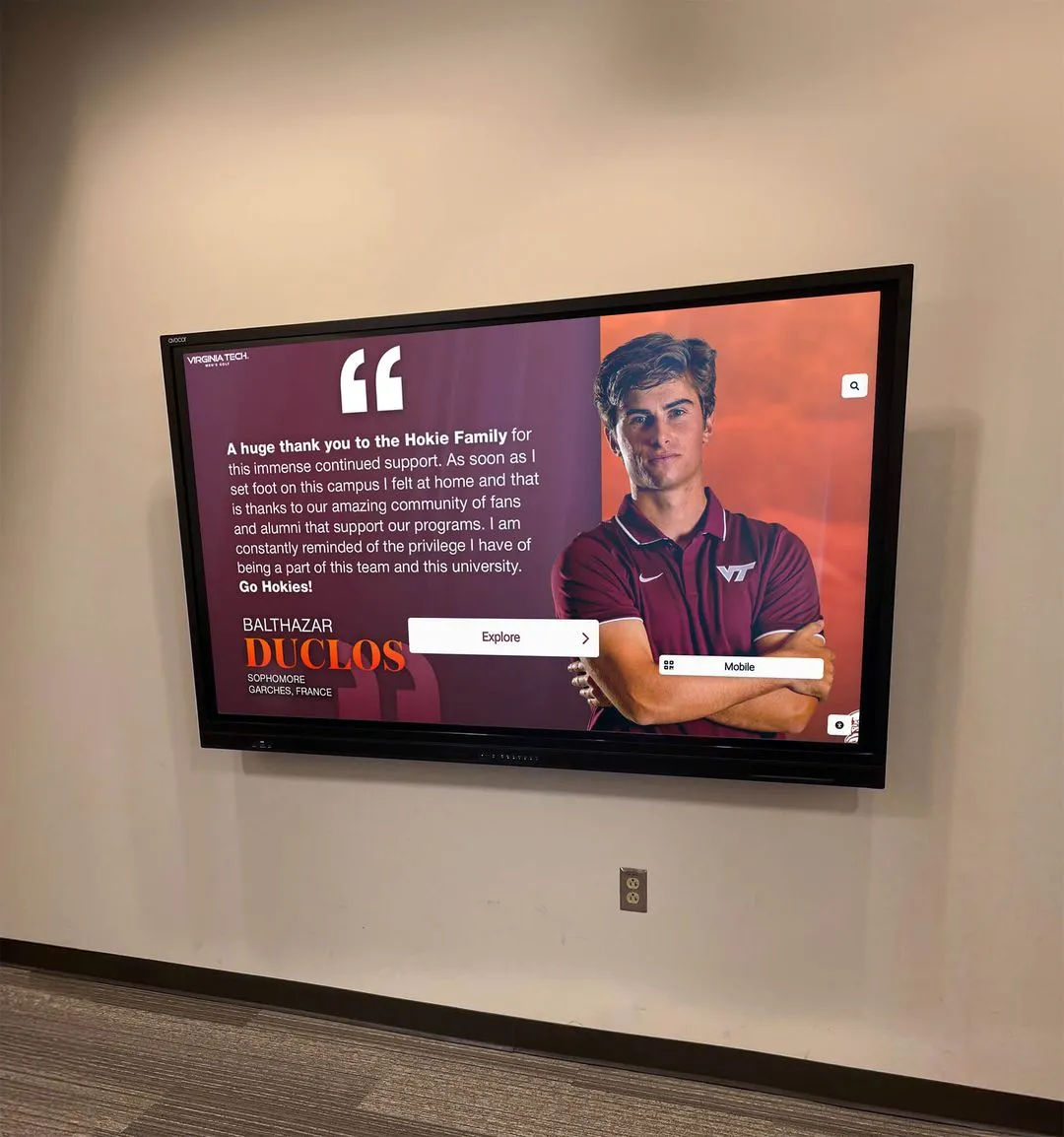
Digital profiles that reach inductees with event invitations and anniversary messages require current contact information captured at nomination time
Section 3: Biography and Narrative Fields
Statistics fill in achievement records; biography makes an inductee into a person. These fields generate the narrative copy that appears in digital profiles, ceremony programs, and media releases.
Brief Nominator Statement (250–500 words) This is the heart of most nomination forms. Ask the nominator to describe why the candidate deserves induction—covering athletic achievements, character, leadership, and impact on the program. The statement should be written for a general audience, not just the selection committee.
Athlete Biography (Written by Inductee or Nominator) A first- or third-person narrative covering the inductee’s athletic journey: where they came from, how they developed, what they accomplished, and what the program meant to them. This becomes the primary biography text in the digital profile. Request 300–600 words with no internal labels—a finished narrative, not notes.
Defining Career Moment Ask nominators to describe one specific game, season, or performance that best represents why this athlete belongs in the hall of fame. Concrete details here—opponent, score, what was on the line—produce profiles that are far more engaging than generic summaries.
Obstacles Overcome An optional narrative field asking whether the inductee dealt with significant injuries, personal challenges, or program adversity that provides context for their achievements. Committees value this information; so do visitors reading the finished profile.
Post-Graduation Career Summary Where has the inductee been since leaving your program? A current job title, field, and city is usually sufficient. More detail—professional athletic career, military service, notable civic work—strengthens the profile and gives alumni networks more to connect around during homecoming visits.
Connection to Current Program Does the inductee coach, volunteer, donate, or mentor current athletes? Documenting ongoing involvement shows that the recognition is part of an active relationship rather than a one-time ceremony, and it provides content for profile updates in future years.
Reviewing nomination form templates and best practices helps programs structure their intake documents before finalizing the fields they collect.
Section 4: Athletic Records and Statistical Fields
This is the section where most nomination forms fall shortest—and where digital profiles need the most precision. Vague statistical summaries (“one of the all-time leading scorers”) are useless for a database that will auto-rank records and allow visitors to filter by achievement category.
Career Statistics by Sport Request year-by-year breakdowns where possible, not career totals alone. Consistency across seasons tells a different story than a single exceptional year, and year-by-year data lets digital systems generate trend visualizations.
School Records Held Which records does the inductee currently hold, and in what category? Capture the record value and the year it was set. If the record has since been broken, note both the record the inductee set and the current holder—historical context matters in digital archives.
All-Time Rankings Where does the inductee rank in program history for key statistical categories? “3rd all-time in career assists” is the kind of benchmark that makes digital profiles immediately meaningful to visitors who don’t know the inductee personally.
Season or Game Records Single-season bests and single-game highs in relevant categories. These are often the most memorable performances and deserve a dedicated field rather than burial inside a career statistics paragraph.
Championship Participation List every championship team (conference, district, regional, state, national) the inductee was part of. Include the year, level, and the inductee’s role on that team (starter, key contributor, etc.).
Roster or Program Records For coaches and contributors being inducted alongside athletes, substitute coaching records—win-loss, championships, player development milestones—for individual statistics. Design the form to branch based on whether the nominee is an athlete, coach, or contributor.
Verification Source Ask nominators to identify where each statistical claim can be verified: a media guide year, a sports information archive file, a newspaper box score. This field may feel bureaucratic, but it prevents the display of statistics that can’t be confirmed.
Section 5: Awards and External Recognition Fields
Third-party validation distinguishes exceptional achievement from simply good achievement. These fields generate the “Awards and Honors” section of the digital profile.
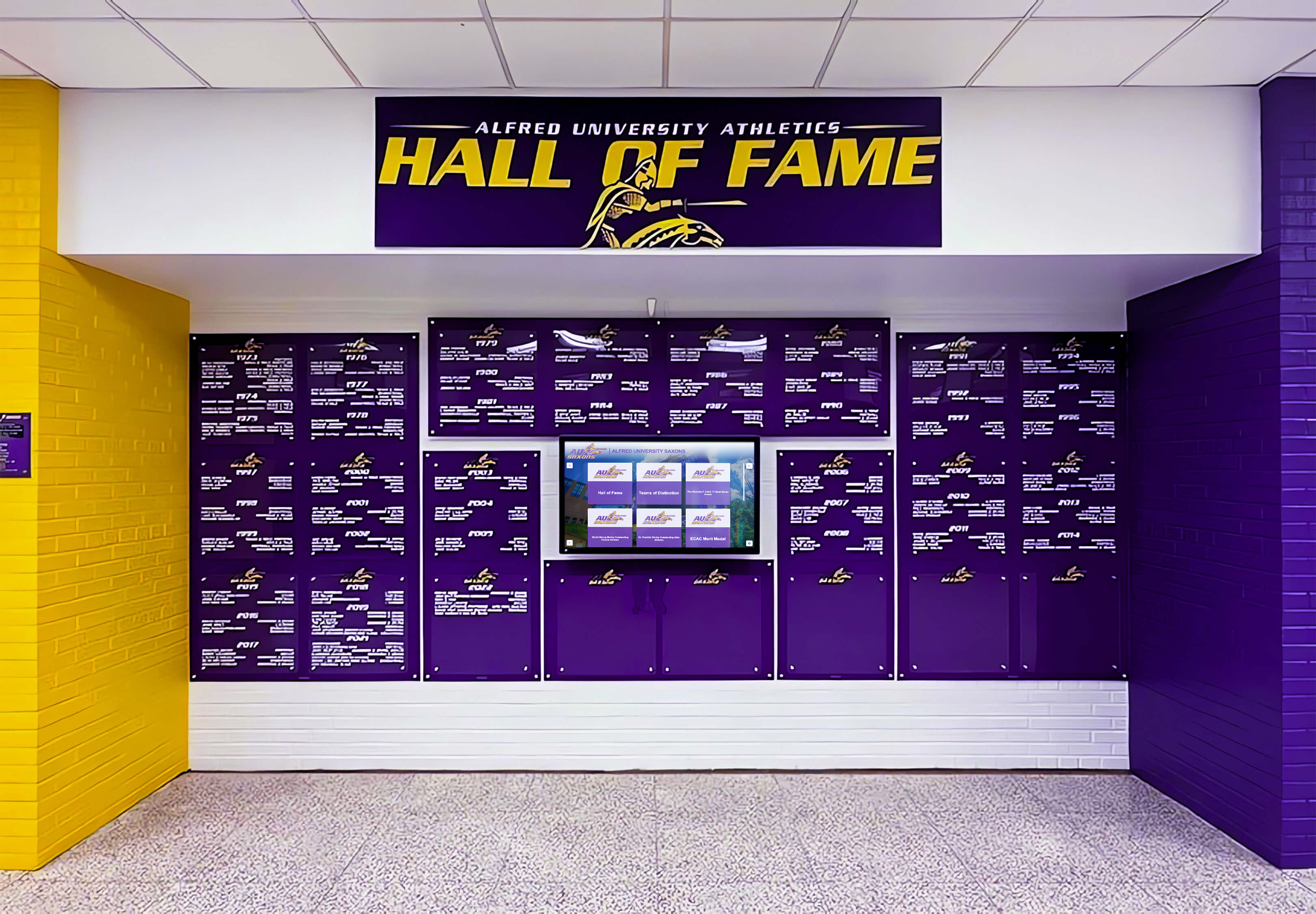
Award sections of digital profiles depend entirely on the accuracy and completeness of what nominators submit—this is not data staff can reliably reconstruct after the fact
Conference and League Awards All-conference honors, most valuable player awards, and tournament recognitions. Capture the year, the specific award name, and the conferring organization for each entry.
State, Regional, and National Recognition All-state selections, all-region honors, national rankings, and All-American recognition. Note the level (first team, second team, honorable mention) and the selecting organization for each.
Academic Honors Academic All-American, scholar-athlete recognition, and honor society memberships alongside athletic achievement. Including academic honors signals institutional values and creates a more complete portrait of the inductee.
Coaches’ and League Awards Sportsmanship awards, most improved recognition, and coaches’ association honors that don’t fit neatly into statistical achievement categories. These are often the awards that reveal character most clearly.
Media Recognition Newspaper, magazine, or broadcast recognition from the time of the inductee’s career. A headline from the local paper during a championship run is worth capturing here—it becomes primary source documentation in the digital archive.
Understanding how schools build athletic hall of fame programs from the ground up provides context for how award fields connect to the nomination committee evaluation process and the final display.
Section 6: Media and Photography Fields
A hall of fame nomination form without a media section will produce digital profiles full of placeholder silhouettes. The photography requirements are the most commonly underspecified section on standard nomination forms.
Primary Profile Photograph Specify required dimensions (minimum 1200 × 1200 pixels is a reasonable floor), acceptable file formats (JPEG, PNG, or TIFF), and whether the photo should be a headshot or action shot. Many programs request both: one formal portrait for the default profile thumbnail, and one action image for expanded profile views.
Action or Career Photographs (Up to 5) Additional images documenting competitive career moments—championship games, record-setting performances, award ceremonies. Ask for captions alongside each image: the caption is as important as the image itself for searchable digital archives.
Who Took the Photograph? Documenting the original photographer is essential for copyright compliance. A photograph from a school yearbook has different clearance requirements than a wire service image.
Video Highlights (Optional) Link fields for YouTube or Vimeo uploads, or instructions for file submission through a secure transfer service. Video content dramatically increases time-on-profile in digital touchscreen displays. Even a single 60-second highlight clip from a championship performance lifts profile engagement significantly.
Historical Documents and Clippings Nomination forms that invite scanned newspaper articles, yearbook pages, and program covers capture primary source material that would otherwise be lost permanently. Accept PDF or high-resolution image uploads and specify a maximum file size per item.
Team Photographs Championship team photographs are valuable for both the inductee’s individual profile and the program’s historical archive. Request the year, sport, and identification of individuals within the photograph if possible.

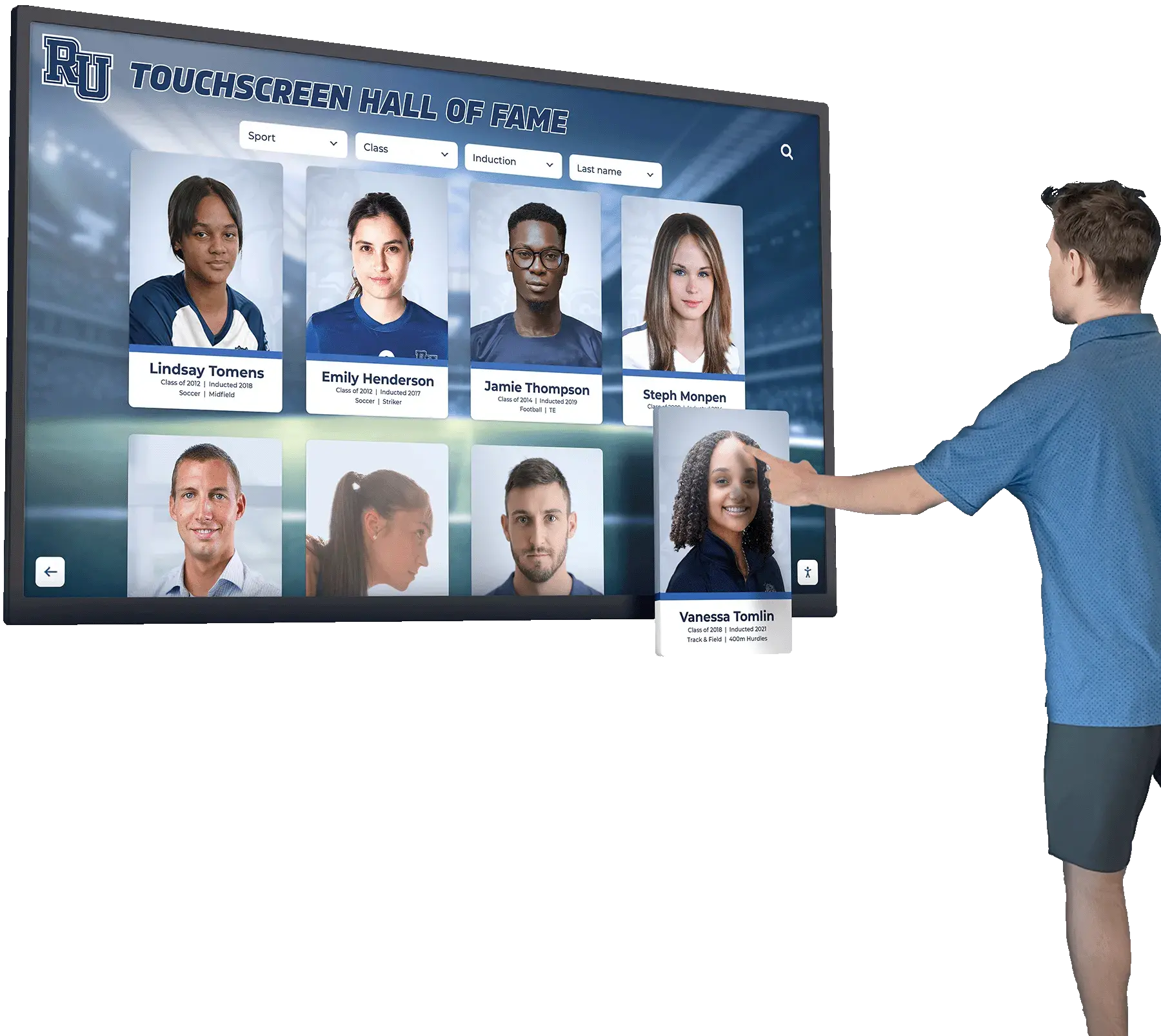
High-quality photographs submitted at nomination time make the difference between an engaging touchscreen profile and a placeholder silhouette
Section 7: Permission and Consent Fields
These are the fields most nomination forms omit entirely—and the absence creates legal exposure the moment you publish profiles publicly on a digital display, a website, or a mobile app.
Media Release Authorization A clear statement that the inductee authorizes the school to publish their name, photograph, likeness, and biographical information in hall of fame displays, official publications, and digital platforms associated with the institution. This should be a checkbox with a plain-language description of what is being authorized, followed by a signature field.
Photograph and Video Rights Confirmation A specific statement that submitted photographs and videos are either original works created by the inductee, photographs in which the inductee holds the rights, or materials for which permission from the original rights holder has been obtained. This is not excessive—it documents that the school performed due diligence.
Data Retention Consent Confirmation that the inductee understands their profile data will be retained indefinitely as part of the institutional record, may be updated periodically, and may be transmitted to third-party display platforms that power the digital installation.
Opt-Out Provisions A documented process for inductees who later wish to modify or remove personal information from the digital profile. Having this process in writing at nomination time—rather than scrambling to build a policy when someone calls to complain—is sound institutional practice.
Parental or Guardian Consent (for Minor Nominees) High school programs that induct recent graduates who may still be minors, or programs that maintain records of athletes who were minors when photographs were taken, need guardian consent fields. Consult with your institution’s legal counsel on the specific language required.
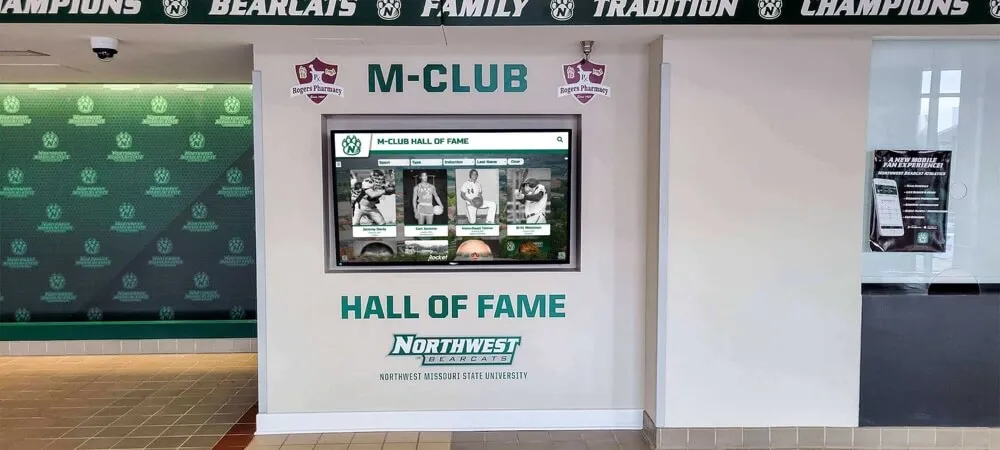
Exploring how schools design athletic spaces that incorporate digital displays provides useful context for where digital profiles are typically displayed and why consent documentation matters for publicly accessible installations.
Section 8: Nominator Information Fields
The nominator’s information validates nomination credibility and creates a contact point for follow-up questions during committee review.
Nominator Full Name The person submitting the nomination.
Relationship to Nominee Former coach, teammate, family member, alumni association representative, or other. Relationship context helps the committee understand the perspective behind the narrative elements.
Nominator Contact Information Email and phone for staff follow-up during committee review and, if the nomination is selected, during the ceremony planning process.
Supporting Testimonials Separate fields for additional letters of support from coaches, teammates, opponents, or community members. Request name, title or relationship, and the testimonial text. These become supplementary profile content in digital archives and provide the committee with third-party perspectives beyond the primary nominator.
Section 9: Nominator Checklist Before Submission
A final pre-submission checklist reduces incomplete nominations—the most common reason strong candidates are deferred to a subsequent nomination cycle.
Completeness Verification
- All identity fields completed
- Contact information confirmed with inductee
- Biography narrative proofread and finalized
- Career statistics verified against a citable source
- Awards and honors listed with year and conferring organization
- At least one high-resolution photograph attached
- Photograph rights confirmed
- Media release authorization signed
- At least one supporting testimonial included
Optional but Recommended
- Second high-resolution action photograph attached
- Video highlight link included
- Historical newspaper clippings or program scans uploaded
- Championship team photograph included
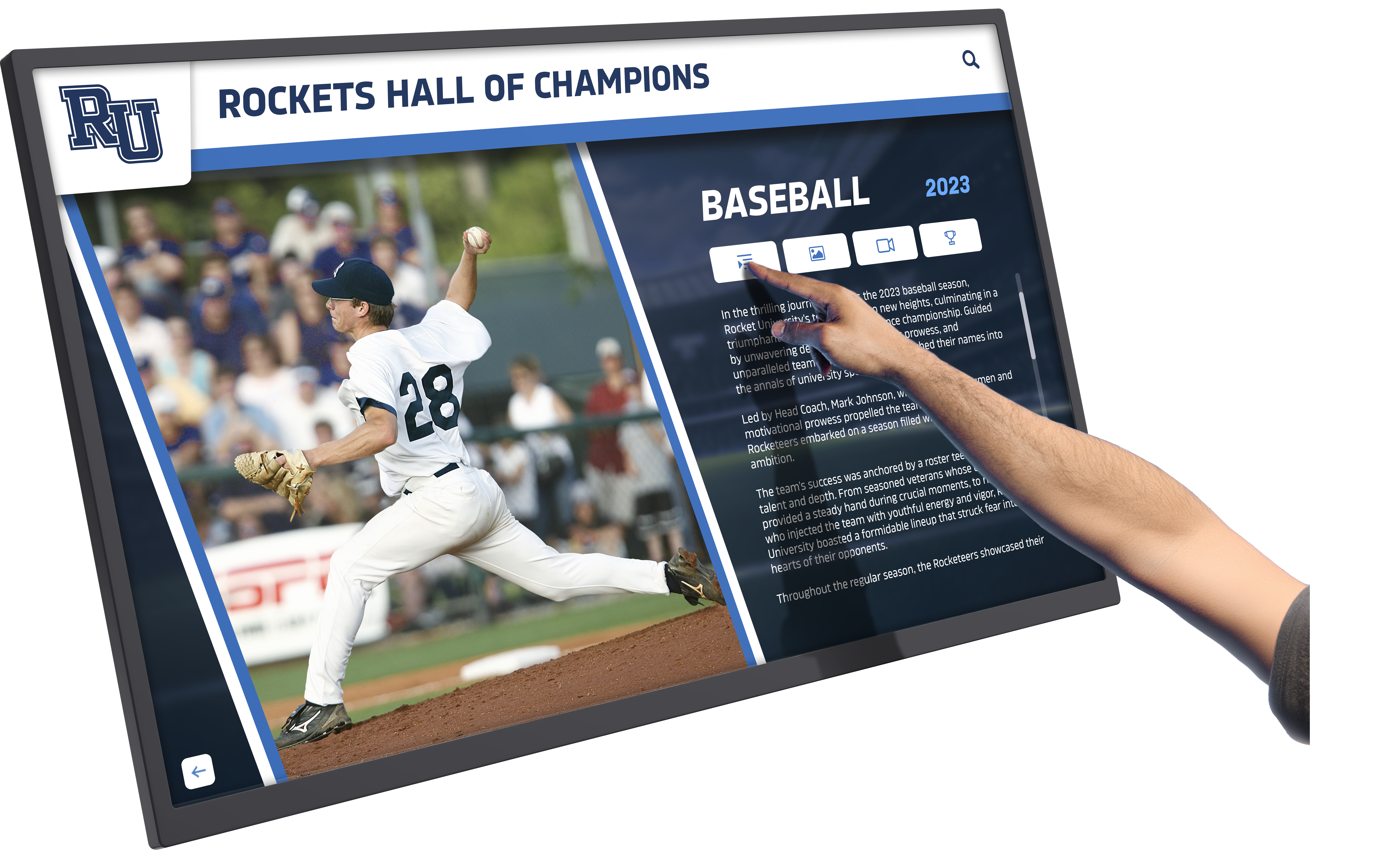
A pre-submission checklist built into the nomination form dramatically reduces incomplete packages that delay digital profile publication
Connecting Nomination Data to Digital Display Platforms
Collecting all of these fields only creates value if the data flows directly into the platform that powers your digital display. The most common failure point in hall of fame programs is a nomination form that submits data as a PDF attachment, which staff then manually re-enters into the recognition system—introducing transcription errors and adding weeks of administrative lag.
Understanding how touchscreen displays serve athletic information needs at high schools provides useful context for how digital profiles are consumed by visitors and why display-ready data quality matters.
Modern digital hall of fame platforms accept structured data through direct form integrations or standardized import formats. When designing your nomination form, build it in a tool that exports clean, structured records—not just formatted documents—that a content management system can ingest without re-keying.
Key technical considerations:
Field Name Standardization Use consistent field names across your nomination form and your content management platform. “GradYear” and “Graduation Year” and “Year Graduated” are three different data points to most import pipelines. Standardize before launch.
Image Upload Specifications Specify minimum resolution, maximum file size, and accepted formats in the form instructions—not just internally. Nominators who submit 72 DPI phone screenshots instead of 300 DPI originals are acting on the information the form gave them.
Structured vs. Free-Text Fields Statistics, records, and award years should be structured fields (numbers, dropdown selections, date pickers) wherever possible. Free-text biographical narrative belongs in open fields. Mixing the two—asking nominators to enter all statistical information in a single open text box—produces data that cannot be automatically processed.
Version Control for Re-Nominations When a candidate is nominated multiple times before being selected, the form should support updating an existing record rather than creating a duplicate. Build this workflow into the form design from the beginning.
Comparing the best hall of fame tools available to athletic programs, donor recognition teams, and arts organizations helps committees choose a digital display platform that accepts well-structured nomination data and reduces administrative overhead.
Using the Nomination Form to Build Your Historical Archive
A well-designed athletic hall of fame nomination form isn’t just useful for current inductees. It provides a template for back-filling historical athlete profiles—the players from the 1970s and 1980s who appear on plaques but whose records exist nowhere in a digital format.
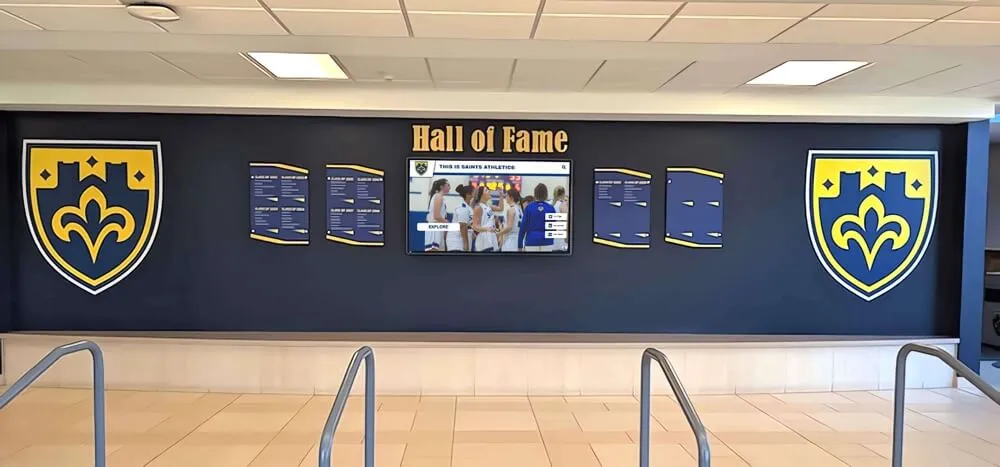
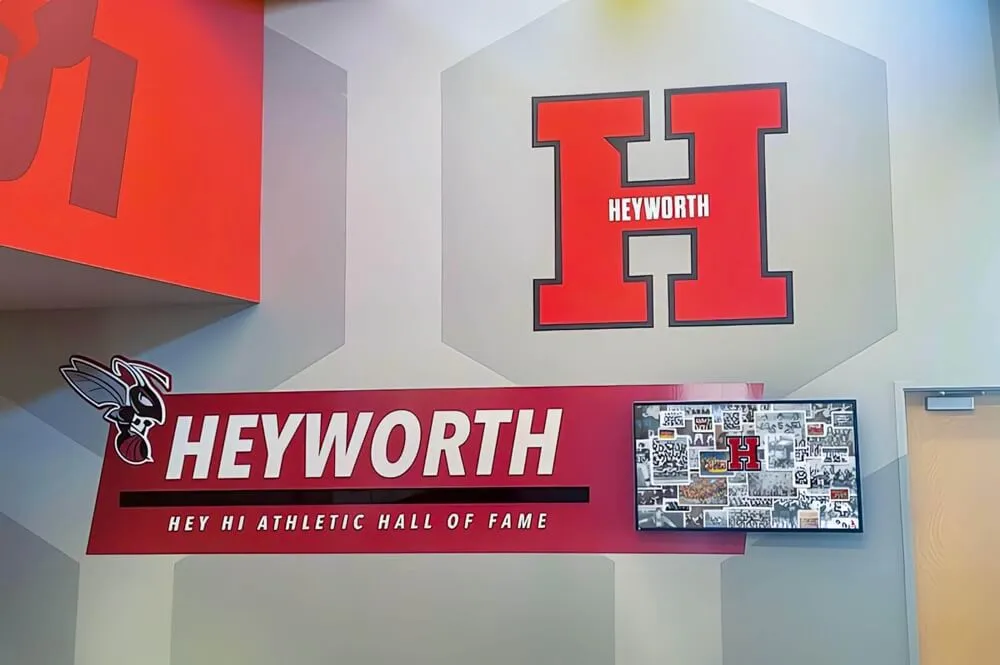
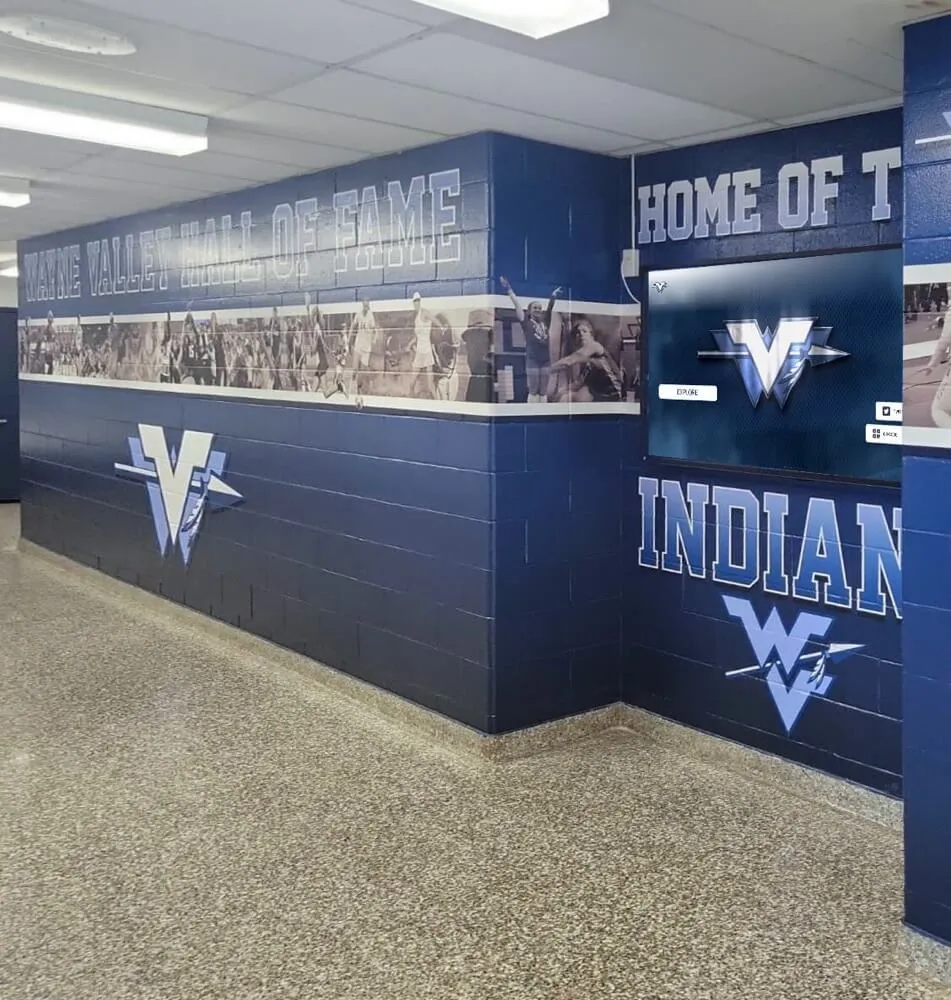
Traditional plaques hold inductee names but not the complete data that digital profiles require—the nomination form structure becomes the template for back-filling historical records
Programs that run retroactive digitization projects use the nomination form field list as a guide for historical research. For each legacy inductee, staff work through the same checklist: locate photographs in yearbook archives, verify statistics from historical media guides, source testimonials from available teammates and coaches, and document whatever permission documentation can reasonably be obtained for archives that predate modern consent practices.
Reviewing how interactive touch displays serve high school athletic information needs illustrates why comprehensive historical profiles—not just recent inductee records—are what make touchscreen displays genuinely engaging for alumni who return to campus.
Historical digitization will produce profiles with gaps. A photograph may not be available; career statistics may survive only as totals without year-by-year breakdowns. Publishing partial profiles with clearly labeled fields is preferable to either publishing nothing or fabricating information to fill gaps. Digital platforms built for hall of fame programs include standard provisions for partial records—placeholder text for missing fields, source attribution for verified data.
Keeping the Form Current
Nomination forms need revision whenever your digital platform adds new content types, when legal requirements around data collection change, or when you identify categories of information that are consistently missing from submitted profiles.
Build a review cycle into your hall of fame operations calendar—annually after the induction cycle closes is a natural time to evaluate what information staff struggled to obtain after the fact, and to add those fields to next year’s form.
Common late-stage additions that programs add after their first few digital induction cycles:
- Social media handles for alumni updates and tagging inductees in anniversary posts
- Employer name for professional networking context in profiles
- Preferred pronouns as standard practice for new inductees
- Accessibility notes for ceremony logistics (mobility accommodations, dietary restrictions for induction dinners)
- QR-linked athlete profiles on mobile — nomination forms that request mobile-optimized biography summaries (under 150 words) support platforms that serve compact profiles via QR code to visitors’ phones
Exploring the complete range of tools and platforms available to athletic hall of fame programs helps administrators stay current on what data types are becoming standard in recognition platforms, which informs what fields to add to nomination forms before those capabilities are needed.
Turn Nomination Data into Compelling Digital Profiles
Rocket Alumni Solutions builds custom touchscreen hall of fame displays that accept structured nomination data, publish inductee profiles on induction day, and maintain complete athletic histories—unlimited inductees, auto-ranking record boards, ADA WCAG 2.1 AA compliant, with remote cloud content management.
See a Custom DemoFrequently Asked Questions
How long should a hall of fame nomination form take to complete?
A well-structured nomination form that collects all the fields covered in this guide takes most nominators 45–90 minutes to complete if they have done the preliminary research. That estimate assumes they have gathered statistical documentation, prepared or obtained a biography narrative, and secured at least one high-resolution photograph before starting. Programs that want shorter submission windows can stage the form across multiple sessions using a save-and-resume function, which reduces abandonment on longer submissions.
Should the same form be used for athlete, coach, and contributor nominations?
A single form with conditional branching works better than completely separate forms—it reduces maintenance overhead and ensures a consistent submission experience. Branch the form at the “Candidate Type” field so that statistical fields adapt to the nomination category: career coaching records for coaches, program impact documentation for contributors, and athletic performance records for athletes.
Who should have access to submitted nomination data?
The selection committee should receive complete nominations for evaluation purposes. Administrative staff managing the digital display content platform need access to everything captured on the form. The inductee and nominator should receive confirmation of submitted fields and an opportunity to correct errors before profiles are published. Access to consent documentation should be restricted to staff with administrative responsibility for the program.
How do we handle nominations for athletes who have passed away?
Posthumous nominations follow the same form structure, with consent and contact fields completed by the estate representative or immediate family member designated as the nomination contact. The media release authorization should be signed by the family contact. Some fields—current employer, preferred contact method—may be left blank with a notation that the nominee is deceased. Historical documentation becomes more important in posthumous nominations; encourage family members to provide photographs, clippings, and letters from contemporaries.
What is the minimum photograph quality acceptable for a digital profile?
For touchscreen displays, request a minimum of 1200 × 1500 pixels at 72 DPI for web-displayed profiles, or 800 × 1000 pixels at 300 DPI for profiles that may also be printed on plaques or ceremony programs. The practical guidance for nominators: photographs taken on any smartphone manufactured after 2018 in good lighting conditions will meet these minimums if submitted as originals rather than screenshots.
Conclusion
An athletic hall of fame nomination form designed around digital profile requirements pays back the investment many times over. The nominator—the person with the richest knowledge of the candidate—captures all the data at the moment of maximum information availability. Selection committees review better-documented packages. Staff spend less time chasing missing information after ceremonies. And the digital display goes live with complete, accurate profiles on induction day rather than months later.
The fields covered in this guide—identity, contact, biography, statistics, awards, media, permissions, and nominator information—represent the complete data architecture of a modern digital hall of fame profile. Mapping your nomination form to that architecture is the single highest-leverage improvement most programs can make to both the quality of their selection process and the quality of the recognition they publish.
Ready to Build a Digital Hall of Fame That Honors Every Field?
Rocket Alumni Solutions works with schools, universities, and athletic departments to design touchscreen wall of fame systems that publish complete digital profiles from structured nomination data. ADA-compliant, unlimited inductees, auto-ranking record boards, and professional installation at 600+ institutions nationwide.
Request Your Custom Demo