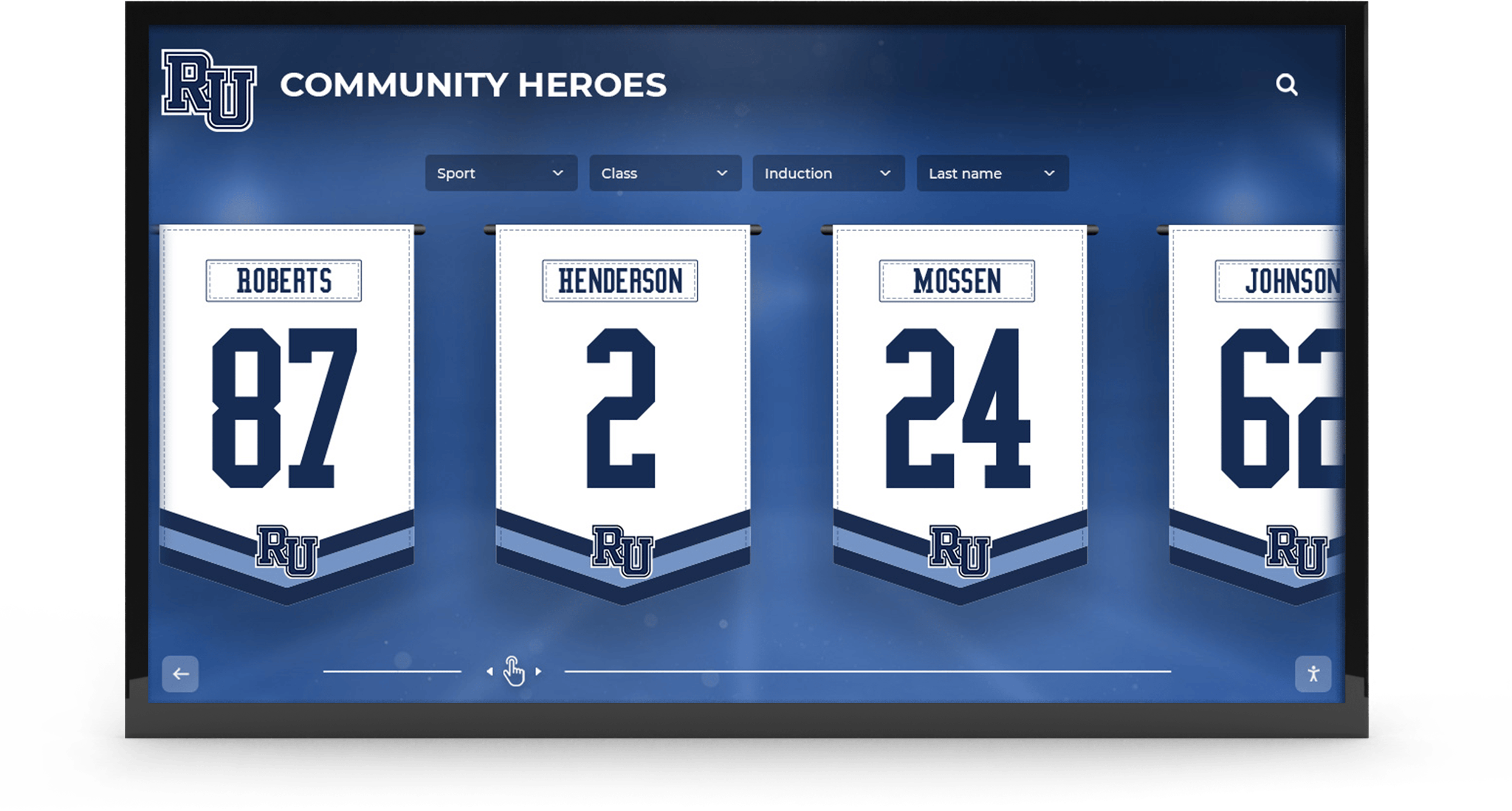




Every spring, athletic departments across the country order basketball senior banners—vinyl or fabric panels printed with each senior player’s photo, number, and a handful of stats—then hang them in the gym for senior night and hand them off to families when the season ends. The banners look great for a week and then disappear into attic storage. That represents a significant missed opportunity. The information assembled for a well-designed senior banner—the headshot, the career statistics, the quote, the future plans—is precisely what builds a meaningful hall of fame profile. This guide covers what to include on basketball senior banners, how to design them for maximum visual impact, and how to treat them as the starting data package for a permanent digital class archive rather than a one-season decoration.
When you think of a basketball senior banner as a data-collection exercise as much as a design project, the categories of information you capture change, the quality of the photos you commission improves, and the result serves the athlete for decades instead of one game night.

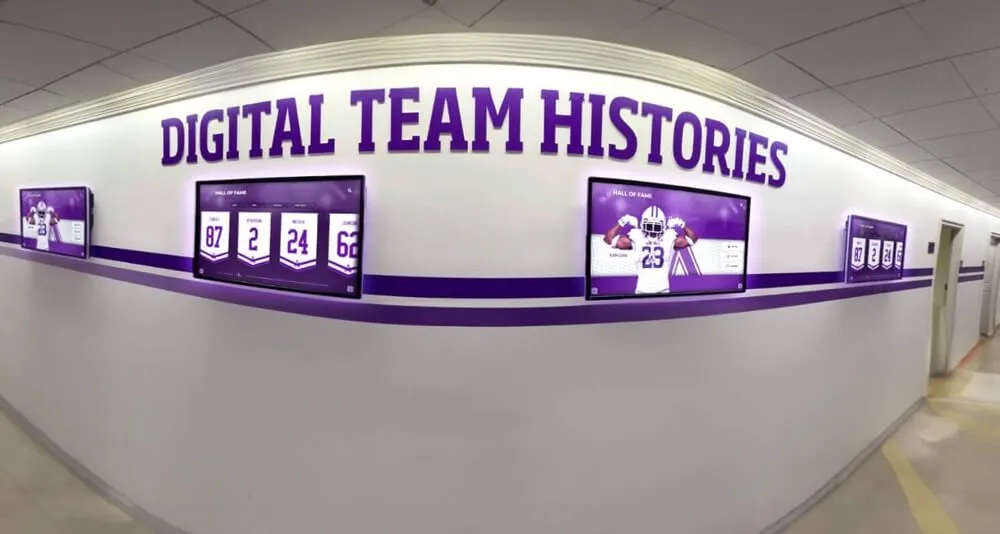
Senior banners that treat jersey numbers, headshots, and career data as permanent record-keeping assets serve athletes far longer than the ceremony itself
What to Include on a Basketball Senior Banner
The content on a basketball senior banner determines both how meaningful the display feels at senior night and how useful the banner becomes as a long-term archive document. These are the fields worth capturing for every senior.
Essential Identifying Information
Name and Jersey Number The player’s full preferred name and jersey number should be prominent. Record both for your files—not just what appears on the banner—because jersey numbers are the fastest way to reconnect a physical banner to a profile years later when a staff member is building a historical display.
Class Year and Position Noting graduation year and primary position turns a single banner into a sortable archive entry. Future athletic directors searching “2026 point guard” need those fields.
Headshot or Action Photo Commission a consistent set of photos across the entire senior class—same gym background, same uniform, same photographer session. These photos are significantly more useful for digital hall of fame profiles than inconsistent phone snapshots assembled at the last minute.
Career Statistics to Feature
Choose three to five statistics that tell the story of each player’s contributions. For most programs, the most meaningful basketball senior banner stats include:
- Total career points (or points per game for larger programs)
- Career assists or rebounds depending on position
- Years on varsity (demonstrating longevity and dedication)
- Championship or tournament appearances during their tenure
- Any school or program records held
Avoid cramming in raw numbers just to fill space. One statistic with context—“1,042 career points, 4th in school history”—carries more weight than seven numbers with no benchmarks.
Personal Elements That Make the Banner Memorable
Senior Quote A single sentence from the athlete—a reflection on their experience or what the program meant to them—adds authenticity that statistics cannot. Keep it under 20 words so it reads clearly at gym-rafter distance and still fits in a digital profile text field.
Future Plans Whether a player is heading to a college program, joining the military, or entering the workforce, noting it on the banner creates a moment of individual acknowledgment. It also becomes valuable context in an alumni database years later.
Years Lettered Lettering years alongside a career timeline shows the arc of an athlete’s involvement in ways raw statistics miss—especially for players who contributed significantly without leading scoring charts.
10 Basketball Senior Banner Design Ideas
The visual format of a basketball senior banner should reinforce school identity while making each athlete feel individually honored. These design approaches work for programs at every budget level.
1. Full-Bleed Action Photo with Overlay Stats
Prints a cropped action shot edge-to-edge with the player’s name and statistics overlaid in a semi-transparent panel. Visually dramatic at gym scale and works particularly well for guards or perimeter players with strong shooting-form photos.
2. Split-Panel: Headshot Plus Career Timeline
A vertical split puts a formal headshot on one side and a horizontal timeline of achievements—freshman through senior year—on the other. This format directly mirrors how a digital hall of fame profile displays the same information.
3. School Colors Jersey Number as Anchor
Makes the jersey number the visual centerpiece, printed large in school colors with the player’s name and stats arranged around it. Simple to produce quickly across a large senior class and easy to archive by number.
4. Quote-Forward Layout
Features the senior’s personal quote as the dominant design element, with the photo and stats in supporting positions. Especially meaningful for team leaders or captains whose contributions are harder to summarize statistically.
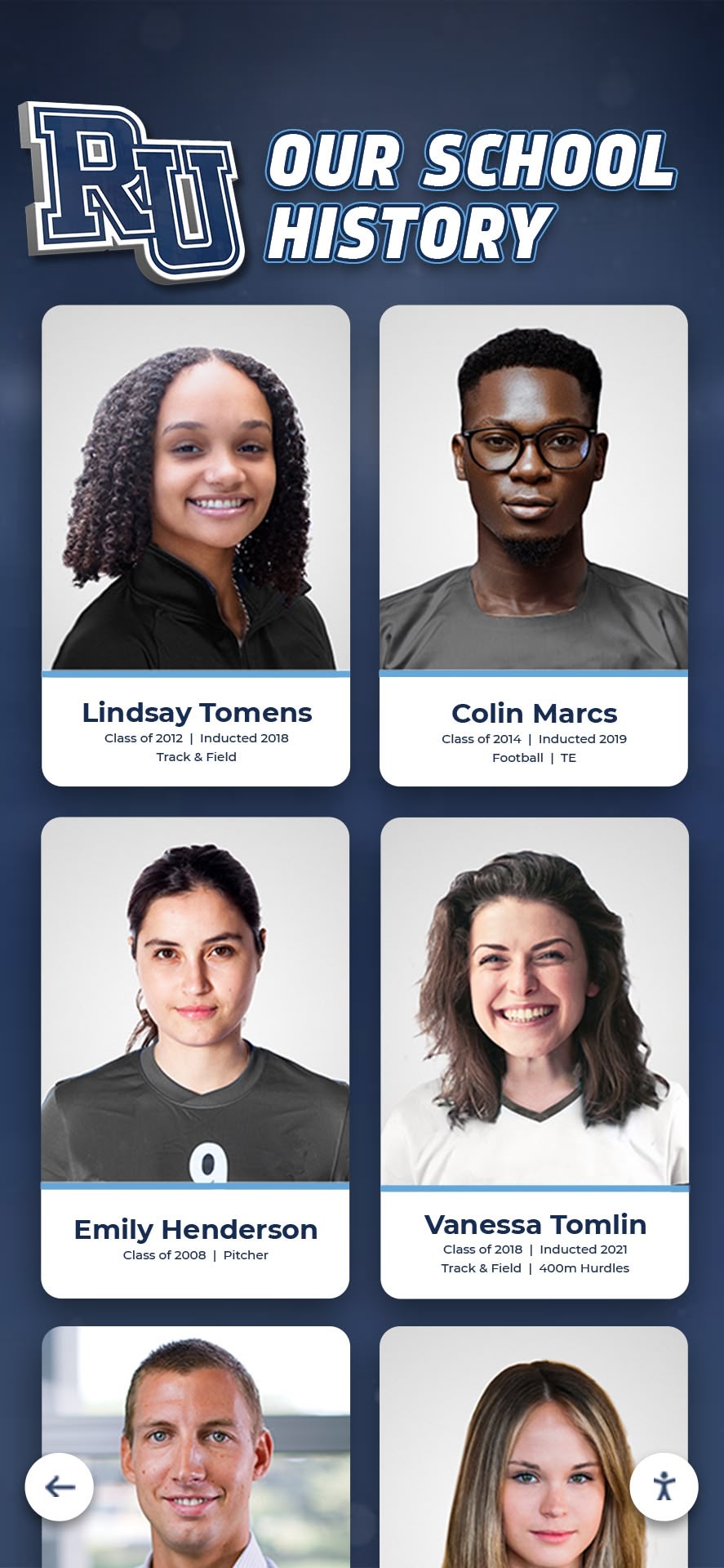
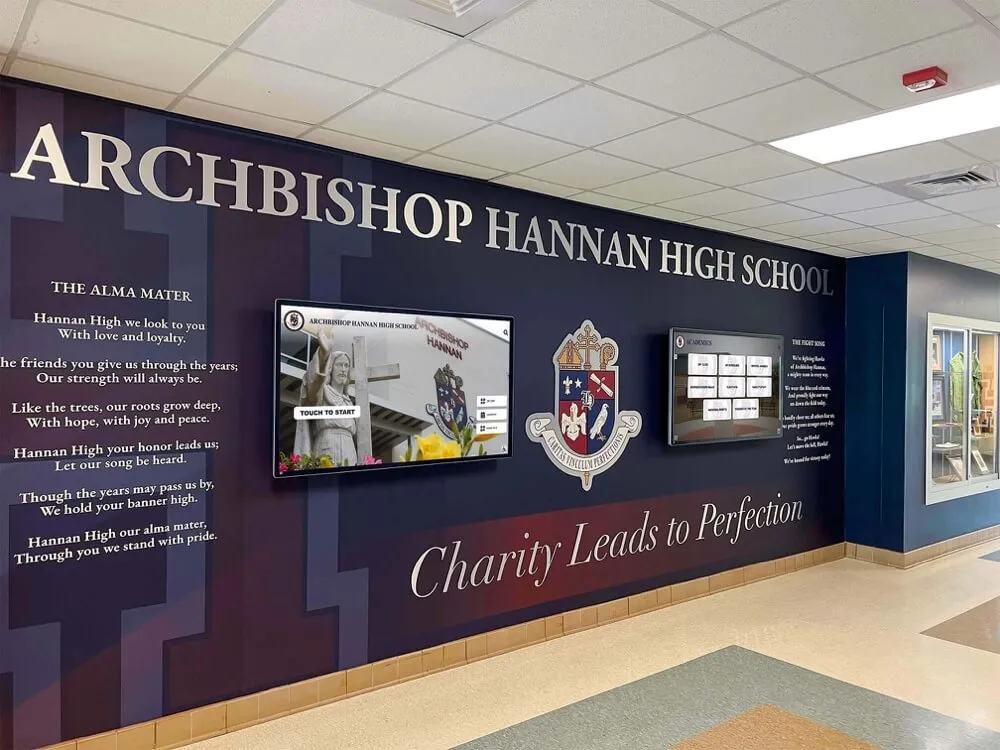
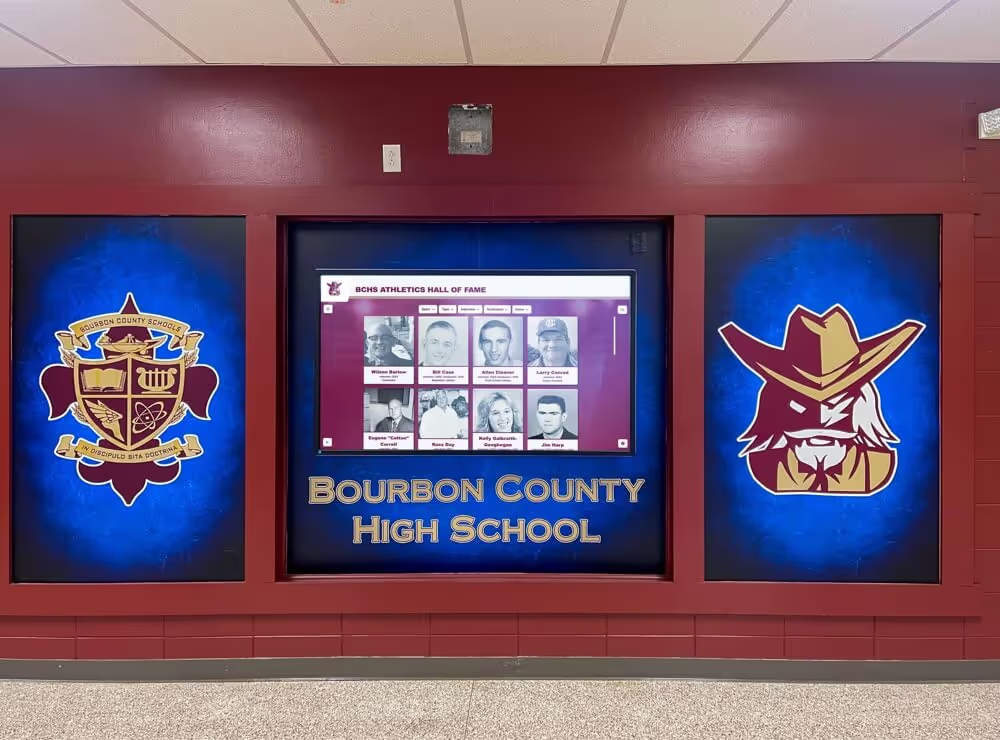
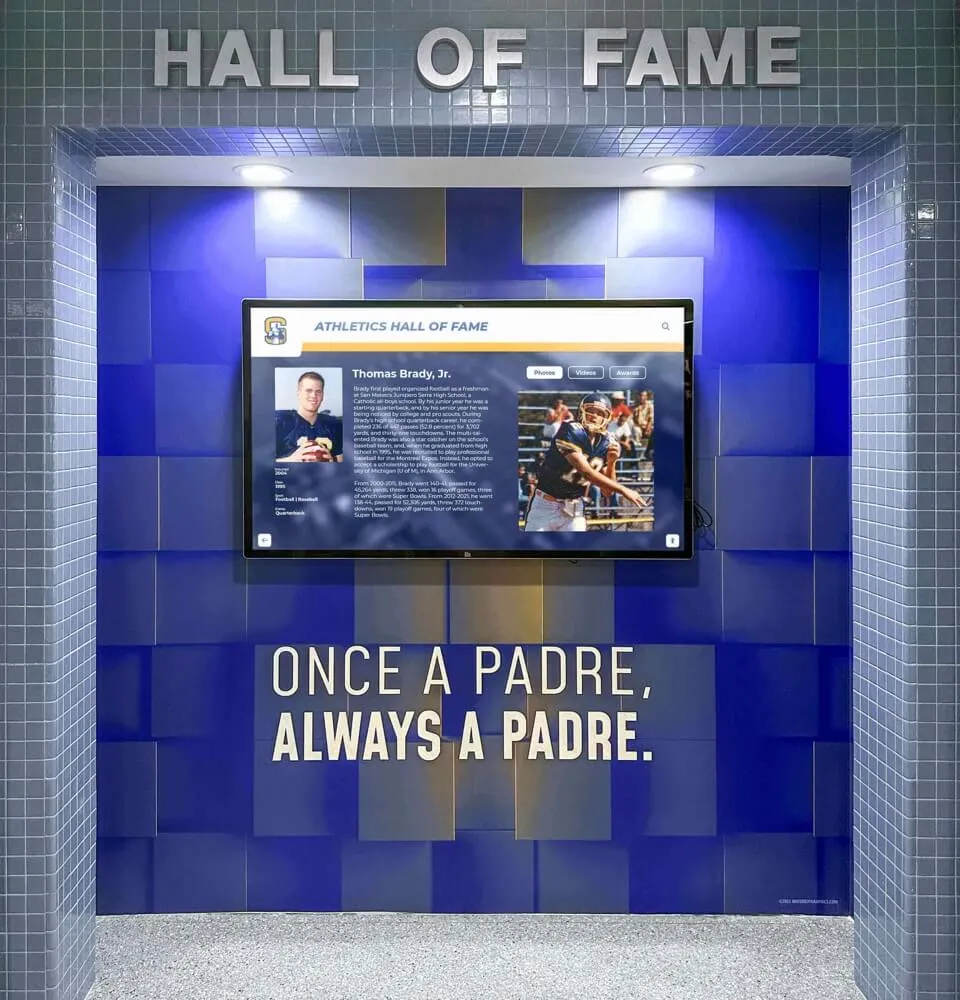
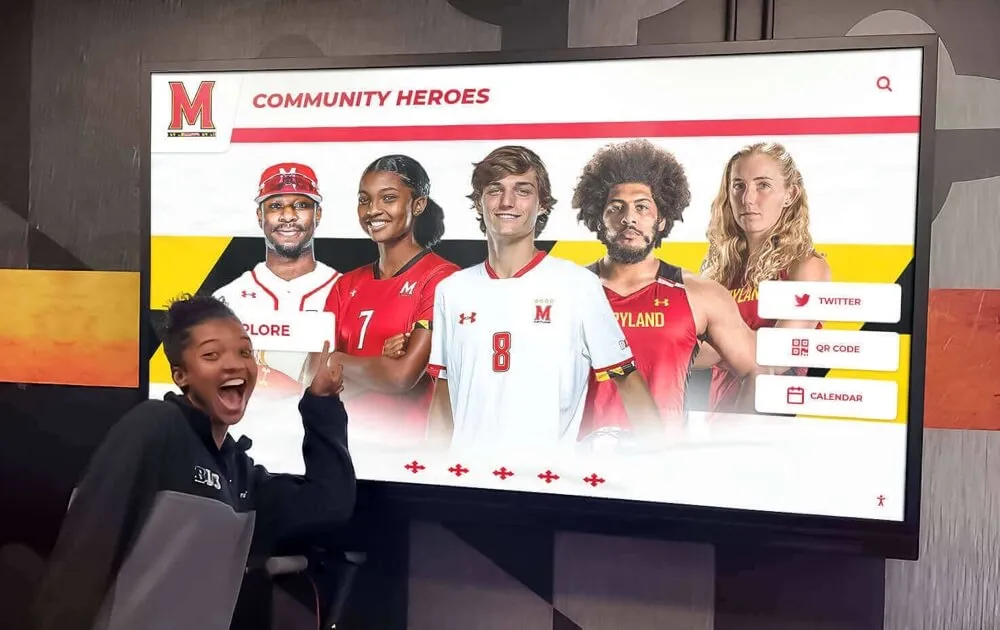
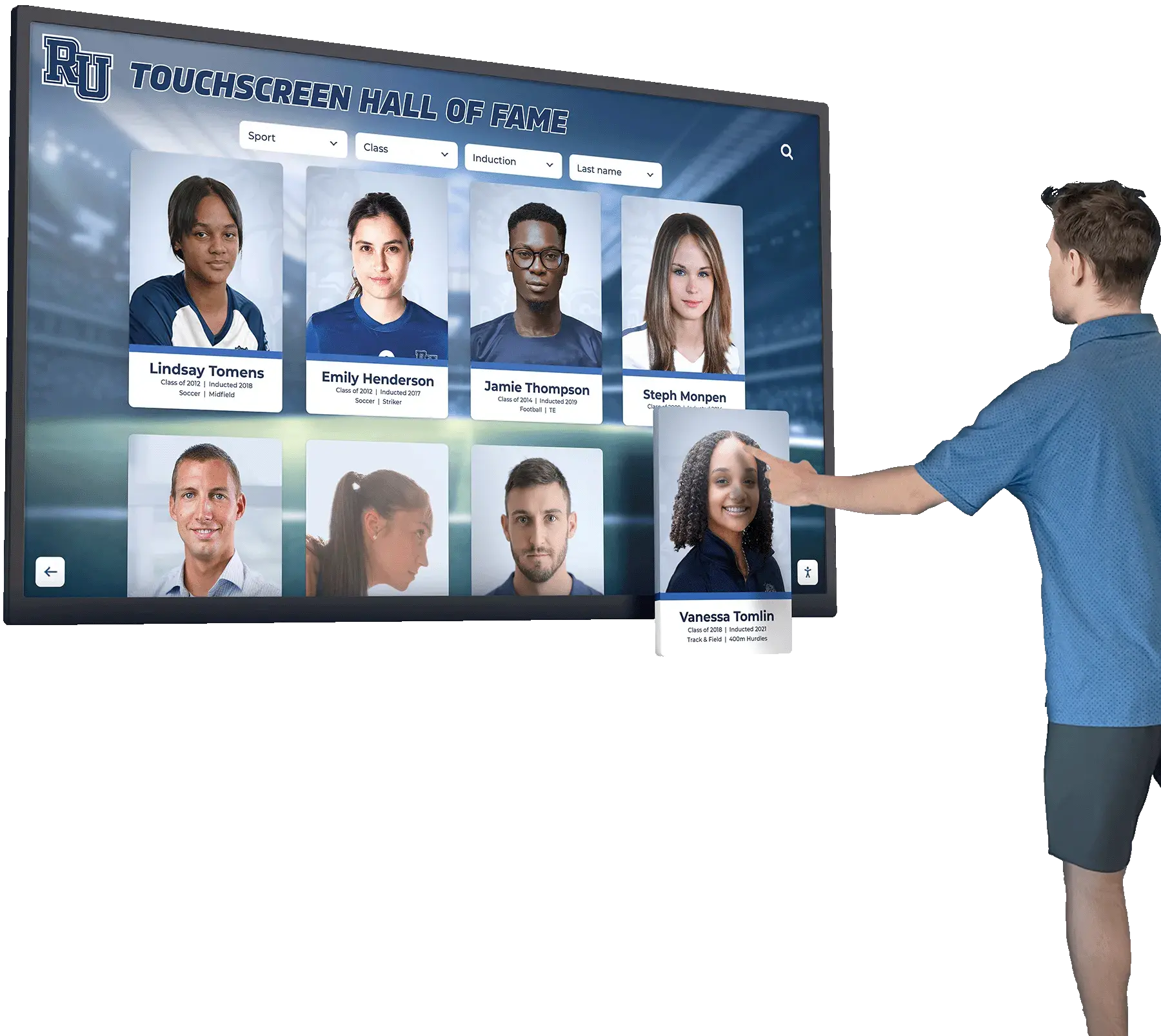
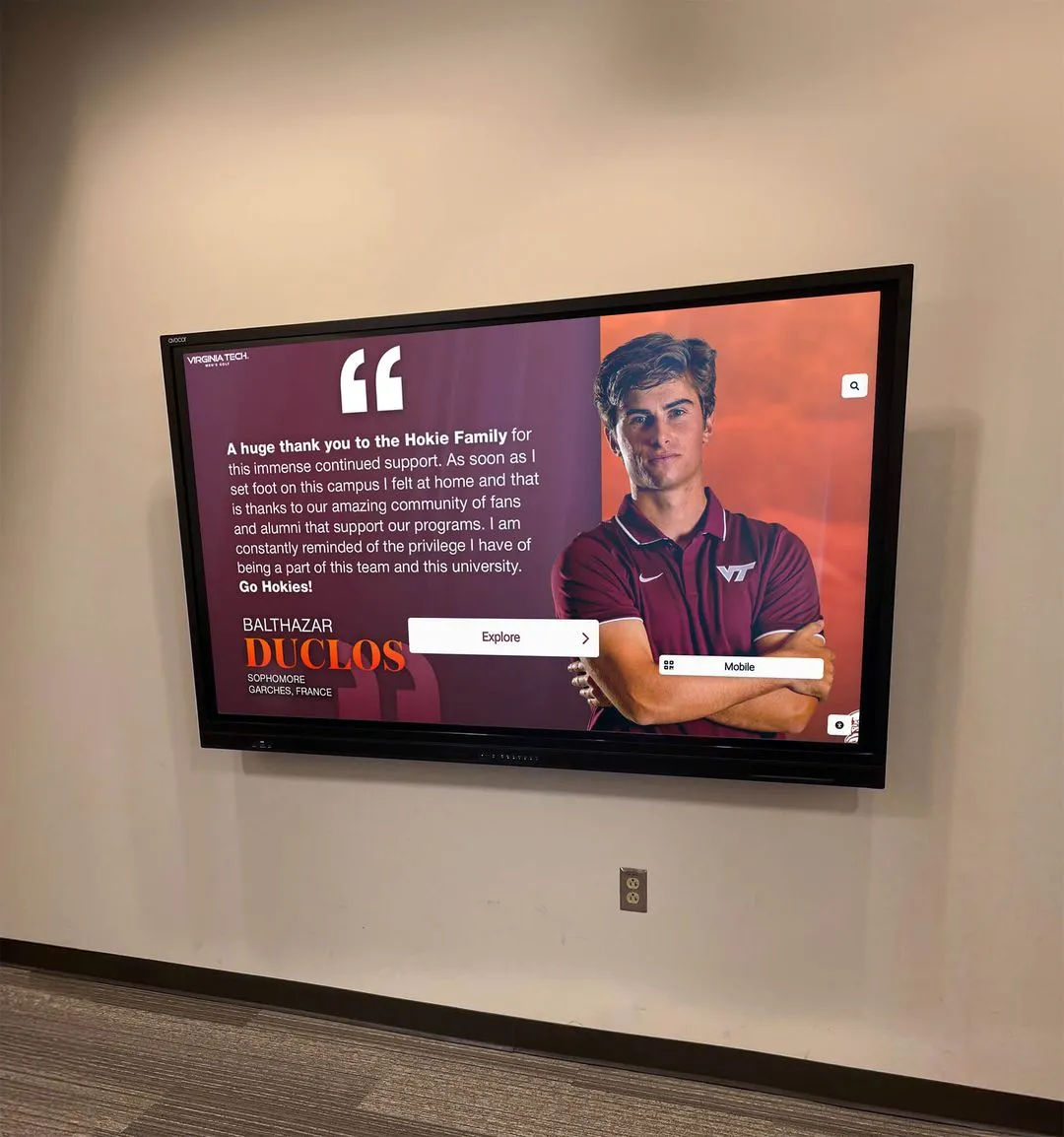
Portrait card formats—whether printed on banners or displayed digitally—create consistent records that serve programs for decades
5. Class Portrait Grid Banner
Instead of individual banners, design a single large banner featuring the entire senior class in a consistent portrait grid. The format photographs well for social media, archives easily as a class document, and hangs long-term in a hallway even after the season ends.
6. Before-and-After Progression Layout
Pairs a freshman-year photo with a current-year photo side by side. This requires some advance planning to locate freshman photos, but programs that implement it consistently report it becomes the most emotionally resonant format at the ceremony.
7. Dual-Language Banners
For programs in communities with significant non-English-speaking families, printing banner text in both English and a primary home language dramatically increases family engagement during the ceremony and reflects genuine institutional inclusion.
8. Minimalist Stats Stripe
A clean, white or neutral banner with a single horizontal stripe in school colors, the player’s name above it and key stats below. This format ages well and integrates cleanly when digitized because it has less visual noise to work around.
9. Mascot Integration
Incorporates the school mascot graphic into each player’s banner. Works best when the mascot image is high-resolution and scalable, so it doesn’t pixelate when the banner design file is reused for digital displays.
10. QR Code to Digital Profile
Perhaps the most forward-looking option: include a small QR code on the physical banner that links directly to the player’s digital hall of fame profile. When a family takes the banner home, the QR code gives them permanent access to the full digital record even if the physical banner eventually fades.
For a broader look at recognition award ideas to pair with your senior banners, 100 youth sports awards ideas covers categories and formats applicable to basketball programs at any level.
The Banner-to-Profile Workflow
The gap between a well-designed senior banner and a permanent hall of fame profile is much smaller than most athletic departments realize. The data collection you already do for banner production—photos, stats, quotes, years lettered—is largely identical to what you need to build a searchable, permanent digital profile for each senior.
Step 1: Build a Standard Senior Data Sheet
Before banner design begins, have every senior complete a one-page data sheet. Fields should include:
- Preferred name, jersey number, graduating year
- Position and years on varsity
- Career statistics (three to five key numbers)
- A brief personal quote (under 20 words)
- Post-graduation plans
- Parent/guardian names (for ceremony announcements and future alumni contact)
This form serves double duty: it feeds the banner designer and populates the initial record in your digital recognition system.
Step 2: Commission Consistent Photos
Schedule a single photo session for the entire senior class with a uniform backdrop and lighting setup. Deliver the full-resolution files to your banner vendor and retain copies in a school server folder organized by class year. These photos become the profile images in your digital hall of fame—consistent framing across all athletes from a given class looks far more professional than a mix of game-night shots taken under gym lighting.
Step 3: Design Banners With Digital Reuse in Mind
Ask your banner vendor for the layered design files (PSD, AI, or equivalent) and the original high-resolution photo exports alongside the finished print files. Most vendors can provide this at no additional cost. The layered file lets you extract individual data elements—name, number, stats, quote—cleanly, without having to re-enter them manually when building digital profiles.
Step 4: Hang, Celebrate, Archive
Display banners at senior night and leave them up through the end of the season. After the season, photograph each banner at high resolution before handing it to the athlete’s family. That photo, filed by class year and jersey number, is your permanent physical record even if the banner itself eventually deteriorates.
Step 5: Migrate Data to a Digital Platform
Use the data sheet from Step 1 and the photos from Step 2 to populate each senior’s hall of fame profile in your recognition platform. The banner becomes a design template reference; the underlying data lives permanently in a searchable digital archive accessible to future athletic directors, alumni, and prospective student-athletes.
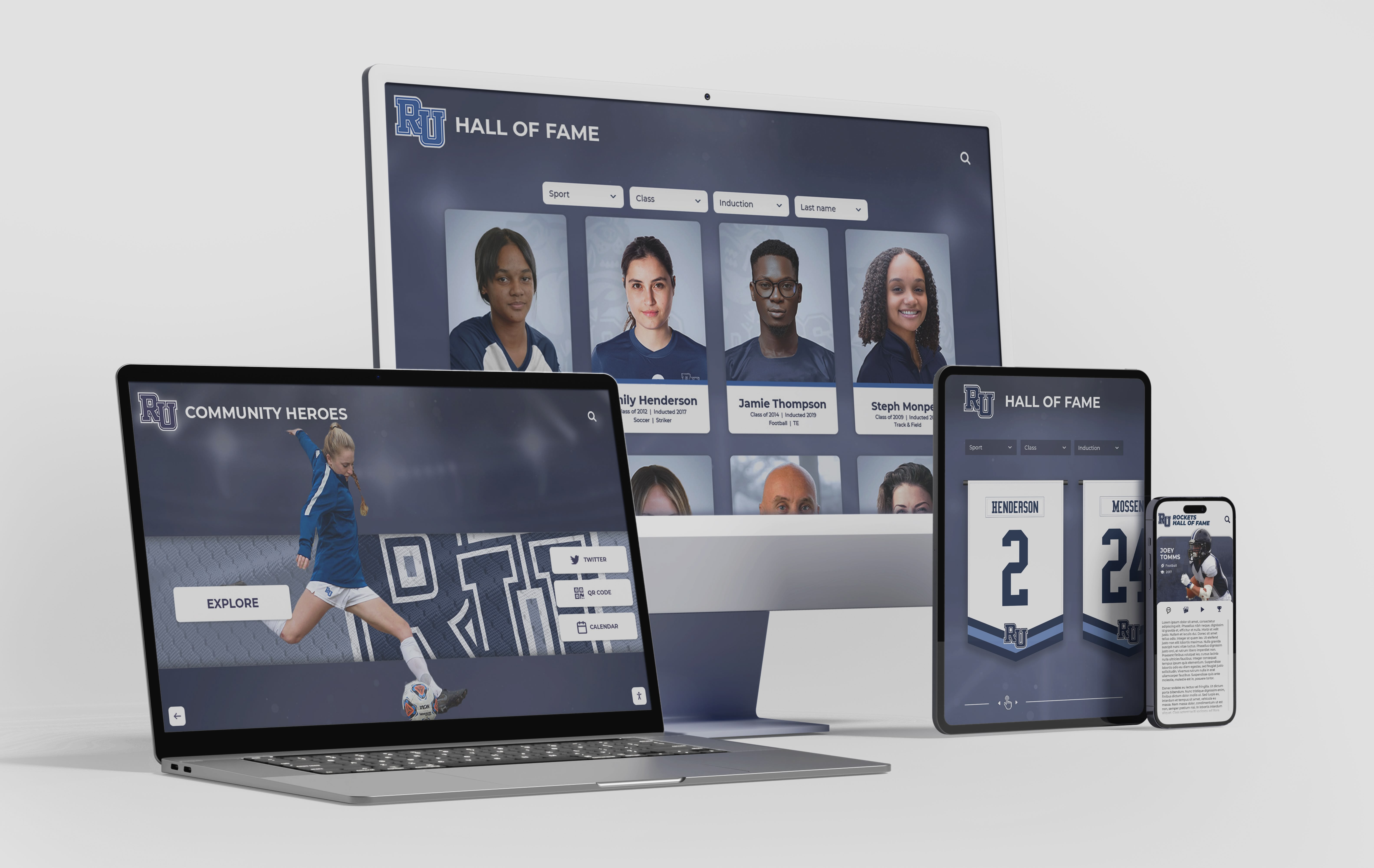
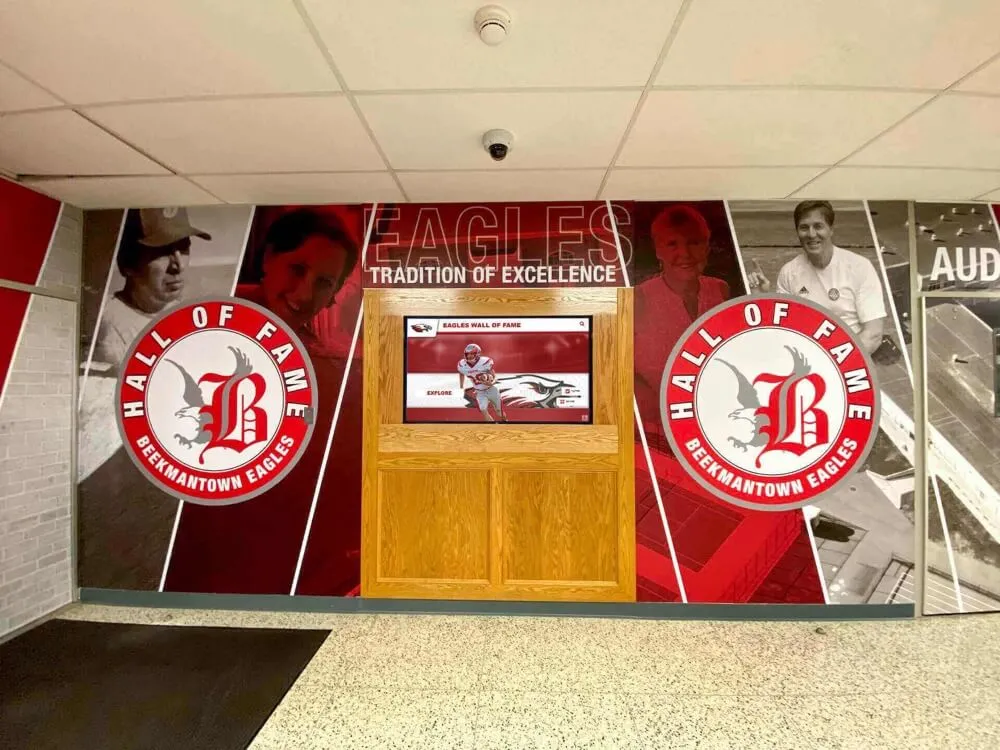
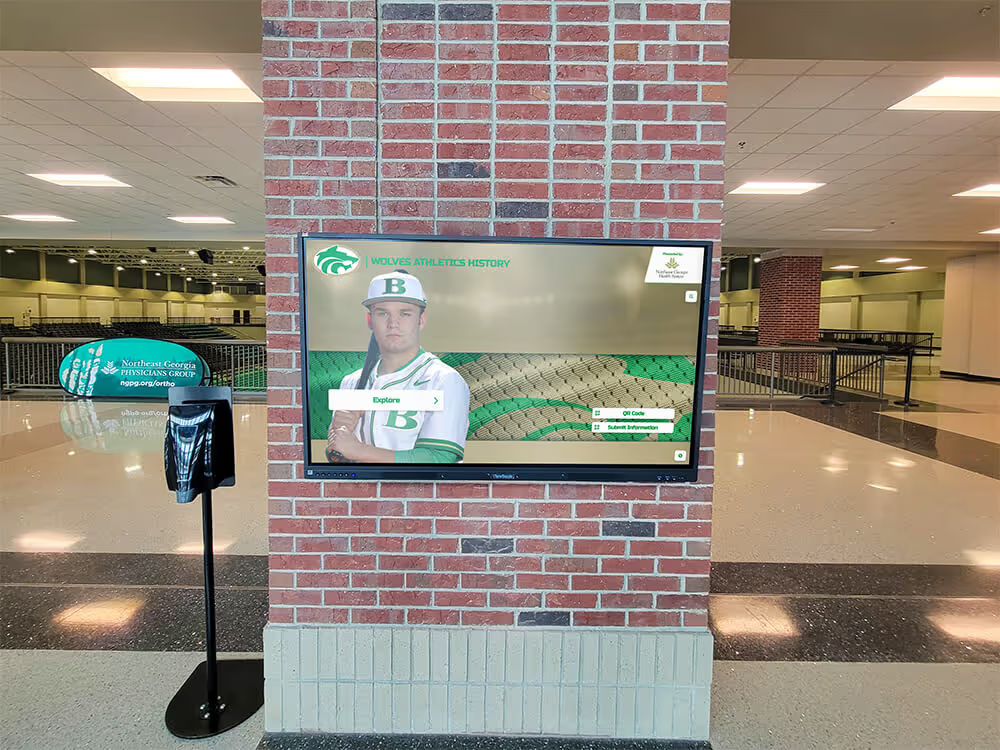
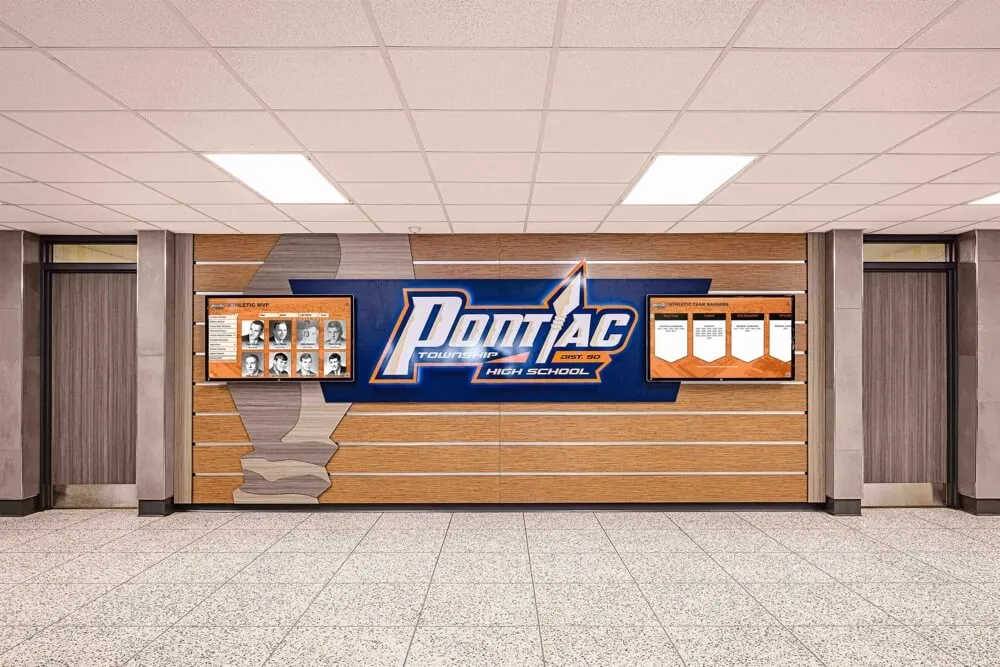
Digital hall of fame platforms make senior class data accessible on any device, turning one season's banner content into a permanent searchable archive
For programs evaluating which platforms support this kind of structured data import, the 10 best hall of fame tools for athletics, donors, arts, and history provides a detailed comparison relevant to high school and college athletic departments.
How Banner Content Maps to Hall of Fame Profile Fields
Understanding the direct mapping between banner content and profile fields removes the most common obstacle to completing the workflow: the assumption that digital profiles require data that wasn’t captured for the banner.
| Banner Element | Digital Profile Field |
|---|---|
| Headshot photo | Primary profile image |
| Jersey number | Uniform number / search tag |
| Class year | Graduation year / cohort filter |
| Position | Position category |
| Career stats | Statistics panel |
| Senior quote | Athlete testimonial / bio field |
| Future plans | Post-graduation pathway |
| Years lettered | Varsity tenure |
Every field on that table is captured during standard banner production. The only additional fields most programs add to digital profiles—and that banners omit for space reasons—are game-level performance logs and multimedia attachments like highlight video links.
Archiving Senior Banners for Long-Term Recognition
Physical banners have a finite life. Vinyl fades. Fabric stretches. Storage conditions vary. A well-executed digital archive ensures that even when the physical banner is gone, the recognition remains.
Creating a Class Year Folder Structure Organize digital records by season (2024-25, 2025-26, etc.) rather than by athlete name alone. Future administrators searching for a player they can only identify by approximate graduation year will find the folder structure far more useful than an alphabetical file dump.
Version Control for Returning Records Programs with multi-sport athletes occasionally need to update records when a basketball senior later achieves recognition in another sport or career. A clean folder structure and consistent naming convention (lastname-firstname-2026-bball) prevents overwrite errors when records are updated.
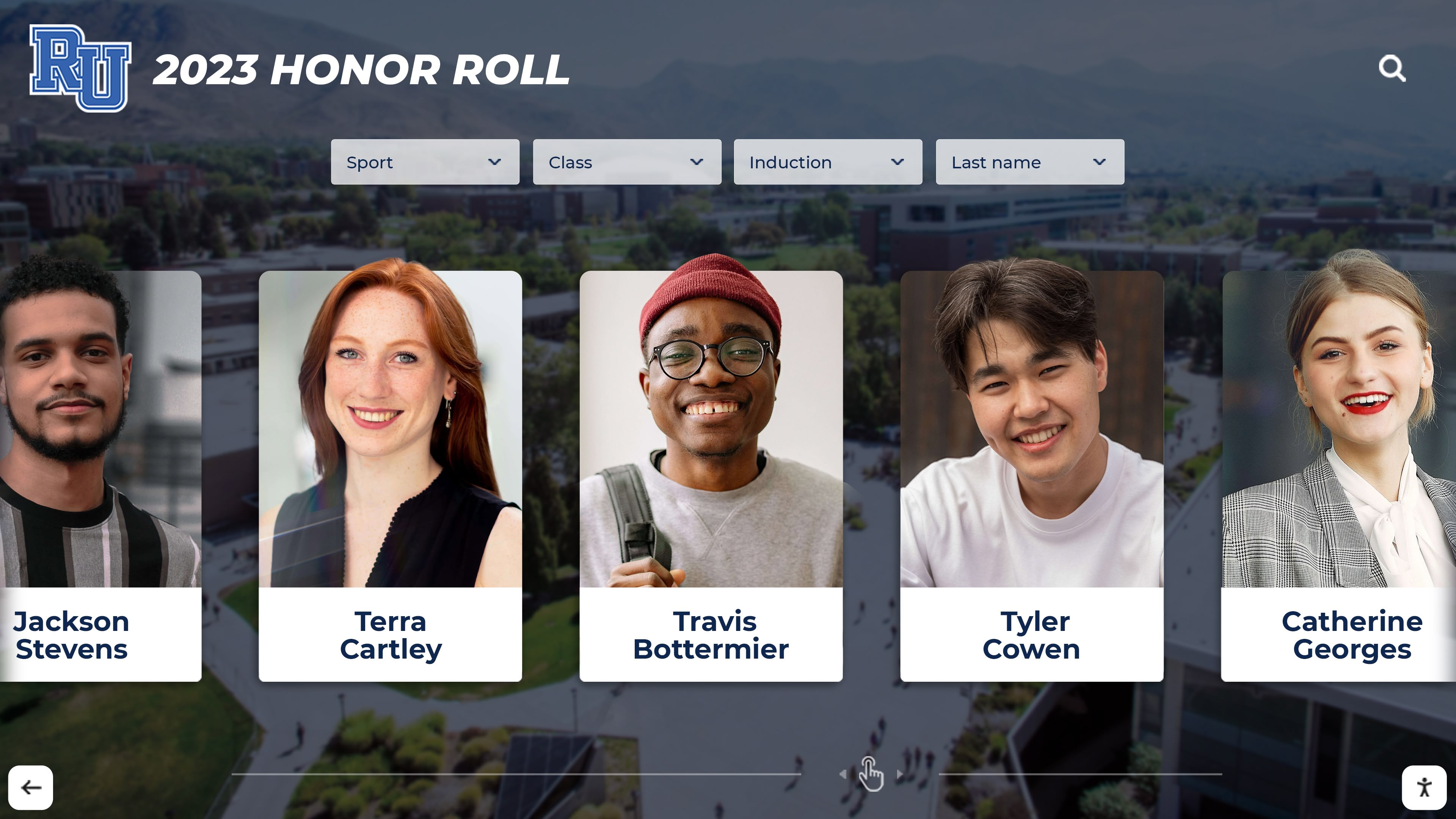
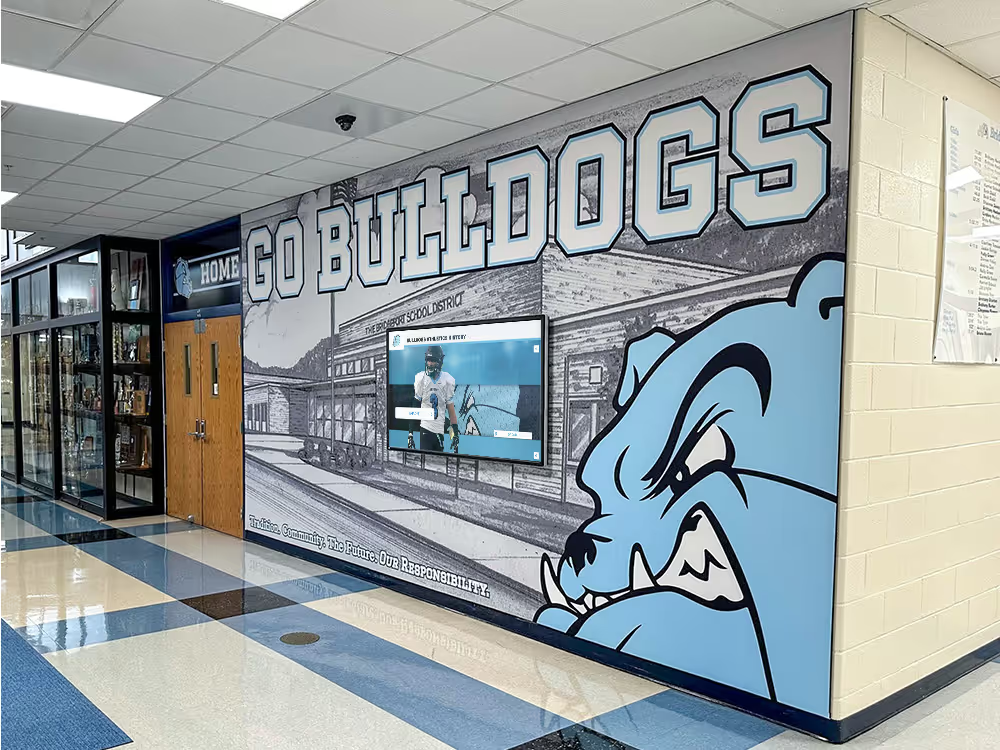
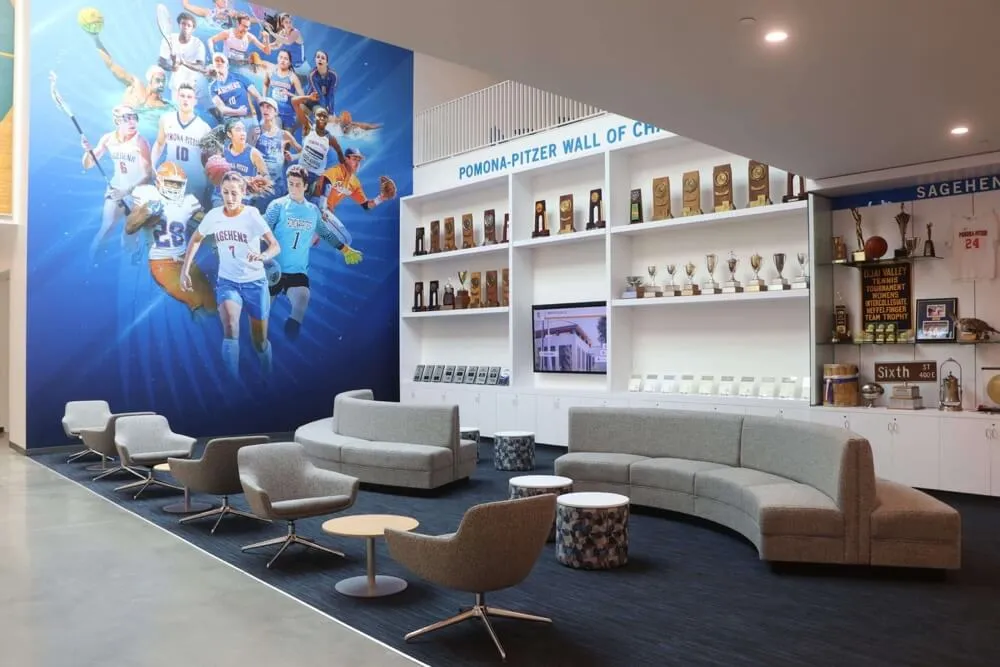
Consistent portrait card archives organized by class year give athletic programs a searchable record for decades of senior recognition
Naming Conventions That Scale
Set a naming convention before your first senior class goes through the workflow and enforce it consistently. File names like johnson-marcus-22-bball-headshot.jpg remain interpretable to a staff member who joins your program in 2035 and has no context for the athlete or the season.
For athletic departments thinking through how to structure a broader recognition infrastructure—not just basketball seniors—hall of fame tools for athletics and institutional recognition covers the system-level considerations worth addressing before standing up any new display.
Displaying Senior Class Archives in Athletic Facilities
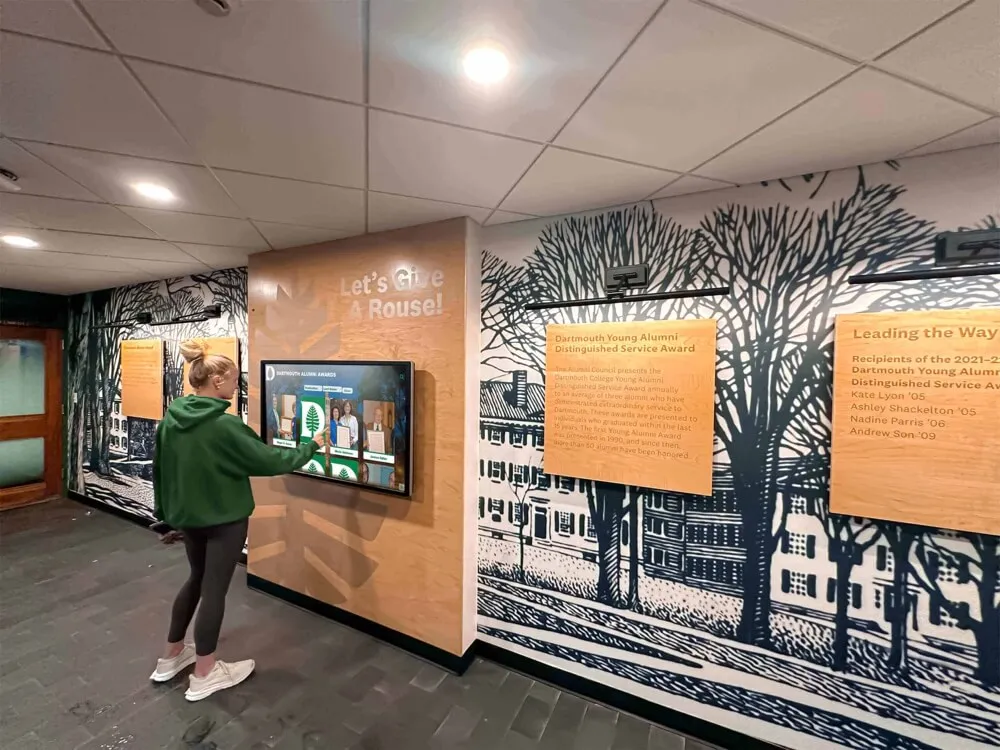
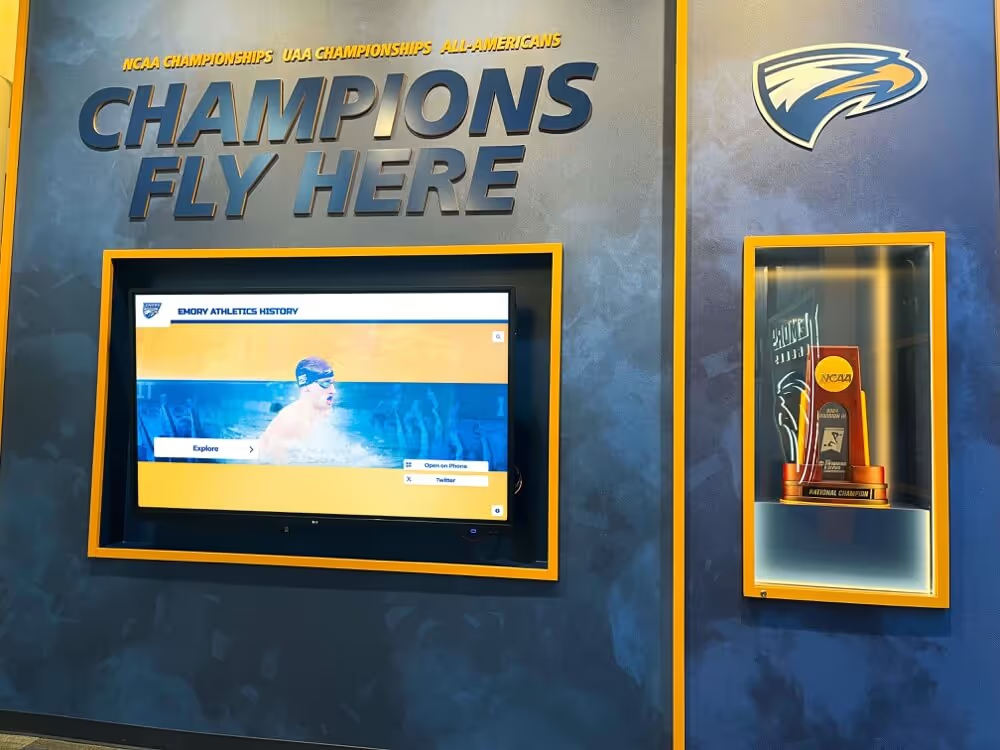
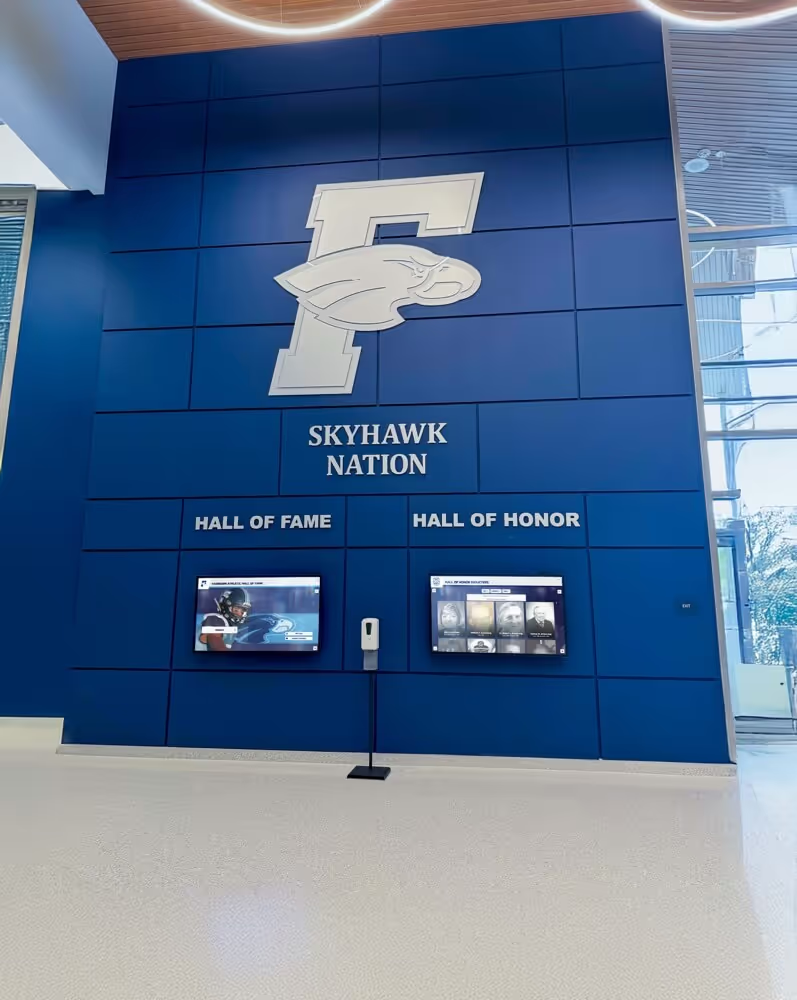
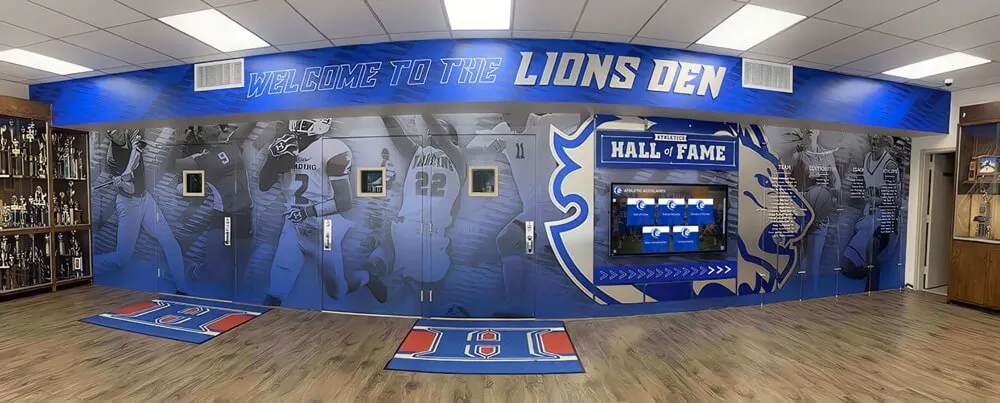
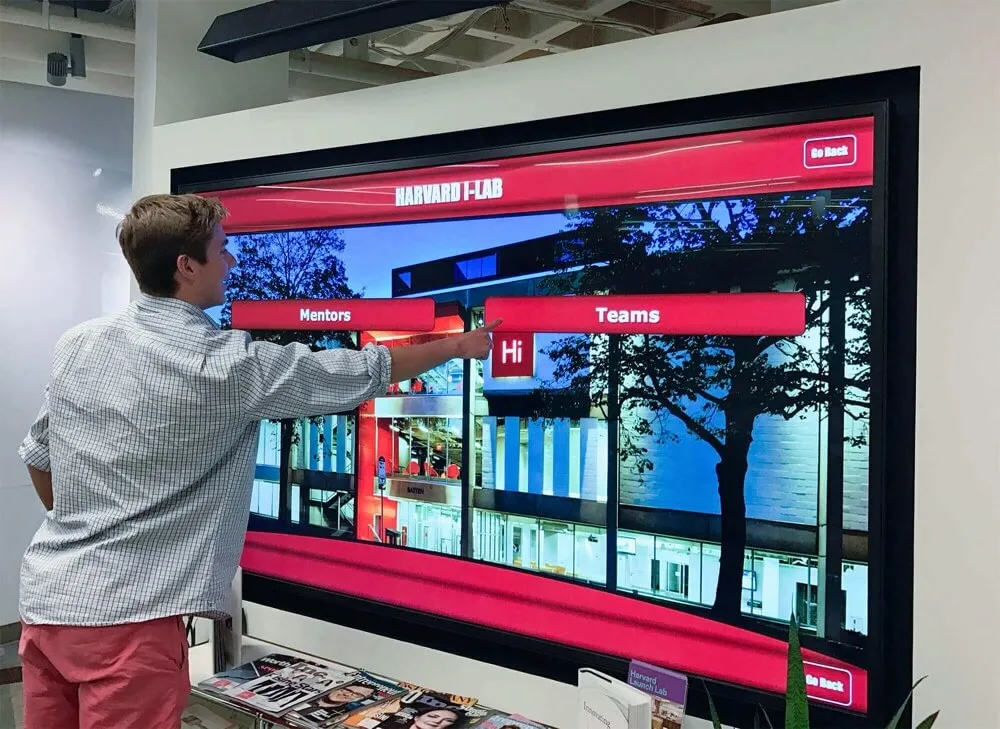
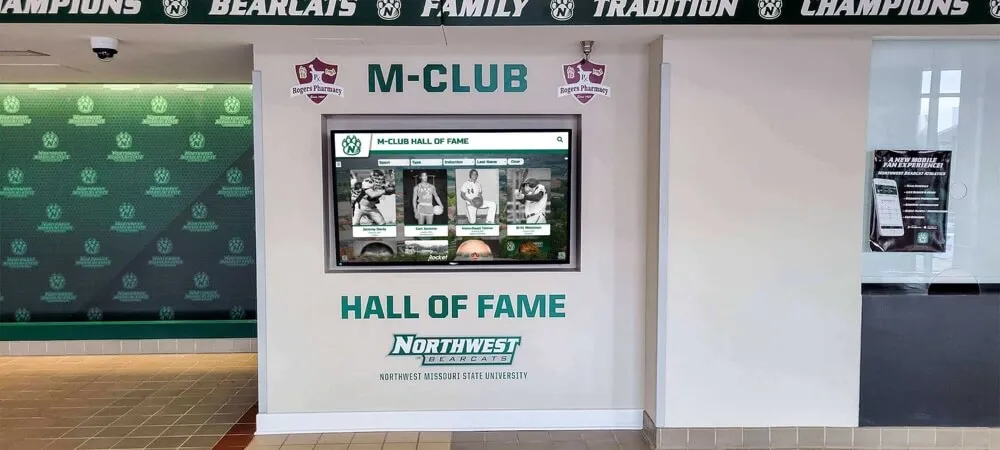
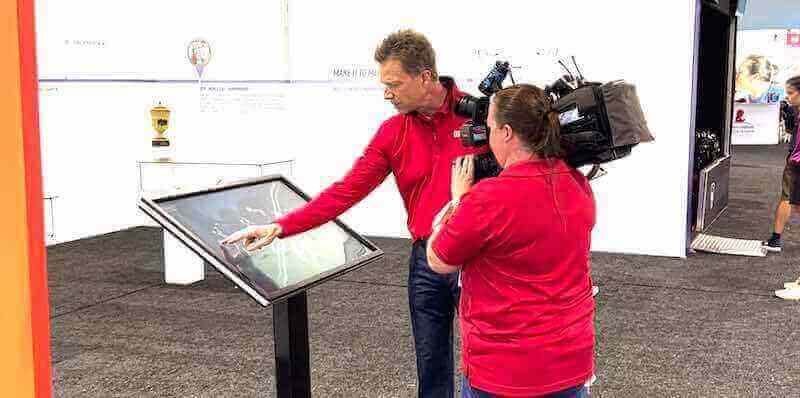
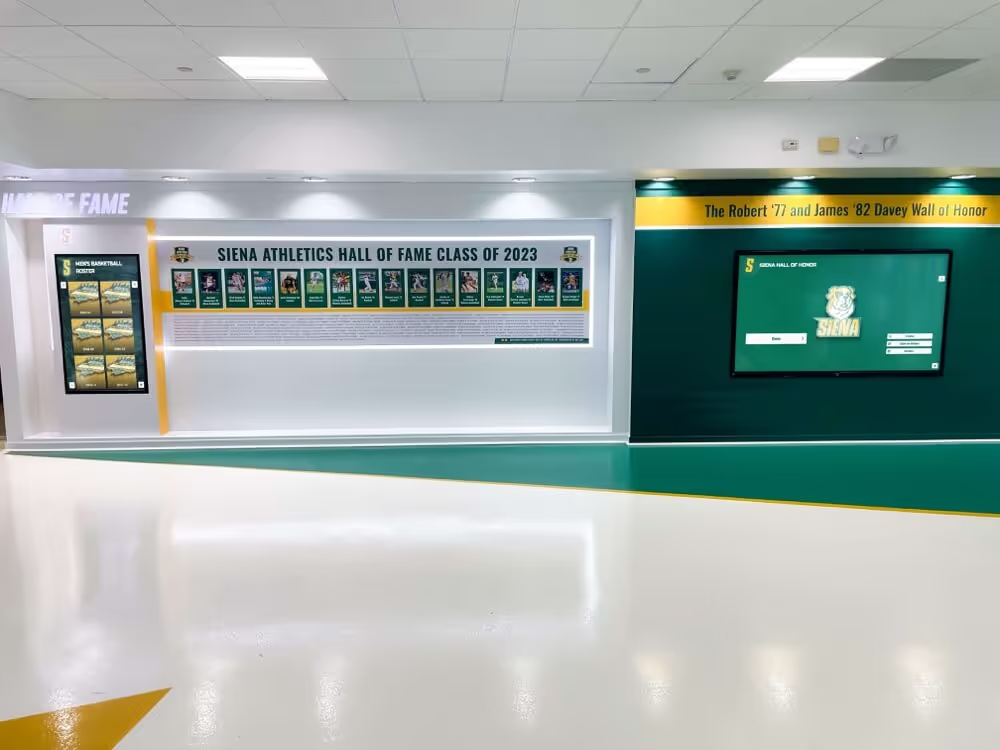
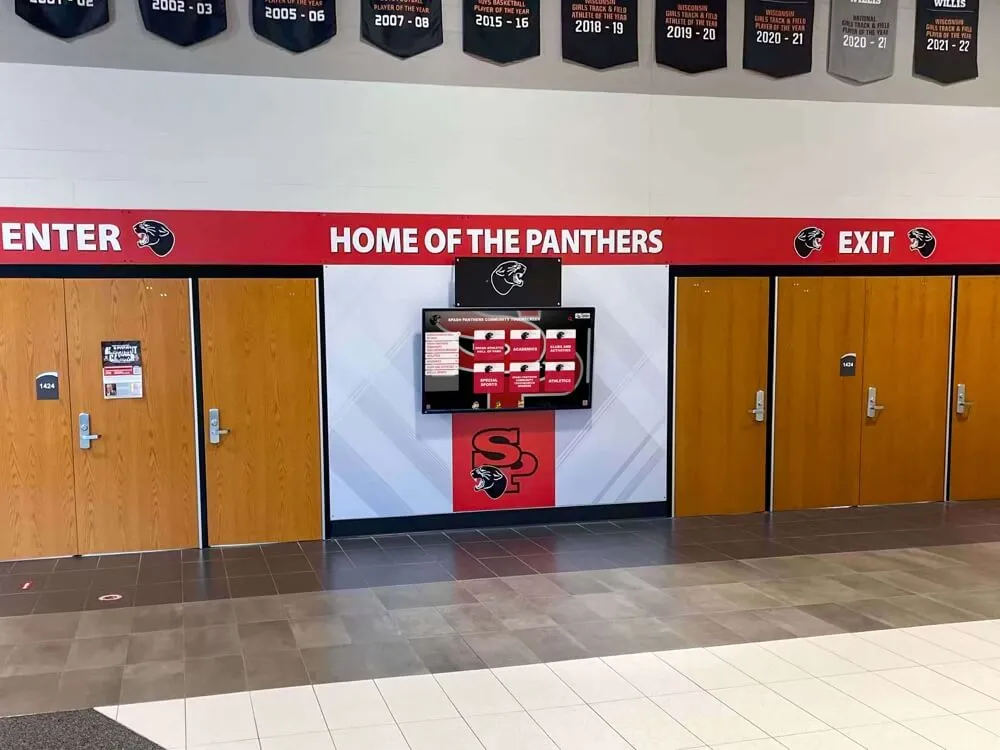
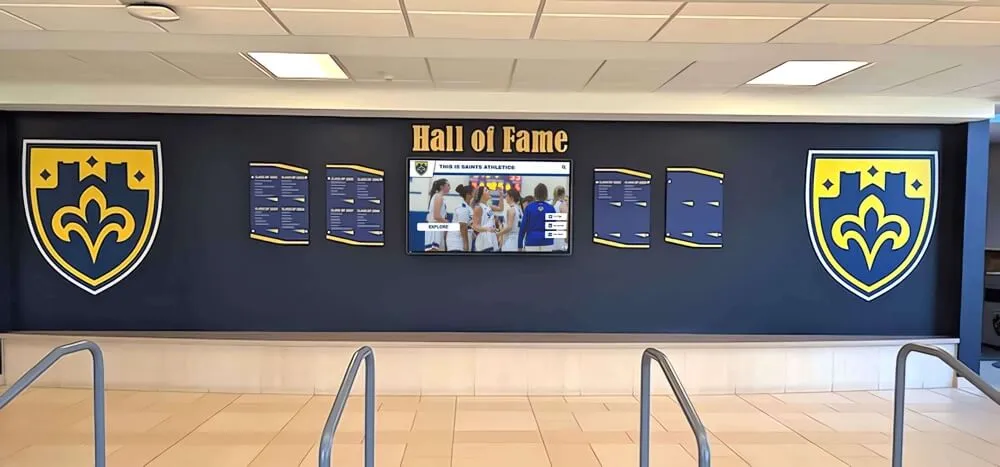
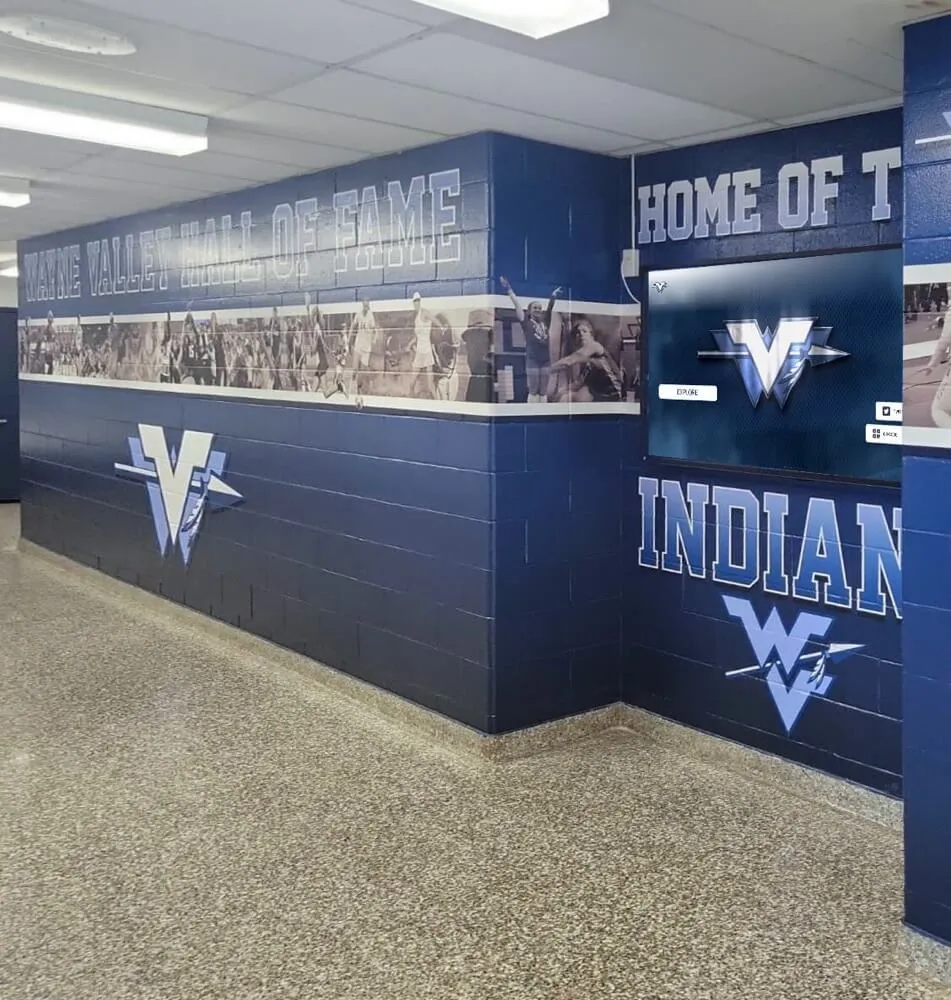
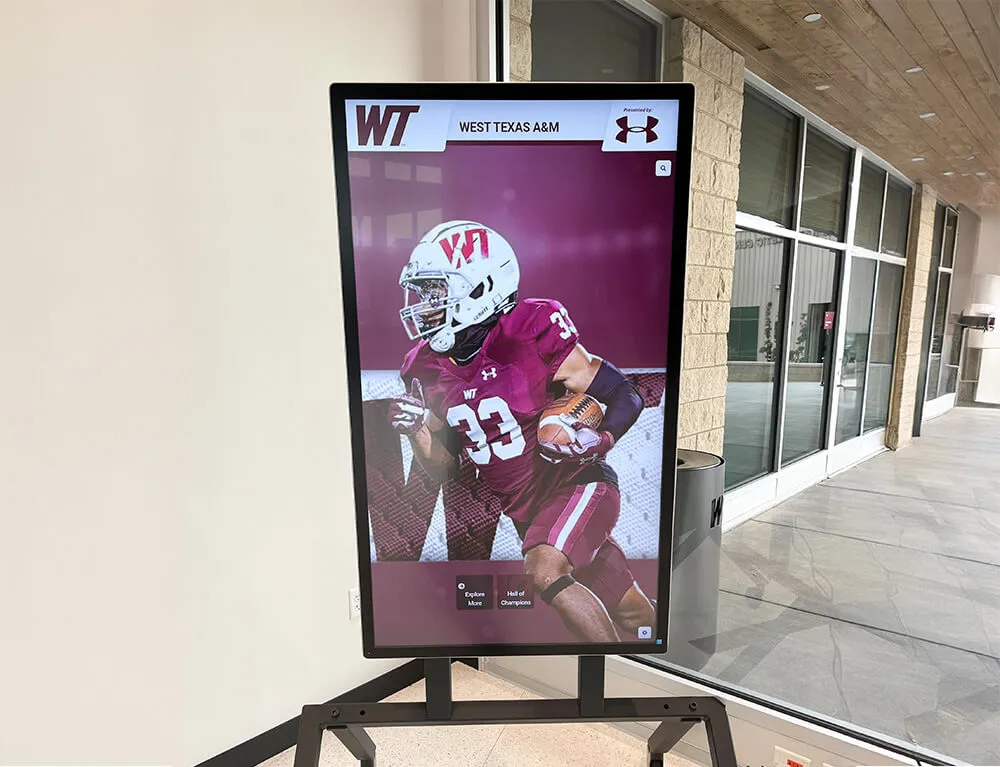
Once senior banner data is migrated into a digital platform, it can be displayed in ways that physical banners cannot support: searchable touchscreen kiosks, rotating hallway screens, and web-accessible profiles that alumni can access from anywhere.
Touchscreen Kiosk Displays
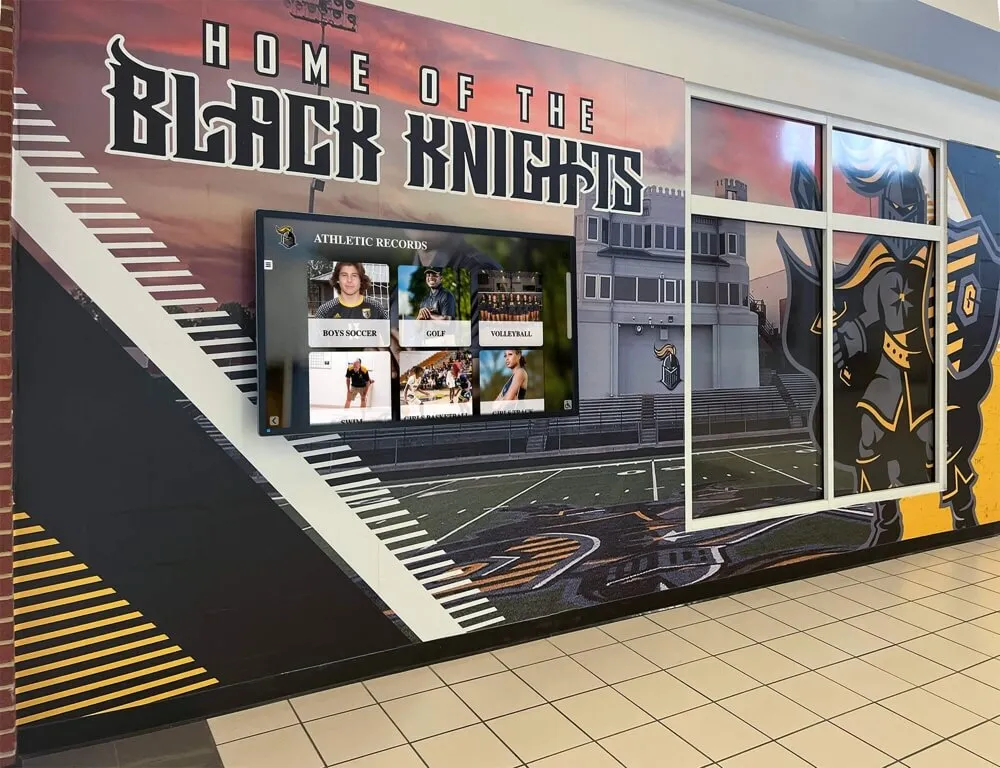
Interactive kiosks in athletic hallways or lobbies allow current students, prospective athletes, and visiting families to browse senior class archives by year, position, or statistic. A prospective point guard can search “point guards, 2018–2026” and see every senior from the last eight years in their position. This kind of searchable display is not possible with physical banners but requires only modest data structure discipline to build.
Rotating Lobby Screens
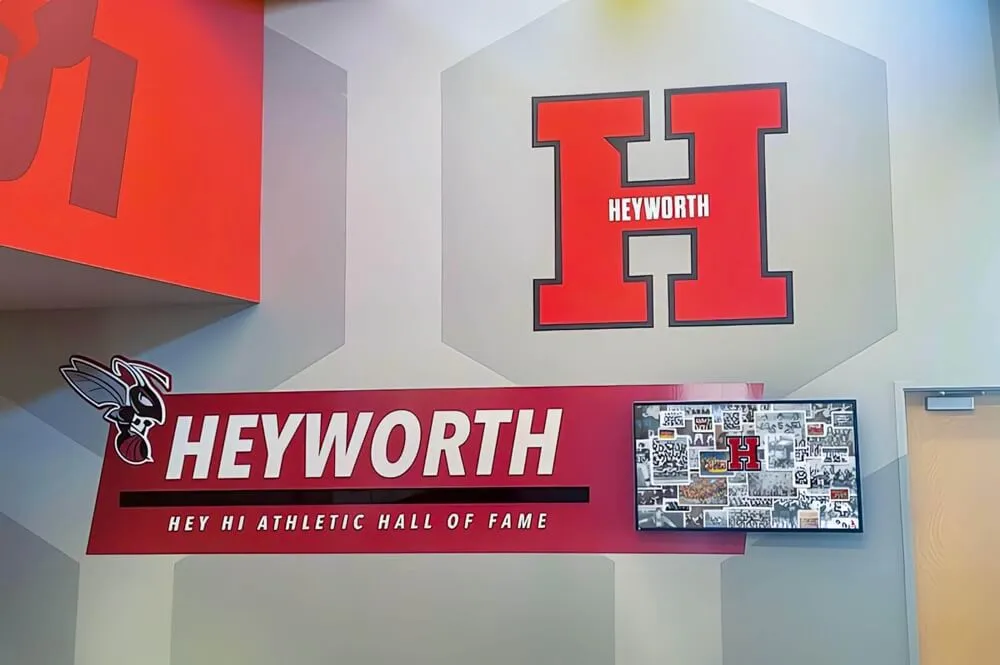
Lobby screens that cycle through senior class portraits—displaying name, number, and career highlight—give everyday visibility to recognition that otherwise lives in a folder. These displays work well in athletic department corridors, gymnasium lobbies, and team rooms where current athletes regularly pass through.
Web-Accessible Alumni Profiles
Digital platforms that publish athlete profiles to a public or password-protected web page allow alumni to find their own records, share them on social media, and return to them at milestone moments—ten-year reunions, hall of fame nominations, or simply when they want to show their own children what they accomplished in school. The basketball senior banner created for a single ceremony night becomes, through this workflow, a permanent online record the athlete can access for life.
For programs exploring recognition infrastructure options beyond display hardware, youth sports awards ideas and structures provides a broader framework for thinking about how senior recognition connects to program-wide awards culture.
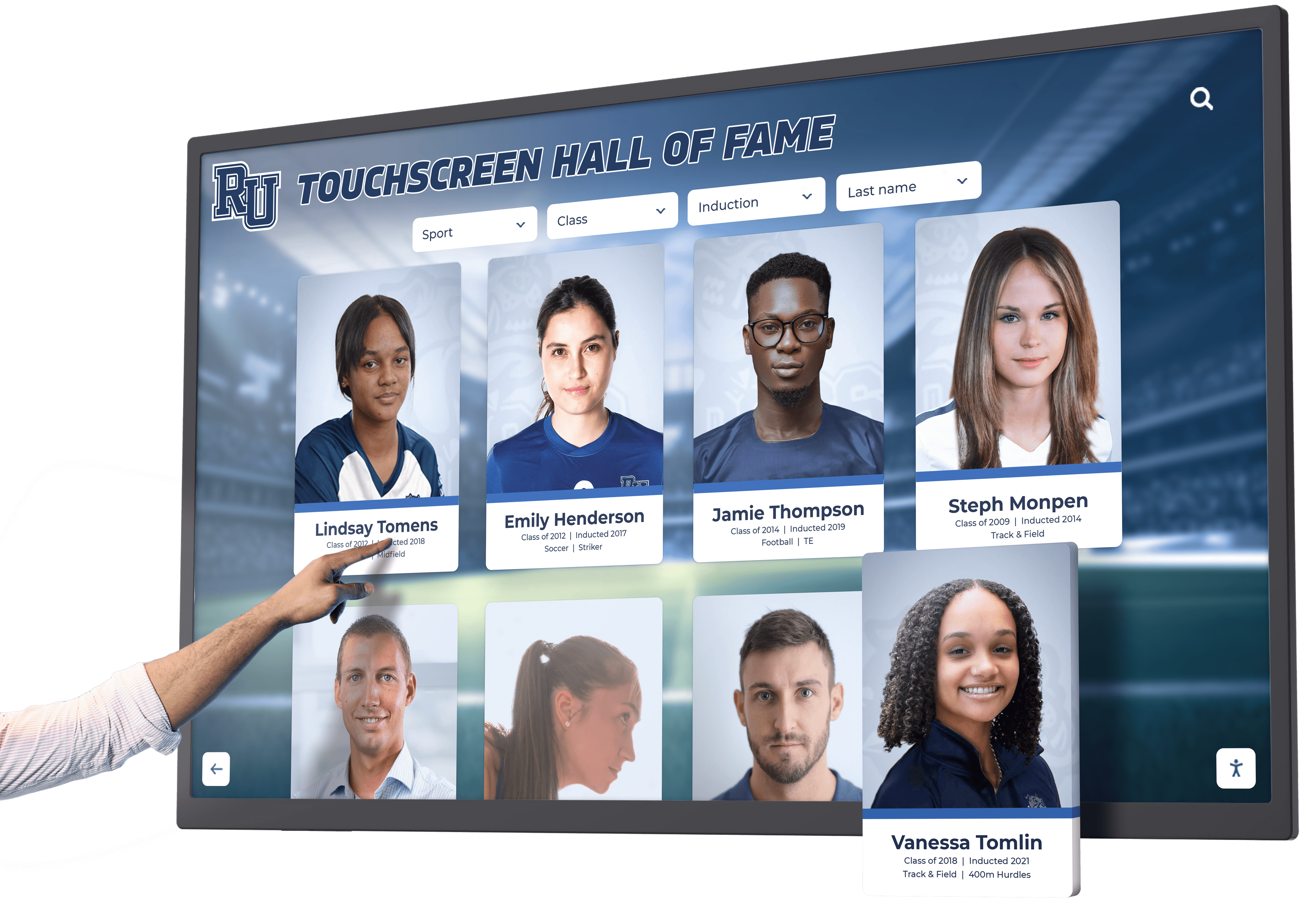
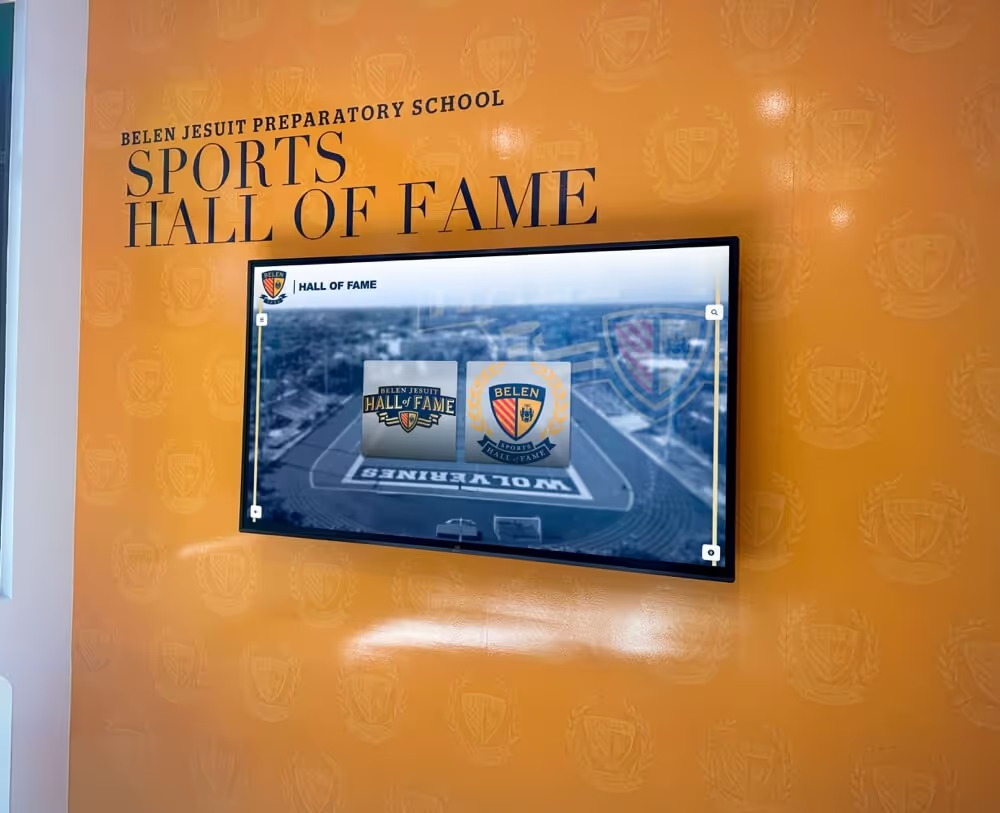
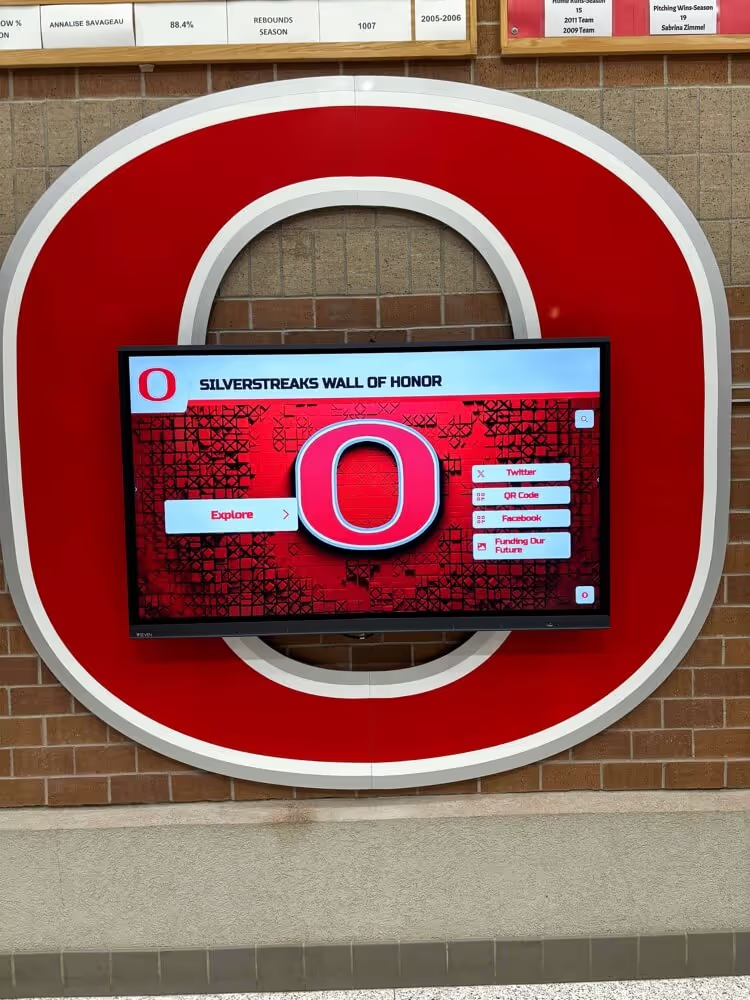
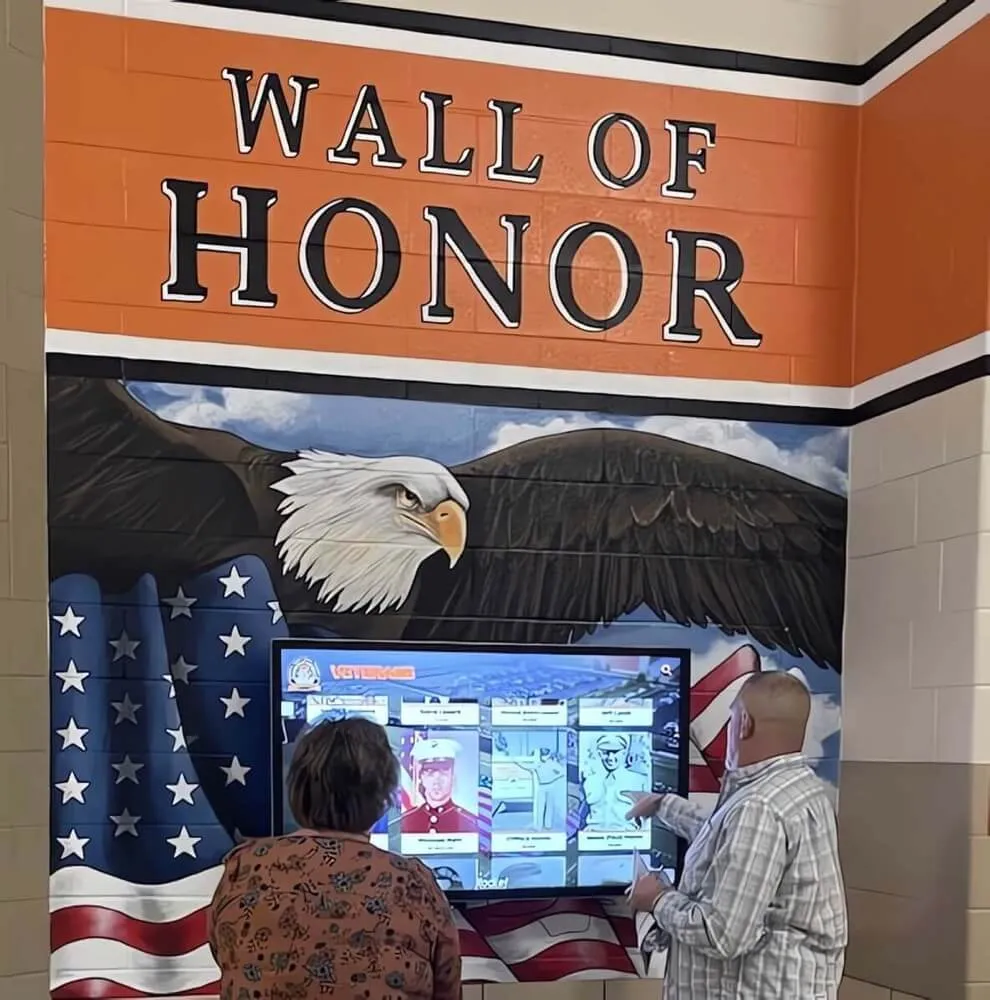
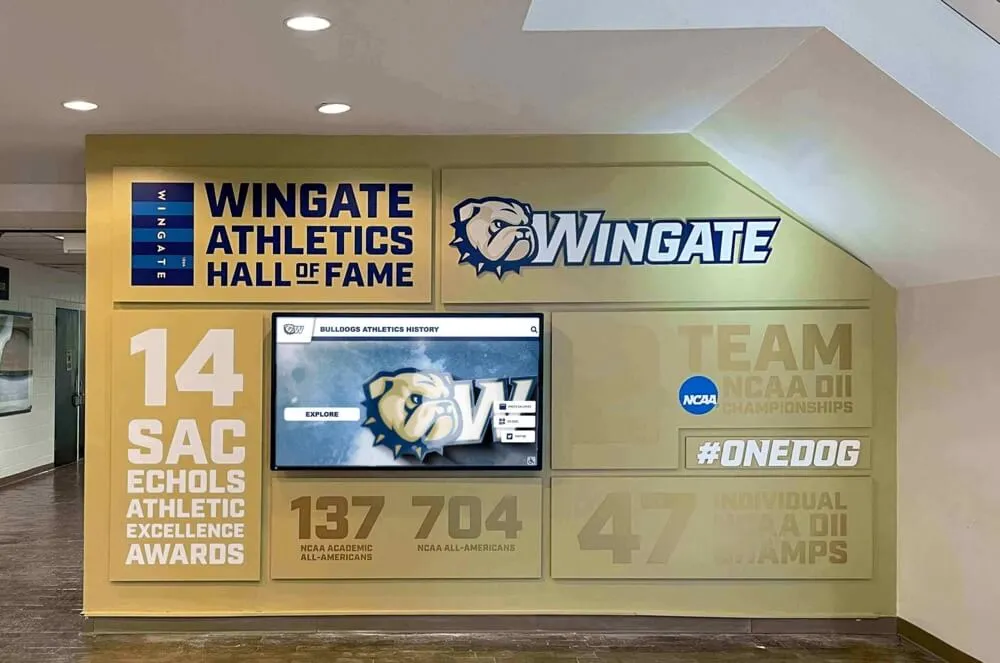
Touchscreen displays turn senior class archives into explorable institutional records rather than static snapshots
Common Mistakes to Avoid
Collecting Photos Too Late Waiting until two weeks before senior night to schedule a photo session almost always produces inconsistent results. Lock in a date at the start of the season and brief the senior class early about what the session involves.
Designing Banners That Don’t Scale Banners with heavy texture backgrounds, decorative fonts below 18-point effective size, or complex layered effects that flatten poorly are difficult to digitize cleanly. Ask your designer to export a clean, flat version alongside the print-ready file.
Losing the Design Files The banner vendor holds your design files on their server until they do a seasonal archive purge. Request all layered source files and original photo exports in writing when you place the order, and confirm receipt before the season ends.
Using Inconsistent Stat Definitions Defining “career points” differently from one year to the next—sometimes including postseason, sometimes not—creates a fragmented archive that cannot be compared across classes. Document your stat definitions in writing and keep them in the same archive folder as the class records.
For a comprehensive look at building hall of fame recognition programs with the kind of consistency that makes long-term archives trustworthy, best hall of fame tools and systems for schools and the recognition frameworks covered at digital record board tools for athletics are both worth reviewing before you finalize your workflow.
Conclusion
A basketball senior banner is most athletic programs’ first real data-collection moment for each senior athlete. The photo is commissioned, the stats are compiled, the personal quote is solicited, and the result is displayed publicly and then handed to the family. That data package—already assembled, already approved by the athlete, already formatted for public display—is the foundation of every hall of fame profile the program will ever need to build for that player.
Treating senior banners as ephemeral ceremony decorations means recreating that data work from scratch every time a program wants to build a hall of fame, launch a digital display, or recognize an alumnus. Treating them as the opening record in a permanent class archive turns a one-season production expense into a long-term institutional asset.
Design your banners to capture the right data. Retain the files and photos. Map the content to a digital profile within the same workflow. The ceremony is better, the archive is richer, and every basketball senior your program has ever honored remains visible and celebrated.
Turn Senior Banner Data Into a Permanent Digital Hall of Fame
Rocket Alumni Solutions helps athletic departments build searchable, permanent digital recognition archives from the data you're already collecting at senior night—no redundant data entry, no lost records.
See How It Works