



Schools, universities, and organizations face a common challenge: how to honor achievements and preserve institutional history when wall space runs out and traditional plaques become outdated the moment they’re installed. Digital walls of fame solve this problem by providing unlimited recognition capacity, easy updates, and rich multimedia storytelling that static displays simply cannot match.
The market for digital wall of fame solutions has matured significantly, with several vendors offering distinct approaches ranging from purpose-built recognition platforms to general digital signage adapted for hall of fame use. Each solution brings different strengths in accessibility, content management, pricing models, and technical capabilities.
This comprehensive guide examines the leading digital wall of fame solutions—Rocket Alumni Solutions, NoviSign, TouchPros, BrightSign, and Intuiface—providing factual comparisons to help you select the platform that best fits your institution’s needs, budget, and technical resources.
Understanding what makes an effective digital wall of fame requires looking beyond hardware specifications to consider content management sustainability, long-term engagement, and how well each solution addresses the real-world needs of schools and organizations trying to celebrate achievement at scale.

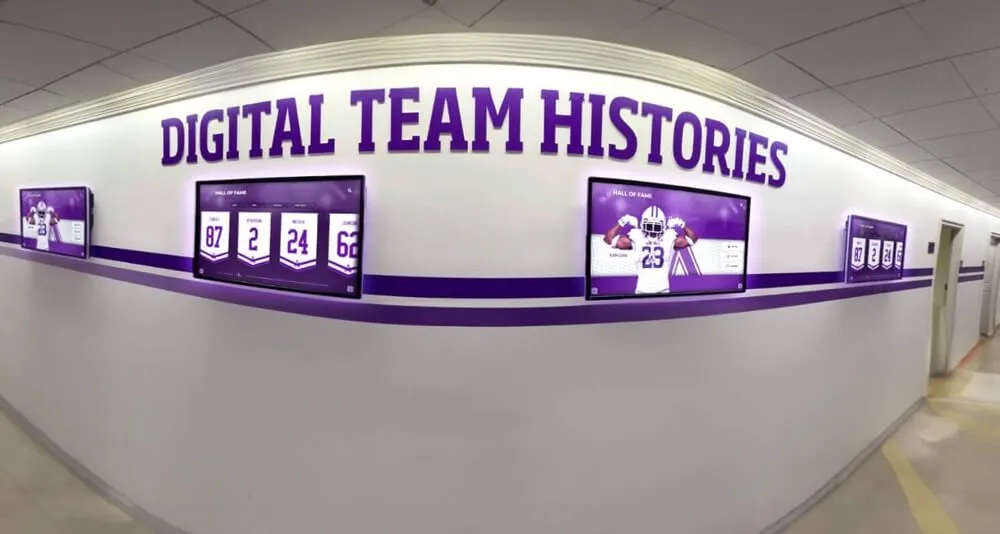
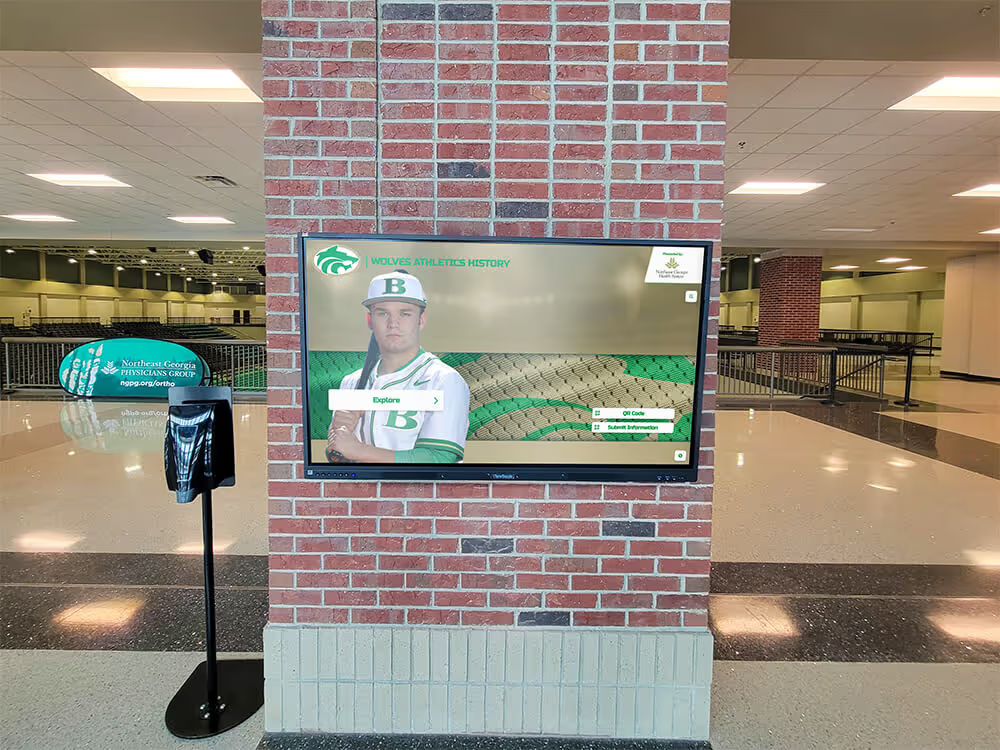
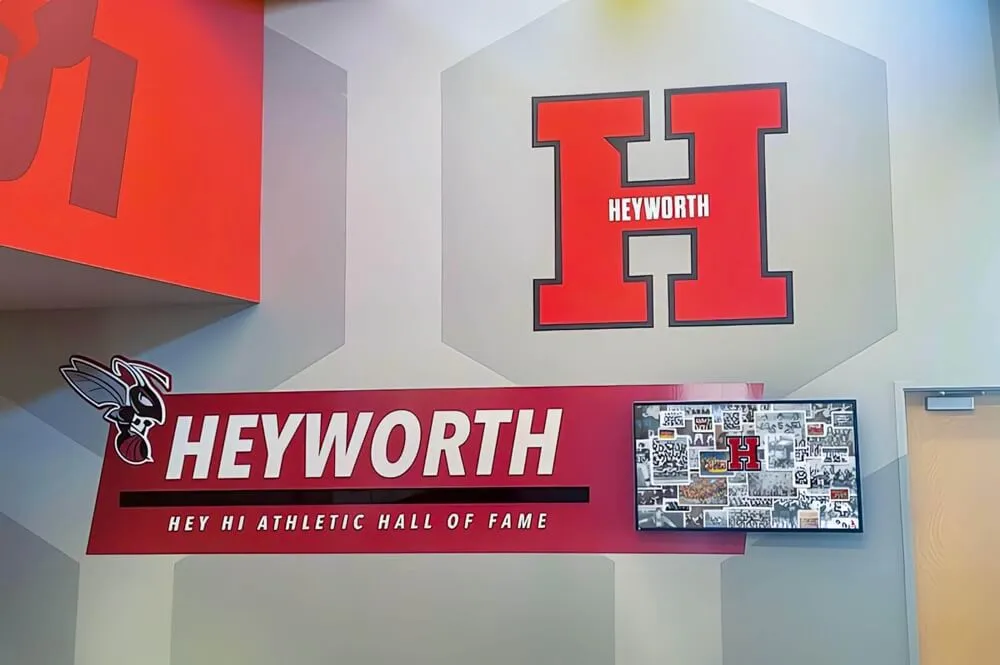
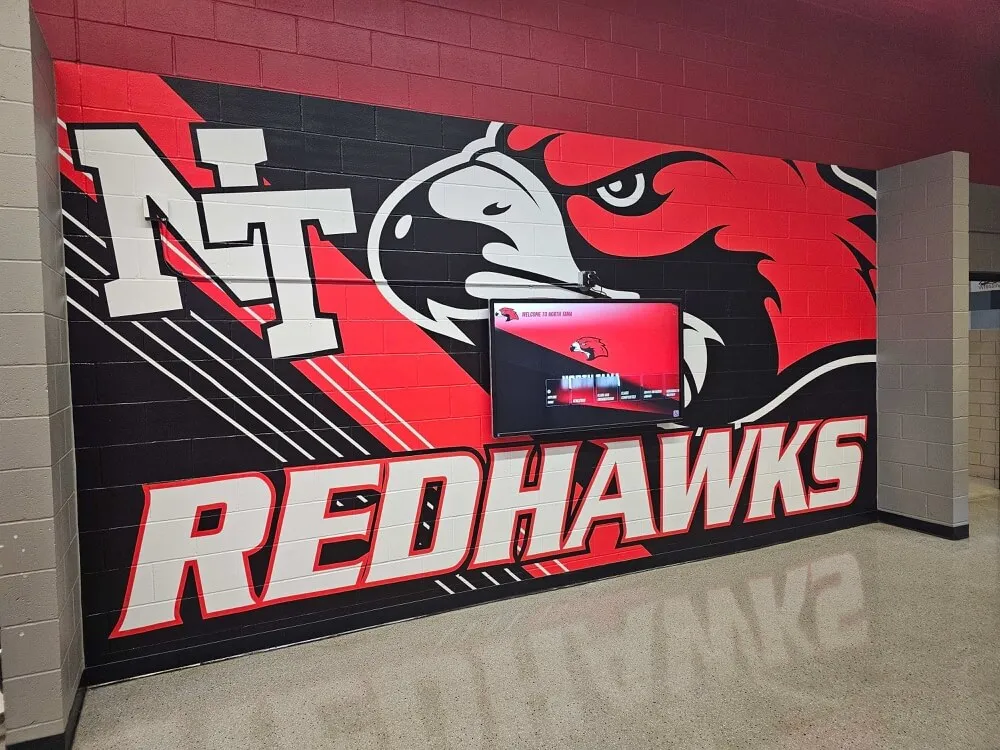
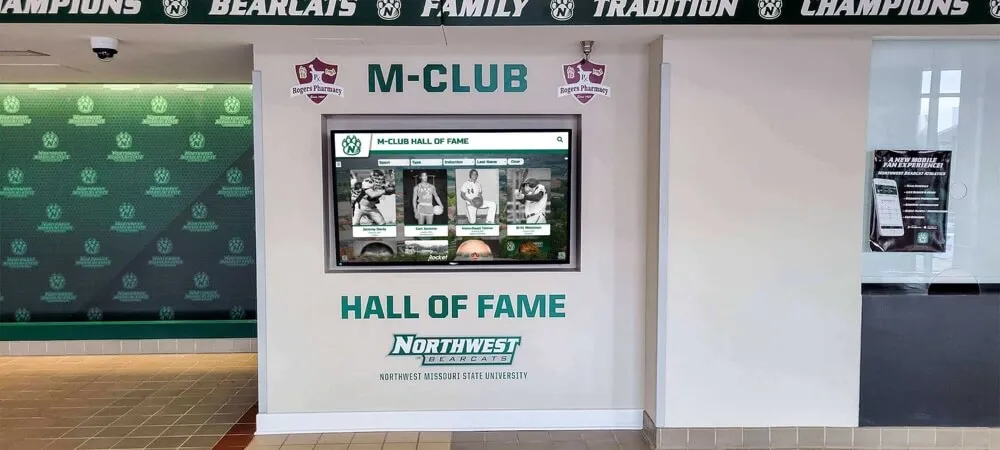
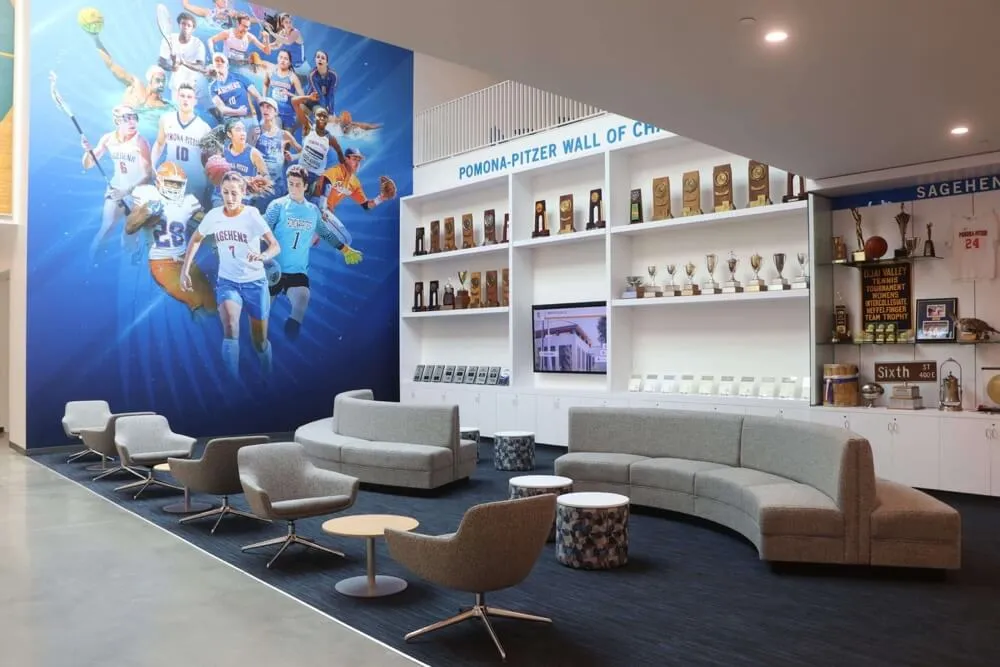
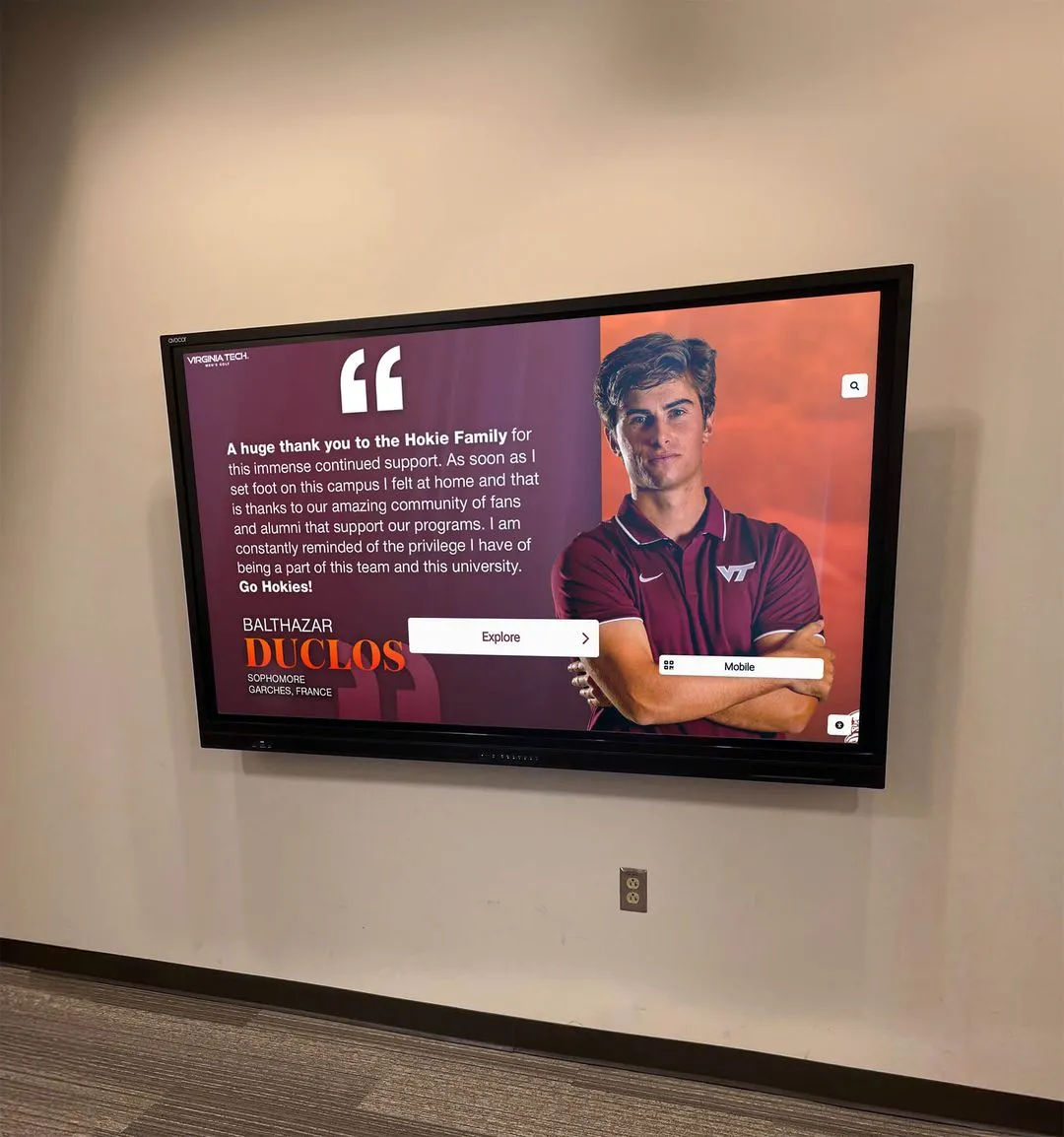
Modern digital recognition displays combine professional hardware with user-friendly content management systems
Why Digital Walls of Fame Have Become Essential
Traditional recognition displays using physical plaques and trophy cases served institutions well for decades, but they come with significant limitations that digital solutions address directly.
The Limitations of Traditional Recognition
Physical recognition systems create predictable problems as institutions grow:
Space Constraints and Scalability Issues
- Wall space fills quickly, forcing institutions to choose whose achievements deserve display
- Adding new inductees requires expensive re-fabrication or removing existing plaques
- Trophy cases become cluttered and difficult to navigate
- Expansion requires additional physical infrastructure and construction
Maintenance and Update Challenges
- Updating information requires professional engraving or new plaque production
- Correcting errors involves complete replacement at significant cost
- Physical materials deteriorate over time requiring restoration
- Dust accumulation and cleaning access create ongoing maintenance needs
Limited Storytelling Capability
- Name, date, and brief description represent the maximum information possible
- No ability to include photos, videos, or detailed narratives
- Context and achievements beyond basics cannot be conveyed
- Historical connections and relationships remain invisible
Learn more about how digital displays preserve institutional history more comprehensively than traditional methods.
The Digital Advantage
Digital wall of fame solutions eliminate these limitations while creating new engagement opportunities:
Unlimited Recognition Capacity
- Single display can showcase thousands of inductees without space constraints
- Historical achievements preserved indefinitely alongside current recognition
- All accomplishments receive equal visibility and prominence
- Easy organization by category, year, achievement type, or custom criteria
Instant Updates and Corrections
- Add new inductees in minutes through cloud-based content management
- Update information instantly when changes occur
- Correct errors immediately without replacement costs
- Schedule content to publish automatically at specific dates and times
Rich Multimedia Storytelling
- Include photos, videos, audio clips, and detailed biographies
- Embed achievement documentation and supporting materials
- Create interactive timelines showing career progression
- Link related inductees and show connections across generations
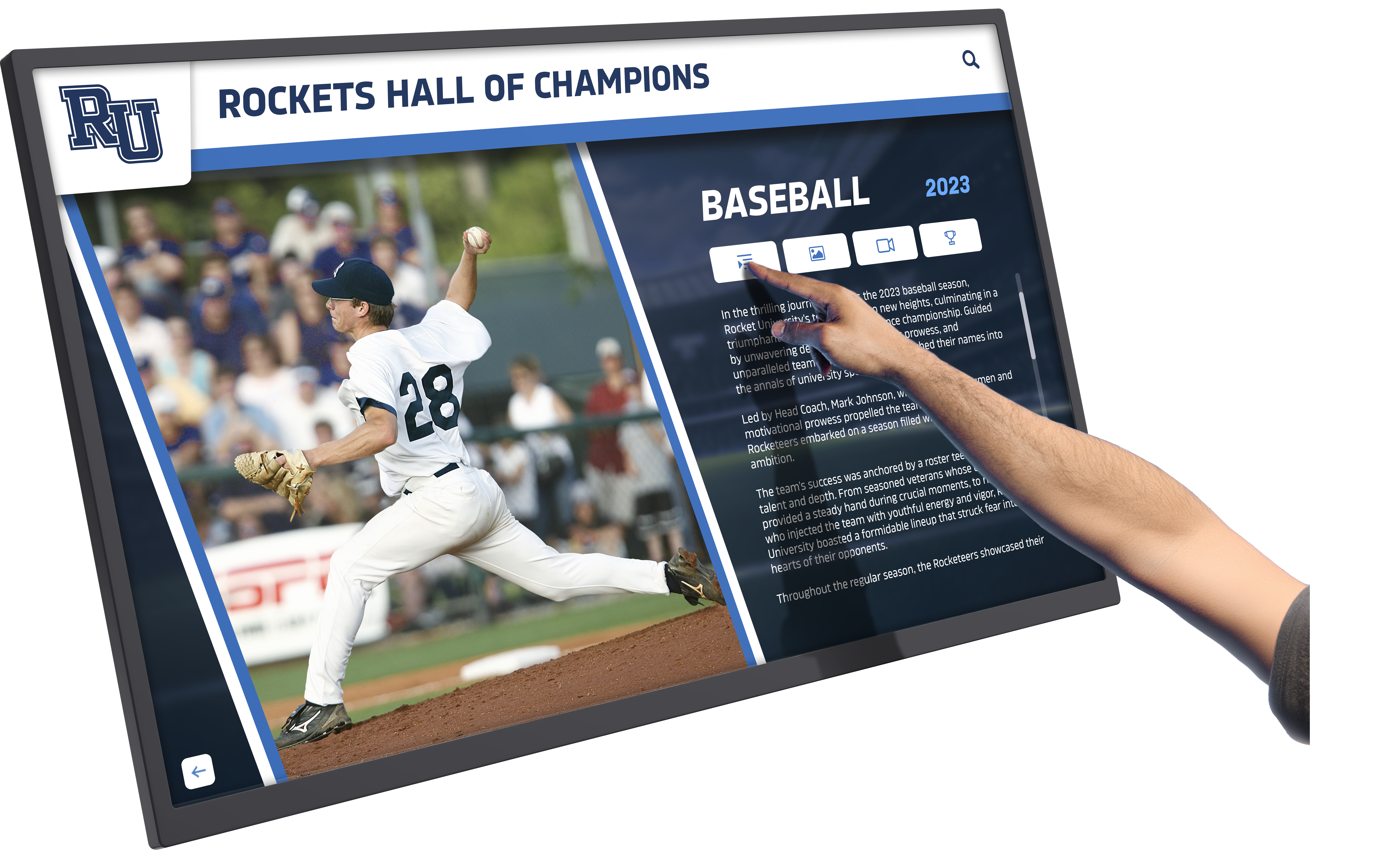
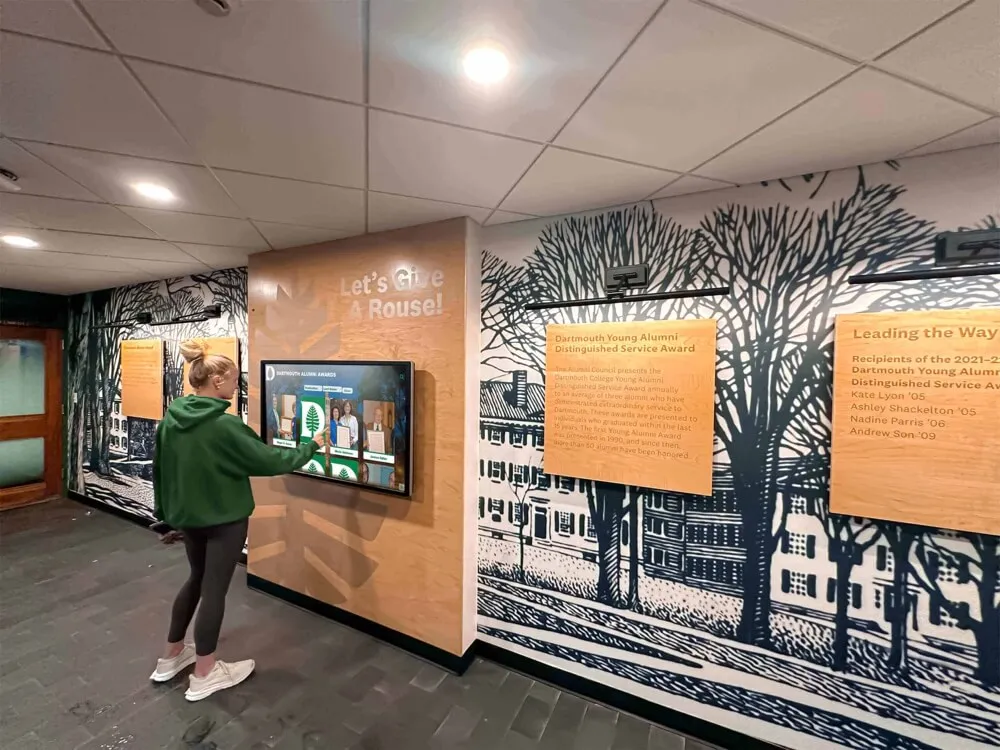
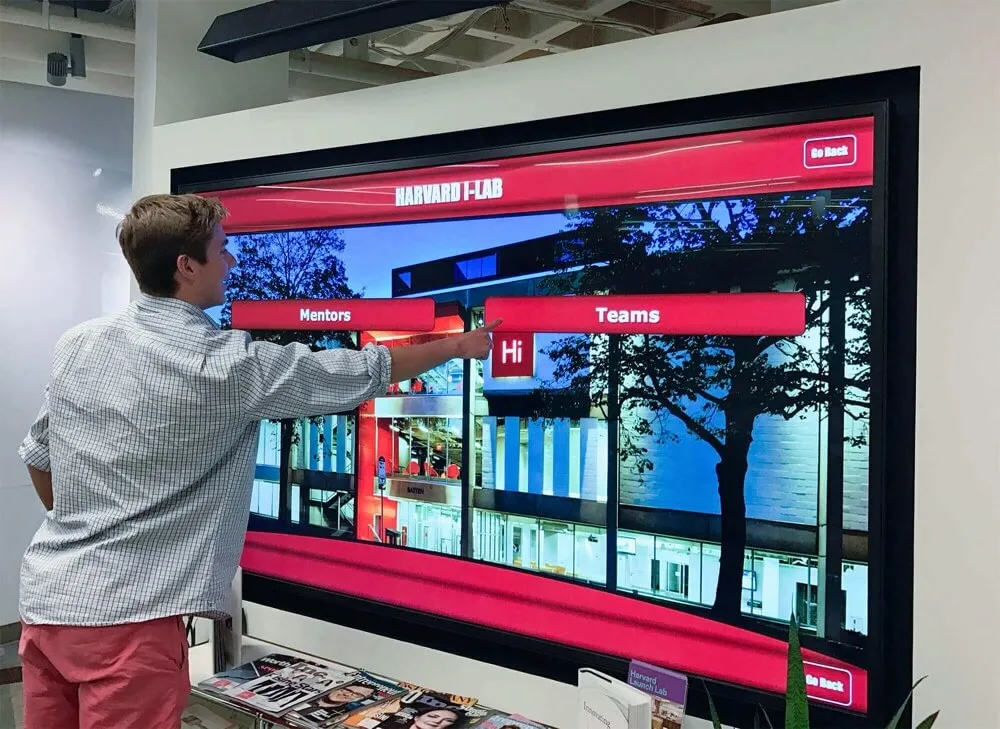
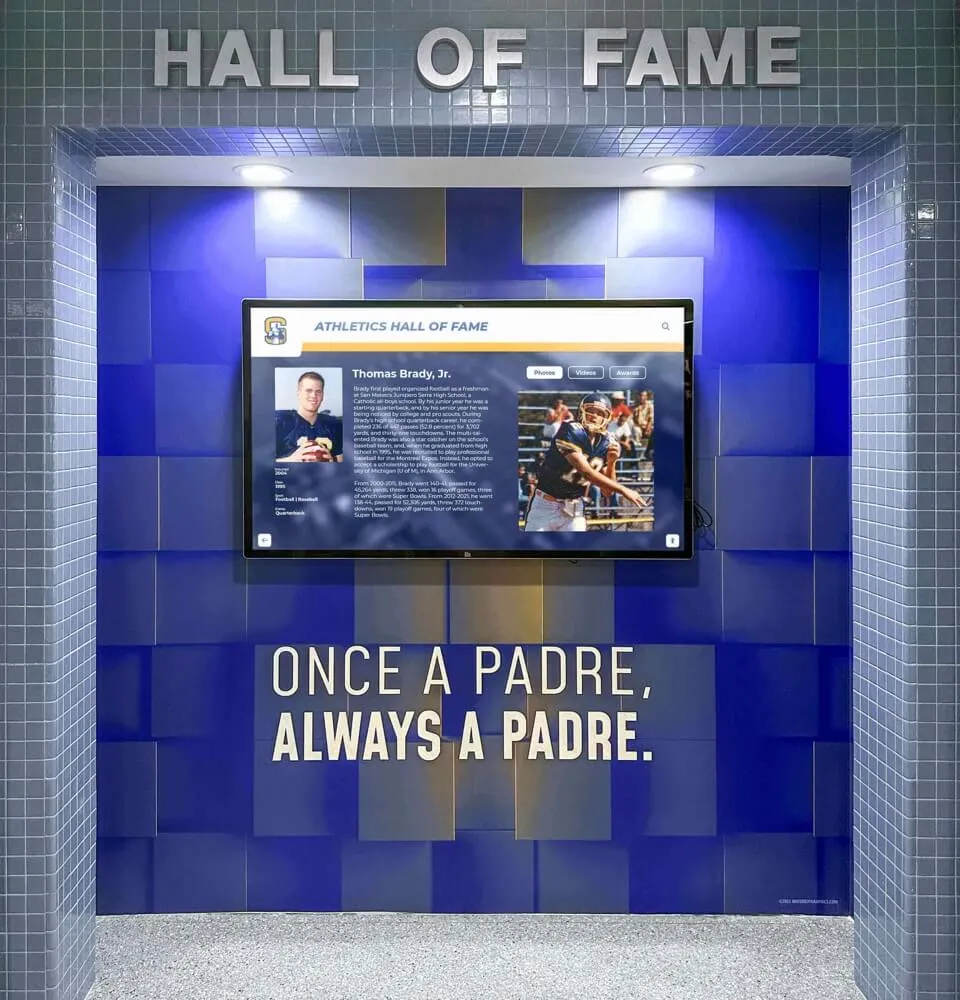
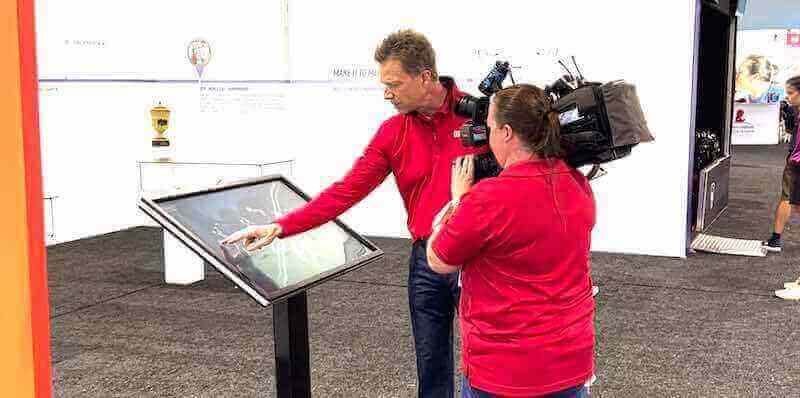
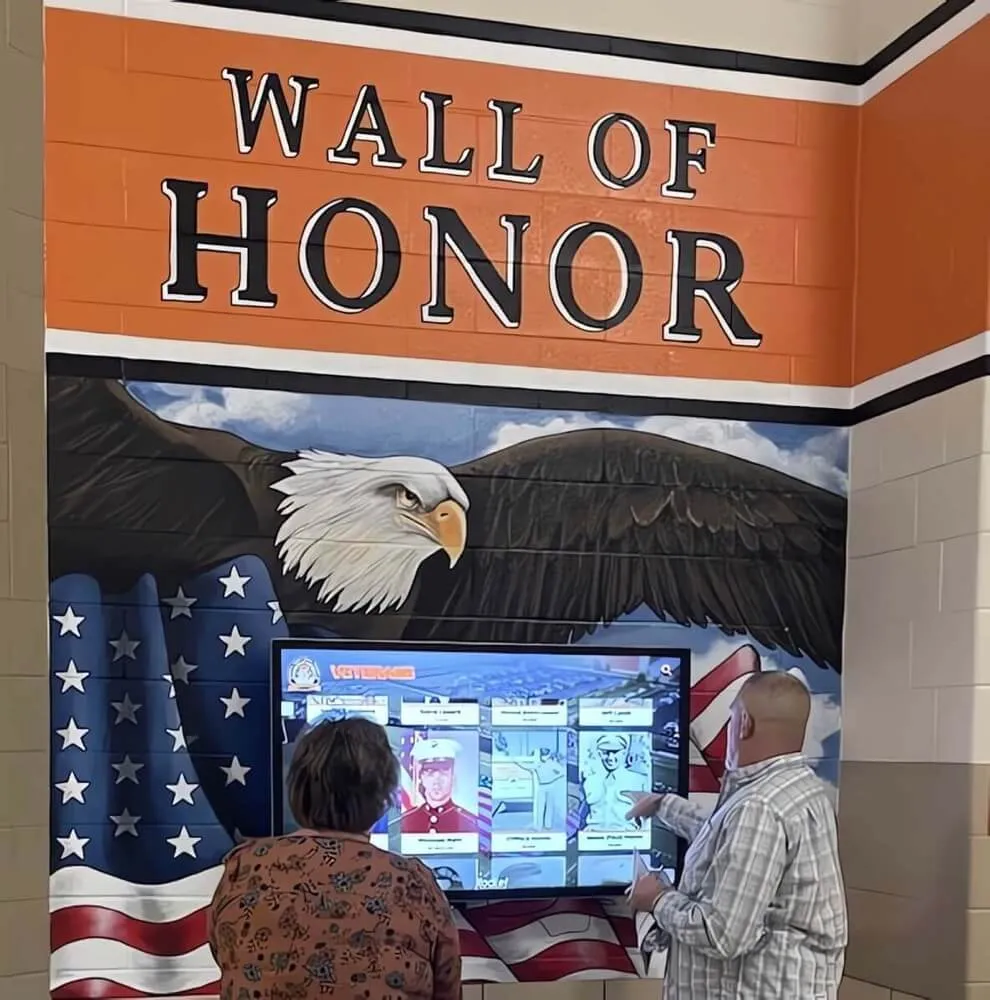
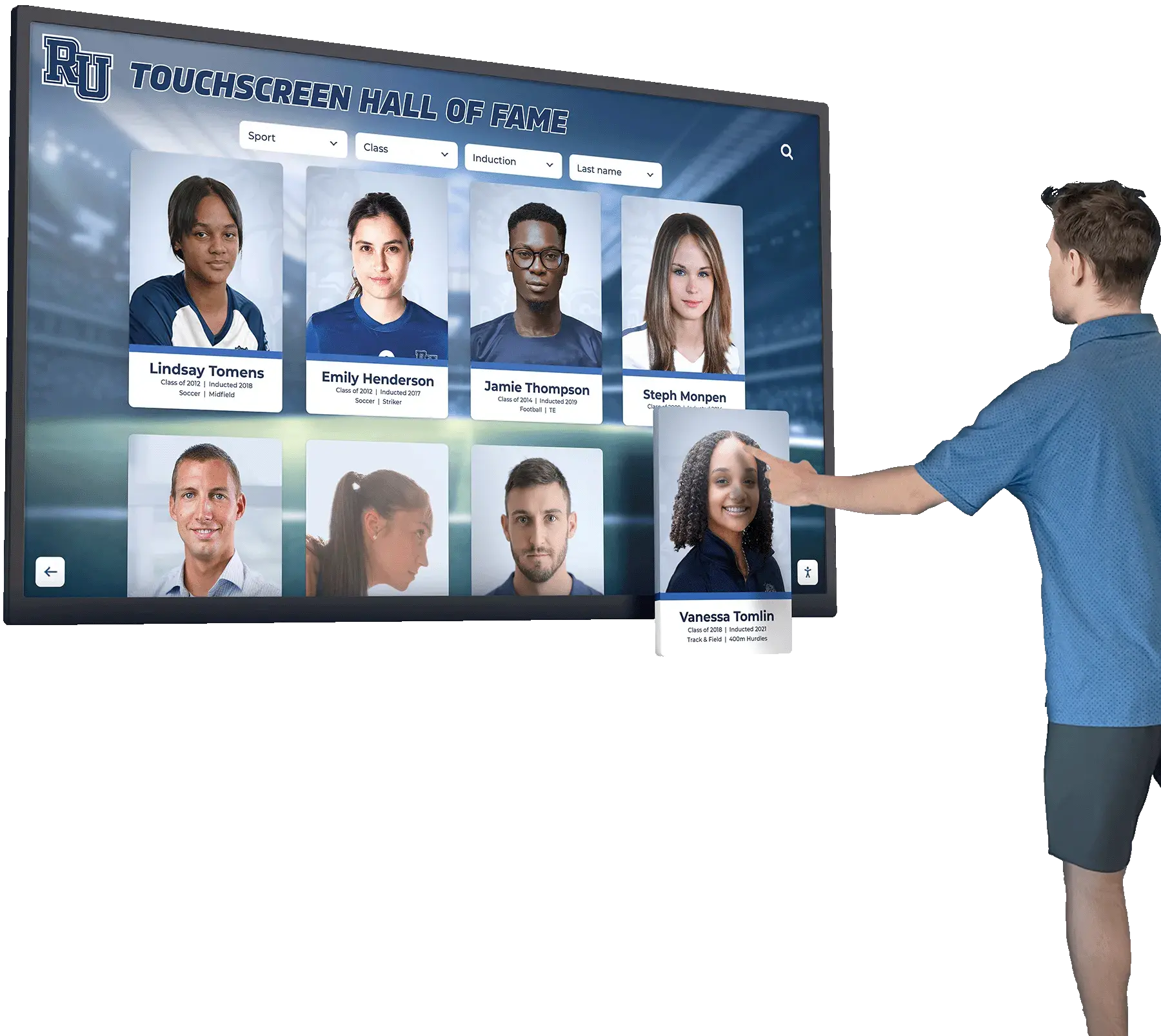
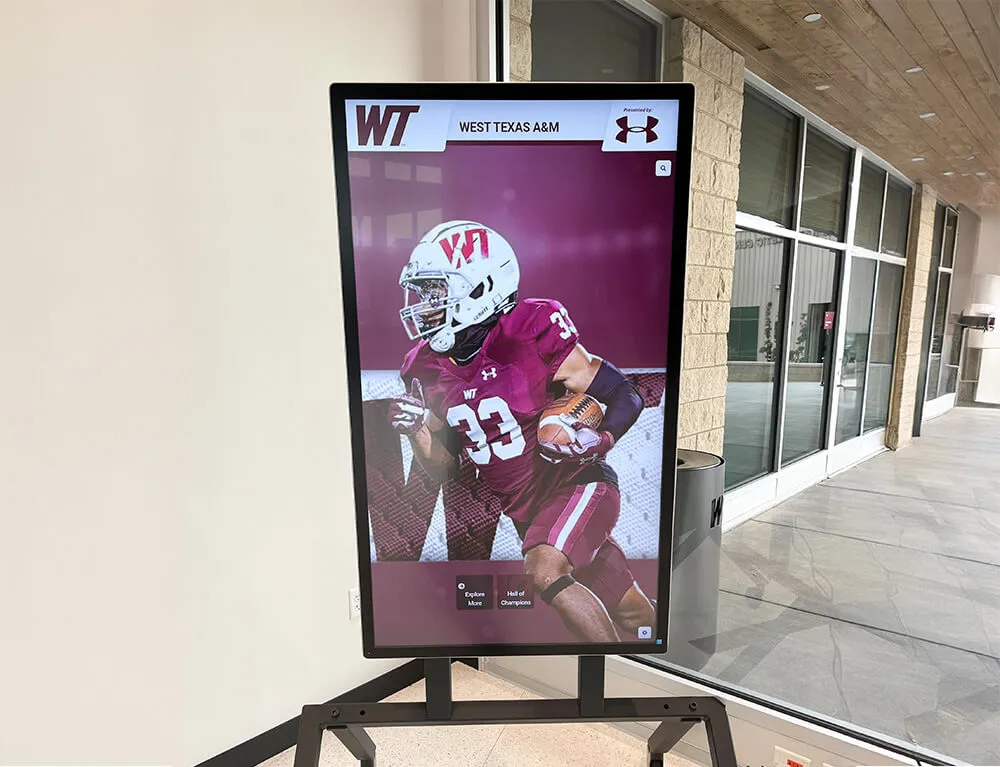
Touchscreen interfaces enable visitors to explore achievements and discover connections between inductees
Enhanced Engagement and Accessibility
- Search functionality helps visitors find specific inductees instantly
- Filter and sort options enable customized exploration
- Web accessibility extends recognition beyond physical location
- Mobile compatibility ensures viewing across all devices
- ADA-compliant options serve visitors with disabilities
Organizations implementing digital recognition report 85% reduction in management time and average visitor engagement increasing from 30-60 seconds with traditional displays to 5-10 minutes with interactive systems.
Understanding Digital Wall of Fame Solution Categories
The digital wall of fame market includes several distinct types of solutions, each with different value propositions and implementation approaches.
Purpose-Built Recognition Platforms
These solutions were designed specifically for creating halls of fame and recognition displays. They offer turnkey systems combining hardware, specialized software, content development assistance, and ongoing support.
Characteristics:
- Pre-configured templates optimized for recognition content
- Content management systems designed for non-technical administrators
- Professional installation and training included
- Dedicated support teams familiar with recognition use cases
- Pricing typically ranges from $10,000-$30,000 for complete installations
Best For:
- Schools and organizations without extensive technical resources
- Institutions prioritizing ease of use and minimal learning curve
- Projects requiring professional content migration from existing displays
- Organizations valuing dedicated support for recognition-specific needs
Examples include Rocket Alumni Solutions and TouchPros, which focus exclusively on recognition and hall of fame applications.
General Digital Signage Platforms
Digital signage companies offer broader content management systems that can be adapted for hall of fame use alongside other applications like announcements, wayfinding, and event promotion.
Characteristics:
- Subscription-based pricing models ($18-$44 per screen monthly)
- Flexible content creation tools for multiple use cases
- Templates and widgets requiring customization
- Self-service implementation with online training resources
- Hardware purchased separately or bundled

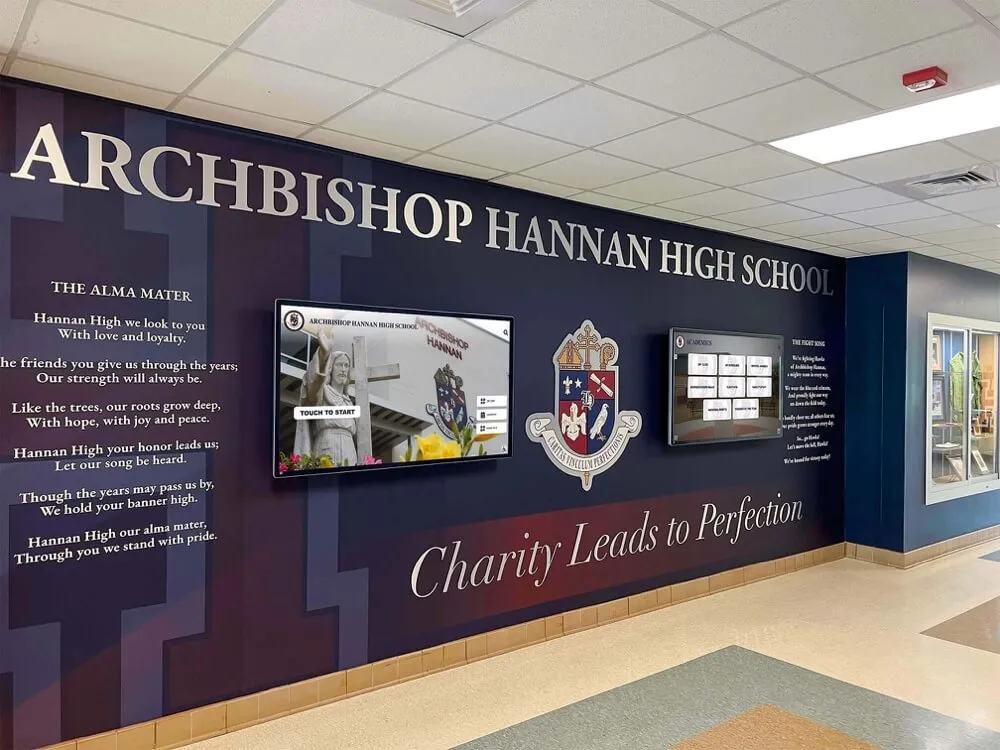
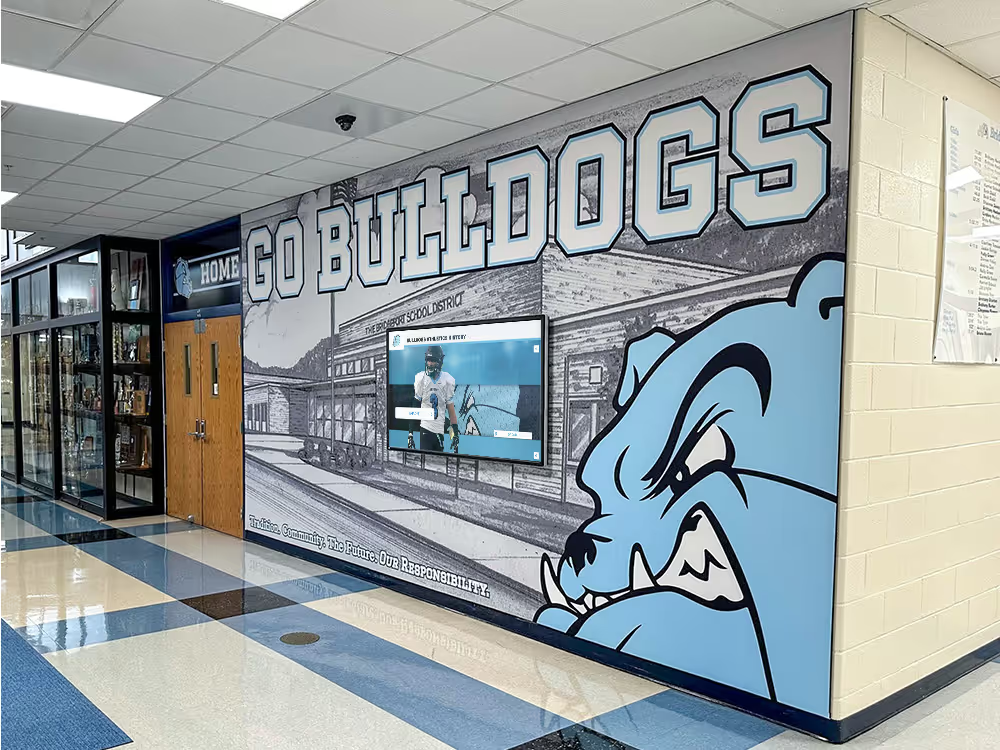
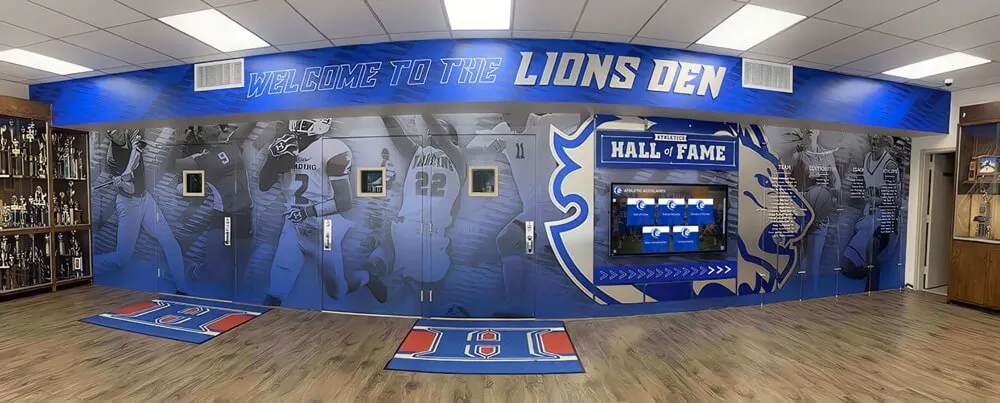
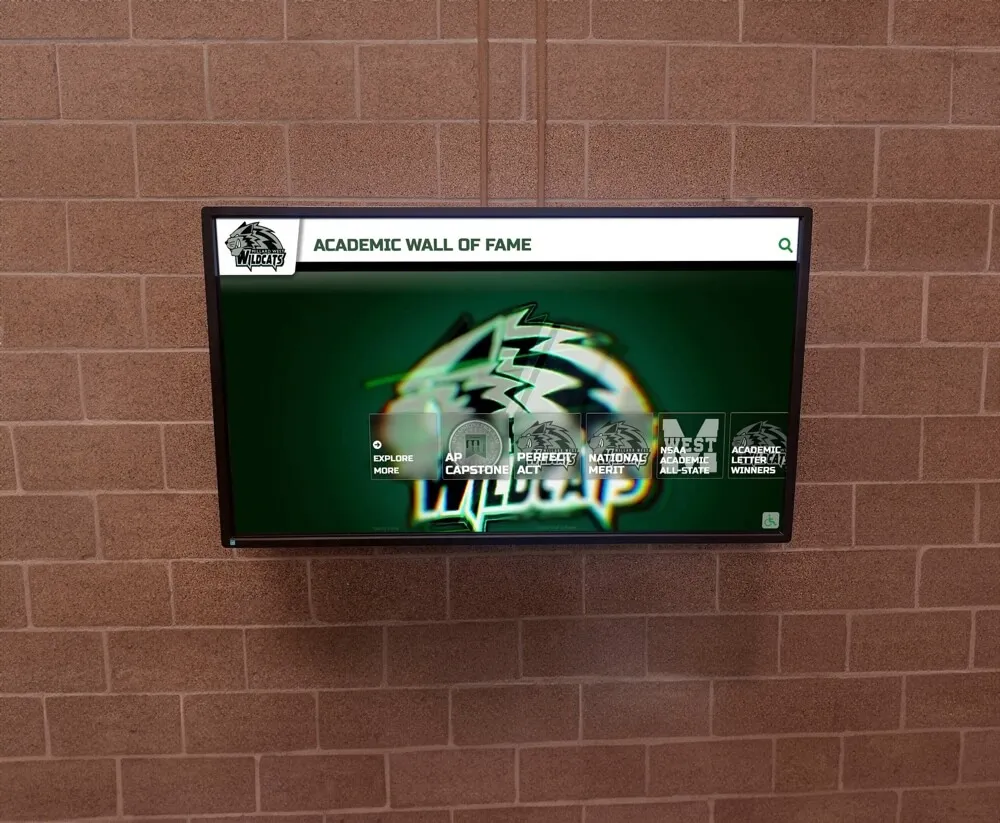
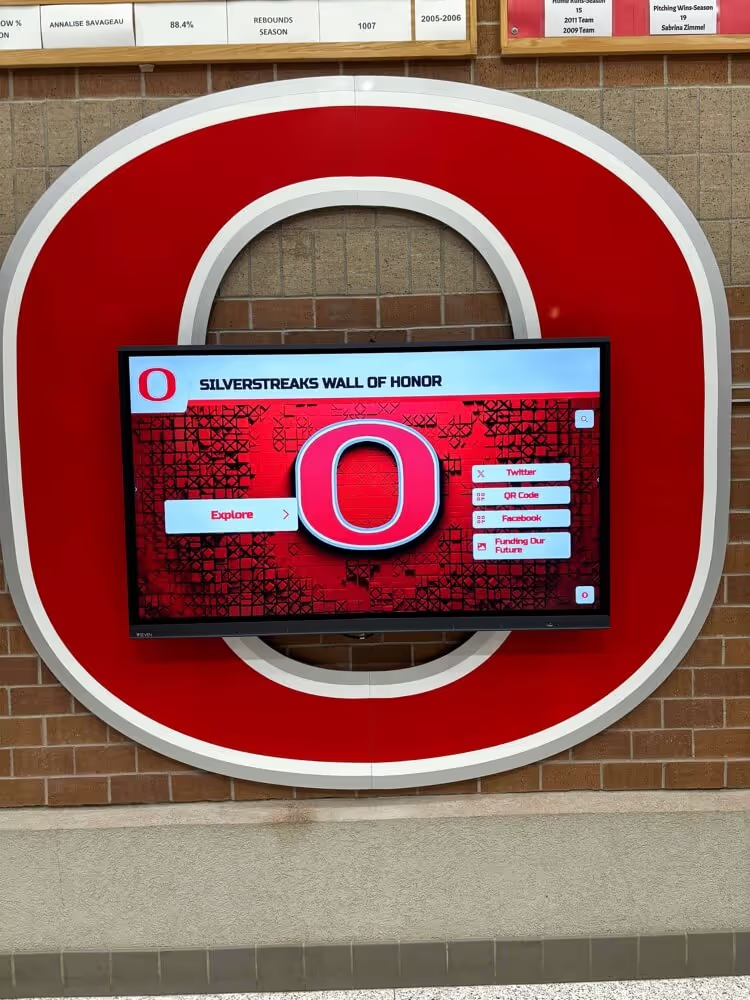
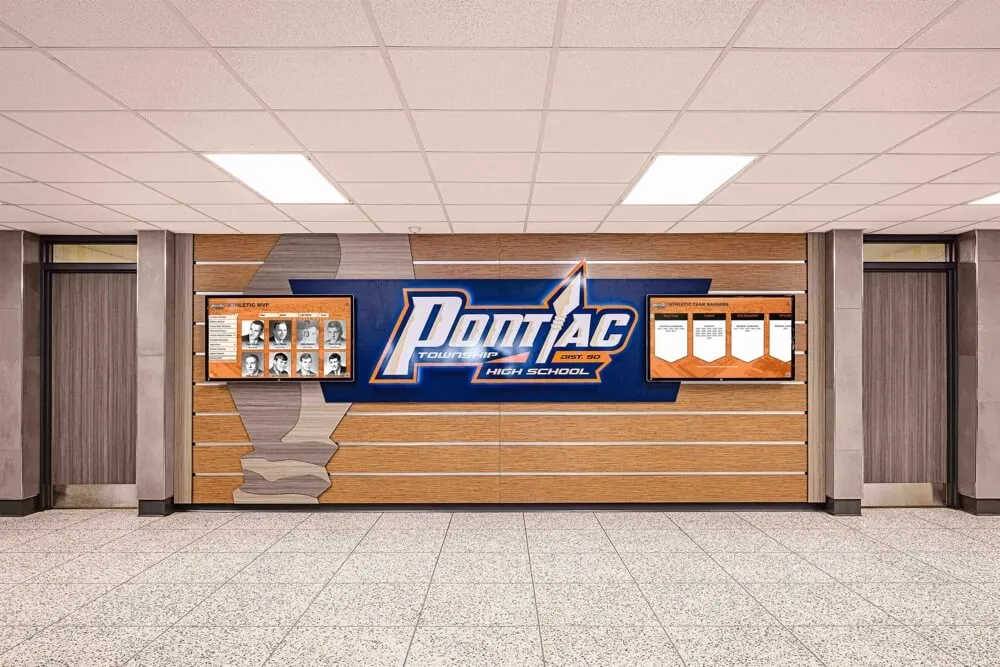
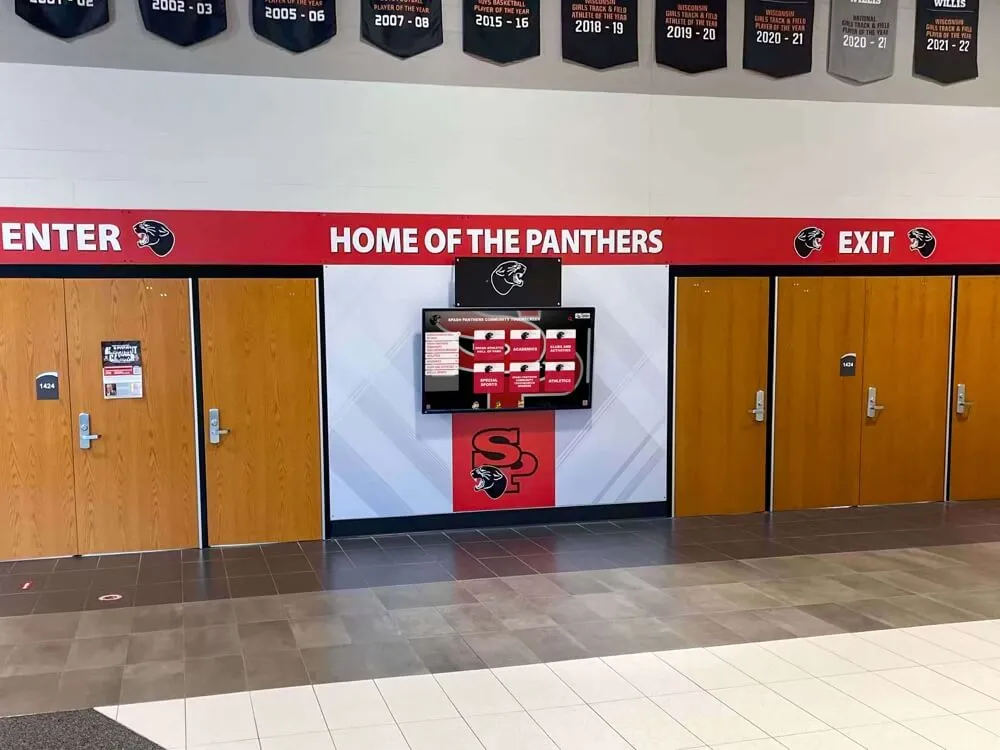
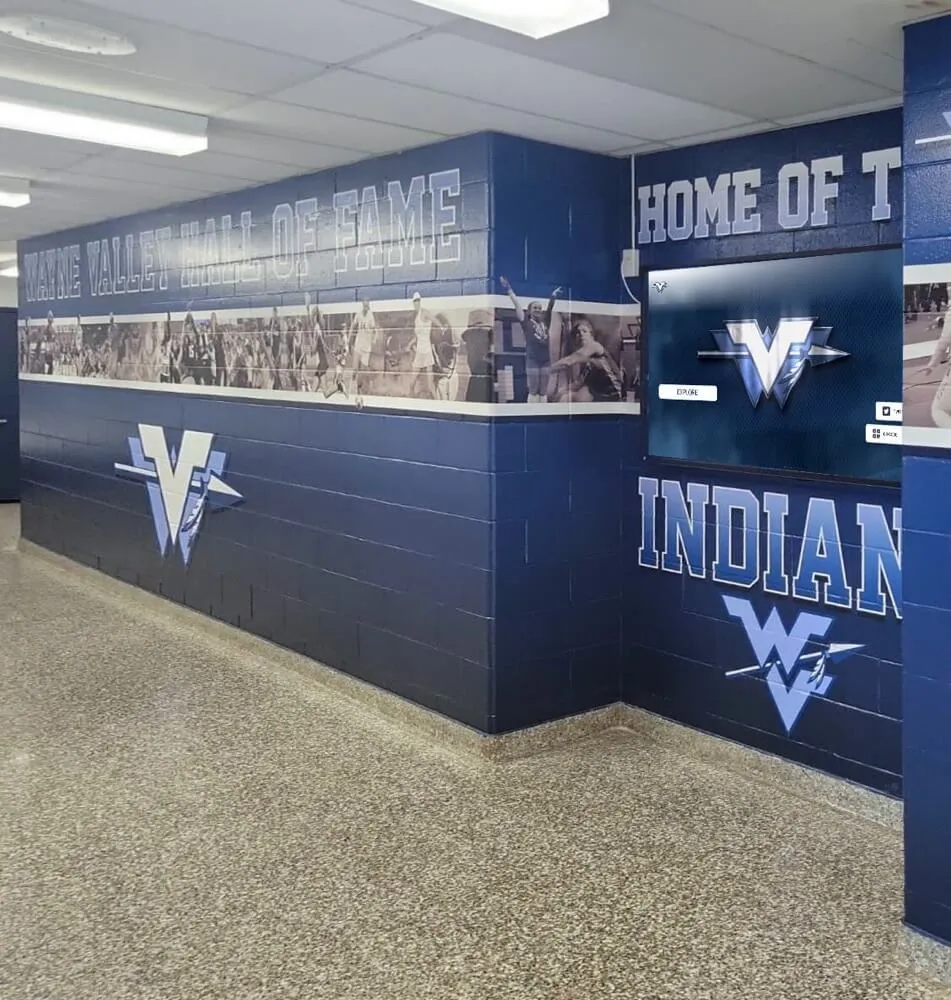
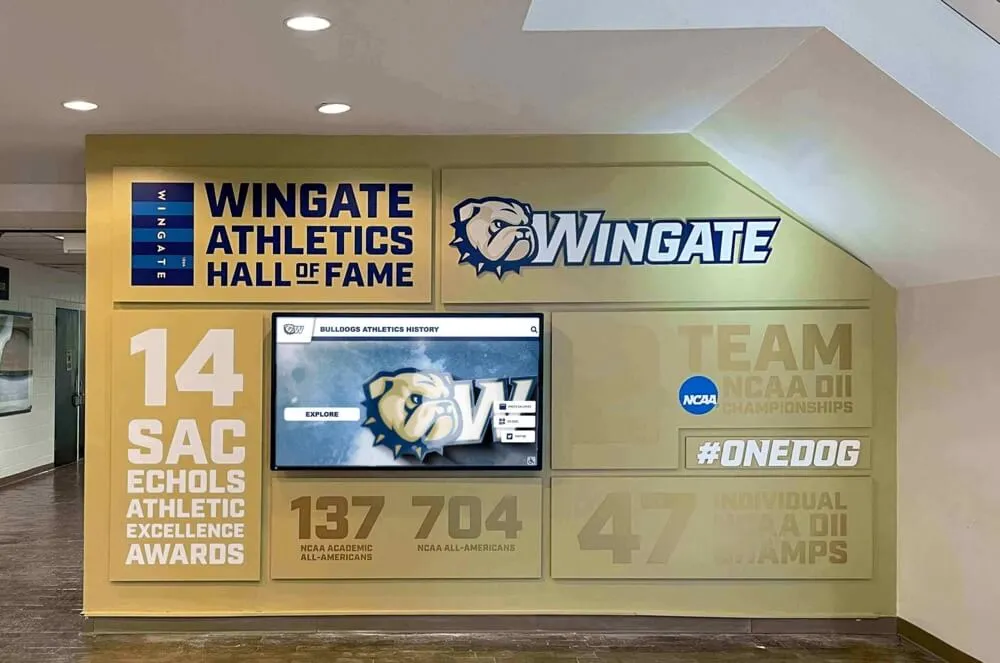
Wall-mounted displays integrate seamlessly into existing architectural environments
Best For:
- Organizations planning to use displays for multiple purposes
- Institutions with design and technical capabilities in-house
- Projects requiring regular content rotation between different functions
- Budget-conscious organizations comfortable with self-service setup
NoviSign represents this category, offering wall of fame as one application of their broader digital signage platform.
Media Player Hardware Solutions
Some vendors provide the hardware infrastructure—media players and display management—while requiring separate content management systems or custom development.
Characteristics:
- Hardware-focused with purpose-built operating systems
- Pricing for players ranges from $300-$1,600 depending on capabilities
- Requires separate CMS subscription or custom development
- Technical expertise needed for configuration and content creation
- Maximum flexibility and customization potential
Best For:
- Organizations with existing content management systems
- Projects requiring integration with proprietary systems
- Institutions with development resources for custom experiences
- Multi-display installations requiring synchronized content
BrightSign operates in this category, providing reliable media players that work with various content management platforms.
No-Code Experience Platforms
These platforms provide tools for building custom interactive experiences without programming, allowing organizations to create halls of fame alongside other interactive content.
Characteristics:
- Drag-and-drop interface for content creation
- Templates available but require substantial customization
- Subscription pricing starting around $960 annually
- Significant time investment for design and development
- Complete control over user experience and interface design
Best For:
- Organizations with creative design resources
- Projects requiring unique, branded experiences
- Institutions planning multiple interactive installations
- Teams comfortable with design software and content creation
Intuiface represents this approach, offering tools for building custom interactive experiences including hall of fame applications.
Rocket Alumni Solutions: Purpose-Built Recognition Excellence
Rocket Alumni Solutions has established itself as the leading purpose-built platform for digital recognition, serving over 900 schools, universities, and organizations with comprehensive hall of fame solutions.
Core Platform Capabilities
Comprehensive Content Management The cloud-based platform supports unlimited inductees, photos, videos, and text content through an intuitive content management system requiring no technical expertise:
- Pre-configured templates for athletic halls of fame, distinguished alumni, school history, team photos, donor recognition, yearbooks, and record boards
- Drag-and-drop interface for organizing content and building displays
- Bulk import tools for migrating historical data from existing systems
- Role-based permissions enabling appropriate staff access
- Scheduled publishing for automatic content updates at specified times
WCAG 2.1 AA Accessibility Compliance Rocket is the only digital wall of fame platform meeting full WCAG 2.1 AA accessibility standards, ensuring equal access for visitors with disabilities:
- Screen reader compatibility for visually impaired visitors
- Keyboard navigation options for those unable to use touchscreens
- High-contrast viewing modes and text magnification
- Alternative text descriptions for all images and media
- Compliant installation heights and physical accessibility
This accessibility leadership matters particularly for public institutions with legal compliance requirements and organizations committed to inclusive recognition.
Explore how touchscreen displays enhance recognition programs across diverse audiences.
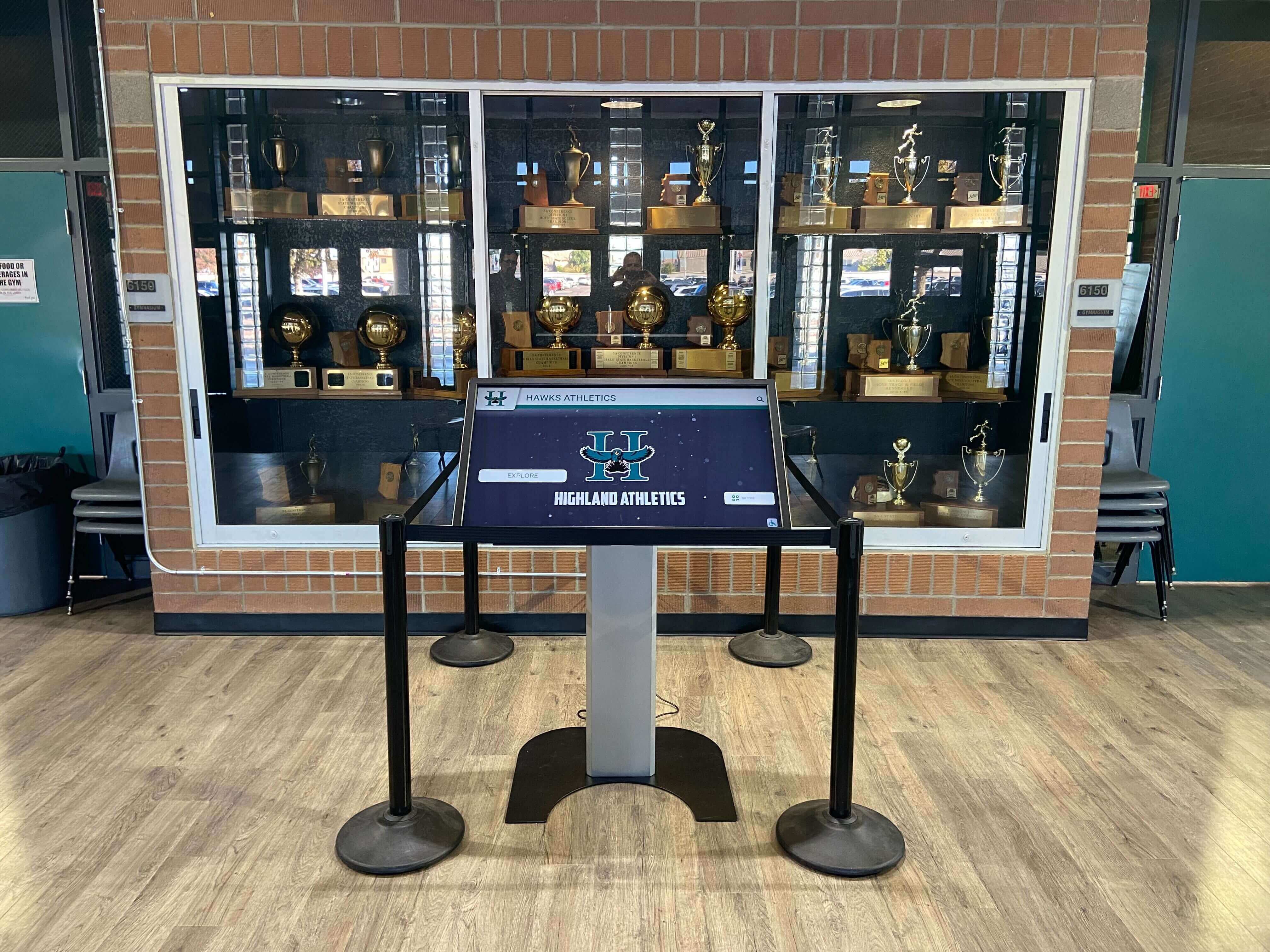
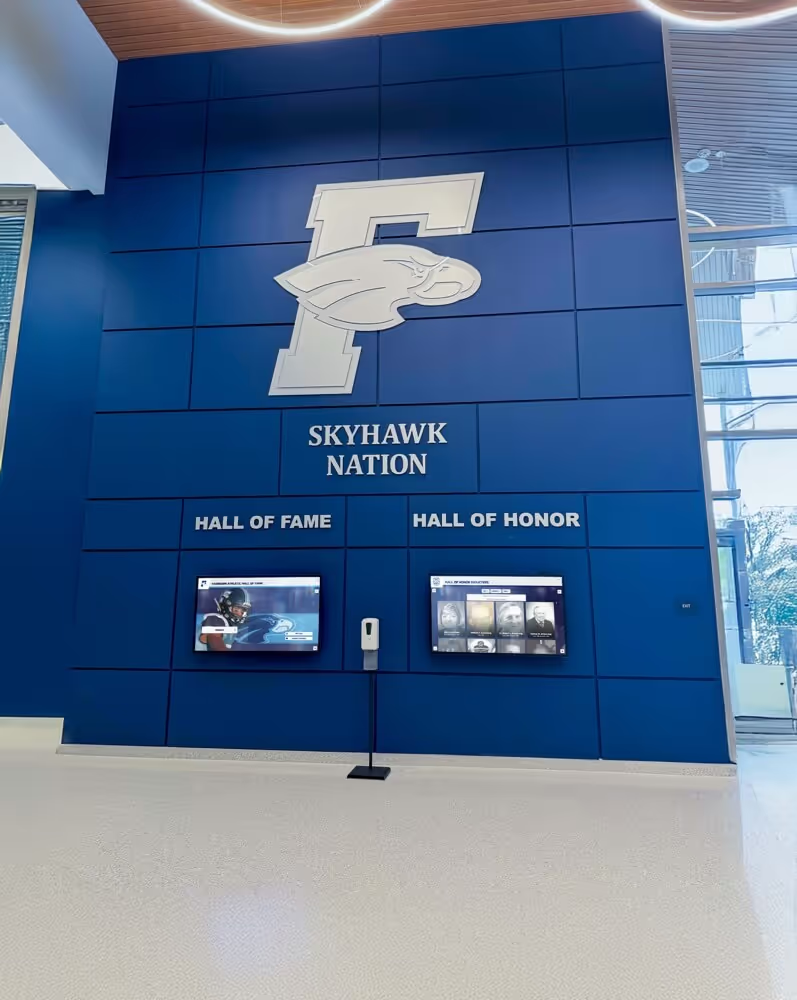
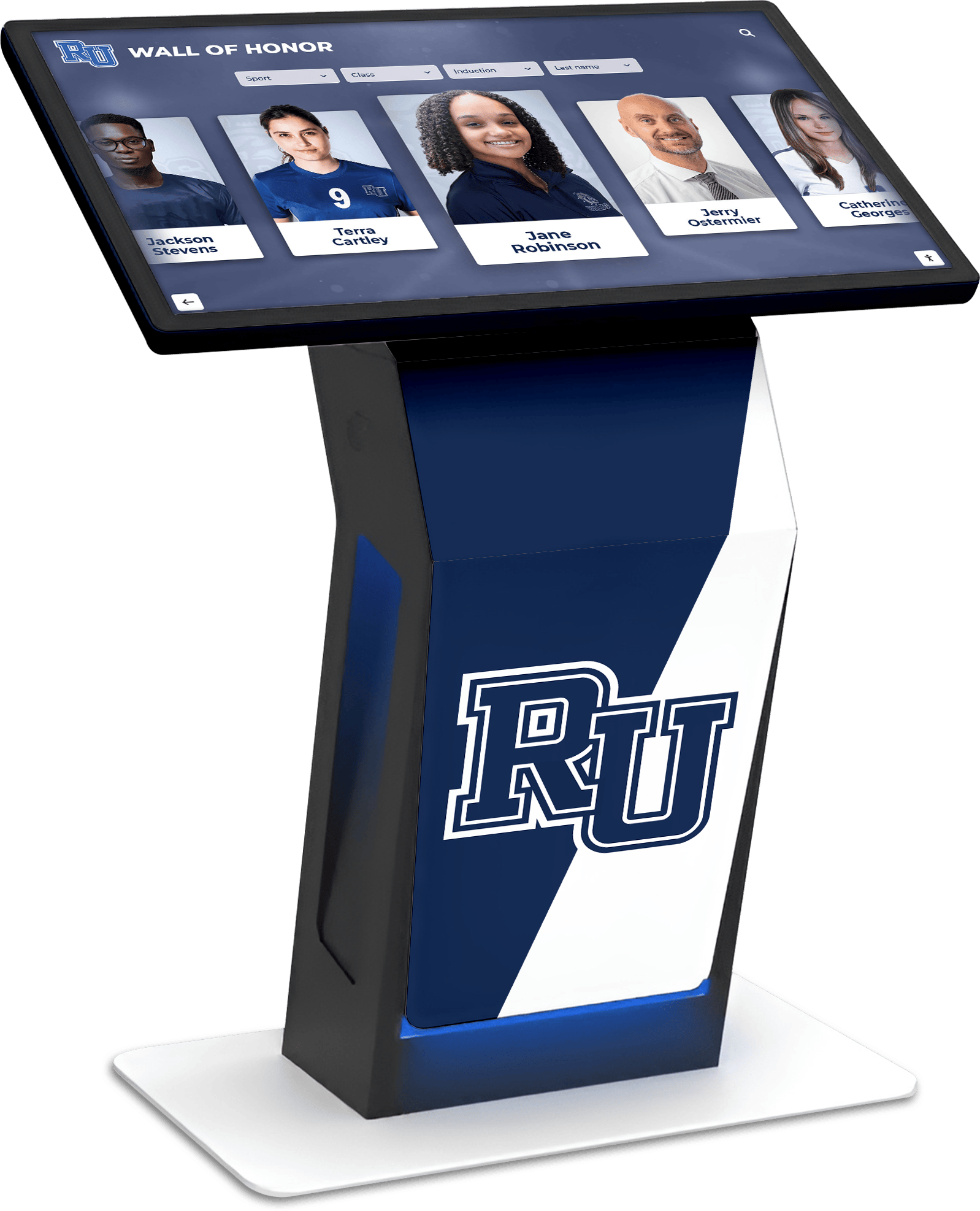
Floor-standing kiosks provide prominent recognition displays in lobbies and common areas
Integration and Extension Features The platform connects with existing systems and extends recognition beyond physical displays:
- YouTube and Vimeo embedding for video content
- Social media feeds from Twitter, Instagram, and other platforms
- Livestreaming integration for events and ceremonies
- QR code generation enabling mobile access to profiles
- Web-accessible halls of fame viewable from anywhere
- Sponsorship suite for generating revenue through recognition opportunities
Hardware Flexibility Unlike solutions requiring proprietary hardware, Rocket works on any size commercial touchscreen from 32 inches to 98 inches:
- Wall-mounted installations for integrated architectural approaches
- Floor-standing kiosks for prominent lobby placement
- Custom enclosures matching institutional branding
- Multi-display installations for comprehensive recognition programs
- Mobile solutions using tablets for portable applications
Implementation and Support
Turnkey Installation Process Complete installations include everything needed for successful deployment:
- Needs assessment and project planning consultation
- Hardware selection based on location and budget
- Professional installation and mounting
- Content development assistance and historical data migration
- Staff training on content management system
- Ongoing technical support and platform updates
Industry-Leading Support Response Customer feedback consistently highlights Rocket’s support quality, with average live chat response times under 15 seconds:
- Dedicated support team available during business hours
- Technical issue resolution typically within minutes
- Content strategy consultation and best practices guidance
- Regular platform updates adding features based on customer feedback
- Multi-year relationships supporting long-term success
According to verified customer testimonials, one educator stated the software “literally changed the trajectory of my career” after implementing a comprehensive recognition program, while another won teacher of the year recognition for their digital hall of fame project.
Pricing and Value
Complete Installation Pricing Full implementations range from $10,000-$30,000 depending on:
- Display size and quantity (single vs. multiple screens)
- Hardware selection (wall-mount vs. kiosk vs. custom enclosure)
- Content development services and historical data migration needs
- Custom design and branding requirements
- Training and support level
Flexible Options
- Hardware-only packages ($3,000-$8,000) for organizations managing installation internally
- Software-only subscriptions for existing display infrastructure
- Upgrade paths enabling expansion over time
- Free trials available for evaluation
ROI Considerations Organizations report annual savings of $2,500-$4,500 compared to traditional plaque and trophy case approaches, based on:
- Elimination of ongoing plaque production costs
- Reduction in display fabrication and installation expenses
- Staff time savings (85% reduction in management hours)
- Avoided costs of physical space expansion
Learn more about implementing digital recognition systems successfully.
Best Use Cases
Rocket Alumni Solutions particularly excels for:
- Educational institutions (high schools, colleges, universities) prioritizing ease of use and comprehensive support
- Organizations requiring accessibility compliance for public institutions
- Projects with significant historical content needing migration assistance
- Schools and nonprofits valuing purpose-built recognition over adapted digital signage
- Institutions seeking alumni engagement through combined physical and web-accessible recognition
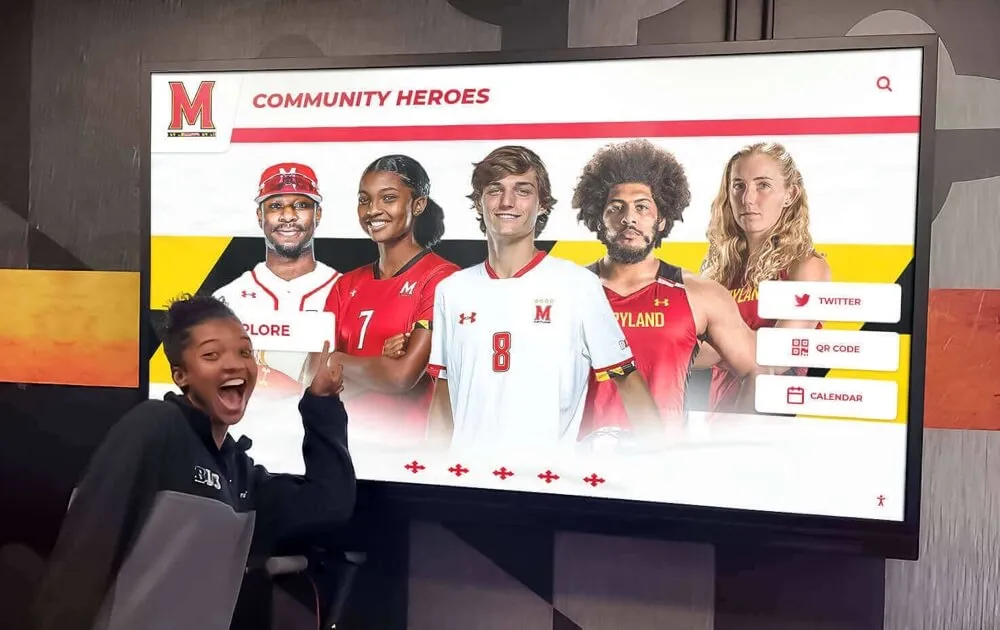
Major installations include the PGA Tour, Northeastern University, LSU, University of Maryland, and Virginia Tech, alongside hundreds of high schools and smaller organizations.
NoviSign: Digital Signage Adapted for Recognition
NoviSign brings its established digital signage expertise to wall of fame applications, offering a subscription-based platform serving 60,000+ screens globally across multiple industries.
Platform Capabilities for Hall of Fame
Core Digital Signage Features NoviSign provides a comprehensive content management system with wall of fame as one application:
- Interactive touchscreen navigation with customizable layouts
- Timeline organization by sport, year, category, or custom criteria
- Content display supporting team overviews, records, accomplishments, videos, images, and biographies
- Online design studio with drag-and-drop widgets
- Advanced scheduling modules for content rotation
- Analytics reports and monitoring dashboard
Template and Customization Approach The platform offers templates requiring customization for specific recognition needs:
- Pre-built widgets adaptable to hall of fame content
- Custom design capabilities for branded experiences
- Content creation tools familiar to digital signage users
- Regular platform updates adding features and templates
Implementation Model
Self-Service Setup NoviSign follows a self-service implementation model:
- Online training resources and documentation
- Design studio for creating custom layouts
- Content upload and organization through web interface
- Free support and training during setup
- 30-day free trial with full functionality
Organizations need internal resources for:
- Content design and layout creation
- Historical data organization and entry
- Ongoing content management and updates
- Troubleshooting and technical problem-solving

Interactive selection enables visitors to explore individual achievements in detail
Pricing Structure
Subscription-Based Model NoviSign operates on monthly or annual subscription pricing:
- Business Plan: $18-20 per screen monthly (billed annually)
- Range: $18-44 per screen depending on plan tier and features
- One player license required per display
- No hidden fees or additional costs
- Annual commitment for best pricing
Total Cost Considerations Organizations should budget for:
- Monthly subscription fees ($216-528 annually per screen)
- Commercial display hardware (purchased separately)
- Installation costs if not handled internally
- Content creation time and resources
- Ongoing management labor
Customer feedback indicates “excellent value for money” and “fair pricing,” with users noting the free trial enables thorough evaluation before committing.
Best Use Cases
NoviSign works well for:
- Organizations using displays for multiple purposes beyond just hall of fame (announcements, wayfinding, event promotion)
- Institutions with design resources comfortable creating custom layouts
- Budget-conscious projects preferring subscription models over upfront investment
- Schools already using NoviSign for other digital signage applications
- Organizations comfortable with self-service setup and management
The platform’s strength lies in flexibility and broader digital signage capabilities rather than recognition-specific features and support.
TouchPros: Established Legacy Provider
TouchPros has operated in the digital hall of fame space for over 15 years, managing 1,200+ computer installations primarily for educational institutions.
TouchWall Platform Features
Hardware and Installation Focus TouchPros emphasizes complete physical installations with durable components:
- Commercial-grade touchscreens from 32 to 98 inches
- Three-year manufacturer warranty (extendable to five years)
- One-, two-, or three-piece vinyl-coated AlphaPanel enclosures
- Custom wall wraps complementing TouchWall installations
- Professional installation ensuring proper mounting and configuration
Content Management Capabilities The proprietary CMS provides recognition-specific features:
- Video support through direct upload or embedding from YouTube, Hudl, and streaming platforms
- Yearbook scanning with flipbook-style presentation
- TouchWall AI for optimal image quality during scanning
- Organization by sport, year, achievement category, and custom fields
- Templates designed for athletic and academic recognition
Support Infrastructure 24/7 support team manages the large installation base:
- Technical assistance for hardware and software issues
- Content management guidance
- Remote troubleshooting and problem resolution
Customer feedback describes support as “second to none,” though some users report access challenges due to small team managing extensive installations.
Pricing and Business Model
One-Time Upfront Pricing TouchPros operates on perpetual licensing rather than subscriptions:
- Pricing not publicly disclosed (requires custom quote)
- Industry sources suggest $10,000-25,000 range depending on customization
- One-time payment model with no recurring fees
- Software packages available with optional hardware bundles
- Extended warranty options for long-term protection
This approach appeals to organizations preferring capital expenditures over ongoing operational costs.
Best Use Cases
TouchPros suits organizations prioritizing:
- One-time investment model avoiding subscription commitments
- Established track record with extensive installation base
- Hardware quality and durability with extended warranties
- Yearbook digitization as part of recognition program
- Custom enclosures integrating with architectural design
The platform represents a more traditional approach compared to newer cloud-based solutions, which may appeal to some institutions but feels dated to others seeking modern interfaces and features.
BrightSign: Hardware Infrastructure Foundation
BrightSign operates differently from complete solutions, providing purpose-built media player hardware that powers digital signage installations when combined with separate content management systems.
Hardware Capabilities
Purpose-Built Media Players BrightSign manufactures dedicated digital signage players with BrightSignOS:
- 8K video support for ultra-high-resolution content
- 4K HDR 10-bit video playback
- H.265 (HEVC) decoding for efficient video streaming
- HTML5 support for web-based content
- Video wall capabilities synchronizing multiple displays
Reliability and Management The players prioritize stability and remote administration:
- Purpose-built for continuous operation (not consumer media players)
- Remote management via BSN.cloud platform
- Cost-effective and upgradeable for long-term value
- BrightAuthor:connected software for content creation
Implementation Requirements
Separate CMS Needed BrightSign requires combining with content management systems:
- Carousel Digital Signage (used in Michigan State University example)
- Rise Vision, ScreenCloud, or other compatible platforms
- Custom development using web technologies
- Google Sheets integration for simple data-driven displays
Michigan State University Example The Spartan Player Wall of Fame demonstrates BrightSign’s capabilities:
- Two 75-inch Newline interactive touch displays
- Two BrightSign XT1144 media players
- Carousel Digital Signage CMS for content management
- Vertically scrolling player list organized by graduation year
- Future additions via shared Google Sheet updates
This installation shows how BrightSign enables reliable hardware infrastructure when paired with appropriate software.
Pricing Structure
Hardware Costs Media players range based on capabilities:
- Basic models: approximately $300
- Advanced models (XC4055): $1,600+
- BrightSign Network licensing: $99 per year per player
- Higher-tier packages increase licensing costs
Total Solution Costs Organizations must budget for:
- BrightSign media player hardware
- Commercial touchscreen displays
- Content management system subscription or development
- Installation and configuration
- Ongoing CMS costs and content creation
Best Use Cases
BrightSign works well for:
- Organizations with existing CMS needing reliable playback hardware
- Multi-display installations requiring synchronized content
- Projects with development resources for custom solutions
- Institutions prioritizing hardware reliability over integrated platforms
- Video-heavy content requiring high-quality playback capabilities
The solution requires more technical expertise than turnkey platforms but offers maximum flexibility for organizations with appropriate resources.
Intuiface: No-Code Custom Experience Builder
Intuiface provides a no-code platform for creating interactive experiences, with hall of fame applications representing one use case among many interactive content types.
Platform Capabilities
No-Code Interactive Development Intuiface enables custom experience creation without programming:
- Drag-and-drop interface for building interactive content
- Interactive Hall of Fame template available as starting point
- Video wall software capabilities
- Touch screen interactive software tools
- 28-day free trial with complete product access
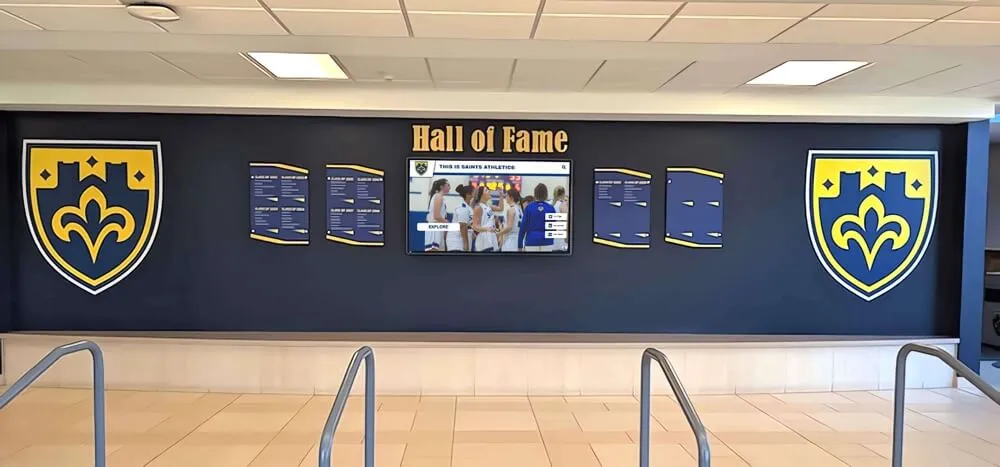
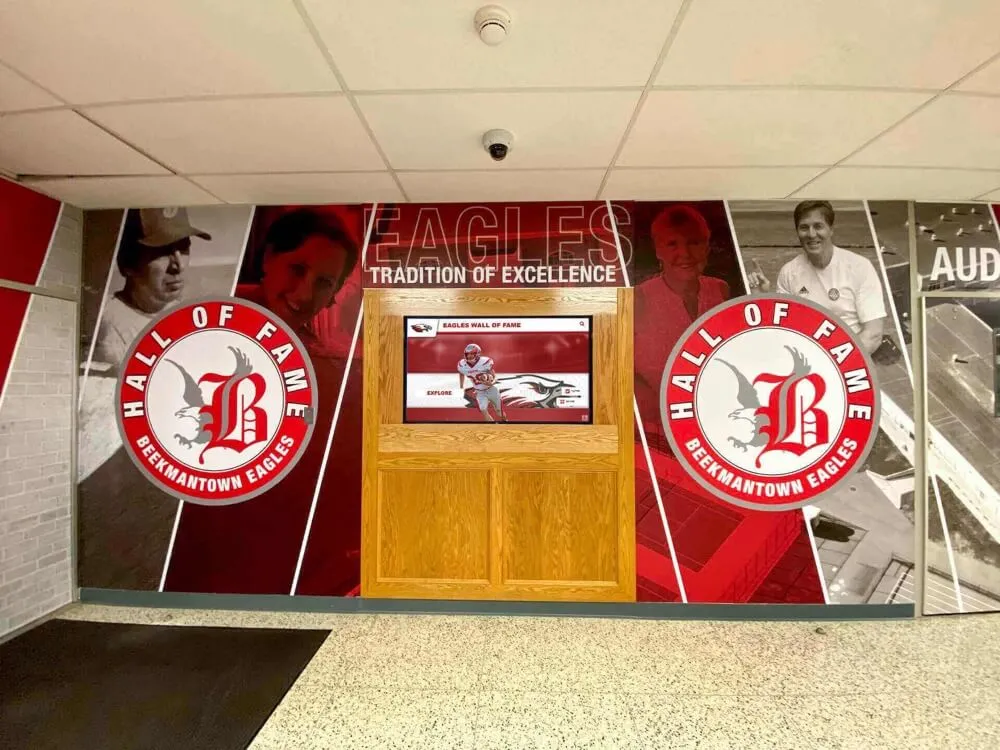
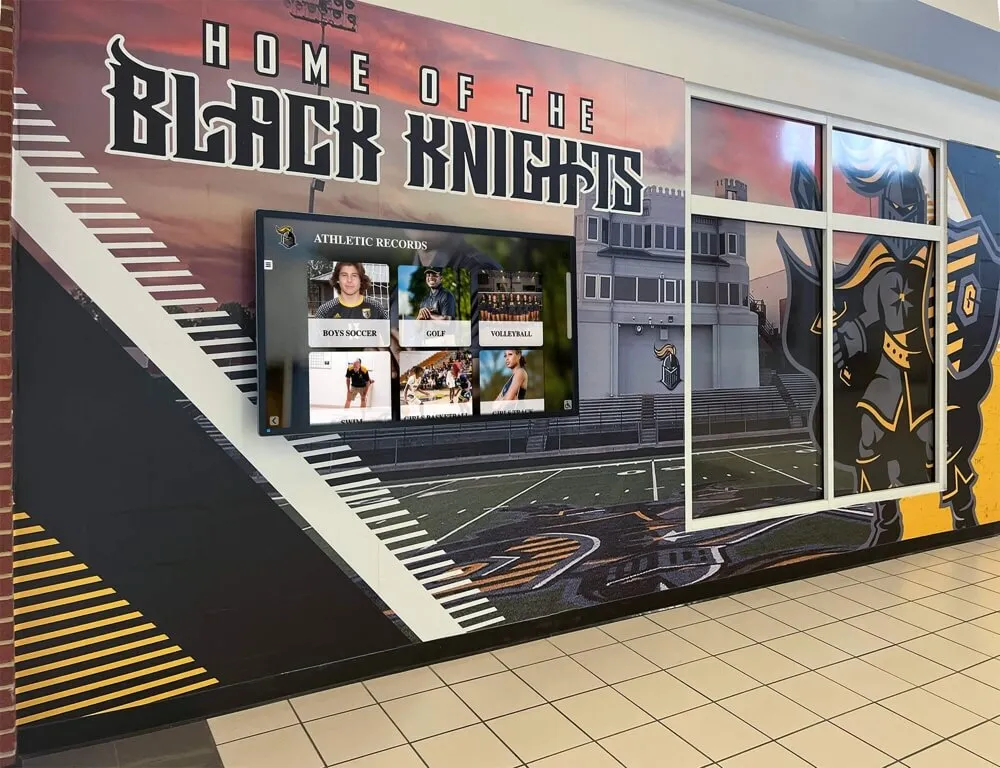
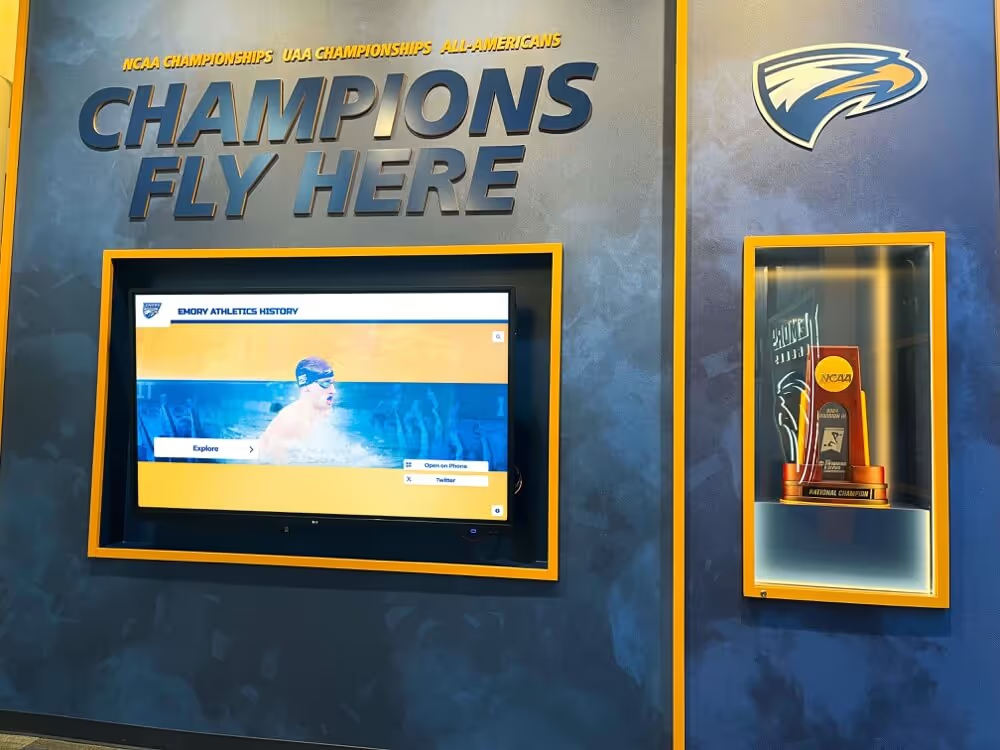
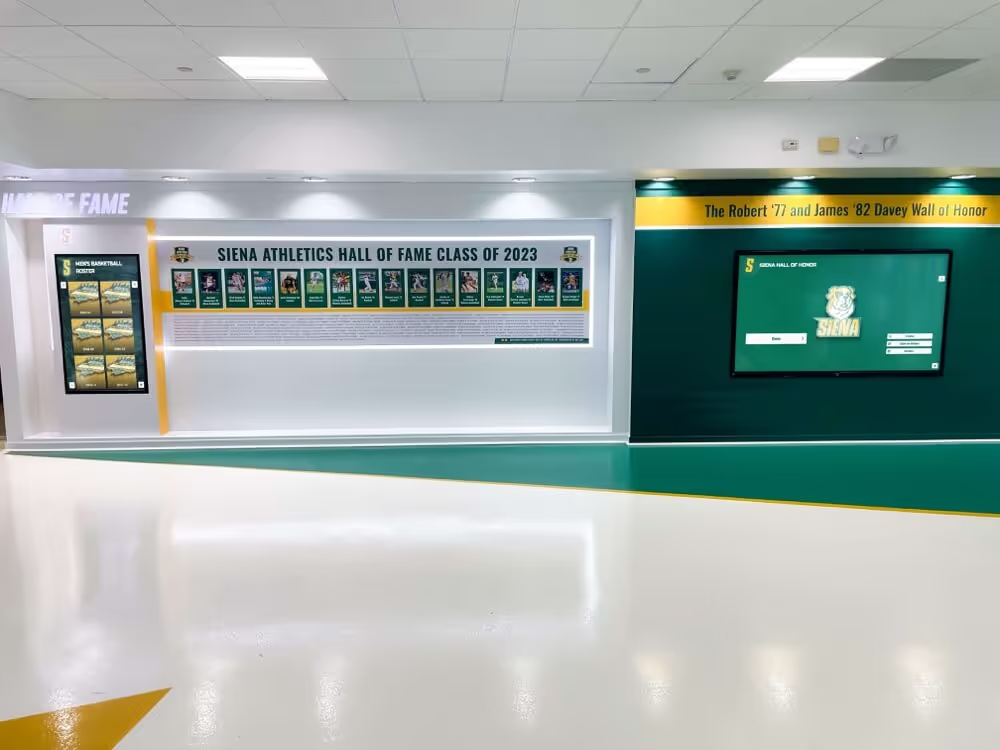
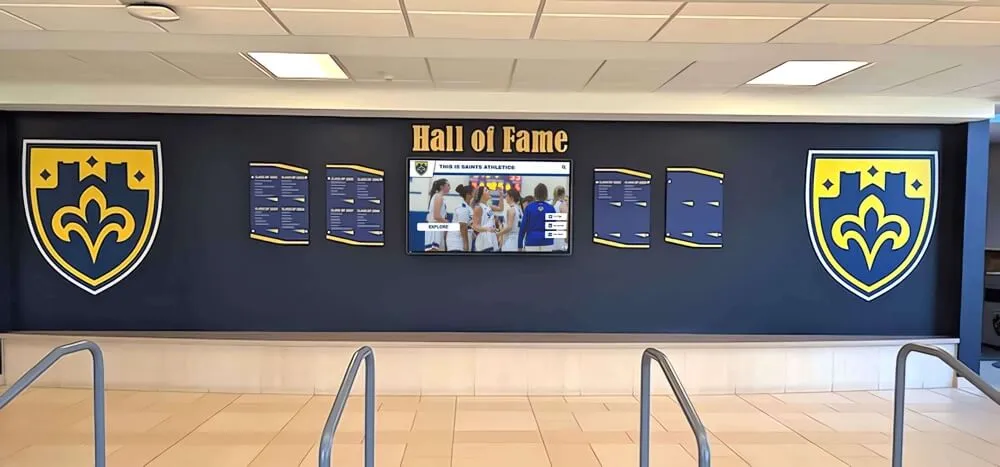
Digital displays complement traditional elements in comprehensive recognition environments
Customization Freedom The platform offers complete design control:
- Custom interface design matching institutional branding
- Unique user experiences tailored to specific needs
- Integration with data sources and external systems
- Analytics and engagement tracking
- Multi-display and video wall support
Implementation Approach
DIY Design and Development Organizations build their own experiences:
- Download and customize Interactive Hall of Fame template
- Design custom interfaces using Intuiface Composer
- Import and organize content within designed experience
- Test and deploy to target hardware
- Manage and update content ongoing
This approach requires:
- Design skills for creating engaging interfaces
- Time investment for development and testing
- Technical understanding of interactive content principles
- Ongoing resources for content updates and maintenance
Pricing Structure
Subscription Tiers Intuiface operates on tiered subscription pricing:
Player Licenses (display devices):
- Windows: €20 per year
- Kiosks: €10 per year
- Tablets: €2 per year
Composer (authoring software):
- Essential: €50 per year
- Premier: €83-96 per month
- Enterprise: €150-250 per month depending on billing
Analytics: $145-482 per month depending on tier
Free plan available with limited features
Starting Cost: Approximately $960 per year minimum for basic implementation
Best Use Cases
Intuiface suits organizations with:
- Design and creative resources for building custom experiences
- Unique requirements not met by pre-built platforms
- Multiple interactive installations justifying platform investment
- Comfort with technology and willingness to learn design tools
- Long-term vision for various interactive content projects
The platform trades ease of implementation for complete customization freedom, making it appropriate for specific organizational profiles rather than typical schools and nonprofits.
Feature Comparison Across Solutions
Understanding how platforms compare across key features helps narrow selection to solutions meeting specific institutional requirements.
Content Management Ease
Easiest Implementation: Rocket Alumni Solutions
- Purpose-built CMS designed for non-technical administrators
- Pre-configured templates requiring minimal customization
- Drag-and-drop interface with intuitive organization
- Content migration assistance from existing systems
Moderate Complexity: NoviSign, TouchPros
- Digital signage tools requiring customization for recognition use
- Templates available but need adaptation
- Learning curve for organizations new to CMS platforms
- Self-service resources available for guidance
Most Complex: BrightSign (requires separate CMS), Intuiface
- Technical expertise needed for configuration or development
- Significant time investment for setup and design
- Ongoing management requires dedicated resources
- Best for organizations with technical capabilities
Explore digital recognition display options and implementation approaches.
Accessibility and Compliance
WCAG 2.1 AA Compliant: Rocket Alumni Solutions
- Only platform meeting full accessibility standards
- Screen reader compatible, keyboard navigation, high-contrast modes
- Critical for public institutions with compliance requirements
Basic Accessibility: NoviSign, TouchPros, Intuiface
- Touchscreen navigation supported
- Some accessibility features available
- May require custom development for full compliance
Hardware-Dependent: BrightSign
- Accessibility determined by chosen CMS platform
- Capable of supporting accessible experiences with proper implementation
For schools and public institutions, accessibility compliance represents more than a feature—it’s a legal requirement and commitment to inclusive recognition.
Support and Training
Comprehensive Support: Rocket Alumni Solutions
- Dedicated recognition-focused support team
- Industry-leading response times (under 15 seconds average)
- Content strategy consultation and best practices guidance
- Professional installation and training included
Standard Digital Signage Support: NoviSign
- Free support and training resources
- Online documentation and tutorials
- Email and chat support during business hours
- Self-service emphasis with community resources
Mixed Support Models: TouchPros
- 24/7 technical support for extensive installation base
- Some users report access challenges due to volume
- Recognition-specific expertise available
Limited Support: BrightSign, Intuiface
- Hardware support for BrightSign players
- Intuiface provides platform support but not implementation services
- Organizations responsible for content creation and management
Pricing Models and Total Cost
Purpose-Built Turnkey ($10,000-$30,000 complete installations):
- Rocket Alumni Solutions: $10,000-30,000
- TouchPros: $10,000-25,000 (estimated)
- Complete solutions including hardware, software, installation, training, support
- Higher upfront cost but minimal ongoing management needs
Subscription-Based ($200-$600+ annually per screen):
- NoviSign: $216-528 per screen per year
- Intuiface: $960+ annually minimum
- Lower initial investment but accumulating costs over time
- Hardware purchased separately
Hardware Component ($300-$1,600 + CMS costs):
- BrightSign: $300-1,600 for media players + CMS subscription
- Requires technical integration and content development
- Total costs vary significantly based on CMS choice
Learn about digital donor wall pricing considerations when planning recognition projects.
Selecting the Right Solution for Your Institution
Choosing among digital wall of fame platforms requires evaluating institutional priorities, resources, and long-term recognition program goals.
Key Decision Factors
Technical Resources and Expertise Organizations with limited technical staff benefit from turnkey solutions providing comprehensive support:
- Rocket Alumni Solutions: Best for organizations prioritizing ease of use and dedicated support
- NoviSign, TouchPros: Suitable for moderate technical capabilities
- BrightSign, Intuiface: Require significant technical resources
Budget and Funding Model Financial structure influences appropriate pricing approaches:
- Capital Budget Available: One-time purchase solutions (Rocket, TouchPros)
- Operational Budget Preferred: Subscription models (NoviSign, Intuiface)
- Grant-Funded Projects: Often favor complete upfront solutions
- Multi-Year Budget Flexibility: Consider total cost of ownership calculations
Accessibility Requirements Public institutions and organizations committed to inclusive recognition need WCAG 2.1 AA compliance:
- Rocket Alumni Solutions: Only platform with verified full compliance
- Other Solutions: May require custom development for accessibility features
Content Management Sustainability Consider long-term content update responsibilities:
- Simple CMS Needed: Purpose-built recognition platforms with intuitive interfaces
- Multi-Purpose Content: Digital signage platforms serving various functions
- Custom Requirements: Development platforms offering complete control
Support and Training Needs Evaluate comfort level with self-service versus guided implementation:
- Dedicated Support Valued: Purpose-built platforms with recognition-focused assistance
- Self-Sufficient Organizations: Digital signage or development platforms with documentation
- Technical Challenges Expected: Platforms with responsive support teams
Common Selection Scenarios
Scenario 1: High School Athletic Hall of Fame A high school wants to honor athletes, coaches, and teams with limited technical staff and primary funding from booster club.
Recommended Solution: Rocket Alumni Solutions
- Turnkey implementation requires minimal internal resources
- Athletic-specific templates and content types
- Booster club funding suits one-time capital investment
- Dedicated support ensures long-term sustainability
- Web accessibility engages alumni beyond campus visits
Scenario 2: University Multi-Purpose Display A university needs displays serving hall of fame recognition, event announcements, wayfinding, and promotional content with technical staff available.
Recommended Solution: NoviSign
- Multi-purpose content management serves various needs
- Technical staff can handle self-service setup
- Subscription model fits operational budget
- Flexibility for changing content priorities over time
Scenario 3: Corporate Recognition with Custom Requirements A corporation wants unique branded experience integrated with existing systems and has development resources.
Recommended Solution: BrightSign + Custom CMS or Intuiface
- Complete customization matches specific brand requirements
- Integration capabilities with corporate systems
- Development resources available for custom solution
- Unique experience differentiates from template-based approaches
Scenario 4: Nonprofit Donor Recognition Wall A nonprofit needs accessible donor recognition with limited budget and staff time for management.
Recommended Solution: Rocket Alumni Solutions
- Accessibility compliance demonstrates organizational values
- Simple content management sustainable with limited staff
- Sponsorship features can generate revenue offsetting costs
- Web accessibility extends donor recognition reach
Discover donor recognition approaches for nonprofit organizations.
Implementation Best Practices
Regardless of platform selection, successful digital wall of fame projects share common implementation approaches.
Planning Phase
Stakeholder Engagement
- Involve administrators, staff, alumni associations, and booster clubs early
- Identify champions who will sustain the project long-term
- Establish clear governance for inductee selection and content standards
- Build consensus on recognition priorities and categories
Content Inventory and Planning
- Audit existing physical recognition and historical records
- Identify missing information requiring research
- Plan content categories and organization structure
- Establish quality standards for photos, videos, and text
- Create inductee criteria and selection processes
Technical Planning
- Assess installation locations and electrical requirements
- Evaluate network connectivity for cloud-based platforms
- Plan for ADA-compliant mounting heights and access
- Consider traffic patterns and visibility
- Budget for professional installation if needed
Content Development
Historical Data Migration
- Prioritize recent inductees with complete information
- Systematically research and fill gaps in historical records
- Engage alumni and community members as information sources
- Accept that some historical inductees may have limited data
- Build content iteratively rather than delaying launch
Ongoing Content Standards
- Create templates for consistent inductee profiles
- Establish photo quality requirements and specifications
- Develop video guidelines if incorporating multimedia
- Document content approval workflows
- Train multiple staff members on content management
Engagement Features
- Include search functionality for easy navigation
- Organize by multiple criteria (year, sport, achievement type, alphabetical)
- Link related inductees and create connection narratives
- Incorporate institutional history context
- Plan for regular content updates and additions
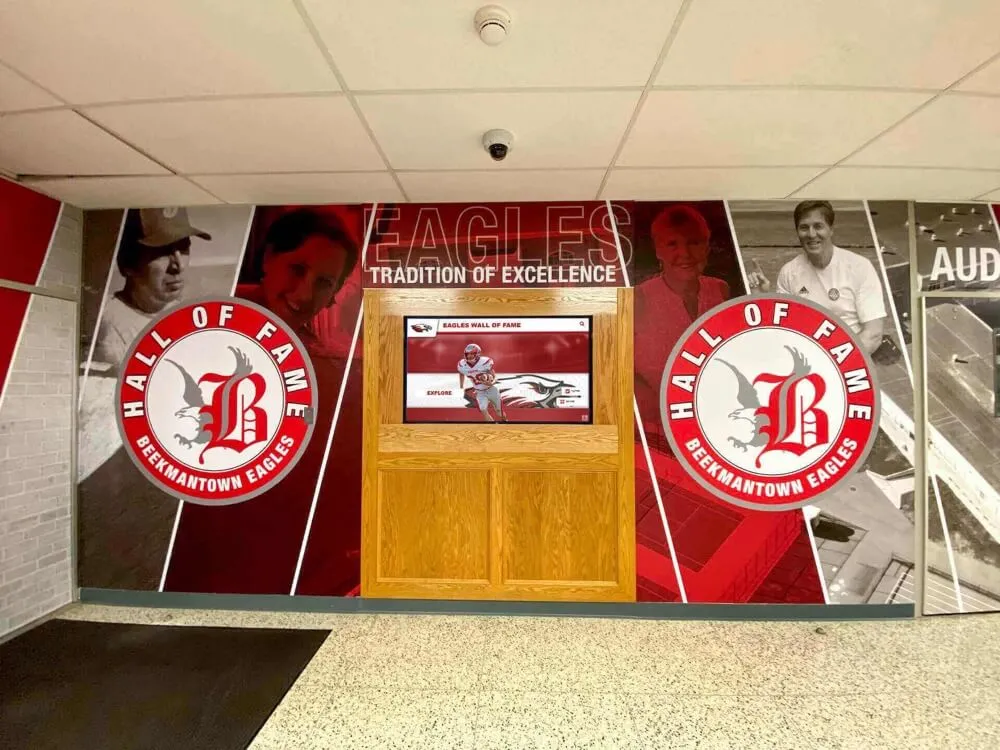
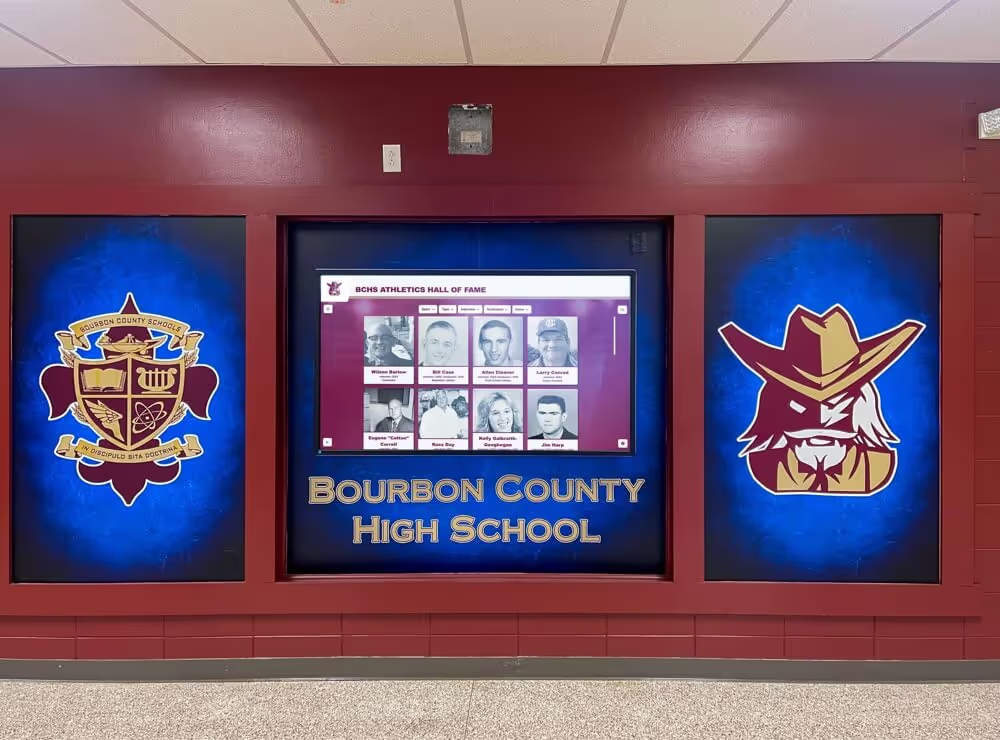
Effective installations integrate digital displays with overall campus design and branding
Launch and Promotion
Soft Launch with Testing
- Deploy with initial content for testing and feedback
- Identify usability issues and navigation confusion
- Gather input from diverse users including those with accessibility needs
- Refine organization and interface based on feedback
- Build content library before formal announcement
Formal Launch Event
- Celebrate new recognition system with ceremony
- Invite honored individuals and families for special acknowledgment
- Demonstrate features and encourage exploration
- Generate media coverage and community awareness
- Establish tradition for annual induction ceremonies
Ongoing Promotion
- Feature inductees on social media and in communications
- Promote web-accessible version to alumni and families
- Encourage visitor interaction during campus events
- Share engagement metrics demonstrating program success
- Continuously add content maintaining freshness and relevance
Long-Term Sustainability
Content Management Responsibility
- Assign clear ownership for ongoing content updates
- Cross-train multiple staff members ensuring continuity
- Build regular content review into annual calendar
- Establish processes for nominating and adding new inductees
- Budget time and resources for sustained management
Technical Maintenance
- Schedule regular display cleaning and maintenance
- Monitor system performance and address issues promptly
- Keep software updated to latest platform versions
- Test backup and recovery procedures
- Plan for eventual hardware refresh cycles
Program Evolution
- Gather analytics on which content receives most engagement
- Survey stakeholders about recognition program effectiveness
- Expand categories and content types based on interest
- Share success stories demonstrating program value
- Continuously improve content quality and engagement features
Explore implementation strategies for successful digital recognition programs.
Measuring Success and ROI
Demonstrating value justifies initial investment and builds support for program expansion and ongoing funding.
Quantitative Metrics
Engagement Indicators
- Touchscreen interaction frequency and session duration
- Web platform visits and page views
- Search queries revealing what visitors seek
- Social media shares and online engagement
- Mobile access patterns via QR codes
Operational Efficiency
- Time required for adding new inductees
- Staff hours saved versus traditional plaque management
- Cost per inductee compared to physical recognition
- Update frequency enabled by digital platform
- Error corrections accomplished instantly
Financial Impact
- Avoided costs for plaque production and installation
- Sponsorship revenue generated through digital opportunities
- Reduced physical space expansion needs
- Alumni engagement leading to increased donations
- Student recruitment impact from modern campus image
Qualitative Assessment
Stakeholder Satisfaction
- Alumni response to being honored digitally
- Family feedback about accessibility and richness of information
- Student engagement and awareness of institutional history
- Community perception of institutional investment in recognition
- Staff satisfaction with content management experience
Cultural Impact
- Increased awareness of institutional history and tradition
- Conversations sparked by discovery of connections
- Student motivation from seeing achievement possibilities
- Alumni strengthened connection to institution
- Community pride in organizational excellence
Strategic Value
- Recruitment advantage from modern facilities
- Brand positioning as forward-thinking institution
- Inclusion and accessibility demonstrating organizational values
- Preservation of institutional history for future generations
- Platform for future recognition program expansion
Regular assessment provides data supporting budget requests and demonstrates recognition program contribution to institutional goals.
Future Trends in Digital Recognition
Understanding emerging trends helps ensure platform selection supports long-term needs and capabilities.
Artificial Intelligence Integration
Recognition platforms increasingly incorporate AI for:
- Automated photo enhancement and quality improvement
- Facial recognition connecting individuals across historical photos
- Content recommendation suggesting related inductees
- Natural language search understanding conversational queries
- Automated captions and accessibility features
Augmented Reality Extensions
AR capabilities enable:
- Mobile apps overlaying historical photos on current campus locations
- Virtual trophy cases viewable through smartphones
- 3D visualization of artifacts and memorabilia
- Interactive timelines with spatial navigation
- Remote viewing experiences for distant alumni
Advanced Analytics and Personalization
Data-driven approaches provide:
- Personalized content recommendations based on visitor interests
- Predictive analytics identifying which content drives most engagement
- A/B testing different content presentations
- Visitor journey mapping showing navigation patterns
- Demographic insights about who engages with recognition
Multi-Platform Integration
Recognition systems increasingly connect:
- Social media integration for broader content distribution
- Digital yearbooks and class composites
- Alumni databases and directories
- Development and fundraising platforms
- Academic and athletic record systems
Platforms investing in modern architectures and regular feature updates better support emerging capabilities than legacy systems with dated technology foundations.
Ready to Transform Your Recognition Program?
Discover how Rocket Alumni Solutions can help you create an engaging, accessible digital wall of fame that honors every achievement and builds lasting connections with your community.
Book a DemoConclusion: Making the Right Choice for Your Institution
Digital walls of fame have evolved from novel technology to essential infrastructure for institutions serious about comprehensive recognition and historical preservation. The solutions examined in this guide—Rocket Alumni Solutions, NoviSign, TouchPros, BrightSign, and Intuiface—each serve different institutional profiles, priorities, and resources.
Rocket Alumni Solutions stands out as the most comprehensive purpose-built platform, particularly for schools and organizations prioritizing ease of use, accessibility compliance, and dedicated support. The platform’s WCAG 2.1 AA accessibility, intuitive content management, and industry-leading support response times make it the strongest choice for most educational institutions and nonprofits implementing digital recognition.
NoviSign serves organizations needing multi-purpose digital signage capabilities beyond hall of fame applications, with subscription pricing appealing to operational budget structures and technical teams comfortable with self-service setup.
TouchPros offers established track record and one-time purchase models for institutions preferring traditional licensing and emphasizing hardware durability, though the platform feels dated compared to cloud-based alternatives.
BrightSign provides reliable hardware infrastructure for organizations with existing content management systems or development resources for custom solutions, offering maximum flexibility at the cost of requiring technical integration expertise.
Intuiface enables complete customization through no-code development tools for organizations with design resources and unique requirements not met by pre-built platforms, trading ease of implementation for creative control.
The right solution depends on your specific combination of technical resources, budget structure, accessibility requirements, support needs, and content management sustainability. Purpose-built recognition platforms like Rocket Alumni Solutions minimize implementation complexity and ongoing management burden while providing features specifically designed for hall of fame use cases. General digital signage platforms, hardware components, and development tools serve organizations with different priorities and capabilities.
Start by clearly defining your institution’s requirements, evaluating internal resources honestly, and considering total cost of ownership beyond initial purchase price. The best digital wall of fame platform is the one that your team will successfully implement, consistently maintain, and continuously expand to honor every achievement deserving recognition.
Your institution’s history and the achievements of students, alumni, and community members deserve celebration in formats matching the importance of their accomplishments. Digital walls of fame make comprehensive, accessible, engaging recognition achievable for organizations of all sizes and resources.
Learn more about creating comprehensive recognition programs that strengthen institutional communities and preserve legacy for future generations.
Disclaimer and Attribution
This comparison is based on publicly available information as of March 2026. All product names and trademarks belong to their respective owners. Comparative statements reflect Rocket Alumni Solutions’ interpretation of available data and may change over time.
All trademarks are property of their respective owners. Rocket Alumni Solutions is not affiliated with or endorsed by NoviSign, TouchPros, BrightSign, or Intuiface.
This content was produced by or on behalf of Rocket Alumni Solutions.