Digital Asset Management for Schools: Complete Guide to Organizing Recognition Content in 2026
- Home /
- Digital Wall of Fame Blog - Recognition Display Insights & Resources /
- Digital Asset Management for Schools: Complete Guide to Organizing Recognition Content in 2026
The Easiest Touchscreen Solution




Live Example: Rocket Alumni Solutions Touchscreen Display
Interact with a live example (16:9 scaled 1920x1080 display). All content is automatically responsive to all screen sizes and orientations.
Schools generate massive volumes of digital content—photos from athletic events, videos of performances, historical yearbook scans, student achievement records, donor recognition materials, and countless other assets that document institutional life and celebrate accomplishments. Without proper organization, these valuable digital assets scatter across staff computers, cloud storage accounts, email attachments, and forgotten hard drives, becoming effectively lost despite their digital existence.
Digital asset management (DAM) systems solve this problem by providing centralized platforms where schools can store, organize, search, and deploy digital content. What began as enterprise technology for marketing departments and media companies now serves educational institutions managing recognition programs, historical archives, and multimedia content that tells their institutional story.
This comprehensive guide examines how schools use DAM systems, what features matter most for educational environments, and how platforms like Rocket Alumni Solutions function as purpose-built digital asset managers specifically designed for school recognition and archival content.
Educational institutions implementing proper digital asset management report 70% reduction in time spent searching for files, elimination of duplicate content creation, and significantly improved ability to showcase student and institutional achievements across multiple channels.

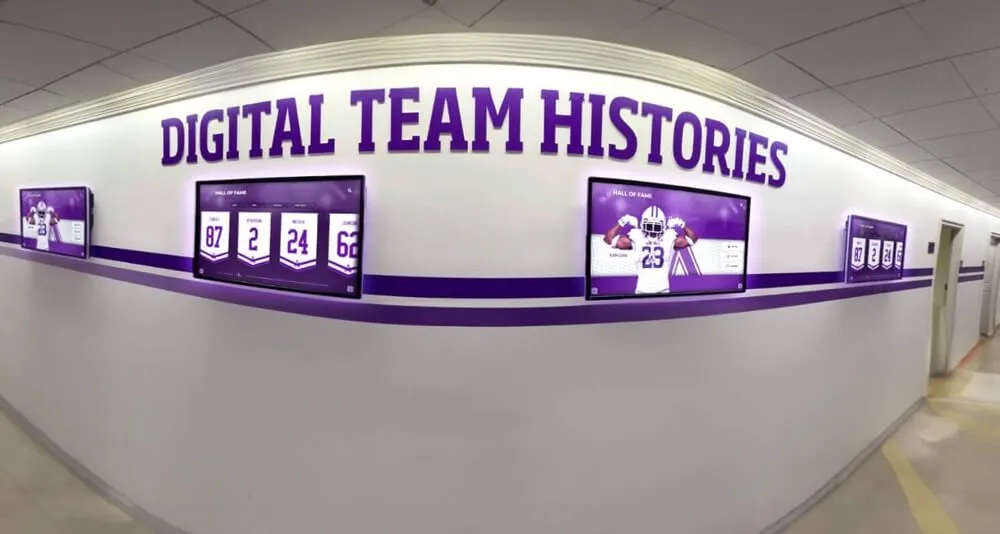
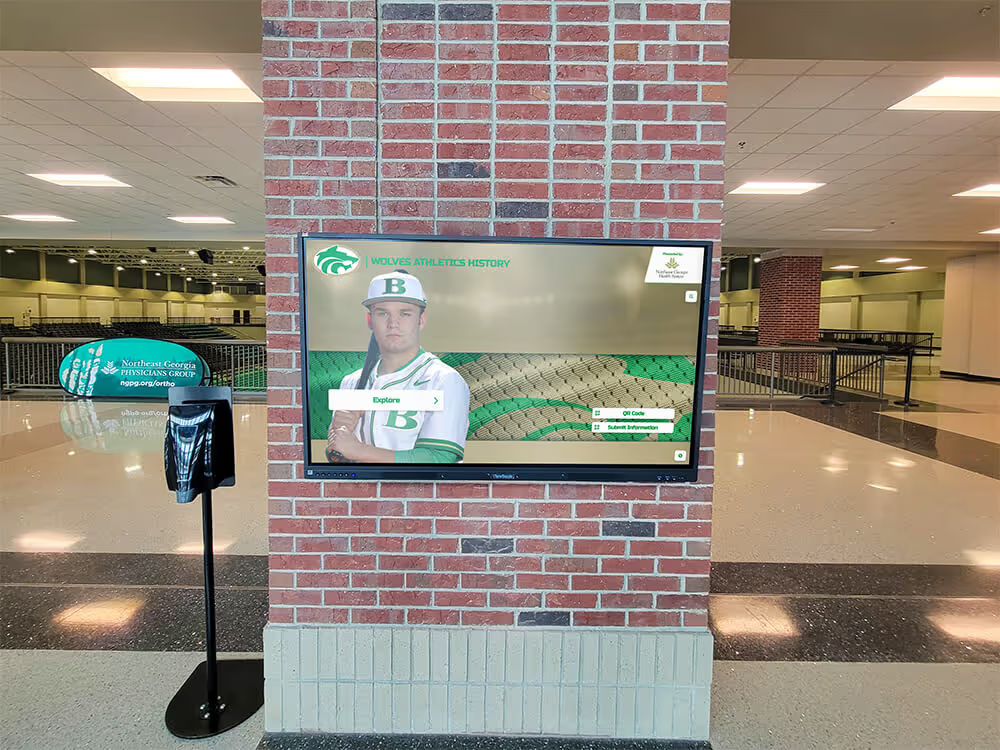
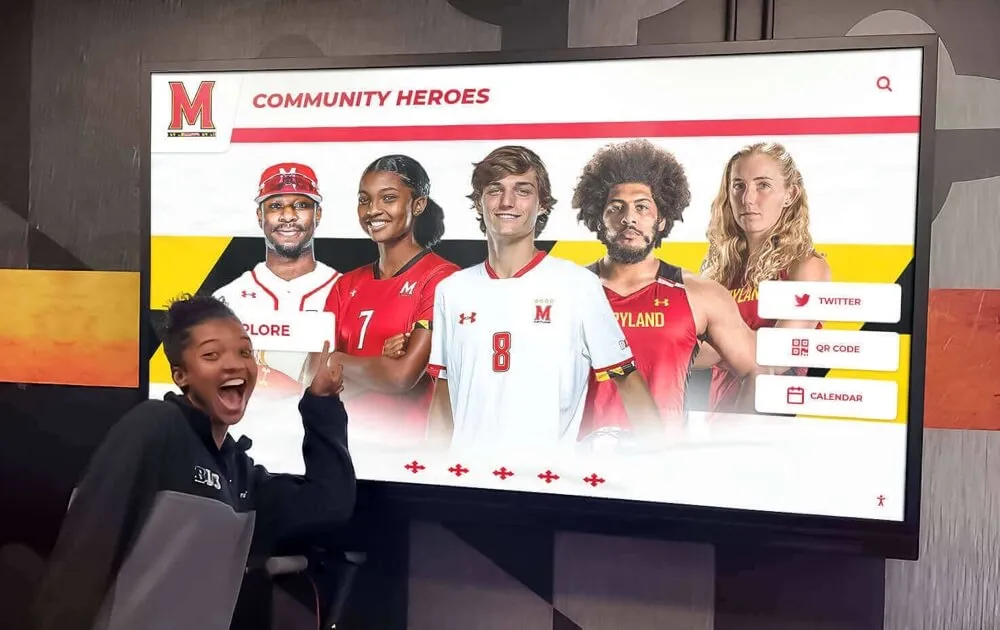
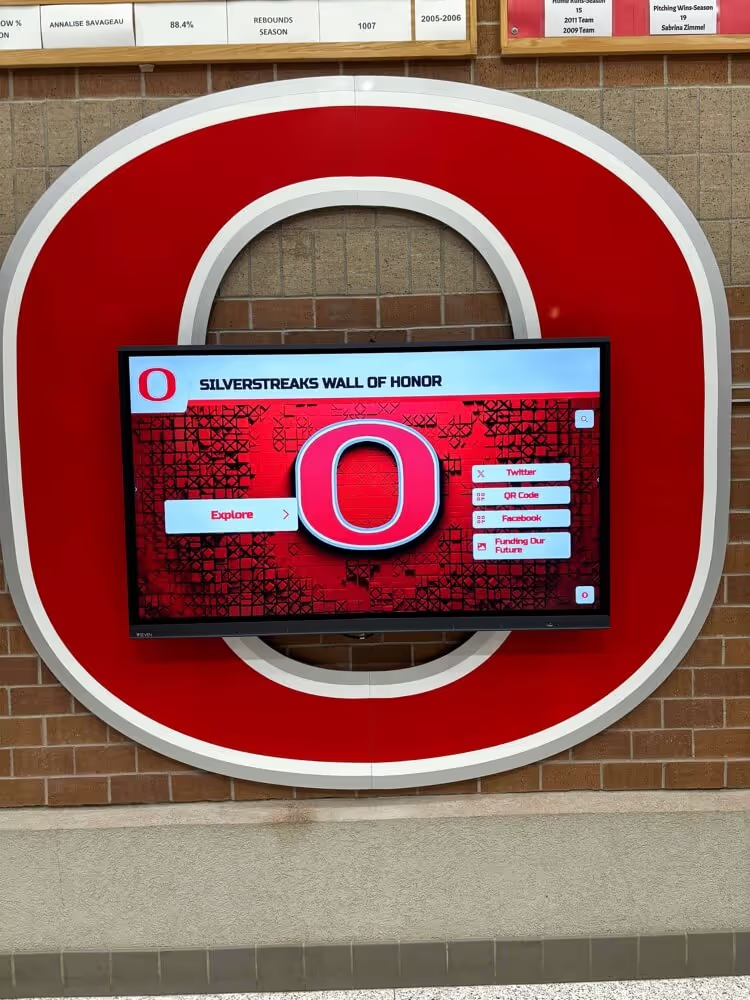
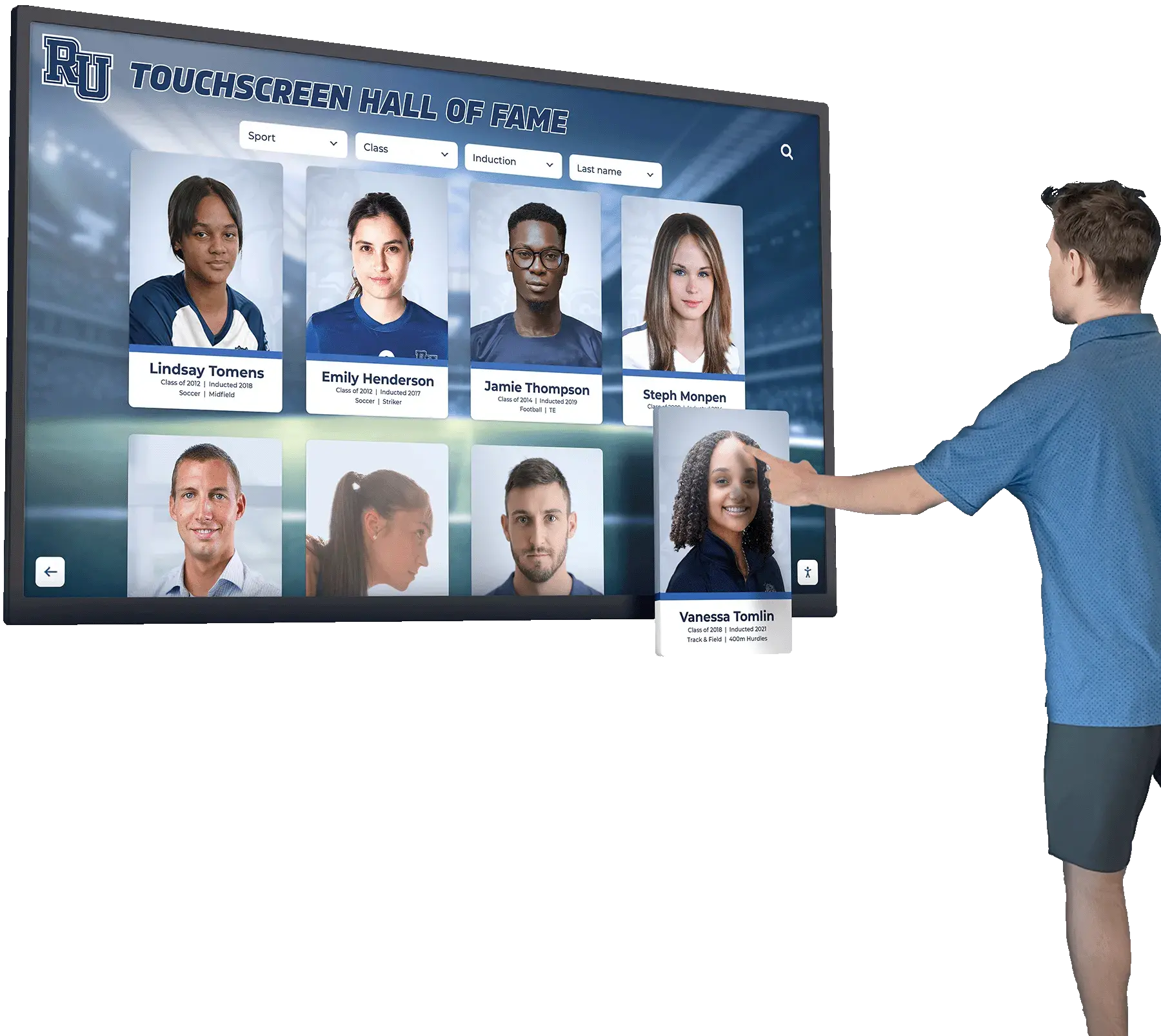
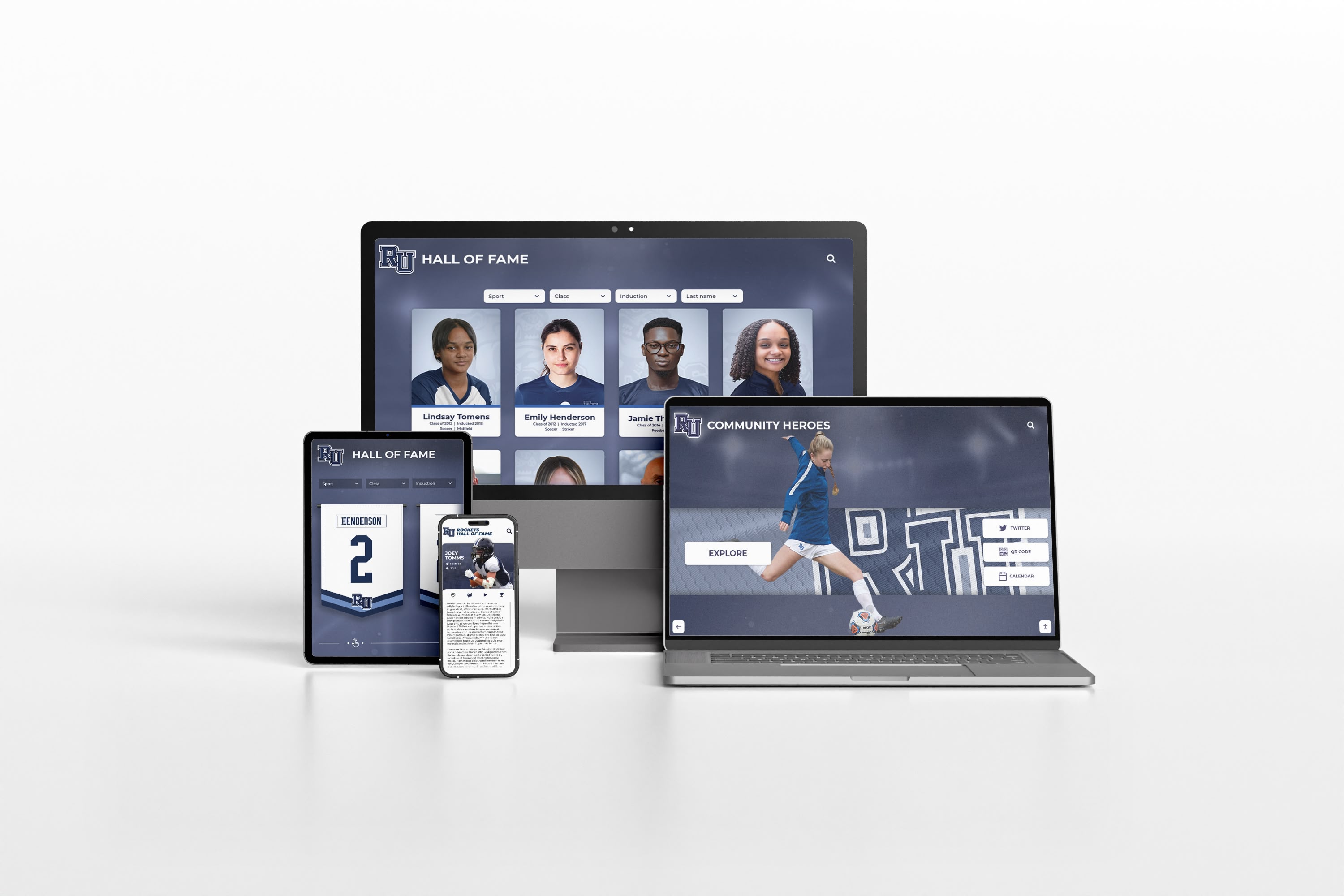
Modern DAM systems enable schools to display organized content across devices, from lobby displays to mobile phones
Understanding Digital Asset Management for Schools
Digital asset management refers to the systematic organization, storage, and retrieval of digital files—primarily media assets like images, videos, documents, and audio files—through centralized platforms that enable searching, sharing, and controlled access.
What Qualifies as a Digital Asset in School Environments
Schools manage diverse content types that benefit from DAM organization:
Recognition and Achievement Content
- Athletic hall of fame photos and biographies
- Academic achievement records and honor roll lists
- Student award ceremony photos and videos
- Team championship documentation
- Individual athlete accomplishment materials
- Graduation ceremony footage
- Performance recordings from arts programs
Historical and Archival Materials
- Digitized yearbooks spanning decades
- Historical photos documenting campus evolution
- Anniversary celebration materials
- Retired faculty and staff recognition content
- Milestone event documentation
- Legacy donor recognition information
- School traditions and customs records
Schools investing in professional yearbook digitization create valuable digital archives requiring proper management infrastructure.
Current Operational Content
- Event photography from school functions
- Athletic event action shots and team photos
- Promotional materials for programs
- Social media content libraries
- Newsletter photos and graphics
- Announcement visuals
- Marketing campaign assets
The Problem DAM Solves for Schools
Without centralized asset management, schools face predictable challenges:
Content Fragmentation and Loss
Digital files disperse across systems:
- Staff computers holding photos from years ago
- Retired administrators’ accounts containing historical materials
- Cloud storage accounts nobody monitors
- Email attachments buried in old messages
- Hard drives in storage closets
- Personal devices belonging to volunteers
- Outdated servers scheduled for decommissioning
When staff members leave, their accumulated knowledge and content often departs with them, creating permanent gaps in institutional memory.
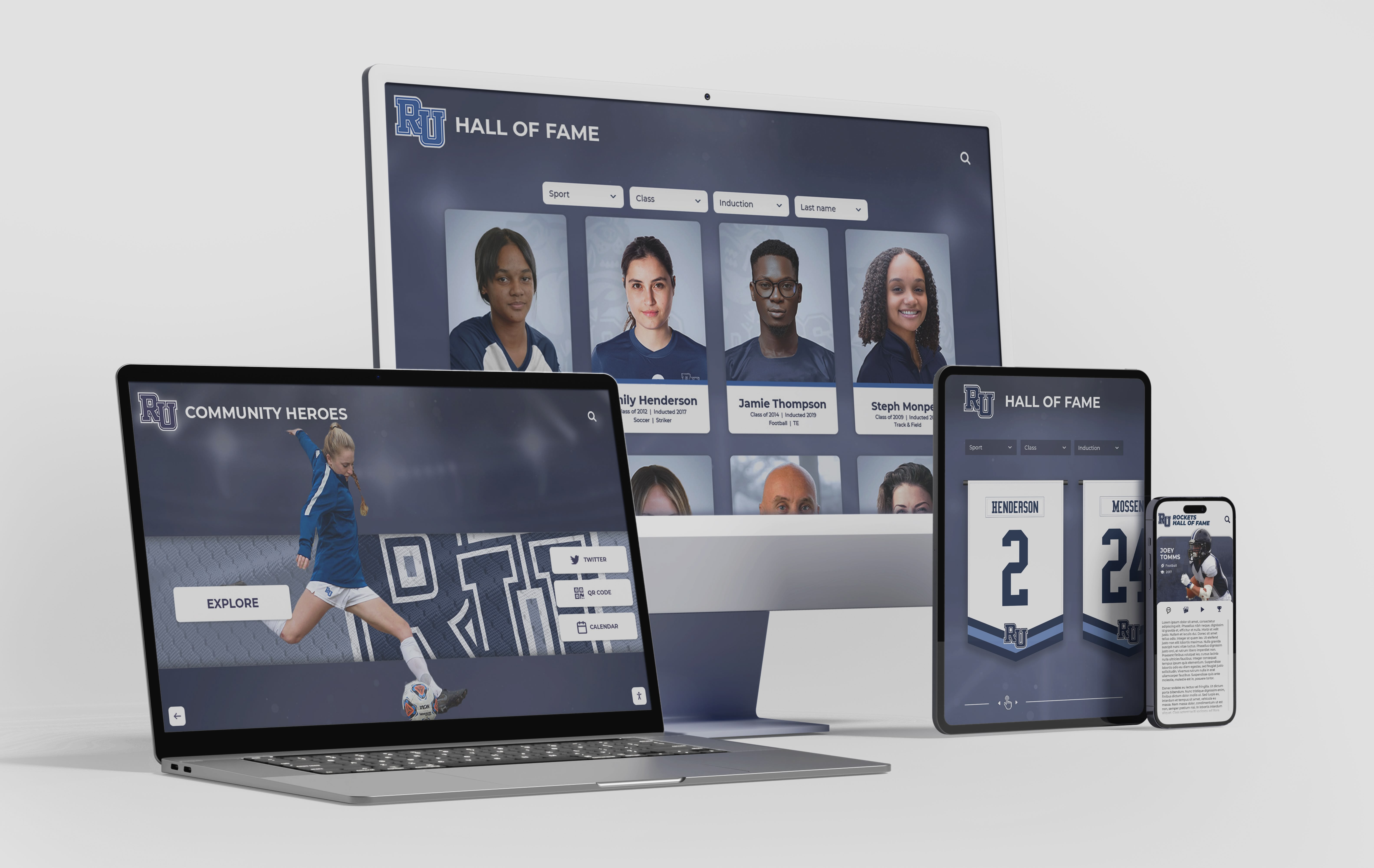
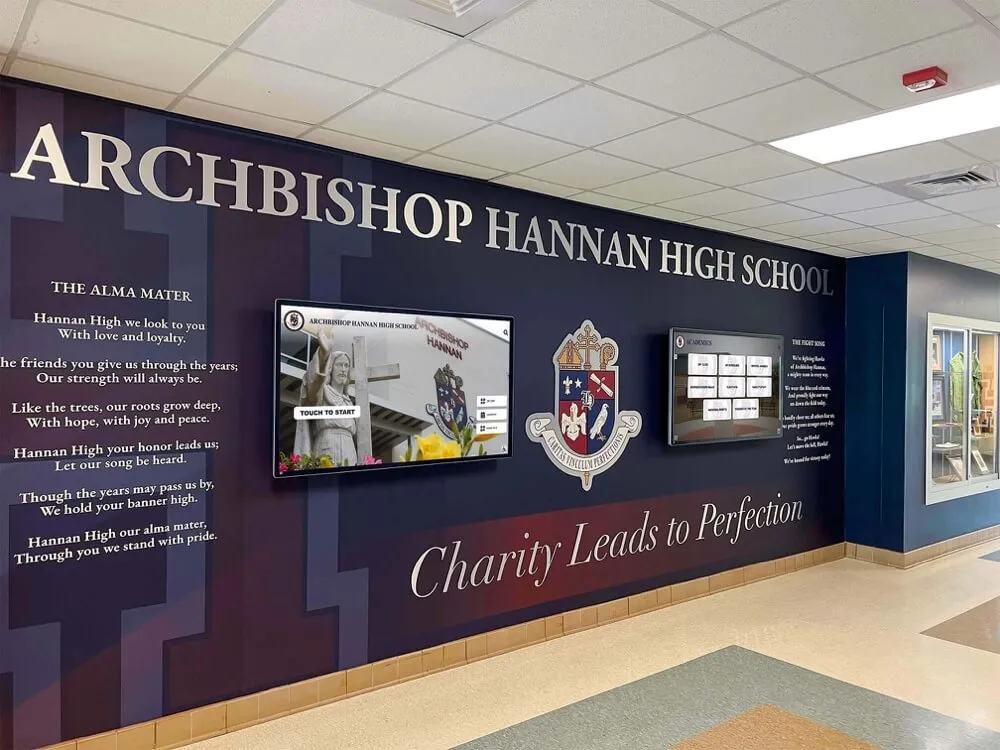
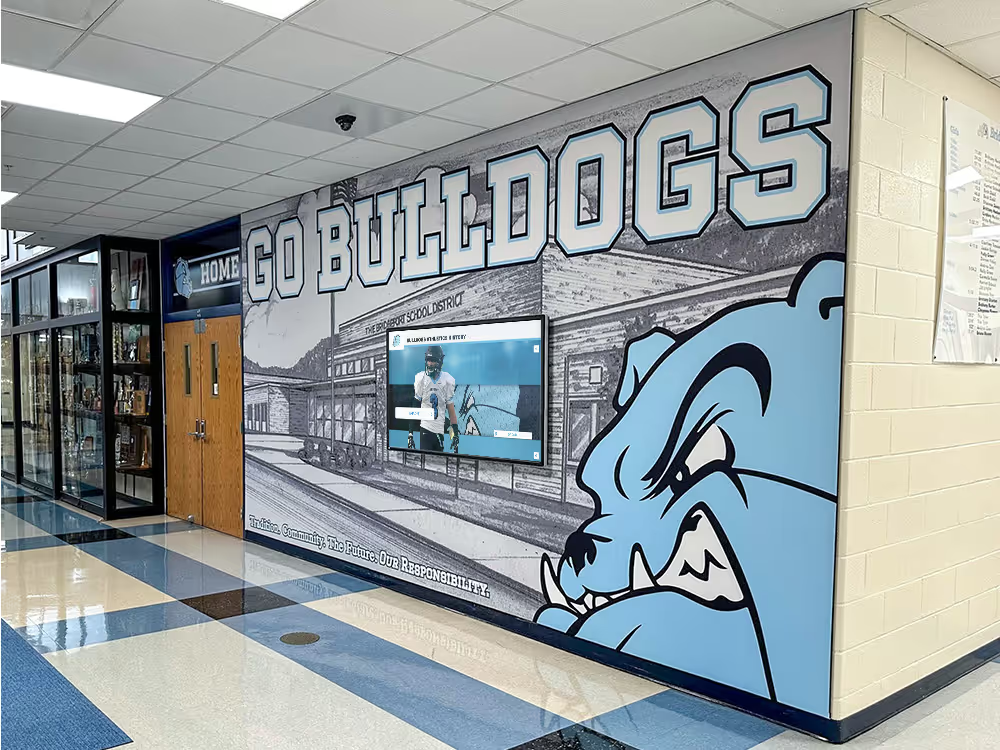
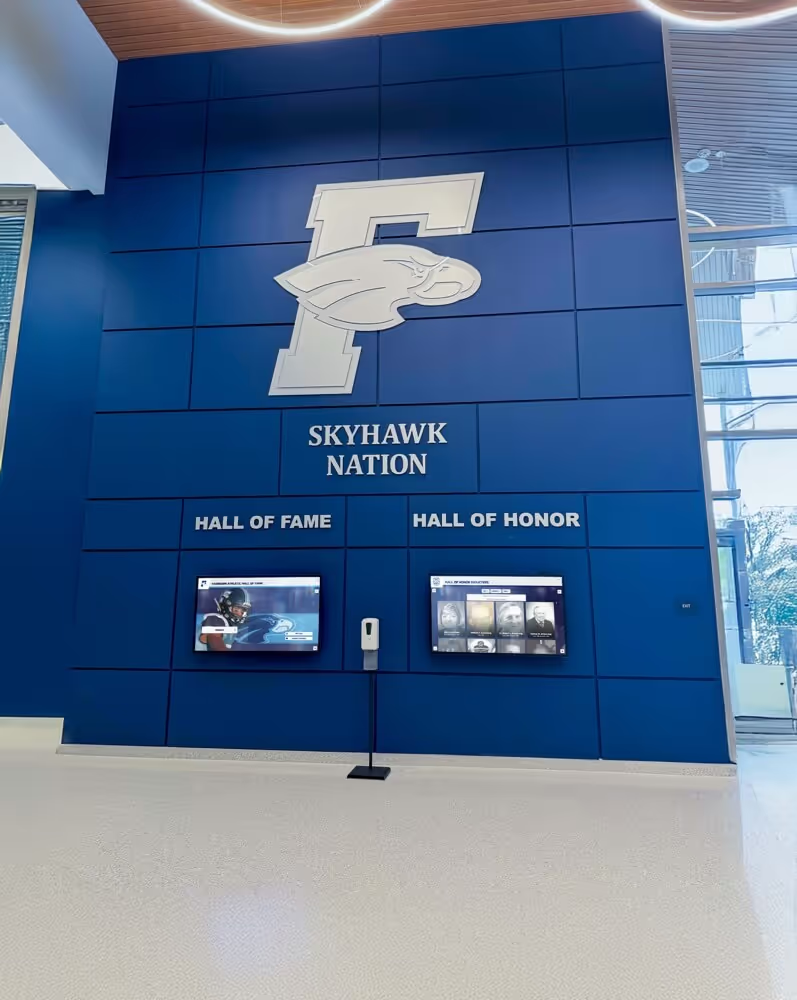
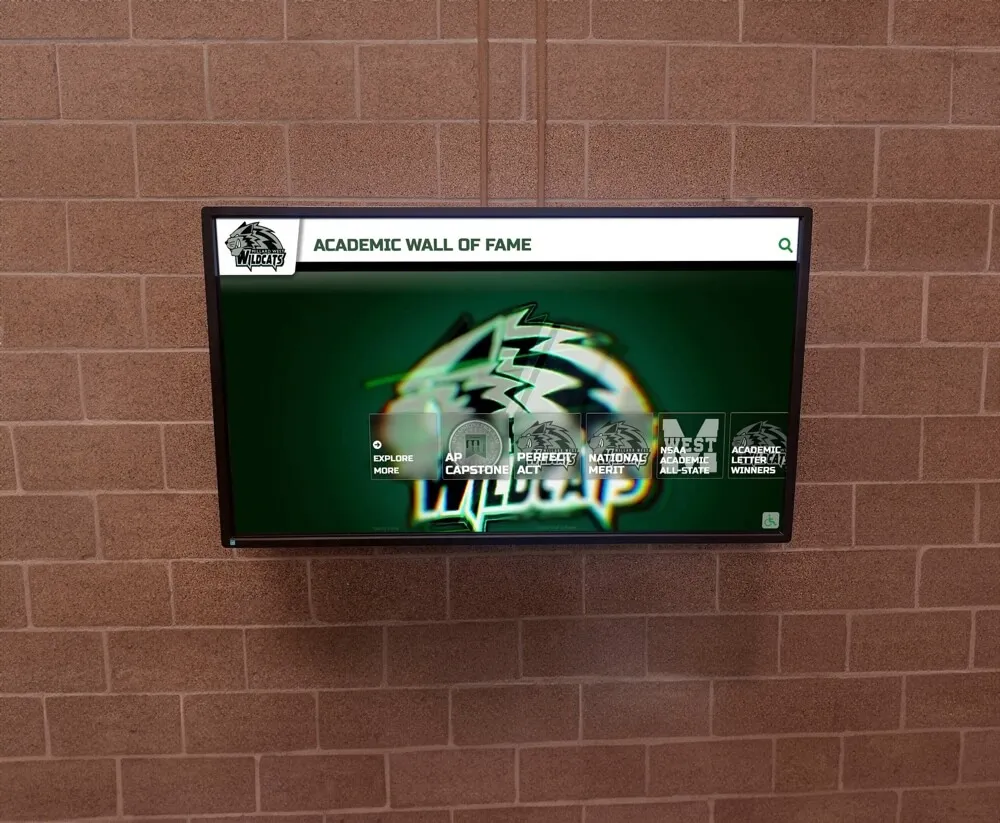
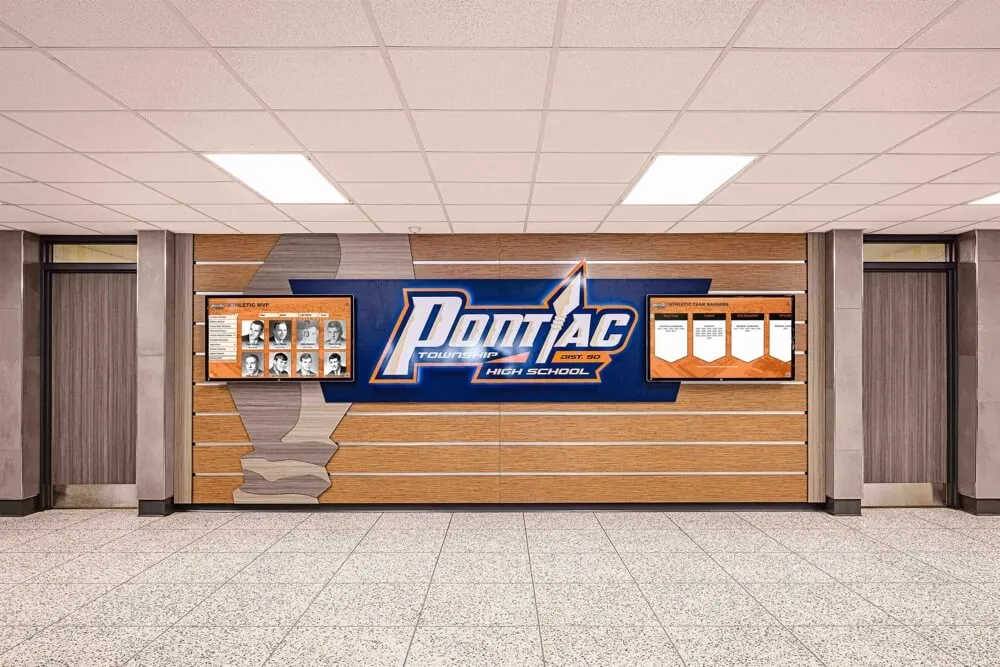
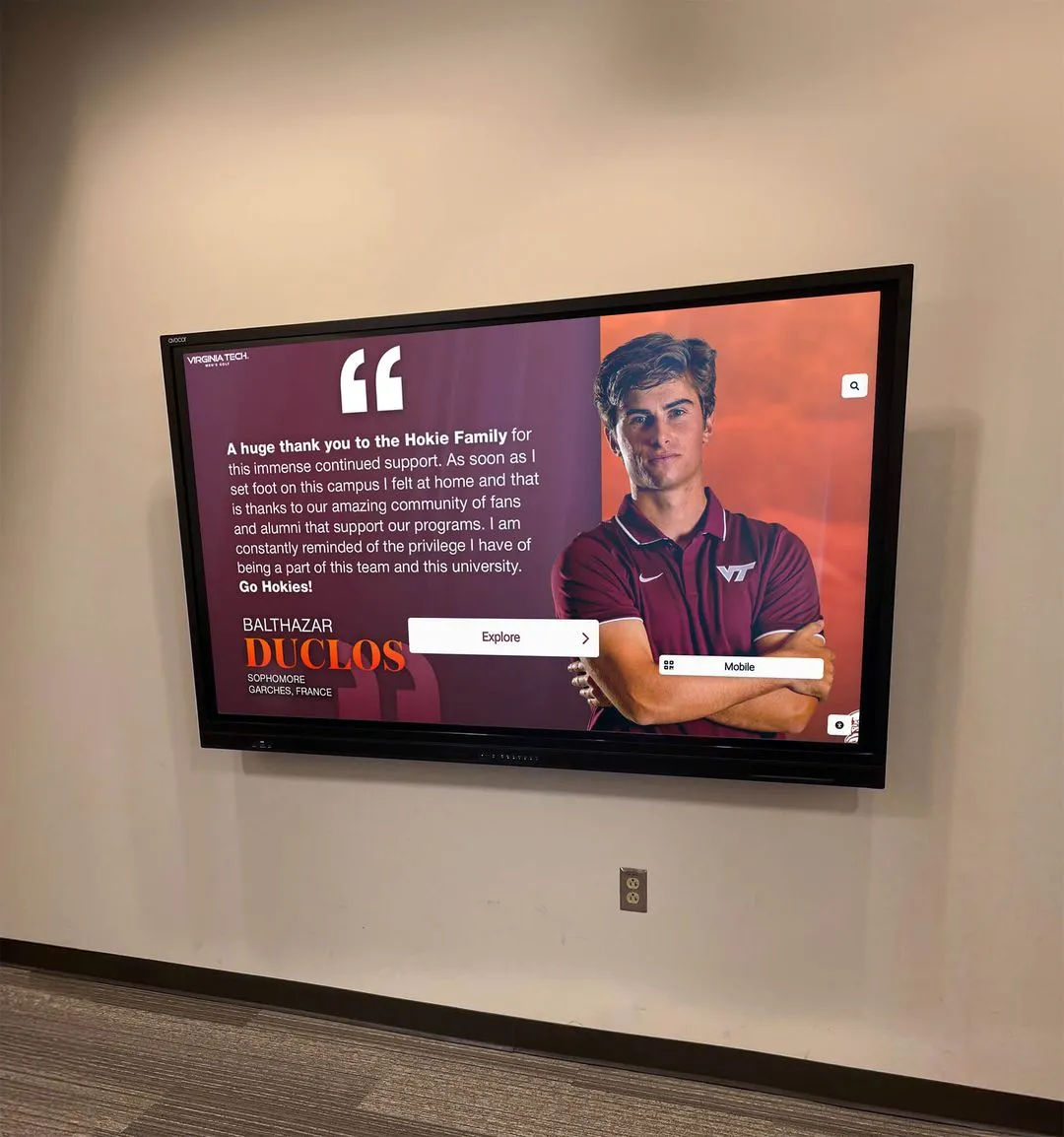
Centralized content management enables consistent display across all institutional touchpoints
Search and Retrieval Inefficiency
Finding specific content becomes time-consuming:
- Hours spent searching folders with inconsistent naming
- Multiple versions of files with unclear status
- No way to search by content characteristics
- Duplicate content created because originals can’t be located
- Permission barriers preventing access to known files
- Format incompatibilities requiring conversion
- Missing metadata making context unclear
Rights and Compliance Concerns
Disorganized content creates legal exposure:
- Unclear permissions for individual photos
- Student privacy violations from improper photo use
- Copyright issues with vendor-supplied materials
- Inability to honor photo removal requests
- Lost records of consent forms
- Expired usage rights going unnoticed
- ADA compliance challenges with inaccessible formats
Schools managing donor recognition displays need reliable access to contributor photos, giving histories, and recognition preferences maintained over decades.
Essential DAM Features for Educational Institutions
Not all digital asset management systems address school-specific needs equally well. Educational environments require particular capabilities that general-purpose DAM platforms may overlook.
Centralized Storage with Unlimited Capacity
Schools accumulate content indefinitely, requiring storage that grows without capacity constraints:
Why It Matters:
- Historical archives expand continuously
- Multiple years of students generate exponential photo growth
- Video content consumes substantial storage
- Original high-resolution files must be preserved
- Multiple format versions need retention
- Backup copies ensure content preservation
Implementation Considerations:
- Cloud-based storage eliminates server capacity limits
- Automatic scaling adjusts to content growth
- Tiered storage moves archival content to cost-effective options
- Redundant storage protects against data loss
- Geographic distribution ensures disaster recovery
- Version control maintains file history
Schools creating interactive timelines of school history rely on DAM systems that preserve decades of photos, documents, and multimedia content.
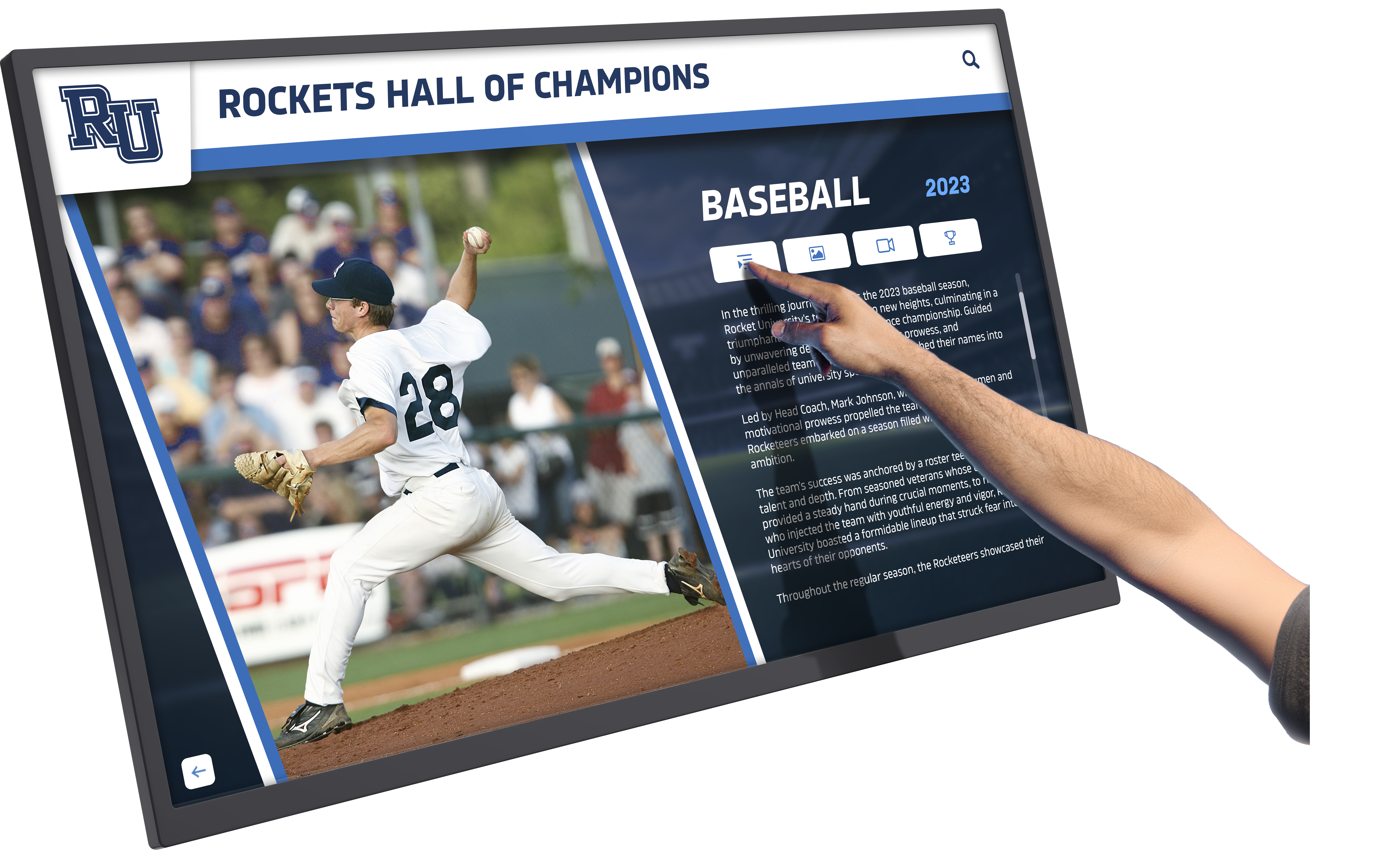
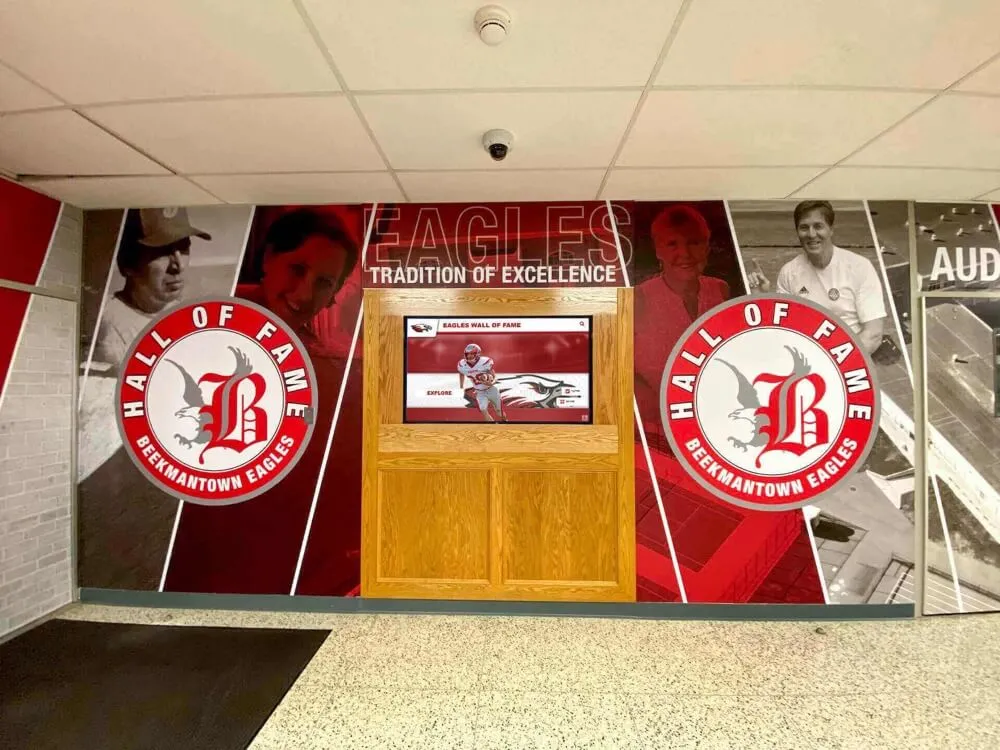
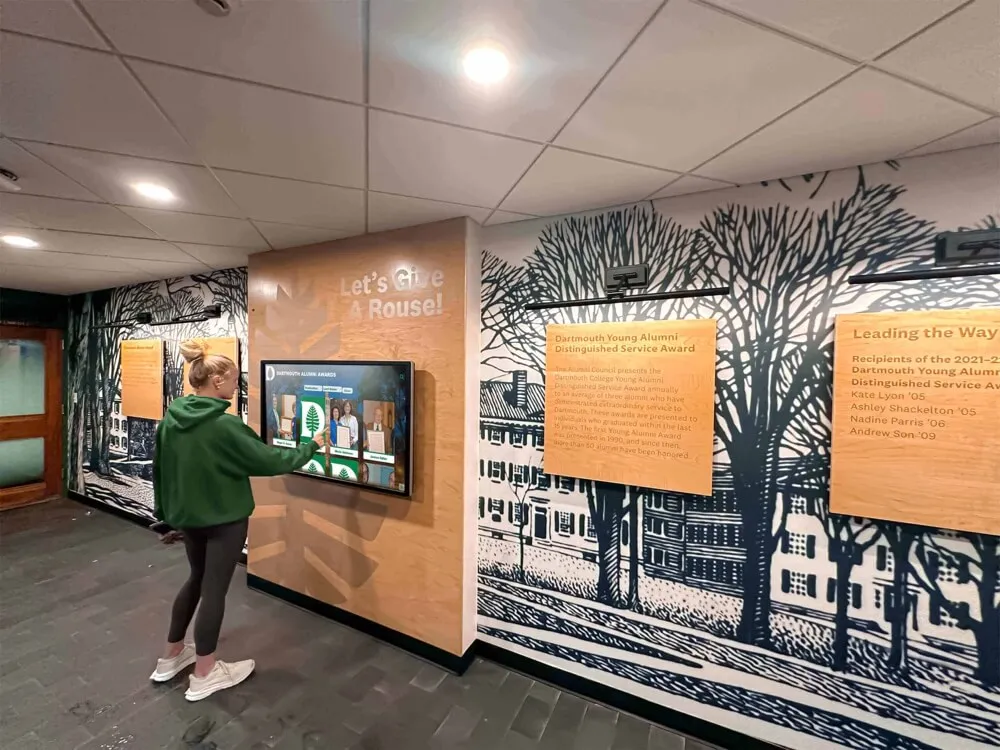
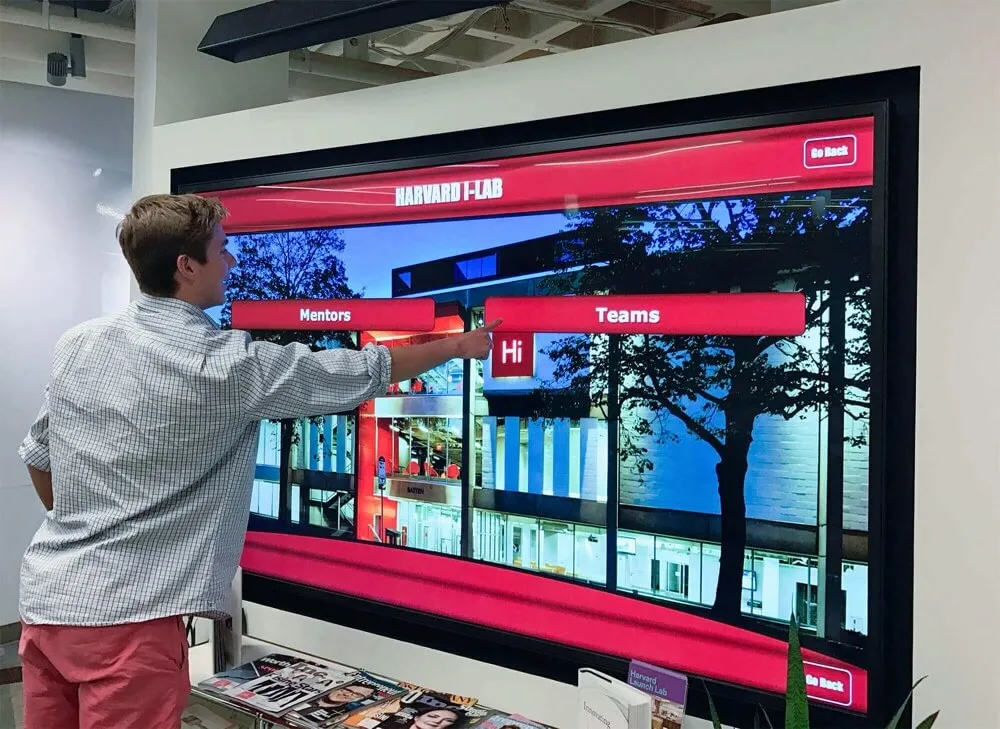
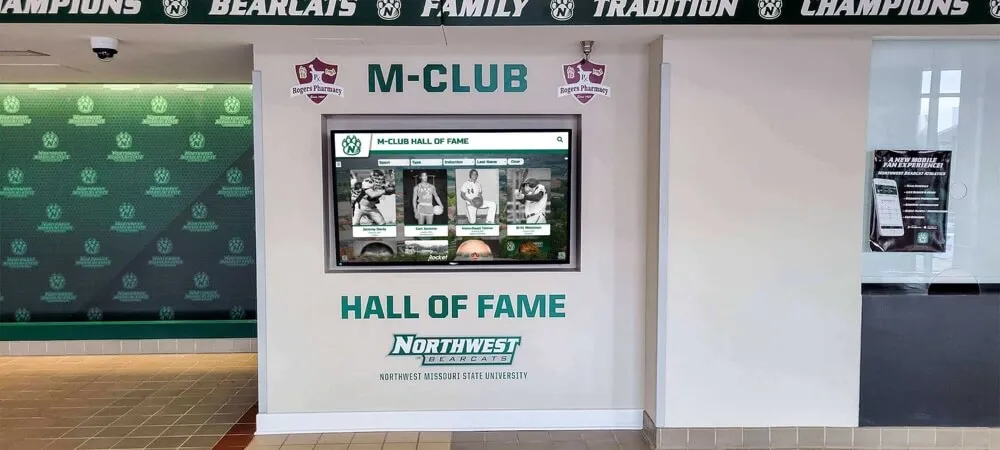
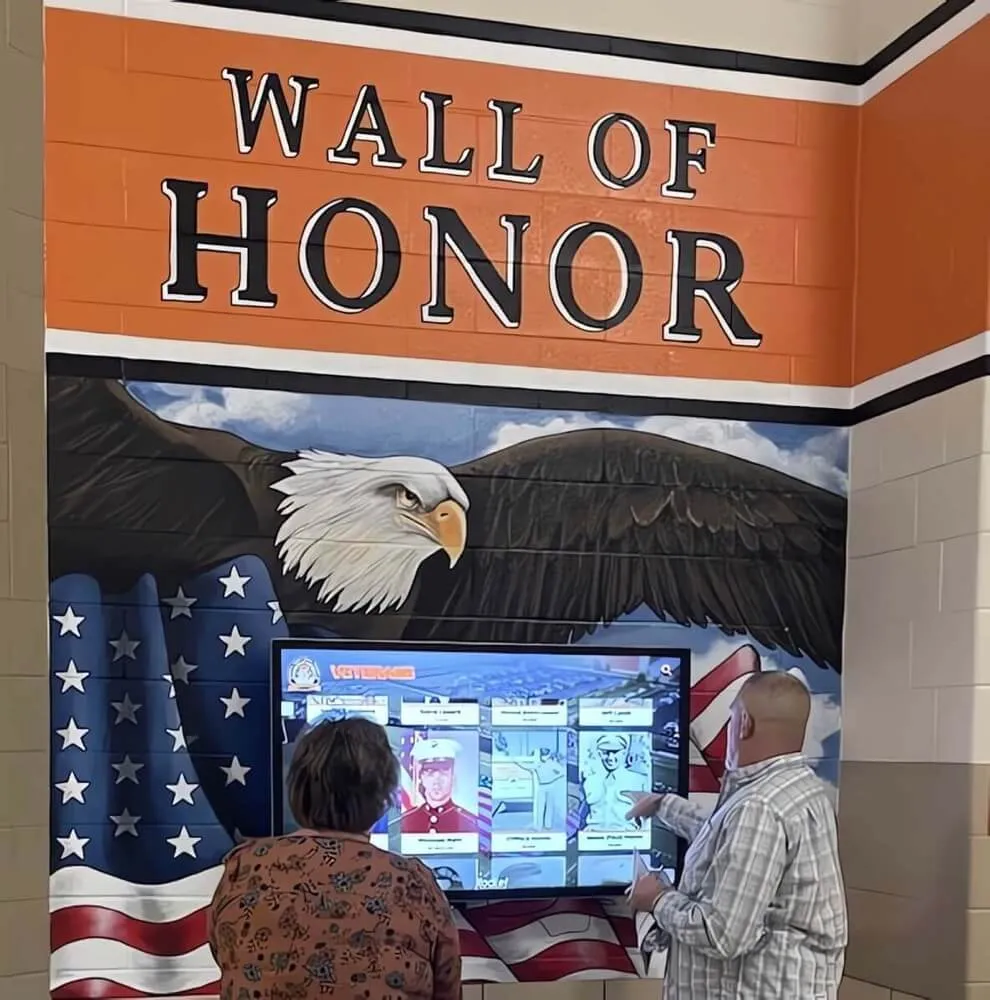
Touch-enabled interfaces make browsing organized digital content intuitive and engaging for visitors
Metadata and Tagging Systems
Comprehensive metadata capabilities determine whether content remains findable long-term:
Critical Metadata Fields for Schools:
- Student or staff member names (with privacy controls)
- Year or date of creation
- Event or context (game, ceremony, performance)
- Sport, activity, or program
- Awards or achievements depicted
- Location or venue
- Photographer or content creator
- Usage rights and restrictions
- Associated academic year or class
Tagging Best Practices:
- Consistent controlled vocabularies prevent terminology drift
- Hierarchical tags enable broad-to-specific searching
- Automated tagging uses AI to suggest relevant terms
- Batch tagging allows efficient mass updates
- Custom fields address institution-specific needs
- Required fields ensure minimum documentation
- Tag validation prevents typos and duplicates
Multi-User Access with Permission Controls
School DAM systems must balance broad access with appropriate restrictions:
Permission Tiers:
- Administrators with full system access and settings control
- Department heads managing specific content categories
- Teachers accessing classroom and program materials
- Coaches retrieving athletic content
- Alumni staff managing historical materials
- Marketing teams using approved promotional content
- External vendors with limited project access
- Public viewers seeing published content only
Access Control Features:
- Role-based permissions simplify administration
- Content-level restrictions protect sensitive materials
- Watermarking discourages unauthorized use
- Download controls limit file distribution
- Audit trails track access and usage
- Approval workflows govern publication
- Expiring access supports temporary users
Search and Discovery Capabilities
Powerful search determines whether your DAM delivers value or frustration:
Essential Search Functions:
- Full-text search across filenames and metadata
- Visual similarity search finds photos of specific people
- Date range filtering narrows time periods
- Multi-criteria searches combine multiple attributes
- Saved searches enable quick repeated queries
- Smart collections auto-populate based on rules
- Recently used content aids common retrievals
- Related content suggestions discover connections
Recognition programs showcasing academic achievement depend on quickly locating student photos and accomplishment records from current and past years.
Multi-Format Content Support
Schools work with diverse file types requiring universal support:
Image Formats:
- JPEG, PNG, TIFF for photos
- SVG for logos and graphics
- RAW camera files for original captures
- PSD and AI for design source files
- GIF for simple animations
- HEIC from modern mobile devices
Video Formats:
- MP4 for general video content
- MOV from mobile recording
- AVI from older equipment
- WMV from legacy systems
- MKV for high-quality archival
- Streaming formats for large files
Document Formats:
- PDF for official documents
- Word and Excel files
- PowerPoint presentations
- Text documents and spreadsheets
- Scanned document images
Specialized Formats:
- Audio files (MP3, WAV, AAC)
- 360-degree photos and videos
- Interactive content and applications
- 3D models and renderings
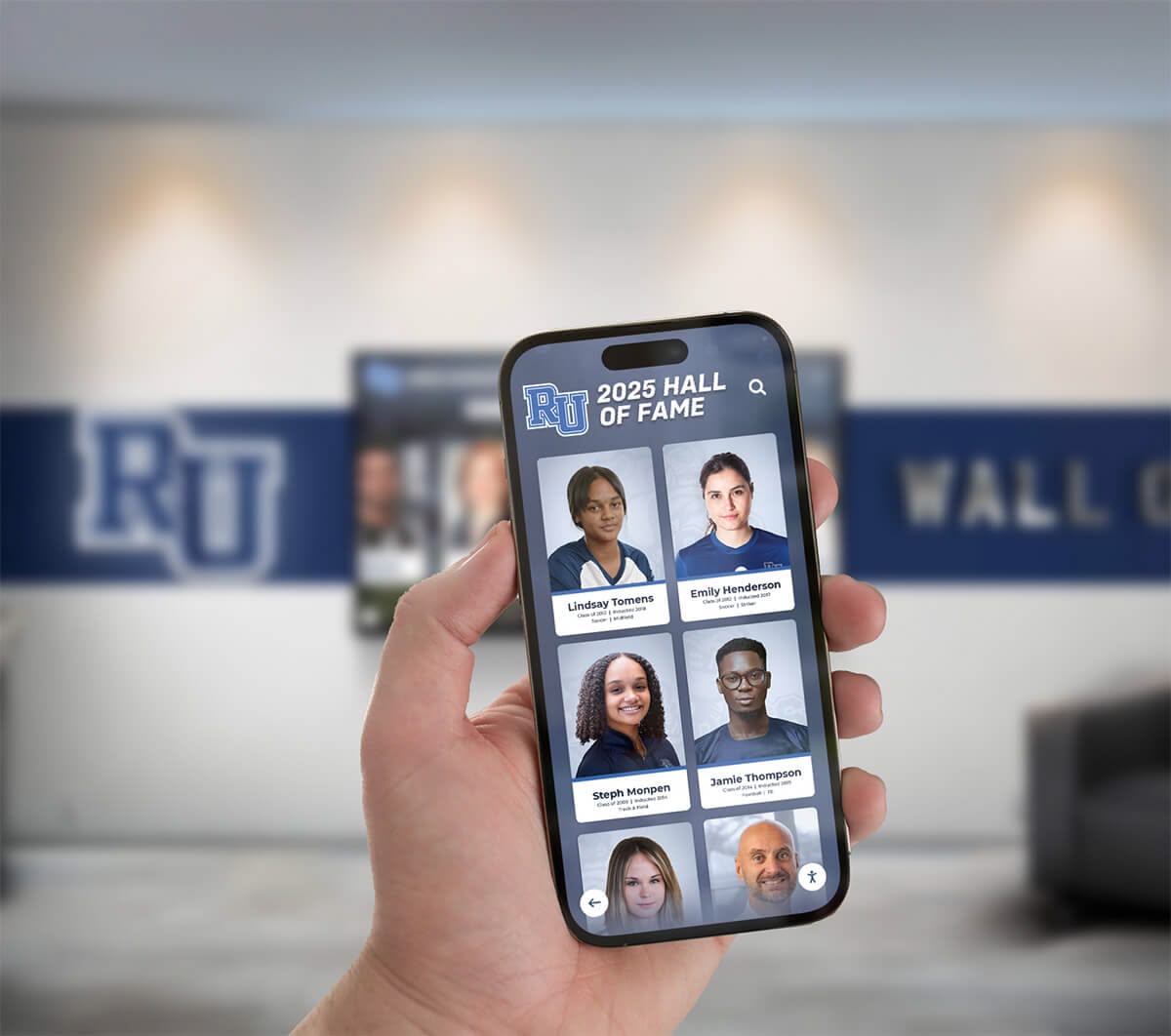
Mobile-responsive DAM systems let users access content from any device, bridging physical and digital experiences
Publishing and Distribution Tools
Effective DAM systems don’t just store content—they facilitate deployment across channels:
Publishing Destinations:
- Digital wall of fame displays in lobbies and hallways
- School websites and portals
- Social media platforms
- Email newsletters and communications
- Printed materials and programs
- Mobile applications
- Digital signage networks
- Interactive kiosks
Distribution Features:
- Format conversion for destination requirements
- Automatic resizing and optimization
- Scheduled publishing at specific dates
- Multi-channel simultaneous distribution
- Template-based content creation
- Preview before publication
- Rollback capabilities for corrections
- Analytics tracking content performance
How Rocket Alumni Solutions Functions as a DAM for Schools
While general-purpose DAM systems require extensive configuration for school use cases, Rocket Alumni Solutions operates as a purpose-built digital asset management platform specifically designed for educational recognition and archival content.
Recognition-Focused Content Organization
Rocket’s structure aligns with how schools organize achievement and history:
Pre-Configured Content Categories:
- Athletic halls of fame organized by sport and year
- Academic achievement recognition
- Alumni profiles and class composites
- Donor recognition and giving histories
- Historical timelines and milestone events
- School leadership and administration
- Department and program histories
- Student organization records
This recognition-oriented architecture eliminates the blank-slate configuration challenge general DAM systems present, providing immediate organizational frameworks matching school needs.
Unlimited Storage for Growing Archives
Schools using Rocket Alumni Solutions benefit from genuinely unlimited content capacity:
What This Enables:
- Upload complete yearbook archives without storage anxiety
- Preserve original high-resolution photos indefinitely
- Include comprehensive video content from events
- Maintain every version and iteration of content
- Store supporting documentation alongside recognition materials
- Archive retired content without deletion pressure
- Accommodate institutional growth without license changes
Unlike subscription DAM systems charging per gigabyte or imposing storage caps, Rocket’s model treats unlimited content as fundamental infrastructure rather than premium feature.
Schools implementing digital trophy cases require platforms that accommodate thousands of photos, videos, and documents without storage restrictions.
Built-In Publishing to Multiple Surfaces
Rocket functions as both DAM repository and publishing platform, eliminating the gap between storage and display:
Integrated Publishing Channels:
- Touchscreen kiosks and wall displays
- Web-based public galleries
- Mobile-responsive interfaces
- QR code-activated mobile views
- Embedded widgets for school websites
- Social media-ready exports
- Print-quality downloads
Content uploaded once becomes available across all channels automatically, maintaining consistency while eliminating duplicate file management.
Non-Technical User Interface
School staff managing content typically lack technical training in database systems or media management platforms. Rocket’s interface assumes non-specialist users:
User-Friendly Features:
- Visual content browsing rather than file lists
- Drag-and-drop uploads
- Bulk editing for efficient updates
- Simple form-based metadata entry
- Template-guided content creation
- Preview before publishing
- One-click corrections and updates
- Help documentation in plain language
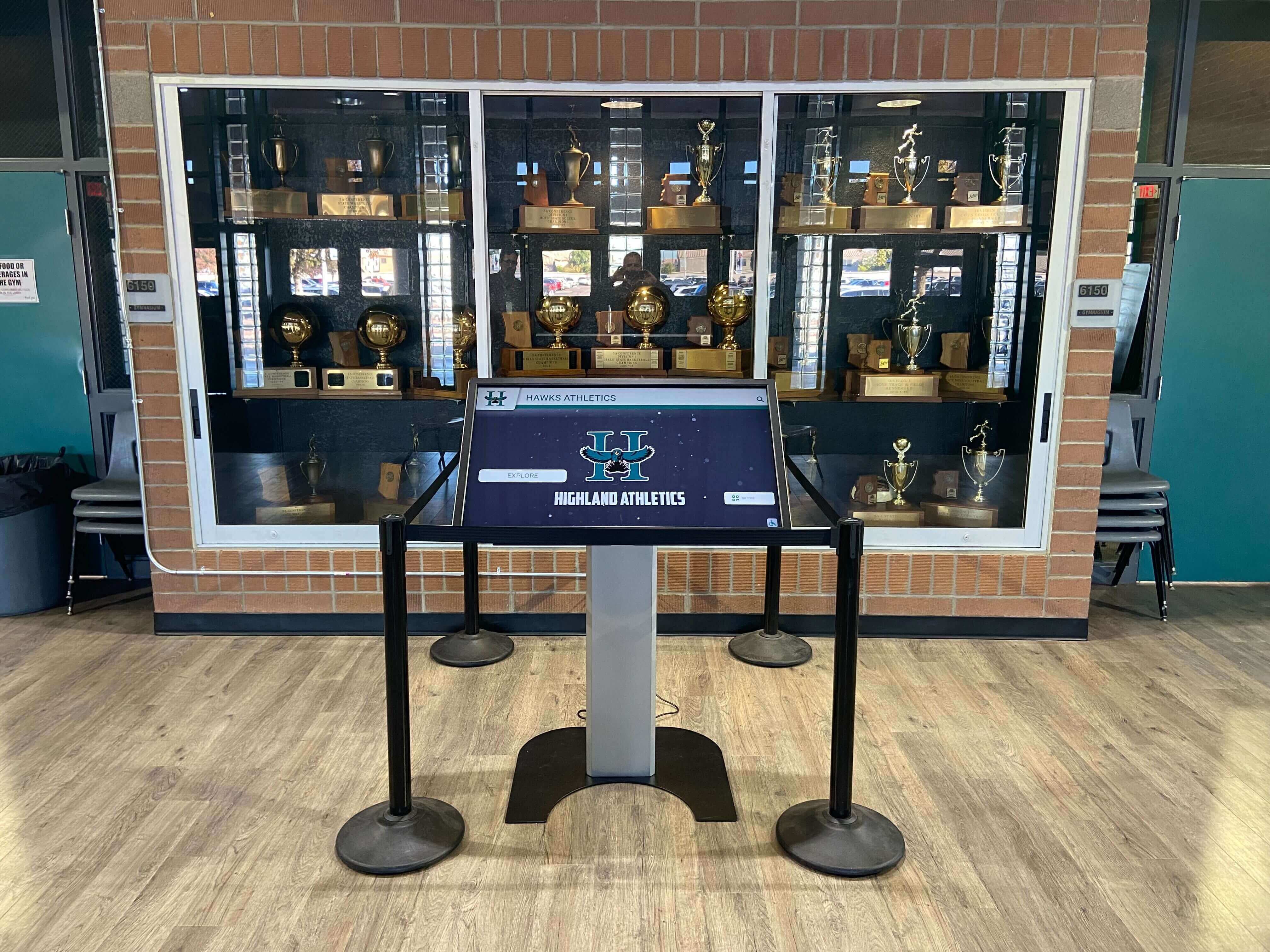
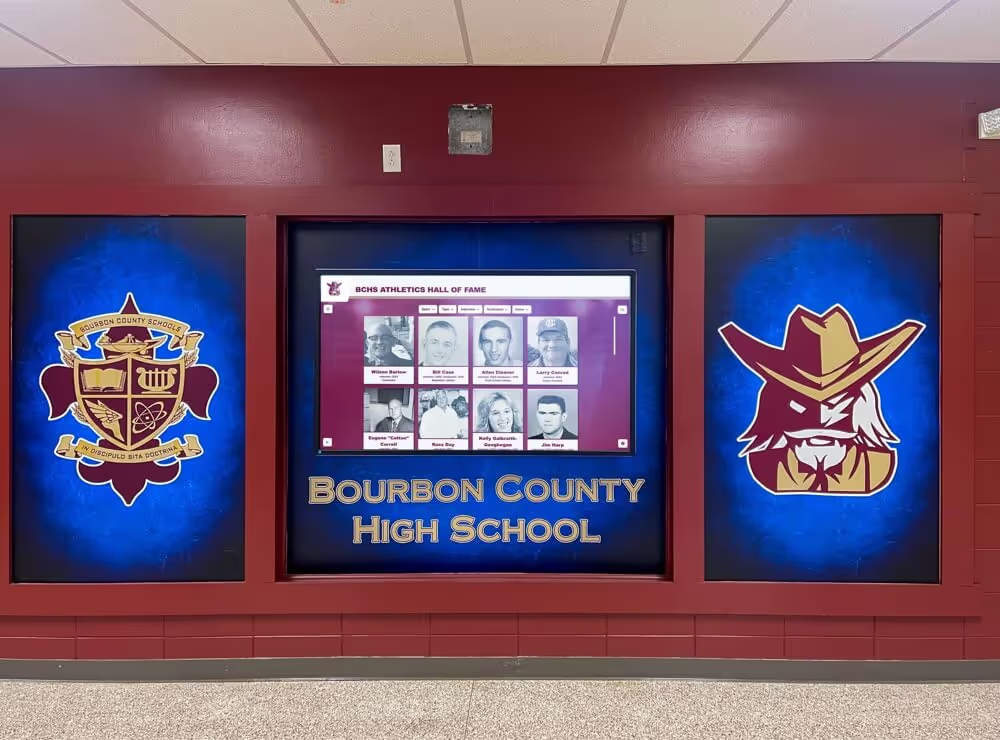
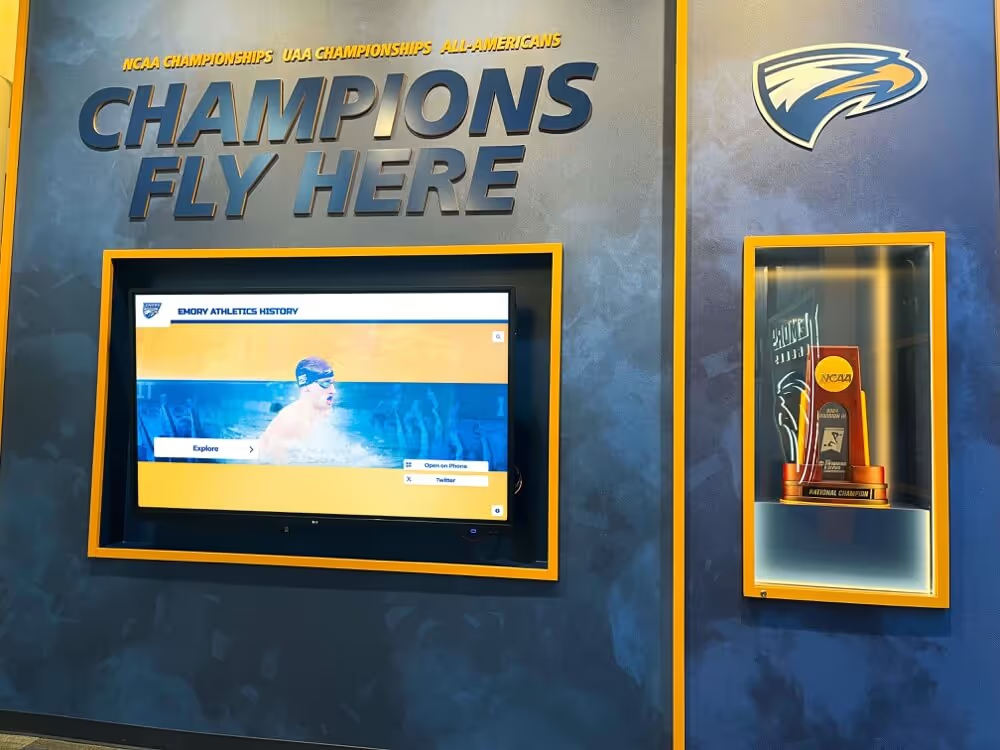
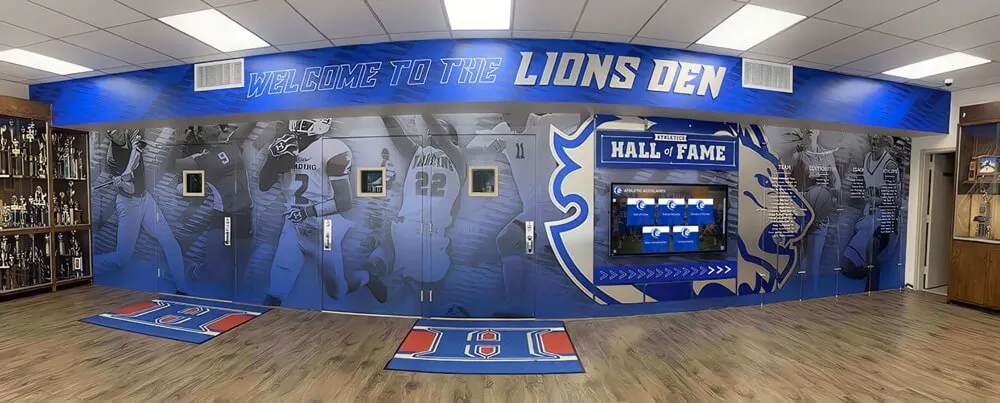
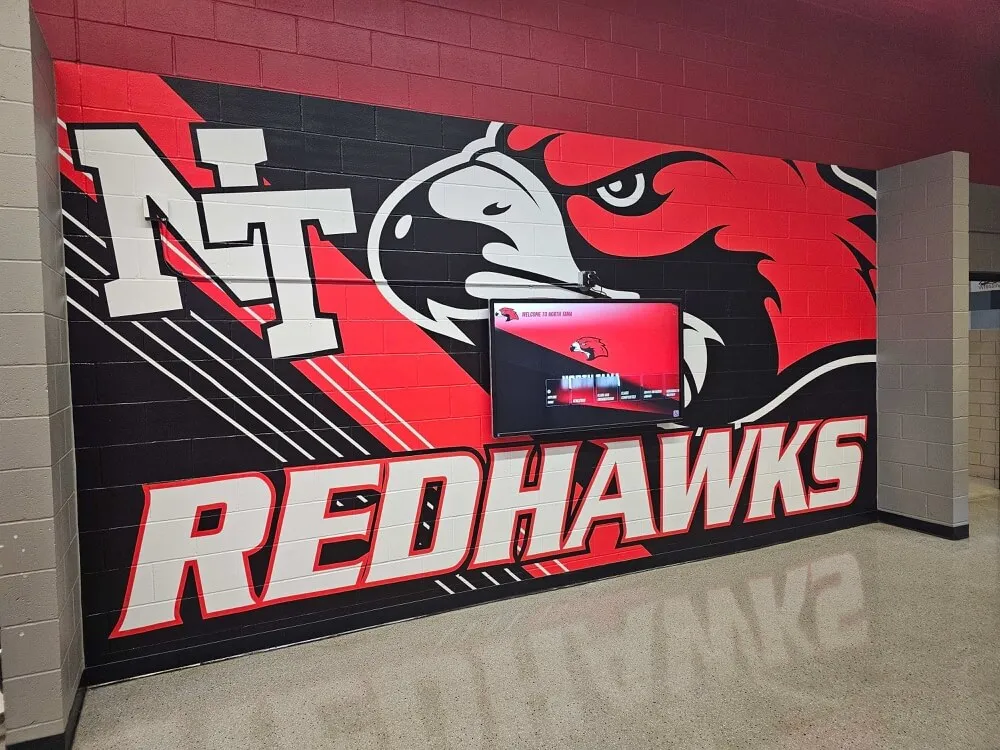
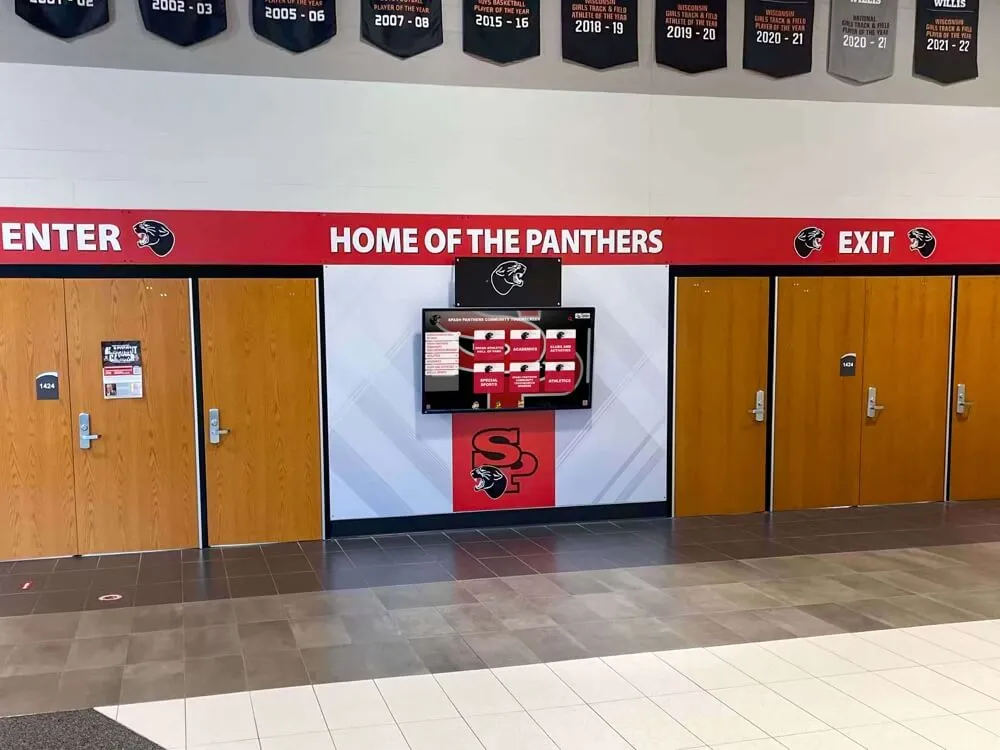
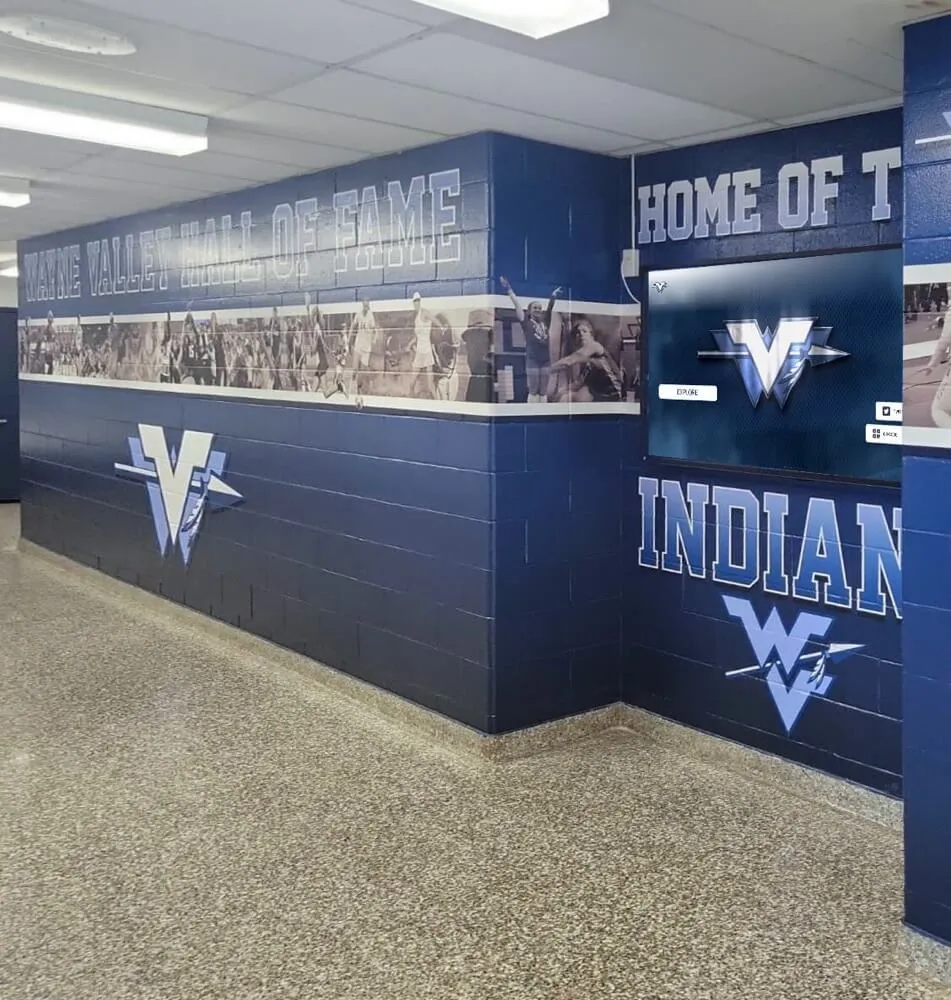
Purpose-built recognition displays connect directly to organized content libraries
ADA-Compliant Access
Unlike many DAM systems requiring separate accessibility layers, Rocket includes WCAG 2.2 AA compliance as standard:
Accessibility Features:
- Screen reader compatibility throughout interface
- Keyboard navigation for all functions
- High-contrast viewing modes
- Adjustable text sizing
- Alternative text for all images
- Video captions and transcripts
- Semantic HTML structure
- Touch target sizing for motor accessibility
This built-in accessibility ensures content reaches all audiences without requiring technical remediation or separate accessible versions.
Professional Migration and Implementation
Rocket’s full-service approach includes content migration that traditional DAM systems leave to customers:
Migration Services:
- Scanning and digitization of physical materials
- Yearbook digitization with OCR and indexing
- Legacy digital content consolidation
- Metadata creation and enrichment
- Quality control and format optimization
- Organizational structure development
- Staff training on content management
- Ongoing support and updates
Schools gain functioning DAM systems without the months of setup, configuration, and data migration typical of enterprise platforms.
Implementing DAM in School Environments
Successful digital asset management requires more than selecting technology—it demands organizational processes supporting long-term content governance.
Conducting a Content Audit
Understanding current digital assets reveals scope and informs strategy:
Assessment Questions:
- Where does content currently reside?
- Who creates and manages different content types?
- What file formats exist in your collection?
- How far back does your archive extend?
- What metadata currently exists?
- Who needs access to which content?
- What publishing destinations require content?
- What compliance requirements govern usage?
Audit Deliverables:
- Inventory of content volume by type
- Current storage locations and redundancy
- Identification of at-risk materials
- Stakeholder and user mapping
- Priority content for migration
- Estimated implementation timeline
- Resource requirements
- Budget considerations
Establishing Metadata Standards
Consistent metadata determines long-term findability:
Creating Your Metadata Schema:
- Identify required fields that every asset needs
- Define optional fields for specific content types
- Establish controlled vocabularies for consistent terms
- Create naming conventions for files and folders
- Document abbreviation standards
- Specify date formats
- Define privacy and rights notation
- Train content creators on standards
Common Metadata Pitfalls:
- Too many required fields discourage completion
- Unclear field definitions cause inconsistent entry
- No validation allows typos and variations
- Lack of training results in poor adoption
- Overly complex schemas overwhelm users
- No periodic review lets standards drift
- Missing enforcement mechanisms
Defining User Roles and Permissions
Clear access policies prevent both unauthorized use and unnecessary barriers:
Role Definition Process:
- List all user types needing access
- Define what each role needs to accomplish
- Specify appropriate permission levels
- Document approval workflows
- Create exception handling procedures
- Establish account lifecycle management
- Plan for role transitions and departures
- Regular permission audits
Balance Considerations:
- Open access encourages use but risks misuse
- Restrictive permissions protect assets but limit value
- Approval workflows ensure quality but slow processes
- Self-service enables agility but requires trust
- Audit capabilities provide accountability without friction
Schools managing alumni recognition programs benefit from permission structures that let alumni staff access historical content while protecting current student materials.
Content Migration Strategy
Moving existing content into DAM requires systematic approaches:
Migration Phases:
Phase 1: High-Value Current Content
- Recent recognition materials
- Active program content
- Frequently requested assets
- Upcoming event materials
- Current year student content
Phase 2: Recent Historical Content
- Previous 3-5 years of materials
- Recent graduate information
- Recent donor recognition
- Active program histories
- Commonly referenced archives
Phase 3: Deep Archives
- Digitized yearbooks
- Historical photos
- Legacy donor records
- Retired program materials
- Milestone documentation
Migration Best Practices:
- Start with highest-value content delivering immediate ROI
- Establish and test processes on small batches
- Verify metadata accuracy before bulk imports
- Maintain original files until migration confirmed
- Document migration decisions for future reference
- Train users on new content before retiring old systems
- Plan for parallel operation during transition
- Celebrate milestones to maintain momentum
Training and Adoption
Technology succeeds only when users embrace it:
Training Approaches:
- Role-specific sessions covering relevant tasks
- Hands-on practice with real content
- Reference guides and quick-start materials
- Video tutorials for visual learners
- Regular office hours for questions
- Champion users who support departments
- Feedback mechanisms for improvement requests
- Ongoing training for new features
Adoption Metrics:
- Active user counts by role
- Content upload volume
- Search activity levels
- Publishing frequency
- Support ticket volume and topics
- User satisfaction surveys
- Feature utilization rates
- Time savings measurements
Best Practices for School DAM Management
Long-term success requires ongoing attention to content governance and system optimization.
Regular Content Review and Maintenance
DAM systems require active management to maintain value:
Quarterly Review Activities:
- Audit newly added content for metadata completeness
- Review and update organizational structures
- Identify duplicate content for consolidation
- Archive or remove outdated materials
- Update permissions reflecting role changes
- Verify links and integrations remain functional
- Check storage capacity and growth trends
- Review access logs for unusual activity
Annual Strategic Reviews:
- Assess user satisfaction and pain points
- Evaluate content utilization patterns
- Consider new content types or use cases
- Review vendor performance and support quality
- Benchmark costs against alternatives
- Plan content expansion projects
- Update policies reflecting lessons learned
- Recognize and share success stories
Privacy and Compliance Management
Student privacy laws and institutional policies require careful content handling:
FERPA Considerations:
- Obtain appropriate permissions for student content
- Implement data retention policies
- Provide mechanisms for content removal requests
- Audit public-facing content for compliance
- Train staff on privacy requirements
- Document consent and permissions
- Age-out graduated student content appropriately
- Review third-party integrations for data handling
Rights Management:
- Track photographer and creator permissions
- Document commercial use restrictions
- Monitor expiring license agreements
- Maintain model release documentation
- Handle trademark and logo usage properly
- Respect copyright for third-party materials
- Establish institutional usage policies
Backup and Disaster Recovery
Digital content requires protection against loss:
Backup Strategy Elements:
- Automated daily backups
- Geographic distribution of backup copies
- Regular restoration testing
- Version retention policies
- Off-platform backup copies
- Documentation of backup procedures
- Recovery time objectives
- Business continuity planning
Measuring DAM Success
Quantifying value helps justify investment and guides improvements:
Efficiency Metrics
Time Savings:
- Average search time reduction
- Content creation speed improvement
- Publishing workflow acceleration
- Reduction in duplicate work
- Staff hours reallocated from file management
Usage Indicators:
- Number of assets accessed monthly
- Search queries performed
- Content downloads and shares
- Publishing frequency
- User login frequency
Engagement Metrics
Content Performance:
- Touchscreen kiosk interaction rates
- Website gallery page views
- Social media content reach
- Email newsletter click-through rates
- Mobile QR code scans
Schools deploying interactive recognition displays measure how organized, accessible content increases visitor engagement with institutional recognition.
Business Impact
Organizational Benefits:
- Institutional knowledge preservation
- Alumni engagement improvements
- Donor stewardship effectiveness
- Marketing content production capacity
- Brand consistency across channels
- Crisis response capabilities
- Recruitment and retention support
Common DAM Implementation Challenges
Understanding typical obstacles helps schools prepare and avoid pitfalls:
Legacy Content Complexity
Challenge: Decades of accumulated content in various formats, stored in obsolete systems, with incomplete or inconsistent metadata.
Solutions:
- Prioritize valuable content over comprehensive migration
- Accept that perfect metadata is unattainable
- Use AI-assisted tagging to augment manual work
- Engage volunteers for historical context
- Document what’s known and acknowledge gaps
- Plan multi-year migration for deep archives
Staff Resistance to Change
Challenge: Comfortable workflows face disruption, creating resistance to new systems regardless of long-term benefits.
Solutions:
- Involve users early in planning and selection
- Demonstrate concrete benefits specific to roles
- Start with enthusiastic early adopters
- Celebrate quick wins and success stories
- Provide excellent training and support
- Allow parallel operation during transition
- Address legitimate concerns seriously
- Recognize learning curves and patience
Ongoing Resource Requirements
Challenge: DAM systems require continued investment in content creation, metadata maintenance, and system administration beyond initial implementation.
Solutions:
- Establish realistic staffing expectations
- Build content management into job descriptions
- Create sustainable workflows not dependent on individuals
- Automate repetitive tasks wherever possible
- Outsource specialized tasks like digitization
- Set appropriate content quality standards
- Accept imperfection in favor of completeness
The Future of School DAM Systems
Emerging technologies promise enhanced capabilities for educational digital asset management:
AI-Powered Content Organization
Artificial intelligence increasingly automates tedious content management tasks:
- Facial recognition identifying individuals across photo libraries
- Object detection tagging content characteristics automatically
- Speech-to-text transcription of video content
- Sentiment analysis categorizing event tone
- Smart cropping optimizing images for destinations
- Duplicate detection consolidating redundant content
- Quality assessment flagging technical issues
- Predictive metadata suggesting tags and categories
Enhanced Accessibility Features
Technology improvements expand content access for diverse audiences:
- Real-time video captioning
- Audio description generation
- Language translation for multilingual communities
- Voice navigation and control
- Haptic feedback for visual content
- Simplified interfaces for cognitive accessibility
- Customizable presentation modes
Integration with Institutional Systems
DAM platforms connect with broader school technology ecosystems:
- Student information system integration
- Alumni database synchronization
- Fundraising CRM connections
- Learning management system linking
- Calendar and event system coordination
- Social media management platform integration
- Email marketing tool connections
- Website content management systems
Choosing the Right DAM Approach for Your School
Not every institution requires the same solution—context determines the best fit:
When Purpose-Built Recognition DAM Makes Sense
Consider platforms like Rocket Alumni Solutions when:
- Recognition content represents your primary use case
- Non-technical staff will manage the system
- You need both storage and publishing capabilities
- ADA compliance is required, not optional
- Professional migration services provide value
- Unlimited storage eliminates capacity concerns
- Historical archive preservation matters long-term
- You want turnkey implementation over customization
When General DAM Systems Fit Better
Enterprise or general-purpose platforms may work when:
- You have technical staff managing implementation
- Multiple use cases beyond recognition exist
- Existing systems require specific integrations
- Custom workflows justify configuration investment
- Budget favors subscription over capital expenditure
- In-house expertise handles migration
- Highly specific requirements demand customization
When Hybrid Approaches Work
Some schools combine multiple systems strategically:
- General cloud storage for working files
- Purpose-built DAM for published recognition content
- Specialized archives for historical materials
- Social media management tools for promotional content
The key is ensuring systems integrate smoothly rather than creating additional fragmentation.
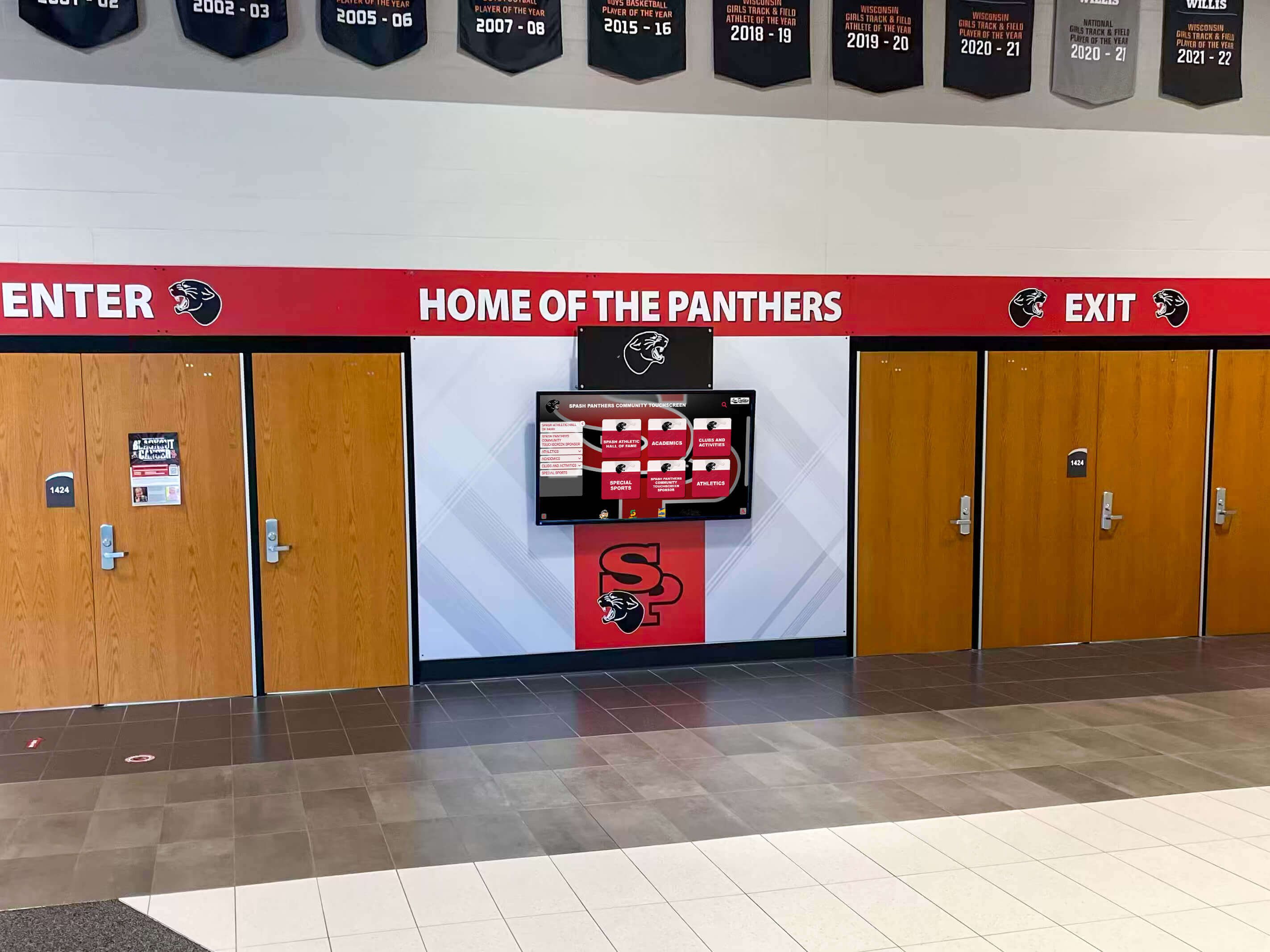
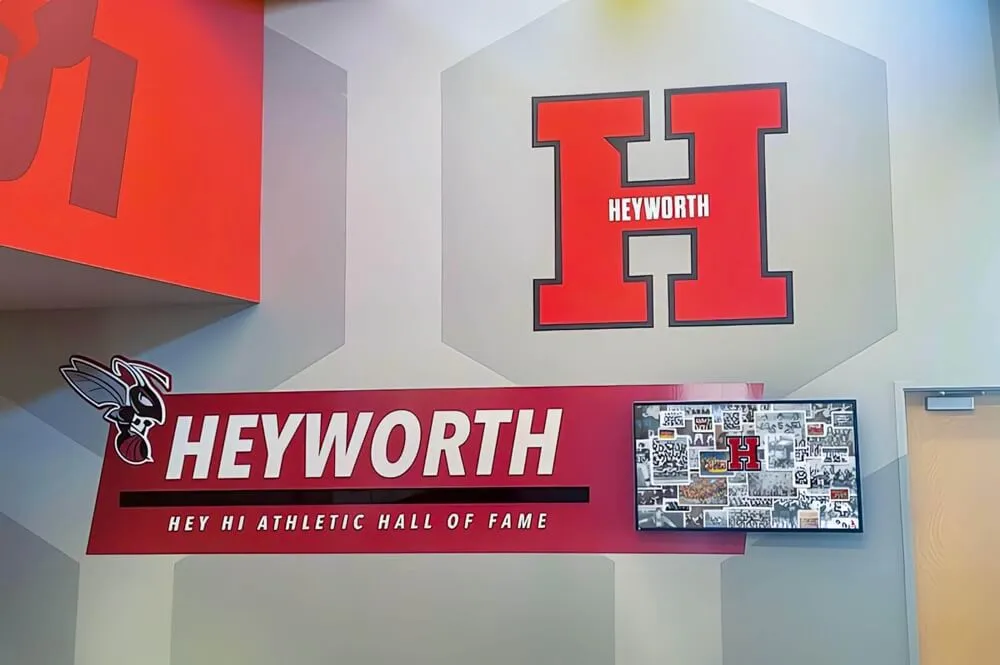
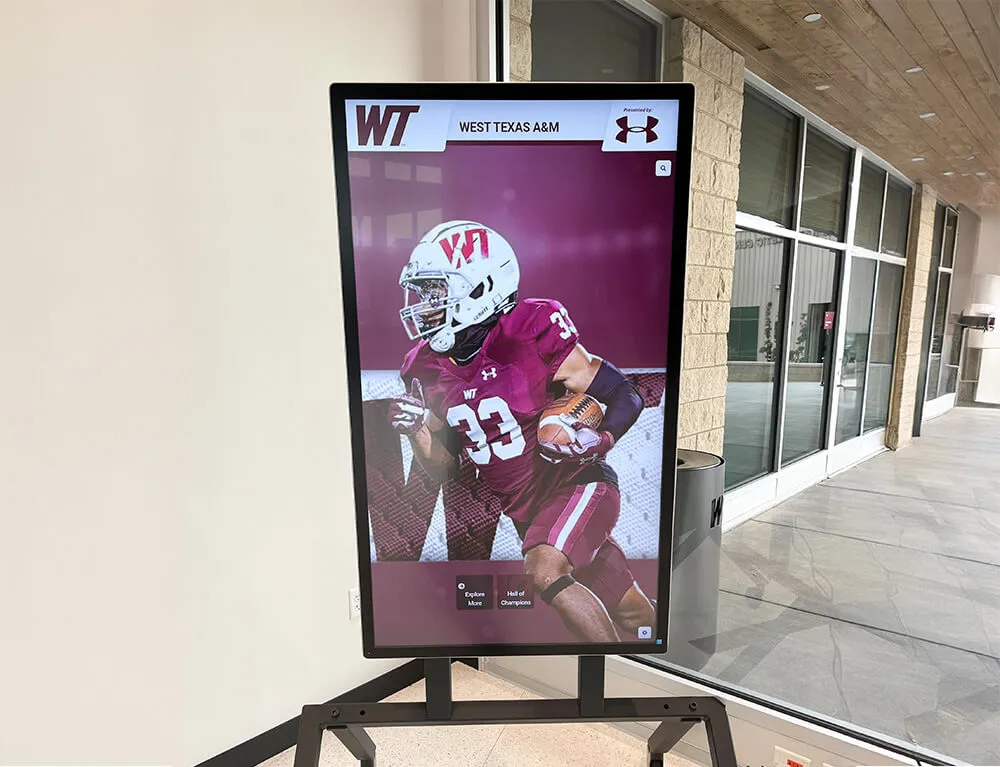
Effective DAM systems connect organized content libraries to impactful physical displays that engage communities
Taking the Next Step with School DAM
Digital asset management transforms how schools preserve institutional memory, celebrate achievement, and engage communities. Whether you’re drowning in disorganized files spread across systems or starting fresh with digitization projects, proper DAM infrastructure pays dividends for decades.
For schools focused on recognition content—halls of fame, donor displays, student achievement showcases, and historical archives—platforms purpose-built for these use cases deliver faster time-to-value than general solutions requiring extensive configuration.
Rocket Alumni Solutions operates as a full digital asset management platform specifically designed for educational recognition content, combining unlimited storage, intuitive content management, accessibility compliance, and integrated publishing to touchscreens and web platforms. Schools gain functioning systems without the complexity, cost, and resource demands of enterprise DAM implementations.
The question isn’t whether your school needs better digital asset management—the scattered files and lost content answer that clearly. The real question is which approach matches your resources, technical capabilities, and specific content needs. Understanding your requirements and the solution landscape positions you to make informed decisions that serve your institution for generations.
Ready to see how purpose-built recognition DAM works in practice? Book a demo to explore how Rocket Alumni Solutions manages, organizes, and publishes recognition content across touchscreens, web, and mobile platforms.
Live Example: Rocket Alumni Solutions Touchscreen Display
Interact with a live example (16:9 scaled 1920x1080 display). All content is automatically responsive to all screen sizes and orientations.