



A digital athletic hall of fame MathML fraction accessibility audit determines whether fractional measurements in your school’s historical athletic records need MathML fraction markup, and whether any MathML already in place is keyboard-navigable, announced meaningfully by screen readers, and rendered correctly on the browsers and hardware your recognition program uses. The direct answer for school athletic directors and their recognition-content, IT, or archives partners: readable text with Unicode fraction characters or spelled-out fractions is sufficient for the overwhelming majority of school athletic recognition records, and is often more broadly compatible than MathML on the specific kiosk hardware schools install. Use the MathML <mfrac> element only when your platform presents genuinely mathematical content, and audit every instance for keyboard access, screen reader output, and visual rendering before publishing.
School athletic hall of fame archives hold records whose original notation used fractions: a shot put mark of 60¾ feet, a pole vault clearance of 18 feet 3½ inches, a long jump recorded as 23 feet 4¾ inches. When those records are digitized for display on a hall of fame platform—whether a touchscreen kiosk in a school lobby, a web-based recognition site, or both—the team managing the digitization faces a choice: present the measurement as readable text, or apply mathematical markup intended to give the fraction semantic structure for assistive technology and rendering engines. That choice is what this audit addresses.
The audit is not about converting measurements or inventing new notation. Each record should preserve the original measurement, units, and context: a 1971 shot put mark noted in feet and quarter-inches stays in feet and quarter-inches, displayed in the form closest to how the original record read, with no rounding or conversion to decimal meters unless the original document recorded it that way. The question the audit answers is narrower: whatever notation the record uses, is it presented in a way that every visitor to your hall of fame—including keyboard-only users and screen reader users—can read and understand it?

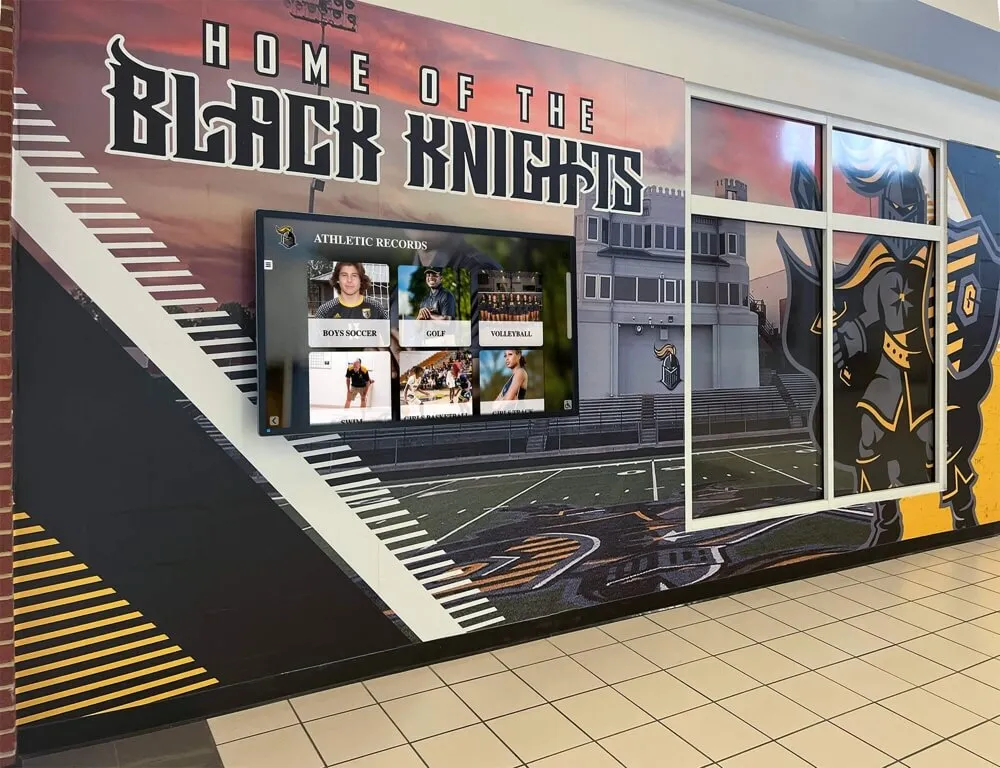
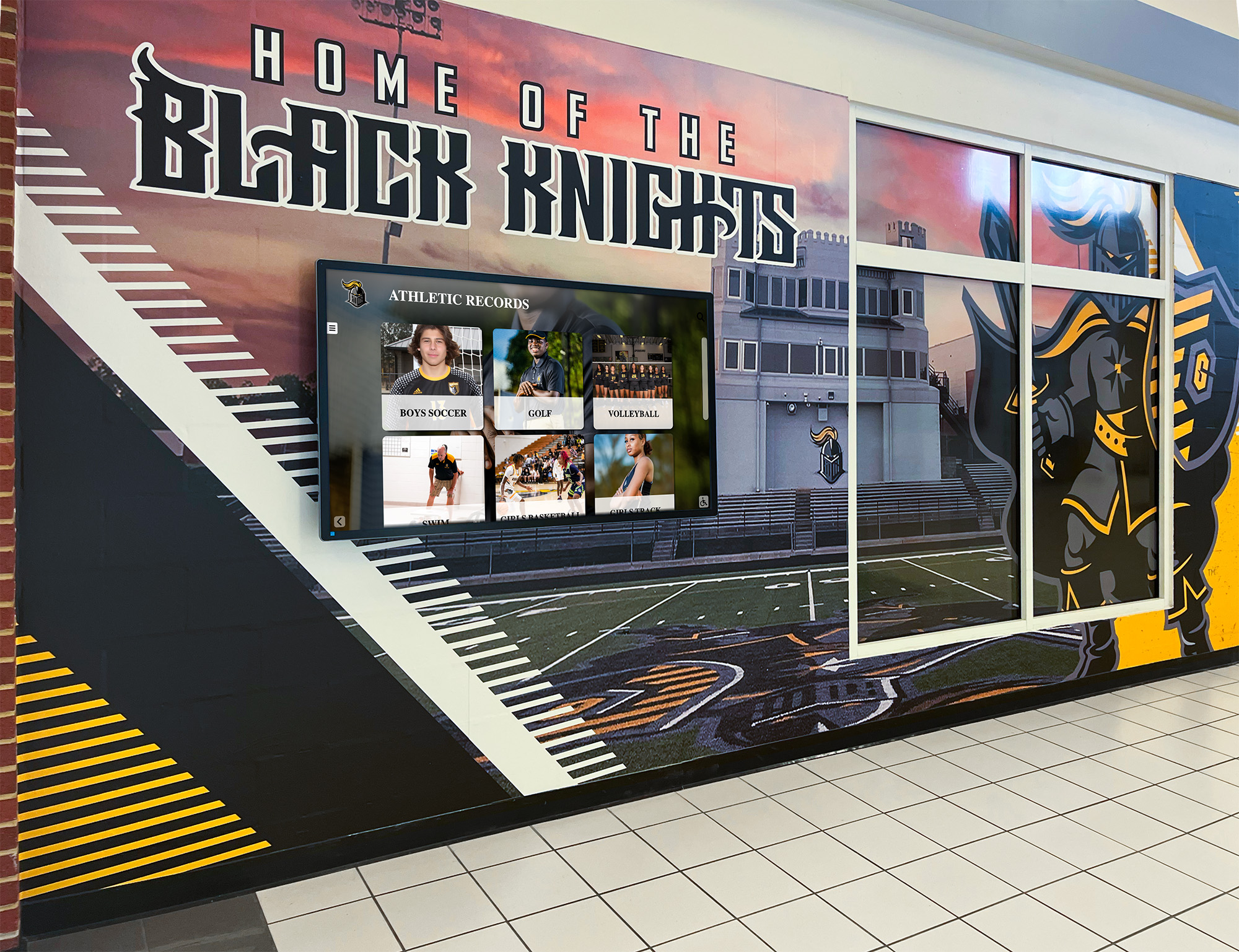
Athletic records displayed in a school hallway alongside digital screens—historical fractional measurements in these records deserve the same careful presentation as any other content on a recognition platform
What MathML Fractions Are and What They Are Not
MathML (Mathematical Markup Language) is an XML-based markup language for describing mathematical notation in web content. The <mfrac> element, documented on the MDN Web Docs mfrac reference, is the MathML element used to display fractions. Its basic structure places a numerator and denominator as child elements:
<math>
  <mfrac>
    <mn>3</mn>
    <mn>4</mn>
  </mfrac>
</math>
This markup instructs a MathML-capable browser to render a stacked fraction with 3 above the fraction bar and 4 below it. The <mfrac> element also accepts attributes that control presentation: linethickness sets the thickness of the horizontal fraction line (setting it to 0 removes the bar entirely, producing notation used for binomial coefficients and similar fraction-like structures), and numalign and denomalign control whether the numerator and denominator are left-aligned, centered, or right-aligned relative to the fraction bar.
Browser support for MathML reached a broadly available baseline in January 2023, when all major evergreen browsers—Chrome, Firefox, Safari, and Edge—supported core MathML features. This matters for schools, because kiosk hardware purchased or deployed before 2023 may run browser versions that predate reliable MathML support. A kiosk running an older Chromium-based webview may display MathML poorly, display it as unstyled text, or ignore the markup structure entirely.
What <mfrac> is not: it is not a general-purpose tool for displaying any text in a stacked layout. It is mathematical notation markup, intended for content that is genuinely mathematical. The MDN documentation describes <mfrac> as used to display fractions and fraction-like objects such as binomial coefficients and Legendre symbols—structures that carry mathematical meaning, not decorative stacking of text. A shot put distance of 60¾ feet is a historical measurement; it is not a mathematical expression requiring computational notation, and treating it as one adds accessibility and rendering complexity without a meaningful benefit over readable text.
The implicit ARIA role of <mfrac> is None. This means the element does not carry a built-in ARIA role that assistive technology uses to announce “fraction” automatically. Screen readers handle MathML content differently depending on the product and version. NVDA on Windows has built-in MathML support in recent versions and reads <mfrac> content as a fraction with numerator and denominator. JAWS also supports MathML, though behavior varies by version. VoiceOver on macOS and iOS reads MathML fractions, though the phrasing of the announcement may differ from what a sighted reader expects. No single combination of screen reader, browser, and operating system guarantees a consistent, plain-language announcement of a fraction for all visitors.
This variability is the core reason the audit begins with the question of whether MathML is the right tool, not with how to implement it.
Distinguishing Visual Superscript from Mathematical Structure
A critical distinction for school athletic records is the difference between visual presentation and mathematical structure. A historical record that reads “60¾ feet” can be presented in three ways on a digital recognition platform.
Option 1: Plain Unicode text
60¾ feet
The Unicode character ¾ (U+00BE) is a precomposed fraction character. It renders as a stacked fraction in most fonts, requires no markup beyond the character itself, and is read aloud by screen readers as “three quarters” or “three fourths” depending on the screen reader and its settings. No special markup is needed, and the text degrades gracefully across any rendering context.
Option 2: Superscript and subscript HTML formatting
60<sup>3</sup>⁄<sub>4</sub> feet
This produces a visual approximation of a fraction using HTML superscript and subscript elements. It is purely visual formatting: <sup> and <sub> do not carry mathematical meaning, and screen readers typically read this as “sixty three four feet” or similar—stripping the fraction structure and producing output that does not convey the value of the measurement. This approach is not recommended for fractional athletic records because it creates a visual effect that looks like a fraction but is not understood as one by assistive technology.
Option 3: MathML fraction markup
<math>
  <mn>60</mn>
  <mfrac>
    <mn>3</mn>
    <mn>4</mn>
  </mfrac>
  <mtext> feet</mtext>
</math>
This is genuine mathematical markup that some screen readers will read as “sixty, three fourths, feet” or “sixty, fraction, three over four, end fraction, feet.” Whether the output is clearer than the Unicode character ¾ depends on the screen reader, version, and user settings. For a historical athletic measurement, the added complexity of MathML markup over a precomposed Unicode fraction character is not automatically a benefit.
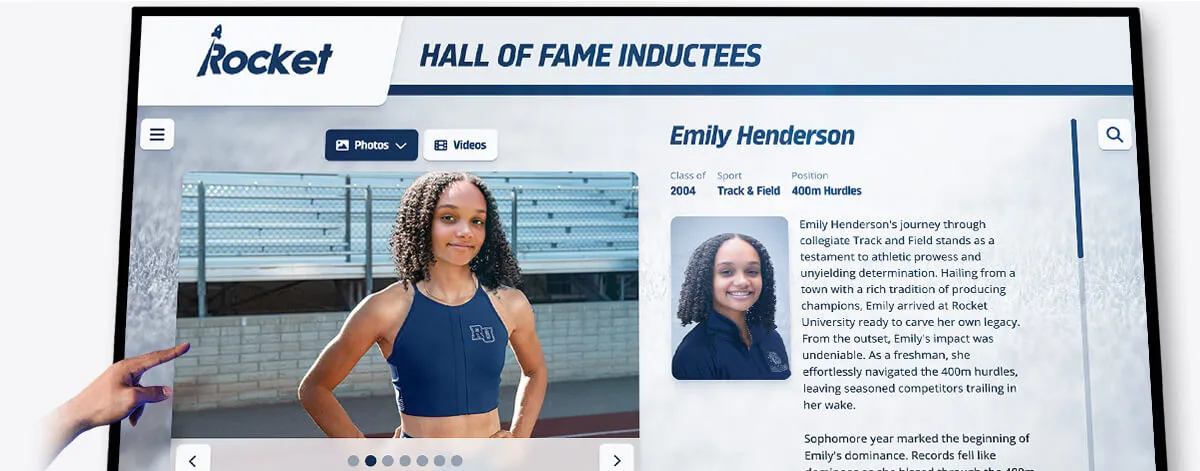
Athletic achievement cards on a hall of fame touchscreen should present measurements—including any fractional records—in a form that is readable by every visitor, including those using assistive technology
Decision Table: Text or MathML for School Athletic Records
Use this table to evaluate each instance of fractional notation in your hall of fame records.
| Condition | Recommended Approach |
|---|---|
| Fractional measurement in historical record, expressed in imperial units (e.g., “60¾ feet”) | Use the Unicode precomposed fraction character (¾, ½, ¼) in plain text. No MathML needed. |
| Fractional measurement where no precomposed Unicode character exists (e.g., 3/8) | Use plain slash notation in text with an aria-label on the wrapping element: <span aria-label="three eighths inches">3/8 inches</span>. MathML not required. |
| Fraction appears as part of a larger mathematical expression (ratio, formula, statistical calculation) | Use <mfrac> within a <math> block. Test keyboard access, screen reader output, and browser rendering before publishing. |
Display uses CSS or OpenType frac feature to style fractions visually | Verify the numeric characters are not misread as separate numbers by screen readers. Add aria-label on the wrapping element if needed. |
| Kiosk hardware runs a browser version that predates MathML baseline support (before January 2023) | Use readable text. MathML rendering is unreliable on pre-baseline browser versions. |
Superscript/subscript formatting (<sup>/<sub>) is currently used to represent fractions | Replace with Unicode fraction character or readable text. Screen readers do not announce <sup>/<sub> combinations as fractions. |
| Platform CMS strips MathML from rich text fields | Use readable text or a structured data field approach. MathML rendered in a stripped context produces no output or raw markup characters. |
| Screen reader testing of MathML output produces a confusing or verbose announcement | Switch to the Unicode fraction character with an aria-label on the wrapping element specifying the plain-language value. |
Audit Workflow: Eight Steps for Fractional Records in School Recognition Programs
Step 1: Inventory Records Containing Fractional Measurements
Export or query your recognition platform’s records to identify all inductee profiles, record boards, and historical achievement entries that contain fractional measurements. Record:
- The original measurement value and units as they appear in the source document
- The current markup in the published page (Unicode character,
<sup>/<sub>formatting, MathML, or plain slash notation) - Whether the record appears on a touchscreen kiosk, a web page, or both
If your platform uses a CMS with structured record fields, check whether fractional values are stored as plain text or as formatted rich text, since the storage format determines what markup is possible and what may be stripped on output.
A complete and accurate athletic record archive is the foundation this audit builds on. The athletic award data quality audit guide covers how to reconcile names, titles, dates, and display records before a technical accessibility review—that reconciliation should happen before this audit so you are auditing correct records, not records that also carry data accuracy problems.
Step 2: Confirm the Original Measurement Is Preserved
For each fractional record, confirm that the displayed value matches the original source document. The audit does not authorize rounding, converting, or recalculating any measurement. A pole vault record of 18 feet 3½ inches is displayed as 18 feet 3½ inches, not as 18.29 feet or 5.58 meters, unless the original document recorded it in those units.
Flag any record where the displayed value has been converted or rounded from the original. Restore the original notation before continuing the audit.
Step 3: Identify Superscript/Subscript Fraction Formatting
For each record in your inventory, inspect the page source to identify whether fractions are being represented with <sup> and <sub> elements rather than Unicode characters or MathML. This is the most common accessibility failure for fractional athletic records on digitized platforms.
On a page that uses <sup>/<sub> for fractions, a screen reader user will typically hear the individual digits read in sequence (“sixty three four feet”) rather than a fraction (“sixty and three-quarters feet”). This is a meaningful comprehension failure for a visitor trying to read an athletic record.
Replace <sup>/<sub> fraction formatting with either:
- A Unicode precomposed fraction character (¾, ½, ¼, ⅓, ⅔, ⅛, ⅜, ⅝, ⅞) where the fraction is representable
- Plain slash notation with an
aria-labelon the wrapping element for fractions without precomposed Unicode characters
Step 4: Evaluate Whether MathML Is Already in Use
If your platform renders any fractional records using <mfrac> or other MathML elements, this step evaluates that markup’s technical correctness and accessibility.
For each <mfrac> instance, confirm:
- The
<mfrac>element is wrapped in a<math>element (MathML is not valid outside the<math>context) - The
<math>element has adisplayattribute set toinlineorblockas appropriate for the content’s position in the page - The numerator and denominator use appropriate MathML number (
<mn>), identifier (<mi>), or text (<mtext>) elements rather than plain text nodes - The
linethicknessattribute, if present, has not been set to0accidentally (which removes the fraction bar and changes the visual meaning of the expression)
For generic example purposes, a school-owned custom recognition system might render a pole vault record like this:
18 feet
<math display="inline">
  <mfrac>
    <mn>3</mn>
    <mn>2</mn>
  </mfrac>
</math>
inches
The unit labels (“feet” and “inches”) belong outside the <math> block unless the system constructs a full mathematical expression that includes units as part of the formula.
Step 5: Test Keyboard Navigation
On a desktop browser, load a page containing MathML fraction markup. Using only the keyboard:
- Tab to the region of the page containing the fractional record
- Confirm the MathML content is reachable—it should be part of the document’s normal reading order, not isolated in a rendering container that keyboard focus cannot enter
- Confirm that no interactive element (a button, a link) is inaccessible because MathML rendering has shifted the document layout
MathML content in a hall of fame record display is not interactive (fractions are not buttons or links), so the primary keyboard concern is that the content is not skipped or visually positioned off-screen. If the <math> element contains no interactive children, keyboard focus will pass through it in normal document order.
Step 6: Test with Screen Readers
Test each MathML fraction with at least two screen reader and browser combinations. Recommended pairs for school hall of fame platforms:
- NVDA + Firefox on Windows (Firefox has strong MathML support)
- NVDA + Chrome on Windows (for comparison with the school’s typical browser environment)
- VoiceOver + Safari on macOS or iOS (for mobile visitor testing)
For each combination, navigate to the fractional record and listen to how the screen reader announces it. Record the exact output. Common outcomes:
- Screen reader reads “three over four” or “three fourths”—acceptable if the value is clear
- Screen reader reads “3 4” or “three four”—not acceptable; the fraction structure is lost
- Screen reader reads a verbose description like “start fraction, 3 over 4, end fraction”—technically accurate but verbose; consider whether the Unicode alternative “¾” produces a cleaner announcement
If the MathML output is confusing or the fraction value is not communicated clearly in any tested combination, switch to a Unicode character with an aria-label on the wrapping element providing the plain-language value.
The broader hall of fame accessibility checklist provides a structured approach to auditing interactive controls and content regions for every visitor type—completing that review alongside the MathML-specific tests in this workflow ensures fractional records are not the only accessibility gap addressed in isolation.
Step 7: Test Browser Rendering on Installed Hardware
MathML baseline support arrived in January 2023, but kiosk hardware in school lobbies may run browser versions from before that date. Do not assume MathML renders correctly on installed hardware based on desktop browser testing alone.
On the installed kiosk hardware:
- Navigate to a page containing MathML fraction markup
- Confirm the fraction renders as a stacked numerator-over-denominator layout, not as a plain text string like “3/4” or a rendering error
- Zoom in to the level a standing visitor would see, and confirm the fraction is legible at the displayed size
- Check that the fraction renders correctly at 200% browser zoom (if the kiosk browser allows zoom), supporting visitors with visual impairments who rely on zoom for readability
The digital hall of fame reflow accessibility test at 400% zoom covers how page content—including mathematical notation—should reflow without horizontal scrolling when visitors increase browser zoom to high levels, a WCAG 1.4.10 (Reflow) requirement. Mathematical notation set in fixed-width containers can fail reflow testing even when the fraction markup itself is correct.
If the kiosk browser does not render MathML correctly, replace the MathML with Unicode fraction characters for the kiosk-specific template or stylesheet. Many recognition platforms serve different templates to kiosk and web browser contexts; the notation format can differ between contexts as long as the value is accurately preserved in both.
Step 8: Document the Audit Results and Update Records
For each audited record, document:
- The original value as it appears in the source document
- The markup approach before the audit (Unicode character,
<sup>/<sub>, MathML, or plain text) - The markup approach after the audit, and the reason for any change
- The screen reader and browser combinations tested, and the output observed
- Any open issues (records where the correct notation requires further research, or where the installed hardware requires a different approach)
This documentation becomes the reference for future content updates, platform migrations, and accessibility reviews.

Hall of fame athletic records—including those with fractional measurements—must render correctly and accessibly across the full range of devices visitors use, from desktop browsers to mobile screens to lobby kiosks
Audit Checklist: MathML Fractions in School Athletic Records
Copy this checklist for each page or record set reviewed.
Source Accuracy
- Each fractional measurement matches the original source document value and units
- No measurement has been converted, rounded, or recalculated without documentation
- The units (feet, inches, etc.) are present and accurate for every fractional record
Markup Quality
- No fractions are represented using
<sup>and<sub>alone - Unicode precomposed fraction characters (¾, ½, ¼, ⅛, ⅜, ⅝, ⅞, etc.) are used where available for non-MathML presentation
- Any MathML
<mfrac>elements are wrapped in a valid<math>element - The
<math>element carries adisplayattribute (inline or block) appropriate to its position -
linethicknessis not inadvertently set to0on fractions that require a visible bar - Unit labels appear outside the
<math>block unless the formula requires them inside
Accessibility Testing
- Screen reader announces each fraction as a meaningful value, not isolated digits
- Unicode fractions are announced as “three quarters,” “one half,” etc. (tested with NVDA/Firefox and VoiceOver/Safari)
- MathML fractions, where used, produce an intelligible announcement in at least two screen reader/browser combinations
-
aria-labelis applied on the wrapping element for any fraction whose automated screen reader announcement is confusing - Keyboard focus passes through fractional content in correct document order
Hardware and Rendering
- MathML fractions render correctly on installed kiosk hardware (tested on physical device, not only on a desktop browser)
- Content reflows without horizontal scrolling at 200% browser zoom
- Fractional text is legible at the display size used on installed kiosk hardware
Data Quality
- All records reviewed for this audit are current and reconciled before notation changes are made
How Fractional Records Differ from Other Athletic Data Accessibility Checks
The MathML fraction audit is one component of a larger athletic records accessibility program.
Record accuracy and content completeness are preconditions for the notation audit. An inaccurate record with correctly formatted fractions is still inaccurate. The athletic website content checklist covers the broader scope of what records a school recognition program should maintain—teams, records, awards, sponsors, and alumni—ensuring that fractional athletic measurements are presented within a complete, accurate record rather than in isolation.
Physical display quality matters independently of markup. A recognition display with pixel defects may render a fraction bar (the horizontal line in a stacked fraction) in a way that appears broken or absent even when the markup is correct. The touchscreen recognition display dead-pixel inspection checklist covers how to identify and document pixel defects on installed recognition screens. Run that inspection on the installed hardware before attributing a missing fraction bar to a MathML markup error.
Data reconciliation is the shared foundation. Before auditing notation, confirm that each athletic record is complete, attributed to the correct inductee, and matches the historical source. Fractional measurements that have been incorrectly transcribed—a shot put of 60¾ feet stored as 60.75 feet and re-rendered with rounding—produce an inaccurate record regardless of how the fraction is formatted.

Installed hall of fame screens require on-device testing for MathML fraction rendering—browser support that reached baseline in January 2023 means older kiosk hardware may display mathematical notation differently than modern desktop browsers
Frequently Asked Questions
Q: Do we need MathML at all for a typical school athletic hall of fame?
A: Probably not. Most school athletic recognition programs display fractional measurements—distances, heights, and occasionally split times—as informational text, not mathematical expressions requiring computational notation. Unicode precomposed fraction characters (¾, ½, ¼, and the others in the Unicode Fractions block) render as stacked fractions in most fonts, are read aloud clearly by screen readers as “three quarters” or “one half,” and require no special markup. MathML is appropriate when your platform presents genuine mathematical content—formulas, statistical calculations, or expressions with multiple nested operations—and needs semantic structure for that content. A record board of historical shot put distances is informational, not mathematical.
Q: What if our hall of fame platform’s CMS strips MathML from rich text fields?
A: This is common. Many general-purpose CMS platforms sanitize HTML input and remove elements outside their allowed list, and MathML is not on the allowed list in most default configurations. If your CMS strips MathML, using it is not a viable option for that field type. Use Unicode fraction characters for values your CMS accepts as plain text. If your platform stores distances as structured data—numerator and denominator as separate fields—it can compose the Unicode character or readable text on output without requiring MathML in the input.
Q: A record from the 1960s uses a fraction that has no precomposed Unicode character—what do we display?
A: Use plain slash notation with a clear aria-label on the wrapping element specifying the spoken value. A measurement that would be written as 3/16 inches, where no precomposed Unicode character exists, can be marked as:
<span aria-label="three sixteenths inches">3/16 inches</span>
The visual display shows “3/16 inches” (readable to most sighted visitors), and the aria-label tells screen readers to announce “three sixteenths inches” rather than “three slash sixteen inches.” This approach preserves the original notation and provides a clear audio equivalent without requiring MathML.
Q: We already have MathML in place for some records. Do we need to remove it?
A: Not necessarily. If the MathML renders correctly on your installed hardware, produces an intelligible screen reader announcement, and is applied consistently across records, you do not need to remove it. The audit’s purpose is to verify that what is in place works—not to mandate one approach over another. Remove MathML only if testing reveals it fails on the installed kiosk browser, produces confusing screen reader output that the Unicode alternative does not, or is applied inconsistently (some fractions as MathML, others as plain text on the same page), creating an uneven experience for visitors.
Q: How do we handle a record that uses a fraction for a time split (e.g., a relay leg recorded as 47⅜ seconds)?
A: The same way as a distance measurement. The value is informational—a historical achievement displayed for recognition, not an expression requiring mathematical notation. Use the Unicode fraction character ⅜ in “47⅜ seconds” as plain text. If the CMS stores time fields as structured data (minutes and seconds in separate fields), confirm the fractional seconds are stored and displayed correctly, not rounded to the nearest whole second or decimal.
Q: What if a screen reader announces a fraction incorrectly—for instance, reading “¾” as “number three fourths” rather than “three quarters”?
A: Add an aria-label on the element wrapping the fraction character, providing the exact phrase you want the screen reader to announce. Test the specific wording with the screen readers your community members are most likely to use before deploying. The goal is a clear, natural announcement: “three quarters” or “three fourths” are both acceptable; “number three fourths” or “fraction three four” are not. The aria-label overrides the screen reader’s default character interpretation without affecting the visual display.
Q: Is this audit a one-time project or an ongoing process?
A: The full audit—inventorying records, testing markup, and checking hardware—is most appropriate at platform launch, after a bulk import of historical records, after a platform or CMS upgrade, or when kiosk hardware is replaced. Ongoing maintenance is simpler: when a new inductee record is added with a fractional measurement, apply the intake conventions established by the audit (Unicode characters, aria-label where needed, no <sup>/<sub> fraction formatting). A spot-check of a sample of fractional records annually is reasonable for archives with many historical records; a full re-audit is not needed on every content cycle.
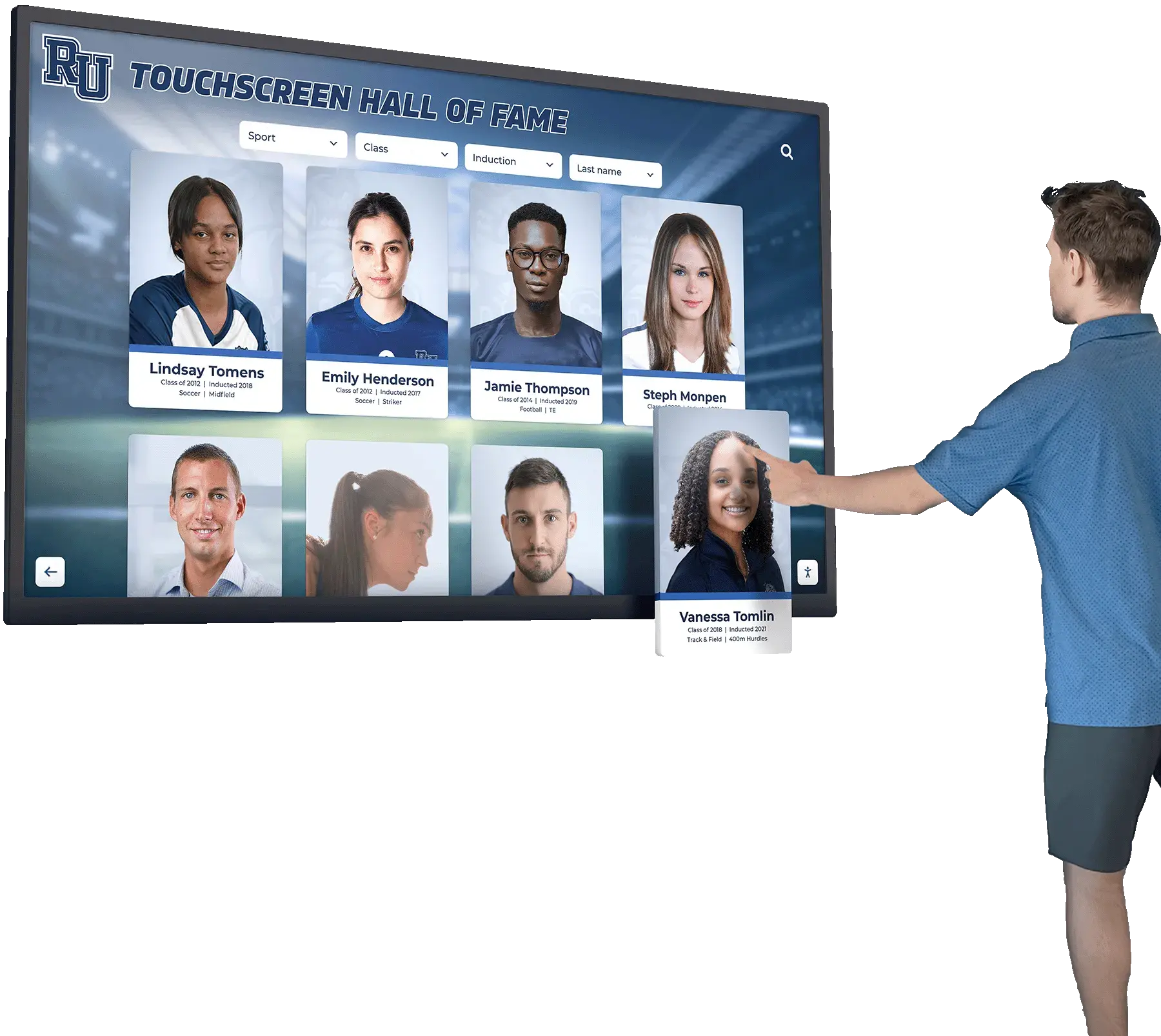
Every visitor who browses athletic records on a hall of fame touchscreen—including screen reader users and keyboard-only users—deserves fractional measurements that are readable, accurately labeled, and correctly rendered on the installed hardware
A digital athletic hall of fame MathML fraction accessibility audit begins with a question that is easier to answer than it might appear: does this fractional measurement need MathML at all? For most school recognition records, Unicode fraction characters and plain text provide a more reliable, more broadly compatible presentation than MathML—one that works on kiosk hardware from before the MathML browser baseline, on screen readers whose MathML handling varies by version, and in CMS fields that strip markup outside their allowed list. When MathML is already in place or genuinely warranted by the content, the audit confirms that every <mfrac> element is correctly structured within a <math> context, tested for keyboard access, verified with at least two screen reader and browser combinations, and rendered correctly on the installed hardware. Preserving the source measurement, units, and context is the first obligation; presenting it in a way that every visitor can read it is the second.
See a Recognition Platform Built for Accessible Athletic Records
Rocket Alumni Solutions builds digital hall of fame platforms that present athletic records—including historical fractional measurements—for school recognition programs across touchscreen kiosks and web interfaces. Request a custom demo to see how the platform handles inductee records, achievement displays, and accessibility for your school.
Request Your Custom Demo