Digital Hall of Fame Consistent Help Accessibility Audit: WCAG 2.2 Checklist for Search and Nomination Flows
- Home /
- Digital Wall of Fame Blog - Recognition Display Insights & Resources /
- Digital Hall of Fame Consistent Help Accessibility Audit: WCAG 2.2 Checklist for Search and Nomination Flows
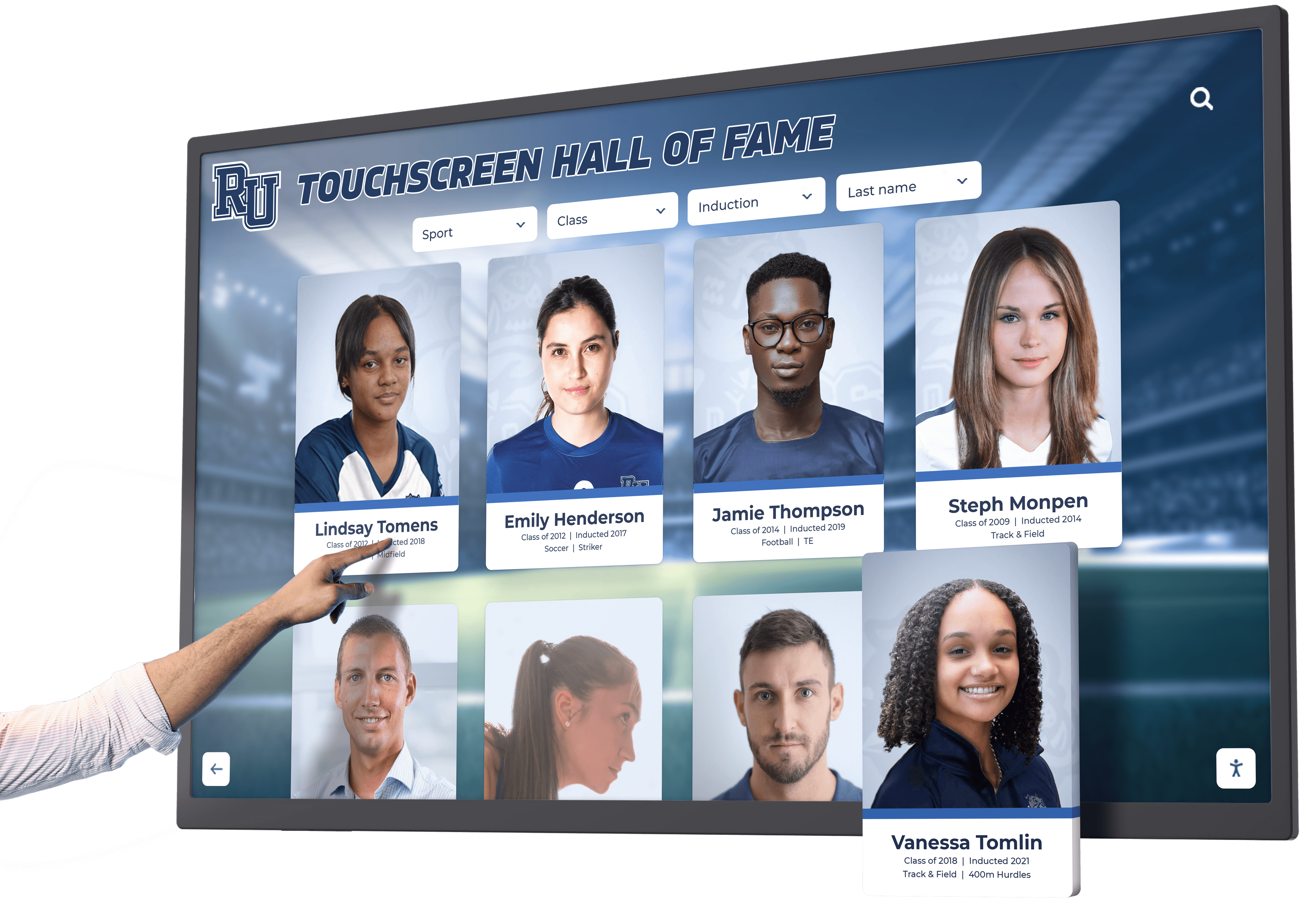
The Easiest Touchscreen Solution




Live Example: Rocket Alumni Solutions Touchscreen Display
Interact with a live example (16:9 scaled 1920x1080 display). All content is automatically responsive to all screen sizes and orientations.
A digital hall of fame consistent help accessibility audit is a structured review confirming that every contact link, chat widget, FAQ reference, and other support mechanism on your recognition platform appears in the same relative position—and in the same order among surrounding page content—across every page in the inductee search flow, the individual profile view, and the multi-step nomination form. WCAG 2.2 Success Criterion 3.2.6 (Consistent Help, Level A) requires that when help mechanisms repeat across multiple pages in a set, those mechanisms occur in the same order relative to other page content unless the user initiates a change. The short answer for recognition program administrators: audit each page type in your hall of fame platform for the presence and position of every help mechanism, compare positions across the full search-to-nomination flow, flag any page where a mechanism disappears or shifts position without a user-initiated action, and remediate by restoring the mechanism to its expected position before the next induction cycle opens.
For school administrators, athletic directors, and IT teams managing recognition platforms, the phrase “consistent help” describes a concrete workflow problem: a visitor who encounters difficulty searching for a nominee on the inductee gallery should have the same access to a contact form, FAQ link, or support chat widget on the nomination form three steps later. When those mechanisms are available on some pages and absent or repositioned on others, users in the middle of a multi-step nomination process—including users relying on screen readers or keyboard navigation—lose access to the support that was available at the start of the flow.
WCAG 2.2, published by the W3C Web Accessibility Initiative in October 2023, added SC 3.2.6 as a Level A criterion—the same foundational tier as text alternatives for images (SC 1.1.1) and keyboard accessibility (SC 2.1.1). For recognition programs targeting WCAG 2.1 AA compliance as a baseline, or those working toward WCAG 2.2 AA, consistent help is one of the newer criteria most likely to be inadvertently violated in a multi-page application such as a hall of fame nomination system.
A comprehensive overview of how academic recognition programs approach accessibility requirements across web and touchscreen platforms provides useful context for why the consistent help requirement is particularly relevant to schools managing both web-based inductee collections and lobby kiosk installations.

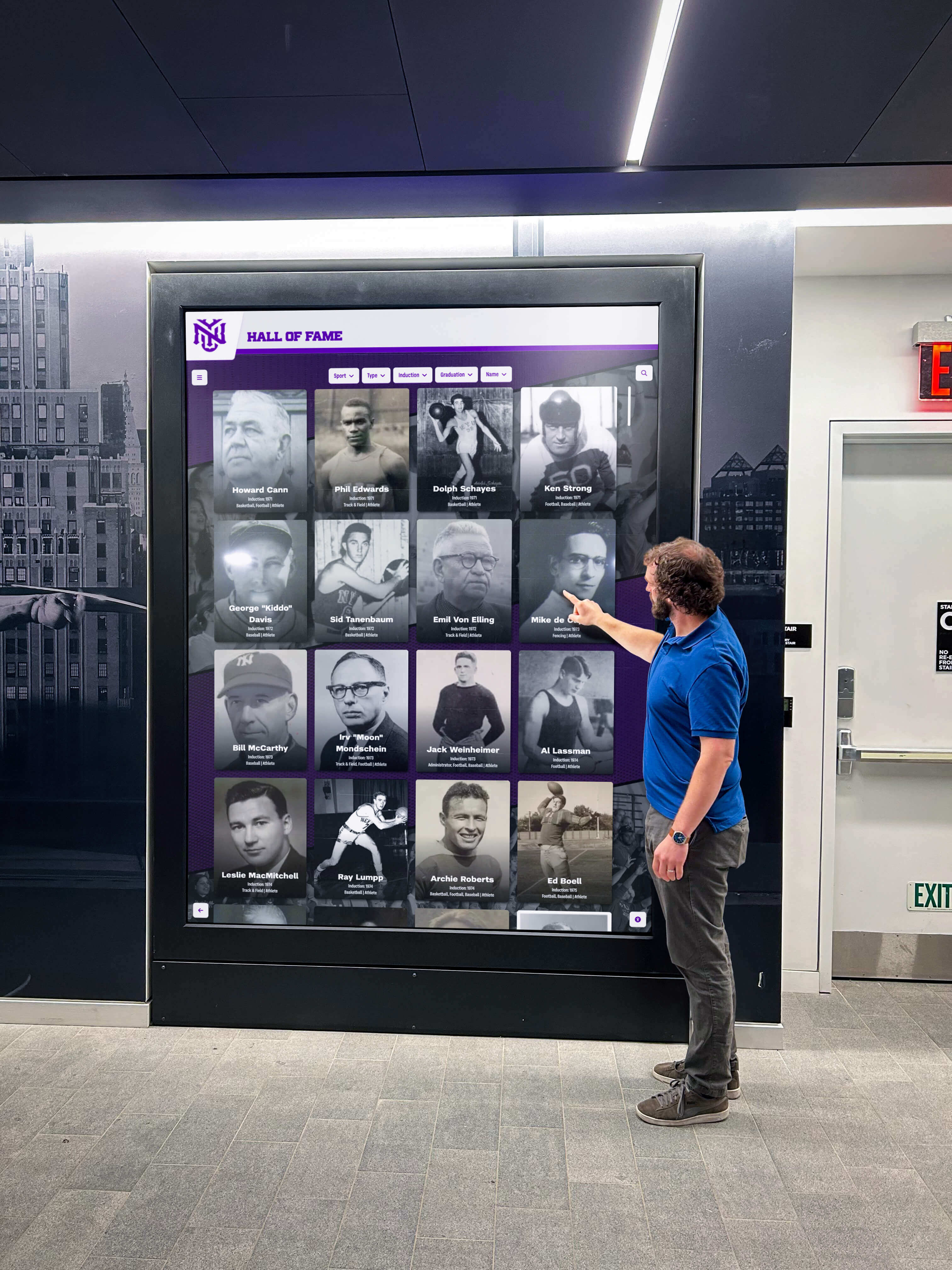
Help mechanisms—contact links, FAQ references, and support widgets—must appear in the same relative position across every page type in a hall of fame platform, from initial search through nomination confirmation
What WCAG 2.2 Requires for Consistent Help
WCAG 2.2 Success Criterion 3.2.6 (Consistent Help, Level A) states:
If a Web page contains any of the following help mechanisms, and those mechanisms are repeated on multiple Web pages within a set of Web pages, they occur in the same order relative to other page content, unless a change is initiated by the user:
- Human contact details (phone number, email address, hours of service)
- Human contact mechanism (messaging form, chat interface, social media messaging channel)
- Self-help option (FAQ link, help center link, knowledge base, how-to guide)
- A fully automated contact mechanism (chatbot, interactive voice response)
The criterion does not require that every page include a help mechanism. It requires only that when a mechanism is present on more than one page within a set, its position relative to other page content remains consistent. A recognition platform that omits help links entirely on every page does not violate SC 3.2.6. A platform that places a “Contact Support” link in the primary navigation on the search page and moves it to the footer on the nomination form does violate the criterion.
Three aspects of the standard are worth clarifying for recognition program administrators:
“Same order relative to other page content” does not require pixel-identical placement. Order is determined by how elements appear in the accessibility tree, which generally corresponds to DOM source order. If the “Contact Us” link is the fourth link in the site footer on the search page, it should also be the fourth footer link on the profile page and the nomination form.
“Unless a change is initiated by the user” creates an exception for help mechanisms the user has explicitly moved, collapsed, or dismissed. A chat widget the user minimized is permitted to remain minimized across subsequent pages. The exception covers user-initiated changes, not platform-driven changes between page loads or between steps in a multi-step form.
Level A classification means SC 3.2.6 is the compliance baseline, not a stretch goal. School and institution accessibility policies that reference WCAG 2.1 AA or 2.2 AA should include consistent help as a standard audit item alongside focus visibility, keyboard access, and navigation consistency. Organizations should consult the authoritative WCAG 2.2 specification at www.w3.org and their institutional accessibility advisor for compliance guidance specific to their program.
Why Hall of Fame Search and Nomination Flows Are Vulnerable
Most general-purpose websites have relatively stable help mechanisms: a chat widget anchored to the bottom corner, a “Help” link in the footer, and a contact page in the navigation. These tend to stay consistent because they are part of a single template that renders across all pages.
Digital hall of fame platforms—particularly those with custom multi-step nomination workflows—break this consistency in several specific ways.
Nomination Form Templates Break the Global Template
Many recognition platforms render nomination forms as standalone templates separate from the main inductee gallery template, reducing visual complexity during data entry. This is a reasonable design decision, but it frequently has the unintended consequence of omitting help mechanisms that exist in the global site template. A chat widget injected by a third-party script tag in the global footer may not load on the nomination form if that form’s template excludes the footer entirely or uses a script-loading configuration that omits third-party embeds.
Chat Widgets Suppressed on Form Pages
Some recognition platform configurations suppress chat or help widgets on form pages based on the assumption that visitors completing a form do not need real-time support. That assumption is incorrect in a nomination context: the nomination form is often the point at which users have the most specific questions—about eligible time periods, required documentation, nomination criteria, or deadlines. Suppressing help on the nomination form is not a user-initiated change and does not qualify for the SC 3.2.6 exception.
Multi-Step Forms Lose Navigation Between Steps
When a multi-step nomination form uses a separate template for each step, the navigation links and footer links that surround step 1 may not appear on steps 2 and 3. If a “Contact Us” or “FAQ” link was available on step 1, its absence on steps 2 and 3 is a consistent help violation. Schools that maintain both web-based nomination systems and interactive hall of fame platforms for in-person recognition and kiosk installations will find that the consistent help requirement applies equally to multi-screen kiosk flows.
Search and Profile Pages Use Different Templates
Recognition platforms commonly use one template for search and gallery pages—with full header and footer—and a different template for inductee profile detail pages, often a lighter, more image-focused layout. If the help mechanism in the standard footer appears in a different column or in a different link order in the profile template’s footer, SC 3.2.6 may be violated even when the help link is technically present on both pages.
Schools reviewing digital hall of fame tools designed to handle search, profile, and nomination workflows together can use consistent help compliance as an evaluation criterion when comparing recognition platform options and their template flexibility.

When visitors transition from the inductee gallery to the nomination form, every help mechanism available during browsing must remain available—and in the same relative position—through nomination confirmation
Help Mechanism Inventory
Before running the audit checklist, identify every help mechanism present anywhere in the hall of fame platform. For each mechanism found, record its type and its position on the page.
| Help Mechanism Type | Example Implementations | Where to Look |
|---|---|---|
| Human contact details | Phone number, email address, mailing address displayed on page | Footer, sidebar, contact page linked from header |
| Human contact mechanism | “Contact Us” form link, live chat link, social media messaging link | Footer, navigation, floating contact widget |
| Self-help option | FAQ link, Help Center link, knowledge base link, “How to Nominate” guide | Footer, header navigation, sidebar, nomination intro page |
| Fully automated contact mechanism | Chatbot widget, automated help assistant, interactive voice response link | Bottom-right corner widget, header icon, slide-out panel |
Create a table listing every mechanism found. For each mechanism, record:
- Type: Human contact details / Human contact mechanism / Self-help / Automated contact
- Location on page: Header, footer, sidebar, floating widget, inline text
- DOM position: Its approximate position relative to surrounding landmarks and links (for example: third link in footer nav, fifth item in primary nav, first item in the contentinfo landmark)
- Pages where present: Which page types in the recognition platform include this mechanism
This inventory becomes the reference document against which each page type is evaluated in the checklist steps below.
Pass/Fail Page Map for Search and Nomination Flows
The table below illustrates a typical pass/fail analysis for a hall of fame platform with seven page types in the search-to-nomination flow. Each column represents a help mechanism found on the reference page (the inductee search and gallery page). Each row represents a page type in the flow.
“Footer link #3” indicates the help link appears as the third link in the footer navigation. “Nav slot 5” indicates the contact link is the fifth item in the primary navigation. “Bottom-right widget” indicates a floating chat widget anchored to the bottom-right corner of the viewport.
| Page Type | Footer “FAQ” Link | Primary Nav “Contact” | Chat Widget | Pass/Fail |
|---|---|---|---|---|
| Inductee search / gallery | Footer link #3 | Nav slot 5 | Bottom-right corner | Reference |
| Search results / filtered gallery | Footer link #3 | Nav slot 5 | Bottom-right corner | Pass |
| Inductee profile detail | Footer link #3 | Nav slot 5 | Bottom-right corner | Pass |
| Nomination form — Step 1 | Footer link #3 | Nav slot 5 | Absent | Fail — chat widget missing |
| Nomination form — Step 2 | Footer link #3 | Nav slot 4 (position shifted) | Bottom-right corner | Fail — nav contact shifted |
| Nomination form — Step 3 | Footer link #5 (position shifted) | Nav slot 5 | Bottom-right corner | Fail — FAQ link shifted |
| Nomination confirmation | Footer link #3 | Nav slot 5 | Bottom-right corner | Pass |
The three failure rows represent distinct failure modes:
- Step 1: Chat widget suppressed by the nomination form template—a missing mechanism not dismissed by the user
- Step 2: Contact nav link shifted because the form template uses a condensed header with fewer items, moving the contact link up one position
- Step 3: FAQ footer link shifted because the step 3 template uses a different footer layout that reorders or removes surrounding links
Each of these is a distinct SC 3.2.6 violation because none were initiated by the user.
The Consistent Help Audit Checklist
Complete these steps for the web-based version of your hall of fame platform. If the platform includes browser-rendered touchscreen kiosk interfaces, extend the audit to those screens as well.
Step 1: Map All Page Types in the Search and Nomination Flow
Identify every distinct page type in the flow from initial search to completed nomination. A typical flow includes:
- Inductee search page or gallery homepage (entry point)
- Search results or filtered gallery view
- Individual inductee profile detail page
- Nomination introduction or eligibility check page
- Nomination data entry — Step 1 (nominee information)
- Nomination data entry — Step 2 (nominator information)
- Nomination data entry — Step 3 (supporting documentation)
- Nomination review page
- Nomination confirmation or thank-you page
If your platform includes page types not listed here—a login-gated nomination portal, a PDF cover page, or a campaign-specific landing page—add those to your list. You cannot audit consistency across pages you have not identified.
Step 2: Load Each Page and Record Help Mechanisms
For each page type identified in Step 1, load the page and record every help mechanism present. Use the inventory format from the previous section (type, location, DOM position).
For DOM position: open browser DevTools (F12 in Chrome, Firefox, or Edge), navigate to the help mechanism element in the Elements panel, and note its approximate position relative to surrounding landmarks and links. The exact count matters less than being able to compare relative positions across page types.
For each expected mechanism on each page, record whether it is:
- Present at the same relative position as the reference page
- Present at a shifted position relative to surrounding content
- Absent (not found anywhere on the page)
Step 3: Compare Against the Reference Page
Designate the inductee gallery or search page as the reference. Every help mechanism on the reference page should be present on every other page in the flow at the same relative position.
For each mechanism on each page, assign one result:
- Pass: Present, same relative position as reference
- Fail (absent): Mechanism not found on this page
- Fail (shifted): Mechanism present but at a different relative position than on the reference page
Compile results in a table structured like the pass/fail page map in the previous section.
Every step from initial inductee search to final nomination confirmation must maintain the same help mechanisms in the same relative positions to satisfy WCAG 2.2 SC 3.2.6
Step 4: Verify Chat Widget Behavior Across Page Transitions
Chat widgets and automated contact mechanisms require specific testing because they are often loaded by third-party scripts that may behave inconsistently across page templates.
- Load the inductee gallery in a browser. Note whether the chat widget is visible and functional.
- Navigate to an inductee profile page. Does the widget persist at the same viewport position?
- Navigate to nomination form step 1. Is the widget still present?
- Progress through each subsequent nomination form step. Note any step where the widget disappears, changes position, or transitions from active to inactive state.
A widget that collapses to a smaller icon on nomination pages is not necessarily a violation—provided the icon persists at the same relative position. A widget that disappears entirely on one or more form steps is a violation unless the user explicitly dismissed it earlier in the session.
Step 5: Test for Consistent DOM Order with a Screen Reader
Help mechanisms that appear visually consistent may still violate SC 3.2.6 if their DOM source order changes between page templates. Validate DOM-level consistency using a screen reader.
- With NVDA running on Windows, navigate to the inductee search page.
- Use NVDA’s landmark navigation shortcut (D) to move through page landmarks until you reach the footer or contentinfo landmark.
- Tab through the links in the footer landmark until you reach the “FAQ” or “Contact Us” link. Count how many tab presses from the start of the footer landmark are required.
- Navigate to nomination form step 1 and repeat the process from the same starting point.
- If the help mechanism requires a different number of tab stops to reach, the source order has changed. Record the difference.
Source-order changes that place a help mechanism in a perceptibly different position in the accessibility tree are SC 3.2.6 violations even when the visual layout appears similar across page types.
Step 6: Document Results and Assign Remediation Priority
After completing Steps 1 through 5, compile a remediation list that includes:
- Page type where the failure occurred
- Mechanism that failed (absent or shifted)
- Failure type (absent / shifted)
- Remediation action (restore mechanism to template, correct source order, update third-party widget configuration)
- Priority (critical for nomination form data entry steps where users are most likely to need help; moderate for profile pages where help is present but shifted)
Present the table to your web team or CMS vendor with specific page URLs and the template files that require changes.
Pass/Fail Code Examples
The following examples illustrate correct and incorrect implementations of consistent help in a hall of fame platform footer and nomination form template.
Footer Help Link — Pass (consistent position across templates)
Search page template footer:
<footer aria-label="Site footer">
  <nav aria-label="Footer navigation">
    <ul>
      <li><a href="/inductees/">Hall of Fame</a></li>
      <li><a href="/records/">Record Boards</a></li>
      <li><a href="/faq/">Frequently Asked Questions</a></li>
      <li><a href="/contact/">Contact Support</a></li>
      <li><a href="/nominate/">Nominate an Inductee</a></li>
    </ul>
  </nav>
</footer>
Nomination form template footer (identical structure):
<footer aria-label="Site footer">
  <nav aria-label="Footer navigation">
    <ul>
      <li><a href="/inductees/">Hall of Fame</a></li>
      <li><a href="/records/">Record Boards</a></li>
      <li><a href="/faq/">Frequently Asked Questions</a></li>
      <li><a href="/contact/">Contact Support</a></li>
      <li><a href="/nominate/">Nominate an Inductee</a></li>
    </ul>
  </nav>
</footer>
“Frequently Asked Questions” is the third footer link and “Contact Support” is the fourth on both page types. This passes SC 3.2.6.
Footer Help Link — Fail (order reversed on nomination form)
Search page template footer:
<footer aria-label="Site footer">
  <nav aria-label="Footer navigation">
    <ul>
      <li><a href="/inductees/">Hall of Fame</a></li>
      <li><a href="/records/">Record Boards</a></li>
      <li><a href="/faq/">Frequently Asked Questions</a></li>
      <li><a href="/contact/">Contact Support</a></li>
    </ul>
  </nav>
</footer>
Nomination form template (condensed, order changed):
<footer aria-label="Site footer">
  <nav aria-label="Footer navigation">
    <ul>
      <li><a href="/contact/">Contact Support</a></li>
      <li><a href="/faq/">Frequently Asked Questions</a></li>
    </ul>
  </nav>
</footer>
The nomination form template uses a condensed footer and reverses the order of the FAQ and Contact links. “Contact Support” moves from position 4 to position 1; “FAQ” moves from position 3 to position 2. This violates SC 3.2.6 even though both links are present.
Chat Widget — Pass (present on all page types)
<!-- Included in both the main site template and the nomination form template -->
<script src="https://support.example.com/widget.js" data-widget-id="hof-support"></script>
The same script tag loads the widget on both the gallery page and every nomination form step. The widget appears at the same bottom-right viewport position on each page. This passes SC 3.2.6.
Chat Widget — Fail (absent on nomination form steps)
<!-- Global site template: widget loads on gallery and profile pages -->
<script src="https://support.example.com/widget.js" data-widget-id="hof-support"></script>

<!-- Nomination form template: widget script absent -->
<!-- No equivalent script tag present -->
The widget present on the search and gallery pages is absent on the nomination form. This is a consistent help violation because the user did not initiate the removal.
Accessible Nomination Flows Built Into the Platform
Rocket Alumni Solutions' digital wall of fame platform is built with WCAG 2.2 accessibility requirements in mind. Consistent footer structure, help mechanisms, and navigation are maintained across search, profile, and nomination page types at the template level—so your recognition team can focus on honoring inductees, not auditing markup across form steps. See how it works for your school or institution.
Request Your Custom DemoCommon Errors and How to Fix Them
Error: Chat widget suppressed on nomination forms
The most common consistent help failure on recognition platforms is a chat or help widget that appears on the inductee gallery but is suppressed on the nomination form. This typically results from a platform configuration that hides the widget on form-style or application-style page templates. Fix: update the nomination form template to load the same chat widget script that loads on the gallery template. If the vendor’s template system allows widget suppression by page type, confirm that the nomination form page type is not in the suppression list.
Error: Navigation condensed on nomination form steps
Multi-step nomination forms often use a minimal header to reduce visual complexity. When the minimal header omits a “Contact” or “Help” navigation link that is present in the full header, the help mechanism is effectively absent on those form steps. Fix: ensure the minimal nomination form header retains any help-related navigation links from the full header, even when other navigation items are removed to simplify the form experience.
Error: Nomination form uses a separate CMS template with a different footer structure
Many platforms allow administrators to assign different templates to different page types. A nomination form assigned to a “landing page” or “form page” template may use a footer that differs from the main site template—with help links in different positions or a different link count. Fix: audit the footer markup of every template used in the nomination flow and ensure help mechanisms appear in the same relative position across all templates. If templates are managed by a vendor, submit a support request with specific page URLs and the elements that differ.
Error: FAQ link position changes between page types
On some hall of fame platforms, the FAQ link appears in the main navigation on gallery pages but moves to the footer on profile and nomination pages. The mechanism is technically present on all pages but occupies a different position relative to surrounding content, which violates SC 3.2.6. Fix: standardize the FAQ link to a single consistent location—consistently in the footer, consistently in the navigation, or consistently in both—across all page types in the search and nomination flow.
Error: Contact details present in sidebar on gallery, absent on nomination form
When a recognition platform displays a sidebar on gallery pages showing the program’s contact phone number or email address, and the nomination form uses a full-width layout with no sidebar, the human contact details present on the gallery are absent on the nomination form. Fix: add the contact details to the footer of the nomination form template so they are consistently available throughout the flow.
Schools evaluating touchscreen hall of fame tools designed for athletics programs, donor recognition, arts archives, and institutional history can ask vendors specifically about how their templates handle consistent help across nomination workflows and how WCAG 2.2 SC 3.2.6 is addressed in the platform’s template architecture.
For recognition programs that expand beyond inductee lists to cover anniversary events, reunion programming, and digital award displays, consistent help across all program pages—not only the nomination flow—keeps every visitor supported throughout their session.

Browser-rendered kiosk interfaces installed in school lobbies are subject to the same SC 3.2.6 requirements as web-based recognition pages—run the consistent help audit on kiosk flows wherever those interfaces include multi-screen sequences
Audit Summary Table
Use this table as a reference for the page types and mechanisms most commonly reviewed in a digital hall of fame consistent help audit.
| Page Type | Help Mechanisms to Verify | Common Failure Mode |
|---|---|---|
| Inductee search / gallery | FAQ footer link, Contact nav link, chat widget | Reference page — establish baseline for all comparisons |
| Search results / filtered gallery | FAQ footer link, Contact nav link, chat widget | Filter reload may switch template and drop help mechanisms |
| Inductee profile detail | FAQ footer link, Contact nav link, chat widget | Lighter profile template may use different footer link order |
| Nomination form — intro / eligibility | FAQ footer link, Contact nav link, chat widget, eligibility help link | Separate nomination template often omits chat widget |
| Nomination form — data entry steps | FAQ footer link, Contact nav link, chat widget | Minimal header drops Contact nav link; chat widget suppressed |
| Nomination review page | FAQ footer link, Contact nav link, chat widget | Same minimal template as data entry steps; same failures |
| Nomination confirmation | FAQ footer link, Contact nav link, chat widget | Confirmation may use full template and pass—verify explicitly |
The nomination form data entry steps carry the highest failure risk because they are most likely to use minimal or stripped-down templates that omit global UI elements.
Recognition platforms that serve as online archives for athletic achievements, donor histories, and institutional honors should extend the consistent help audit to every multi-page flow in the platform, not only the athletic nomination workflow.
Schools with touchscreen lobby installations will find that planning a comprehensive hall of fame display strategy naturally incorporates accessibility as part of the visitor experience design—both on the physical kiosk interface and on the web-based recognition platform that supports it.
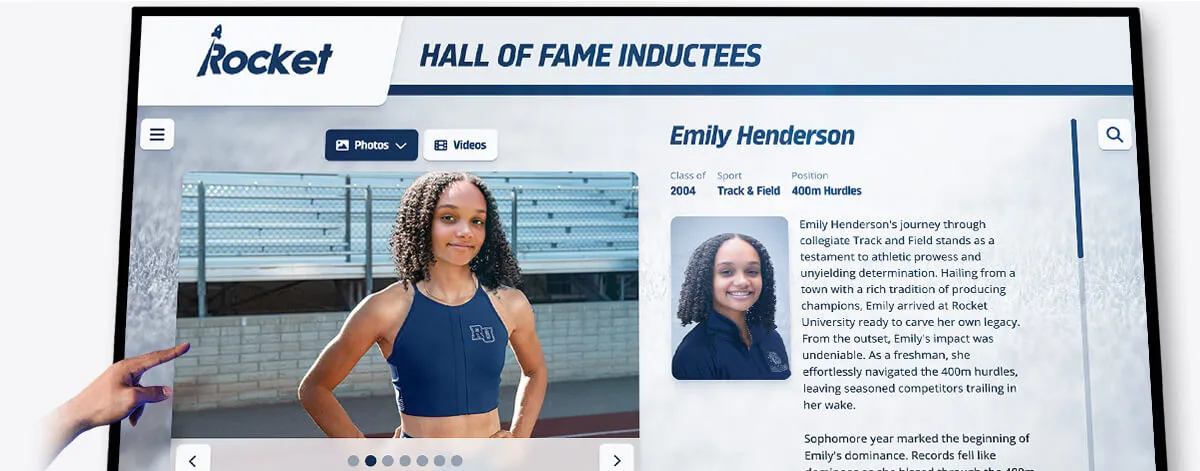
Individual inductee profile pages must maintain the same relative position for every help mechanism as the search gallery and nomination form pages—the consistent help audit covers all three page types
Frequently Asked Questions
Q: Does WCAG 2.2 SC 3.2.6 require that every page have a help mechanism?
A: No. SC 3.2.6 does not require any help mechanism to be present on any page. It requires only that when a help mechanism is present on more than one page within a set, it appears in the same order relative to other page content on each of those pages. A recognition platform with no help mechanisms on any page does not violate SC 3.2.6. A platform where a “Contact Us” link is present on the gallery page and absent on the nomination form violates SC 3.2.6 because the mechanism was present on multiple pages and its availability changed without a user-initiated action.
Q: What counts as a “help mechanism” under WCAG 2.2?
A: The WCAG 2.2 specification identifies four categories: (1) human contact details, such as a phone number or email address displayed directly on the page; (2) a human contact mechanism, such as a messaging form, chat interface, or link to a social channel where support is provided; (3) a self-help option, such as an FAQ link, help center link, or knowledge base; and (4) a fully automated contact mechanism, such as a chatbot or interactive automated phone system. A standard “Contact Us” footer link pointing to a contact form counts as a human contact mechanism. A chat widget counts as either a human contact mechanism or a fully automated contact mechanism depending on whether a human representative is ever available through it. Schools should consult the authoritative WCAG 2.2 specification at www.w3.org and their institutional accessibility advisor for guidance specific to their program.
Q: Our nomination form is embedded from a third-party platform. Who is responsible for SC 3.2.6 compliance?
A: Responsibility for WCAG compliance for content your institution makes available to the public generally rests with the institution, regardless of whether the content is hosted on your own servers or embedded from a third party. A nomination form embedded from a third-party platform that fails SC 3.2.6 is a failure on your institution’s digital presence. The practical remediation path is to raise a support request with the vendor, reference the specific criterion (SC 3.2.6 Consistent Help), and request that the platform restore help mechanisms to their expected positions on all nomination form steps. If the vendor cannot address the issue, document the limitation and assess whether an alternative platform is appropriate for your compliance requirements.
Q: Does this criterion apply to our touchscreen lobby kiosk?
A: Hall of fame kiosk interfaces that render in a web browser—the most common architecture for modern interactive recognition kiosks—are subject to the same HTML and WCAG requirements as web-based pages. If the kiosk interface includes multiple screens in a search or nomination flow, any help mechanisms present on the first screen must appear in the same relative position on subsequent screens. A kiosk that displays a QR code linking to a help page or a support phone number is providing a help mechanism that must be consistently positioned across all kiosk screens in the flow.
Q: How often should we run a consistent help audit?
A: Run a full consistent help audit at initial platform launch, after any update that modifies page templates—such as adding or restructuring nomination form steps, redesigning the site footer, or changing the chat widget vendor—and annually as part of a broader WCAG accessibility review. A lightweight check—loading each page type in the nomination flow and confirming the expected help mechanisms are present in the expected positions—takes under thirty minutes and is appropriate after any deployment that touches the nomination form template or the site-wide footer.
Q: Is the consistent help requirement separate from the consistent navigation requirement?
A: Yes. WCAG 2.2 SC 3.2.3 (Consistent Navigation, Level AA) and SC 3.2.6 (Consistent Help, Level A) are distinct criteria. SC 3.2.3 requires that navigational mechanisms repeated across pages appear in the same relative order unless a change is initiated by the user. SC 3.2.6 specifically addresses help mechanisms. A “Contact Us” navigation link is subject to both criteria: its position among other navigation items is governed by SC 3.2.3, and its availability as a help mechanism is governed by SC 3.2.6. Both criteria should be included in a comprehensive accessibility audit of a hall of fame platform.
Q: What if the FAQ page itself is the only help mechanism—do we still audit its position?
A: Yes. If a link to the FAQ page is the only help mechanism on the platform, that link’s position must remain consistent across all page types in the nomination flow. A FAQ link present in the footer of the gallery page that disappears from the footer on nomination form steps is an SC 3.2.6 violation. A FAQ link present in the footer of every page—always in the same relative position among the other footer links—passes the criterion.
Running a digital hall of fame consistent help accessibility audit requires no specialized tools beyond a browser, a screen reader, and a reference table for tracking help mechanism positions across page types. The consistent help criterion is one of the most actionable in WCAG 2.2: each failure has a clear remediation path, the audit can be completed in a single session before an induction cycle opens, and the result is a recognition platform where every visitor—including those using assistive technology—can find support at any point in the search-to-nomination flow.
Learn more about Rocket Alumni Solutions’ Digital Wall of Fame platform to understand how the platform’s template architecture maintains consistent navigation, help mechanisms, and WCAG 2.2 compliance across inductee search pages, profile views, and multi-step nomination forms.
See an Accessible Digital Hall of Fame in Action
Rocket Alumni Solutions builds interactive touchscreen and web-based recognition programs for schools, universities, and institutions—designed to serve every visitor, including keyboard users, touch users, and screen reader users. WCAG 2.2 consistent help, accessible navigation, and cloud-based content management are built into the platform from day one. Schedule a custom demo to see how consistent help mechanisms, focus management, and searchable inductee records work across the full search-to-nomination flow.
Schedule Your Accessible DemoLive Example: Rocket Alumni Solutions Touchscreen Display
Interact with a live example (16:9 scaled 1920x1080 display). All content is automatically responsive to all screen sizes and orientations.




























