Digital Hall of Fame Content Licensing Register: Track Photos, Video, and Usage Rights
- Home /
- Digital Wall of Fame Blog - Recognition Display Insights & Resources /
- Digital Hall of Fame Content Licensing Register: Track Photos, Video, and Usage Rights
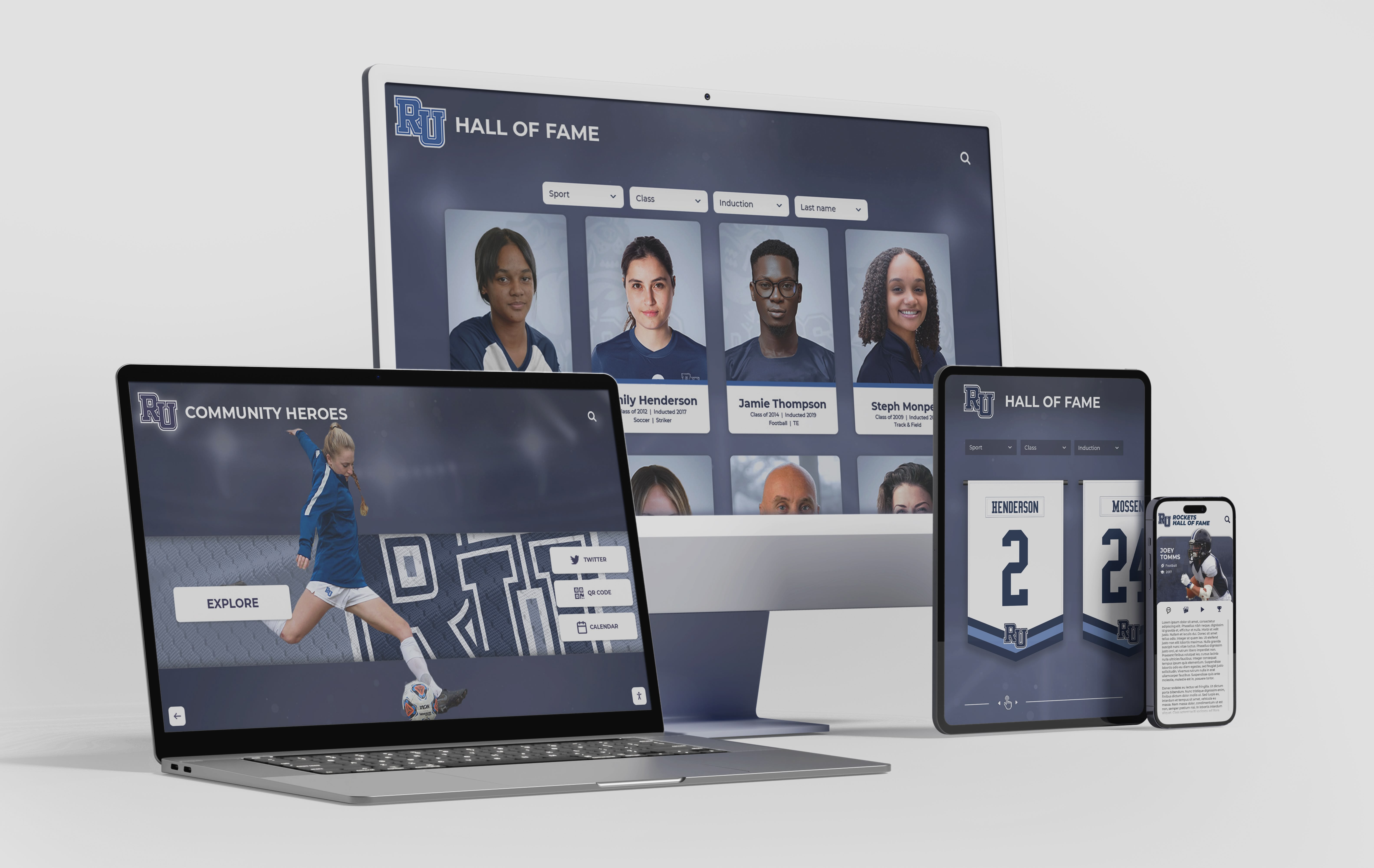
The Easiest Touchscreen Solution




Live Example: Rocket Alumni Solutions Touchscreen Display
Interact with a live example (16:9 scaled 1920x1080 display). All content is automatically responsive to all screen sizes and orientations.
A digital hall of fame content licensing register is a master document—typically a spreadsheet or database table—that records every photo, video clip, biography, logo, and document asset used in a recognition display, along with who owns it, what uses are permitted, what attribution is required, and when any license expires. Without one, schools routinely publish photographs whose copyright belongs to a commercial photographer, display video clips under a tacit consent that was never put in writing, or use a sponsor’s logo well past the agreement that authorized it. When those situations surface—and they eventually do—the program scrambles to establish what was agreed, often without records to consult. A written digital hall of fame content licensing register converts that guesswork into a manageable, auditable workflow that protects the school and respects everyone who contributed content to the display.
A hall of fame is built from content—photographs of athletes in their prime, video highlights of championship moments, biographical narratives that capture why an inductee’s career mattered, and design elements that give the display its visual identity. Each of those assets has an owner, and that ownership determines what the school may lawfully do with it. The licensing register is the document that tracks the answer, keeping the recognition program both legally sound and operationally efficient across every display format the school uses.

A content licensing register tracks every photo, video, and document asset published in your digital hall of fame—across web, touchscreen kiosk, and mobile display formats
Why Schools Need a Content Licensing Register
Most school athletic programs accumulate hall of fame content over years or decades without a formal system for recording who provided what and on what terms. A photograph arrives with a nomination packet and gets scanned into the display without a note about its source. A local newspaper grants permission to use a clipping in the printed program, but that permission was for a one-time use and does not extend to the school’s public website or touchscreen kiosk. A video tribute assembled for an induction dinner uses licensed background music; two years later, that music license has lapsed but the video is still playing on the lobby display.
These situations create real exposure. They also complicate future decisions: when a family requests that certain photographs be updated, the school cannot quickly establish which images are school-owned, which were donated by the family, and which came from a commercial photographer who retains copyright. When the program migrates to a new display platform, it cannot determine which assets can be transferred and which require fresh permission.
A content licensing register solves all of this by making rights status visible and searchable from the moment each asset enters the collection. For schools building or refreshing their recognition displays, planning your recognition content workflow at the start of the school year is the right time to establish licensing documentation as a standard part of the content intake process—before new photos, bios, and video files begin accumulating without a record of their provenance.
The Content Licensing Register Template
The register should be maintained as a spreadsheet or as a structured table within the school’s content management system. Each row represents one distinct asset. The columns below cover the minimum information every entry should contain:
| Field | What to Record |
|---|---|
| Asset ID | Unique identifier (e.g., IMG-2024-047, VID-2019-003) used to cross-reference the physical or digital file |
| Asset Type | Photo / Video / Audio / Biography / Document / Logo / Graphic / Other |
| File Name / Location | Exact file name and folder path, or CMS record ID |
| Description | Brief plain-language description (e.g., “Headshot of 1994 inductee, J. Reyes, football”) |
| Inductee / Subject | Name of the person or team depicted or described |
| Copyright Holder | Legal owner of the asset (school, photographer name, photo agency, family member, news organization) |
| Source / Provider | Who supplied this asset to the school (donated, contracted photographer, archival transfer, news clip) |
| Acquisition Date | Date the school received or took custody of the asset |
| License Type | Use consistent status codes—see the Rights-Status Reference Table below |
| Permitted Uses | List each explicitly: touchscreen display / website / printed program / social media / broadcast |
| Prohibited Uses | Any uses the license explicitly excludes |
| Attribution Required | Exact credit line to display, if any (e.g., “Photo © Smith Photography, 2019”) |
| Consent on File | Yes / No / Partial—note document reference if yes |
| Expiration Date | Date after which the current license is no longer valid; leave blank for perpetual rights |
| Renewal Contact | Name and contact information for renewing the license |
| Review Flag Date | Proactive review date, set at least 90 days before expiration |
| Notes | Additional context, donor conditions, open questions, or pending research |
Keep one row per distinct asset file. If the same photograph appears in three places—the touchscreen display, the school website, and a printed program—one register entry is sufficient, but the Permitted Uses field must list all three contexts explicitly. A permitted-use gap surfaces as a compliance issue the register should catch, not discover after the fact.
Rights-Status Reference Table
The License Type field should use consistent terminology across every entry. Avoid informal descriptions like “we got permission” or “it was donated”—these phrases do not communicate what the school may actually do with the asset. The table below defines standard status codes and what each means for practical usage decisions:
| Rights Status | What It Means | Typical Permitted Uses | Key Restrictions |
|---|---|---|---|
| School-Owned | The school created or commissioned the asset as work-for-hire, or acquired full ownership in writing | All internal and public uses, including display, reproduction, and transfer to new platforms | None beyond the school’s own content standards |
| Perpetual License — All Uses | A third party owns copyright but granted the school an unlimited, non-expiring license | All display and reproduction uses listed in the license | May not be sublicensed; confirm whether the license transfers to a new display platform |
| Limited License — Display Only | Licensed for display on a specific platform or format; does not include reproduction or transfer | Display on the original platform as specified | Cannot be exported to a new system, printed, or posted on social media without separate permission |
| Family Consent — Written | The athlete’s family granted written permission for specific uses | The uses enumerated in the consent form | Uses not listed in the consent form require a separate request |
| Family Consent — Verbal / Informal | Permission was obtained verbally or through informal correspondence | Treat as restricted; upgrade to written consent before expanding uses | Not enforceable as written authorization; should be resolved before display goes live |
| News / Media — One-Time Use | A publication authorized use in a specific printed program or event | The single authorized context only | Cannot be used on websites, touchscreen displays, or in future materials without a separate license |
| Public Domain | Copyright expired or creator explicitly dedicated the work to public domain | All uses | Verify the determination; some works only appear to be public domain |
| Creative Commons Licensed | Licensed under a specific CC designation | Depends on CC license tier (CC BY, CC BY-SA, CC BY-NC, etc.) | Confirm license version; some prohibit commercial use or require share-alike on derivatives |
| Expired — Renewal Required | License or consent was time-limited and has lapsed | None until renewed | Remove from active display or obtain renewal before next use |
| Unknown — Research Needed | Provenance not established; no documentation found | None | Do not display until status is resolved; flag for immediate ownership research |
Assets with “Unknown” status should be removed from active display immediately. This conservative approach is the same standard that governs responsible collection management in any recognition program, and it protects the school from publishing content whose ownership could later be disputed.
Asset Types to Track and Common Licensing Issues
Different asset types carry different rights structures. Understanding the typical issues for each category helps staff identify where documentation gaps are most likely.
Photographs
Photographs are the most common asset in any hall of fame and the most frequent source of unlicensed use. The photographer—not the subject, not the school—generally holds copyright in a photograph unless the photographer was a school employee acting within the scope of employment or the school contracted specifically for work-for-hire rights.
Common photo sources and their default rights status:
| Source | Default Copyright Holder | Action Required |
|---|---|---|
| Contracted school photographer | Photographer (unless contract specifies otherwise) | Review contract; obtain display license if not included |
| School staff photographer (employee) | Typically the school | Document as School-Owned |
| Family-donated photograph | Likely the original photographer; family holds a copy | Obtain written consent from family; note that family consent does not transfer the photographer’s copyright |
| Newspaper or yearbook clipping | Publication or staff photographer | Contact the publication for a display license |
| Athletic association or conference | Issuing organization | Review original terms; contact for an explicit license |
| Player-submitted headshot | Often the subject or their photographer | Obtain written consent specifying permitted uses |
Schools photograph athletes across many points in the year—from spirit events and school-wide activities to induction ceremonies and end-of-season banquets. Establishing a standard photographer agreement at the point of commissioning—with explicit work-for-hire language or a defined display license—is the most efficient way to keep new photographs fully licensed from the start rather than resolving ownership questions after the content is already published.
Video and Multimedia
Video clips create layered rights questions. The underlying footage may be owned by a broadcaster, the school’s AV department, a volunteer videographer, or a streaming platform. If the video includes music—even incidental background music from an arena PA system—that audio component may be subject to a separate synchronization license.
Common video scenarios:
- School-recorded game footage: If recorded by a school employee on school equipment as part of their duties, the school likely owns the footage—but confirm this with your employment policies and any applicable contracts.
- Broadcast footage: Television or streaming broadcast footage is owned by the broadcaster. A clip that appeared on a local news broadcast is not available for hall of fame display simply because it depicts your athletes.
- Highlight reels assembled from multiple sources: Rights in each source clip carry through to the compiled video. A highlight reel does not create new ownership rights over the underlying footage.
- Music in tribute videos: Background music in a video—even if played for a few seconds—requires a synchronization license from the music publisher. Unlicensed music in a video on a public display creates the same rights exposure as unlicensed music in a commercial production.
Biographies and Written Content
If a staff member wrote the inductee biography as part of their job duties, the school likely owns it. If a volunteer, family member, or journalist wrote it, the author holds copyright. Reprinting a newspaper profile verbatim as an inductee biography requires the publication’s permission, not just the subject’s.
Logos and Design Elements
Sponsor logos, conference insignia, and mascot graphics all carry copyright and trademark protections. Displaying a sponsor’s logo on the hall of fame touchscreen or website should be authorized by a written agreement—typically the sponsorship agreement itself. When a sponsorship ends, the logo authorization ends too unless the agreement explicitly extends display rights beyond the contract term. For specialized recognition categories such as academic achievement or technical excellence halls of fame, competition emblems and organizational seals carry their own licensing terms that must be documented separately.
Building Your Register in Five Steps
Step 1: Inventory All Current Assets
Before tracking rights, document what you have. Walk through every asset currently in use on the hall of fame display—photos on the touchscreen, video files, biographies on the website, logos on any panel. Create one row in the register for each distinct asset, completing at minimum the Asset ID, Asset Type, File Name, Description, and Inductee fields. At this stage, leave the licensing fields blank if you do not yet know the answers.
Step 2: Trace Ownership for Each Asset
For each asset in the inventory, research who holds copyright. Start with physical files: is there a photographer credit on the back of the original photo? A contract with a photography studio? A donation letter from the family? A newspaper masthead on the clipping? For digital files, check metadata and any accompanying correspondence from when the asset was acquired. Document what you find in the Copyright Holder and Source fields.
Step 3: Classify Rights Status
Assign a status from the Rights-Status Reference Table to each asset based on what your ownership research found. Assets with clear documentation should be straightforward. Assets with no documentation go to “Unknown — Research Needed” and come off active display until resolved.
Step 4: Document Permitted Uses and Restrictions
For each licensed or consented asset, record exactly what the school may do with it: display on the touchscreen only, or also on the website and in printed programs. Note any required credit lines verbatim. Note any prohibitions—some photographer agreements explicitly exclude use on social media, or require approval before the image is used in any context not originally specified.
Step 5: Set Renewal Review Dates
For every asset with an expiration date, set a review flag at least 90 days before that date. This gives the school time to initiate a renewal conversation before the license lapses and before deadline pressure forces a hasty negotiation. For sports recognition content with seasonal cycles—trophy case photos taken each spring, highlight reels cut after each season—build the renewal step into the end-of-season workflow so licenses are addressed while relevant contacts are still active.
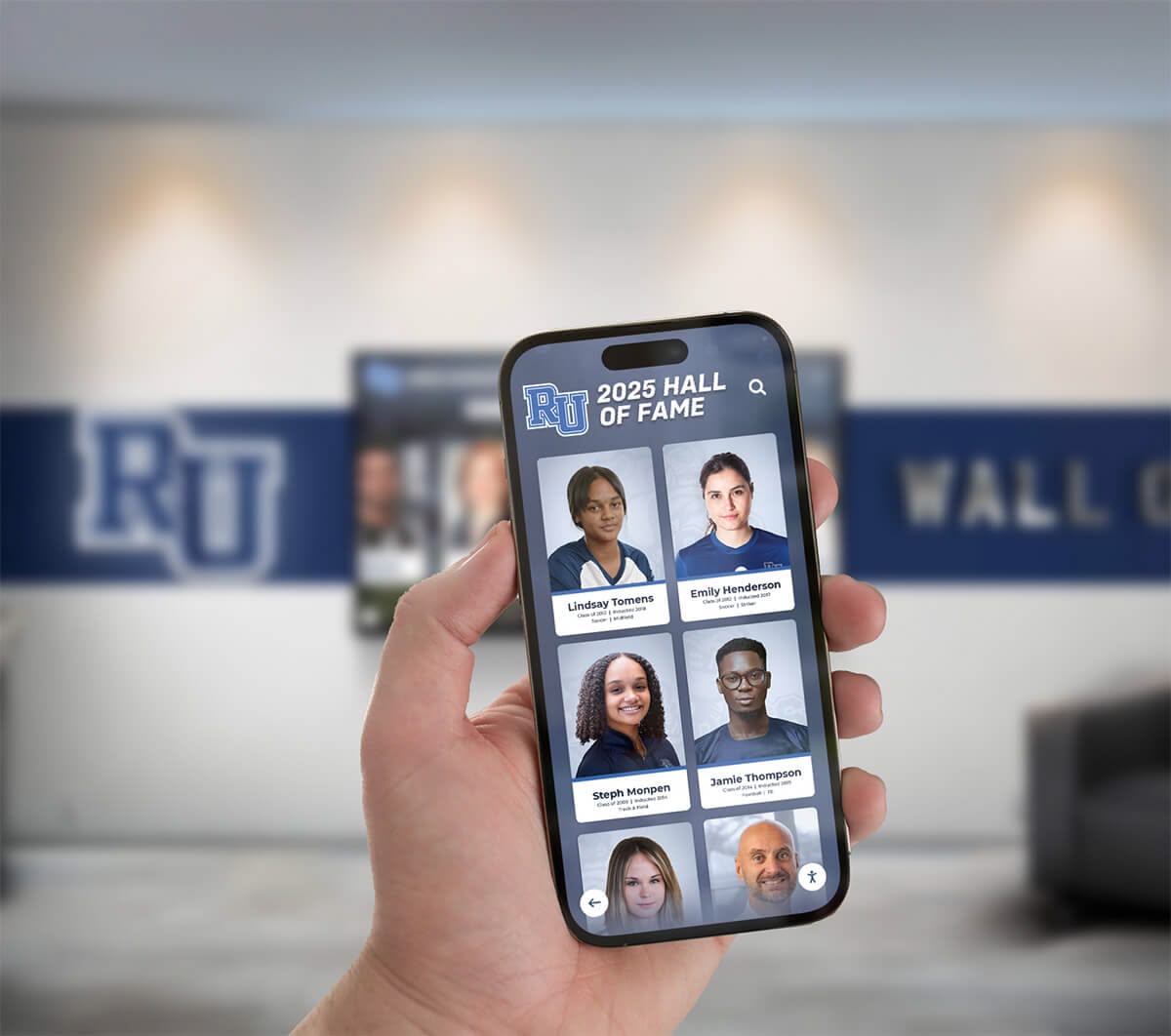
Content published across touchscreen, web, and mobile platforms creates multiple distribution contexts that the licensing register must track explicitly for each asset
Managing Content from Donors and Families
Donated content—photographs, documents, memorabilia—is a cornerstone of most hall of fame collections, and it is also where licensing documentation most frequently breaks down. When a family donates a box of photographs at an induction ceremony, the school receives physical copies. It does not automatically receive the copyright to the images in those photographs.
Best practice for donated photo intake:
- Accept the physical donation with a standard donation receipt acknowledging transfer of the physical items.
- Separately obtain written consent or a license from the family authorizing the school to display, reproduce, and publish the images in specific contexts.
- Note in the register that the family holds a copy of the image and granted consent, and that the original photographer may still hold copyright if the images were commercially taken.
- If the photos appear to be professionally taken, attempt to identify the studio and obtain a separate display license.
For ongoing donor recognition programs—where donors’ contributions are displayed alongside athletic inductees—the process used for digital donor wall content management provides a useful parallel model: acknowledgment content is collected through a formal intake process, ownership terms are documented at the time of collection, and the record is updated on a defined cycle rather than informally as requests arrive.
Annual Register Review
Set an annual calendar event to review the full register. During the review:
- Flag any assets whose status remains “Unknown” and assign a staff member to resolve them before the next display cycle.
- Check for licenses expiring in the next 12 months and initiate renewal contact early.
- Review any new assets added during the year to confirm they were logged with complete rights documentation at intake.
- Update records for any assets removed from the display, noting the date of removal and reason.
The annual review does not need to be exhaustive on every entry. A register in good standing—where new assets were logged correctly at intake—should require only spot-checks on established entries and focused attention on the expiration watchlist. The discipline is in the intake process; the annual review catches anything that slipped through.
How a Cloud-Based Hall of Fame Platform Supports Rights Management
A cloud-based content management system for your hall of fame display does not replace the licensing register, but it makes the register more useful by connecting rights documentation directly to the assets being managed.
When an administrator updates an inductee’s profile in the CMS, associated licensing notes—credit lines, permitted uses, expiration dates—can be maintained in the same system. If a license is flagged for review, that flag surfaces during routine content management activity rather than being discovered only when a dispute arises. When content is migrated to a new display platform, a complete register makes clear which assets can be transferred and which require fresh authorization before publication.
For schools evaluating display platforms, understanding how digital hall of fame kiosk platforms actually operate in practice helps clarify which content management capabilities are standard across the market and which require additional configuration or vendor-specific workflows.
Learn more about Rocket Alumni Solutions’ Digital Wall of Fame platform to see how the cloud CMS handles content updates, version history, and remote publishing across touchscreen, web, and mobile display formats.
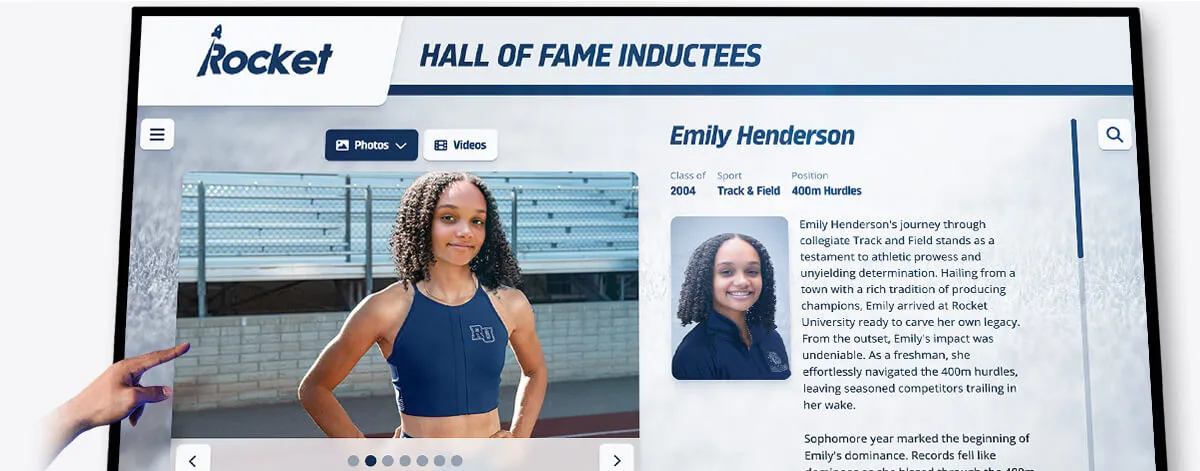
Every photo and bio that appears on a touchscreen hall of fame display should have a corresponding register entry documenting who owns it and what the school may do with it
Frequently Asked Questions
Q: Does the school automatically own photographs taken by a school employee?
A: Generally yes—if the photograph was taken by an employee acting within the scope of their employment duties. A staff photographer hired to shoot athletic events produces school-owned work product. A coach who takes photos on a personal phone as a casual gesture is a murkier case; the employment scope analysis matters. Consult your institution’s legal counsel to confirm how your jurisdiction and employment policies apply to specific situations.
Q: A family donated a photo and signed a donation receipt. Is that enough to display the image?
A: No. A donation receipt transfers physical custody of the print but does not transfer copyright or grant display rights. A separate written consent or license from the family is needed to authorize display. Even then, if the photo was taken by a commercial photographer, the photographer may retain copyright that the family cannot license on their behalf.
Q: How long should licensing register records be kept?
A: Permanently. Copyright disputes can arise years or decades after content was first published. Rights to an image may become contested when an inductee’s estate changes, when a photographer’s archive is sold to a rights agency, or when a school moves to a new display platform that brings fresh attention to previously unnoticed uses.
Q: Can we use a photo found on the internet if we credit the source?
A: No. Attribution does not create a license. Finding an image online and adding a credit line does not authorize use of that image. You need explicit permission from the copyright holder—not simply acknowledgment of where the image was found.
Q: A video was uploaded to a streaming platform years ago and the school appears to own the account. Does the school own the video?
A: Owning the account that hosts a video is not the same as owning copyright in the footage. Who filmed it, who edited it, and under what employment or contractor arrangement determines ownership. Review original correspondence, employment records, or contracts from when the video was produced.
Q: What should we do with assets that have unknown status?
A: Remove them from active display immediately and begin research to establish provenance. Document your research steps in the register. If the copyright holder cannot be identified after reasonable research effort, consult legal counsel about the risk profile of continued display before restoring the asset to the program.
Q: Do we need a separate register entry for the same photo used in multiple contexts?
A: One entry per distinct asset file is sufficient, provided the Permitted Uses field lists every authorized context explicitly. If the school has a license covering touchscreen display but not the website, and the photo appears in both places, that discrepancy is a compliance issue the single entry should surface clearly.
Q: What happens to register entries when an inductee is posthumously recognized or when earlier records are incomplete?
A: Create the entry with whatever documentation exists, assign it “Unknown — Research Needed” status in any fields that cannot be confirmed, and note what research was attempted. For historical assets where original photographers cannot be identified, document the research steps taken and consult legal counsel before displaying the asset publicly.
A digital hall of fame content licensing register is operational infrastructure, not a compliance formality. The programs that maintain it are the ones that can answer quickly when a family asks about a photograph, when a platform migration requires knowing which assets the school may transfer, or when an audit surfaces a question about usage rights. Built and maintained correctly, the register makes every subsequent rights decision faster to resolve—and makes the recognition program more trustworthy to the inductees, families, and donors whose content it holds.
Manage Your Hall of Fame Content with Confidence
Rocket Alumni Solutions' interactive touchscreen wall of fame gives your school a cloud-based content management system with remote publishing, version control, and unlimited inductee profiles—so your team can track, update, and protect every photo, video, and biography in your recognition display from one central platform.
Request Your Custom DemoLive Example: Rocket Alumni Solutions Touchscreen Display
Interact with a live example (16:9 scaled 1920x1080 display). All content is automatically responsive to all screen sizes and orientations.




























