Digital Hall of Fame Diacritic-Insensitive Search Audit for Inductee Names
- Home /
- Digital Wall of Fame Blog - Recognition Display Insights & Resources /
- Digital Hall of Fame Diacritic-Insensitive Search Audit for Inductee Names
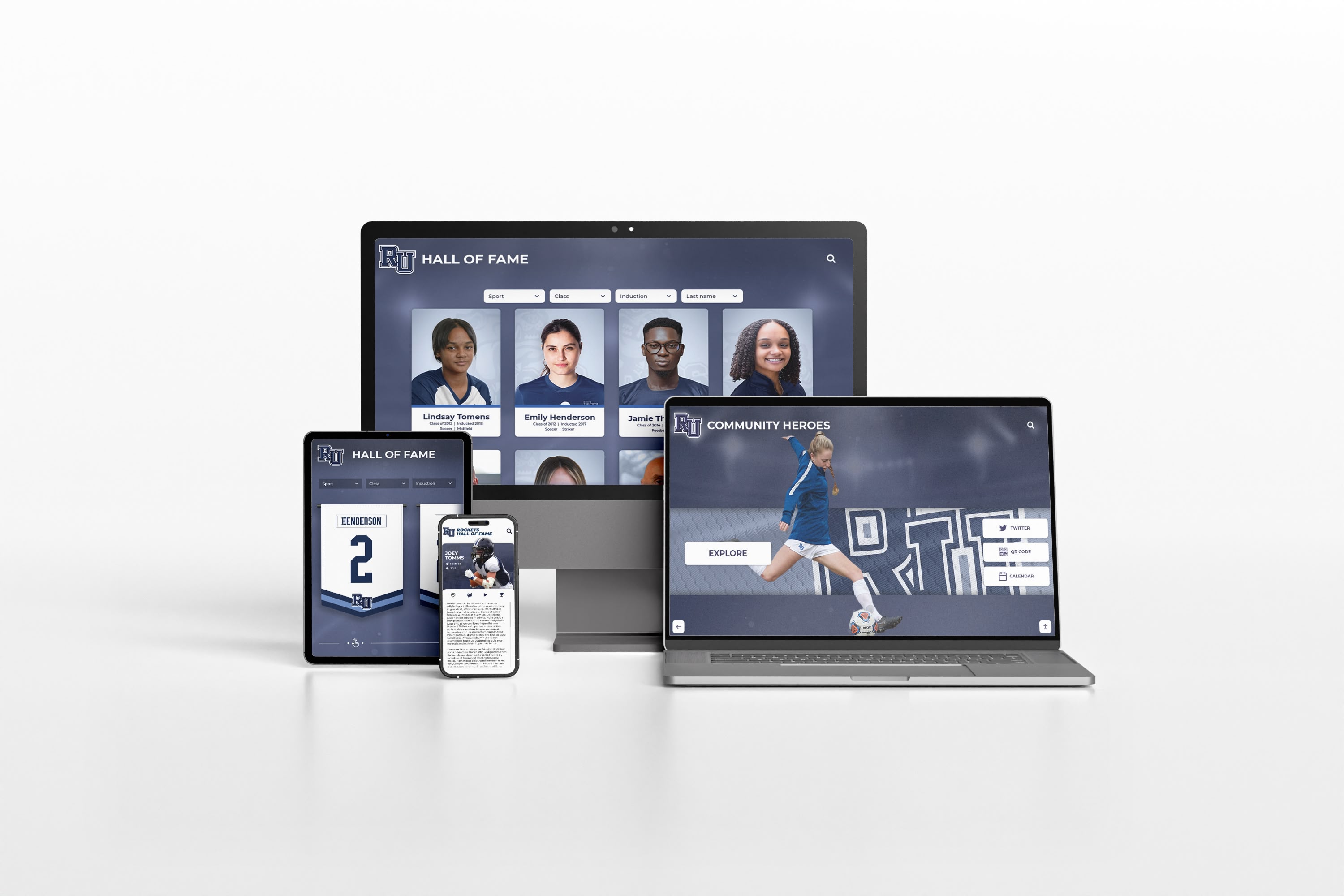
The Easiest Touchscreen Solution




Live Example: Rocket Alumni Solutions Touchscreen Display
Interact with a live example (16:9 scaled 1920x1080 display). All content is automatically responsive to all screen sizes and orientations.
A digital hall of fame diacritic insensitive search audit is a structured test confirming that visitors who type a name without accent marks—such as “Garcia,” “Hernandez,” or “Muller”—still find the correct inductee even when the authoritative display record stores the accented form “García,” “Hernández,” or “Müller.” The short answer for recognition program administrators: compile a list of every inductee name that contains a diacritical character, run a search for each name using both the accented and unaccented forms, record which queries return no results or the wrong results, and fix the search layer using Unicode normalization so that accent-stripped queries match accent-carrying records—without altering the name as it appears on the inductee profile.
When a family member searches your school’s digital hall of fame for a graduate whose surname is “Pérez,” they may type “Perez” out of habit, or because their keyboard does not have a convenient way to insert the acute accent. If your recognition platform returns zero results for “Perez” when the display name is “Pérez,” a visitor who might reasonably expect to find a family inductee walks away empty-handed—and the inductee’s family may interpret that gap as a sign the record has been lost or overlooked. The problem is not the display name; the display name should continue to reflect the correct, culturally accurate spelling. The problem is the search layer, which must normalize character input before attempting to match it against the inductee index.
For school administrators, athletic directors, IT teams, and recognition-program managers who handle inductee databases spanning multiple decades and cohorts, diacritic sensitivity is one of the more common silent search failures. It rarely appears in error logs, generates no accessibility violation alerts, and is invisible unless someone runs a deliberate audit. The workflow below gives you a repeatable process for finding and fixing every instance before the next induction ceremony.

A recognition platform that stores inductee names with their correct diacritical marks must also match searches typed without those marks—on every device in the collection
What Diacritical Marks Are and Why They Appear in Inductee Names
Diacritical marks—also called diacritics or accents—are glyphs added to a base letter to indicate a difference in pronunciation, stress, or meaning. They appear in names from Spanish, French, German, Portuguese, Vietnamese, Polish, and dozens of other languages. School athletic halls of fame and academic recognition programs increasingly include inductees whose names reflect the diverse linguistic backgrounds of their communities.
Common diacritical characters that appear in inductee names include:
| Character | Name | Language Families | Example Name |
|---|---|---|---|
| á, é, í, ó, ú | Acute accent | Spanish, Portuguese, Irish | García, Pérez, Colón |
| à, è, ì, ò, ù | Grave accent | French, Italian | Lefèvre, Gòmez |
| â, ê, î, ô, û | Circumflex | French, Romanian | Côté, Bâche |
| ä, ë, ï, ö, ü | Diaeresis / Umlaut | German, Dutch, Swedish | Müller, Böhm |
| ã, õ, ñ | Tilde | Spanish, Portuguese | Rodríguez, Nüñez |
| ç | Cedilla | French, Portuguese, Turkish | François, Garção |
| ł, ś, ż | Polish diacritics | Polish | Wiśniewski, Wałęsa |
| ø, å | Scandinavian letters | Norwegian, Danish, Swedish | Søren, Åberg |
| ă, ș, ț | Romanian diacritics | Romanian | Ionuț, Blănaru |
A name like “Nguyễn” or “Trần” may carry Vietnamese tone marks. A surname like “O’Súilleabháin” may carry multiple acute accents. Each character is a legitimate, authoritative part of the inductee’s name. Stripping diacritics from the display record is not the answer; the search index must accommodate both the accented and unaccented forms.
Recognition programs that also maintain digitized historical school publications and archival records will find that historical newspaper archives frequently used ASCII approximations of accented names—a pattern that makes the diacritic mismatch even more common in older inductee cohorts where the original typesetters omitted accent marks.
Why This Audit Belongs in Your Recognition Platform Quality Checklist
A diacritic-insensitive search failure is not a display error—the inductee profile card, the printed plaque copy, and the touchscreen bio view all show the name correctly. The failure is a retrieval error: the search index cannot match what the visitor typed to what the database stores.
Three conditions make this failure common in school recognition programs:
Decade-spanning data-entry practices. An inductee database assembled over forty years will reflect the keyboard capabilities, software defaults, and data-entry habits of every administrator who added records. Some staff members typed accented characters correctly using compose keys or character maps; others substituted the unaccented equivalent. The result is an inductee index where “Garcia” and “García” may both appear as display names for different individuals, and a search for “Garcia” returns one result set while a search for “García” returns another.
Platform migrations that alter encoding. When a school migrates its recognition records from one CMS to another—or from a spreadsheet to a cloud-based recognition platform—character encoding problems can strip, corrupt, or duplicate diacritical marks. A migration that converts UTF-8 records to Latin-1 and back, or that fails to declare encoding headers correctly, may silently convert “Hernández” to garbled characters in the database even while the profile card attempts to render a placeholder.
Search indexes built without Unicode normalization. Many off-the-shelf search implementations perform simple string matching: the query string “Hernandez” does not equal the stored string “Hernández,” so no results are returned. The fix—normalizing both the query and the index entries to a base form before matching—requires an explicit configuration step that many default search setups omit entirely.
For recognition programs considering how algorithmic and platform design choices affect who appears prominently in search results, diacritic sensitivity is one of the more tractable search quality problems: it has a clear technical solution, and its impact on specific communities is measurable through the audit process below.
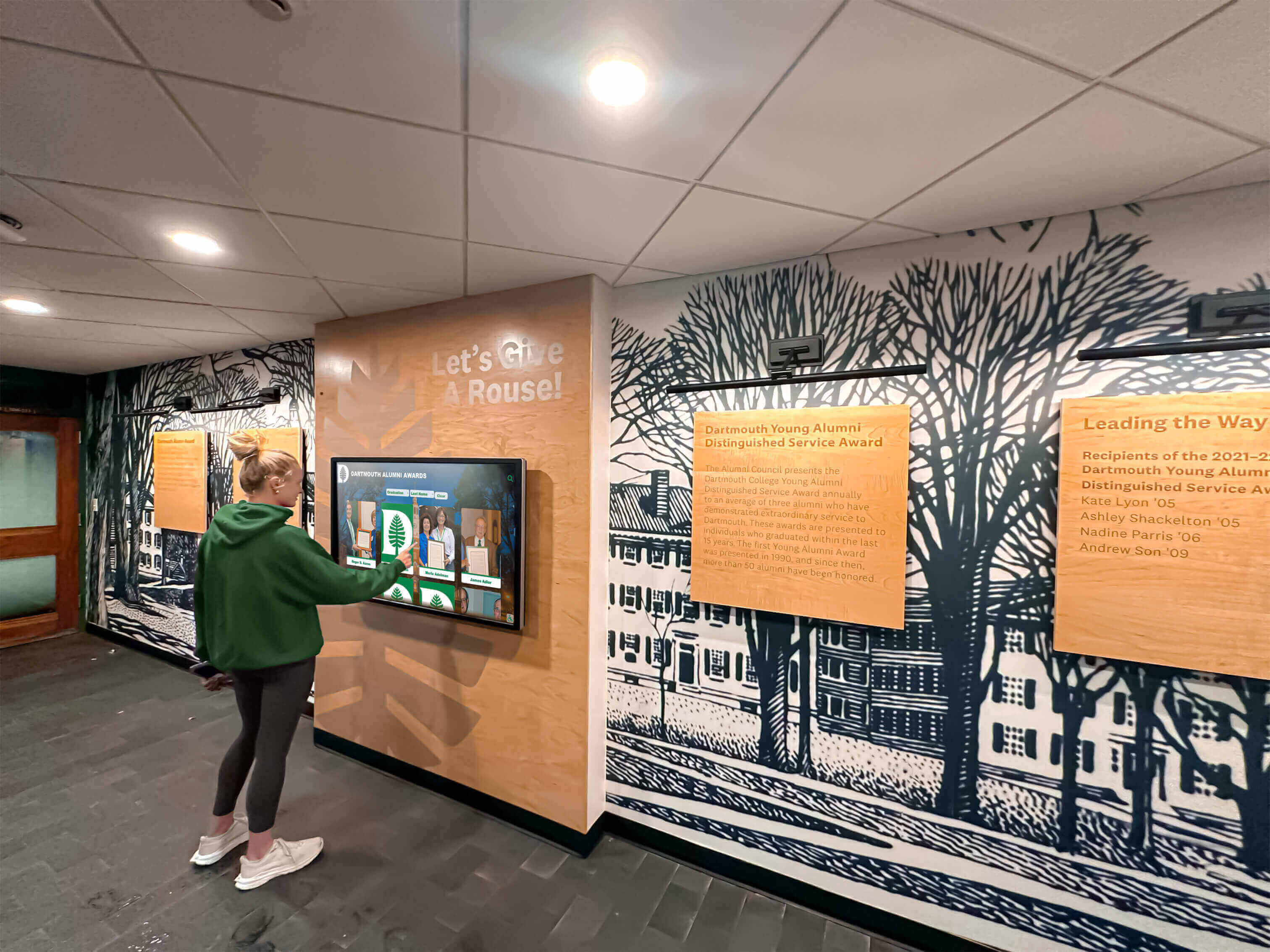
Visitors searching for inductees on touchscreen kiosks may type names in several different forms—the search layer must normalize diacritical characters before matching against the inductee index
The Diacritic-Insensitive Search Audit: Step-by-Step
Step 1: Export the Inductee Name Index
Export a complete list of every inductee name stored in your recognition platform. If your platform stores names in separate first-name and last-name fields, export both. Include middle names or middle initials if they appear on profile cards, since diacritical marks in middle names are equally likely to cause search mismatches.
From the export, create a filtered list of every name that contains at least one character outside the basic ASCII range (characters with code points above U+007F). In a spreadsheet, you can sort the column and scan visually for characters that differ from the standard A–Z set, or apply a formula that flags cells containing non-ASCII characters. The filtered list is your audit scope. Every name on that list is a candidate for diacritic search failure.
Step 2: Generate Test Queries for Each Name
For each name in your filtered list, generate two test queries:
- Accented query: The name as stored in the database, preserving all diacritical marks (e.g., “Martínez”).
- Stripped query: The name with all diacritical marks removed and replaced with their ASCII base character (e.g., “Martinez”).
For common diacritics, the stripping substitutions are straightforward: á → a, é → e, í → i, ó → o, ú → u, ñ → n, ü → u, ö → o, ä → a, ç → c, ø → o, ł → l, and ß → ss. If your inductee database is large, you can automate query generation using a script that applies Unicode NFD normalization and strips combining characters. In Python: unicodedata.normalize('NFD', name).encode('ascii', 'ignore').decode('ascii') produces the stripped form for any Unicode name string.
Step 3: Run Each Query Pair Against the Live Search Interface
For each name in your audit scope, run both the accented query and the stripped query in the recognition platform’s public search interface—the same search box a visitor would use. Record the results for each pair:
| Query | Results Returned | Correct Inductee Found |
|---|---|---|
| “Martínez” (accented) | 3 results | Yes |
| “Martinez” (stripped) | 0 results | No — Fail |
| “Müller” (accented) | 1 result | Yes |
| “Muller” (stripped) | 1 result | Yes — Pass |
| “Pérez” (accented) | 2 results | Yes |
| “Perez” (stripped) | 2 results | Yes — Pass |
| “Nguyễn” (accented) | 1 result | Yes |
| “Nguyen” (stripped) | 0 results | No — Fail |
Any query pair where the stripped form returns zero results or fails to return the expected inductee is a confirmed diacritic sensitivity failure. Record the platform page or API endpoint used so that the remediation team knows exactly where normalization needs to be applied.
Step 4: Test the Reverse Direction
The reverse failure is less common but equally important: a visitor who types the accented form should not fail to find an inductee whose name was entered without diacritical marks. If the database stores “Garcia” (no accent) and a visitor searches for “García” (with accent), the search should still return the correct result. Run each query in the reverse direction and record results using the same pass/fail format.
Step 5: Test Partial-Name and Substring Searches
Many visitors search for inductees using a partial name—a surname only, or the first few characters of a first name. Test diacritic sensitivity in partial-name contexts:
- Query “P” or “Pe”—do inductees with surnames beginning “Pé” (Pérez, Pépin) appear in autocomplete suggestions?
- Query “Mulle”—does the inductee “Müller” appear in prefix-match results?
- Query “nguy”—does the inductee “Nguyễn” appear in substring results?
Partial-match failures are often more severe than exact-match failures because autocomplete suggestions are the first point at which many visitors confirm they are searching in the right direction. A visitor who types “Her” and sees no suggestion containing “Hernández” may abandon the search before reaching the exact-match stage.
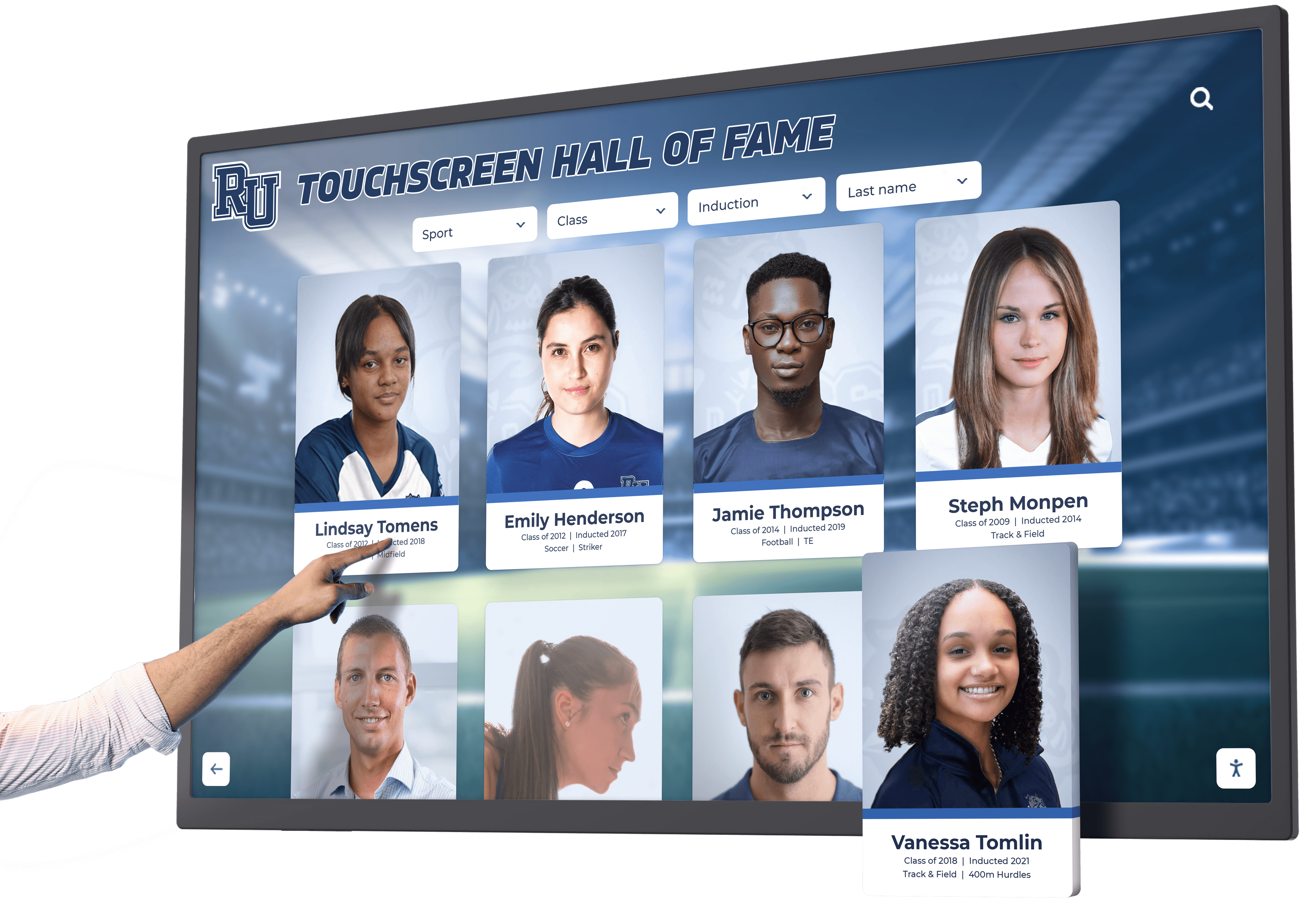
Autocomplete suggestions and prefix-match search on touchscreen kiosk interfaces must normalize diacritical characters so partial queries like "Her" surface inductees named "Hernández"
Step 6: Verify Touchscreen Kiosk Keyboard Input
For recognition programs that include lobby-mounted touchscreen kiosks, run an additional verification using the on-screen keyboard provided by the kiosk interface. Many kiosk keyboards present only the standard ASCII character set by default, with no long-press or secondary layout for accent characters. If the kiosk keyboard cannot produce the accented form of a character, visitors can only search using stripped queries—and if the search layer is not diacritic-insensitive, they will find nothing.
Verify that: (1) the kiosk on-screen keyboard allows the visitor to type the query they would naturally attempt; (2) the search returns the accented inductee name when the unaccented query is entered; and (3) if the kiosk keyboard does provide accented character input, both the accented and unaccented queries return the same result set.
For recognition programs evaluating display hardware and input compatibility for lobby touchscreen systems, the on-screen keyboard layout and its character coverage are directly relevant to whether diacritic-insensitive search can compensate for input limitations at the hardware level.
Pass/Fail Reference Table
Use the table below as a reference when reviewing your audit results against a recognition platform that has implemented diacritic-insensitive search correctly.
| Test Scenario | Accented Query | Stripped Query | Pass Condition |
|---|---|---|---|
| Exact match, accented stored name | Returns inductee | Returns inductee | Both queries find the same inductee |
| Exact match, unaccented stored name | Returns inductee | Returns inductee | Both queries find the same inductee |
| Partial match / prefix | Inductee in prefix results | Inductee in prefix results | Consistent prefix results for both forms |
| Autocomplete suggestion | Name appears in suggestions | Name appears in suggestions | Both forms trigger the same suggestion |
| Kiosk virtual keyboard, stripped input | N/A | Returns inductee | Stripped query succeeds when accented input is unavailable |
| Reverse: accented query, unaccented stored | Returns inductee | Returns inductee | Normalization works bidirectionally |
Any cell in the “Stripped Query” column that reads “No result” or “Wrong inductee” is a failure requiring remediation.
Remediation: How to Implement Diacritic-Insensitive Search
Fixing diacritic sensitivity is a search-layer change, not a data change. The authoritative display names remain exactly as stored; only the query processing and index construction change.
Unicode Normalization (NFD + ASCII Folding)
The most portable technical approach is Unicode NFD (Canonical Decomposition) normalization followed by ASCII folding:
- Convert the string to NFD form, which separates combining characters from their base characters. The accented letter “é” (U+00E9) becomes the sequence “e” (U+0065) followed by the combining acute accent (U+0301).
- Strip all combining characters (Unicode category Mn), leaving only the base letters.
- Store the normalized (stripped) form in a parallel search index field, separate from the display name field.
- At query time, apply the same normalization to the user’s input before matching.
The display record (“Hernández”) is never altered. The search index stores both “Hernández” and “Hernandez” as searchable tokens, and a query for either form matches the same inductee profile.
Search Platform Configuration
Most modern full-text search platforms include a built-in ASCII folding or diacritic normalization setting:
- Elasticsearch / OpenSearch: Use the
asciifoldingtoken filter in the analysis chain for the inductee name field. Apply the filter at both index time and query time to ensure bidirectional matching. - Algolia: Algolia normalizes diacritics by default for most languages—verify that your index language settings include the language families present in your inductee names.
- PostgreSQL: Use the
unaccentextension withunaccent(name) ILIKE unaccent($query)in search queries; ensure the function is applied symmetrically to both the stored name and the query input. - MySQL / MariaDB: Use a collation such as
utf8mb4_unicode_ci, which treats accented and unaccented characters as equivalent in comparisons andLIKEqueries. Verify the collation applies to the specific column used for name searches. - Custom in-house search: Implement NFD normalization in the search preprocessing function and rebuild the search index after the change. Test all query forms from Step 3 of this audit against the updated index before deploying.
For recognition programs running their inductee database on a cloud-based recognition platform, contact the platform support team to confirm the normalization settings and ask for the specific configuration change needed to enable diacritic-insensitive search. Learn more about Rocket Alumni Solutions’ Digital Wall of Fame platform to understand how cloud-based inductee search and content management work together across both web and touchscreen interfaces.
Verifying the Fix
After implementing normalization, re-run the full audit from Step 3 using the same query pairs. Every previously failing stripped query should now return the correct inductee. Spot-check at least five name pairs from each diacritic character family present in your database—Spanish acute accents, German umlauts, French circumflexes, Scandinavian letters—to confirm the normalization applies across character families, not only for the specific characters used in your initial test cases.
Confirm that the display name on the inductee profile card, the touchscreen bio view, and any printed or exported report still shows the accented form. If normalization has been applied to the stored display field rather than only to the search index, the fix is incorrectly implemented and must be corrected before going live.
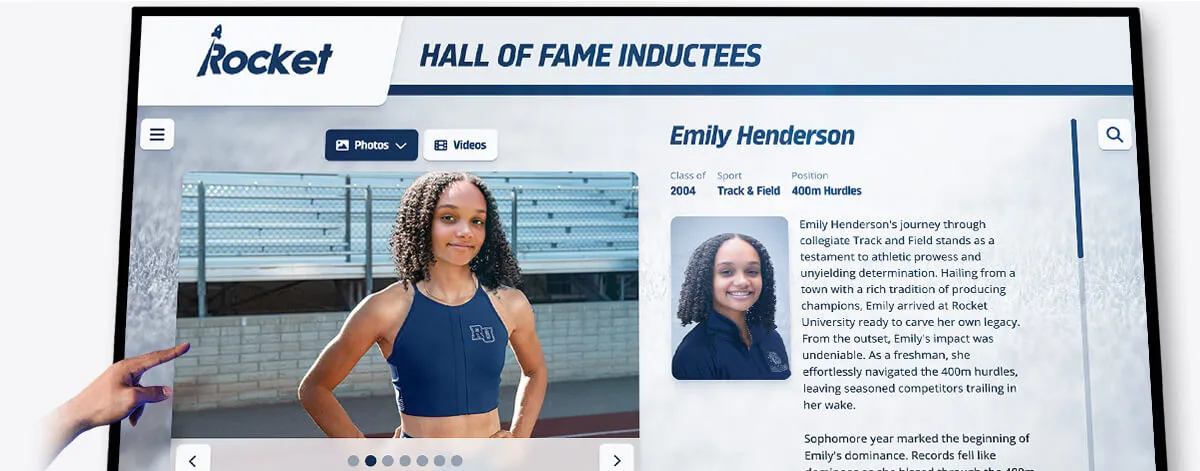
The inductee's name must display with its correct diacritical marks on the profile view; diacritic normalization operates at the search layer only and does not alter the stored or displayed name
Managing Ongoing Data Entry Quality
A one-time audit and fix is necessary but not sufficient. New inductees are added each year, and new data-entry staff may reintroduce the same encoding inconsistencies. Three practices prevent diacritic problems from reappearing:
Input validation at the data-entry screen. If your platform’s administrative interface allows staff to enter inductee names, add a real-time preview that shows how the name will appear in the search index. A staff member who sees that “García” and “Garcia” both map to the same search token can verify the entry is correct before saving.
Post-import audit script. Any time records are imported from an external source—a spreadsheet, a legacy database export, or a list provided by the school registrar—run an automated script that flags names containing characters outside the standard ASCII range, and names where the same surname appears in both accented and unaccented forms in the same database (which may indicate duplicate records or inconsistent historical entry).
Annual re-audit. Schedule the full audit from this workflow once per year, before the induction ceremony season opens, so that any new entries with diacritic issues are caught and corrected before families arrive to search for inductee profiles.
Recognition programs that maintain parallel recognition formats—including interactive touchscreen kiosk displays alongside web-based inductee galleries—should run the audit against both the web search interface and the kiosk search interface, since the two systems may use different search backends with different normalization configurations.
Recognition programs that also honor academic achievement—including national scholarship recipients and academic distinction honorees whose names may span many linguistic backgrounds—benefit from applying the same diacritic search audit to academic as well as athletic recognition records.
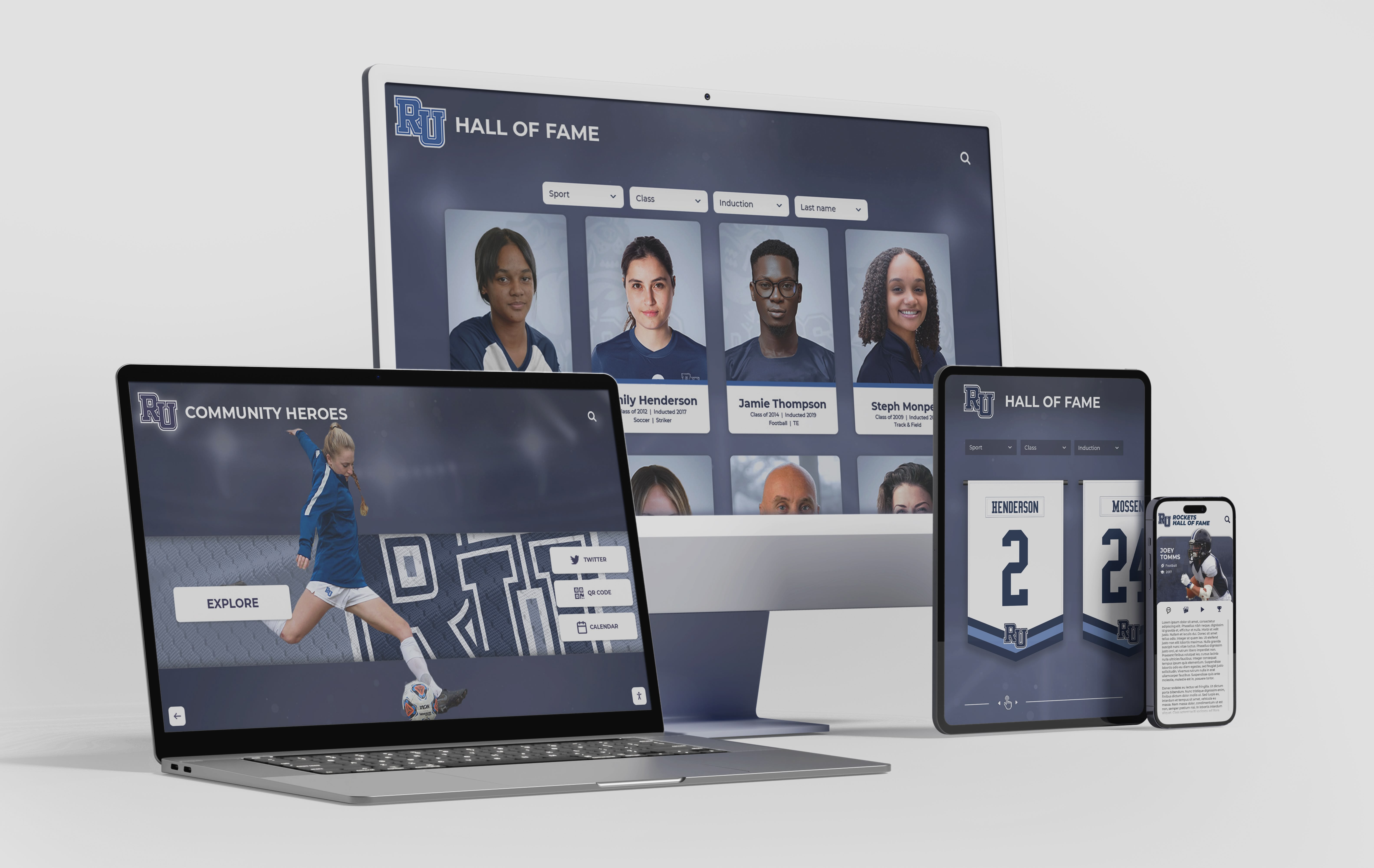
Diacritic-insensitive search must function consistently across the web-based recognition platform and any associated touchscreen kiosk interfaces to ensure no inductee is unfindable based on keyboard limitations
Frequently Asked Questions
Does diacritic-insensitive search mean the stored name gets changed?
No. Normalization operates only at the search layer—in the query processing pipeline and the search index. The display name stored in the database, shown on the inductee profile card, printed on exported reports, and rendered on the touchscreen bio view remains exactly as entered. Only the search tokens used for matching are normalized.
What if two different inductees have names that normalize to the same string—for example, “García” and “Garcia” as two separate people?
The search should return both inductees when the visitor searches for either “Garcia” or “García.” The results page displays each inductee’s authoritative name with its correct diacritical marks, and the visitor selects the correct profile. This is the expected behavior—it is the same result a visitor would encounter when searching for any common surname shared by multiple inductees.
Should we also normalize punctuation such as apostrophes and hyphens in names like “O’Brien” or “Smith-Jones”?
Yes, as a related audit step. Punctuation sensitivity is a separate failure mode from diacritic sensitivity, but it appears in the same inductee name categories and benefits from the same normalization approach. A visitor searching for “OBrien” should find “O’Brien”; a visitor searching for “Smith Jones” should find “Smith-Jones.” Implement punctuation normalization alongside diacritic normalization for comprehensive search coverage.
Does this audit apply to first names as well as surnames?
Yes. First names such as “José,” “Renée,” “Björn,” “Søren,” and “Ngọc” carry diacritical marks just as surnames do. The audit scope in Step 1 should include all name fields stored in the platform—first name, middle name, and surname—and the normalization configuration should apply to each field independently.
How long does this audit take for a recognition program with several hundred inductees?
For a database of 200–500 inductees, the export and filtering step takes approximately 30 minutes. Generating test queries takes 15–30 minutes with a script, or 1–2 hours manually. Running the queries against the live search interface takes 1–2 hours depending on platform response time. Total audit time for a mid-size inductee database is typically 3–5 hours for the first run; subsequent annual audits targeting only new entries take 1–2 hours.
What should we do if the platform is a third-party SaaS and we cannot access the search configuration?
Submit the audit results—specifically the pass/fail table from Step 3—to the platform support team as a bug report. Include specific examples of failing queries and the stored name they should match. Ask the support team to confirm whether their search layer applies diacritic normalization, and if not, to provide a timeline for implementing it or a workaround configuration that achieves the same result.
School recognition programs serve communities whose names reflect the full range of the world’s written languages. A digital hall of fame that cannot find “Martínez” when a visitor types “Martinez” is not a technical edge case—it is a findability failure for a specific, identifiable community. The audit workflow above turns that failure into a repeatable, fixable quality check that any administrator can run before each induction cycle.
Learn more about Rocket Alumni Solutions’ Digital Wall of Fame platform to understand how cloud-based inductee search, remote content management, and ADA-compliant touchscreen interfaces work together to serve every family who visits your recognition program.
See How Rocket Alumni Solutions Handles Inductee Search at Scale
Rocket Alumni Solutions builds interactive touchscreen and web-based recognition programs for schools, universities, and institutions—with cloud-based CMS tools, unlimited inductees, and search capabilities designed to serve every visitor. Request a personalized demo to walk through inductee search, profile display, and content management with your institution's specific recognition program in mind.
Request Your Custom DemoLive Example: Rocket Alumni Solutions Touchscreen Display
Interact with a live example (16:9 scaled 1920x1080 display). All content is automatically responsive to all screen sizes and orientations.




























