



Every school hall of fame starts as a manageable list—twenty inductees, maybe fifty—where scrolling through every portrait feels natural and browsing takes seconds. Then decades of athletic history accumulate. A hundred inductees becomes two hundred. Team records, coaches, community champions, and senior classes stack up until the collection that once loaded instantly now tests visitors’ patience and search engine crawlers alike. Mastering the digital hall of fame pagination checklist is the discipline that separates recognizable archives honoring every inductee from slow, buried collections that frustrate the alumni, families, and administrators who rely on them most.
This checklist is built for athletic directors, school archivists, IT staff, and booster leaders managing growing recognition databases. It addresses performance, navigation usability, accessibility compliance, and search engine crawlability—the four dimensions that determine whether your digital inductee collection remains fast and findable as it scales to hundreds or even thousands of entries.
When your hall of fame library grows beyond roughly fifty inductees, pagination decisions begin affecting site speed, visitor satisfaction, and the ability of search engines to index every honored athlete’s profile. Getting those decisions right from the start—or correcting them in an existing system—pays recognition dividends for years.

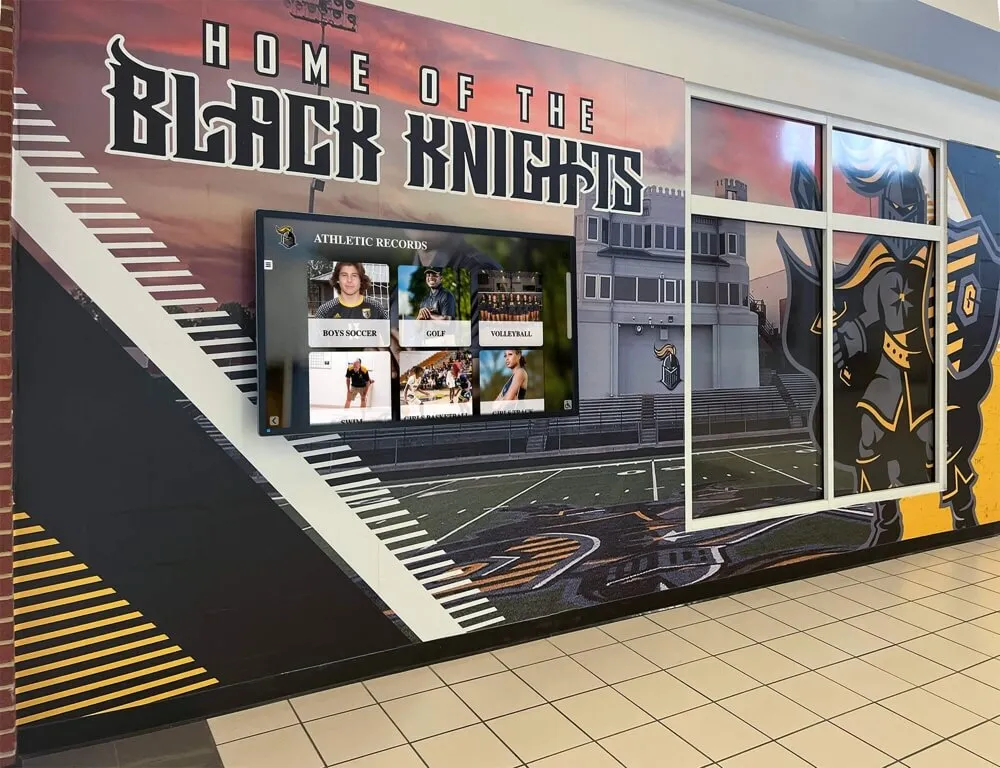
Well-organized inductee collections display portrait cards efficiently, loading quickly and guiding every visitor to the right profile
Why Pagination Design Matters for School Hall of Fame Collections
Pagination is the practice of dividing a large content set into discrete, navigable pages or segments. For digital hall of fame systems, it determines how many inductee cards display at once, how visitors move between groups of records, and how search engines encounter each athlete profile.
Schools and athletic programs tend to underestimate the technical weight of inductee collections because individual records look lightweight—a portrait photo, a name, a sport, a graduation year. But a collection of 300 inductees with thumbnail images, hover states, filter parameters, and sort logic can easily generate page weights that double or triple the ideal target for lobby kiosks and school network connections.
Beyond performance, pagination shapes discovery. A visitor searching for a 1988 state wrestling champion should not have to page through every record sorted by last name to find that athlete. Thoughtful pagination works in concert with search and filter tools to surface the right profile in seconds.
For touchscreen and augmented reality display installations, where visitors interact directly with the screen rather than a keyboard and mouse, pagination controls must be large enough to tap confidently, clearly labeled, and fast enough to respond to touch without perceptible lag.
The Complete Digital Hall of Fame Pagination Checklist
Use this checklist when designing a new digital recognition system, auditing an existing installation, or preparing to migrate a static plaque-based archive into an interactive platform. Mark each item complete only after verifying it in the actual environment where visitors encounter the system.
Section 1: Display Architecture and Load Performance
A performant pagination architecture prevents the most common complaint athletic directors hear about aging digital hall of fame systems: “It takes forever to load.”
Architecture Checklist
Set an inductee-per-page limit that matches your hardware. For lobby touchscreen kiosks on school networks, 12–24 portrait cards per page typically loads in under two seconds. Web-accessible versions on modern broadband tolerate 24–36 cards. Avoid loading all inductees at once on collections over 75 entries.
Lazy-load images below the visible fold. Portrait photos should load on demand as visitors scroll or navigate to a new page, not all at once when the collection opens. Most modern CMS platforms support lazy loading natively; verify it is enabled for inductee card images specifically.
Compress and standardize portrait dimensions. Consistent image dimensions—for example, 400×500 px at 80% JPEG quality—prevent layout shifts that reset scroll position and degrade load speed. An inductee collection where photos arrive from different eras often contains a mix of oversized scans and undersized originals; standardizing the library reduces page weight dramatically.
Cache paginated responses. Server-side or CDN caching ensures that the first visitor who loads page 3 of your inductee collection makes that data immediately available to the next visitor without re-querying the database.
Test load time on the actual kiosk hardware, not a developer workstation. Lobby touchscreen terminals often run on hardware two or three generations behind current consumer devices. A collection that performs acceptably on a modern laptop may stall noticeably on the device actually installed in your athletic lobby.
Set appropriate connection timeout thresholds. School network bandwidth fluctuates during class periods and events. Configure the inductee collection to display a loading indicator rather than a blank screen when data fetches take longer than 1.5 seconds.

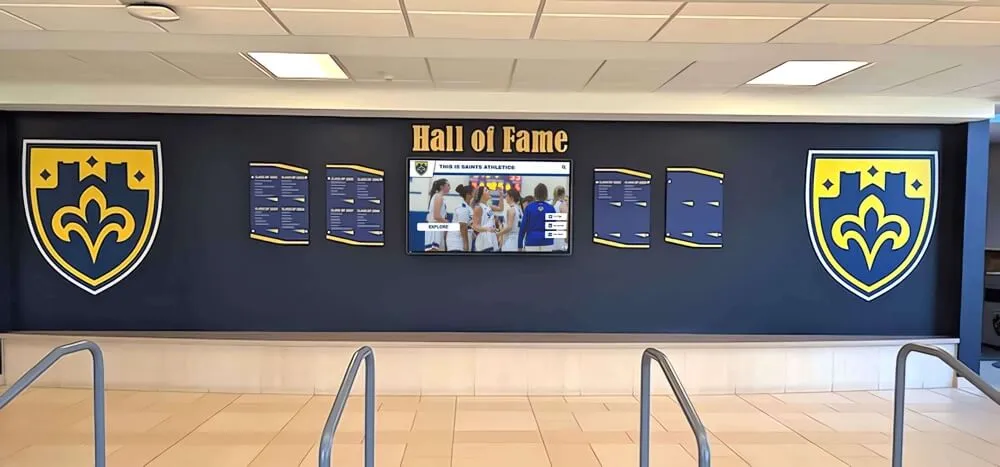
Responsive portrait card layouts must load quickly and respond immediately to touch, whether a visitor is on the first page or the fifteenth
Section 2: Navigation Controls and User Experience
Navigation controls are the visible layer of pagination—the buttons, page indicators, and directional cues visitors use to move through inductee collections. On touchscreen kiosks, navigation requires specific design considerations that differ from standard web pagination.
Navigation Checklist
Use large, clearly labeled tap targets for Previous and Next controls. WCAG 2.1 AA guidelines recommend a minimum 44×44 pixel touch target. For lobby kiosks where visitors may be navigating casually or at arm’s reach, 60×60 pixels or larger reduces errors and frustration significantly.
Display the current page position clearly. “Page 4 of 12” or a visible page number indicator with dot navigation helps visitors understand where they are within the collection and how much remains. Visitors who cannot orient themselves tend to abandon browsing rather than continue.
Show the total inductee count. Displaying “247 inductees” alongside pagination controls gives alumni, parents, and historians an immediate sense of the collection’s scope and builds confidence that the system contains comprehensive records.
Preserve filter and sort state across page turns. If a visitor filters by “Football” and navigates to page 2, that filter must remain active. Pagination that resets filter parameters on every page turn creates one of the most common and frustrating usability failures in recognition systems.
Offer a “Jump to page” input for collections over 10 pages. Long alphabetical collections benefit from the ability to jump directly to a target page rather than clicking Next repeatedly. This is especially valuable for archivists and administrators who work with the collection regularly.
Test navigation with one hand and at arm’s reach. Visitors at lobby kiosks often navigate while carrying bags, holding programs, or standing at slight angles. Controls placed at extreme screen edges or requiring precise two-finger gestures create unnecessary friction.
Include a “Back to Collection” breadcrumb on individual inductee profile pages. When a visitor opens a specific athlete’s profile, they should be able to return to the paginated collection at the same page position rather than starting over from page 1.
For guidance on school record graphics and visual hierarchy that complement navigation design, resource-focused layout tools can inform how inductee cards should be structured for maximum scannability.
Section 3: Search and Filter Integration
Pagination and search are complementary tools. Pagination manages how many records appear at once; search and filtering determine which records appear. Together they give visitors multiple paths to finding a specific inductee quickly.
Search and Filter Checklist
Position the search bar prominently above the inductee grid. Visitors who arrive at the hall of fame looking for a specific athlete scan for a search input first. A search field buried below a paginated gallery creates unnecessary hunting behavior.
Search across at least name, sport, and graduation year. Visitors remember inductees by different attributes. Family members search by last name; teammates search by sport and era; administrators search by graduation year. Support all three without requiring visitors to select a search category first.
Display filtered results with their own pagination. When a visitor filters by “Track & Field,” the resulting subset should still paginate if it contains more than your per-page limit. Filtering must not load all matching records at once, bypassing the performance controls established in Section 1.
Show a “No results found” state with helpful suggestions. If a search returns zero matches, display alternative options: common sports, decade filters, or an invitation to contact the athletic office if the inductee was recently added. A blank result page without guidance feels like a dead end.
Implement auto-suggest or type-ahead for name search. When a visitor begins typing a name and matching suggestions appear, the system reduces misspelling failures and helps visitors find their honoree faster—particularly valuable for names with unusual spellings or multiple variations in historical records.
Make filter and sort controls keyboard-accessible. Visitors who use assistive input devices must be able to activate every filter option using keyboard navigation alone, not only by touching filter chips or dropdown menus.
Log zero-result searches for content audit purposes. Tracking which search terms return no results reveals gaps in your inductee data—missing years, sports not yet digitized, or name variations in historical records that need reconciliation.
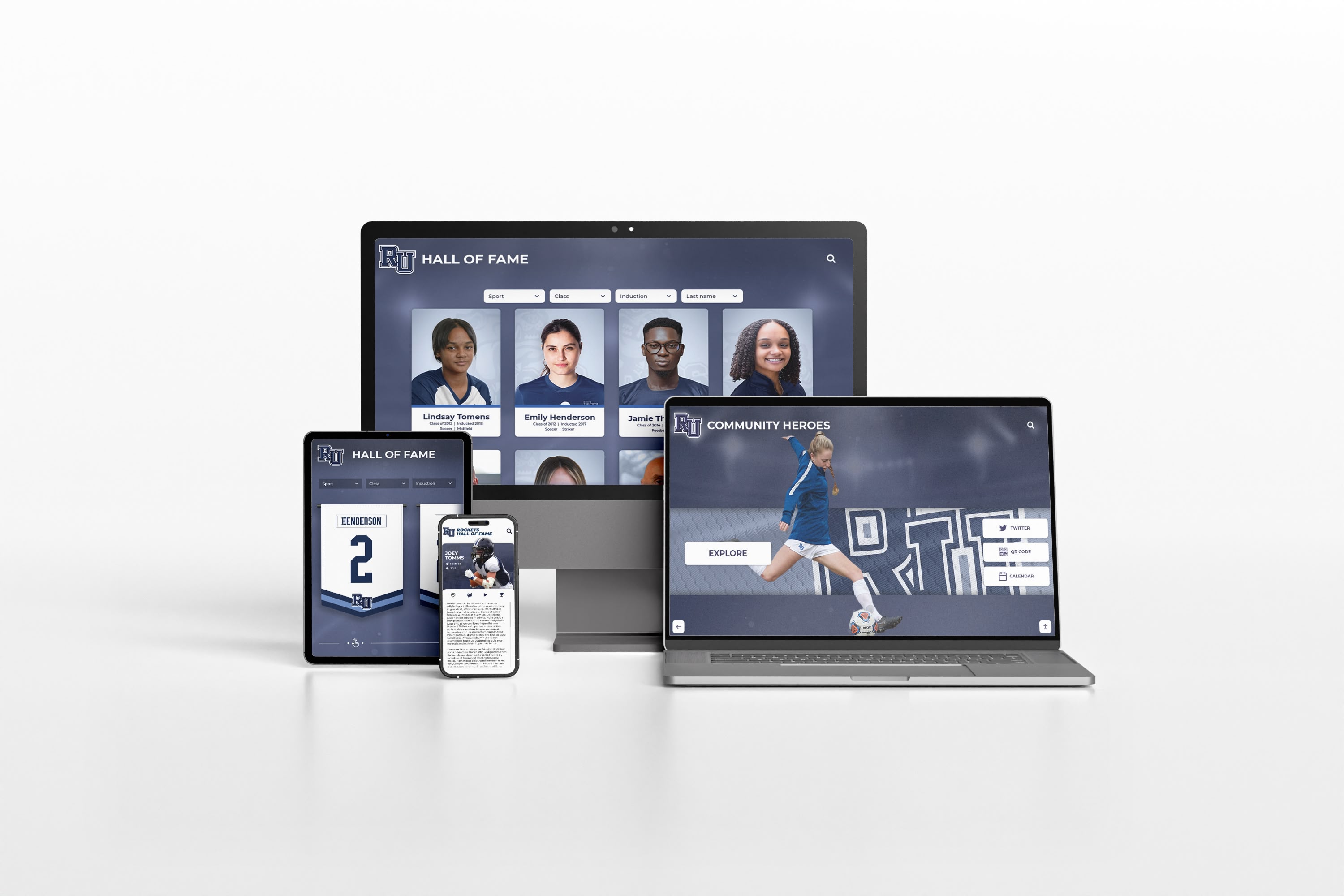
Inductee collections must paginate correctly across every device format—lobby kiosks, school websites, and mobile screens used by alumni
Sorting Options That Support Discovery
Beyond keyword search, sort order significantly affects how visitors explore large collections. Provide at least three sort options:
Alphabetical by last name — The default for most visitors seeking a specific individual.
Sport category — Essential for coaches, players, and booster club members reviewing a program’s complete honoree history.
Induction year (newest first) — Useful for recent alumni and families following current recognition classes.
Induction year (oldest first) — Valuable for historians, archivists, and longtime community members tracing program origins.
Clear sort labeling and a visible indicator of the active sort state prevent visitors from accidentally viewing the collection in an unexpected order.
Section 4: Accessibility Compliance
Accessibility requirements are not optional for school hall of fame systems. Public educational institutions are subject to ADA and Section 508 obligations. Digital kiosks and web-based recognition platforms alike must meet WCAG 2.1 AA standards to serve every visitor appropriately and protect the institution from compliance liability.
Accessibility Checklist
Ensure every inductee portrait has descriptive alt text. Screen readers announce alt text to visually impaired visitors. “Photo of Maria Hernandez, Cross Country, Class of 2003” provides meaningful context. Empty or generic alt text (“image001.jpg”) fails visitors using assistive technology.
Verify color contrast ratios on pagination controls. Text and icon colors used on Previous, Next, and page number controls must achieve at least 4.5:1 contrast against their backgrounds (WCAG 2.1 AA standard). Light gray text on white backgrounds—a common design choice—typically fails this test.
Label pagination controls with ARIA attributes. Screen readers should announce “Go to previous page” and “Go to next page” for navigation buttons, not just display a left or right arrow graphic. ARIA labels make navigation meaningful for assistive technology users.
Test keyboard navigation through the complete pagination flow. A visitor who cannot use a touchscreen or mouse must be able to tab through inductee cards, activate filters, and navigate between pages using only keyboard inputs.
Verify focus indicator visibility. Every interactive element—cards, buttons, filters—must display a visible focus outline when navigated via keyboard. Many default browser focus styles are removed by CSS resets; confirm the design restores them.
Maintain a logical reading order for screen readers. The DOM structure of your inductee grid should present content in a sensible sequence: collection heading, result count, sort and filter controls, inductee cards, pagination controls. A screen reader traversing the page in DOM order should encounter these elements in a logical flow.
Understanding how donor wall display accessibility standards apply to recognition systems is useful here—the core WCAG compliance checkpoints overlap significantly with hall of fame kiosk requirements, and lessons from one context translate directly to the other.
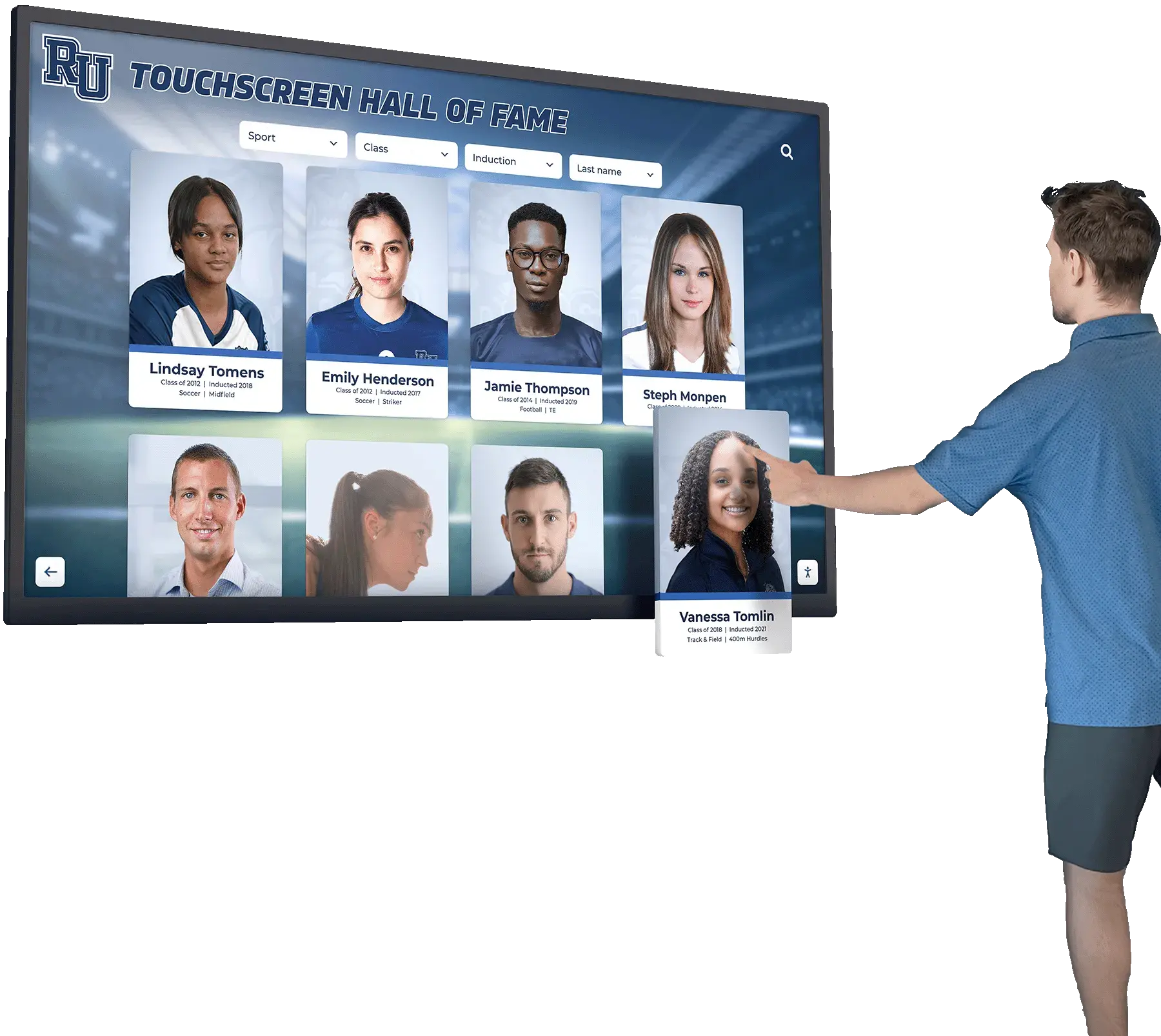
Accessible touchscreen designs allow every visitor—regardless of ability—to navigate inductee collections independently and confidently
Section 5: SEO and Crawlability for Web-Accessible Collections
Schools that host their hall of fame on publicly accessible websites gain a secondary benefit from well-structured pagination: organic search traffic from alumni, journalists, recruiting coordinators, and community members searching for individual inductees by name. Poorly structured pagination can either block search engines from indexing inductee profiles or create duplicate content problems that dilute the collection’s search visibility.
SEO and Crawlability Checklist
Generate unique, descriptive URLs for each paginated page. URLs such as
/hall-of-fame/inductees/?page=3are indexable and shareable. JavaScript-only pagination that never changes the URL is invisible to search engines and prevents visitors from bookmarking or sharing specific collection segments.Use
rel="prev"andrel="next"link elements where supported. These HTML link attributes help search engines understand the relationship between paginated pages in a series, preventing them from treating page 2 of your inductee collection as an unrelated page.Canonical tags must not point all pages to page 1. A common but mistaken SEO practice is to set the canonical on every paginated page to page 1, effectively blocking the indexing of inductee profiles that only appear on later pages. Each paginated page should canonical to itself.
Ensure inductee profiles are individually addressable. Every inductee should have a unique profile URL—for example,
/hall-of-fame/inductees/james-wright-1994/—that search engines can crawl and index independently of the paginated gallery that lists them. This is the mechanism by which someone searching for a specific athlete’s name finds the profile directly.Submit a sitemap that includes inductee profile URLs. XML sitemaps accelerate indexation by giving search engine crawlers a complete list of URLs to visit. A sitemap covering only top-level navigation but omitting 250 individual inductee profile pages leaves most of the collection undiscoverable.
Avoid loading inductee content exclusively via JavaScript. Some JavaScript-rendered galleries are invisible to search engine crawlers that do not execute JavaScript. Server-side rendering or static site generation ensures inductee data exists in the HTML crawlers receive.
Add structured data (Schema.org
Person) to inductee profile pages. Marking up inductee name, sport, graduation year, and affiliated institution with structured data helps search engines surface rich results for individual inductee name searches.
Learn more about Rocket Alumni Solutions’ Digital Wall of Fame platform to understand how a purpose-built system handles URL structure, structured data, and crawlability for school recognition collections at the platform level.
Section 6: Content Management Workflow
Pagination design affects not just visitors but also the administrators who maintain inductee collections over time. A well-considered architecture should accommodate new inductee additions without requiring manual reindexing, rebuilding, or reformatting of existing pages.
Content Management Checklist
Verify that new inductees appear on the correct page automatically. When an administrator adds a new inductee, the collection should re-sort and re-paginate automatically according to the active sort order. Systems requiring manual page reassignment after each addition create administrative debt that compounds as collections grow.
Test the collection after bulk imports. Migrating historical inductees from a spreadsheet, yearbook database, or legacy plaque system often introduces data formatting inconsistencies. After any bulk import, page through the entire collection and test filters to confirm records display correctly.
Establish image standards before inductee entry begins. Define portrait dimensions, file format, maximum file size, and background requirements before administrators or coaches begin uploading images. Retroactively standardizing hundreds of portrait photos is significantly more time-consuming than establishing standards proactively.
Document the induction year format used in the system. Consistent date entry—“Class of 2003” versus “2002–2003” versus “2003”—is essential for accurate year-based filtering and sorting. Inconsistent formats generate gaps and errors in filtered views.
Create a periodic audit schedule. Schedule quarterly or annual reviews to verify that portrait images have not broken, inductee data remains accurate, and the collection’s search and filter functionality continues to perform as the database grows.
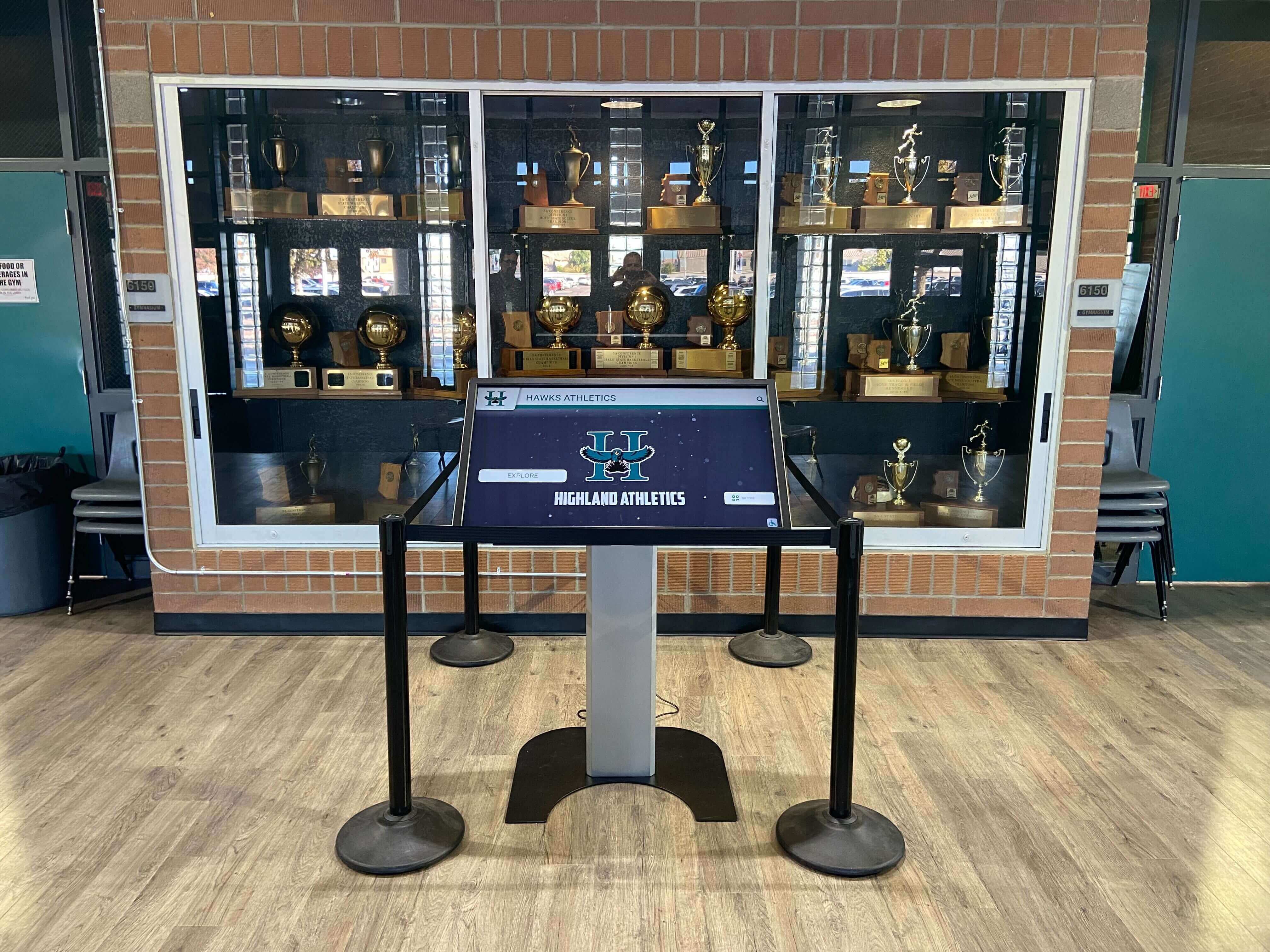
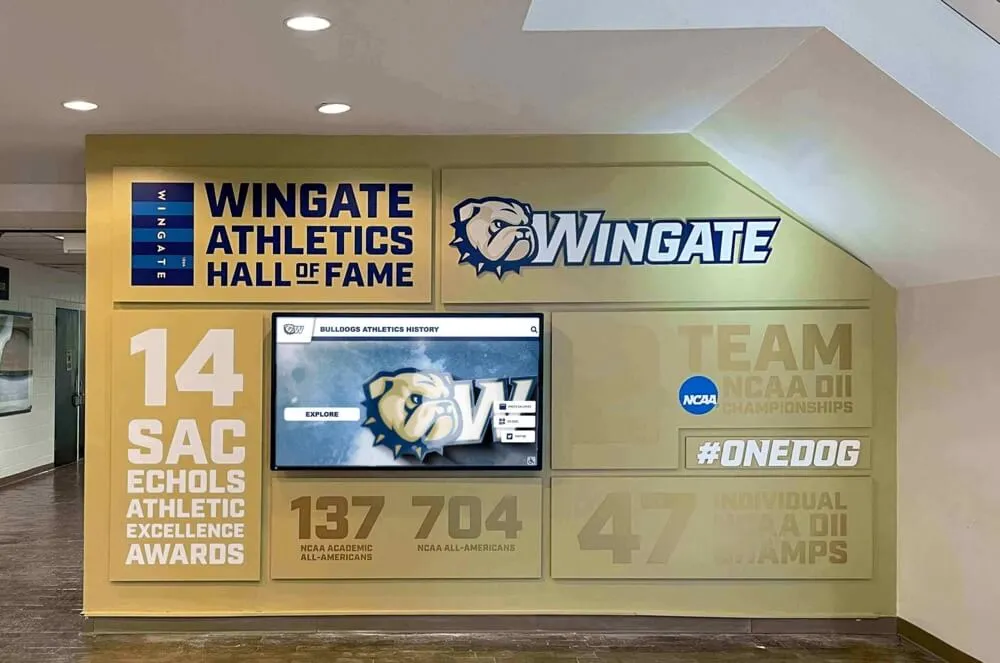
Trophy case installations with integrated kiosks require regular content audits to keep inductee data accurate and portrait images current
Common Pagination Mistakes in School Hall of Fame Systems
Understanding what goes wrong in existing systems helps athletic directors and IT staff diagnose performance and usability issues quickly.
Loading All Inductees Without Pagination
The most frequently encountered mistake in school-managed hall of fame systems is the absence of true pagination—the entire inductee database loads as a single, continuously scrolling page. This works adequately at 30–50 inductees but degrades dramatically beyond 100. Collections of 300 or more inductees without pagination regularly generate page weights that produce initial load times exceeding 8–12 seconds on typical school network conditions.
Resetting Sort State Between Pages
When a visitor selects “Sort by Sport” and clicks Next to view the following page, the sort preference should persist. Systems that reset sort and filter parameters to defaults on every page navigation force visitors to re-apply their preferences repeatedly—generating abandonment rather than engagement.
Using Offset-Based Pagination on Frequently Updated Collections
Offset-based pagination—essentially “skip the first N records and show the next M”—produces incorrect results when new inductees are added between page loads. A visitor who opens page 3 of an alphabetically sorted collection, then a new inductee whose name sorts alphabetically before their current position is added, will see a displaced result set on their next page turn. Cursor-based or keyset pagination handles frequently updated collections more accurately.
Blocking Search Engine Crawlers from Paginated Pages
Schools that add noindex meta tags to all paginated pages beyond page 1—sometimes done to prevent thin-content penalties—inadvertently block indexation of inductee profiles that only appear on those pages. Individual inductee profiles, not paginated gallery pages, should carry the canonical priority. Gallery pages can safely be allowed to index, especially when they contain meaningful structural content beyond a bare name list.
Omitting Mobile and Responsive Testing
Hall of fame collections increasingly receive traffic from alumni on mobile devices—particularly after induction ceremonies, athletic banquets, and anniversary events where families share links. Pagination controls designed for a 27-inch lobby kiosk often render poorly on a smartphone, with tap targets too small to activate reliably and filter menus that overflow the viewport.
Schools that host recognition events alongside community-wide school celebration programs often see spikes in mobile traffic that expose pagination failures invisible during desktop testing.
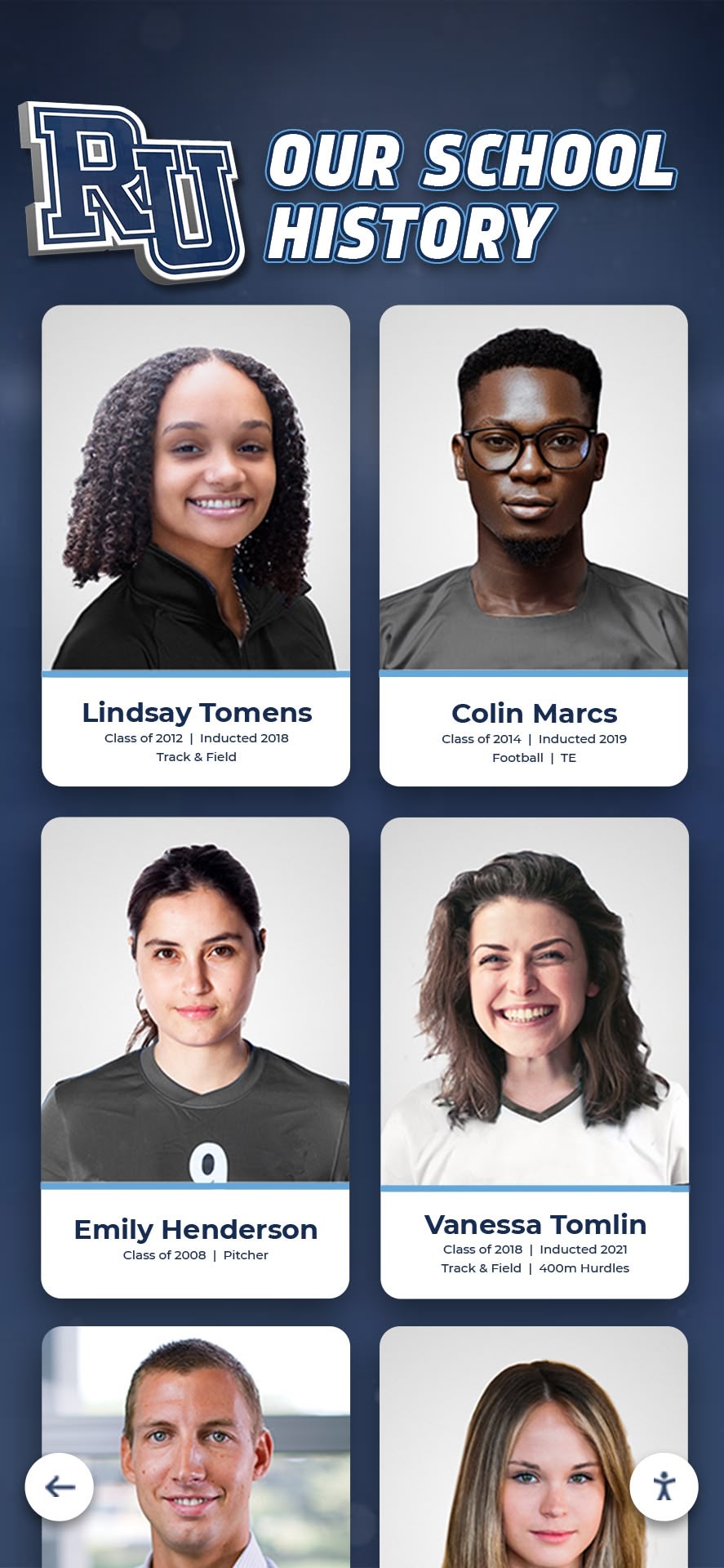
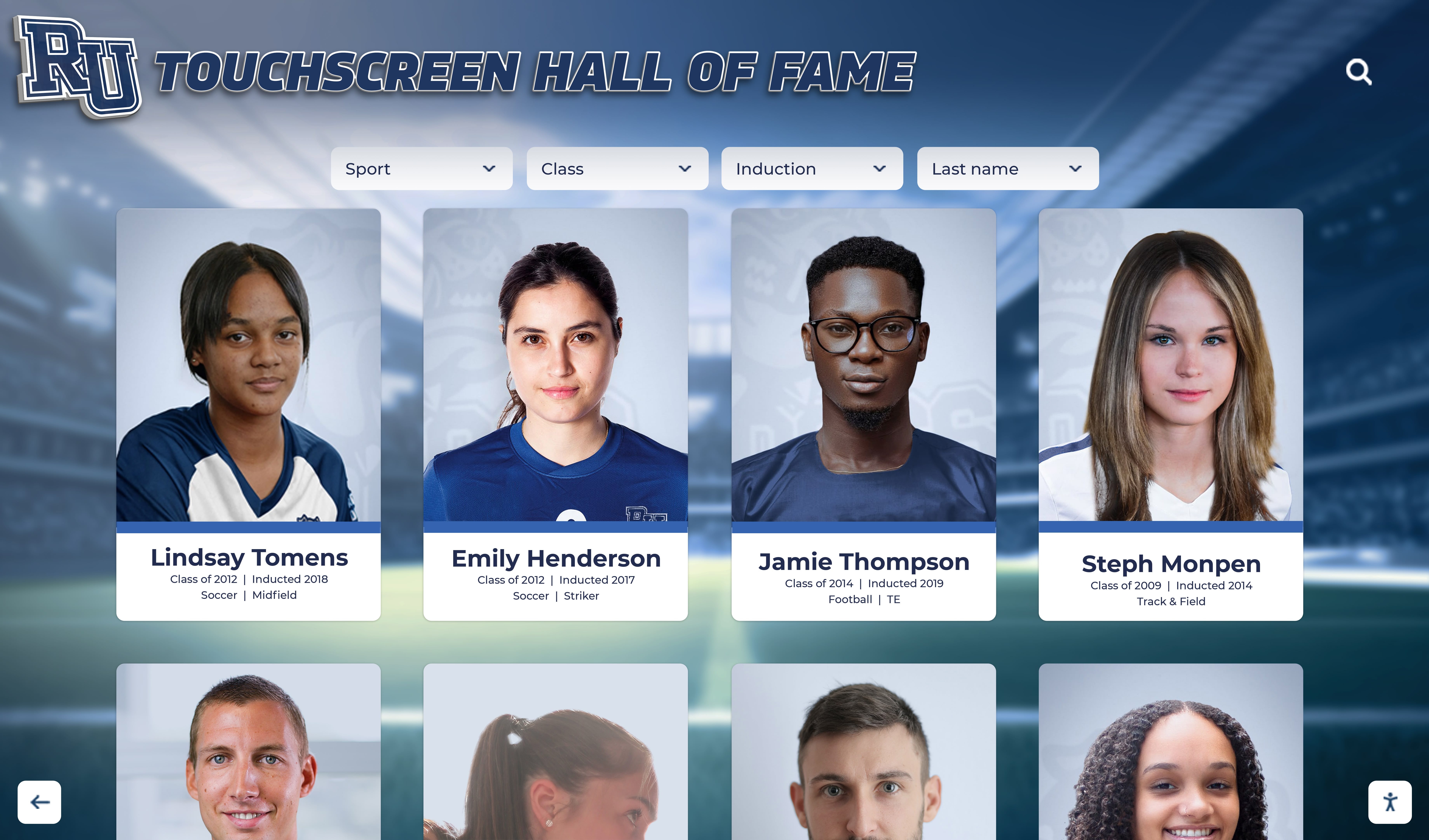
Historical inductee portrait collections spanning decades require standardized data entry and image formatting to paginate correctly across all records
Implementation Guidance for School Systems
Different school environments present different pagination implementation priorities.
New Digital Hall of Fame Installations
Schools building their first digital recognition system should define pagination parameters before entering any inductee data. Determine:
- Inductees per page: Start with 24 for a lobby kiosk, 36 for a web-based system
- Default sort order: Alphabetical by last name for general audiences; by induction year (newest first) for recently active programs
- URL structure: Plan for individual inductee profile URLs from the beginning, not as a retrofit
- Image standards: Define dimensions, format, and file size requirements before the first upload
For schools preserving histories with deep roots—such as those honoring programs like Russ Houk’s decades of wrestling camp history—establishing inductee categories and filter taxonomies early prevents reorganization work later as the collection grows.
Schools that nurture recognition culture from students’ earliest milestones, including graduation ceremonies and early achievement events, often become the same institutions with the richest and most extensively maintained hall of fame archives—which makes thoughtful pagination planning all the more important.
Migrating Legacy Physical Archives to Digital
Athletic directors migrating from physical plaques, binders, or static website lists to a digital platform often discover that historical records exist in multiple formats—some in spreadsheets, some in yearbooks, some only in printed programs. A pre-migration audit should:
- Count all anticipated inductees across all historical records
- Identify the oldest and newest induction years to set the date range for year-based filtering
- Assess portrait photo availability and quality for historical inductees
- Determine whether coach, athletic achievement, community service, and academic categories will share a single collection or occupy separate recognition sections
Migrating more categories than initially expected is the most common reason pagination parameters need revision shortly after launch.
Growing Collections Approaching Scale Thresholds
Schools whose collections have grown organically without formal pagination planning often encounter warning signs: visitors complain about slow loading, administrators notice that search returns incomplete results, or IT staff observe elevated server load during athletic events when traffic spikes.
An audit using this checklist provides a structured path from those symptoms to specific, correctable root causes. Principles from comprehensive donor wall design guides translate directly to hall of fame systems—both involve large recognition databases, portrait-based layouts, and the challenge of making hundreds of honorees individually findable.
Connecting Pagination to the Broader Recognition Experience
A well-paginated inductee collection does not exist in isolation—it is one component of a recognition experience that extends from lobby kiosks to school websites to individual inductee profile pages shared on social media and in alumni newsletters.
Schools that invest in ADA-compliant, WCAG 2.1 AA-certified touchscreen systems benefit from platforms where pagination, accessibility, and performance are built into the core product rather than layered onto a general-purpose content management system. Purpose-built recognition platforms include remote cloud CMS tools that allow athletic directors to add inductees, publish updated portrait photos, and manage collection organization from any internet-connected device—without requiring IT involvement for each update.
Recognition programs at over 600 institutions demonstrate that the combination of unlimited inductee capacity, remote content management, and ADA-compliant touchscreen displays makes digital hall of fame systems sustainable at any collection size. The pagination architecture you establish—or refine—using this checklist ensures that growth never comes at the cost of performance or accessibility.
For a deeper look at how interactive technologies elevate the recognition experience beyond data display, touchscreen and augmented reality display design explores how schools create lobby installations that genuinely engage visitors rather than simply cataloging achievements.
At your next athletic booster meeting, hall of fame committee review, or facilities planning session, walk through this checklist with the team responsible for your recognition system. Every item you cannot confidently mark complete represents a visitor—an alum, a parent, a young athlete inspired by the program’s legacy—who encounters a slower, harder-to-navigate, or less accessible collection than they deserve.
Ready to Scale Your Hall of Fame the Right Way?
Explore how Rocket Alumni Solutions' digital wall of fame platform handles pagination, accessibility, and performance for inductee collections of any size—purpose-built for schools, athletic programs, and institutions that take recognition seriously.
Request Your Custom Demo