



A digital hall of fame ruby name pronunciation audit is a structured editorial and rendering review confirming that <ruby>, <rt>, and <rp> markup on inductee profile pages carries pronunciation guidance verified by each inductee or their representative, renders correctly across the browsers and touchscreen devices used in your school’s recognition program, and provides a usable plain-text fallback when ruby display is absent or overridden. The direct answer for school athletic directors, recognition program coordinators, and platform administrators: ruby annotations are a visual editorial tool—they place phonetic guidance above or beside base text for sighted readers—but they do not automatically alter how a screen reader vocalizes a name. Audit every inductee record carrying ruby markup to confirm the annotation reflects pronunciation supplied or confirmed by the inductee, that <rp> parenthetical fallbacks are present so names remain readable when ruby rendering is unavailable, and that the base text alone is a complete, meaningful label that does not depend on the annotation to be understood.
Schools operating digital hall of fame platforms accumulate inductee records across many decades and communities. When those records include names whose pronunciation is not obvious from their spelling—names transliterated from Chinese, Japanese, or Korean writing systems, or names from other language traditions whose romanization conventions are unfamiliar to a general audience—ruby annotations offer a way to embed that phonetic guidance directly in the inductee’s display name without altering the canonical spelling. The concern this audit addresses is not whether ruby is present, but whether what it says is correct, where that correctness comes from, and whether the annotation reaches every visitor across every rendering context your recognition program uses.
The two failure modes to guard against are equally common: ruby annotations added with pronunciation derived from romanization tables or frequency assumptions rather than from the inductee directly, and ruby annotations that render correctly on a desktop browser but silently collapse or disappear on the specific touchscreen hardware installed in a school lobby. Both failures undermine the purpose of the annotation—honoring an inductee’s name accurately—without producing an obvious error on the administrative side.

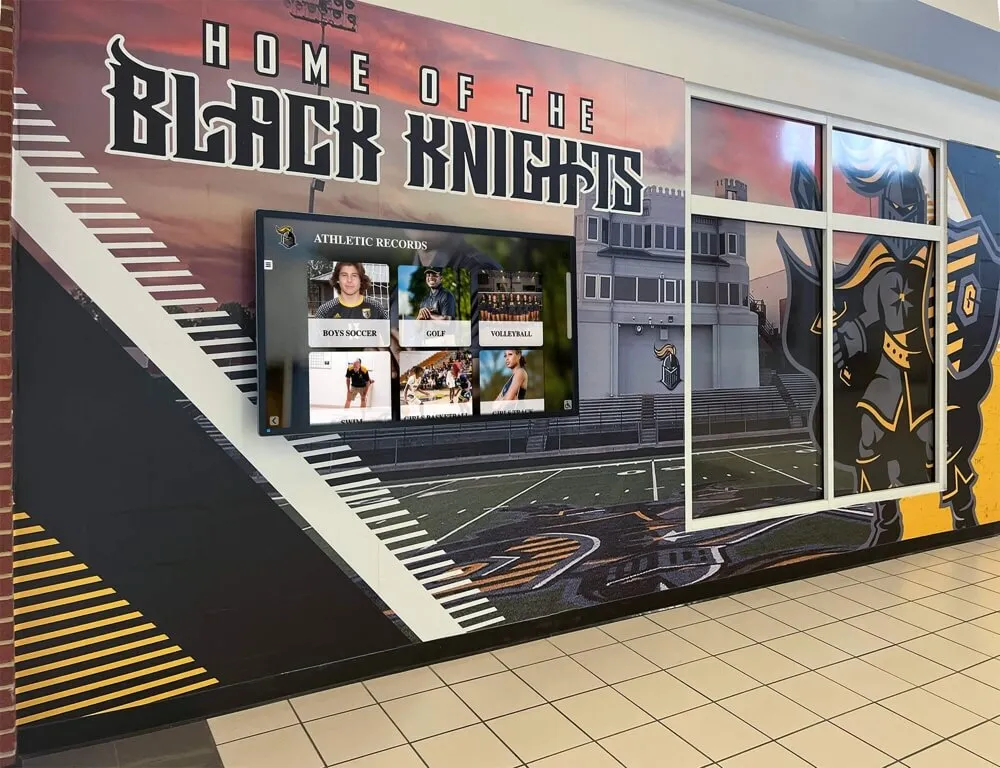
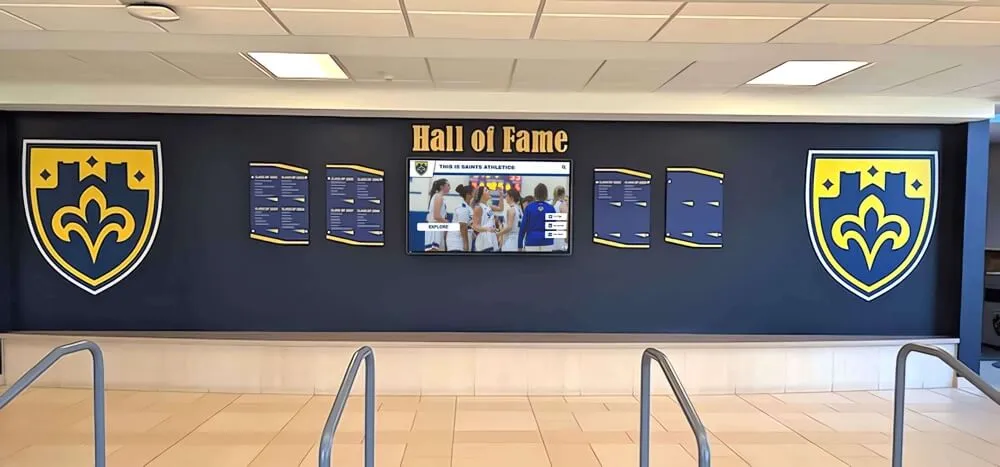
Ruby annotations on inductee names are encountered by visitors on touchscreen hardware, desktop browsers, and mobile devices—this audit confirms that every annotation is owner-approved and renders in every context your school's recognition program uses
What the ruby, rt, and rp Elements Are and What They Are Not
The <ruby> element and its companions <rt> and <rp> are standard HTML elements used to place small annotation text above or beside base text, most commonly to provide pronunciation or transliteration guidance. The MDN Web Docs ruby element reference describes the element as representing “small annotations that are rendered above, below, or next to base text, usually used for showing the pronunciation of East Asian characters.”
In a hall of fame implementation, a name rendered in Chinese characters would use <ruby> to wrap both the characters and their pronunciation guide:
<ruby>
  <span lang="zh">陳建邦</span>
  <rp>(</rp><rt lang="zh-Latn">Chén Jiànbāng</rt><rp>)</rp>
</ruby>
The <rt> element contains the annotation—the phonetic text that appears above or beside the base characters on supporting browsers. The <rp> element provides parenthetical content that displays only in browsers that do not support ruby, so the name still reads as “陳建邦 (Chén Jiànbāng)” in non-ruby contexts rather than collapsing to bare characters without any pronunciation guidance.
What ruby is not: ruby annotation is not a CSS speak declaration, not a aria-label override, and not an automatic pronunciation instruction for screen readers. When a screen reader encounters a <ruby> element, it may read the <rt> content in addition to or instead of the base text, depending on the screen reader and its version. NVDA and JAWS handle the <ruby> element’s accessibility tree representation differently across versions. VoiceOver on iOS typically reads the annotation content alongside the base text. In no case does the presence of <rt> content guarantee that the screen reader will pronounce the name as intended—pronunciation guidance for assistive technology requires separate implementation, discussed in the testing section below.
What ruby is not for names where the base text is already romanized: if an inductee’s name is already spelled in the Latin alphabet—“Marcus Johnson” or “Elena Rodriguez”—ruby annotation is not the appropriate tool for providing pronunciation guidance. The purpose of ruby is to annotate characters whose visual form does not indicate pronunciation to a general reader, primarily logographic writing systems. For Latin-alphabet names where pronunciation may be non-obvious, a plain-text phonetic respelling in parentheses or a dedicated pronunciation guide is more universally accessible than ruby markup.
Why Owner-Approved Pronunciation Is Non-Negotiable
The editorial requirement that distinguishes a compliant ruby annotation from an inaccurate one is simple: the phonetic content in <rt> must come from the inductee or their representative, not from an inference about what the characters or romanization probably sound like.
Inferences about pronunciation are unreliable even within a single language. A Chinese surname written with a specific character may be pronounced differently by families from different regions, and the same romanized spelling—“Chen,” “Chan,” “Tan”—maps to several distinct pronunciations depending on the dialect or romanization convention in the inductee’s family tradition. The same caution applies in reverse: do not infer the language origin, region, or romanization convention from a surname character or spelling alone. Two inductees with visually identical romanized surnames may have entirely different preferred pronunciations.
The recommended intake process is a structured collection step, equivalent to the approach described in the athlete name pronunciation intake form used to prepare ceremony presenters and recognition display managers. That process captures phonetic spelling, preferred name form, and optionally an audio reference—the same data that should populate a ruby annotation, and the same source that guarantees the annotation reflects the inductee’s own understanding of their name.
For inductees who were honored before digital records existed, or whose contact information is no longer current, the appropriate response is not to add a ruby annotation with an inferred pronunciation. Leave the base text without ruby annotation, and document in the CMS that owner-approved pronunciation has not been collected. A name displayed without annotation is more respectful than a name annotated incorrectly.
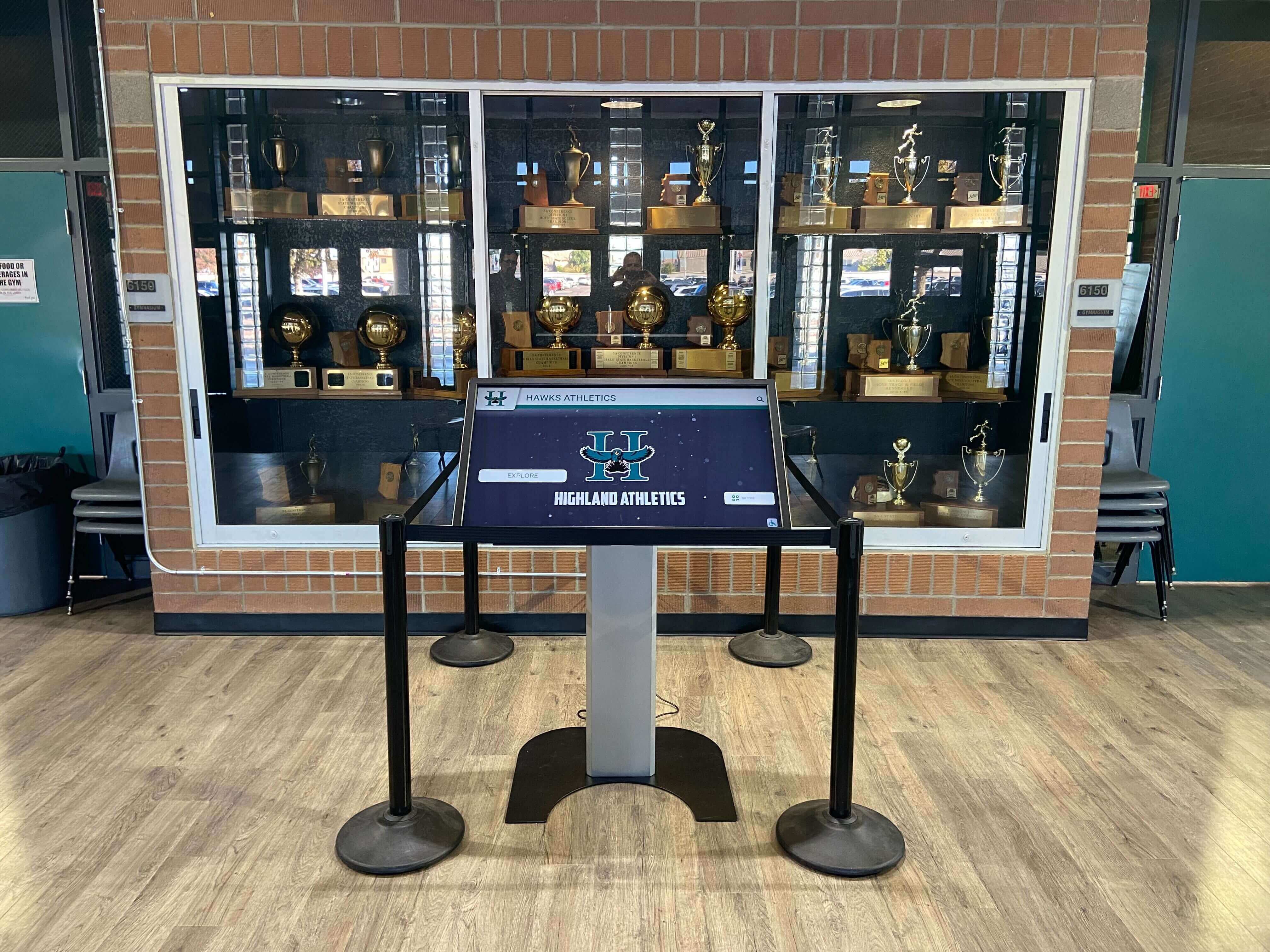
Hall of fame kiosk hardware in a school trophy case may render ruby annotations differently from a desktop browser—the audit requires testing on the installed device, not only on a development workstation
The Audit Workflow: Seven Steps for Inductee Ruby Markup
Step 1: Inventory All Inductee Records with Ruby Markup
Export or query your recognition platform’s inductee records to identify which profiles contain <ruby> elements in the display name field or biography content. If your platform stores names as plain text and applies ruby markup in a template, identify the template locations where ruby is conditionally rendered. Record:
- The inductee’s canonical name as stored in the CMS
- Whether a
<ruby>element is present in any display context (profile card, detail page, search result, touchscreen display) - The current
<rt>annotation value for each name carrying ruby markup - The source of the annotation—whether it was provided by the inductee, transcribed from a supplied document, or inferred
This inventory is the baseline for every subsequent step. Annotations with no documented source are candidates for verification or removal.
Step 2: Verify Owner-Approved Pronunciation for Each Annotation
For each annotation in your inventory, confirm whether the <rt> value was provided by or confirmed with the inductee. If your intake process recorded pronunciation at the time of nomination, match the stored annotation against that record. If no source documentation exists, contact the inductee to request confirmation before the next content deployment.
When an inductee confirms a pronunciation or provides a correction, update the <rt> annotation and document the date and method of confirmation in the CMS record. When an inductee cannot be reached and no source documentation exists, remove the ruby annotation and note the gap in the record. Undocumented pronunciation annotations should be treated the same way as unverified biographical claims: do not publish until verified.
Note that pronunciation confirmation is separate from the name change process. If an inductee requests that their name itself be updated—spelling, legal name change, or transition-related name update—follow the platform’s inductee name change policy to update the record consistently across plaques, digital screens, website profiles, and search indexes. Ruby annotation correction, by contrast, updates only the phonetic guidance on an unchanged base name.
Step 3: Audit Markup Structure for rp Fallbacks
For each inductee record carrying <ruby>, inspect the HTML source to confirm that <rp> elements are present immediately before and after the <rt> element. The <rp> element must contain an opening parenthesis before <rt> and a closing parenthesis after </rt>.
A correctly structured ruby block for an inductee name:
<ruby>
  <span lang="ko">박지수</span>
  <rp>(</rp><rt lang="ko-Latn">Bak Ji-su</rt><rp>)</rp>
</ruby>
A ruby block missing the <rp> elements:
<ruby>
  <span lang="ko">박지수</span>
  <rt lang="ko-Latn">Bak Ji-su</rt>
</ruby>
Without <rp>, the name renders as expected on browsers that support ruby. On a browser or rendering context that does not process ruby—certain email clients, PDF export views, or older webview implementations on some kiosk operating system versions—the <rt> content either disappears or runs together with the base text without any delimiter. The <rp> fallback ensures the annotation remains legible as parenthetical text in those contexts.
Step 4: Verify lang Attribute Placement on rt Elements
The lang attribute on the <rt> element tells the browser and assistive technology which language the annotation is in. For a Japanese kanji name with a hiragana reading, the <rt> element should carry lang="ja". For a name annotated with a Latin-script transliteration, the appropriate language tag depends on the romanization system used—pinyin for Mandarin Chinese transliterations uses lang="zh-Latn" as an example, while a romanized Korean annotation might use lang="ko-Latn".
The lang attribute on <rt> matters for two reasons: it affects which text-to-speech voice or language model a screen reader uses when reading the annotation, and it governs how a CSS speech rule targeting that element would apply. Omitting lang means the annotation inherits the document language, which may cause a TTS engine to read the romanized pronunciation as if it were English, producing a mispronunciation.
Check that the document-level lang attribute on <html> is set correctly for the base page content, and that <ruby> and <rt> elements carry lang attributes wherever the annotation language differs from the document default.
Step 5: Test Ruby Rendering on Installed Touchscreen Hardware
A ruby annotation that renders correctly in Chrome on a development workstation may render differently on the specific browser version, operating system, and display hardware your school’s kiosk uses. This step cannot be skipped or substituted by desktop browser testing alone.
On the installed kiosk hardware:
- Load an inductee profile page that contains a ruby-annotated name
- Confirm the annotation text appears above or beside the base text, not collapsed into it or missing entirely
- Confirm the base text remains readable without the annotation as the primary label
- Zoom in on the display to the level a standing visitor would see, and confirm the annotation is legible at the rendered font size
- Navigate to the same profile on a mobile browser and on a desktop browser to confirm consistent rendering across visitor access points
Touchscreen hardware in school lobby environments is subject to environmental factors that can affect display reliability. Physical interference from HVAC equipment, PA systems, and lighting ballasts in the same corridors can cause display instability unrelated to software; a recognition display EMI interference test covers how to identify and remediate electromagnetic interference that causes phantom touches and signal drops on school hall of fame touchscreens. Confirm the display is stable before attributing a rendering issue to the ruby markup.
Step 6: Test with Assistive Technology
On a Windows computer with NVDA, navigate to an inductee profile page carrying ruby annotations. Activate Browse mode (Insert+Space) and navigate through the inductee name field using arrow keys.
Observe how NVDA announces the name:
- NVDA may read the base text followed by the annotation, producing something like “陳建邦 Chén Jiànbāng”—acceptable if both are pronounced correctly
- NVDA may read only the base characters, skipping the annotation—acceptable only if the base text alone is a complete and meaningful label
- NVDA may read the annotation in the document’s default language rather than the annotation’s language, producing a mispronounced romanization
If the screen reader output does not produce the intended pronunciation, add an aria-label attribute on the element wrapping the <ruby> element. The aria-label value should contain the inductee’s name in a form that the screen reader will pronounce correctly for audio output—typically the romanized name with any diacritics that guide TTS pronunciation. This aria-label does not replace the visual ruby annotation; it supplements it for the audio channel only.
<span aria-label="Chén Jiànbāng">
  <ruby>
    <span lang="zh">陳建邦</span>
    <rp>(</rp><rt lang="zh-Latn">Chén Jiànbāng</rt><rp>)</rp>
  </ruby>
</span>
This pattern ensures that sighted visitors see the base characters with the ruby pronunciation annotation, while screen reader users receive a directly readable name string. Test the aria-label approach with your actual screen reader and browser combination before deploying—behavior varies across screen readers and versions.
Step 7: Confirm Plain-Text Alternative in All Export and Fallback Contexts
Beyond the browser rendering and assistive technology check, confirm that the inductee’s name is retrievable and complete in contexts where ruby markup is stripped or not rendered: PDF exports of inductee records, printed directories, email digests, search result snippets, and any plain-text API responses from your recognition platform.
In all of these contexts, the base text—the name characters or romanized spelling—must stand alone as a complete label. The ruby annotation is supplemental; removing it should leave the name intact and meaningful, not incomplete or unidentifiable.
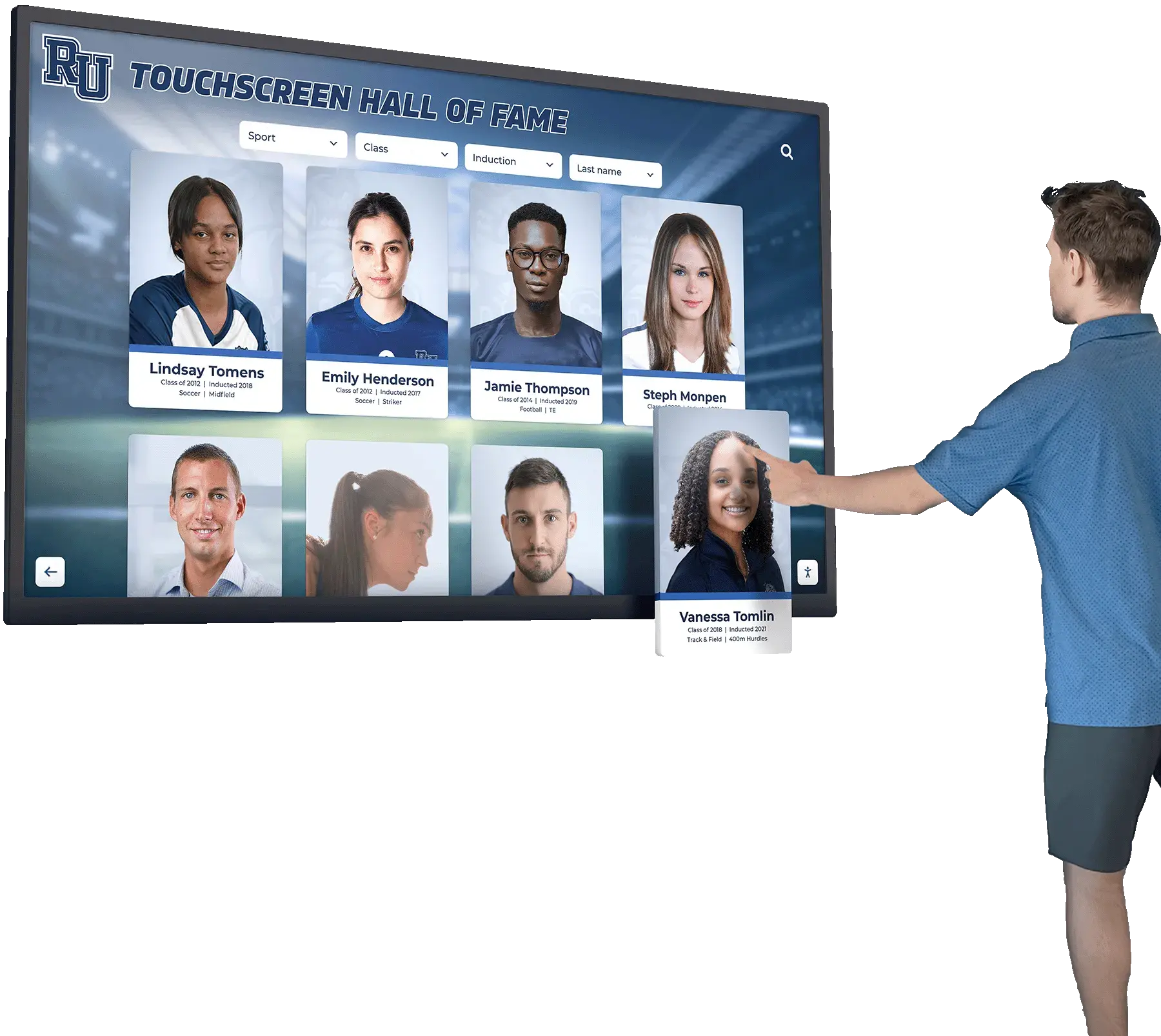
Every inductee name displayed on a hall of fame platform must be a complete, readable label independent of its ruby annotation—the annotation is supplemental phonetic guidance, not the primary identifier
Decision Table: Apply, Fix, or Remove Ruby Annotation
Use this table to evaluate each ruby-annotated inductee record in your inventory.
| Condition | Action |
|---|---|
| Inductee name uses Latin characters only and pronunciation is unambiguous to a general reader | No ruby annotation needed. If phonetic guidance is desired, use a plain-text parenthetical instead. |
| Inductee name contains characters from a non-Latin writing system and owner-approved pronunciation exists | Implement <ruby> with <rp> fallbacks and lang on <rt>. Document the pronunciation source in the CMS. |
| Ruby annotation is present but pronunciation source is undocumented | Contact the inductee or representative to confirm. Remove annotation if confirmation cannot be obtained. |
<rp> elements are absent from the ruby block | Add <rp>(</rp> before <rt> and <rp>)</rp> after </rt>. |
lang attribute is absent from <rt> | Add the appropriate BCP 47 language tag (for example, lang="zh-Latn" for a Mandarin pinyin annotation). |
| Ruby renders correctly on desktop but not on installed kiosk hardware | Investigate the kiosk browser version and webview implementation. Add a <rp> fallback if not present; consider a plain-text parenthetical for kiosk-specific templates. |
| Screen reader announces the name incorrectly or unexpectedly | Add aria-label on the wrapping element with the inductee’s romanized name for audio output. Test with the specific screen reader version in use. |
| Base text alone does not form a complete, meaningful label | Revise markup so the base name is readable without the annotation. Ruby is supplemental, not the primary label. |
| Inductee submits a pronunciation correction | Update the <rt> annotation, document the date and confirmation method, and redeploy across all display contexts. |
| Ruby annotation was inferred from surname character frequency or romanization tables | Replace with owner-confirmed pronunciation or remove the annotation. Inference is not an acceptable source. |
Pass and Fail Markup Examples
The following examples illustrate correct and incorrect ruby implementation patterns for school hall of fame inductee names. These are structural examples, not templates for specific inductee names.
Correctly Structured Ruby Block — Pass
<span aria-label="Suzuki Haruto">
  <ruby>
    <span lang="ja">鈴木陽翔</span>
    <rp>(</rp><rt lang="ja-Latn">Suzuki Haruto</rt><rp>)</rp>
  </ruby>
</span>
The base text is wrapped in <ruby>. The <rt> annotation carries a lang attribute appropriate to the romanization. The <rp> fallback parentheses surround the annotation. The wrapping <span> carries an aria-label providing the name in a form that supports reliable TTS output. The annotation was confirmed directly with the inductee’s representative and documented in the CMS.
Missing rp Fallback — Fail
<ruby>
  <span lang="ja">鈴木陽翔</span>
  <rt lang="ja-Latn">Suzuki Haruto</rt>
</ruby>
No <rp> elements are present. In a PDF export or non-ruby rendering context, the annotation text runs adjacent to the base characters without a delimiter, making the combined output ambiguous.
Ruby on a Latin-Alphabet Name — Incorrect Application
<ruby>
  Marcus Johnson
  <rt>MAR-kus JON-sun</rt>
</ruby>
Ruby annotation applied to a name already written in the Latin alphabet. A plain-text phonetic respelling in parentheses—“Marcus Johnson (MAR-kus JON-sun)"—is more universally accessible and does not depend on ruby rendering support.
Ruby Annotation Inferred from Character — Fail
An annotation where the <rt> value was generated by looking up the most common romanization for a surname character, without confirmation from the inductee. This fails the editorial requirement regardless of whether the markup structure is valid. The inductee’s family may use a regional pronunciation or a romanization convention that differs from the most common mapping. Remove or replace with an owner-confirmed annotation.
Correct aria-label Supplement for Screen Reader Output
<span aria-label="Park Jisoo">
  <ruby>
    <span lang="ko">박지수</span>
    <rp>(</rp><rt lang="ko-Latn">Bak Ji-su</rt><rp>)</rp>
  </ruby>
</span>
The aria-label on the outer <span> provides the name in a romanized form that guides TTS pronunciation for audio output, without affecting the visual display. Sighted visitors see the Korean characters with the romanized annotation above them. Screen reader users hear the aria-label value. The two outputs reflect the same name through different channels.

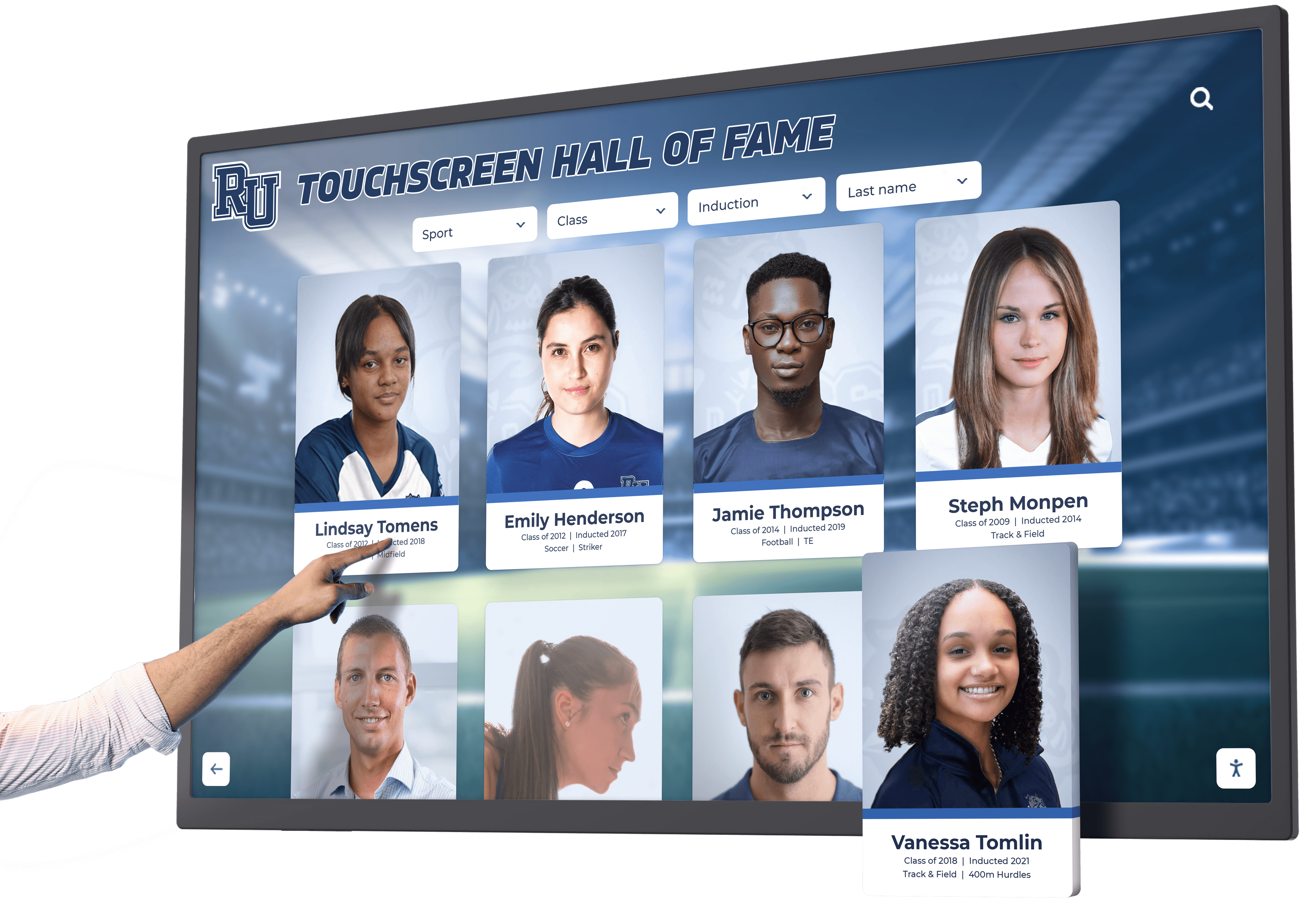
Ruby annotations on inductee name cards must render legibly at the card grid size, not only on the full-screen detail view—test at the actual display resolution and touch target dimensions your platform uses
How This Audit Differs from Related Name Checks
The ruby annotation audit is distinct from three related but separate concerns that schools managing digital hall of fame platforms frequently encounter.
Name search and fuzzy matching is a database-layer concern. How a visitor types a name into the search field, how the platform matches partial or approximate spellings, and how results are ranked are governed by the search index and query configuration—not by the ruby annotation on the display name. Fuzzy name search on recognition platforms, including how the PostgreSQL pg_trgm name search policy governs trigram matching thresholds for athlete name queries, is an entirely separate topic from whether the rendered name carries a correct pronunciation annotation. A name can be indexed correctly for fuzzy search and carry an incorrect ruby annotation, or vice versa.
Same-name disambiguation is a record management concern. When two or more inductees share the same name, the platform needs a strategy for keeping their records distinct—typically adding graduation year, sport, or position as a disambiguating attribute. The same-name inductee disambiguation guide covers how to assign distinguishing identifiers before name conflicts produce data errors. Disambiguation operates on the canonical stored name; ruby annotation operates on the display representation of that name. An inductee pair with identical base names and identical ruby annotations represents a disambiguation failure—the ruby annotation audit would flag the duplicate annotation, but the root fix is the disambiguation process, not the annotation.
Bidirectional text markup addresses the rendering direction of right-to-left scripts (Arabic, Hebrew) on pages that also contain left-to-right content. The dir attribute and Unicode bidirectional control characters govern text direction; ruby annotation governs phonetic guidance. These are independent concerns. A name in a right-to-left script that also carries a ruby annotation needs both the dir attribute and the ruby markup to be correct; getting one right does not address the other.
Common Errors and How to Fix Them
Error: Ruby annotation added using romanization lookup tables without inductee confirmation
An administrator adds ruby annotations to all inductee records whose display names include CJK characters, using a public romanization table to populate the <rt> values. This is the most consequential error in the editorial workflow. Romanization tables provide the most statistically common reading for a character, not the inductee’s family’s actual pronunciation.
Fix: Remove all annotations whose source is a lookup table or inference. Contact each affected inductee or their representative to collect owner-confirmed pronunciation before re-adding ruby markup.
Error: rp elements omitted because ruby renders correctly in the development browser
A developer tests ruby in Chrome on a desktop computer, confirms the annotation displays correctly, and deploys without <rp> fallbacks. The kiosk runs a webview that does not implement ruby, and the base name characters appear without any pronunciation guidance on the installed hardware.
Fix: Always include <rp> elements, regardless of the rendering environments currently in use. Future browser updates, platform migrations, or content reuse in email and PDF contexts may encounter non-ruby renderers.
Error: lang attribute absent on rt, causing TTS mispronunciation
A ruby annotation uses a Latin-script romanization of a Korean name, but the <rt> element has no lang attribute. The screen reader applies the document’s default English TTS rules to the romanization, producing unexpected pronunciation of vowel sequences that follow Korean romanization conventions rather than English phonetic norms.
Fix: Add the appropriate BCP 47 language tag to <rt>. Where the annotation is itself a romanization in a modified Latin script (like pinyin or McCune-Reischauer), the corresponding -Latn variant tag (for example, lang="ko-Latn") indicates to TTS engines that the content uses a Latin-script representation of that language.
Error: Relying on ruby annotation alone for screen reader pronunciation
A recognition platform adds ruby annotations assuming that the <rt> content will cause screen readers to pronounce the name correctly. In practice, screen reader handling of <ruby> varies enough across products and versions that the audio output may ignore the annotation, read both the base text and the annotation, or read them in an unexpected order.
Fix: Supplement ruby markup with an aria-label on the enclosing element when accurate audio pronunciation is a requirement. Test the combination with NVDA, JAWS, and VoiceOver to confirm the output meets the program’s accessibility goals.
Error: Ruby annotation on a name where inductee language origin was assumed from surname
A coordinator sees a surname that appears to be Japanese and adds a Japanese reading without verifying whether the inductee’s family uses Japanese, Chinese, or another language tradition for that character. Surnames in logographic writing systems can belong to multiple language communities with distinct pronunciations.
Fix: Collect pronunciation directly from the inductee. Do not infer language origin from character set, surname appearance, or regional frequency data.
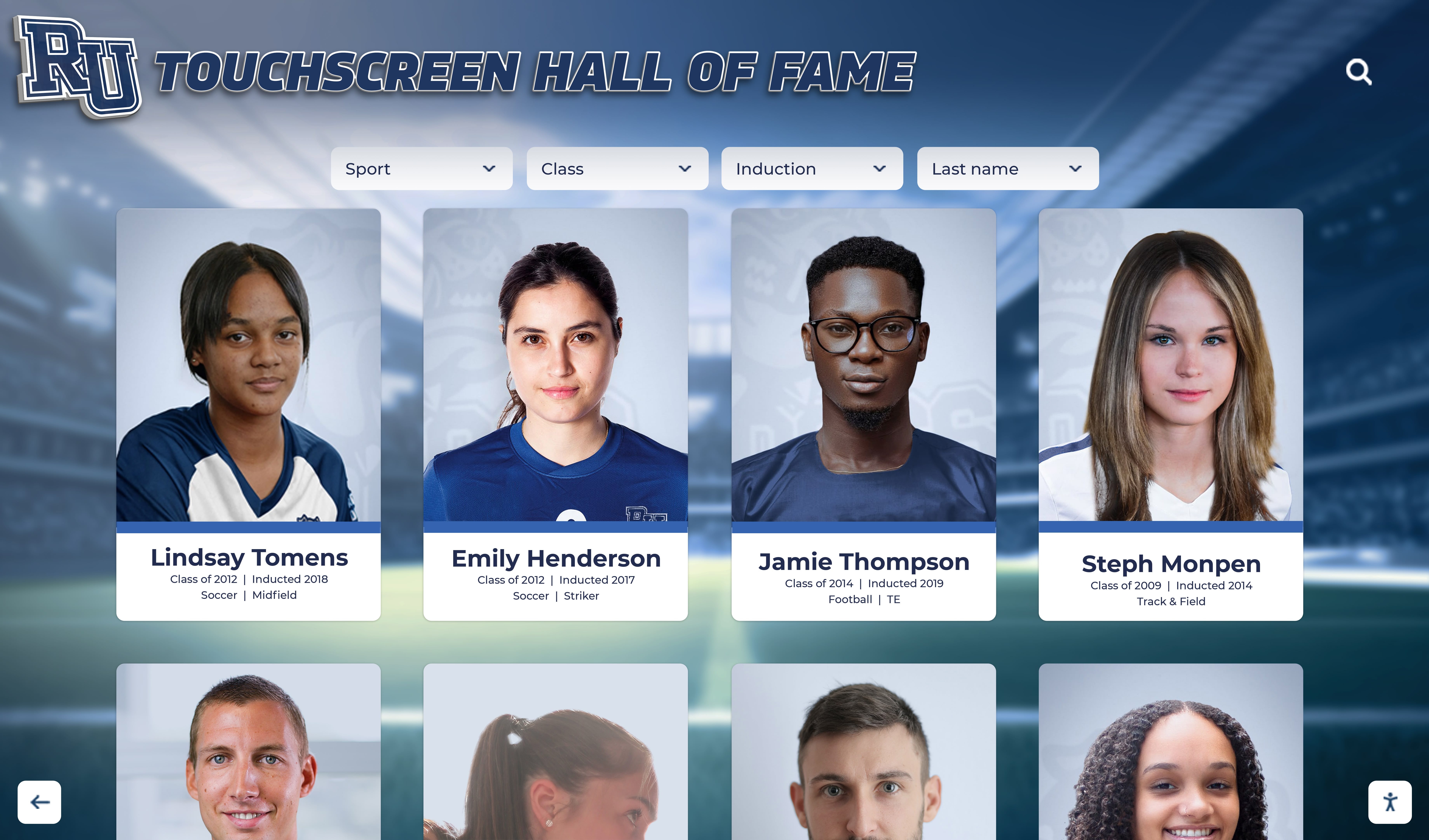
Ruby annotation quality directly affects the accuracy of every inductee name card where phonetic guidance appears—each annotation must be traceable to an owner-confirmed source, not an inferred romanization
Frequently Asked Questions
Q: Which browsers support the ruby element for school hall of fame platforms?
A: All major modern browsers—Chrome, Firefox, Safari, and Edge—render <ruby>, <rt>, and <rp> elements. Browser support for the element is broad and has been stable for several years. The <rp> fallback is still necessary because rendering may be suppressed in non-browser contexts (PDF export, plain-text email, some native app webviews, and older kiosk operating system browser versions). The audit’s hardware testing step is the only reliable way to confirm rendering on your specific installed kiosk; do not rely solely on desktop browser testing.
Q: Does ruby annotation automatically fix how a screen reader pronounces an inductee’s name?
A: No. Ruby annotation is a visual editorial mechanism; it does not carry a guaranteed pronunciation instruction to assistive technology. Screen readers handle the <ruby> element’s accessibility tree representation in varying ways across products and versions. If correct audio pronunciation is a program requirement, supplement ruby markup with an aria-label attribute on the wrapping element, containing the name in a form the TTS engine pronounces correctly, and test the result with the specific screen reader and version your community members are likely to use.
Q: Can we use a pronunciation API or romanization database to populate rt annotations at scale?
A: Not as the sole or primary source. Automated romanization tools provide statistically common character readings, not inductee-specific family pronunciations. An inductee whose name character maps to three different common romanizations depending on regional tradition, diaspora convention, or family history will receive an incorrect annotation if the source is an automated table. Use automated tools only to generate a draft annotation for human review and inductee confirmation—never as the published annotation without that confirmation step.
Q: Should we add ruby annotations to every non-English inductee name?
A: No. Ruby annotation is appropriate for names whose visual form does not convey pronunciation to a general reader without assistance—primarily names in logographic or syllabic writing systems where the relationship between character and sound requires explicit annotation. Latin-alphabet names, even those with unfamiliar phonotactics, are better served by a plain-text phonetic respelling in parentheses than by ruby markup. Adding ruby to every non-English name regardless of writing system applies the tool beyond its purpose and adds markup complexity without a corresponding accessibility benefit.
Q: How do we handle an inductee who requests a pronunciation correction after the record is published?
A: Treat a pronunciation correction as a record update requiring documentation. Collect the corrected pronunciation in writing or by phone, note the date and method of confirmation, update the <rt> annotation in the CMS, and redeploy to all display contexts—the profile detail page, any name card templates, and the touchscreen kiosk. If the platform generates printed or PDF materials, schedule an update for those as well. The correction is an editorial event, not a technical-only fix; the CMS record should reflect the source and date of the updated annotation.
Q: Is the ruby audit a one-time review or a recurring process?
A: The full audit—inventorying all records, verifying sources, checking markup structure, and testing on hardware—is appropriate at initial platform launch, after any bulk import of historical inductee records, and after a platform migration. Ongoing maintenance is lighter: when a new inductee record is created for a name that warrants ruby annotation, apply the intake process at nomination time to collect owner-confirmed pronunciation. When an inductee submits a correction, update per the record-update workflow. A periodic spot-check of a sample of ruby-annotated records annually is reasonable for programs with large inductee archives; the full audit is not needed on every content cycle.
Q: What if an inductee prefers their name displayed without the ruby annotation?
A: Honor that preference. Ruby annotation is a service to the reader, and the inductee’s preference governs how their name is presented. Remove the <rt> and <rp> elements from the display name, retain the base text, and document the inductee’s preference in the CMS record so it is not reapplied in future content updates.
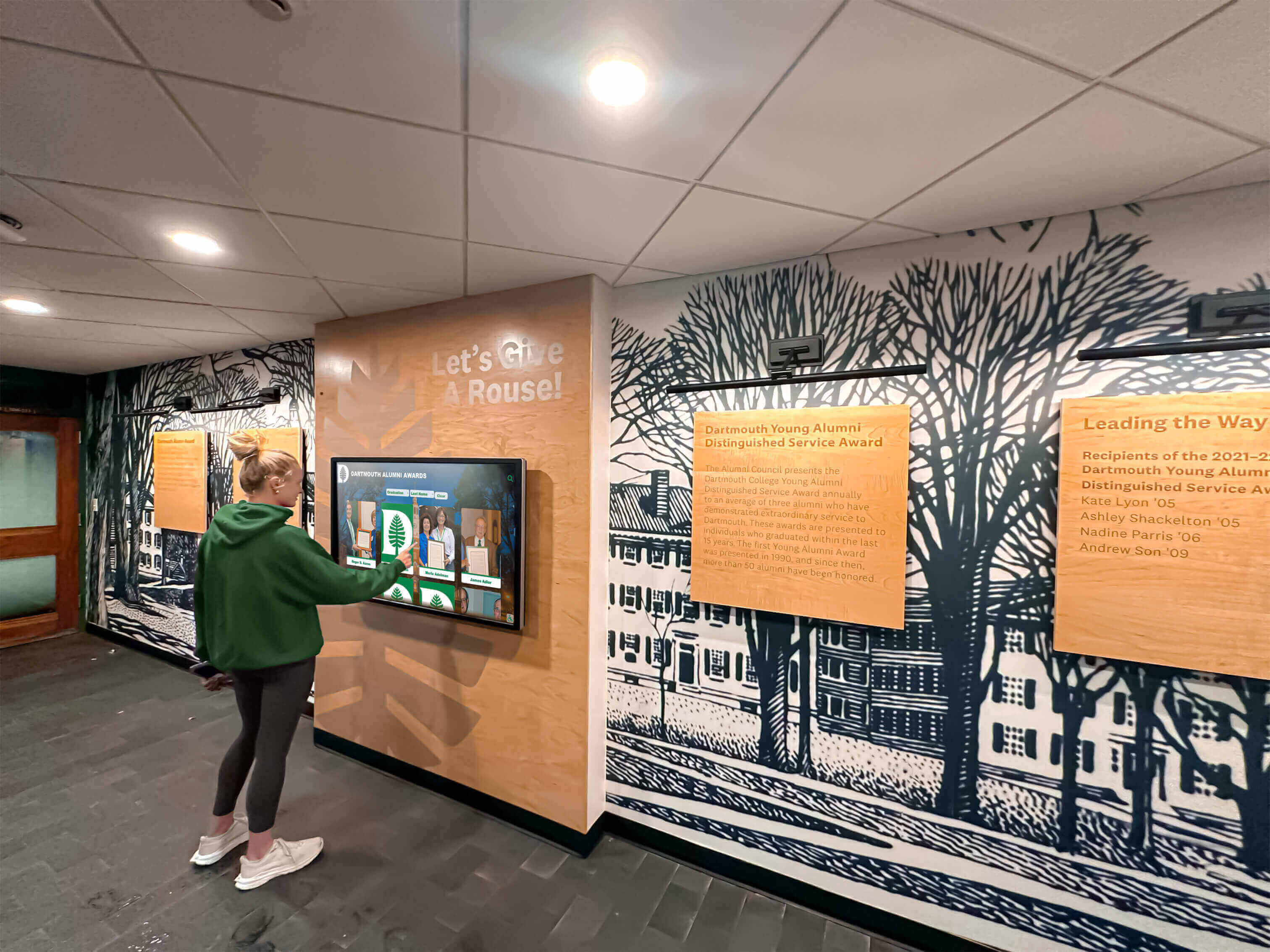
Every visitor who browses inductee profiles on a hall of fame touchscreen deserves pronunciation annotations that reflect what inductees themselves have confirmed—the audit's editorial workflow is what makes that possible
A digital hall of fame ruby name pronunciation audit is, at its core, two things held together: an editorial process that places pronunciation authority with the inductee, and a rendering review that confirms the markup conveys that pronunciation reliably across every display context the program uses. Ruby annotation is a precise tool with a narrow scope—it belongs on names whose writing system requires explicit phonetic guidance for a general reader, and only when the phonetic content has been confirmed by the person being honored. The rendering and assistive technology checks exist because the visual annotation is the part most likely to silently fail on a specific kiosk browser version, and because screen reader users need a supplementary approach—an aria-label on the wrapping element—when reliable audio pronunciation is a program requirement that ruby alone cannot guarantee. Running this audit once at platform launch and repeating it when records are bulk-imported or migrated keeps the annotation layer accurate, structurally complete, and reaching every visitor as intended.
See an Inductee Recognition Platform Built for Accuracy and Accessibility
Rocket Alumni Solutions builds digital wall of fame platforms that handle inductee name display—including ruby annotation support, accessible name markup, and touchscreen rendering across kiosk and web interfaces—as part of a managed recognition program. Request a demo to see how the platform manages inductee records, name display, and accessibility for your school's hall of fame.
Request Your Custom Demo