Digital Hall of Fame User Access Review Checklist: Audit Roles and Remove Stale Accounts
- Home /
- Digital Wall of Fame Blog - Recognition Display Insights & Resources /
- Digital Hall of Fame User Access Review Checklist: Audit Roles and Remove Stale Accounts
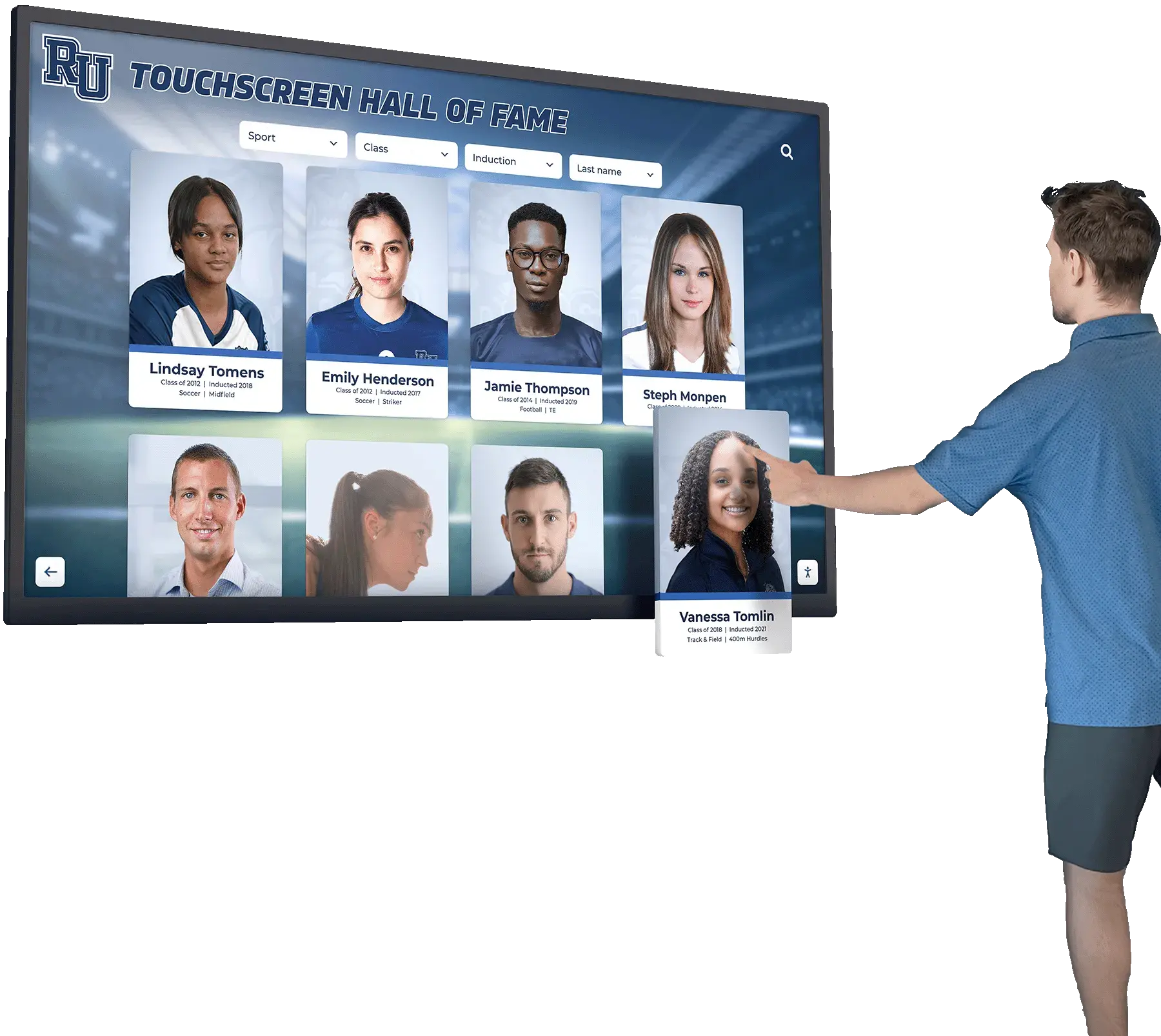
The Easiest Touchscreen Solution




Live Example: Rocket Alumni Solutions Touchscreen Display
Interact with a live example (16:9 scaled 1920x1080 display). All content is automatically responsive to all screen sizes and orientations.
Intent: decide. A digital hall of fame user access review checklist is the structured process school administrators, athletic directors, and hall-of-fame committees use to confirm that only current, authorized staff can modify inductee biographies, edit performance records, upload photographs, or publish content on a cloud-based recognition platform. Without a quarterly review, former employees often retain active login credentials long after they leave, junior staff hold permissions far beyond what their role requires, and no one can answer a basic audit question—who changed that biography, and were they authorized to do so? That exposure is manageable with a simple, repeatable process.
Every time an athletic director departs, a committee chair rotates off, or a booster club coordinator changes, the digital hall of fame platform they used retains a ghost: an active account with full editing rights, still connected to an email address nobody monitors, still capable of changing inductee records, removing photographs, or publishing unauthorized content to a public-facing touchscreen display. The user who created that account is gone. The permissions they held are not.
Conducting a formal user access review on a quarterly schedule costs less than an hour. Skipping it indefinitely creates a category of governance risk that is entirely preventable.

Cloud-based hall of fame platforms require periodic user access reviews to ensure that only current authorized staff hold editing rights over inductee records and public-facing content
Why Access Governance Matters for Digital Recognition Programs
A physical trophy case has a lock. A cloud-based digital wall of fame has user accounts. The analogy is direct: the lock keeps unauthorized people from changing what is displayed, and so does a properly managed user roster.
The stakes for a digital hall of fame are higher than they appear. The platform typically stores:
- Inductee biographies — Official narratives about real people, including sensitive details such as career records, personal histories, and photographs taken at specific points in their lives
- Performance records and statistics — Data that feeds auto-ranking record boards displayed on public-facing touchscreens
- Media files — Photographs, video clips, and supporting documents linked to recognized individuals and teams
- Ceremonial content — Induction event records, sponsor recognition panels, and donor acknowledgments
An unauthorized edit to any of these—whether by a former staff member whose access was never revoked, or by a current staff member holding permissions beyond their role—can publish incorrect information to a touchscreen display visible to thousands of students, families, and visitors before anyone notices. Correcting the record after the fact is far more difficult than preventing the access in the first place.
For programs managing donor recognition panels alongside their hall of fame content, the approach to managing recognition displays for nonprofits and fundraising organizations offers useful context on why account governance also protects the institution’s relationships with contributors.
Access governance also matters for record integrity. When an inductee’s statistics are changed or a photograph is replaced, a properly maintained audit log shows who made the change and when. That log is only useful if you can confirm that every account in the system belongs to someone currently authorized to make changes. A stale account in the system corrupts the audit trail.
User Roles in a Cloud-Based Hall of Fame Platform
Before you can audit access, you need a clear map of what roles your platform supports and what permissions each role carries. Role structures vary by platform and institution, but the following categories represent a common and defensible permission framework for school-based digital hall of fame programs.
| Role | Typical Permissions | Who Typically Holds It |
|---|---|---|
| Platform Administrator | Create and delete user accounts, adjust all permissions, access audit logs, configure platform settings, publish or unpublish content | Athletic director, technology administrator, or designated hall of fame director |
| Content Editor | Create, edit, and archive inductee profiles; upload photographs and media; manage record board data; submit content for approval | Hall of fame committee coordinator, alumni relations staff, designated assistant AD |
| Content Reviewer | Review submitted content, approve or reject changes, add notes to profiles, cannot publish directly | Senior committee members, faculty advisor, communications staff |
| Read-Only / Viewer | View all content including unpublished drafts; cannot edit or publish | Superintendent, principal, board member, legal counsel |
| Media Uploader | Upload photographs and video to the media library; cannot edit profiles or publish | School photographer, yearbook advisor, booster club media coordinator |
| Kiosk / Display Account | Display-only credentials used by the touchscreen terminal; no editorial access | The touchscreen display hardware itself |
The Platform Administrator role carries the highest risk and should be held by the fewest people. Most institutions need no more than two Platform Administrators—a primary and a backup. Every other staff member with a legitimate reason to work in the platform should hold the most restrictive role that still allows them to do their job.
Learn more about Rocket Alumni Solutions’ Digital Wall of Fame platform to see how role-based permissions work in a cloud-based recognition system built specifically for school and institutional programs.
The Quarterly Access Review: Step-by-Step Checklist
The following checklist is structured for a quarterly cycle—four reviews per year, conducted in September, December, March, and June to align with typical staff transition points in K–12 and higher education environments. Each review should take between 30 and 60 minutes for most institutions.
Step 1: Export the Current User Roster
Log in to the platform as a Platform Administrator and export or print the complete list of current user accounts. The list should include, for each account:
- Full name associated with the account
- Email address
- Assigned role
- Date the account was created
- Date of last login
- Account status (active, suspended, or pending)
If your platform does not surface last-login dates in the user interface, contact your platform provider to confirm whether this data is available via an admin report. Last-login date is the single most useful indicator of a potentially stale account.
Step 2: Compare the Roster Against Current Staff Records
Pull your current staff directory from HR or your school’s administrative system. For each account on the platform roster, confirm:
- Is this person currently employed by or formally affiliated with the institution?
- Is their specific role at the institution still active (not transferred to a different department, retired, or left)?
- Is their platform account role consistent with their current institutional responsibilities?
- Does their platform role still match the scope of work they actively perform?
Mark any account where you cannot confirm current active affiliation as a candidate for suspension or removal. Do not delete accounts during the initial audit pass—suspend them first, confirm the account is no longer needed, then proceed to permanent removal.
Step 3: Apply the Stale Account Test
An account is stale if it meets any of the following conditions:
- Last login was more than 180 days ago with no documented reason for inactivity
- The account holder has left the institution, retired, or changed roles since the last review
- The account was created for a specific project or event that has concluded
- The email address associated with the account is no longer active at the institution
- The account holder cannot be reached to confirm they still require access
For accounts that fail this test, log the account name, email, assigned role, and last-login date in your access review documentation before making any changes to account status.
Step 4: Review Platform Administrator Accounts Separately
Platform Administrator accounts deserve their own review step because of the elevated permissions they carry. For each Platform Administrator account:
- Confirm the account holder is a current employee in a role that genuinely requires administrator-level access
- Confirm there is more than one active Platform Administrator (single-admin dependencies create operational risk)
- Confirm there are no more Platform Administrator accounts than operationally necessary
- Confirm that Platform Administrator credentials are not shared between individuals (each admin should have a unique account)
If any Platform Administrator account fails these checks, address it before moving to lower-permission accounts—administrator access is the highest priority to resolve.
Step 5: Evaluate Permission Levels for Retained Accounts
For every account you confirm should remain active, verify that the assigned role is still appropriate:
- Has the account holder’s institutional role changed since the last review?
- Does the account holder regularly use all the permissions their current role provides?
- Could the account holder’s legitimate tasks be accomplished with a lower-permission role?
Downgrading a Content Editor to a Content Reviewer, or a Content Reviewer to a Read-Only account, when the higher permission is no longer needed is low-cost and reduces risk. Do not wait for a specific incident to right-size permissions.
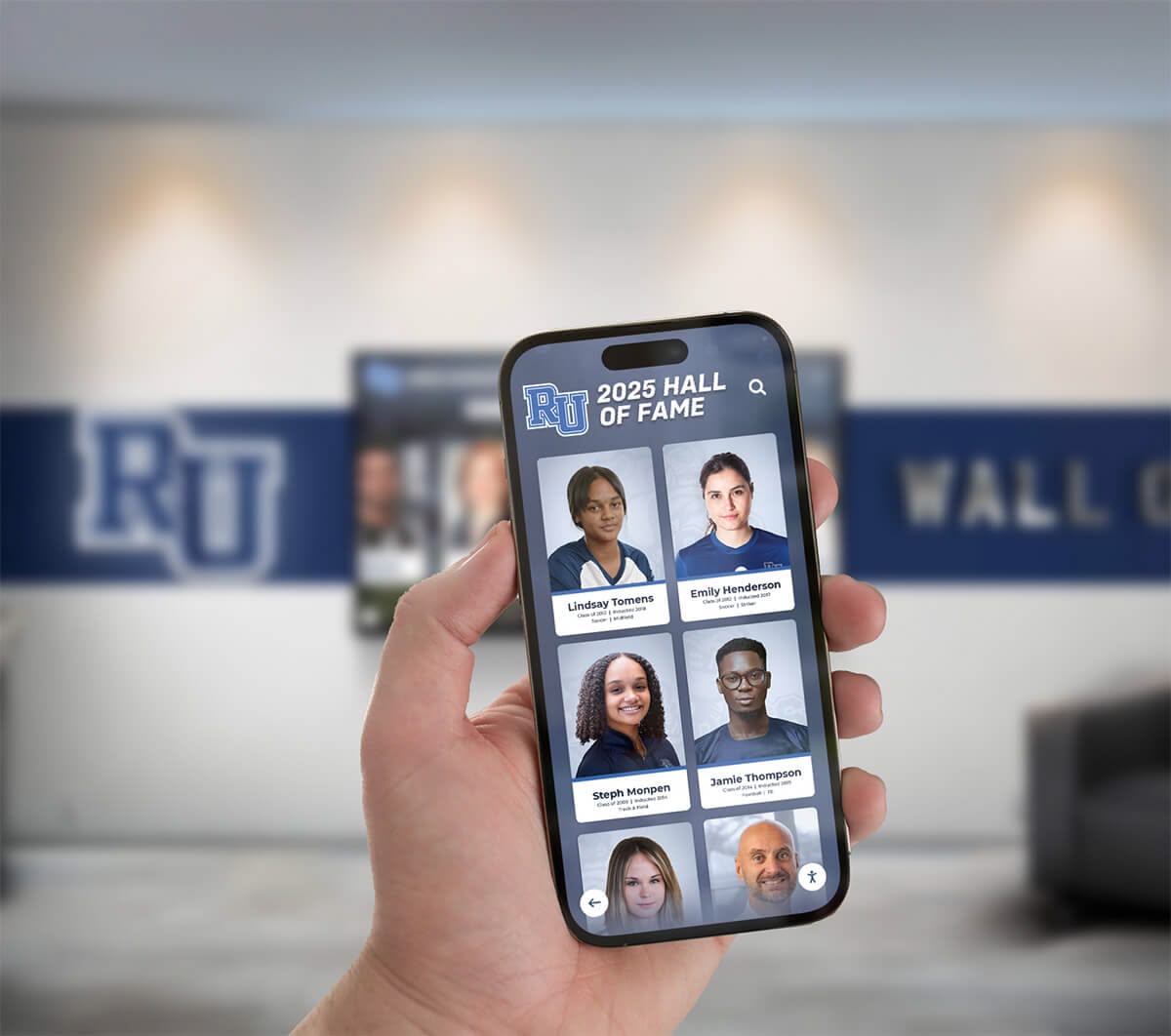
Cloud-based hall of fame platforms that offer mobile access require the same user account governance as desktop access—role assignments and stale accounts should be reviewed on the same quarterly schedule
Step 6: Execute Account Changes
With the audit pass complete, execute changes in the following order:
Suspend first, delete second. Suspend all candidate accounts and wait at least two weeks before permanent deletion. This gives you a recovery window if a suspended account turns out to belong to someone who still needs access but had an unusual login gap.
- Suspend all accounts identified as stale or no longer affiliated with the institution
- Send a brief notification email to the account holder’s last known address confirming the suspension and providing a contact for access reinstatement if needed
- Downgrade over-permissioned accounts to their appropriate roles
- Create any new accounts required for current staff who do not yet have access
- After the two-week hold period, permanently remove accounts confirmed as no longer needed
Step 7: Document the Review
A completed access review without documentation provides little governance value. After each quarterly review, create a written record that includes:
- Date of review and name of the reviewing administrator
- Number of accounts reviewed
- Number of accounts suspended
- Number of accounts permanently removed
- Number of accounts with role changes
- Number of new accounts created
- Any unresolved items requiring follow-up, with assigned owners and target dates
Store this record in the same location as other hall of fame governance documents—committee minutes, induction records, and collection policies.
Role and Action Reference Table
This table summarizes which actions each role can perform and which require Platform Administrator involvement. Adapt this to match your specific platform’s permission model.
| Action | Platform Admin | Content Editor | Content Reviewer | Read-Only | Media Uploader |
|---|---|---|---|---|---|
| Create inductee profile | Yes | Yes | No | No | No |
| Edit published biography | Yes | Yes | No | No | No |
| Upload photographs or video | Yes | Yes | No | No | Yes |
| Submit content for approval | Yes | Yes | No | No | No |
| Approve or reject submitted content | Yes | No | Yes | No | No |
| Publish content to live display | Yes | No | No | No | No |
| View unpublished draft content | Yes | Yes | Yes | Yes | No |
| Access audit log | Yes | No | No | No | No |
| Manage user accounts | Yes | No | No | No | No |
| Configure platform settings | Yes | No | No | No | No |
| Export data and reports | Yes | No | No | No | No |
| View published content only | Yes | Yes | Yes | Yes | Yes |
The Publish action—moving content from approved draft to live display on the touchscreen—should be among the most restricted. Requiring Platform Administrator involvement for publication creates a natural final review checkpoint before content reaches the public-facing display.
Identifying and Managing Stale Accounts
Stale accounts accumulate predictably at specific institutional transition points. Understanding when they appear most often lets you schedule supplemental reviews around those moments rather than relying solely on quarterly cycles.
Staff transitions. Whenever an athletic director, assistant AD, alumni relations coordinator, or other platform user departs—for any reason—their account should be suspended immediately, not at the next scheduled quarterly review. Building a standing checklist item into your offboarding process for these roles is more reliable than counting on someone to remember.
Committee and volunteer transitions. Hall of fame committees turn over annually. Booster club leadership changes. Faculty advisors rotate. These transitions happen on academic-year cycles and may not be visible to whoever manages the platform. An explicit step in each committee transition process—“notify the platform administrator when a committee role changes”—prevents the gap.
End-of-year review. The June quarterly review should include a full reconciliation against the institution’s end-of-year staff and committee roster, not just the change-from-last-quarter comparison. People who changed roles mid-year without triggering a notification may have stale permissions that slipped through earlier reviews.
For institutions that also maintain printed or physical recognition alongside a digital platform, the complete guide to athletic walls of honor addresses how access governance for digital platforms fits within a broader recognition program management framework.
Access Governance During Platform Migrations
When a school transitions from one hall of fame platform to another—or when moving records from a standalone website to an integrated touchscreen display system—user access governance deserves explicit attention in the migration plan.
Do not carry stale accounts forward. A platform migration is an opportunity to start with a clean account roster. Rather than importing all existing accounts, require each user to request new access under the new system, review each request against the current role table, and assign appropriate permissions.
Audit the source platform before migrating data. If the source platform has had years of unreviewed accounts, the content may include edits made by people who should not have had access. Understanding what was changed, and by whom, before migrating it into a new system gives you an opportunity to verify record accuracy before it propagates.
Establish governance documentation before go-live. The first day of a new platform is the easiest day to start with good habits. Document the role structure, define the access review schedule, and assign the Platform Administrator role before the system goes live.
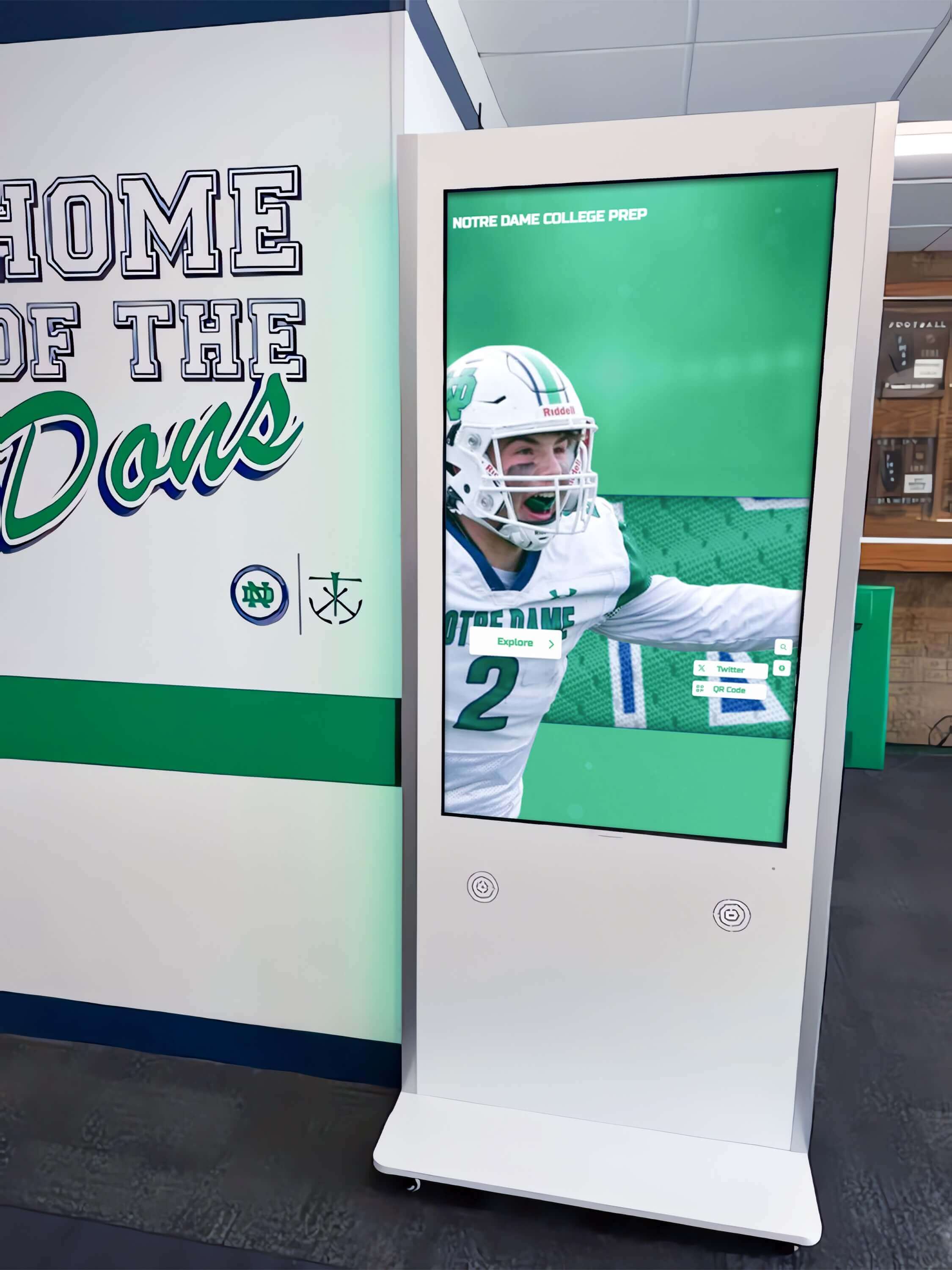
When public-facing touchscreen displays are connected to a live cloud CMS, user access governance directly determines who can change what the display shows
Connecting Access Reviews to Record Integrity
A user access review is not an isolated IT task—it is a component of the broader governance framework that protects the accuracy and trustworthiness of your hall of fame records. The connection is direct: an account held by a former employee or an over-permissioned current employee is an access path through which the recognized history of your institution’s athletes and coaches can be altered without authorization.
Access reviews, combined with audit log monitoring and clear change-approval workflows, create a three-layer defense:
- Quarterly reviews confirm that every active account belongs to someone currently authorized to hold it
- Audit logs record every edit, upload, and publish action with a timestamp and account identifier
- Approval workflows require a second set of eyes on content changes before they reach the live display
For programs using ADA WCAG 2.1 AA-compliant touchscreen displays—where the public-facing kiosk is directly connected to the same cloud CMS that staff edit—this layered approach ensures that both the editorial process and the public display are governed by the same principles: authorized access, documented changes, and regular review.
Schools managing CTE programs or specialized curriculum recognition programs alongside athletic recognition will find the operational parallels discussed in the guide to digital touchscreen display programs for CTE useful for thinking about how access governance applies across different content areas on the same platform.
For programs connected to alumni fundraising, booster clubs, or donor recognition walls, the access review process should extend to any accounts used by affiliated organizations. The approach to managing fundraising and recognition programs for booster clubs includes operational context on why affiliated organization access requires its own governance attention separate from direct staff accounts.
Coordinating with Memorial and Archival Content
Hall of fame programs that include fallen-heroes tributes, historical photo archives, or memorial recognition panels carry an additional responsibility: the content relates to deceased individuals, and the families of those individuals have an ongoing relationship with the institution. Access to this content—particularly the ability to edit biographical narratives or remove photographs—should be among the most restricted permissions in the system.
For memorial content specifically:
- Restrict edit access to Platform Administrators only; do not allow Content Editors to modify memorial profiles without administrator involvement
- Document a specific authorization process for any change to memorial content, separate from the standard content approval workflow
- Include memorial content in every quarterly access review as a named category
The practices used for fallen-heroes touchscreen displays and memorial recognition programs provide useful operational context for how institutions approach the specific governance responsibilities that accompany permanent memorial recognition.
For organizations planning larger events such as induction galas or alumni reunions, the planning guide for school and nonprofit recognition events covers how event-specific temporary access—for event photographers, AV staff, or volunteer coordinators—should be handled and revoked after the event concludes.
Integrating Access Reviews into Broader Platform Administration
A user access review checklist works best when it is not a standalone document but a component of a broader platform administration calendar. Consider integrating the quarterly access review with:
- Annual induction cycle planning — The September review coincides with the start of new induction cycle planning; use it to confirm that everyone involved in that year’s process has appropriate access
- Staff onboarding and offboarding checklists — Platform access provisioning and deprovisioning should be explicit steps in any HR-adjacent checklist for roles that interact with the hall of fame program
- Committee governance documentation — Annual committee appointments should trigger an access review for committee-affiliated accounts
For platforms serving programs operated by touchscreen display systems in public-facing spaces—lobby kiosks, hallway recognition walls, field house displays—the cloud CMS behind the display is the editorial system of record. The same content governance principles that apply to a published website apply here: unauthorized edits should be structurally difficult to make, and every change should leave an auditable trail.
Programs evaluating digital awards systems or integration with school websites can find technical implementation context in the guide to awards display systems and website integration that covers how access governance extends across multiple display platforms when records are shared across systems.
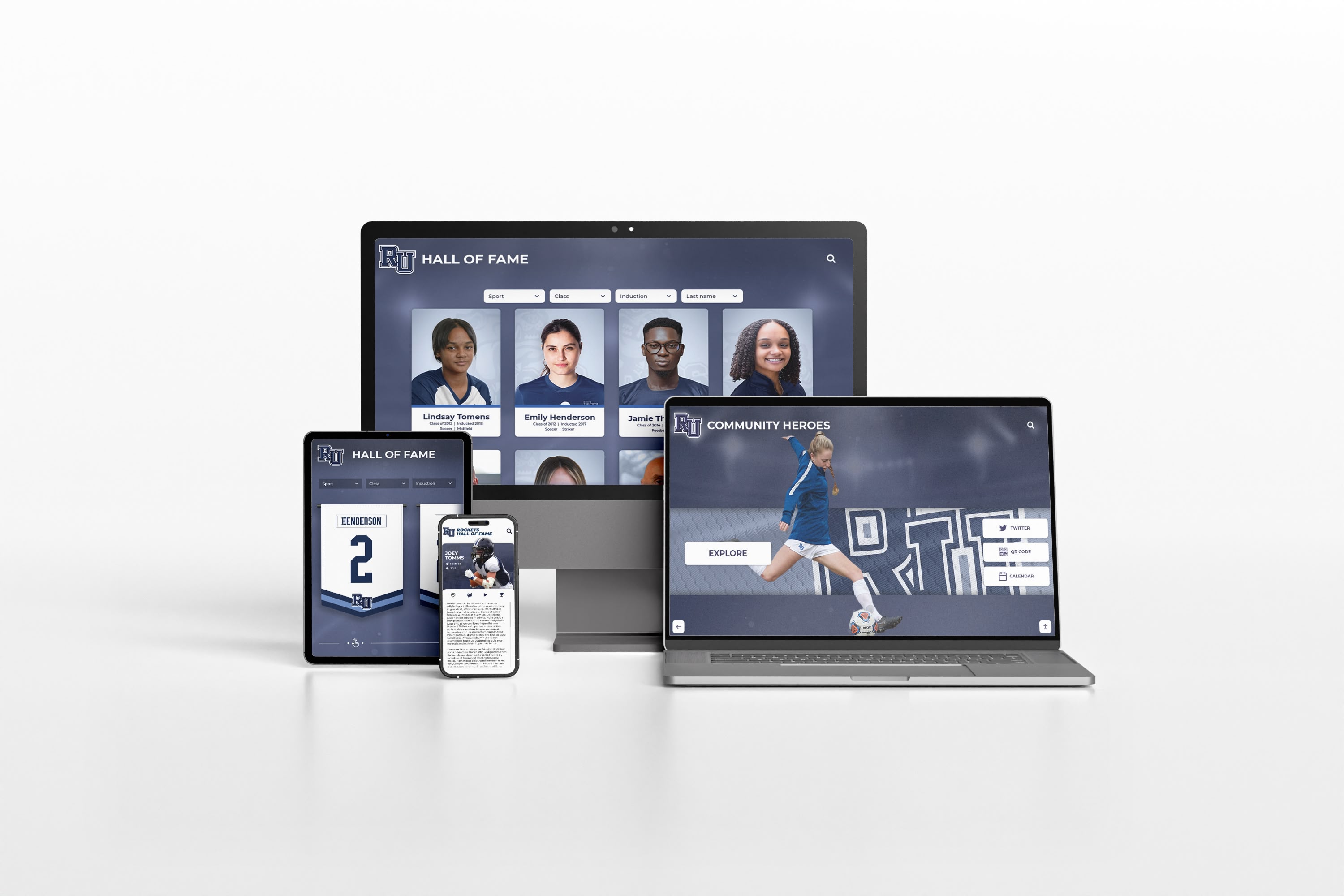
When a hall of fame platform serves both touchscreen kiosks and public websites from the same CMS, access governance applies equally to every editorial account regardless of which output channel it affects
Frequently Asked Questions
Q: How often should a digital hall of fame user access review be conducted?
A: Quarterly is the recommended minimum—aligned with natural institutional transition points in September, December, March, and June. In addition, an immediate out-of-cycle review should be triggered any time a staff member in a platform-connected role leaves the institution.
Q: Who should be responsible for conducting the access review?
A: The Platform Administrator designated as the primary account manager should lead the review. For smaller programs where a single athletic director or administrator manages the platform, that person should conduct the review and have their results confirmed by their supervisor as a second set of eyes. No one should be the sole reviewer of their own account.
Q: What should happen to a stale account when it is identified?
A: Suspend the account immediately and notify the account holder at their last known contact address. After a hold period of at least two weeks—long enough to confirm the account is no longer needed—proceed to permanent removal. Never delete an account without first documenting the suspension and waiting out the hold period.
Q: Should service accounts or shared accounts be treated differently?
A: Shared accounts—where multiple people use the same login credentials—should be eliminated whenever possible. Each person who needs platform access should have their own account. Shared credentials make the audit log meaningless because there is no way to determine which individual made a specific change. Service accounts used by display hardware (kiosk login credentials) are an exception and should be treated as display-only accounts with the most restricted permissions available.
Q: Does a user access review need to be documented even if no changes are made?
A: Yes. A documented review with zero changes is evidence that the review was conducted and the account roster was current at that point in time. A missing review record creates a gap in the governance timeline that cannot be reconstructed after the fact.
Q: What platform features support effective user access governance?
A: The most useful features are: role-based permissions with clearly defined tiers, last-login timestamps visible to administrators, a complete audit log of editorial actions with timestamps and account identifiers, account suspension without deletion, and the ability to export the full user roster for offline review. Confirm with your platform provider which of these features are available and how to access them.
Q: How do we handle access for volunteers, committee members, or contracted photographers?
A: Treat them the same as employees: assign the minimum role necessary, document the assignment and its intended duration, and revoke or downgrade access when their involvement concludes. Event-based and project-based access should have explicit end dates built into the access record so the next quarterly review flags them automatically if they have not been removed.
A digital hall of fame user access review checklist is one of the simplest high-value governance investments a school program can make. It requires no specialized technology, no significant staff time, and no budget—only a commitment to reviewing the user roster quarterly and acting on what the review reveals. The result is a recognition program where inductee biographies, performance records, and public-facing content can only be changed by people who are currently authorized to change them, and where every change leaves a traceable, reviewable record.
See How a Cloud-Based Hall of Fame Platform Supports Access Governance
Rocket Alumni Solutions' interactive touchscreen wall of fame includes role-based permissions, audit logging, and content approval workflows designed to keep inductee records accurate and accessible only to current authorized staff. Request a custom demo to see how it works for your institution.
Request Your Custom DemoLive Example: Rocket Alumni Solutions Touchscreen Display
Interact with a live example (16:9 scaled 1920x1080 display). All content is automatically responsive to all screen sizes and orientations.




























