



School administrators are rethinking how their campuses communicate. Static bulletin boards, printed flyers, and fixed plaques share one critical limitation: once they’re up, they’re fixed. Digital signage for schools solves this by putting any message, schedule, announcement, or recognition story onto any display—updated in seconds from one dashboard. This guide covers how school digital signage works, what features matter when selecting a system, why MDM device management is worth understanding, and how one platform delivers unlimited digital signage for schools at $50 per year.
Walk into any forward-thinking school campus and you’re likely to see screens in the lobby, along the main hallway, outside the gym, in the cafeteria. These aren’t televisions tuned to cable news—they’re managed digital signage displays delivering targeted content to the right audience at the right time: today’s lunch menu, this week’s game schedule, the honor roll, a senior athlete profile, an emergency weather notice. The shift from static communication to managed digital displays is one of the most practical facility upgrades schools are making.

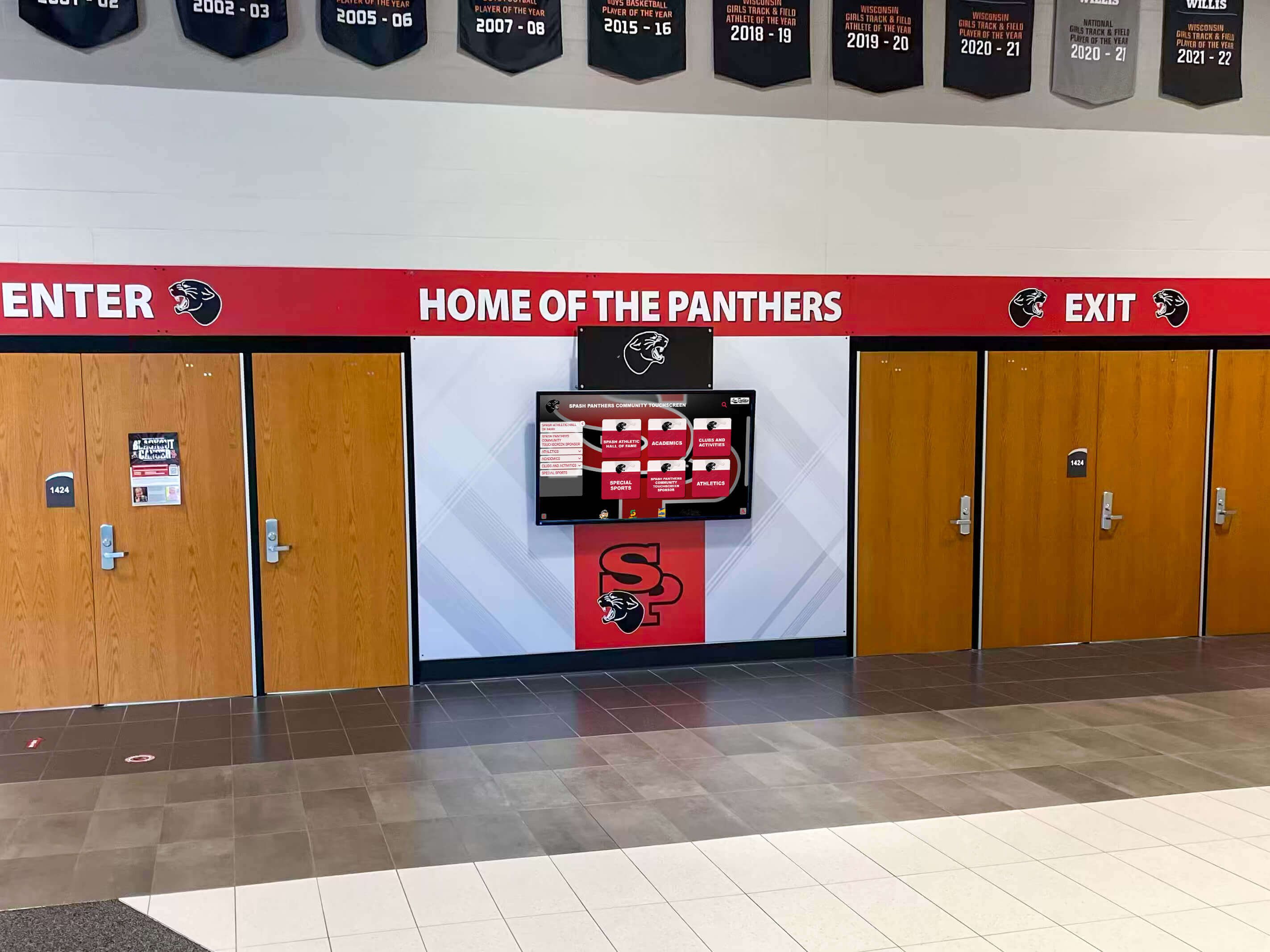
School entrance displays set the tone for visitors, students, and staff the moment they walk through the door
What Is Digital Signage for Schools?
Digital signage refers to any networked system that uses electronic displays—flat-panel monitors, touchscreen kiosks, LED boards, or large-format screens—to show scheduled, managed content. In a school context, that content commonly includes:
- Daily announcements and event schedules
- Student achievement recognition and athletic records
- Emergency alerts and safety notifications
- Cafeteria menus and lunch pricing
- Directions, campus maps, and wayfinding information
- Club meetings and extracurricular activity promotion
- College commitment announcements and senior spotlights
- Spirit content: game countdowns, rivalry history, championship recognition
The defining characteristic of digital signage is centralized management. Content gets created and scheduled in a content management system (CMS), then pushed to one display or dozens simultaneously—without anyone physically visiting each screen.
For a foundational overview of the technology and how schools are deploying it, what is digital signage covers the core mechanics in detail.
Where Schools Are Installing Digital Signage Displays
The most effective school digital signage programs don’t confine displays to a single area. Strategic placement creates a consistent communication environment across the whole campus.
Main Lobby and Entrance
The lobby is typically the highest-traffic location on campus. A display here serves multiple audiences simultaneously: students starting their day, parents dropping off children, visitors checking in, and staff monitoring communications. Lobby digital signage sets the tone and ensures critical information reaches the broadest cross-section of the school community.
School lobby digital signage transforms a passive entrance space into an active communication and recognition environment that works every hour the building is open.
Athletic Facilities and Hallways
Gyms, weight rooms, locker room corridors, and hallways adjacent to athletic spaces are natural locations for recognition displays, record boards, and schedule boards. Digital displays in these areas serve two functions simultaneously: communicating operational information (practice schedules, team rosters) while reinforcing athletic culture through recognition of records, championships, and individual achievement.
Cafeteria and Common Areas
Menu boards are among the most straightforward digital signage applications. A managed display showing today’s lunch options, pricing, and nutritional information eliminates the cost of printed menus while giving nutrition services the flexibility to update offerings day-to-day. Common areas benefit from rotating announcement content that keeps students informed without requiring them to seek out a specific source.
Classrooms and Academic Spaces
A digital display outside a library might show available study rooms and librarian hours. Academic hallways feature student achievement recognition, honor roll displays, or subject-area recognition boards. Science wings and performing arts corridors each benefit from content tailored to the activities and communities they serve.
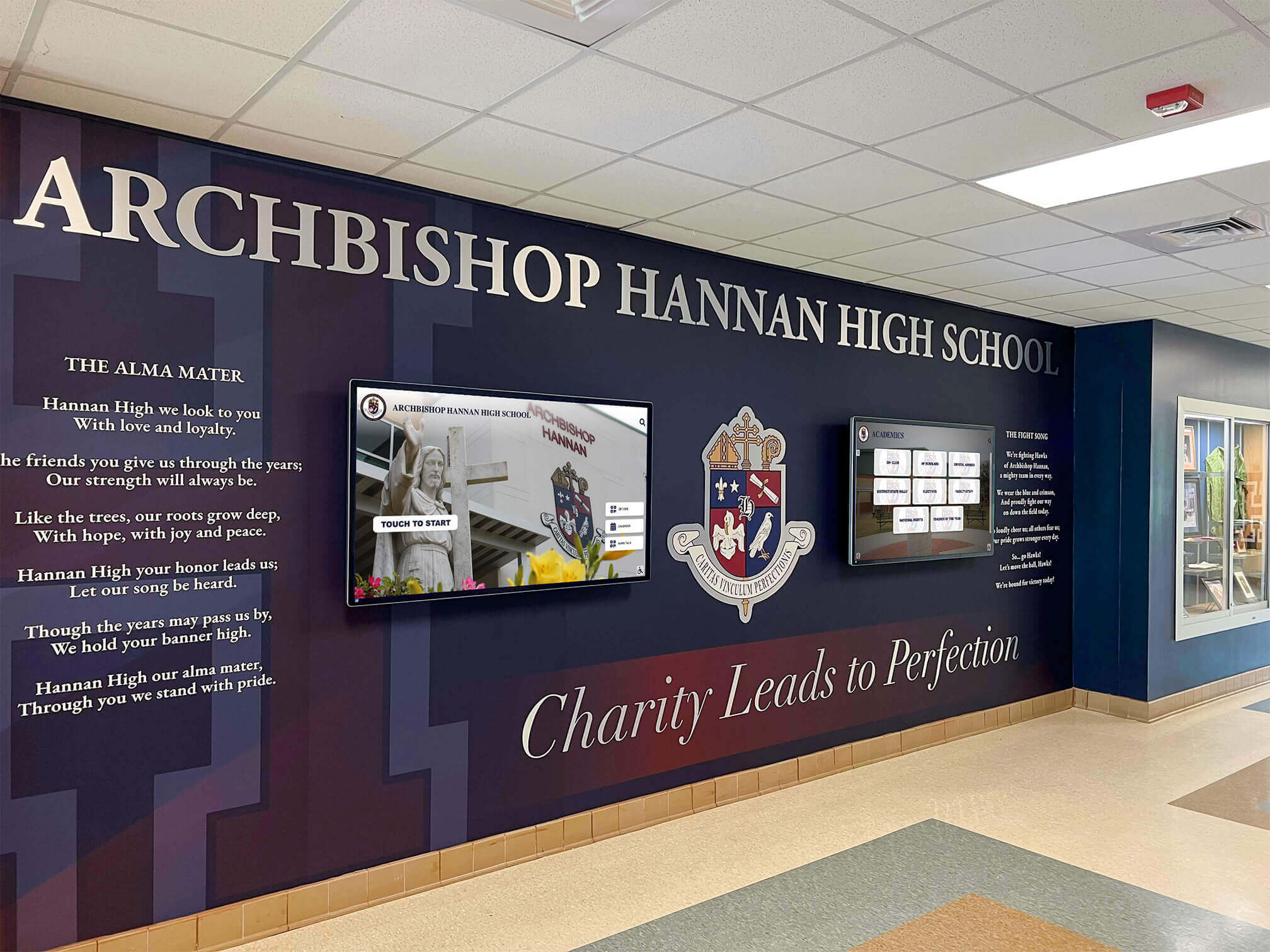
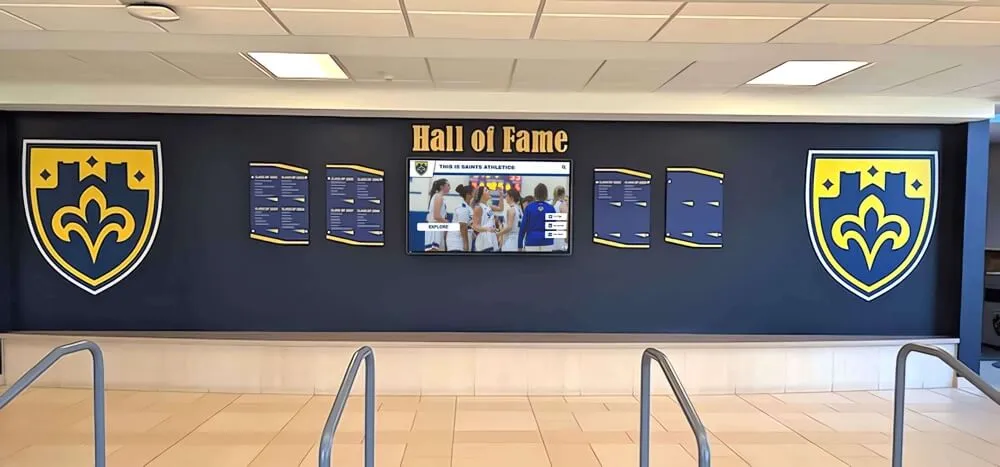
Combining school branding with digital displays creates cohesive lobby environments that communicate and inspire simultaneously
Key Use Cases for School Digital Signage
Understanding where displays go is one thing. Understanding what schools are actually using them for—and how digital signage delivers value across different departments—is where the investment case gets clear.
Student and Athletic Recognition
Recognition is one of the most compelling applications for school digital signage. A display showing rotating athlete profiles, honor roll announcements, arts achievement spotlights, and athletic records creates a living recognition environment that updates as fast as achievements happen. Schools no longer need to budget for individual plaques every time a record falls or a student earns a distinction.
Digital awards display ideas for schools covers the range of content types schools are deploying on recognition-focused displays—from academic honor boards to athletic record walls.
Emergency Alerts and Safety Communications
Many school digital signage systems include emergency override capability—the ability for authorized administrators to push a full-screen alert to every display on the network simultaneously, regardless of what content was scheduled to run. This capability is no longer optional for school environments facing evolving safety requirements. An alert system that activates across every hallway, lobby, cafeteria, and common area display within seconds provides a level of school-wide visual communication that no PA system or email can match in speed and coverage.
School Announcements and Event Communication
Daily announcements delivered over a PA system reach students for thirty seconds; digital displays deliver the same information visually throughout the entire school day. Students who missed an announcement see it again at lunch. Parents dropping off see the week’s schedule. Visitors understand the school calendar before they reach the front desk. The passive, continuously running nature of digital signage means information gets repeated exposure without additional effort from whoever created it.
Wayfinding and Visitor Navigation
Larger campuses benefit from digital displays that function as wayfinding aids. New students, substitute teachers, and visiting parents can orient themselves from a lobby kiosk before walking the building. Directories that show room numbers, staff locations, and event venues reduce the number of people approaching front-desk staff with navigation questions.
What to Look for in a School Digital Signage System
Not all digital signage platforms are designed with schools in mind. The features that matter most in a school deployment differ from corporate or retail environments. Here is what to evaluate:
Content Management Simplicity
The staff member managing school digital signage—often an athletic director, communications coordinator, or school secretary—is not typically a designer or IT professional. A CMS that requires technical expertise to operate will either go underused or require ongoing IT support that adds to total cost. Look for platforms with drag-and-drop editors, pre-built templates, and clear scheduling interfaces.
Multi-Screen Management from One Dashboard
A school with displays in the lobby, gym, cafeteria, and three hallway locations should manage all of them from a single login. Platforms that require separate logins or separate scheduling for each display create administrative overhead that grows as the number of screens increases. Centralized management is a baseline requirement.
Scheduling and Content Rotation
The morning announcement playlist differs from the afternoon sports update, which differs from the after-hours community event posting. A capable digital signage CMS allows content to be scheduled by date, time of day, and day of week, with different content assigned to different displays. An athletic hallway does not need the cafeteria menu; the lobby does not need the weight room schedule. Scheduling keeps content relevant without requiring daily manual updates.
Emergency Override Capability
The ability to push an emergency alert to all displays instantly should be treated as a standard feature, not a premium add-on. Verify that any platform being considered includes this capability and that it can be activated without requiring IT staff on-site.
Integration with Existing School Tools
Schools running Google Workspace or Microsoft 365 benefit from digital signage platforms that pull data directly from those environments—calendar events, announcements, directories. That kind of connection reduces duplicate data entry and keeps signage content current without manual updates to a separate system.
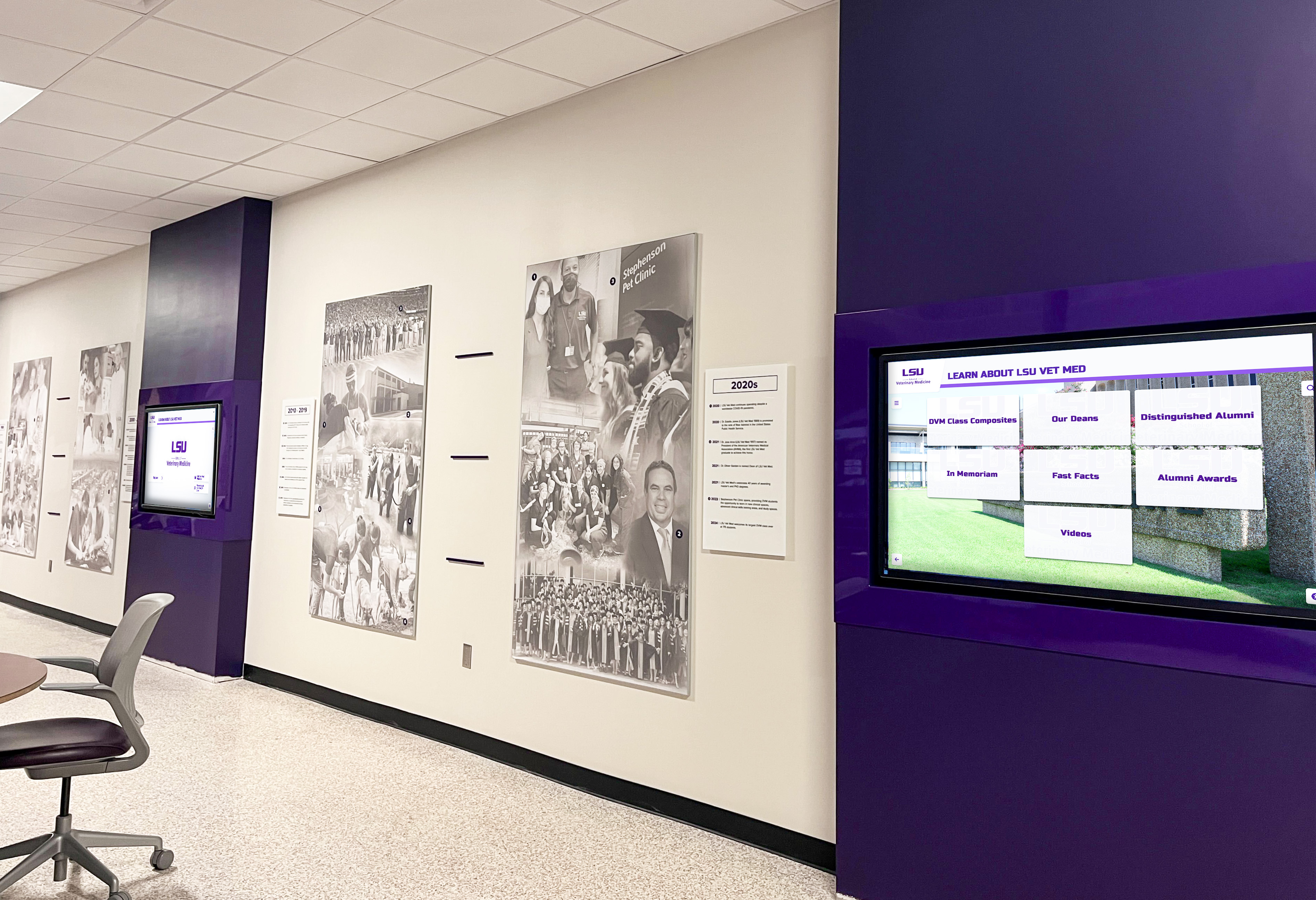
Multi-display installations along hallways ensure consistent messaging reaches students and staff throughout the school day
Understanding MDM Device Management for School Digital Signage
MDM—Mobile Device Management—is one of the more technical concepts in the digital signage conversation, but it matters significantly for schools managing multiple displays across a campus.
What MDM Does in a Digital Signage Context
Each digital signage display runs on some form of computing hardware: a dedicated media player, a commercial TV with a built-in operating system, an Android-based device, or a single-board computer. MDM software allows administrators or whoever manages the school’s display network to:
- Monitor device health remotely — Know whether each display is online, what content it’s running, and whether any device is experiencing issues without physically visiting the screen
- Push software updates automatically — Update the signage player app, security patches, or operating system across all devices without manual visits to each location
- Enforce security policies — Prevent unauthorized apps from running on display hardware, control which network resources devices can access, and ensure displays cannot be repurposed or tampered with
- Reboot and restart remotely — If a display freezes or encounters a software issue, MDM allows remote restart without dispatching maintenance staff
- Track inventory and compliance — Know what firmware version each device is running, when it last checked in, and whether it meets current configuration requirements
Why MDM Matters for Schools Specifically
Schools often operate on lean IT staffs relative to the number of devices they manage. A digital signage deployment that requires physical visits to each display for routine maintenance creates ongoing labor costs that erode the return on the investment. MDM eliminates most of that overhead by making remote device management as straightforward as logging into a web dashboard.
Schools also face security requirements that commercial businesses do not always encounter. Display hardware in hallways and public spaces is more accessible to tampering than equipment in locked server rooms. MDM allows administrators to lock devices to their intended function, preventing students or visitors from accessing unauthorized content or using display hardware for unintended purposes.
For interactive kiosk deployments—touchscreen displays where students and visitors can navigate content—MDM security policies prevent users from exiting the kiosk application and accessing the underlying device operating system.
Interactive touchscreen kiosk software comparison for 2026 covers how different platforms handle device management across complex multi-display school deployments.
MDM as a Cost-Control Mechanism
MDM reduces the hidden labor costs of operating a digital signage network. When a display goes offline at 7 AM on a game day, remote diagnosis and restart through MDM takes minutes. Without MDM, that same issue requires someone to physically locate the display, determine the problem, and resolve it—potentially taking hours and disrupting communication at the worst possible moment.
Pricing: What School Digital Signage Actually Costs
Pricing for school digital signage varies more than most administrators expect, and the variation is not always tied to feature quality.
Hardware Costs
Commercial-grade displays for school deployments typically range from $400 for a 43-inch panel to $1,500 or more for larger 75-86 inch screens. Media players, mounting hardware, and installation services add to the initial investment. A complete single-display installation including hardware, mounting, player, and professional installation commonly runs $1,500-$4,000 depending on display size and installation complexity.
Software Subscription Costs
This is where the pricing landscape fragments significantly. Many digital signage platforms charge on a per-screen, per-month basis. A school running ten displays at a common per-screen price point could spend $1,200-$6,000 annually in software alone, before hardware or support costs. As a school grows its network, those costs compound.
The Case for Flat-Rate, Unlimited Pricing
For schools that want to grow their digital signage network without watching software costs scale with every screen they add, flat-rate pricing structures represent a meaningful alternative. Rocket Alumni Solutions offers digital signage for schools at $50 per year for unlimited screens—a pricing model that makes expanding from two lobby displays to a campus-wide network of fifteen financially predictable.
That $50 annual rate includes MDM device management, meaning schools are not paying separately for device monitoring, remote management, and security policy enforcement. Feature-for-feature, the platform includes content management, scheduling, emergency alert capability, and remote device management on par with major digital signage platforms—at a fraction of the annual software cost.
For schools that also want interactive touchscreen recognition displays—hall of fame walls, athletic record boards, donor recognition kiosks—the same platform covers both standard digital signage and recognition-specific touchscreen content. That combination eliminates the need to manage separate vendor relationships and software licenses for different display types across campus.
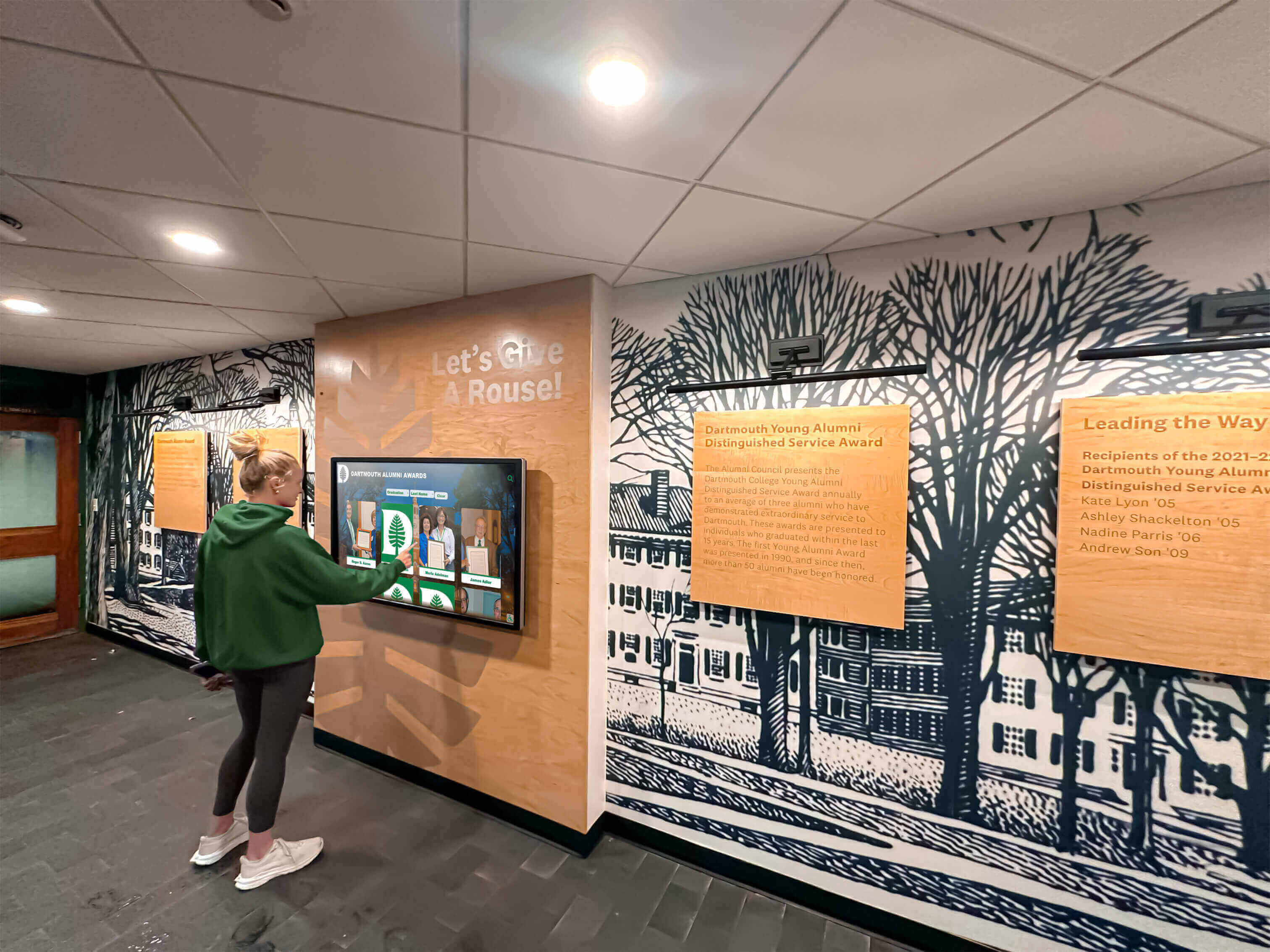
Interactive touchscreen displays enable deeper engagement than passive signage, letting students and visitors explore recognition content at their own pace
Interactive vs. Standard Digital Signage for Schools
Standard digital signage displays content passively—content plays in sequence and viewers watch. Interactive displays add a touchscreen layer that lets visitors navigate, search, and explore content on demand.
When Standard Digital Signage Is the Right Fit
Passive digital signage works well for high-traffic, low-dwell-time locations. Hallway displays where students are moving between classes, cafeteria menu boards where quick information access is the goal, and lobby displays showing schedules and announcements all perform well as standard screens. Content rotates automatically, reaches viewers in passing, and requires no user action.
When Interactive Touchscreen Displays Add Value
Touchscreen displays justify their additional cost when the content benefits from navigation. A hall of fame display with hundreds of inductees across decades of athletic history is significantly more useful as a searchable touchscreen than as a rotating passive presentation—visitors can find specific athletes, explore specific years, or filter by sport. Visitor check-in kiosks, building directories, and donor recognition walls similarly benefit from interactive interfaces.
Interactive display technology transforming school lobbies and common spaces explains how schools are combining passive and interactive displays across different campus environments.
Interactive announcements feed for schools covers how interactive content layers transform standard announcement displays into tools that students actually stop to use.
Planning Your School Digital Signage Deployment
A digital signage project that starts with hardware purchasing and figures out content strategy later typically underperforms. Effective deployments begin with clarity on goals, then work backward to hardware and software decisions.
Start with Use Cases, Not Hardware
List every communication problem your campus currently faces:
- Are students missing announcements?
- Is the lobby understaffed for visitor navigation questions?
- Does athletic recognition require costly annual plaque updates?
- Are emergency communications adequate for your building layout?
- Do cafeteria menus require weekly printing costs?
Each problem maps to a specific digital signage application. That mapping determines which locations need displays, what size displays serve each location, and whether interactive or passive screens make more sense.
Assess Your Network Infrastructure
Digital signage requires network connectivity—typically Wi-Fi or wired ethernet—at each display location. Before committing to a deployment scope, confirm that your facility’s network can support the number and location of displays you’re planning. IT staff should assess coverage, bandwidth requirements, and any network segmentation that display devices may need.
Plan Content Ownership and Update Cadence
Who will create content? Who will approve it before it goes live? How frequently will content be refreshed? These operational questions determine how much administrative capacity digital signage requires and whether staff training will be needed before launch.
How to install a digital display kiosk in your school walks through the full pre-installation planning process, from network assessment to content strategy to physical installation.
Consider Installation Timing for New Builds and Renovations
Schools planning facility renovations or new construction have an opportunity to incorporate digital signage infrastructure during construction—routing cables, installing mounting points, and planning electrical during build-out rather than retrofitting afterward. For schools in active construction, timing the digital signage decision correctly can significantly reduce installation costs.
When to install touchscreen displays in new school buildings provides specific guidance on aligning display installation with construction milestones.
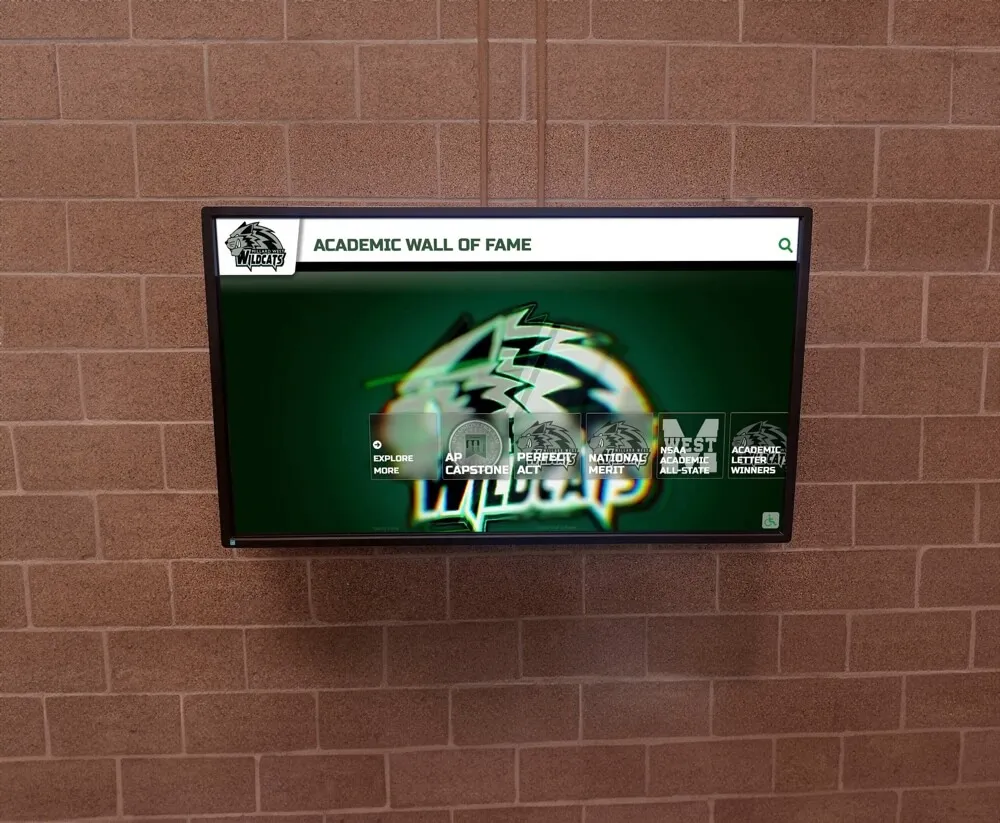
Academic recognition content on digital displays gives school communities ongoing visibility into achievements across sports, academics, and activities
Evaluating Digital Signage Platforms: Questions to Ask
When comparing digital signage platforms, these questions surface the differences that matter in a school context:
On pricing:
- Is the fee per screen per month, or flat-rate regardless of how many displays I add?
- What is included in the subscription versus priced as an add-on?
- Is MDM device management included, or is that a separate license?
- Are software updates included, or do they require additional payment?
On features:
- Can I schedule different content for different displays from one account?
- Does the platform include emergency alert override capability?
- What content types are supported—video, images, web pages, live data feeds?
- Is there a template library, or does all content need to be built from scratch?
- Does the platform connect with Google Calendar, Microsoft Teams, or other school tools we already use?
On support and training:
- What does onboarding look like for non-technical staff?
- Is support included in the subscription, or charged separately?
- How are software updates delivered?
On scalability:
- If I start with two displays and want to add ten more next year, what happens to my costs?
- Can one account manage multiple buildings or campuses?
- Does the platform support both standard displays and interactive touchscreens on the same subscription?
Choosing the right interactive touchscreen solution for your school provides a detailed framework for evaluating digital signage vendors against school-specific requirements.
How Rocket Alumni Solutions Fits into School Digital Signage
Rocket Alumni Solutions is widely known for interactive touchscreen hall of fame displays and digital recognition walls—products installed in schools, universities, and athletic facilities across the country. The same platform extends to general-purpose digital signage at a price point that makes it the most affordable full-featured option available for schools: $50 per year for unlimited displays.
That unlimited model is significant. Most schools that start with two or three displays find value in expanding—adding a display outside the gym, in the cafeteria, or in an academic hallway. With per-screen pricing, each addition increases annual software costs. At $50/year flat, the decision to add a display is a hardware-only decision.
The annual subscription includes:
- Unlimited digital signage displays on one school account
- Full content management system with scheduling and content rotation
- MDM device management for remote monitoring, updates, and security policy enforcement
- Feature and functionality parity with major digital signage platforms
- Cloud-based CMS accessible from any browser
- ADA WCAG 2.1 AA compliance on interactive touchscreen displays
- QR code mobile access for interactive recognition content
- Auto-ranking record boards for athletic display applications
- Remote cloud CMS with scheduled content publishing
For schools that also want interactive touchscreen recognition displays—hall of fame walls, donor recognition kiosks, athletic record boards—Rocket’s platform handles both standard signage and recognition-specific touchscreen content. That combination matters operationally: one vendor, one support relationship, one platform to learn, one annual cost.
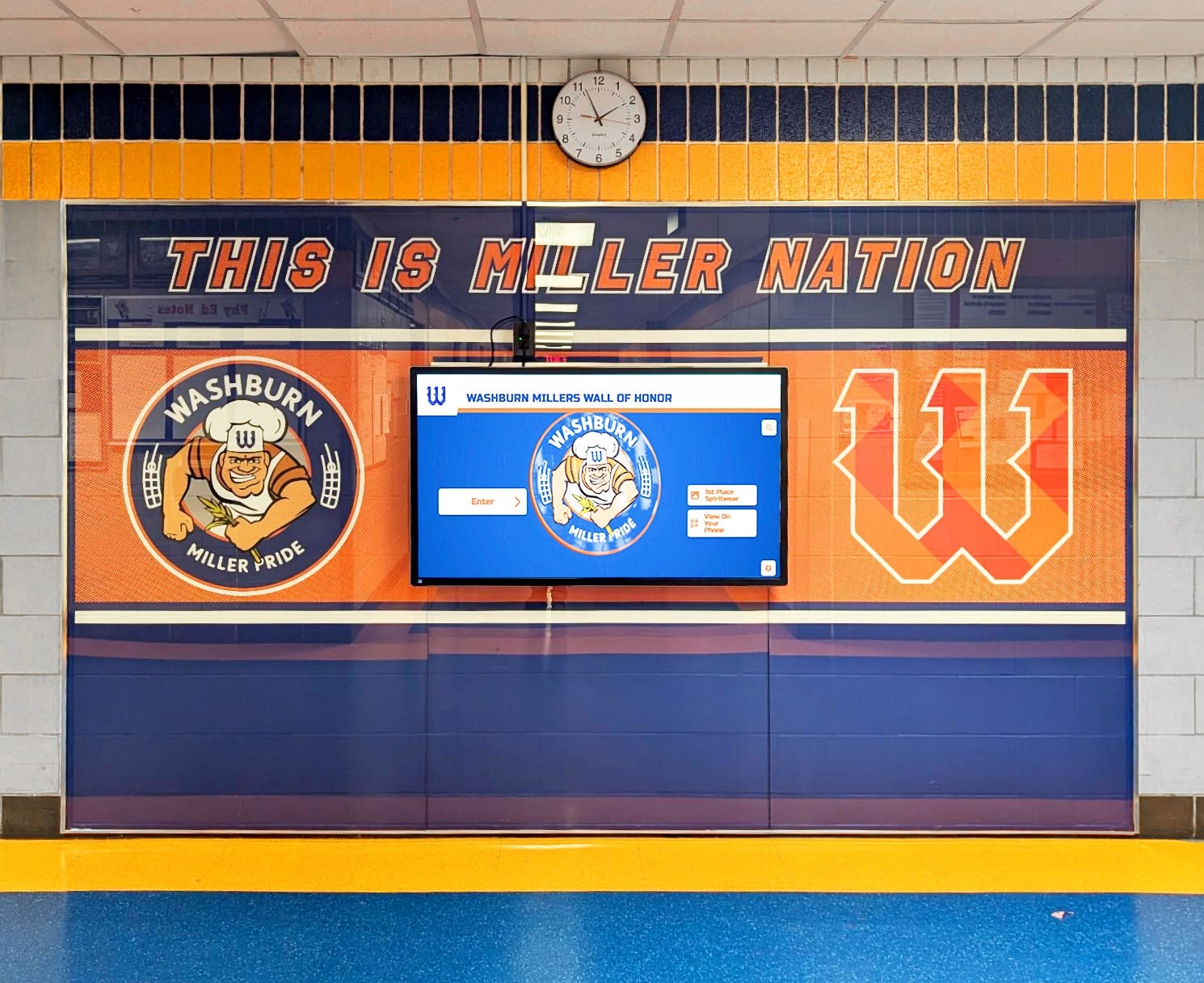
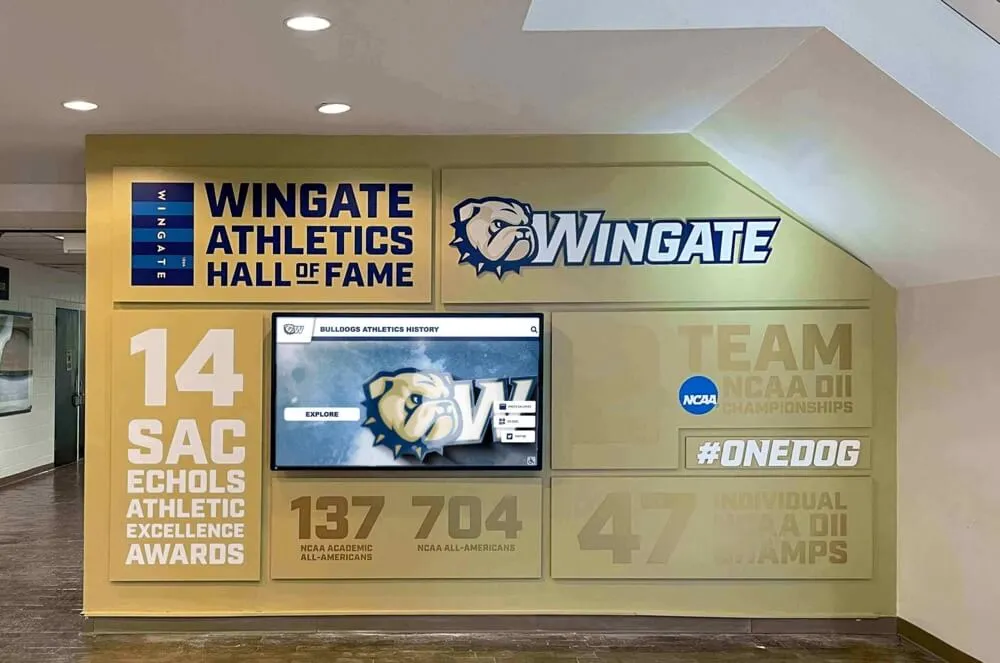
Wall of honor digital displays serve dual duty as recognition content and general campus communication tools depending on scheduling
Frequently Asked Questions: Digital Signage for Schools
How many displays does a typical school need?
It varies by campus size and communication goals. Many schools start with one or two displays in the lobby and a display in the main athletic hallway, then expand as they see the operational value. A campus with multiple buildings may ultimately deploy 8-15 displays to achieve consistent coverage.
What hardware is required to get started?
A basic digital signage installation requires a commercial-grade display (a consumer television is generally insufficient for long-duration commercial use), a media player or network-connected display, mounting hardware appropriate for the wall type, and network access at the installation location. Some platforms include a compatible media player with their subscription; others require separate hardware purchasing.
Can digital signage replace our PA system for announcements?
Digital signage complements PA systems rather than replacing them. Audio-based announcements reach students in areas without line of sight to a display; visual displays reach students during periods when audio announcements would be disruptive or missed. The most complete school communication environments use both.
How difficult is it for non-technical staff to manage content?
This varies significantly by platform. Well-designed platforms built for K-12 environments offer template-based content creation that non-designers can use without extensive training. Look for platforms that include a library of pre-built templates and clear editing interfaces. The goal is a system that a secretary, athletic director, or communications coordinator can operate without IT assistance for routine updates.
What is the difference between digital signage and an interactive touchscreen display?
Standard digital signage displays content passively—the screen plays scheduled content that viewers watch. Interactive touchscreen displays add input capability, allowing users to tap, swipe, or search through content. Interactive displays cost more upfront but enable richer recognition experiences, visitor wayfinding, and content exploration that passive displays cannot provide.
Does Rocket Alumni Solutions’ digital signage work for both recognition and general announcements?
Yes. The platform handles both use cases from the same CMS. A lobby display might rotate between a school announcement, a lunch schedule, and an athletic record board in the same content playlist. An interactive touchscreen in an athletic hallway can serve as a full hall of fame display while also presenting scheduled announcements at set times.
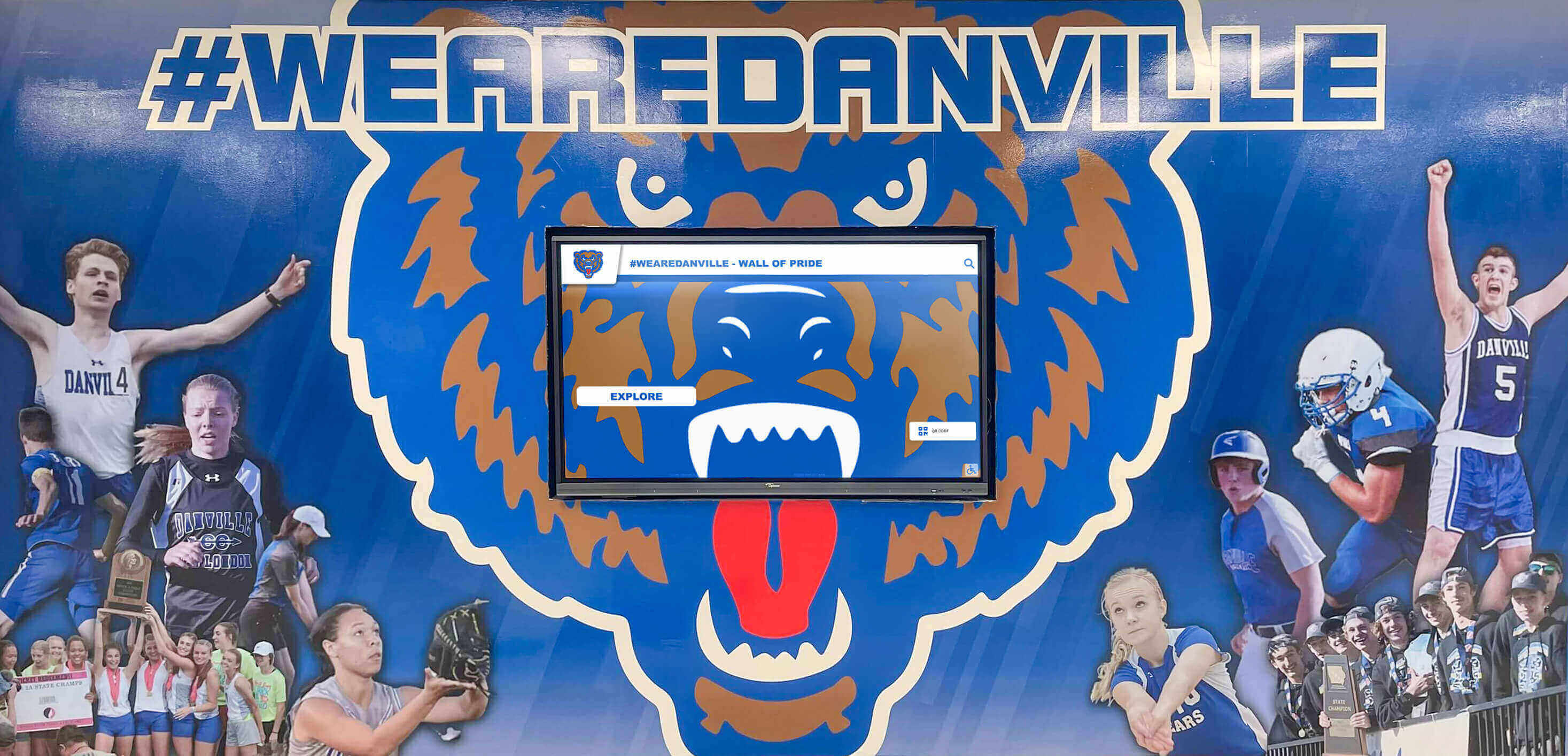
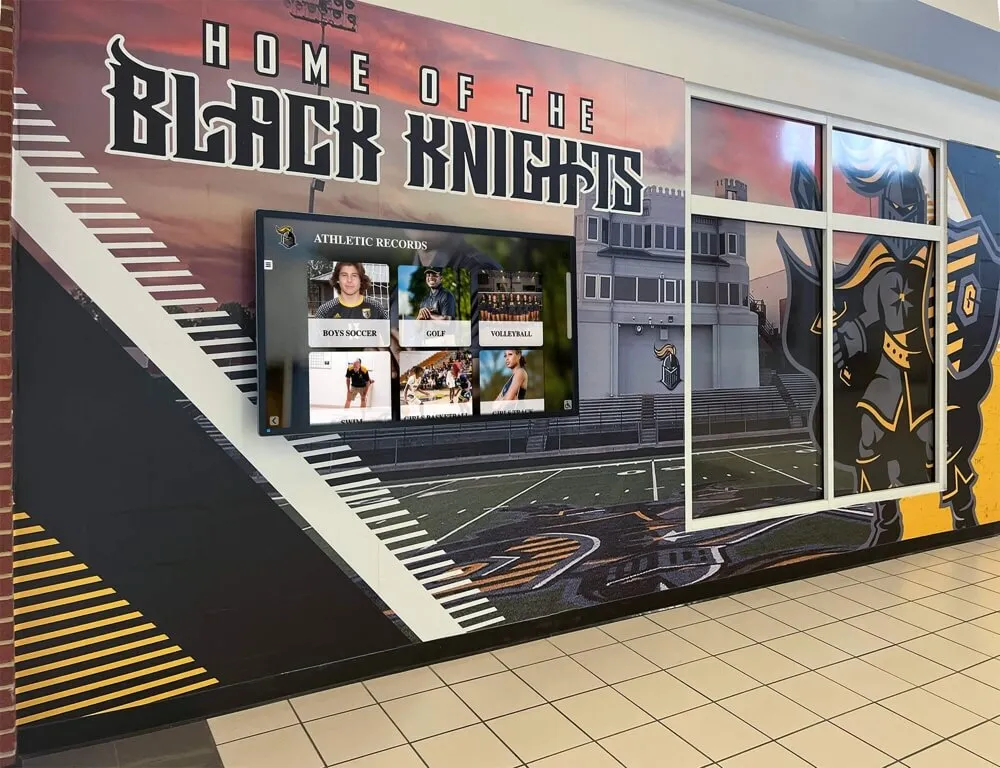
Athletics hallways that combine school murals with digital displays create impactful environments that blend tradition with current communication capability
Getting Started with Digital Signage for Your School
The most common pattern among schools that implement digital signage successfully is starting with a focused pilot—one or two high-visibility locations—and expanding after staff have built confidence with the platform and leadership has seen the operational value firsthand.
A lobby display and an athletic hallway display give a school immediate value: the lobby reaches the broadest possible audience, and the athletic display demonstrates recognition capability to the community most engaged with achievement-based content. From that starting point, expansion to additional locations is a straightforward operational decision rather than an exploratory experiment.
Before selecting a vendor, be clear on:
- How many displays you expect to need within three years, not just at launch
- Whether you need interactive touchscreen capability alongside passive signage
- What content creation capacity your staff realistically has
- Whether MDM device management is included or a separate cost
- What the total annual cost looks like at your projected three-year display count
Those answers will quickly distinguish platforms that appear affordable at one screen but become expensive at scale from platforms—like Rocket’s $50/year unlimited model—where growth does not change the software economics.
Schools managing everything from lobby communication to hall of fame touchscreens to athletic record boards in a single platform spend less time on vendor coordination, less money on software at scale, and less staff time on content management than schools running multiple disconnected systems for different display types.
See What Rocket's School Digital Signage Platform Includes
Unlimited displays, MDM device management, recognition content, and a full content management system—all at $50 per year for schools. Talk to our team to see how the platform works across lobby displays, athletic hallways, cafeterias, and interactive touchscreen recognition walls.
Talk to our team