Digital Wall of Fame Design Ideas: Layouts, Features, and Content Planning for Schools
- Home /
- Digital Wall of Fame Blog - Recognition Display Insights & Resources /
- Digital Wall of Fame Design Ideas: Layouts, Features, and Content Planning for Schools
The Easiest Touchscreen Solution




Live Example: Rocket Alumni Solutions Touchscreen Display
Interact with a live example (16:9 scaled 1920x1080 display). All content is automatically responsive to all screen sizes and orientations.
Schools planning digital walls of fame face a unique design challenge: creating recognition displays that honor tradition while embracing modern technology, celebrating individual achievement while maintaining visual coherence, and delivering immediate impact while sustaining long-term engagement. The most successful digital recognition walls balance these competing priorities through thoughtful design decisions that integrate seamlessly into campus environments.
Unlike traditional plaques that limit design choices to fixed layouts and standardized formats, digital walls of fame offer virtually unlimited creative possibilities—from immersive video features and dynamic athlete galleries to interactive timelines and searchable databases. This flexibility creates both opportunity and complexity, as institutions must translate their recognition goals into effective visual experiences.
This comprehensive guide explores proven digital wall of fame design ideas, layout strategies, essential feature sets, and content planning approaches that help schools create recognition displays worthy of the achievements they celebrate.
Effective digital wall of fame design begins with understanding that technology serves recognition, not the reverse. The best implementations use digital capabilities to tell richer stories, create deeper engagement, and honor more people—not to showcase technical features for their own sake.

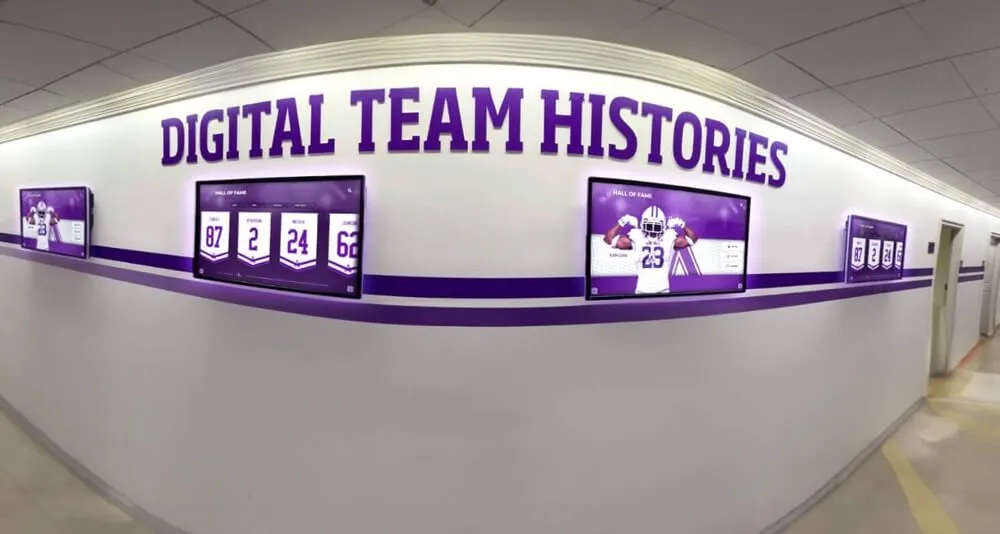
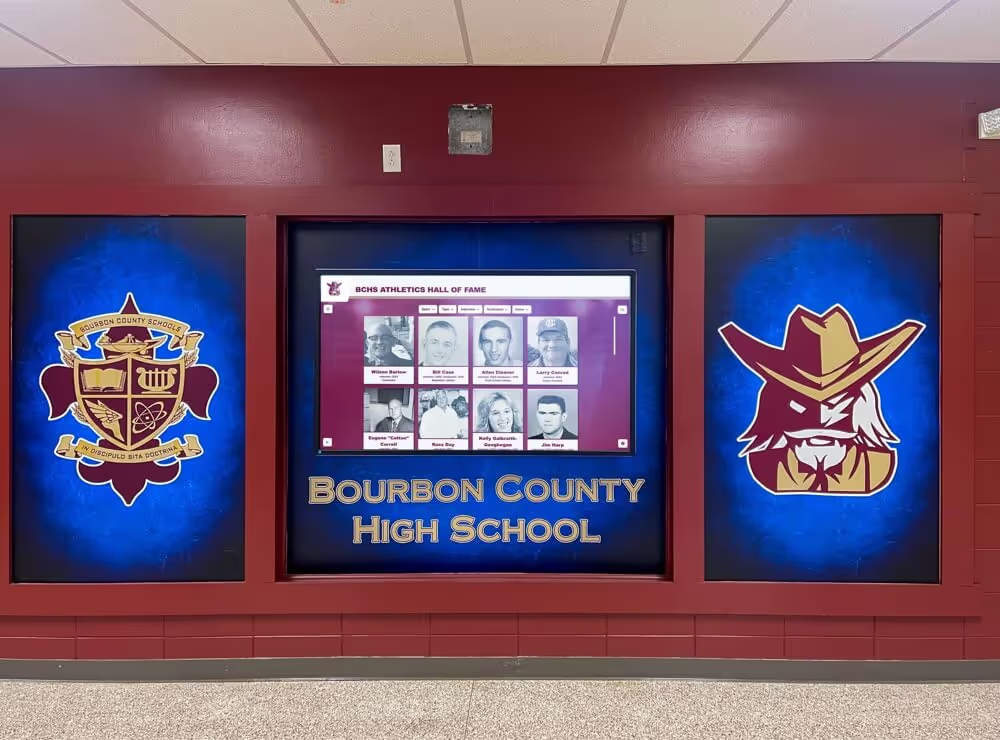
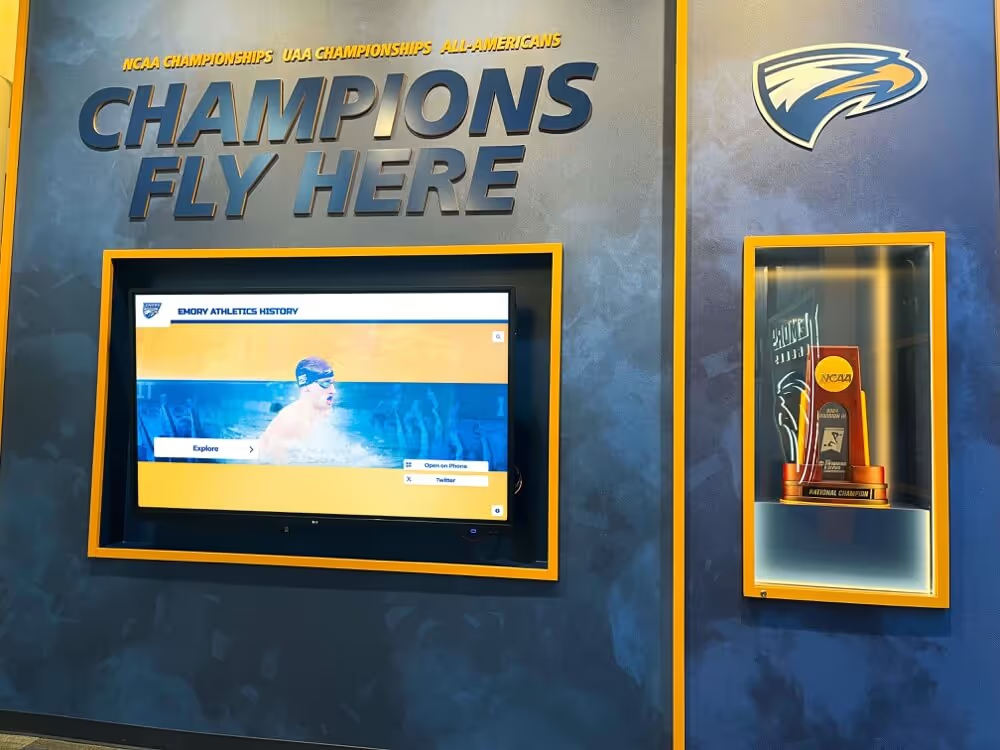
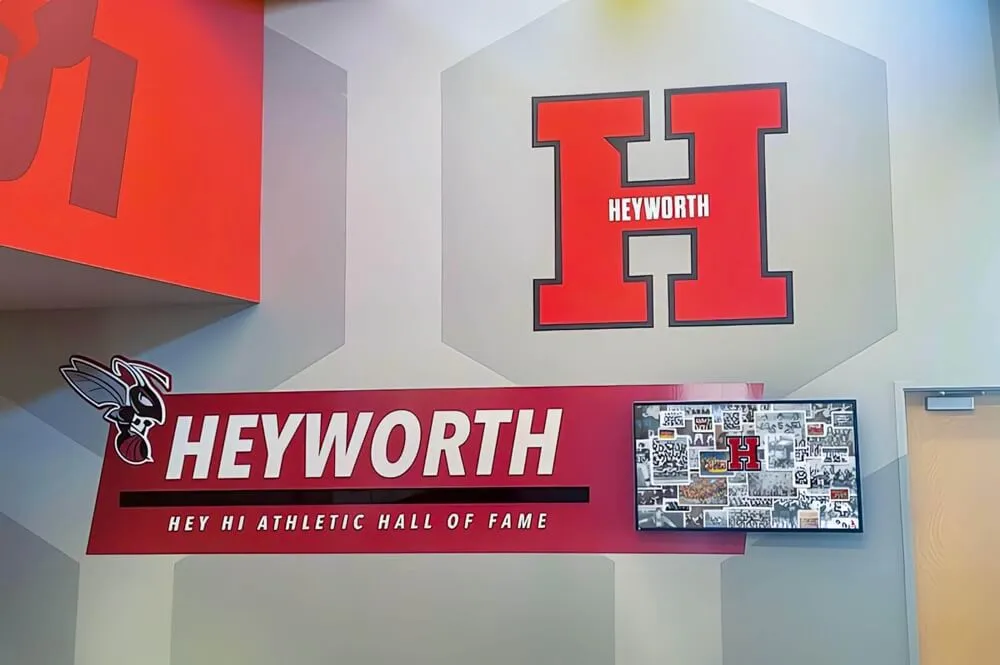
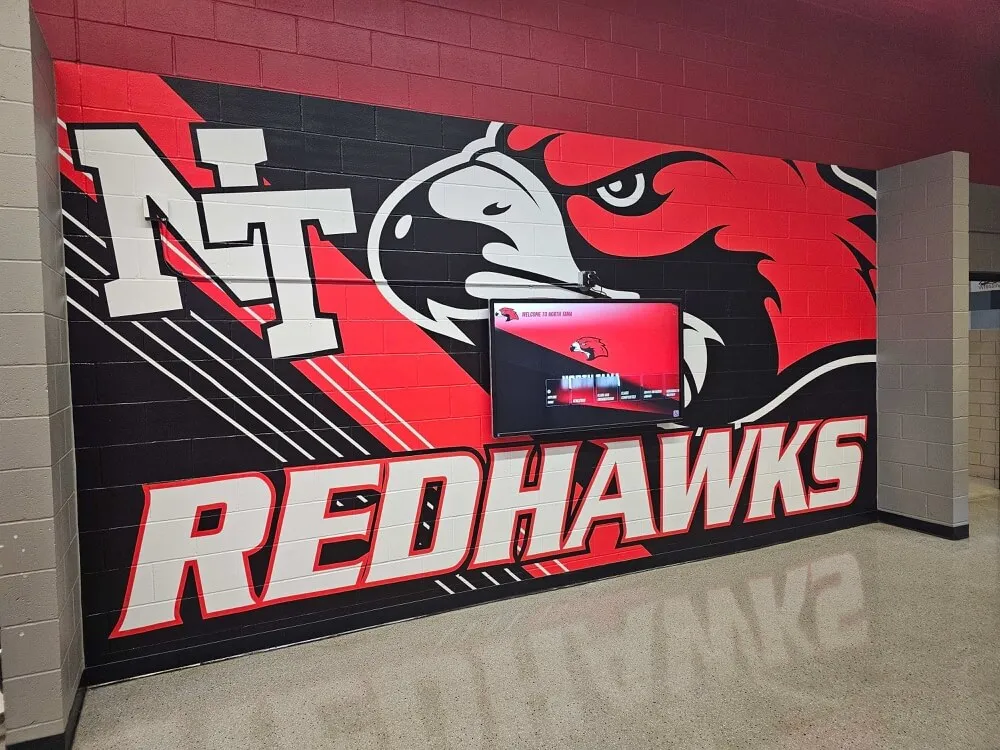
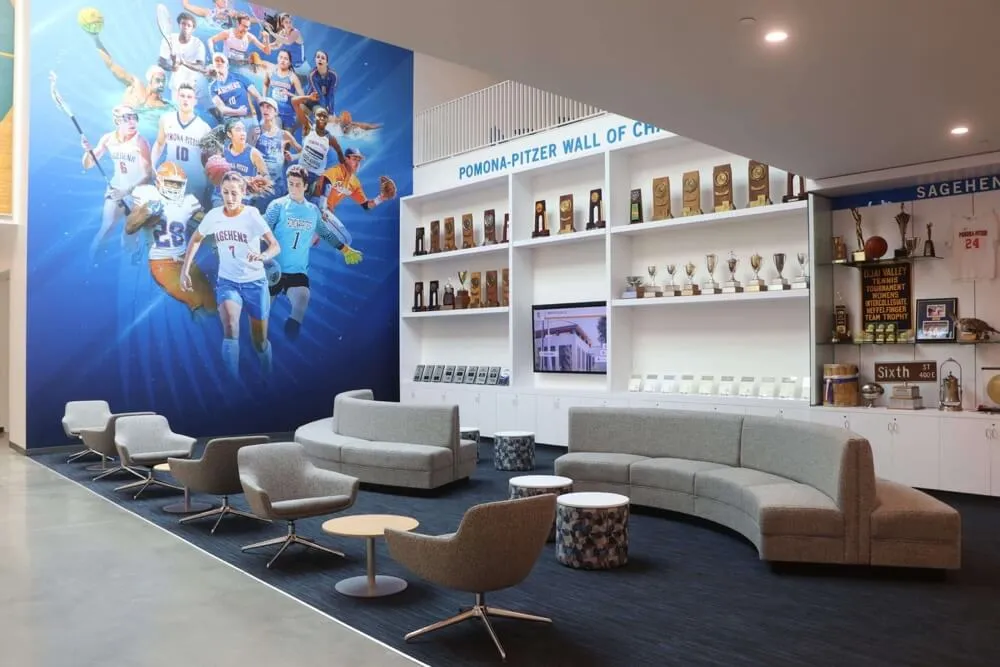
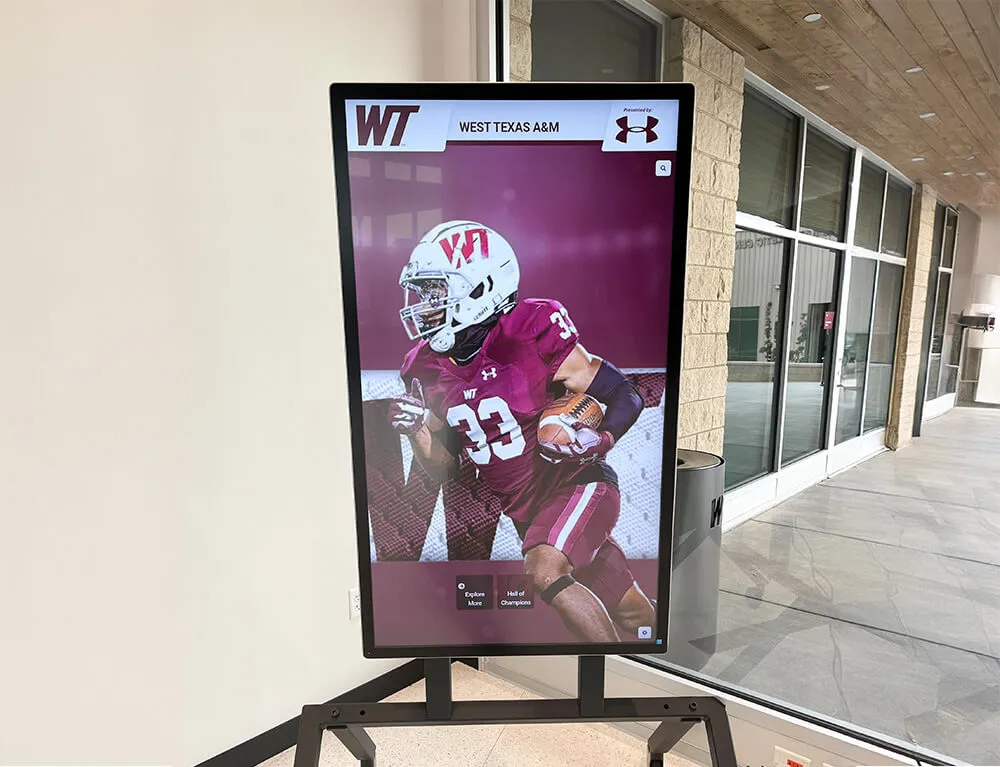
Well-designed digital recognition displays invite exploration while maintaining visual dignity appropriate to institutional settings
Understanding Digital Wall of Fame Design Fundamentals
Before exploring specific design ideas, schools benefit from understanding the core design principles that separate exceptional digital recognition from mediocre implementations.
The Three Pillars of Effective Digital Recognition Design
Successful digital walls of fame consistently demonstrate mastery of three interconnected design elements:
Visual Dignity and Institutional Alignment
- Design aesthetics that match the formality and importance of recognition
- Color schemes, typography, and imagery reflecting school identity
- Visual quality that honors achievements appropriately
- Professional presentation that avoids consumer-grade digital signage feel
- Integration with campus architecture and existing design language
Schools often underestimate how significantly design quality affects perceived value. Recognition displays featuring amateur graphics or inconsistent styling can actually diminish the prestige of the honors they present, while professionally designed systems elevate achievement visibility.
Intuitive Navigation and Information Architecture
- Clear entry points that welcome first-time users
- Logical organization that helps visitors find specific inductees quickly
- Progressive disclosure preventing information overload
- Consistent interaction patterns reducing learning curves
- Visible search and filter options for large databases
The most common design failure in digital recognition involves creating systems that require extensive instruction before use. Effective designs make exploration self-evident through visual cues and familiar interaction patterns.
Content Depth with Visual Clarity
- Rich biographical information without cluttered interfaces
- Strategic use of multimedia enhancing rather than distracting
- Hierarchical typography establishing clear content priorities
- Generous whitespace maintaining readability
- Balanced information density keeping screens engaging
These principles guide every subsequent design decision, from layout selection to feature prioritization to content development strategies.
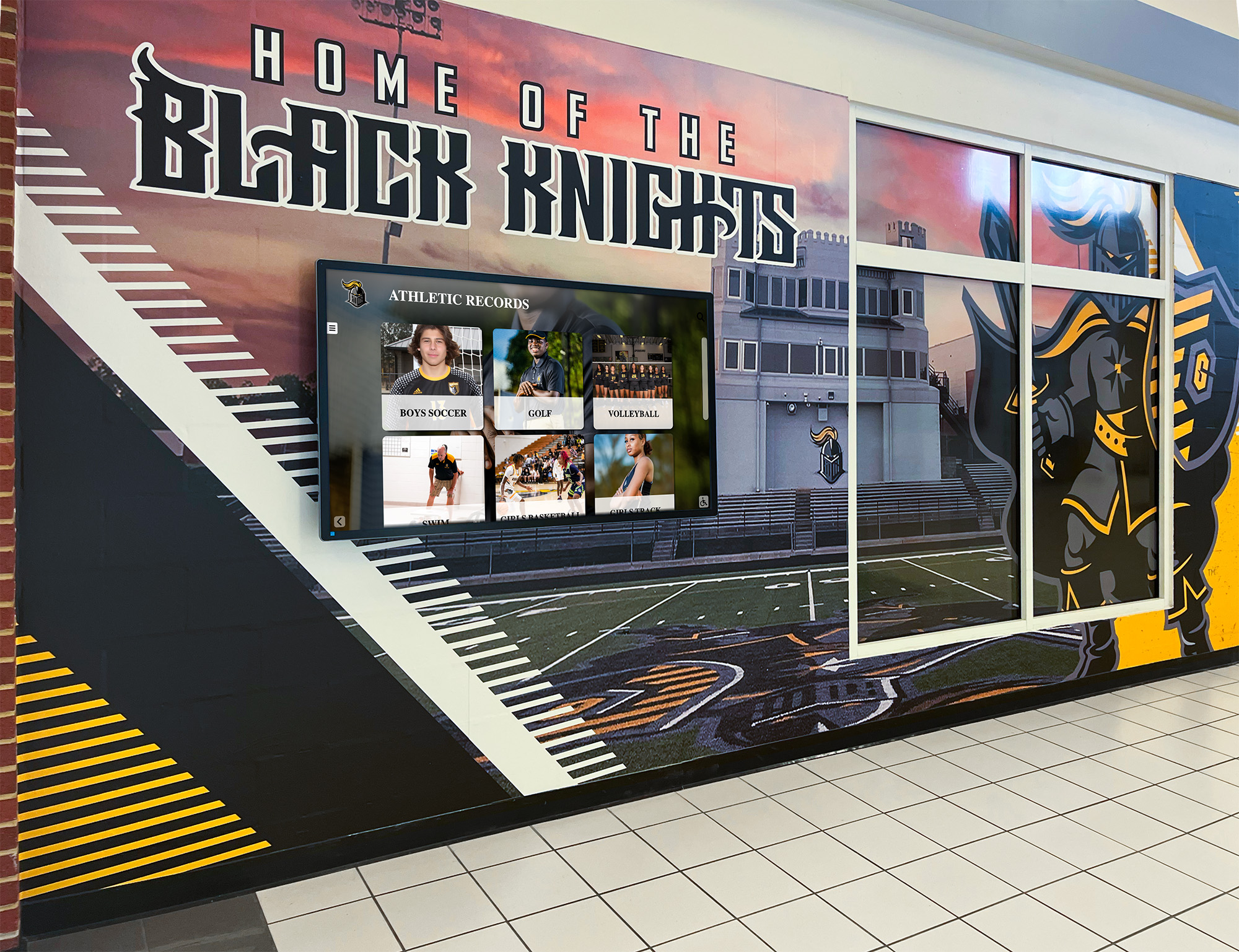
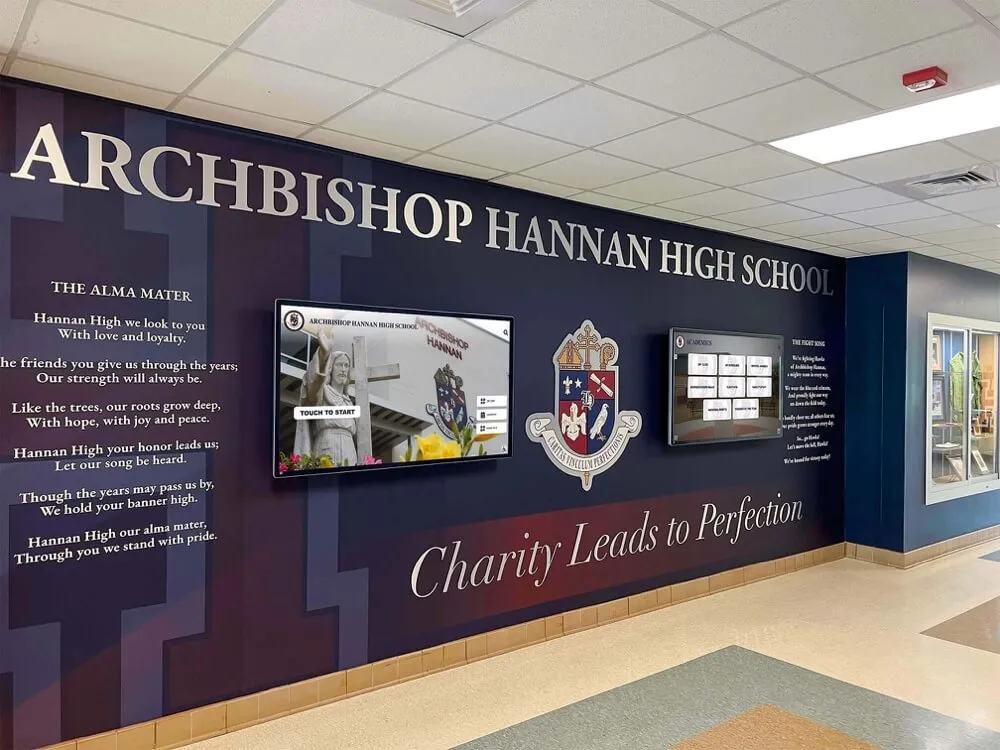
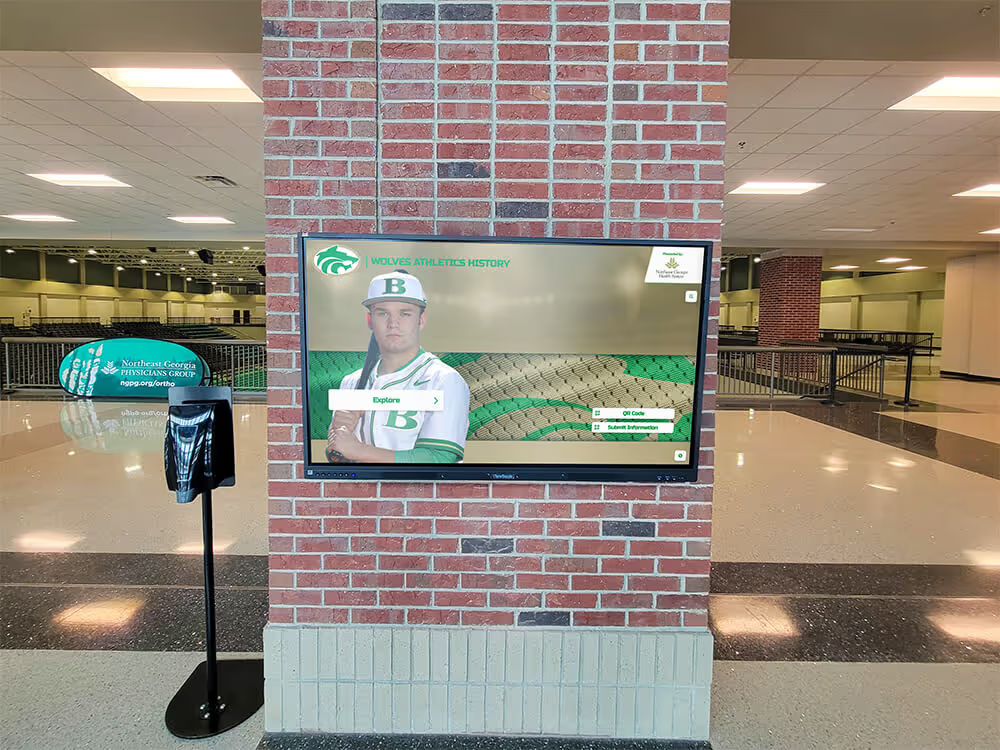
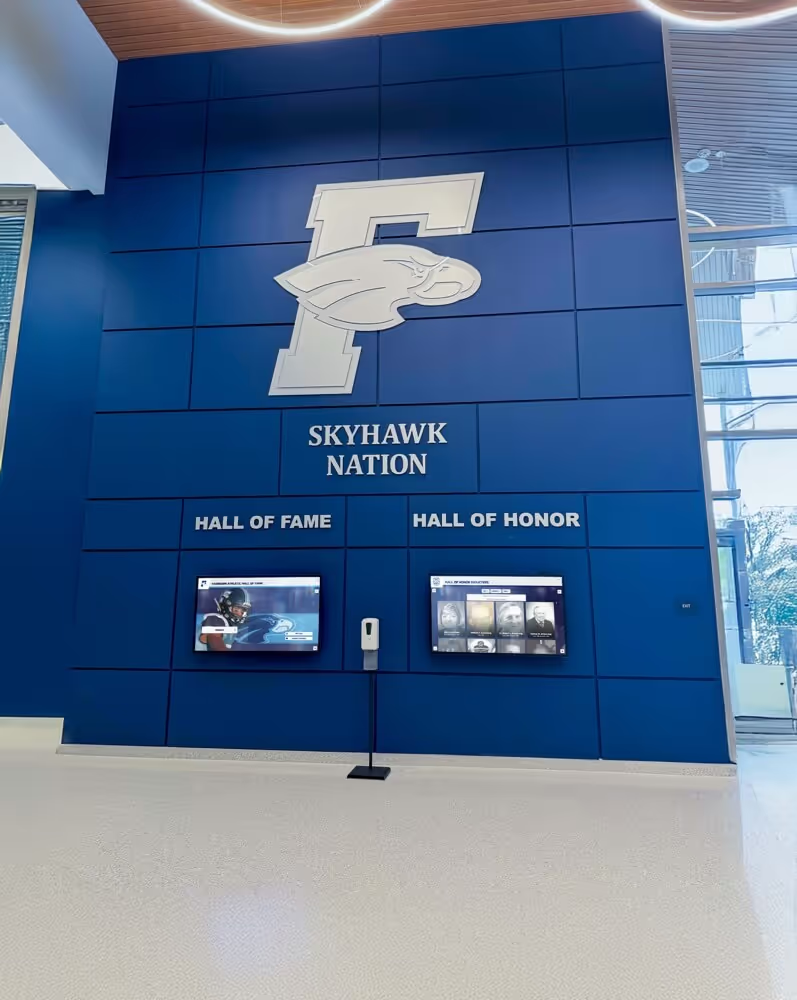
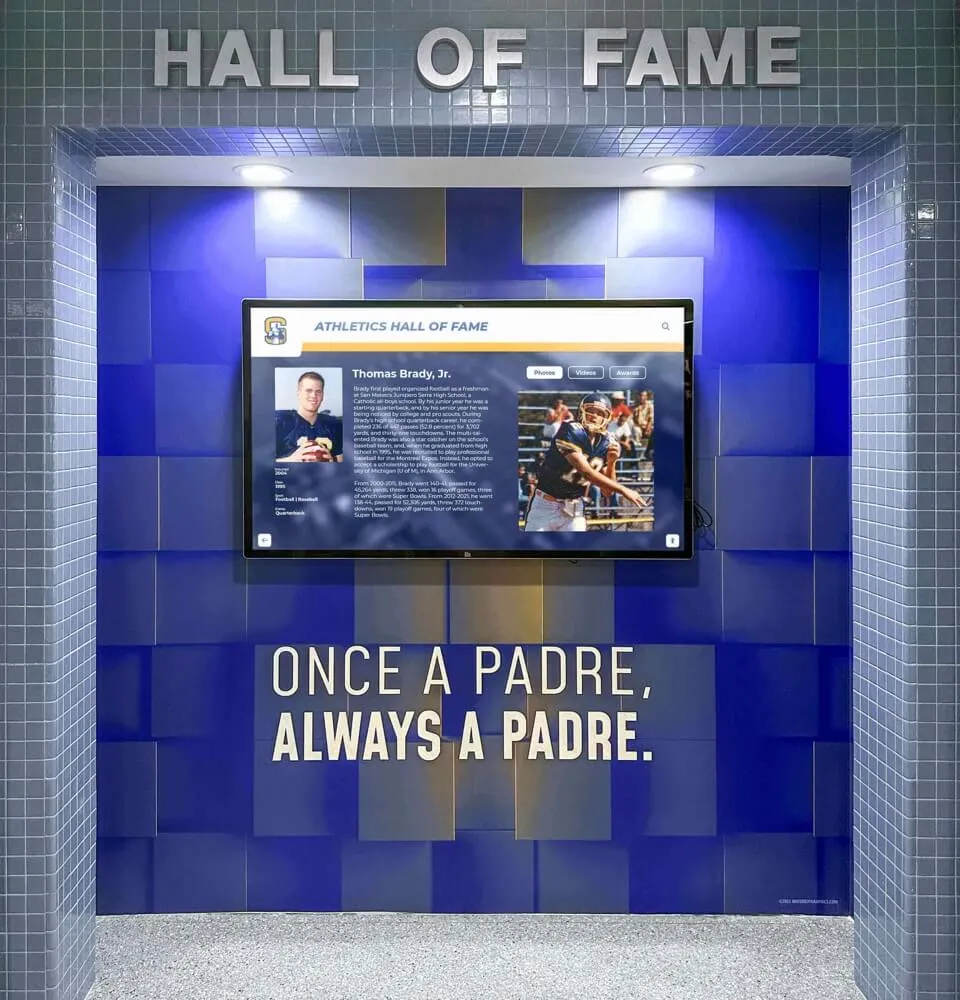
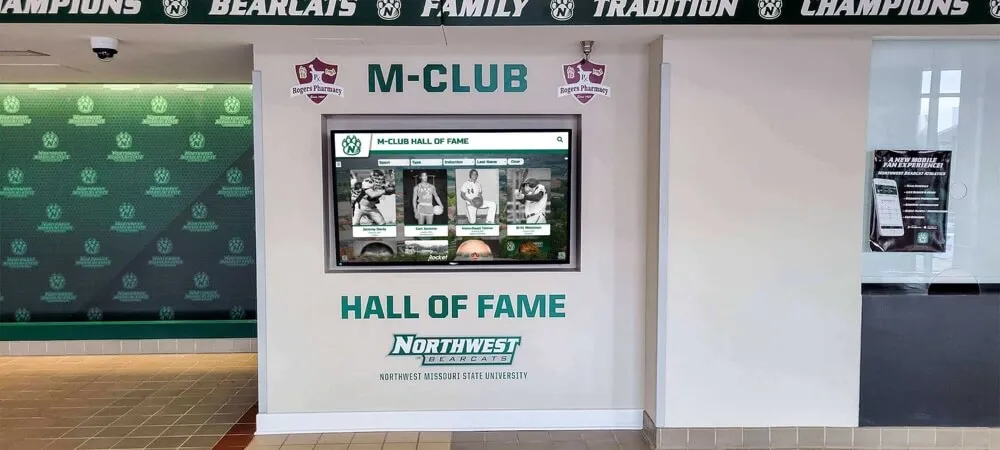
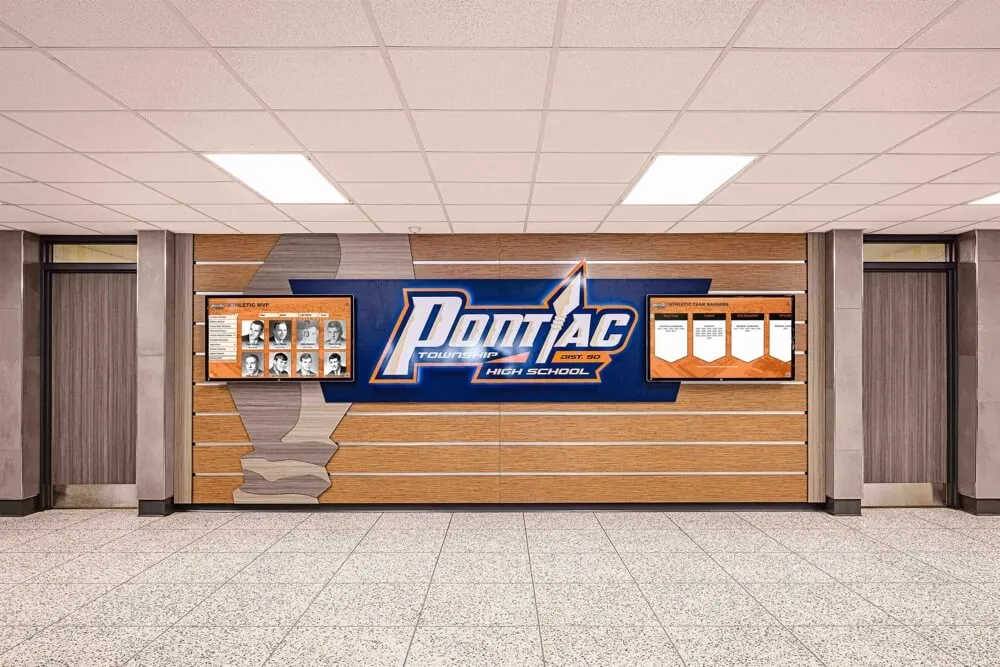
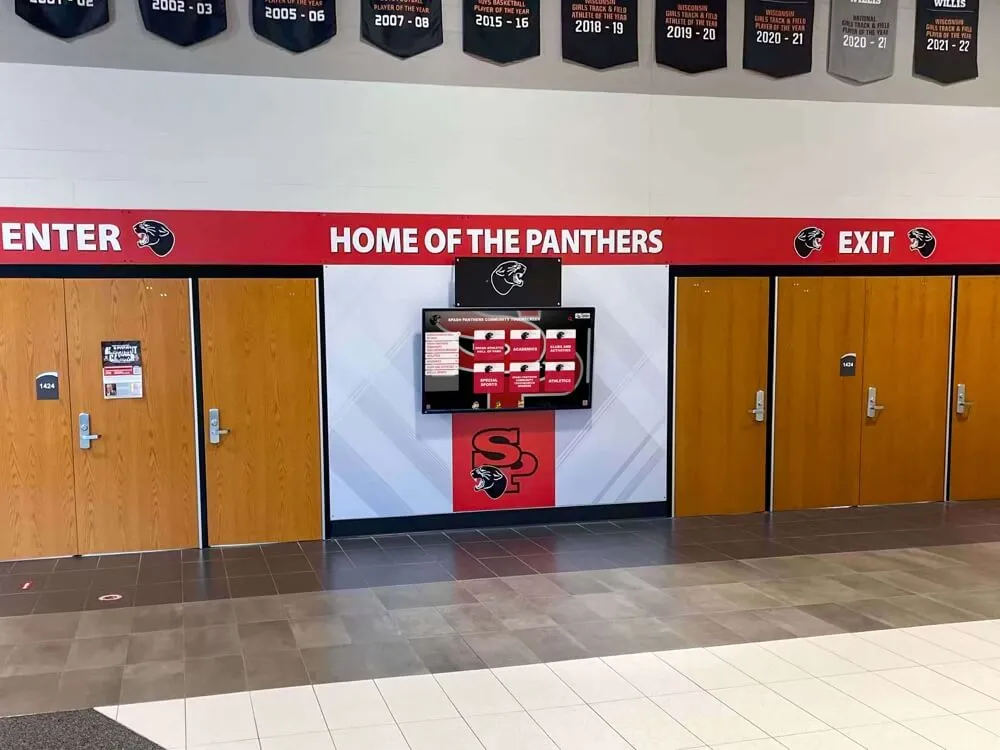
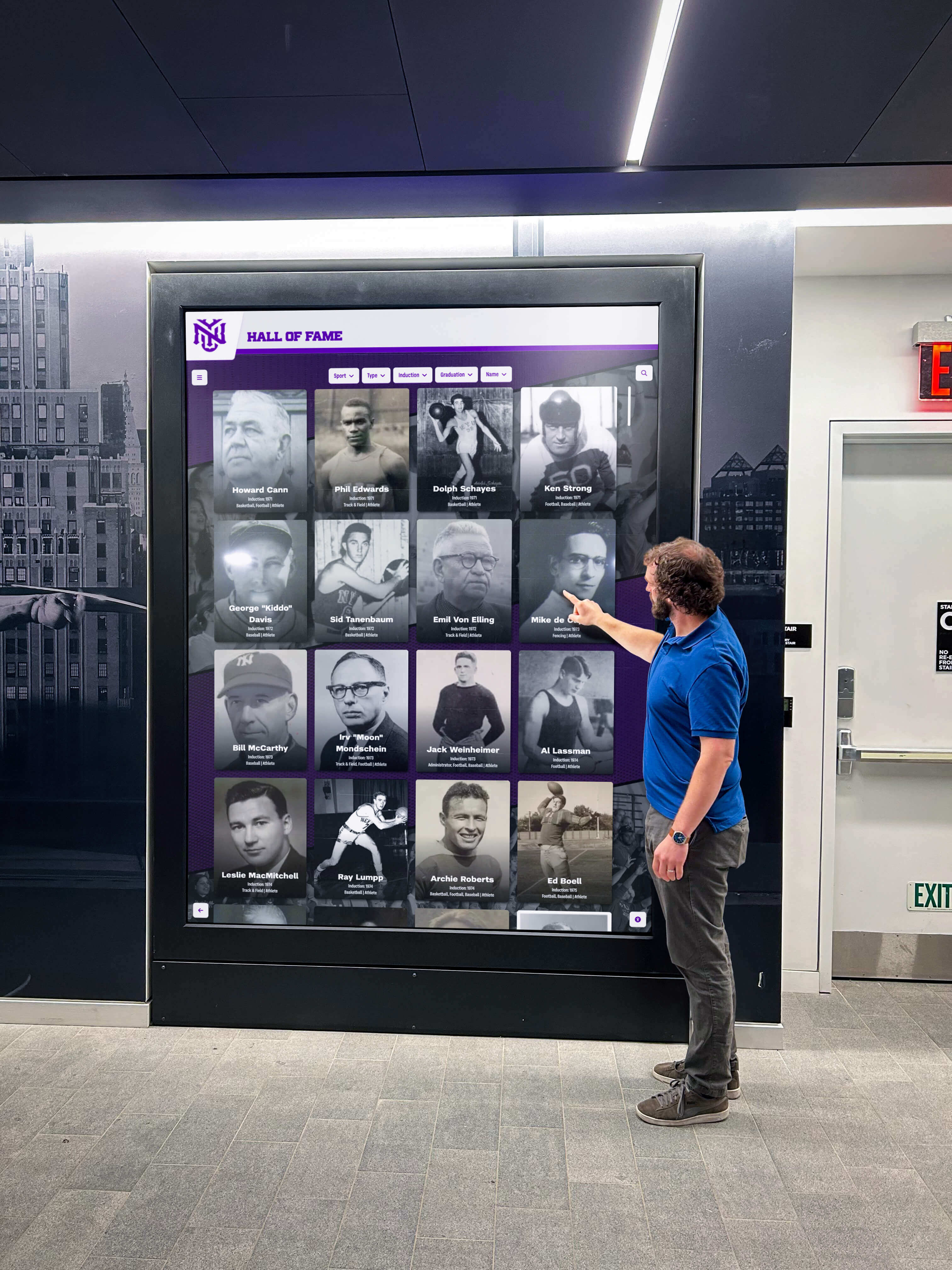
Effective digital recognition integrates with existing campus environments while establishing distinct visual presence
Location-Specific Design Considerations
Physical placement significantly influences optimal design approaches:
High-Traffic Lobby Installations
- Larger displays (55-75 inches) for visibility from distance
- Attract mode featuring rotating highlights to draw attention
- Quick-access recent inductee sections for regular visitors
- Standby content that looks dignified when not actively used
- Durable touchscreens handling heavy daily interaction
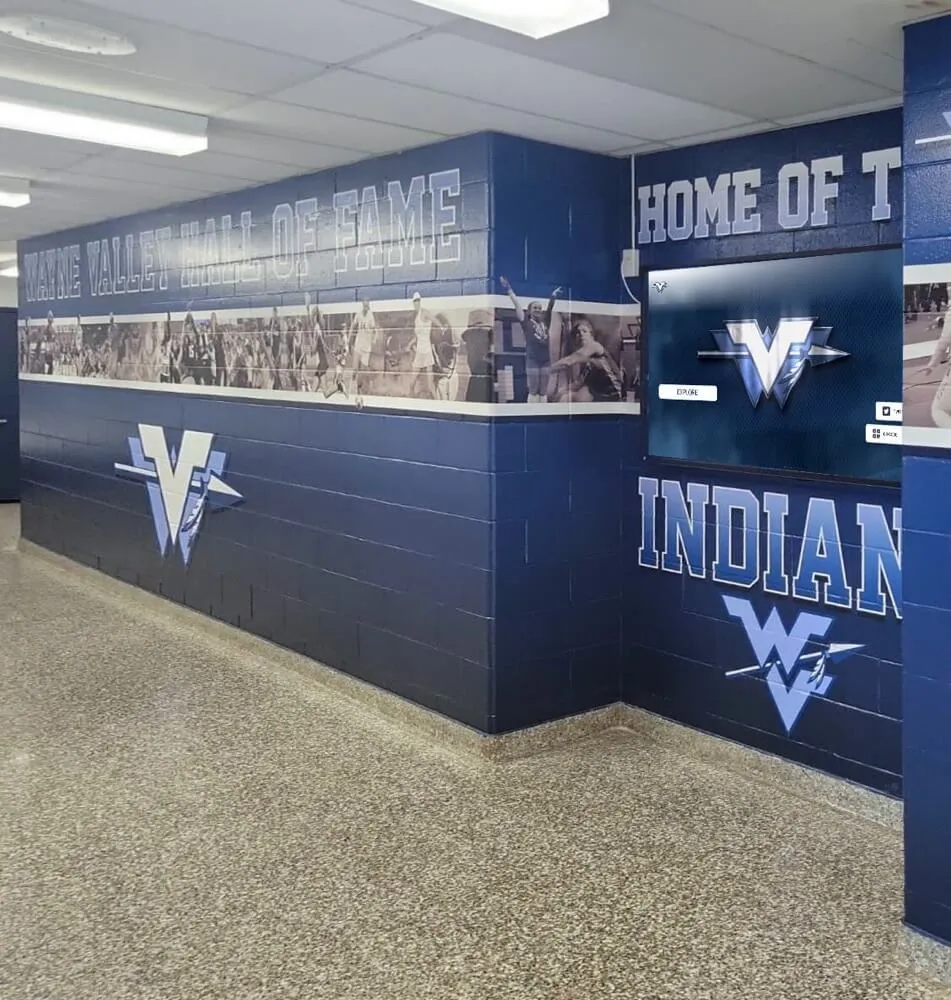
Hallway and Corridor Placements
- Vertical orientations matching narrow wall spaces
- Bright displays overcoming challenging ambient lighting
- Simple navigation accommodating brief interaction windows
- Content previews visible to passing traffic
- Quick-loading screens for short engagement sessions
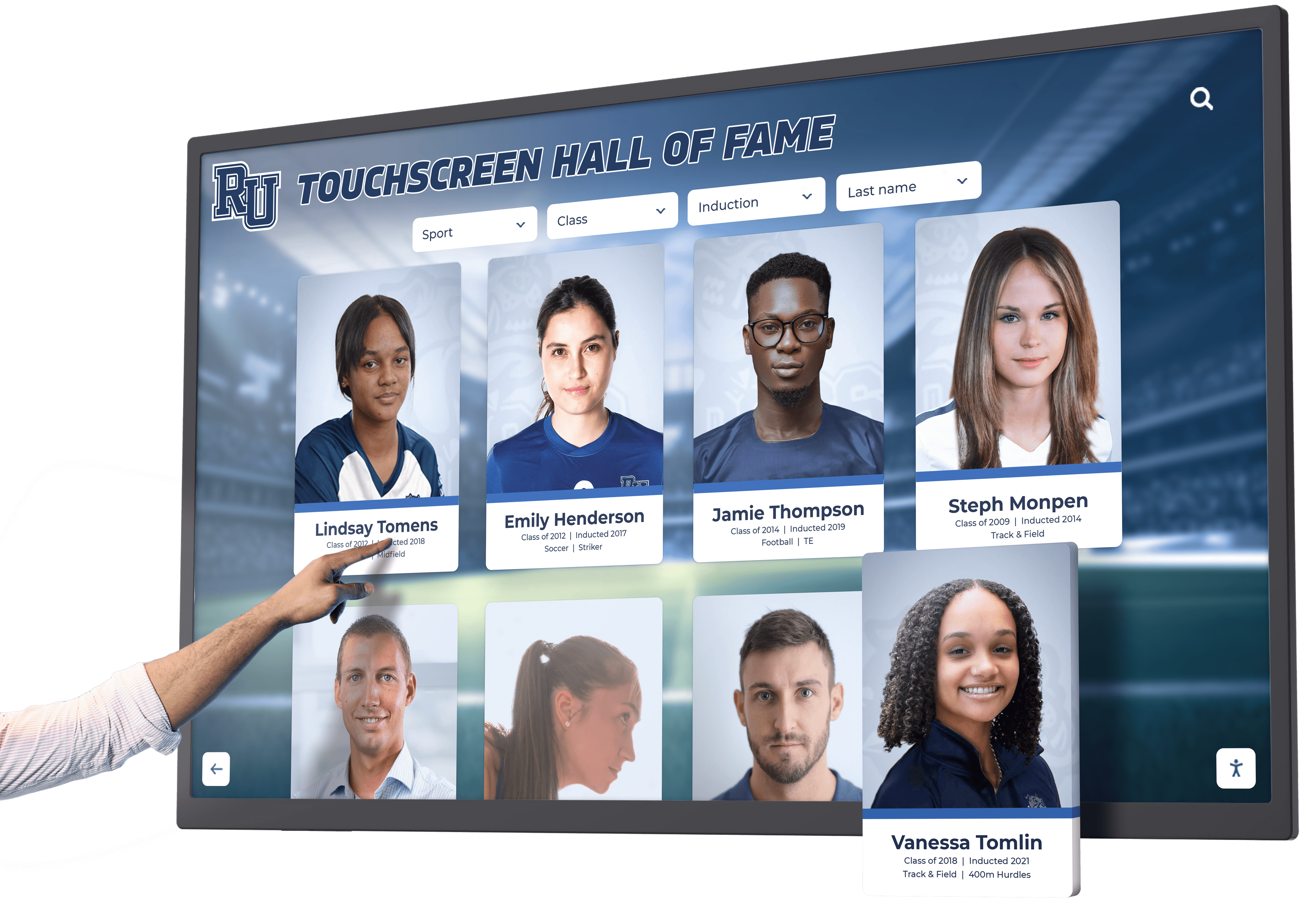
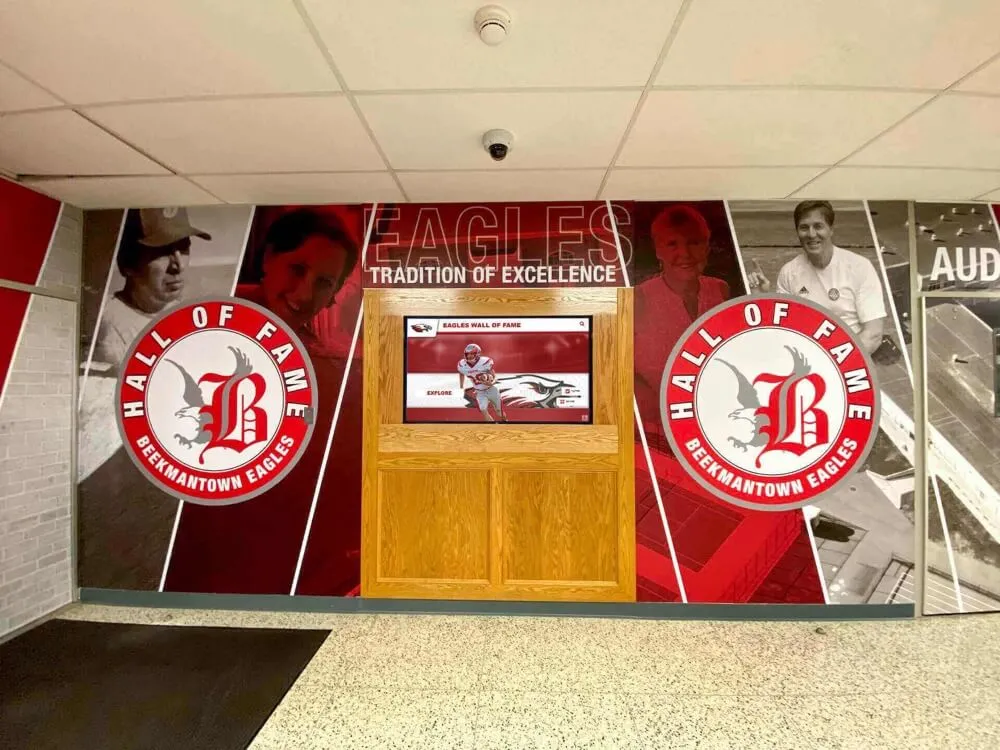
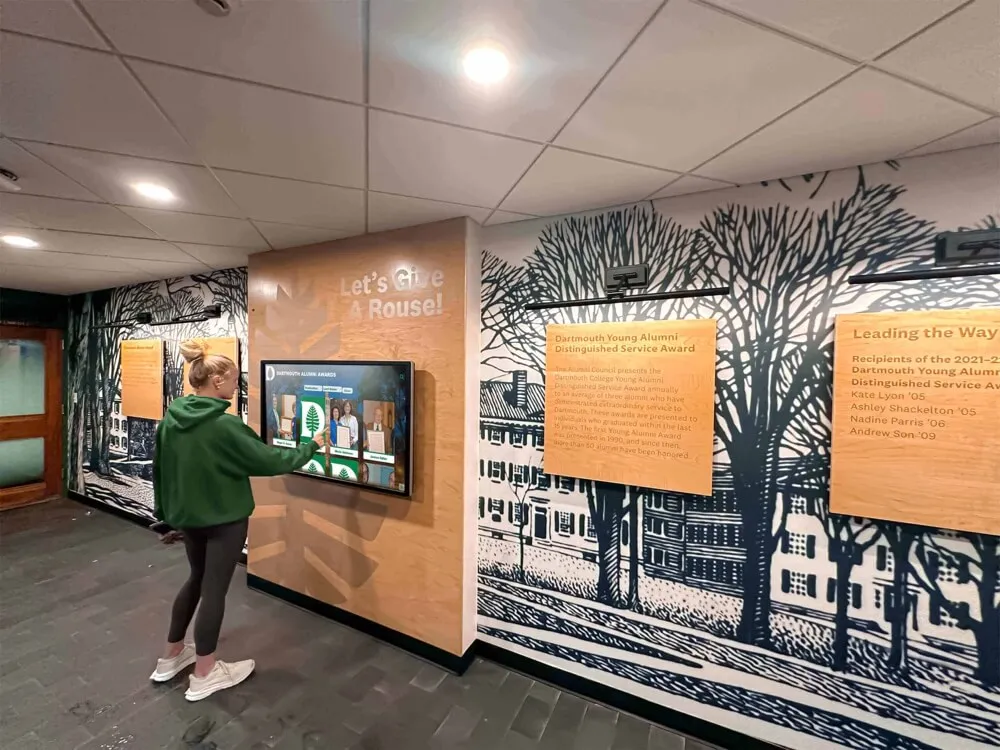
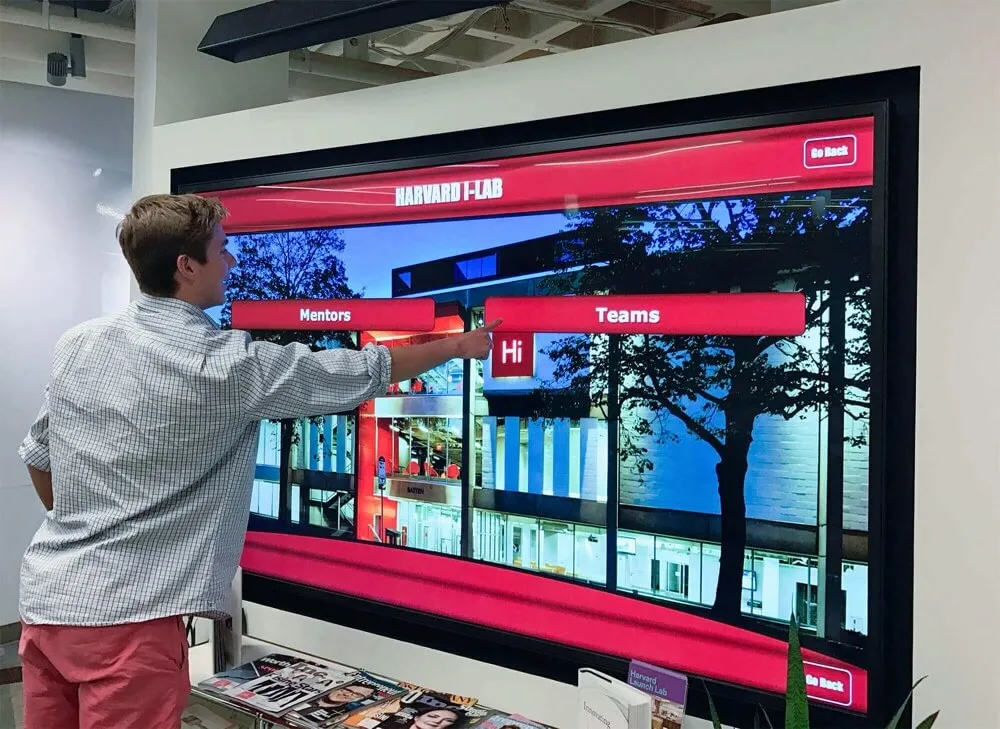
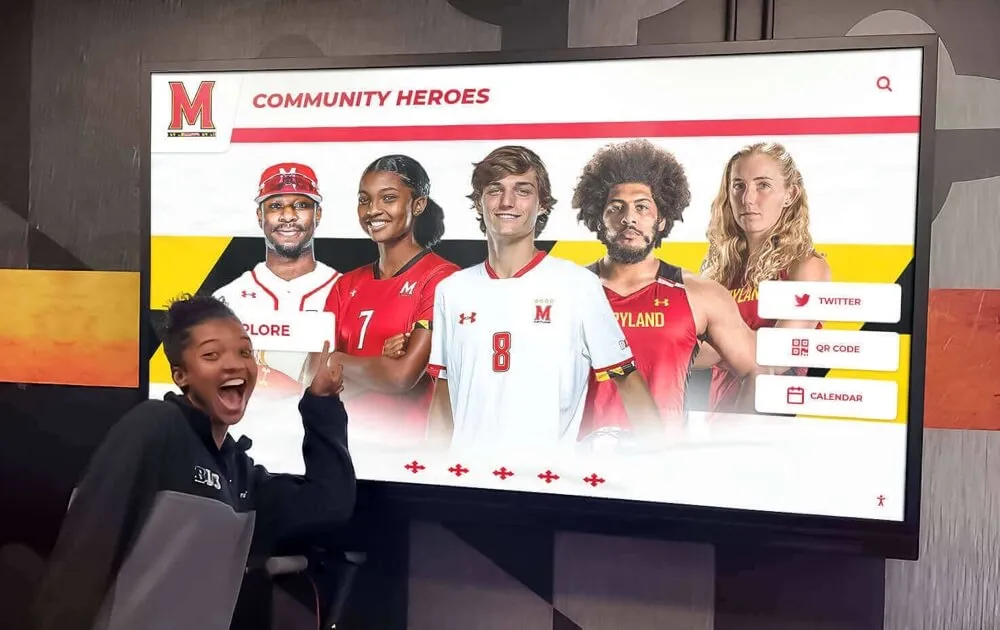
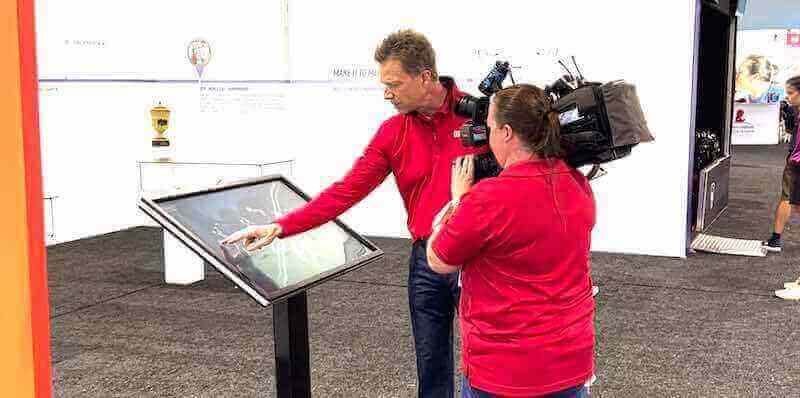
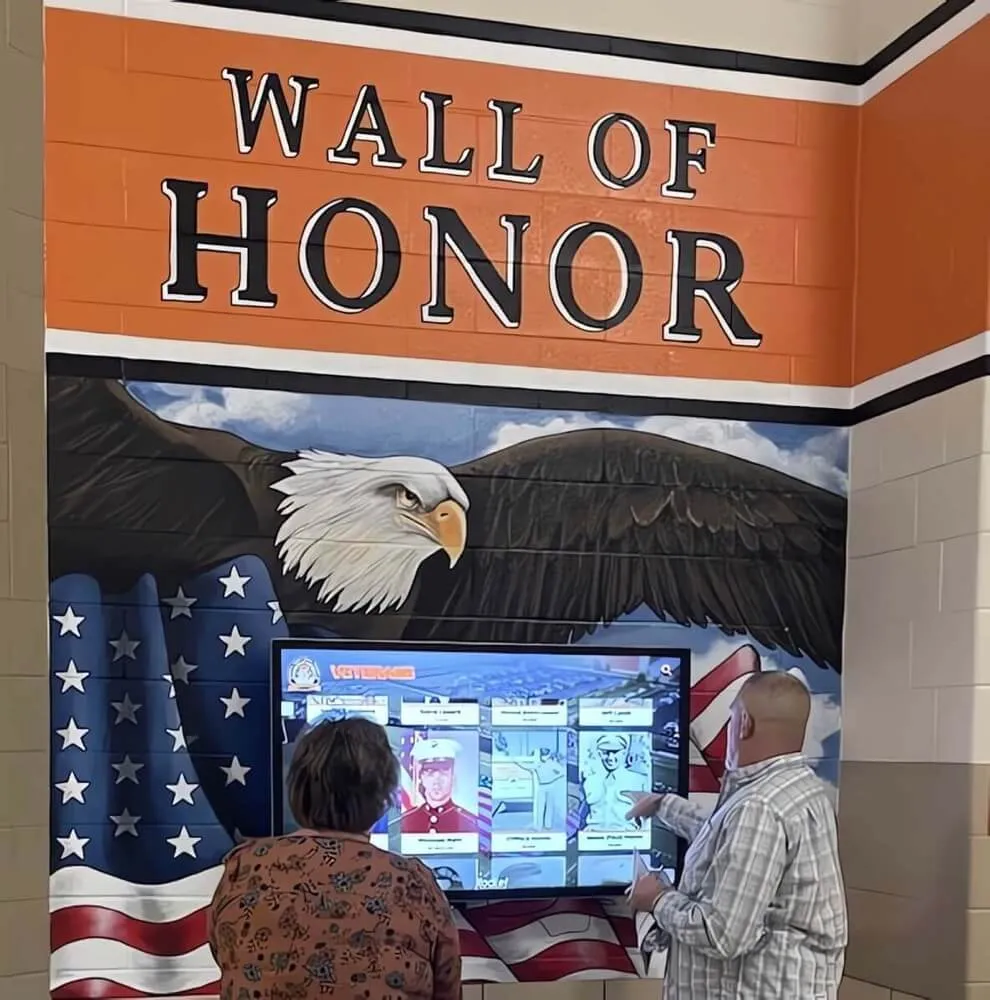
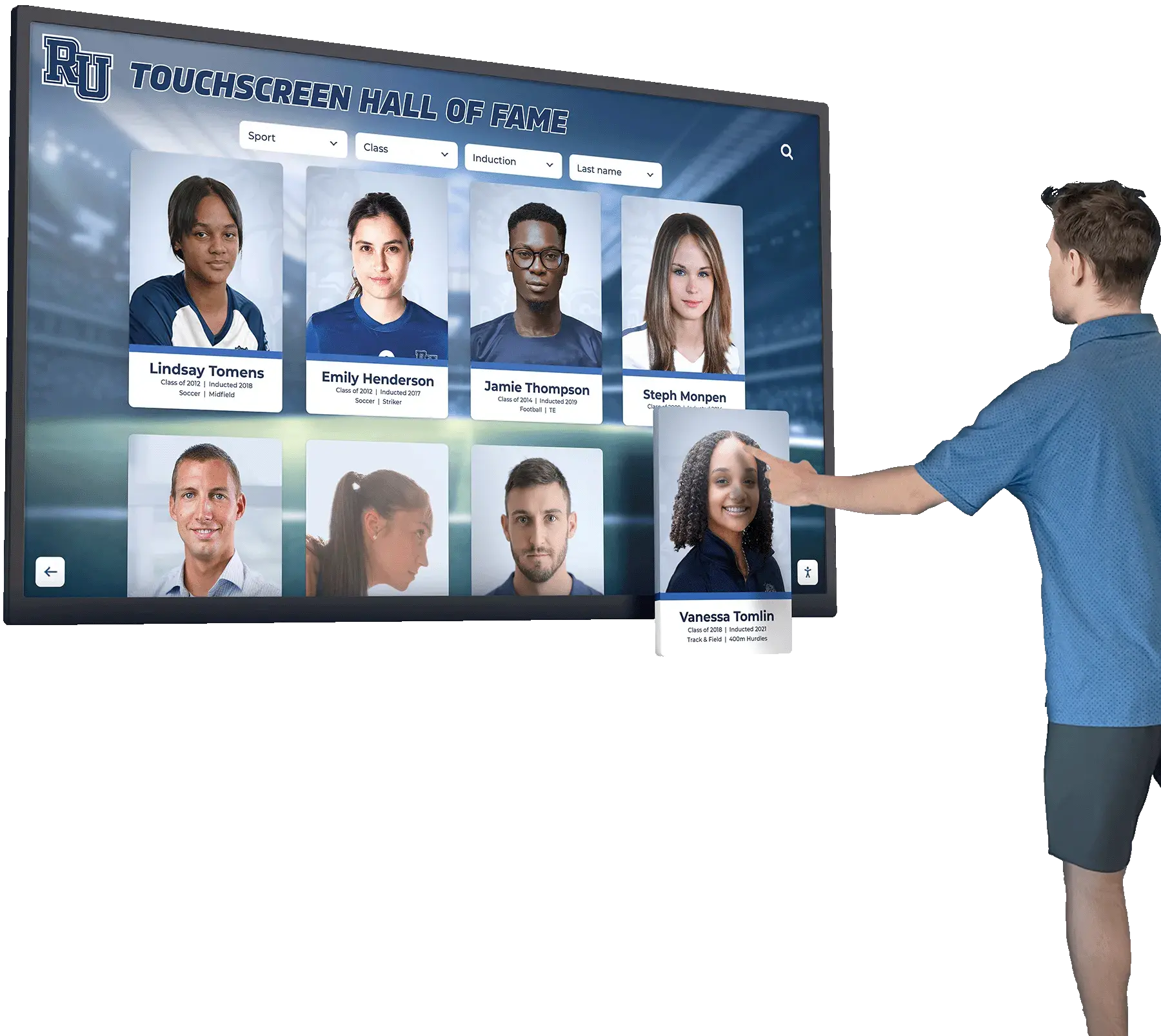
Touch interface design must balance comprehensive features with immediate accessibility for casual users
Athletic Facility Installations
- Sport-specific organization reflecting visitor interests
- Team roster integration showing current athletes alongside hall of fame legends
- Statistics and records prominently featured
- Action photography emphasizing athletic achievement
- School colors and athletic branding throughout design
Understanding how location affects usage patterns ensures design decisions support actual interaction rather than idealized scenarios.
Layout Design Ideas for Different Recognition Types
The content being recognized should drive layout selection, as different achievement types benefit from distinct organizational approaches.
Athletic Hall of Fame Layouts
Athletic recognition displays typically organize around temporal, categorical, or achievement-based frameworks:
Chronological Class Layouts
- Inductee classes organized by induction year
- Carousel displays showing full class photos
- Individual profiles accessible from class groupings
- Timeline visualization showing program history
- Anniversary celebration highlighting milestone years
This approach works particularly well for programs with formal annual induction ceremonies, as it reinforces the ceremonial significance while preserving historical context.
Sport-Specific Organization
- Primary navigation by sport or activity
- Sub-organization by achievement type (all-conference, state champions, college athletes)
- Cross-sport search enabling multi-sport athlete discovery
- Program statistics and records integrated with individual profiles
- Team accomplishment sections celebrating collective achievements
Sport-based layouts serve institutions where athletic identity centers on specific programs, and visitors typically seek information about particular sports.
Discover comprehensive approaches to athletic wall of honor recognition and design strategies.
Achievement Hierarchy Displays
- Tiered presentation from hall of fame inductees to honorable mentions
- Visual distinction between recognition levels
- Clear criteria explanations for each tier
- Statistical leaderboards showing records and achievements
- Special sections for unique accomplishments (perfect seasons, championships)
This layout emphasizes excellence levels while creating aspirational models for current athletes.
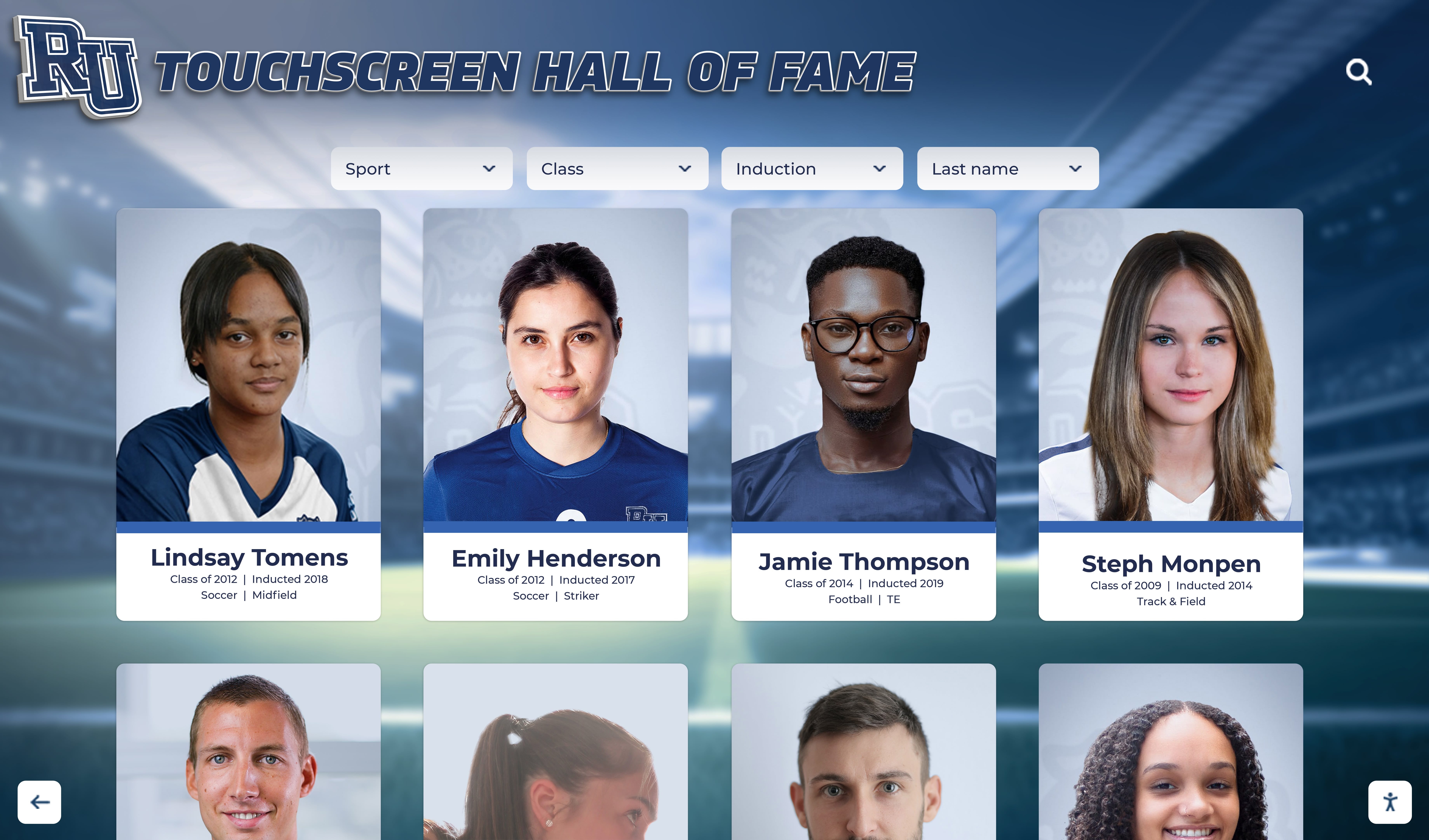
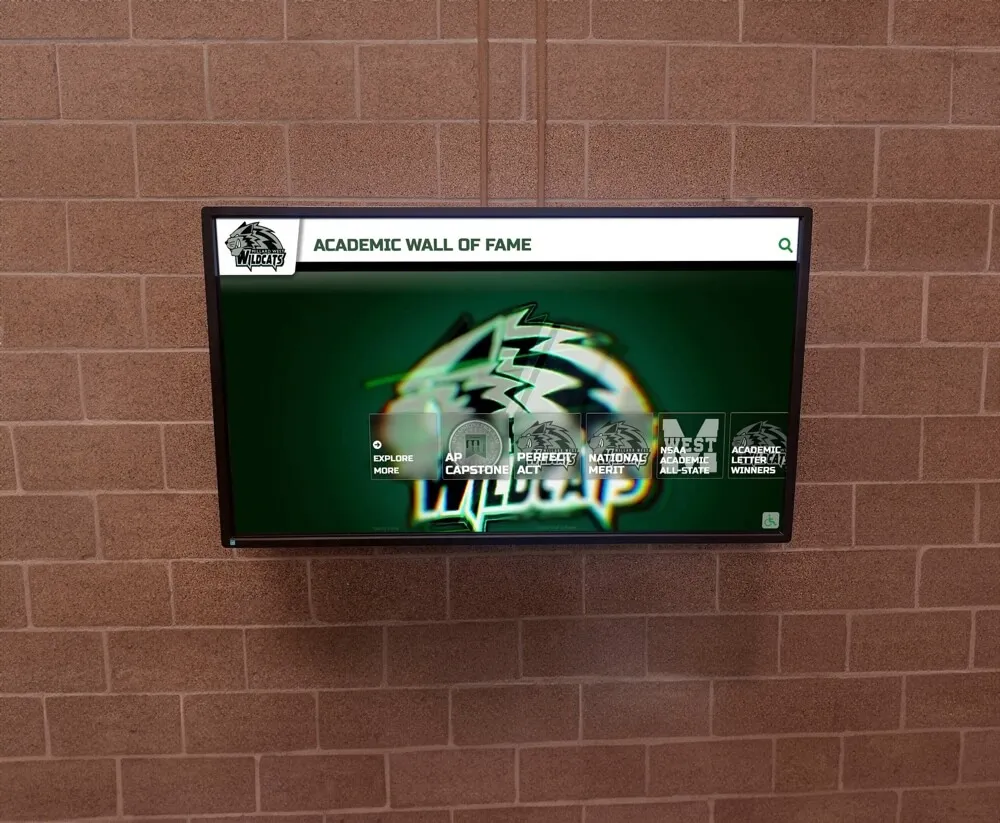
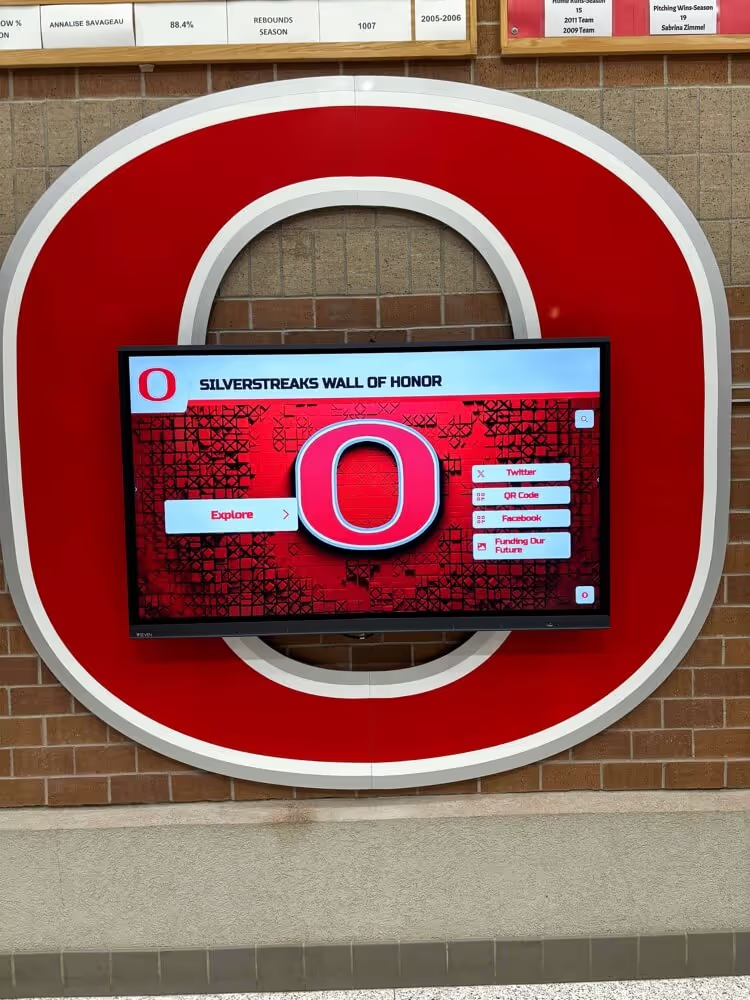
Card-based layouts enable consistent presentation across diverse inductees while supporting rich individual profiles
Academic Recognition Layouts
Academic achievement recognition requires different organizational approaches than athletic displays:
Department and Subject Area Organization
- Navigation by academic discipline
- Specialized recognition categories (science fair winners, math competition champions, National Merit Scholars)
- Cross-curricular achievement highlighting multi-talented students
- Faculty recognition integrated with student achievement
- Research and project showcase sections
Achievement Type Frameworks
- Scholarship recipients in dedicated sections
- Honor society members with induction year organization
- Academic competition winners grouped by competition type
- Valedictorians and salutatorians with historical timelines
- Special academic program participants (AP scholars, dual enrollment students)
Graduating Class Recognition
- Class-based navigation showing top academic performers
- Individual achievement accumulations within class context
- College acceptances and scholarship totals
- Class academic statistics and milestones
- Distinguished graduate sections highlighting post-graduation achievements
Schools often combine these approaches, creating primary navigation by achievement type with secondary filters enabling multiple exploration paths.
Multi-Purpose Recognition Layouts
Many schools create comprehensive recognition systems celebrating diverse achievements:
Category-Based Navigation
- High-level categories (athletics, academics, arts, service, leadership)
- Visual icons establishing clear category identities
- Category-specific design treatments reflecting achievement types
- Cross-category search finding multi-talented individuals
- Featured achiever sections highlighting diverse accomplishments
Unified Database with Smart Filtering
- Single searchable repository of all recognized individuals
- Dynamic filtering by achievement type, year, category, demographic
- Saved search capabilities for recurring queries
- Related achiever suggestions encouraging exploration
- Tag-based organization enabling flexible categorization
Featured Content Rotating Displays
- Curated highlight sections featuring current priorities
- Seasonal content emphasizing timely achievements
- Anniversary celebrations showcasing historical milestones
- New inductee spotlights maintaining fresh content
- Theme-based collections (pioneering women, first-generation college students, community impact leaders)
For additional layout inspiration, explore these wall of fame ideas for designing inspiring recognition displays.
Essential Features for Engaging Digital Recognition
Feature selection should align with recognition goals and available content rather than simply maximizing technical capabilities.
Core Interactive Features
Certain features prove nearly universal in effective digital walls of fame:
Robust Search Functionality
- Full-text search across all content fields
- Auto-complete suggestions during typing
- Search result previews before selection
- Search history for returning visitors
- Voice search for accessibility enhancement
Search represents the primary access path for visitors seeking specific individuals, making search quality foundational to user experience.
Multi-Dimensional Filtering
- Filter by year, category, achievement type, sport, department
- Combined filters enabling precise queries
- Visual filter feedback showing active selections
- Filter persistence during navigation
- “Clear all filters” reset options
Filtering transforms large databases into manageable subsets, enabling discovery and pattern recognition impossible with linear browsing.
Rich Media Integration
- Photo galleries showing career highlights and historical images
- Video content including highlight reels, interviews, and ceremony footage
- Audio clips preserving speeches and oral histories
- Document embedding (newspaper articles, programs, certificates)
- Social media integration showing current connections
The most impactful digital recognition uses multimedia to tell complete stories rather than simply listing achievements.
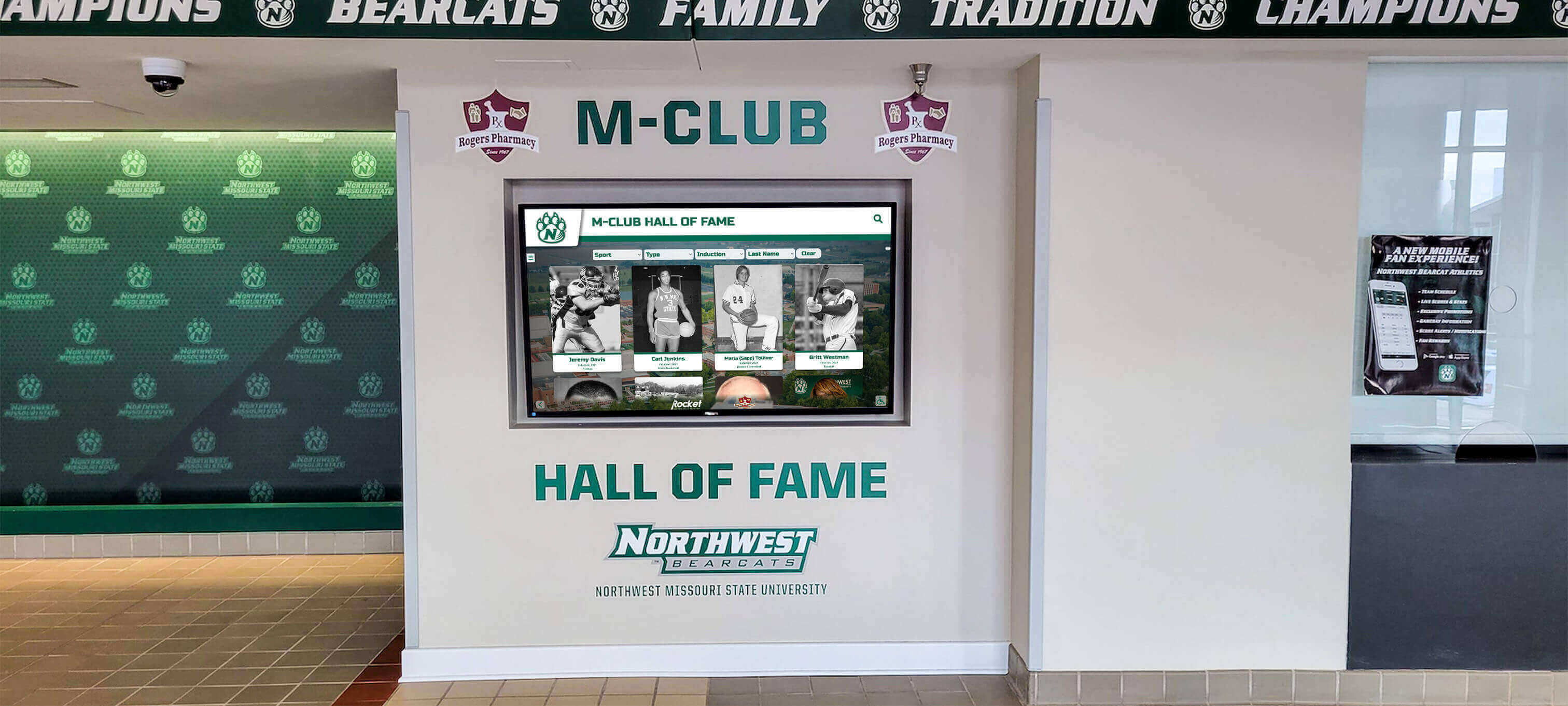
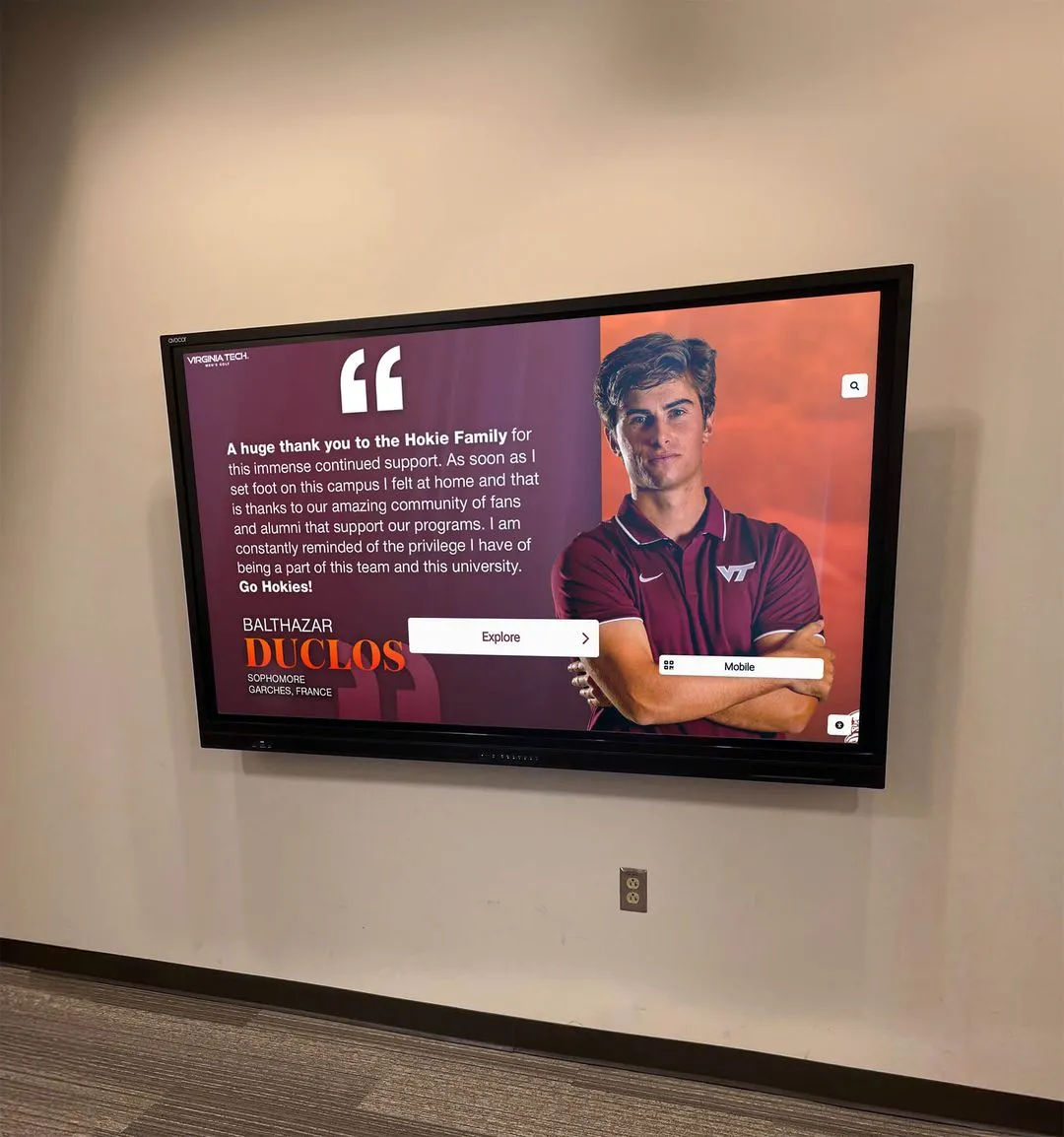
Comprehensive inductee profiles combine biographical information, achievement details, statistics, and multimedia content
Advanced Engagement Features
Beyond core functionality, additional features can enhance engagement for specific use cases:
Interactive Timeline Navigation
- Visual timeline showing program history
- Decade-based browsing enabling historical exploration
- Event markers highlighting championships and milestones
- Parallel timelines comparing program evolution with world events
- Zoom functionality for detailed year examination
Timelines prove particularly effective for institutions celebrating centennials or significant anniversaries, creating historical context for current achievements.
Relationship Mapping and Connections
- Family legacy visualization showing multi-generational inductees
- Teammate connections linking athletes from same teams
- Coach-athlete relationships preserving mentorship histories
- Peer connections showing contemporary achievers
- Influence networks tracking who inspired whom
Connection features transform individual profiles into rich networks, revealing institutional continuity and relationship patterns.
Statistical Leaderboards and Records
- All-time program records with historical context
- Season and career statistical leaders
- Record progression showing how marks evolved
- Active record comparison against current athletes
- Statistical visualization making numbers accessible
For athletic recognition, statistics often carry significant meaning, and dedicated statistical features satisfy detail-oriented visitors.
Custom Tour and Playlist Creation
- Curated tours highlighting specific themes or achievements
- Staff-created playlists for orientations and events
- User-generated collections (favorite athletes, inspiring stories)
- Shareable tour links for remote access
- Scheduled automatic playlists for special occasions
Tours enable guided experiences while preserving freedom for independent exploration.
See how schools measure engagement in this guide to measuring digital hall of fame success.
Accessibility and Inclusion Features
Universal design ensures recognition reaches all community members:
ADA Compliance Features
- Screen reader compatibility for visual impairments
- Adjustable text sizing for readability needs
- High contrast modes for vision difficulties
- Keyboard navigation alternatives to touch
- Alternative text for all images and multimedia
- Closed captioning for video content
Multilingual Support
- Interface translation for non-English speakers
- Content translation for biographical information
- Language switcher prominent in navigation
- Culturally appropriate imagery and terminology
- Bilingual content entry for diverse communities
Physical Accessibility Considerations
- Touch screen height appropriate for wheelchair users
- Screen angle accommodating various viewing positions
- Reach zone analysis ensuring all interactive elements accessible
- Audio output options for content consumption
- Companion web access for those who cannot approach physical display
Schools serving diverse populations should prioritize accessibility from initial design rather than retrofitting later.
Learn more about interactive board suggestions and accessibility.
Content Planning Strategies for Sustainable Recognition
Even exceptional design fails without compelling content, making content planning as critical as visual design.
Initial Content Development Approaches
Schools face significant content creation challenges when launching digital recognition systems:
Phased Content Migration Strategies
- Start with recent inductees where information availability is highest
- Gradually expand historical coverage as resources permit
- Prioritize high-profile achievers generating most visitor interest
- Create minimum viable profiles ensuring consistent coverage
- Enhance profiles progressively as additional materials surface
Attempting complete historical coverage before launch often delays projects indefinitely, while phased approaches enable earlier deployment with continuous improvement.
Minimum Viable Profile Standards
- Essential fields (name, achievement, year, photo)
- Nice-to-have fields (biography, statistics, quotes, additional images)
- Aspirational fields (video, detailed statistics, career outcomes)
- Consistency requirements ensuring all profiles meet minimum standards
- Enhancement processes for deepening content over time
Establishing tiered standards prevents the pursuit of perfect profiles from blocking good profiles from publication.
Content Sourcing and Collection
- Yearbook research for historical photos and information
- Newspaper archive searches for contemporary coverage
- Alumni interviews capturing personal narratives
- Family contributions providing photos and stories
- Athletic department records supplying statistics and rosters
- Institutional archives preserving official documentation
Successful content development combines professional research with community contribution, as alumni and families often possess materials unavailable in official archives.
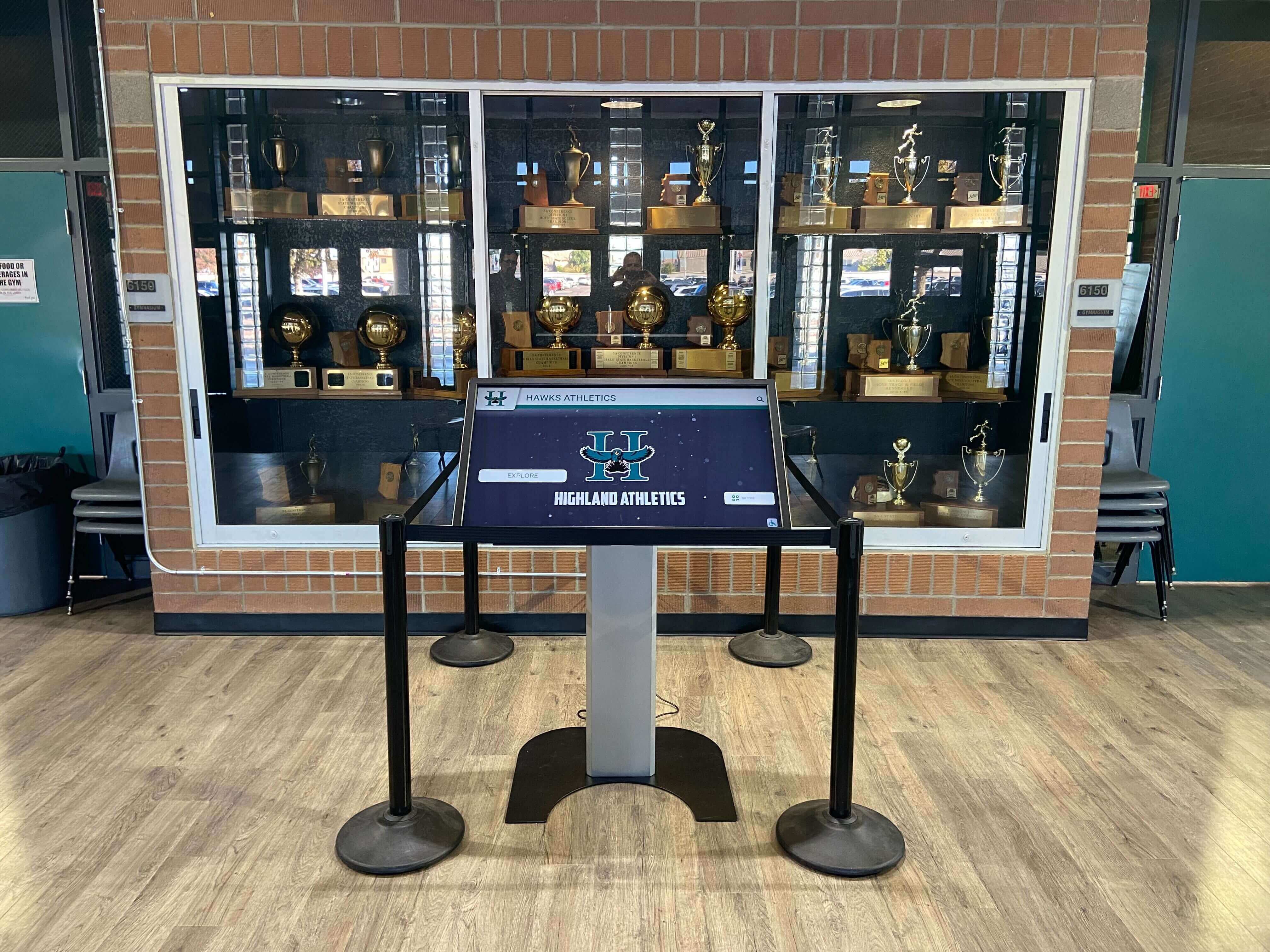
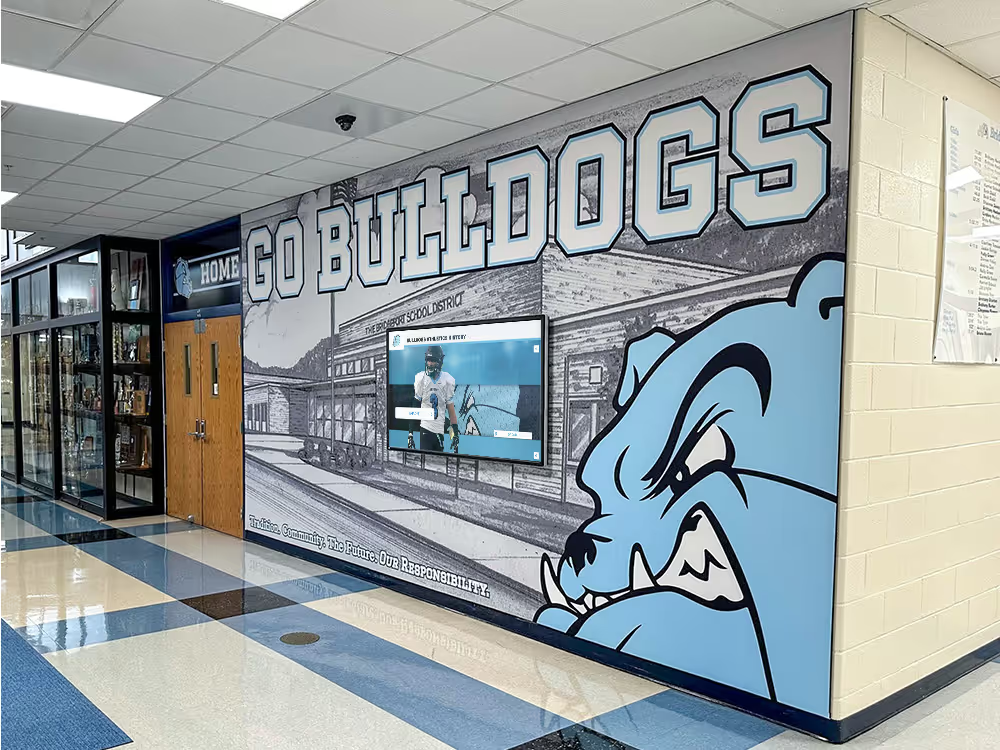
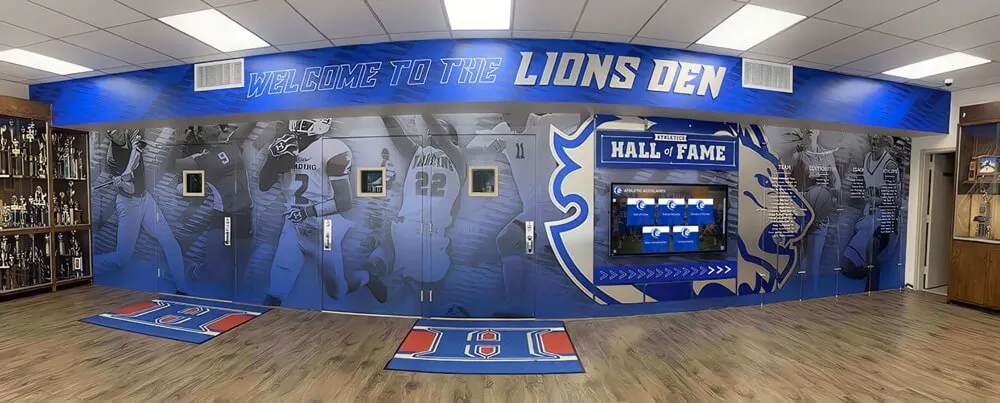
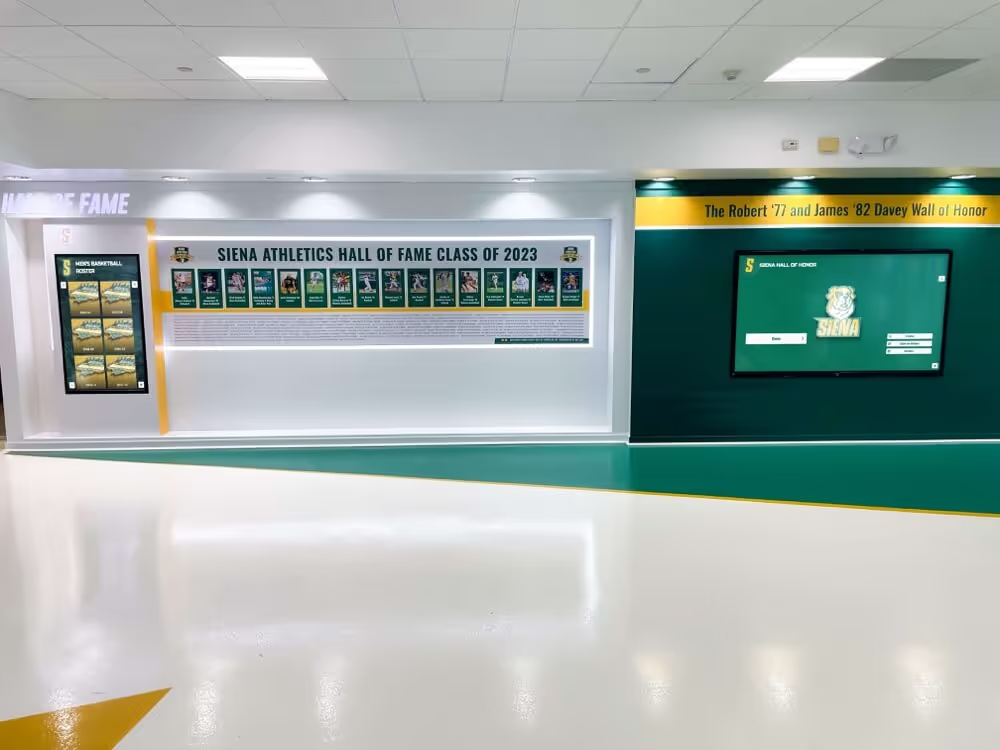
Digital displays complement rather than replace physical trophy cases, combining traditional elements with modern storytelling
Ongoing Content Management
Launch represents the beginning, not culmination, of content work:
Annual Update Cycles
- Post-induction content addition workflows
- Senior athlete profile creation processes
- Graduating class academic achievement updates
- Statistical record verification and updates
- Historical content enhancement projects
Content Quality Improvement
- Regular photo replacement upgrading low-quality images
- Biography expansion adding newly discovered information
- Broken link repair maintaining external references
- Consistency audits ensuring formatting standards
- Outdated information correction (changed names, updated achievements)
Content Organization Standards
Consistency dramatically improves user experience:
Biographical Information Templates
- Standardized field structure across all profiles
- Consistent tense and voice in biographical writing
- Uniform citation formats for sourced information
- Name formatting standards (nicknames, maiden names, suffixes)
- Achievement description conventions
Multimedia Content Guidelines
- Image resolution and dimension requirements
- Photo cropping and composition standards
- Video length and format specifications
- Audio quality and file type requirements
- File naming conventions enabling asset management
Metadata and Tagging Practices
- Controlled vocabulary for tags and categories
- Hierarchical tagging enabling broad and narrow searches
- Cross-reference standards linking related individuals
- Date formatting consistency
- Geographic reference standards (city, state, country)
Well-structured metadata transforms content from individual profiles into queryable databases supporting advanced discovery features.
Community-Contributed Content Approaches
Many successful digital recognition programs incorporate community contributions:
Alumni Self-Service Updates
- Claim profile systems linking alumni to their profiles
- Update request forms for biographical corrections
- Photo submission portals for image contributions
- Post-graduation achievement reporting (careers, continued education, honors)
- Privacy controls governing what information displays publicly
Family and Friend Contributions
- Tribute and memory submission forms
- Historical photo donation workflows
- Oral history recording initiatives
- Fundraising tie-ins (contribute content, sponsor enhanced profiles)
- Legacy story collection for multi-generational families
Moderation and Quality Control
- Review workflows for submitted content
- Accuracy verification processes
- Inappropriate content screening
- Rights and permissions confirmation
- Professional editing maintaining voice consistency
Community contribution expands content depth while creating ongoing engagement, though it requires moderation infrastructure ensuring quality and appropriateness.
Explore related strategies in this nonprofit donor recognition complete guide.
Design Best Practices from Successful Implementations
Learning from established digital recognition programs helps schools avoid common pitfalls while incorporating proven approaches.
Visual Design Excellence
Schools with highly-regarded digital recognition consistently demonstrate certain design qualities:
Appropriate Formality and Gravitas
- Design sophistication matching recognition importance
- Reserved color palettes avoiding garish consumer aesthetics
- Classical typography conveying institutional permanence
- Tasteful animation and transition effects
- Professional photography and imaging standards
The visual treatment should signal “this matters” rather than “this is trendy,” as recognition displays outlast design trends.
Brand Consistency Throughout
- School colors integrated thoughtfully rather than overwhelmingly
- Logo and identity standards applied consistently
- Typography matching institutional communications
- Imagery style aligning with school visual identity
- Voice and tone consistent with official communications
Digital recognition represents the institution, making brand consistency essential for professional presentation.
Mobile and Responsive Companion Experiences
- Web-based access extending beyond physical displays
- Responsive design serving phones, tablets, computers
- Touch-optimized navigation for mobile devices
- Social sharing enabling community celebration
- QR code integration bridging physical and digital access
Physical touchscreens serve on-site visitors, while companion web experiences serve alumni, families, and remote community members.
Navigation and Interaction Design
Effective interaction design makes exploration intuitive and rewarding:
Progressive Disclosure Preventing Overwhelm
- Clean home screens establishing clear entry points
- Summary views before detailed profiles
- Expandable sections revealing additional information on demand
- Breadcrumb navigation showing current location
- Escape routes enabling quick return to starting points
Presenting everything simultaneously overwhelms users, while progressive disclosure enables depth without density.
Visible Affordances and Clear Calls-to-Action
- Buttons and interactive elements clearly identifiable
- Hover states (for web) and touch feedback (for kiosks) confirming interactivity
- Prominent search boxes inviting query entry
- Featured content areas drawing attention to highlights
- Instructional prompts for first-time users (“Touch to explore” messaging)
Users shouldn’t have to guess what’s interactive or hunt for navigation controls.
Forgiving Interactions and Easy Recovery
- Undo options for accidental selections
- Confirmation requests before major actions
- Generous touch targets reducing misclicks
- Timeout returns to home screen for kiosks
- Clear “back” and “home” navigation throughout
Frustrating interactions drive users away, while forgiving designs encourage exploration.
For practical examples, see these creative donor wall designs with inspiring ideas.
Content Presentation Best Practices
How content displays affects readability and engagement:
Hierarchical Typography Establishing Priorities
- Clear size and weight distinctions between headlines, subheads, and body text
- Generous line spacing preventing crowded appearance
- Limited font family variety (2-3 maximum)
- Sufficient contrast between text and backgrounds
- Appropriate sizing for reading distance
Strategic Multimedia Integration
- Images supporting rather than overwhelming text
- Video segments kept brief (60-90 seconds optimal)
- Auto-play video muted by default
- Thumbnail previews for image galleries
- Captions and context for all media
Scannable Content Layouts
- Bulleted achievement lists rather than dense paragraphs
- Highlight boxes for key statistics or quotes
- Clear section headers enabling quick scanning
- Consistent information positioning across profiles
- Visual rhythm through alternating text and image sections
Visitors often scan before reading, making content organization as important as content quality.
Budget Considerations and Design Tradeoffs
Understanding cost implications helps schools make informed design decisions aligned with available resources.
Design Decisions Affecting Budget
Certain design choices significantly impact project costs:
Screen Size and Quantity
- Larger displays (65-75 inches) cost significantly more than smaller options (43-55 inches)
- Multiple smaller displays may cost less than single large display while increasing visibility
- Ultra-high brightness screens for challenging lighting cost 30-50% more than standard brightness
- Commercial-grade displays outlast consumer options despite higher initial cost
Custom Design vs. Template Approaches
- Fully custom interface design represents largest design cost
- Template-based systems with customization options reduce design expenses
- Hybrid approaches (custom home screen, template profiles) balance uniqueness and cost
- Design complexity directly correlates with development time and cost
Content Development Scope
- Professional photography and videography costs scale with inductee count
- Content research and writing represents substantial ongoing expense
- Alumni interview programs require travel and production budgets
- Historical digitization projects involve archive access and scanning costs
- Content moderation for community contributions requires staff time
Feature Complexity and Custom Development
- Standard features (search, filter, profiles) available in off-the-shelf solutions
- Custom features require development work increasing project cost
- Integration with existing systems (alumni databases, content management) adds complexity
- Ongoing maintenance costs for custom code exceed template solutions
Cost-Effective Design Strategies
Schools can achieve impressive results through strategic resource allocation:
Phased Feature Implementation
- Launch with core features (profiles, search, basic navigation)
- Add advanced features (timelines, relationship mapping) in subsequent phases
- Allow time for user feedback before investing in additional features
- Demonstrate value justifying budget for enhancements
Template Customization Approaches
- Select template systems offering extensive customization
- Prioritize customization budget on home screen and main navigation
- Accept template designs for profile pages where consistency matters more than uniqueness
- Use school branding (colors, logos, fonts) to personalize template designs
Strategic Content Investments
- Prioritize recent inductees for professional photography
- Accept yearbook photos for historical inductees initially
- Create minimal profiles universally, enhance selectively
- Focus video production on most impactful subjects
- Leverage community contributions for historical content
Open-Source and Standard Solutions
- Investigate open-source content management systems
- Utilize standard web technologies reducing vendor lock-in
- Prefer solutions with active user communities providing support
- Choose platforms with existing plugins and extensions
Schools should view digital recognition as long-term investments rather than one-time projects, planning budgets that support both initial development and ongoing enhancement.
Review additional implementation ideas in this guide to display case ideas for schools.
Implementation Planning and Project Management
Successful digital wall of fame projects require careful planning beyond design and content decisions.
Project Timeline Development
Realistic timelines prevent rushed implementations compromising quality:
Planning and Design Phase (6-10 weeks)
- Stakeholder interviews and requirements gathering
- Content inventory and migration planning
- Design concept development and review
- Feature prioritization and scope finalization
- Vendor selection or platform evaluation
Content Development Phase (8-16 weeks)
- Content collection and research
- Photography and videography
- Writing and editing
- Quality review and approvals
- Content management system population
Technical Implementation Phase (4-8 weeks)
- Hardware procurement and installation
- Software configuration and customization
- Content integration and testing
- User acceptance testing
- Staff training and documentation
Launch and Refinement Phase (4-6 weeks)
- Soft launch with limited audience
- Feedback collection and analysis
- Refinement based on user testing
- Marketing and communications preparation
- Official launch event and promotion
Projects typically span 6-9 months from initiation to launch, with ongoing enhancement continuing indefinitely.
Stakeholder Engagement Strategies
Digital recognition affects multiple constituencies requiring engagement:
Internal Stakeholders
- Athletic directors for sports-related recognition
- Development officers for donor integration
- Communications teams for branding alignment
- IT departments for technical infrastructure
- Facilities managers for installation coordination
- Historical societies and archives for content access
External Stakeholders
- Alumni associations representing inductee interests
- Booster clubs and support organizations
- Inductee families contributing content and feedback
- Community members providing historical knowledge
- Donors funding project (if applicable)
Regular stakeholder updates, feedback sessions, and preview opportunities build support while incorporating diverse perspectives improving final results.
Success Metrics and Evaluation
Defining success criteria enables post-launch assessment:
Engagement Metrics
- Interaction frequency and duration
- Search query analysis revealing user interests
- Most-viewed profiles and content
- Feature utilization rates
- Return visitor frequency
Content Metrics
- Profile completion rates
- Multimedia content coverage
- Community contribution volumes
- Content accuracy and quality scores
- Update frequency tracking
Satisfaction Measures
- User surveys and feedback collection
- Stakeholder satisfaction assessments
- Inductee and family responses
- Informal observation of visitor behavior
- Media coverage and community response
Institutional Impact
- Fundraising attribution for donor recognition
- Alumni engagement correlation
- Prospective student and family feedback
- School pride and spirit indicators
- Benchmark comparisons with peer institutions
Regular evaluation informs continuous improvement while documenting return on investment justifying ongoing support.
Bringing Your Vision to Life
Designing exceptional digital recognition requires balancing technical capabilities with human needs, honoring tradition while embracing innovation, and creating systems that serve current requirements while remaining adaptable for future evolution.
The most successful digital walls of fame share common characteristics: they tell compelling stories about real achievements, they make exploration intuitive and rewarding, they reflect institutional identity and values, and they create experiences that honor both those recognized and those seeking inspiration from their examples.
Starting with clear recognition goals, engaging stakeholders throughout the process, investing appropriately in design and content, and planning for continuous enhancement positions schools to create digital recognition displays that celebrate achievement with the dignity, accessibility, and richness it deserves.
Whether you’re planning your first digital recognition display or enhancing an existing installation, the principles, strategies, and examples explored in this guide provide frameworks for making informed decisions that balance vision, resources, and institutional needs.
Ready to transform your school’s recognition approach with professionally designed digital displays? Rocket Alumni Solutions creates custom digital walls of fame combining elegant design, intuitive interaction, and comprehensive content management—purpose-built for schools, universities, and organizations celebrating achievement. Explore how our turnkey solutions eliminate the complexity of digital recognition while delivering results that inspire your community.
Live Example: Rocket Alumni Solutions Touchscreen Display
Interact with a live example (16:9 scaled 1920x1080 display). All content is automatically responsive to all screen sizes and orientations.