Hall of Fame Broken Link Audit: Keep Inductee Profiles, Media, and Sources Reachable
- Home /
- Digital Wall of Fame Blog - Recognition Display Insights & Resources /
- Hall of Fame Broken Link Audit: Keep Inductee Profiles, Media, and Sources Reachable
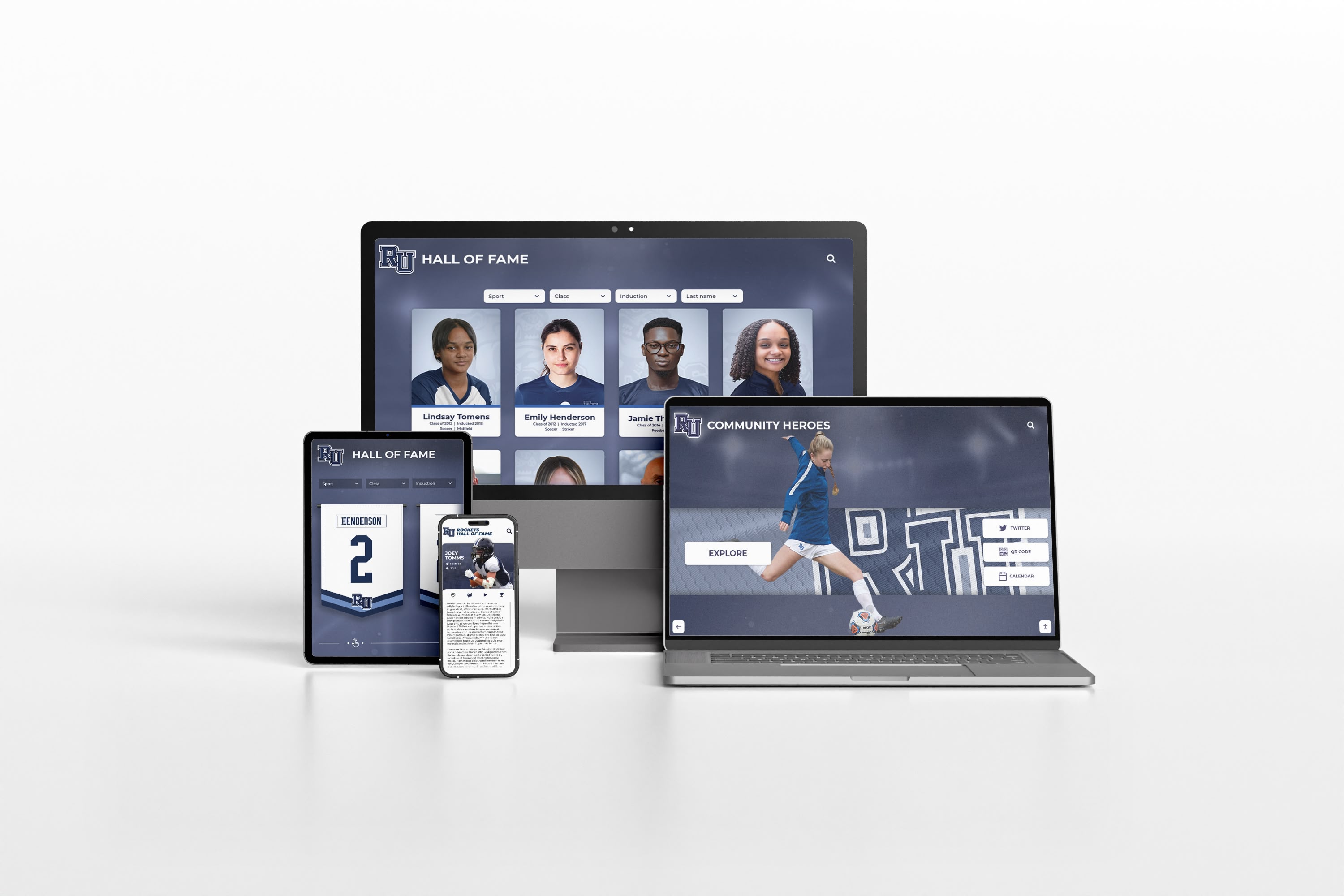
The Easiest Touchscreen Solution




Live Example: Rocket Alumni Solutions Touchscreen Display
Interact with a live example (16:9 scaled 1920x1080 display). All content is automatically responsive to all screen sizes and orientations.
A hall of fame broken link audit is a scheduled review that identifies every hyperlink in your recognition program’s digital presence—inductee profile pages, embedded media, citation sources, and archive references—and confirms each one still resolves to live content. Broken links erode credibility quietly: a video tribute that returns a 404 error, a newspaper citation that now leads to a paywall redirect, or a profile that loads as a blank page all tell visitors that the program is unmaintained. Running a systematic audit once or twice a year, and acting on what you find, keeps the public record of achievement accurate and accessible to alumni, recruits, families, and the broader school community.
Every recognition program accumulates links over time. Inductee profiles reference news articles that get moved or deleted. Embedded video tributes migrate platforms. Archive databases restructure their URLs. Without periodic review, a hall of fame that looked polished at launch gradually fills with silent failures that undermine the experience of every visitor who tries to explore it.

A hall of fame broken link audit ensures that every profile, citation, and media reference resolves correctly across all devices and access points
Why Broken Links Damage Hall of Fame Programs
A broken link in a standard website is a minor inconvenience. In a hall of fame context, it carries more weight because the content is about real people and permanent achievements.
Credibility loss. When an inductee’s profile links to a missing page, visitors may conclude the program is neglected. Alumni who search for a teammate’s recognition and find errors are unlikely to share or promote the program.
Archival failure. Many hall of fame profiles include citations: local newspaper articles announcing inductions, video features recorded by the school media department, scanned plaques stored on a document server. When those links break, the supporting evidence for a recognition disappears from public view even though it may still exist somewhere in an archive.
Search visibility. Search engines demote pages with a high density of broken outbound links. If your hall of fame site links repeatedly to dead resources, those profile pages are less likely to surface when an inductee’s name is searched.
Media and video gaps. Video tributes and photo galleries are often hosted on third-party platforms. When those platforms change embed formats, restructure URLs, or remove content, the embedded media silently disappears from the profile page without any visible error message.
Schools that invest in all-state recognition and digital display programs understand that a display is only as valuable as the content behind it. A broken link to supporting media undercuts the entire recognition experience for every visitor who tries to go deeper.
Step-by-Step Hall of Fame Broken Link Audit
The following eight-step workflow is designed for one or two administrators to complete once or twice per year. Each step builds on the previous one, moving from discovery through repair to verified completion.
Step 1: Map Every URL Type in Your Recognition Program
Before running any tool, create a written inventory of the link categories present in your program. Common categories include:
- Inductee profile pages (internal URLs within your site)
- Biographical citations (external newspaper or magazine articles)
- Video tributes (embedded YouTube, Vimeo, or school media server links)
- Photographic archives (links to image galleries hosted separately)
- Award source pages (links to association or governing body records)
- Social or broadcast media (links to game broadcasts, alumni features, or podcast episodes)
- PDF documents (scanned plaques, original induction programs, nomination letters)
Knowing which categories exist helps you interpret audit results correctly. A broken link to a newspaper article requires a different repair approach than a broken embedded video.
Step 2: Export or Crawl All URLs
Pull a complete list of URLs from your site using one of three methods:
- Site crawler tool: A crawl tool visits every page on your site and records all outbound links. This is the most thorough method.
- CMS export: Many content management systems allow administrators to export a spreadsheet of all content entries with their associated link fields. This is faster but may miss dynamically generated links.
- Manual spreadsheet: For smaller programs with fewer than 100 profile pages, a manually maintained link log reviewed at the start of each audit cycle may be sufficient.
Whichever method you use, the output should be a list of URLs mapped to the page on which each link appears.
Step 3: Check Every Link for HTTP Status
With your URL list in hand, run each link through a status check. HTTP status codes tell you the condition of each link:
| HTTP Status | Meaning | Action Required |
|---|---|---|
| 200 OK | Link resolves correctly | None—verify content is still accurate |
| 301/302 Redirect | URL has moved | Update your link to the final destination URL |
| 403 Forbidden | Page exists but access is blocked | Note as a paywall or restricted source; update the profile text |
| 404 Not Found | Page no longer exists | Archive search, content removal, or replacement needed |
| 410 Gone | Page permanently removed | Same as 404; no automatic recovery expected |
| 500/503 Server Error | Temporary server issue | Recheck after 24–48 hours before taking action |
| SSL Error / Timeout | Certificate problem or unreachable server | Treat similarly to 404 for triage purposes |
For programs with hundreds of links, a free or low-cost broken link checker tool can automate status checks and produce a report sorted by error type. Most tools output a spreadsheet that maps each broken URL back to the page it was found on.
Step 4: Categorize Findings by Priority
Not all broken links require the same urgency. Sort your results before acting:
| Priority | Criteria | Example |
|---|---|---|
| High | Link is on an active inductee profile page; failure is directly visible to visitors | Profile biography citation returning 404 |
| High | Embedded media on an active profile returns no content | Video tribute embed no longer loading |
| Medium | Link is on a listing or category page rather than an individual profile | Sport category page linking to an archived article |
| Medium | Redirect chain is long (three or more hops) but ultimately resolves | Old URL structure redirecting through multiple former domains |
| Low | Link is on an older announcement or secondary resource page | Induction ceremony announcement linking to a defunct local news story |
Prioritize high-priority fixes in the same week you complete the audit. Medium and low priorities can be batched for a scheduled maintenance window.
Step 5: Search for Archived Versions of Lost Content
Before removing or replacing a broken citation, search for archived versions. This preserves the evidentiary chain supporting the inductee’s recognition.
Common archival sources:
- Internet Archive Wayback Machine: Captures snapshots of web pages over time. Search by original URL to see whether a cached version exists.
- Google Cache: For recently broken links, a cached version may still be available for a short window.
- Library newspaper archives: Many local newspaper articles are indexed in public library databases. A librarian can often locate the original article in print or digital archive form.
- School media archives: Video features produced by the school’s own media team may have copies stored on a local drive or school media server even when the online link has broken.
If an archived version exists, update the link to point to the archive URL, or add a note in the profile indicating the original source and where the archived copy can be found.
Step 6: Repair or Replace Each Broken Link
With archived versions identified where possible, execute repairs by link type:
For biographical citations:
- Replace the broken URL with the archived URL if one is available.
- If no archive exists, update the profile text to describe the source—publication name, approximate date, headline—without a live link, so the reference remains verifiable on request.
- If the article has moved to a new URL, update directly to the redirect destination.
For embedded video:
- Check whether the video still exists on the original platform at a different URL.
- If the video is gone from the platform, check whether the school holds a local copy.
- If no copy exists, remove the broken embed and update the profile text to note that video coverage was recorded during the induction period.
For PDF documents:
- Re-upload the PDF to your current hosting environment if you hold the original file.
- If the document is no longer available, note its existence in the profile text and mark it as archived or unavailable.
For award source pages:
- Many governing bodies and associations periodically restructure their websites. Contact the association directly to obtain the current URL for an archived record.
Alumni recognition programs benefit from accessible, permanent records—the same principle applies to the source links that support those records. A citation with a live link is more compelling to a visitor than a text description alone.
Step 7: Document All Changes
For each broken link repaired or removed, maintain a repair log:
| Field | What to Record |
|---|---|
| Page URL | Which profile or page contained the broken link |
| Original URL | The broken link as it appeared before the fix |
| Error type | HTTP status or error observed |
| Action taken | Updated URL / link removed / archived source noted |
| Date of repair | When the fix was completed |
| Staff member | Who performed the repair |
This log is useful for tracking recurring failure patterns—for example, a specific news domain that frequently removes older articles—and for responding to any inductee or family questions about citation accuracy.
Step 8: Verify and Schedule the Next Audit
After completing repairs, rerun the link checker on the affected pages to confirm fixes resolved correctly. Then set a calendar reminder for the next audit cycle. A twice-yearly schedule—one pass in September at the start of the academic year, one pass in January after winter inductions—catches most link failures before they accumulate into a major maintenance project.
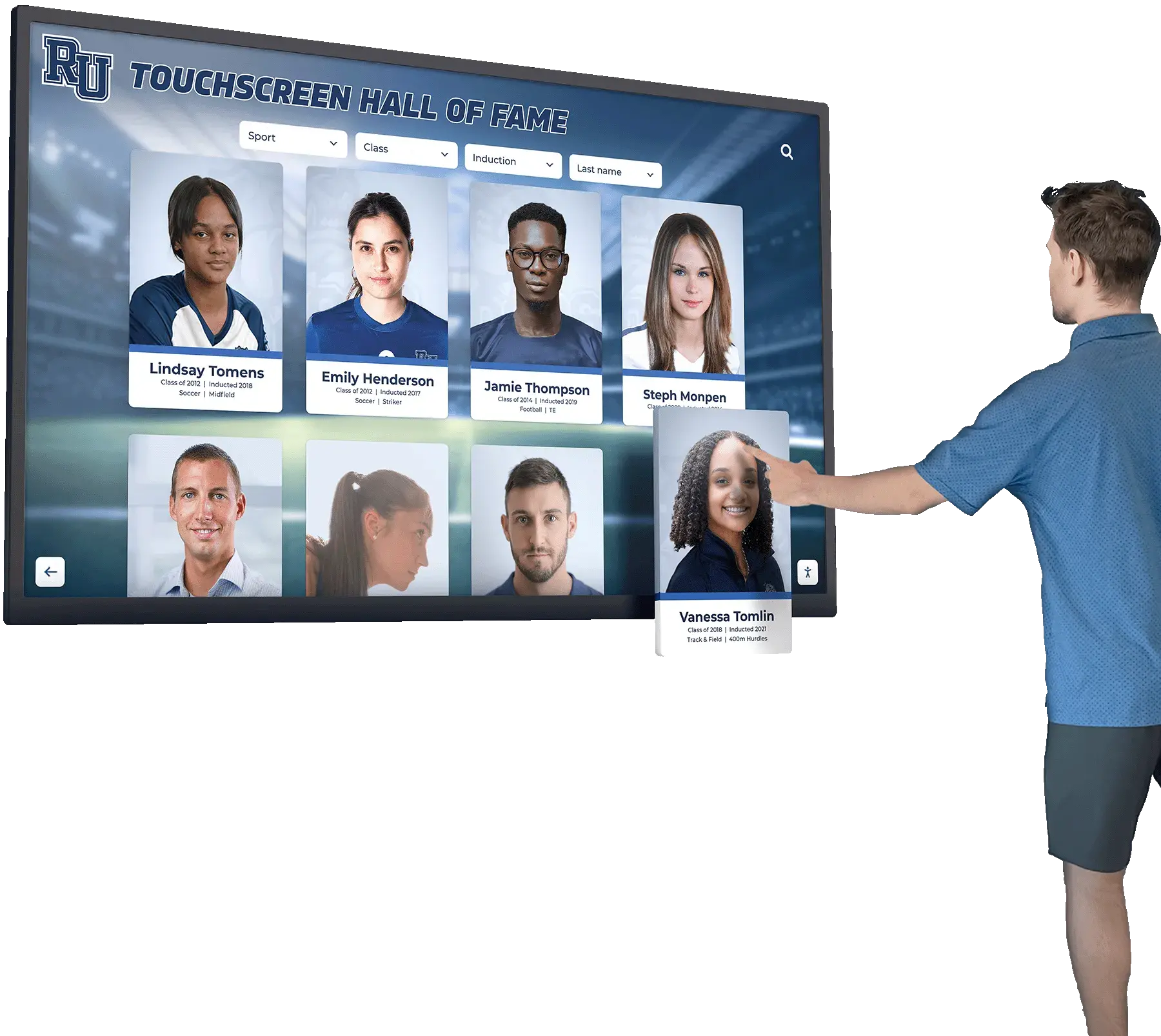
A well-maintained digital hall of fame ensures every inductee profile loads completely with all citations, media, and source links intact
Four Categories of Links That Break Most Often
School recognition programs share predictable link failure patterns. Knowing which categories break most often lets you prioritize preventive maintenance alongside reactive repairs.
1. Local Newspaper Citation Links
Local news sites archive and restructure content frequently. When a paper redesigns its site or transfers to a new ownership group, historical article URLs typically break en masse. These are among the most common broken links in athletic hall of fame profiles because sports coverage of local teams is heavily cited in inductee biographies.
Preventive measure: When adding a newspaper citation, save the article text to your own records (in compliance with copyright guidelines) and note the full citation—publication, date, author, headline. This allows the reference to be described accurately even after the link fails.
2. Embedded Video from Third-Party Platforms
Video tributes, ceremony recordings, and sports highlight reels embedded from external platforms can break when: the uploading account is deleted, the platform changes its embed URL format, or the video is made private. Schools that embed video from personal accounts on public platforms are most vulnerable. For touchscreen recognition displays that anchor school history spaces, self-hosted video eliminates one of the most common failure points in long-term content maintenance.
Preventive measure: Host video directly on your school’s media server or a content delivery network your institution controls. Avoid embedding from personal accounts on public platforms.
3. PDF Documents Stored on Institutional Servers
Scanned nomination letters, original induction program booklets, and official plaque documentation are often stored as PDFs on school or district servers. When server infrastructure is updated or migrated, file paths and folder structures change—and PDF links break without any redirect.
Preventive measure: Store PDFs in your primary content management system rather than a standalone file server. This ties document URLs to your CMS’s URL management, so restructuring events generate or require explicit redirect handling.
4. Association and Governing Body Reference Pages
Many inductee profiles cite the athlete’s official participation record with a state athletic association, college governing body, or national organization. These organizations restructure their member record databases and statistical archives periodically. Links to specific athlete or team records are particularly vulnerable.
Preventive measure: Record the citation as text—organization name, record type, athlete name, year—in addition to the URL. A text citation remains useful to visitors even when a link fails.
Evaluating the best touchscreen hall of fame platforms includes considering whether the system provides structured fields for citation metadata, precisely because link-only citations are fragile over time.
A Practical Audit Schedule for School Programs
| Audit Cycle | Timing | Scope |
|---|---|---|
| Full audit | September (start of academic year) | All profile pages, all link categories, all media embeds |
| Post-induction check | Within 30 days of each induction ceremony | New profiles added during the cycle only |
| Mid-year spot check | January | High-priority profiles (most recently inducted, most-viewed) |
| Migration audit | Immediately following any CMS or platform migration | All pages without exception |
The full annual audit typically takes two to four hours for programs with fewer than 200 profiles and a well-organized link log. Larger programs benefit from delegating the crawl and export steps to a school IT contact while the athletic director or archives administrator handles prioritization and repair decisions.
How a Digital Wall of Fame Reduces Broken Link Risk
Many broken link problems in hall of fame contexts trace back to the architecture of the recognition system: profiles are distributed across multiple platforms, documents are stored on servers not managed by the recognition program, and video is hosted on third-party accounts outside institutional control.
A purpose-built interactive digital wall of fame centralizes this content. Inductee profiles, biographical text, photographs, video, and supporting documents all live within a single cloud-based content management system. Administrators update content from one interface, and all media is stored on servers managed specifically for the recognition program.
This architecture does not eliminate the need for a broken link audit—external citation sources still change—but it dramatically reduces the number of links that can break due to internal infrastructure changes. When your institution migrates servers, updates software, or moves to a new CMS, profiles stored in a dedicated recognition platform are unaffected.
Learn more about Rocket Alumni Solutions’ Digital Wall of Fame platform to see how centralized cloud hosting protects content integrity and reduces the ongoing maintenance burden for school administrators.
Schools building out community showcase and recognition projects frequently discover that platform architecture decisions made at launch become the primary source of maintenance burden a few years later. A recognition platform designed for longevity builds URL stability, media hosting, and structured citation fields in from the start.
Digital hall of fame and sponsor recognition systems that integrate media hosting with profile management similarly eliminate the class of broken links that originate from distributed storage across unrelated systems—one of the most common sources of maintenance overhead in school recognition programs.
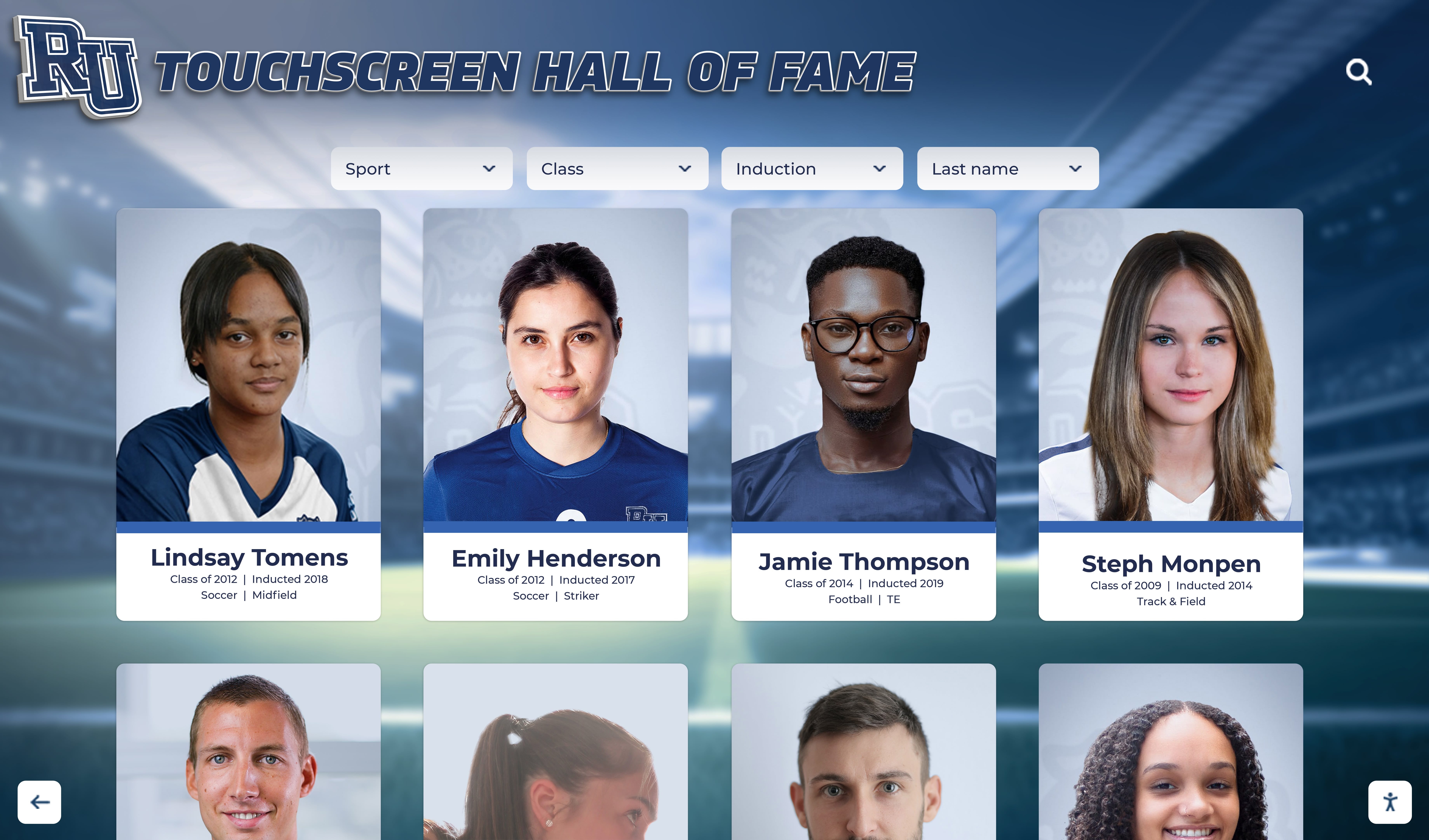
Centralized digital hall of fame platforms reduce broken link risk by hosting all media and profile content within a single managed environment
Frequently Asked Questions
Q: How often should a school run a hall of fame broken link audit?
A: Twice a year is a practical baseline for most programs—once at the start of the academic year and once mid-year. Programs that add many new profiles each cycle, or that rely heavily on external citation sources, benefit from a post-induction check within 30 days of each ceremony as well.
Q: What is the easiest way to find broken links on a hall of fame website?
A: A site crawler tool that exports all URLs and checks HTTP status codes is the most efficient method. Several free tools will crawl a site and generate a spreadsheet of broken links mapped to the pages where they appear. For smaller programs, a manually maintained link log reviewed annually can serve the same purpose.
Q: Should broken citation links be removed from inductee profiles entirely?
A: Not necessarily. A broken link to a newspaper article can be updated to reference the archived version (via Internet Archive or library newspaper databases) or replaced with a text citation that names the source, date, and headline without a live link. Removing the citation entirely erases evidence that contributed to the recognition decision. Where possible, preserve the reference in text form even when the live link is no longer available.
Q: How do embedded videos typically break on hall of fame profile pages?
A: The most common causes are: the uploader’s platform account is deleted, the video is made private by the account owner, or the platform changes its embed URL format. Schools that embed video from personal accounts on public platforms are most vulnerable. Hosting video on an institutional account or self-hosted media server reduces this risk significantly.
Q: Does fixing broken links improve search rankings for inductee profiles?
A: Removing broken outbound links is a standard technical SEO maintenance practice that prevents downward ranking signals. More directly, complete and accessible profiles—where all cited media and sources load correctly—signal to search engines that the content is maintained and trustworthy. For schools whose recognition program is part of their public identity, profile reachability matters for search visibility when an inductee’s name is queried.
Q: What should administrators do with a broken link they cannot repair?
A: Document the original link and its failure in the repair log. Update the profile text to name the source—publication, platform, organization—and approximate date without a live link. For media files the school may hold locally, upload a copy to the recognition platform’s own storage. For content that no longer exists anywhere, a text description of what was documented preserves the spirit of the citation for future visitors.
Q: Can a broken link audit be delegated to an IT team member?
A: The crawl and status-check steps can be completed by anyone with access to a link-checking tool—IT staff are well suited to that portion. The prioritization and repair decisions, however, require familiarity with the recognition program’s content and the significance of different sources. A practical division is for IT to provide the full broken link report, and for the athletic director or archives administrator to manage triage and repair decisions for inductee profiles.
Schools planning or upgrading their athletic recognition infrastructure consistently cite content maintenance burden as a deciding factor in platform selection. Purpose-built recognition platforms reduce that burden significantly compared to general-purpose CMS solutions with distributed media storage.
Running a systematic hall of fame broken link audit is one of the most direct ways to protect the public record of achievement your school has built over years of inductions. A broken profile, a missing tribute video, or a dead citation link are not just technical failures—they are gaps in the story of real people who earned recognition. A twice-yearly audit, a structured repair workflow, and a platform architecture designed for URL stability together ensure that every inductee’s profile remains complete and reachable for the alumni, families, and community members who come looking for it.
Keep Every Inductee Profile Complete and Reachable
Rocket Alumni Solutions' interactive touchscreen wall of fame centralizes inductee profiles, media, and documents in a cloud-based platform designed for long-term maintenance. Fewer broken links, one system to manage, and a recognition experience that stays current year after year.
Request Your Custom DemoLive Example: Rocket Alumni Solutions Touchscreen Display
Interact with a live example (16:9 scaled 1920x1080 display). All content is automatically responsive to all screen sizes and orientations.




























