Hall of Fame Canonical URL Policy: Prevent Duplicate Inductee Pages and Preserve Rankings
- Home /
- Digital Wall of Fame Blog - Recognition Display Insights & Resources /
- Hall of Fame Canonical URL Policy: Prevent Duplicate Inductee Pages and Preserve Rankings
The Easiest Touchscreen Solution




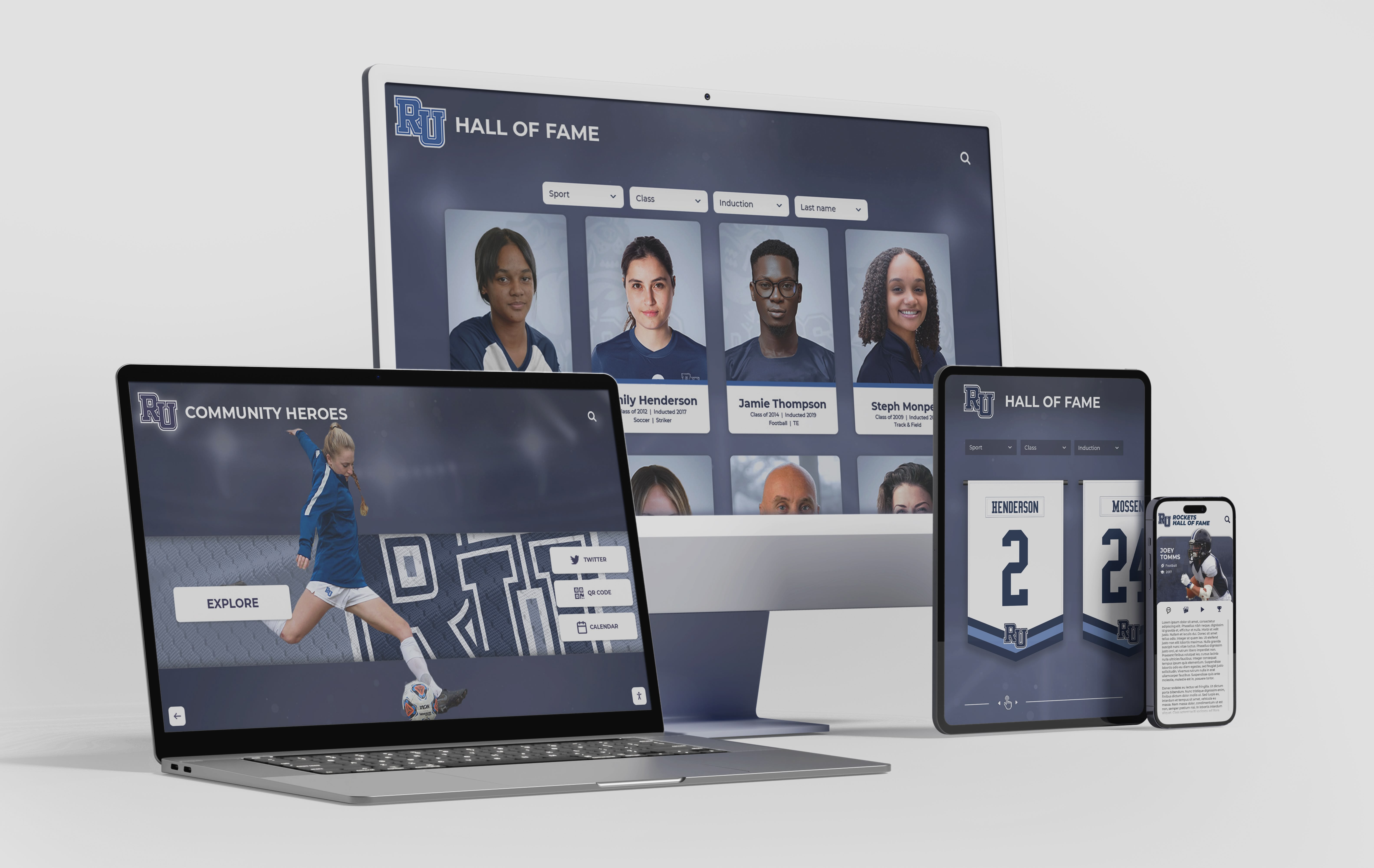
Live Example: Rocket Alumni Solutions Touchscreen Display
Interact with a live example (16:9 scaled 1920x1080 display). All content is automatically responsive to all screen sizes and orientations.
Intent: define. A hall of fame canonical URL policy is a written governance document that designates one authoritative web address for each inductee profile and prescribes how every other URL pointing to that profile should behave—through a redirect, a canonical tag, or both. Without this policy, a school’s digital hall of fame accumulates duplicate pages every time an inductee’s name changes, a sport is renamed, a platform migrates, or a CMS generates alternate URLs from query parameters. Each duplicate page dilutes the search signal that would otherwise flow to a single authoritative profile, reducing the visibility of the school’s recognition program in the searches that matter most to alumni, recruits, and the broader community.
A well-enforced canonical URL policy keeps every inductee profile findable by name, sport, year, and award—even across platform migrations, name corrections, and decades of program growth. It is the structural foundation that makes a touchscreen hall of fame display and its companion website work as a unified recognition system rather than a collection of disconnected pages.

A canonical URL policy ensures every inductee's profile resolves to a single authoritative address across all devices and all entry points—eliminating the duplicate page problem before it compounds
What a Canonical URL Is—and Why Hall of Fame Websites Are Unusually Vulnerable
A canonical URL is the version of a page that search engines treat as the primary source for indexing and ranking. When multiple URLs contain the same or substantially similar content, the rel="canonical" tag and HTTP 301 redirects tell search engines which URL to credit with authority, inbound links, and ranking signals.
Hall of fame websites face a higher-than-average risk of canonical drift because inductee profiles are subject to changes that most web content is not:
- Name changes: An inductee who graduated as Jane Smith and later becomes Jane Martinez may have profiles published under two different name-based URLs.
- Sport renames: A program that formerly listed “Girls Track” and now lists “Women’s Track & Field” may have rebuilt its sport category pages without redirecting the old URLs.
- Platform migrations: Moving from a static HTML site to a CMS, or from one CMS to another, routinely produces old URLs that remain indexed while new URLs are created for the same profiles.
- CMS-generated duplicates: Sorting, filtering, and pagination parameters appended by a CMS—
/inductees?year=2018&sort=alpha,/inductees/page/2,/print/profile/smith-jane—create additional URL variants that search engines may index as separate pages. - Category page overlap: An inductee who earned All-State recognition in two sports may appear on both sport category pages, each generating a separate URL for what is functionally the same profile.
None of these are caused by negligence. They are natural consequences of a recognition program growing and evolving over time. A canonical URL policy anticipates each of these scenarios and prescribes the correct response before it becomes a search rankings problem.
The Seven Components of a Hall of Fame Canonical URL Policy
A complete policy document addresses seven components. Each component below is described as a policy rule that a school administrator, IT coordinator, or CMS manager can implement without specialized SEO expertise.
1. URL Structure Standard
Define the canonical URL pattern for inductee profiles before any profiles are published, and enforce it consistently across every new induction class. The pattern should be predictable from the inductee’s name alone—not dependent on database IDs, session tokens, or category assignments that may change.
| Pattern Type | Example | Recommended? |
|---|---|---|
| Name-based slug | /hall-of-fame/jane-smith-martinez/ | Yes — human-readable and stable |
| Database ID | /inductees/id/4821/ | No — opaque; breaks if IDs change |
| Year + name | /hall-of-fame/2018/jane-smith/ | Conditional — requires redirect policy when year is disputed |
| Sport + name | /basketball/jane-smith/ | No — breaks if sport is renamed or inductee changes primary sport |
| Name + grad year | /hall-of-fame/jane-smith-1994/ | Yes — disambiguates common names; stable if grad year is fixed |
The recommended pattern is a name-based slug under a consistent parent path (/hall-of-fame/). If your program has inductees with identical names, append the graduation year: /hall-of-fame/jane-smith-1994/. Do not append a sport, because sport designations are more likely to change than graduation years.
2. Redirect Requirement for Name Changes
Whenever an inductee’s display name changes—due to marriage, divorce, legal name correction, or a preference for a different form of the name—the old URL must issue a 301 permanent redirect to the new canonical URL. The old URL should never return a 404 or silently serve duplicate content.
Policy rule: No inductee profile update that changes the URL slug may be published without a corresponding 301 redirect from the old slug. The redirect must be verified by loading the old URL in a browser before the update is marked complete.
Managing name consistency across a school’s recognition archive illustrates how alumni management platforms track historical name records alongside current legal names—a practice that directly supports the redirect requirement in a canonical URL policy.
3. Canonical Tag Implementation
Every inductee profile page must include a rel="canonical" tag in the HTML <head> pointing to its own authoritative URL. Category pages that list the same inductee’s summary card alongside others must also include canonical tags pointing back to the full profile URL—not to the category page itself.
Policy rule: The canonical tag must match the canonical URL exactly—including whether www is present, whether a trailing slash is used, and whether the protocol is https. A mismatch between the canonical tag and the actual URL is treated as a missing canonical tag for enforcement purposes.
<!-- Example canonical tag in <head> -->
<link rel="canonical" href="https://www.example-school.edu/hall-of-fame/jane-smith-1994/" />
4. Query Parameter Handling
CMS platforms routinely generate URL variants from sorting and filtering parameters. These must never be indexed as separate pages.
Policy rule: All query parameters appended to inductee profile URLs must be blocked from indexing via one of three mechanisms—a noindex meta tag on the parameterized variant, a disallow rule in robots.txt, or a canonical tag on the parameterized page pointing to the parameter-free canonical URL. The preferred mechanism for most school CMS platforms is the canonical tag, because it also consolidates link authority.
| CMS-Generated URL Variant | Correct Treatment |
|---|---|
/hall-of-fame/jane-smith-1994/?ref=newsletter | Canonical tag → /hall-of-fame/jane-smith-1994/ |
/hall-of-fame/jane-smith-1994/print/ | Noindex + canonical tag |
/hall-of-fame/jane-smith-1994/?sort=year | Canonical tag → /hall-of-fame/jane-smith-1994/ |
/hall-of-fame/page/3/ (pagination) | Canonical tag on each paginated page → first page |
5. Platform Migration Protocol
When a school migrates its hall of fame website to a new platform, every URL that existed on the old platform must be mapped to its equivalent on the new platform before the migration goes live. This mapping is called a redirect map.
Seven-step migration protocol:
- Export a complete list of all live inductee profile URLs from the current platform.
- Identify the new canonical URL for each profile on the destination platform.
- Build a redirect map: old URL → new canonical URL, one row per profile.
- Implement all 301 redirects on the server before decommissioning the old platform.
- Test a random sample of 10–15 old URLs to confirm each resolves correctly.
- Submit the new sitemap to Google Search Console within 48 hours of migration.
- Monitor Google Search Console for crawl errors for 30 days post-migration.
Digital signage platform transitions require the same URL mapping discipline as web migrations—content that moves between systems without redirect governance loses its search authority and often fragments visitor traffic across stale cached URLs.
6. Sitemap Discipline
The XML sitemap submitted to search engines must list only canonical URLs. Any URL that redirects to another URL, any URL with a canonical tag pointing elsewhere, and any URL blocked by robots.txt must be excluded from the sitemap.
Policy rule: The sitemap is audited at the start of each induction cycle and updated to remove any URL that is no longer the canonical version of its content. Sitemaps containing redirect URLs or non-canonical URLs are corrected before the next induction class is published.
7. Ongoing Audit Schedule
A canonical URL policy that is written once and filed away stops working within months. The audit schedule below integrates URL governance into the normal recognition program calendar.
| Trigger | Audit Action |
|---|---|
| New induction class published | Verify each new profile has a canonical tag; add to sitemap |
| Inductee name correction | Implement 301 redirect; update sitemap; update internal links |
| Sport or program renamed | Redirect old sport category page; audit profiles that listed old sport name |
| Platform update or CMS upgrade | Check that canonical tags are preserved; verify no new parameter variants |
| Annual recognition event | Full sitemap audit; remove outdated URLs; confirm all redirects resolve |
Why This Matters for Athletic Directors and Archive Teams
Athletic directors often encounter the canonical URL problem in a concrete form: a search for a well-known inductee’s name returns two or three different pages from the school’s website, none of which ranks as prominently as the profile deserves. The reason is almost always that the school has accumulated multiple URLs pointing to versions of the same profile—one from the old platform, one from the current platform, and one generated by a category page—without a canonical policy that consolidates the ranking signal into a single authoritative page.
The practical consequence is that alumni searching for a former teammate, parents researching the school’s athletic legacy, and recruits exploring the program’s history all have a degraded experience. The inductee who earned that recognition also receives less visibility than the school intends.
How championship banners and recognition archives work together as a unified program history shows how schools that maintain a consistent online record alongside physical displays build recognition systems that serve alumni for decades—but only if the online component is structured so that search engines can find it reliably.
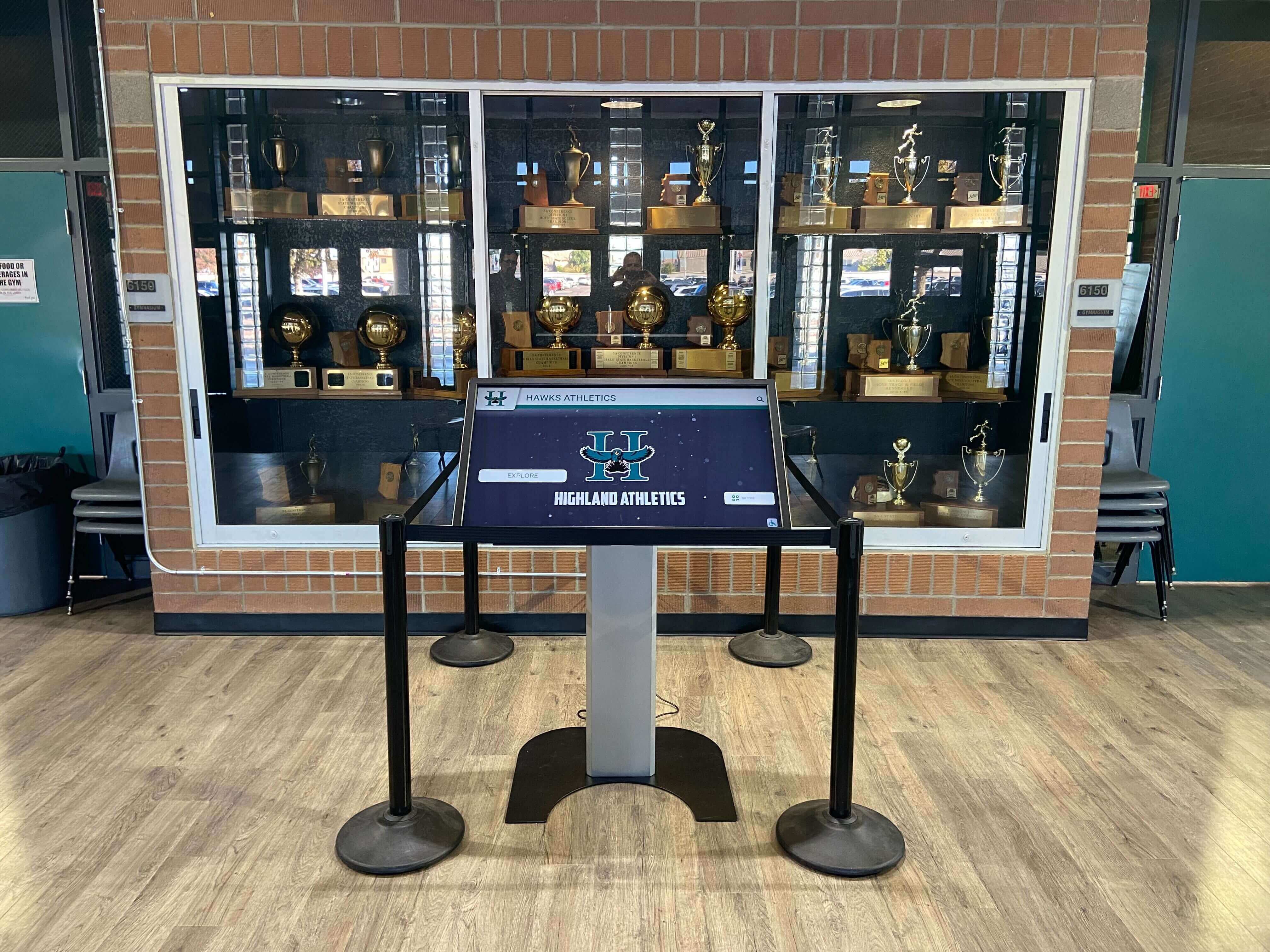
A touchscreen kiosk integrated with a canonical URL policy creates a unified recognition system—the physical display and the school's website point alumni to the same authoritative profile
For archive teams managing records that span multiple decades, the canonical URL problem compounds over time. Each platform migration, each CMS upgrade, and each volunteer who published profiles without following an established URL structure adds another layer of duplicate content. A retroactive audit of a program with 200 inductees and no URL governance in place typically reveals 40–80 duplicate URL situations that require a redirect or canonical tag to resolve.
The work is not technically complex—it is primarily organizational. Writing the policy is the harder task. Implementing 301 redirects in a modern CMS takes minutes per profile once the redirect map is built.
College tour and alumni engagement programs that depend on digital directories operate under the same URL governance requirements—a prospective student who clicks a broken or duplicate link during a campus visit forms an immediate impression of how carefully the institution maintains its history.
Connecting the Canonical URL Policy to Your Touchscreen Display
A touchscreen hall of fame display and the school’s website are most powerful when they function as a unified system. The touchscreen provides the on-site interactive experience for visitors in a lobby, gymnasium, or hallway; the website provides the searchable, shareable record that extends that experience to alumni, recruits, and community members who are not physically present.
The canonical URL policy governs the website layer of this system. When every inductee profile on the website has a single, stable, authoritative URL, two specific capabilities become possible:
QR code integration: A touchscreen display can display a QR code alongside each inductee profile that links directly to the canonical URL for that inductee’s web profile. If the canonical URL changes without a redirect in place, every printed QR code and every shared link becomes a broken reference. A canonical policy that enforces redirect requirements protects QR code functionality across name changes and platform migrations.
Search-driven discovery: Alumni who remember a teammate’s name but do not know the school’s website address will search by name. A canonical URL policy that consolidates ranking signals into a single profile URL makes that discovery reliable. Without it, the search may return nothing, or it may return a fragmented set of low-authority pages that don’t represent the inductee’s full record.
Learn more about Rocket Alumni Solutions’ Digital Wall of Fame platform to see how cloud-based CMS tools and touchscreen kiosks are designed to maintain URL integrity as profiles are updated, inductees are added, and recognition programs evolve over time.
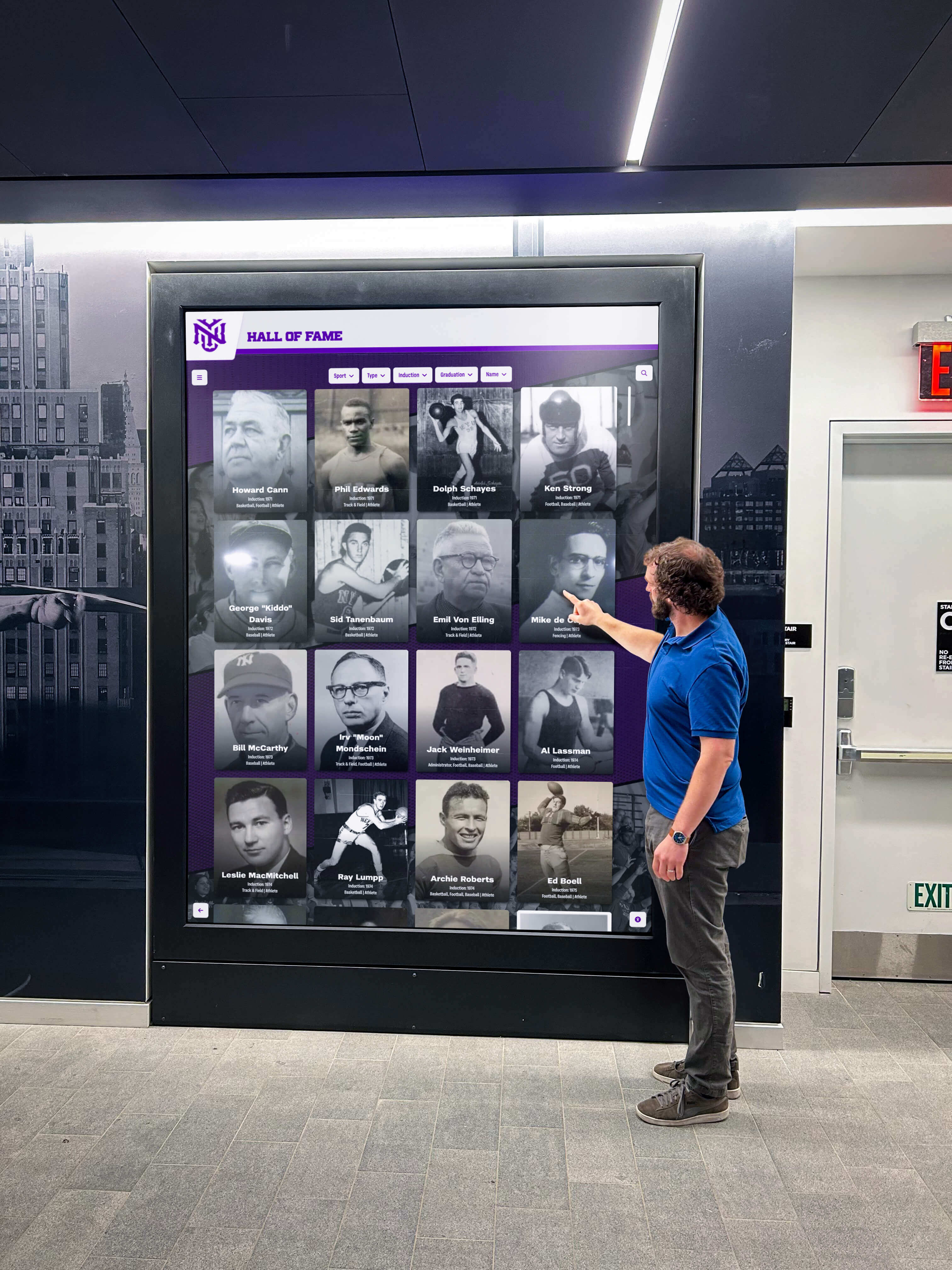
QR codes linking a touchscreen display to web profiles only remain functional when every inductee profile has a stable canonical URL governed by a redirect policy
Applying the Policy to Common Hall of Fame Scenarios
The following table covers the most common situations a school hall of fame program encounters and the canonical URL policy response for each.
| Scenario | Problem Created | Policy Response |
|---|---|---|
| Inductee published under maiden name, later requests married name | Two URL slugs for one person | 301 redirect from old slug → new slug; update canonical tag; update all internal links |
| Sport category renamed (“Girls Basketball” → “Women’s Basketball”) | Old sport page still indexed; old inductee URLs include old sport name | 301 redirect all old sport-page URLs; audit profile slugs that include sport name |
| Platform migration from static HTML site | Hundreds of old .html URLs remain indexed | Build redirect map before decommissioning; implement server-side 301s; submit new sitemap |
| CMS upgrade generates paginated category pages | /inductees/page/2/ indexed with duplicate inductee summaries | Add canonical tag on each paginated page pointing to canonical profile URL |
| Volunteer published duplicate profile with different URL structure | Two live pages for same inductee | Identify canonical version; 301 redirect duplicate → canonical; unpublish or noindex duplicate |
| Inductee profile appears in two sport categories | Profile summary appears at two category URLs | Ensure canonical tag on each category appearance points to single profile URL |
URL structure changed from /hof/ to /hall-of-fame/ | All old /hof/ URLs still indexed | 301 redirect all /hof/ URLs → /hall-of-fame/ equivalents |
| Query parameters added by newsletter tracking | /profile/smith/?ref=newsletter indexed | Canonical tag on parameterized URL → clean profile URL |
Frequently Asked Questions
What is the difference between a 301 redirect and a canonical tag?
A 301 redirect sends both users and search engines from the old URL to the new URL—the old URL stops being accessible. A canonical tag leaves the old URL accessible but tells search engines to attribute its authority to a different URL. Use a 301 redirect when the old URL should never be visited directly. Use a canonical tag when the old URL is still useful for users—such as a print view—but should not be indexed as a separate page. For inductee profile duplicates, the 301 redirect is almost always the correct tool.
Do we need a canonical URL policy if our hall of fame is only on a touchscreen display and not on a website?
If your hall of fame has no public-facing website, canonical URL governance does not apply. However, most schools that operate a touchscreen display also maintain companion web pages for alumni who access the program remotely, and the touchscreen platform vendor may host public profile URLs. Any URL that a search engine can crawl is subject to canonical URL considerations.
Academic recognition programs like Student of the Month displays often expand from physical displays to web-based directories as the archive grows—at which point canonical URL governance becomes relevant even if it was not a consideration at launch.
How does a canonical URL policy affect All-Conference and All-State recognition listings?
All-Conference and All-State recognition typically appears in two places: the inductee’s individual profile and a separate listing page that shows all honorees for a given award and year. Both pages are legitimate and should be indexed. The policy response is to ensure the listing page uses canonical tags that point each honoree’s summary card back to the individual profile page as the canonical source for that inductee’s record—not to the listing page itself.
How All-Conference team designations and selection criteria are documented for the record illustrates the kind of award documentation that belongs in the individual inductee profile—which is why the profile URL, not the award listing URL, should serve as the canonical reference for each honoree.
Should the canonical URL include the inductee’s graduation year?
Including the graduation year is recommended for programs with more than 100 inductees, because common names will eventually collide. The format /hall-of-fame/jane-smith-1994/ is stable: graduation years do not change, making the URL a reliable long-term identifier. Avoid including the graduation year in a way that could be confused with an induction year—use a clear suffix format and document it in the policy so future administrators follow the same convention.
What happens to search rankings during a platform migration if we don’t implement redirects?
Without 301 redirects, search engines treat the old URLs as pages that have disappeared (returning 404 errors) and the new URLs as entirely new pages with no existing authority. Rankings for the old URLs drop immediately. Rankings for the new URLs build from zero. For a school with a mature hall of fame program where inductee profiles have accumulated years of search authority, this means months of reduced visibility. Programs that implement complete redirect maps before decommissioning the old platform retain their accumulated authority and typically see minimal ranking disruption within 4–6 weeks.
Can we use a canonical URL policy for donor recognition pages too?
Yes. The same canonical URL principles apply to donor recognition walls, art gallery archives, and any other online recognition program where profiles are subject to name changes, platform migrations, or CMS-generated duplicates.
Art gallery and recognition display programs face identical URL management challenges when exhibitions move online—each artwork and each contributor needs a stable canonical URL that persists across annual updates and platform changes.
What role does IT play in enforcing a canonical URL policy?
IT is responsible for server-side redirect implementation and for ensuring the CMS platform is configured to generate canonical tags correctly on every profile page. The athletic director or recognition program administrator is responsible for identifying when name changes, sport renames, or other triggers require a URL update. The two roles must communicate before any profile is published or updated. Without that coordination, IT cannot implement redirects for changes they don’t know about, and administrators cannot verify that redirects are working correctly.
Athletic director administrative responsibilities consistently include oversight of the school’s digital presence—making URL governance a natural extension of the role rather than a purely technical concern that belongs exclusively to IT.
Building a Canonical URL Policy Document
A canonical URL policy for a school hall of fame does not need to be long. The following structure covers everything a new administrator needs to understand and apply the policy without extensive background in technical SEO.
Policy document structure:
- Purpose statement: One paragraph explaining why canonical URLs matter for the school’s recognition program and what problem the policy solves.
- URL structure standard: The canonical URL pattern in plain language, with examples of correct and incorrect formats.
- Trigger table: A table listing every event that requires a canonical URL action (name change, sport rename, platform migration, etc.) and the required response for each.
- Redirect procedure: Step-by-step instructions for implementing a 301 redirect in the school’s specific CMS platform. Platform-specific instructions prevent staff from implementing redirects incorrectly because the general policy did not address their tools.
- Canonical tag requirement: Instructions for verifying that canonical tags are present and correct on new profiles before publication.
- Audit schedule: Dates or triggers for the ongoing audit process.
- Roles and responsibilities: Who is authorized to implement redirects, who must approve URL changes, and who is notified when a trigger event occurs.
- Version history: Date the policy was created and dates of any subsequent updates.
The policy document belongs in whatever system the athletic department uses to store official procedures—shared drive, intranet, or document management platform. A copy should also be given to the IT coordinator and to any third-party vendor that manages the hall of fame CMS. Vendor contracts for recognition platforms should specify that the vendor is responsible for maintaining canonical tag implementation across platform updates.
For programs with a physical touchscreen display alongside a website, the policy should specify that QR codes printed on the physical display must be audited against the canonical URL list whenever a redirect is implemented. A QR code that links to a URL that now 301-redirects will still function—the redirect will forward users to the correct page—but it is better practice to update the physical display’s QR code to link directly to the canonical URL.
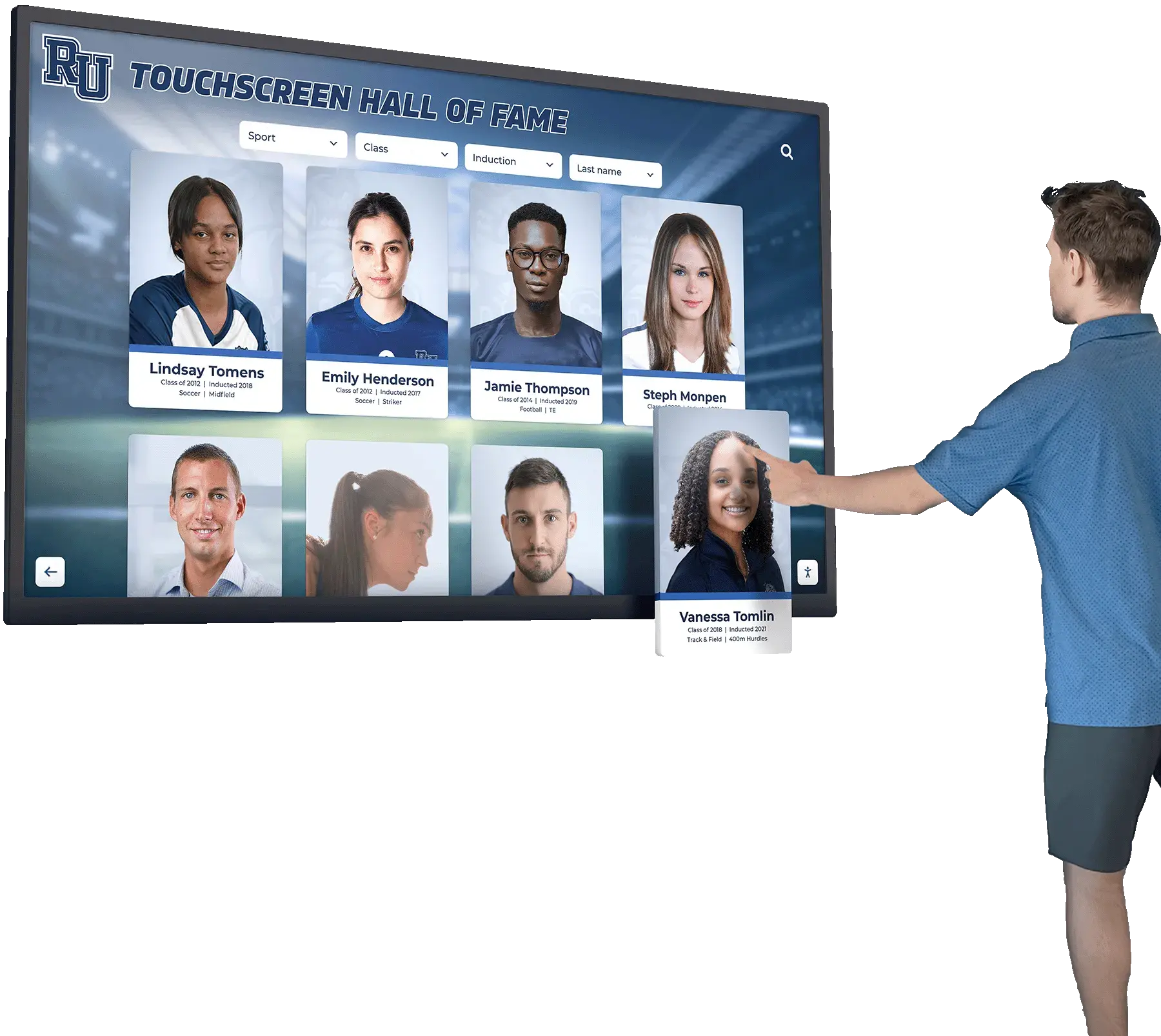
When QR codes on a physical display link to canonical URLs governed by a redirect policy, alumni can access accurate, up-to-date profiles regardless of when the display was installed
Canonical URL Policy and Long-Term Archive Integrity
A hall of fame program that spans multiple decades—covering inductees from the 1960s through the present—will inevitably change platforms, rename sports, and encounter inductee name updates. Without a canonical URL policy in place from the beginning, each of these events fragments the online record. Profiles that should be easily found by alumni, local media, and recruits become invisible or scattered across stale URLs that no longer rank.
The canonical URL policy is not a one-time technical fix. It is an ongoing governance commitment that preserves the school’s investment in its recognition program. Each induction class, each platform upgrade, and each name correction is an opportunity to apply the policy correctly and extend the life of a well-maintained archive.
School alumni management software platforms increasingly include URL management tools that enforce canonical patterns at the data entry layer—selecting a platform that supports URL governance natively reduces the manual effort required to apply the policy over time.
Schools that combine a touchscreen hall of fame display in a lobby or gymnasium with a well-governed website create a recognition system that serves visitors who are physically present and alumni who are searching from across the country or across decades. The canonical URL policy is the governance layer that makes the website half of that system reliable over the long term—ensuring that every inductee’s profile remains findable, authoritative, and accurately represented in search results, regardless of how many name changes, platform migrations, or CMS upgrades the program passes through.
Interactive touchscreen displays for alumni engagement and institutional history work best when they are paired with a digital record that search engines can surface—which requires the URL governance discipline this policy provides.
Build a Touchscreen Hall of Fame With Stable, Searchable Inductee Profiles
Rocket Alumni Solutions designs ADA WCAG 2.1 AA compliant touchscreen hall of fame displays for 600+ schools and institutions, with a cloud-based CMS that generates clean, canonical inductee profile URLs—unlimited inductees, auto-ranking record boards, QR code mobile access, and professional installation included.
Request Your Custom DemoLive Example: Rocket Alumni Solutions Touchscreen Display
Interact with a live example (16:9 scaled 1920x1080 display). All content is automatically responsive to all screen sizes and orientations.




























