Hall of Fame Website Core Web Vitals Checklist: Faster Inductee Profiles and Media
- Home /
- Digital Wall of Fame Blog - Recognition Display Insights & Resources /
- Hall of Fame Website Core Web Vitals Checklist: Faster Inductee Profiles and Media
The Easiest Touchscreen Solution




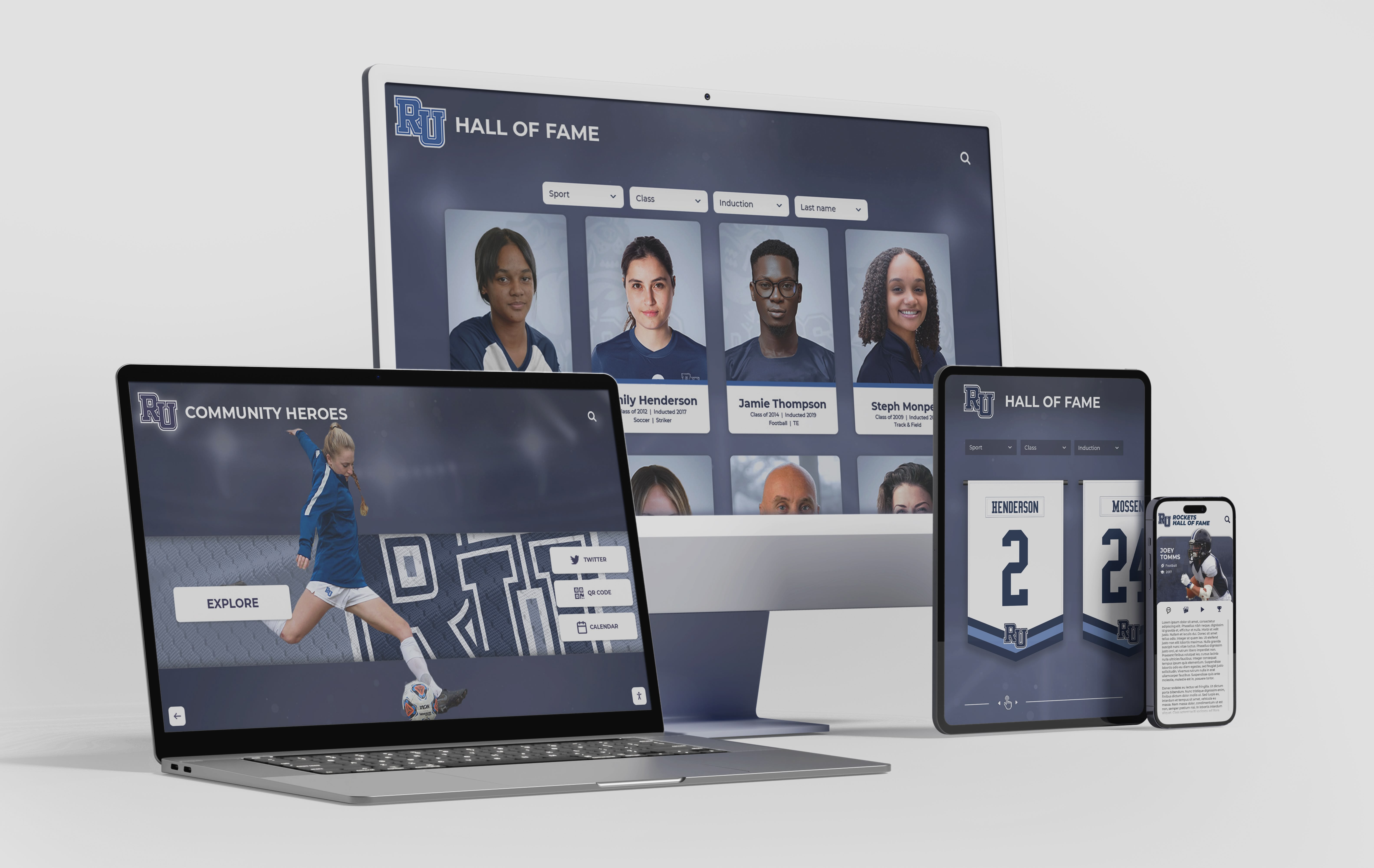
Live Example: Rocket Alumni Solutions Touchscreen Display
Interact with a live example (16:9 scaled 1920x1080 display). All content is automatically responsive to all screen sizes and orientations.
Intent: research. A hall of fame website core web vitals checklist is the set of technical audits and remediations that ensure inductee profile pages, photo galleries, and recognition media meet Google’s LCP, CLS, and INP thresholds so they load fast, stay visually stable, and respond quickly on every device. The short answer: measure with PageSpeed Insights, prioritize the Largest Contentful Paint image on each profile page, set explicit image dimensions to prevent layout shift, defer off-screen media, and preload critical fonts. This checklist walks through each metric, its specific causes on recognition pages, and a prioritized fix sequence.
Hall of fame websites face a performance challenge that most general-purpose web guides underestimate. A school’s athletic history pages carry dense portrait grids, decade-spanning photo archives, ceremony videos, and PDF-linked award documents—all on pages that visitors expect to load instantly on a phone in a gymnasium lobby or on a laptop during an alumni reunion weekend. When those pages load slowly, shift unexpectedly, or lag on scroll interactions, the recognition they carry loses its impact before a name is ever read.
Core Web Vitals are Google’s three field-measured performance signals: Largest Contentful Paint (LCP), Cumulative Layout Shift (CLS), and Interaction to Next Paint (INP). They appear directly in Google Search Console, influence page ranking, and trigger AI Overview summaries for performance-related searches. For schools managing digital recognition displays alongside traditional hall of fame platforms, Core Web Vitals also determine whether visitors encounter the same high-quality experience online that they see on the display hardware in person.

A hall of fame website must deliver fast, stable, and responsive inductee profiles across every device—from desktop browsers used during induction planning to phones used by families in a school lobby
What Are Core Web Vitals? A Definition Table for Hall of Fame Administrators
Core Web Vitals replace abstract performance scores with three observable user experiences. Each has a defined measurement methodology, a target threshold, and a direct connection to the kind of content on a recognition website.
| Metric | What It Measures | Good Threshold | Needs Improvement | Poor | Hall of Fame Connection |
|---|---|---|---|---|---|
| LCP (Largest Contentful Paint) | Time from page request until the largest visible element fully renders | ≤ 2.5 seconds | 2.5–4.0 seconds | > 4.0 seconds | The lead portrait on an inductee profile page is almost always the LCP element |
| CLS (Cumulative Layout Shift) | Total unexpected visual movement as the page loads, scored 0–1 | ≤ 0.1 | 0.1–0.25 | > 0.25 | Portrait grids and sponsor logo rows that load without declared dimensions shift text and buttons unpredictably |
| INP (Interaction to Next Paint) | Delay between any user interaction and the next visual response | ≤ 200 ms | 200–500 ms | > 500 ms | Filter controls on a searchable inductee directory or tap-to-expand biography sections |
INP replaced First Input Delay (FID) as the responsiveness metric in March 2024. If your existing performance documentation references FID targets, it is out of date and should be replaced with INP targets.
All three metrics are measured in the field (real-user data collected by Chrome) and in the lab (simulated testing tools). Google’s ranking signal uses field data; lab tools like PageSpeed Insights provide the diagnostic detail you need to fix problems.
Why Core Web Vitals Matter Specifically for Hall of Fame Pages
Recognition websites carry content types that create predictable Core Web Vitals problems. Understanding which content type causes which metric issue is the foundation for efficient remediation.
Portrait-heavy listing pages worsen LCP and CLS together. An inductee directory that displays portraits in a grid loads multiple large images at once. The browser discovers image dimensions only after it receives each file header, so without explicit width and height declarations, it cannot reserve layout space in advance. Images pop in, the grid reflows, text beneath each card jumps—a poor CLS score—and the first above-the-fold portrait arrives late because the browser treats all grid images as equal priority rather than fetching the first one immediately.
Video embeds and highlight reels delay LCP and introduce INP lag. School athletic pages frequently embed YouTube videos of championship highlights or induction ceremony footage. An unoptimized YouTube embed issues a network request before the user has chosen to play the video, competing with the portrait load for network bandwidth and main-thread time. If the video player also loads a JavaScript framework, that framework delays interactive response to user taps and clicks.
Induction ceremony photo galleries cause all three problems simultaneously. A gallery with forty ceremony photographs, loaded as a standard <img> grid, creates a large combined payload (LCP), shifts layout as each image arrives (CLS), and ties up the JavaScript thread as gallery scripts initialize (INP).
Mobile visitors on school networks encounter amplified problems. School events—athletic banquets, induction ceremonies, reunion weekends—create surges of mobile visitors on shared gymnasium or campus Wi-Fi networks. Pages that perform adequately on a fast home connection can fail every Core Web Vitals threshold under those conditions.
For athletic directors managing spring and fall sports recognition programs, these performance issues surface at exactly the moments that matter most: during award seasons when traffic spikes and family engagement is highest.
Hall of Fame Website Core Web Vitals Checklist
Phase 1: Establish a Baseline Before Changing Anything
1. Run PageSpeed Insights on three representative page types. Test a homepage or hall of fame landing page, one inductee profile page, and one multi-inductee listing or directory page. These three page types have distinct image payloads and layout patterns that produce different Core Web Vitals scores. Record all three metric values for each URL before making any changes—you need a before-and-after comparison.
2. Open Google Search Console and review the Core Web Vitals report. Search Console shows field data grouped by page type. If your site has at least a few thousand monthly visitors, field data is more reliable than any lab simulation because it reflects your actual visitors’ devices and connections. The “Poor URLs” list in the Core Web Vitals report identifies which page types are failing thresholds and how many real users experienced a poor result.
3. Identify the LCP element on each page type using Chrome DevTools. Open Chrome DevTools, go to the Performance panel, record a page load, and examine the LCP annotation in the filmstrip view. On inductee profile pages, the LCP element is almost always the lead portrait image. On listing pages, it may be the first portrait in the grid or a hero banner image. Knowing exactly which element is LCP tells you where to focus image optimization effort.
4. Record which images are missing explicit dimensions.
In Chrome DevTools, filter the Elements panel for <img> tags without width and height attributes. These are your primary CLS sources. On pages that load many portrait images dynamically—through a JavaScript-rendered grid or a CMS template—this step may require inspecting the rendered DOM rather than the source HTML.
5. Note which third-party scripts load on recognition pages. Third-party scripts—YouTube embeds, social sharing buttons, donation platform widgets, analytics scripts—each compete for main-thread time and network bandwidth. A recognition page that loads five third-party scripts before the lead portrait may fail INP thresholds even if the portrait itself is well-optimized.
Phase 2: Optimize Largest Contentful Paint on Inductee Profile Pages
6. Identify and preload the LCP image.
The single highest-impact action for improving LCP on a profile page is adding a <link rel="preload"> tag for the lead portrait. This instructs the browser to fetch the image as soon as it begins parsing the HTML, rather than waiting until it encounters the <img> tag in the document body.
<link rel="preload" as="image" href="/portraits/jane-doe-basketball-2018.webp" fetchpriority="high">
Add this preload to the <head> of the inductee profile page template, not as a global site-wide preload. If every page preloads an image, the browser treats none of them as genuinely high priority.
7. Set fetchpriority="high" on the LCP image element.
The fetchpriority attribute explicitly signals to the browser’s resource scheduler that a specific image should be prioritized over others. Add it to the <img> tag for the lead inductee portrait on profile pages and the first portrait on listing pages.
<img
  src="jane-doe-basketball-2018.jpg"
  srcset="jane-doe-basketball-2018-400w.webp 400w, jane-doe-basketball-2018-800w.webp 800w"
  sizes="(max-width: 600px) 100vw, 400px"
  width="400"
  height="500"
  fetchpriority="high"
  alt="Jane Doe, Basketball, Hall of Fame Class of 2018">
8. Convert portrait photographs to WebP format.
WebP produces files that are 25–35% smaller than equivalent JPEG files at the same visual quality setting. For an inductee portrait that displays at 400 × 500 pixels, the difference between a 300 KB JPEG and a 200 KB WebP is 100 KB that the browser does not have to download before LCP can occur. Serve WebP to supporting browsers and JPEG as a fallback using the <picture> element.
9. Resize portraits to match their largest display dimension. An inductee portrait that displays at 400 pixels wide on desktop does not need to be served at 2,000 pixels wide. Export the image at 2× the display dimension (800 pixels for a 400-pixel display size) to support high-density screens, and discard the original high-resolution source file from the web-facing media library. Oversized source images are among the most common causes of poor LCP scores on portrait-heavy recognition pages.
10. Host images on the same domain or a fast CDN—avoid unoptimized third-party image hosting. Some schools link directly to photographs hosted on social media, cloud storage services, or third-party yearbook platforms. Each cross-origin image request requires a separate DNS lookup and connection setup before the browser can begin downloading the file. Hosting portraits on your own domain or through a configured CDN eliminates that delay for the LCP image.
11. Enable server-side compression and HTTP/2. GZIP or Brotli compression, applied at the server level, reduces the transfer size of HTML, CSS, and JavaScript files that the browser must parse before it can render the page and begin loading images. HTTP/2 allows multiple files to be requested over a single connection simultaneously rather than sequentially. Both settings are configured at the server or hosting level, not in the page itself, but both directly affect when image loads can begin.
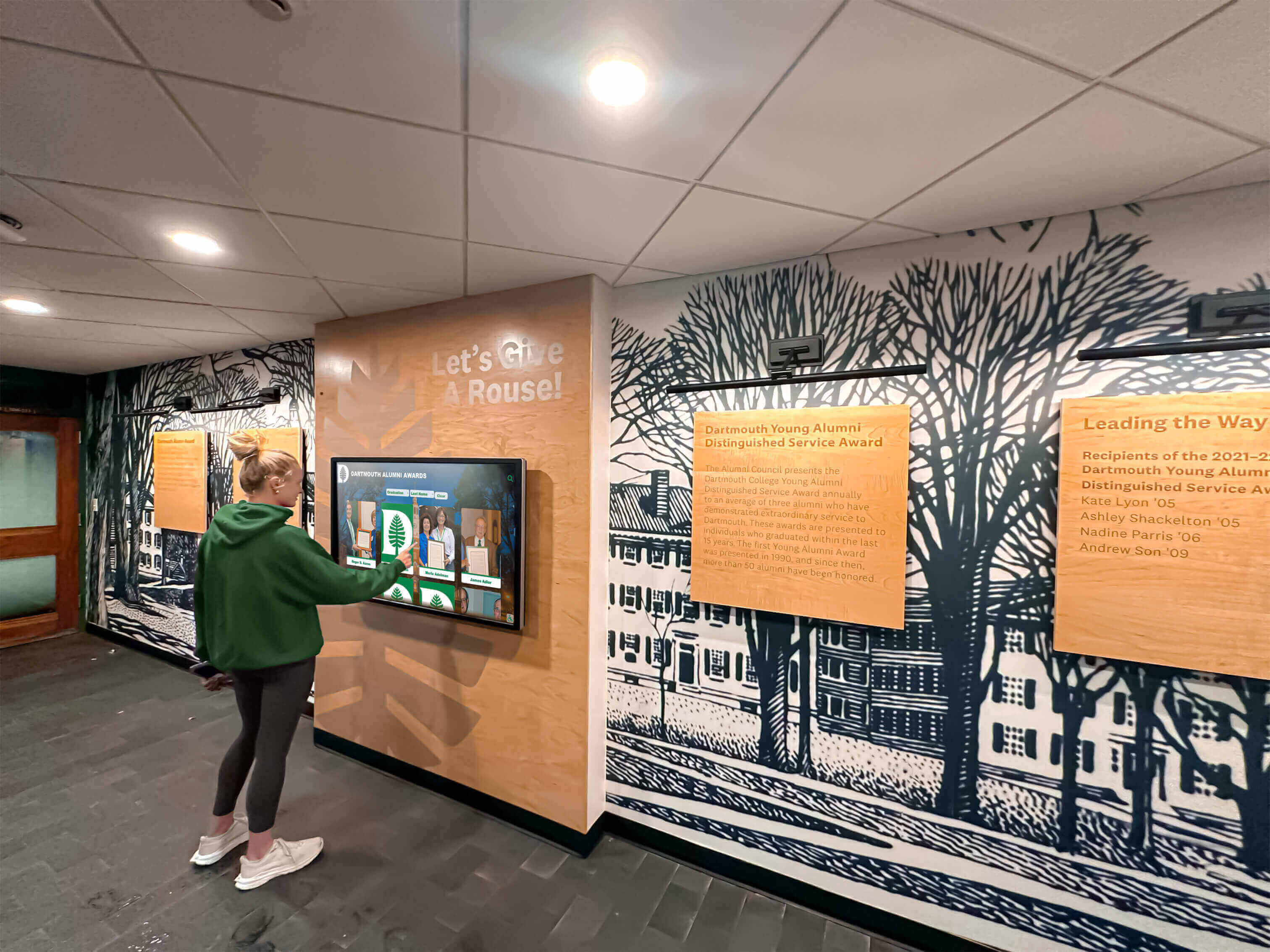
Visitors who explore inductee profiles in person on a touchscreen display expect the same speed and quality when they return to browse the same profiles on a phone or desktop browser
Phase 3: Eliminate Cumulative Layout Shift on Recognition Pages
12. Add explicit width and height attributes to every <img> tag.
This is the most reliable single fix for CLS caused by images. When a browser knows an image’s dimensions before it downloads the file, it reserves the correct amount of layout space immediately, preventing any jump when the image arrives. The values should match the image’s intrinsic pixel dimensions, not the CSS display size—CSS can scale the image while preserving the aspect ratio that the browser uses to allocate space.
<!-- Without dimensions: causes CLS -->
<img src="john-smith-football-1995.webp" alt="John Smith, Football, Class of 1995">

<!-- With dimensions: prevents CLS -->
<img src="john-smith-football-1995.webp" width="400" height="500" alt="John Smith, Football, Class of 1995">
13. Standardize portrait aspect ratios across all inductee profiles.
A portrait grid where some images are 3:4 (portrait orientation) and others are 4:3 (landscape orientation) or 1:1 (square) will produce inconsistent card heights unless the CSS enforces a fixed container. When CSS enforces a fixed aspect ratio with aspect-ratio or fixed dimensions, the browser can reserve stable space regardless of the loaded image’s intrinsic size. Define one aspect ratio for all inductee portrait cards and apply it consistently across every profile and listing template.
14. Use CSS aspect-ratio for containers that hold dynamically loaded images.
For portrait grids rendered by JavaScript (search results, filtered directory views), use CSS to define the expected aspect ratio of each image container before the images load. The browser allocates stable space for each card while the images fetch.
.inductee-portrait {
  width: 100%;
  aspect-ratio: 3 / 4;
  object-fit: cover;
}
15. Load web fonts with font-display: swap and preload critical typefaces.
Custom fonts used in inductee name plates, sport categories, or induction year badges cause text to be invisible or to jump when the font file arrives late. font-display: swap instructs the browser to display text immediately in a fallback font, then swap to the custom font when it arrives. The swap produces a minor visual change but eliminates the blank-text period that can worsen CLS. Preloading critical fonts in the <head> further reduces the delay.
16. Avoid injecting content above existing content dynamically. Cookie consent banners, notification bars, and live-event alert banners that appear at the top of a page after the initial load push all content down—a direct CLS contribution. Configure these elements to overlay content rather than pushing it, or reserve their space in the initial layout so the document does not shift when they appear.
17. Give <video> and embedded media containers explicit dimensions.
Video elements that load without declared dimensions cause the same layout shift that undimensioned images cause. Set width and height on the <video> element, and use CSS aspect-ratio for responsive containers that hold iframes or embedded players.
Phase 4: Improve Interaction to Next Paint on Searchable Directories
18. Defer JavaScript that does not affect the initial render.
Scripts that power social sharing widgets, non-essential analytics, or interactive features that appear below the fold compete with render-critical code for the main thread. Add defer to any <script> tag whose code does not need to run before the page first renders. Scripts with defer execute in document order after parsing completes, keeping the main thread available for the interactions that produce INP measurements.
19. Break up long JavaScript tasks on inductee directory pages.
An inductee directory that loads, filters, and sorts hundreds of profiles from a JavaScript data source can create long tasks—continuous JavaScript execution blocks that prevent the browser from responding to user interactions. Any task longer than 50 ms can delay INP. Refactor long initialization tasks into smaller chunks using setTimeout or the Scheduler API, allowing the browser to handle interactions between chunks.
20. Use event delegation for large portrait grids. Attaching individual click or tap listeners to each portrait card in a grid of two hundred inductees creates memory overhead and can slow event response. A single delegated listener on the grid container that identifies which card was interacted with scales better and reduces the interaction overhead that contributes to poor INP scores.
21. Prerender or server-render the initial profile list view. A directory page that renders its inductee grid client-side from JavaScript is not visible until that JavaScript executes. If the JavaScript execution is delayed by other scripts or long tasks, the page appears blank longer than a server-rendered equivalent, and INP suffers because the interactive elements do not exist yet. Pre-generating the visible list at the server or build level—and loading detail content on demand—improves both LCP (the grid renders immediately) and INP (the grid items are interactive sooner).
Phase 5: Address Media-Heavy Pages—Galleries, Videos, and Archive Documents
22. Lazy-load all images below the fold.
Add loading="lazy" to every <img> tag that does not appear above the initial viewport. On an inductee profile page, this typically means the secondary action photo, ceremony photos, and any related inductees section. On a gallery page, every image except the first row qualifies. Lazy loading defers the network requests for off-screen images until the user scrolls toward them, reducing initial page weight and allowing the LCP image to compete for bandwidth alone.
23. Do not lazy-load the LCP image.
The LCP image should load as early as possible. Adding loading="lazy" to it tells the browser to defer it—directly worsening the LCP score. Identify the LCP element (Step 3 of the baseline phase) and ensure its <img> tag has either no loading attribute or loading="eager".
24. Replace auto-loading video embeds with a poster-image facade. An embedded YouTube or Vimeo player that loads automatically when the page opens issues multiple network requests for the player JavaScript, the video thumbnail, and connection pre-roll data—even when the user has no intention of watching the video. A poster-image facade loads only a static thumbnail and a play button; the full player loads only when the user clicks to play. This approach can reduce page weight on media-heavy recognition pages by several hundred kilobytes.
<!-- Poster-image facade pattern -->
<div class="video-facade" data-video-id="YOUTUBE_ID" style="cursor:pointer;">
<img src="ceremony-2023-thumbnail.webp" width="640" height="360"
alt="2023 Induction Ceremony highlight reel thumbnail" loading="lazy">
<button aria-label="Play 2023 Induction Ceremony video">▶</button>
</div>
25. Optimize PDF-linked award documents for weight, not print resolution. Schools frequently link to scanned induction certificates, award citations, or historical programs as PDFs on inductee profile pages. PDFs at print resolution (300 DPI, full color) can be several megabytes each. Reexport archive PDFs at 150 DPI for screen delivery and apply PDF compression. The document will remain legible for reading on screen while reducing load time for visitors who open it in a browser tab.
26. Set decoding="async" on secondary images.
The decoding="async" attribute instructs the browser to decode image data off the main thread, freeing the main thread to respond to user interactions while image data is processed. Apply it to all images except the LCP element, which should decode synchronously to avoid any delay in its render.

Video content that enhances recognition displays in person must be loaded carefully on the web to avoid blocking the LCP image and creating poor interaction responsiveness on mobile devices
Phase 6: Verify, Monitor, and Maintain
27. Re-run PageSpeed Insights after each phase of fixes. Do not wait until all phases are complete to measure. Each phase addresses a different set of problems, and measuring after each one shows whether the fix worked as expected. It also prevents the common outcome where fixes in one area accidentally introduce problems in another—a font preload added to address CLS, for example, may affect LCP timing if it competes with the portrait preload.
28. Test on a throttled mobile connection using Chrome DevTools. Switch Chrome DevTools to the Network panel, set the throttle to “Slow 4G” or “Fast 3G,” and load a representative inductee profile page. The simulated connection reveals which resources are genuinely blocking render and which are fast enough to be invisible at real-world speeds. Many issues that score adequately in desktop lab tests fail visibly under mobile throttling.
29. Add Core Web Vitals monitoring to Search Console and verify field data improvement. Field data (measured from real Chrome users) lags lab data by roughly 28 days—the rolling window Google uses for the Core Web Vitals report. After completing optimization work, expect to see Search Console field data improve gradually over the following month. Watch for regressions after each CMS update, template change, or new third-party script addition, as these are the most common sources of performance regression on recognition websites.
30. Run a Core Web Vitals audit at the start of each induction cycle. New inductee profiles add new images to portrait grids, and new induction years may prompt template updates that change how images are loaded. An audit at the start of each induction season—before new profiles are published—catches emerging problems when they are easiest to fix.
For schools that also manage sports banquet recognition events alongside digital archives, the pre-induction audit aligns naturally with the event planning calendar: optimize the pages before the event drives a traffic surge.
Core Web Vitals Checklist Summary Table
| # | Checklist Item | Metric Affected | Priority |
|---|---|---|---|
| 1 | Baseline PageSpeed Insights on three page types | All | Critical |
| 2 | Review Core Web Vitals report in Search Console | All | Critical |
| 3 | Identify LCP element on each page type | LCP | Critical |
| 4 | Audit images missing explicit dimensions | CLS | High |
| 5 | Identify third-party scripts on recognition pages | INP | High |
| 6 | Add <link rel="preload"> for LCP portrait | LCP | Critical |
| 7 | Set fetchpriority="high" on LCP image element | LCP | Critical |
| 8 | Convert portrait photography to WebP with JPEG fallback | LCP | High |
| 9 | Resize portraits to 2× display dimension maximum | LCP | High |
| 10 | Host images on own domain or CDN | LCP | Medium |
| 11 | Enable server-side compression and HTTP/2 | LCP | Medium |
| 12 | Add width and height to every <img> tag | CLS | Critical |
| 13 | Standardize portrait aspect ratios across all profiles | CLS | High |
| 14 | Apply CSS aspect-ratio to dynamic portrait containers | CLS | High |
| 15 | Set web fonts to font-display: swap and preload critical fonts | CLS | Medium |
| 16 | Prevent dynamically injected content from pushing existing content | CLS | Medium |
| 17 | Set explicit dimensions on video and iframe containers | CLS | High |
| 18 | Defer non-render-critical JavaScript | INP | High |
| 19 | Break up long JavaScript tasks on directory pages | INP | High |
| 20 | Use event delegation on large portrait grids | INP | Medium |
| 21 | Server-render or pre-render the initial inductee list | INP | Medium |
| 22 | Apply loading="lazy" to all below-fold images | LCP | High |
| 23 | Do not lazy-load the LCP image | LCP | Critical |
| 24 | Replace auto-loading video embeds with poster-image facades | LCP, INP | High |
| 25 | Reexport archive PDFs at screen-optimized resolution | LCP | Low |
| 26 | Set decoding="async" on secondary images | INP | Medium |
| 27 | Re-measure PageSpeed Insights after each optimization phase | All | High |
| 28 | Test on throttled mobile connection | All | High |
| 29 | Monitor Search Console field data for 28-day improvement | All | Medium |
| 30 | Run Core Web Vitals audit at start of each induction cycle | All | High |
Platform Comparison: Self-Managed Websites vs. Purpose-Built Recognition Platforms
Schools maintaining their own CMS-based hall of fame website carry the full optimization burden described in this checklist—each fix requires a developer or technically capable administrator to implement and maintain it across template updates and induction cycles. Purpose-built digital recognition platforms address many of these concerns at the platform level.
| Capability | Self-Managed CMS Website | Purpose-Built Recognition Platform (e.g., Rocket Alumni Solutions) |
|---|---|---|
| Image format optimization | Manual—administrator converts and uploads WebP files | Automatic—platform handles format conversion from uploaded source |
| Responsive image delivery | Manual—requires srcset and sizes in template code | Platform-managed—generates responsive sizes at the system level |
| CDN delivery for portraits | Depends on hosting plan—may require manual CDN configuration | Included—platform serves assets from distributed infrastructure |
| Portrait dimension standardization | CSS convention enforced manually per template | Enforced by platform upload and display system |
| Video embed optimization | Manual—requires custom facade implementation | Platform controls media delivery; no unoptimized third-party embeds |
| Core Web Vitals monitoring | Requires separate tooling (Search Console, PageSpeed Insights) | N/A—platform-managed delivery |
| Accessibility compliance | Requires manual WCAG audit and ongoing maintenance | WCAG 2.2 AA compliant platform with ADA-compatible hardware |
| Unlimited inductees and media | Limited by hosting plan and CMS performance | Unlimited inductees, photos, and video—no per-entry caps |
| Remote cloud CMS for updates | Varies by CMS—may require server access | Included—remote cloud CMS with scheduled publishing |
| Touchscreen hardware support | Not applicable—web-only delivery | Any-size touchscreen compatibility with professional installation |
| Auto-ranking record boards | Requires custom development | Built-in auto-ranking for records and statistics |
| QR code mobile access | Requires separate QR generation tool | QR code unlock built into platform—links physical display to mobile |
| Sponsorship revenue features | Requires custom implementation | Sponsorship revenue suite included |
Schools evaluating platforms should ask explicitly about Core Web Vitals performance, CDN delivery, and how the platform handles image resizing for mobile visitors. Learn more about Rocket Alumni Solutions’ Digital Wall of Fame platform to understand how the cloud-based recognition system manages image delivery, touchscreen compatibility, and content management for school programs.
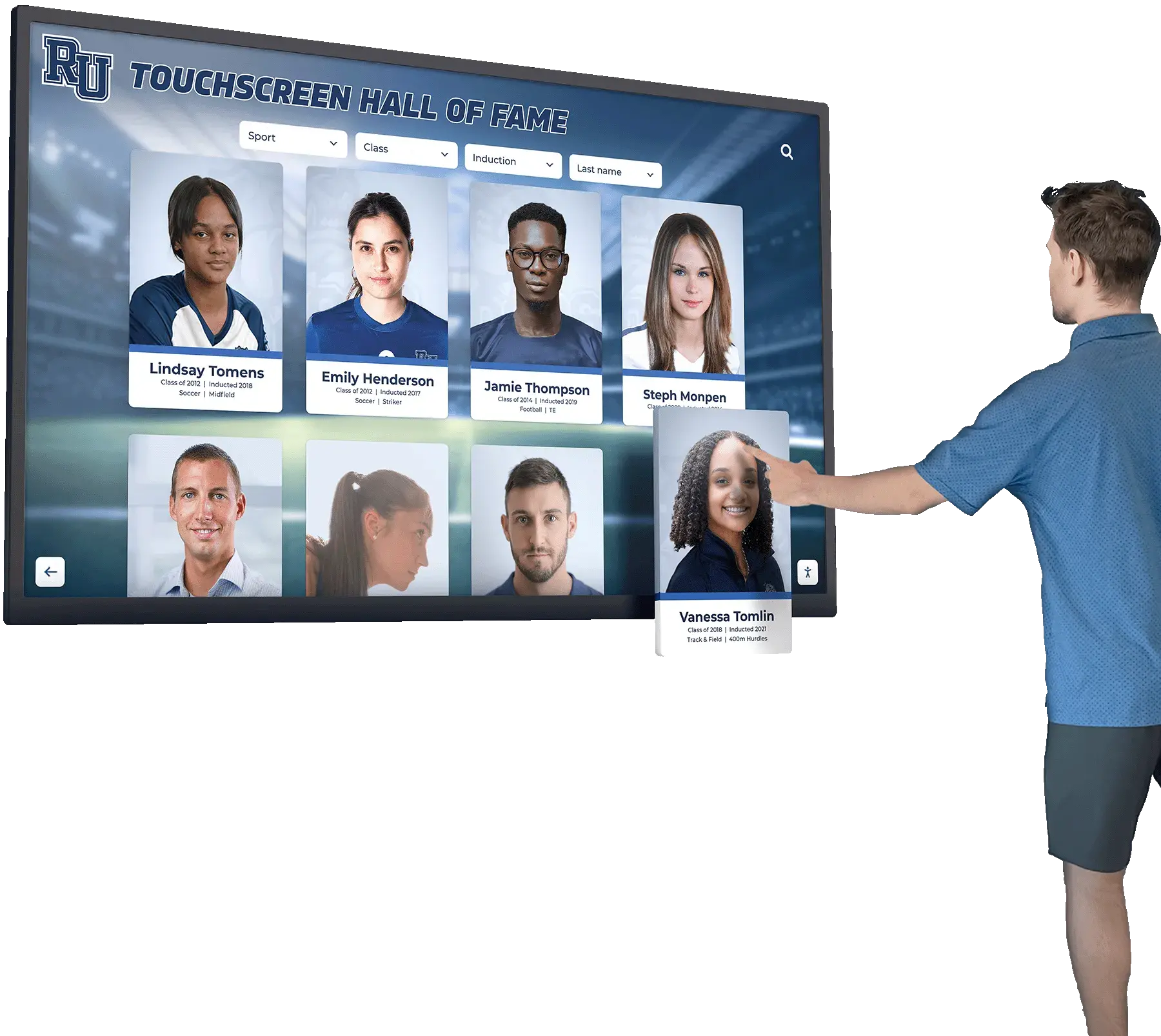
Purpose-built recognition platforms manage image delivery, responsive sizing, and CDN distribution at the platform level, reducing the manual Core Web Vitals workload for school administrators
Frequently Asked Questions
Q: What is Core Web Vitals and why does it matter for a hall of fame website?
A: Core Web Vitals is a set of three Google-defined performance metrics—Largest Contentful Paint (LCP), Cumulative Layout Shift (CLS), and Interaction to Next Paint (INP)—that measure how quickly the most important visible content loads, how stable the page layout is as it loads, and how fast the page responds to user interactions. They matter for hall of fame websites for two reasons. First, Google uses them as ranking signals, so pages that fail Core Web Vitals thresholds may rank below competing pages that have equal or weaker content. Second, they directly measure the experience your inductees’ families and alumni have when they visit profile pages—a page that shifts layout unexpectedly or takes four seconds to load on a phone undermines the recognition it is meant to deliver.
Q: What is the Largest Contentful Paint element on an inductee profile page?
A: On a typical inductee profile page, the LCP element is the lead portrait—the first large image above the fold that represents the inductee. On a listing or directory page, it is usually the first portrait card in the grid or a hero banner image. You can confirm the LCP element for any specific page by running a performance profile in Chrome DevTools and reviewing the LCP annotation in the filmstrip view. Knowing exactly which element is LCP focuses your optimization effort on the resource that controls the score.
Q: How much does portrait image size actually affect Core Web Vitals scores?
A: Significantly. A 400 KB JPEG portrait served over a slow mobile connection takes noticeably longer to download than a 150 KB WebP version at the same visual quality. The LCP timer stops only when the image is fully downloaded and rendered. A reduction of 250 KB on the LCP image translates directly into a faster LCP score under network-constrained conditions. For schools whose visitors frequently access recognition pages on shared school Wi-Fi or cellular data during events, portrait file size is one of the highest-leverage optimizations available.
Q: What causes the page to jump when loading inductee portrait grids?
A: Missing width and height attributes on <img> tags. When the browser begins laying out the page, it does not know how large an image will be until it downloads the image’s file header. Without dimension declarations, the browser allocates zero space for each image, then expands the layout when the image arrives—pushing down any text, buttons, or other cards below it. This cumulative movement produces a high CLS score. Adding explicit width and height attributes to every portrait card image allows the browser to reserve the correct space immediately, eliminating the jump entirely.
Q: Should we use lazy loading for all images on an inductee listing page?
A: Apply loading="lazy" to all images below the initial viewport—the portrait cards that require scrolling to reach. Do not apply it to images that appear above the fold, including the first row of portrait cards and any hero banner. Most critically, never add loading="lazy" to the LCP element. The LCP score measures how fast that specific image loads; instructing the browser to defer it directly worsens the score. A practical approach is to identify which cards appear above the fold at a standard mobile viewport (typically 375 px wide, 667 px tall) and mark only those as eager, applying lazy loading to everything below.
Q: How do video embeds on induction ceremony pages affect Core Web Vitals?
A: Auto-loading video embeds affect all three metrics. An embedded player that loads automatically issues multiple network requests that compete with the LCP portrait for bandwidth, delaying LCP. If the player script loads without defer, it blocks the main thread and worsens INP. If the player container lacks declared dimensions, the layout shifts when the player appears, worsening CLS. The most effective solution is a poster-image facade: load a static thumbnail image in place of the embed, and load the full player only when the user clicks the play button. This defers all three performance costs until the visitor actively requests the video.
Q: What should we ask a hall of fame platform vendor about Core Web Vitals?
A: Ask whether the platform generates responsive images from uploaded portraits automatically, whether assets are served from a CDN, whether the platform has passed a Core Web Vitals audit on a production installation, and whether the system supports ADA WCAG compliance for accessibility. Also ask specifically how video content is delivered—whether the platform uses lazy or deferred loading for video on mobile—and whether administrators have visibility into page performance metrics through the platform dashboard. For schools also managing sports award recognition events with physical display needs, ask about touchscreen hardware compatibility and whether the same content system serves both web and on-premise display.
Q: How often should we run Core Web Vitals checks on a hall of fame website?
A: At a minimum: before publishing new profiles at each induction cycle, and immediately after any CMS update, theme change, or new third-party script addition. Each of these events is a common source of performance regression. For schools with active recognition programs, a quarterly check using Google Search Console field data is a sustainable monitoring cadence that catches slow degradation before it becomes a ranking problem. Schools that manage athletic recognition for senior athletes alongside digital archives have a natural checkpoint: optimize the website before the senior recognition event that typically generates a traffic spike.
Q: Do Core Web Vitals affect the AI Overview results for searches related to our hall of fame?
A: Core Web Vitals is one of the signals Google uses to assess page quality. Pages that consistently fail Core Web Vitals thresholds are less likely to be cited in AI Overviews for competitive queries. More directly, well-structured recognition pages with fast LCP, stable layout, and responsive interaction are indexed more completely—which means the inductee biographies, record entries, and award histories on those pages are more available for Google to cite. Meeting Core Web Vitals thresholds does not guarantee AI Overview inclusion, but failing thresholds is a barrier to it.
A hall of fame website that fails Core Web Vitals thresholds delivers a recognition experience that is slower, less stable, and less responsive than the achievement records it contains deserve. The checklist above is organized to address the most impactful issues first—LCP image preload, explicit image dimensions, and deferred non-critical scripts—before moving to maintenance and monitoring. Schools that complete Phase 1 through Phase 3 will resolve most measurable Core Web Vitals failures on portrait and profile pages. Phases 4 through 6 address the longer-tail optimizations that maintain performance across induction cycles and platform updates.
For schools evaluating whether a purpose-built recognition platform better fits their needs than a self-managed website, the digital hall of fame—as both a web experience and a physical touchscreen installation—represents a recognition program that meets both performance and compliance standards without requiring ongoing technical optimization from administrators.
See a Recognition Platform Built for Fast, Accessible Inductee Profiles
Rocket Alumni Solutions' interactive touchscreen wall of fame includes cloud-based portrait delivery, unlimited inductees and media, ADA WCAG-compliant hardware, auto-ranking record boards, and a remote cloud CMS—so your recognition program meets Core Web Vitals standards without manual optimization every induction cycle. Serving 600+ institutions with professional installation and ongoing platform updates.
Request Your Custom Demo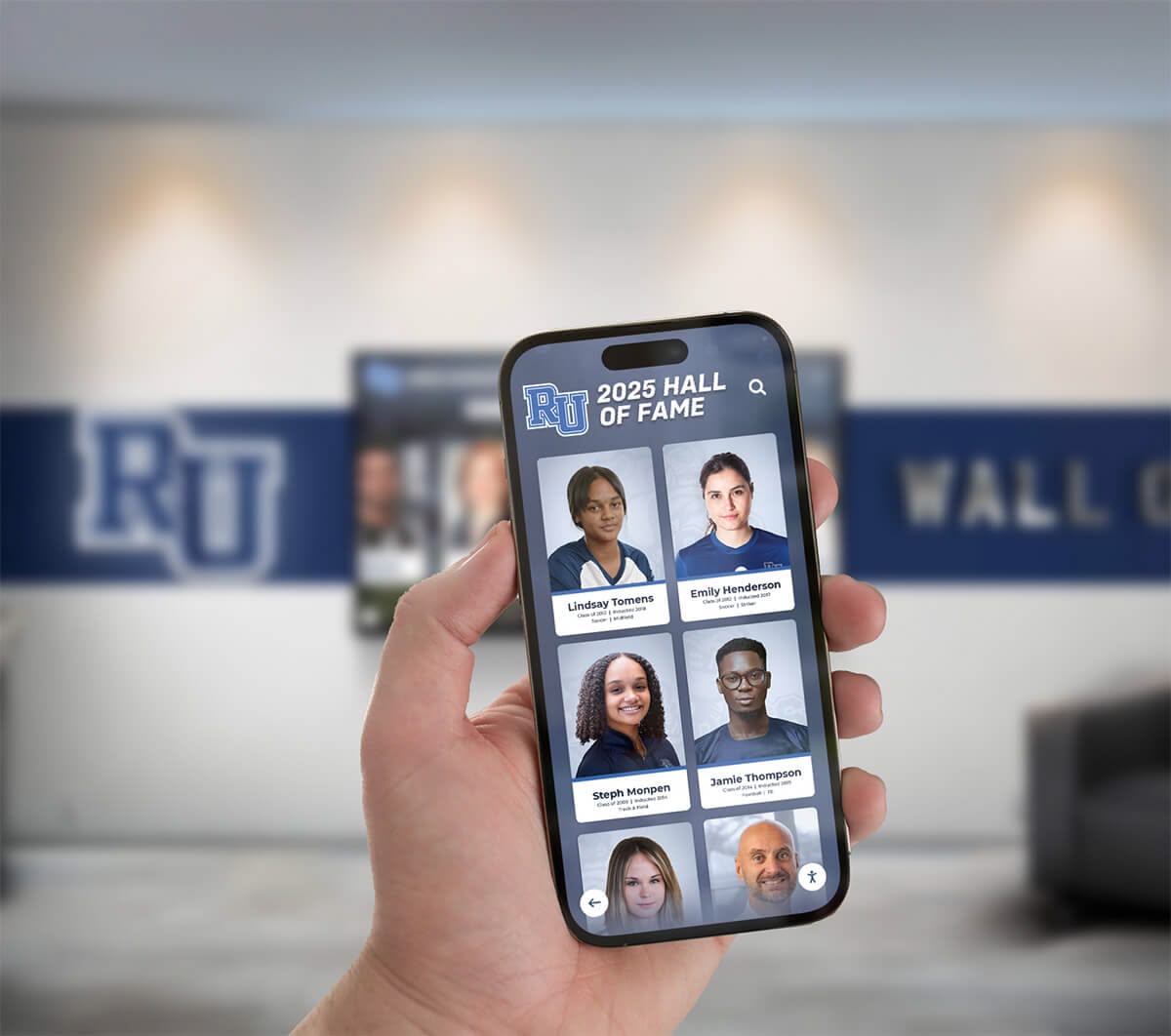
Alumni, families, and student athletes access hall of fame profiles on mobile devices throughout campus and at recognition events—Core Web Vitals determine whether that experience is fast and stable or frustrating and slow
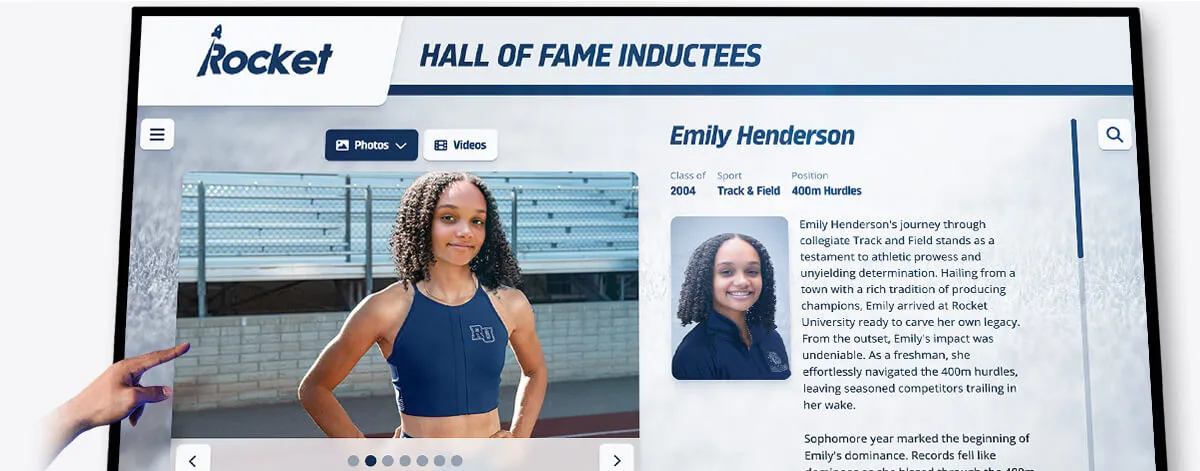
Individual inductee profiles are the most visited and most performance-sensitive pages on a hall of fame website—optimizing LCP, CLS, and INP on these pages produces the most visible improvement in visitor experience
Live Example: Rocket Alumni Solutions Touchscreen Display
Interact with a live example (16:9 scaled 1920x1080 display). All content is automatically responsive to all screen sizes and orientations.




























