



A hall of fame website search synonym dictionary is a structured mapping that tells your search engine to treat multiple terms as equivalent when a visitor types a query — so searching for “Bobby” also surfaces profiles filed under “Robert,” searching for “Martinez” returns results for the inductee who competed under her maiden name “Novak,” and searching for “XC” or “Hoops” finds every cross country or basketball record even when the database stores the sport’s full formal name. Without that mapping, your hall of fame search works correctly only when a visitor already knows the exact string stored in the database — which is rarely how alumni, family members, or community visitors actually search. This guide explains how to build the dictionary field by field, provides synonym tables you can adapt directly, and covers the six implementation steps that connect the dictionary to a live touchscreen or web-based hall of fame display.
When a returning alumnus cannot find himself by typing his own nickname, or a family member searches a maiden name and gets zero results, the hall of fame system has failed — not the visitor. A synonym dictionary is the infrastructure fix that makes every reasonable search variant succeed without requiring inductees to be re-entered under every name they have ever used.

A well-built search synonym dictionary makes inductee profiles discoverable across every device and search term — not just the exact name stored in the database
What a Search Synonym Dictionary Does (and Does Not Do)
A synonym dictionary is not a search ranking tool. It does not make some profiles appear before others. It is a translation layer that expands the terms a visitor’s query matches before the search engine returns results.
What it does:
- Treats “Mike” and “Michael” as the same search token
- Returns results for “Kathy Rodriguez” when the database record reads “Kathleen Novak”
- Matches “varsity hoops” to every profile tagged as “Basketball”
- Surfaces historical inductees when visitors search by a former mascot name or team nickname
What it does not do:
- Fix data entry errors in the underlying records
- Compensate for profiles that were never created or imported
- Guarantee relevance ranking within a result set
- Replace a complete, well-maintained inductee database
The dictionary works on top of your existing data. If a profile is incomplete or absent, no synonym mapping will surface it. That is why building the dictionary and auditing the underlying records are parallel tasks, not sequential ones.
Why Hall of Fame Searches Fail Without Synonym Mapping
Athletic programs accumulate names across decades, and names change in predictable ways that databases cannot handle automatically.
Name changes at marriage. A woman inducted for her record-setting track career may be listed under her maiden name — the one on the record books — while family members and former teammates search for her under the name she has used for thirty years.
Legal name versus nickname. An inductee known to everyone as “Skip” has a profile filed under “James.” A visitor who attended every home game and knows the athlete only as “Skip” will search that name first and likely not try “James” at all.
Historical sport and team names. A school’s baseball program was called “the Rockets” before a mascot change in 2004. Records from before that year reference “Rockets baseball” while current nomenclature uses “Hawks baseball.” Visitors who graduated in the 1990s will search the name they knew.
Abbreviations and informal terms. “JV,” “varsity,” “frosh,” “BB,” “FB,” “TF” — coaches and alumni use shorthand that never made it into the formal database schema.
Spelling variants and diacritics. “José” and “Jose,” “O’Brien” and “OBrien,” “MacPherson” and “McPherson” — a search system that requires exact string matching treats these as different people.
Anglicized versus formal names. An inductee who competed under an Anglicized version of a family name may now use the original. Either name should return the same profile.
Each failure type represents a visitor who left the kiosk or website without finding what they came for. A synonym dictionary systematically resolves all of them.

Every search that returns zero results is a missed connection — synonym mapping ensures visitors find inductees across every name and term they might use
Building the Dictionary: A Field-by-Field Approach
Organize your synonym dictionary by the profile field it targets. Each field has its own synonym logic and requires a different data source to populate it.
Field 1: Given Name (First Name) Synonyms
What goes here: Common nicknames, shortened forms, and alternate versions of first names that inductees used during their athletic careers or are commonly known by today.
Data sources: Old programs, yearbooks, newspaper box scores, coaching records, nominator notes on the hall of fame form.
Structure: One canonical term (the stored value) mapped to all synonyms the system treats as equivalent.
| Stored Name | Synonyms to Map |
|---|---|
| Robert | Bob, Rob, Bobby, Robbie |
| William | Bill, Billy, Will, Willie |
| James | Jim, Jimmy, Jamie, Jay |
| Thomas | Tom, Tommy, Thom |
| Richard | Rick, Ricky, Rich, Dick |
| Michael | Mike, Mickey, Mick, Mikey |
| Katherine | Kate, Kathy, Katy, Katie, Kay |
| Elizabeth | Liz, Beth, Betty, Ellie, Lisa |
| Margaret | Maggie, Meg, Peggy, Marge |
| Patricia | Pat, Patty, Tricia, Trish |
| Jennifer | Jen, Jenny, Jenni |
| Deborah | Deb, Debbie |
| Susan | Sue, Suzy, Susie |
| Joseph | Joe, Joey |
| Anthony | Tony, Ant |
| Christopher | Chris, Kit |
| Andrew | Andy, Drew |
| Daniel | Dan, Danny |
| Matthew | Matt, Matty |
| David | Dave, Davie |
| Stephen | Steve, Steven, Stevie |
| Alexander | Alex, Alec, Xander |
| Samuel | Sam, Sammy |
| Benjamin | Ben, Benny |
| Nicholas | Nick, Nicky, Nico |
Implementation note: Map synonyms bidirectionally where possible. If a visitor searches “Bobby,” the system returns records for “Robert.” If a visitor searches “Robert,” the system can also surface records entered under “Bobby” if that was the preferred display name.
Field 2: Last Name (Surname) Synonyms — Name Changes and Variants
What goes here: Maiden names, names changed at marriage, hyphenated variations, and common spelling variants.
Data sources: Original enrollment records, old programs and rosters, marriage announcements in alumni publications, nominator corrections on hall of fame update forms, and direct outreach to inductees at reunion events.
Structure: Maintain a name-change log in the database alongside the synonym dictionary. The dictionary handles search; the log preserves the historical record.
| Current or Stored Name | Historical or Alternate Name | Context |
|---|---|---|
| Rodriguez | Novak | Married surname changed after graduation |
| Chen-Williams | Chen | Hyphenated name added after marriage |
| O’Brien | OBrien | Apostrophe dropped in some records |
| MacPherson | McPherson | Alternate transliteration |
| García | Garcia | Diacritic removed in older records |
| Kowalski | Kowalsky | Anglicized spelling used in school records |
| Müller | Mueller | Common alternate for German umlaut |
| Jørgensen | Jorgensen | Diacritic omitted in older records |
| St. James | Saint James, StJames | Prefix formatting inconsistency |
| DeLuca | De Luca | Spacing variant |
| vanderBerg | Van Der Berg, VanderBerg | Capitalization and spacing variants |
Practical workflow: Add a simple intake question to your annual inductee update form: “Have you used any other last names, including maiden names or previous married names, that should be searchable in the hall of fame?” Collect responses and add them to the dictionary without altering the display record.
For programs developing broader recognition outreach alongside name-change data collection, resources on alumni engagement ideas for athletic programs include approaches to keep alumni records current across life events like name changes and address moves.
Field 3: Sport Name Synonyms
What goes here: Informal sport names, abbreviations, historical program names, and common alternate terms for each sport your school has fielded.
Data sources: Old program guides, scoreboard graphics, trophy engravings, newspaper coverage, announcer terminology.
| Stored Sport Name | Synonyms to Map |
|---|---|
| Basketball | Hoops, BB, B-Ball, Hardwood |
| Football | FB, Gridiron, Pigskin |
| Baseball | Diamond, Ball |
| Softball | Diamonds, Fast-pitch |
| Soccer | Futbol, Footy |
| Swimming | Swim, Natation |
| Track and Field | TF, T&F, Track |
| Cross Country | XC, CC, Long Distance |
| Wrestling | Grappling |
| Volleyball | VB, V-Ball |
| Tennis | TN |
| Lacrosse | LAX |
| Field Hockey | FH |
| Ice Hockey | Hockey, IH |
| Swimming and Diving | Swim and Dive, S&D, Natation |
| Water Polo | WP |
| Crew | Rowing, Sculling |
| Gymnastics | Gym |
Overlap handling: Some abbreviations are ambiguous — “BB” can mean baseball or basketball, and “Football” maps to American football in most U.S. school databases but to soccer in international contexts. Flag these in your dictionary documentation with a note about how context resolution works on your platform.
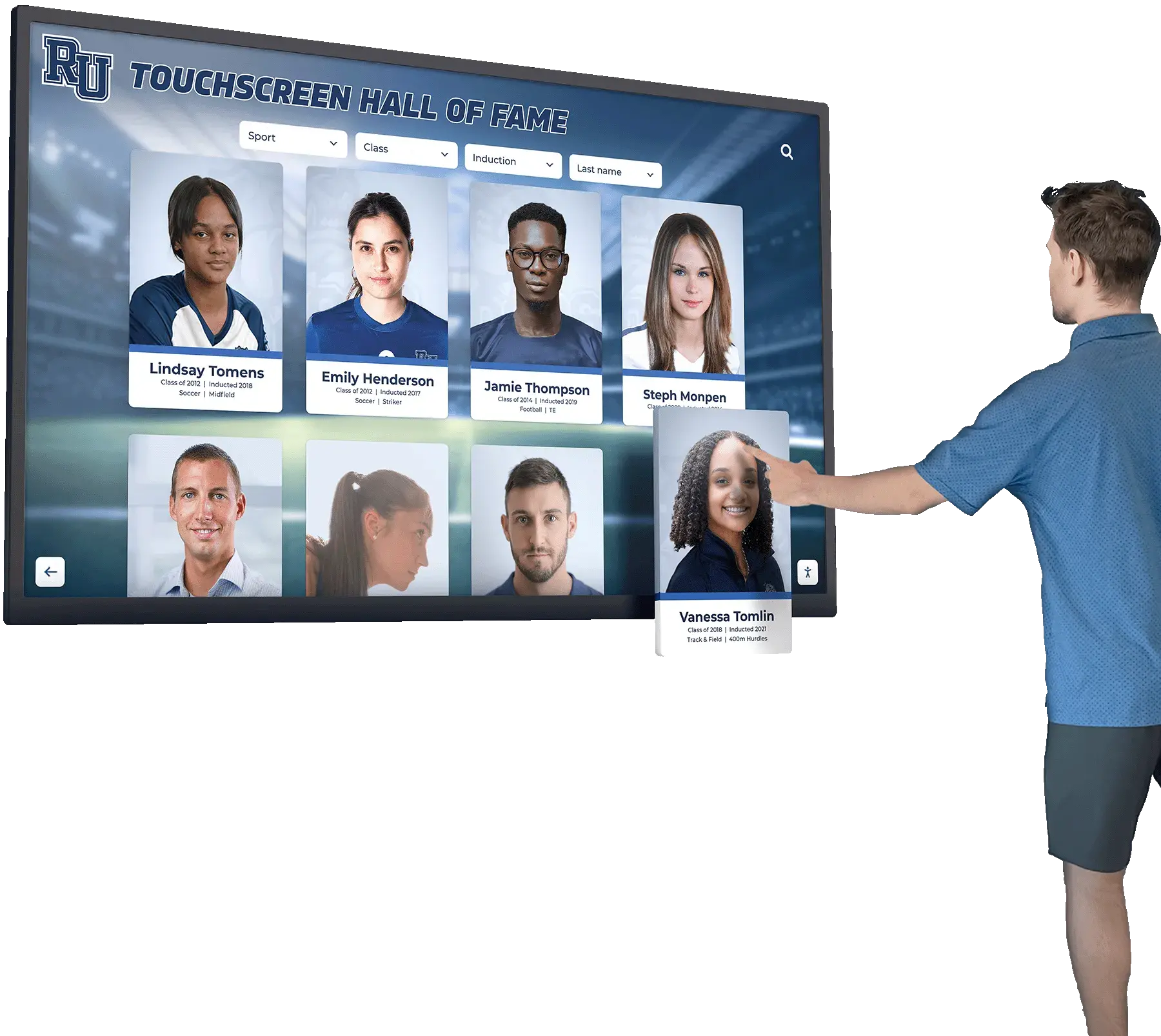
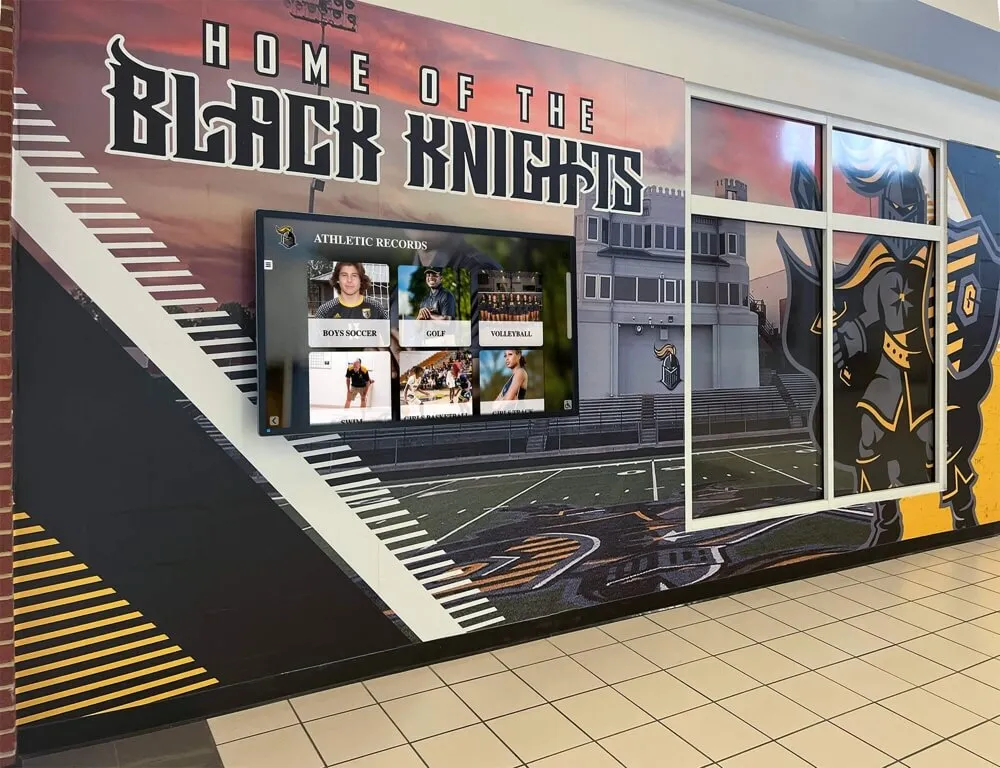
Visitors browse hall of fame displays by sport, name, and era — synonym mapping ensures every variation of a sport name returns complete results
Field 4: Team Name and Mascot Synonyms
What goes here: Former mascot names, color-based nicknames, informal team names, and any names used in local coverage that differ from the official team designation.
Data sources: Historical yearbooks, retired jersey displays, alumni groups, trophy cabinet engravings, local newspaper archives.
| Current Team Name | Historical or Informal Synonyms |
|---|---|
| Rockets | Rocketeers (historical), Blue and Gold (color nickname) |
| Eagles | Birds, E-Birds |
| Tigers | Cats, Bengals |
| Bulldogs | Dogs, Dawgs |
| Panthers | Cats, Black and Gold |
| Warriors | Braves (former name in some programs) |
| Knights | Crusaders (former name in some programs) |
| Cardinals | Redbirds, Cards |
| Wolverines | Wolves |
| Generals | Colonels (regional informal) |
Important note on mascot changes: If your school changed its mascot, inductees from earlier eras may be discoverable only if the historical mascot name is in the synonym dictionary. A visitor searching for an inductee they remember as a “Braves” player from the 1980s — when the school used that name — will return zero results if the dictionary maps only the current mascot.
Field 5: Award, Honor, and Classification Synonyms
What goes here: Variations in how awards, honor designations, and athlete classifications are named across different eras and in different records.
| Stored Term | Synonyms to Map |
|---|---|
| All-State | All State, All-Stater, State Selection |
| All-Conference | All Conference, Conference All-Star |
| MVP | Most Valuable Player |
| Captain | Team Captain, Co-Captain, Tri-Captain |
| All-American | All American |
| Letterman | Letter Winner, Letter-Winner, Varsity Letter |
| Scholar-Athlete | Scholar Athlete, Academic All-Conference |
| First Team | 1st Team, First-Team |
| Honorable Mention | HM, H.M. |
| Hall of Fame | HOF, H.O.F., Athletic Hall |
| Record Holder | Record-Holder, School Record |
Understanding how naming conventions vary across recognition tiers — including academic honors that overlap with athletic recognition — is covered in more depth in this guide to academic recognition terminology and nomenclature.
Field 6: Era and Decade Synonyms
What goes here: Common ways visitors refer to time periods in hall of fame searches — class years, decade references, and era labels.
| Stored or Preferred Term | Synonyms to Map |
|---|---|
| Class of 1985 | ‘85, 85, Class ‘85 |
| 1970s | 70s, Seventies |
| 1980s | 80s, Eighties |
| 1990s | 90s, Nineties |
| 2000s | Aughts, Early 2000s |
| 2010s | Tens, Twenty-tens |
| Pre-Title IX era | Pre-1972, Early Women’s Athletics |
Abbreviation Master Reference
Abbreviations appear across all fields. Maintain a single abbreviation reference in your dictionary that applies globally rather than field by field:
| Abbreviation | Full Term | Primary Field |
|---|---|---|
| AD | Athletic Director | Staff |
| JV | Junior Varsity | Classification |
| Var | Varsity | Classification |
| Fr | Freshman | Classification |
| Soph | Sophomore | Classification |
| Jr | Junior | Classification |
| Sr | Senior | Classification |
| HOF | Hall of Fame | Recognition |
| MVP | Most Valuable Player | Awards |
| TF | Track and Field | Sport |
| XC | Cross Country | Sport |
| LAX | Lacrosse | Sport |
| VB | Volleyball | Sport |
| FB | Football | Sport |
| BB | Basketball or Baseball | Sport (ambiguous) |
| WP | Water Polo | Sport |
| S&D | Swimming and Diving | Sport |
| IH | Ice Hockey | Sport |
| FH | Field Hockey | Sport |
| SB | Softball | Sport |
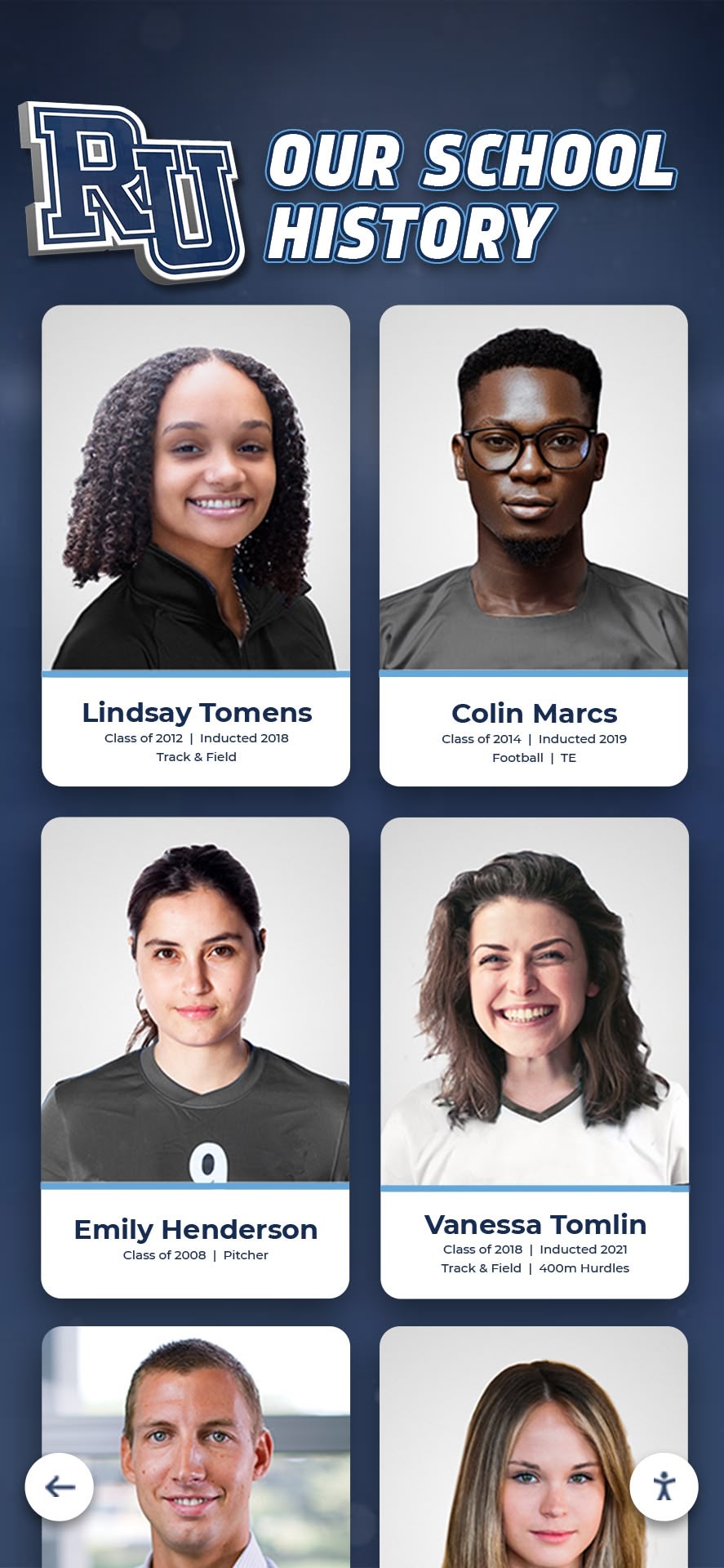
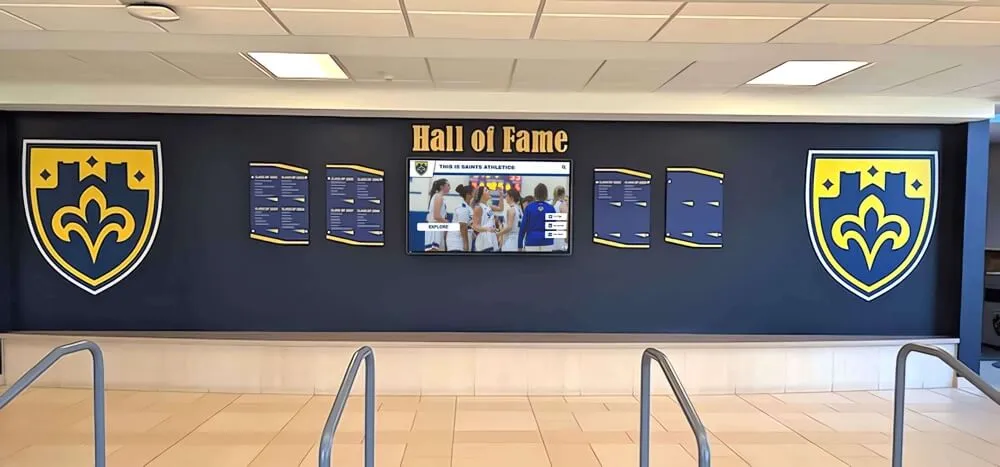
Inductee profiles in digital display systems are only as searchable as the synonym mapping behind them — every term a visitor might use needs a path to the correct record
Implementation Guide: Six Steps to a Working Synonym Dictionary
Building the dictionary is a research and documentation task. Connecting it to a live search system is a technical configuration step. The two phases require different staff and different skills.
Step 1: Audit Your Existing Records
Before writing synonyms, understand what is stored. Run a report from your hall of fame database or CMS that lists every unique value in the sport field, every unique award or classification value, and a sample of first names large enough to show which nicknames appear as official records versus display names. Inconsistencies in the underlying records must be resolved before the synonym dictionary can compensate for them. If “basketball,” “Basketball,” “Boys Basketball,” and “Men’s Basketball” all appear in the sport field, decide on one canonical value and normalize the records first.
Step 2: Collect Historical Naming Data
Gather naming data from physical yearbooks (photograph captions, sport section headers, all-conference listings), old printed programs from championship seasons, trophy cabinet engravings, retired jersey displays, local newspaper archives, and past nominator submissions that mentioned alternate names. Direct alumni outreach at reunion events is the most reliable source for maiden name and nickname data — ask attendees what name they used when they competed.
Step 3: Build the Dictionary in a Structured Format
Use a spreadsheet or structured data file with at least three columns: the canonical term (the value stored in the database), the synonym list (comma-separated or one row per synonym), and the field scope (which database field this mapping applies to: first name, last name, sport, award, etc.). Keep one row per canonical term. If the same synonym could apply to two different canonical terms — like “BB” for both basketball and baseball — add both rows with a note in the field scope column indicating how context resolution is handled on your platform.
Step 4: Configure Your Search Platform
Most modern search platforms used in digital recognition systems support synonym dictionaries through one of three mechanisms. Managed synonym lists allow administrators to upload a flat file to the platform’s search configuration — Rocket Alumni Solutions’ cloud CMS and similar platforms support this through the settings interface without custom code. Query expansion at the application layer substitutes or expands search terms using the dictionary before the query reaches the search index, which requires access to the application configuration. Index-time synonym expansion writes synonyms into the search index when records are saved, so every synonym term appears as a searchable token alongside the canonical value. Ask your platform vendor which mechanism is supported and what format the synonym list should be in. Most accept CSV or plain-text synonym files.
For programs evaluating which display and search platforms best support structured synonym configuration, the overview of best digital signage software for schools compares feature sets relevant to search customization.
Step 5: Test Across Every Synonym Category
After configuration, test the dictionary systematically — not just one or two terms. Build a test checklist:
| Test Query | Expected Result | Pass or Fail |
|---|---|---|
| “Bobby Smith” | Returns “Robert Smith” profile | |
| “Novak” | Returns profile stored as Rodriguez for inductee who competed as Novak | |
| “Hoops” | Returns all Basketball records | |
| “Eagles 1987” | Returns records from the former mascot era | |
| “XC” | Returns Cross Country records | |
| “Co-Captain” | Returns all Captain records | |
| “‘85” | Returns Class of 1985 records | |
| “All State” (no hyphen) | Returns All-State records |
Document failures and trace them back to the dictionary (missing synonym) or the underlying data (record not created or field value incorrect).
Step 6: Build a Maintenance Process
A synonym dictionary is not a one-time build. It grows over time as new inductees are added with names not covered by existing mappings, alumni update the school on name changes, historical research surfaces team names not previously documented, and sport programs are added or renamed. Assign a specific role — typically the athletic department’s archives coordinator or the CMS administrator — to review and update the dictionary annually as part of the pre-induction cycle. Add a question to your nomination form: “Is there an alternate name (nickname, maiden name, or previous name) that should be searchable in the hall of fame for this inductee?”
Common Errors to Avoid
Adding synonyms without normalizing source data. If the sport field contains both “basketball” and “Basketball” as distinct values, a synonym mapping “hoops → basketball” only matches the lowercase version. Normalize first.
Using the dictionary as a correction tool. Synonyms expand what a query matches — they do not fix incorrect records. If an inductee’s name is misspelled in the database, correct the record; do not add the misspelling as a synonym.
Ignoring ambiguous abbreviations. “BB” for both baseball and basketball, “F” for both football and freshman classification — document these with explicit context notes and test how your platform handles them.
Skipping maiden name outreach. Maiden name data often does not exist in any surviving school record. The only reliable way to collect it is to ask inductees directly through update forms, reunion outreach, or nomination confirmation letters.
Letting the dictionary become stale. A dictionary built in one year misses name changes, new inductees, and program additions that occur afterward. Annual review is required.
Who Should Own the Dictionary
Athletic Director — authorizes the maintenance policy and ensures the process is budgeted and staffed.
Archives Coordinator or Athletic Records Staff — primary owner of the research phase; responsible for collecting historical naming data from physical records.
CMS Administrator or IT Contact — responsible for the technical configuration phase; uploads or configures the synonym file in the search platform.
Reunion and Alumni Relations Staff — best positioned to collect name-change data through direct alumni outreach at events and via mailed update forms.
Small departments without dedicated archives staff can distribute these responsibilities across two roles: the athletic director handles policy and alumni outreach while the CMS administrator handles technical configuration and annual updates.
Connecting Synonym Search to the Broader Alumni Recognition Ecosystem
A synonym dictionary is most valuable when it connects to a recognition program that uses the data actively — not just a static display. Programs that run monthly spotlight features, seasonal outreach campaigns, and reunion events generate regular search traffic that stress-tests the dictionary in ways that passive display never will.
For programs developing engagement programming around alumni recognition, the guide to alumni spotlight of the month programs covers how to structure recurring features that bring visitors back to the digital hall of fame regularly — creating natural occasions to discover whether search is working as expected.
School pride events and alumni recognition programs — from homecoming to college colors day celebrations and alumni recognition events — drive spikes in hall of fame traffic where visitors actively search for themselves and former teammates. These high-traffic moments expose synonym gaps that steady-state usage never surfaces.
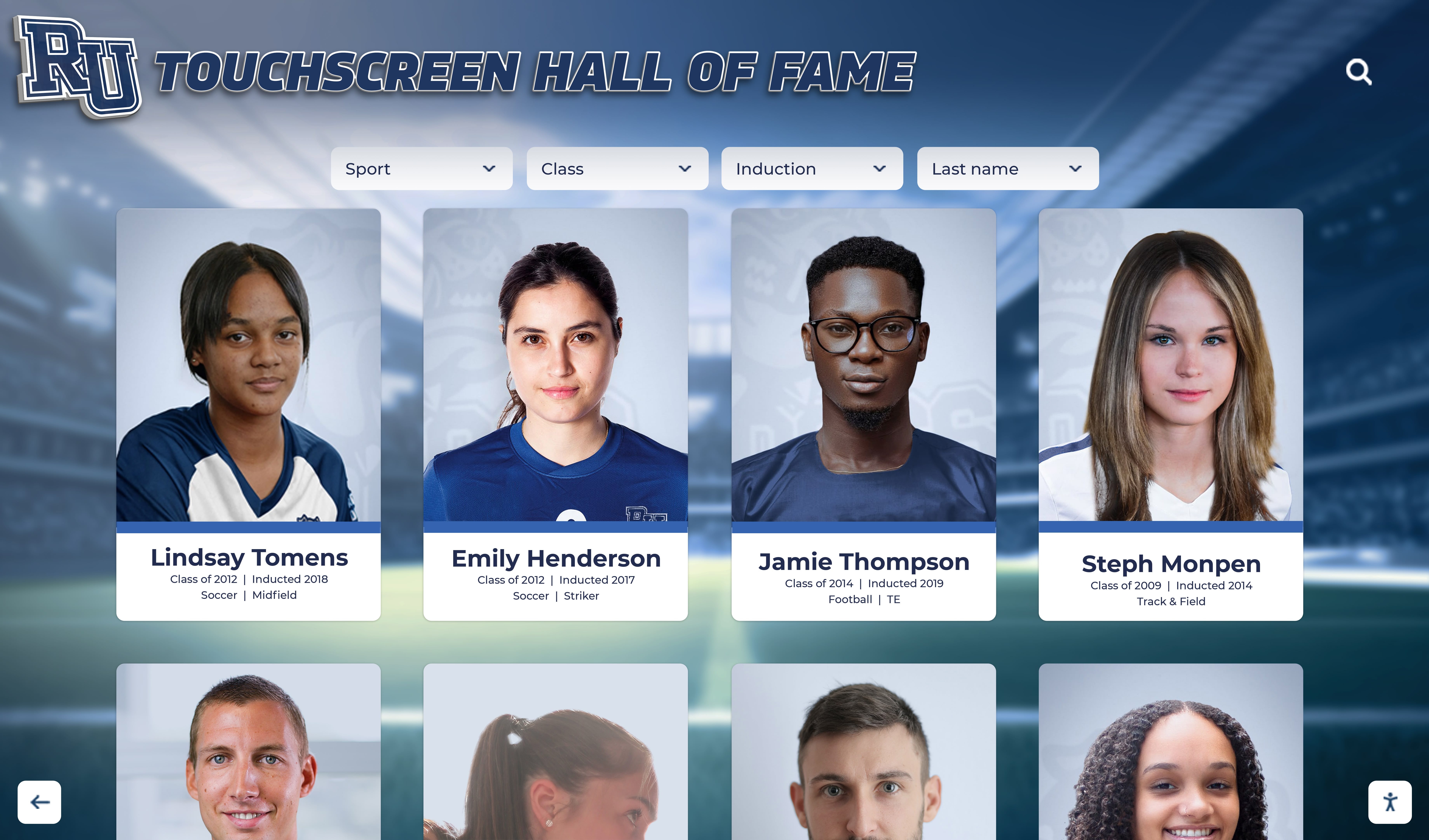
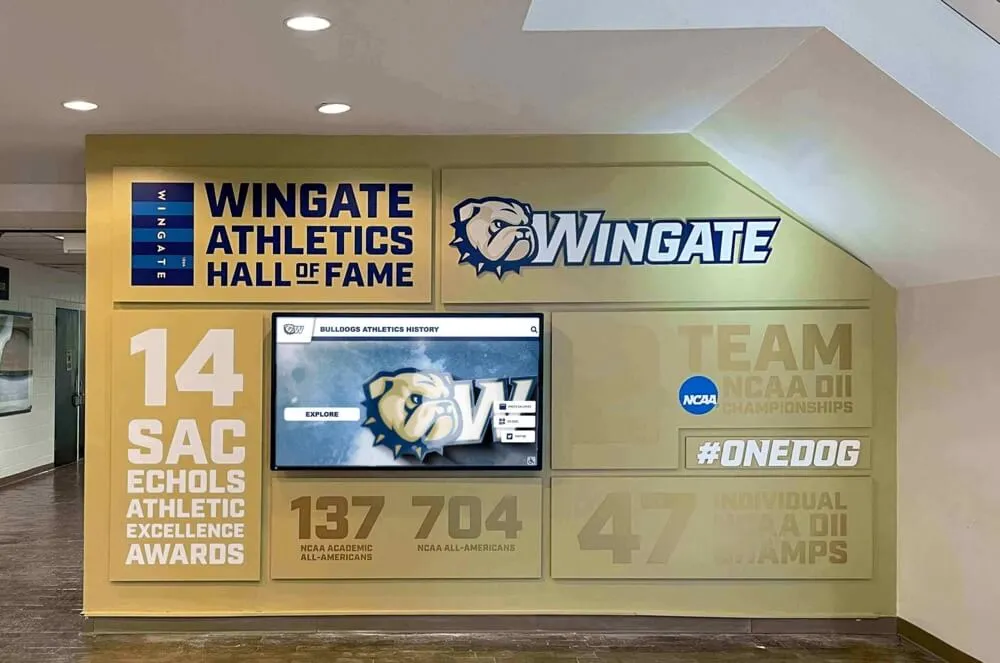
High-traffic recognition events like homecoming and alumni nights expose synonym dictionary gaps that routine usage never surfaces — test your dictionary before every major event
Year-end sports banquets and recognition ceremonies also generate alumni search interest. Resources on structuring squad achievement banquet recognition can inform how programs sequence induction announcements with active hall of fame display engagement during events.
The synonym dictionary also supports the transition from a paper-based archive to a fully searchable digital system. Platforms like Rocket Alumni Solutions support ADA WCAG 2.1 AA compliant touchscreen displays with cloud-based CMS, unlimited inductee profiles, auto-ranking record boards, QR code mobile access, and sponsorship revenue features — all built around the principle that every inductee should be discoverable regardless of which name a visitor uses to search.
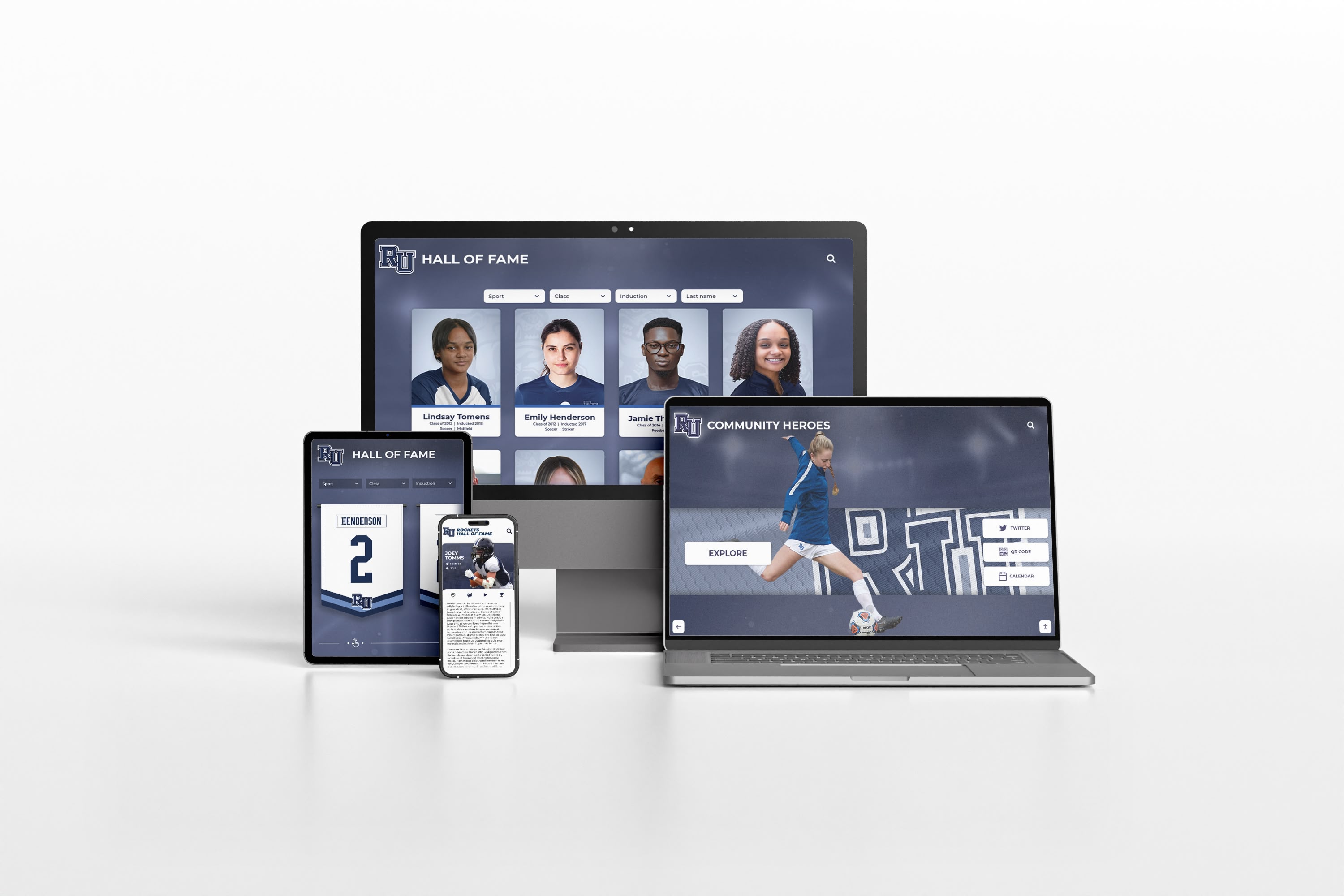
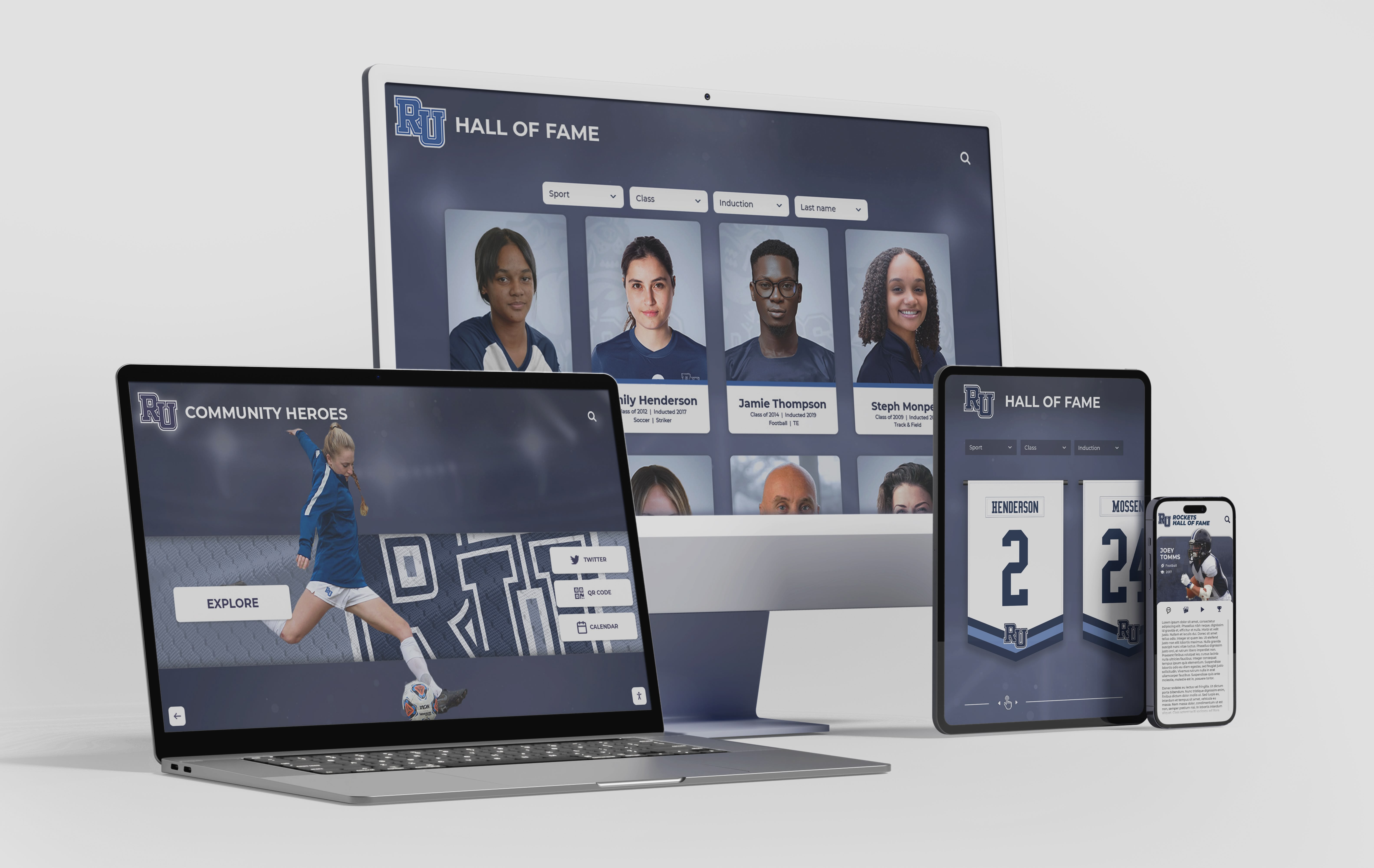
ADA-compliant touchscreen and web-based hall of fame platforms deliver synonym search across every screen size — accessibility and discoverability are two sides of the same infrastructure investment
Frequently Asked Questions
Do I need a synonym dictionary if my platform already has fuzzy search? Fuzzy search handles typos and minor spelling variations within a single name — it does not handle the conceptual equivalence between “Bobby” and “Robert,” between a maiden name and a married name, or between “XC” and “Cross Country.” Synonym dictionaries and fuzzy search are complementary, not alternatives. Most platforms that support fuzzy search also support synonym dictionaries; use both.
How many synonyms does a typical school hall of fame need? A program with 100–200 inductees covering 40 or more years of athletic history should expect to build a dictionary with 150–400 synonym pairs across all fields, weighted toward first-name nicknames and historical sport and team names. Larger programs with longer histories or more gender-diverse inductee populations — where name-change rates are higher — will need proportionally more entries.
Can I build this in a spreadsheet and hand it off to a vendor? Yes, and that is the recommended approach for schools that do not have direct access to their platform’s search configuration. Document the dictionary in a structured spreadsheet — canonical term, synonyms, field scope — and provide it to your platform vendor or CMS administrator with a request to configure it in the search layer. Request written confirmation that the configuration is active and a test protocol to verify it.
What happens to the synonym dictionary if we switch platforms? A synonym dictionary documented in a platform-neutral format (a spreadsheet) survives a platform migration. A dictionary configured only inside a proprietary CMS interface may not export cleanly. Always maintain the authoritative version in your own format, separate from any platform-specific configuration.
Should synonyms be case-sensitive? No. All synonym matching should be case-insensitive. Searching “BOBBY,” “bobby,” and “Bobby” should all return the same results. Most search platforms handle case normalization automatically, but confirm this during testing.
How do we handle inductees who do not want to be found under a previous name? Treat this as a privacy exception. Remove or suppress the synonym entry for that specific inductee rather than removing the entire name-change category from the dictionary. Document the exception in your internal records with the inductee’s request date and the staff member who processed it. This preserves the dictionary’s general usefulness while honoring an individual’s preference.
A hall of fame website search synonym dictionary is the operational infrastructure that bridges how information is stored and how visitors actually search for it. Inductee records filed under legal names become findable by nickname. Profiles entered under maiden names surface for family members who know only the married name. Historical team names and sport abbreviations connect generations of alumni to the same searchable archive. The dictionary does not change what is stored — it changes what can be found. For programs that have already done the work of building a digital hall of fame, adding synonym mapping is the single most impactful step to make that investment fully accessible to every visitor who walks through the door or visits from a phone.
Make Your Hall of Fame Fully Searchable
Rocket Alumni Solutions powers ADA WCAG 2.1 AA compliant touchscreen hall of fame displays and cloud-based recognition systems for schools and athletic programs nationwide. The platform supports unlimited inductee profiles, auto-ranking record boards, QR code mobile access, remote cloud CMS with configurable search, sponsorship revenue features, and professional installation services — so every inductee is discoverable across every name they have ever used.