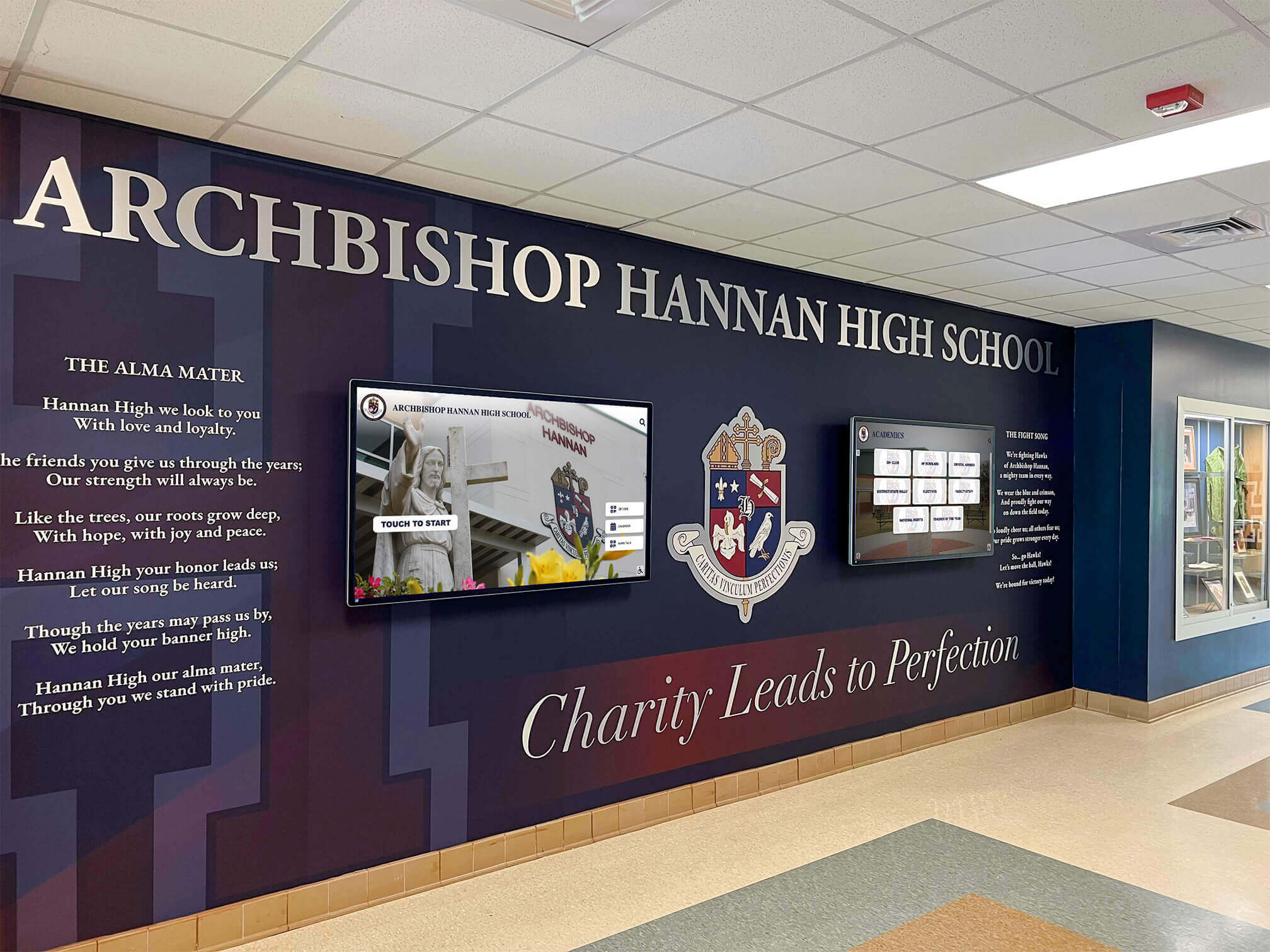




Planning a high school reunion starts months before the first attendee walks through the door — and long before the caterer is booked or the venue is confirmed, the class committee faces a deceptively important task: creating a high school reunion flyer that people actually respond to. The flyer is the first impression your event makes on classmates who may have drifted out of touch for a decade or more. It sets the tone, communicates credibility, and — when designed thoughtfully — rekindles exactly the kind of nostalgic excitement that makes classmates clear their calendars.
But the printed flyer is only part of the story. Modern reunions increasingly pair the traditional paper announcement with digital display content that plays at the event itself: slideshow screens cycling through yearbook photos, digital posters looping in the lobby, and recognition displays honoring classmates who have achieved remarkable things since graduation. Together, print and digital create a multi-layered experience that starts with a mailbox or inbox and culminates in a night that genuinely feels worth the trip home.
This guide walks class committees through every layer of that process — from designing a compelling reunion flyer to producing venue wall posters, setting up digital displays, and choosing templates that save time without sacrificing visual impact.
Reunions are memory-making events, and the materials surrounding them shape how attendees feel before, during, and long after the evening ends. A flyer that looks like a chain-email forward sends one message. A carefully designed poster mailed to a class of 300 sends a very different one.

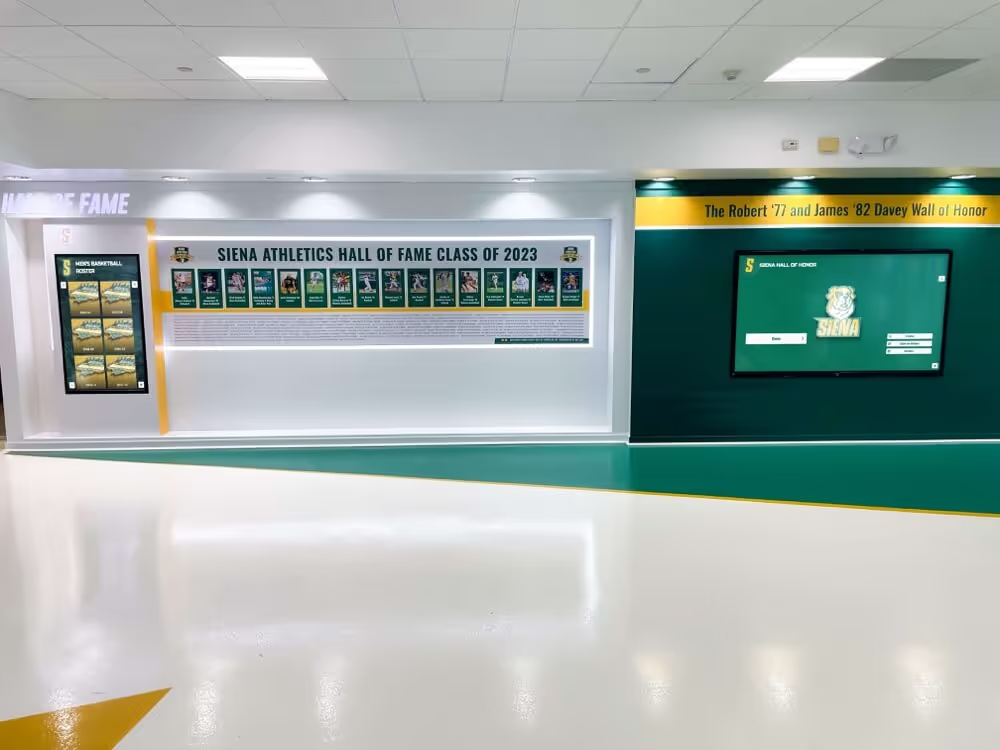
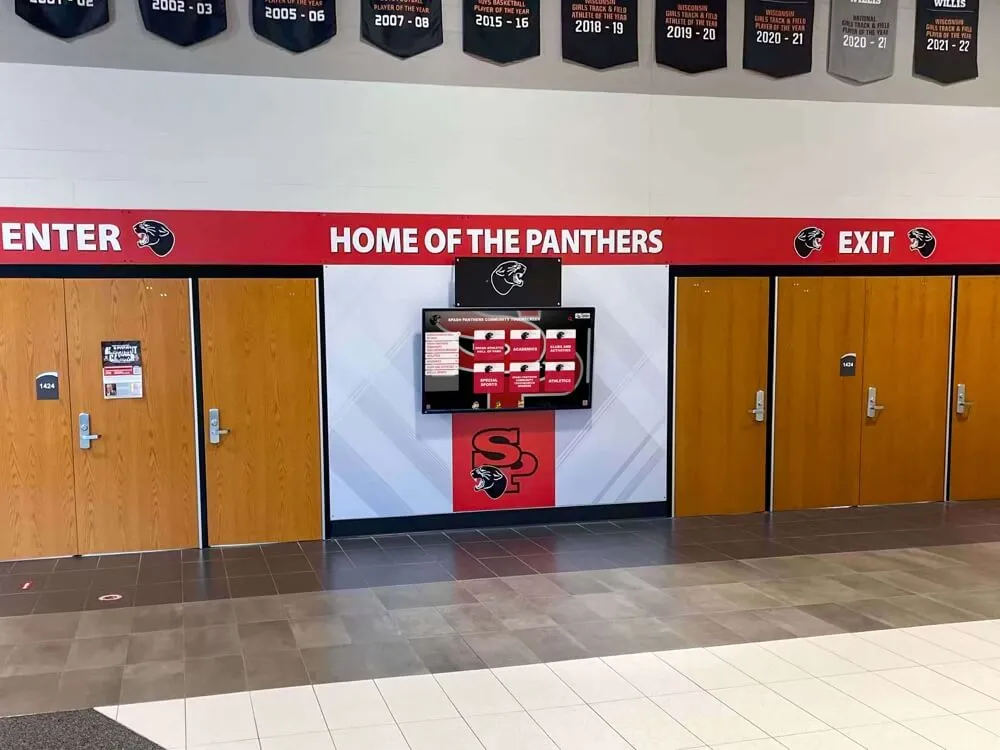
A well-designed physical and digital environment elevates the reunion from a social gathering to a genuine celebration of class legacy
What Makes a High School Reunion Flyer Work
A reunion flyer has to accomplish several things simultaneously: identify the event clearly, generate excitement, communicate essential logistical information, and persuade a busy adult with a full calendar that this particular Saturday night is worth rearranging.
The Core Elements Every Flyer Needs
Before worrying about design aesthetics, confirm that your flyer contains these non-negotiable elements:
Event identification
- School name and mascot or school colors as design anchors
- Reunion year and class year prominently displayed
- “Xth Reunion” designation (5th, 10th, 20th, etc.)
Logistical information
- Date and day of week spelled out
- Start and end times
- Full venue name and address
- Registration or RSVP deadline
- Ticket price and where to purchase
Contact and follow-through
- Class committee contact name and email
- Website or Facebook group URL where classmates can find more information
- QR code linking directly to the registration page
Visual anchors
- A defining image — the school’s exterior, class year logo, mascot graphic, or a composite of yearbook photos
- School colors as the dominant palette
- Graduation year large enough to read at a glance
What Separates Good Designs from Forgettable Ones
The single biggest differentiator between a flyer that gets saved and one that gets deleted is whether it triggers an emotional response in the first three seconds. The most effective reunion flyers do this by:
- Using an image the audience immediately recognizes (the old gym, the school sign, the class portrait)
- Incorporating a headline that speaks to shared experience (“Come Back to Where It All Started”)
- Conveying a sense of event quality that matches the effort classmates will need to invest
Avoid the opposite traps: flyers so cluttered with information that the date is hard to find, and flyers so minimal that they look like spam. The goal is a document that reads as both warm and professional — organized enough to be credible, nostalgic enough to resonate.
Design Principles for Reunion Wall Posters
A high school reunion flyer sent digitally or by mail is one format; wall posters displayed at the venue are a different design challenge entirely. Posters are viewed from a distance by people in motion who haven’t made a decision to engage — they need to communicate fast and visually.
Size and Layout for Wall Display
The standard large-format poster sizes for reunion venue display:
- 18" × 24" — Works in hallways, restroom corridors, and near venue entry. Cost-effective.
- 24" × 36" — Strong visual presence for lobby displays, registration tables, and main event rooms.
- 36" × 48" — Statement-level size for entryways and backdrop walls. Use sparingly for maximum impact.
When laying out a wall poster, follow a simple visual hierarchy: headline (reunion class and year), image, details, call to action. Viewers should be able to absorb the what and when in under five seconds from across a room.
Color and Typography for Reunion Contexts
School colors should anchor the palette — they’re the fastest shortcut to instant recognition. Build from there:
- Use one primary color (dominant school color) for the largest elements
- Add a complementary or neutral tone for backgrounds and secondary text
- Reserve white space deliberately — crowded posters read as cheap, even when the content is good
For typography, err toward bold and legible over decorative. Reunion posters should be readable from 15 feet. Script fonts and thin weights that look elegant on a computer screen often fail at print size. Headlines at 72+ points, key details at 36+, fine print no smaller than 24 for a 24×36 poster.
Photography and Visual Assets for Class Reunion Posters
The most memorable reunion posters feature imagery the audience recognizes instantly. Sourcing options include:
Yearbook photographs — Usually available from the school’s archives. A composite of individual senior portraits arranged in a grid becomes an immediately personal visual that every alum searches for their own face in.
School facility photos — The gym, the front entrance, the football field, the parking lot where everyone used to hang out. These establish place identity instantly.
Class year typography treatment — A dramatically scaled graduation year as the primary visual element can be highly effective, especially when layered with a subtle photographic background.
Mascot or crest graphics — If the school has a high-quality mascot graphic or official crest, these create professional-looking anchors without requiring original photography.
Capturing your school’s full history for display purposes — whether a reunion poster or a permanent alumni wall — involves the same archival process: locating yearbooks, digitizing photographs, and organizing materials by era.
Templates for Class Committees: Saving Time Without Losing Quality
Most reunion committees are made up of volunteers with day jobs — they’re not professional designers, and they shouldn’t need to be. A well-chosen template handles the layout, typography, and spacing so the committee can focus on the content.
Where to Find Reunion Flyer Templates
Several platforms offer reunion-appropriate templates that can be customized in a browser without design software:
Canva — The most widely used option for committee-designed materials. Canva offers both free and paid templates, drag-and-drop customization, and direct download or print-ordering. Search “reunion invitation,” “class reunion flyer,” or “alumni event poster” to filter relevant starting points.
Adobe Express — Similar browser-based editing with a slightly more design-focused template library. Good if the committee has someone comfortable with Adobe products.
PosterMyWall — Specifically built for event posters. Strong template variety and easy large-format printing integration.
Vistaprint and Moo — Print vendors that offer their own template systems bundled with print ordering. Useful if the committee wants a single vendor for design and production.
Template Customization Checklist
When adapting any template for a class reunion flyer, work through these customization steps in order:
- Replace placeholder colors with school colors
- Swap generic fonts for bolder, more readable alternatives if the template uses decorative faces
- Insert the class year and graduation decade as the primary headline
- Replace stock photography with actual school imagery or yearbook photos
- Update all event details: date, time, venue, registration link
- Add the committee’s contact information and QR code
- Remove any template branding or watermarks before export
- Proof for readability at actual print size before ordering
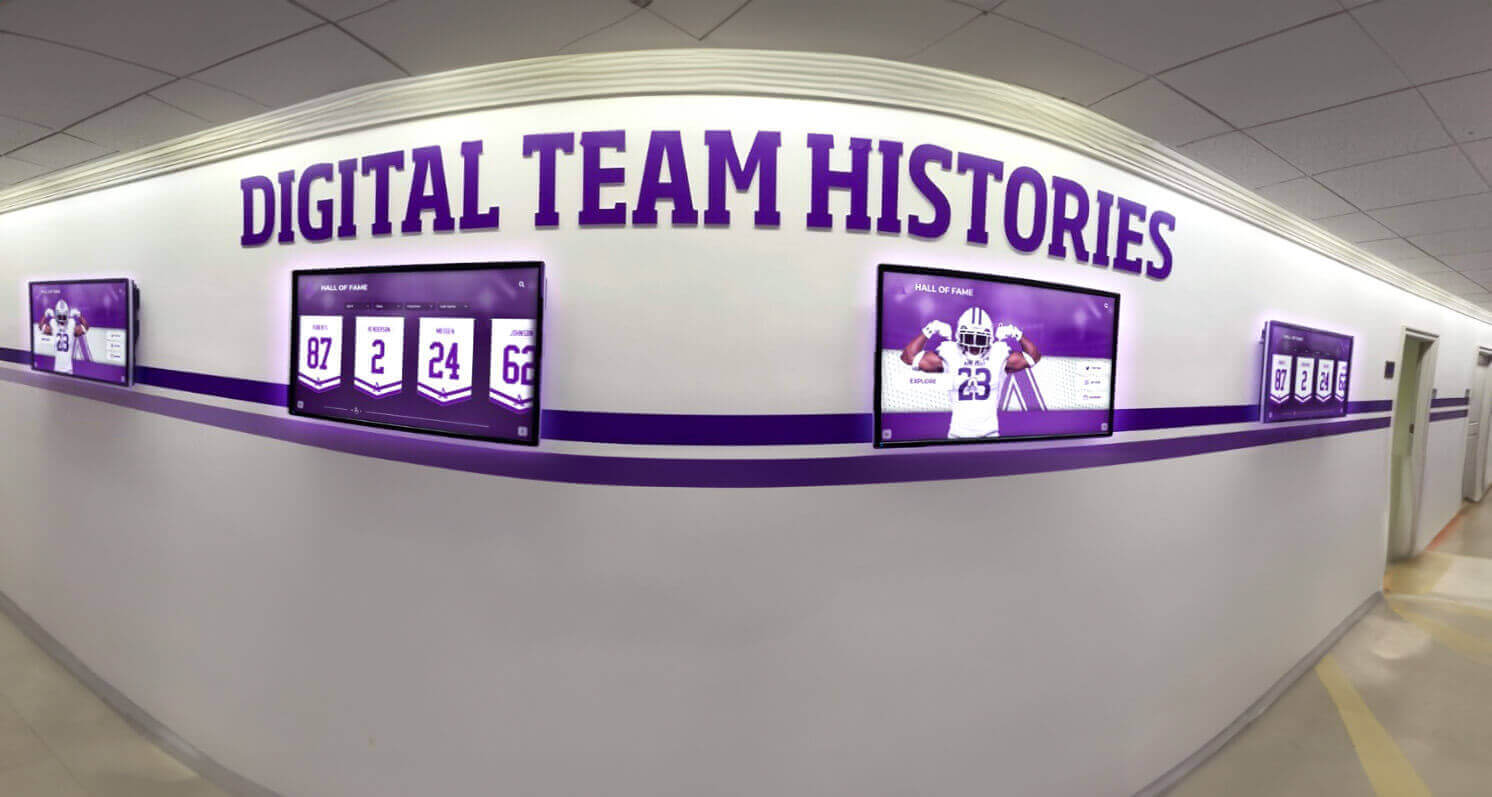
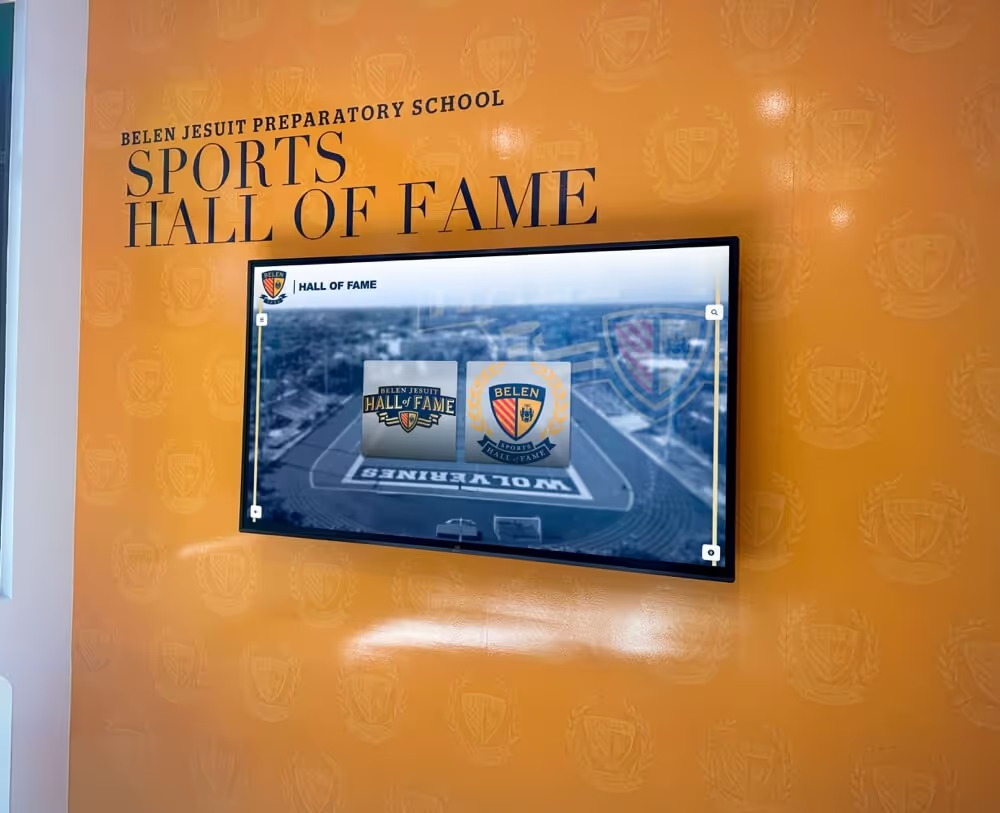
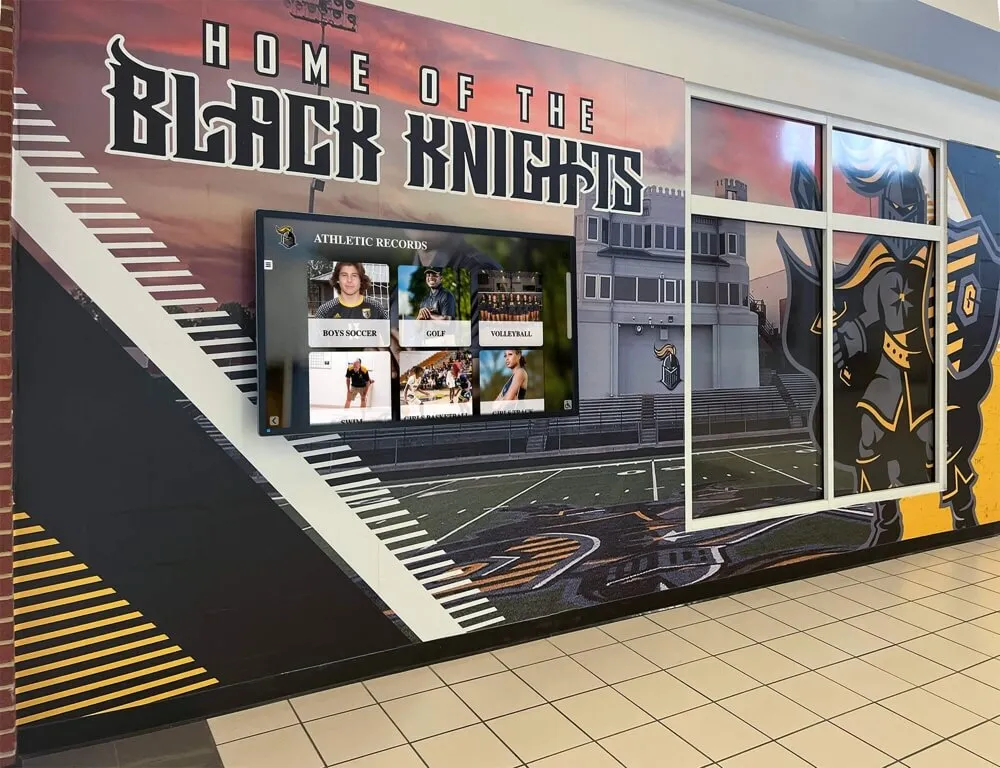
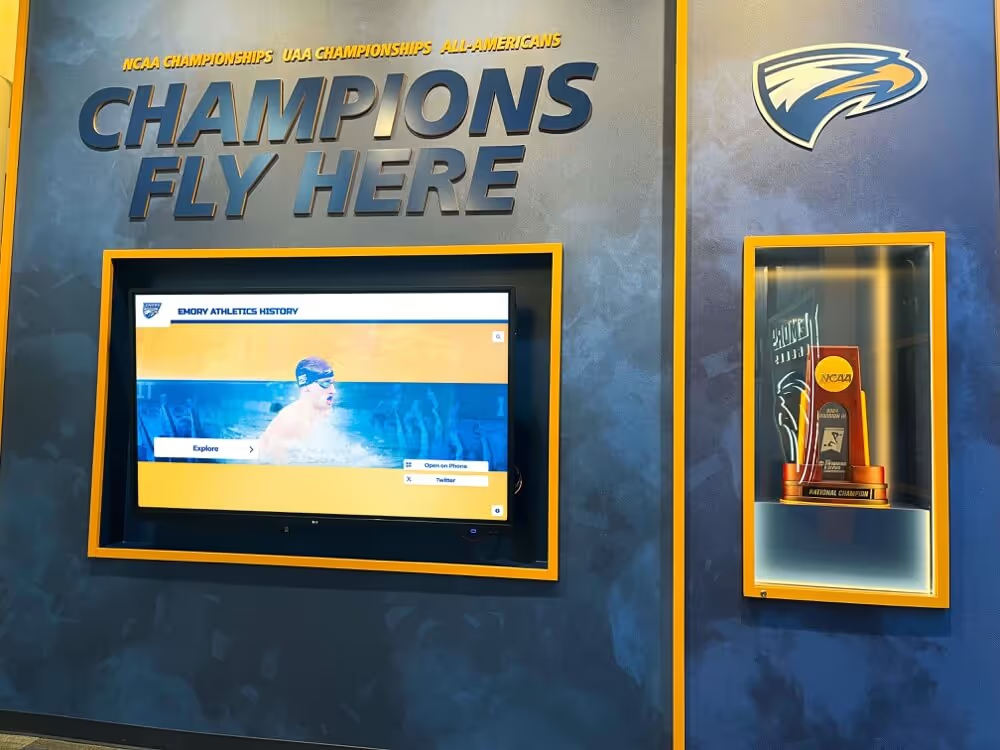
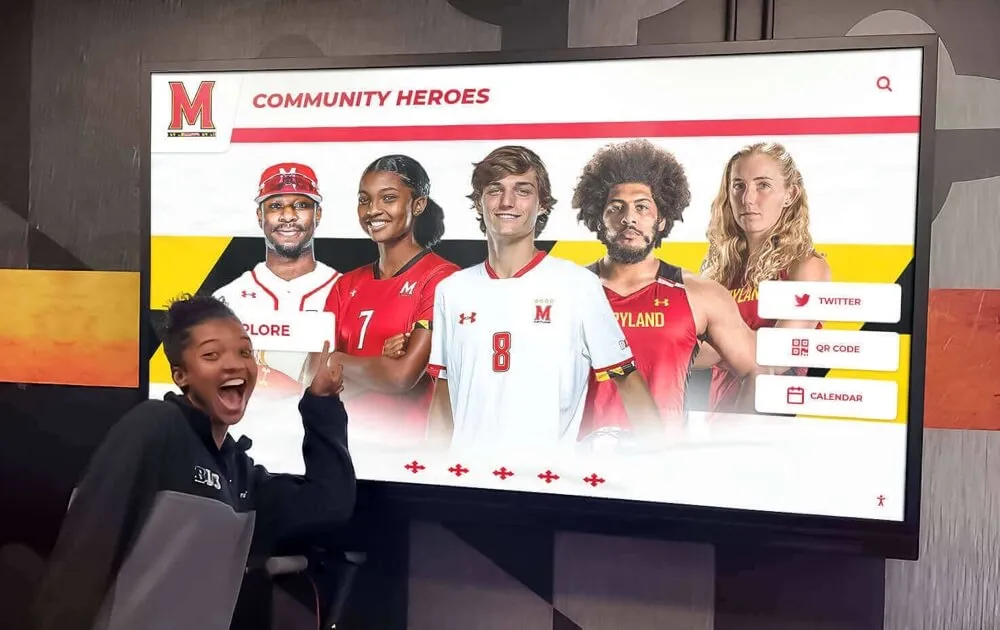
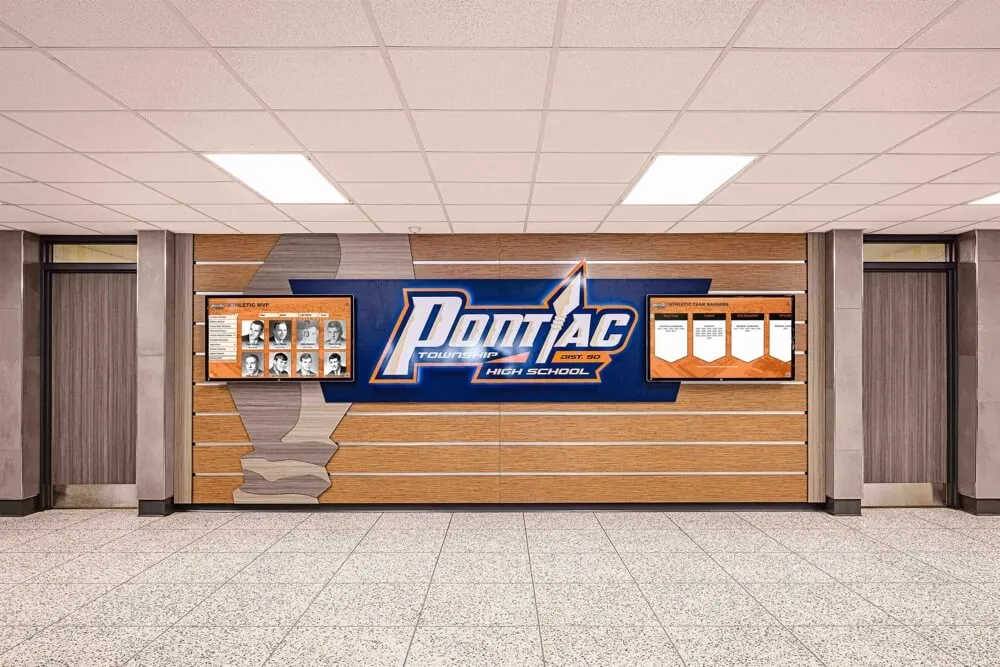
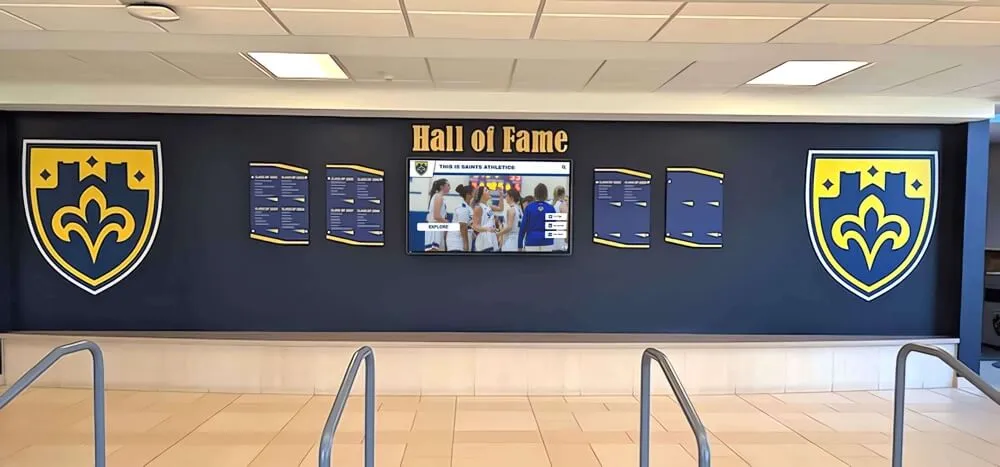
Digital display content playing at the reunion venue extends storytelling far beyond what any single printed flyer can communicate
Print Specifications to Request from Your Vendor
When submitting files to a print vendor, specify:
- Resolution: 300 DPI minimum for print. Digital-only uses 72-96 DPI, which will print blurry at large sizes.
- Color mode: CMYK for professional print, not RGB (which is optimized for screens).
- Bleed: Add 0.125" bleed on all sides if printing edge-to-edge.
- File format: PDF/X-1a is the professional standard; JPEG at maximum quality is acceptable for most vendors.
Ordering at least 20% more copies than you expect to need protects against distribution errors and gives the committee spares for archiving.
Digital Display Design for Reunion Events
A printed flyer gets you to the door. Digital display content transforms what attendees experience once they arrive. More reunion committees are now investing in display content that runs on venue screens — from arrival through the final hour of the event.
Types of Digital Display Content for Reunions
Welcome loop — A simple slideshow running on the venue’s entrance screen or lobby monitor: class name, reunion year, a “Welcome Back” headline, and rotating yearbook photos. No interactivity needed; just something meaningful to look at during arrival.
Yearbook slideshow — Individual photos from the graduating class, organized by homeroom, sport, or club, cycling on a main display or in a designated “memory lounge” area. Attendees gather around these naturally.
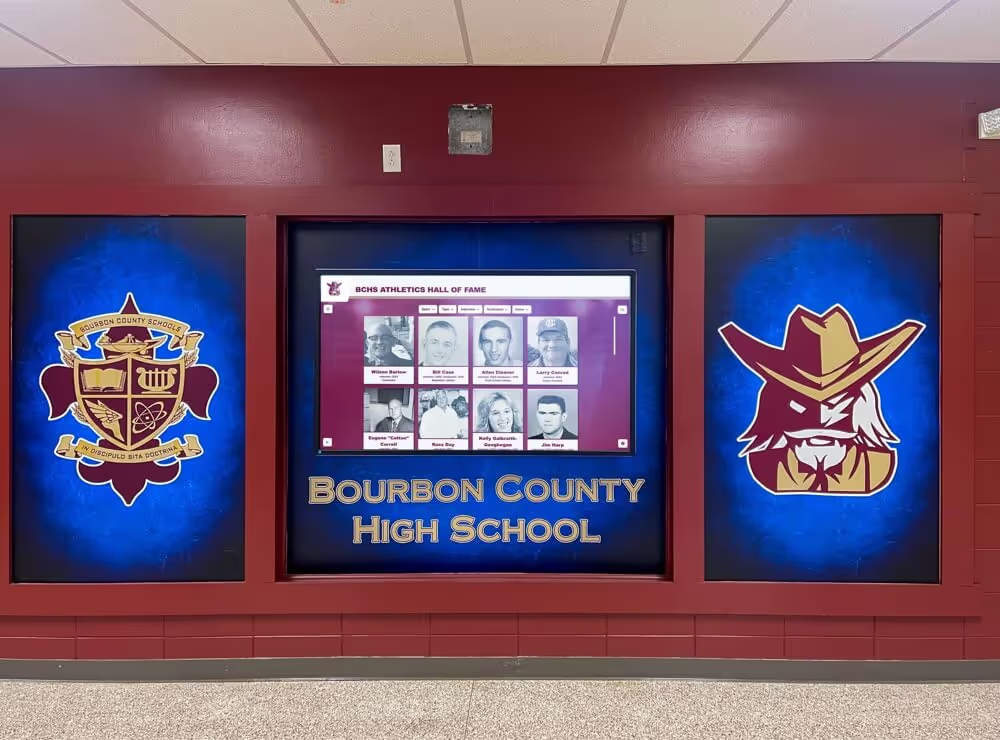
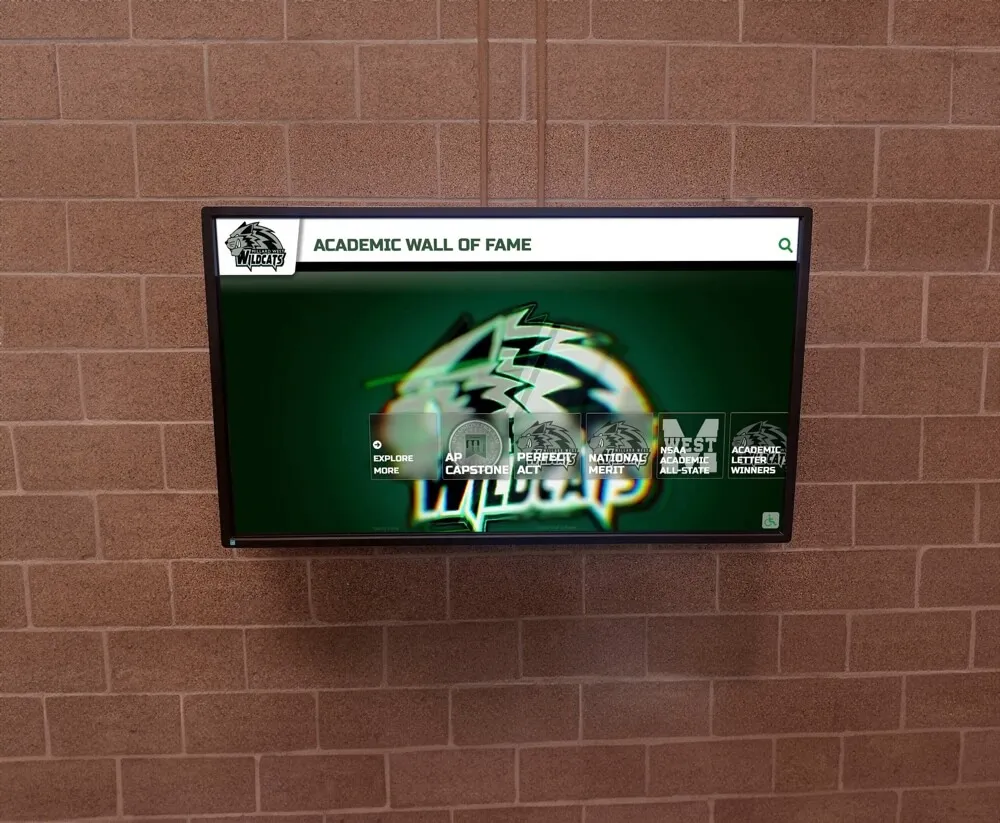
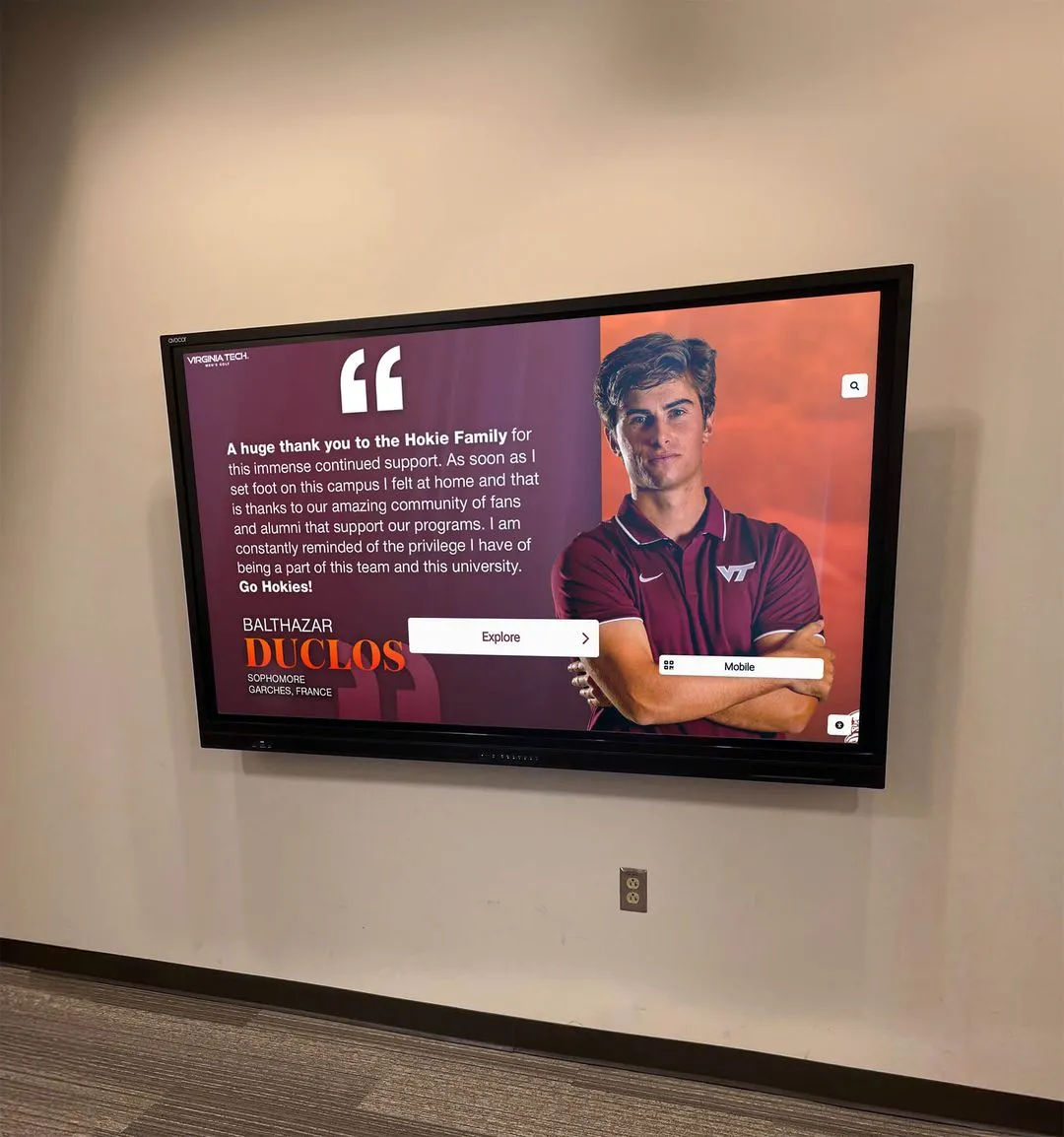
Achievement recognition display — A more intentional digital display highlighting classmates who have earned notable recognition since graduation: professional accomplishments, military service, community leadership, alumni awards. This is where reunion digital content starts to resemble a formal recognition display.
“Then and Now” comparative display — Pairs yearbook senior portraits with current professional headshots submitted in advance by classmates who chose to participate. These generate significant engagement as people look for their own images and their friends'.
Trivia and nostalgia content — Pop culture trivia from the graduation year, news headlines from commencement week, top songs from prom season. Runs well between formal program elements.
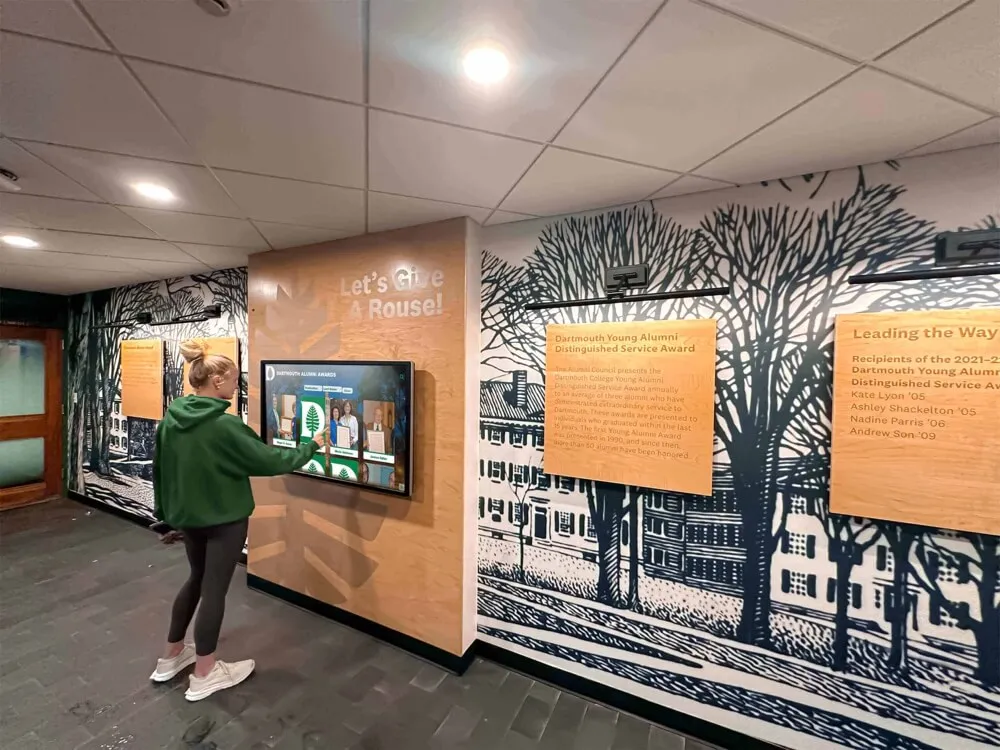
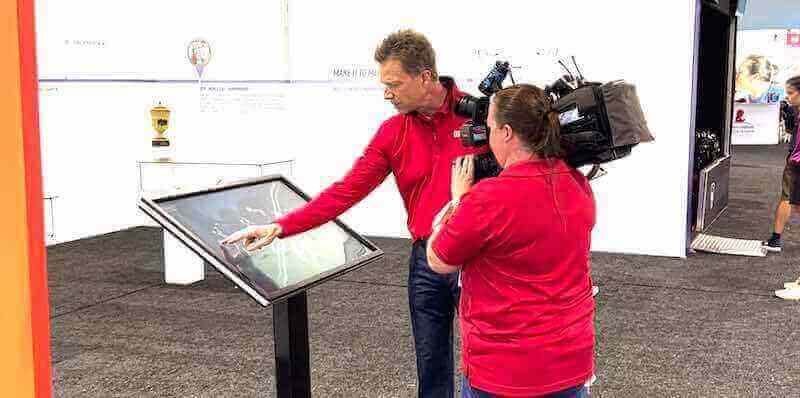
Designing effective touchscreen experiences for public audiences involves the same principles whether the context is a museum, a school hallway, or a reunion event: clear visual hierarchy, intuitive navigation, and content that rewards engagement rather than just scrolling.
Technical Setup Considerations for Venue Displays
Most reunion venues have at least some screen infrastructure — banquet rooms commonly have a projector or wall-mounted monitor. Confirm before the event:
- What input types are available (HDMI, USB, AirPlay)
- What resolution the screen supports (typically 1080p or 4K)
- Whether the venue’s audio system can play associated audio if you want music
- Who controls the display during the event and whether a dedicated person is needed
For committees running multiple screens — a lobby display, a main room display, and a memory lounge setup — having a laptop dedicated exclusively to display control prevents the accidental laptop screen-share during an embarrassing moment.
Designing Digital Slides for Large-Screen Display
Digital slides for reunion displays differ from printed flyers in key ways:
- Aspect ratio: Design in 16:9 (1920×1080 pixels) for widescreen displays, not 8.5×11
- Text size: Body text must be larger than you’d use in print — readable from 20 feet requires 60+ point
- Contrast: High-contrast text on backgrounds; avoid mid-range grays that wash out under venue lighting
- Transition timing: Auto-advance slides every 8-12 seconds for casual viewing; shorter for high-information slides
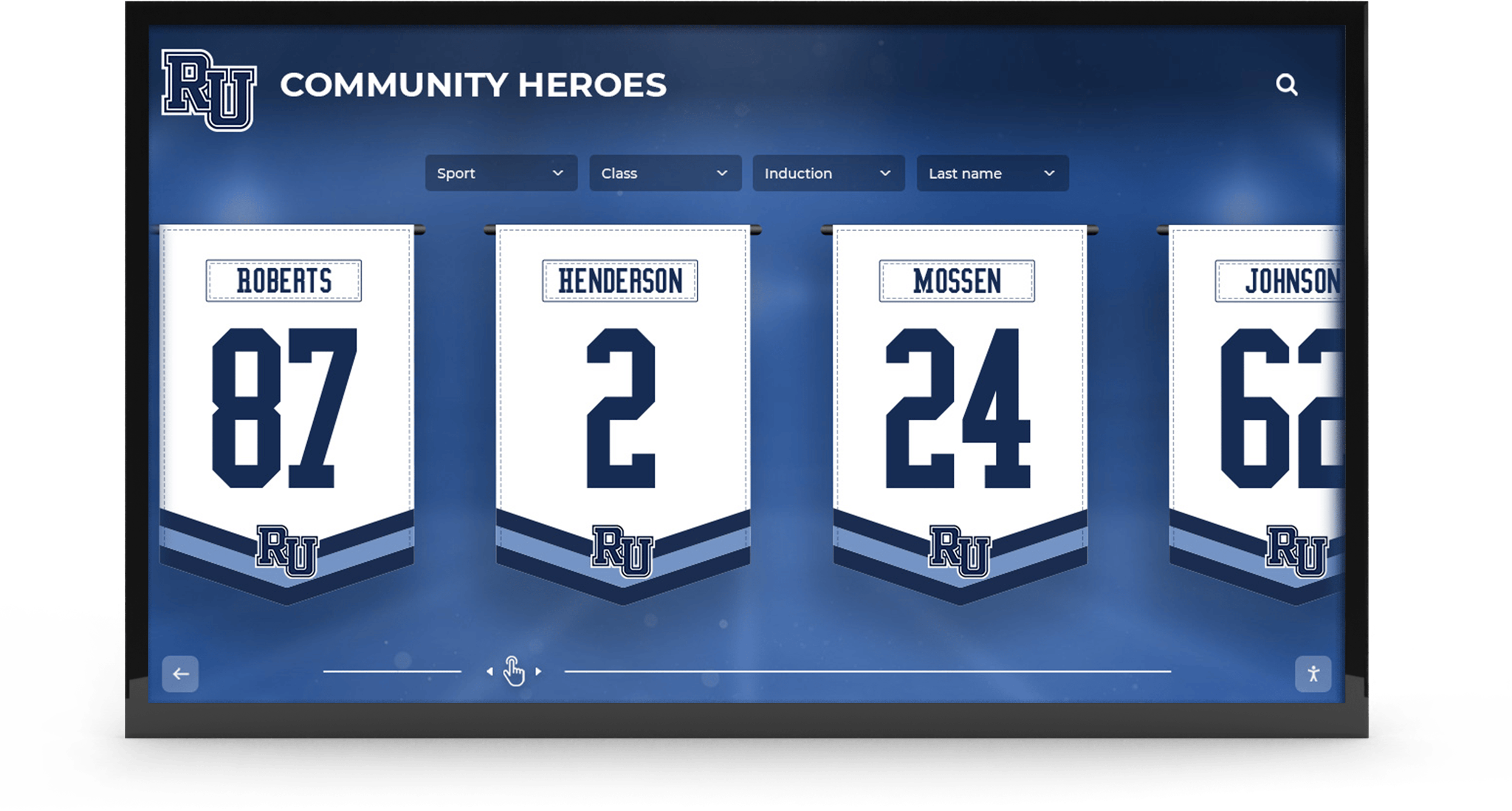
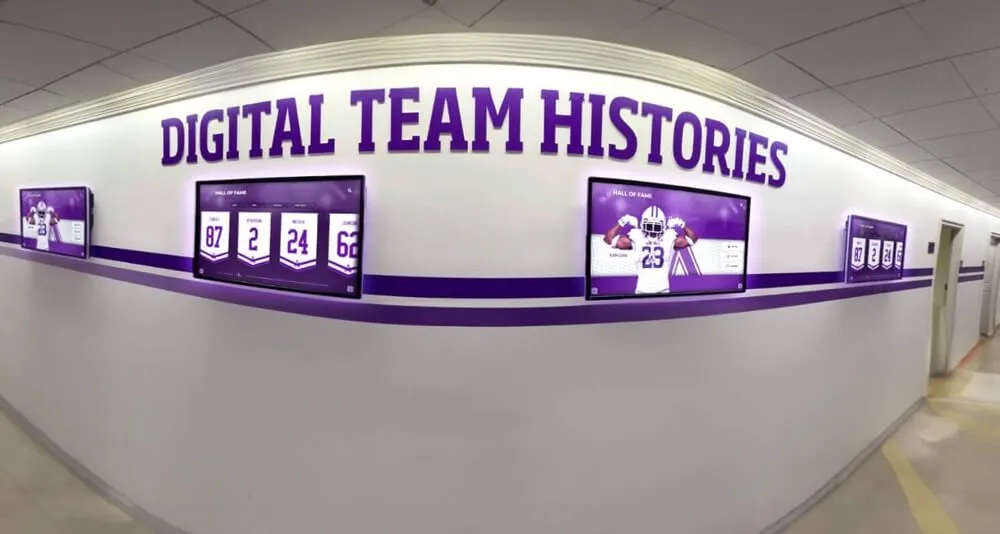
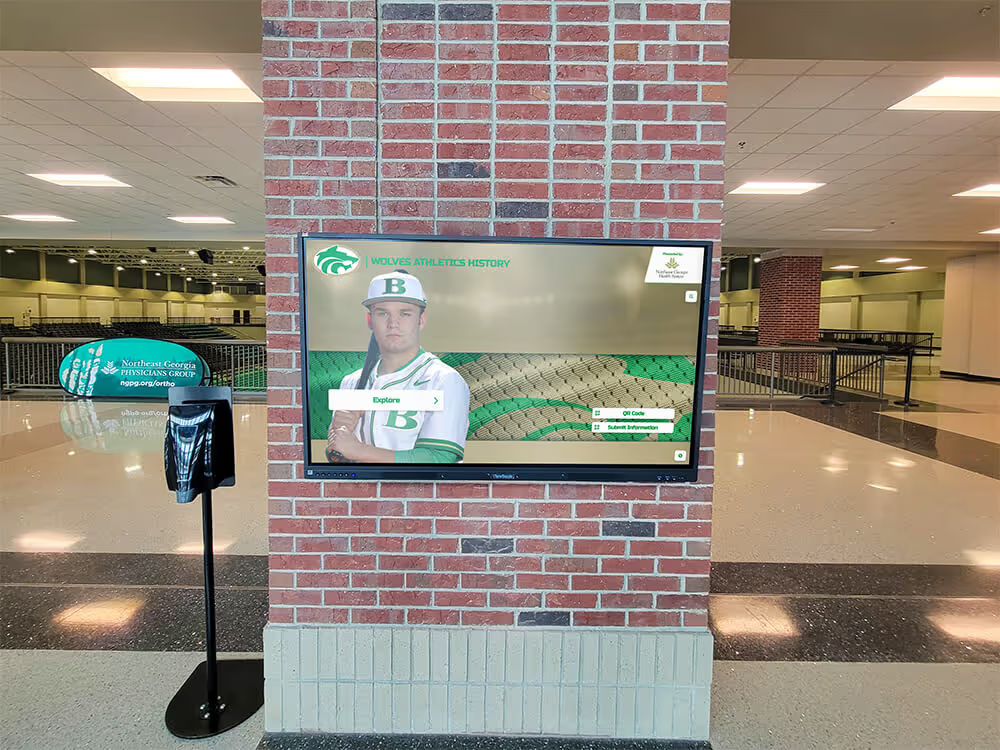
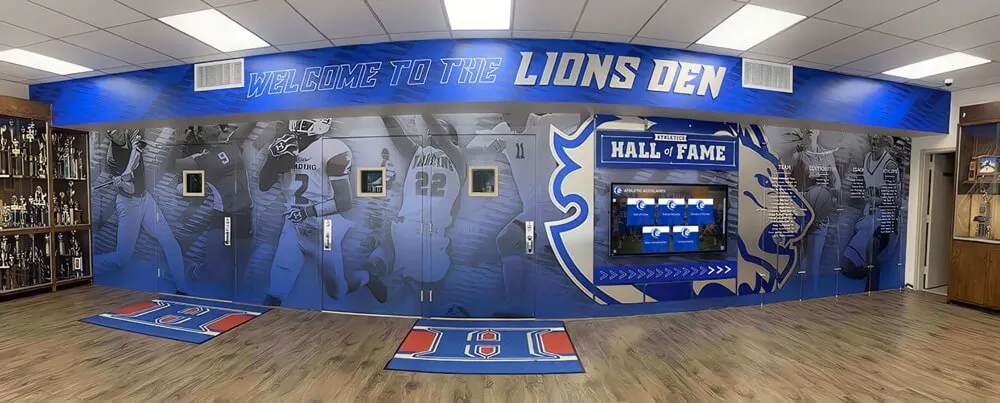
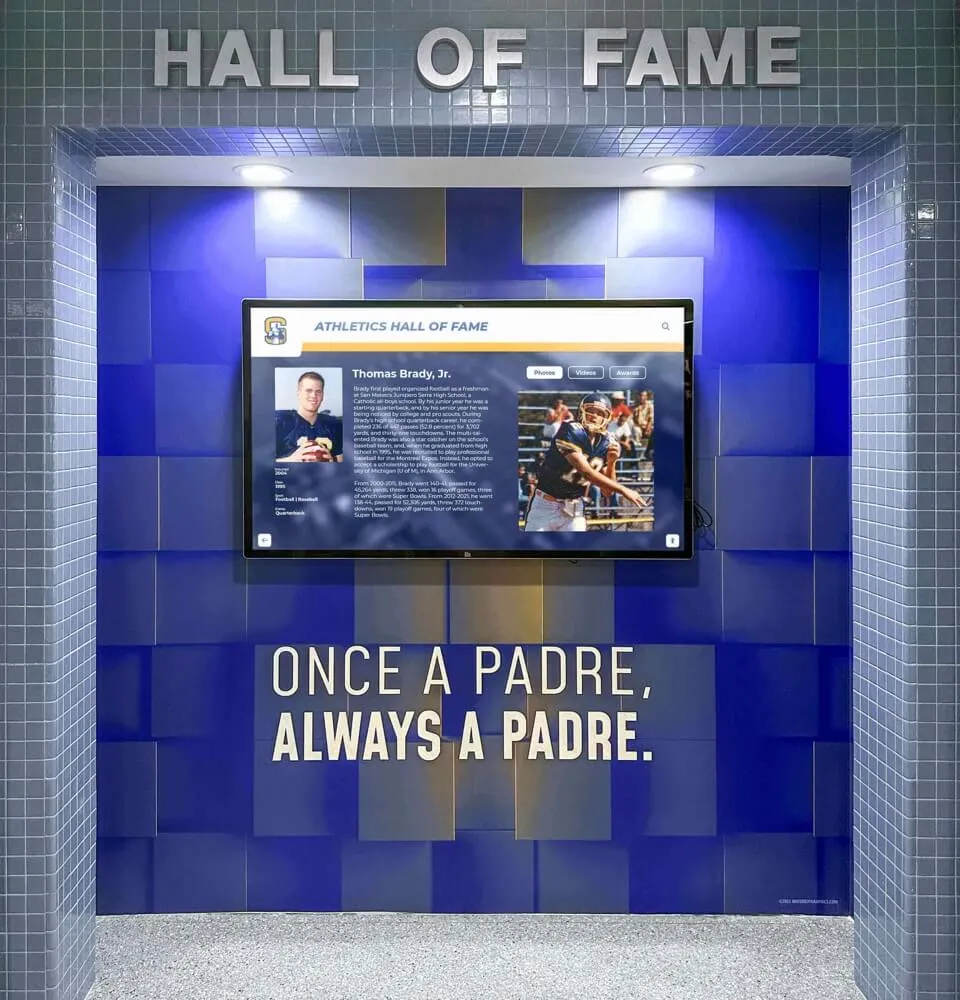
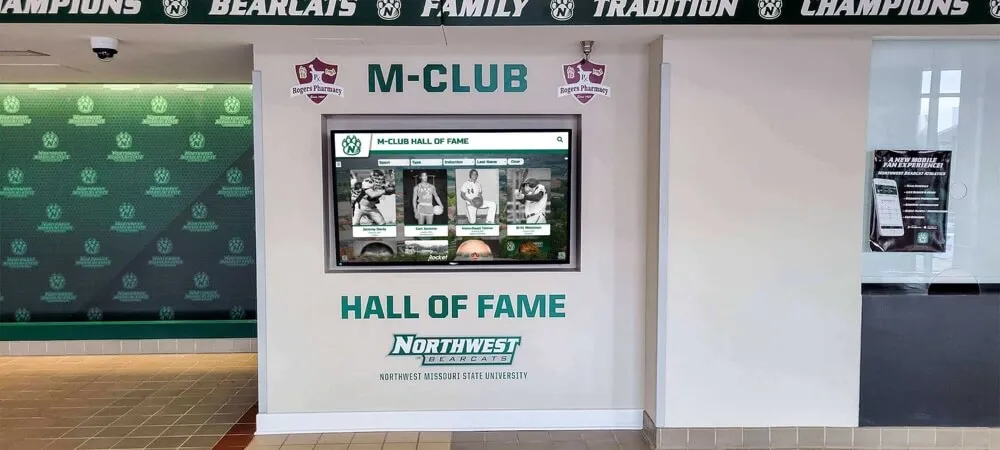
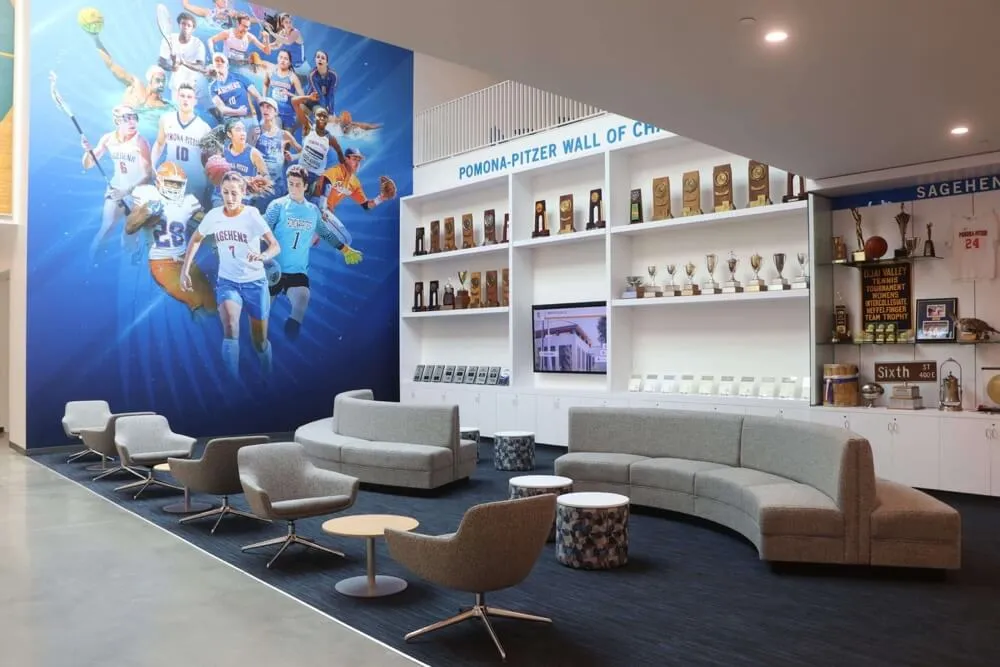
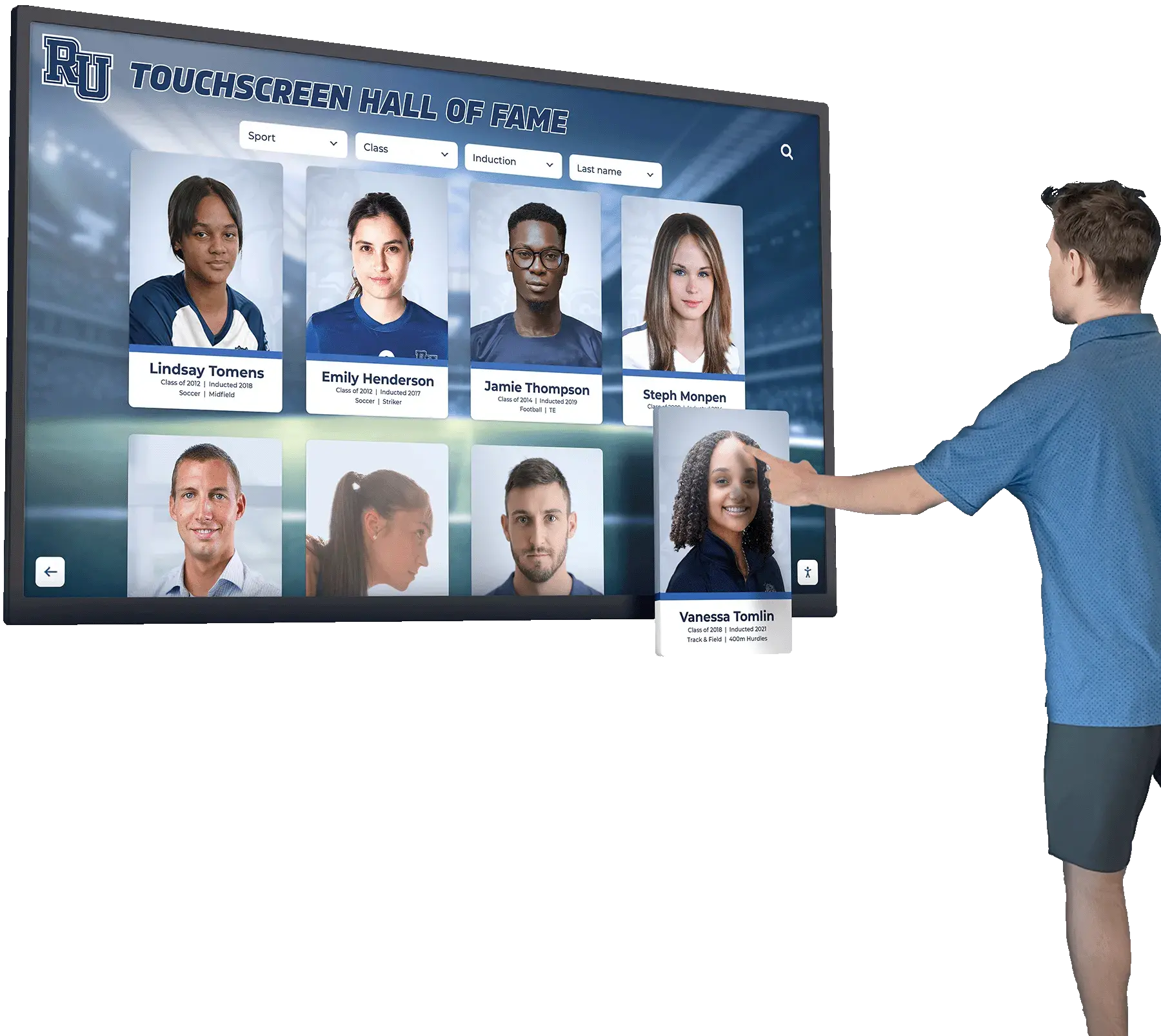
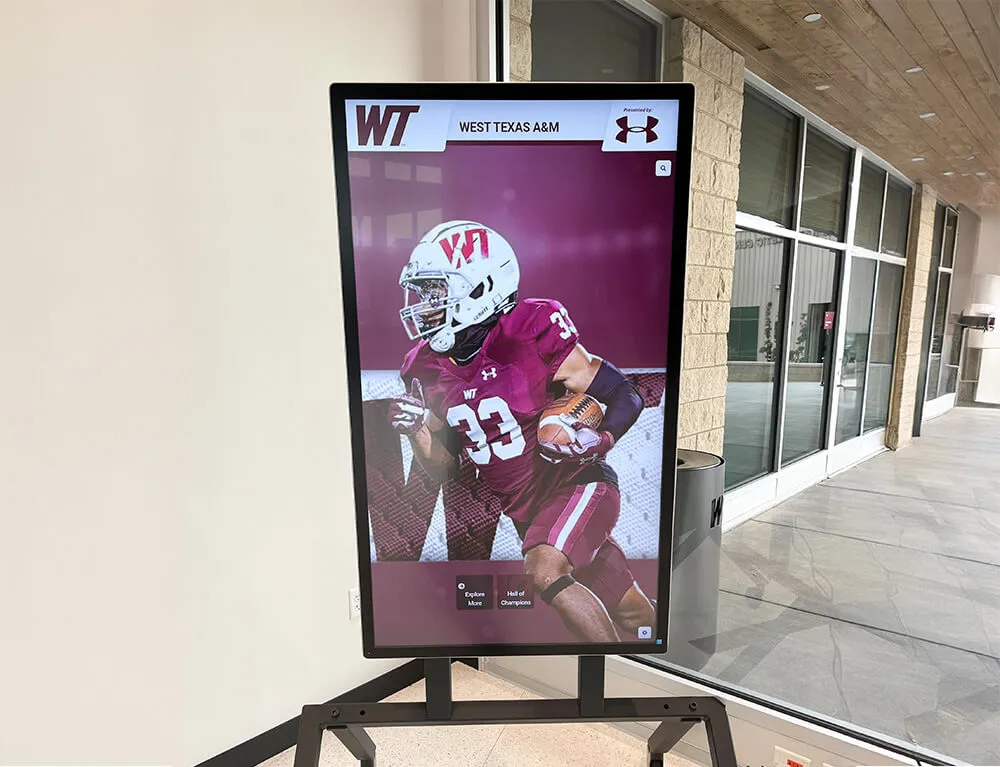
Recognition displays featuring specific alumni details — jersey numbers, sports, achievements — create more personal connections than generic welcome screens
Content Checklist for Your Reunion Flyer and Posters
Use this checklist when reviewing any reunion flyer or poster before finalizing:
Identity and Recognition
- School name and location visible
- Class year clearly displayed as headline element
- Reunion number or milestone year included
- School colors and/or mascot incorporated
- A single anchor image is present and recognizable
Event Information
- Date with day of week spelled out
- Start time and end time (if applicable)
- Venue name and full street address
- Ticket price or “free” designation
- Registration deadline
- Link to registration page or contact for tickets
Contact and Follow-Through
- Committee contact name and email
- Class website, Facebook group, or social media handle
- QR code linking to registration (for print materials)
Design Quality
- Readable from 15+ feet (for posters)
- No font smaller than 24pt for print posters
- 300 DPI resolution for print export
- Proofed by at least two committee members
Legal and Permissions
- All photographs used are either owned by the committee, licensed appropriately, or sourced from yearbooks the committee has rights to reproduce
- Classmate photographs included with permission
Navigating student photo privacy and FERPA consent requirements is relevant whenever schools or committees use historical yearbook photographs in new contexts — particularly on digital displays accessible beyond the immediate event.
Printing and Distribution Strategies
Print Run Planning
Reunion committees typically underestimate how many copies they need. A class of 300 graduates may have current contact information for 180 classmates — but posters displayed at local businesses, the school, and the venue add to your total. General guidance:
- Mailed invitations: Match your verified contact list, plus 25% for families, social sharing, and address corrections
- Venue posters: Budget for entry lobby, bathrooms, registration table, main event room, and exterior entrance. A single venue might use 8-12 posters.
- Local distribution: Restaurants, coffee shops, and businesses near the school that served your class often welcome reunion posters and generate word-of-mouth among classmates who still live locally
Digital Distribution Channels
Printed flyers work alongside digital distribution, not as a replacement. Digital channels for reunion flyer distribution:
- Email campaign — A designed email with the flyer as an embedded image (not an attachment that gets filtered) is still the most reliable way to reach alumni with valid email addresses
- Facebook event — Class Facebook groups and official event pages allow the committee to post a graphical version of the flyer and collect RSVPs
- Class website — If your class maintains a website or uses a reunion platform like Classmates.com, post the flyer prominently on the homepage
- Instagram and LinkedIn — Particularly effective for reaching classmates who have moved far from the original school location
Timeline for Flyer Distribution
Planning backwards from the reunion date:
| Milestone | Timeline Before Event |
|---|---|
| Finalize design | 12 weeks out |
| Print order submitted | 10 weeks out |
| Posters received and mailed | 8-9 weeks out |
| Email campaign to class list | 8 weeks out |
| Social media launch | 8 weeks out |
| Second reminder email | 4 weeks out |
| Final reminder with registration deadline | 2 weeks out |
| Day-before reminder to registered attendees | 1 day out |
Connecting the Reunion to Permanent Digital Recognition
The most thoughtful reunion experiences don’t end when the venue closes. They use the reunion as a catalyst for something that lasts: a permanent digital display at the school that honors the class, celebrates alumni achievements, and gives current students a reason to care about the legacy they’re inheriting.
This is where the printed reunion flyer connects to a longer-term recognition strategy. Many class committees who invest in reunion event displays discover that the content they create — achievement profiles, yearbook photo archives, athletic records, milestone histories — is exactly the content that belongs in a school’s permanent digital recognition system.
Understanding what a comprehensive digital hall of fame program looks like helps class committees understand how reunion-generated content can live on permanently, viewed by future students and alumni long after the reunion evening is over.
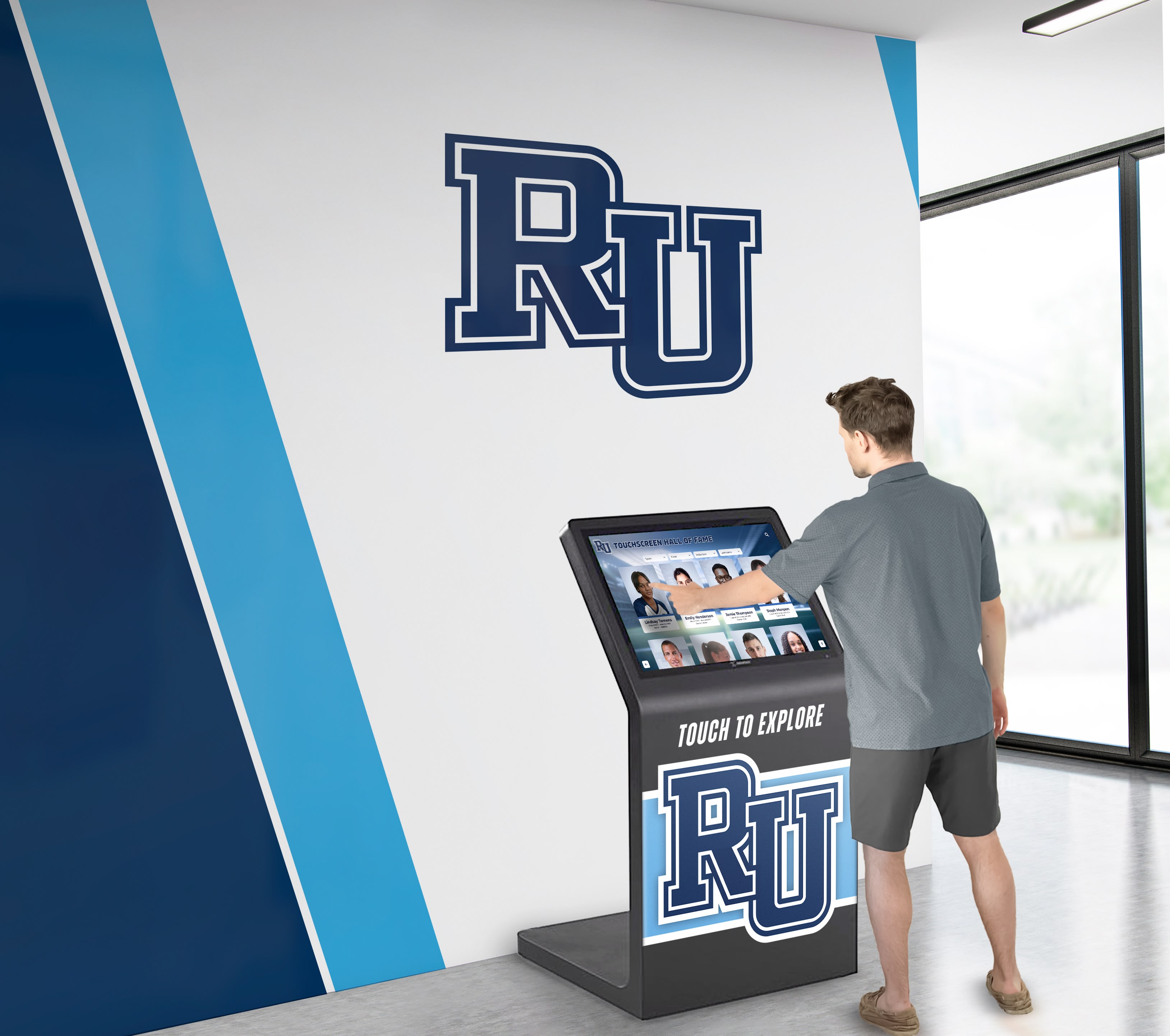
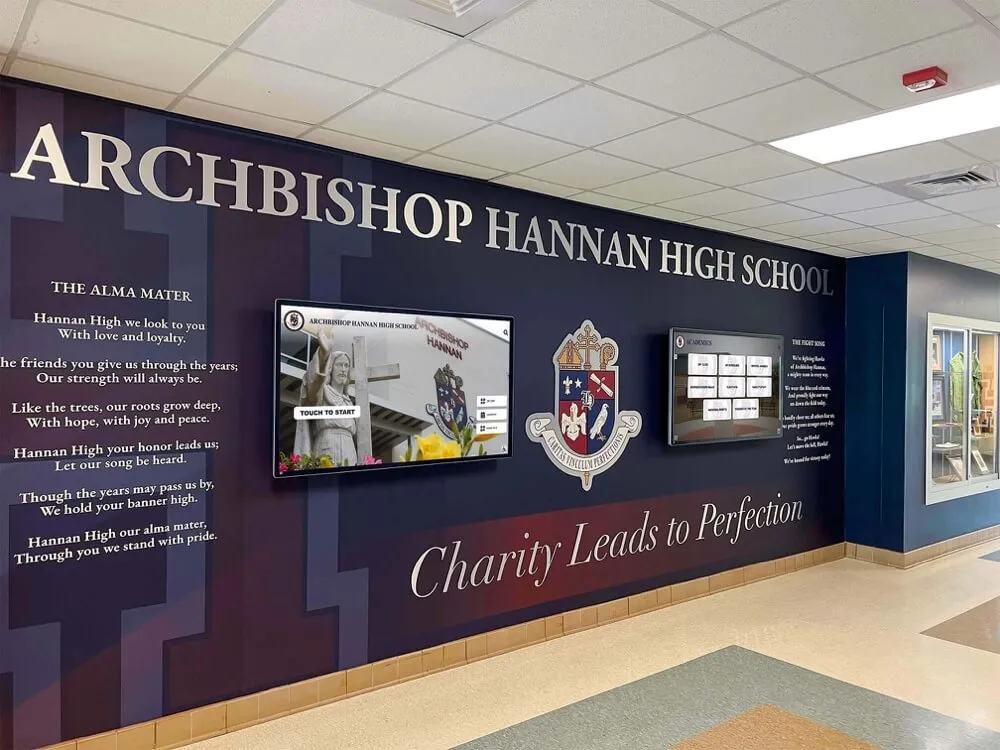
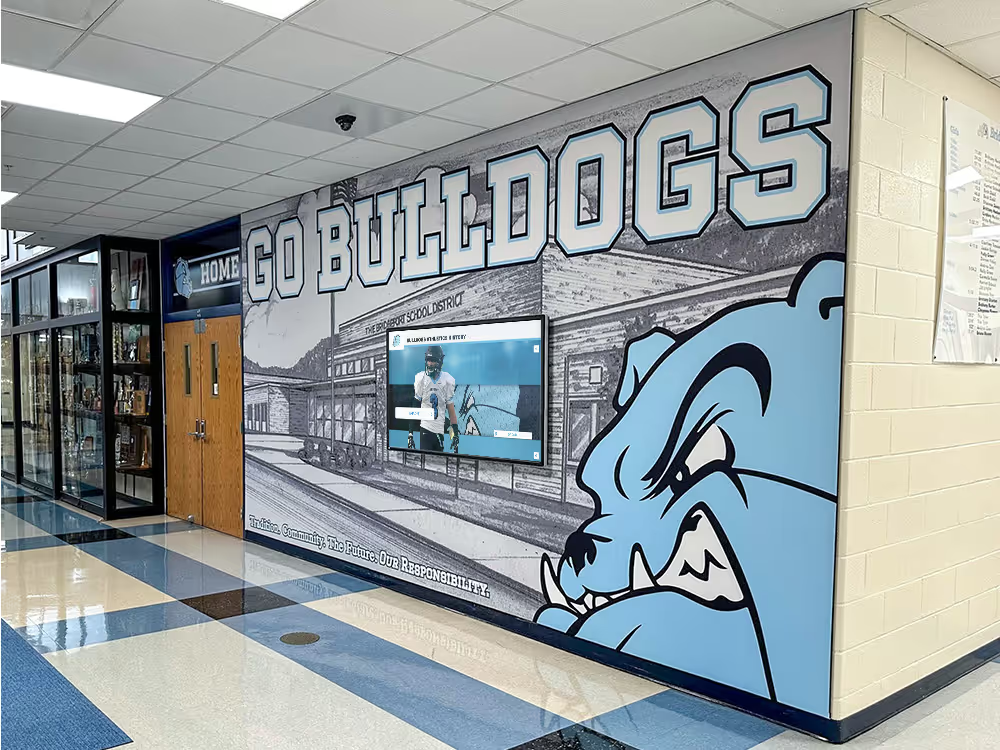
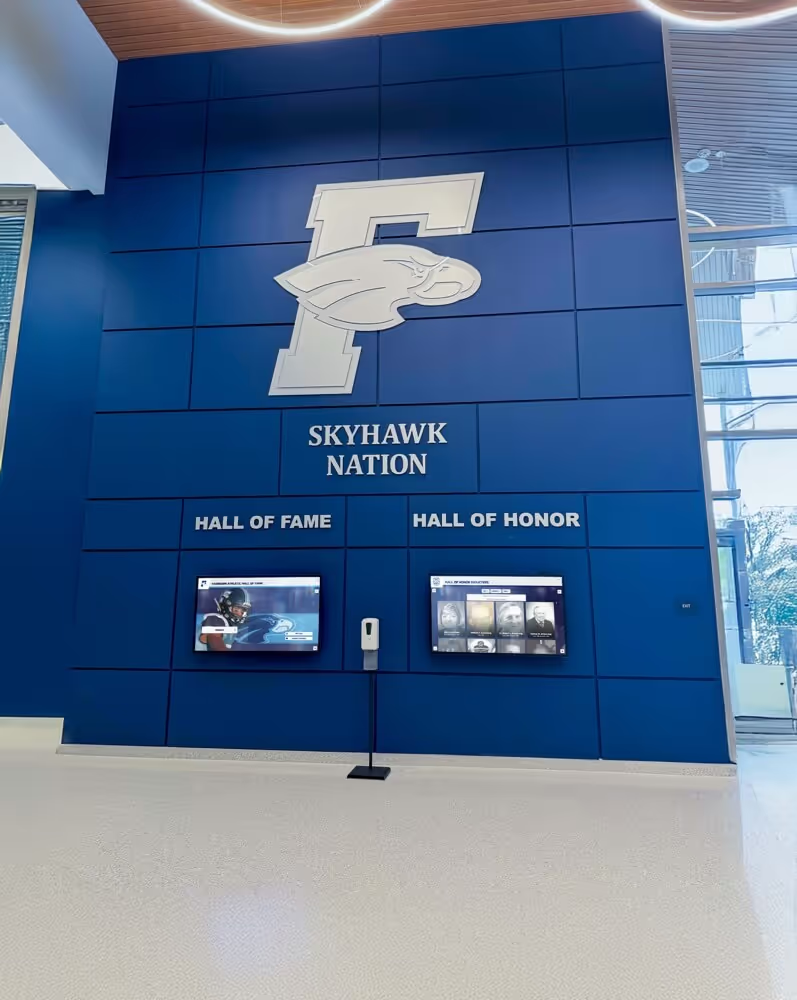
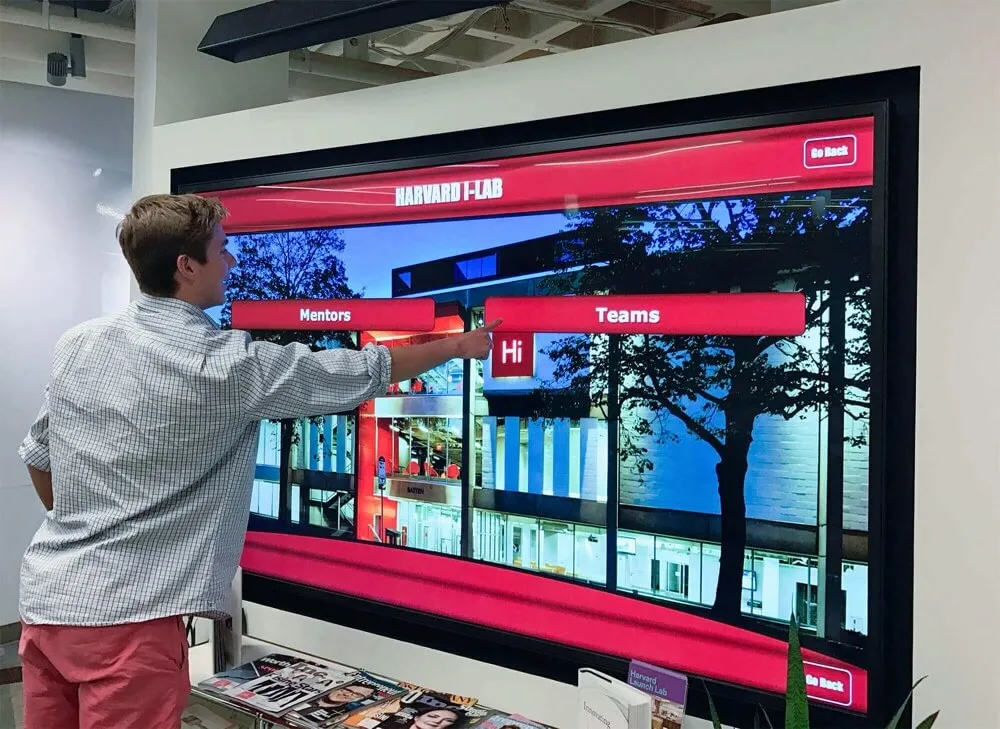
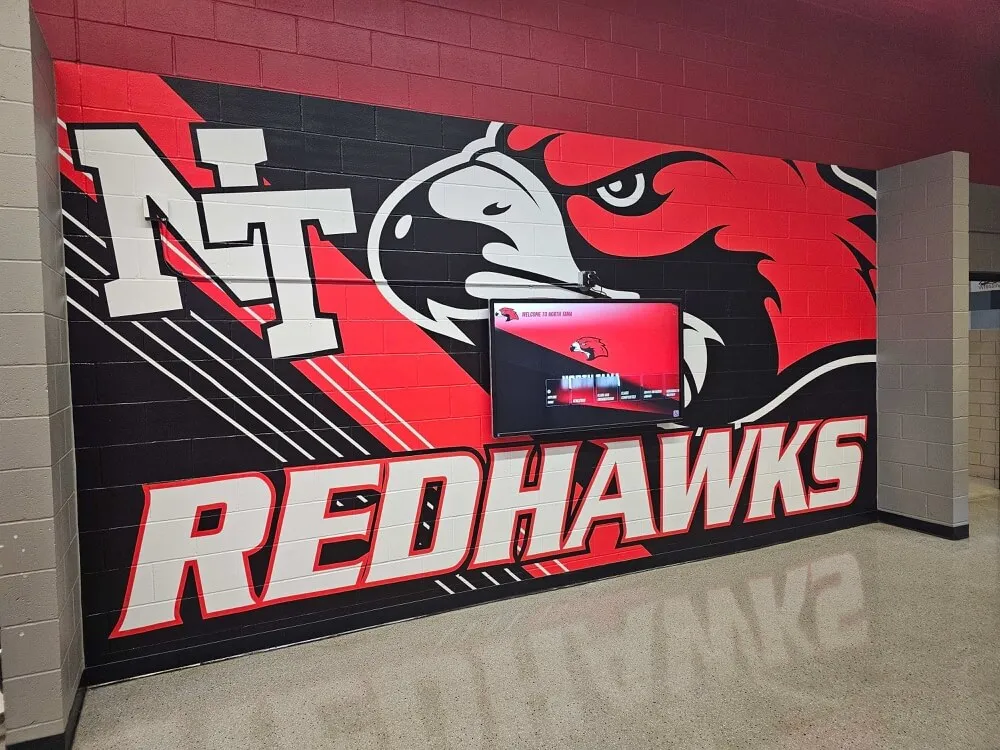
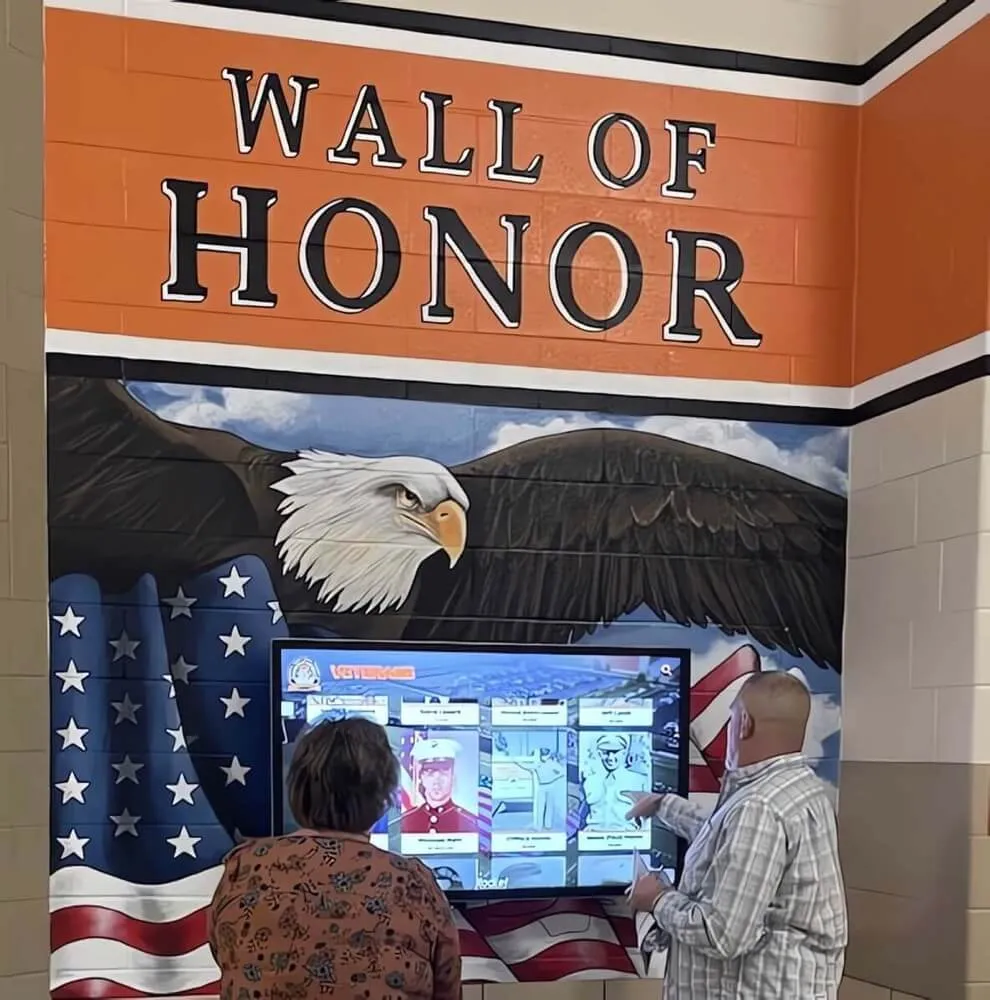
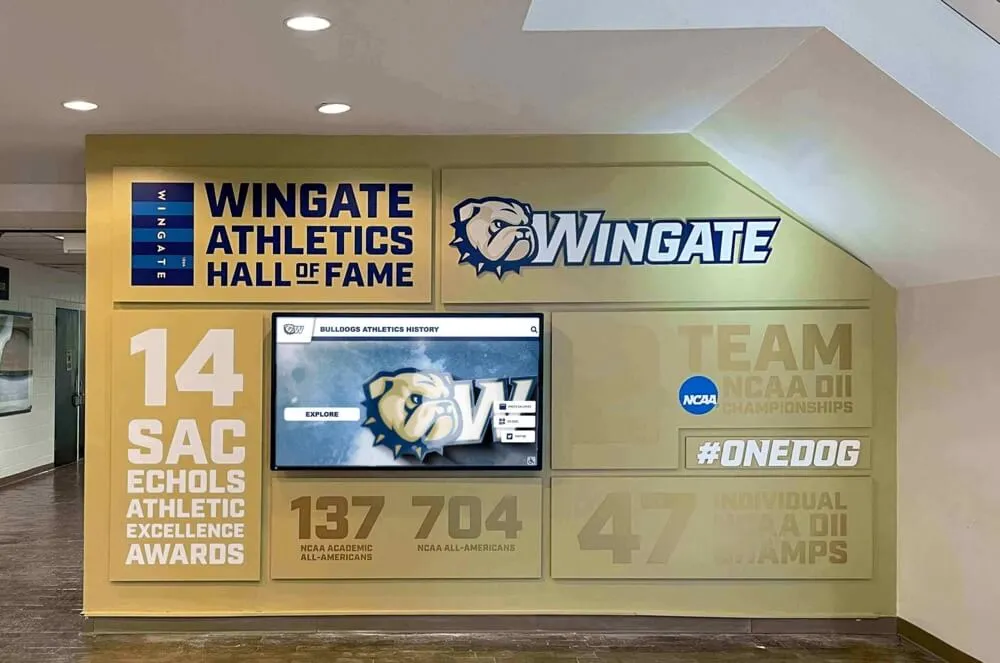
Interactive touchscreen displays installed at schools give reunion-generated content a permanent home accessible to every future class
From Reunion Content to School Legacy
The content work a reunion committee does naturally translates into material for permanent recognition:
What the committee creates for the reunion:
- Alumni achievement profiles compiled for the recognition display
- “Then and Now” photographs submitted by classmates
- Athletic records, honors, and career summaries
- Historical yearbook images, scanned and organized
- Video tributes produced for the reunion evening
What that content becomes in a permanent digital wall:
- Searchable inductee profiles accessible to future students and visitors
- A historical photo archive organized by class year
- Career achievement recognition visible on an ongoing basis
- A championship and records database drawing from each class’s athletic legacy
Schools with interactive touchscreen walls of fame — like those built by Rocket Alumni Solutions — can add reunion-generated content to a permanent display that lives in the school lobby, available year-round to current students, prospective students, parents, and future alumni. The reunion flyer that brought a class back together for one evening becomes a permanent chapter in the school’s story.
Touchscreen Displays as Reunion Venue Features
Some schools make their existing digital recognition systems available as centerpiece features at reunion events held on campus. An interactive touchscreen wall that current students walk past daily becomes a meaningful focal point during a reunion:
- Attendees search for their own names and find profiles, photos, and achievements recognized permanently
- Athletic alumni find their statistics, championship seasons, and records displayed alongside every other era of the program’s history
- Parents and spouses get an immediate window into what the school’s legacy actually looks like
Touchscreen experiences designed for milestone celebrations — whether a national anniversary or a school’s 50th reunion — benefit from the same design principles: accessible navigation, emotionally resonant content, and visual quality that signals the institution’s respect for its own history.
Yearbook-Inspired Design Strategies for Reunion Flyers
The yearbook is the shared artifact that unites every class. Drawing from yearbook design conventions — section dividers, caption styles, signature pages — creates reunion flyers that feel immediately familiar and personal.
Yearbook Design Elements Worth Borrowing
Section divider aesthetic — Bold color band across the top or bottom of the flyer with the class year in white text. Evokes yearbook chapter openings immediately.
Caption format — Small-format name labels beneath portrait photos, the way yearbooks identify individuals. If your flyer includes a photo grid of classmates, caption them the way a yearbook would.
Signature page aesthetic — A flyer designed to look like a yearbook signature page — white space, handwriting-style fonts, “See you at the reunion” framing — can be highly effective for classes that feel strongly connected to their yearbook memories.
School seal or crest as background watermark — Using the school’s official mark at low opacity behind the primary content creates a sense of institution without overwhelming the design.
Milestone Reunion Design Considerations
Different reunion milestones call for somewhat different design approaches:
5th and 10th reunions — Attendees are still young enough that current photographs work well alongside yearbook images. Energy tends to be celebratory and social. Flyer design can lean more casual and contemporary.
20th and 25th reunions — The “then and now” contrast becomes more interesting and emotionally resonant. More formal event design is common. Flyers that balance nostalgia with dignity tend to perform well.
30th, 40th, and 50th reunions — Historical weight increases. Honoring classmates who have passed, celebrating the full arc of careers and families, and documenting the class’s contribution to the school’s legacy become central themes. Recognition displays and permanent documentation become more important.
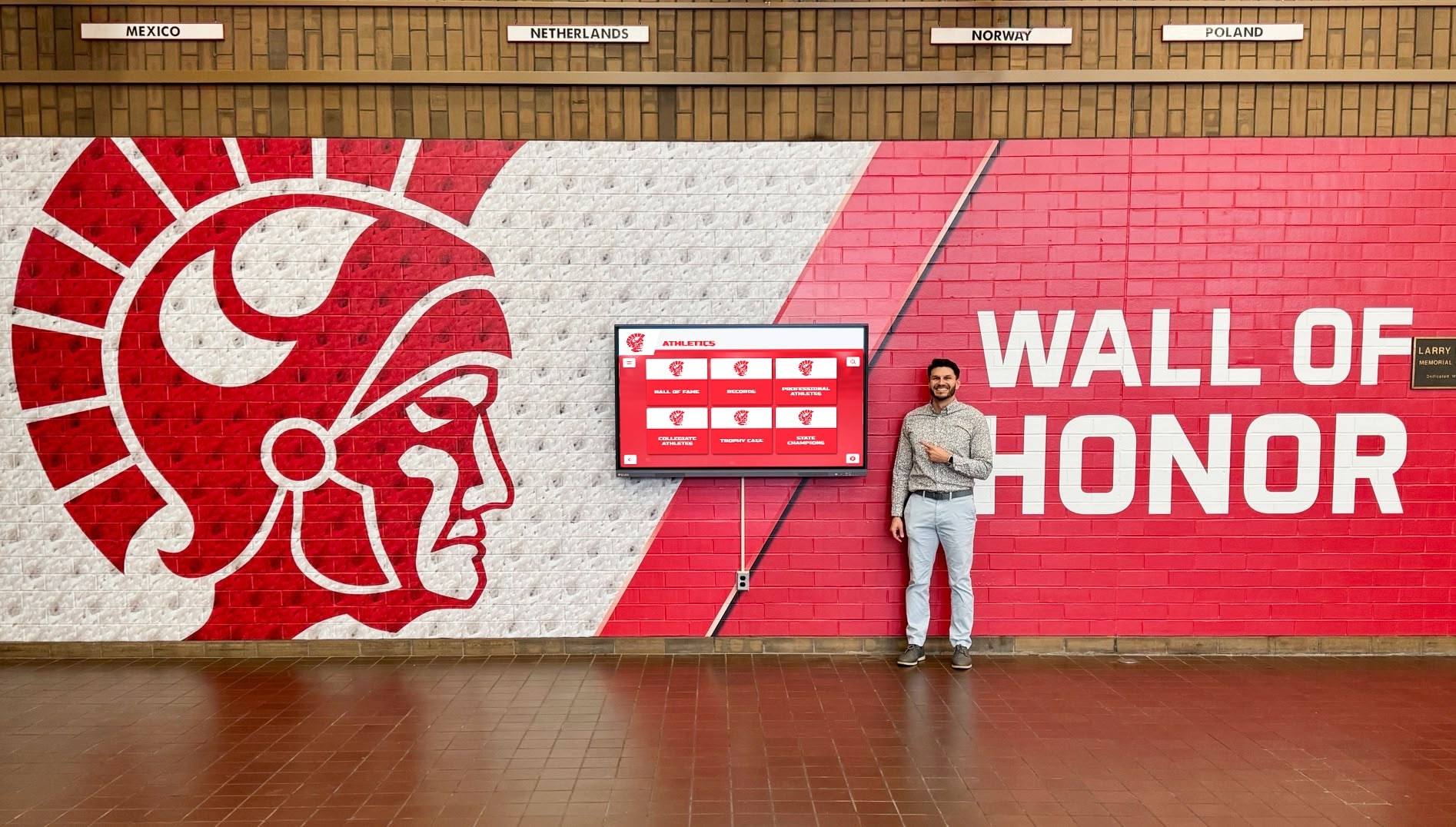
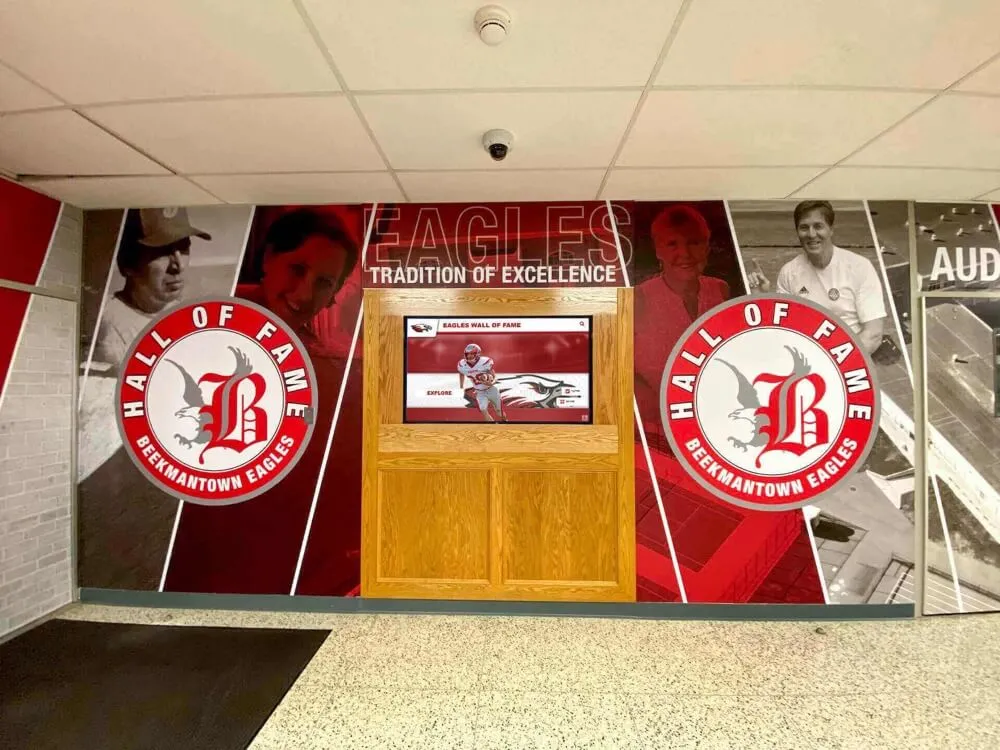
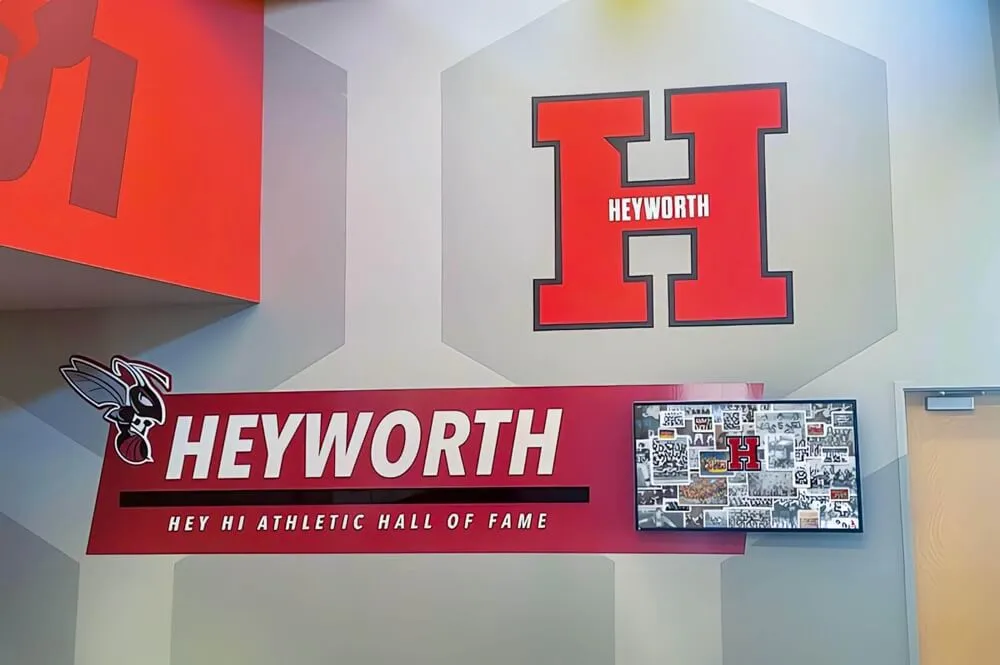
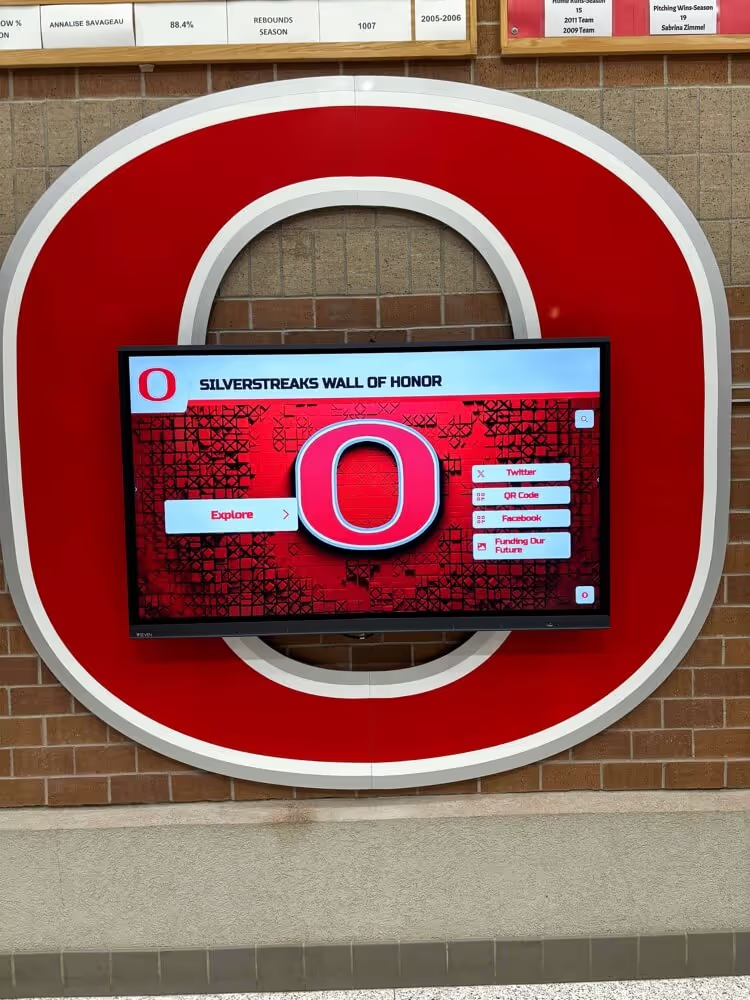
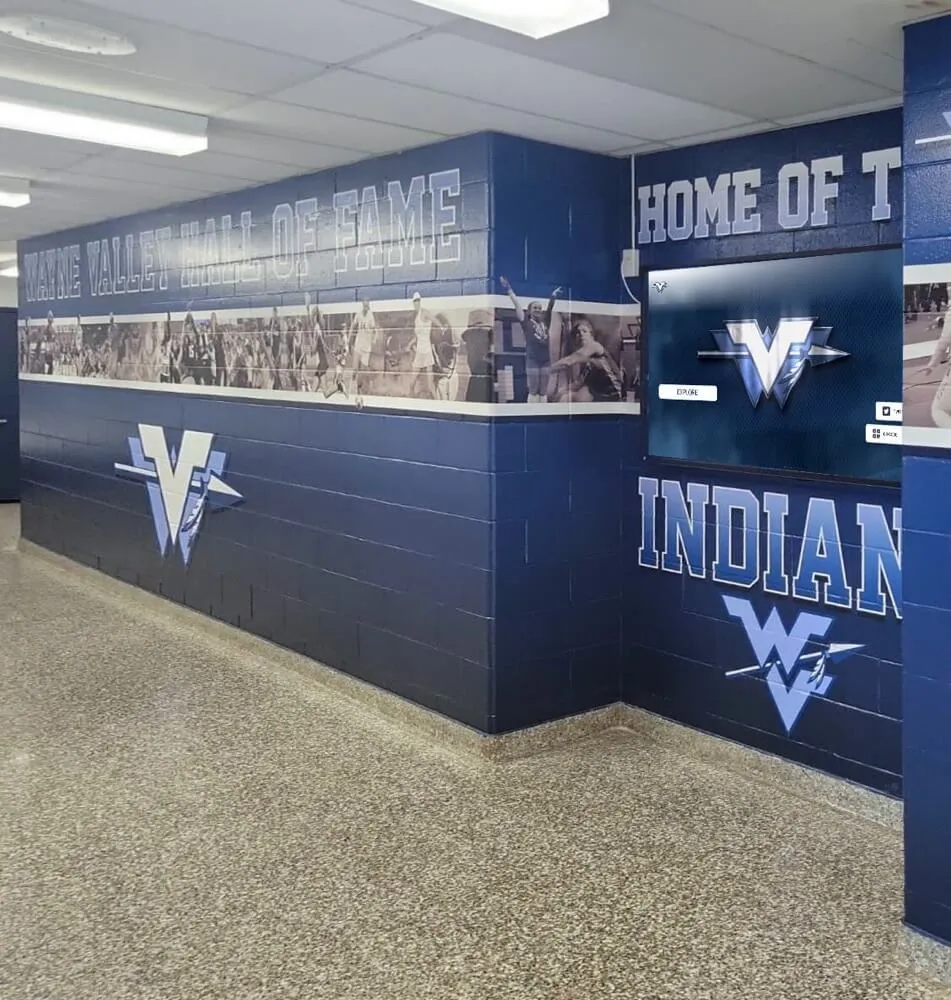
Permanent alumni recognition walls in school hallways create year-round engagement, not just single-evening reunion moments
Budget Planning for Reunion Flyer and Display Materials
Class committees frequently underestimate design and materials costs until they’ve priced the components individually. A realistic planning framework:
Flyer and Poster Costs
| Item | Estimated Range |
|---|---|
| Digital flyer design (DIY with template) | $0–$50 for software subscription |
| Digital flyer design (freelance designer) | $150–$500 |
| Printed 18×24 posters (qty 25) | $75–$200 |
| Printed 24×36 posters (qty 10) | $80–$250 |
| Mailed invitations (postcard format, qty 250) | $200–$450 including postage |
| Email platform for digital distribution | $0–$50/month |
Digital Display Costs
| Item | Estimated Range |
|---|---|
| Slideshow design (DIY with Canva or PowerPoint) | $0–$50 |
| Slideshow design (freelance designer) | $200–$800 |
| HDMI cables and adapters for venue connection | $20–$60 |
| Dedicated display laptop rental | $50–$150/day |
| Venue screen rental (if venue lacks monitors) | $100–$400/day |
Committees working with schools that already have installed digital recognition infrastructure may be able to use that existing hardware during reunion events held on campus, substantially reducing display costs.
Where to Invest vs. Where to Save
Worth spending on: The main printed invitation (this is the first impression and must be high quality), yearbook image licensing or archival scanning (do it right once), and any digital content that will be donated to the school for permanent use.
Where DIY works well: Venue wall posters (most attendees don’t scrutinize these closely), social media versions of the flyer (template-based is fine), and secondary print materials like name tags, table signage, and program booklets.
Planning events that honor a class’s complete athletic and academic legacy involves the same prioritization framework: invest where it matters most to the people in the room, and leverage templates and volunteers for everything else.
Frequently Asked Questions About High School Reunion Flyers
How far in advance should we send the reunion flyer?
For a weekend reunion, send the initial save-the-date notification 6-8 months in advance. The full flyer with registration details should arrive 8-10 weeks before the event. A final reminder 2-4 weeks out captures stragglers and reduces no-shows among people who registered early and need the event refreshed in their schedules.
What’s the best format for emailing a reunion flyer?
Embed the flyer image directly in the email body rather than attaching a PDF. Attachments trigger spam filters, require recipients to download files, and render inconsistently across email clients. A JPEG at 1200px wide embedded in a clean email template loads quickly and displays well on mobile.
Should the committee create separate flyers for digital and print?
Ideally, yes. A print flyer optimized for 8.5×11 or 4×6 postcard formats won’t look right on a phone screen. Digital versions should be resized and reformatted for 1:1 (social media square), 4:5 (Instagram portrait), and 16:9 (Facebook and email) formats. Most template platforms make it easy to resize and export multiple versions from the same design.
Can we use photos from our yearbooks in reunion materials?
Yearbook photographs are generally owned by the school or the publisher who produced the yearbook. Class committees using yearbook images in reunion materials should request permission from the school administration. For events held in partnership with the school, permission is typically straightforward. For commercial use or digital distribution, verify licensing more carefully.
What if attendance is disappointing despite a well-designed flyer?
Flyer design affects whether the invitation gets noticed and taken seriously — but attendance depends heavily on whether the class has an active social network maintaining connections. Committees with strong Facebook groups, class websites, or established reunion traditions consistently outperform committees that only make contact at reunion time. If the 10-year reunion has low attendance, start building the ongoing connection infrastructure for the 15th.
How do digital displays at the venue compare to printed materials for impact?
They serve different purposes. Printed flyers drive the decision to attend. Digital venue displays shape the experience once attendees are there. The most impactful reunion environments layer both: strong printed materials that earn attendance, and compelling digital content that makes the experience feel curated and meaningful once the room fills.
Should the committee work with the school to create permanent alumni recognition from reunion content?
For 25th reunions and beyond, absolutely. The archival work a class committee does for a reunion — gathering alumni biographies, collecting photographs, documenting achievements — is exactly the content that schools need to build or expand permanent alumni recognition walls. Offering the school a curated archive at the end of the reunion committee’s work builds goodwill, creates a lasting legacy for the class, and means that future classes will be inspired by a permanent display that wouldn’t exist without the committee’s effort.
Build Recognition That Outlasts the Reunion
A well-designed high school reunion flyer gets classmates in the door. Wall posters and digital displays make the evening memorable. But the most lasting thing a class committee can give its school is a contribution to permanent alumni recognition — a chapter added to the story that current students inherit.
Rocket Alumni Solutions helps schools build the digital infrastructure that makes this possible: interactive touchscreen walls of fame that hold every class’s history, display alumni achievements for daily audiences, and make content from reunion events accessible years into the future. Whether your committee is exploring what a permanent alumni display could look like at your school, or your school is ready to expand an existing recognition system with new class content, the investment pays dividends for every reunion that follows.
Give Your Reunion a Permanent Legacy
Rocket Alumni Solutions builds interactive digital walls of fame that turn reunion-generated content into permanent alumni recognition — searchable profiles, photo archives, achievement displays, and athletic records accessible year-round to students, alumni, and visitors. Installed at 600+ institutions nationwide.
Request a Custom Demo