



Every fall, student activities coordinators face the same challenge: gathering meaningful homecoming court bio examples and turning them into polished tributes that appear in programs, on posters, at halftime ceremonies, and sometimes on lobby recognition displays. When the fields aren’t defined in advance, bios end up inconsistent—some nominees submit three lines, others a paragraph of unformatted text, and coordinators spend hours editing rather than celebrating. This guide solves that problem. It provides a clear field checklist, ready-to-adapt bio templates organized by format, and a reuse table showing exactly which fields carry over from your printed program to your poster to any digital display your school maintains.
Homecoming court recognition is one of the few student honors that touches multiple formats simultaneously: the game-night program that parents take home, the poster hung in the hallway before the dance, the social media graphic, and—at schools investing in permanent recognition—an interactive lobby display. Getting the bio fields right once means every format benefits from that single collection effort.

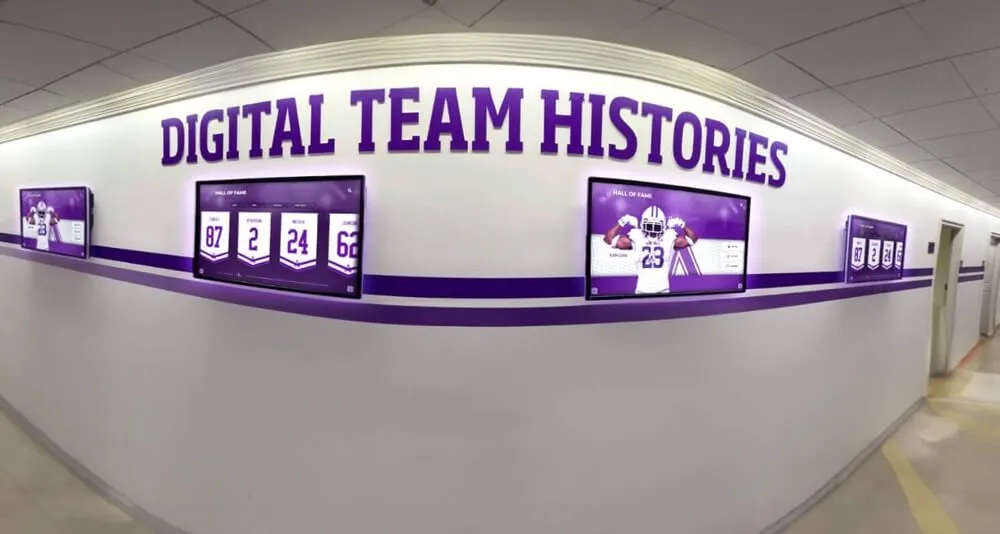
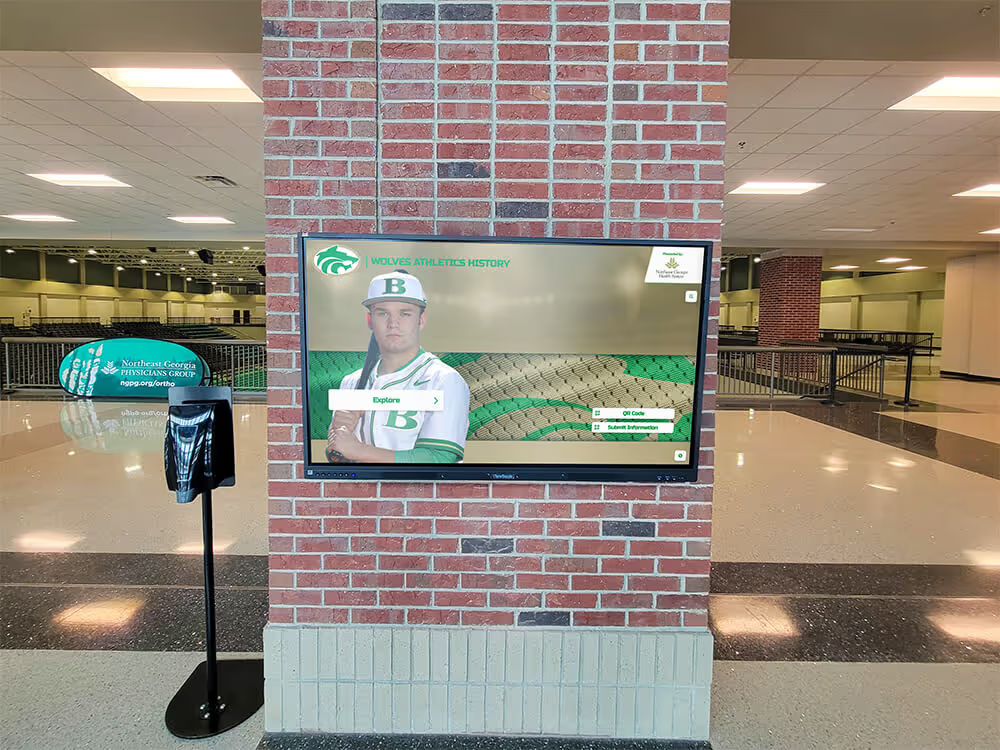
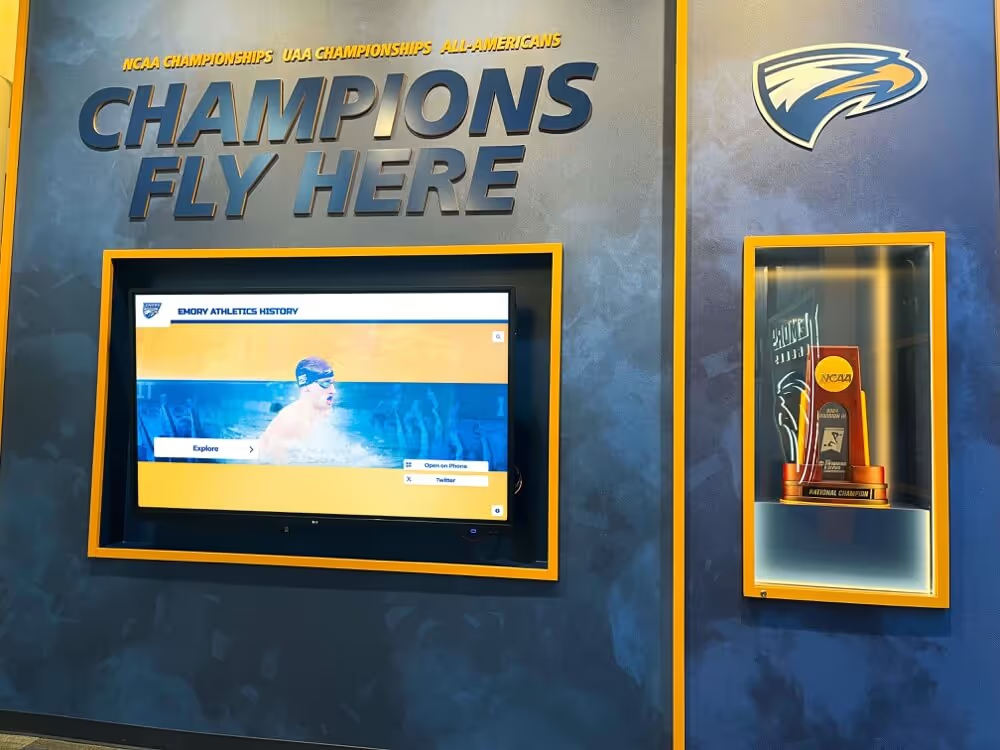
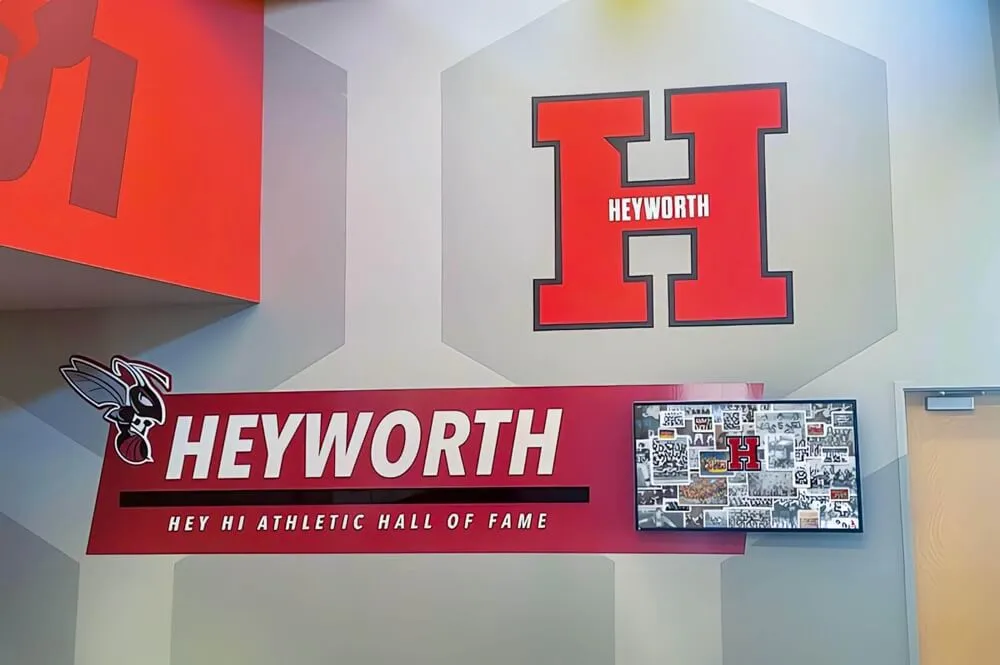
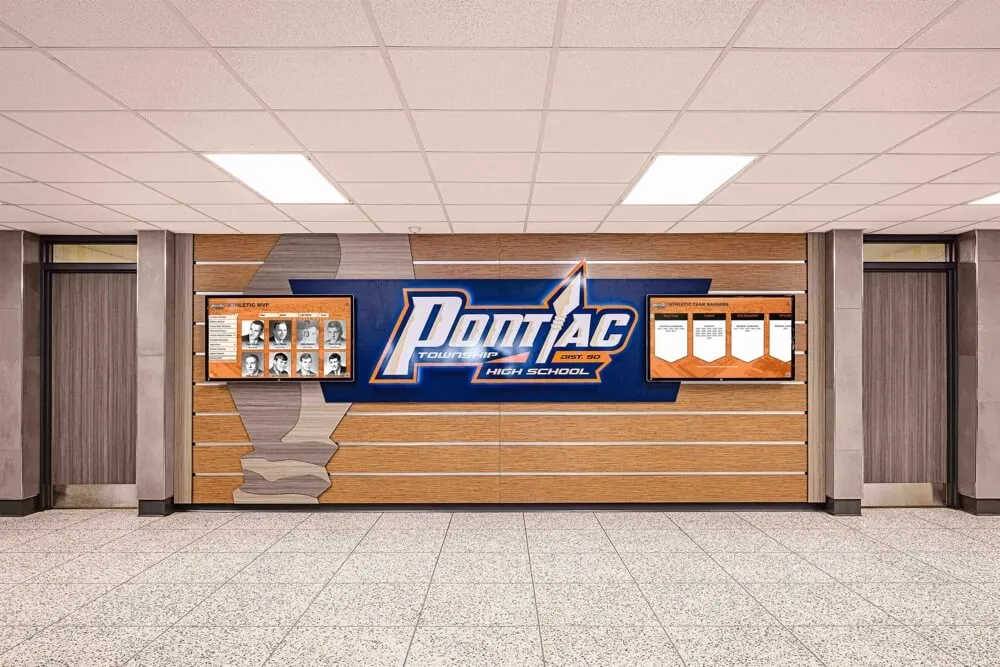
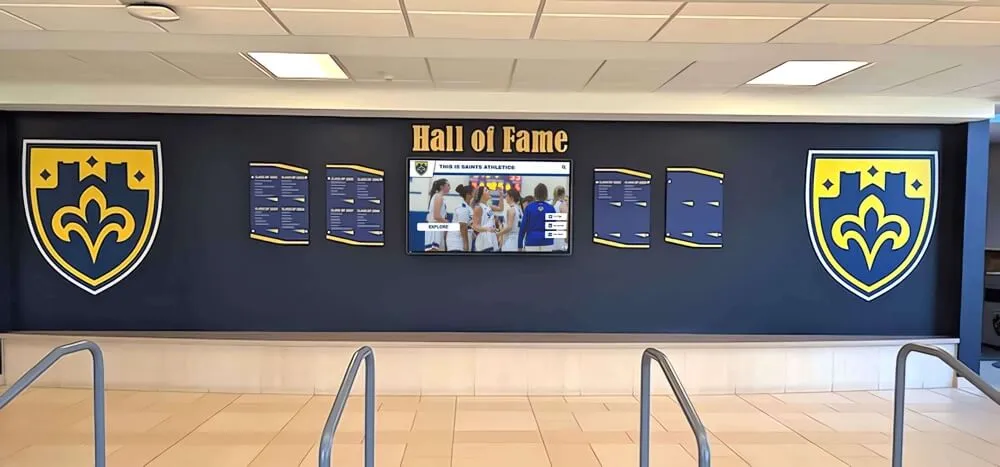
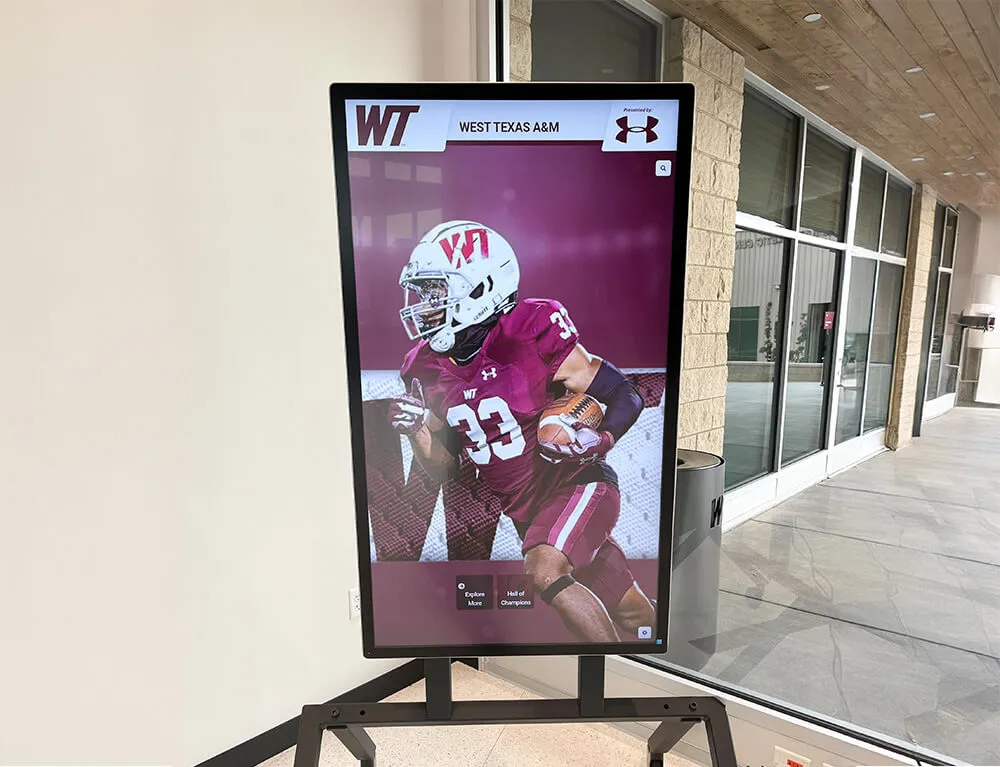
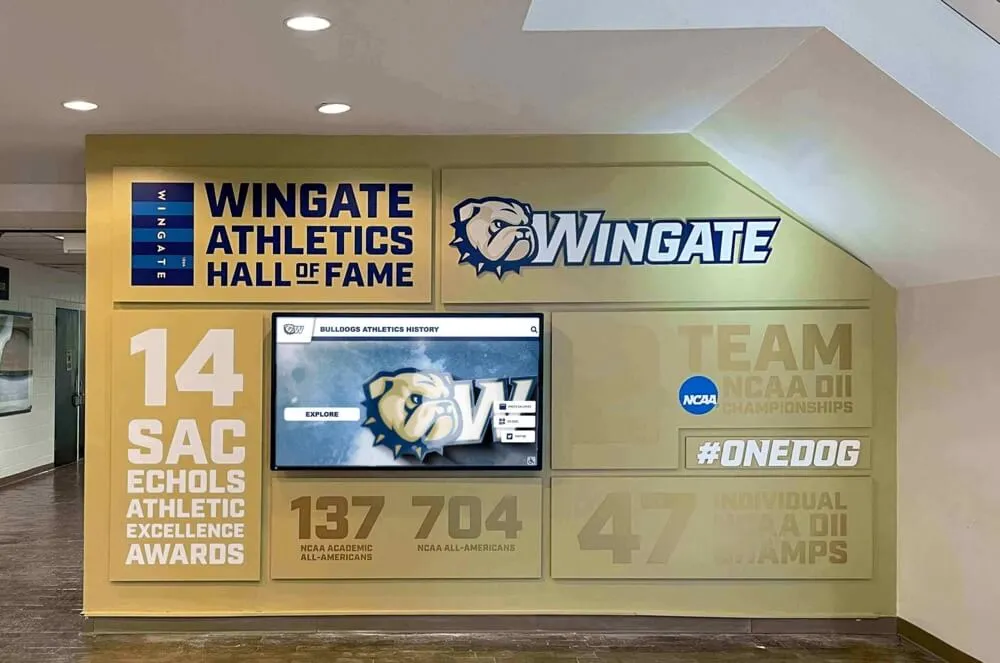
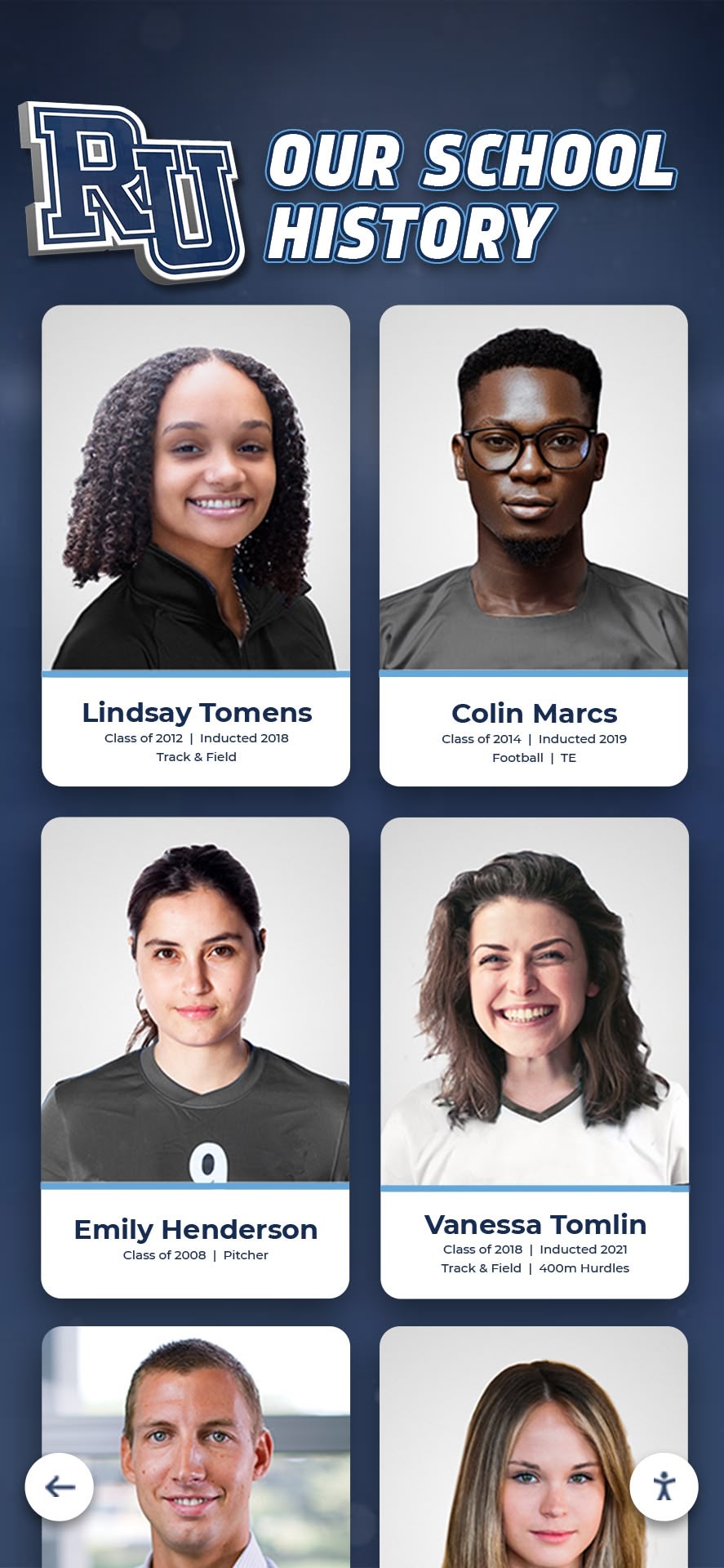
Consistent portrait cards and structured bio fields allow schools to repurpose homecoming court recognition across programs, posters, and digital displays without duplicating work
Why Homecoming Court Bios Deserve a Consistent Structure
Homecoming court nominations celebrate students who represent the school community—academically, socially, and in extracurricular life. But the recognition only lands effectively when the information gathered is consistent and complete enough to tell each nominee’s actual story.
Inconsistent bios create practical problems. A coordinator who receives forty different formats from forty nominees must standardize everything under deadline. Fields get dropped. Some students appear with rich profiles while others get one sentence. Parents notice, and nominees notice even more.
A defined field set fixes this at the source. When nominees fill out a structured form, every coordinator—student council adviser, yearbook editor, athletic director, or graphic designer—receives identical building blocks to work from. Well-structured academic recognition programs rely on the same principle: gather clean data once, then display it consistently everywhere it appears.
The Core Homecoming Court Bio Fields
The following ten fields form the foundation of a strong homecoming court bio. They are ordered by how universally useful each field is across different display formats—from the most essential to context-enriching details.
Field 1: Full Name (as the nominee prefers to appear)
This seems obvious, but asking nominees specifically how they want their name listed prevents errors. Some students go by middle names, nicknames, or have preferred spellings. Getting this right on the form means it flows correctly into the program, the poster, and any digital profile.
Field 2: Class Year and Grade
Indicate whether the nominee is a junior, senior, or—for schools that include underclassmen—their specific grade level. Class year also becomes valuable context when a school archives homecoming court history digitally, allowing future viewers to see which class each nominee represented.
Field 3: School Activities and Extracurriculars
Ask nominees to list the clubs, teams, organizations, or programs they participate in at school. This field populates naturally whether the display is a three-line program blurb or a full interactive profile. Encourage specific names (“Varsity Soccer, Student Council Vice President, National Honor Society”) rather than vague categories (“sports and clubs”).
Field 4: Years of Involvement or Tenure
How long has the nominee participated in their primary activities? “Four-year varsity swimmer” or “member of the orchestra since seventh grade” adds depth that a list of activities alone cannot convey. This field also signals commitment and longevity—qualities homecoming recognition is meant to honor.
Field 5: Academic Honors and Recognition
Include space for academic distinctions such as honor roll standing, AP or IB coursework, subject-area awards, or academic competitions. Schools that integrate academic awards into recognition displays report that students and families engage more deeply when academic achievement appears alongside social recognition—homecoming court bios are an ideal place to make that connection visible.
Field 6: College or Post-Secondary Plans (Seniors)
For senior nominees, planned college attendance, career direction, or post-secondary programs humanize the profile and give the community something to celebrate beyond the court itself. Keep it optional for students who haven’t decided—a blank field here is far better than a guess.
Field 7: Quote or Personal Statement
A single sentence or short quote in the nominee’s own voice transforms a factual profile into a personality. Ask nominees to complete a prompt such as: “One thing I want to be remembered for at [School Name] is…” or “The best part of being part of this school community is…” Prompts produce far better quotes than an open-ended “write a quote.”
Field 8: Nominating Category or Distinction
Some schools have specific homecoming court categories: class royalty, spirit representative, athletic nomination, or community choice. Recording this field keeps the bio accurate to how the student was nominated and helps with archival organization later.
Field 9: Community Service or Off-Campus Involvement
Homecoming court recognition often reflects a student’s presence beyond classroom walls. A field for community service, volunteer work, religious youth groups, or outside-school achievements rounds out the profile and differentiates nominees from one another even when their school activities overlap.
Field 10: Professional or Action Photo
This is a data field, not a written one—but it belongs on the same intake form. Request a high-resolution headshot or action photo taken during a school activity. Specify the preferred dimensions for your program layout so the photos arrive ready to use rather than requiring resizing under deadline.
Homecoming Court Bio Examples by Format
The same ten fields produce very different outputs depending on the format. Below are template-style examples showing how a complete field set adapts across three common homecoming recognition formats. Substitute each bracketed item with actual nominee data.
Bio Example: Game-Night Program (Short Format)
Program space is limited. A strong program bio uses approximately 75 to 100 words and hits the most essential fields.
[Nominee Full Name] | [Class Year]
[Nominee Full Name] has been a [School Name] student for [X] years. Active in [Activity 1], [Activity 2], and [Activity 3], [First Name] has earned [Academic Honor] and was recognized for [Achievement or Community Involvement]. [First Name] plans to [Post-Secondary Plan] following graduation. “[Quote or Personal Statement]”
This compact format works for programs where each nominee receives a half-column or less. The quote anchors the bio and gives readers something to remember.
Bio Example: Hallway or Gym Poster (Visual Format)
Posters prioritize visual impact over text density. The fields that carry best to poster format are name, activity highlights, and a short quote displayed at a size readable from several feet away.
[NOMINEE FULL NAME] [Class Year] | [Nominating Category]
Activities: [Activity 1] · [Activity 2] · [Activity 3] Honors: [Academic Honor or Award]
"[Quote—one sentence, ideally under fifteen words]"
The poster bio strips the paragraph structure and uses visual spacing to guide the eye. Many schools pair this layout with the nominee’s photo taking up 60 to 70 percent of the poster space.
Bio Example: Digital Display or Interactive Profile (Full Format)
A touchscreen lobby display or digital recognition wall can hold considerably more information than print formats allow. The full bio uses all ten fields and structures them into scannable sections.
[Nominee Full Name] — Class of [Year]
School Activities: [Activity 1] ([X] years) · [Activity 2] ([X] years) · [Activity 3]
Academic Recognition: [Honor Roll Level / Award Name / AP Coursework]
Community Involvement: [Volunteer Organization or Off-Campus Activity]
Quote: “[Full personal statement quote]”
Plans After Graduation: [College, Program, or Career Direction]
Homecoming Court: [Year] [Nominating Category or Class]
This expanded format is where digital displays outperform any print medium. A student browsing an interactive kiosk can read the full bio, swipe through the nominee’s photos, and return to that profile in future years when reviewing the school’s homecoming history.
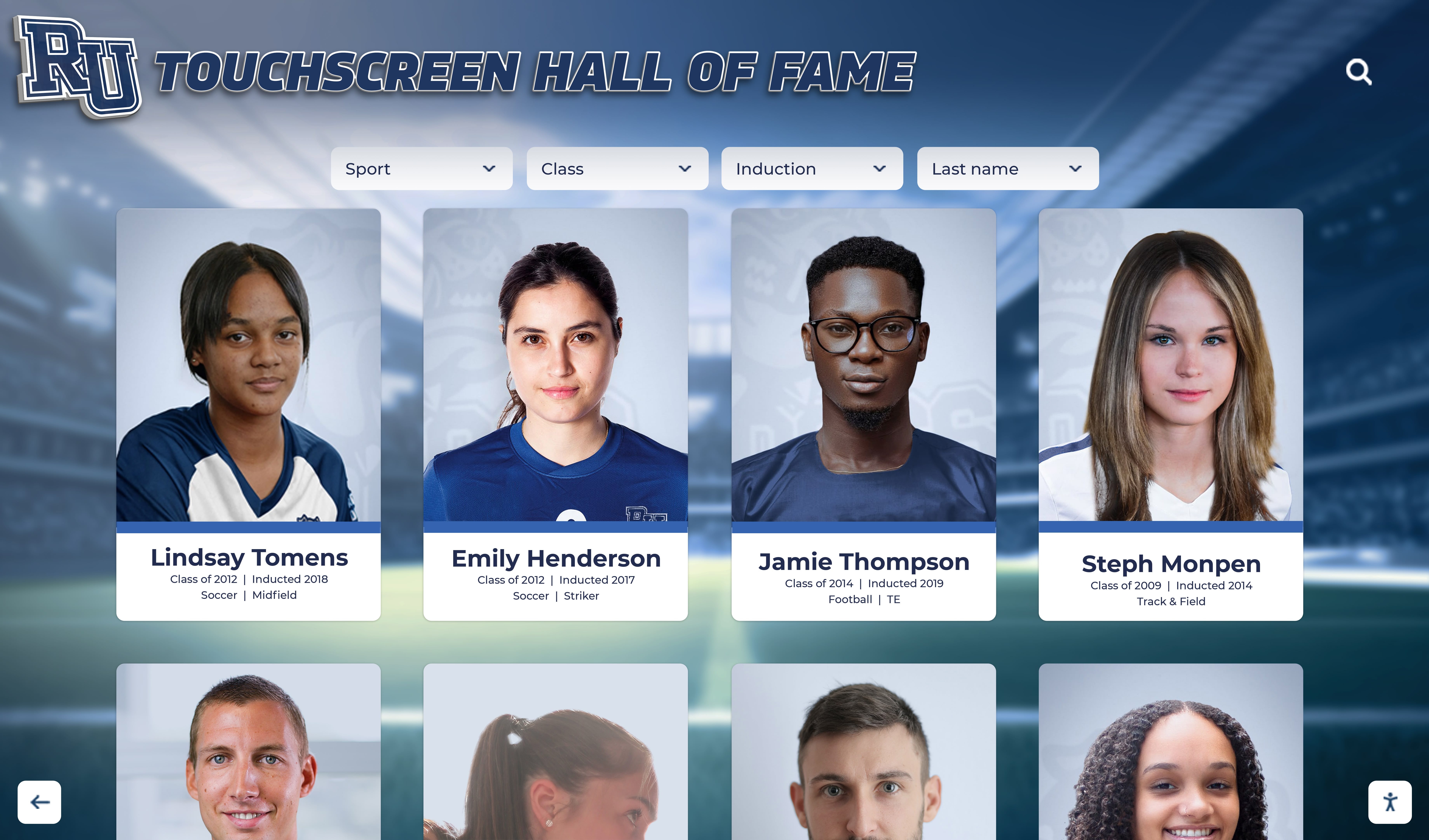
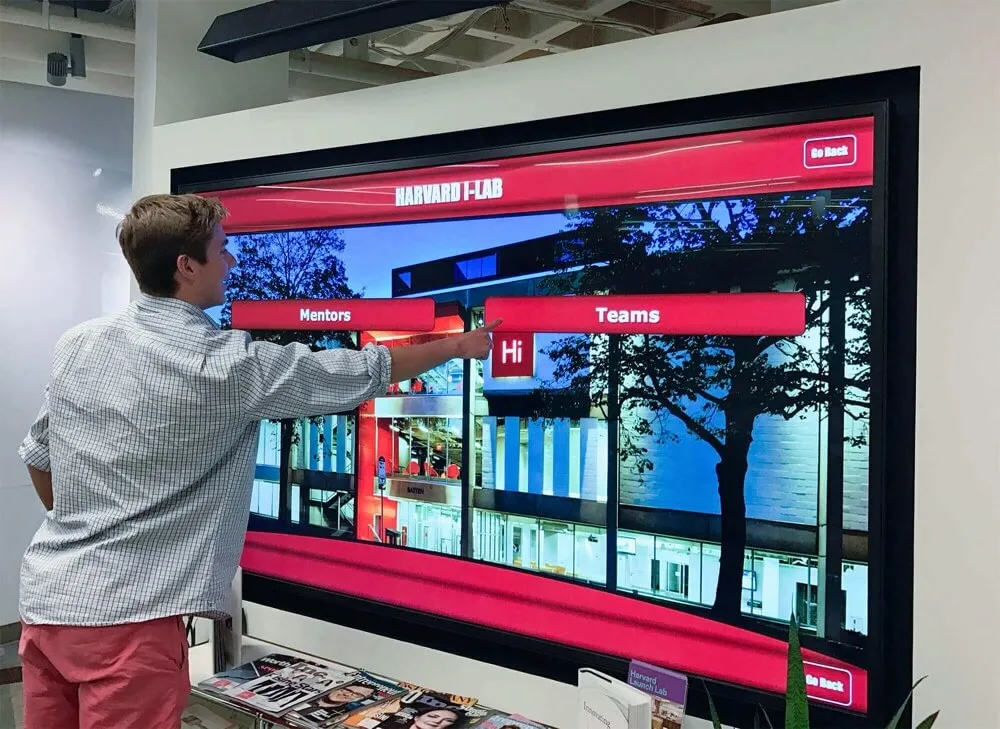
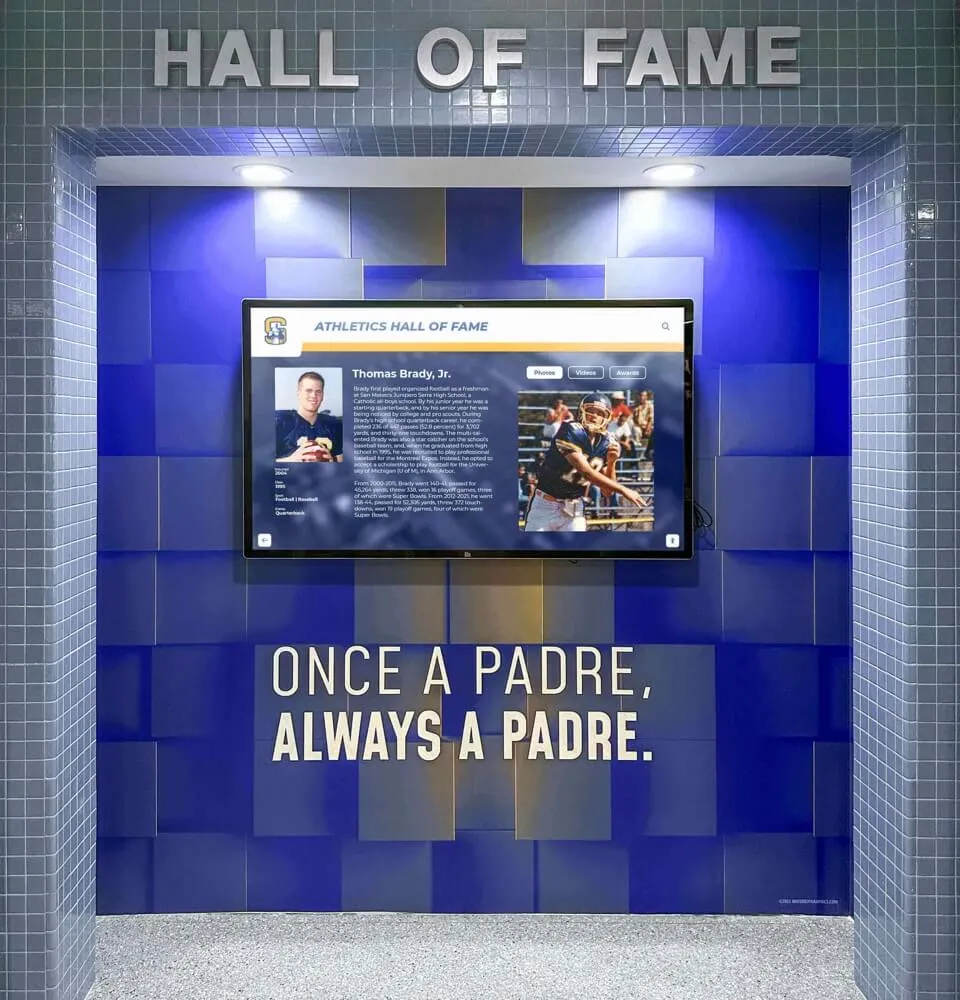
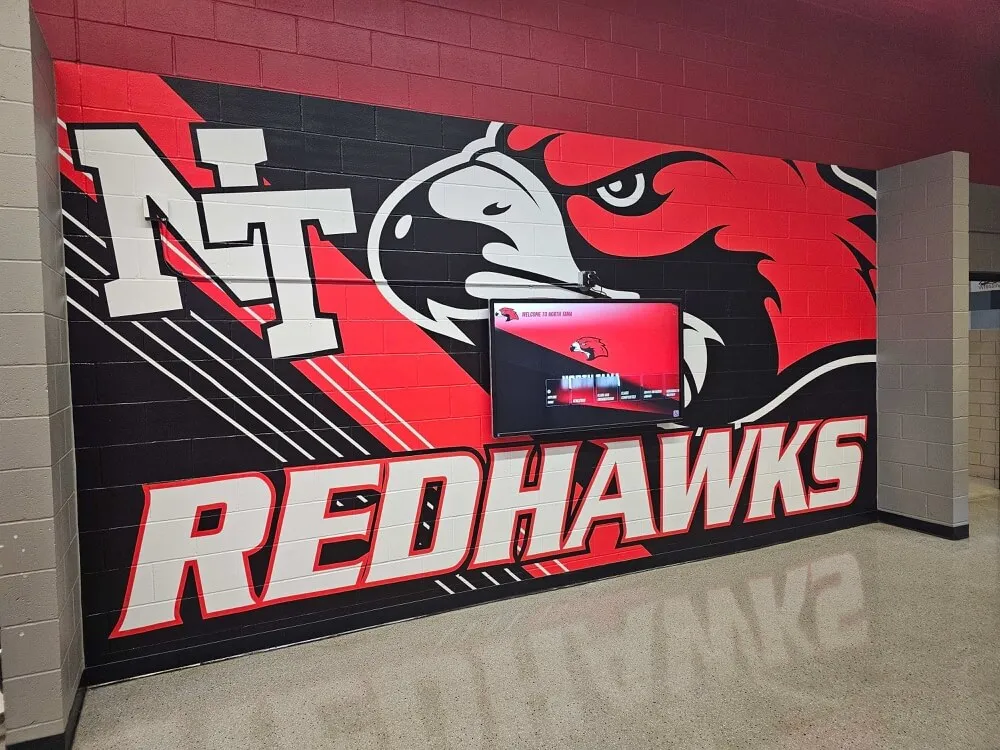
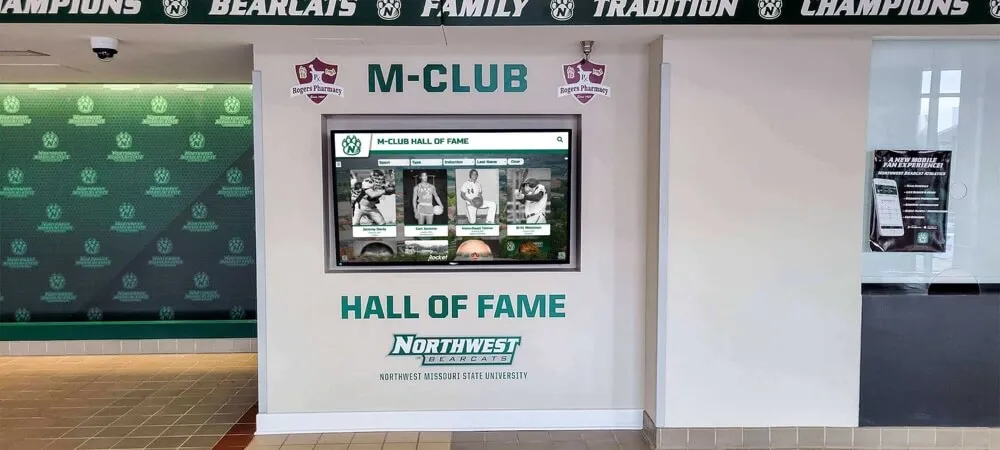
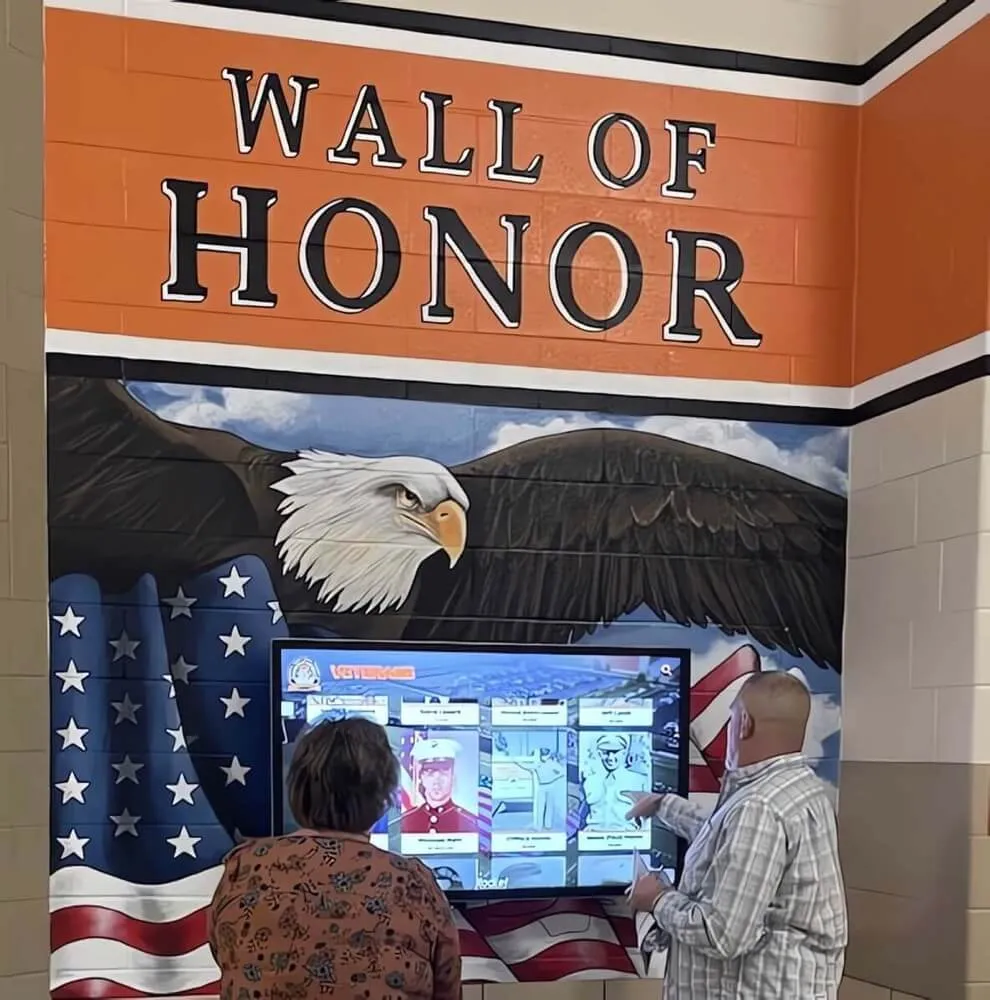
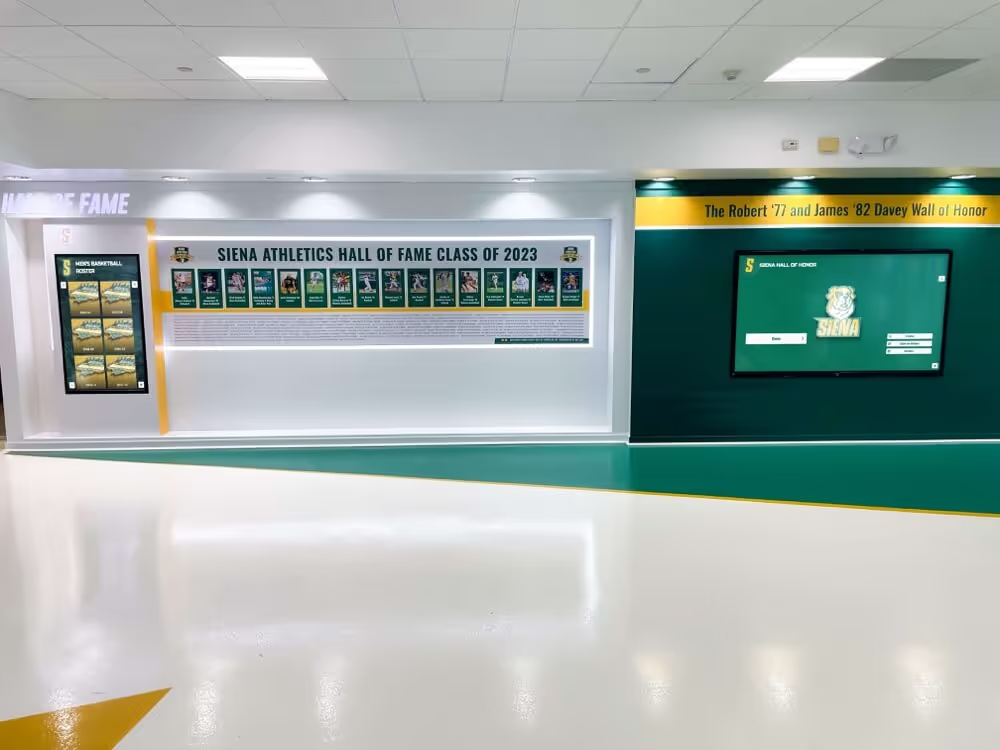
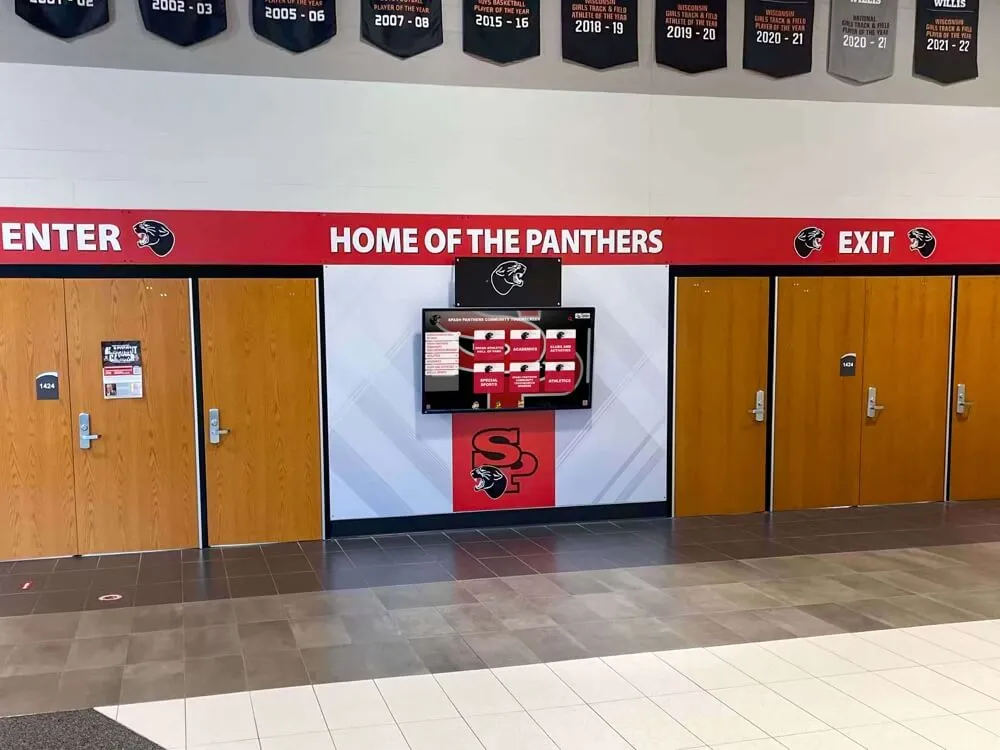
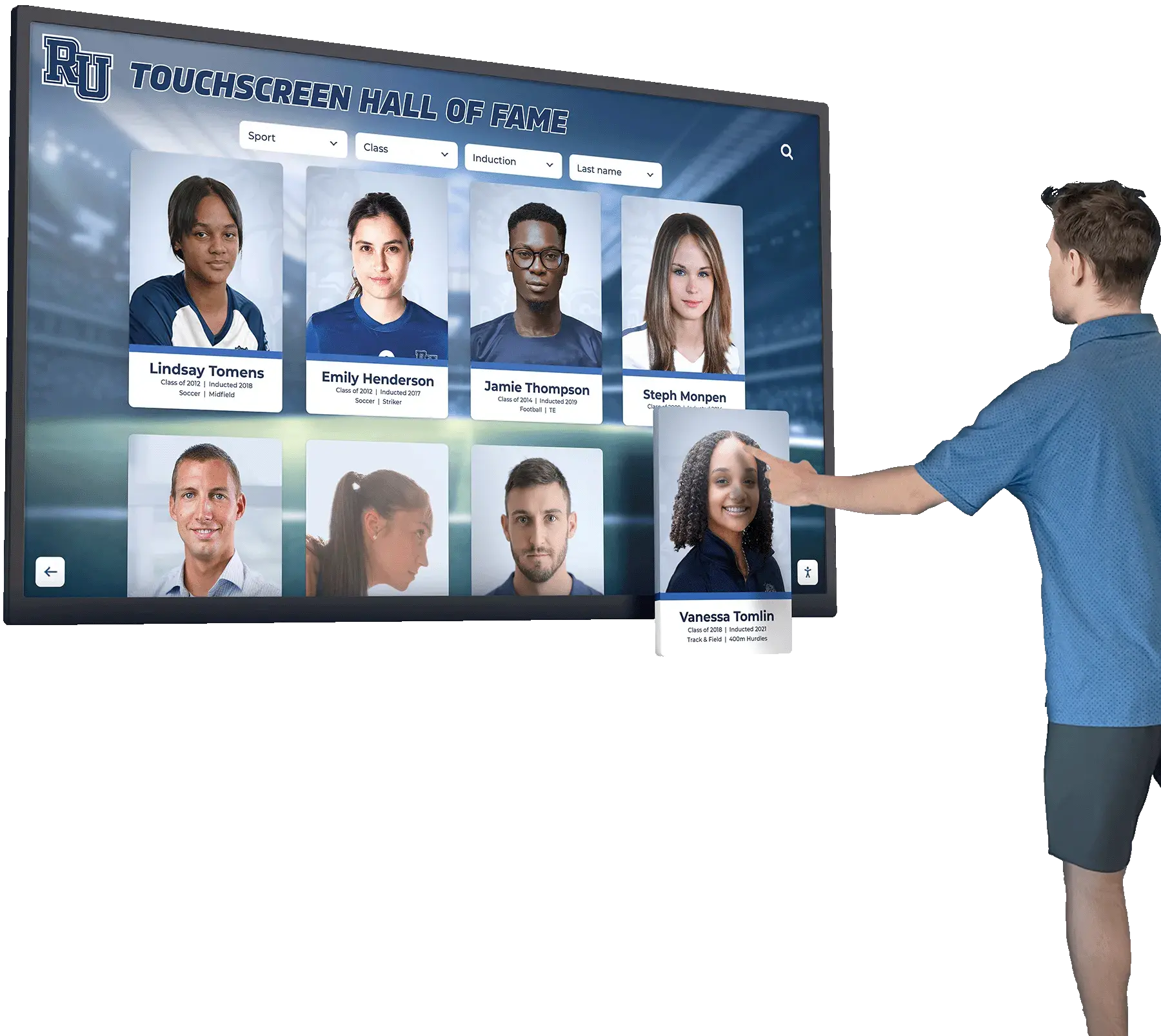
Interactive touchscreen displays allow homecoming court bios to include every field without space constraints—and remain searchable for years after the event
Bio Field Reuse Table: From Program to Poster to Digital Display
The following table maps each bio field to the formats where it appears most effectively. Use this during planning to determine which fields are universal and which are format-specific.
| Bio Field | Game-Night Program | Hallway / Gym Poster | Digital Display |
|---|---|---|---|
| Full Name | Required | Required | Required |
| Class Year | Required | Optional | Required |
| School Activities | Required | Required | Required |
| Years of Involvement | Optional | Not recommended | Required |
| Academic Honors | Recommended | Optional | Required |
| College / Post-Secondary Plans | Recommended | Not recommended | Required |
| Quote / Personal Statement | Required | Required | Required |
| Nominating Category | Optional | Recommended | Required |
| Community Service | Optional | Not recommended | Recommended |
| Photo | If space allows | Required (dominant) | Required |
The table makes one pattern clear: the digital display is the only format that benefits from all ten fields without compromise. Print formats require triage—choosing which fields matter most for the available space. Collecting all ten fields in the intake form means each format can draw the fields it needs without going back to nominees for more information.
How to Structure the Bio Intake Form
A well-designed intake form produces clean data without requiring coordinators to chase down nominees for revisions. The following guidelines apply whether the form is paper, a Google Form, or a school activity management platform.
Keep questions specific, not open-ended. Instead of “Tell us about yourself,” use “List up to five school activities or organizations you participate in.” Instead of “Write a quote,” use “Complete this sentence: One thing I want people to know about me is…”
Set word or character limits for each field. A program bio that allows unlimited text produces inconsistent lengths. Specifying “maximum 30 words” or “one to two sentences” for each field saves editing time and produces more consistent results.
Require the photo submission in the same form. When photo submission is separate, it almost always arrives late or at the wrong resolution. Embedding a photo upload field in the bio form ensures both arrive together.
Collect nominating category information directly. If the nominee was selected by a class vote, staff committee, or athletic department, record that at intake rather than trying to reconstruct it later.
Understanding how schools define and display student honors reveals a consistent lesson: the quality of recognition at display time is almost entirely determined by the quality of data collection at intake time. Homecoming court bios are no different.
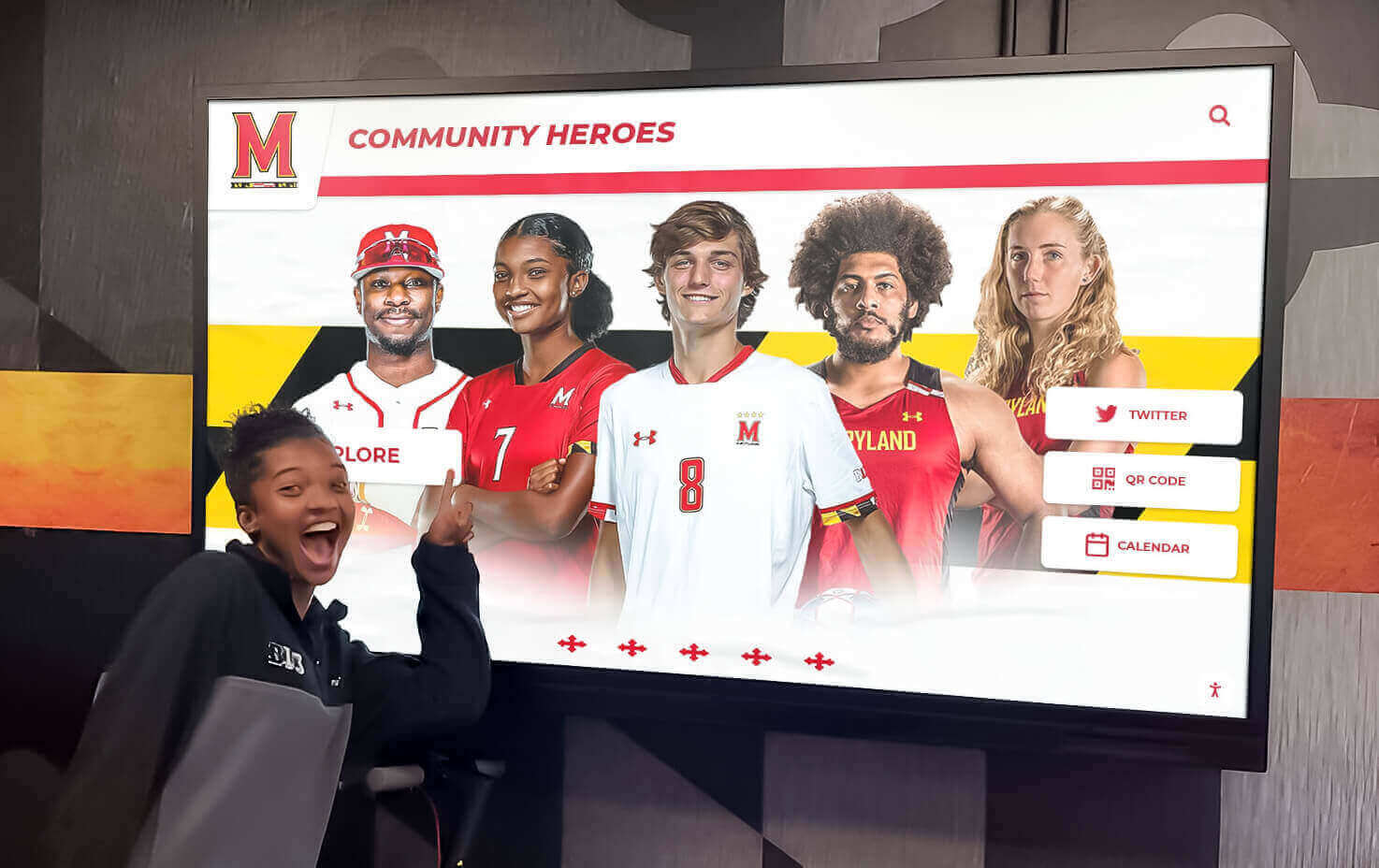
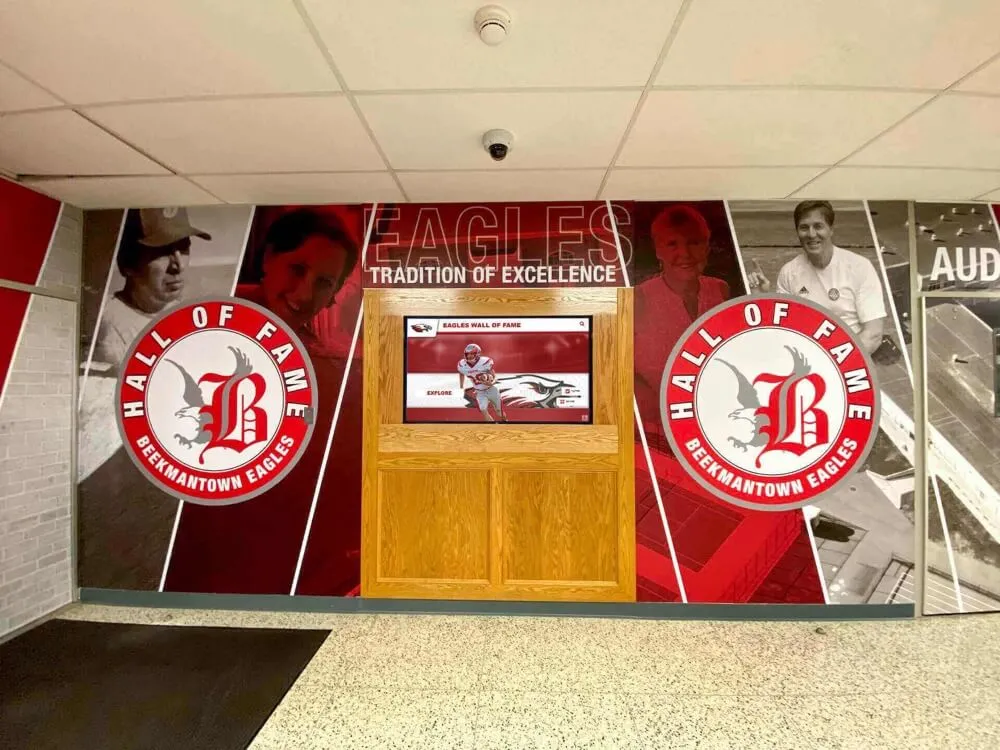
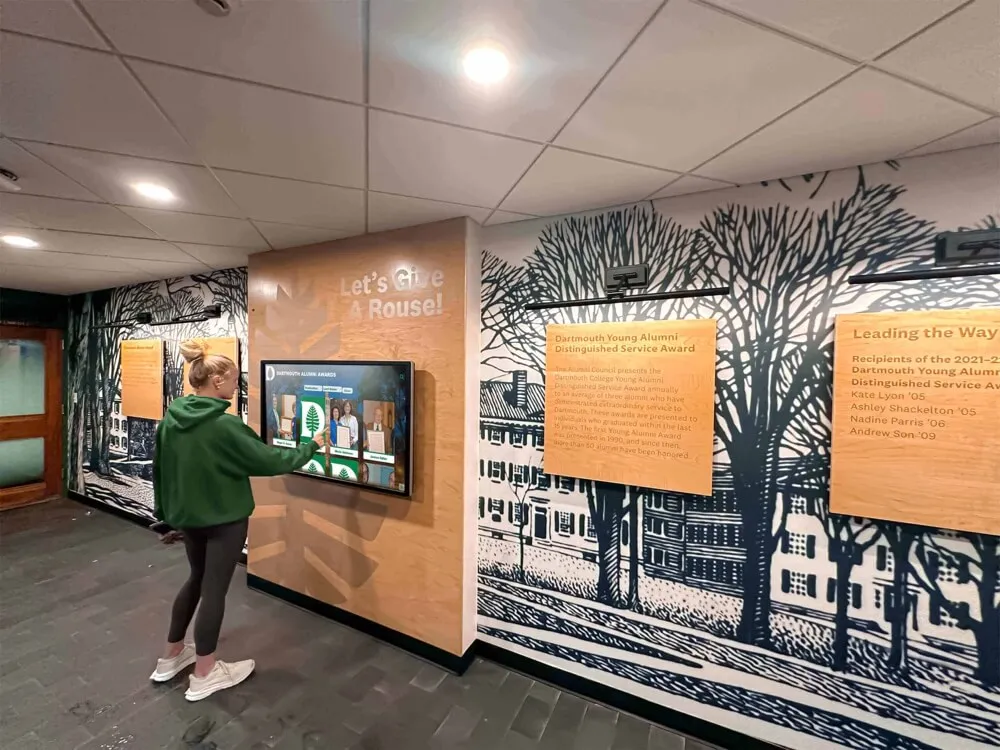
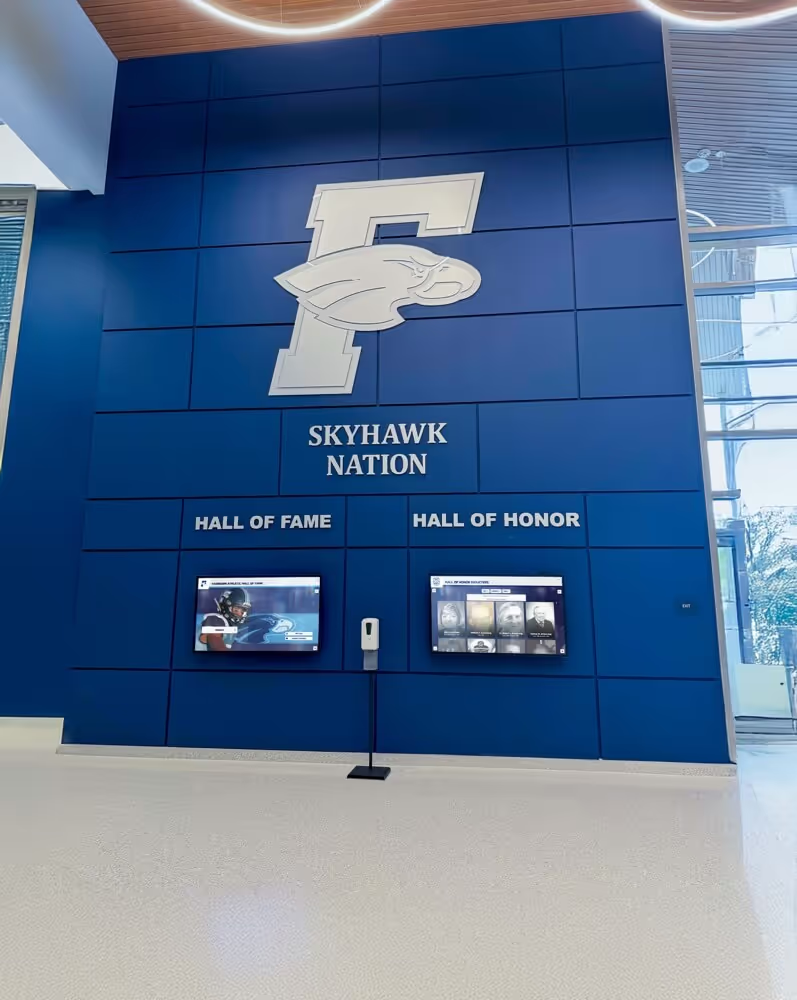
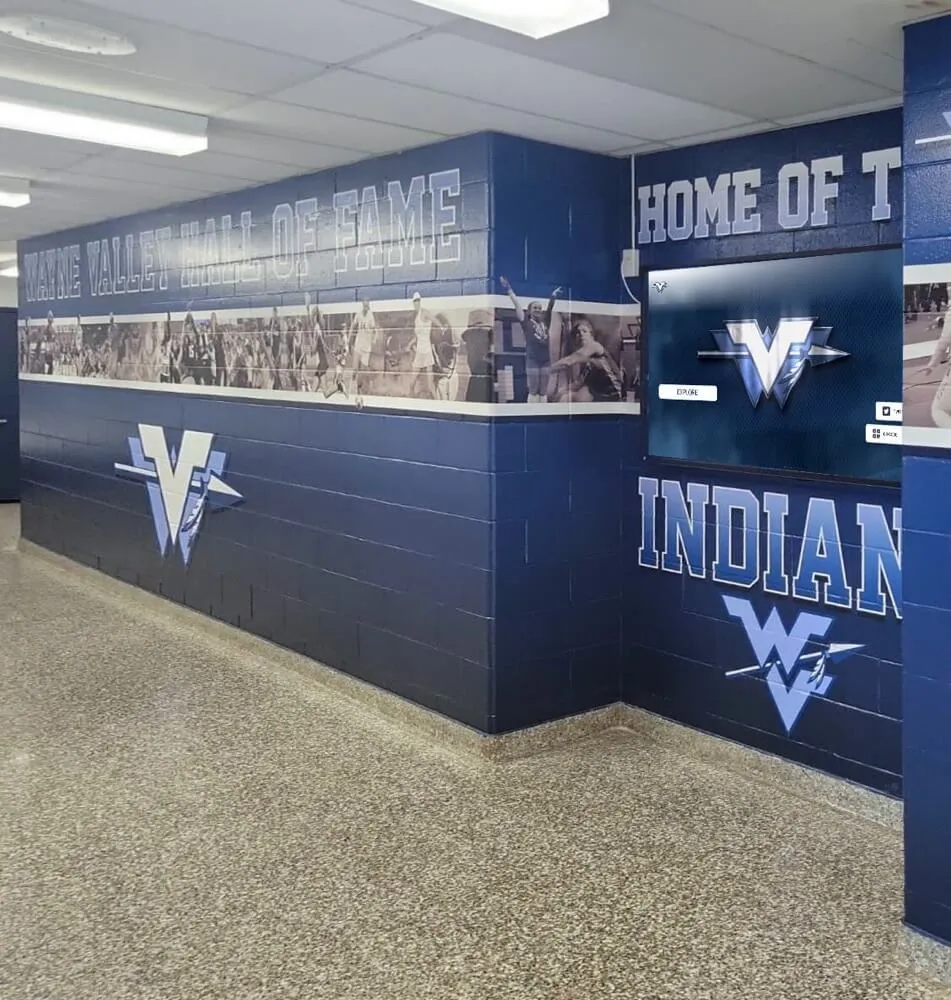
When bio fields are structured consistently at intake, the same data powers multiple recognition formats—from printed programs to interactive digital displays
Adapting Bio Length for Different Ceremonies
Not every homecoming ceremony has the same pacing. A halftime presentation at a football game runs differently than a formal coronation ceremony at the dance. The bio should fit the moment.
Football halftime announcement (spoken): Keep the bio to three sentences maximum. The announcer reads it over the PA while nominees walk on the field. Prioritize name, one or two defining activities, and a personal detail that makes the crowd smile or cheer.
Dance coronation ceremony: The emcee has more time. A four-to-six sentence bio read while nominees stand at the front of the venue can include academic honors, community service, plans after graduation, and the personal quote. Aim for approximately 100 words when read aloud, which takes roughly 45 seconds.
Printed program insert: Programs often include bios for every nominee, not just the finalists. Use the short program format above. Keep all bios the same length regardless of how much or how little each nominee submitted—editing for consistency is part of the coordinator’s job.
Social media graphics: Pull the name, one-line activity summary, and quote only. These three elements fit in a square graphic and read cleanly on mobile screens.
School website or digital yearbook: Expand to the full digital display format. This is the version that persists after the event, so include all available fields.
Connecting Homecoming Court Bios to Permanent Recognition Programs
Homecoming court recognition rarely connects to a school’s broader permanent recognition infrastructure—but it should. The alumni who attend their 10-year or 20-year reunion often remember homecoming court as one of the defining social memories of their high school experience. Schools that thoughtfully preserve this history find that homecoming court records are among the most searched content in digital recognition displays.
The connection is straightforward: the same ten fields collected for a nominee’s program bio become the basis for a permanent digital profile. A student recognized on homecoming court in 2026 could appear in that school’s interactive history display accessible to visitors, prospective students, and future reunion-goers for decades. The incremental effort is minimal when the data was collected cleanly in the first place.
Schools building or expanding digital recognition programs have found tools and frameworks for hall of fame management across multiple categories that work just as effectively for homecoming court archives as for athletic or academic halls of fame.
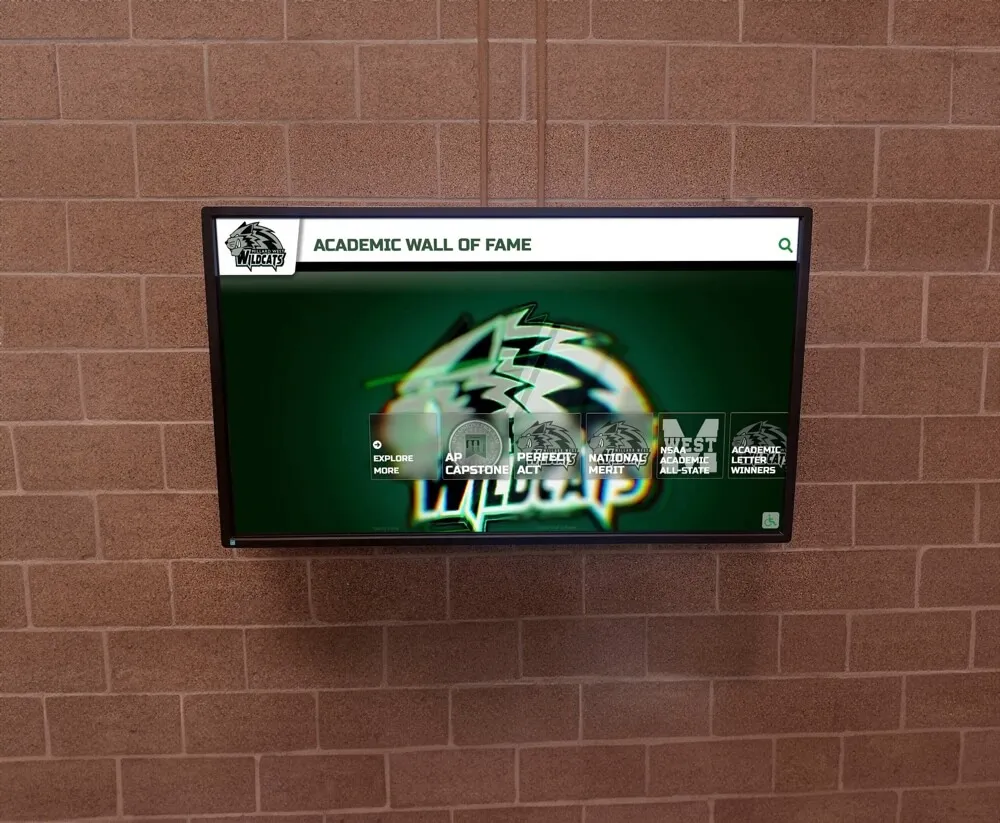
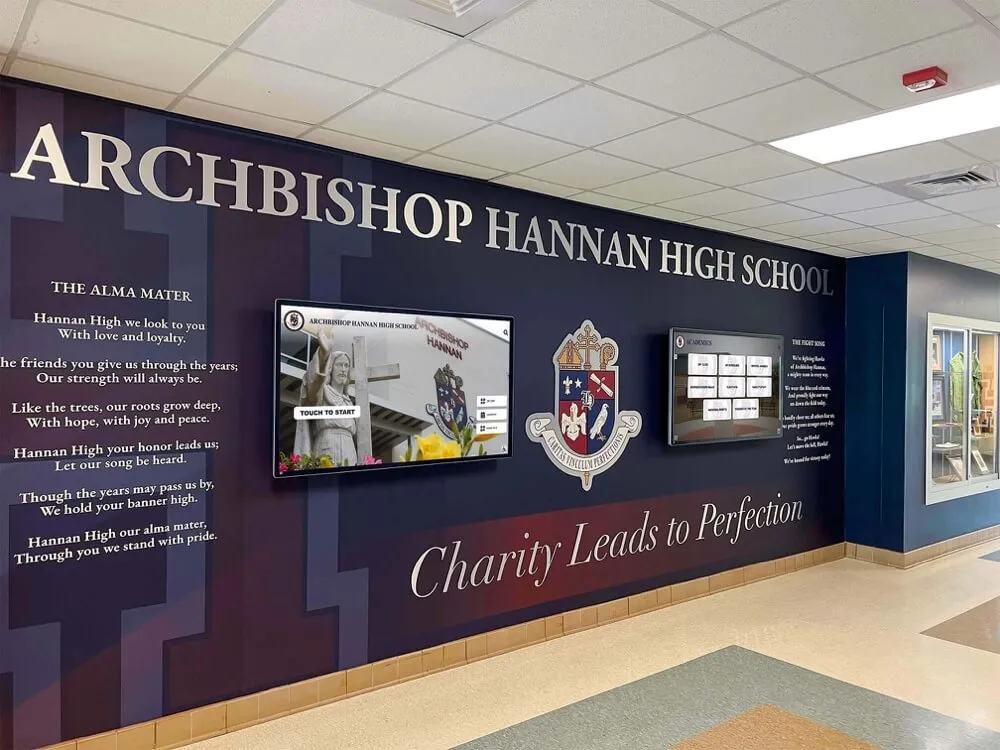
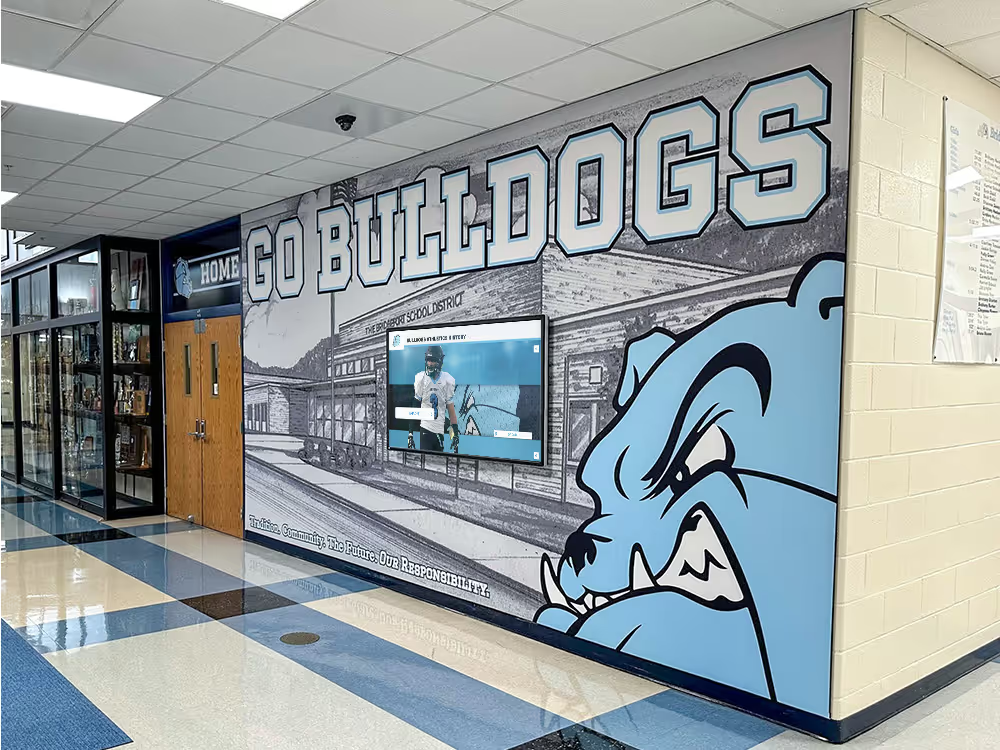
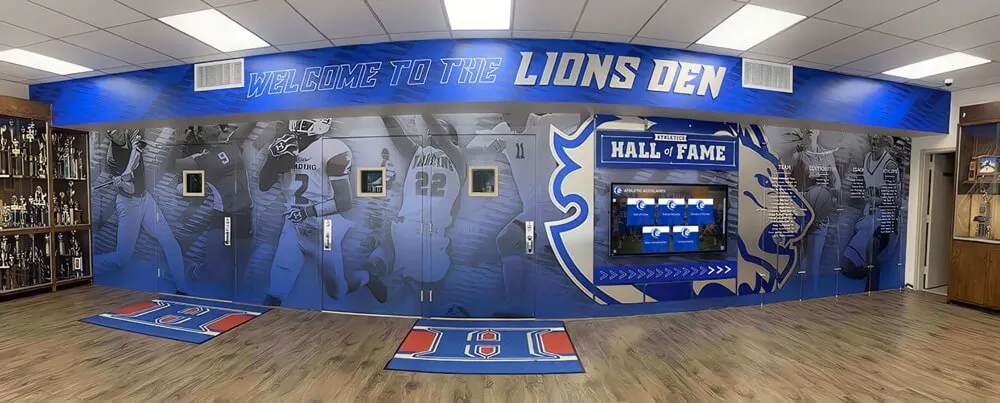
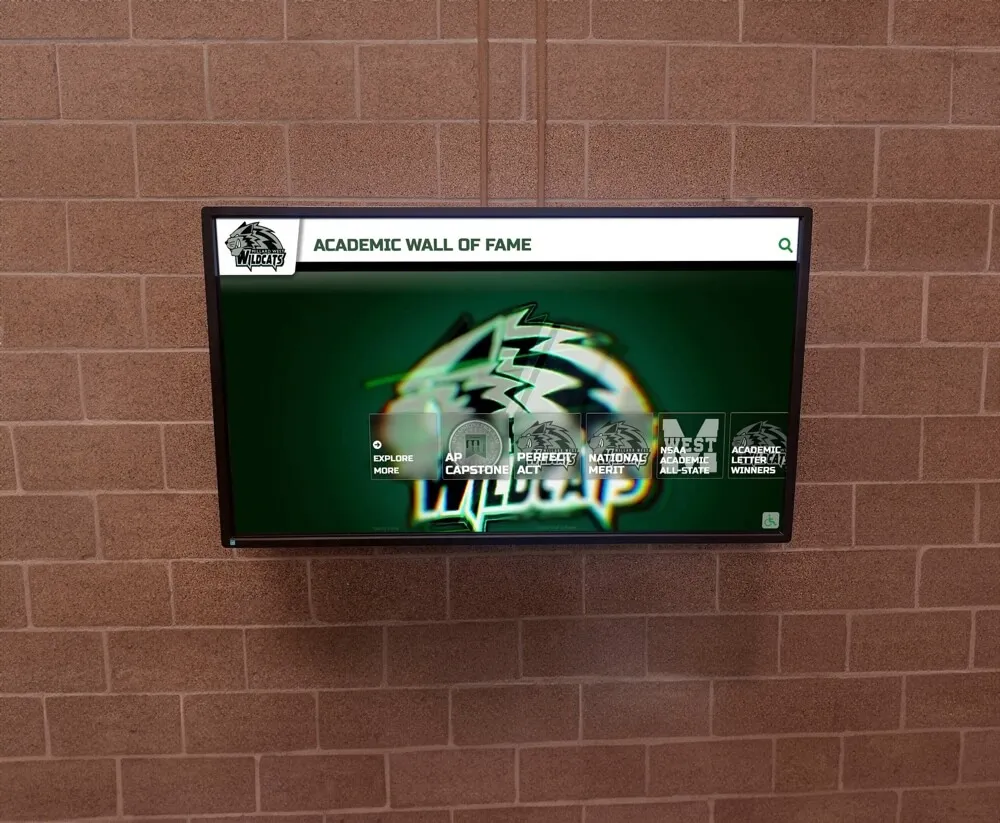
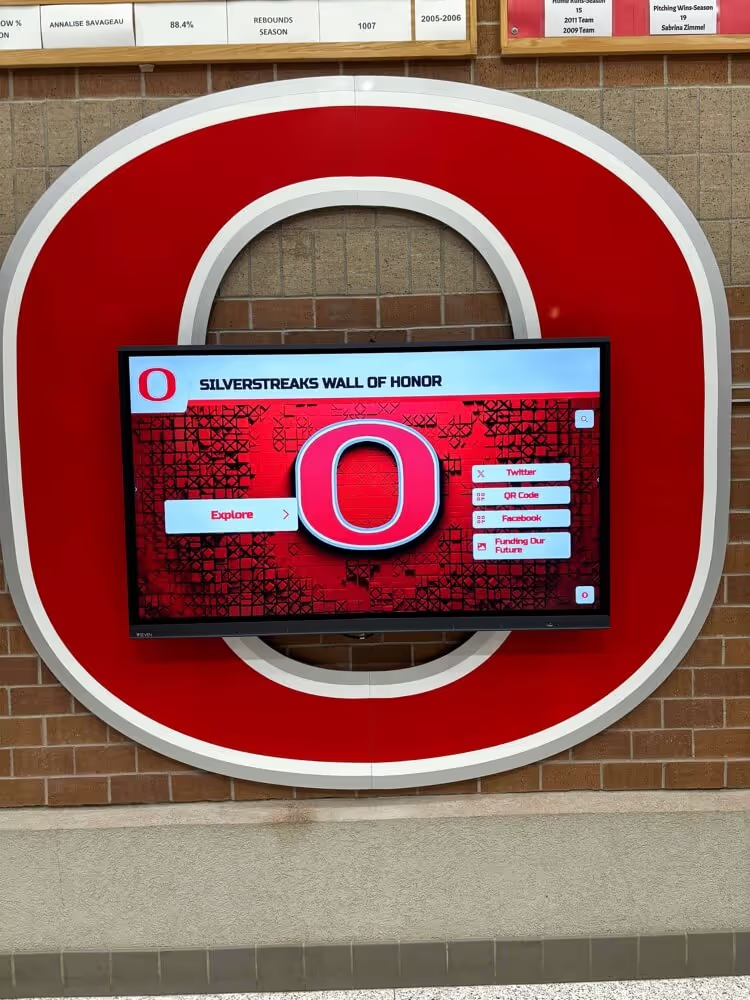
Digital recognition walls allow schools to archive homecoming court history alongside academic, athletic, and community achievement—creating a searchable record that grows every year
Homecoming Court Bios in Digital Signage and Lobby Kiosks
Schools that display homecoming court nominees on lobby touchscreens or digital signage during the week before the game face a slightly different design challenge than print formats. Signage content must work at a distance and update without reprinting.
Use large type for names. On a display viewed from ten feet away, the nominee’s name should be readable without stepping closer. This typically means name text at 48 points or larger.
Limit body text to two to three sentences. Digital signage is scanned, not read. Pull the most interesting field—usually the personal quote or a standout activity—and display it large. The full bio lives in the interactive kiosk version.
Rotate nominee profiles on a timer. If displaying multiple nominees on the same screen, set a 15-to-20-second rotation so each profile has time to be absorbed before advancing.
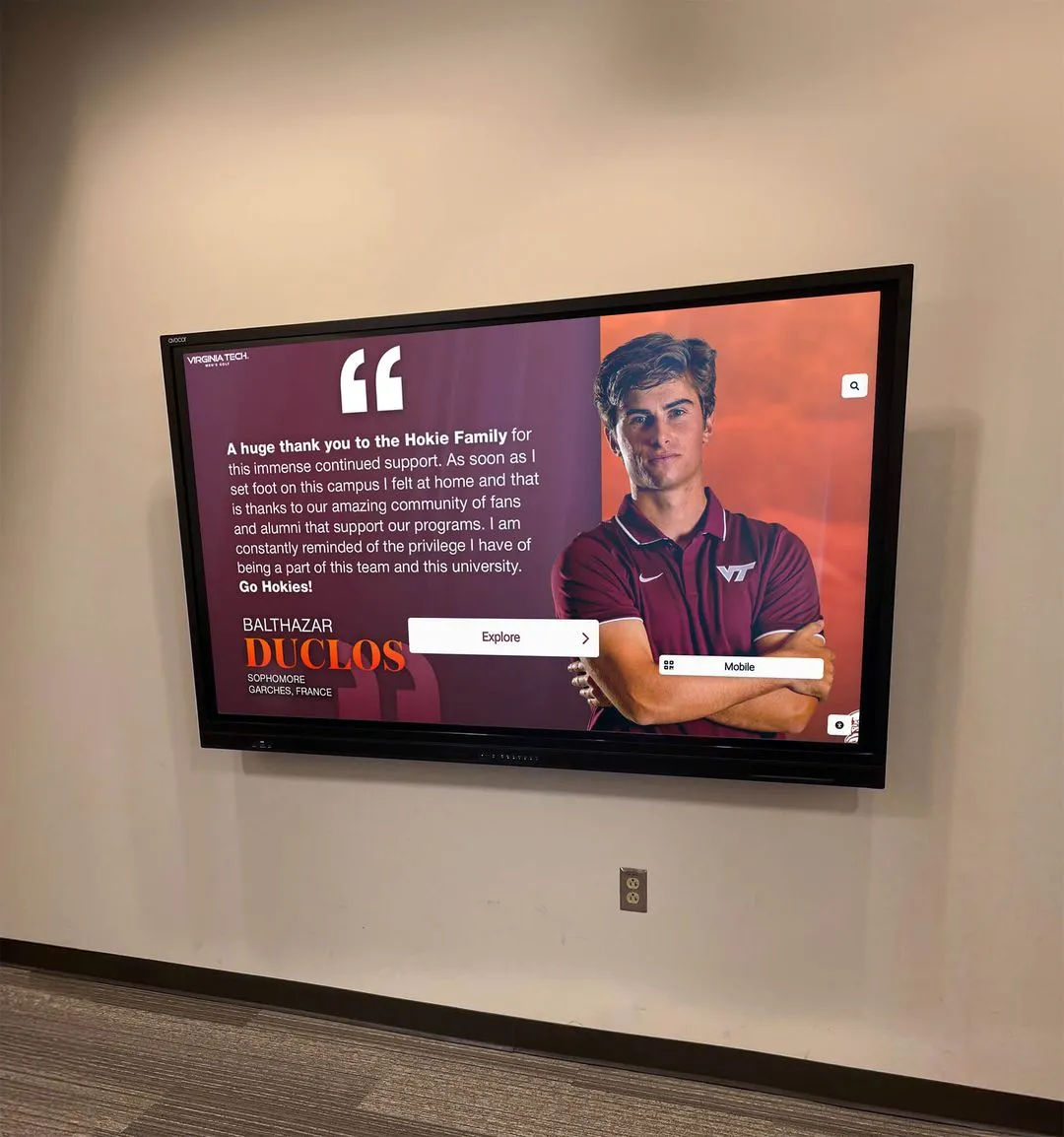
Link to mobile-accessible profiles. Schools using QR codes on digital signage allow anyone with a phone to pull up the full bio, reducing the amount of text that needs to appear on the screen itself. Digital signage systems built for schools increasingly support this hybrid screen-plus-phone approach.
The interaction between physical signage and mobile access is particularly effective for homecoming court recognition because families and students are already looking at their phones throughout the week. A QR code on a lobby display can direct nominees’ families to the full program bio, the photo gallery, and the voting link in a single scan.
Preserving Homecoming Court History Year Over Year
Once a school has collected clean, structured bios for a given year’s homecoming court, the question becomes how to preserve them without losing them when coordinators change. Physical program archives are a start, but they are hard to search and impossible to update. Digital archives solve both problems.
A homecoming court archive worth maintaining should include, at minimum: the year, the nominees’ names and class years, the elected court members, and the full structured bio for each nominee. Photographs should be stored with consistent naming conventions (year-last name-first name) so they remain findable when a future coordinator wants to build a retrospective display.
Schools that have built strong archives consistently report that the hardest part isn’t the technology—it’s establishing the collection habit before the data becomes hard to recover. Starting with structured bios now makes every future anniversary display, reunion slide show, or lobby recognition project dramatically easier.
For schools with active alumni associations, a homecoming court archive becomes a natural anchor for milestone reunion programming where guests can see who served on court the year they graduated alongside photos, bios, and career updates collected in subsequent years.
Frequently Asked Questions About Homecoming Court Bios
How long should a homecoming court bio be?
For printed programs, 75 to 100 words is the practical range. For spoken announcements, aim for 40 to 60 words (approximately 20 to 30 seconds when read aloud). For digital profiles with no space constraints, 150 to 250 words allows a complete picture without overwhelming the reader.
What photo size works best for both print and digital use?
Request photos at a minimum of 1200 pixels on the short side in JPG or PNG format. This resolution is sufficient for print programs at typical sizes and for digital display at full screen. Asking for a larger file up front prevents quality issues later.
Should all nominees receive the same bio length in the program?
Yes. Editing all bios to a consistent length is the coordinator’s responsibility, not the nominee’s. Inconsistent lengths make the program look unprofessional and can create the perception that some nominees received more recognition than others.
What if a nominee doesn’t want to include post-graduation plans?
Make that field optional on the intake form. A blank is always better than a fabricated or outdated answer. If the field must appear in the program, use a neutral placeholder such as “Undecided” or simply omit the field from that nominee’s bio.
Can homecoming court bios be reused for academic recognition displays?
Yes, with minor editing. The core fields—name, activities, honors, quote—translate directly to academic recognition profiles. Schools that coordinate between student activities and athletic/academic recognition programs find that a single structured intake form serves multiple recognition programs simultaneously.

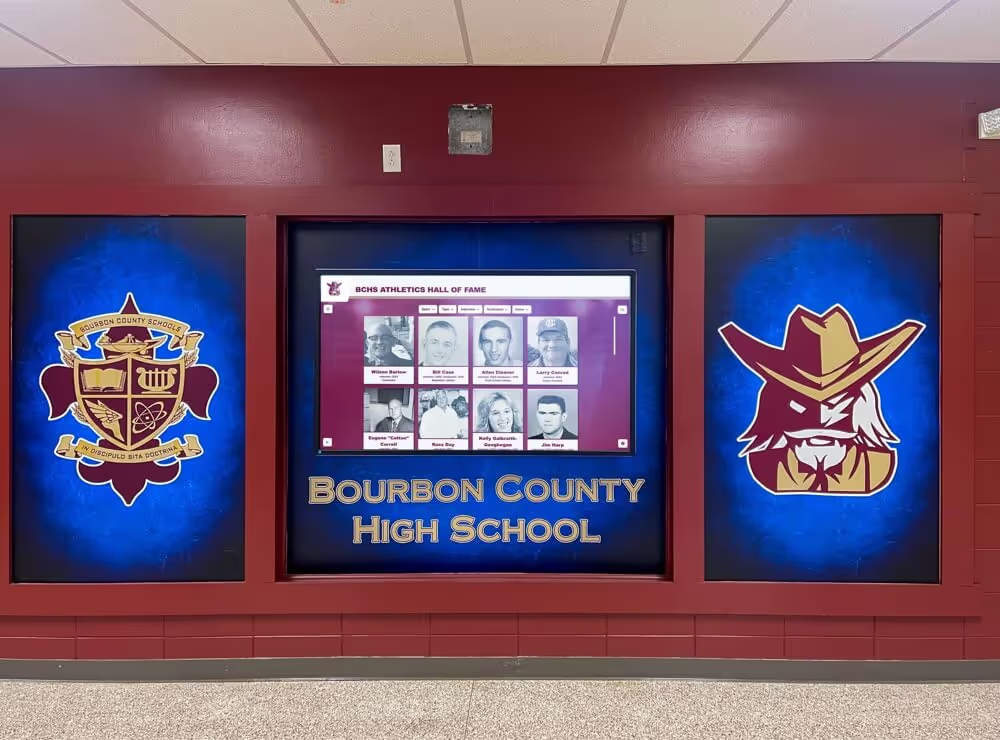
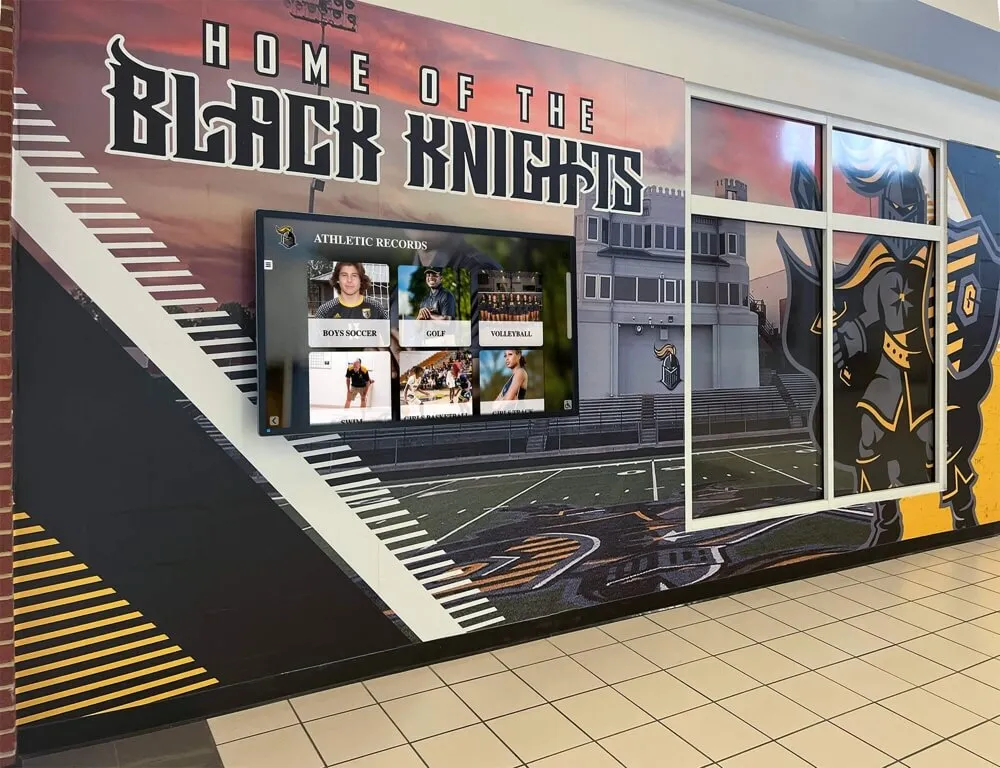
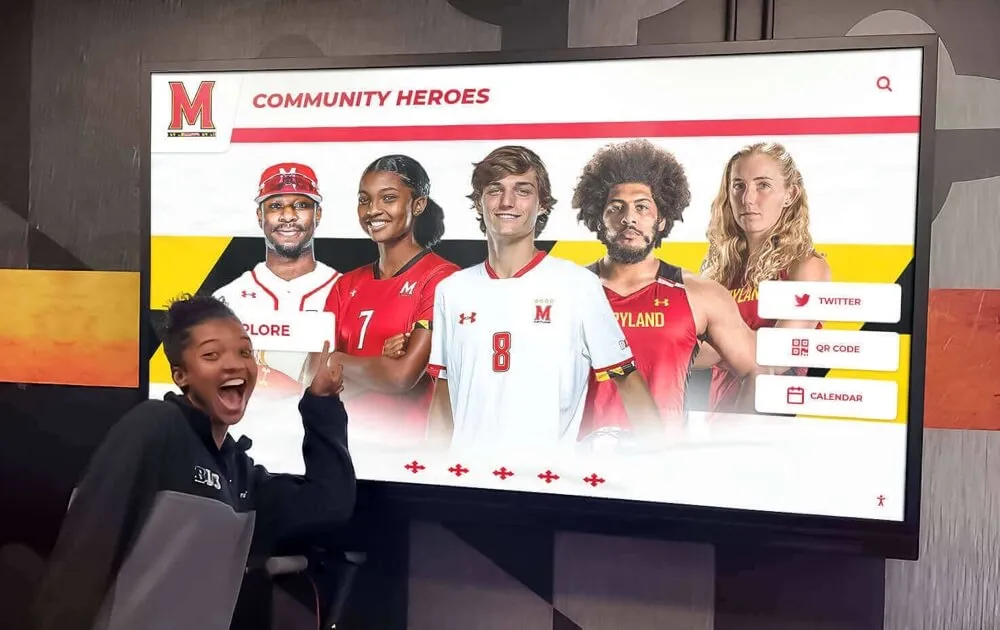
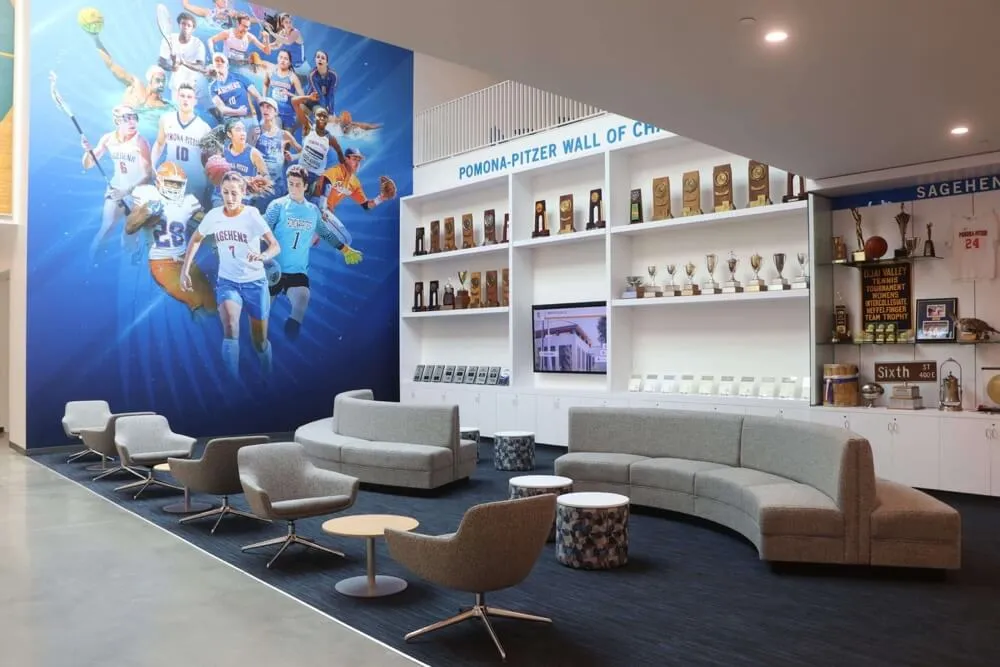
Interactive touchscreen displays allow visitors to select individual homecoming court profiles and explore full bios, photos, and multi-year history at their own pace
A Final Note on Recognition That Lasts
Homecoming court recognition is a moment in school culture that matters to the students experiencing it far more than any coordinator fully realizes at the time. The bio fields defined now determine whether that recognition feels substantial or rushed, consistent or haphazard, lasting or temporary.
Schools that invest in structured bio collection—even for what seems like a one-week event—discover that the data pays dividends for years. Program archives become reunion centerpieces. Digital profiles become lobby displays. A clean, consistent bio becomes a permanent record that the nominee’s children might one day browse on a touchscreen in the school lobby.
The ten fields outlined in this guide are the foundation. The templates are starting points. What makes the recognition meaningful is the care taken to collect complete, accurate, and respectful information about every nominee—and the systems built to make sure that information survives long after the crowns are put away.
Turn This Year’s Homecoming Court into a Permanent Digital Record
Homecoming court memories shouldn’t live only in a filing cabinet. Rocket Alumni Solutions builds interactive touchscreen recognition displays that let schools archive homecoming court bios, photos, and history in a searchable, always-on lobby display—accessible to students, families, and alumni for decades.
Request a custom demo to see how homecoming court recognition looks on an interactive display →