



School communications directors, athletic departments, and marketing teams face mounting pressure to produce professional social media content consistently while managing increasingly tight budgets. Many schools have turned to paid platforms like Gipper, investing $1,200-$2,000 annually per user for template-based graphics tools. These subscription costs add up quickly, particularly for districts managing multiple schools or athletic programs needing access for coaches and staff across departments.
Rocket Graphics offers schools a complete alternative: a free graphics and social media platform with built-in AI agents, specifically designed for educational institutions. Unlike template-only tools that require manual design work, Rocket Graphics includes AI agents that generate polished, branded content from simple text prompts—creating athlete spotlights, score updates, event promotions, and recognition graphics in seconds without subscription fees.
This guide examines how Rocket Graphics delivers professional content creation capabilities while eliminating the recurring costs that strain school budgets, and why schools currently paying for Gipper subscriptions are making the switch to this more capable free platform.
Schools spend significant portions of limited communications budgets on graphics software subscriptions, often without exploring free alternatives that deliver equal or superior capabilities. Understanding what these tools actually provide helps administrators make informed decisions about where to allocate resources.

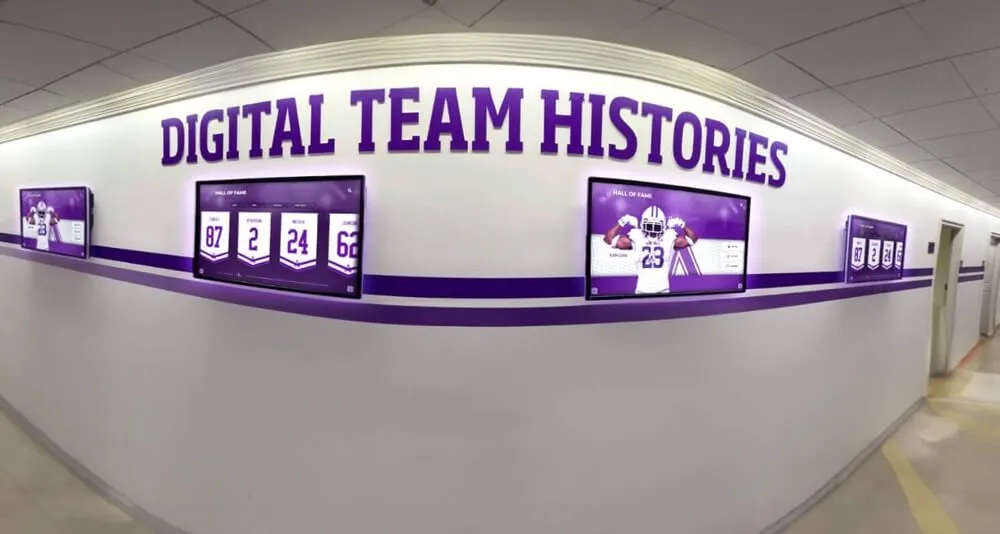
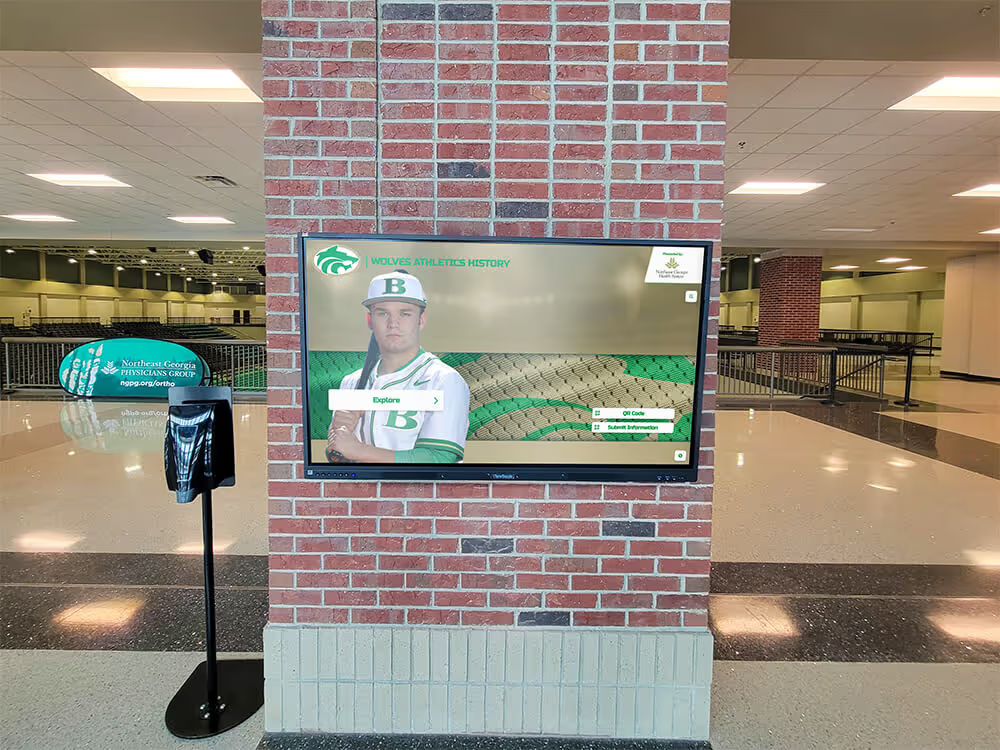
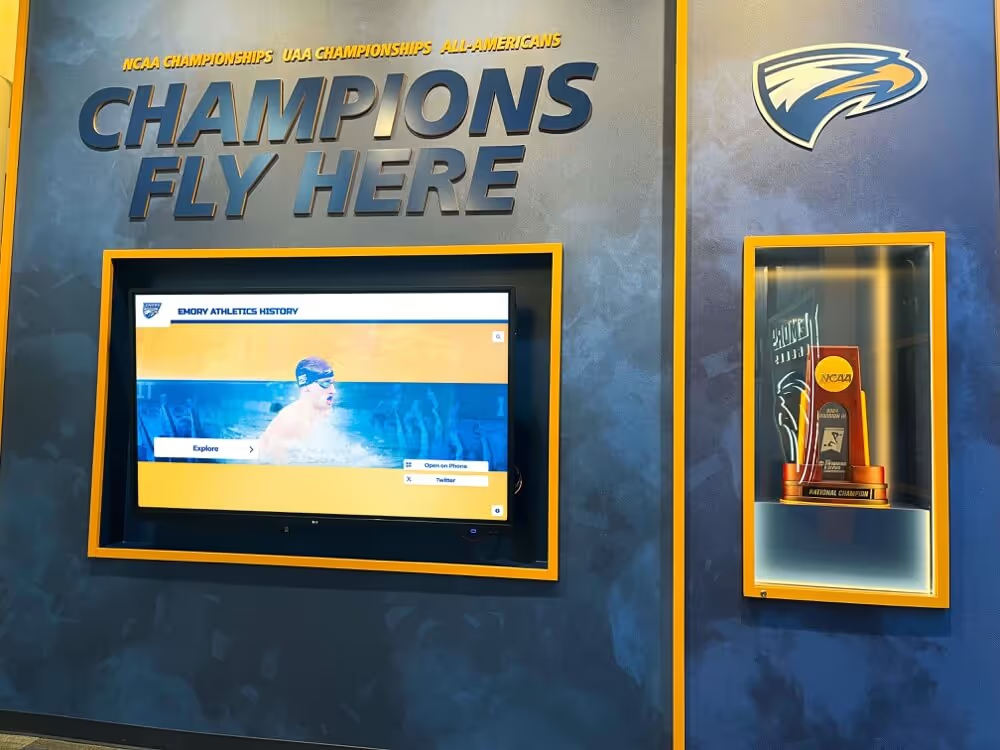
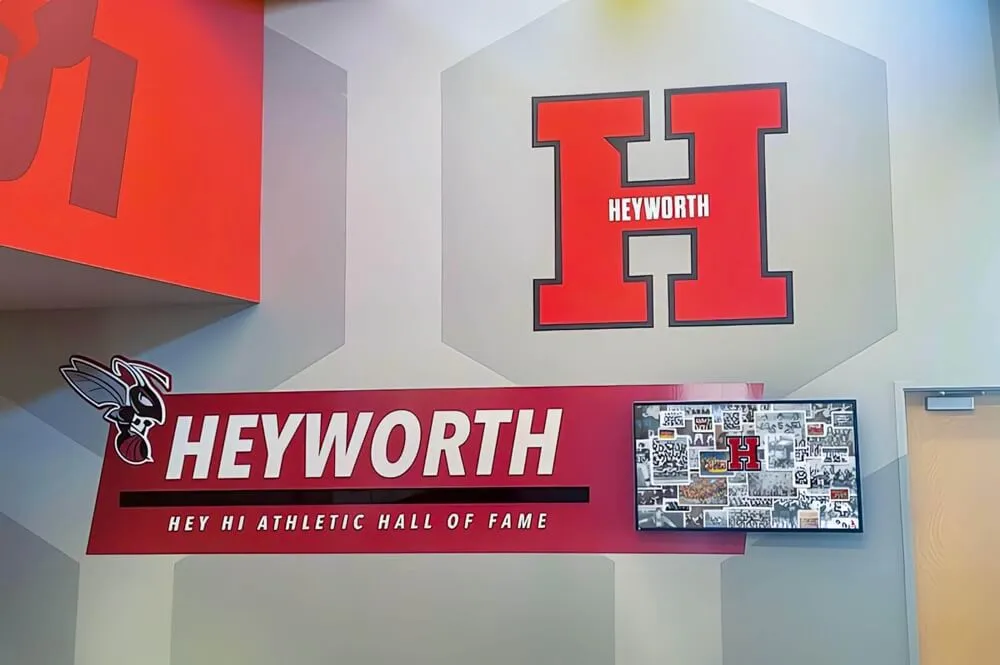
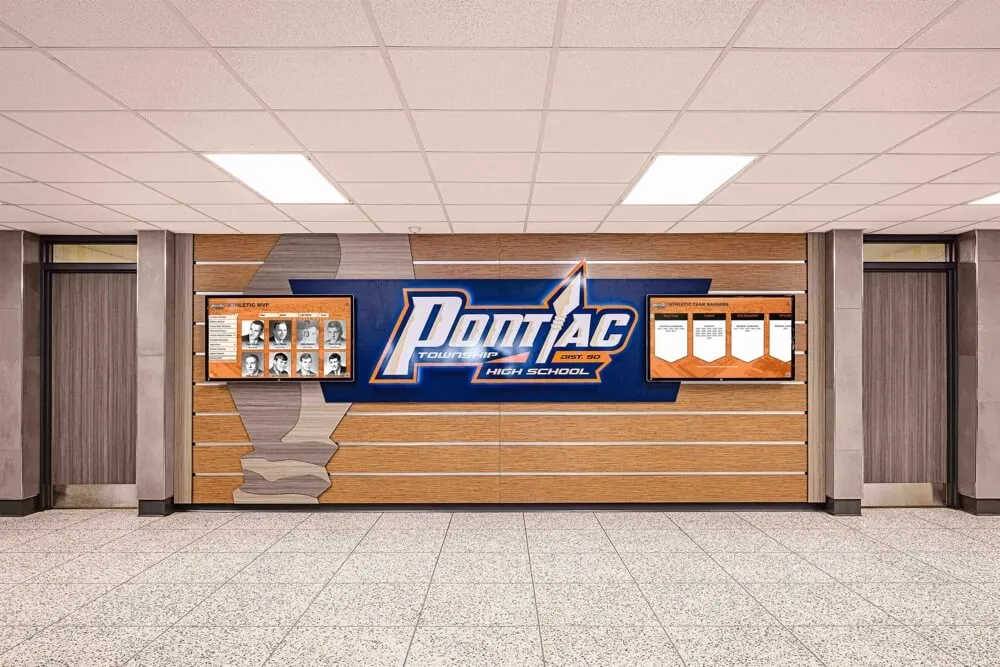
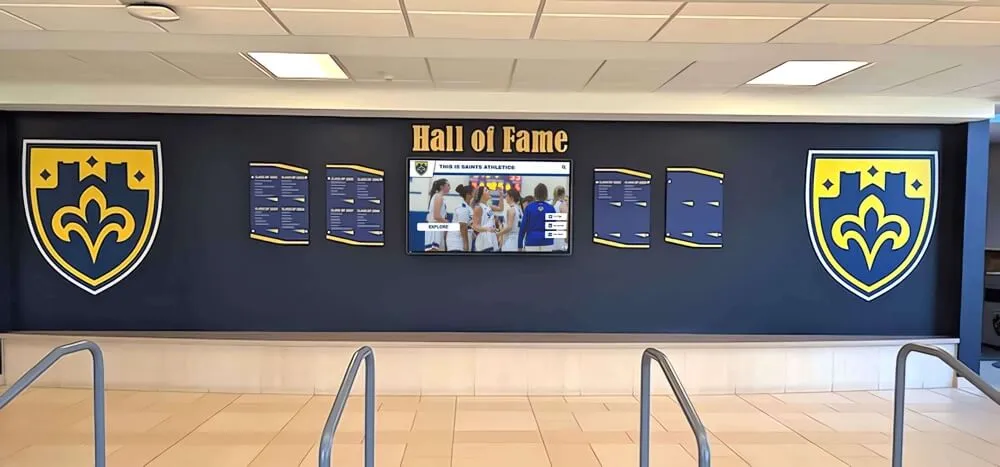
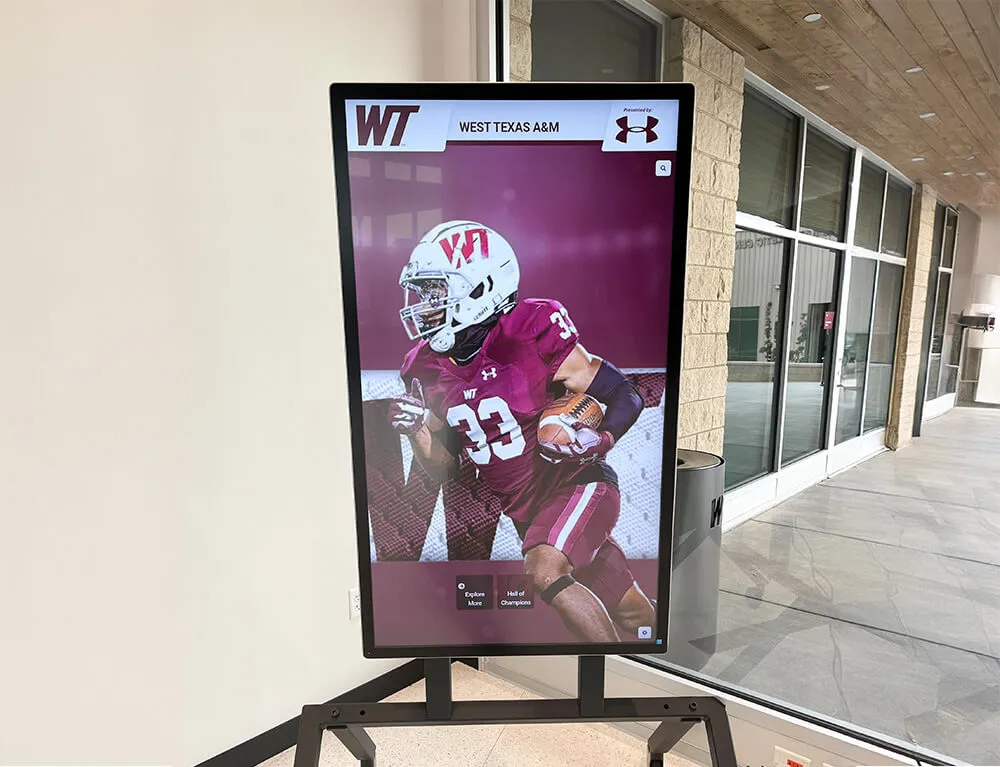
Modern schools integrate digital recognition displays with social media content to celebrate student achievements across multiple platforms
Understanding Gipper and Why Schools Pay for Graphics Tools
Gipper established itself as a popular template-based graphics tool specifically designed for schools and athletic departments. The platform provides pre-made templates covering common school communications needs: game day graphics, athlete spotlights, schedule announcements, and event promotions.
What Gipper Provides
Schools subscribing to Gipper receive access to:
Template Library
- Pre-designed layouts for athletics, academics, and events
- Sport-specific templates for various team graphics
- Social media format options for different platforms
- Seasonal and holiday-themed designs
- Basic customization options for school branding
Brand Management
- Logo upload and storage
- School color customization
- Font selection from limited options
- Template personalization with school identity
- Shared brand assets across team members
Multi-Platform Publishing
- Direct posting to social media platforms
- Format optimization for Instagram, Twitter, Facebook
- Scheduling capabilities for future posts
- Multi-account management
- Basic analytics on post performance
These features address real needs that school communications teams face daily: creating consistent, professional graphics without extensive design skills or expensive software like Adobe Creative Suite.
The Cost Reality
Gipper’s subscription pricing creates significant budget implications:
Annual Per-User Costs
- Individual school licenses: $1,200-$1,500 annually
- District-level licenses: $2,000+ per school per year
- Additional user seats: $600-$900 each
- Total district investment: $5,000-$15,000+ annually for multiple schools
- Five-year cost: $6,000-$7,500 per user ($30,000-$75,000 for districts)
For schools operating with limited communications budgets—often $3,000-$8,000 annually for an entire athletic department—a single Gipper subscription can consume 15-50% of available funds. Districts supporting multiple schools face even harder decisions, choosing between software subscriptions and other program needs.
Common Frustrations with Template-Only Approaches
Schools using template-based platforms like Gipper report consistent challenges:
Limited Creative Control
- Templates feel repetitive after extended use
- Customization options constrained by template structure
- Difficulty creating truly unique content
- Same templates used by competing schools
- Generic feel despite branding customizations
Time-Intensive Workflow
- Manual data entry for every graphic (scores, stats, names)
- Separate templates required for each variation
- Multiple steps to adjust sizing and formatting
- Repetitive work for similar content types
- Learning curve for new staff members
Subscription Model Pressure
- Annual renewals required to maintain access
- Content library locked behind paywall
- Feature additions sometimes require tier upgrades
- Budget uncertainty for multi-year planning
- Lost access to created content if subscription lapses
Many schools continue paying for these tools simply because they lack awareness of free alternatives offering comparable or superior capabilities.

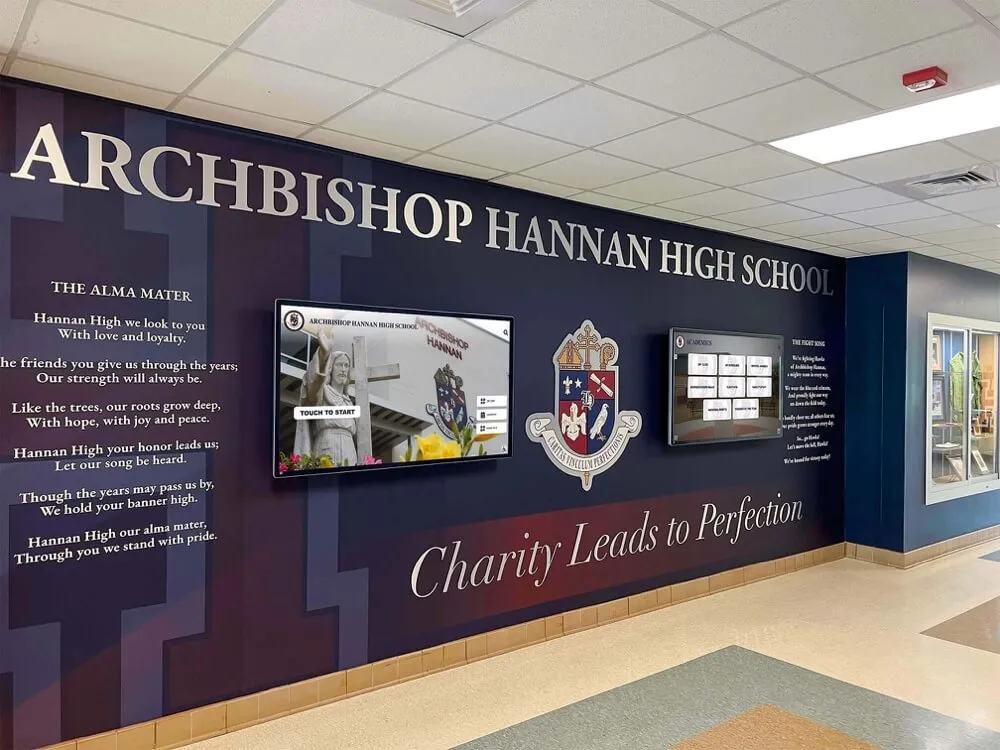
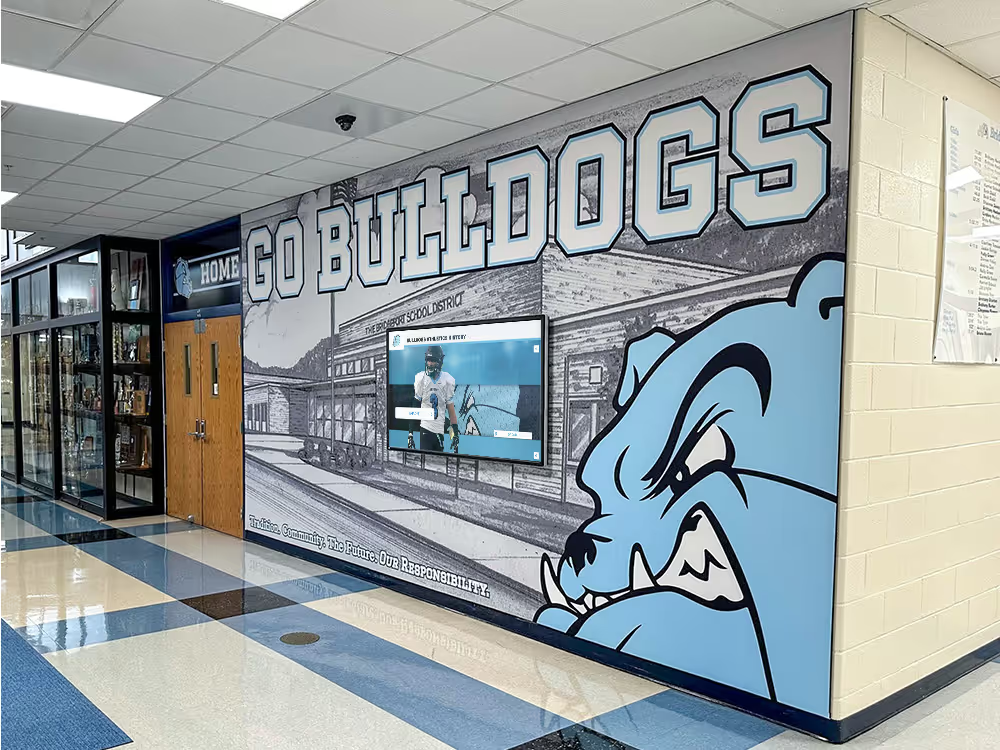
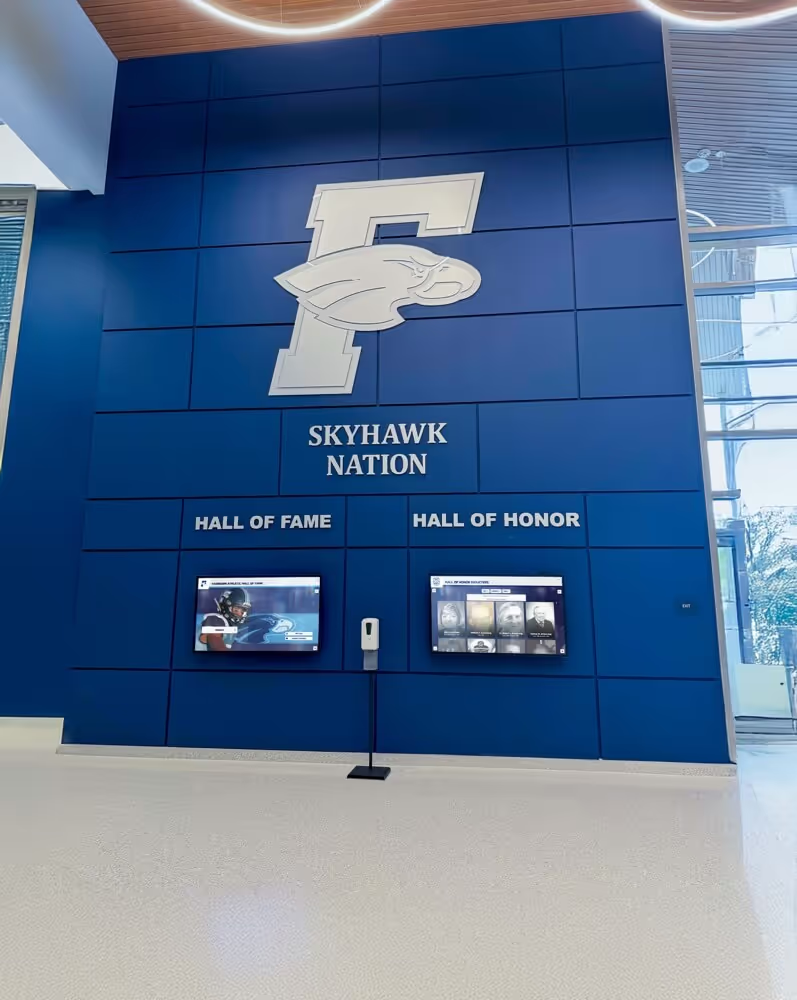
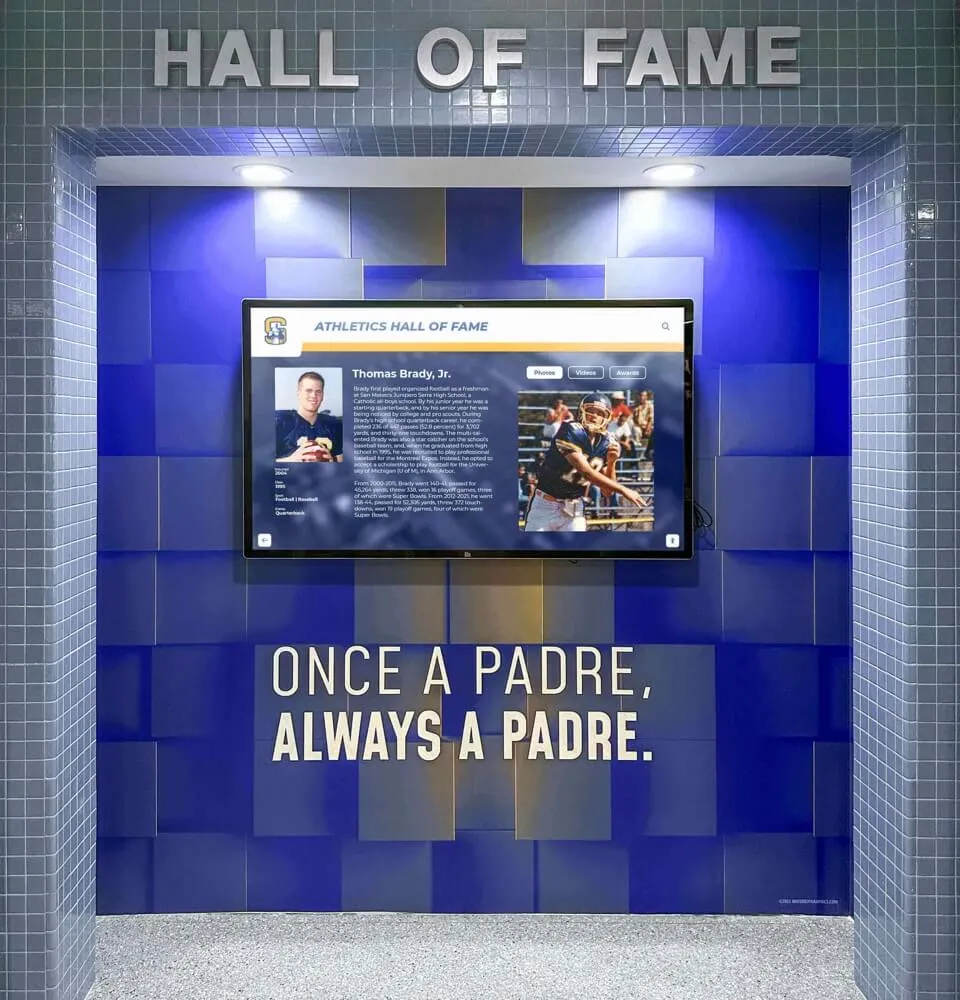
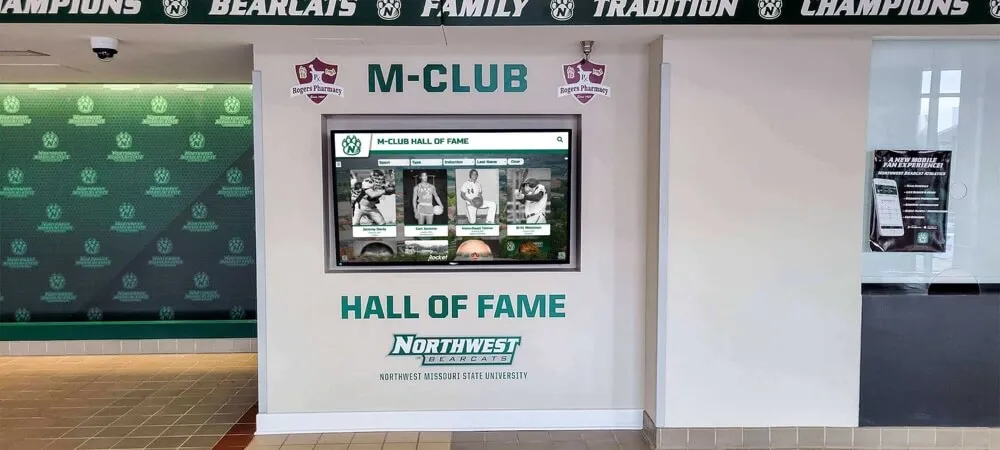
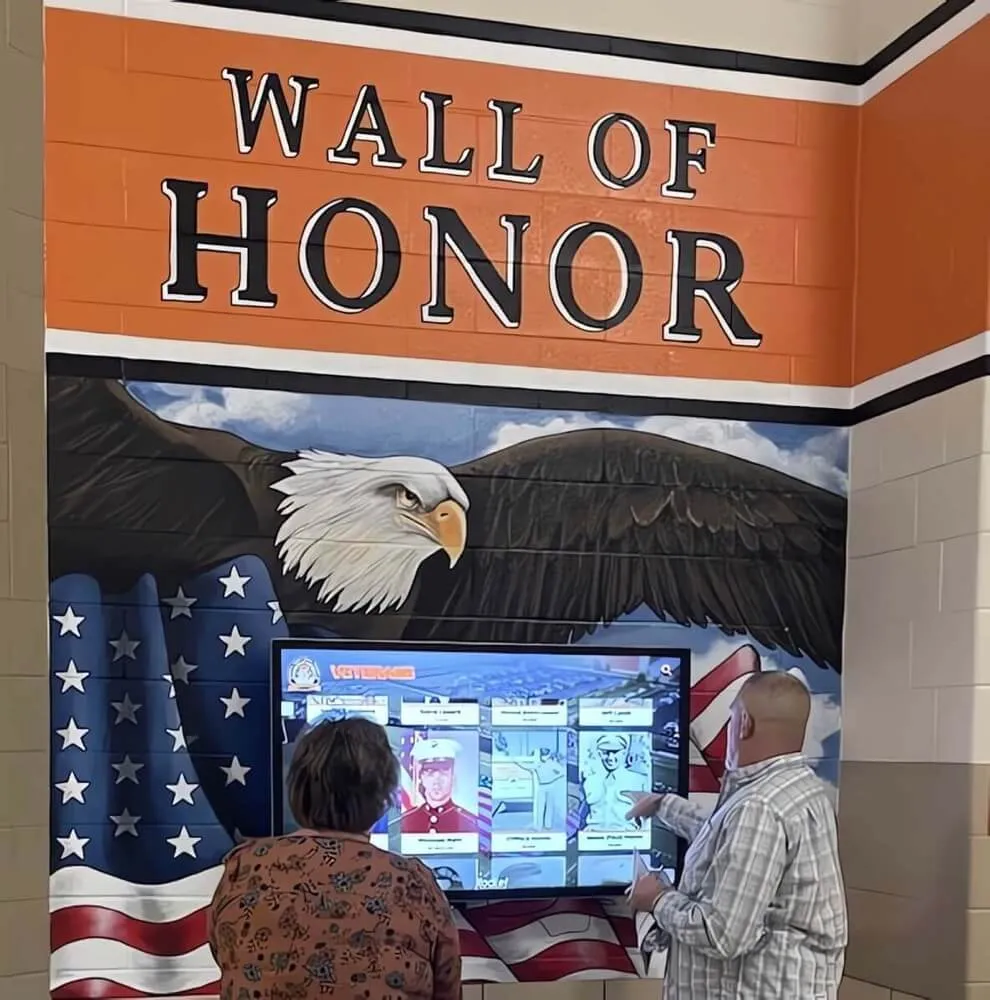
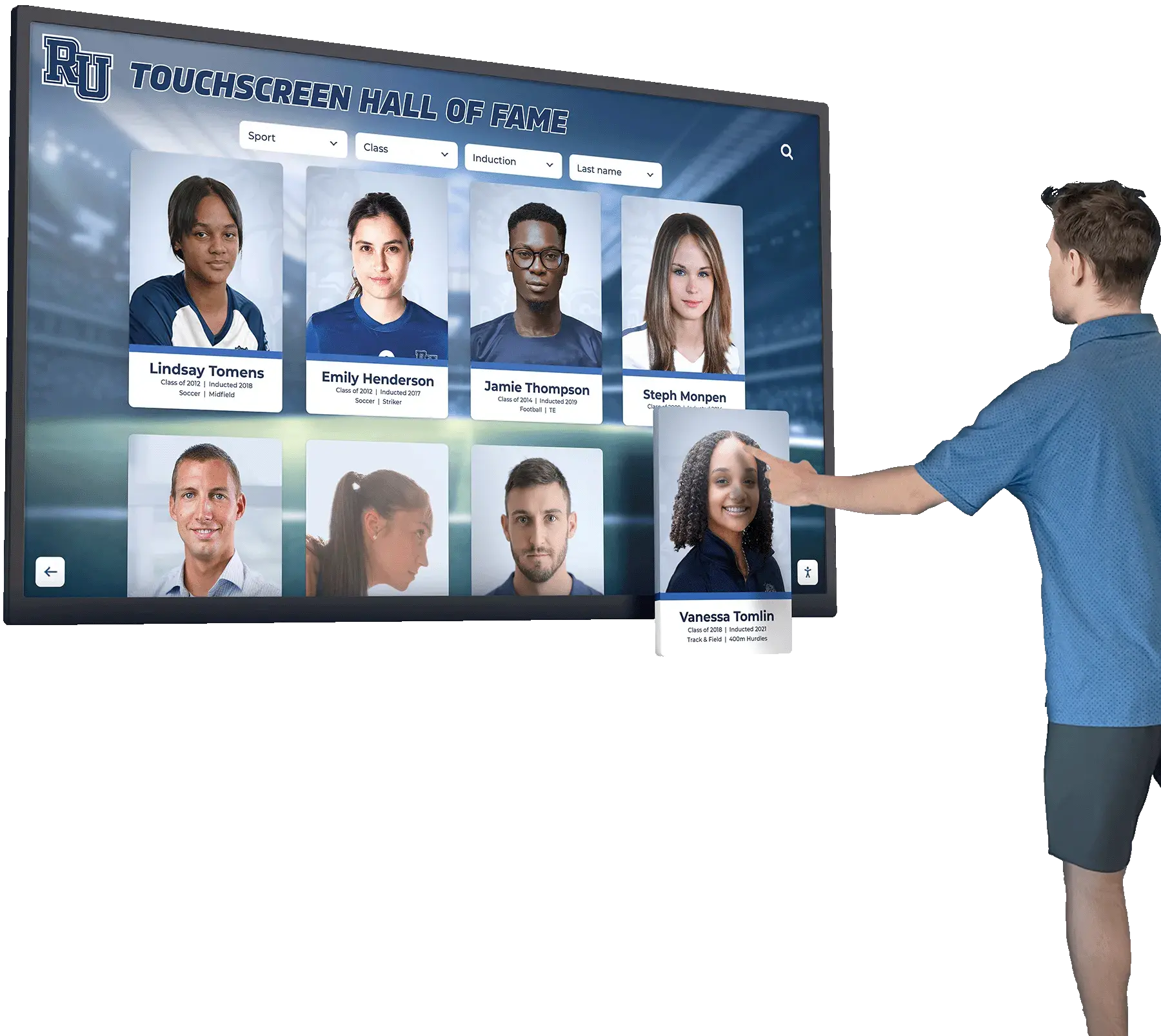
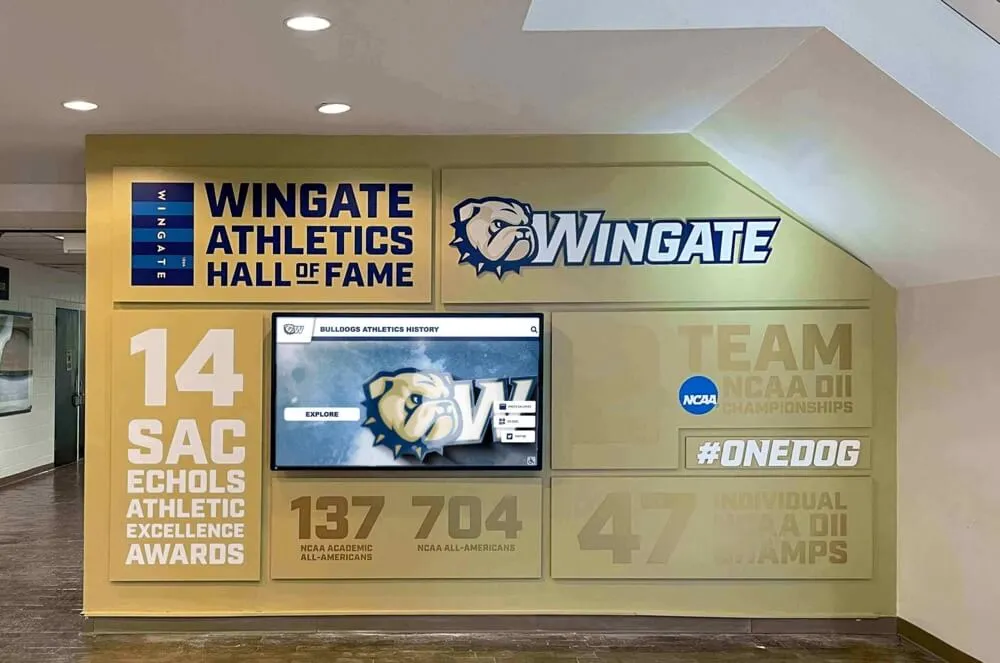
Schools are connecting content creation tools with permanent digital recognition displays to maximize athlete visibility
Introducing Rocket Graphics: AI-Driven Free Alternative
Rocket Graphics represents a different approach to school graphics and social media content creation. Rather than charging subscription fees for template access, Rocket provides a completely free platform with AI capabilities that extend far beyond what template-only tools offer.
The Free Model: How Rocket Graphics Works
Rocket Graphics operates as a free service for schools, with no subscription fees, per-user charges, or hidden costs:
Completely Free Access
- No annual subscription required
- Unlimited users from your school
- All features available without payment
- No upgrade tiers or paywalls
- Free updates and new features added regularly
No Usage Limits
- Create unlimited graphics and posts
- Download as many designs as needed
- Publish to unlimited social media accounts
- No restrictions on content volume
- Full access to all templates and AI features
This model allows schools to redirect budget previously allocated to graphics subscriptions toward other priorities: equipment, programs, student activities, or additional staff support.
AI Agents: Beyond Templates
The defining difference between Rocket Graphics and template-only tools like Gipper lies in the AI agent capabilities built into the platform. Rather than requiring users to manually customize templates, Rocket Graphics allows staff to simply describe what they need.
Text-to-Post AI Generation
Schools can type natural language prompts and receive complete, branded content:
- “Create a senior night post for girls soccer highlighting our five graduating players”
- “Make a district championship graphic for Instagram celebrating our wrestling team”
- “Generate a schedule graphic for this week’s basketball games”
- “Design a student spotlight featuring our National Merit Scholar”
- “Produce a staff appreciation post for Teacher Appreciation Week”
The AI interprets the request, selects appropriate imagery and layouts, incorporates school branding, and generates polished graphics ready for review and publication—typically in 15-30 seconds.
AI-Assisted Editing and Optimization
Beyond initial creation, AI agents help refine content:
- Suggest caption improvements for engagement
- Automatically resize graphics for different platforms
- Recommend optimal posting times based on audience patterns
- Generate alternative versions for A/B testing
- Adapt existing content for different sports or contexts
This AI assistance dramatically reduces the time required to produce quality content while maintaining consistency and professionalism across all school communications.
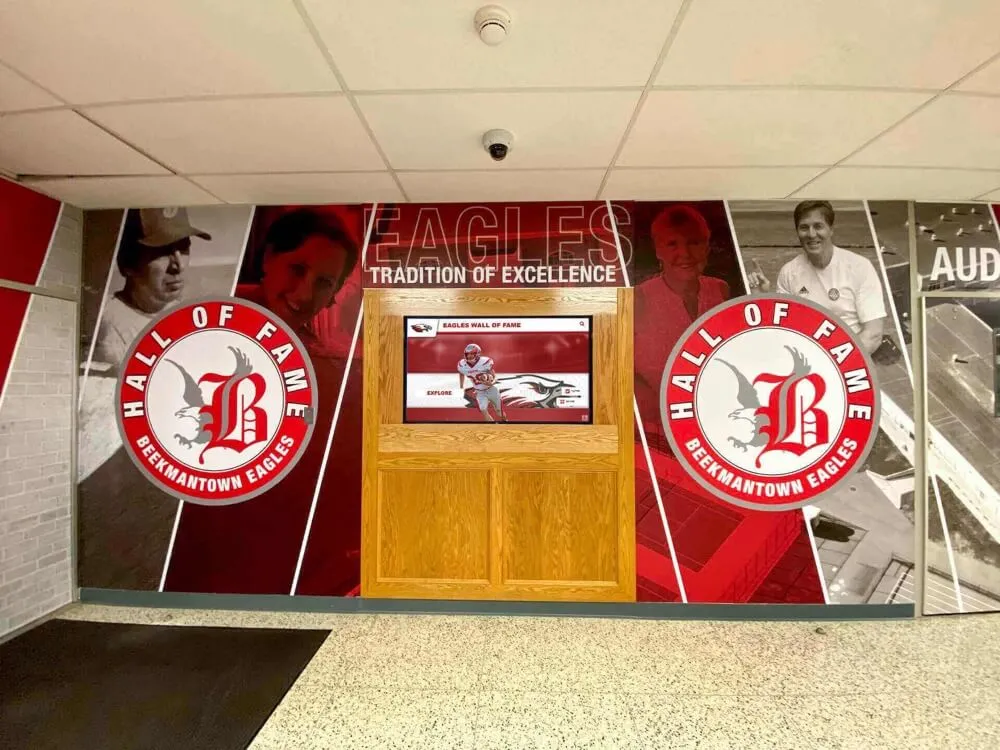
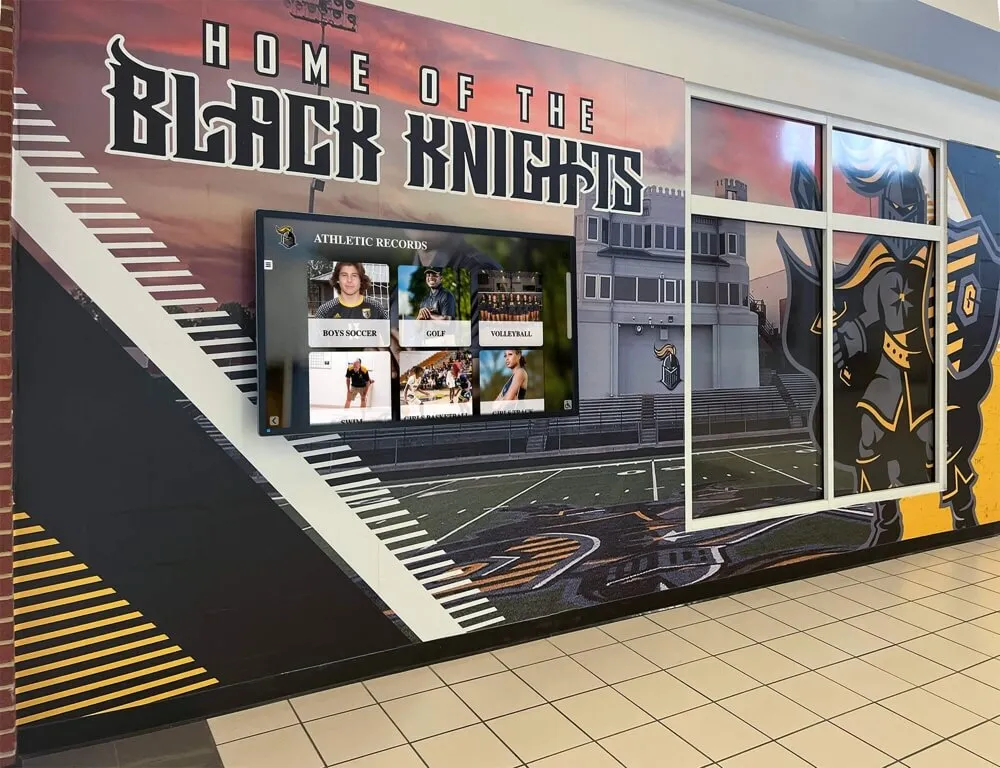
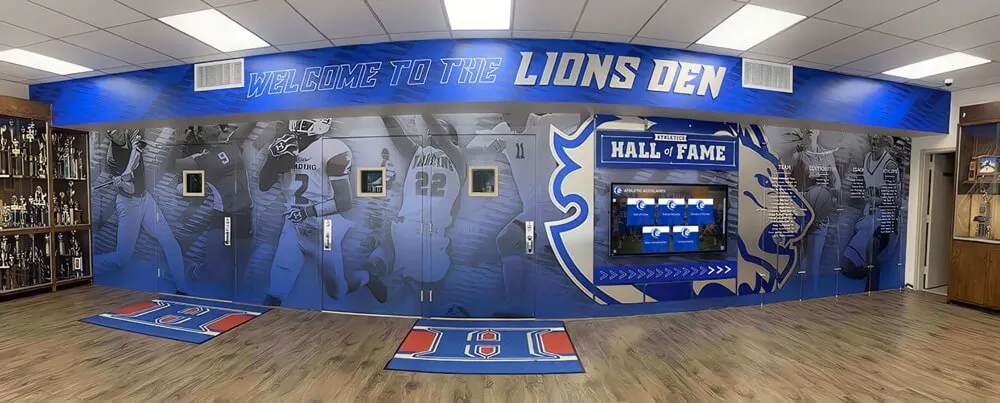
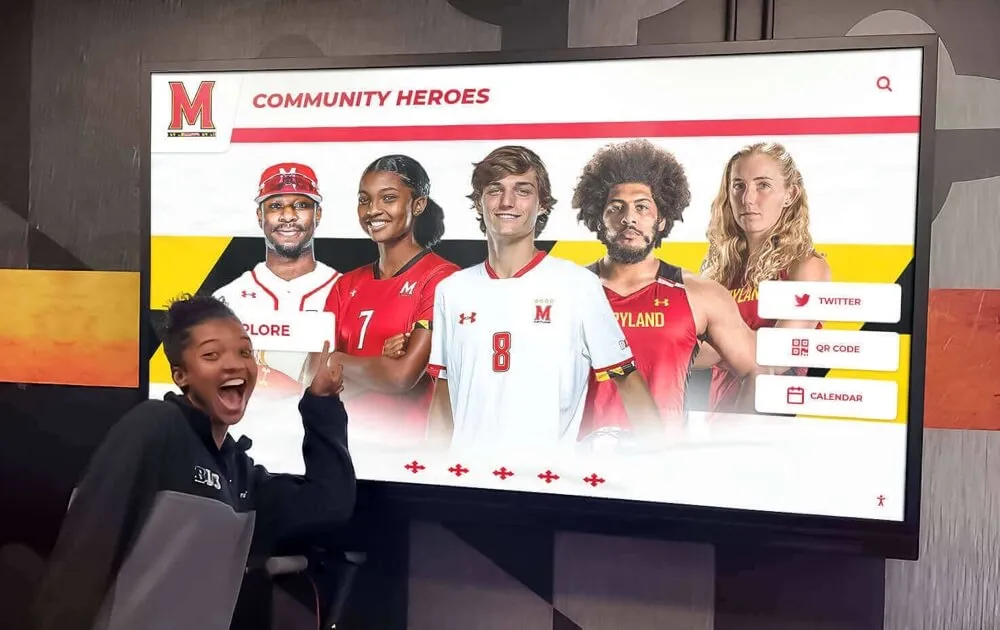
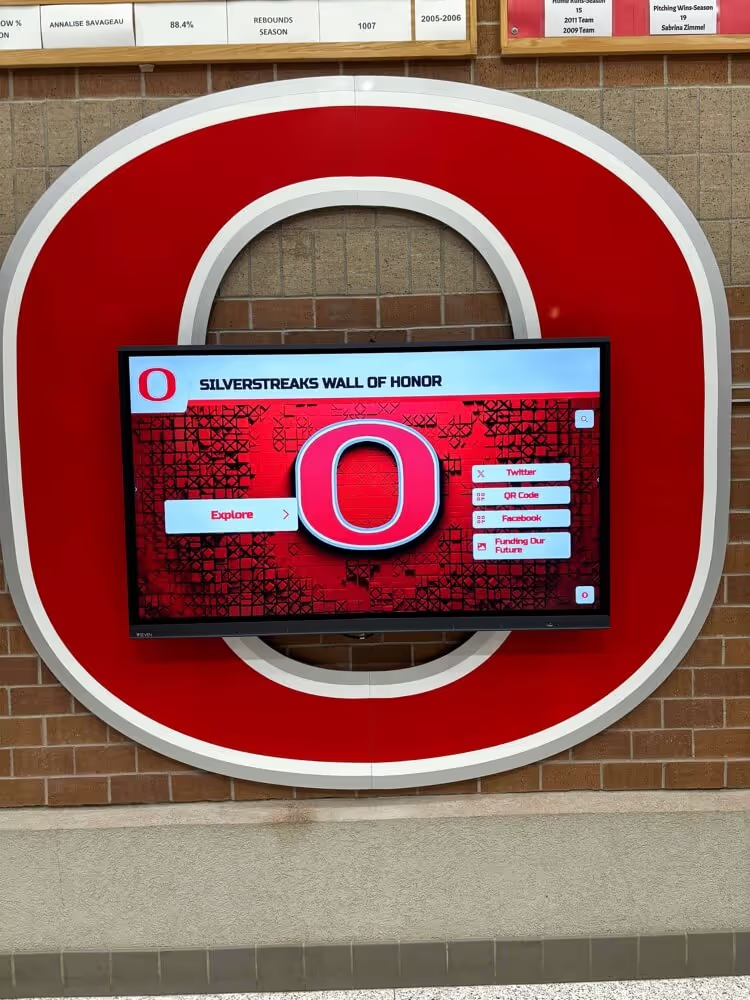
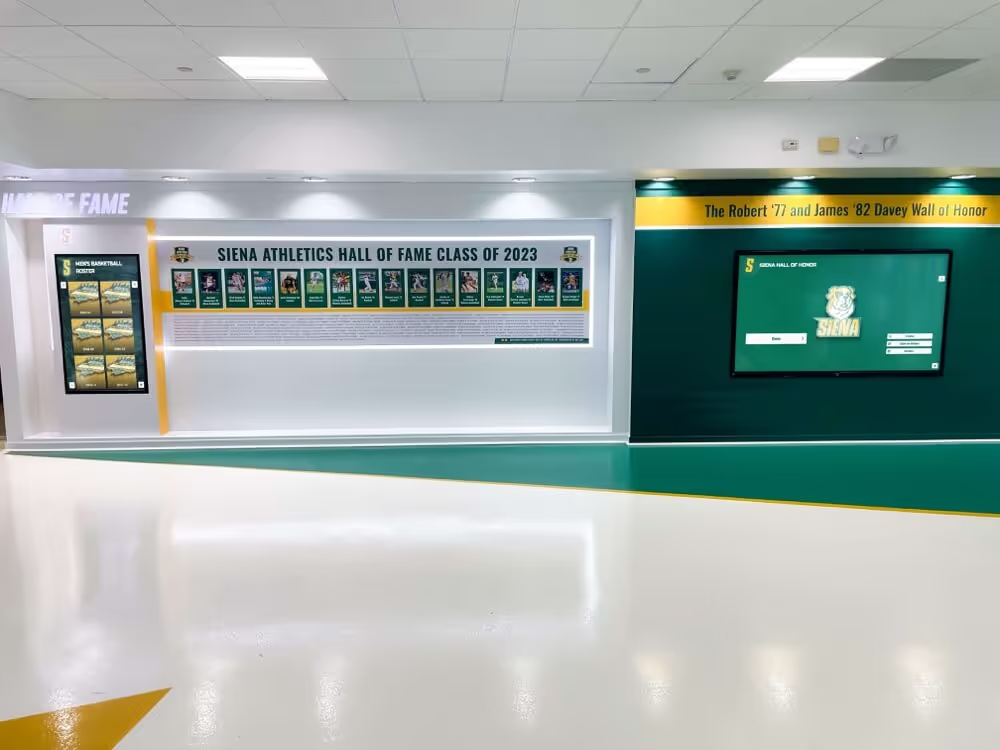
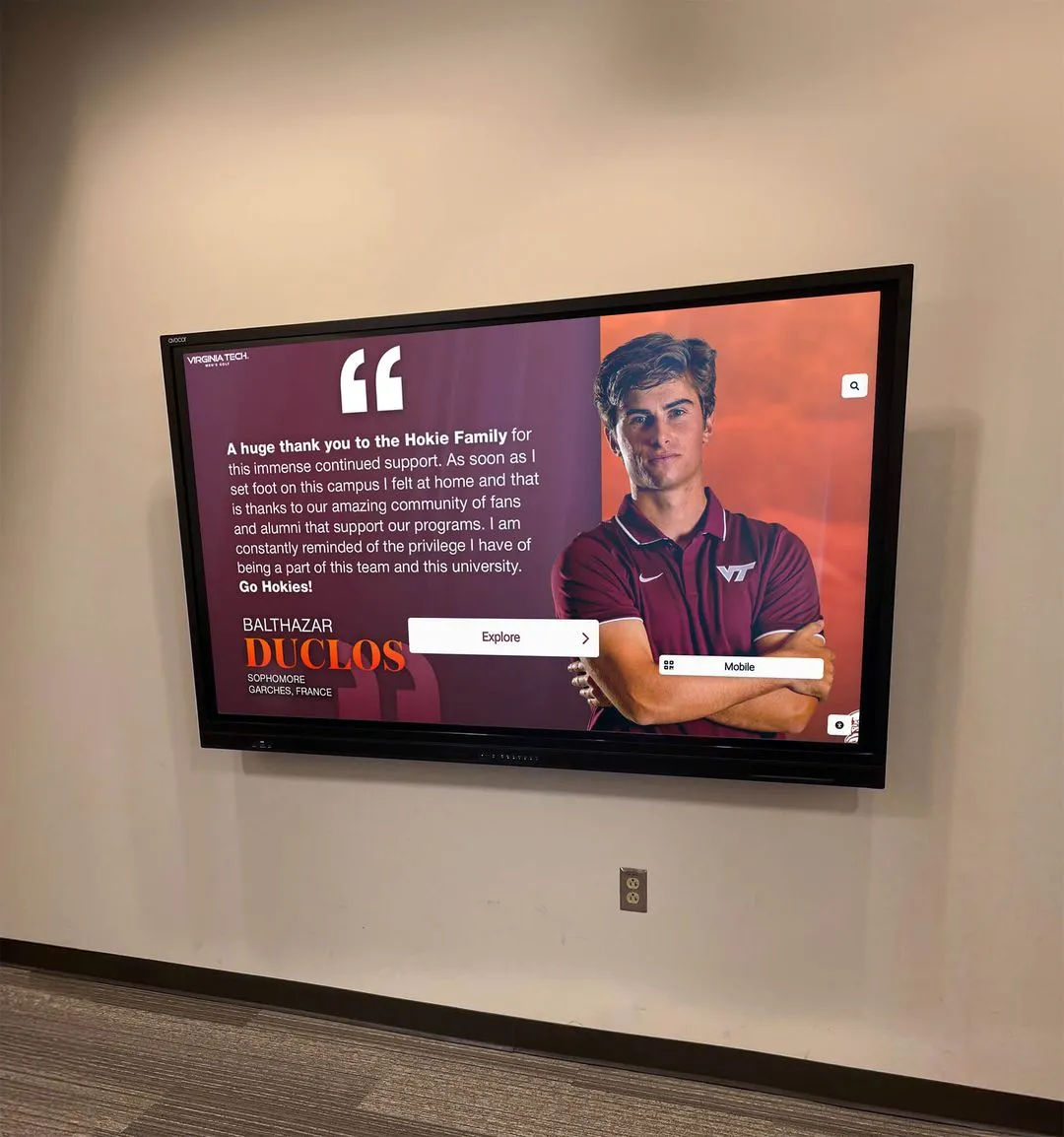
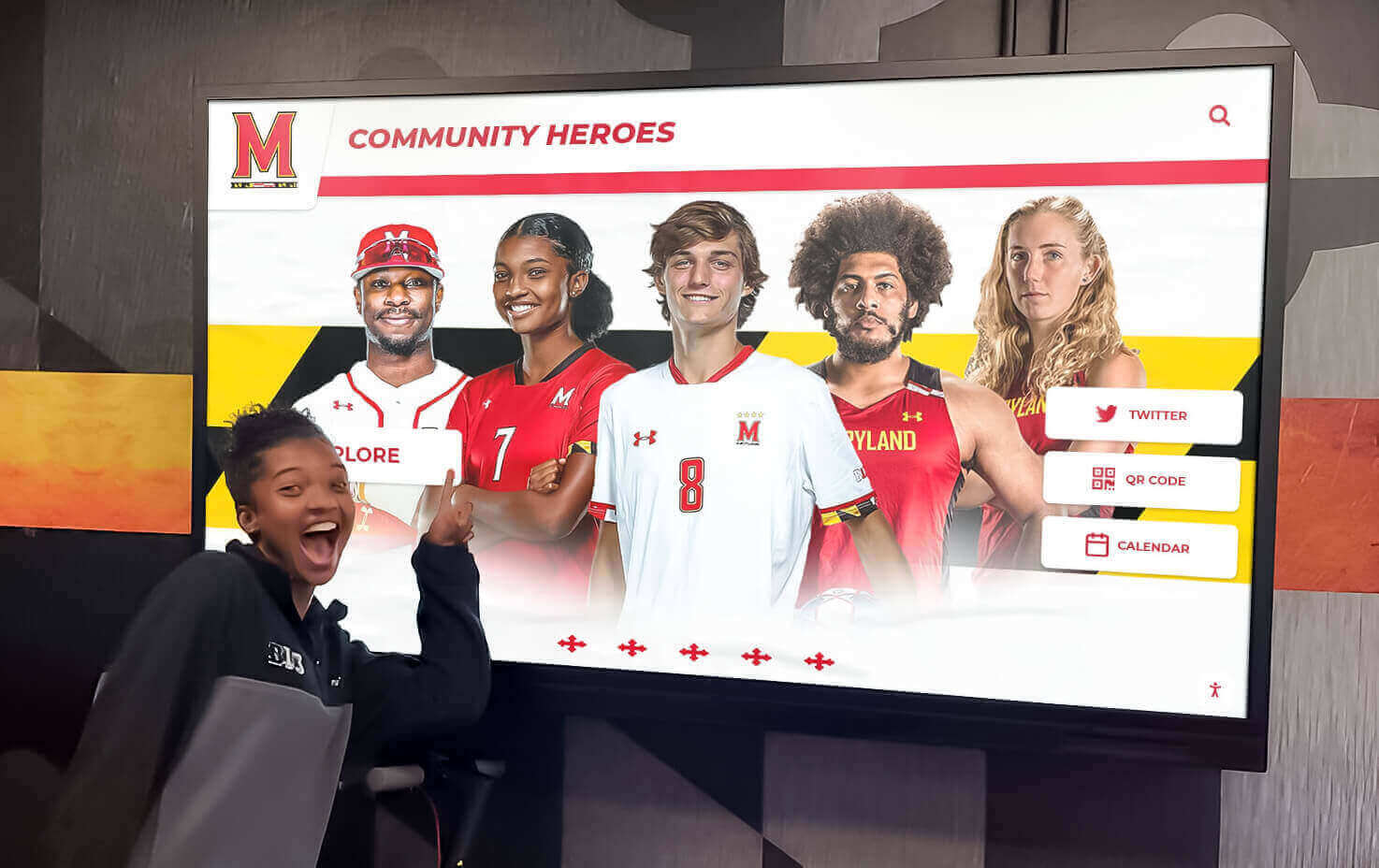
Digital recognition systems complement social media content strategies by providing permanent visibility for student achievements
Templates Plus Intelligence
Rocket Graphics still provides extensive template libraries—similar to what Gipper offers—but enhances them with AI customization:
Template Categories
- Athletic spotlights and game day graphics
- Academic recognition and achievements
- Event promotions and announcements
- Staff and volunteer appreciation
- Student awards and recognition programs
- Schedule and calendar graphics
- Fundraising and booster club promotions
- Digital signage content
- Newsletter layouts
- Community updates
AI-Enhanced Template Customization
- Automatic brand application (colors, logos, fonts)
- Context-aware content placement based on photo composition
- Typography optimization for readability
- Color scheme adjustments maintaining brand consistency
- Layout variations generated from single template
Users can start with templates like traditional tools, but the AI handles tedious customization work automatically.
Key Features That Replace and Exceed Gipper Capabilities
Schools evaluating whether Rocket Graphics can truly replace paid subscriptions need to understand specific feature comparisons.
Brand Control and Consistency
Automated Brand Application
- Upload school logos, colors, and fonts once
- AI automatically applies branding to all generated content
- Consistent visual identity across all graphics
- Multiple brand profiles for different departments or teams
- Brand guideline compliance without manual checking
Advanced Typography and Design
- Professional font pairings selected automatically
- Hierarchy and readability optimized by AI
- Custom font uploads supported
- Typography that matches institutional identity
- Accessible color contrast maintained automatically
Schools report that AI-automated brand application saves 5-10 minutes per graphic compared to manual template customization, while actually improving consistency since human error in brand application is eliminated.
Content Creation Workflows
Speed Comparisons
Traditional template workflow (Gipper approach):
- Select appropriate template (2-3 minutes browsing library)
- Upload or select athlete photo (1-2 minutes)
- Manually enter text in designated fields (3-5 minutes)
- Adjust layout for photo composition (2-4 minutes)
- Customize colors and branding (2-3 minutes)
- Export and download (1 minute) Total: 11-18 minutes per graphic
Rocket Graphics AI workflow:
- Type description of desired content (30 seconds)
- Review AI-generated graphic (30 seconds)
- Make any desired adjustments (1-2 minutes optional)
- Approve and download (30 seconds) Total: 2-4 minutes per graphic
The time savings compound significantly when schools create 5-15 graphics weekly, reducing content creation time from 55-270 minutes weekly to 10-60 minutes—freeing communications staff for other responsibilities.
Multi-Platform Publishing
Social Media Integration
- Direct publishing to Instagram, Facebook, Twitter, LinkedIn
- Platform-specific format optimization
- Automatic sizing for stories, posts, headers
- Scheduling features for planned content
- Multi-account management for different teams
Digital Signage Support
- Export formats for school TV displays and digital signage
- Automatic sizing for various screen dimensions
- Content packages for digital trophy cases and recognition displays
- Slideshow generation for lobby displays
- Integration with digital hall of fame platforms
Print and Web Formats
- High-resolution exports for print materials
- Web banner and header graphics
- Newsletter-optimized layouts
- Program and poster templates
- Yard sign and banner designs
Rocket Graphics supports more output formats than typical template-only platforms, making it useful beyond just social media graphics.
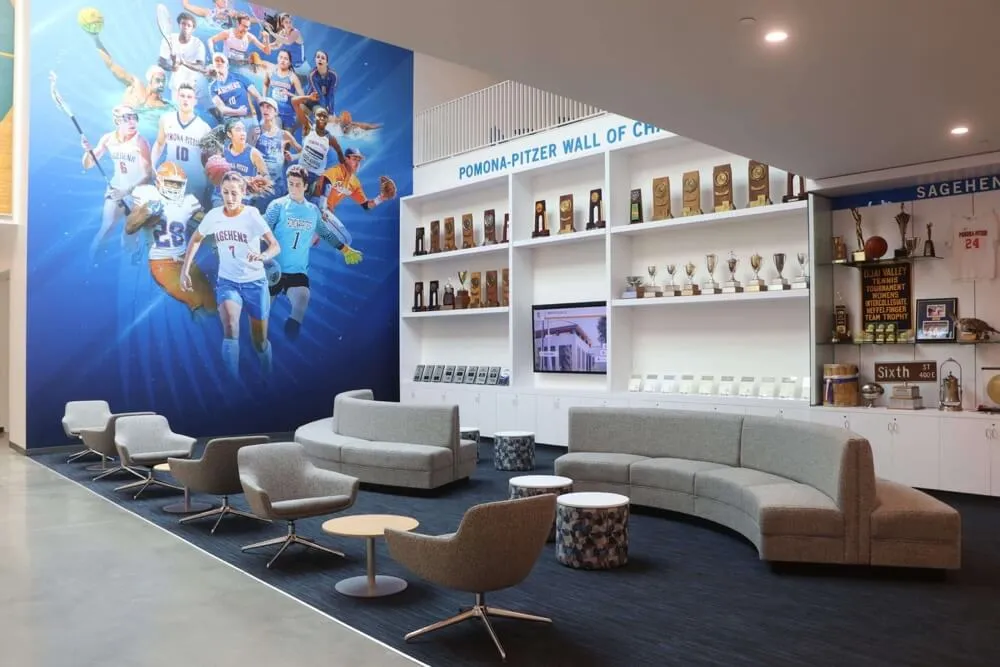
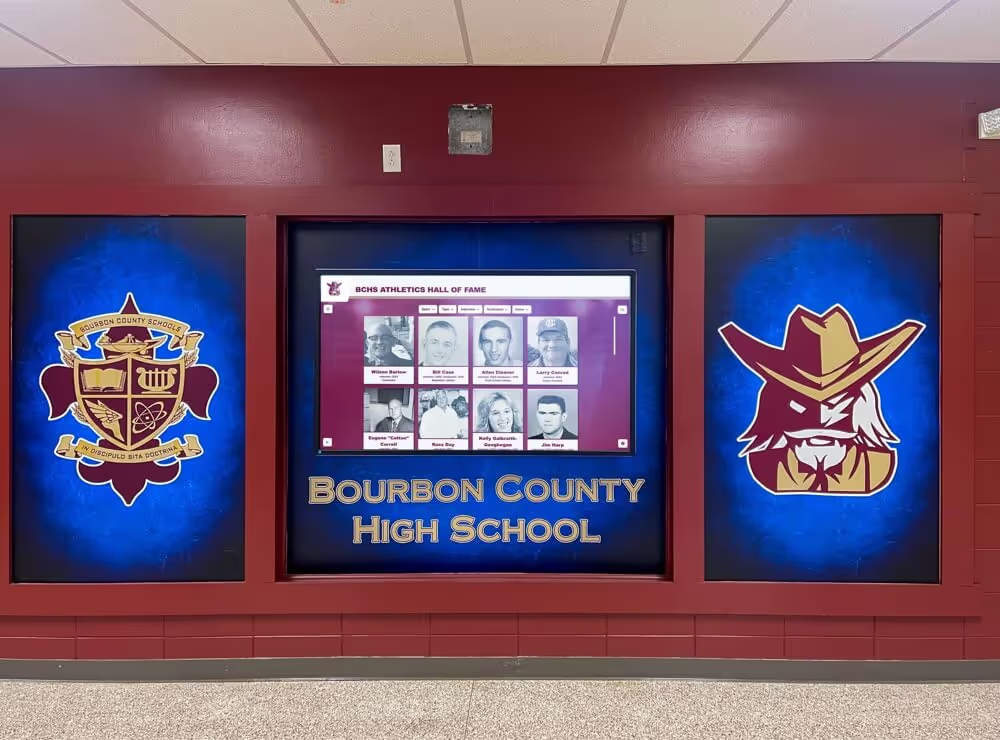
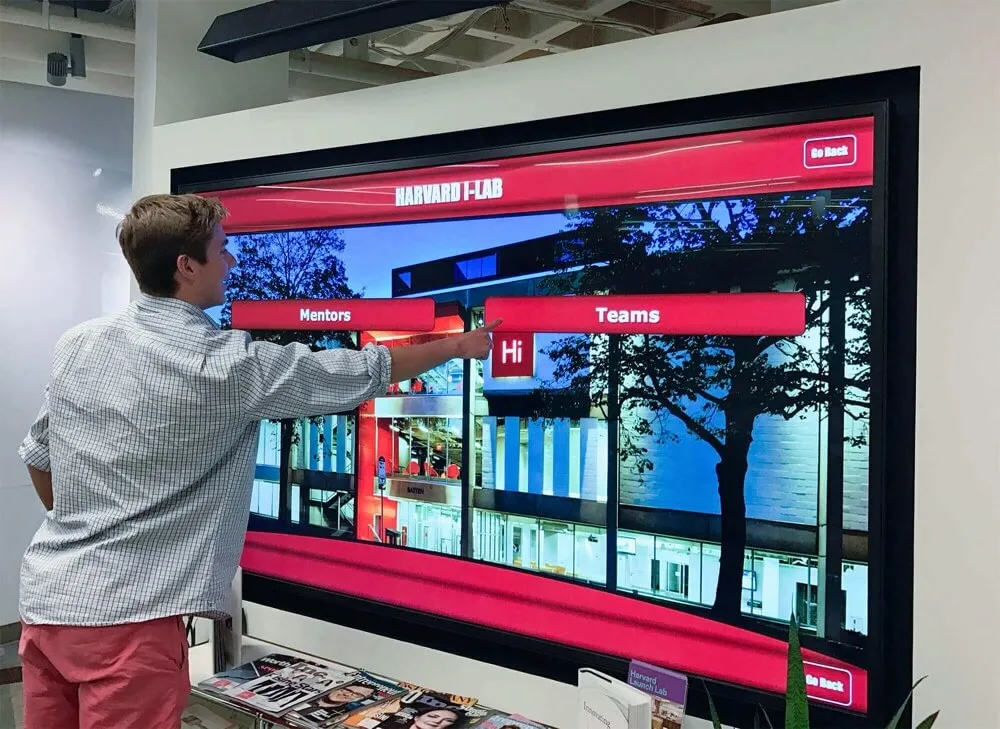
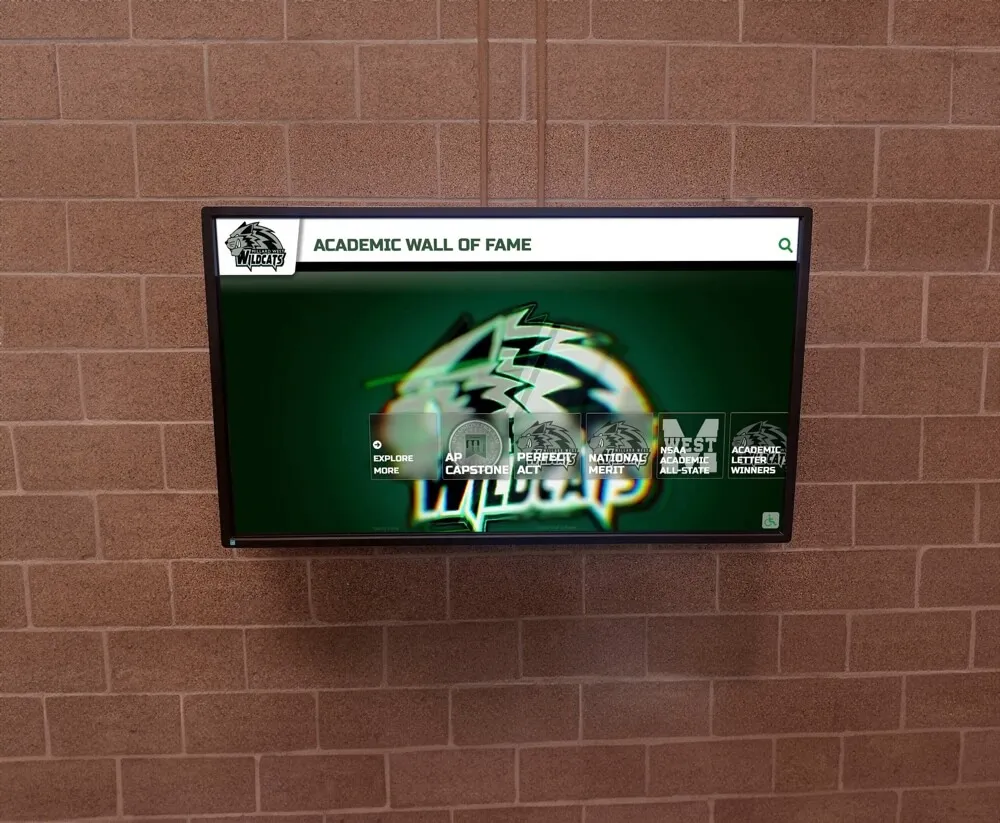
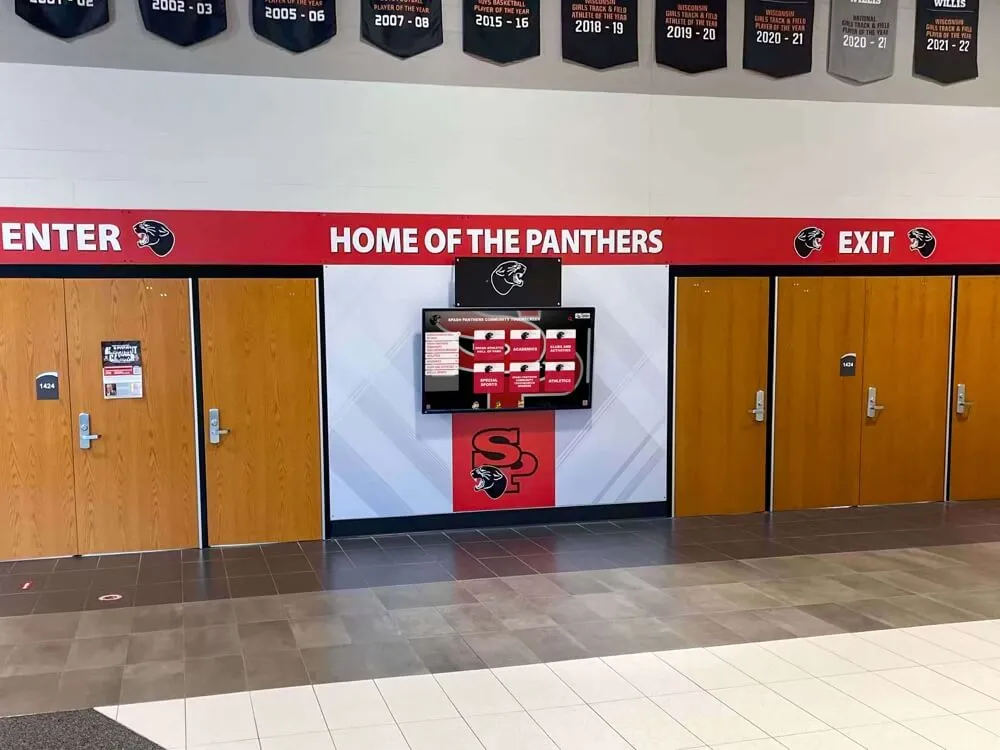
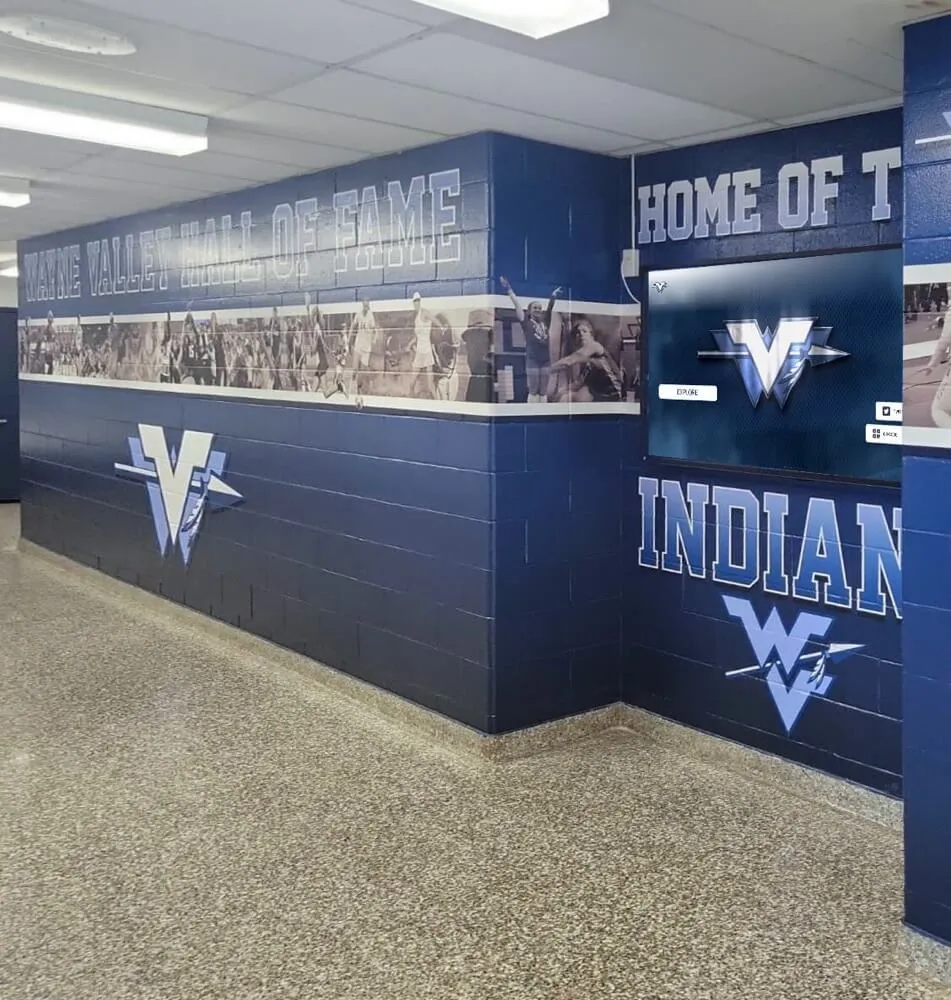
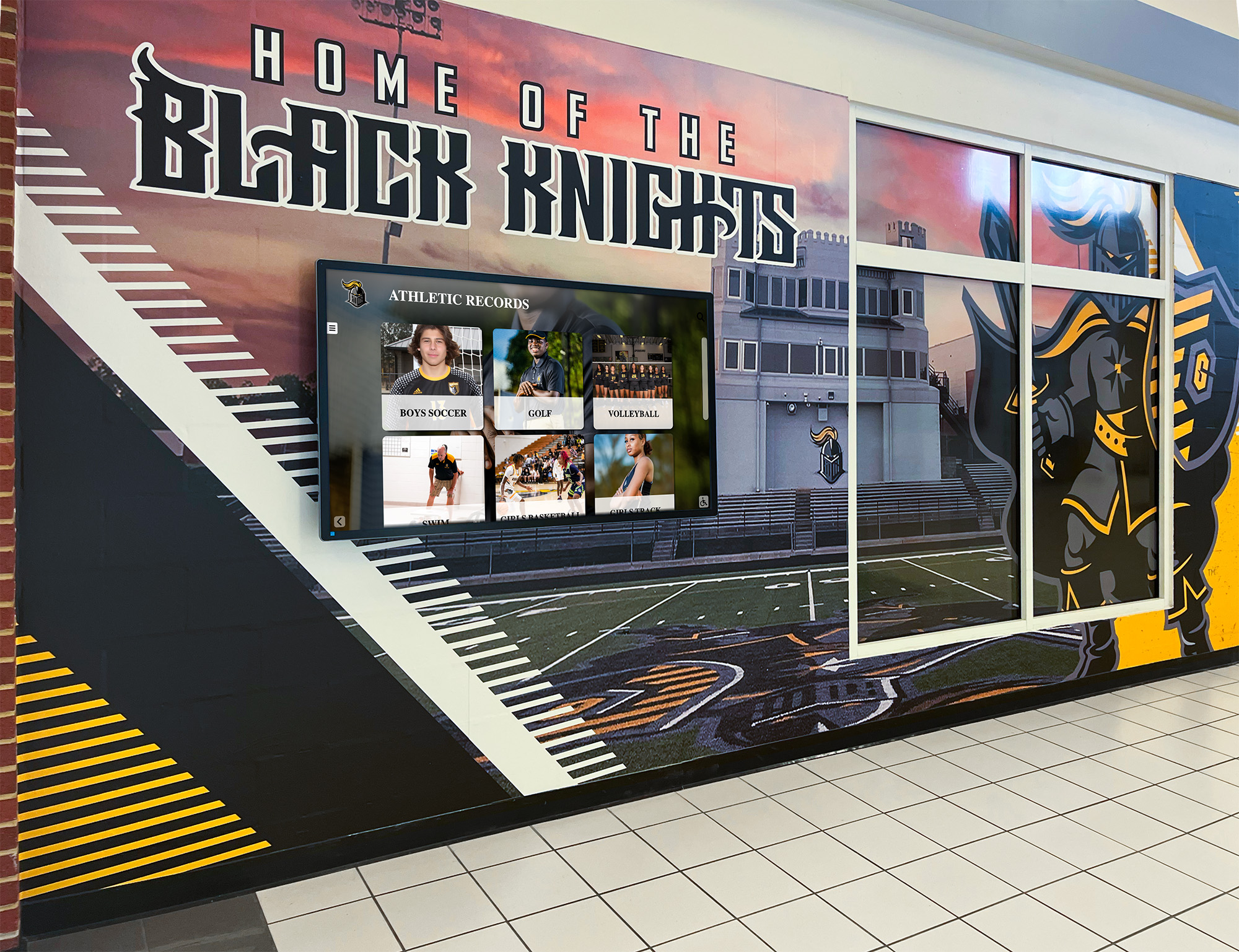
Comprehensive content strategies integrate social media, print materials, and permanent digital recognition installations
Recognition-First Content Approach
Rocket Graphics was designed specifically with student recognition as the primary use case, reflected in specialized features:
Athlete and Student Spotlight Tools
- Automated athlete card generation with stats
- Senior night and recognition ceremony graphics
- Academic achievement celebration templates
- Team awards and banquet materials
- Multi-student recognition graphics
- Alumni achievement spotlights
Achievement Announcement Tools
- Championship and victory graphics
- Record-breaking achievement announcements
- College signing day content
- Academic honors and awards
- Scholarship and recognition announcements
- Staff and volunteer appreciation
Program Promotion Content
- Recruiting graphics for prospective athletes
- Program tradition and history content
- Coach spotlights and introductions
- Facility tours and promotional materials
- Fundraising and booster club campaigns
This recognition focus means the AI understands the specific content types schools create most frequently, producing better initial results than general-purpose design tools.
Real Cost Savings for Schools and Districts
The budget impact of switching from paid graphics subscriptions to Rocket Graphics extends beyond simple subscription elimination.
Direct Subscription Savings
Single School Example
- Current Gipper subscription: $1,500 annually
- Additional user seat for assistant AD: $900 annually
- Total annual cost: $2,400
- Five-year projected cost: $12,000 Savings with Rocket Graphics: $12,000 over five years
District Example (5 schools)
- Gipper licenses for 5 schools: $7,500 annually
- Additional user seats (2 per school): $9,000 annually
- Total annual district cost: $16,500
- Five-year projected cost: $82,500 Savings with Rocket Graphics: $82,500 over five years
These savings can be redirected toward:
- Additional athletic program support
- Student equipment and uniforms
- Staff professional development
- Facility improvements
- Digital recognition displays providing permanent visibility
Indirect Time and Efficiency Savings
Staff Time Value
Communications directors and athletic department staff typically spend 3-8 hours weekly creating graphics and social media content. Reducing this time by 60-70% through AI assistance creates significant value:
- 3-8 hours weekly at template workflow pace
- Reduced to 1-3 hours weekly with AI assistance
- Time savings: 2-5 hours per week
- Annual time savings: 100-250 hours
- Value (at $30/hour rate): $3,000-$7,500 annually
This time can be redirected toward higher-value activities: building donor relationships, coordinating events, improving communication strategies, or supporting coaches and staff more directly.
Reduced Training and Onboarding
Template-based platforms require training for new users to understand the interface, locate appropriate templates, and maintain brand consistency. Platforms with AI assistance reduce this burden:
- Traditional platform training: 3-5 hours per new user
- Rocket Graphics training: 30-60 minutes (AI handles complexity)
- Reduced onboarding time by 70-85%
- Easier delegation to volunteers and parent helpers
- Lower barrier for coaches to create their own team content
Schools with volunteer parent-run social media or frequent staff turnover benefit particularly from simplified AI-assisted tools.
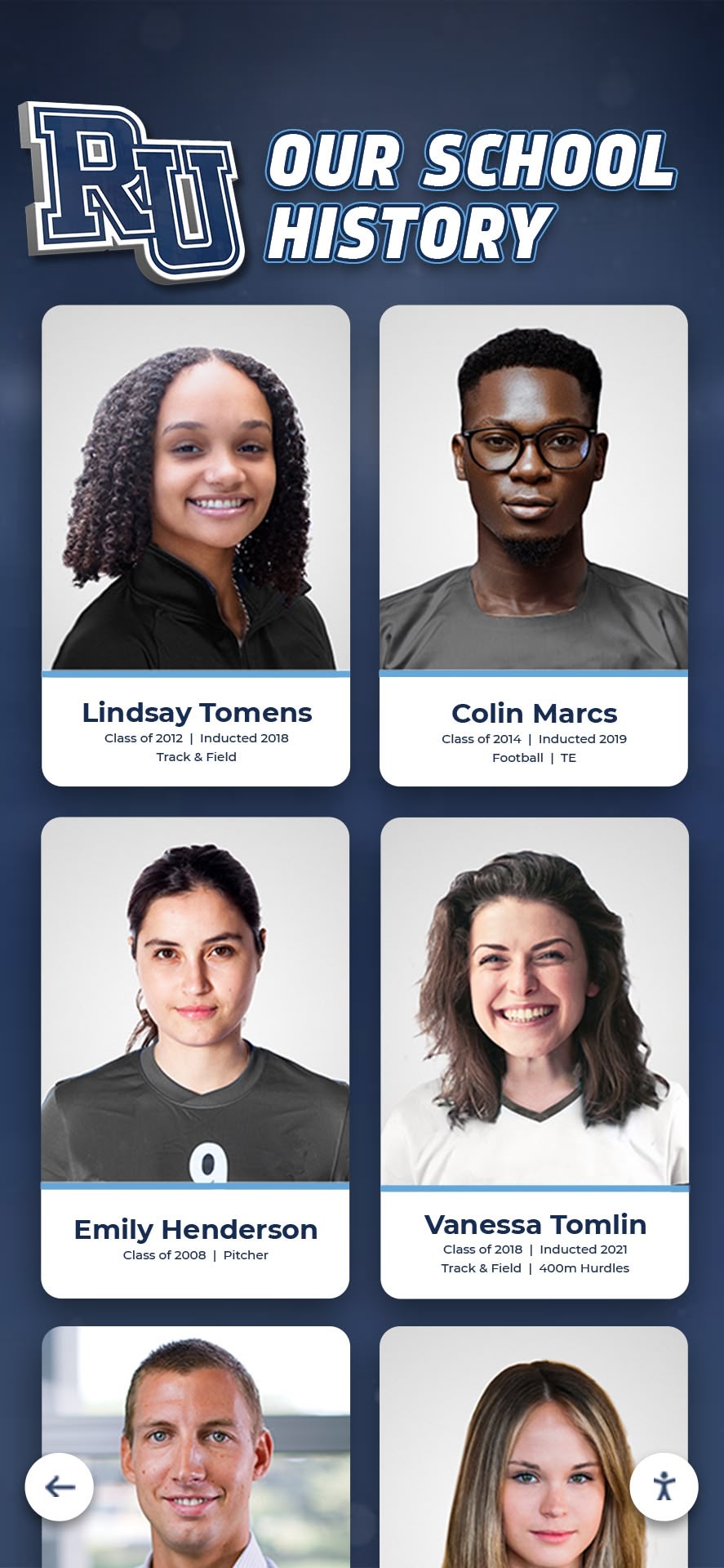
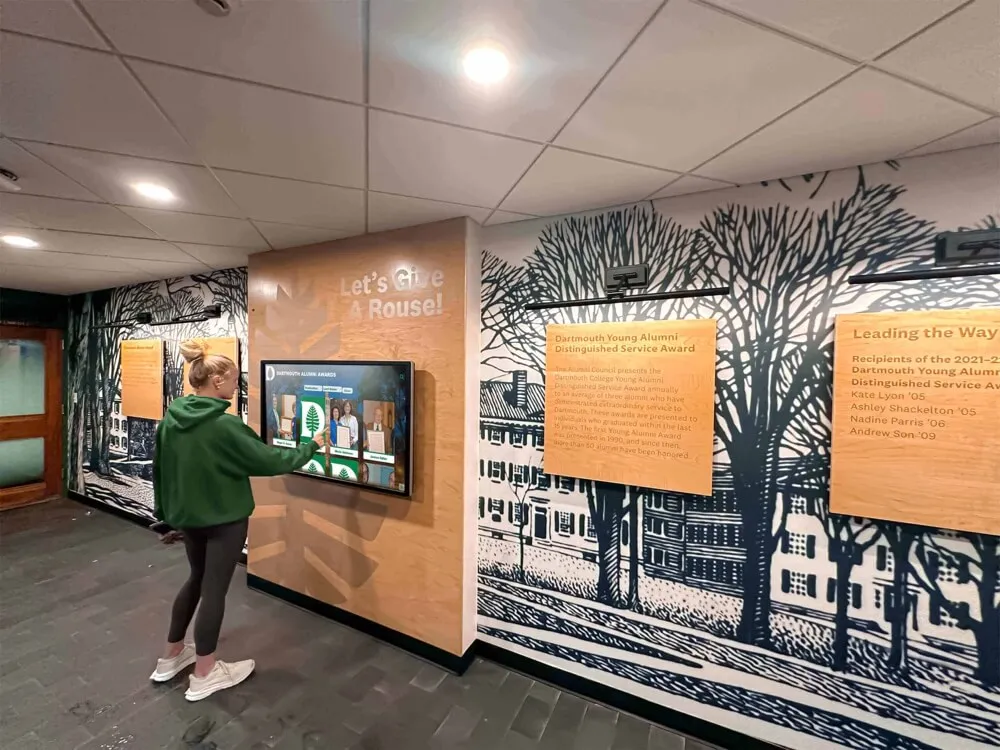
Digital history displays preserve student achievements while social media content celebrates current accomplishments
Making the Switch from Gipper to Rocket Graphics
Schools currently using Gipper can transition to Rocket Graphics without disrupting ongoing communications.
Transition Planning
Before Your Subscription Expires
1-2 months before renewal:
- Create free Rocket Graphics account
- Upload school branding assets (logos, colors, fonts)
- Test AI generation with common content types
- Compare results against current Gipper output
- Train key staff on Rocket Graphics interface
30 days before renewal:
- Begin creating weekly content with both platforms
- Evaluate quality, speed, and staff preference
- Document time savings and workflow improvements
- Calculate actual subscription savings
- Make renewal decision based on direct comparison
Migration Strategy
Schools don’t need to migrate historical content from Gipper, as:
- Past social media posts remain published on their platforms
- Future content creation happens in Rocket Graphics
- No content library needs transfer (AI generates fresh designs)
- Brand assets easily re-uploaded to new platform
- Fresh start allows updating design approach
Parallel Operation
Risk-averse schools can run both platforms temporarily:
- Allow Gipper subscription to continue short-term
- Begin using Rocket Graphics for new content
- Compare results and gather staff feedback
- Make final decision after 30-60 days direct comparison
- Cancel Gipper when confident in Rocket Graphics capabilities
Most schools complete transitions within 2-4 weeks once they begin actively using Rocket Graphics.
Training and Adoption
Getting Staff Comfortable with AI
Some staff express initial hesitation about AI-generated content, preferring familiar template workflows. Effective adoption strategies include:
Start with Simple Use Cases
- Begin with straightforward content: game scores, schedules, basic announcements
- Allow AI to demonstrate speed and quality on simple tasks
- Build confidence before attempting complex graphics
- Compare AI output against previous template-based work
- Celebrate time savings and improved output quality
Gradual Feature Adoption
- Master basic AI text-to-post generation first
- Add AI editing and optimization features once comfortable
- Explore advanced templates and customizations later
- Learn scheduling and publishing features after content creation confidence
- Expand to digital signage and print formats as needs arise
Peer Support and Sharing
- Create shared account for athletic department staff
- Allow coaches and assistants to see successful examples
- Share effective prompts and techniques across team
- Celebrate wins when AI generates particularly good content
- Build institutional knowledge about platform capabilities
Most schools report staff preferring AI-assisted workflows within 2-3 weeks once they experience the time savings and quality improvements firsthand.
Additional Capabilities Beyond Graphics Software
Rocket Graphics extends beyond simple graphics creation to support broader school communications and recognition needs.
Newsletter and Communication Tools
Email Newsletter Design
- Professional newsletter templates
- Mobile-responsive layouts
- Automatic brand application
- Section templates for consistent structure
- Image optimization for email delivery
Print Communication Materials
- Program booklets and event materials
- Parent communication flyers
- Poster and banner designs
- Yard sign templates
- Recognition certificates and awards
Digital Signage Content
Schools with lobby displays, digital trophy cases, or hallway screens can use Rocket Graphics to create content specifically for these installations:
Display-Optimized Content
- Horizontal and vertical display formats
- Rotating slideshow generation
- Achievement announcement graphics
- Schedule and event displays
- Recognition and celebration content
Integration with Recognition Displays
Rocket Graphics content works alongside permanent digital recognition installations. Schools using digital walls of fame and touchscreen displays can create complementary social media content that extends athlete and student visibility beyond physical installations.
This multi-platform recognition approach—permanent touchscreen displays in school hallways combined with active social media content—maximizes student achievement visibility across both in-person visitors and online audiences.
Event Promotion and Coverage
Pre-Event Materials
- Event announcement graphics
- Ticket sales promotions
- Schedule and logistics information
- Countdown and reminder graphics
- Fundraising event promotion
Live Event Coverage
- Real-time score update graphics
- Action photo highlighting
- Victory celebration content
- Live event story templates
- Championship announcements
Post-Event Recognition
- Recap and summary graphics
- Video reels and photo galleries
- Thank you and appreciation content
- Achievement celebration posts
- Donor and sponsor recognition
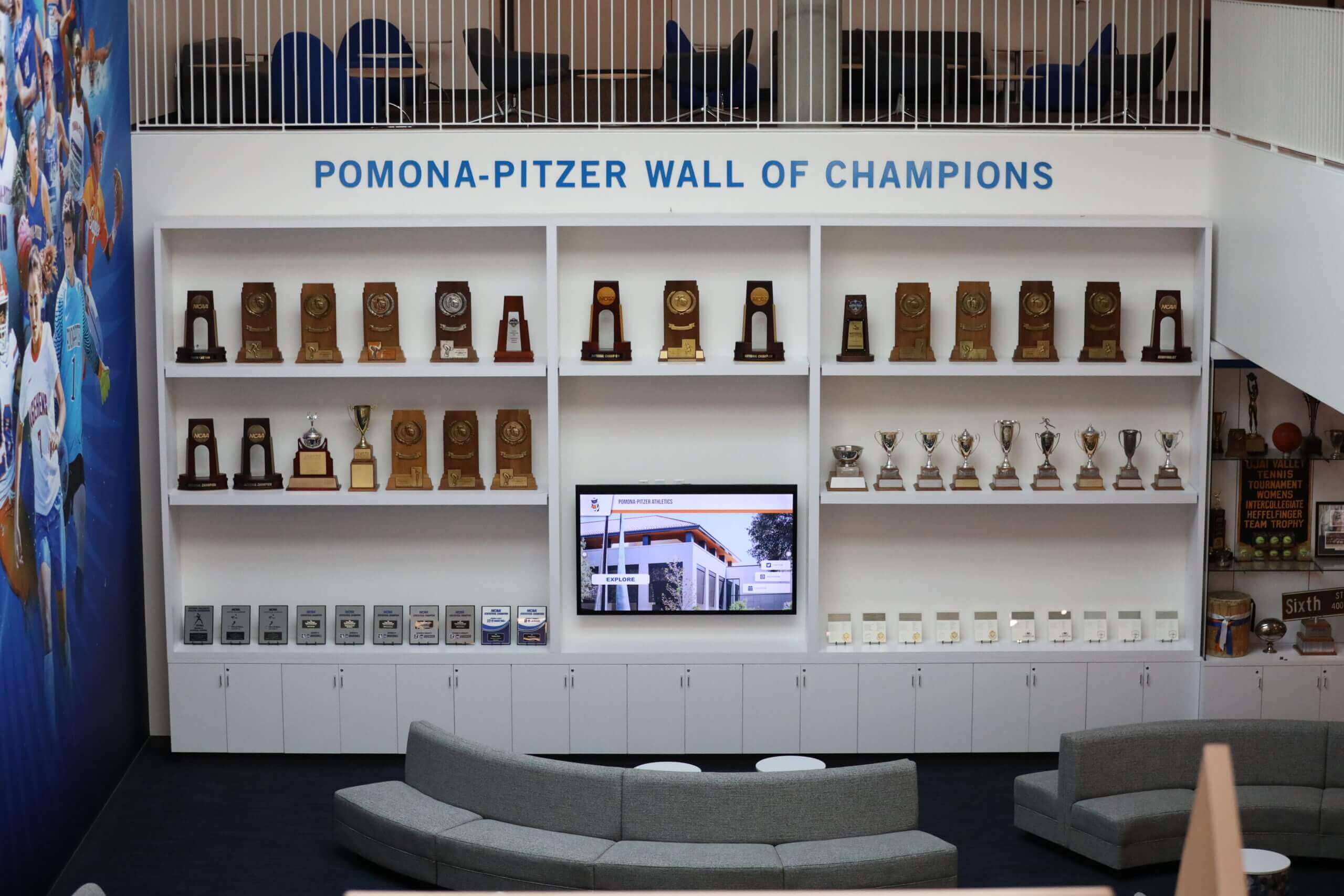
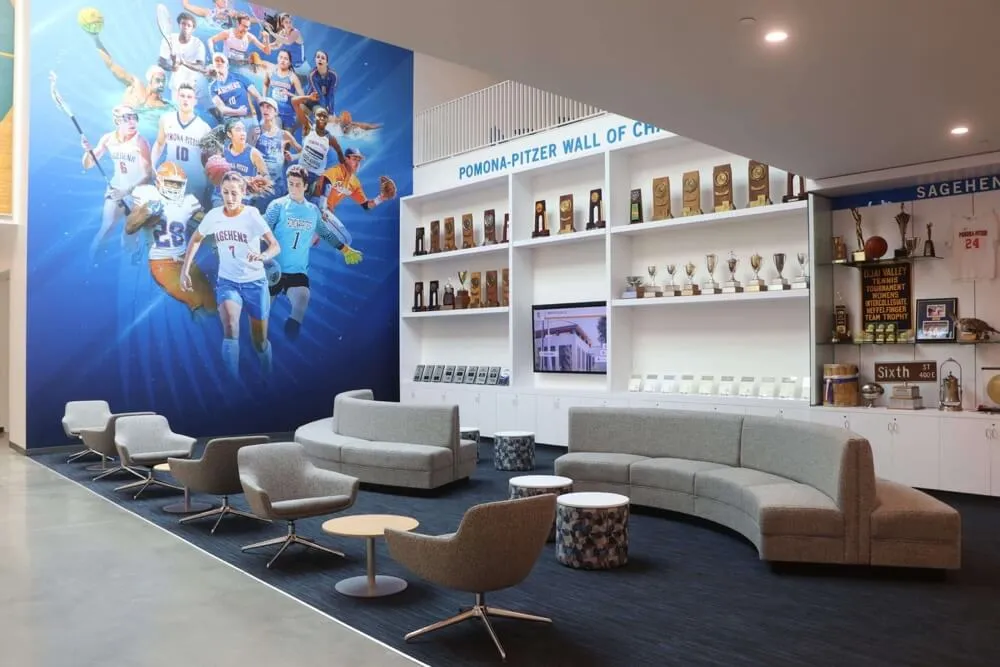
Schools combine traditional trophy displays with modern digital content to honor athletic excellence across multiple formats
Common Questions About Switching to Free Platforms
Schools considering the switch from paid tools to free alternatives typically ask similar questions.
“How Can It Be Free?”
Rocket Graphics is provided free to schools as part of Rocket Alumni Solutions’ broader commitment to supporting educational institutions. The company generates revenue through other products—primarily digital recognition displays and alumni engagement platforms—while offering the graphics tool free to build relationships with schools and support their communications needs.
This model allows schools to access professional-grade content creation tools without budget constraints, while Rocket maintains sustainable business operations through complementary products that serve different institutional needs.
“Is the Free Version Limited?”
Unlike “freemium” models where basic features are free but useful capabilities require paid upgrades, Rocket Graphics provides full access to all features without paywalls:
- Complete AI agent capabilities (not limited)
- Entire template library (not restricted)
- Unlimited users from your school (not capped)
- All publishing and scheduling features (not tiered)
- Digital signage and print formats (not premium)
- No watermarks or branding requirements (not mandatory)
There are no paid tiers or upgrade options—the free version is the complete product.
“What About Support and Training?”
Rocket Graphics includes support resources comparable to paid platforms:
Documentation and Training
- Video tutorial library covering all features
- Written guides and best practices
- Example content and use cases
- AI prompting tips and techniques
- Platform updates and release notes
Direct Support
- Email support for technical issues
- Feature request submission process
- Community forum for peer assistance
- Regular platform updates and improvements
- Responsive development team
Schools report support quality equal to or better than paid alternatives they previously used.
“Will It Stay Free?”
Rocket Alumni Solutions has committed to keeping Rocket Graphics free for schools indefinitely. The business model doesn’t depend on graphics subscription revenue, so there are no plans to introduce fees or convert to paid tiers.
New features and capabilities are added regularly without additional charges, and schools currently using the platform will continue receiving updates and improvements at no cost.
Getting Started with Rocket Graphics
Schools ready to eliminate graphics subscription costs can begin using Rocket Graphics immediately.
Account Setup
Initial Registration (5-10 minutes)
- Visit rocketgraphics.ai
- Create free account with school email
- Complete basic profile information
- Confirm email address
- Access platform immediately
Brand Asset Upload (10-15 minutes)
- Upload school logo (primary and alternative versions)
- Enter school colors (primary, secondary, accent)
- Select or upload brand fonts
- Add mascot images if available
- Set default social media formats
First Content Creation (5-10 minutes)
- Click “Create New Post”
- Type description of desired content
- Wait 15-30 seconds for AI generation
- Review and approve generated graphic
- Download or publish directly
Total setup to first content creation: 20-35 minutes.
Best Practices for Immediate Success
Start with High-Frequency Content
Begin using Rocket Graphics for content types you create most often:
- Game day graphics (scores, schedules, previews)
- Athlete spotlights and senior recognition
- Event announcements and reminders
- Weekly schedule graphics
- Quick celebration and victory posts
These high-volume, relatively simple content types allow quick wins demonstrating AI capabilities and time savings.
Build a Prompt Library
Successful prompts can be saved and adapted for future use:
- “Create senior night post for [sport] highlighting [number] graduating athletes”
- “Make championship graphic for [team] celebrating [achievement]”
- “Generate athlete spotlight featuring [name] from [team] with [stats/accomplishments]”
- “Design event promotion for [event] on [date] including [key details]”
- “Produce staff appreciation post for [name/group] highlighting [contribution]”
Templates like these speed future content creation while maintaining consistency.
Involve Your Team
Rocket Graphics’ unlimited user access allows broad team involvement:
- Give coaches access to create their own team content
- Allow assistant athletic directors to manage specific sports
- Enable booster club volunteers to generate fundraising materials
- Let student helpers create content under supervision
- Share account with communications staff across departments
Distributed content creation reduces bottlenecks while increasing output volume and variety.
The Broader Recognition Strategy
Schools investing in recognition and communications benefit from thinking beyond isolated tools to comprehensive strategies.
Modern school recognition combines multiple elements:
Digital Walls of Fame and Touchscreen Displays Permanent installations in school lobbies and hallways provide lasting visibility for student achievements. Digital wall of fame displays offer unlimited capacity to display athletic records, academic honors, alumni achievements, and institutional history through interactive touchscreen experiences.
Active Social Media Content Regular social media posts created through platforms like Rocket Graphics ensure current students, families, and community members stay connected with ongoing achievements and program activities.
Traditional Physical Recognition Plaques, trophies, and awards retain value for individual recipients and formal ceremonies, complementing rather than competing with digital approaches.
Print Materials and Communications Newsletters, programs, and event materials provide tangible recognition documentation for families and participants to preserve.
The most effective recognition programs integrate these elements cohesively. Rocket Graphics serves as the content creation engine supporting social media, digital signage, and print materials, while digital recognition displays provide permanent institutional archives accessible to visitors and alumni.
Together, these tools allow schools to celebrate student achievement comprehensively without requiring budget allocations that strain other programs and priorities.
Schools currently paying $1,200-$16,500 annually for graphics subscription tools like Gipper can redirect these funds toward programs directly benefiting students by switching to Rocket Graphics. The free platform with built-in AI delivers professional content creation capabilities that match or exceed paid alternatives while requiring less time and technical skill from staff.
The budget savings compound over time—$12,000-$82,500 over five years for typical schools and districts—representing significant resources that can support athletic equipment, student recognition programs, facility improvements, or staff compensation instead of software subscriptions.
Explore Rocket Graphics to see how AI content creation can replace your paid graphics subscriptions while improving quality and reducing the time your team spends on social media content.