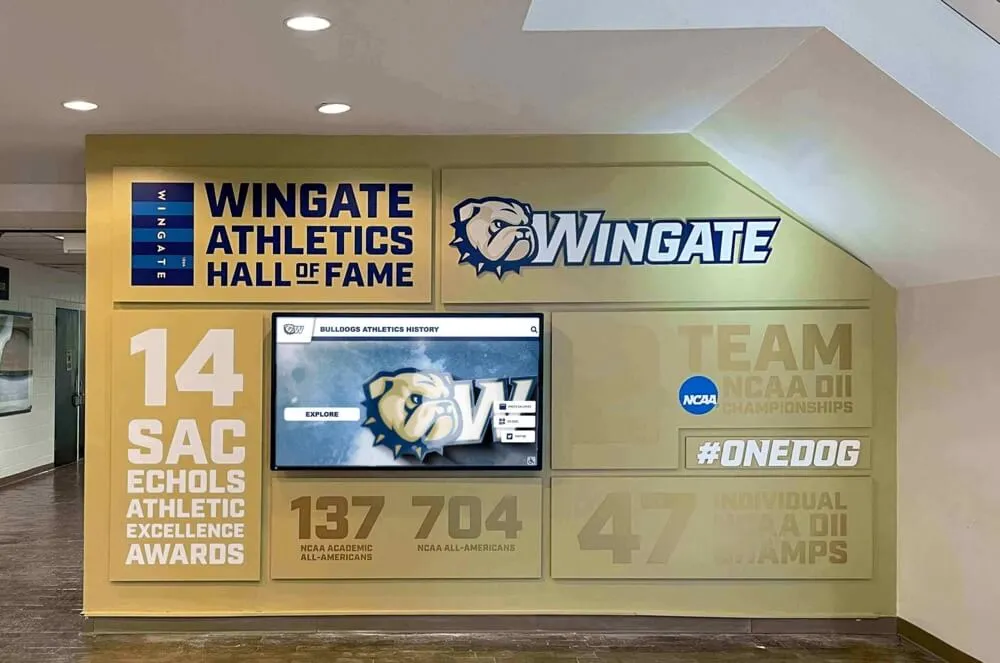
Planning a school sports display board sounds straightforward until you stand in the athletic hallway and realize how much your program actually has to show: current rosters, all-time records, award winners going back decades, championship banners, retired jerseys, sponsor panels, and a schedule that changes every week. Most schools end up with one corner of the hallway looking polished and three others feeling like an afterthought. This guide walks athletic directors, facilities teams, and communications staff through exactly what to include—and how to organize it—so the entire display tells a coherent, current, and compelling story about your program.
A well-designed display board communicates institutional pride to every student, family member, recruiter, and community partner who walks through your doors. It also does something quietly important: it shows current athletes that the school remembers its champions and that what they accomplish this season will be preserved for the next generation to see.

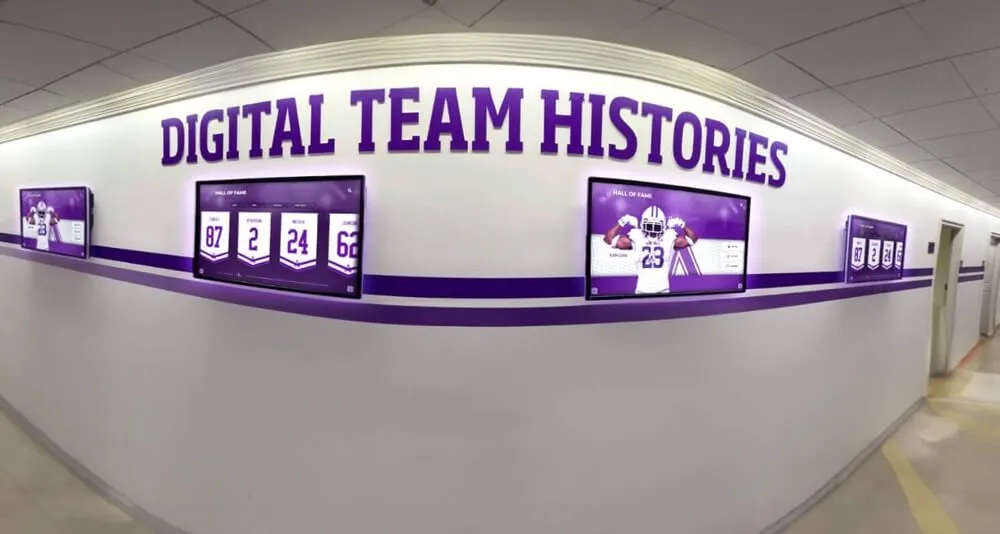
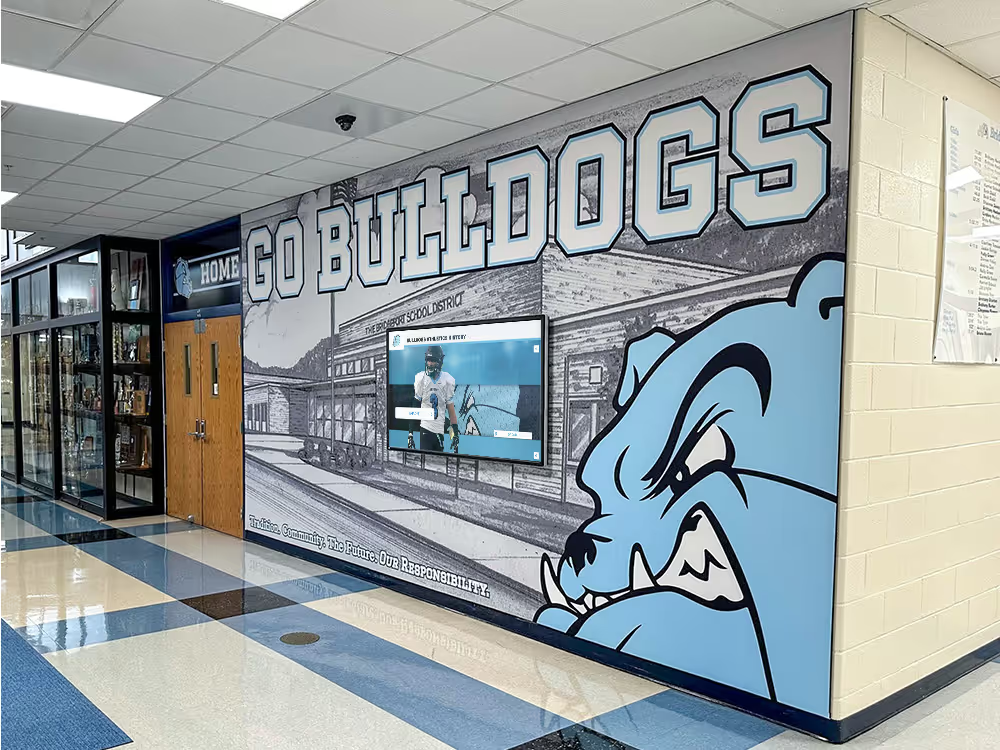
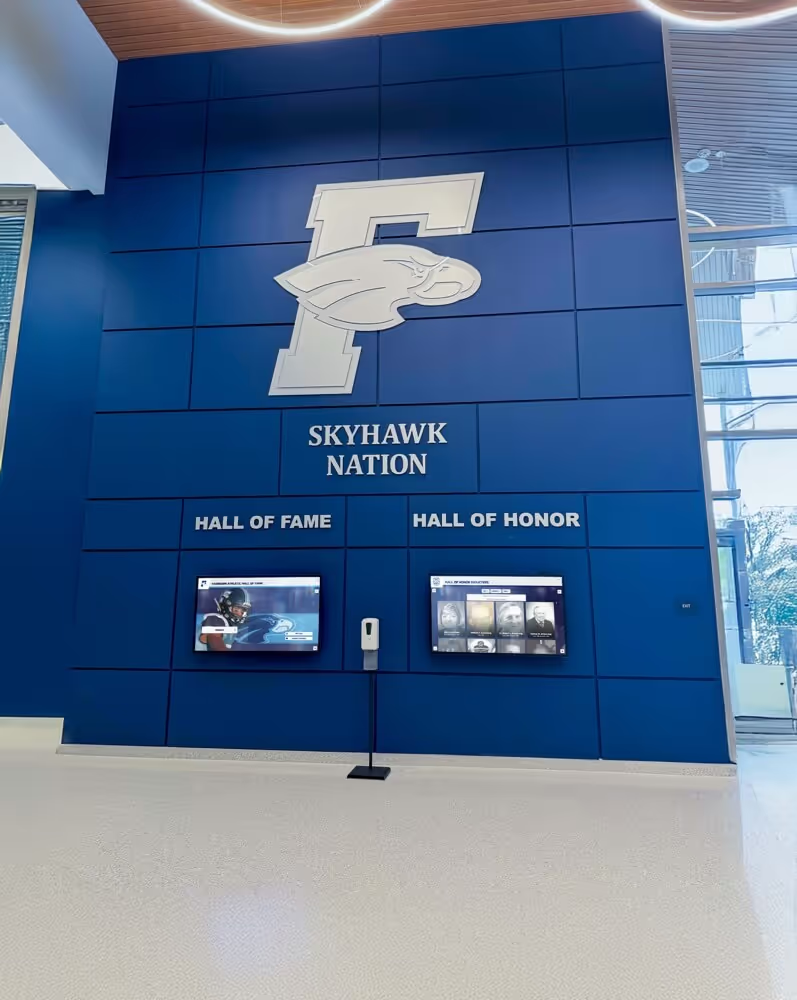
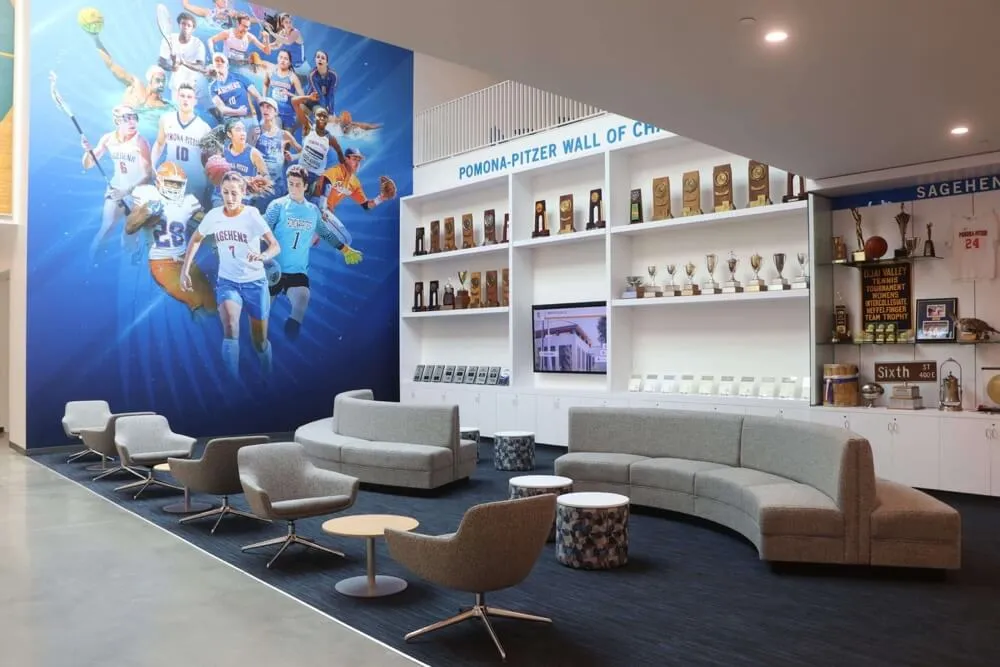
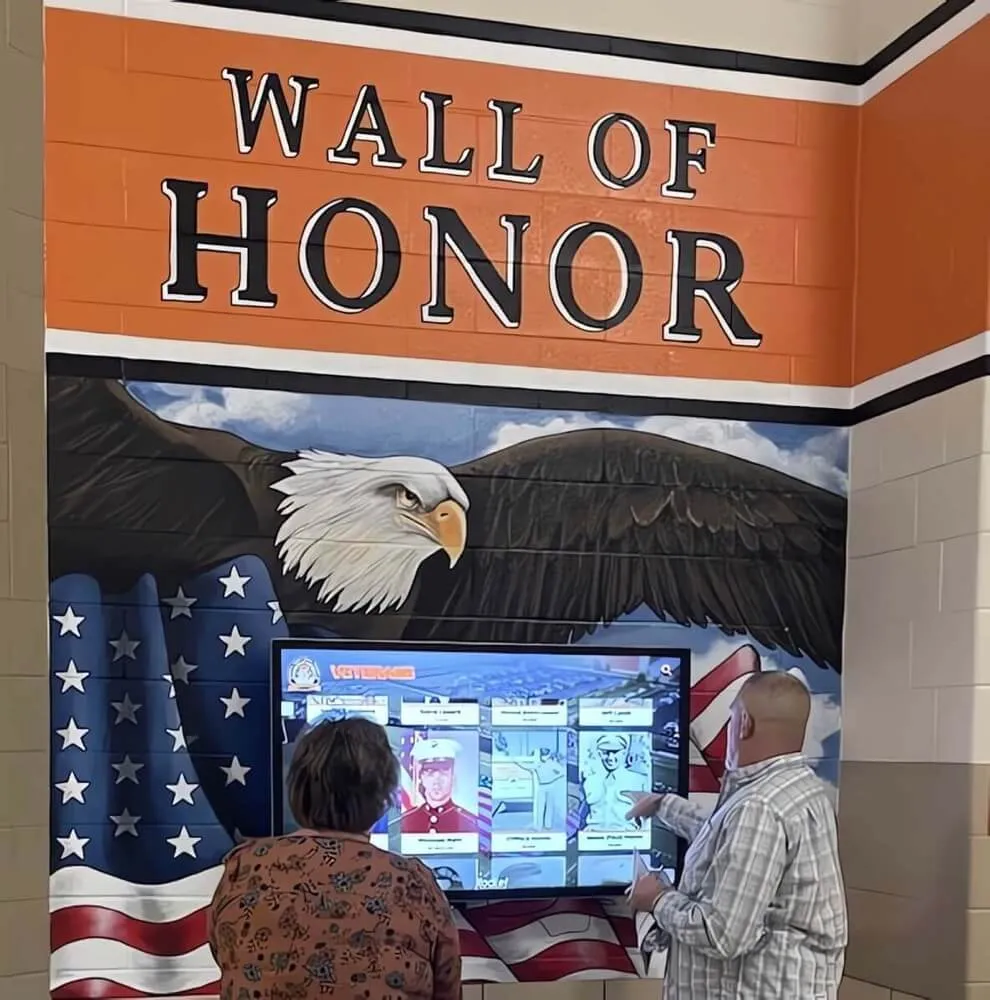
A well-organized athletic hallway communicates program history, current achievement, and community pride at a glance
The Eight Content Categories Every School Sports Display Board Needs
Before choosing materials, hardware, or layout, get clarity on what content the board must hold. The most common planning mistake is designing the physical display before auditing the content—resulting in a board that looks great at installation and runs out of space within two seasons.
These eight categories cover everything a complete athletic recognition display should include.
1. Current Team Rosters
Team rosters are the most frequently updated content on any sports display board, and the most likely to be out of date. A roster section that shows last year’s players is worse than no roster section at all—it signals to visitors that the display isn’t maintained.
What to include for each sport:
- Sport and head coach name
- Assistant coaches
- Player names with jersey numbers
- Grade or class year
- Position (for sports where position is meaningful)
- Season schedule or next game date
Planning consideration: Roster panels work best when they can be updated independently of the rest of the board. On a static display, this means mounting roster inserts in a frame that accepts printed paper cards. On a digital display, rosters update remotely through a cloud content management system—no reprinting, no ladder, no tape.
Exploring sports update board ideas for records, rosters, and recognition shows how schools approach the update workflow for different display formats—a useful reference when deciding how much roster complexity your board can realistically maintain.
2. Athletic Records
Record boards are often the most visited section of any sports display because every current athlete knows exactly where they stand relative to the school’s all-time leaders.
Records worth displaying by category:
Individual Performance Records
- Career records (points, yards, wins, time)
- Single-season records
- Single-game or single-meet highs
- Records by position or event
Team Records
- Best season win-loss record by sport
- Consecutive wins or unbeaten streaks
- Largest margin of victory (where appropriate)
- Championship appearances and titles
Class and Era Records
- Records by graduation decade
- Freshman, sophomore, junior, and senior single-season bests
- Records set under specific coaches or programs
Milestone Records
- Career milestone markers (1,000 points, 100 wins)
- Records broken during memorable games or seasons
The record board section rewards careful sourcing before anything goes on the wall. Finding school sports records completely and accurately is a process most programs underestimate—historical media guides, local newspaper archives, yearbook boxes, and retired coaches are all primary sources worth consulting before finalizing any record displayed publicly.
For football programs in particular, football record board ideas covering stats, records, and digital workflows offers specific guidance on how to structure a record board that handles the large statistical volume football programs generate.
Digital displays have a meaningful advantage over static record boards here: auto-ranking record boards update automatically when a new performance surpasses an existing record, pushing every entry down a slot without requiring manual re-engraving or reprinting.
3. Award and Honor Recognition
Awards that represent external validation—all-conference, all-state, All-American, Scholar-Athlete—deserve prominent placement on any school sports display board. These recognitions came from outside judges assessing your athletes against every program in the region or state, and they represent the highest form of athletic credibility.
Individual award categories to display:
- All-conference and league honors (with year and level)
- All-region and all-state selections
- State-level player of the year recognition
- Coaches’ association awards
- Academic All-American and scholar-athlete honors
- Sportsmanship awards
Team award categories to display:
- Conference championships by sport and year
- District and regional titles
- State championship appearances and finishes
- Tournament MVP or sportsmanship team awards
School sports bulletin board ideas for celebrating athletic achievements illustrates creative ways schools present award recognition visually—particularly useful for programs working within limited wall space.
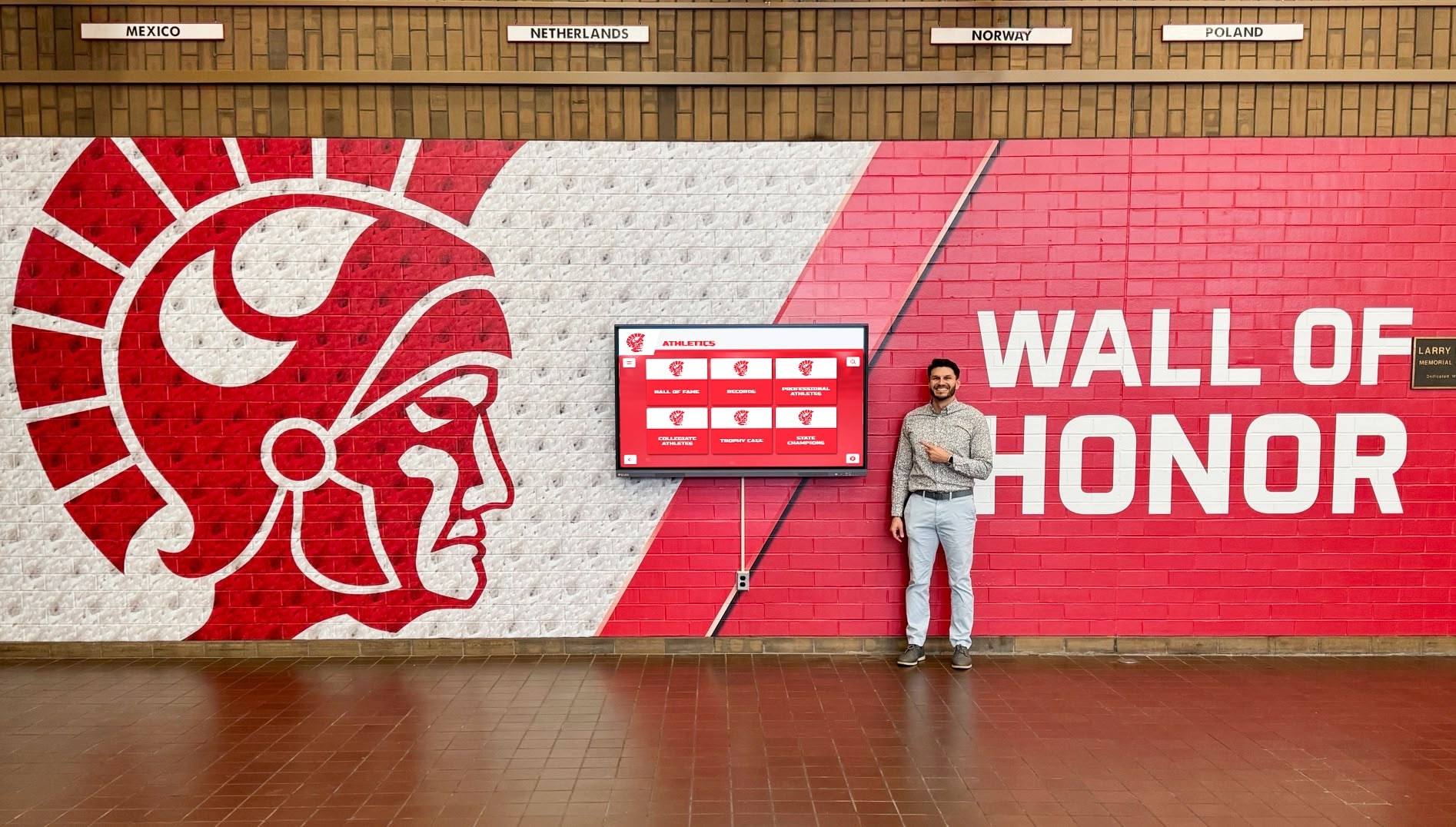
Award panels gain credibility when they include the conferring organization and year alongside each recognition—visitors can distinguish a state title from a conference honor at a glance
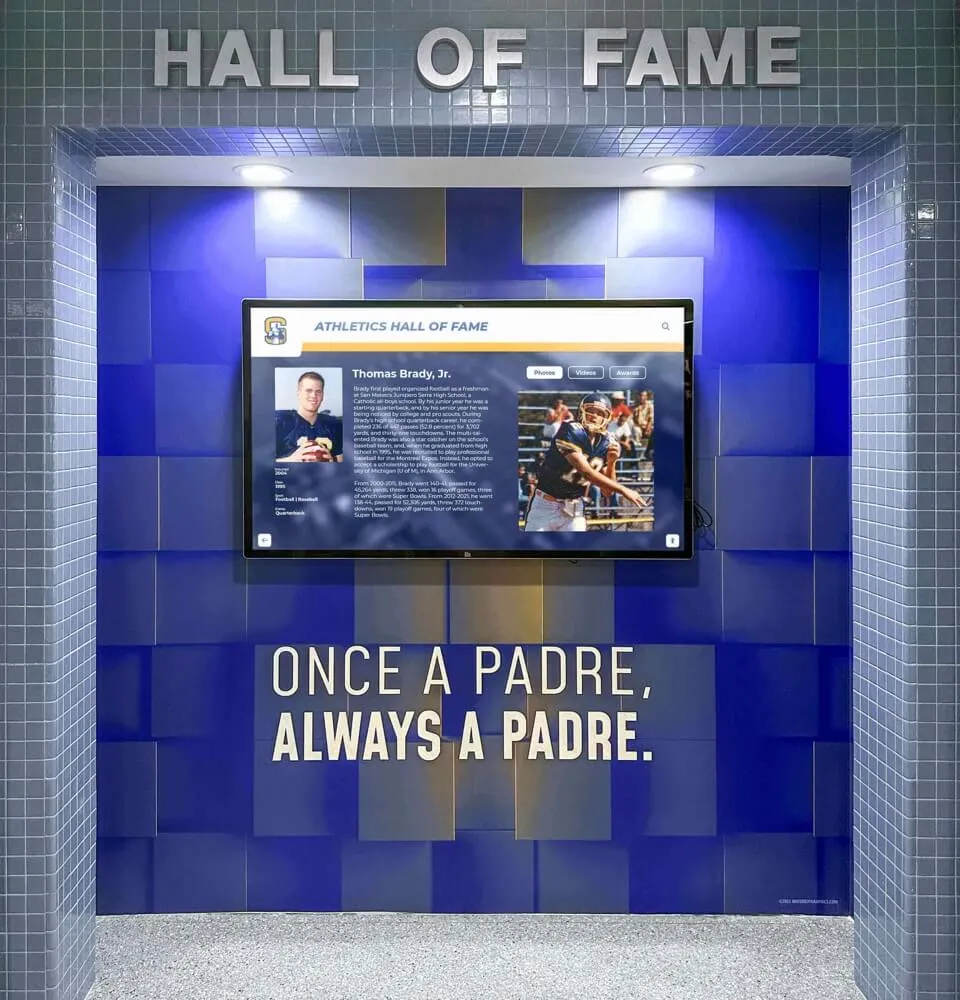
4. Hall of Fame Inductees
If your school maintains an athletic hall of fame, the display board is the right place to make inductees visible to everyone who walks through the building—not just those who attend induction ceremonies.
Hall of fame display elements:
- Inductee name, sport, and graduation year
- A brief bio or achievement summary (2–3 sentences)
- Portrait photograph
- Notable records or awards the inductee holds
- Induction year and class
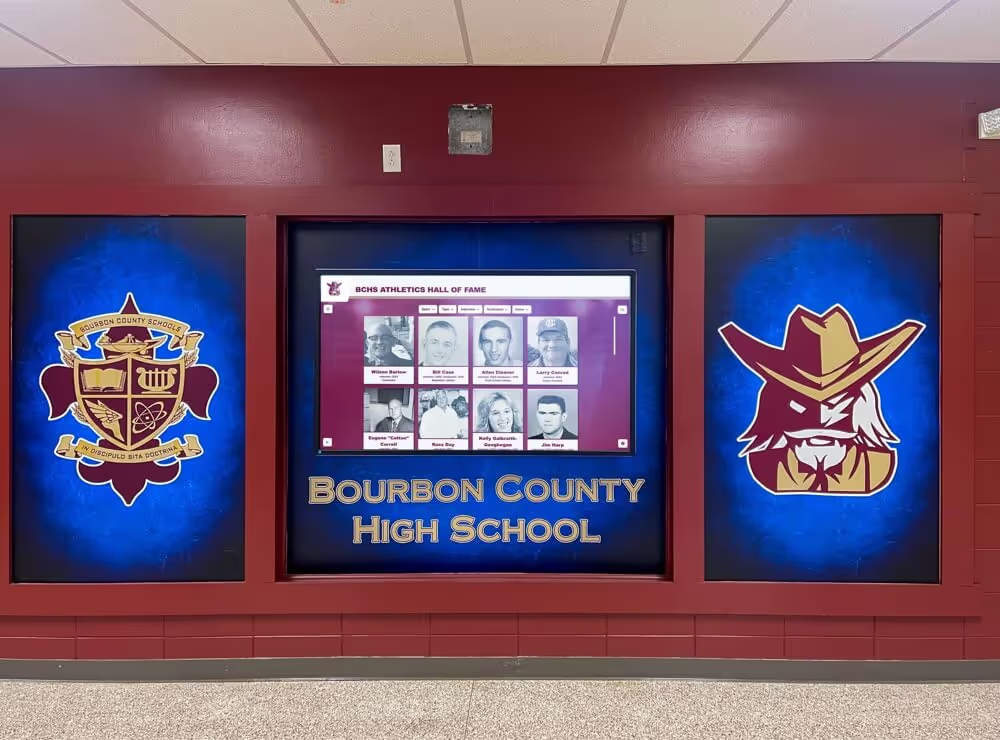
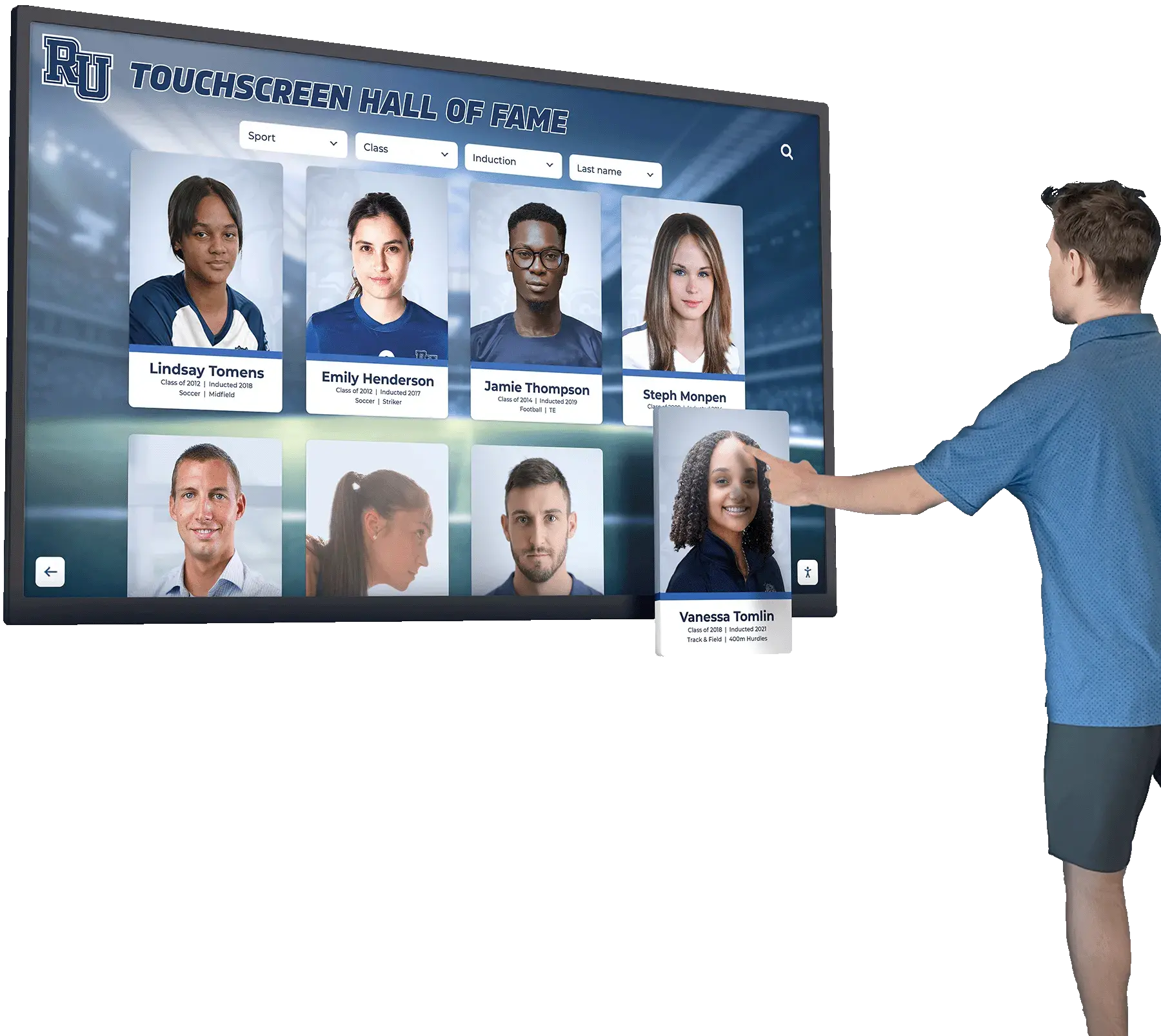
The challenge with hall of fame panels on a static board is capacity. A program that has been inducting three to five athletes per year for thirty years has a hundred or more inductees to display—far more than most hallway walls can accommodate with individual plaques.
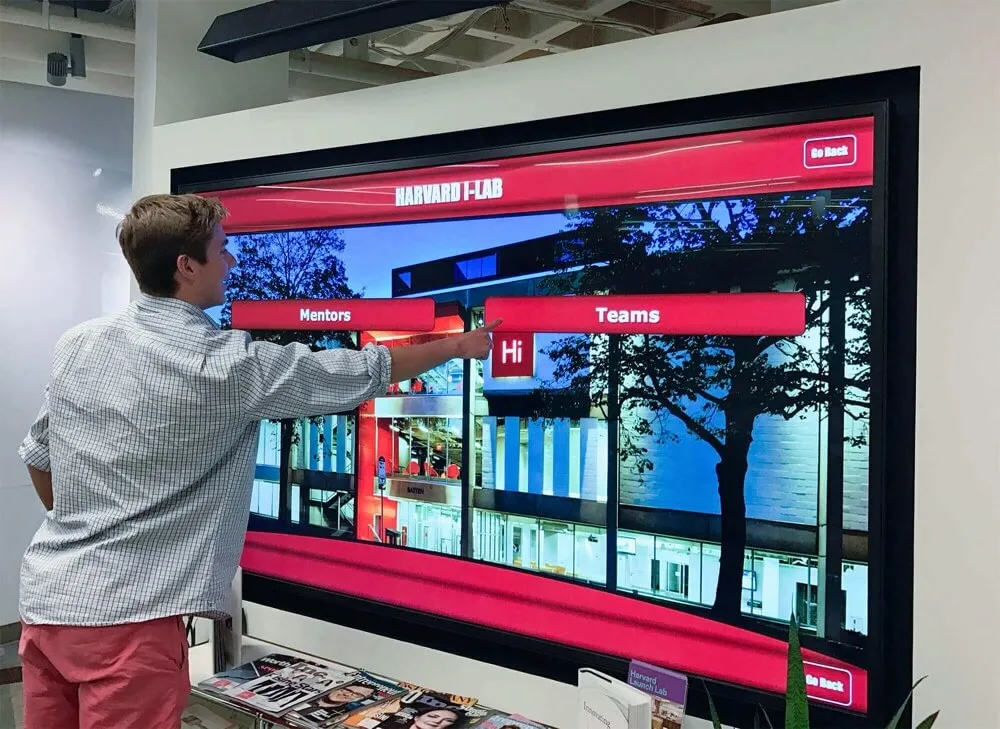
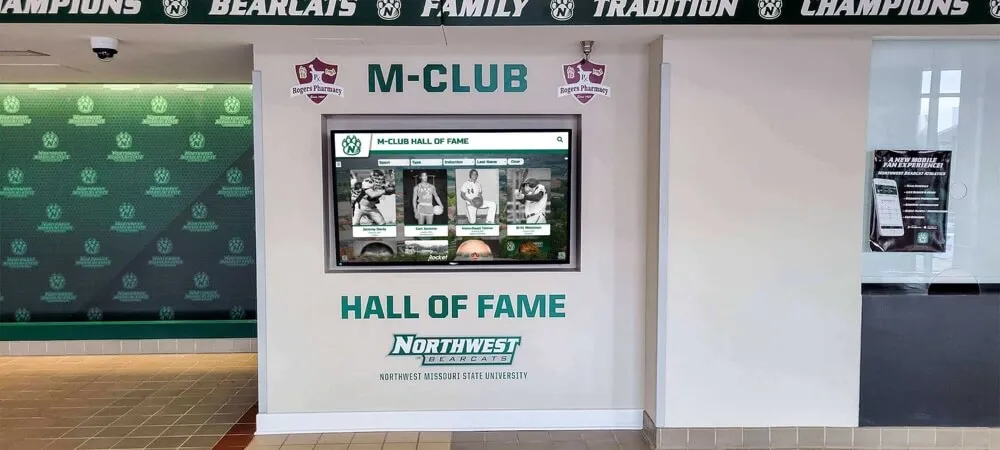
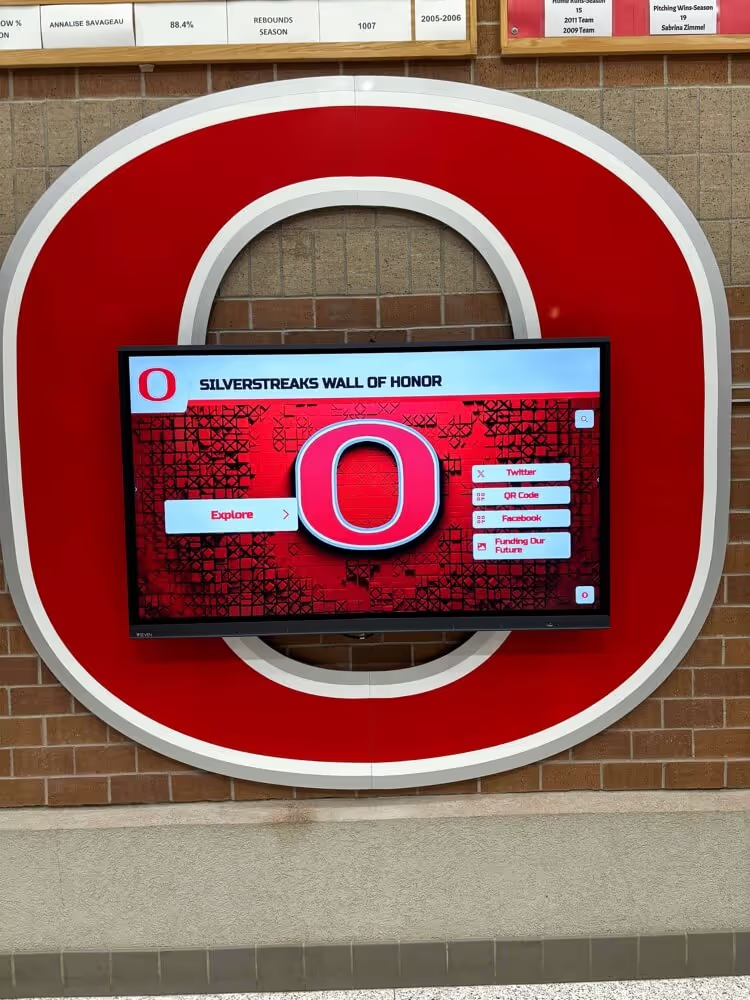
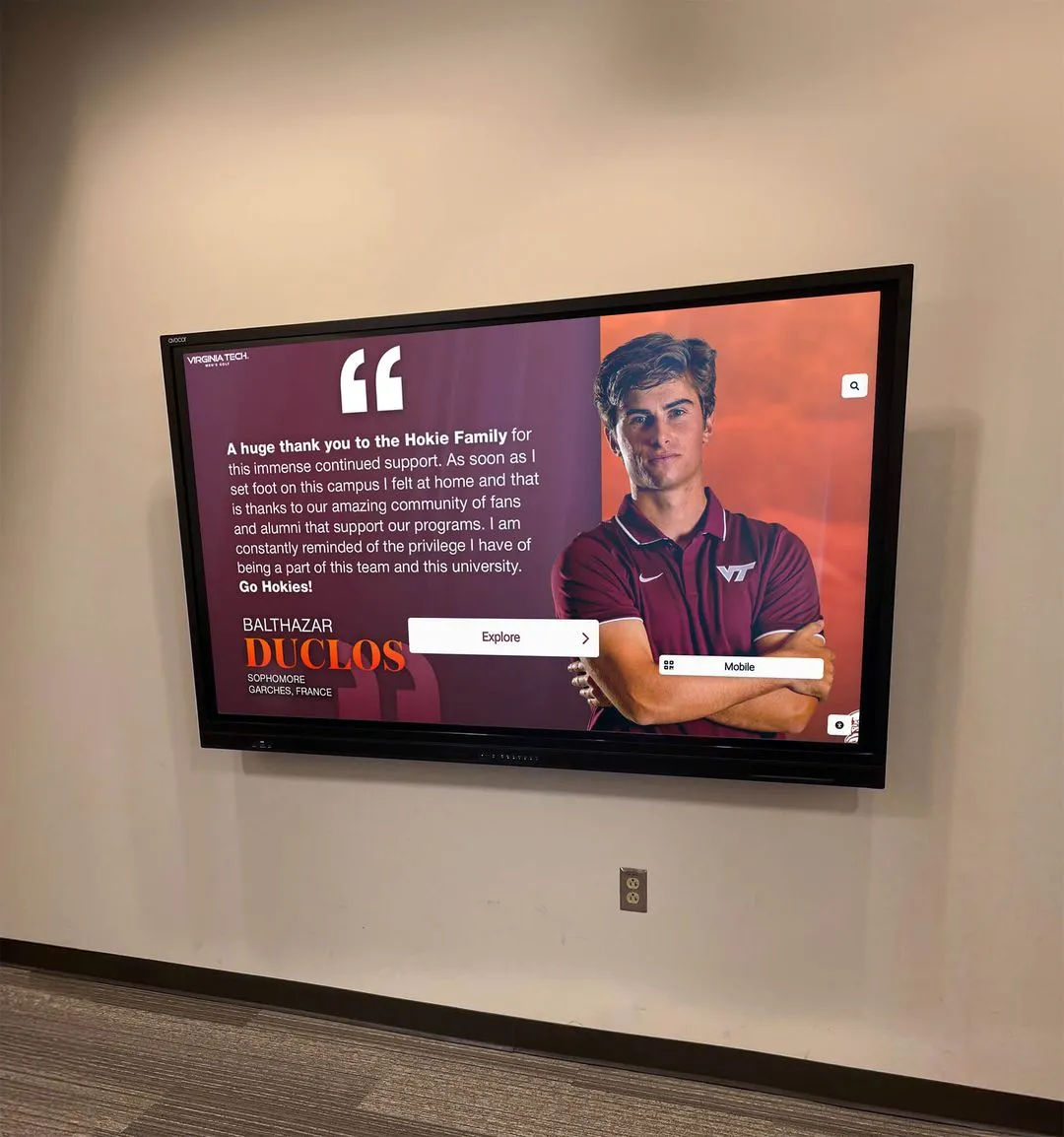
Digital touchscreen displays solve this problem directly: unlimited inductee storage means every person ever honored can have a complete profile with full biography, career statistics, photographs, and video—accessible to any visitor who taps their name. Schools at the 600+ institutions served by Rocket Alumni Solutions have used this approach to bring decades of hall of fame history into a single interactive display that fits in the space one trophy case used to occupy.
5. Championship Banners and Season Recognition
Championship banners are the most visually powerful element in any athletic hallway. Their large format and prominent placement make them the first thing visitors see and the element athletes point to when describing what winning looks like at your school.
What the championship section should cover:
- Conference, district, regional, and state titles by sport and year
- Runner-up finishes that represent meaningful achievement
- Coaching milestones tied to championship eras (100th win, 20-year tenure)
- Program-building markers (first undefeated season, first state appearance)
A consistent banner format—standardized size, font, and school colors—makes the championship display more legible than a collection of different banner styles accumulated over decades. Championship banner template options for schools and sports teams covers how to create a cohesive visual standard across different sports and eras.
6. Retired Numbers and Legends Recognition
Retired jersey numbers signal a category of athletic excellence distinct from hall of fame induction or individual awards: these are the athletes whose impact on a specific program was so significant that no one who follows them should wear their number.
Retired number displays typically include:
- The jersey number prominently displayed (large format)
- Athlete name and sport
- Years of participation
- Brief statement explaining why the number was retired (records held, championships led, legacy contributions)
How schools honor athletic legends through retired numbers and legacy recognition details the criteria and display approaches schools use for this category of recognition—a valuable resource for programs establishing a retired number policy for the first time.
On a digital display, retired numbers can link to full athlete profiles that include video highlights, career statistics, and testimonials from teammates and coaches—turning a jersey silhouette into a three-dimensional portrait of a program’s most influential figures.
7. Schedules, Announcements, and Current Season Content
Athletic display boards that only show historical content miss the opportunity to serve a different but equally important audience: families, students, and community members who want to know what’s happening this week.
Current season content to include:
- Upcoming game and meet schedules with dates, opponents, and locations
- Recent results with scores
- Current standings in conference or league play
- Upcoming alumni and booster events
- Playoff brackets when the postseason begins
- Senior night or special event announcements
This content changes constantly, which is exactly why static boards often leave it out: the effort to reprint and reinstall schedule panels every week is prohibitive. Digital displays make this category easy—schedule content connects to existing athletic department systems or updates directly through the content management platform, automatically current without requiring staff to touch the hardware.

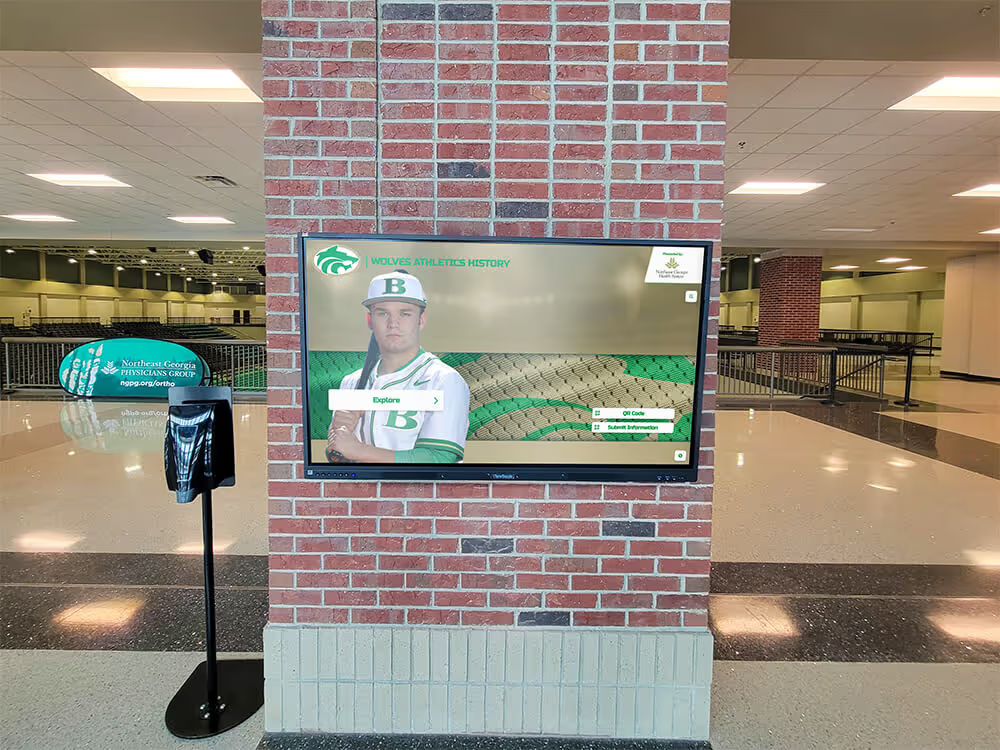
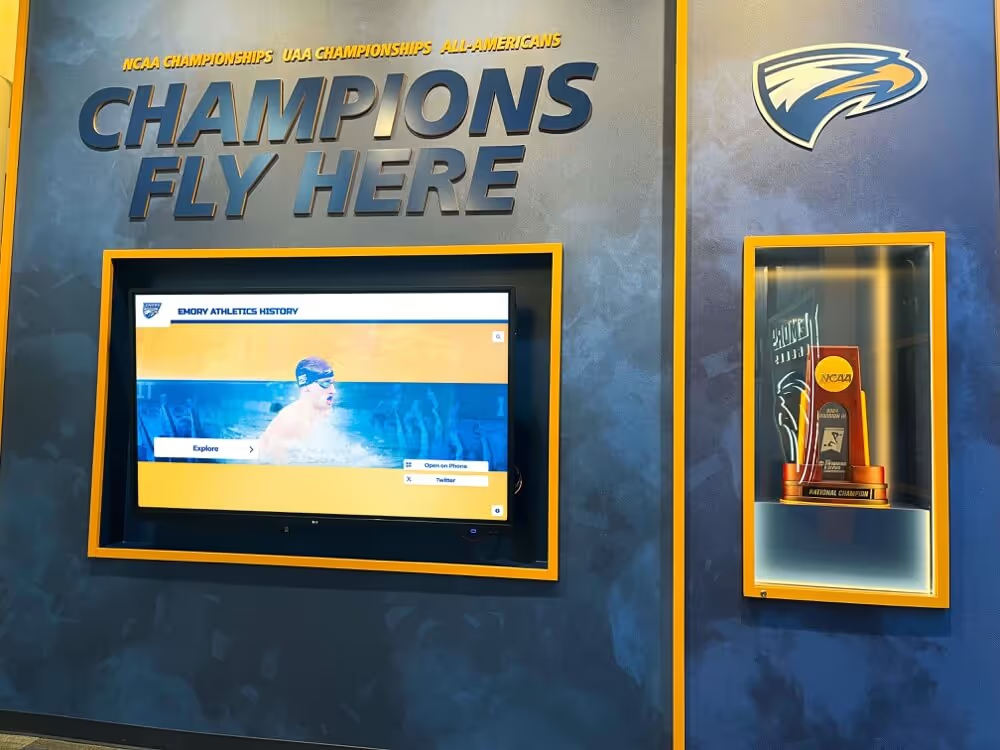
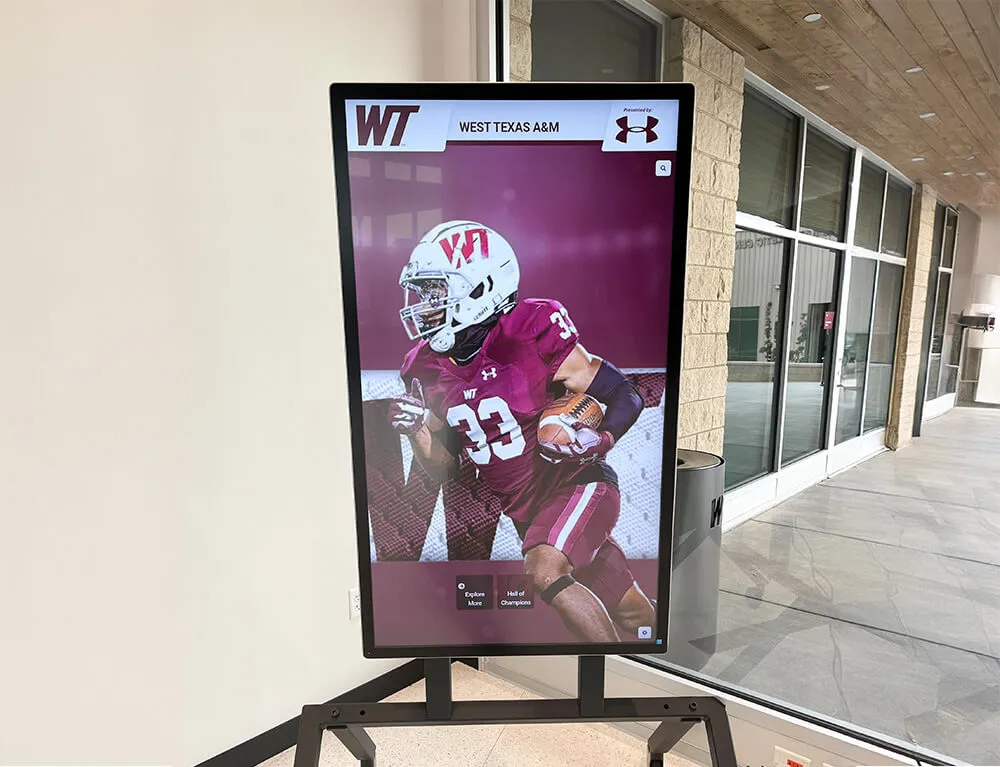
Current season content—scores, standings, upcoming games—keeps athletes and families engaged with the display on a daily rather than seasonal basis
8. Sponsor and Donor Recognition
Athletic programs at most schools depend on community support: booster clubs, local businesses, and individual donors who fund equipment, travel, and facility improvements. A school sports display board that acknowledges these contributors serves two purposes: it honors the relationship and it demonstrates return on investment to current and prospective sponsors.
Sponsor recognition elements:
- Business name and logo
- Sponsorship tier or program name (if a tiered structure exists)
- A brief acknowledgment of what the support funds (“Proud supporter of Varsity Football”)
- Any multi-year recognition for sustained contributions
Digital displays offer sponsorship revenue capabilities that static boards cannot match: rotating digital sponsorship panels that display different sponsors at different times, with measurable impression data. This creates a recurring revenue stream that helps offset display maintenance costs and gives sponsors visibility metrics that justify annual renewal.
Finding and archiving school sports records while building donor recognition programs explores how athletic departments connect historical record-keeping to donor stewardship—a relationship that strengthens both functions.
The School Sports Display Board Planning Checklist
Use this checklist before finalizing any display board—static or digital.
Content Audit
- Current rosters gathered for all varsity sports
- All-time records verified against primary sources (media guides, yearbooks, archives)
- Individual award history compiled for past 10+ years
- Hall of fame inductee list complete with photographs and bios
- Championship history documented by sport and year
- Retired numbers identified with athlete information
- Sponsor list confirmed with logos in appropriate file formats
- Schedule data source identified for current season
Display Layout
- Total wall space measured (height, width, depth constraints)
- Priority content identified (what must be visible at eye level)
- Update frequency assessed for each content category
- Navigation logic established (how will visitors find specific content)
- ADA accessibility requirements reviewed for height and legibility
Update Workflow
- Owner assigned for each content category
- Update schedule established (roster changes, record updates, award additions)
- Process documented for adding new records when they are broken
- Induction cycle mapped to display update timeline
- Sponsor renewal process connected to display update workflow
Technology Decisions
- Static vs. digital display decision made with budget and update frequency in mind
- If digital: content management system evaluated for ease of remote updates
- If digital: cloud backup and uptime requirements specified
- If digital: QR code or mobile access options reviewed
- If static: reprinting process and lead time established for changeable content
Static vs. Digital: Choosing the Right Format for Your Program
The display planning checklist above applies to any format, but the format choice itself deserves direct discussion. Most schools aren’t choosing between purely static and purely digital—they’re deciding what proportion of each makes sense given their budget, their content volume, and their update frequency.
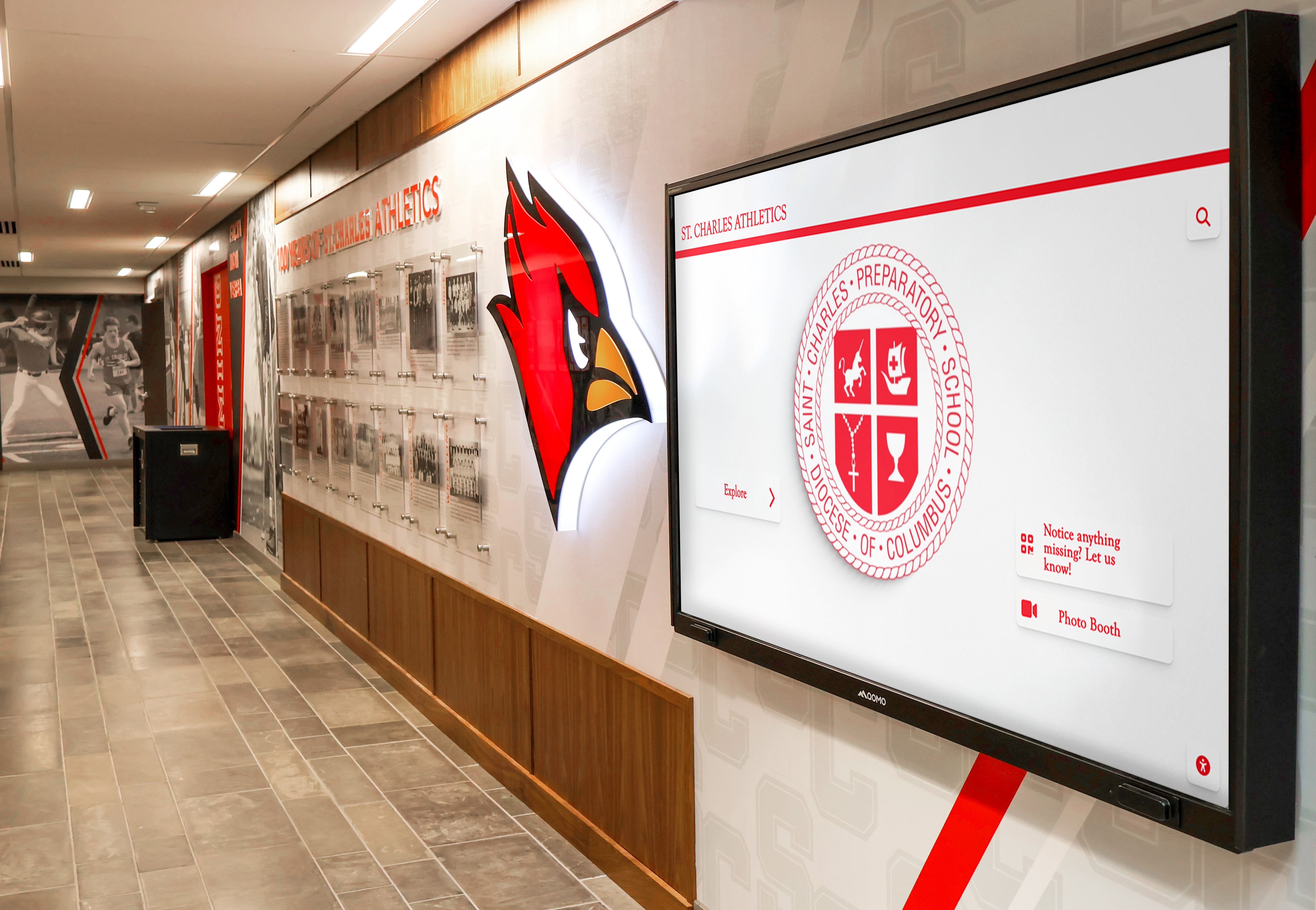
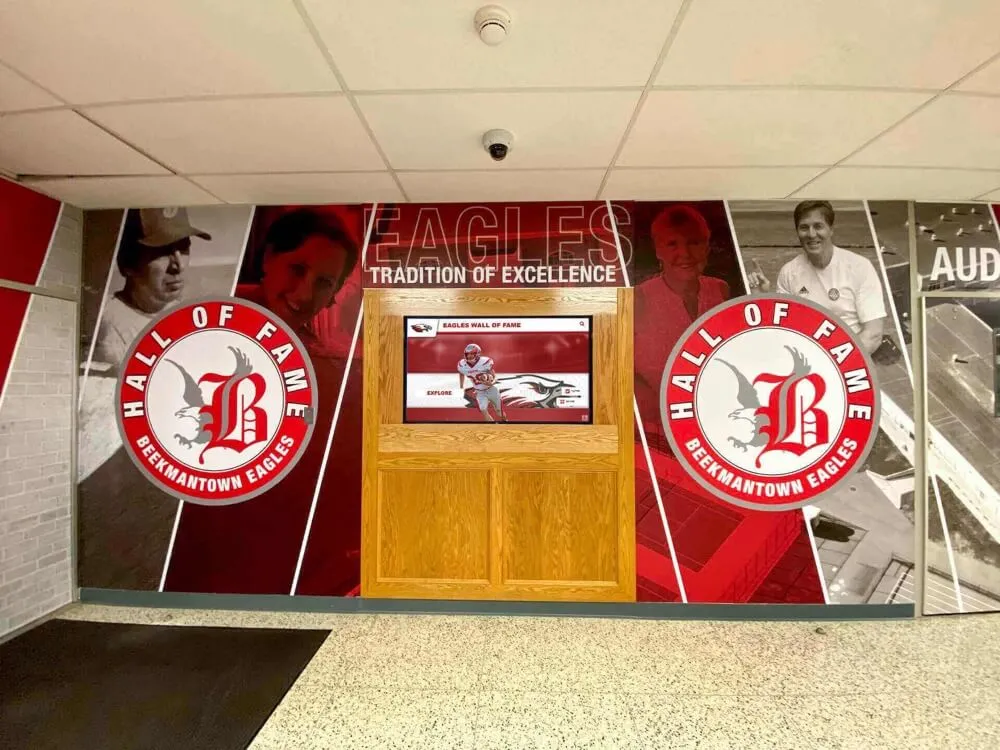
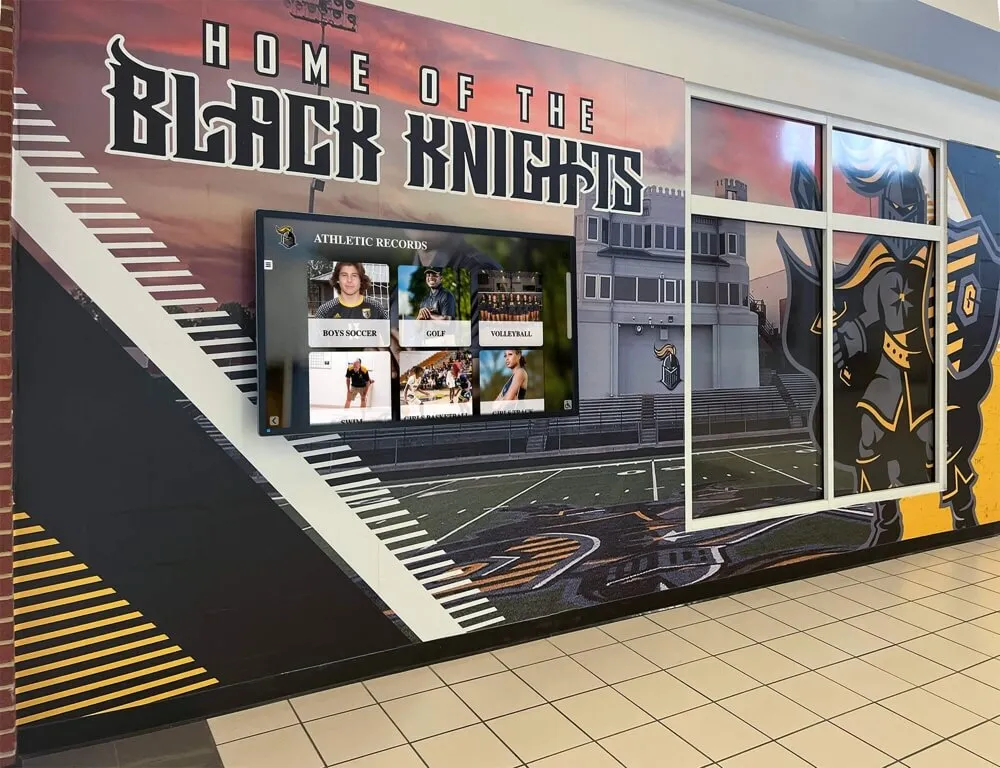
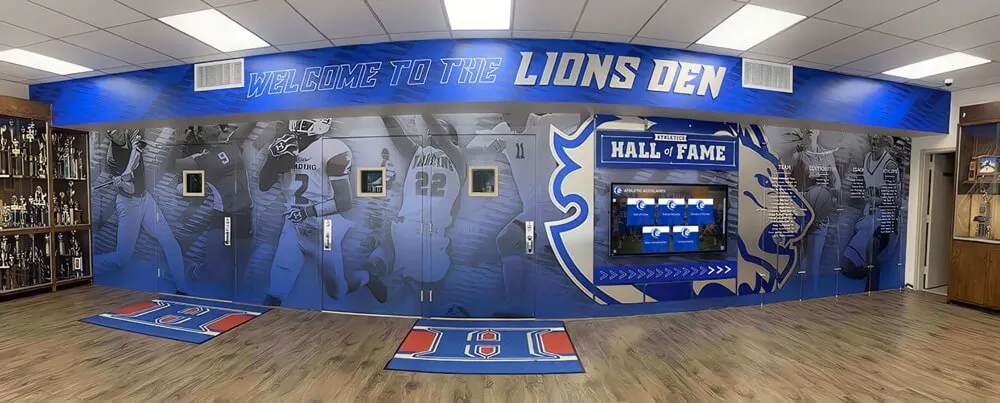
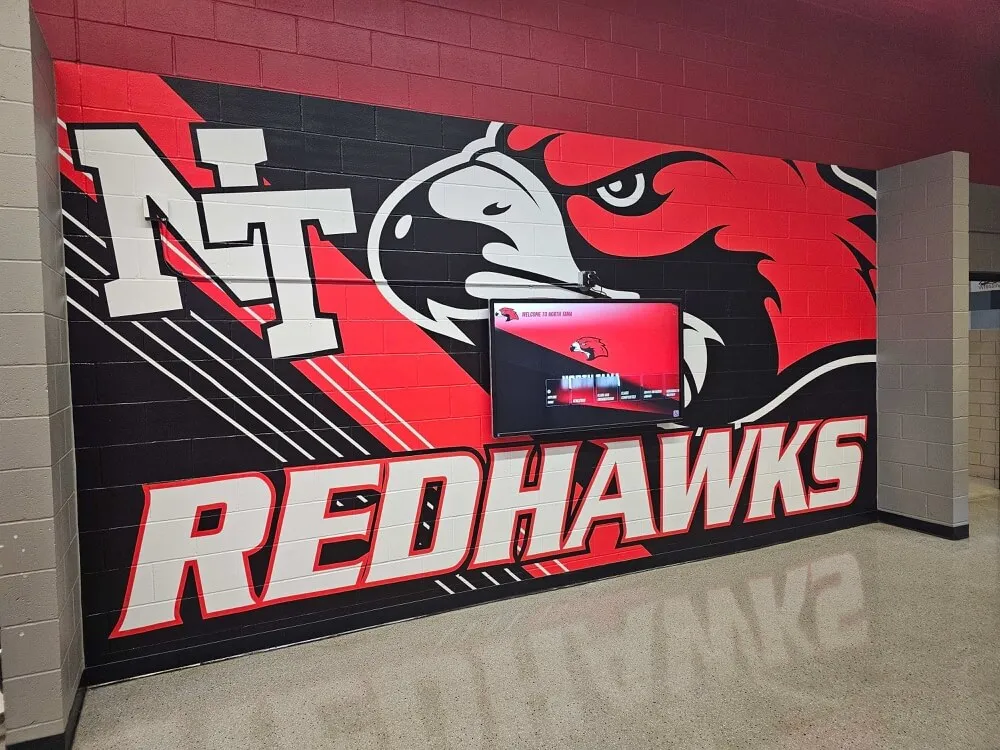
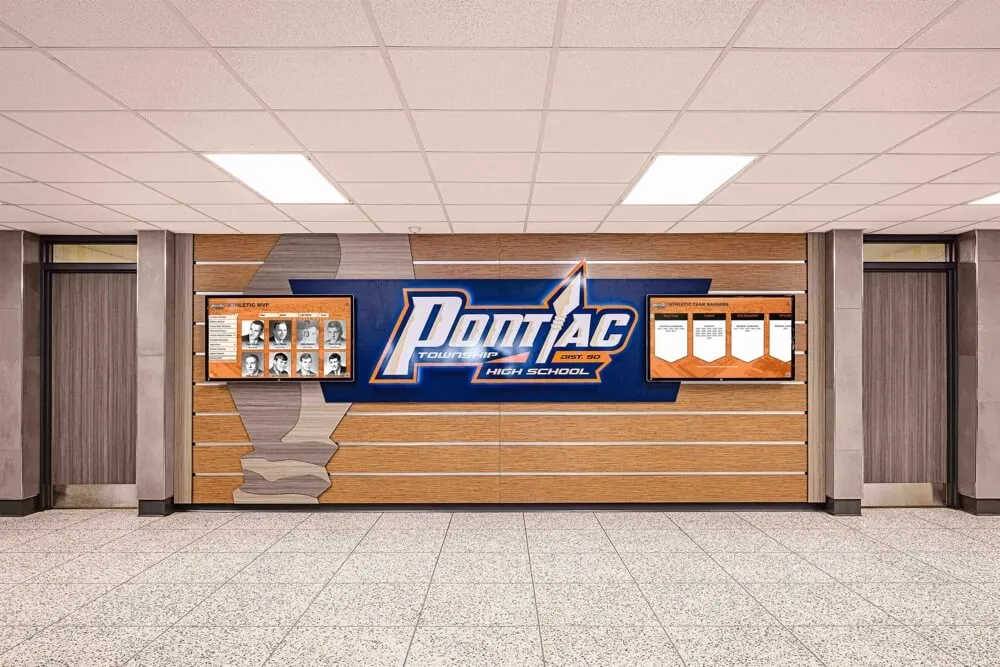
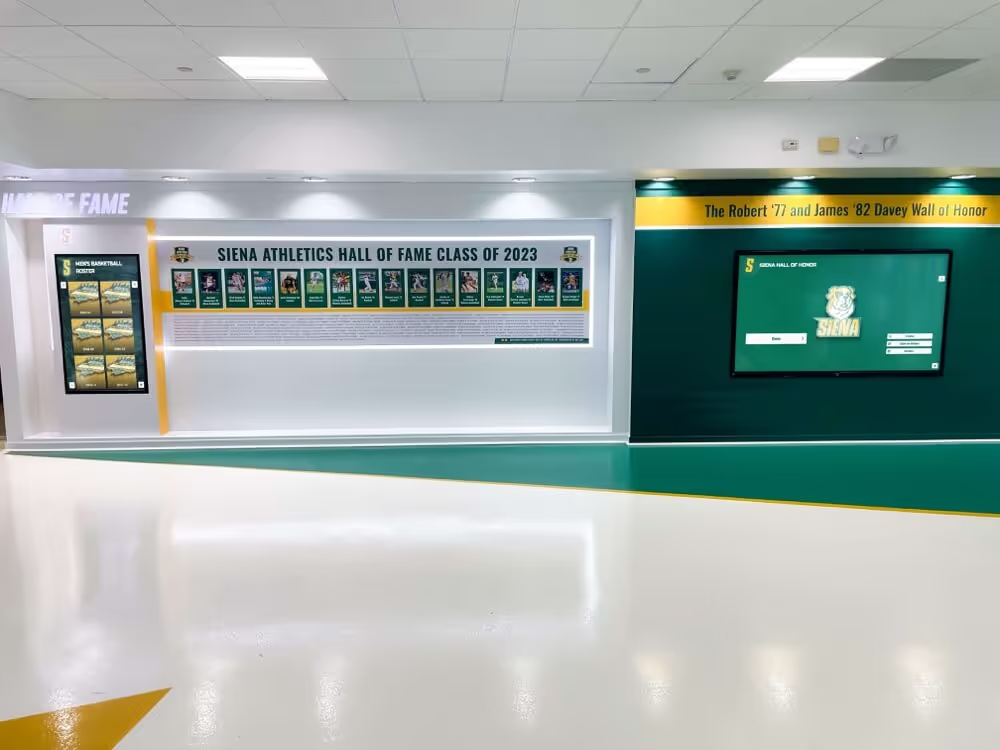
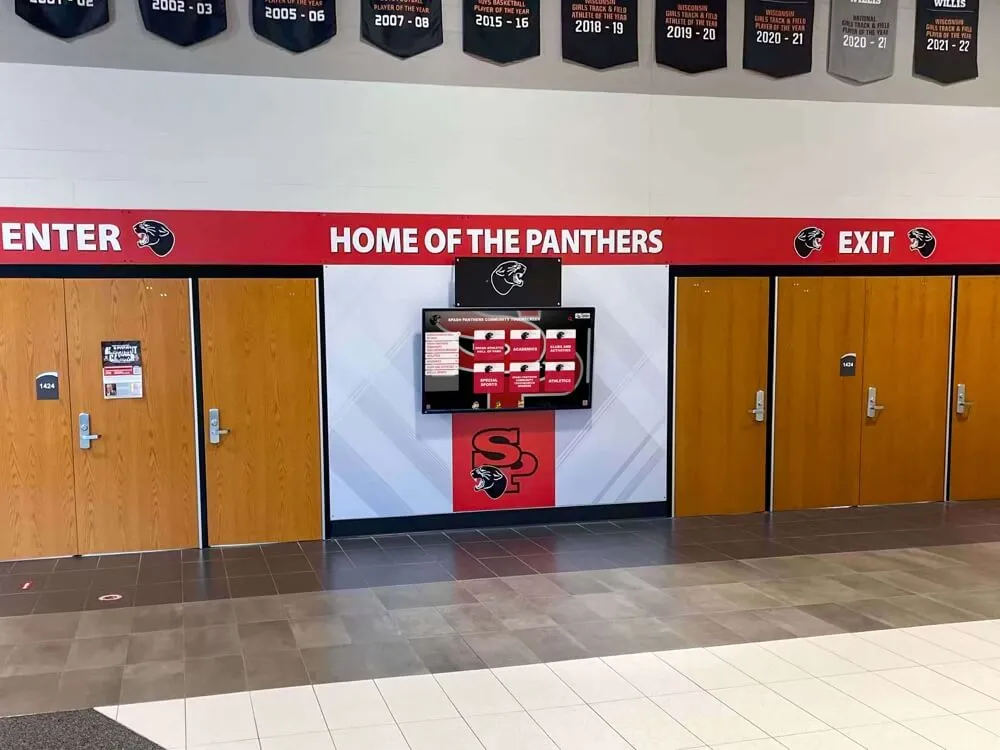
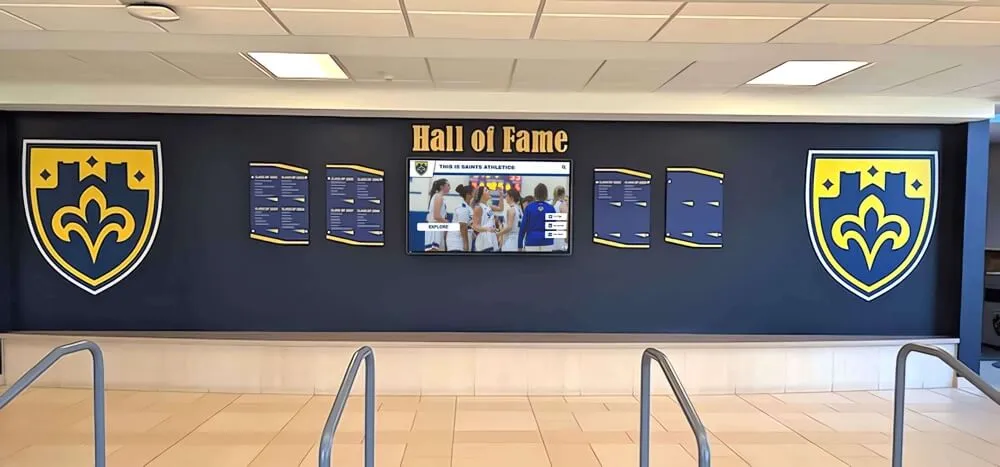
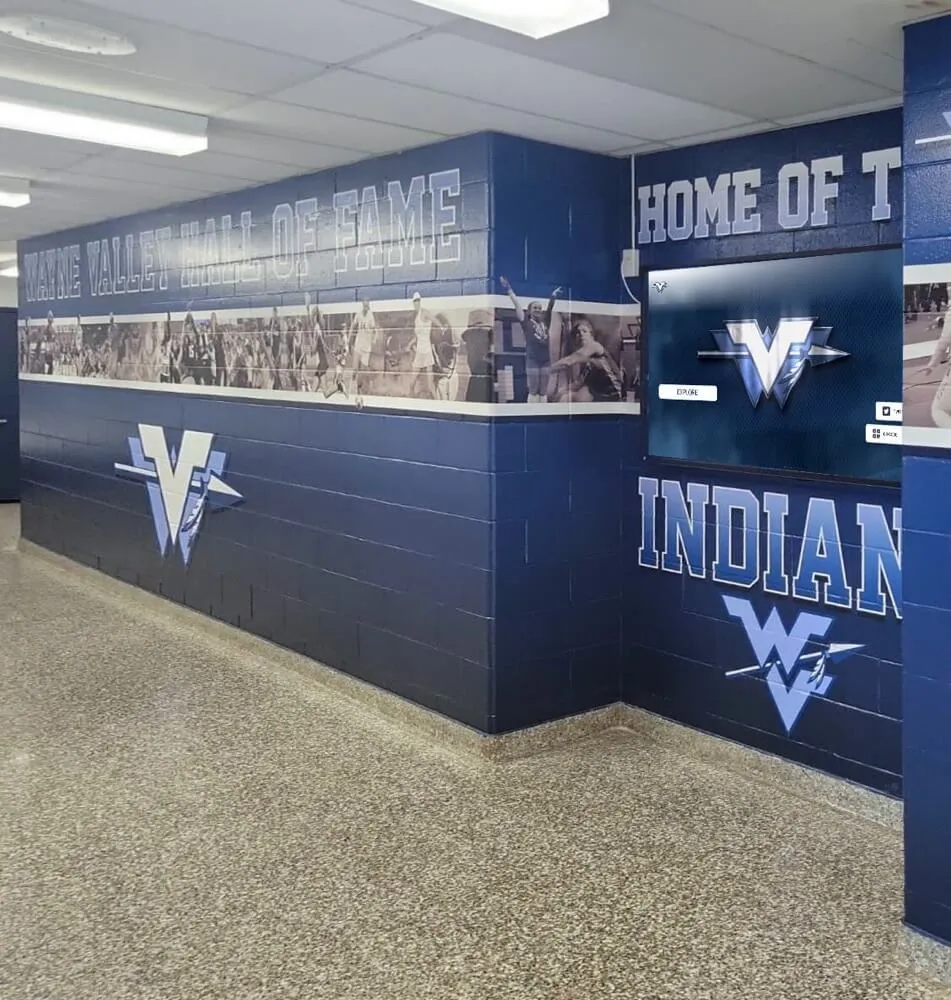
Many schools combine static architectural elements—murals, signage, permanent plaques—with digital displays that handle high-frequency content like rosters, schedules, and active records
Static display boards work well for content that changes infrequently: championship banners, retired numbers, foundational records that have stood for decades, and permanent donor plaques. Physical plaques carry a sense of permanence and craftsmanship that digital panels don’t replicate.
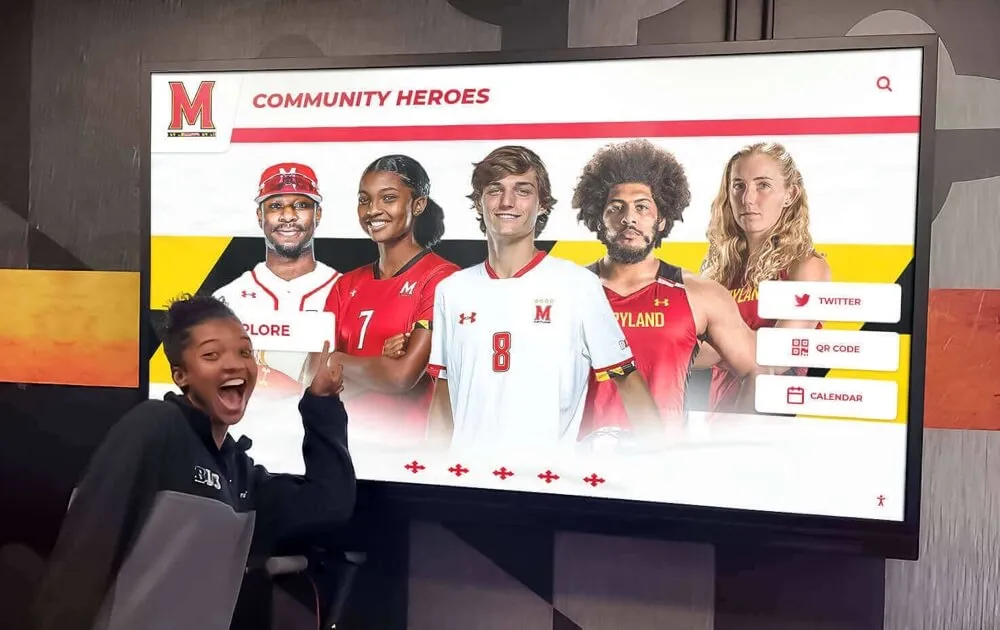
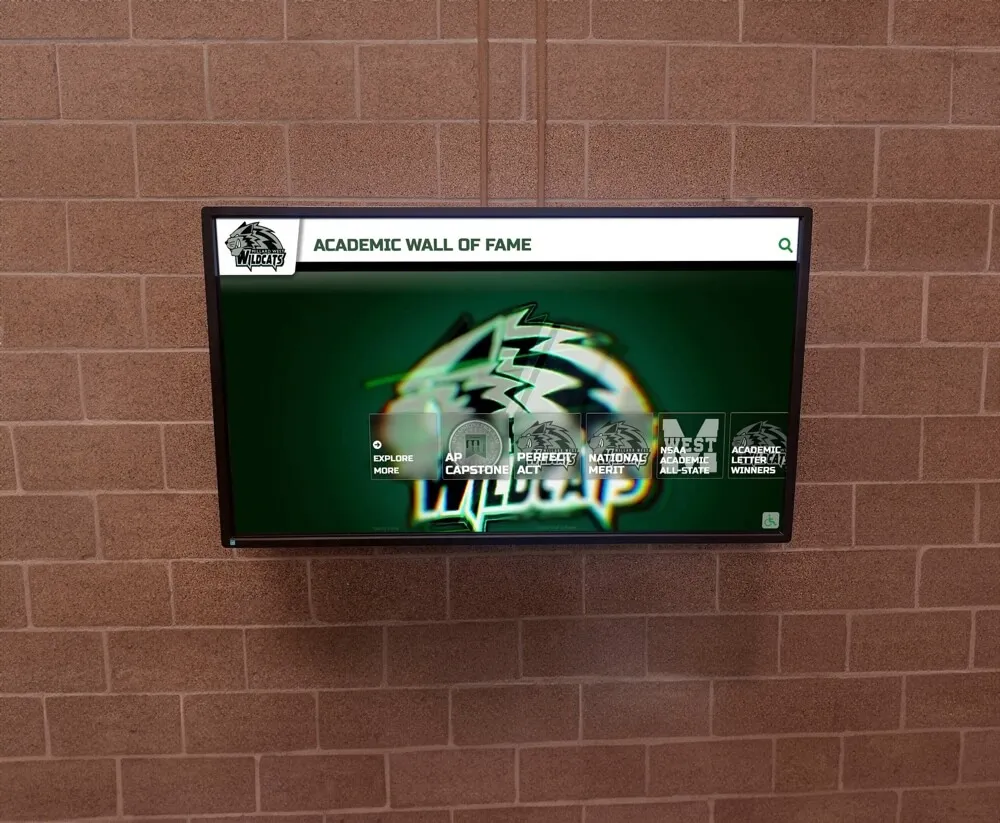
Digital display boards solve the problems that static displays cannot: they hold unlimited content in a compact footprint, update remotely without reprinting, auto-rank records as new performances supersede old ones, and serve current schedules that change weekly. They’re also ADA WCAG 2.1 AA accessible by design—a compliance requirement that static boards often fail to meet.
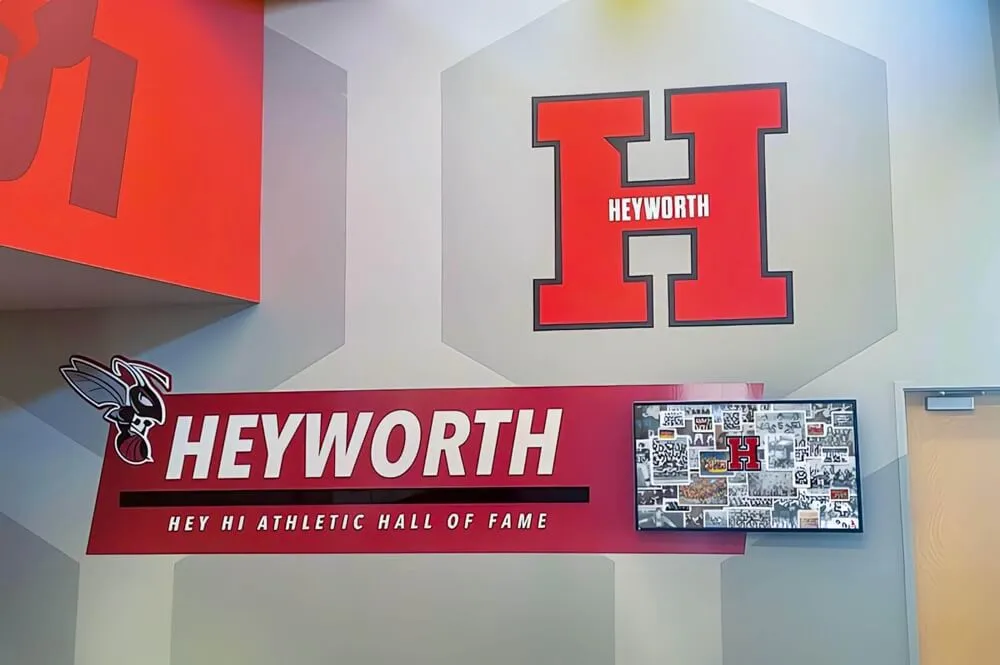
The most effective athletic hallways combine both. Permanent architectural elements—murals, mascot graphics, physical championship banners—create the visual identity of the space. A digital touchscreen display handles rosters, active records, hall of fame profiles, and current season content that would otherwise require constant physical maintenance.
School record board ideas and creative ways to display athletic records covers the design considerations that apply to both static and digital record displays—helping programs that are transitioning from one format to the other maintain visual consistency.
How Rocket Alumni Solutions Approaches School Sports Display Boards
Rocket Alumni Solutions designs and installs touchscreen displays used by schools, universities, and athletic programs at more than 600 institutions nationwide. Their platform is built specifically for the content categories covered in this guide: unlimited inductee profiles, auto-ranking record boards, roster management, sponsor recognition panels, and scheduled content publishing—all managed through a remote cloud CMS that authorized staff can update from any device.
Key features relevant to school sports display boards:
- Auto-ranking record boards that update automatically when a new performance surpasses an existing school record—no manual re-engraving or reprinting required
- Unlimited inductee and record storage with no cap on the number of athletes, records, or historical entries a program can publish
- QR code mobile access that lets visitors access full athlete profiles and record details on their phones by scanning a code at the display
- Sponsorship revenue suite with rotating sponsor panels and impression reporting that athletic departments use to generate revenue from the display itself
- ADA WCAG 2.1 AA compliant touchscreen hardware in a range of sizes and kiosk configurations
- Professional installation and training with average installation completed in two to four weeks
Learn more about Rocket Alumni Solutions’ Digital Wall of Fame platform to see how the platform handles each of the content categories in this planning guide.
Year-Round Content Maintenance: Keeping the Board Current
The most common failure mode for school sports display boards isn’t the initial installation—it’s the content that goes stale after the first season. A record board that shows outdated marks, rosters from two years ago, or sponsor logos for businesses that have since closed does more reputational damage than an empty wall.
Building a maintenance calendar into display planning prevents this:
Fall (start of school year)
- Update all rosters for fall sports
- Add any summer award recognitions
- Confirm sponsor list and refresh logos
- Review and update all-time records for sports that finished in spring
Winter (mid-year)
- Update winter sport rosters
- Add fall championship results and records broken
- Refresh hall of fame section if fall induction occurred
- Review any retired number additions
Spring
- Update spring sport rosters
- Add winter championship results
- Begin gathering nomination materials for annual hall of fame cycle
- Review full record board accuracy before end-of-year ceremonies
Summer (planning season)
- Complete hall of fame induction process
- Finalize any records that need updating based on completed spring season
- Plan display additions or modifications for the coming year
- Renew sponsor acknowledgments for the new school year
Frequently Asked Questions
How much wall space does a school sports display board typically require?
There is no universal answer because content volume varies dramatically by program size and history. A useful starting point: audit the number of sports you field, the number of all-time records you want to display per sport, and your hall of fame inductee count. Programs with 20+ sports and 50+ inductees typically need 40 or more linear feet of display space if using static formats—far more than most hallways can accommodate. Digital touchscreen displays consolidate that same volume into a single kiosk footprint, typically 55 to 86 inches diagonally depending on the installation environment.
How often should school sports records be officially updated?
Most athletic departments audit their record board at the end of each season when official statistics have been verified. Records broken mid-season should be noted immediately but finalized after the season’s official records are confirmed through the athletic association or league. Auto-ranking digital record boards can display provisional records in real time and lock them as official once the season ends.
What is the best way to handle records from sports the school no longer fields?
Historical records deserve preservation even when programs end. A dedicated “Program History” section that documents records for discontinued sports—with a notation explaining the program’s timeline—honors that history without implying the sport is currently active. Digital archives handle this particularly well because historical content can be filtered and categorized without consuming active display real estate.
Should sponsors be displayed differently from donors?
Many athletic directors treat sponsors (businesses providing cash or in-kind support in exchange for visibility) and donors (individuals contributing philanthropically) as distinct categories with different display protocols. Sponsors typically receive logo-forward recognition with tier-based prominence. Donors often receive name-forward recognition with a tone of gratitude rather than commercial acknowledgment. Separating these categories prevents confusion for both the audience and the contributors themselves.
How do schools handle records set by athletes who were later disciplined or had eligibility issues?
This is an institutional policy question rather than a display design question, and legal counsel and school administration should weigh in. Most schools maintain a documented policy before the situation arises—often treating verified athletic records as historical facts separate from conduct records—rather than making individual decisions case by case. Whatever the policy, document it and apply it consistently.
Conclusion
A complete school sports display board covers eight content categories: current team rosters, athletic records, award recognition, hall of fame inductees, championship banners, retired numbers, current schedules and announcements, and sponsor acknowledgment. No single section is optional if you want the display to tell the full story of your athletic program—to current athletes, visiting families, alumni returning for homecoming, and community partners who invest in your program each year.
The format—static, digital, or a combination—should follow from the content. Programs with high update frequency, large inductee counts, and sponsor revenue goals benefit most from digital displays. Programs with limited maintenance capacity and a smaller historical archive may do well with a hybrid approach that uses static elements for permanent recognition and a single digital panel for high-frequency content.
Either way, the planning process is the same: audit your content, establish update ownership, and build a maintenance calendar that keeps every section accurate year-round.
See a Digital Sports Display Board Built for Your Program
Rocket Alumni Solutions designs touchscreen display systems that cover every section of this planning guide—auto-ranking record boards, unlimited inductee profiles, roster and schedule management, sponsor recognition panels, and ADA WCAG 2.1 AA compliant hardware—installed and operational at 600+ institutions nationwide.
Request Your Custom Demo