Team Roster Graphic: How Schools Turn Lineups Into Touchscreen and Social Recognition Content
- Home /
- Digital Wall of Fame Blog - Recognition Display Insights & Resources /
- Team Roster Graphic: How Schools Turn Lineups Into Touchscreen and Social Recognition Content
The Easiest Touchscreen Solution




Live Example: Rocket Alumni Solutions Touchscreen Display
Interact with a live example (16:9 scaled 1920x1080 display). All content is automatically responsive to all screen sizes and orientations.
Every season, athletic departments spend significant time and energy assembling rosters—collecting names, jersey numbers, positions, photos, and class years. But most programs only use that data once, to fill a printed program or update the school website, and then the effort disappears. A well-designed team roster graphic changes that equation completely by transforming the same lineup information into social media content, lobby touchscreen content, digital trophy cases, and long-term recognition archives that keep delivering value for years.
Schools that treat the roster as a content asset rather than an administrative checkbox find that roster graphics drive genuine engagement: families share them, local media repost them, and alumni recognize names from decades past. More importantly, roster graphics built with recognition in mind create a direct pipeline from today’s active lineup to tomorrow’s wall of fame inductee profiles.
This guide covers everything athletic directors, communications staff, and coaches need to know—from the design elements that make a team roster graphic effective, to the systems that take those graphics far beyond a single social post.
Whether a program competes at the varsity level across 20 sports or manages a handful of recreational leagues, roster graphics serve as the visual entry point for athletic recognition. Done well, they connect the present-day lineup to a school’s broader history of achievement.

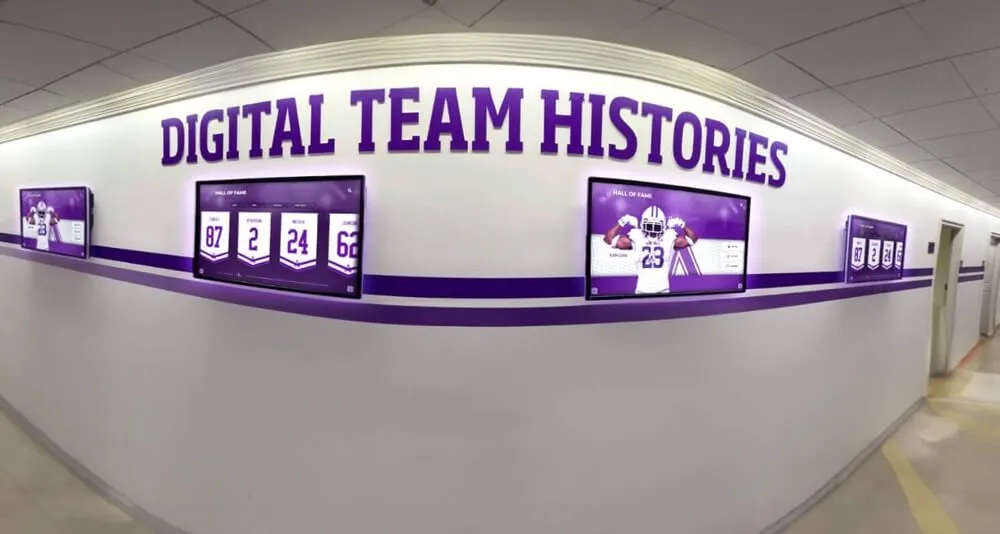
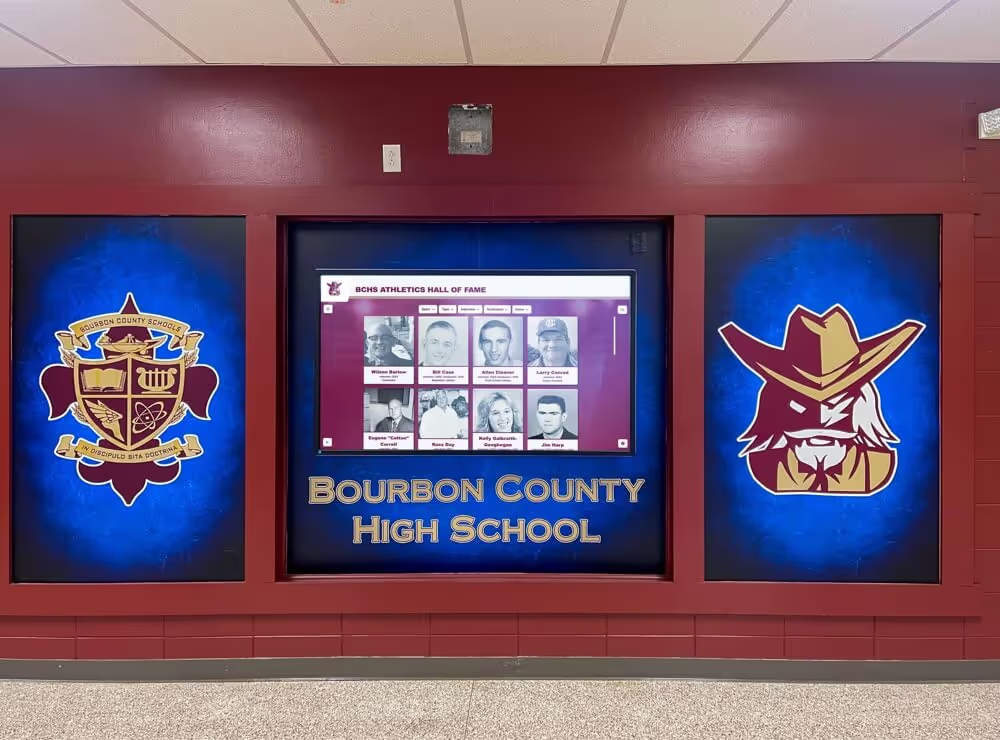
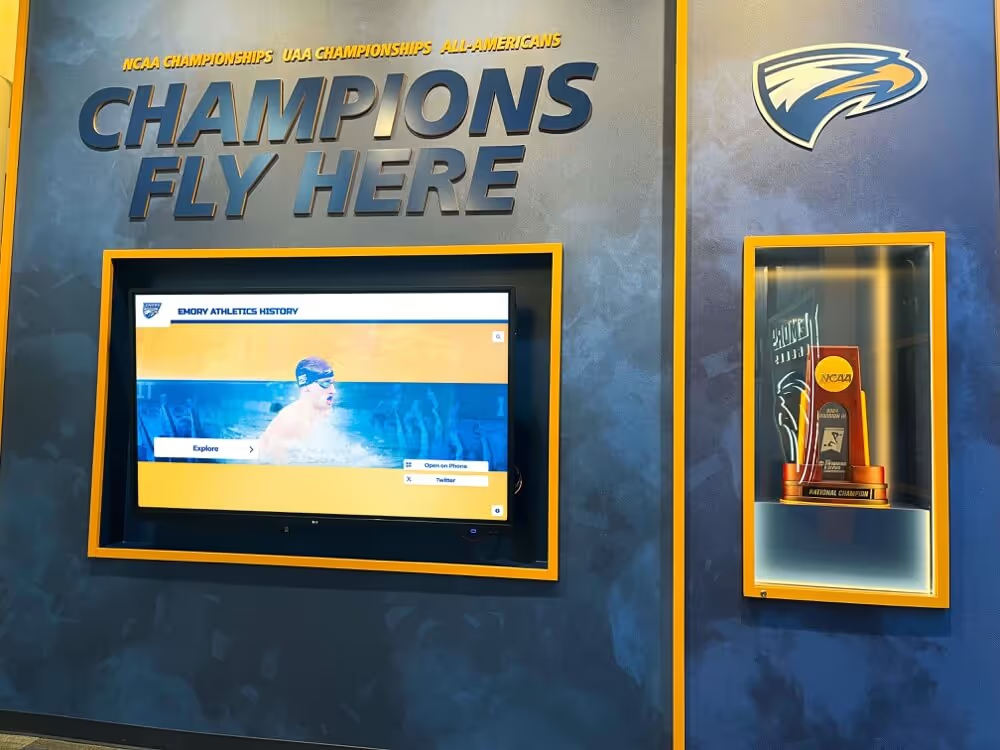
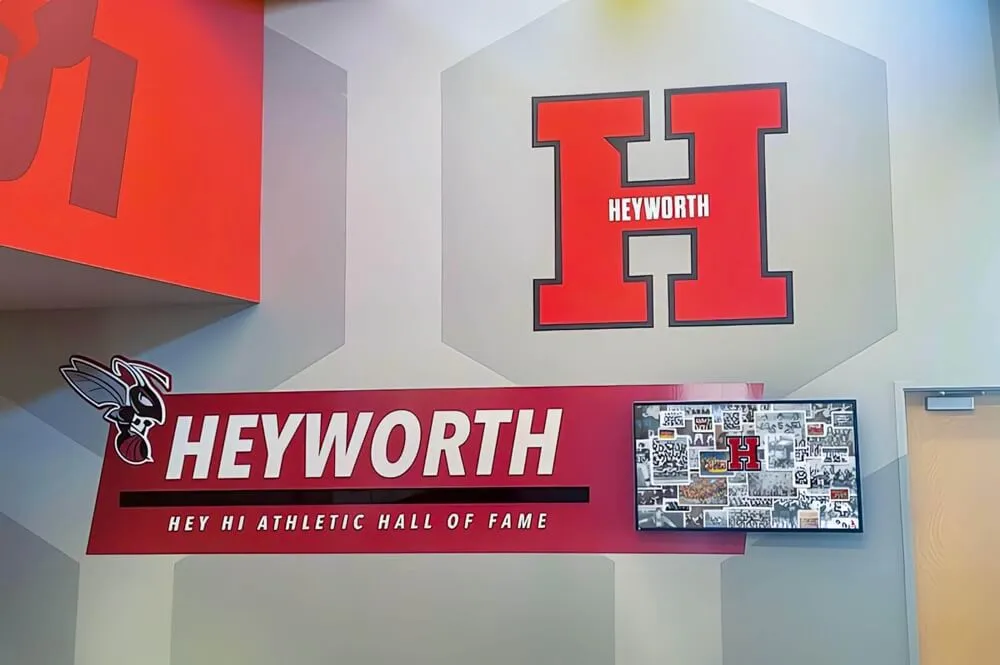
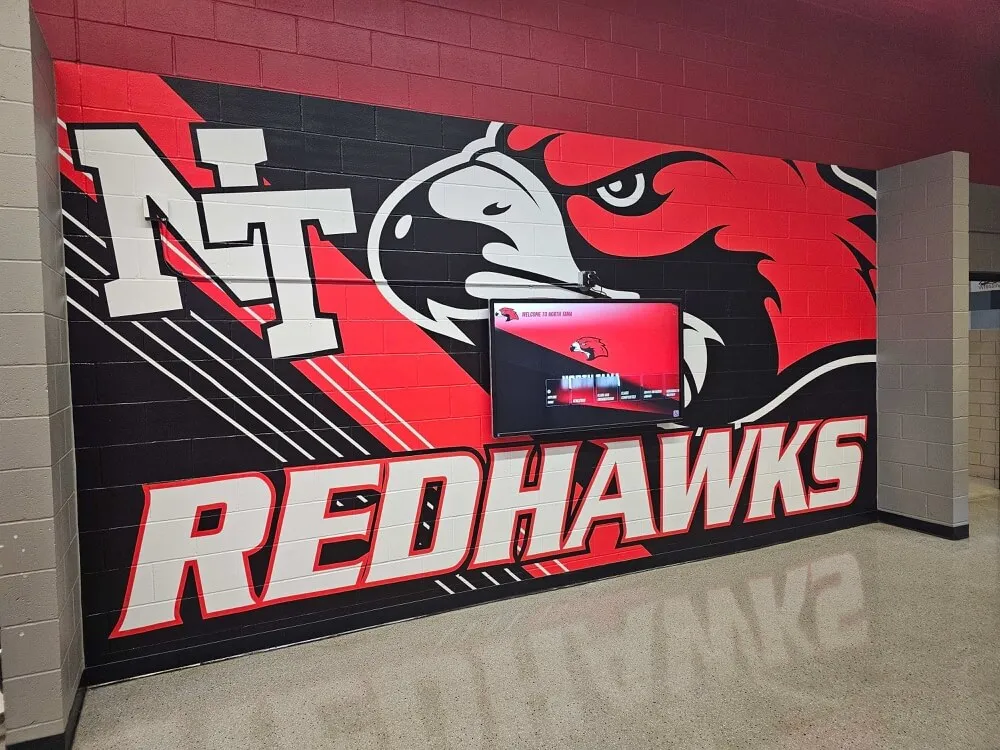
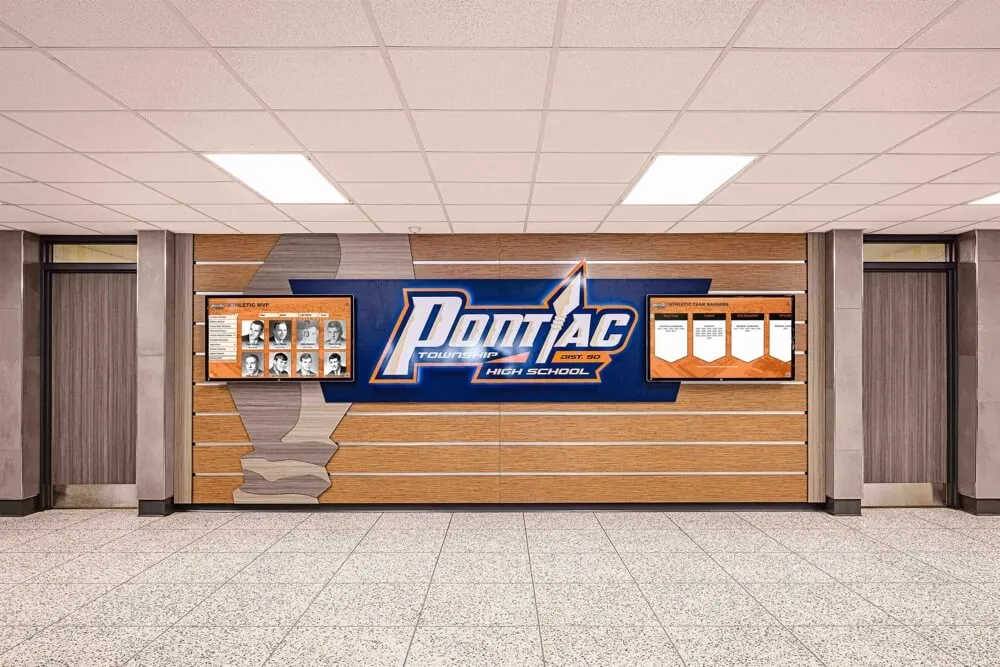
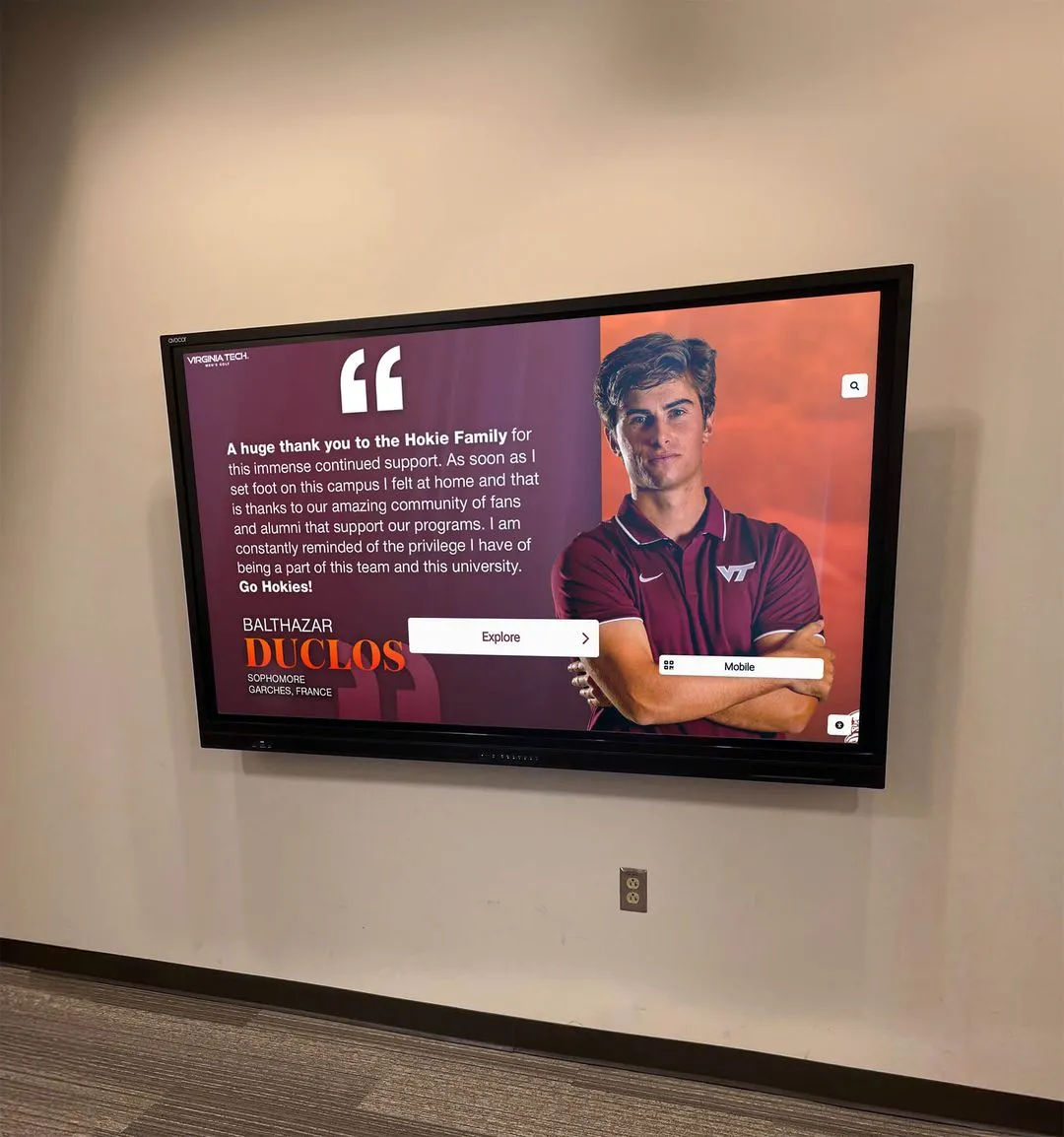
Digital displays in athletic hallways can cycle through current team rosters, season records, and historical lineup archives—all generated from the same roster data
What Makes a Team Roster Graphic Different from a Simple Lineup List
A printed program insert lists names. A roster graphic is a visual document designed to be seen, shared, and saved. The distinction matters because it determines whether roster information gets used once or a dozen times.
The Core Elements of an Effective Sports Roster Graphic
Visual Identity Components
- School or program logo prominently placed
- School colors as the dominant palette
- Mascot imagery or thematic background
- Season year clearly visible
- Sport-specific graphic elements (field, court, or track silhouettes)
Player Data Fields
- Full name (first and last)
- Jersey number
- Position or event specialty
- Class year or grade level
- Hometown (increasingly common for college programs)
- Optional: height, weight for contact sports
Coaching Staff Section
- Head coach name and title
- Assistant coaches
- Trainers and managers where appropriate
Format Consistency
- Uniform photo style for all athletes (same uniform, same background, same crop)
- Consistent typography across all player cards
- Clear visual hierarchy guiding the viewer’s eye
Programs that invest in consistent graphic templates find it dramatically easier to feed content into other recognition systems later. When player cards follow the same visual format season after season, digital archives become browsable and comparable across years—something schools pursuing comprehensive academic recognition programs increasingly treat as a strategic priority.
Why Roster Graphics Underperform Without a Plan
Most roster graphics underperform not because of poor design but because there is no downstream plan for the content. A graphic posted on Instagram and then archived in a folder never reaches the lobby touchscreen, never feeds the wall of fame database, and never becomes part of the school’s recognition archive. Creating the graphic is only half the work.
Social Media Applications of Team Roster Graphics
Social media is where the roster graphic has its most immediate impact, and platforms reward teams that publish timely, well-designed content early in the season.
Platform-by-Platform Strategies
Instagram and Facebook (Image-First Platforms)
- Full roster graphic as a carousel post (one athlete card per slide)
- Team graphic as a single-image post with caption tagging players
- Story countdown using individual player cards in the days before opening game
- Highlight reels with roster graphic as the title card
X (Twitter) and Threads
- Thread format introducing one player per post, with individual card graphic attached
- Season preview graphic combining roster with schedule
- Boosted engagement by tagging players and families
TikTok and Instagram Reels
- Slideshow video revealing roster one player at a time with music
- “Meet the Team” video overlaying roster graphic as lower-third text
- Transition videos where jersey numbers count up through the full roster
LinkedIn (for College Programs and Alumni Engagement)
- Team announcement to engage alumni and booster communities
- Coaching staff spotlight alongside roster graphic
- Program milestone posts (100th season, new conference affiliation)
Schools producing consistent social media content from roster graphics often discover that individual player spotlight posts—derived from the same data used to build the full roster—generate dramatically more engagement than program-level posts. A graphic featuring a single senior athlete’s name, photo, and career stats can reach that athlete’s entire social network.

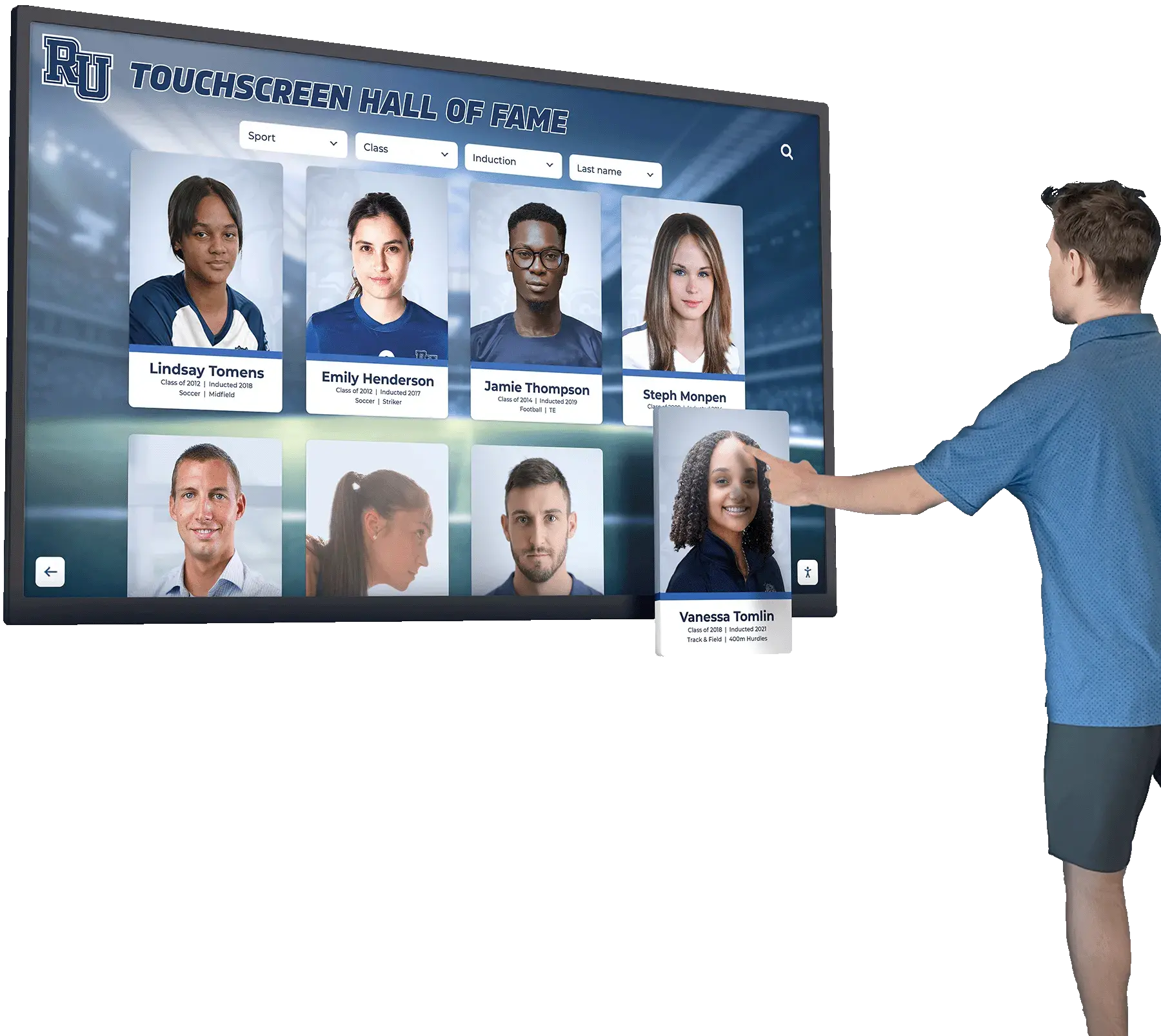
The same player data used in social roster graphics can populate interactive touchscreen displays where visitors browse athlete profiles by sport, year, or name
Timing Your Roster Graphic Releases
The timing of roster graphic releases follows a predictable rhythm that maximizes organic reach:
- Preseason announcement (2-3 weeks before first game): Full roster reveal builds anticipation
- Media day (photo day): Behind-the-scenes content alongside the official graphic
- First game week: Individual player spotlights, one per day
- Senior night: Dedicated senior roster graphic featuring outgoing players
- Season finale / banquet: Season recap version with final record
Programs that recognize students across performing arts, academics, and athletics often extend this same timed-release approach to ensembles, debate teams, and academic bowls—generating year-round recognition content from a single workflow.
Designing Team Roster Graphics: Tools, Templates, and Workflow
Free and Low-Cost Design Tools Schools Actually Use
Several platforms have emerged as standards for school athletics communications departments:
Canva for Education
- Pre-built sports roster templates
- Free tier available for schools
- Team collaboration features
- Direct social media publishing
- School branding kit upload
Adobe Express (formerly Spark)
- Brand template locking for consistent output
- Individual image export for player spotlights
- Mobile app for sideline updates
Rocket Graphics Rocket Alumni Solutions offers a purpose-built graphics platform for schools that generates roster graphics, game-day content, and player spotlight cards using school branding automatically. Unlike general design tools, Rocket Graphics integrates free AI-powered social media graphics directly within the school’s recognition ecosystem, so content produced for social media can feed directly into touchscreen display content without rebuilding graphics from scratch.
Building a Repeatable Roster Graphic Workflow
The schools that execute roster graphics most consistently follow a defined workflow rather than starting from scratch each season:
Step 1 — Data Collection Establish a standard data collection form coaches complete during preseason. Collect name, number, position, class year, and headshot in one place. Google Forms feeding a spreadsheet works well for smaller programs; dedicated athletic management software works better for larger ones.
Step 2 — Photo Standards Set a single photo standard: same background, same uniform piece, same crop ratio. Headshots against a plain gym wall in game jersey consistently outperform casual photos. Consistency enables the same photos to move seamlessly from the social roster graphic to the lobby touchscreen to the digital trophy case.
Step 3 — Template Population Use your chosen tool’s bulk import feature to populate player cards from the spreadsheet. Most modern tools support CSV-based template population, eliminating the need to manually place 30 player names.
Step 4 — Review and Approval Route through athletic director and head coach before publishing. Verify jersey numbers, name spellings, and photo selections.
Step 5 — Multi-Channel Export Export in platform-appropriate formats: square (1080×1080) for Instagram feed, vertical (1080×1920) for Stories, landscape (1920×1080) for touchscreen and lobby display, and high-resolution PDF for print programs.
From Roster Graphic to Touchscreen Display
The most forward-thinking athletic departments recognize that roster graphics are not just social content—they are the raw material for permanent interactive recognition displays. When a school installs a touchscreen wall of fame or digital trophy case, the roster graphic becomes the foundation of each team’s archived profile.
How Touchscreen Systems Use Roster Data
Interactive touchscreen displays can present roster information in ways that static graphics cannot:
Browse by Team or Sport Visitors navigate to any sport, select a season year, and view the complete roster with individual player cards—the same cards designed for social media, now living permanently in the school’s recognition system.
Player Profile Deep-Dives Tapping a player card on the touchscreen reveals a full profile page: career statistics, action photos, academic honors, and connections to championship teams. This information starts with the roster graphic but grows over time.
Year-Over-Year Comparisons A student browsing the football section can slide through rosters from 2005, 2015, and 2025 in sequence, watching the program evolve. That functionality depends entirely on roster graphics being consistently created and archived.
Record Boards Integration When roster data connects to a record board system, the display automatically highlights which current roster members hold school records, creating a live connection between the active lineup and the school’s achievement history.
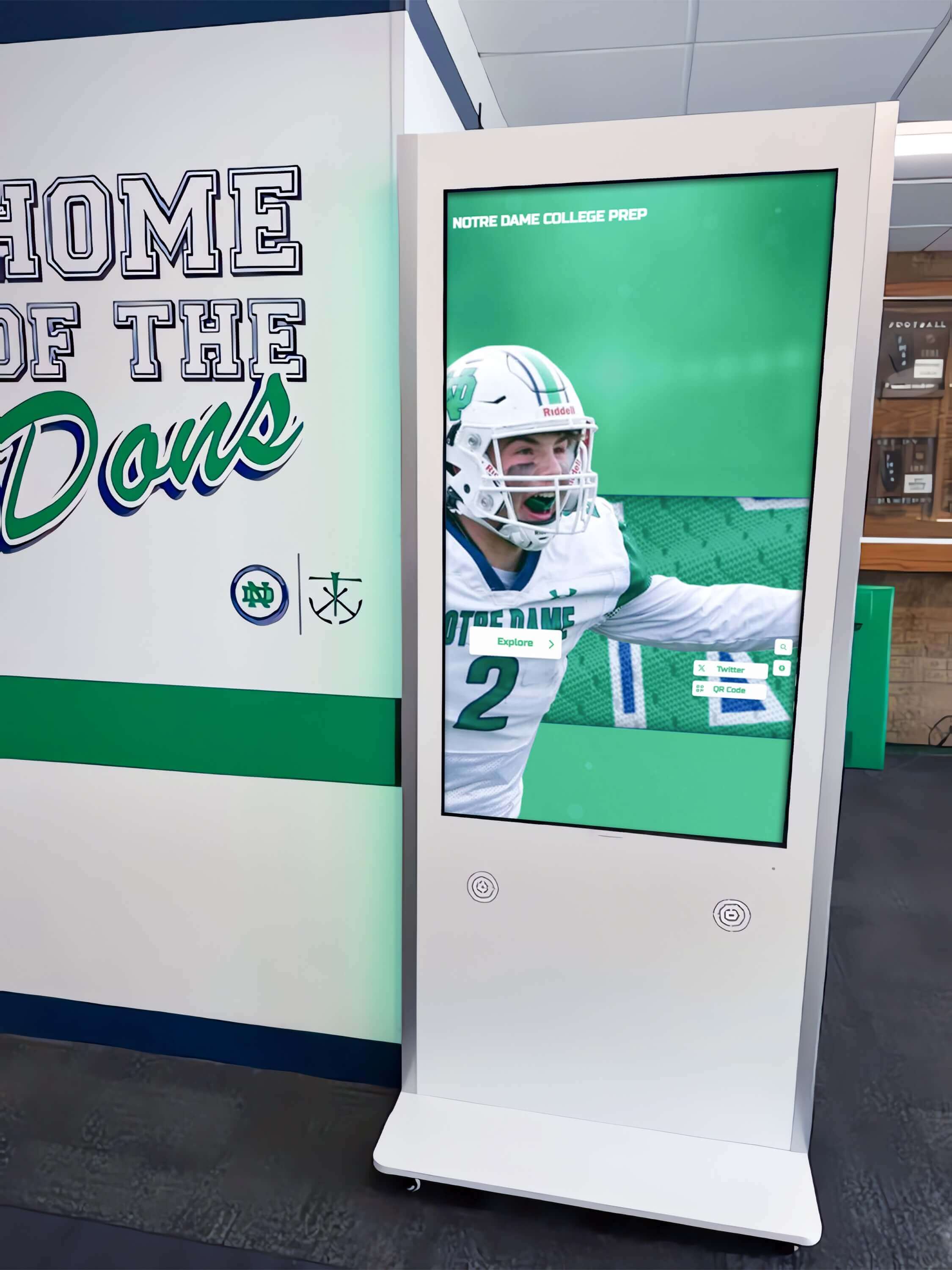
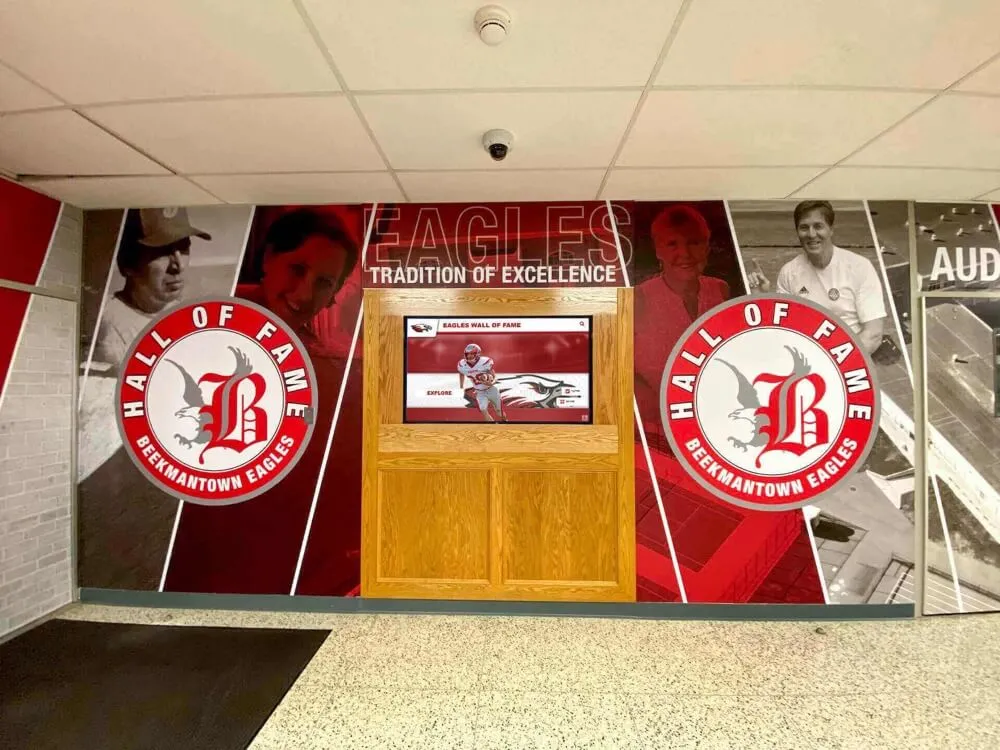
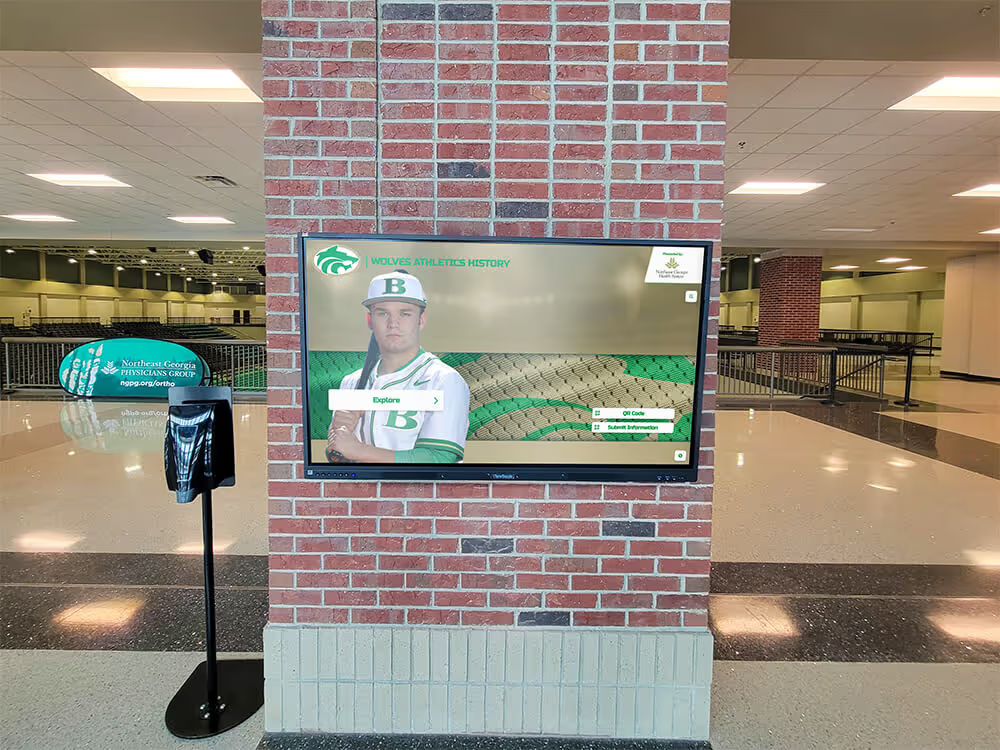
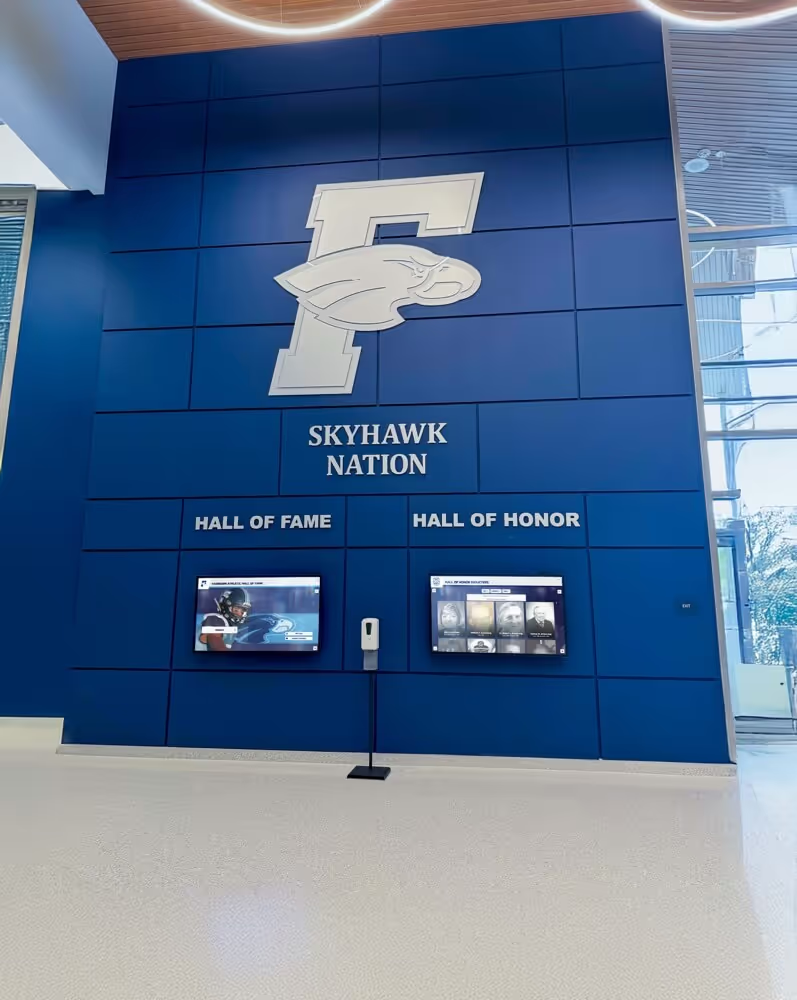
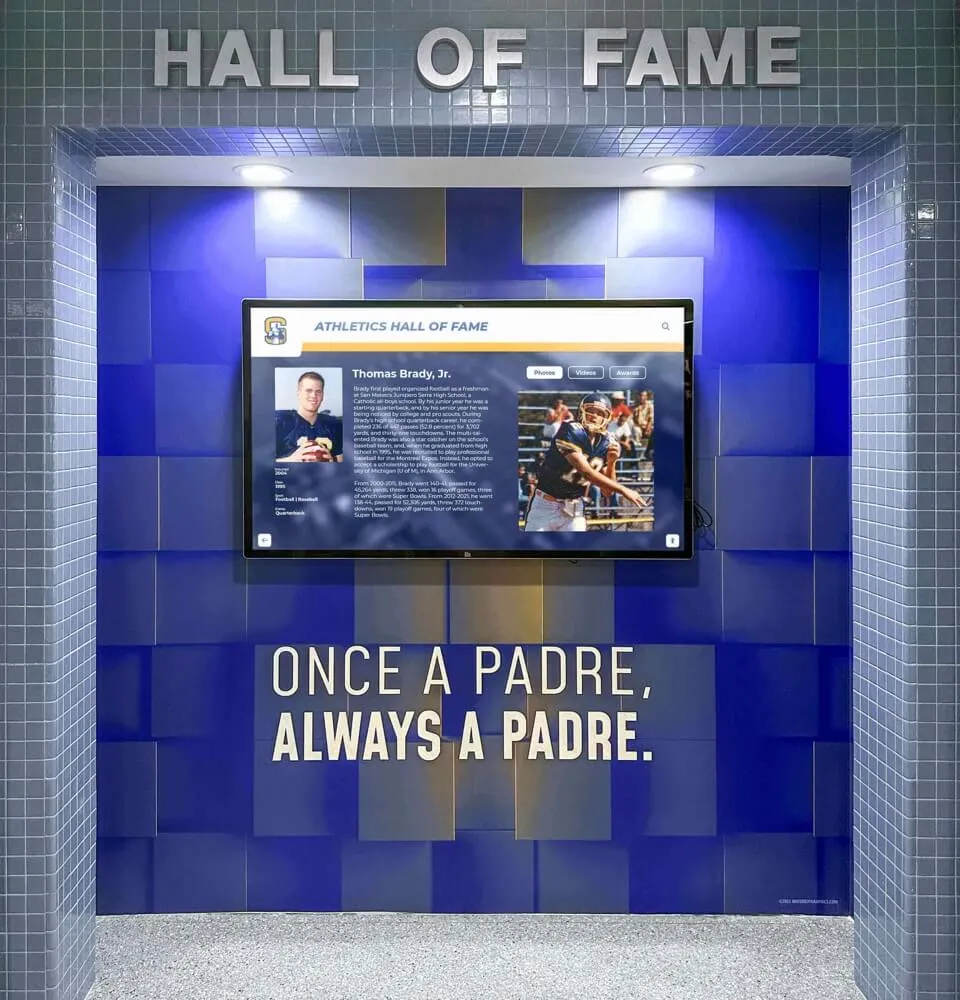
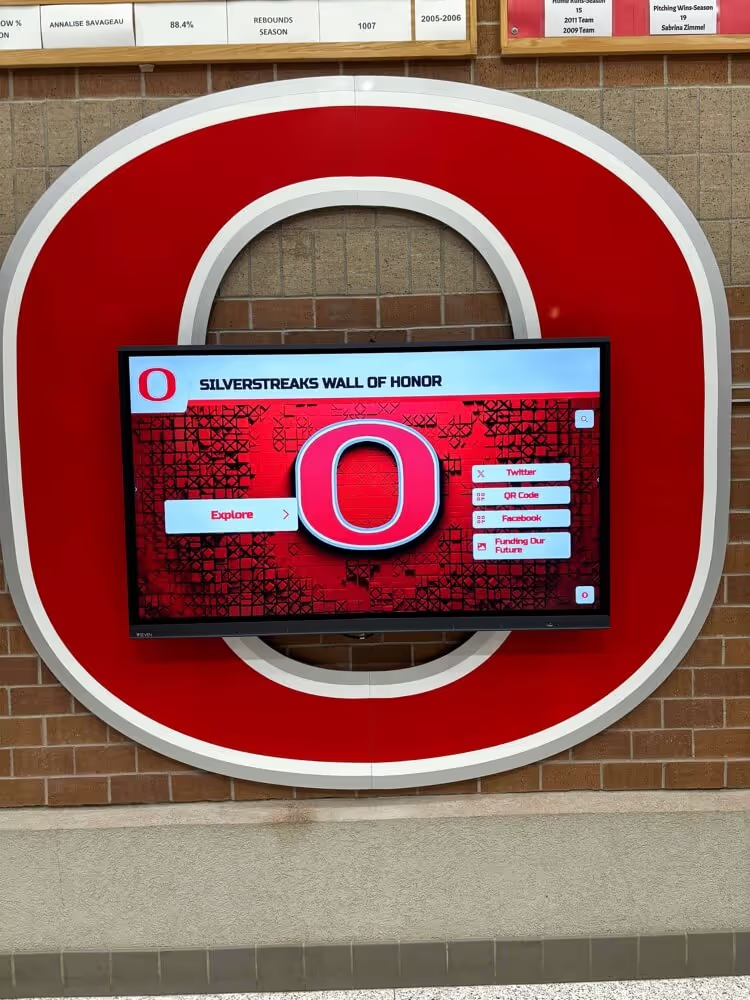
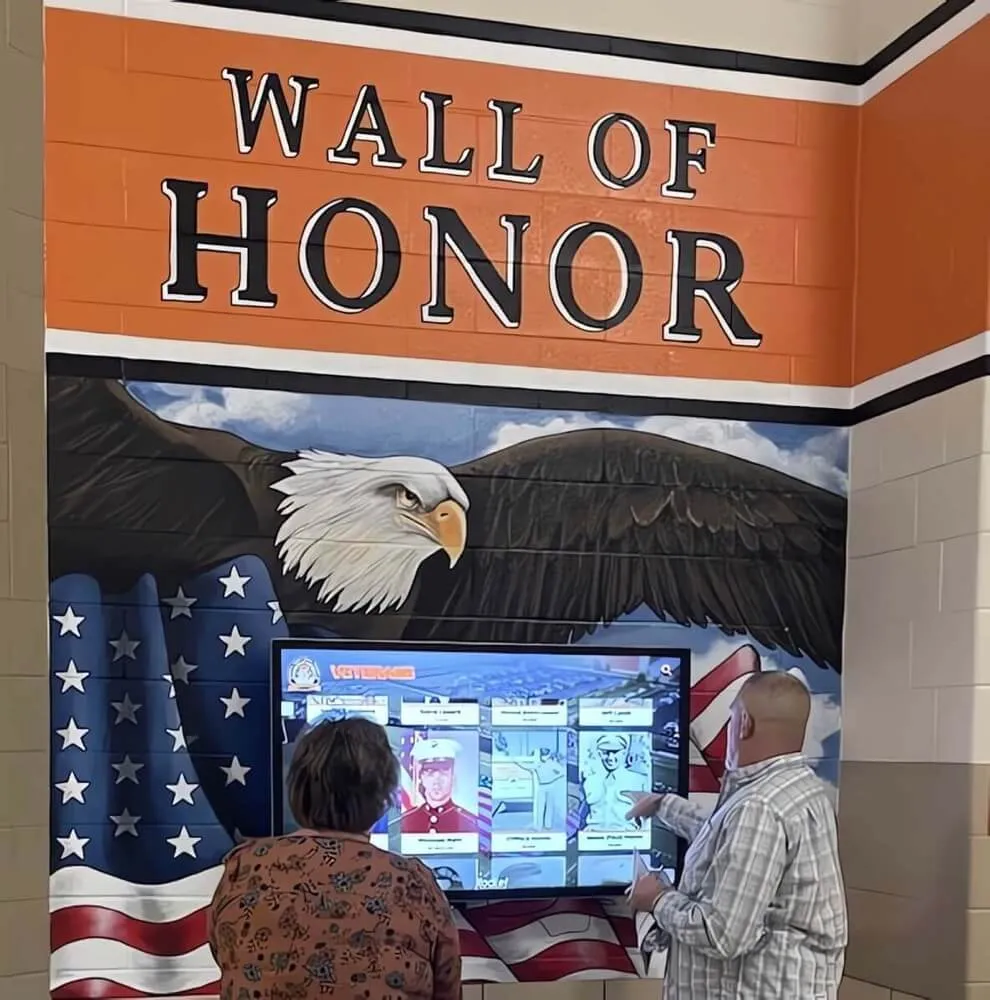
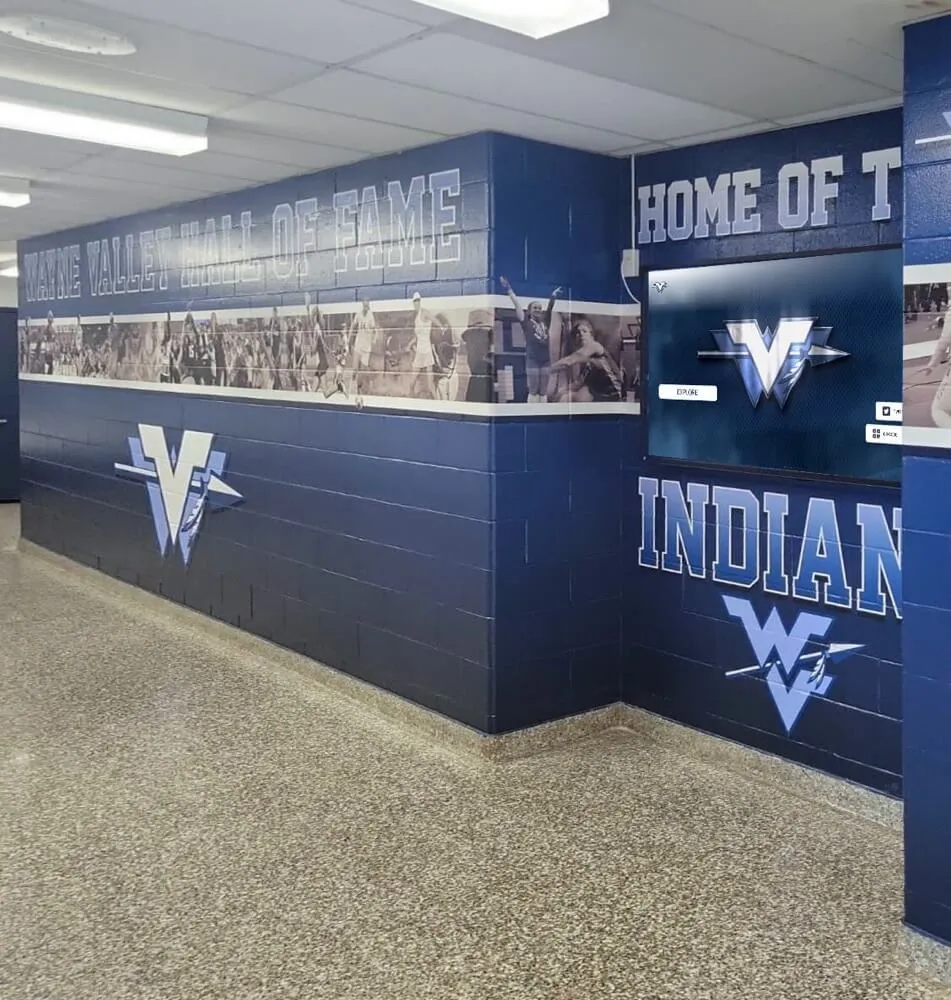
Interactive kiosks placed in athletic hallways give students, families, and visitors immediate access to current rosters and historical team archives
Schools implementing this approach find that their school archives become living documents rather than forgotten file folders, because each season’s roster graphic adds a new layer to an accessible, searchable database.
The Image SERP and Visibility Benefit
There is a practical SEO benefit to publishing well-labeled team roster graphics: image search results. When a school consistently publishes graphics with proper alt text, file names that include the team name and year, and descriptive captions, those graphics appear in Google Image search results for queries like “[School Name] basketball roster 2025” or “[Mascot] football team.” This drives organic traffic back to the school’s athletics website and social profiles—a compound benefit that grows with each season.
Team Roster Graphics Across Different Sports and Programs
Checklist: What Each Sports Roster Graphic Should Include
The base elements apply across all sports, but sport-specific additions strengthen each graphic’s identity:
Football
- Position groupings (offense, defense, special teams) as a secondary organizational layer
- Two-deep depth chart version for media use
- Jersey number prominently displayed—fans track numbers more than names at games
Basketball
- Shooting hand or position (PG, SG, SF, PF, C) on player cards
- Height and weight standard for this sport
- Season record overlay for mid-season graphics
Baseball and Softball
- Pitching staff call-outs
- Batting order version alongside full roster
- Jersey number and fielding position
Soccer
- Formation graphic with jersey numbers placed on field positions
- Roster graphic with national flag for programs with international players
Non-Traditional Sports Schools often overlook competitive programs like forensics and robotics when planning recognition graphics, but forensics team recognition and robotics team recognition benefit from the same roster graphic approach used in athletics—building member awareness, celebrating participation, and feeding long-term archive systems.
Performing Arts Programs Dance teams and performance squads are increasingly recognized alongside athletic rosters. A dance team recognition framework mirrors athletic roster approaches—headshots, names, positions (captain, co-captain, member), and class years—and plugs into the same touchscreen display systems used for sports.

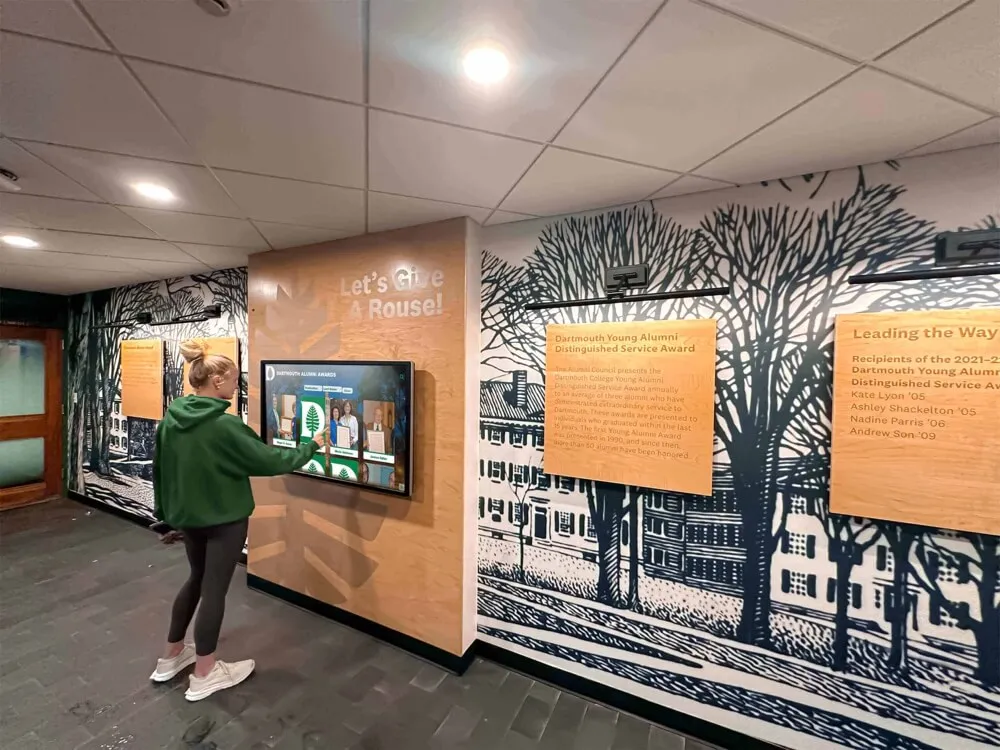
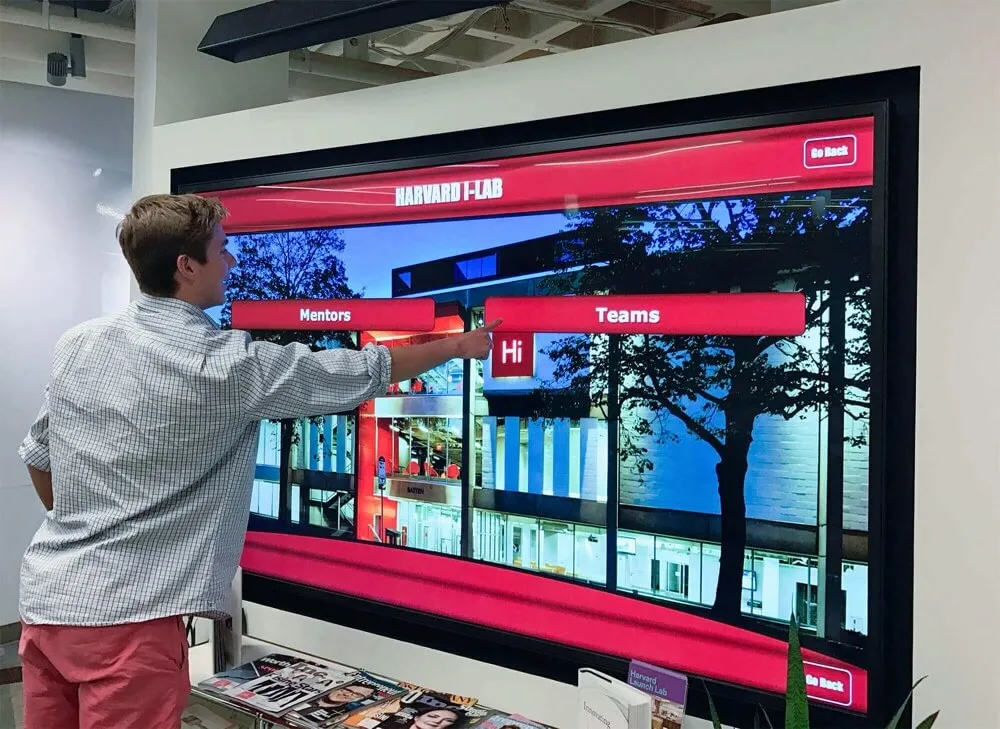
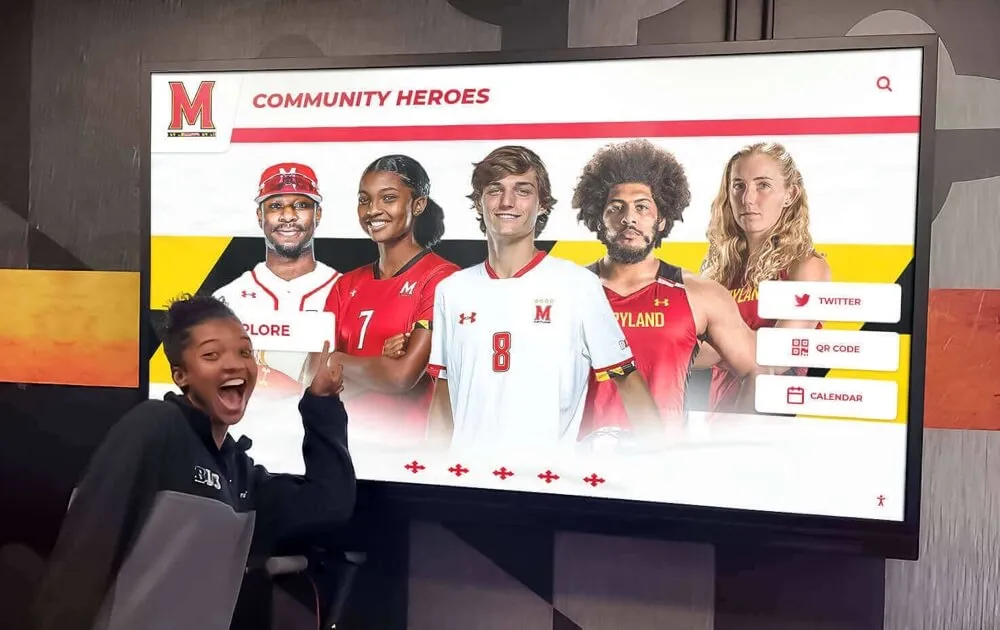
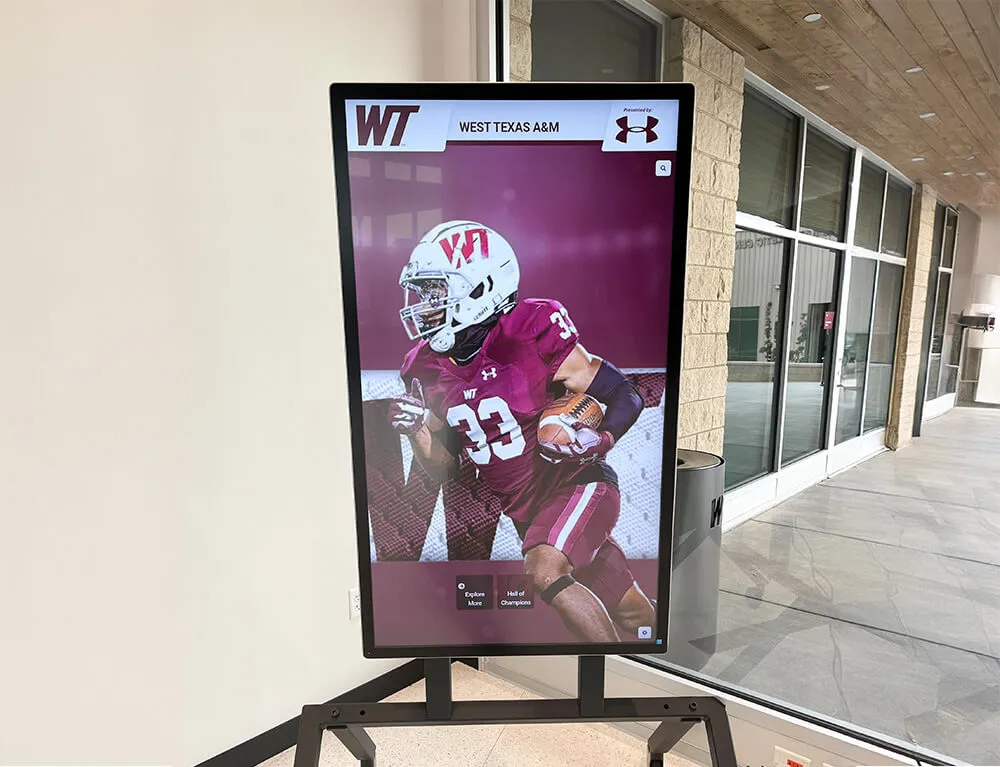
Athletes engaging with their own team content on lobby screens reinforces program identity and creates pride in roster recognition
Roster Graphics as the Foundation of Long-Term Recognition
One of the most underappreciated uses of team roster graphics is their role in building the foundation for long-term athlete recognition. A student whose name appears in a roster graphic today may be inducted into the school’s hall of fame in 20 years. If the school has a well-organized roster graphic archive, that induction is a matter of pulling existing records. If they don’t, staff members spend hours searching through yearbooks and old programs.
Building an Archive That Scales
Annual Roster Graphic Archive
Maintain a centralized folder organized by sport and year. Include all exported formats (social, print, display). Establish a naming convention (e.g., football-roster-2025-26.png) from the first season and maintain it consistently.
Tagging and Metadata Export player data to a spreadsheet alongside each season’s graphic. When a school processes a hall of fame nomination for a player from 10 years ago, staff should be able to search by name and return the season roster, photo, and stats in under two minutes.
Cloud CMS Integration Modern touchscreen recognition platforms offer cloud-based content management systems where roster graphics are uploaded once and then available across all display locations simultaneously—lobby kiosk, hallway screen, athletic center touchscreen. Updates made in the CMS propagate to all screens without manual intervention.
Schools planning their first touchscreen recognition installation frequently discover that they already have years of usable roster graphic content sitting in a communications folder—content that can populate a digital trophy case or interactive wall of fame immediately upon installation. Turnkey digital hall of fame systems often include content migration support to help schools bring these archives into a structured display format.
Connecting Roster Graphics to Athletic Banquet Recognition
The seasonal recognition cycle for most programs culminates in an athletic banquet where awards are announced and seniors are honored. Roster graphics produced throughout the season feed directly into banquet materials: slide presentations, programs, and trophy labels all draw from the same player photos and data. Athletic banquet decoration and recognition frameworks increasingly use roster graphic assets as the visual backbone of the event, projecting team cards and season summaries throughout the evening.
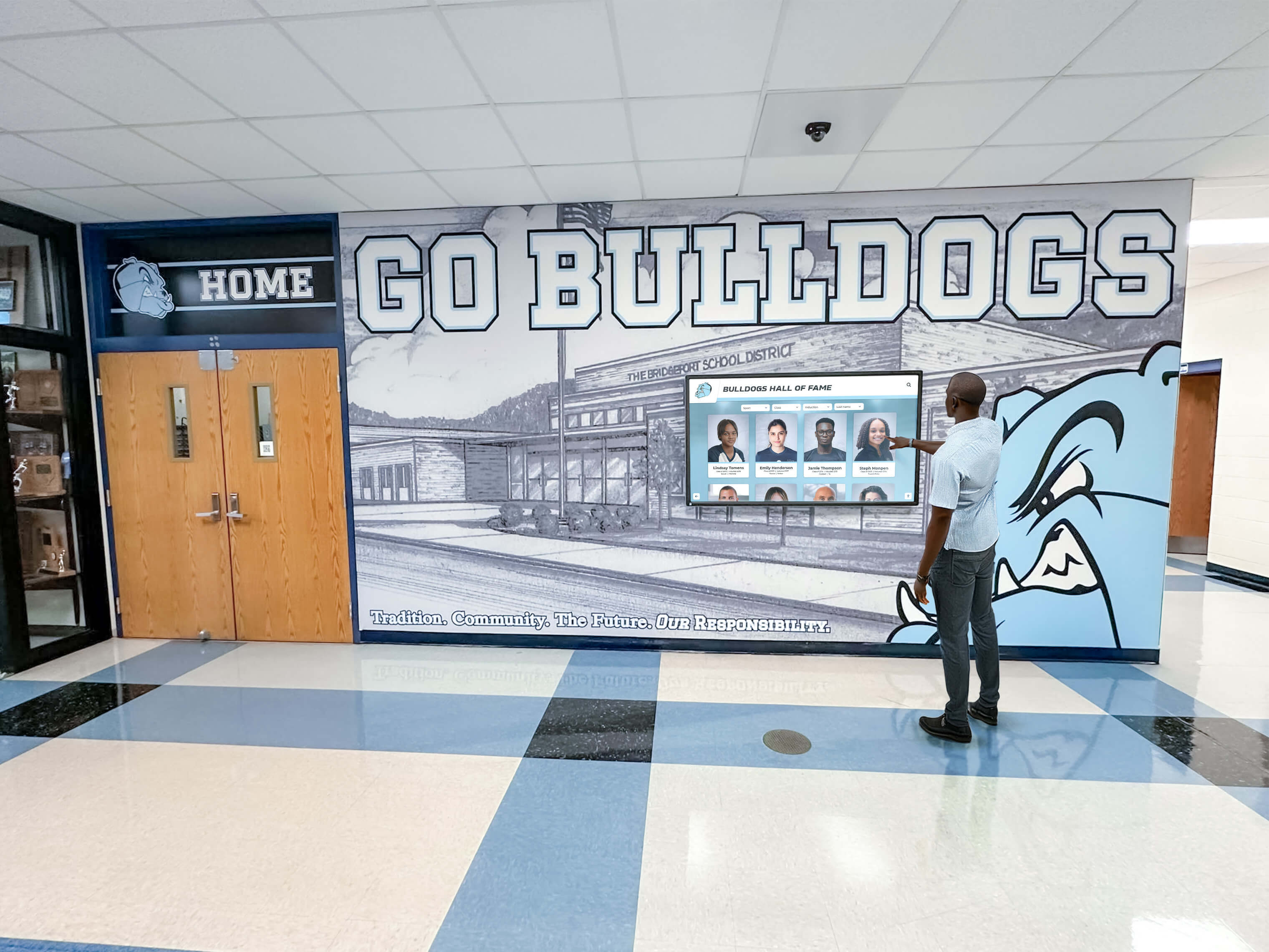
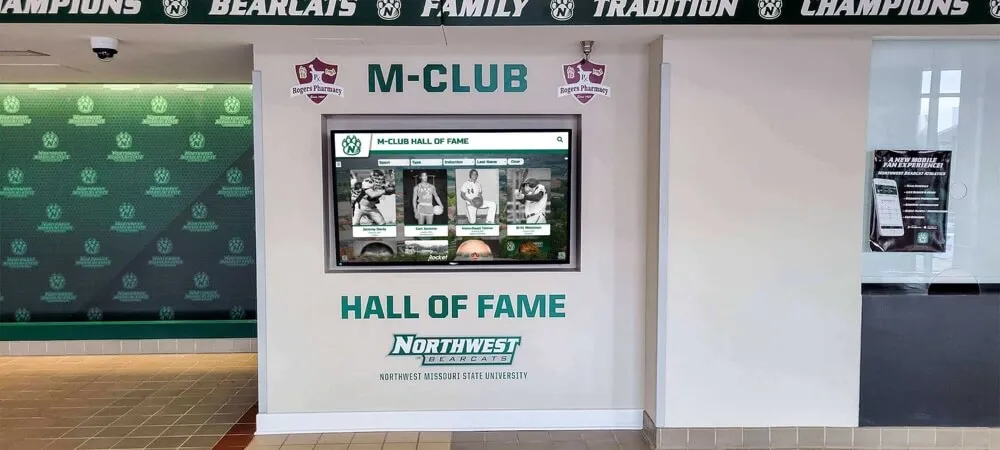
Touchscreen installations allow visitors to explore full program histories—season rosters, record holders, and hall of fame inductees—from a single lobby display
Roster Graphics for Alumni Engagement
Alumni engagement is one of the most powerful and often overlooked applications of roster graphics. When a school publishes a current team roster graphic alongside a throwback graphic from 20 years prior, alumni from that era engage at much higher rates than with general program content.
Alumni-Focused Roster Content Ideas
- Anniversary season throwback: “25 Years Since the 2001 Championship Team”
- Then-and-now comparisons featuring the same jersey numbers
- Alumni spotlight series connecting former roster members to current athletes
- QR code on printed roster graphic linking to interactive touchscreen display
Some schools place QR codes directly on lobby roster display cases that link alumni to the full digital archive via their mobile devices. Interactive school directories with QR access extend this concept across the full institution—not just athletics.
Layout Checklist: Team Roster Graphic for Every Channel
Use this checklist before finalizing any roster graphic for publication:
Data Accuracy
- All names spelled correctly (verify against official enrollment records)
- Jersey numbers confirmed with equipment manager
- Positions and class years accurate
- Coaching staff names and titles verified
- Season year clearly visible
Visual Standards
- School logo at proper resolution (vector or 300dpi minimum)
- School colors match brand guidelines (use official hex codes)
- All player photos consistent (same background, same crop, same uniform)
- Typography legible at smallest published size
- No overlapping text or clipped names
Channel-Specific Exports
- Square (1:1) for Instagram feed and Facebook
- Vertical (9:16) for Stories and Reels
- Landscape (16:9) for touchscreen lobby display
- High-resolution PNG for print programs
- Individual player card exports for spotlight posts
Accessibility
- Sufficient color contrast between text and background
- Alt text prepared for each image format
- File names include team name, sport, and year
Archive
- Saved to centralized athletics folder with consistent naming
- Player data exported to master spreadsheet
- Uploaded to CMS or display platform where applicable
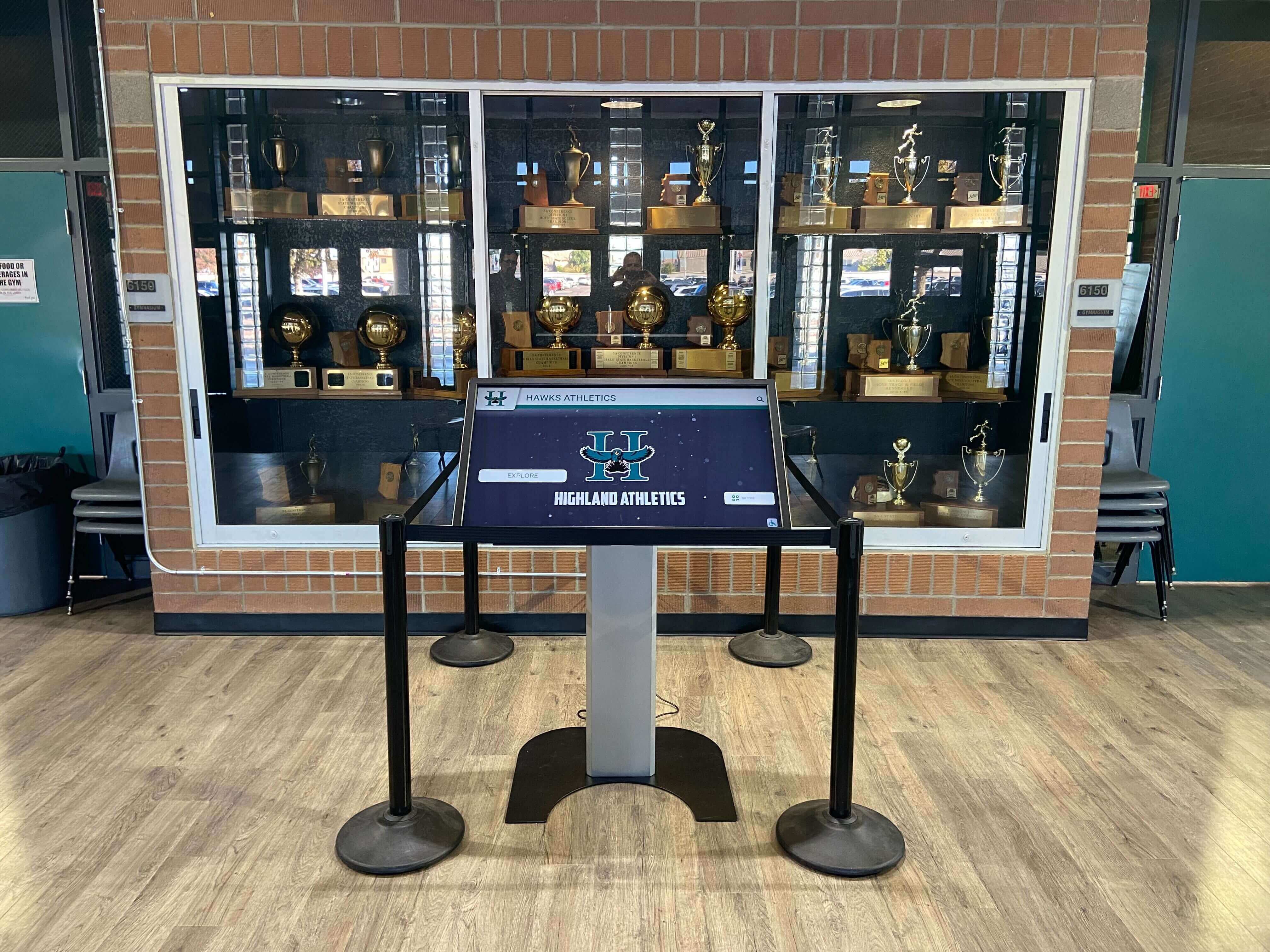
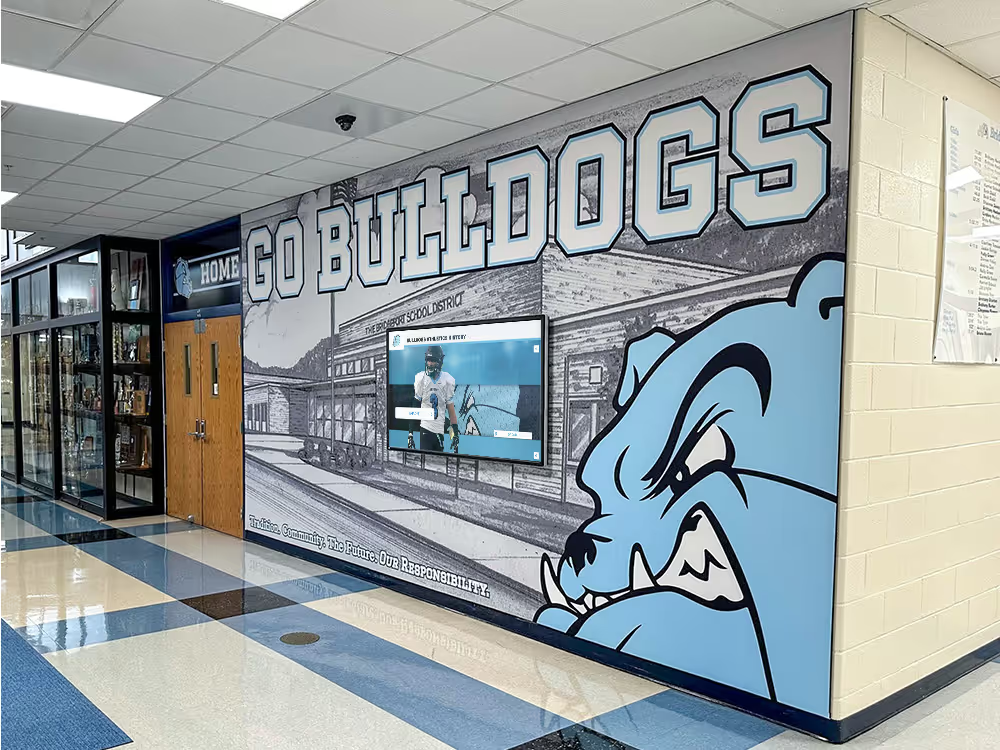
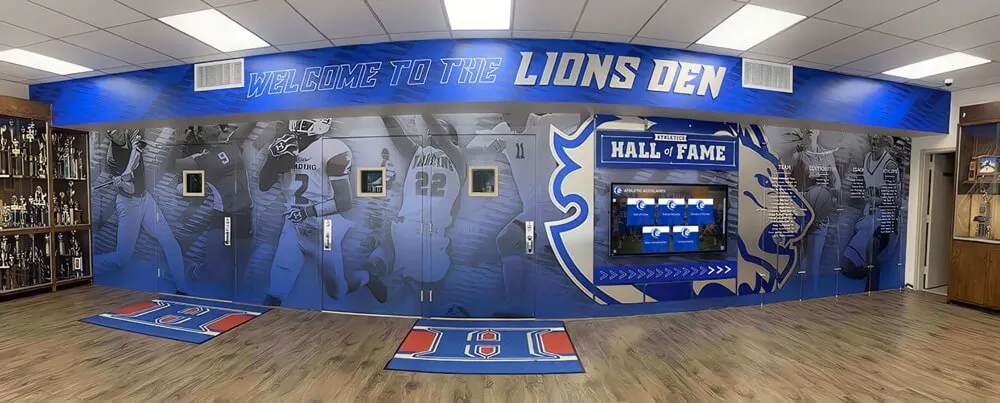
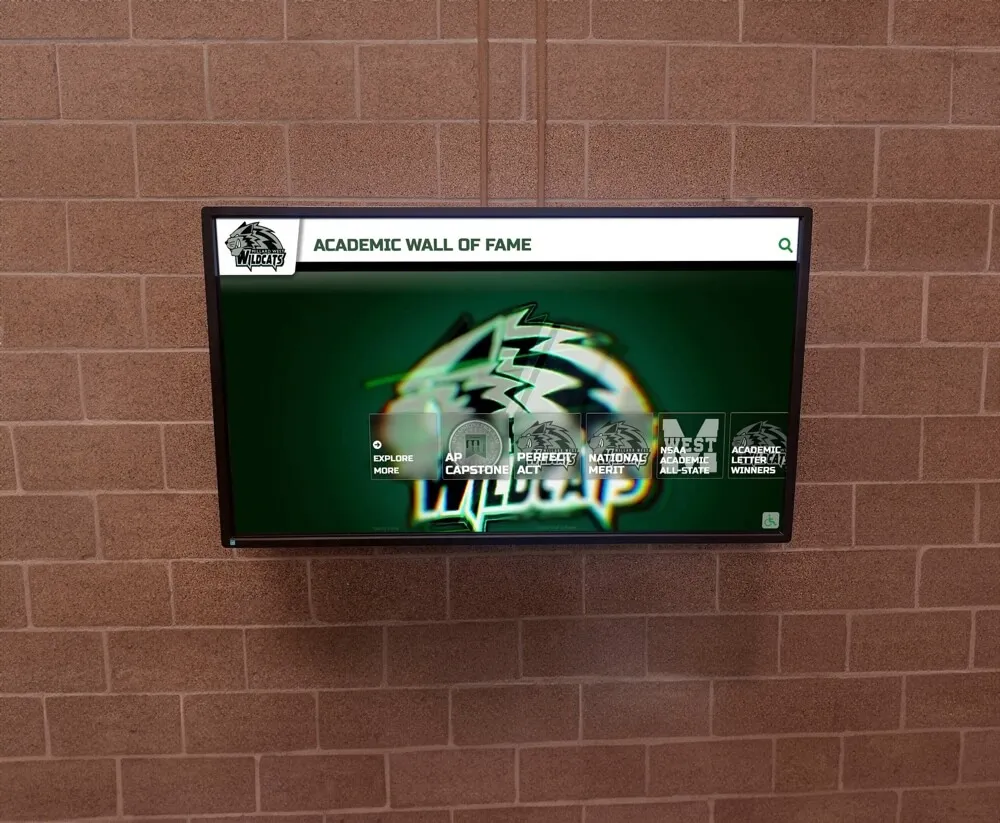
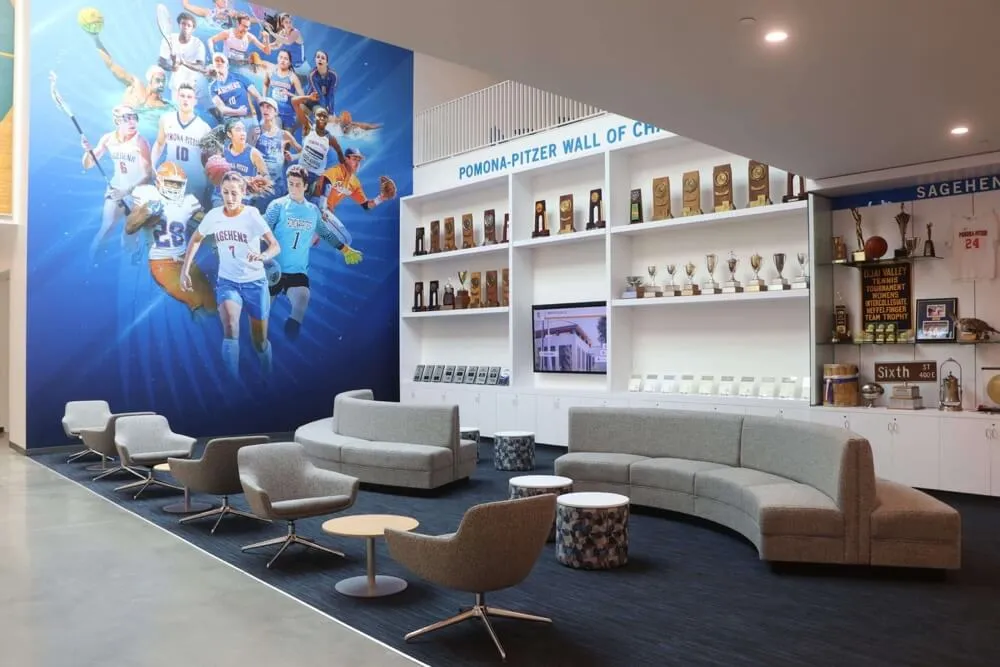
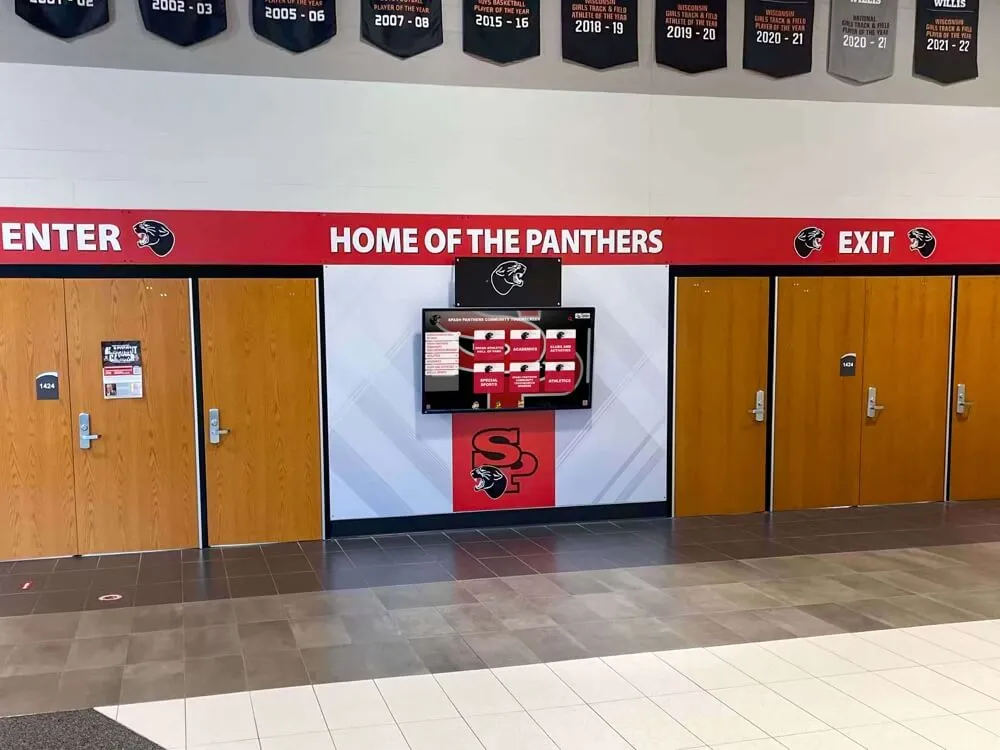
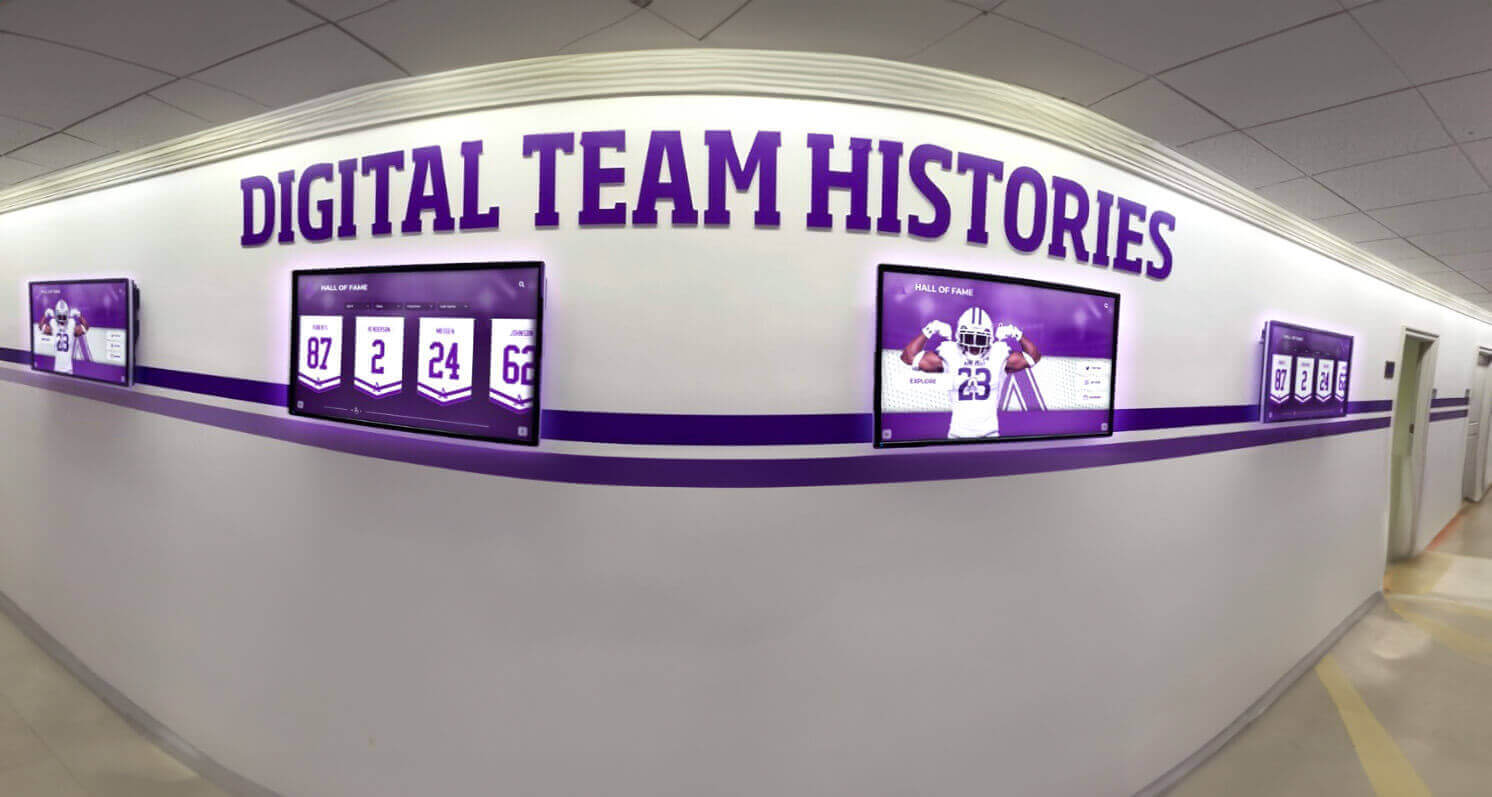
Touchscreen kiosks integrated into existing trophy case areas allow schools to combine traditional physical trophies with digital roster archives and recognition profiles
Integrating Roster Graphics into a Larger Recognition System
The schools that derive the most value from team roster graphics are those that connect the graphics workflow to a broader recognition platform. Standalone graphics created for one season’s social content are useful. Roster graphics that feed into a touchscreen wall of fame, digital trophy case, record board system, and alumni recognition website are transformational.
Rocket Alumni Solutions builds exactly this kind of connected recognition ecosystem for schools and universities. Over 600 institutions have used the platform to create interactive touchscreen displays that pull together current roster content, historical team archives, hall of fame inductee profiles, and auto-ranking record boards into a single ADA-compliant, cloud-managed experience. The system supports unlimited inductees and entries, remote content updates, QR code mobile access, and professional installation—meaning athletic departments can focus on creating great roster graphics rather than managing hardware.
Turn Your Roster Graphics Into a Lasting Recognition Platform
See how Rocket Alumni Solutions helps schools connect season-by-season roster content to interactive touchscreen walls of fame, digital trophy cases, and record boards—creating recognition systems that grow more valuable every year.
Explore Digital Recognition SolutionsFrequently Asked Questions About Team Roster Graphics
What size should a team roster graphic be for social media? For Instagram feed posts, use 1080×1080 pixels (square). For Stories and Reels, use 1080×1920 (vertical). For Twitter/X header or landscape use, 1920×1080 works well. Always export individual player cards at the same resolution to maintain visual consistency across a season-long spotlight series.
How do schools keep roster graphics consistent year to year? The most effective approach is maintaining a locked brand template in a design platform like Canva for Education or Adobe Express. The template uses school colors, fonts, and logo placement that cannot be accidentally modified. Each season, the prior year’s template is duplicated and populated with new player data—ensuring visual consistency across decades of archives.
Can roster graphic content feed directly into a touchscreen display? Yes. Modern touchscreen recognition platforms accept bulk image and data uploads, so individual player card graphics designed for social media can populate profile pages in an interactive display system. The key is using consistent file naming and data formatting from the start of the season.
What is the best way to handle athletes who miss photo day? Designate a makeup photo day within the first two weeks of the season. For athletes who are still unavailable, use a consistent placeholder image (school logo or silhouette) rather than skipping the slot, which creates visual inconsistency. Update the graphic as soon as the makeup photo is available.
How do roster graphics connect to a hall of fame system? When a student becomes a hall of fame inductee years after graduation, the school’s roster graphic archive provides the official photo and roster context for the inductee profile. Programs that have maintained consistent roster graphics since a player’s active years can build a far richer inductee profile than those starting from scratch.
Conclusion: The Roster Graphic as a Recognition Infrastructure Investment
A team roster graphic created at the start of a season looks like a one-time communications task. Viewed over a 10-year horizon, it is a piece of recognition infrastructure. Each season’s graphic adds a layer to a school’s athletic archive, provides content for current families and fans, and eventually becomes the source material for hall of fame profiles, banquet presentations, and alumni engagement campaigns.
Schools that build systematic, consistent roster graphic workflows—and connect those workflows to interactive display systems—find that the cumulative return on that early-season effort compounds dramatically over time. The student whose name appears on this year’s roster graphic may be recognized on a lobby touchscreen display for decades to come.
That is the real value of a team roster graphic: not the post that runs on game day, but the permanent, living record of a team and the athletes who made it.
Ready to connect your roster content to a lasting recognition system?
Rocket Alumni Solutions serves 600+ institutions with touchscreen walls of fame, digital trophy cases, and record boards that grow alongside your program's history.
Learn more about Rocket Alumni Solutions' Digital Wall of Fame platform →Live Example: Rocket Alumni Solutions Touchscreen Display
Interact with a live example (16:9 scaled 1920x1080 display). All content is automatically responsive to all screen sizes and orientations.