



Large buildings, campuses, and facilities face a common challenge: helping visitors, students, staff, and guests find their destination quickly and independently. Traditional static directories with outdated tenant lists and confusing floor plans frustrate visitors while creating ongoing maintenance burdens for facility managers. Touchscreen building directories solve these problems by delivering intuitive, always-current wayfinding information through interactive displays that visitors can actually use.
Modern touchscreen building directories combine user-friendly interfaces with powerful content management systems, enabling facilities to provide comprehensive information about locations, people, departments, events, and services—all accessible through simple touch interactions. These systems transform visitor experience while reducing front desk inquiries and improving operational efficiency.
This comprehensive guide examines touchscreen building directories for educational institutions, corporate facilities, hospitals, government buildings, and multi-tenant properties—covering features, benefits, implementation strategies, and how to select the right solution for your facility’s specific needs.
Understanding touchscreen building directories requires examining both the technology that powers these systems and the real-world wayfinding challenges they address across different facility types and visitor populations.

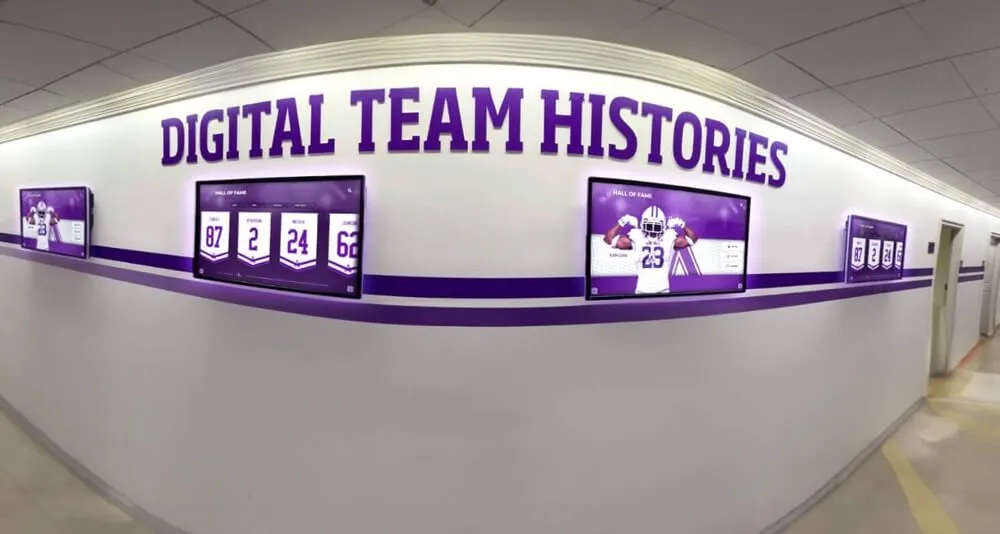
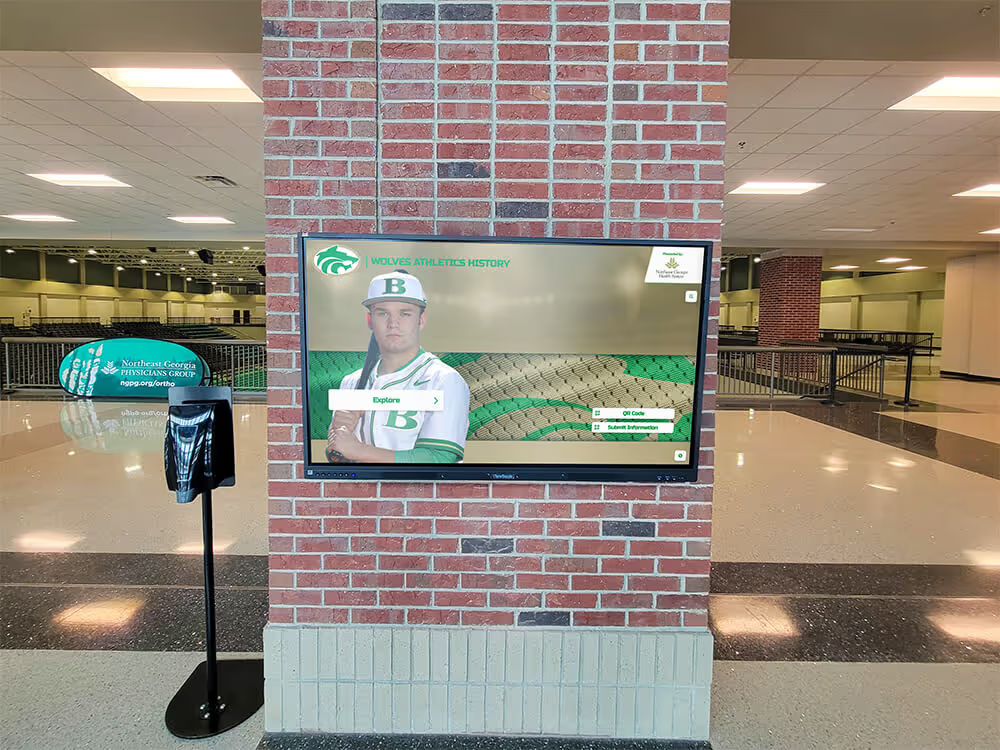
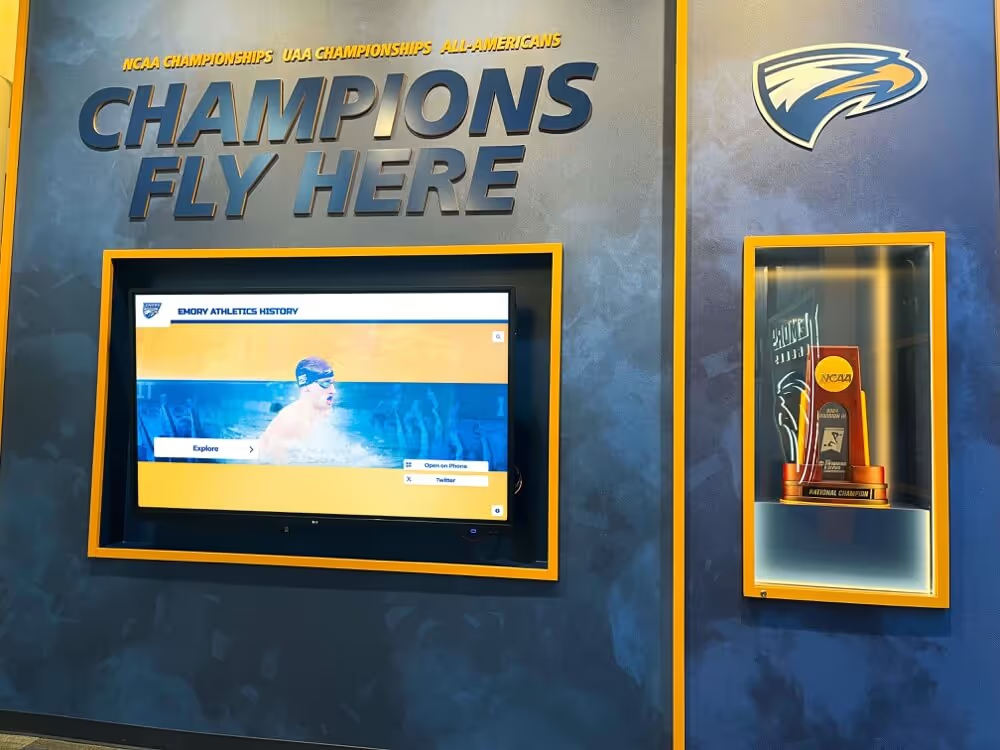
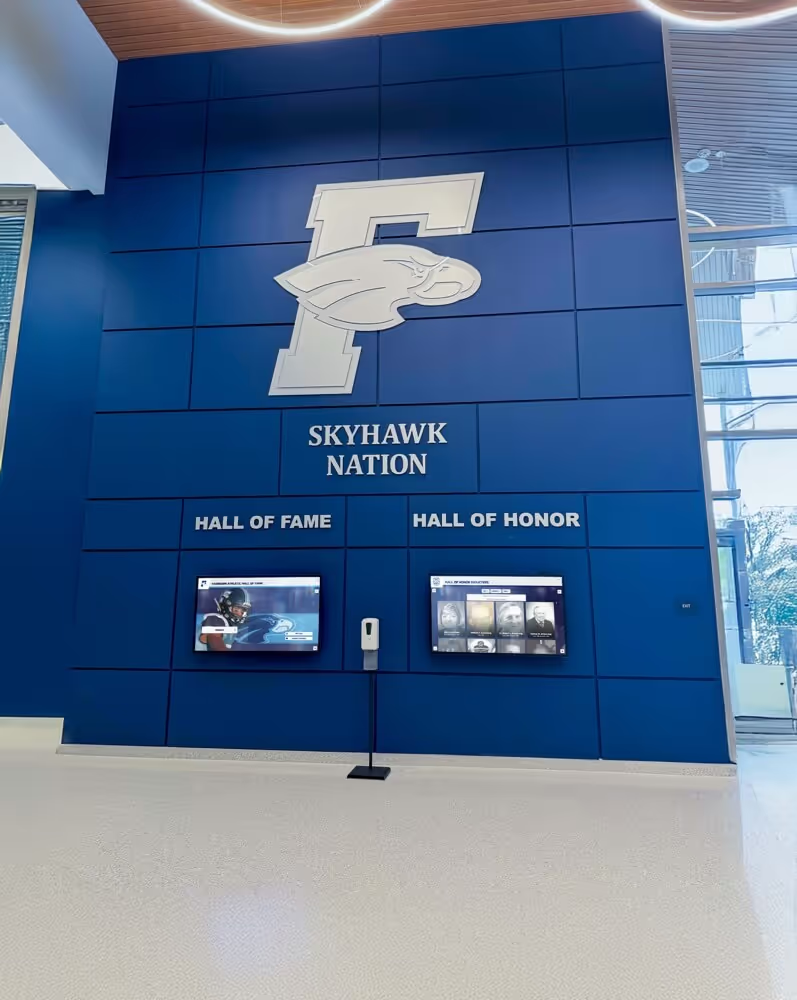
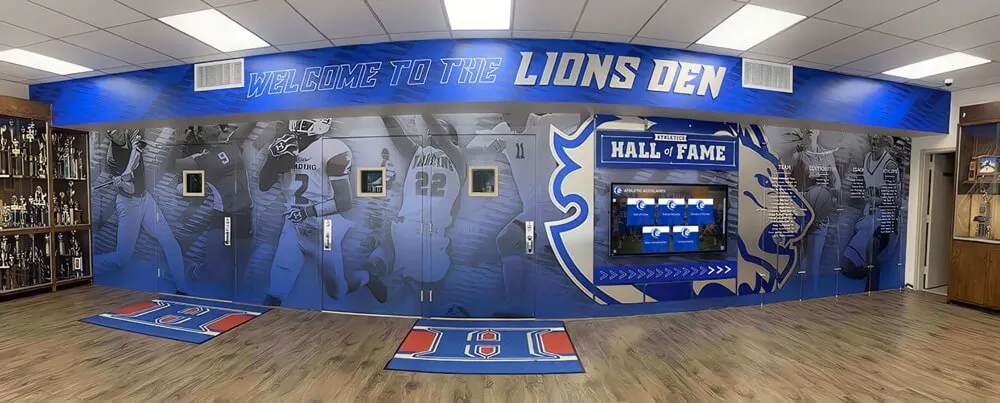
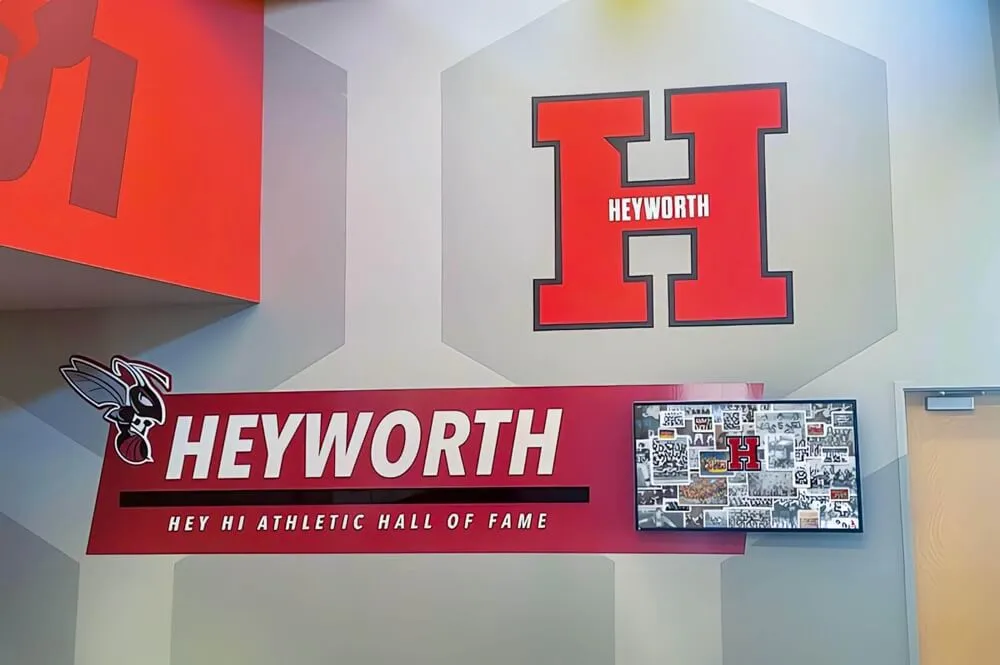
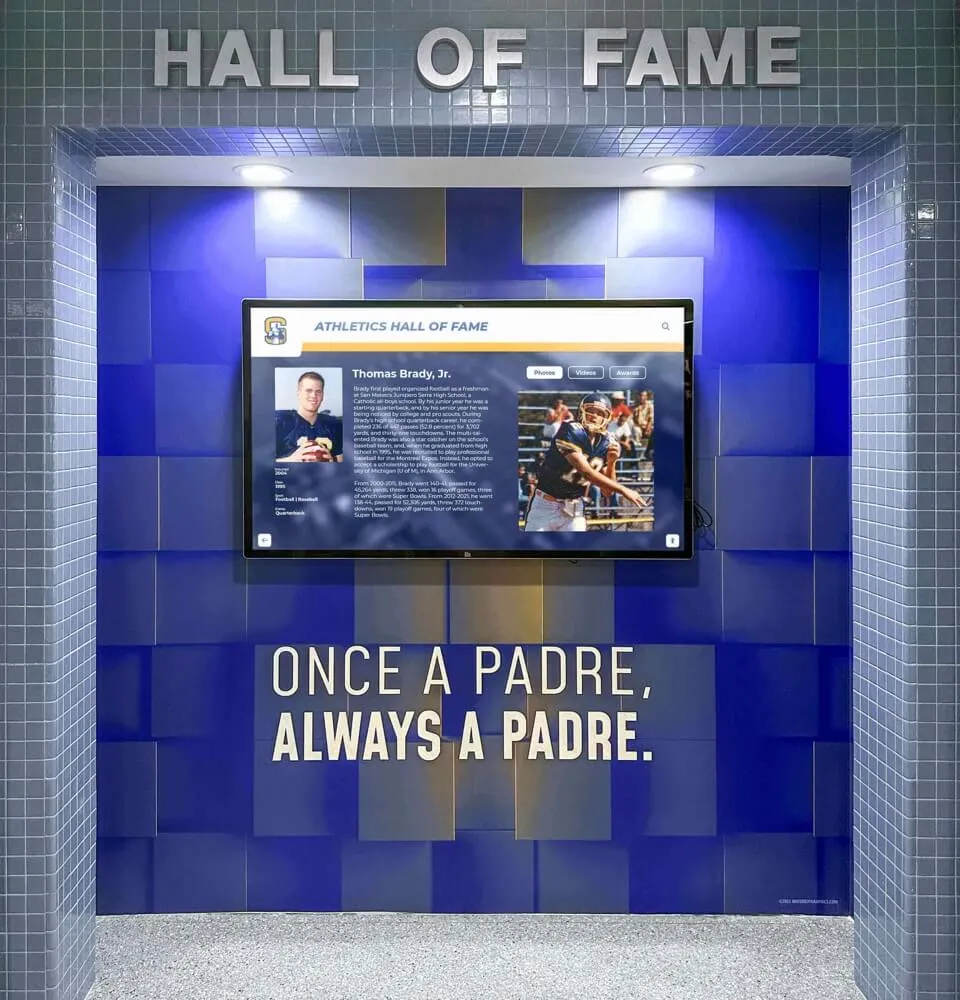
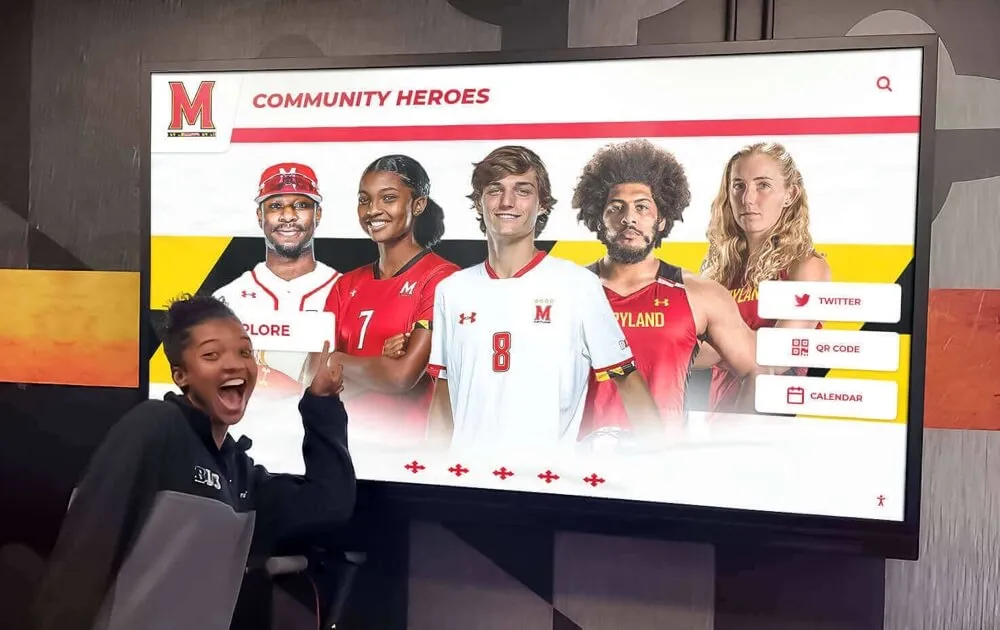
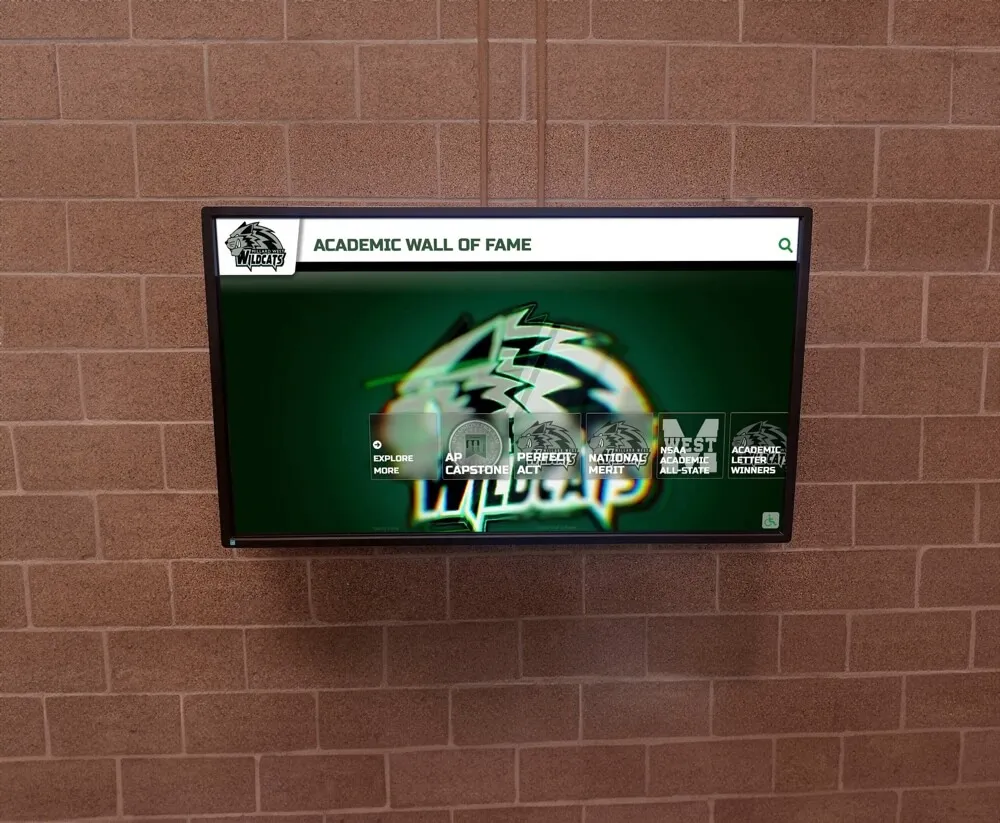
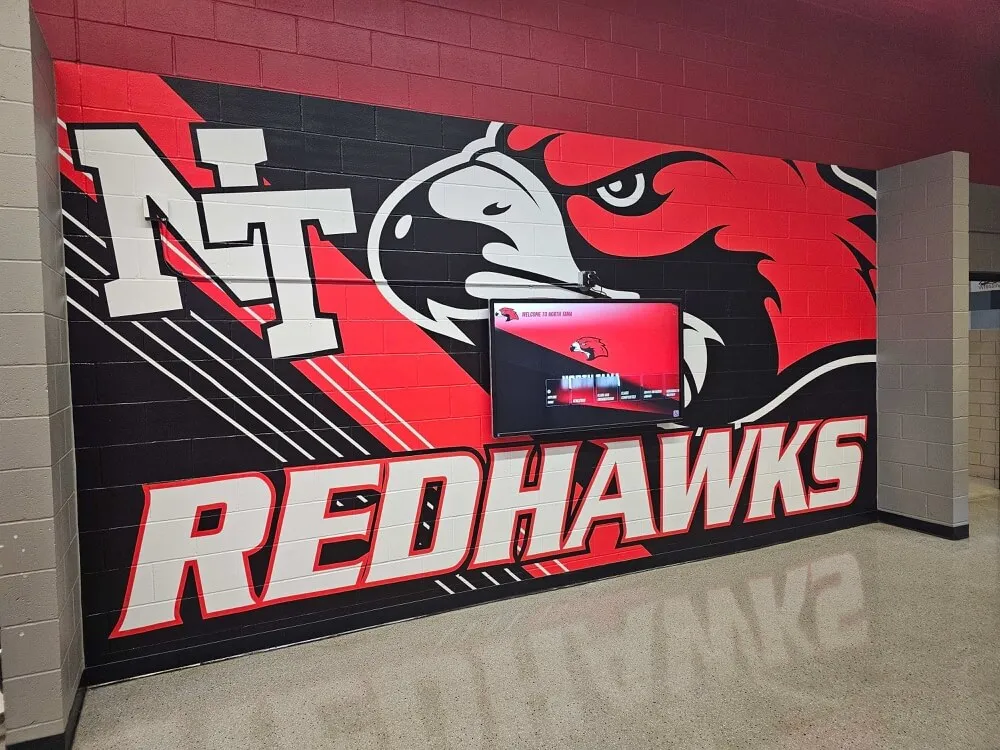
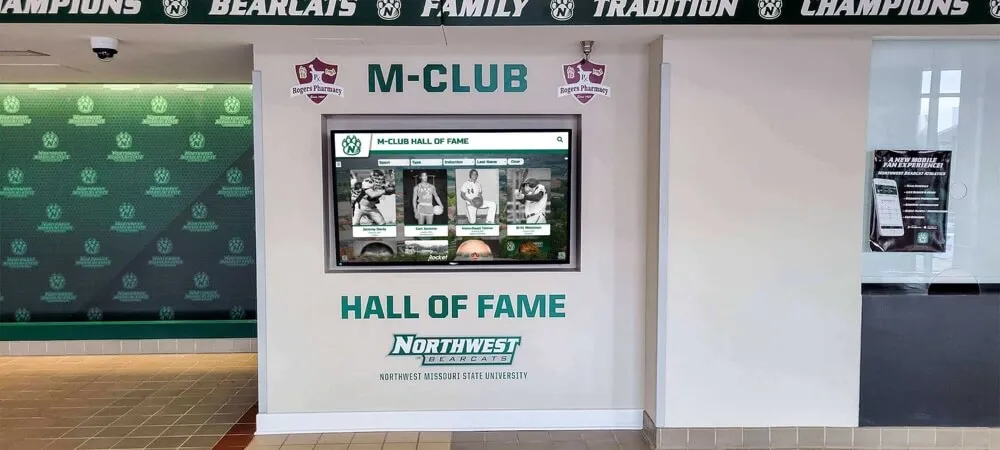
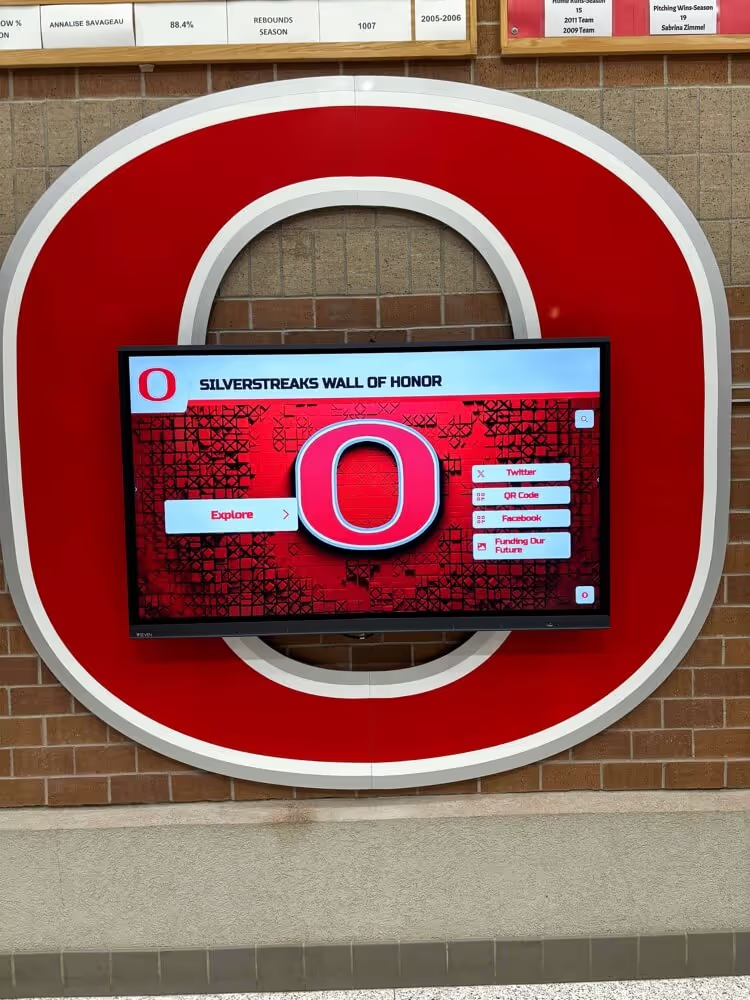
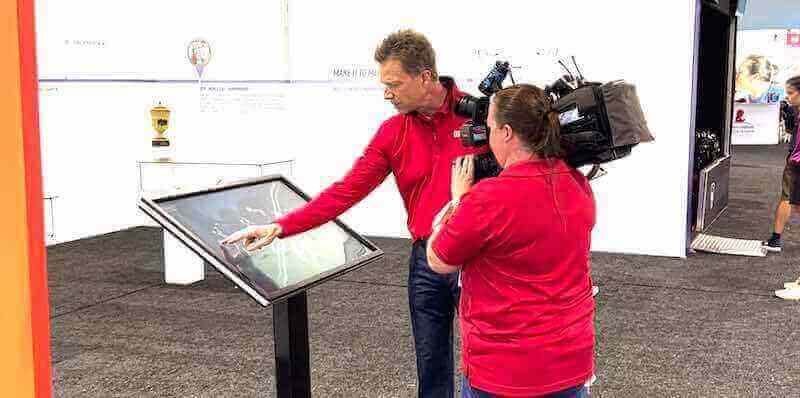
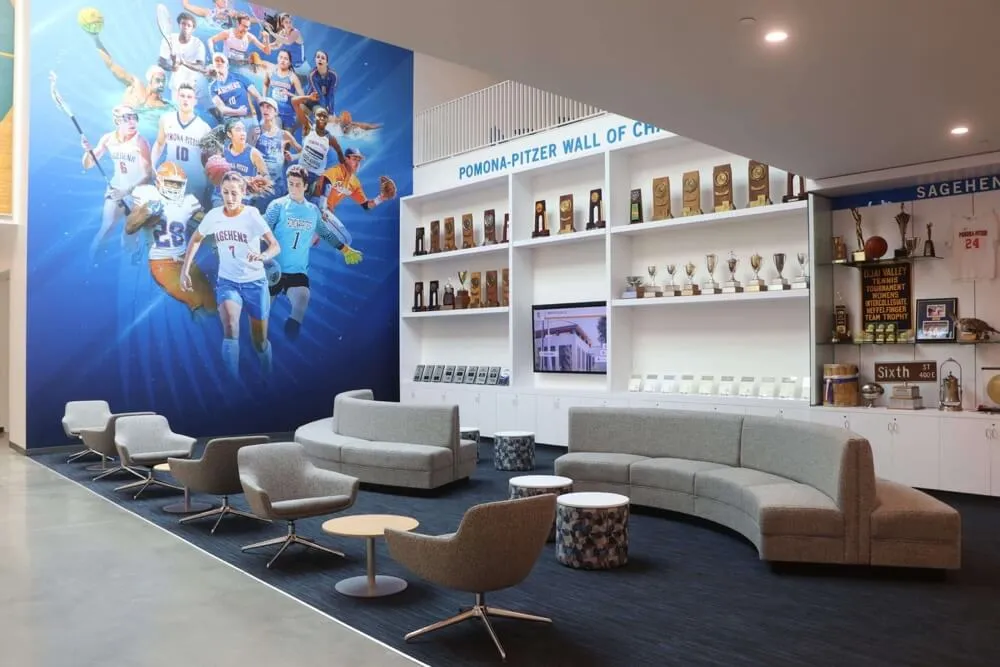
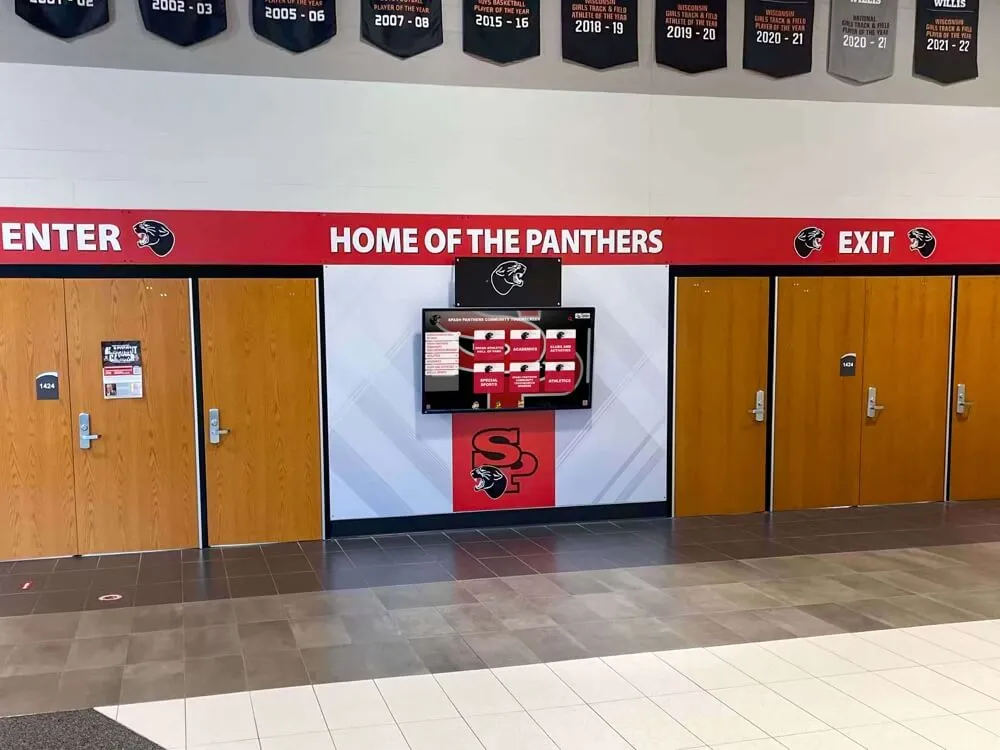
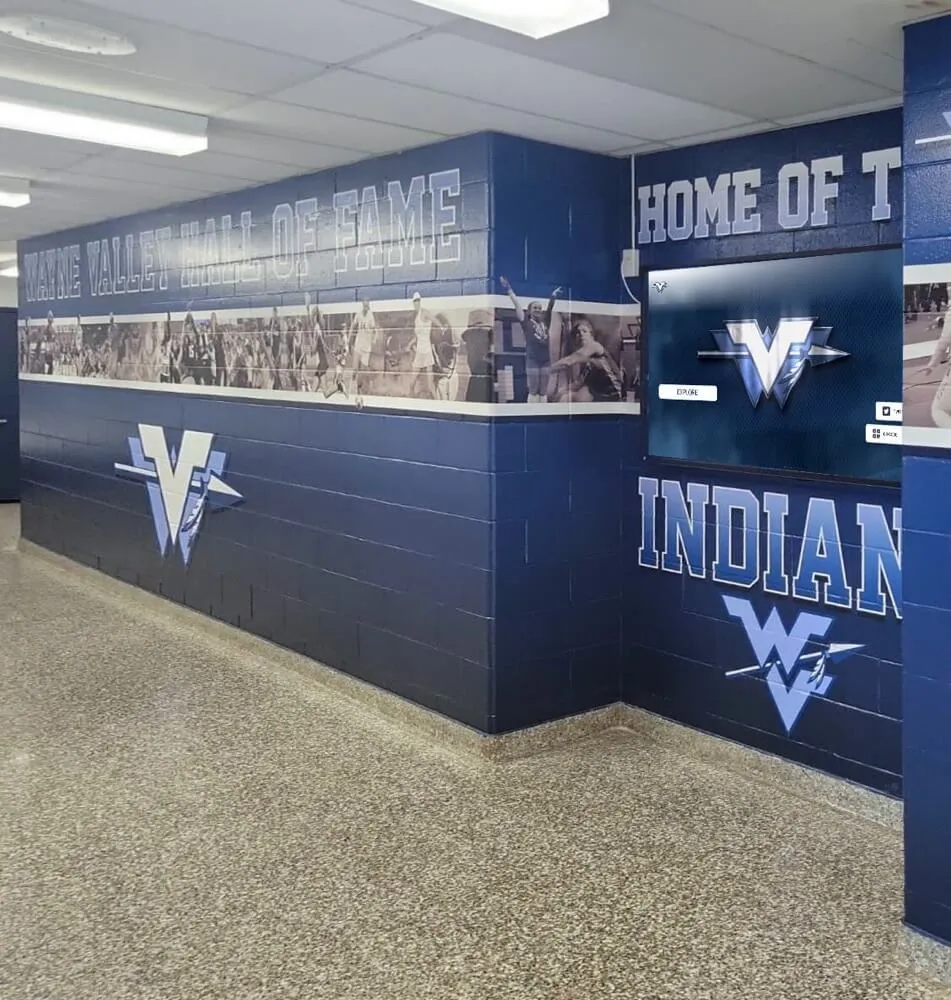
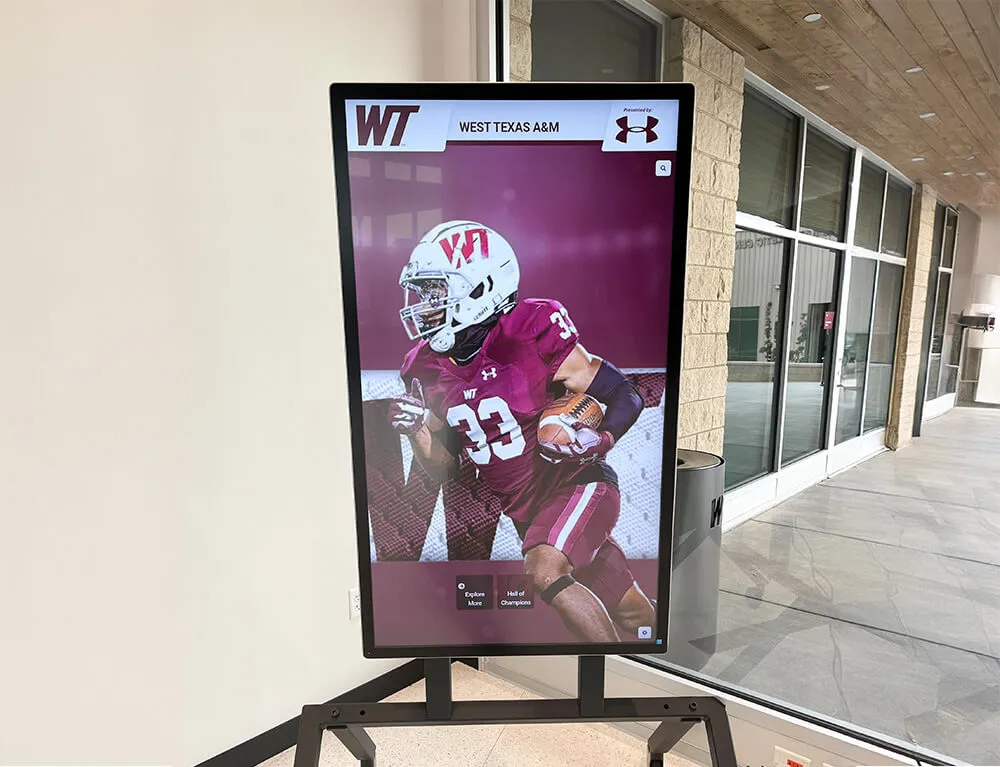
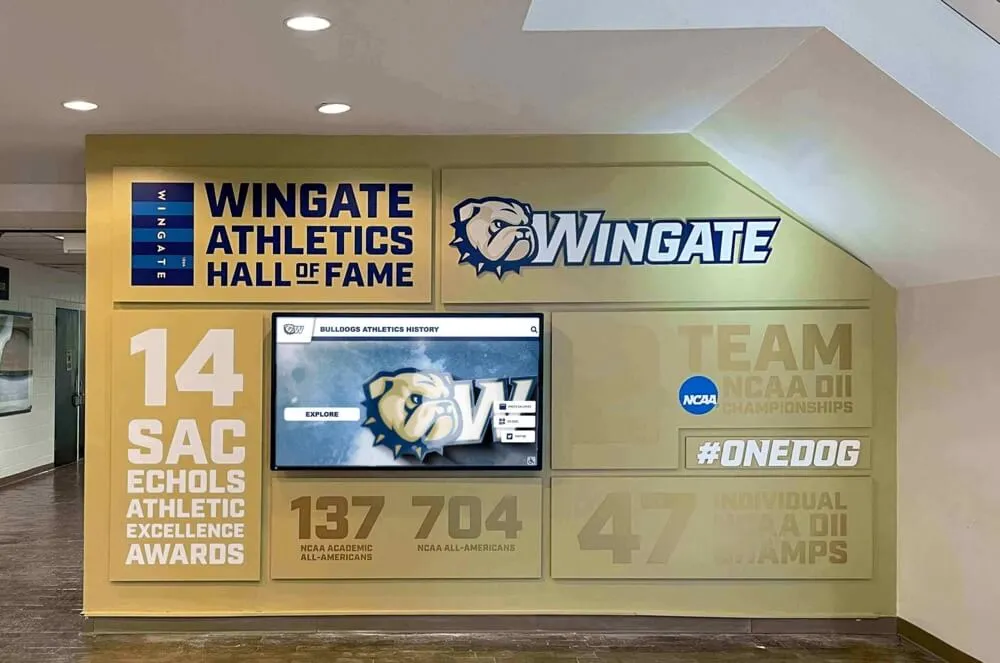
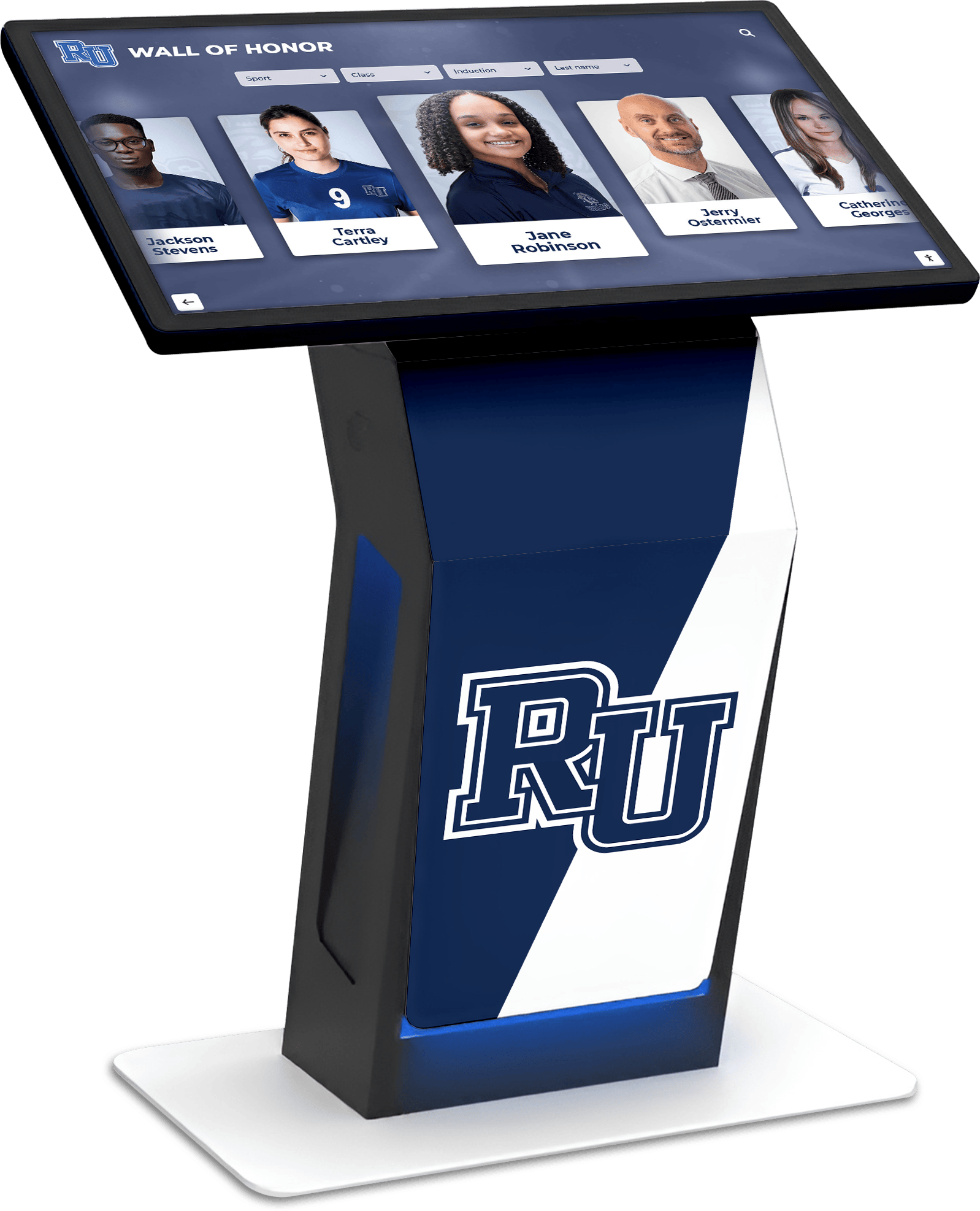
Touchscreen directories provide intuitive wayfinding and building information in high-traffic lobby areas
Understanding Touchscreen Building Directories
Touchscreen building directories represent the evolution of facility wayfinding from static signage to dynamic, interactive information systems that adapt to changing building occupancy and visitor needs.
What Is a Touchscreen Building Directory?
A touchscreen building directory consists of an interactive display system installed in building lobbies, hallways, or other high-traffic areas that helps visitors find:
Location Information
- Department and office locations with room numbers
- Individual employee or resident directories
- Facility maps showing building layouts and navigation paths
- Points of interest (restrooms, elevators, stairs, emergency exits)
- Accessible routes and ADA-compliant pathways
Dynamic Building Information
- Event schedules and room reservations
- Building hours and facility closures
- Tenant or department contact information
- Emergency procedures and safety information
- Announcements and important notices
Enhanced Engagement Features
- Search functionality by name, department, or room number
- Visual wayfinding with marked routes
- QR code generation for mobile access
- Multiple language support for diverse populations
- Integration with facility management systems
Unlike traditional building directories that display fixed information requiring professional updates whenever changes occur, touchscreen directories allow facility managers to modify content instantly through web-based content management systems, ensuring information accuracy while eliminating ongoing signage costs.
The Evolution from Static to Interactive Directories
Building directories have progressed through several generations, each addressing limitations of previous approaches:
Traditional Printed Directories (1960s-1990s)
- Fixed information requiring replacement when outdated
- Limited space constraining information depth
- No search or filtering capabilities
- Language barriers for non-native speakers
- High replacement costs for updates
Digital Display Directories (1990s-2010s)
- Electronic displays showing directory information
- Basic search capabilities in advanced versions
- Still required technical expertise for updates
- Limited interactivity and engagement
- One-way information delivery
Modern Touchscreen Directories (2010-Present)
- Intuitive touch interfaces familiar from smartphones
- Cloud-based content management enabling instant updates
- Rich multimedia including photos, videos, and maps
- Mobile integration through QR codes
- Real-time data integration with calendaring and room booking
- Analytics showing usage patterns and popular searches
This evolution reflects broader technology trends toward user-centric design, mobile connectivity, and systems that non-technical staff can manage independently.
Discover how interactive touchscreen kiosks serve multiple functions beyond wayfinding in educational settings.
Key Features of Modern Touchscreen Building Directories
Effective touchscreen directories incorporate specific features that address real-world wayfinding challenges across different facility types.
Core Wayfinding Capabilities
Intelligent Search Functionality Modern directories must accommodate how people actually search for information:
- Name search (individual employees, residents, or students)
- Department or organization search
- Room number or suite search
- Keyword search for services or amenities
- Phonetic search handling spelling variations
- Predictive text suggesting matches as users type
Search must deliver results quickly—visitors expect responses within 1-2 seconds, matching smartphone app responsiveness.
Visual Mapping and Navigation Effective directories show visitors not just where destinations are, but how to get there:
- Interactive floor plans with zoom and pan capabilities
- Marked pathways from current location to destination
- Multi-floor navigation showing elevator and stair locations
- “You are here” indicators providing orientation context
- Visual landmarks helping visitors identify route features
- Turn-by-turn directions for complex navigation
Accessibility Compliance Touchscreen directories must serve all visitors, including those with disabilities:
- Screen readers compatible with assistive technologies
- High contrast modes for visual impairments
- Text size adjustments for readability
- Audio directions for visually impaired visitors
- Wheelchair-accessible mounting heights
- Alternative input methods beyond touch
Properly implemented directories meet WCAG 2.1 AA standards, ensuring equal access for all building visitors.
Content Management and Administration
Cloud-Based Updates Facility managers need systems they can update without technical expertise:
- Web-based content management accessible from any device
- Role-based permissions for appropriate staff access
- Bulk import tools for large directory updates
- Scheduled content publishing for planned changes
- Version control and change history
- Preview mode before publishing updates
Effective content management systems allow updates in minutes rather than requiring IT support or vendor assistance.
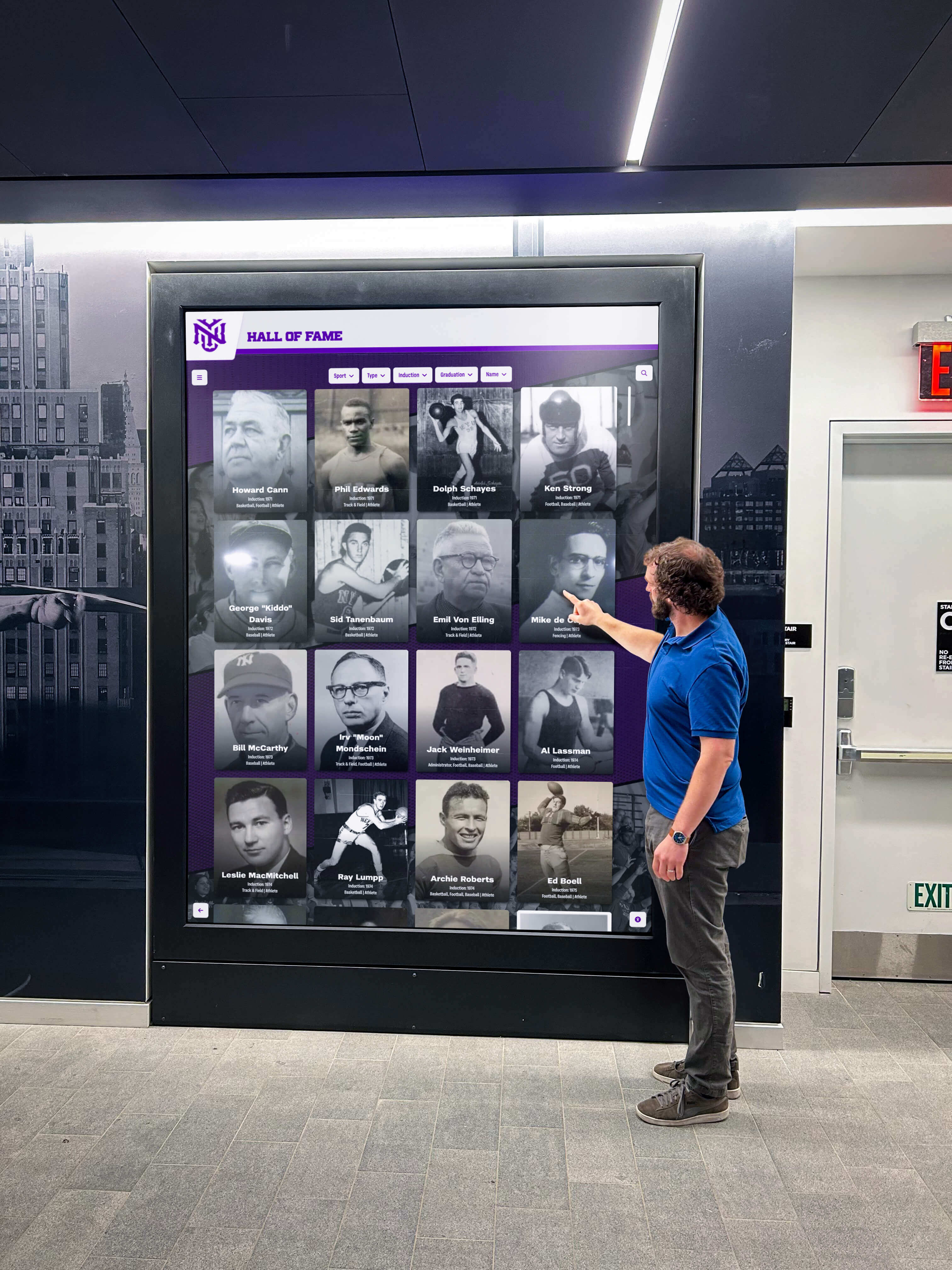
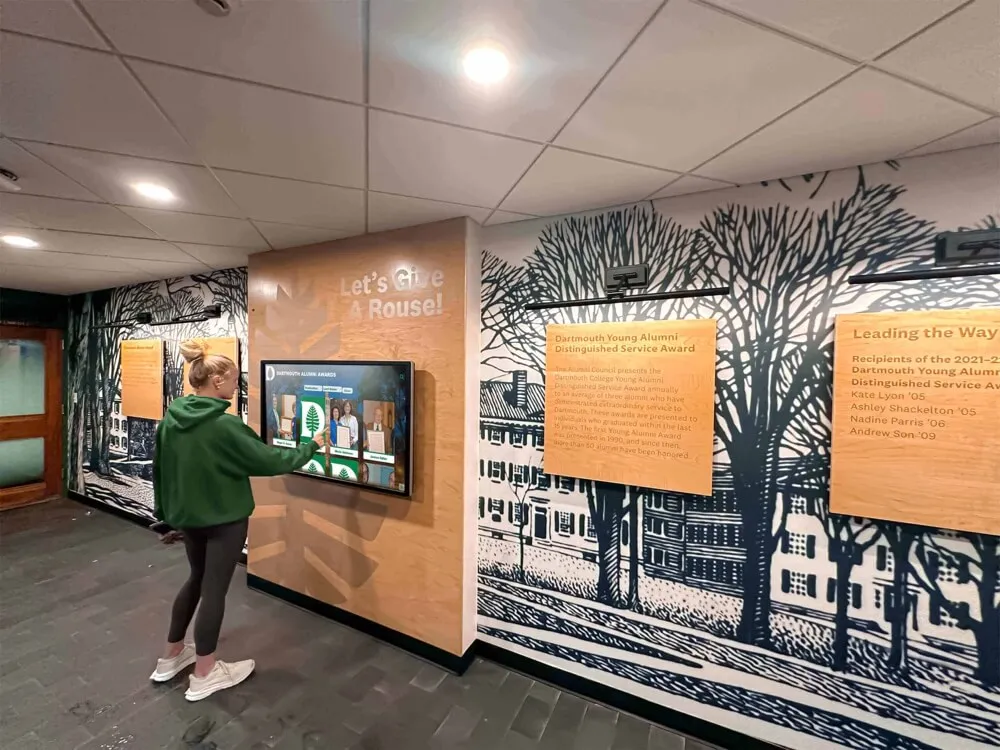
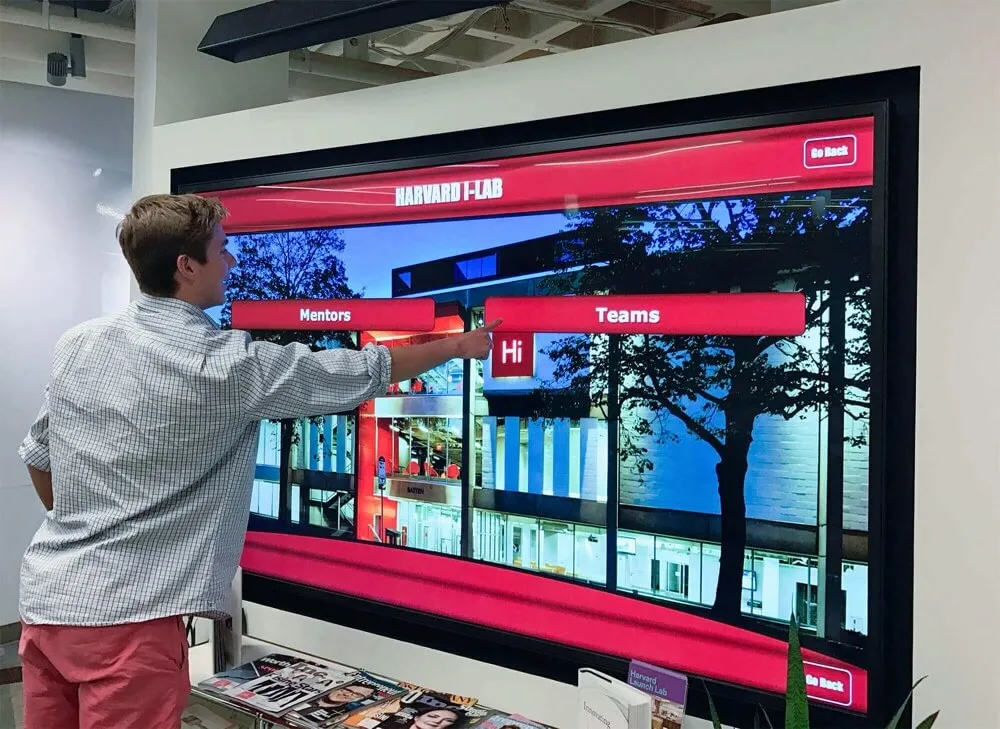
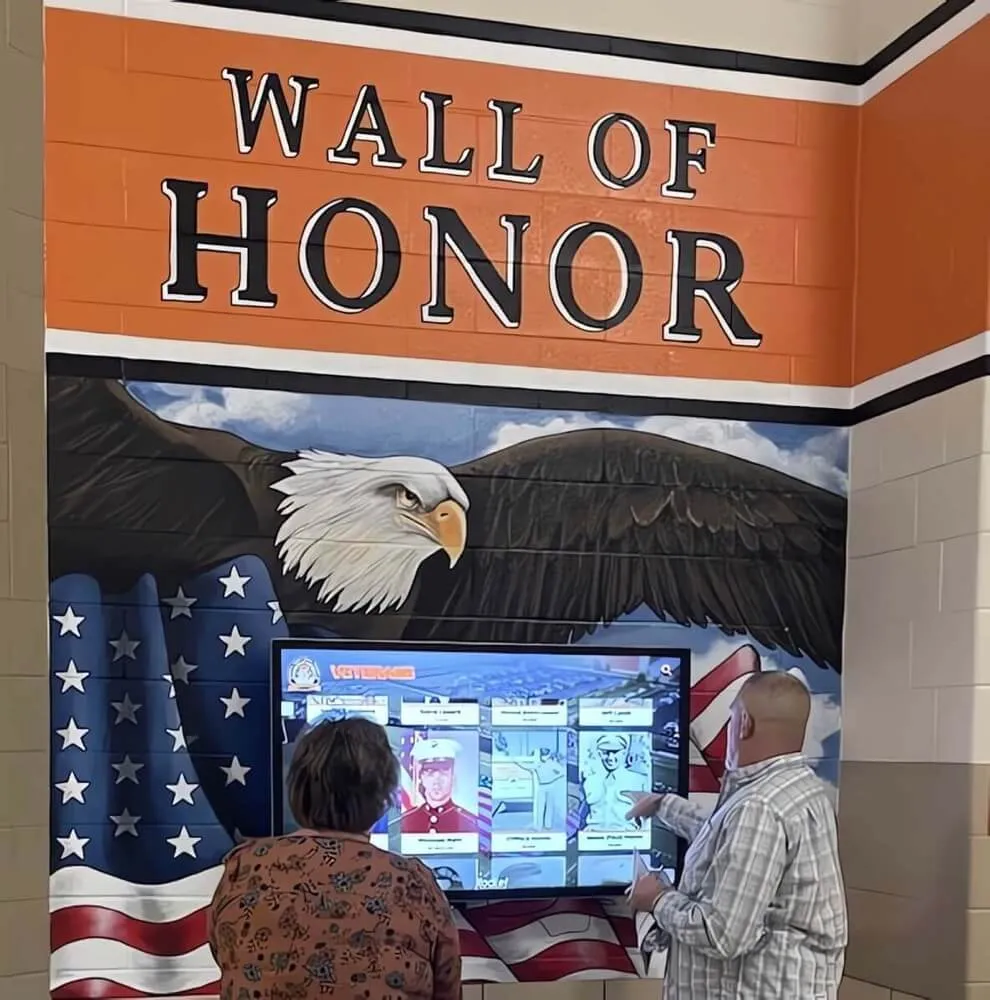
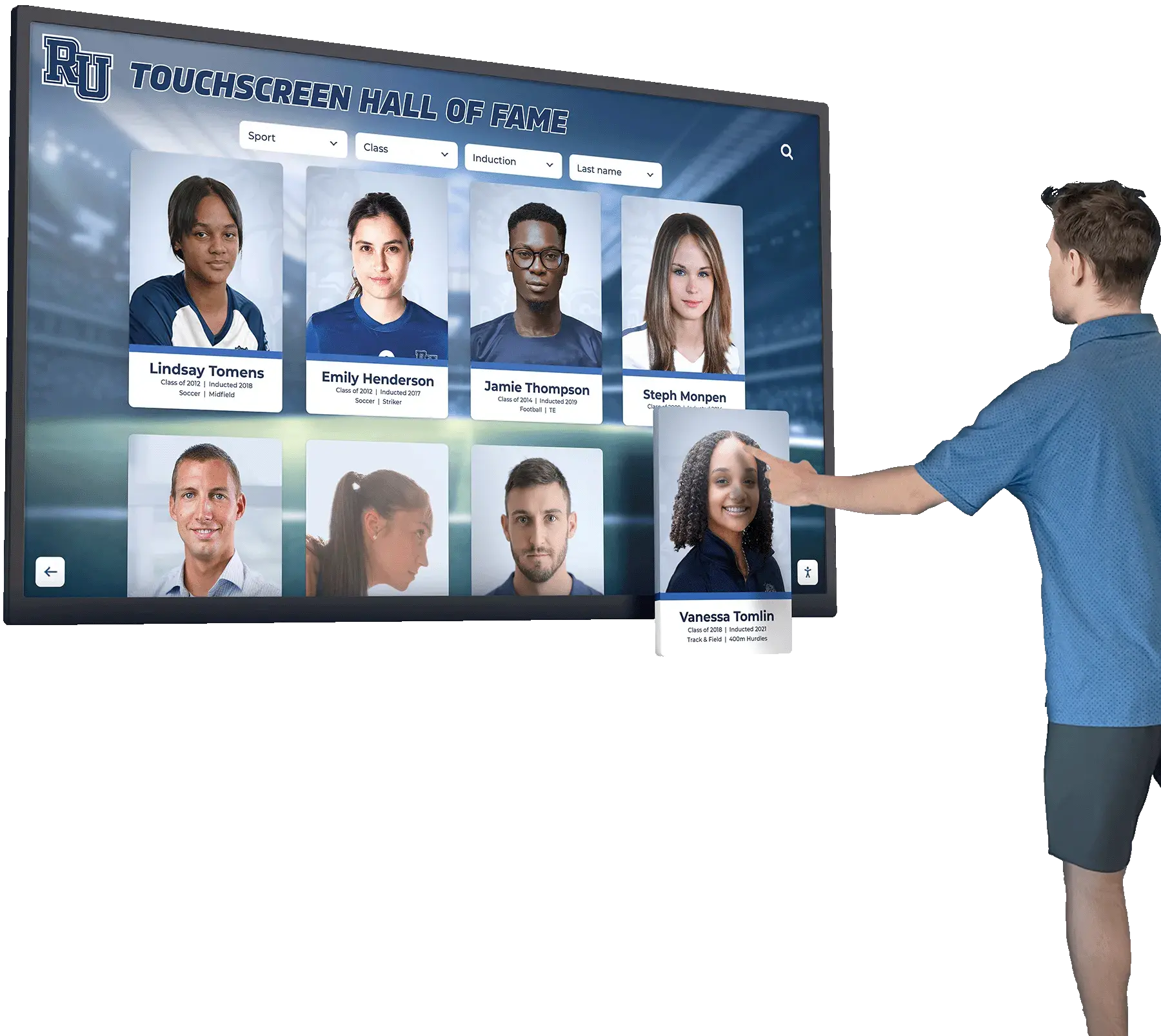
User-friendly interfaces encourage visitors to engage with directory systems independently
Integration Capabilities Modern directories connect with existing facility systems:
- Active Directory or LDAP for employee information
- Calendar systems showing room availability
- Building management systems for real-time data
- Event management platforms
- Emergency notification systems
- Mobile apps extending directory access
These integrations ensure directory information stays current automatically without manual data entry.
Multi-Location Management Organizations with multiple buildings or campus locations benefit from centralized control:
- Single dashboard managing all directory instances
- Consistent templates and branding across locations
- Location-specific information with shared content
- Campus-wide search spanning all buildings
- Centralized reporting and analytics
- Coordinated updates across all displays
This centralization reduces administrative burden while ensuring consistency across organizational locations.
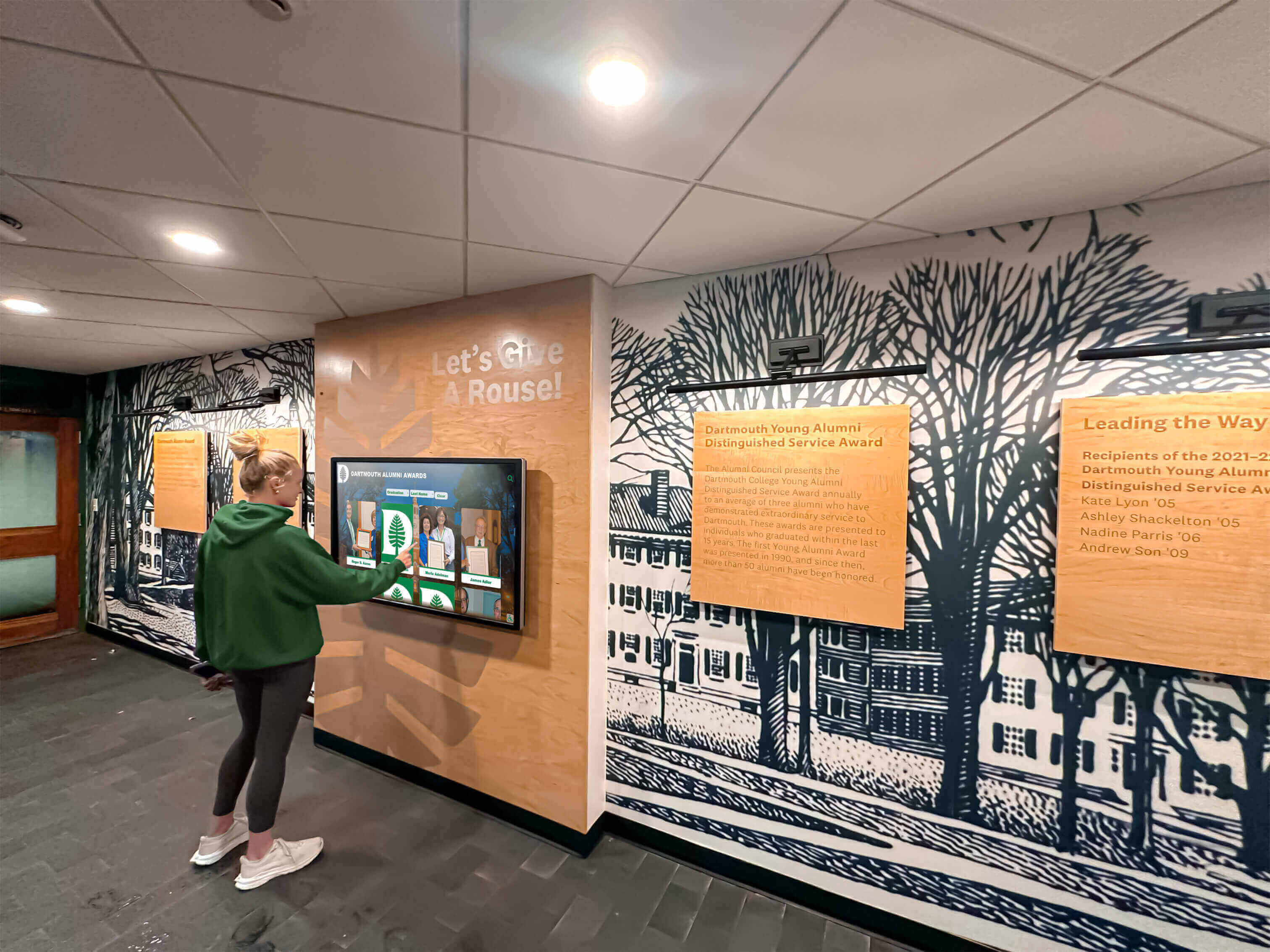
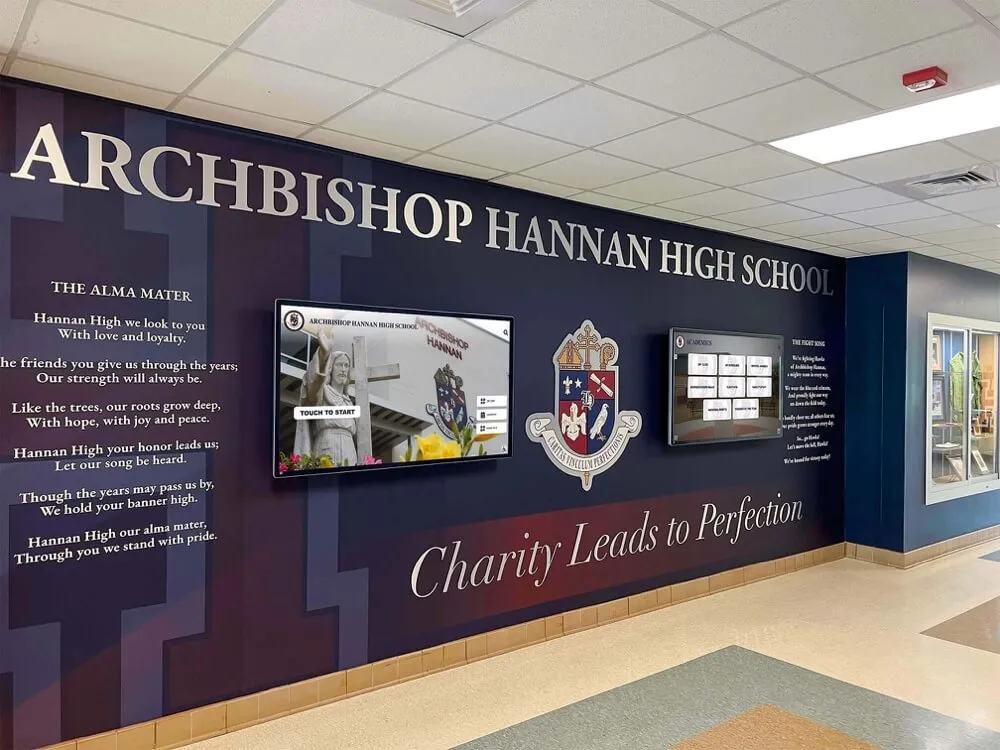
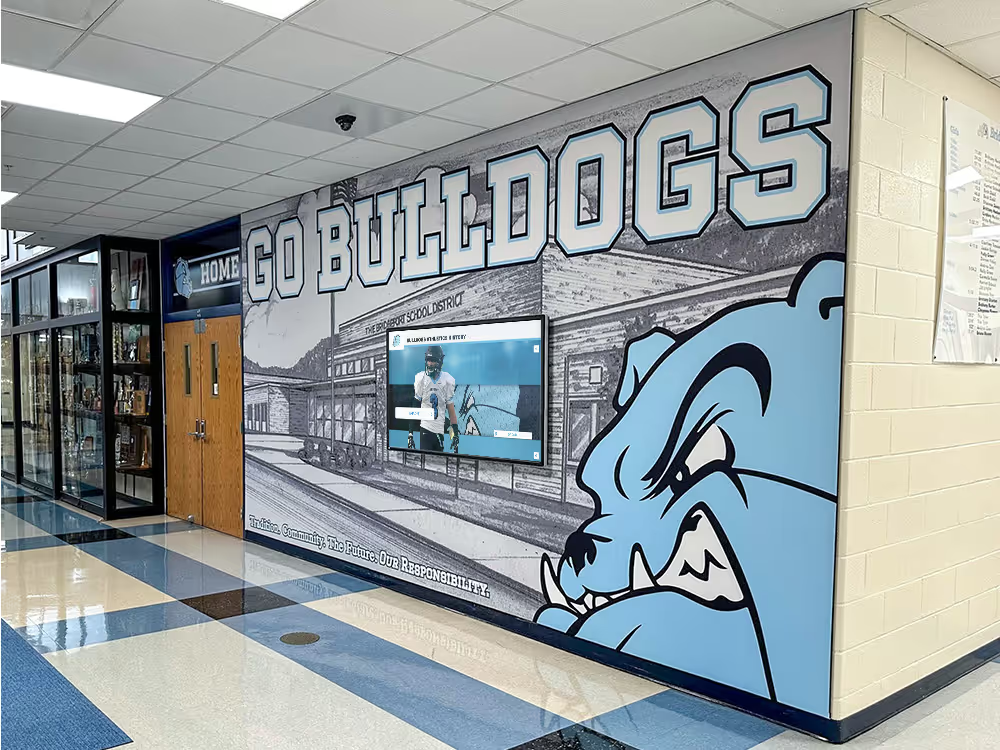
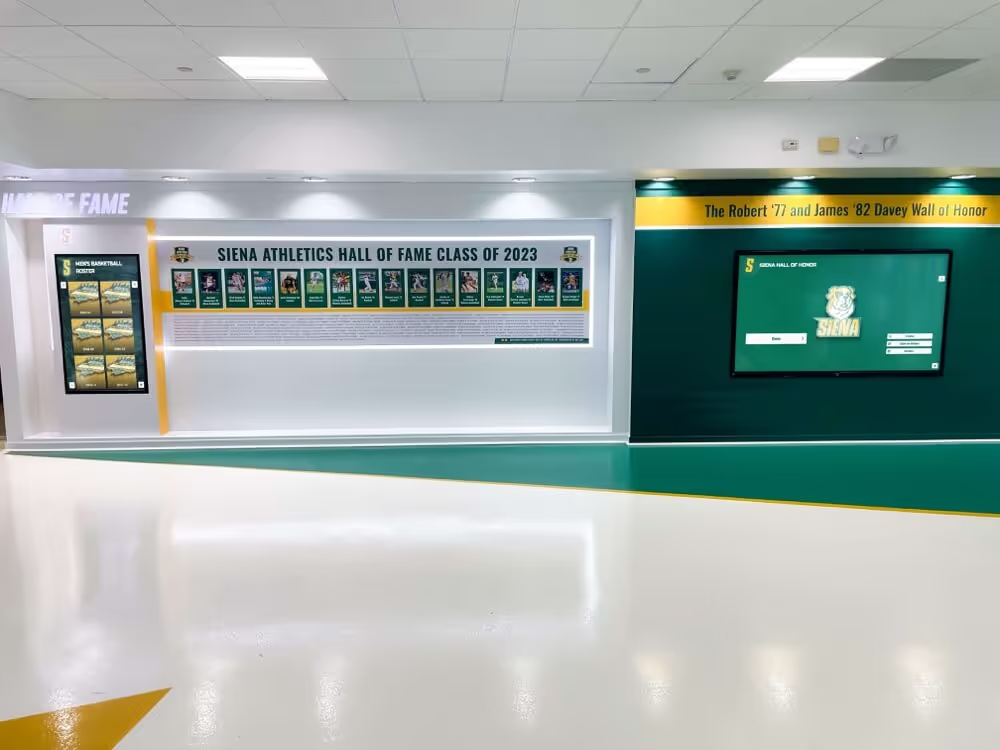
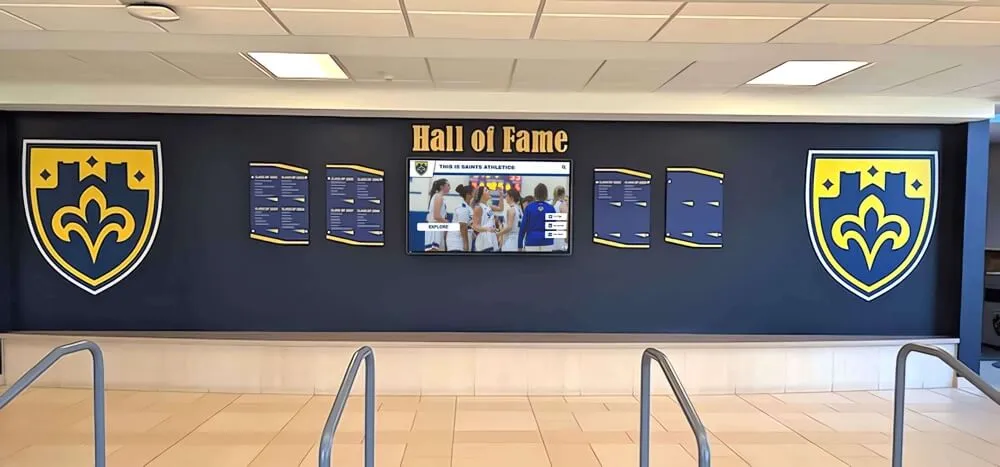
Campus directories help students, faculty, and visitors navigate complex educational facilities
Extended Functionality Beyond Basic Directories
Event and Activity Information Many organizations extend directories beyond wayfinding:
- Daily event calendars with room locations
- Campus activities and programs
- Meeting room availability and booking
- Visitor check-in and badging
- Building amenity information (cafeteria hours, gym access)
Recognition and Engagement Content Institutional directories increasingly serve multiple purposes:
- Staff directory with photos and contact information
- Department showcases featuring services
- Achievement recognition and awards
- Historical information and institutional legacy
- News and announcements
- Emergency alerts and safety information
Organizations implementing multi-purpose directories report 60-70% higher visitor engagement compared to wayfinding-only systems, as visitors explore additional content beyond their immediate navigation needs.
Learn about comprehensive interactive display applications in institutional settings.
Digital Kiosk vs Touchscreen Directory: Understanding the Distinction
The terms “digital kiosk” and “touchscreen directory” are often used interchangeably, but understanding their distinct characteristics helps organizations select appropriate solutions.
What Is a Digital Kiosk?
Digital kiosks represent a broad category of self-service interactive stations that can serve various purposes:
Common Kiosk Applications
- Wayfinding and building directories
- Check-in and registration systems
- Information and education displays
- Transaction processing (payments, printing, ticketing)
- Product catalogs and ordering
- Survey and feedback collection
- Entertainment and gaming
Digital kiosks encompass any interactive station where users access information or complete transactions independently without staff assistance.
What Is a Touchscreen Directory?
Touchscreen directories represent a specific application of kiosk technology focused primarily on wayfinding and information access:
Directory-Specific Characteristics
- Purpose-built for location finding and navigation
- Optimized for quick information lookup
- Simplified interfaces designed for first-time users
- Focus on facility-specific content
- Typically non-transactional (information only)
- Installed at building entry points and high-traffic areas
The distinction matters because general-purpose kiosk platforms require significant customization to function effectively as building directories, while purpose-built directory solutions offer pre-configured features optimized for wayfinding use cases.
Choosing Between General Kiosks and Specialized Directories
When General Digital Kiosks Make Sense
- Organizations need multiple kiosk applications beyond wayfinding
- Facilities require transaction capabilities (payments, printing)
- In-house development resources can customize interfaces
- Budget allows for custom application development
- Technical staff available for ongoing system maintenance
When Specialized Touchscreen Directories Are Better
- Primary need is wayfinding and information access
- Non-technical staff will manage content
- Quick deployment without extensive customization
- Limited budget for application development
- Preference for turnkey solutions with minimal configuration
Most educational institutions, healthcare facilities, and corporate offices find specialized directory solutions more practical because they deliver required functionality without custom development costs or ongoing technical maintenance.
Explore touchscreen software considerations when evaluating different platform approaches.
Applications Across Different Facility Types
Touchscreen directories serve distinct needs across various organizational settings, each with unique requirements and visitor populations.
Educational Institutions and Campuses
Schools, colleges, and universities face particular wayfinding challenges due to large campuses, diverse visitor populations, and frequently changing occupancy.
K-12 Schools
- Visitor check-in and security
- Parent and community navigation during events
- Staff directory for student and parent reference
- Event information for athletics and performances
- Safety information and emergency procedures
- Student achievement recognition
Colleges and Universities
- New student orientation and campus navigation
- Visitor wayfinding during recruitment events
- Department and faculty directories
- Class schedules and room finder
- Campus events and activities
- Historical archives and institutional recognition
Universities report that touchscreen directories reduce front desk inquiries by 40-60% during peak periods like orientation and parent weekends, allowing staff to focus on complex questions requiring personal assistance.
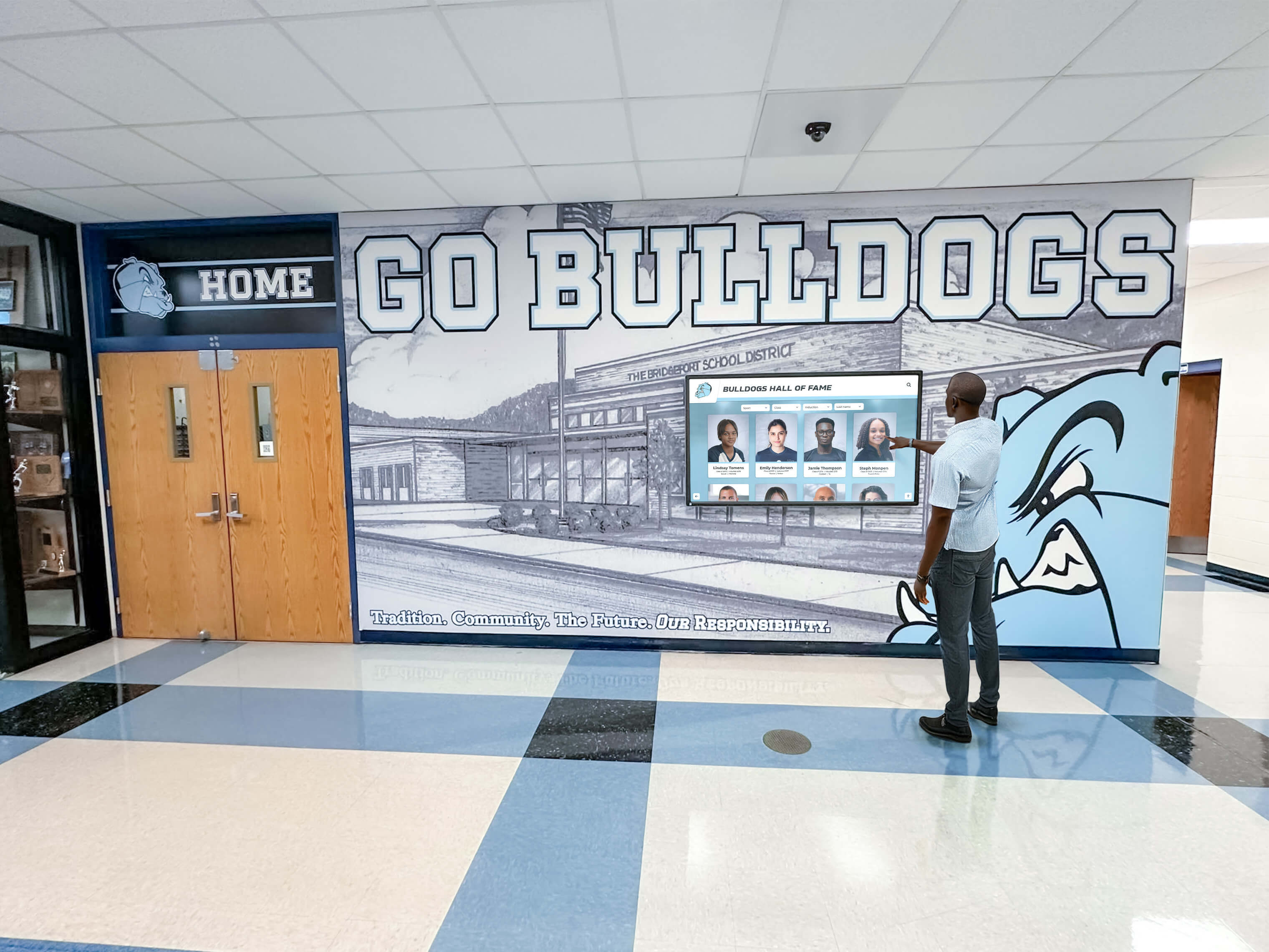
Campus directories serve diverse populations from prospective students to returning alumni
Specialized Campus Applications
- Library directories showing collection locations
- Athletic facility navigation for event attendees
- Residence hall information systems
- Student services center wayfinding
- Alumni center recognition displays
Educational settings benefit from directories that combine wayfinding with institutional storytelling, presenting achievements, history, and community while helping visitors navigate campus.
Corporate and Business Facilities
Corporate environments use touchscreen directories to create professional first impressions while efficiently directing visitors, clients, and employees.
Corporate Office Buildings
- Employee directory with contact information
- Department and suite location finding
- Visitor check-in and badge printing
- Meeting room locations and availability
- Building amenities (cafeteria, gym, services)
- Company news and announcements
Multi-Tenant Commercial Buildings
- Tenant directory with floor and suite information
- Building management contact information
- Shared amenity locations and hours
- Parking information and access
- Building events and maintenance notices
- Security and emergency procedures
Professional Service Firms
- Attorney or physician directories
- Department and practice area information
- Appointment check-in
- Service descriptions and expertise
- Professional recognition and credentials
- Client resources and information
Corporate directories focus on professional aesthetics, quick information access, and integration with existing enterprise systems like Active Directory and calendar platforms.
Healthcare and Medical Facilities
Healthcare environments require directories that reduce patient anxiety, accommodate diverse populations including elderly and disabled visitors, and integrate with complex facility layouts.
Hospital Directories
- Department and clinic locations
- Physician directories with specialties
- Patient room navigation
- Visitor information and hours
- Amenity locations (cafeteria, chapel, gift shop)
- Parking and transportation information
Medical Office Buildings
- Physician and practice directories
- Specialty and service information
- Check-in and registration
- Accessible route information
- Multiple language support
- Clear wayfinding for medical appointments
Healthcare directories prioritize accessibility features, multiple language support, and clear visual navigation suitable for visitors experiencing stress or health concerns.
Multi-Purpose and Specialized Facilities
Government Buildings
- Department and agency locations
- Public service information
- Security and access procedures
- Accessibility information
- Multilingual support for diverse populations
- Civic engagement and community information
Museums and Cultural Institutions
- Exhibit locations and descriptions
- Event schedules and programs
- Facility amenities and services
- Accessibility information
- Membership and visitor information
- Historical archives and collections
Sports and Entertainment Venues
- Seating and gate information
- Concession and amenity locations
- Event schedules and information
- Team history and athlete recognition
- Fan engagement and interactive content
- Emergency procedures and safety information
Each facility type requires directory features and content tailored to its specific visitor populations, operational needs, and organizational objectives.
Hardware Considerations for Building Directories
Selecting appropriate hardware ensures directory reliability, durability, and positive user experience in demanding facility environments.
Display Technology and Specifications
Screen Size and Resolution
- Common sizes: 32", 43", 55", or larger for high-traffic areas
- Minimum resolution: 1920x1080 (Full HD) for clarity
- 4K resolution (3840x2160) for large displays or detailed maps
- Aspect ratio: 16:9 standard or portrait orientation for space efficiency
Touchscreen Technology
- Capacitive touch (smartphone-like responsiveness)
- Multi-touch capability for zoom and gesture controls
- Commercial-grade durability for high-traffic use
- Anti-glare coatings for varied lighting conditions
- Responsive to different touch pressures
Display Specifications
- Commercial-grade panels rated for 24/7 operation
- Brightness: 350-500 nits for indoor use
- Wide viewing angles for lobby installations
- Anti-vandal protective glass
- Energy-efficient LED backlighting
Installation and Mounting Options
Freestanding Kiosks Advantages:
- Prominent placement in lobby centers
- Built-in computing and power
- Professional appearance
- Accessible height for wheelchair users
- Stable base preventing tipping
Considerations:
- Floor space requirements
- Power and network cabling
- Possible obstruction in traffic flow

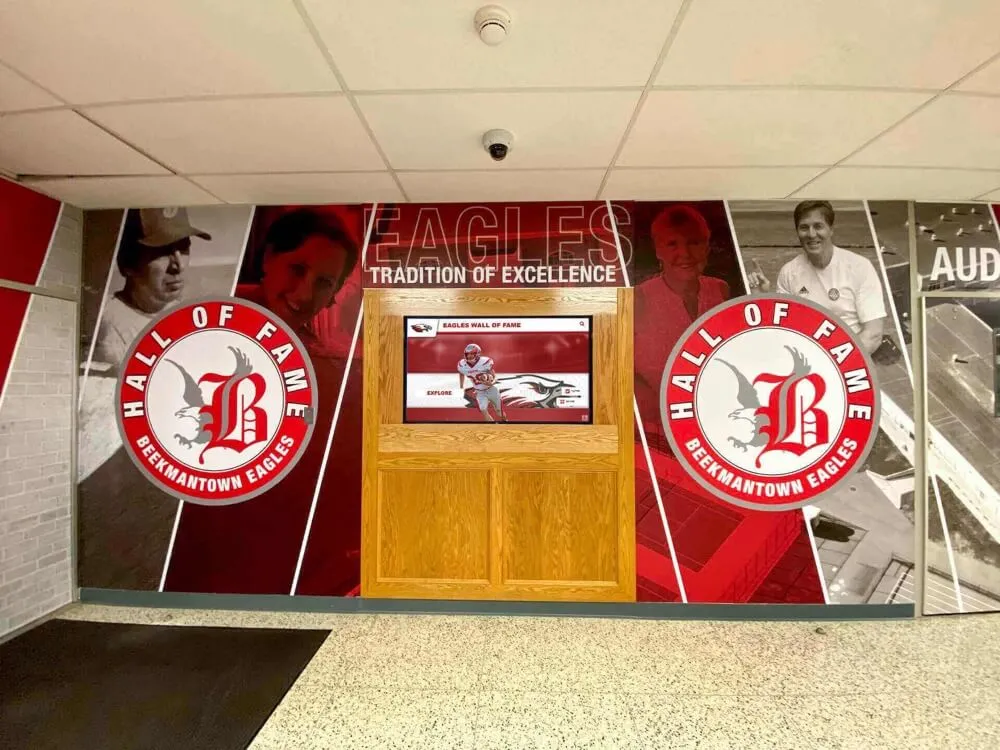
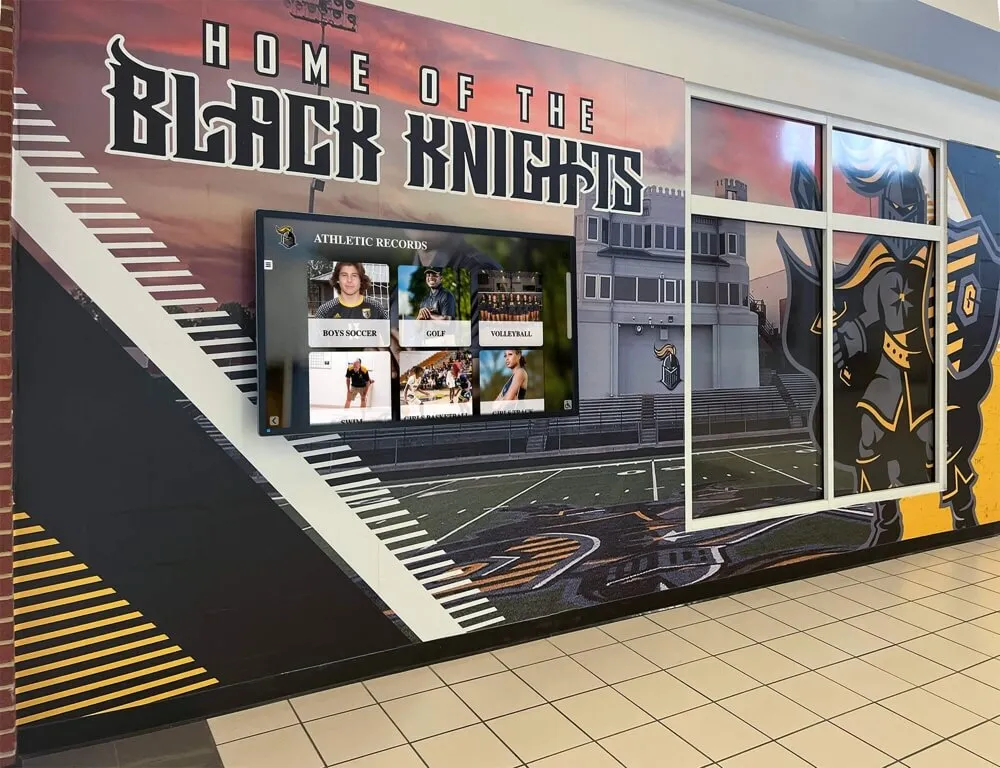
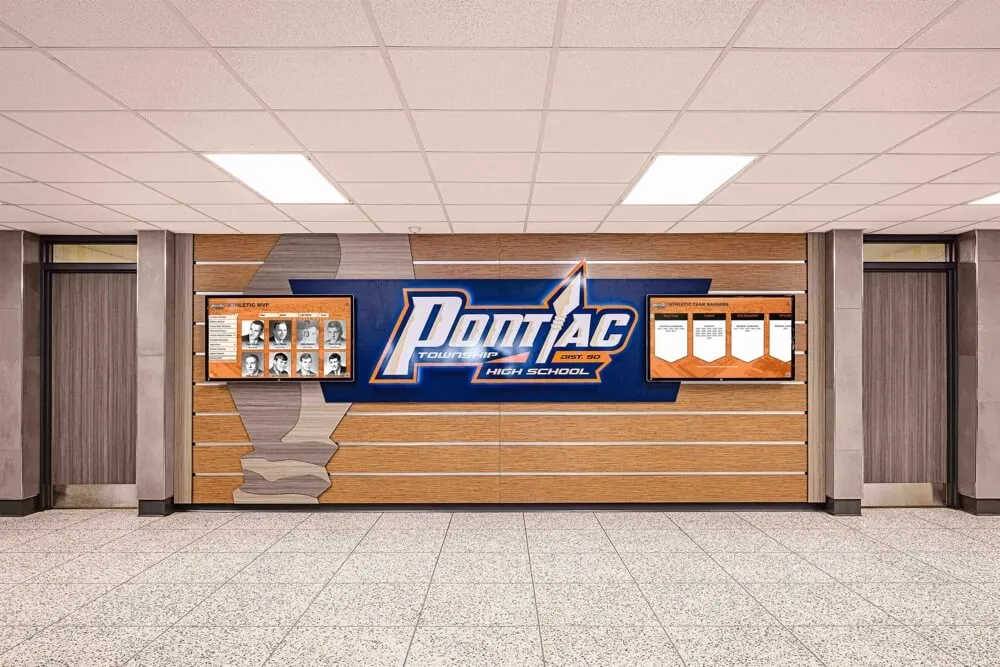
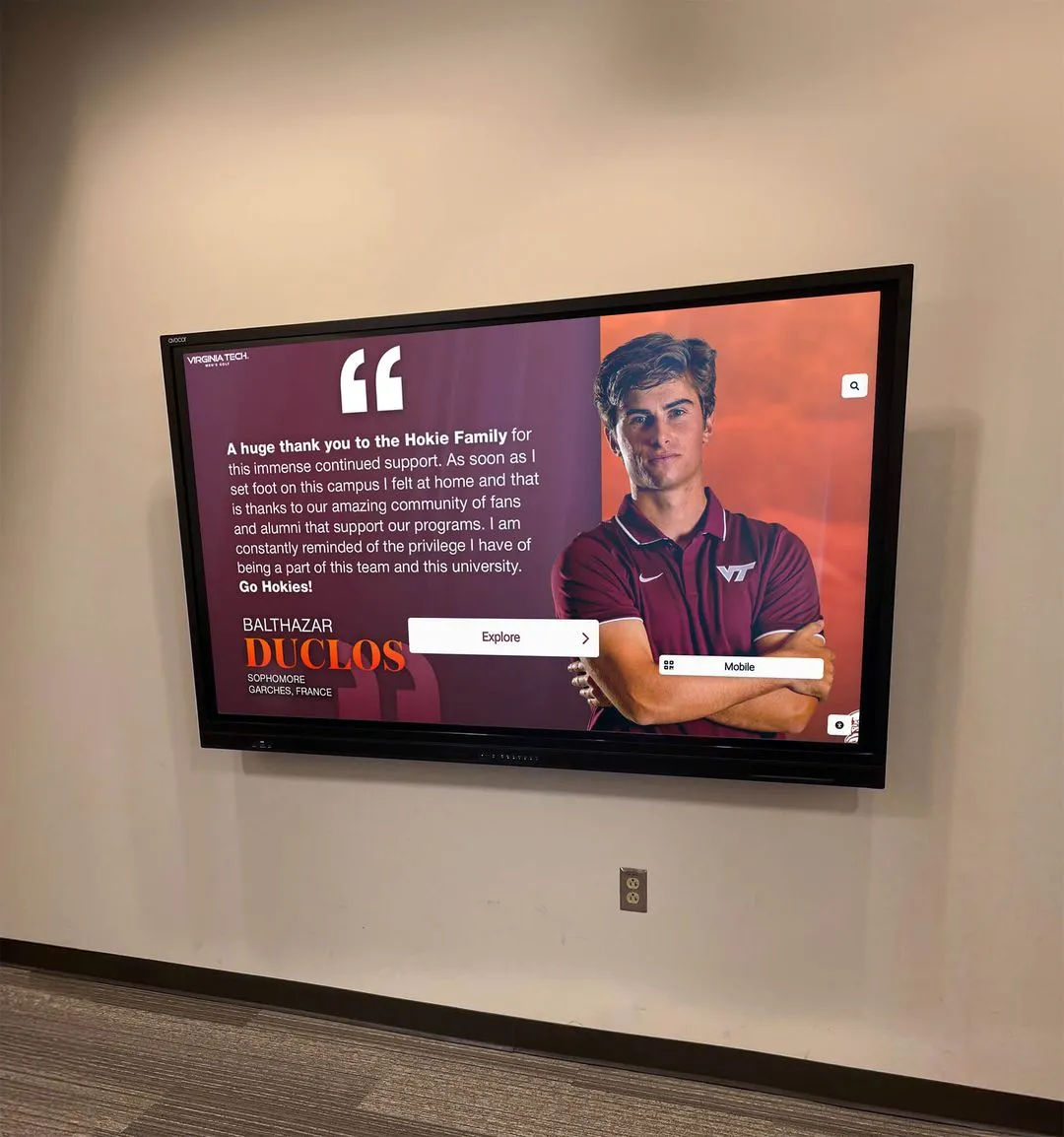
Wall-mounted displays integrate seamlessly into existing architectural elements
Wall-Mounted Displays Advantages:
- Space-efficient installation
- Clean architectural integration
- Flexible placement options
- Less obtrusive in narrow corridors
- Simpler power and network access
Considerations:
- Mounting height and accessibility
- Wall structural requirements
- Computing device placement
- Cable concealment
Custom Enclosures and Integration Many facilities incorporate directories into:
- Reception desk installations
- Architectural millwork and casework
- Building monuments and signage
- Security vestibule integration
- Multi-display video walls
Installation choices depend on facility architecture, traffic patterns, available space, and aesthetic preferences.
Computing and Connectivity
Processing Requirements
- Commercial media players or embedded computing
- Sufficient processing for smooth touch response
- Graphics capability for maps and multimedia
- Adequate storage for content and local caching
- Fanless designs for silent operation preferred
Network Connectivity
- Ethernet connection preferred for reliability
- Wi-Fi capability for installation flexibility
- Content delivery network integration
- Remote management and monitoring
- Secure network segmentation
Power and Backup
- Surge protection for sensitive electronics
- Uninterruptible power supply (UPS) for critical locations
- Scheduled display on/off for energy efficiency
- Remote power management
- Emergency battery backup for critical wayfinding
Hardware reliability directly impacts visitor experience—systems should operate continuously without technical issues requiring frequent intervention.
Implementation and Deployment Strategy
Successful touchscreen directory implementation requires planning beyond simply installing hardware and loading content.
Planning and Needs Assessment
Stakeholder Input Effective directory systems serve multiple constituencies:
- Facility management (operations, maintenance, updates)
- Visitors and guests (wayfinding, information)
- Staff and occupants (daily navigation, services)
- Security teams (visitor management, emergencies)
- IT departments (network, integration, support)
- Marketing and communications (branding, messaging)
Each group has different priorities and requirements that planning should address.
Content Strategy Development Before deployment, organizations should determine:
- Primary information to include (wayfinding, events, recognition)
- Content ownership and update responsibilities
- Information accuracy verification processes
- Update frequency and notification procedures
- Visual branding and design standards
- Multilingual support requirements
Location and Placement Analysis Directory effectiveness depends heavily on placement:
- Primary building entrances (highest priority)
- Elevator lobbies on each floor
- Main intersections and decision points
- Reception and waiting areas
- Parking structure connections
- High-traffic corridors
Observing actual visitor traffic patterns reveals optimal placement locations better than assumptions about building flow.
Content Development and Migration
Initial Content Creation Organizations typically need:
- Complete occupant directory with current information
- Floor plans and building maps
- Department and service descriptions
- Photo or logo graphics
- Contact information
- Frequently requested information
Data Migration from Existing Systems
- Employee directories from HR or Active Directory
- Tenant lists from property management systems
- Department information from organizational databases
- Map files from architectural or CAD systems
- Event calendars from scheduling platforms
Effective directory solutions provide bulk import tools and integration capabilities that minimize manual data entry during initial setup.
Visual Design and User Interface Directories should reflect organizational branding:
- Color schemes matching institutional identity
- Logo and graphic elements
- Typography consistent with other signage
- Photo styles and visual treatments
- Interface layouts appropriate to content
Many institutions find that adapting professional templates proves faster and more effective than designing custom interfaces from scratch.
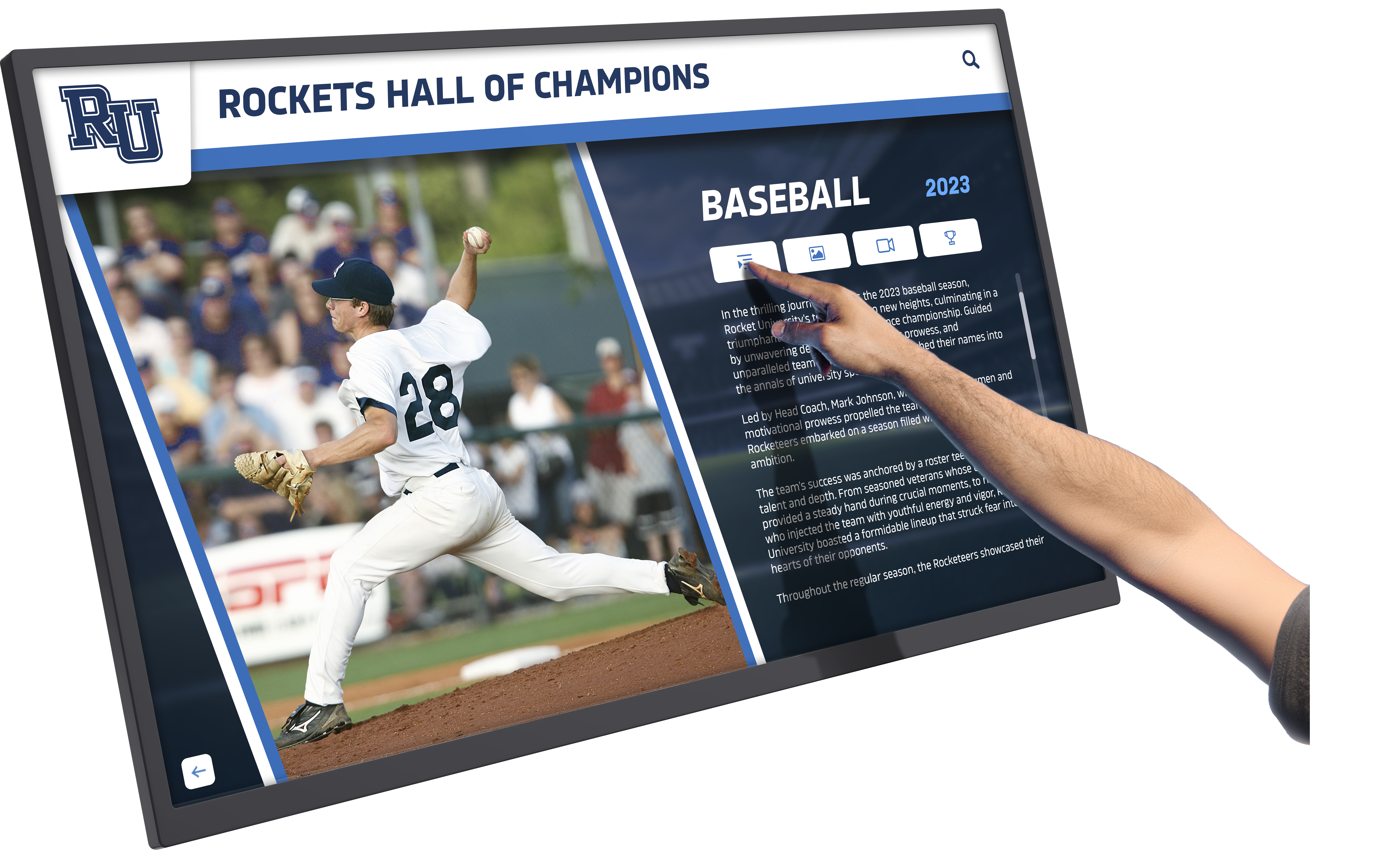
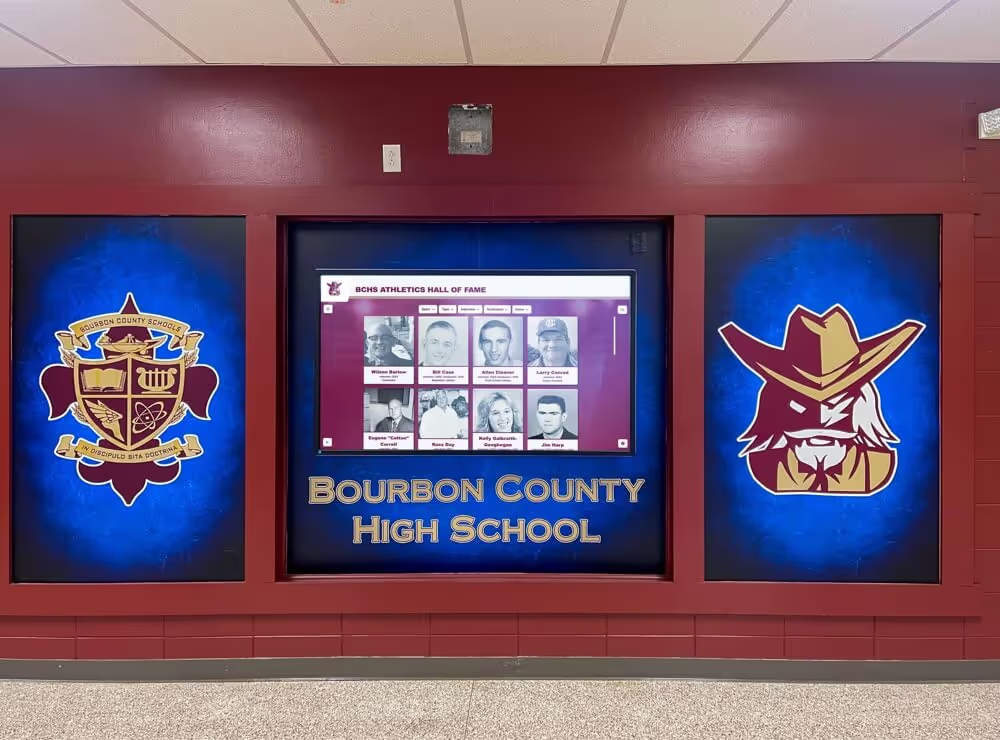
Intuitive interfaces enable visitors of all ages and technical abilities to find information quickly
Training and Change Management
Staff Training Requirements Key personnel need training in:
- Content management system operation
- Adding and updating directory information
- Map editing and location updates
- Publishing workflow and approvals
- Troubleshooting common issues
- Reporting and analytics access
User Adoption Strategy Help visitors discover and use directories:
- Promotional signage directing attention to directories
- Staff awareness to direct visitors to self-service options
- Initial assistance encouraging first-time use
- Feedback mechanisms for continuous improvement
- Usage analytics showing adoption patterns
Organizations report 2-4 week adoption periods before directories become the primary information source for visitors, reducing front desk inquiries.
Choosing the Right Touchscreen Directory Solution
Organizations evaluating directory systems should assess vendors across several critical dimensions.
Software Platform Evaluation
Ease of Content Management
- Can non-technical staff update content independently?
- How long does it take to add or modify directory entries?
- Does the system require training or ongoing support?
- Are bulk updates and data imports supported?
- Can content be scheduled for future publication?
Feature Completeness
- Search capabilities and result relevance
- Map and wayfinding functionality
- Mobile integration and QR code access
- Multilingual support
- Accessibility compliance
- Analytics and reporting
Customization vs Pre-Configured Solutions
- Does the system offer ready-to-use templates?
- What level of customization is available?
- Does customization require technical expertise?
- Can branding and visual design be modified?
- Are ongoing customization costs reasonable?
Implementation and Support
Deployment Approach
- Turnkey solutions vs DIY implementation
- Hardware included or customer-supplied
- Professional installation services
- Content migration assistance
- Initial training and onboarding
- Timeline from purchase to operation
Ongoing Support and Maintenance
- Technical support availability and responsiveness
- Software updates and feature additions
- Hardware warranty and repair services
- Content management assistance
- Community forums or user groups
- Documentation and training resources
Pricing Models and Total Cost
Upfront Costs
- Software licensing (perpetual or subscription)
- Hardware purchase or lease
- Installation and configuration
- Initial content development
- Training and onboarding
- Customization and branding
Ongoing Costs
- Monthly or annual subscription fees
- Hosting and infrastructure
- Content management support
- Software updates and maintenance
- Hardware repairs and replacement
- Additional licenses for multiple locations
Hidden Costs to Consider
- Technical support for troubleshooting
- Staff time for content management
- Custom development for special features
- Integration with existing systems
- Future hardware upgrades
- Network infrastructure requirements
Total cost of ownership over 5 years often differs significantly from initial purchase price, making long-term cost analysis important.
Review comprehensive touchscreen kiosk software comparisons across different platform approaches.
Extending Directories Beyond Wayfinding
Organizations increasingly recognize that lobby displays installed for building directories can serve additional purposes, maximizing return on technology investment.
Multi-Purpose Interactive Displays
Institutional Recognition and Storytelling Many organizations extend directories to include:
- Employee or student achievement recognition
- Organizational history and milestones
- Hall of fame and honor roll displays
- Alumni accomplishments and profiles
- Community impact stories
- Values and mission presentation
These additions transform purely functional directories into engagement tools that communicate organizational culture and celebrate achievement.
Digital Signage Integration Directories can rotate between:
- Active directory and search functionality
- Informational content and announcements
- Event promotion and scheduling
- Emergency alerts and important notices
- Rotating image galleries and videos
- Social media feeds and user content
This multi-purpose approach increases visibility and engagement while providing operational flexibility.
Recognition Displays in Educational Settings
Schools and universities find particular value in combining wayfinding with recognition:
Athletic Recognition
- Hall of fame inductee profiles
- Team championship histories
- Record holders and achievements
- Current season results
- Athlete profiles with statistics
- Coaching legacies and milestones
Academic Achievement
- Honor roll and dean’s list recognition
- Scholarship recipients
- Academic competition results
- Faculty research and publications
- Distinguished alumni accomplishments
- National recognition recipients
Institutional History
- Founding stories and traditions
- Historical photo archives
- Building dedication information
- Notable alumni and their contributions
- School evolution and growth
- Community connections and partnerships
Organizations implementing these comprehensive systems report that visitors engage with recognition content 3-5 times longer than with directory information alone, creating memorable experiences that strengthen institutional connections.
Solutions like Rocket Alumni Solutions demonstrate how touchscreen displays can seamlessly combine functional building directory capabilities with engaging recognition content, serving multiple organizational needs through unified systems that visitors appreciate and staff can manage efficiently.
Discover comprehensive approaches to interactive campus displays that serve multiple purposes.
Measuring Success and ROI
Organizations should establish metrics to evaluate directory effectiveness and return on investment.
Usage and Engagement Metrics
Quantitative Measures
- Daily interactions and sessions
- Average session duration
- Search queries and popular lookups
- Map views and navigation requests
- Content accessed and viewed
- Peak usage times and patterns
Qualitative Indicators
- Reduction in front desk inquiries
- Visitor feedback and satisfaction
- Staff time savings
- Error and confusion reduction
- Accessibility improvement reports
- Visitor independence and confidence
Operational Impact
Cost Savings
- Elimination of printed directory updates
- Reduction in staff time for directions
- Decreased signage production costs
- Lower maintenance for static displays
- Efficient information distribution
Experience Improvements
- Reduced visitor wait times
- Increased first-time wayfinding success
- Better accessibility for all visitors
- Enhanced institutional image
- Improved staff efficiency
Organizations typically document ROI through reduced operational costs, measurable time savings, and qualitative improvements in visitor experience and institutional perception.
Future Trends in Building Directory Technology
Touchscreen directory systems continue to evolve with emerging technologies and changing visitor expectations.
Emerging Capabilities
Artificial Intelligence and Personalization
- Natural language search understanding intent
- Personalized content based on visitor type
- Predictive suggestions based on common patterns
- Voice interface for hands-free interaction
- Computer vision for gesture control
Mobile Integration and Continuity
- Directory access through smartphone apps
- QR codes transferring directions to mobile devices
- Navigation continuing from kiosk to personal device
- Location-based notifications and guidance
- Mobile check-in triggering kiosk information
Advanced Wayfinding
- Augmented reality overlaying directions on camera view
- Indoor positioning for precise location tracking
- Turn-by-turn navigation with real-time guidance
- Accessible route calculation for mobility devices
- Integration with personal navigation apps
IoT and Real-Time Data
- Room occupancy and availability sensors
- Parking space availability
- Queue length at service points
- Building environmental conditions
- Event check-in and capacity monitoring
Evolving User Expectations
Visitors increasingly expect directory systems to match consumer technology experiences:
- Smartphone-level responsiveness and interface design
- Personalization based on role or purpose
- Voice interaction as alternative to touch
- Seamless transition between physical and mobile
- Rich multimedia including video and animation
- Social sharing of locations and events
Directory solutions that incorporate these expectations will provide superior user experiences while future-proofing facility technology investments.
Conclusion: Transforming Facility Navigation and Engagement
Touchscreen building directories represent far more than digital replacements for static tenant lists—they transform how organizations welcome visitors, share information, and manage facility navigation. Modern systems combine intuitive wayfinding with rich institutional content, creating engaging experiences that reduce operational burden while improving visitor satisfaction.
The most effective directory implementations balance comprehensive functionality with simplicity, providing powerful features while remaining accessible to visitors of all technical abilities and facility staff managing content. Organizations that extend directories beyond basic wayfinding to include recognition, history, and engagement content create multi-purpose systems delivering greater value and longer visitor interaction.
When evaluating solutions, organizations should prioritize ease of content management, comprehensive feature sets, professional implementation support, and platforms that can grow to serve evolving needs. The right directory system becomes a lasting facility investment that serves visitors effectively while adapting to changing organizational requirements.
Whether your facility needs straightforward wayfinding, comprehensive building information systems, or multi-purpose displays combining directories with institutional recognition and storytelling, modern touchscreen technology provides flexible platforms that transform lobby displays from simple signage into valuable engagement tools that visitors appreciate and organizations benefit from operationally.
Transform Your Facility With Interactive Touchscreen Solutions
Explore how modern touchscreen systems can combine building directory functionality with institutional recognition, creating engaging displays that serve multiple organizational needs.
Explore Interactive Display SolutionsStart by assessing your facility’s specific wayfinding challenges, visitor populations, and information management needs. Involve stakeholders from facility management, IT, communications, and user groups in evaluation and planning. Request demonstrations showing how systems handle real-world scenarios relevant to your operations. Consider not just current needs but how directory systems might serve evolving facility requirements and organizational objectives.
The investment in professional touchscreen building directories pays dividends through improved visitor experience, reduced operational costs, and the flexibility to adapt information presentation as your organization and facilities evolve. With thoughtful planning, appropriate vendor selection, and strategic implementation, touchscreen directories become valuable facility assets that serve visitors, staff, and organizational objectives for years to come.