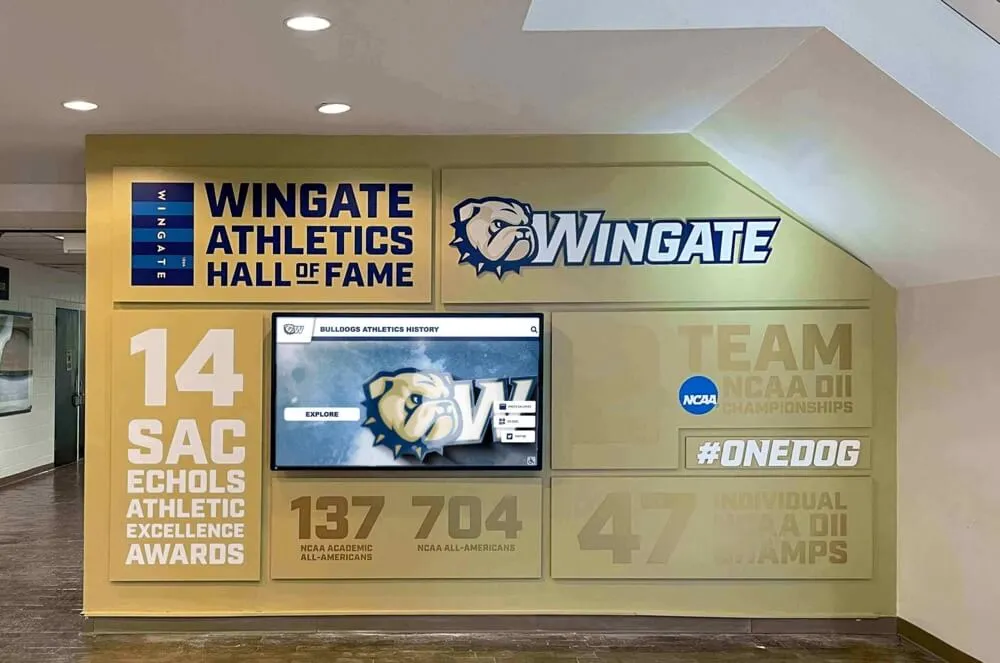




A volleyball team photo session that runs well produces much more than a single group shot for the trophy case. When planned intentionally, it generates roster headshots for the athletic website, individual portraits for the senior tribute wall, action images for the gym hallway display, and formal group shots that belong in the yearbook, the media guide, and the program’s permanent archive. Getting all of those from one session — or a disciplined sequence across the season — requires knowing what you’re shooting before players step onto the court.
This guide presents volleyball team photo ideas organized by use case: what you need for rosters and athlete profiles, what works for senior recognition displays, what reads well in hallways and trophy cases, and how those assets connect to the long-term recognition systems schools build to honor athletic history. The shot list is practical and school-specific, built for athletic directors, yearbook advisers, and coaches who have sixty minutes and one photographer.
Volleyball programs that invest in deliberate photography end up with assets that serve them for years — showing up in senior night slideshows, recruiting walkthroughs, and alumni recognition walls long after the original season ends. Programs that treat photo day as an afterthought scramble for blurry action shots when someone asks for a program headshot.

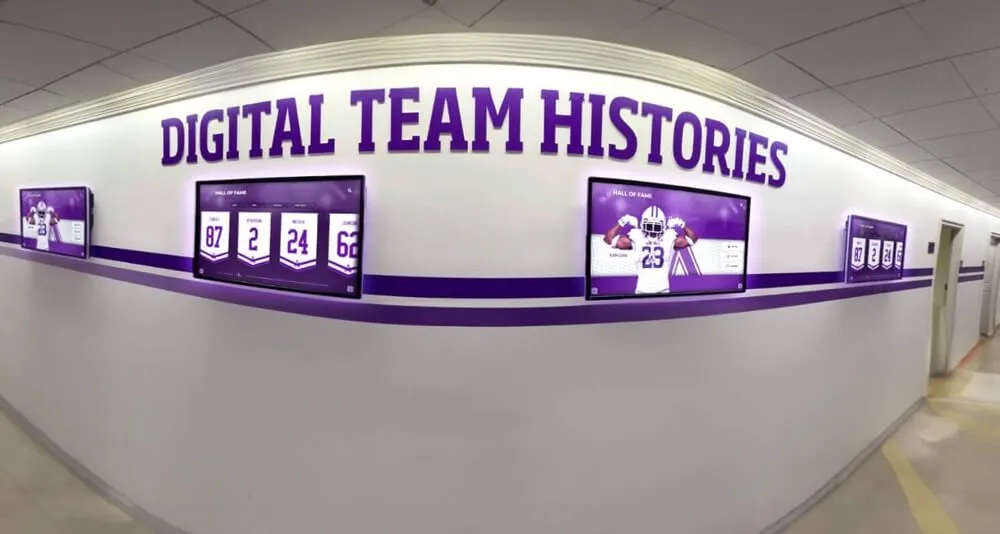
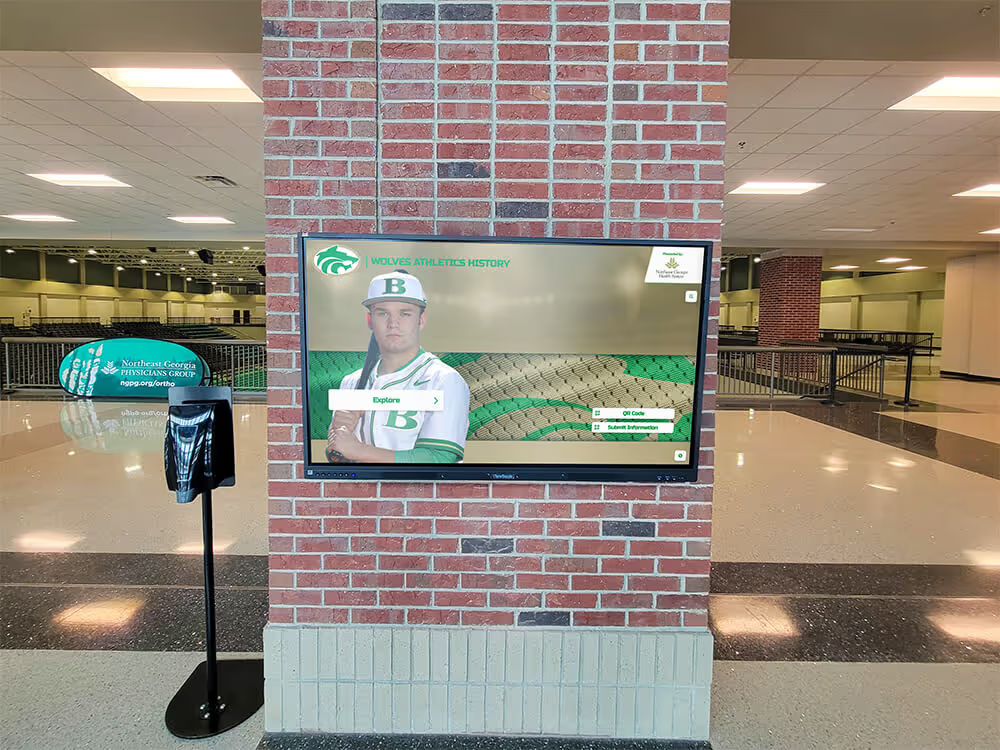
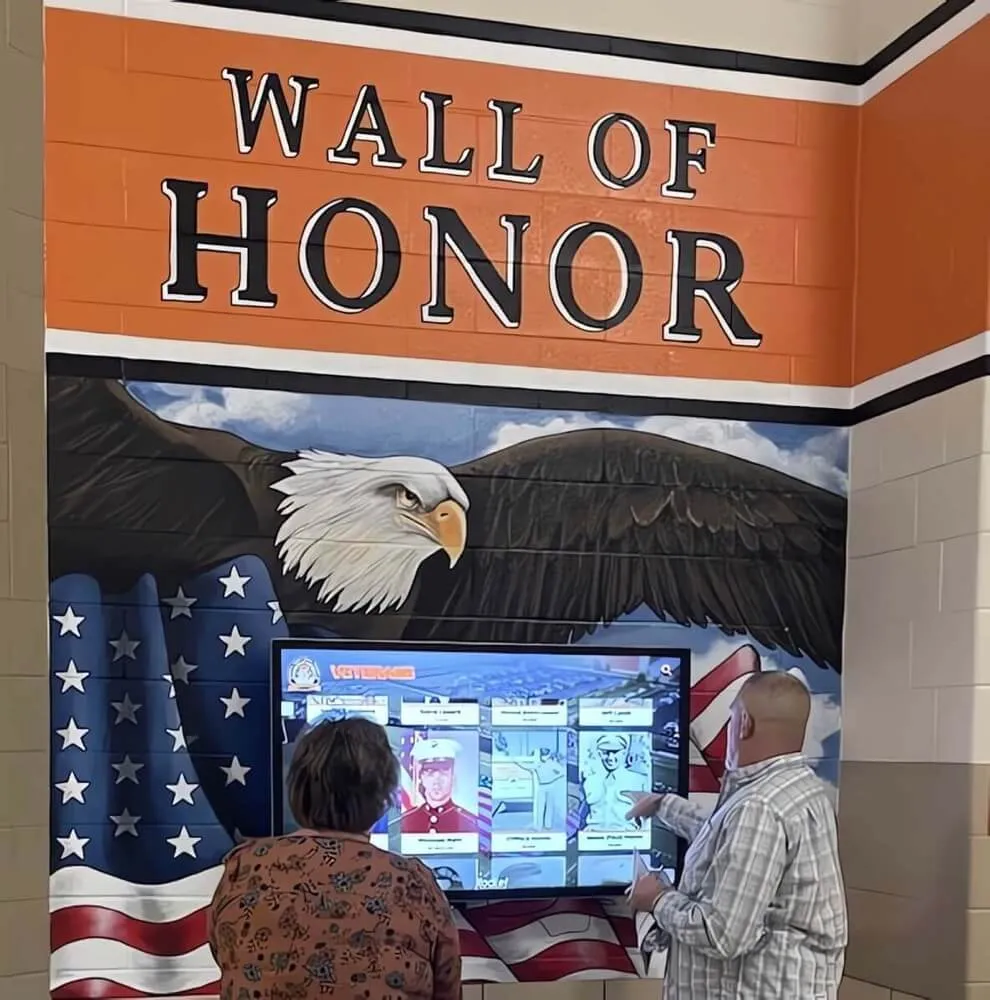
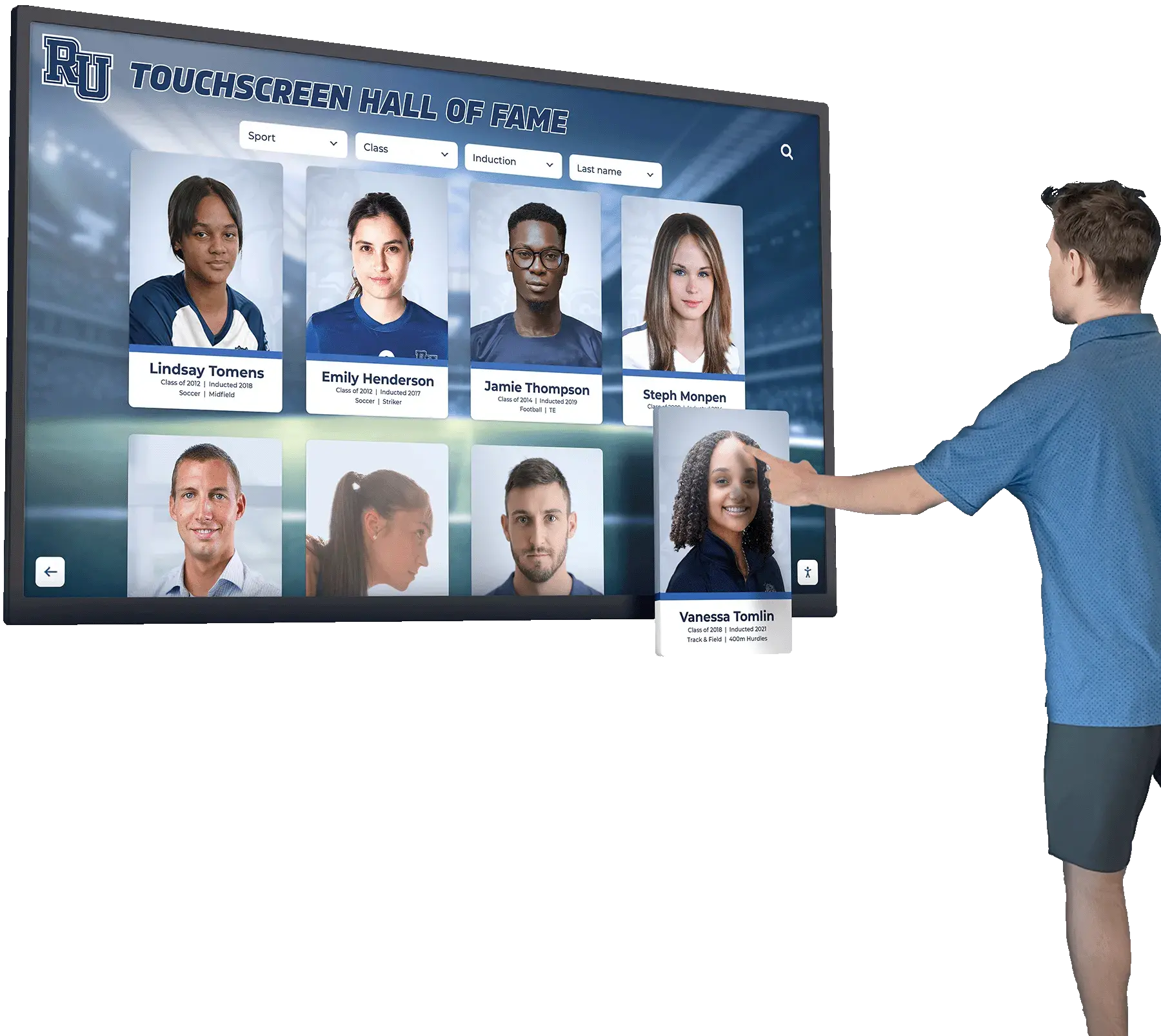
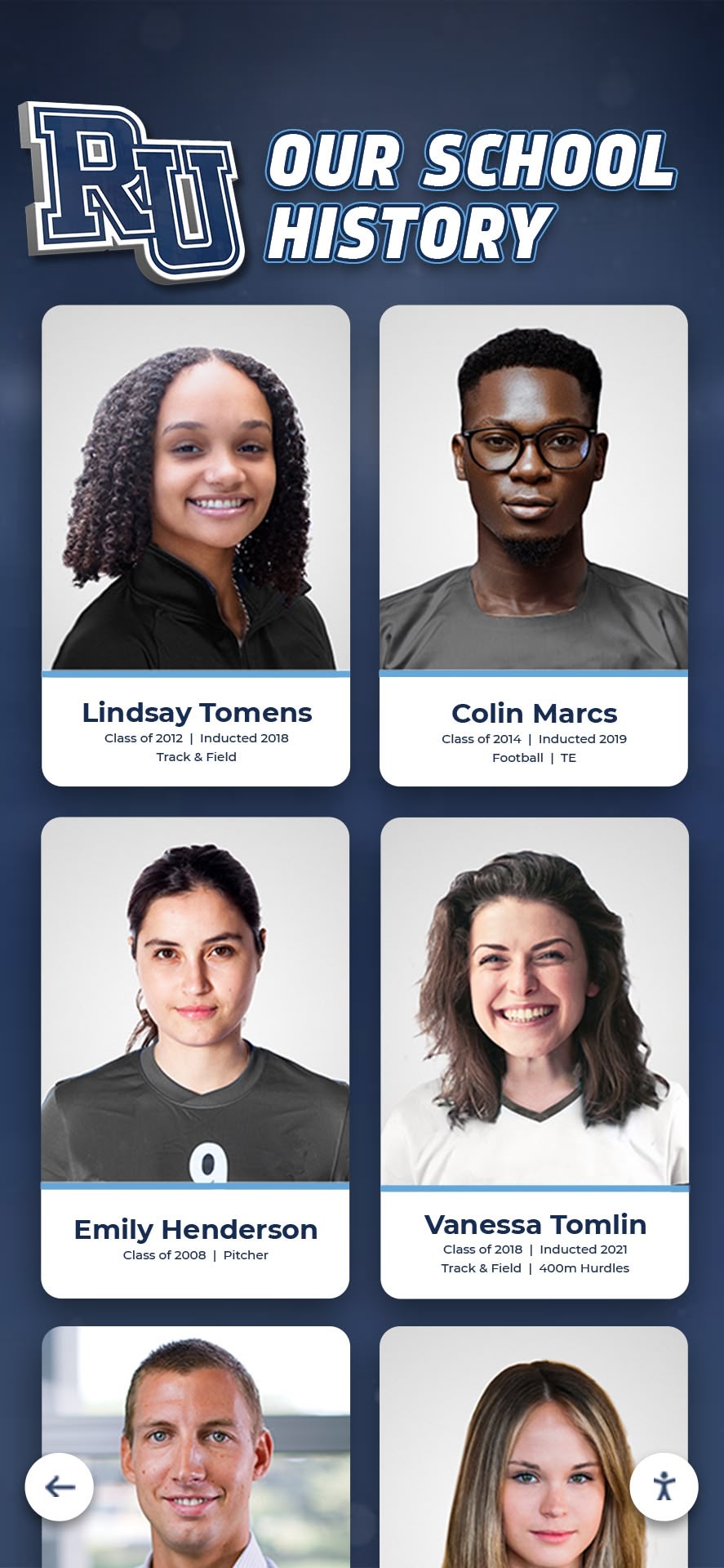
Individual athlete portrait cards anchor both roster displays and long-term recognition archives — the same photograph that appears on the athletic website today becomes the permanent record in a digital wall of fame tomorrow
Quick Shot List Grouped by Use Case
Before diving into technique and setup, here is the core shot list organized by where each photo will ultimately be used. Plan your volleyball photo day around this table, not around what feels easiest to shoot.
| Use Case | Shots Needed | Format | Notes |
|---|---|---|---|
| Roster / athletic website | Individual headshot, jersey number visible | Vertical portrait | Consistent background, game jersey |
| Yearbook | Full team group shot | Horizontal wide | All players, coaches, managers |
| Senior tribute / banquet | Formal senior portrait, action shot | Vertical portrait + horizontal action | Capture early in season for lead time |
| Hallway display / trophy case | Team banner shot, championship moment | Large horizontal | 300 dpi minimum for print |
| Digital recognition archive | Headshot + 1–2 action shots per player | Multiple formats | Profile-ready, keyed to graduation year |
| Social media | Behind-the-scenes, warmup candids, celebration | Square or vertical | Lower formal bar acceptable |
| Recruiting materials | Facility shots, team culture candids | Wide horizontal | Feature gym branding and team energy |
| Media guide / program | Team photo, individual position portraits | Mixed | Consistent background preferred |
Roster and Athlete Profile Photos
Roster headshots are the workhorse of volleyball photography. They appear on the athletic website, in the printed program, on a touchscreen recognition kiosk in the lobby, and in a digital wall of fame a decade from now. Getting this shot right matters more than any creative concept on the list.
What Makes a Good Volleyball Roster Headshot
Consistency across the team is the primary requirement. When one player is shot against a white wall with natural light and another is shot against the gym bleachers under fluorescent lights, the roster page looks unprofessional regardless of individual image quality. Establish one setup and keep it for every player.
Effective roster headshot setup:
- Background: neutral gray, white, or school-colored seamless paper — avoid bleachers or walls with visible branding
- Lighting: single softbox or window light diffused through a white sheet; avoid direct gym fluorescents
- Framing: head and shoulders, jersey number visible, face clearly legible at thumbnail size
- Uniform: game jersey only, same configuration for everyone (all tucked or all untucked)
- Expression: natural and engaged — avoid forced smiles
Field of view to capture per player:
- Tight headshot (shoulders and above)
- Mid-body showing jersey number
- Full-length option for programs using it in media guides
Store full-resolution originals. A 10-megapixel or larger original crops to any platform’s aspect ratio. A low-resolution web export cannot be upscaled for print without quality loss.
Roster Session Logistics
Running a clean headshot session for a full volleyball roster of 12–16 varsity players takes 45–60 minutes when organized efficiently:
- Set up backdrop and lighting before players arrive
- Shoot in uniform — game jersey, matching shorts and knee pads
- Alphabetical order prevents missed players
- Capture 3–5 frames per player; keep the best two
- Photograph coaching staff in the same setup after player session
- Include managers and support staff last
Programs that maintain consistent headshot archives from year to year create a visual historical record. The same neutral-background portrait format across five, ten, or twenty seasons allows meaningful comparison that an assortment of casual photos never achieves.
Action Shots for Programs and Display
Volleyball lends itself to visually dramatic action photography. The vertical space of a block attempt, the dive of a libero, the extension of a back-row attack — these moments photograph well when the shooter is positioned correctly and the settings are dialed in.
Priority Volleyball Action Shots for Display
Shots worth capturing at every match:
- Block at the net — two blockers leaping together with hands at the tape; reads well in hallways and banner crops
- Back-row attack approach — player at full extension, ball visible above the net; captures the athletic range of the sport
- Libero dig — low-to-the-ground sprawl or extension; unusual angle, high visual impact
- Setter delivery — hands precisely on ball in set position; conveys technical skill
- Service reception — platform pass with team visible in background; documents team system
- Celebration moment — team huddle after a point, hands meeting in center of court; captures culture
Shots that work specifically for hallway displays:
- Horizontal crops featuring two or three players in the same action sequence (blockers at net, service receive line)
- Single-player feature at maximum extension — works in banner and portrait formats
- Team celebration with school colors dominant in the frame
Technical Setup for Gym Action Photography
Indoor volleyball photography presents predictable challenges. Plan for them in advance:
Camera settings for gym action:
- Shutter speed: 1/500s minimum; 1/800s preferred for blocking and attack shots
- ISO: 1600–6400 depending on gym lighting quality; test at practice before the first match
- Aperture: f/2.8–f/4.0 for subject separation from background
- Autofocus: continuous tracking mode; prioritize focus on the hitter’s face or the ball
- Burst mode: on — volleyball blocks and attacks last 0.3–0.5 seconds
Shooting positions:
- Behind the end line captures attacks and blocks showing the net, court, and players’ faces
- Corner of the court provides wide angles for team formations and service reception
- Court-level (sitting or kneeling at end line) creates dramatic upward angles for blocking shots
- Off the side at mid-court is strongest for setter shots and crossing attacks
Lighting notes:
- Test white balance in the specific gym before committing to a session — LED systems behave differently from older fluorescents
- Gyms with windows on one side create uneven lighting requiring exposure compensation
- Request that gym management turn all available lights to maximum for dedicated photo sessions
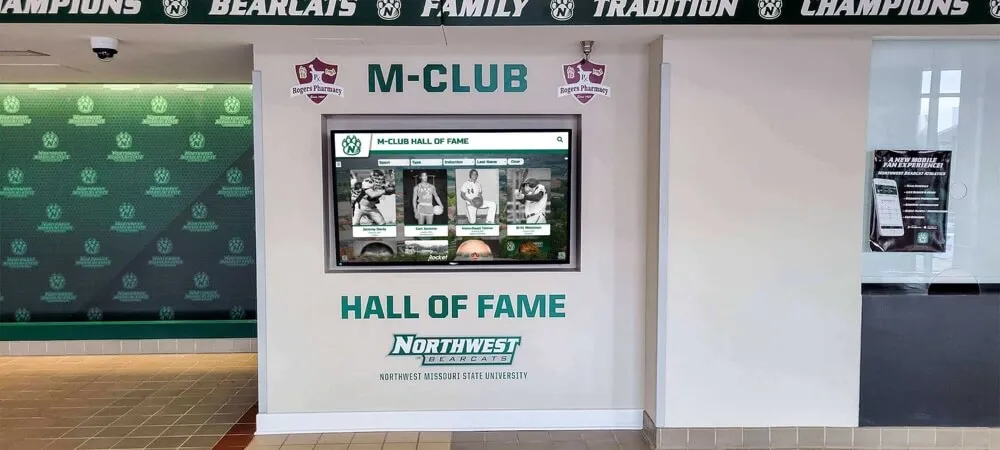
Schools building recognition display systems for athletics, donors, and program history will find that the shot formats here — individual portraits, feature action shots, team group photos — directly match the content types those display platforms are designed to hold.
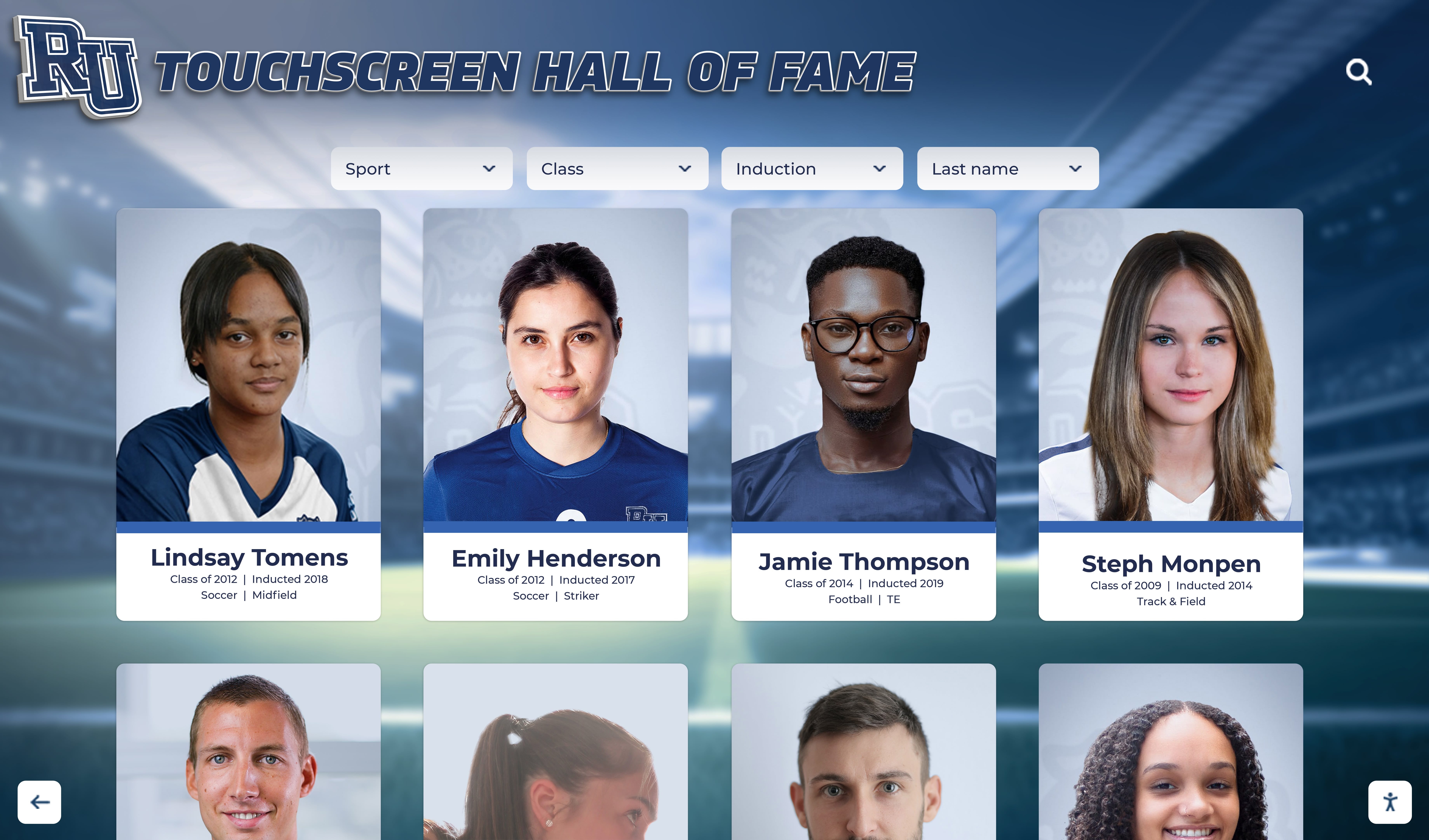
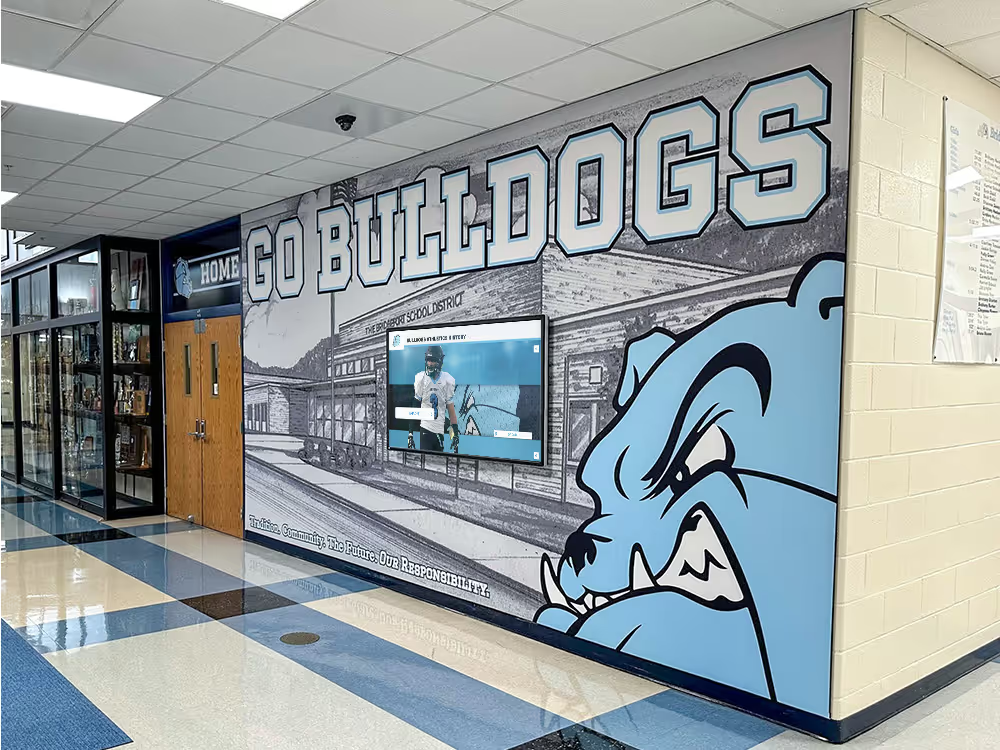
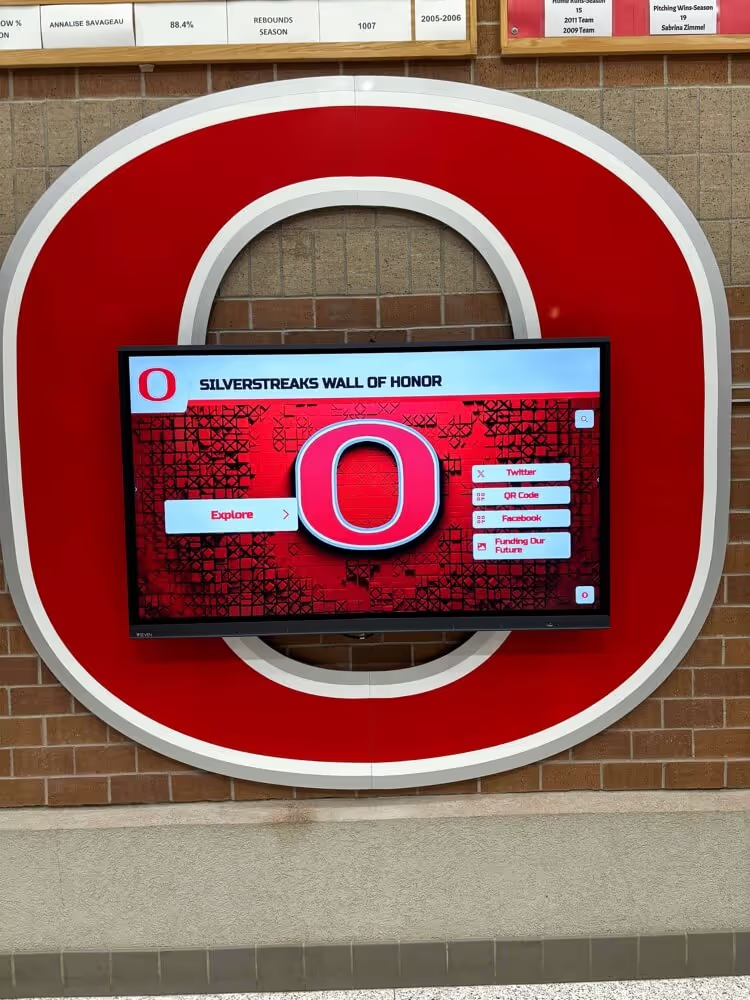
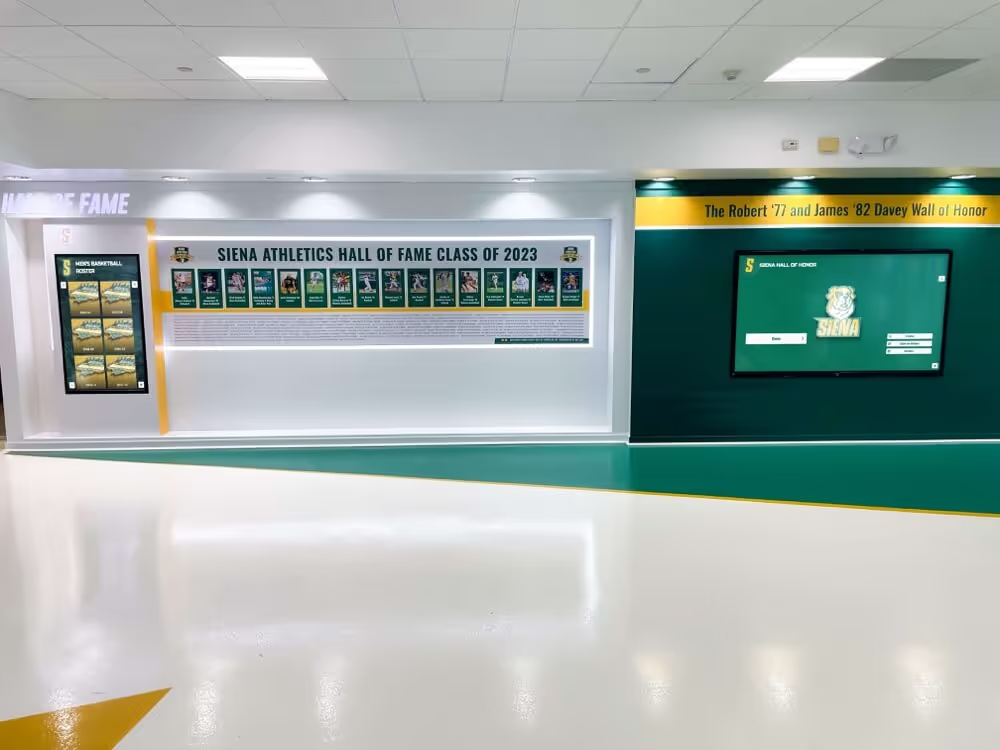
Roster headshots and action images feed directly into digital recognition systems — the same photograph session that builds the athletic website today populates the hall of fame touchscreen years from now
Senior Tribute Photos
Senior recognition is one of the highest-stakes use cases for volleyball team photography. These images appear in senior night slideshows, banquet tribute booklets, yearbook senior spreads, hallway recognition boards, and — for programs with hall of fame or letter winners displays — the permanent recognition archive.
Getting senior photos right means planning them early in the season and taking them specifically for these use cases, not repurposing whatever exists by the end of the year.
Types of Senior Photos Schools Need
Formal senior portrait (required):
- Game jersey, consistent neutral background
- Head and shoulders, confident expression
- Shot in first two weeks of season — provides lead time for print production
- Matches format of previous years’ seniors for yearbook consistency
- Taken at the same session as the roster headshot, selected separately
Action portrait of senior (high priority):
- Individual feature shot at maximum athleticism
- Works in senior night slideshows, banquet booklets, social media tribute posts
- Can be captured during a regular match if the photographer is positioned correctly
Senior group photo (recommended):
- Seniors only, in uniform, standard two-row arrangement
- Can be taken before a match with limited setup time
- Smaller classes of four to six seniors work well in a single row
Senior night documentation (event photography):
- Senior walking across court with family
- Receiving flowers, plaques, or recognition items
- Candid embrace with teammates after the ceremony
- Plan for a second shooter if the match continues immediately after the ceremony
Then-and-now concept (optional but high-impact):
- Freshman-year or first-season photo alongside the current senior portrait
- Requires archive retrieval — reinforces the value of consistent roster photo practices from year one
- Works well in banquet programs and social media recognition posts
Senior Night Photo Checklist
- Senior formal portraits captured in first two weeks of season
- Action photo of each senior selected from season match archives
- Senior group photo scheduled before or after senior night match
- Second photographer assigned for ceremony documentation during live match
- Photographer briefed on senior names, jersey numbers, and ceremony order
- Family moment shots planned for each senior’s ceremony walk
- Photos delivered to yearbook, banquet committee, and social media coordinator within 48 hours of the event
Recognition ideas for young athletes across youth and high school sports programs highlight why building consistent portrait habits early pays dividends at the senior level — programs that document athletes from their first year have the most complete archive when senior tribute materials are due.
Team Group Photo Setups
The full-team photo is the most widely reproduced single image a volleyball program creates each season. It appears in the yearbook, on the athletic website, in local newspaper features, in match programs, and in the school’s annual recognition archive. It deserves more than five minutes before practice starts.
Traditional Volleyball Team Photo Arrangements
Three-row gym setup (standard for rosters of 12–18):
- Front row: seated cross-legged on the floor or kneeling on one knee
- Middle row: standing behind front row
- Back row: standing on a bleacher step or bench
- Coaches at ends or center back
- One ball held by the captain or coach at center — avoid scattering equipment across the frame
Bleacher arrangement (for larger programs of 20+ players):
- Positions players at staggered heights without requiring a separate raised surface
- Players in jersey-number order or by position group reads better in formal media contexts
- Keep the top row within two bleacher steps — creates depth without losing face detail at small print sizes
Specialty volleyball setups:
- Net-line formation — players standing at the net in alternating blocking and receiving positions
- Circle formation on the floor (aerial shot from bleachers or ladder) for social media
- Tunnel formation where seniors stand facing each other with underclassmen between them
Background and Location for Team Photos
Indoor court backgrounds that work:
- End wall of the gym featuring school logo or mascot
- Under or in front of the scoreboard showing the team name
- Net as background with softened bleachers behind
What to avoid:
- Gym bleachers as background when filled with random bags and equipment
- Fluorescent lighting without supplement creating green or yellow color cast
- Busy backgrounds that compete with faces for visual attention
Outdoor options (spring or preseason):
- School building exterior with visible signage
- Athletic complex entrance during golden hour
- Sunrise or sunset with gym building silhouetted
Display-Ready Shots for Hallways and Trophy Cases
Volleyball photos that hang in athletic hallways, sit in trophy cases, or appear in lobby recognition displays have different technical requirements than photos for web or yearbook. These shots need to hold up at large sizes, read clearly from six to ten feet away, and maintain visual impact at 16×24 or larger.
Technical Requirements for Display Prints
Resolution:
- Minimum 300 dpi at final print size
- For a 20×30 display print: approximately 6,000×9,000 pixels source minimum
- For a 16×20 display print: approximately 4,800×6,000 pixels source minimum
- Shoot at the camera’s maximum resolution; crop minimally
Composition for large-format display:
- Subject fills at least 40% of the frame — faces that are small elements in a wide shot lose legibility at distance
- High contrast between subject and background — low-contrast images lose impact at display sizes
- Horizontal format for banner and panoramic displays; vertical for portrait-style recognition panels
- Leave margin space at edges for mounting hardware
What reads well at six feet:
- Strong athletic motion at the peak of the action
- Two or three players in a shared moment (block, service celebrate, huddle)
- Single athlete in full-body portrait orientation with clear facial expression
- Team group shot in tight formation with minimal wasted space
Yearbook Spread Content
Yearbook spreads for volleyball programs work best when the photographer captures content specifically for the page layout:
- Full-team photo
- Coach feature portrait
- Two to four individual action shots representing different positions (setter, outside hitter, libero, middle blocker)
- Candid team culture moment (warmup, huddle, celebration, bench reaction)
- Season result image (final match, tournament bracket, or senior night ceremony)
Yearbook advisers who share the spread layout — dimensions and number of image slots — with the photographer in advance walk away with photographs that fit the design rather than forcing content into awkward crops after the fact.
Programs that have evaluated hall of fame recognition systems for schools and athletic facilities recognize that high-resolution photograph assets prepared for yearbooks and media guides translate directly into recognition display environments — the investment in quality photography compounds across every channel.
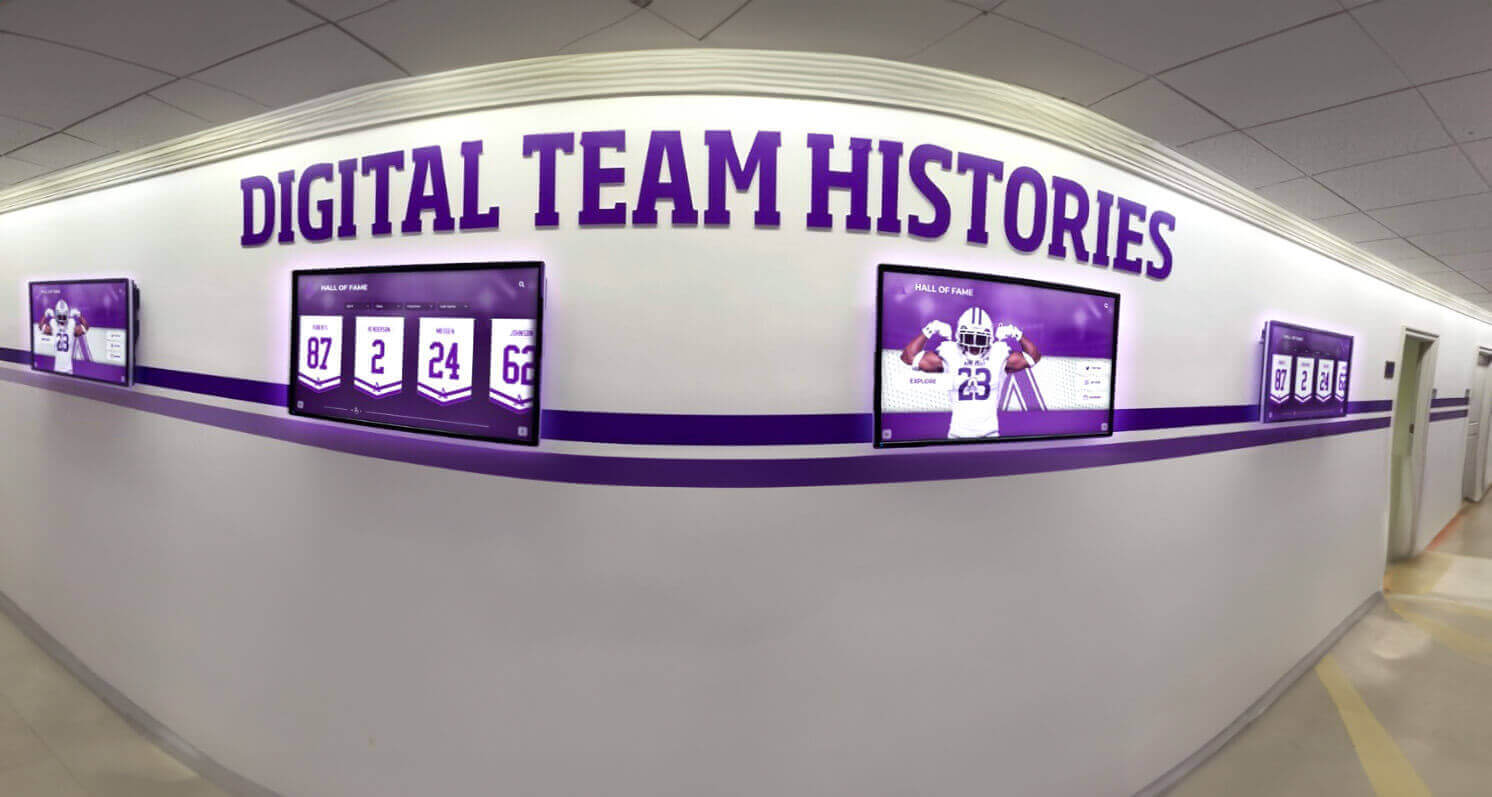
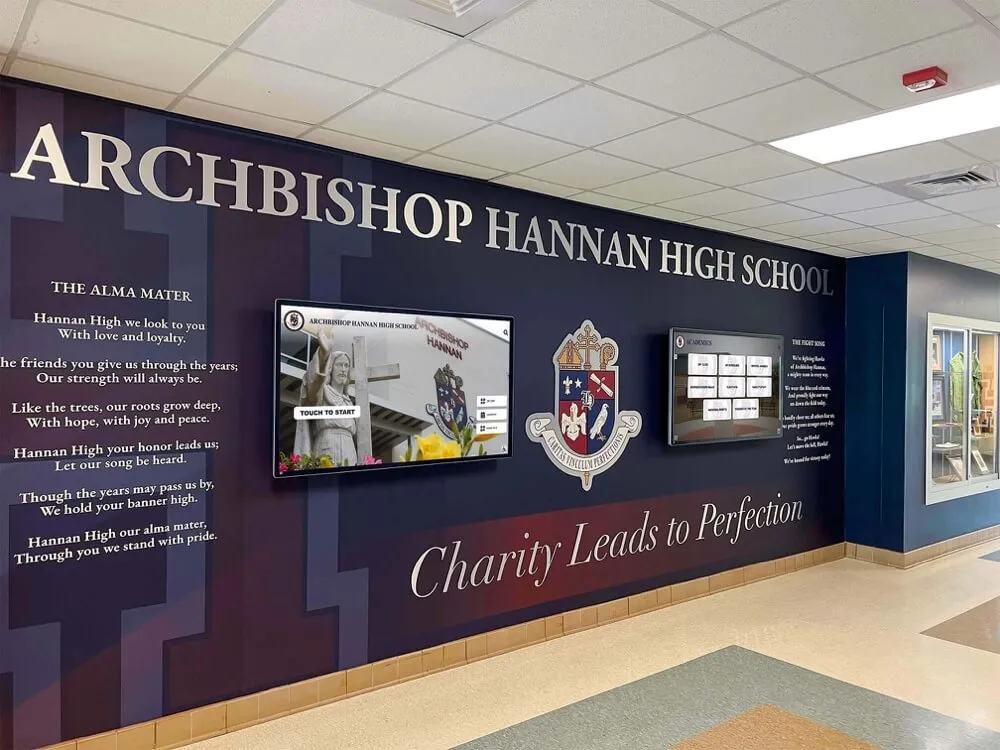
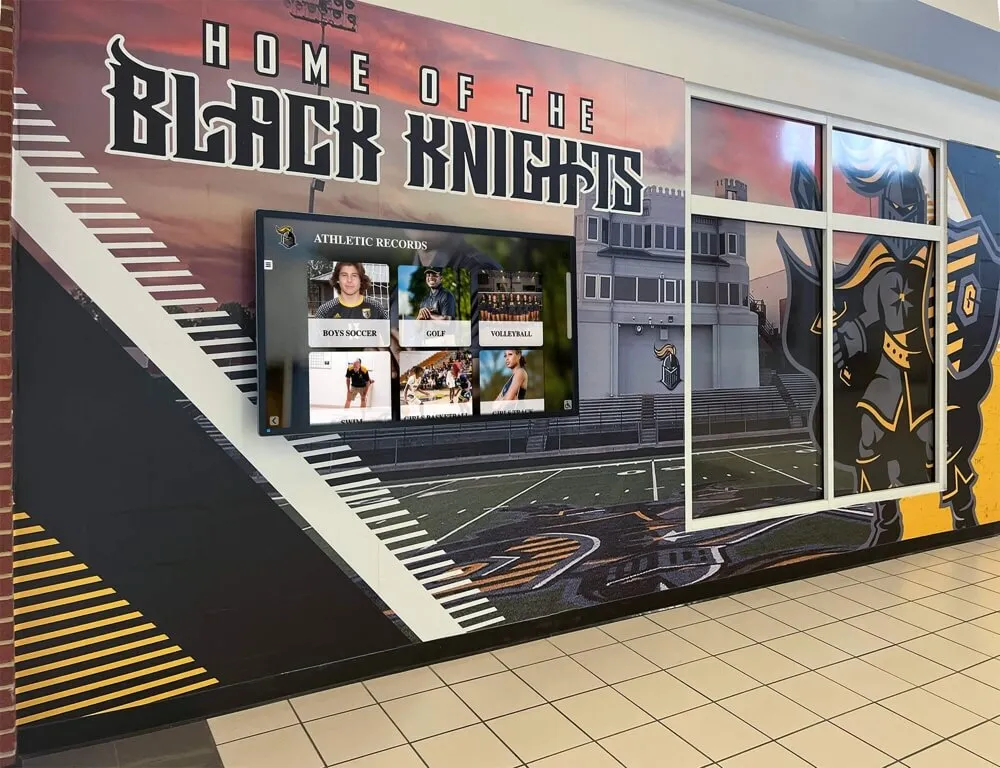
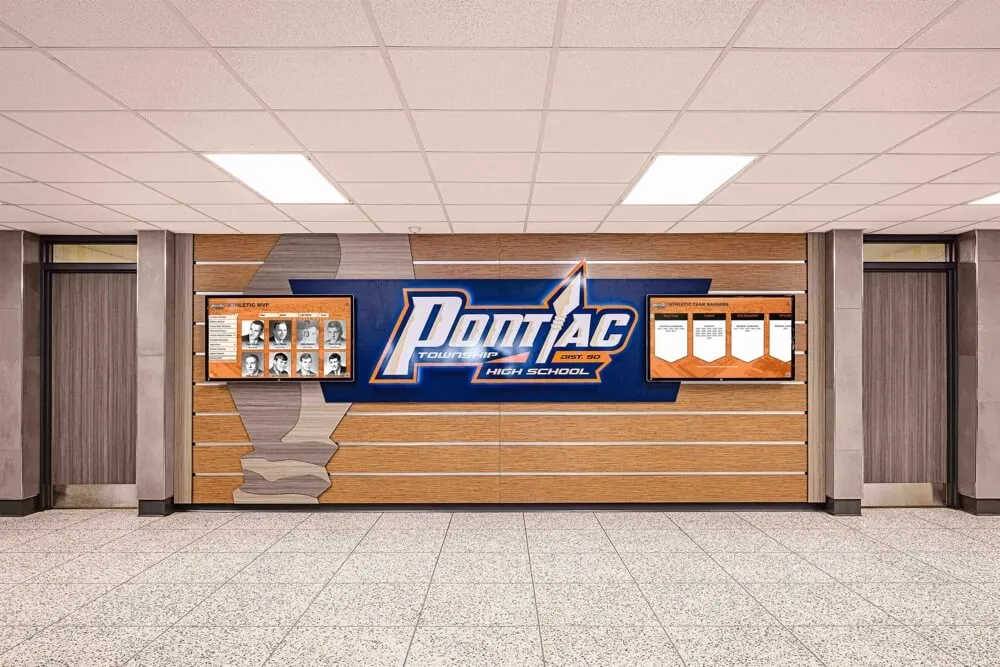
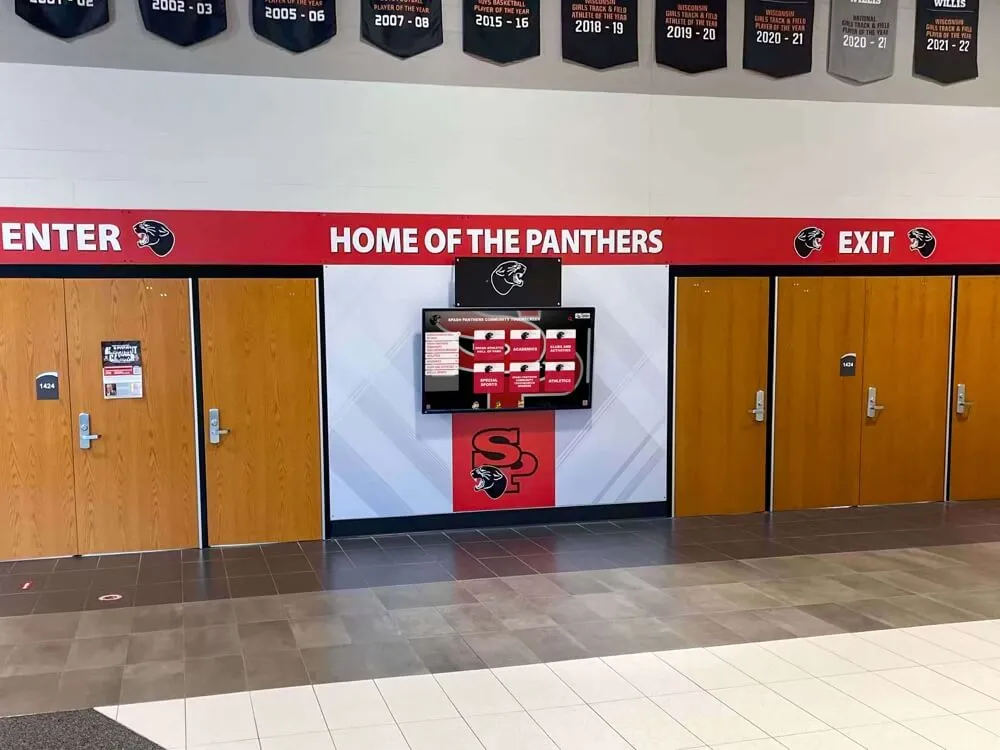
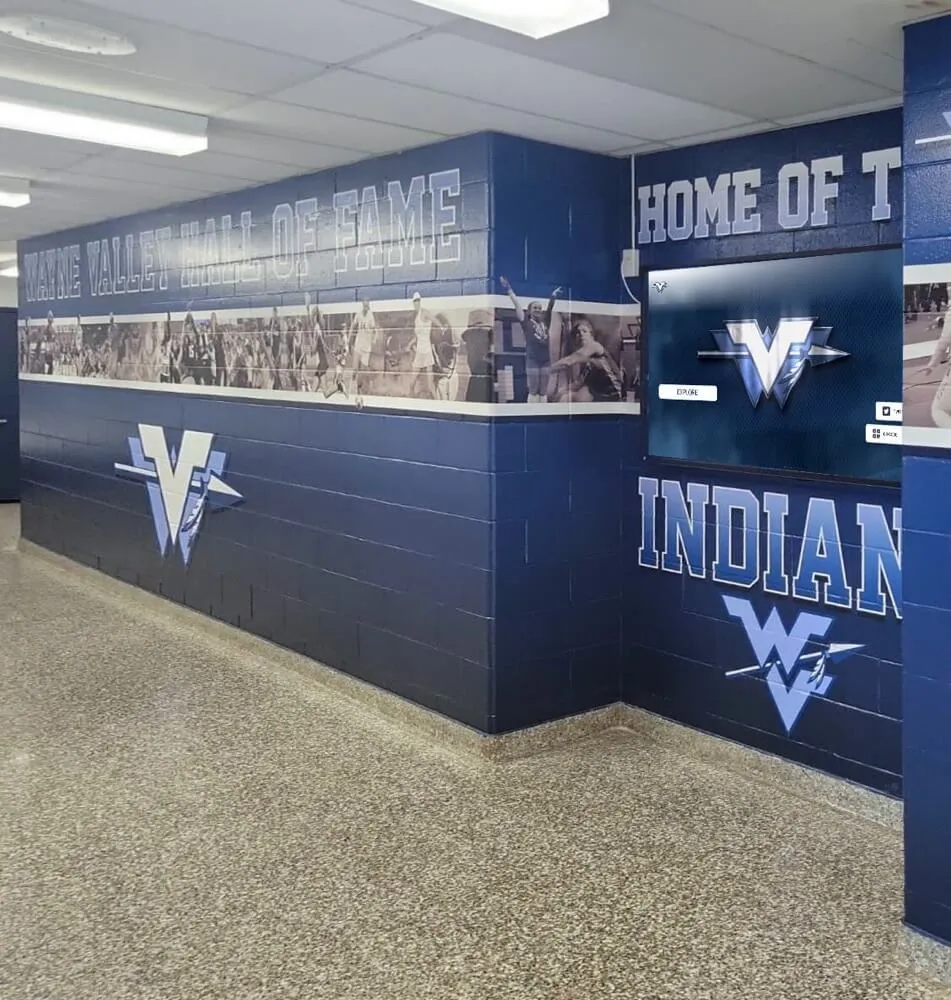
Team group photos and season documentation feed hallway displays that keep the athletic program's history visible to current athletes, visitors, and recruits walking through the facility
Organizing Volleyball Photo Archives for Long-Term Use
Schools that maintain organized volleyball photo archives can do things others cannot: retrieve a player’s headshot from three seasons ago for a retrospective, build a compelling anniversary display without scrambling for images, or compile a senior tribute package that documents the player’s entire program history.
File Organization System
Recommended folder structure:
Volleyball/
  2025-26/
    Headshots/
    Team-Group/
    Action-Match/
    Senior-Photos/
    Senior-Night/
  2024-25/
    (same structure)
File naming conventions:
- Headshots:
LASTNAME_FIRSTNAME_JerseyNumber_Year.jpg - Team group:
TeamGroup_Varsity_Year.jpg - Action shots:
Action_PlayerLastName_Date.jpg
What to embed in every file’s metadata:
- Athlete’s full name, graduation year, jersey number
- Date photographed
- Sport and team level (Varsity, JV)
- Photographer name and rights information
Storage:
- Primary: school network drive or athletic department cloud storage with backup
- Secondary: coach’s cloud backup
- Never: only on the photographer’s personal hard drive or a phone camera roll
Consistent archiving means a program’s 30th-anniversary celebration has access to every team photo rather than discovering that most exist only in physical yearbooks held by alumni from those years.
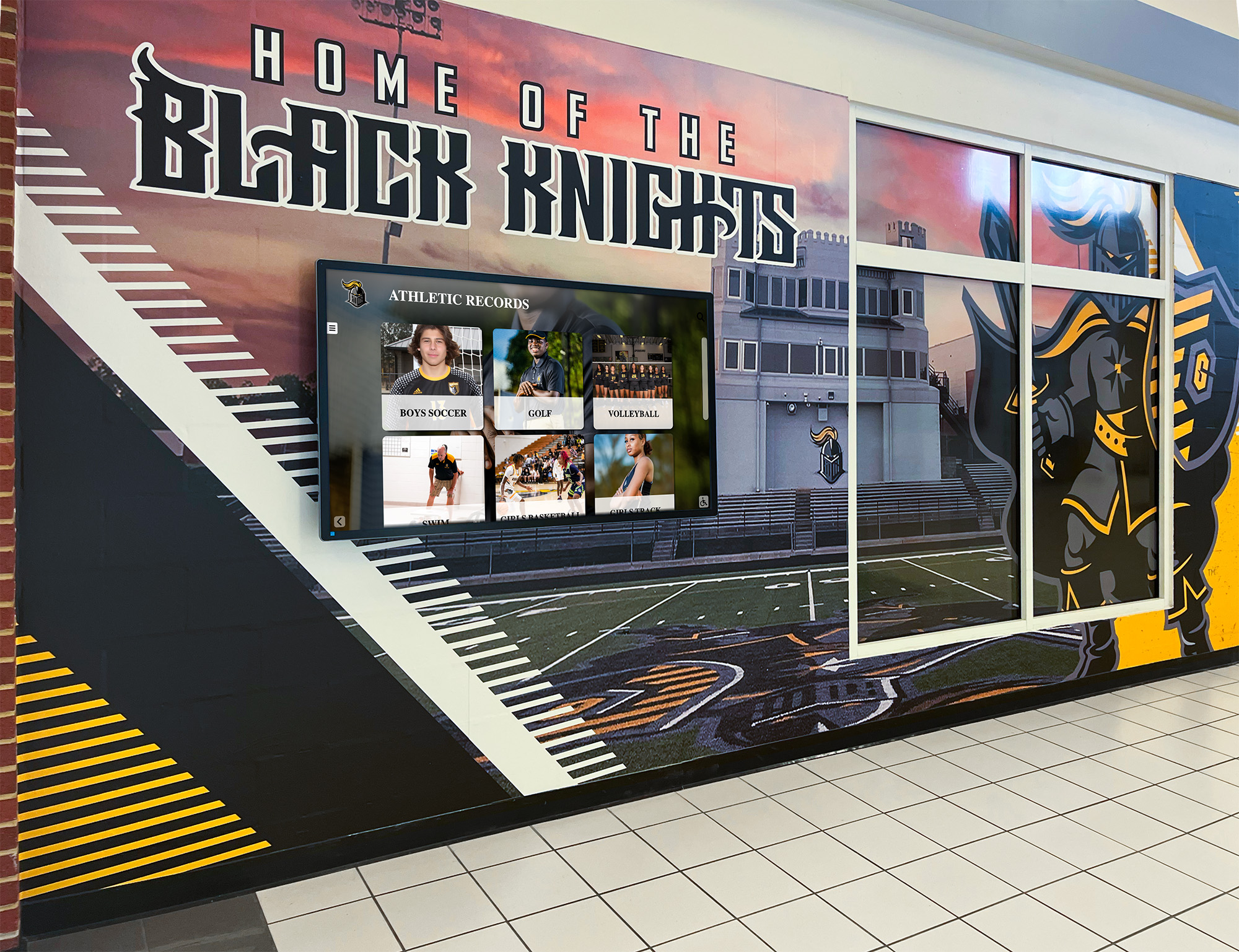
Well-organized photo archives make it possible to populate hallway recognition displays and digital record boards that connect current athletes to the full history of the program
Connecting Volleyball Photos to Digital Recognition Displays
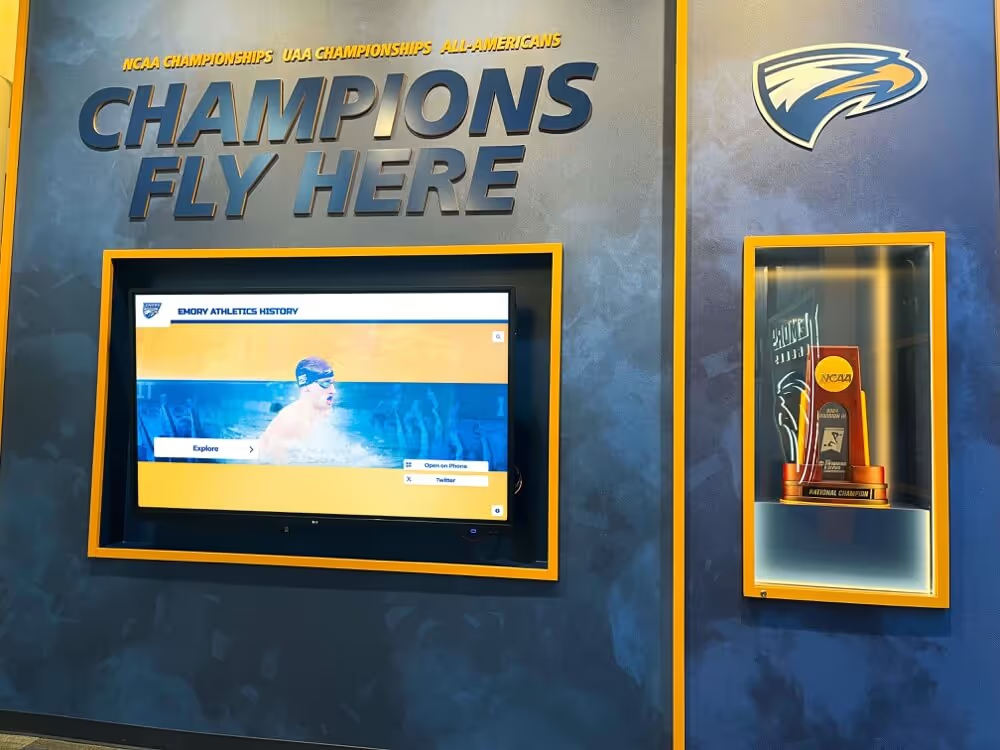
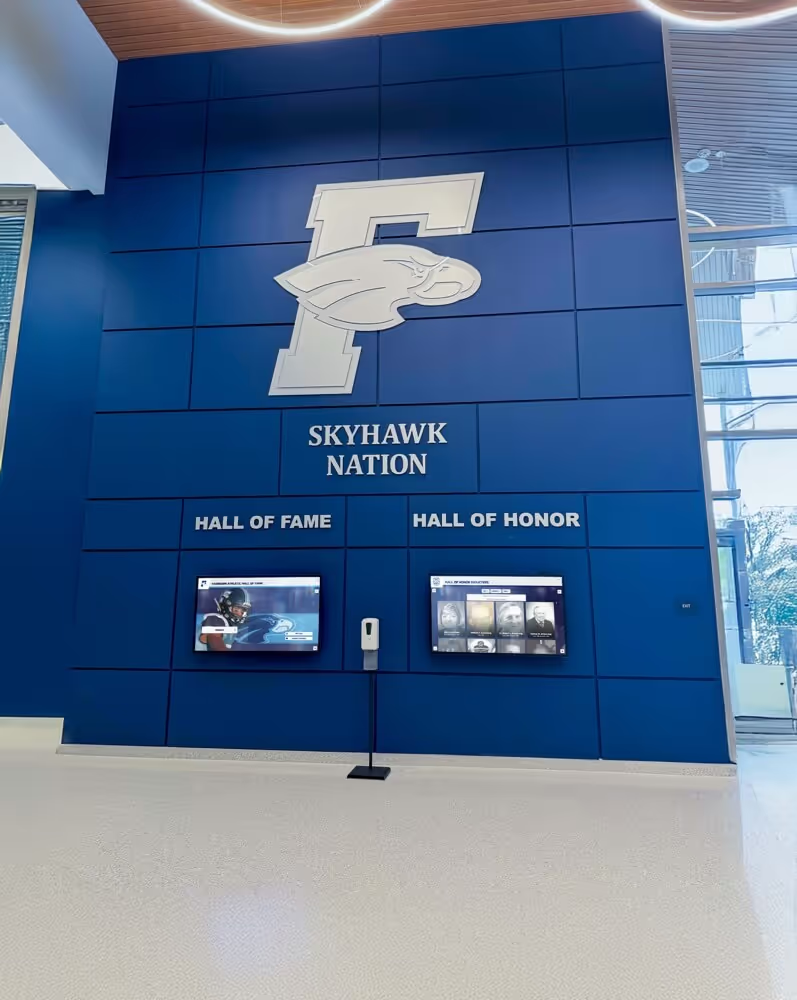
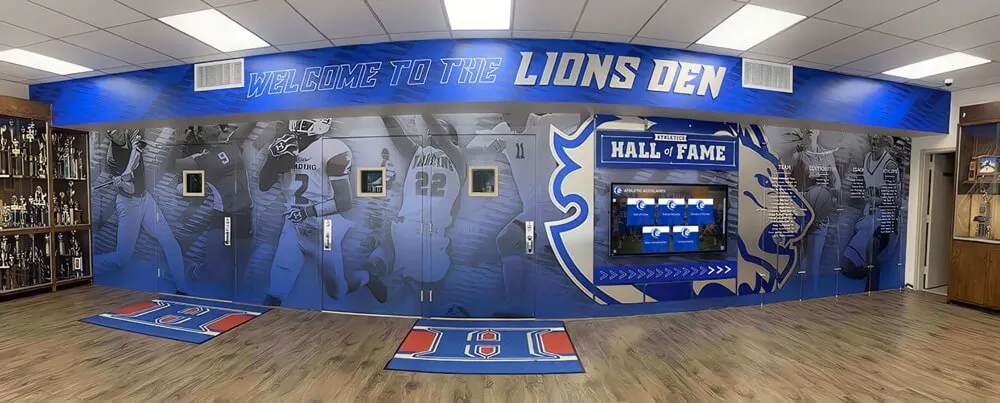
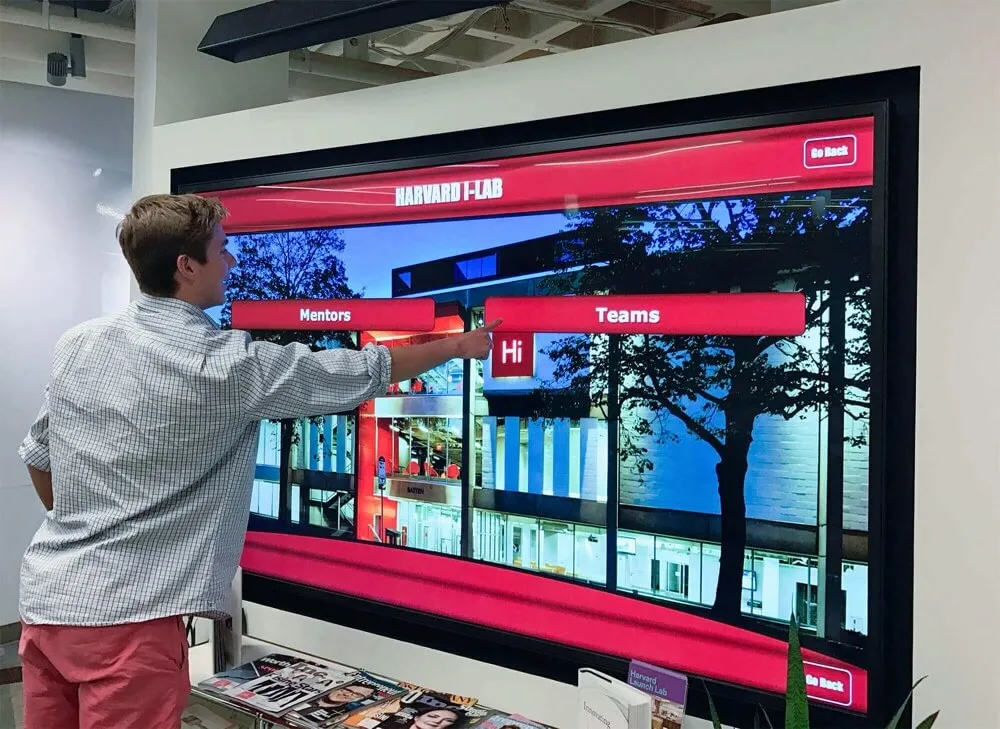
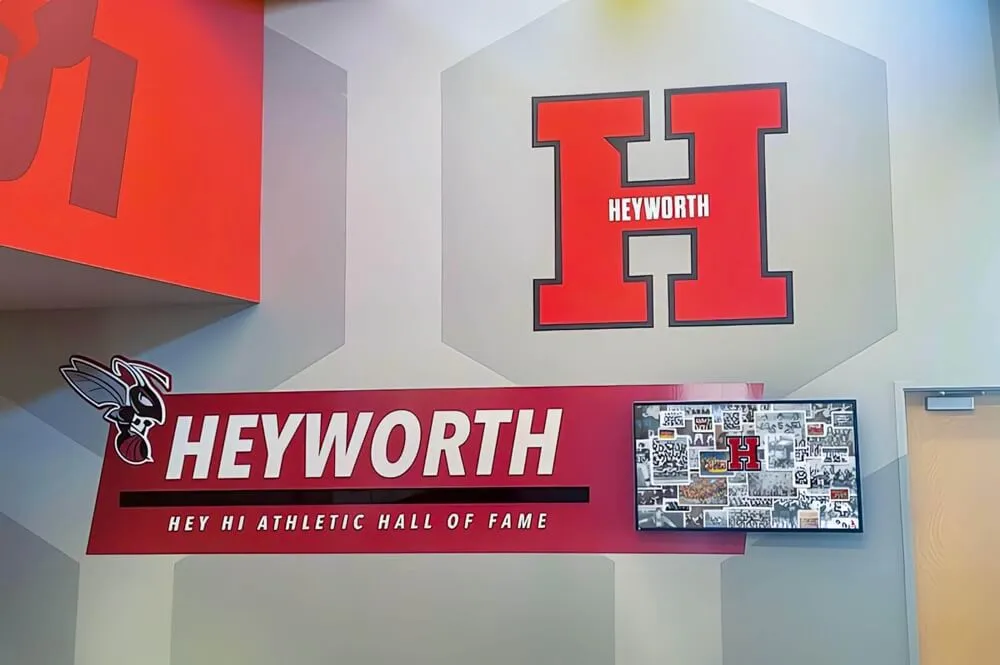
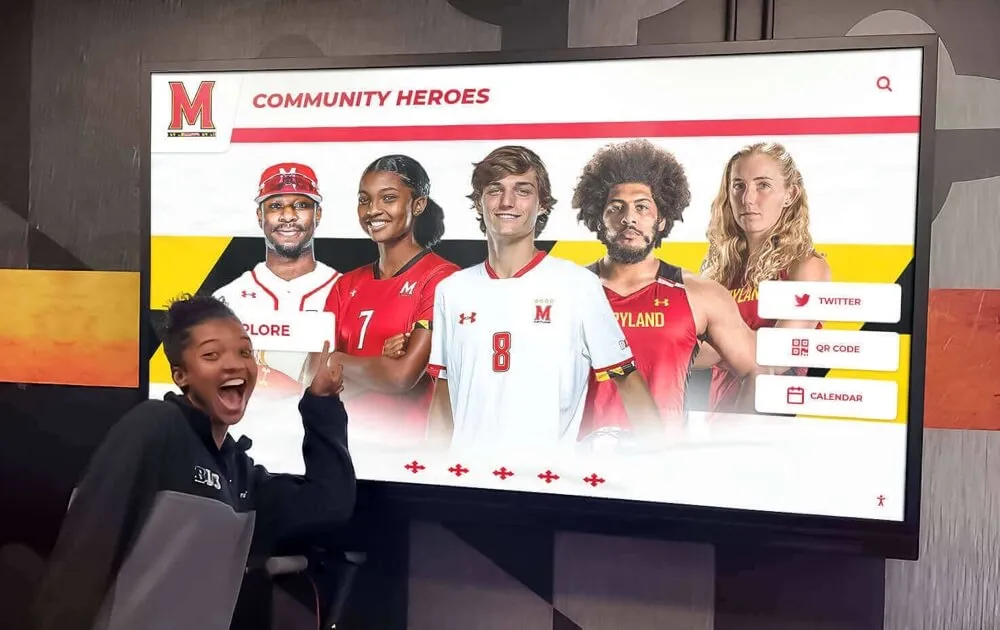
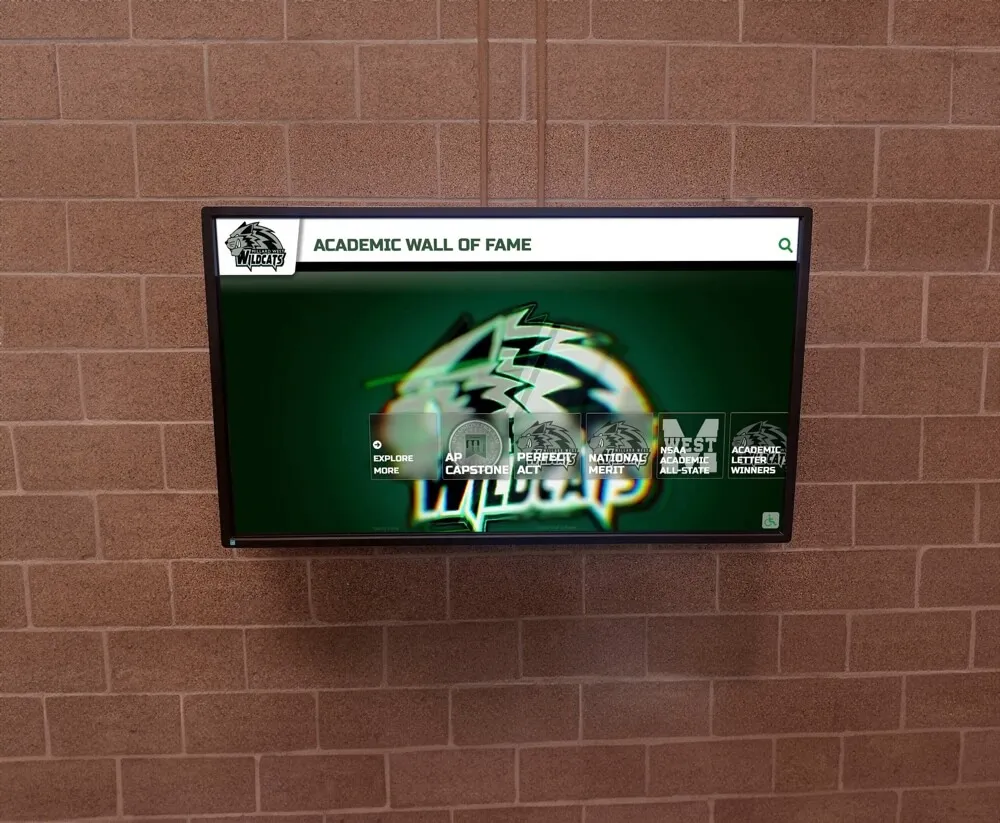
Once a volleyball program has built a consistent, organized photo archive across multiple seasons, those assets power recognition systems that go well beyond a printed yearbook or a static trophy case. Digital touchscreen recognition displays use the same headshots, action photos, and team group shots to create interactive browsing experiences — the kind that recruits study during facility visits and that returning alumni explore during homecoming events.
What Digital Displays Do With Volleyball Photos
Individual athlete profiles: The roster headshot becomes the profile photo in a searchable digital archive. Add statistics, award history, graduation year, and post-athletic notes, and the same photograph that ran in this season’s media guide anchors a permanent inductee profile in the program’s recognition history.
Season archives: Year-by-year team group photos, organized by season, create a visual timeline visitors can browse chronologically — tracing roster evolution, facility upgrades, and uniform changes across decades of volleyball history.
Auto-ranking record boards: Digital recognition platforms display program records for kills, digs, service aces, and blocks — with the record holder’s headshot alongside the performance. When a current athlete breaks the record, the board updates automatically without manual intervention.
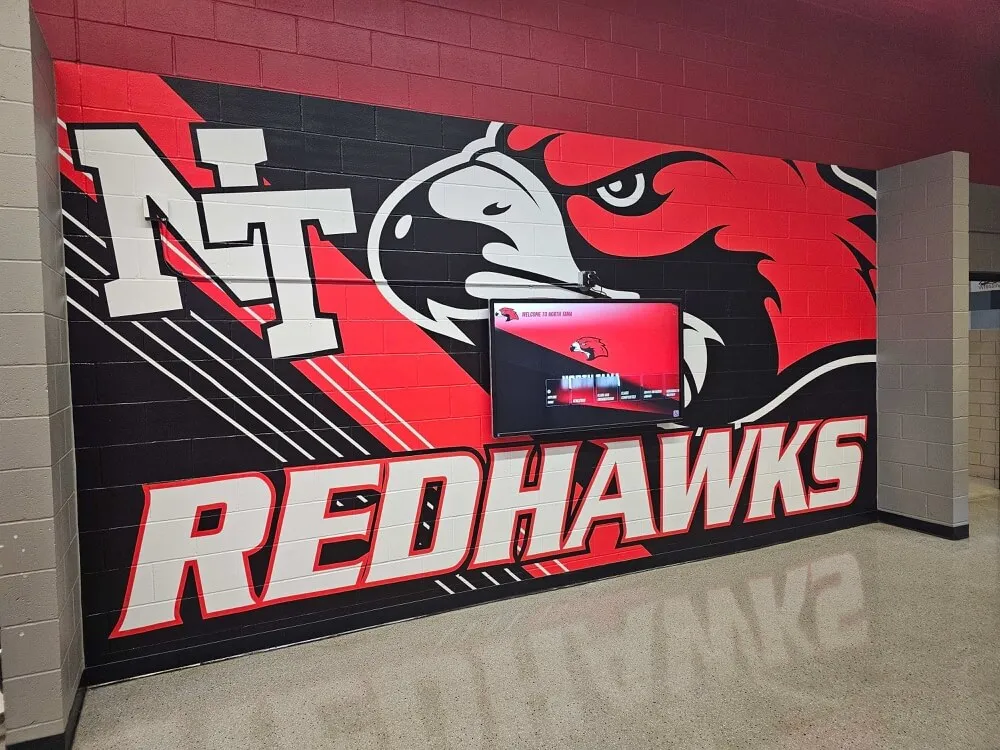
Display wall integration: High-resolution action shots and team photos populate lobby display panels and hallway installations — the same assets serve both the physical display and the digital system, eliminating redundancy in photography planning. Modern platforms include ADA WCAG 2.1 AA compliance with adjustable text size, high-contrast modes, and QR code mobile access so visitors can pull up full athlete profiles on their own phones.
Recognizing youth sports achievements across all program levels works best when photo archives are maintained consistently from early in an athlete’s career, allowing recognition displays to tell a complete story rather than only documenting the final season.
What to Brief Your Volleyball Photographer
Whether you hire an outside photographer or brief school staff, share this before the session:
Deliverables requested:
- Individual headshots of every player and coach (neutral background, high resolution)
- Full-team group photo (horizontal and vertical crops)
- Senior individual photos (formal portrait plus action option)
- 30–50 action images from a match (mixed positions and moments)
- 10–15 candids documenting team culture
Technical requirements:
- Minimum 2,000px on the short side for all headshots
- Action images at shutter speed of at least 1/500s
- RAW + JPEG delivery preferred; JPEG-only at highest quality setting is acceptable
- Consistent white balance across all headshots in a session
Usage rights:
- Confirm the school has rights to use images in print, digital, and permanent recognition displays
- Obtain written permission for images used in any public-facing display system
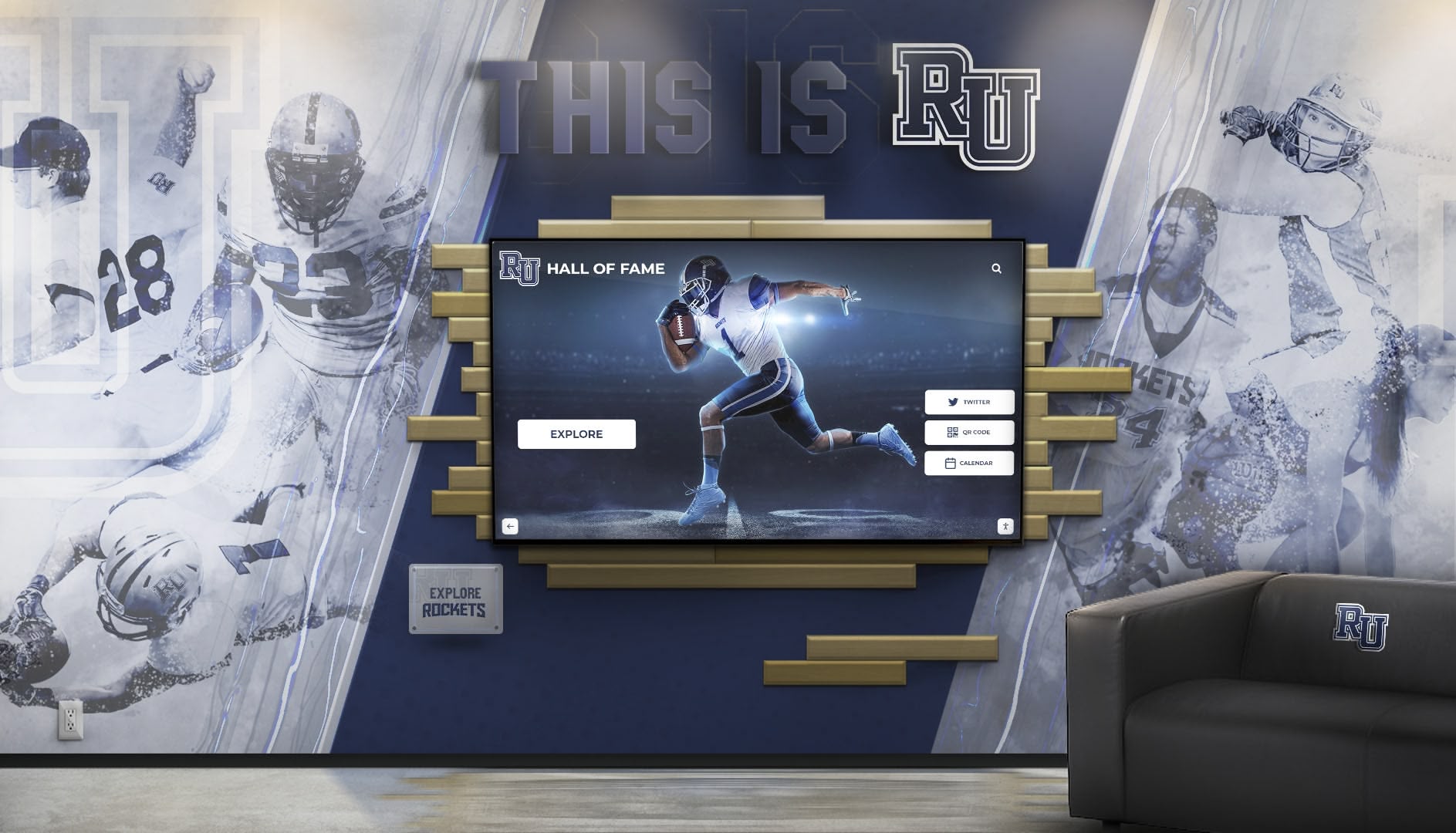
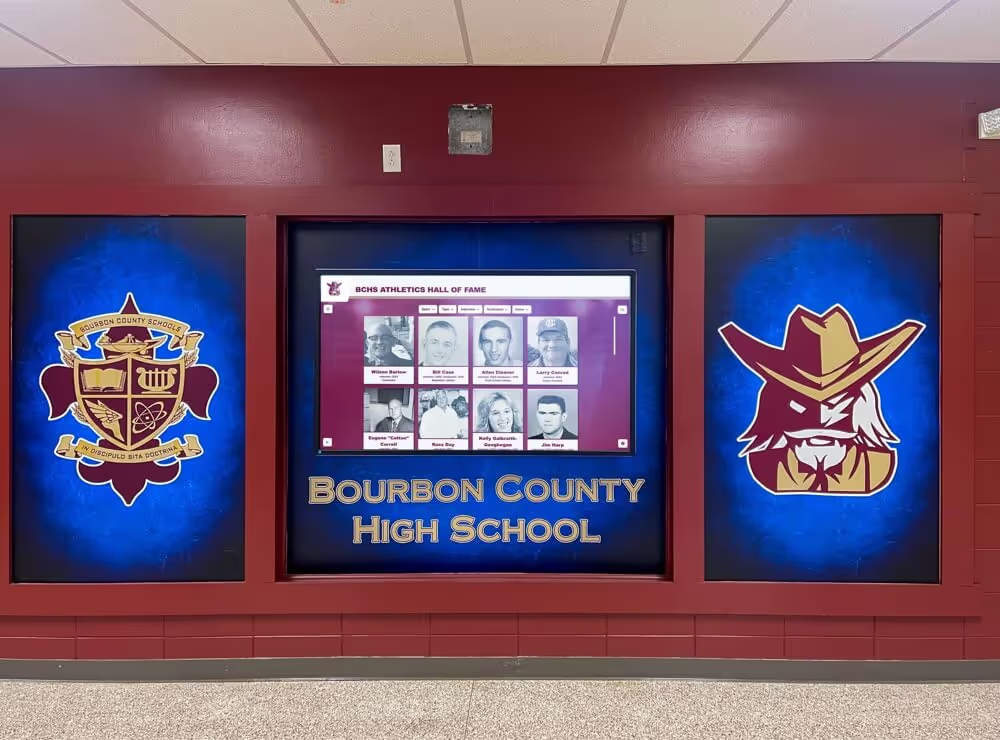
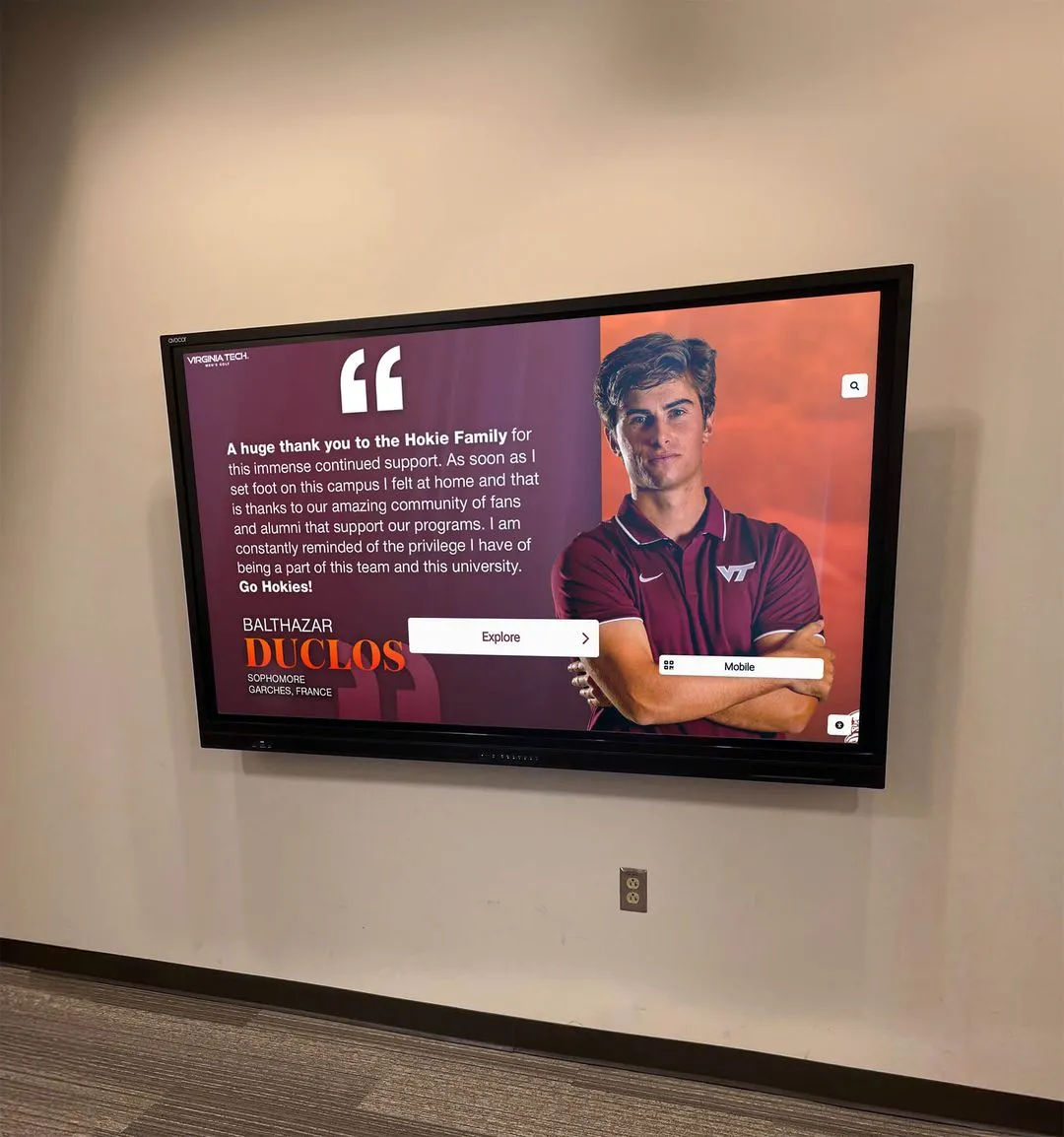
The same volleyball portrait and action shots used in yearbooks and media guides populate interactive recognition displays — one photography investment serves multiple recognition workflows for years
Shot Categories and Their Uses
| Shot Type | Yearbook | Roster Site | Senior Tribute | Hallway Display | Digital Archive |
|---|---|---|---|---|---|
| Roster headshot | ✓ | ✓ | ✓ | — | ✓ |
| Full-team group | ✓ | ✓ | — | ✓ | ✓ |
| Action — individual | ✓ | — | ✓ | ✓ | ✓ |
| Action — team | ✓ | — | — | ✓ | ✓ |
| Senior formal portrait | — | — | ✓ | — | ✓ |
| Senior night ceremony | — | — | ✓ | — | ✓ |
| Candid / culture | ✓ | — | ✓ | — | ✓ |
Building a Multi-Season Volleyball Photo Tradition
The schools with the most complete volleyball photo archives didn’t build them with a single exceptional effort — they built them through consistent annual practice that standardized what gets photographed, how it gets stored, and where it ends up.
Establishing a sustainable photo tradition:
- Assign ownership — designate one person (athletic communications staff, yearbook adviser, or a team manager) as the primary photo archive owner each season
- Schedule photo day before the first match — provides maximum lead time for publications and ensures full roster representation
- Use a consistent standard — same background, same lighting approach, same framing for headshots year over year; visual consistency compounds in value as the archive grows
- Conduct a post-season archive review — confirm all photos are properly filed, named, and backed up before the end of the school year
- Document what exists and what’s missing — an honest inventory of gaps surfaces items worth recovering before they become permanently inaccessible
Programs that have built these archives over decades frequently discover they already have the foundation for a complete recognition display — a visual program history that can be mounted in a hallway or installed on a touchscreen kiosk without starting from scratch.
Planning a school reunion or milestone anniversary celebration illustrates exactly why organized photo archives matter — schools with consistent, well-maintained athletic photography create recognition moments that schools without archives simply cannot match.
Athletic programs evaluating long-term recognition systems will find a comprehensive guide to hall of fame tools for schools and athletics programs a useful starting point before comparing vendors.
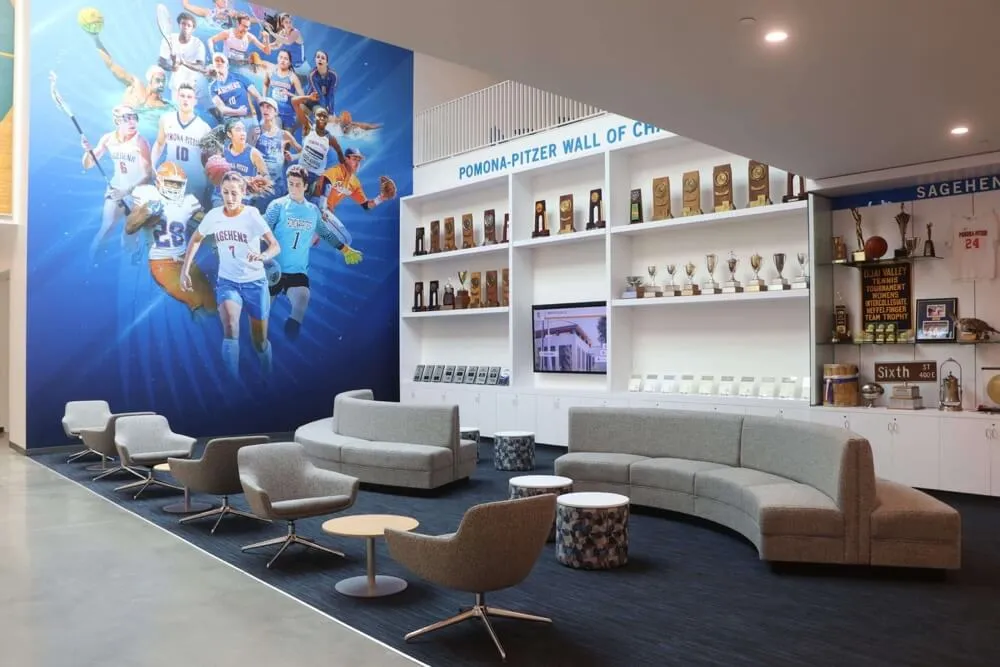
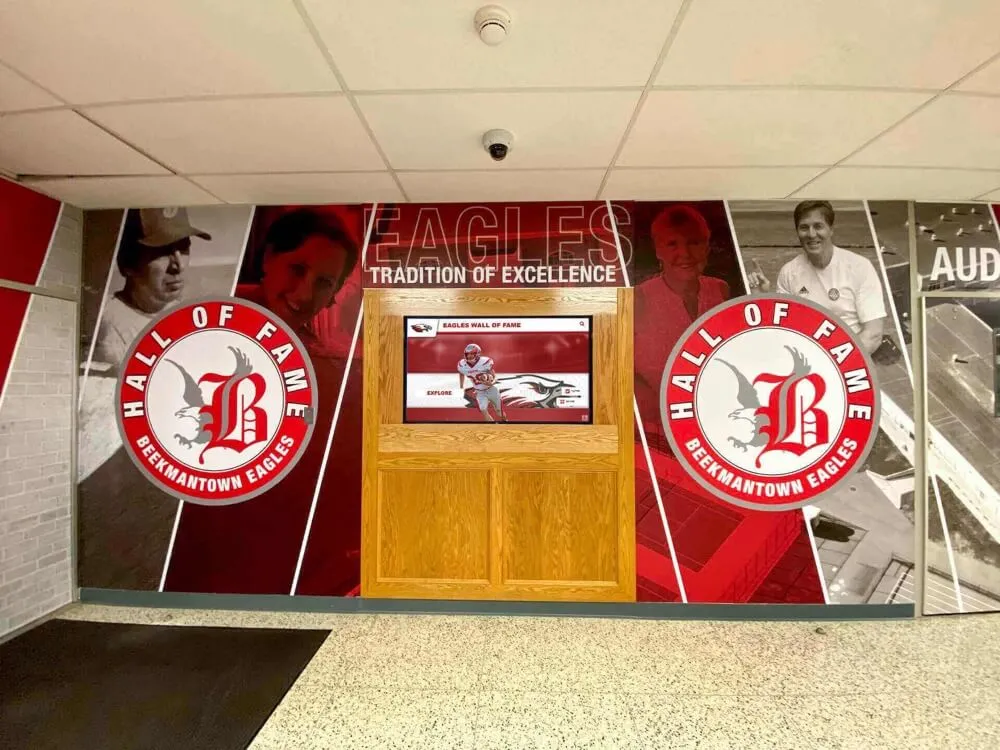
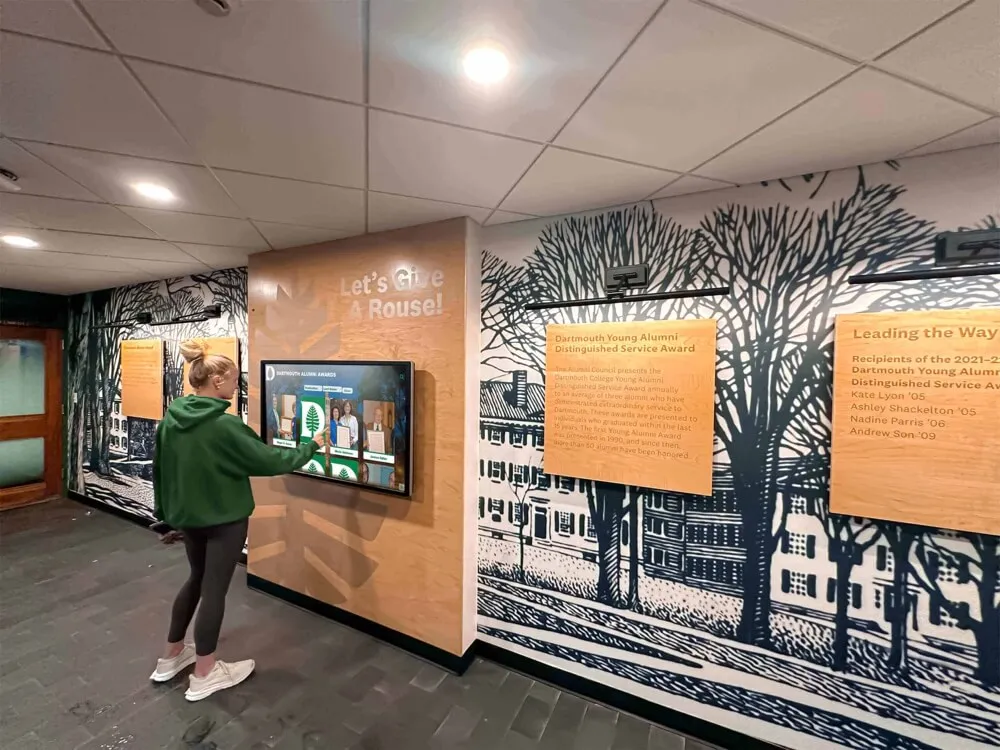
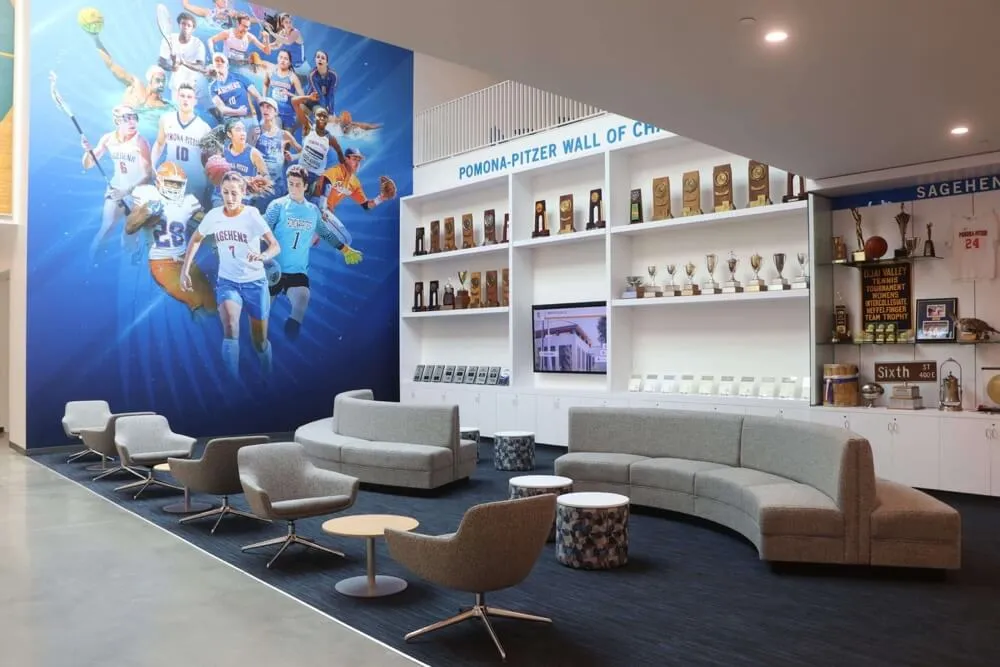
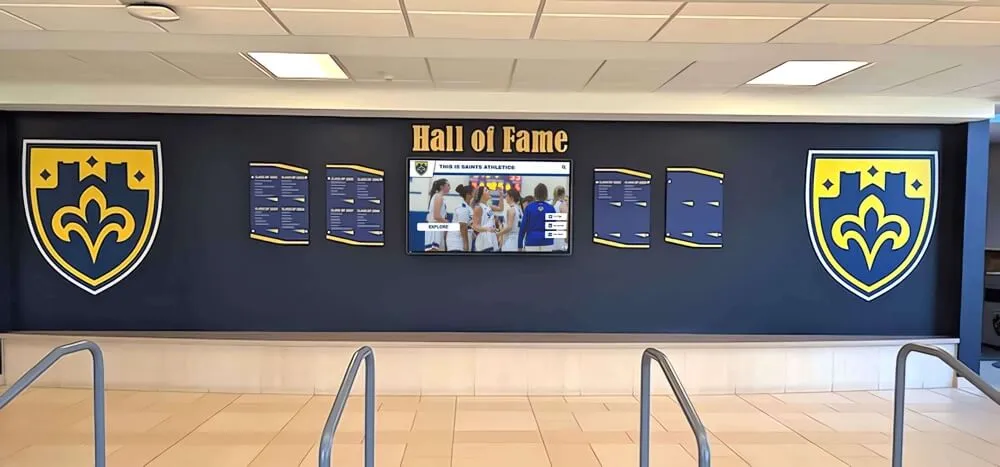
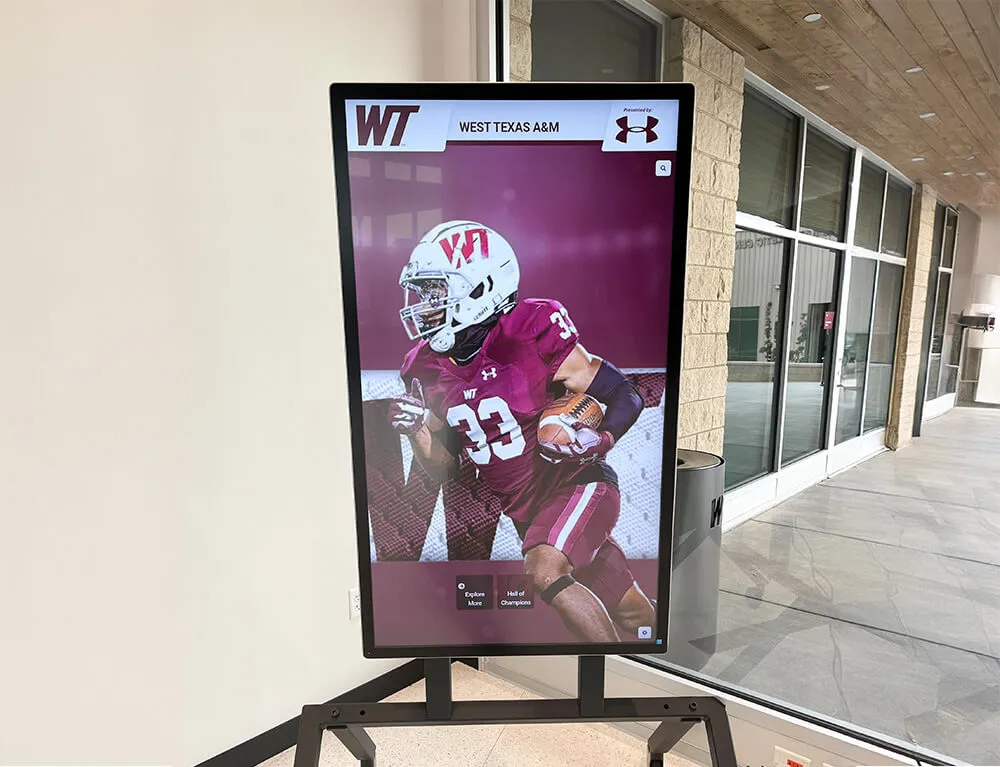
Physical trophy walls and digital systems work together — the photography tradition built for one feeds the other, creating comprehensive recognition environments across athletic facilities
Frequently Asked Questions
What volleyball team photo ideas work best for high school yearbooks?
The full-team group photo in a three-row gym arrangement is the primary yearbook image. Pair it with two or three individual action shots representing different positions, one candid team culture moment, and the season result image (final match or senior night ceremony). Communicate the spread layout to the photographer before the shoot so image crops match the design without rework.
When should a volleyball program take team photos?
Schedule formal headshots and the team group photo in the first two weeks of the season, before any significant matches. This ensures full roster representation and provides lead time for yearbook and media guide production. Action shots are best captured mid-season when players are in peak form. Senior night ceremony documentation happens on its designated date.
What background works best for volleyball roster headshots?
A solid neutral background — gray, white, or school colors — is consistent and versatile. It works for the athletic website, media guide, yearbook, and any recognition display without requiring re-shooting when use cases change. Avoid gym bleachers, facility walls with visible branding, and outdoor settings unless you commit to the same location every year.
What resolution do volleyball photos need to be for hallway display prints?
For a 16×20 print at 300 dpi, source images should be approximately 4,800×6,000 pixels — about 29 megapixels. For a 20×30 print, approximately 54 megapixels. Most current cameras exceed the 16×20 requirement. Shoot at maximum resolution, apply minimal cropping, and confirm final print dimensions with the display vendor before selecting source files.
How do volleyball action photos get used in digital recognition displays?
Digital recognition platforms allow administrators to attach action photos to individual athlete profiles alongside headshots, statistics, and biographical information. Visitors browsing the program’s history on an interactive display see both the formal portrait and an in-action photograph — giving context to the statistics and creating a more complete recognition experience than static plaques provide.
Can volleyball team photos from multiple seasons be combined into one display?
Yes. Schools using digital touchscreen recognition systems create season-by-season archives that visitors browse chronologically, filtering by year or athlete. This multi-season archive is one of the most distinctive features of digital systems — it preserves program history at a depth no physical trophy case can match, with unlimited capacity for future seasons.
How many images should be captured per player during a roster photo session?
Three to five frames per player gives enough options to select one with eyes open, correct posture, and a natural expression without creating an unmanageable editing workload. Budget three to five minutes per player for a session that moves efficiently through a full roster of 12–16 players.
Putting the Volleyball Shot List to Work
A strong volleyball team photo library isn’t built in one session — it’s built across a season, then a year, then a decade of consistent practice. The programs that treat photography with the same intentionality they bring to tournament preparation end up with archives that serve every recognition workflow the athletic department needs: rosters, yearbooks, hallway displays, senior tributes, banquet packages, recruiting walks, and the permanent recognition systems that preserve what the program has built.
Start with what matters most — the roster headshot session in the first two weeks. Add a clean team group shot the same day. Build in one dedicated action photography session mid-season. Assign ownership of the archive. File consistently, back up redundantly, and review at season’s end.
Volleyball program awards and recognition ideas that connect photo documentation to formal recognition systems give schools a complete framework — the photography feeds the recognition, and the recognition motivates the athletes who will one day be the subject of the photographs.
Turn Your Volleyball Photo Archive Into a Permanent Recognition Display
Rocket Alumni Solutions installs interactive touchscreen recognition displays at schools nationwide — designed to hold roster headshots, action photos, season archives, and senior tributes in a searchable, media-rich format that honors your volleyball program's history for decades. Remote cloud management, ADA WCAG 2.1 AA compliance, unlimited inductee capacity, and professional installation in 2–4 weeks.
Request a Custom Demo