Interactive Technology
- Home /
- Categories /
- Interactive Technology

Interactive Touch Screen Digital Signage: How It Works and What You Need
Interactive touch screen digital signage puts information, navigation, and recognition directly in the hands of visitors — without requiring staff assistance or printed materials that go out of date. Schools use these systems for hall of fame inductee displays and wayfinding. Universities deploy them in lobby kiosks and alumni centers. Athletic facilities mount them beside trophy cases. Corporate buildings embed them in reception areas.
Read More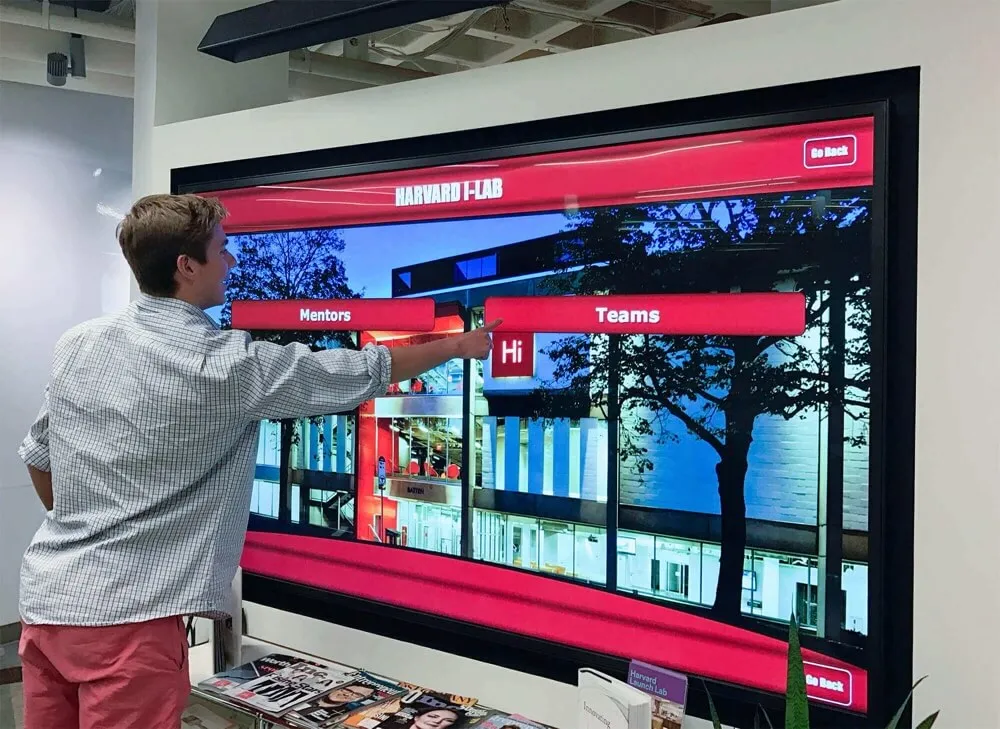
Digital Hall of Fame Modal Dialog Accessibility: Focus, Labels, and Escape Behavior
Digital hall of fame modal dialog accessibility is the practice of ensuring that every overlay panel, inductee profile popup, lightbox, and confirmation dialog on a school’s recognition touchscreen meets three core requirements: focus moves into the dialog when it opens, the dialog carries correct ARIA labels so assistive technology announces it properly, and users can reliably dismiss it — via the Escape key on keyboards or a visible close control on touchscreens. These requirements map directly to WCAG 2.1 Success Criterion 4.1.2 (Name, Role, Value) at Level AA and the ARIA Authoring Practices Guide specification for modal dialog patterns. For athletic directors, IT staff, and facilities teams managing interactive hall of fame kiosks, a failed modal means visitors may find focus stranded outside the dialog, hear no screen-reader announcement when an inductee profile opens, or be unable to dismiss an overlay during a live recognition event.
Read More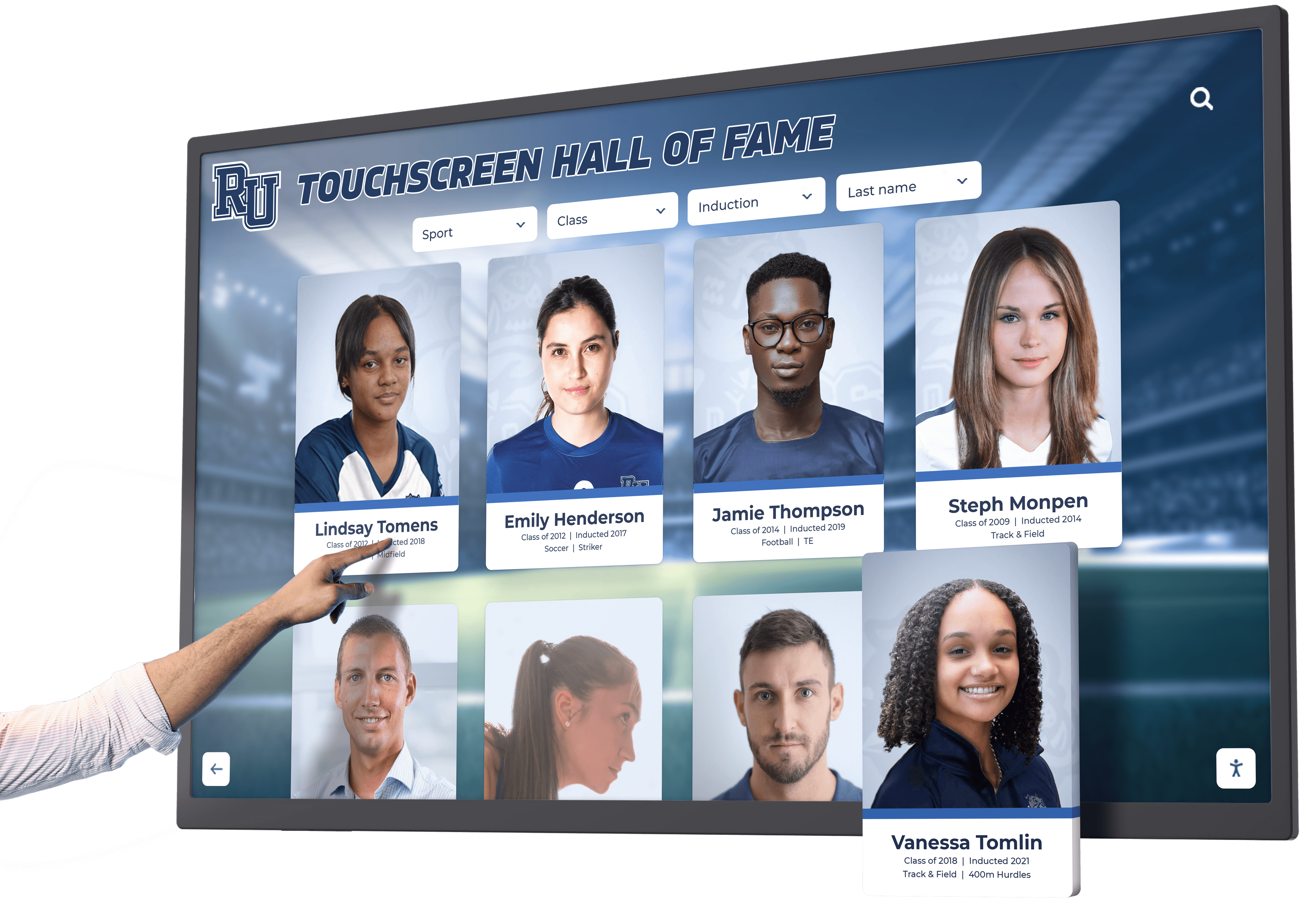
Digital Hall of Fame Pointer Cancellation Test for Touchscreen Controls
A digital hall of fame pointer cancellation test is an accessibility audit that verifies every tappable control on a school’s touchscreen recognition kiosk allows users to abort or undo an accidental touch before the action completes. The test maps directly to WCAG 2.1 Success Criterion 2.5.2 (Pointer Cancellation), a Level A requirement that applies to any interface operated by a single pointer — including the fingers and styluses students, families, and guests use every day on lobby hall of fame displays.
Read More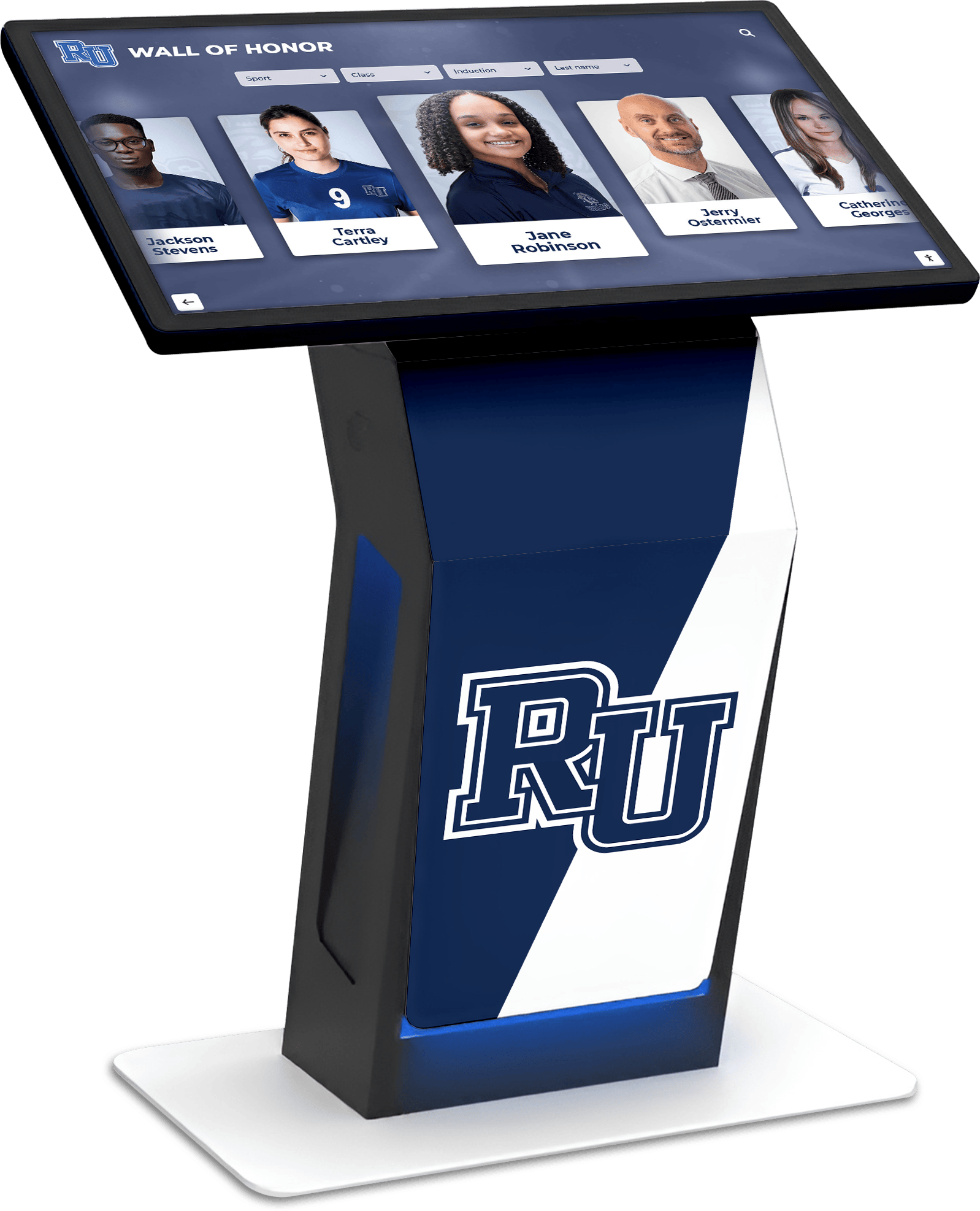
Touchscreen Building Directory: Complete Guide to Modern Wayfinding and Information Systems
Large buildings, campuses, and facilities face a common challenge: helping visitors, students, staff, and guests find their destination quickly and independently. Traditional static directories with outdated tenant lists and confusing floor plans frustrate visitors while creating ongoing maintenance burdens for facility managers. Touchscreen building directories solve these problems by delivering intuitive, always-current wayfinding information through interactive displays that visitors can actually use.
Read More



























