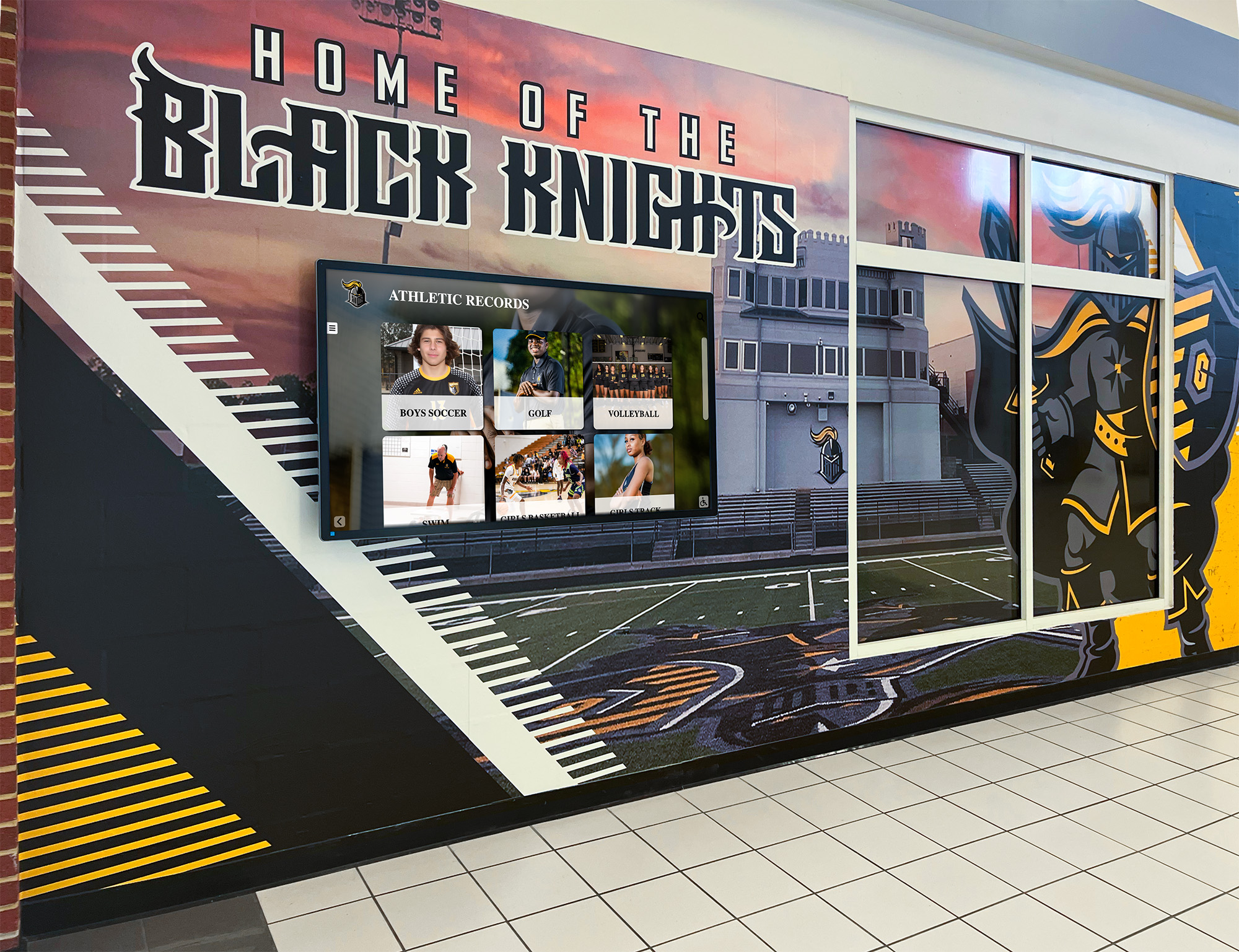
Digital Athletic Hall of Fame MathML Audit: Make Fractional Records Understandable
A digital athletic hall of fame MathML fraction accessibility audit determines whether fractional measurements in your school’s historical athletic records need MathML fraction markup, and whether any MathML already in place is keyboard-navigable, announced meaningfully by screen readers, and rendered correctly on the browsers and hardware your recognition program uses. The direct answer for school athletic directors and their recognition-content, IT, or archives partners: readable text with Unicode fraction characters or spelled-out fractions is sufficient for the overwhelming majority of school athletic recognition records, and is often more broadly compatible than MathML on the specific kiosk hardware schools install. Use the MathML <mfrac> element only when your platform presents genuinely mathematical content, and audit every instance for keyboard access, screen reader output, and visual rendering before publishing.
Read More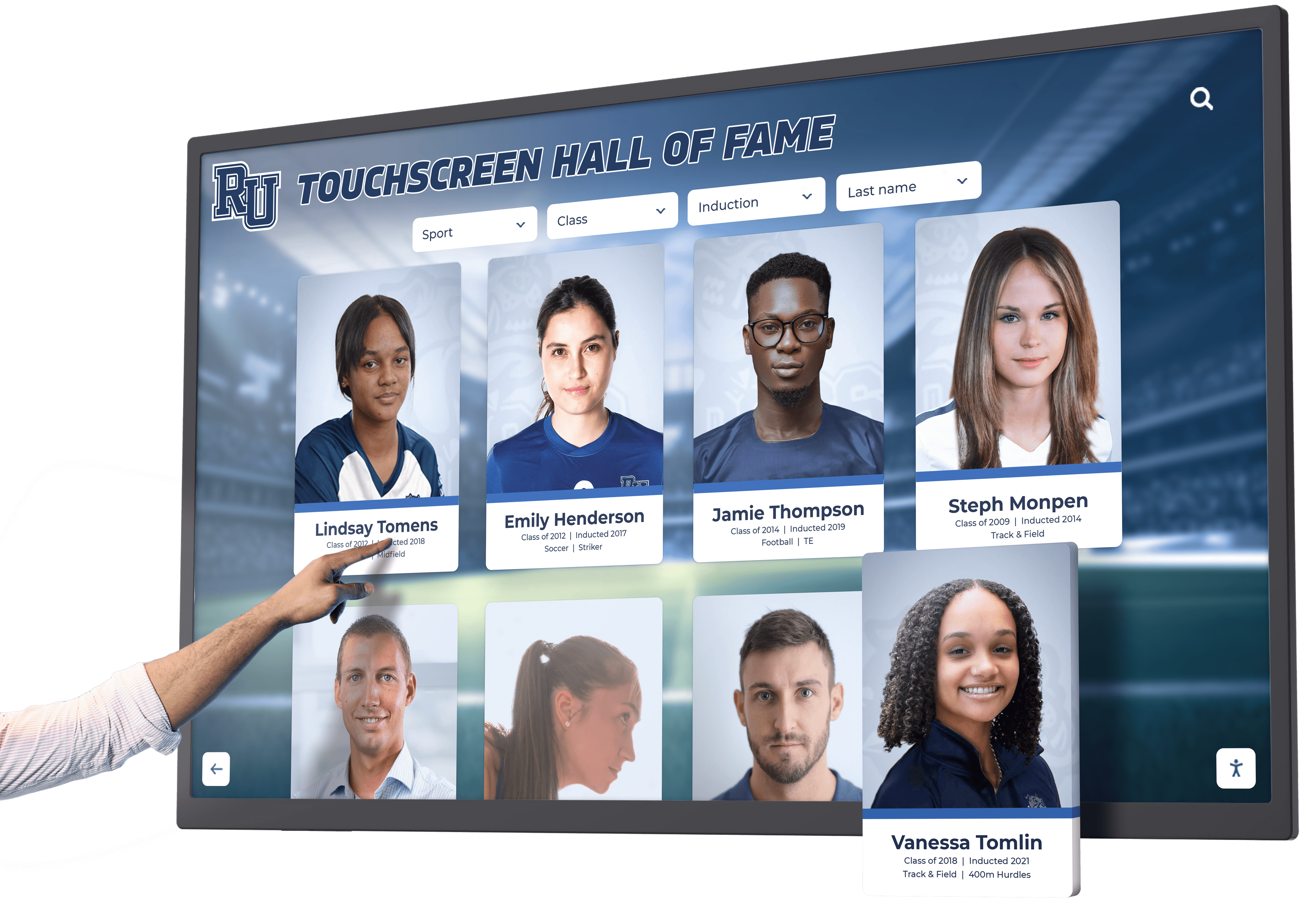
Digital Hall of Fame Ruby Annotations: Reviewing Inductee Name Pronunciation on Touchscreens
A digital hall of fame ruby name pronunciation audit is a structured editorial and rendering review confirming that <ruby>, <rt>, and <rp> markup on inductee profile pages carries pronunciation guidance verified by each inductee or their representative, renders correctly across the browsers and touchscreen devices used in your school’s recognition program, and provides a usable plain-text fallback when ruby display is absent or overridden. The direct answer for school athletic directors, recognition program coordinators, and platform administrators: ruby annotations are a visual editorial tool—they place phonetic guidance above or beside base text for sighted readers—but they do not automatically alter how a screen reader vocalizes a name. Audit every inductee record carrying ruby markup to confirm the annotation reflects pronunciation supplied or confirmed by the inductee, that <rp> parenthetical fallbacks are present so names remain readable when ruby rendering is unavailable, and that the base text alone is a complete, meaningful label that does not depend on the annotation to be understood.
Read More
Digital Hall of Fame ARIA-Braillelabel Audit for Inductee Controls
A digital hall of fame aria-braillelabel audit is a targeted review of interactive controls on your school’s recognition platform, checking whether any aria-braillelabel overrides present on inductee controls are genuinely improving the Braille reading experience—and confirming that the attribute has not been added to controls where the ordinary accessible name already converts to clear, readable Braille. The short answer for school athletic recognition administrators, IT teams, and facilities specialists: inventory every interactive control on your inductee pages; confirm each control has a valid accessible name through a native <label>, aria-label, or aria-labelledby association first; apply aria-braillelabel only in the narrow circumstance where converting the accessible name to Braille would produce a poor result—such as when a lengthy icon description renders as an unwieldy Braille string—and verify any override with an actual braille display and compatible assistive technology before deploying it to your recognition platform.
Read More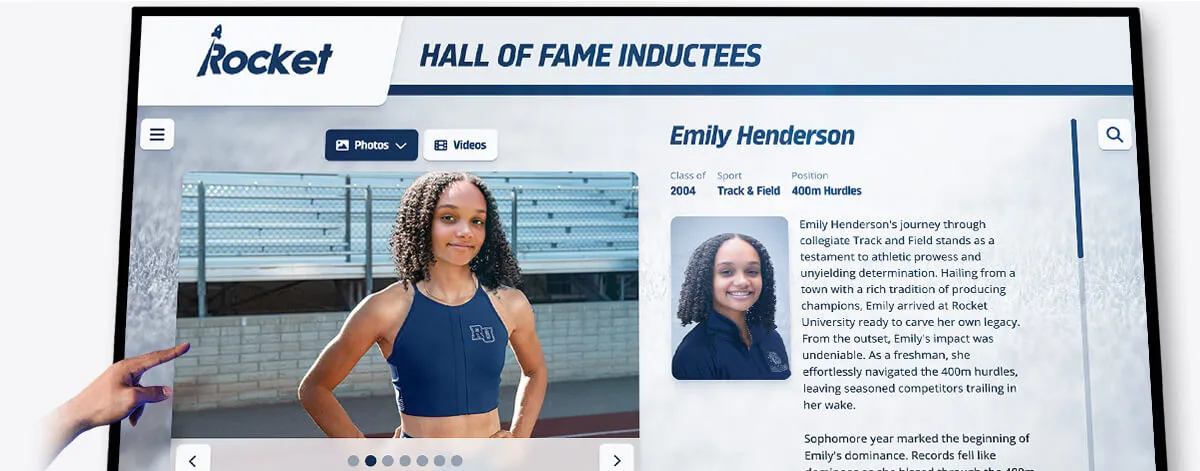
Digital Hall of Fame Bidirectional Name Display Audit: Keep Arabic and Hebrew Profiles Legible
A digital hall of fame bidirectional name display audit is a structured review confirming that inductee profiles containing Arabic or Hebrew names render their names, jersey numbers, punctuation, and induction dates in the correct visual order—so a visitor reading your recognition display sees the authentic spelling and logical sequence the athlete’s name requires, not a scrambled rearrangement caused by the browser’s Unicode Bidirectional Algorithm. The short answer for school athletic directors and IT teams: wrap every Arabic or Hebrew inline phrase in a <bdi> element when the direction is unknown at runtime, or in a <span dir="rtl"> when it is known; place Unicode directional marks (‏ or ‎) after any RTL phrase that is immediately followed by a number, punctuation, or a logically separate phrase in the opposite direction; verify the result visually in a browser and with a screen reader before the induction ceremony; and document which profile fields accept names in scripts other than Latin so each one receives the same treatment.
Read More
Digital Hall of Fame Tablist Keyboard Audit for Sport and Era Navigation
A digital hall of fame ARIA tablist audit is a structured keyboard and screen-reader review confirming that every sport-category tab strip and era navigation tab strip on your recognition platform implements the complete WAI-ARIA tablist pattern—so visitors browsing inductees by sport or graduation decade can navigate between tabs using arrow keys, move focus into the active inductee panel using the Tab key, and hear the tab’s name, role, count, and selected state announced without relying on visual styling. The short answer for school athletic directors, IT teams, and administrators: identify every tab strip on your hall of fame pages; press Tab once to reach the tablist and confirm focus lands on the active tab; press the Right Arrow key to confirm focus moves to the next tab without leaving the strip; press the Tab key to confirm focus enters the associated inductee panel; open DevTools and verify each tab carries role="tab", aria-selected, aria-controls, and a tabindex of 0 (active) or -1 (inactive); then confirm the same behavior with NVDA or VoiceOver before each induction season.
Read More
Digital Hall of Fame ARIA-Labelledby Audit for Inductee Search Controls
A digital hall of fame aria-labelledby audit is a structured review confirming that every search input, sport filter, class-year selector, and advanced search control on your inductee recognition platform carries an aria-labelledby attribute that references the ID of its visible label element—so screen readers announce the label text a sighted visitor reads when an assistive-technology user focuses the control. The short answer for school athletic directors, administrators, and IT teams: identify every search and filter control on your hall of fame pages; open browser DevTools and inspect each control for an aria-labelledby attribute; verify that the IDs listed in that attribute exist in the DOM and point to elements whose text accurately names the control; confirm that the referenced text is visible (or visually hidden with a compliant technique rather than display:none or visibility:hidden); and test each control with NVDA or VoiceOver to confirm the announced name matches the label a sighted visitor sees before interacting with the search or filter interface.
Read More
Digital Hall of Fame ARIA-Level Audit for Inductee Page Headings
A digital hall of fame ARIA-level audit is a structured review confirming that every heading element on your inductee profile pages—whether a native <h1>–<h6> or a custom element carrying role="heading"—exposes the correct hierarchical level to assistive technology through the aria-level attribute, so screen reader users navigating by heading can understand the page structure without relying on visual size or weight cues. The short answer for school administrators, athletic directors, IT teams, and recognition-program owners: open each inductee profile and each category or class-year section page on the platform; use browser DevTools to inspect every element that functions as a heading; confirm that any element with role="heading" carries an explicit aria-level integer reflecting its position in the page’s heading outline; verify that native <h1>–<h6> elements are not assigned conflicting aria-level values that would misrepresent the heading level to screen readers; test heading navigation with NVDA or VoiceOver to confirm the announced hierarchy matches the intended reading order; and repeat the audit after any platform update that introduces new inductee page templates or adds dynamic section headers.
Read More
Digital Hall of Fame ARIA-Invalid Audit for Search and Nomination Errors
A digital hall of fame ARIA-invalid audit is a structured review confirming that every search query field and nomination form input on your recognition platform correctly exposes its validation-error state to assistive technology through the aria-invalid attribute—and that aria-invalid is paired with aria-errormessage so screen reader users hear both that a field is invalid and exactly what must be corrected. The short answer for school administrators, athletic directors, IT teams, and recognition-program owners: open each search form and nomination form on the platform; trigger a validation error on every field through intentional bad input or empty submission; use browser developer tools to confirm that each invalid input carries aria-invalid="true" alongside an aria-errormessage reference pointing to a visible, populated error element; verify that aria-invalid is removed or reset to "false" once the user corrects the input; and test the complete error-and-recovery flow with NVDA or VoiceOver before the next nomination period opens or search functionality is updated.
Read More
Digital Hall of Fame ARIA-Multiselectable Audit for Filter Lists
A digital hall of fame ARIA-multiselectable audit is a structured review confirming that every filter list on your recognition platform that allows visitors to select more than one sport, class year, or award category at a time carries aria-multiselectable="true" on its container element—and that each individual option inside that container carries an aria-selected value of "true" or "false" reflecting its current state. Without this attribute, a visitor using JAWS, NVDA, VoiceOver, or TalkBack can open a sport filter list, navigate through Football, Basketball, Baseball, and Volleyball options, and never hear that multiple simultaneous selections are possible. The short answer for school administrators, athletic directors, IT teams, and recognition-program owners: identify every listbox, grid, or tree component on your hall of fame platform that supports multi-item selection; inspect each container in browser DevTools to confirm aria-multiselectable="true" is present; verify that every child option carries aria-selected="true" or "false" matching its current selection state; confirm that selecting or deselecting an option updates both its own aria-selected value and any live result count without resetting other selected options; and verify the full interaction with NVDA or VoiceOver before each induction season or major platform update.
Read MoreDigital Hall of Fame ARIA-Selected Audit for Tabs and Filter Results
A digital hall of fame ARIA-selected audit is a structured review confirming that every sport-category tab, era filter button, custom filter listbox, and inductee detail panel tab on your recognition platform carries a correct aria-selected attribute—so keyboard and assistive-technology users hear which option is currently chosen. Without this attribute, a visitor navigating your hall of fame with NVDA, JAWS, VoiceOver, or TalkBack can move through a row of sport tabs—Football, Basketball, Baseball, Volleyball—and hear nothing that identifies which tab is currently active. The short answer for school administrators, athletic directors, and IT teams: identify every tab, listbox option, or selectable widget element that can be chosen; inspect each element in browser DevTools to confirm aria-selected carries the value "true" on the selected item and "false" on all others in the same set; verify the value updates dynamically when the visitor activates a different option; and confirm the announcement with NVDA or VoiceOver before each induction season.
Read More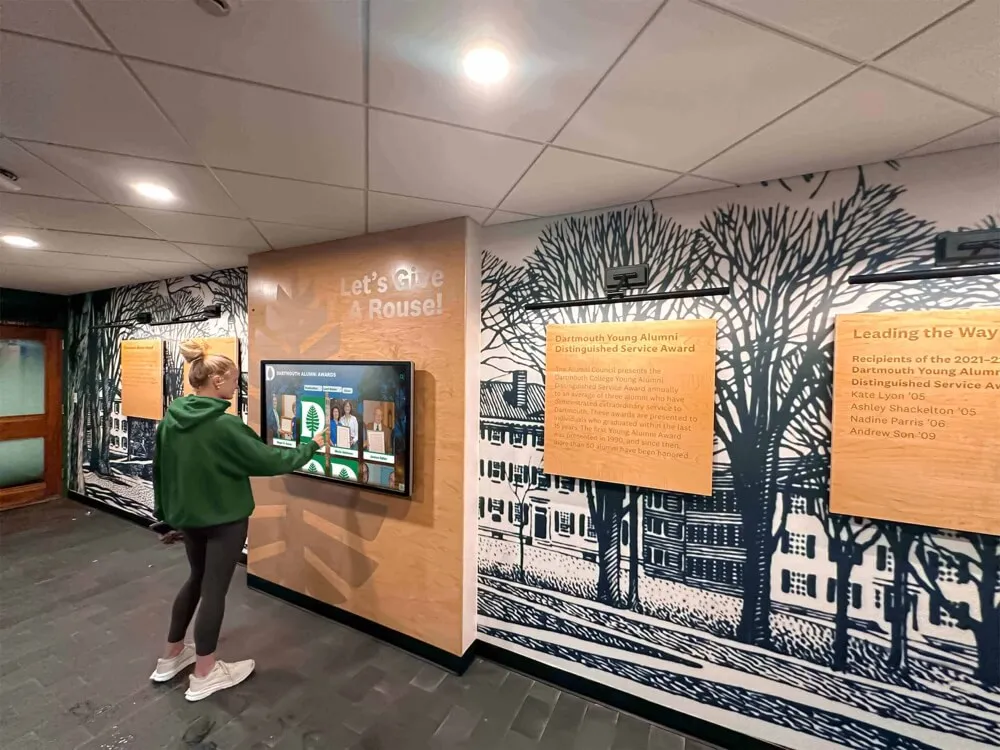
Digital Hall of Fame ARIA-Controls Audit for Search and Detail Panels
A digital hall of fame ARIA-controls audit is a structured review confirming that every interactive control on your recognition platform—search inputs, sport-filter buttons, class-year tabs, and biography panel toggles—carries an aria-controls attribute that correctly references the ID of the region or panel it affects. Without this attribute, a visitor navigating your hall of fame with NVDA, JAWS, VoiceOver, or TalkBack can activate a search button or filter tab and hear no programmatic indication of which content region just changed, forcing them to explore the page to discover where new results appeared. The short answer for school administrators, athletic directors, and IT teams: identify every control that opens, expands, or updates a separate content region; inspect each control in browser DevTools to confirm aria-controls references a valid panel ID; verify that the referenced panel ID exists in the DOM and is applied to the correct element; and test each interaction with a screen reader to confirm that assistive technology can navigate directly from the control to its associated content.
Read More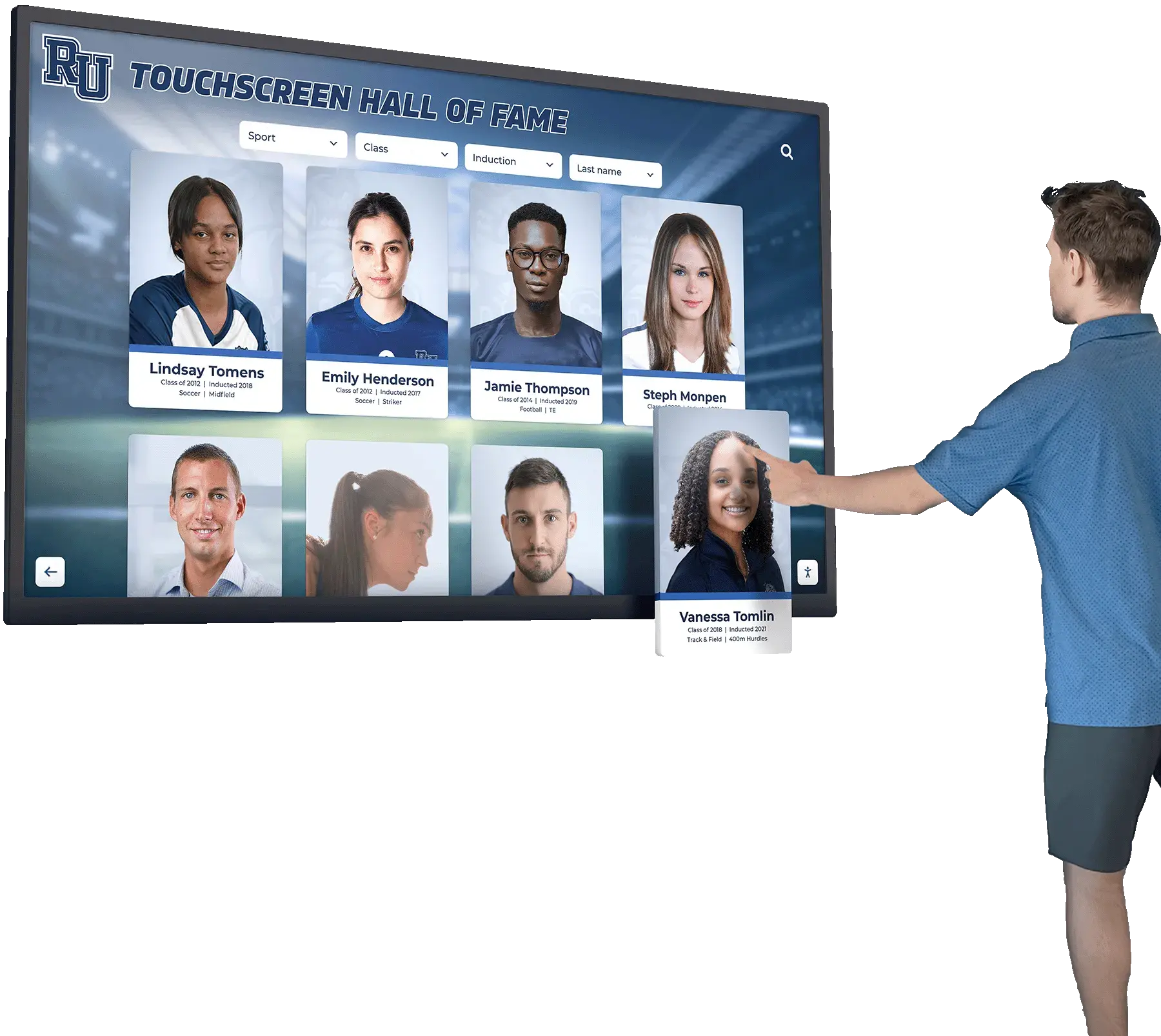
Digital Hall of Fame ARIA-Posinset and ARIA-Setsize Audit for Virtualized Inductee Lists
A digital hall of fame aria posinset aria setsize audit is a structured review confirming that every inductee list, search result collection, sport-category roster, and class-year archive rendered through virtualization exposes accurate position and total-count information to screen readers through the aria-posinset and aria-setsize attributes. Without these attributes on virtualized list items, a visitor navigating your inductee gallery with NVDA, JAWS, VoiceOver, or TalkBack hears “item 1 of 20” when your full inductee roster contains 400 names—because only the 20 cards currently rendered in the viewport exist in the DOM. The short answer for school administrators, athletic directors, and IT teams: identify every list or grid in your recognition platform that loads items incrementally or renders only the visible portion of a large dataset, inspect each list item element in browser DevTools to confirm aria-posinset and aria-setsize carry values reflecting the full collection rather than the rendered subset, test with a screen reader to verify the announced position and count are accurate, and confirm the attributes update correctly as the user scrolls or filters.
Read More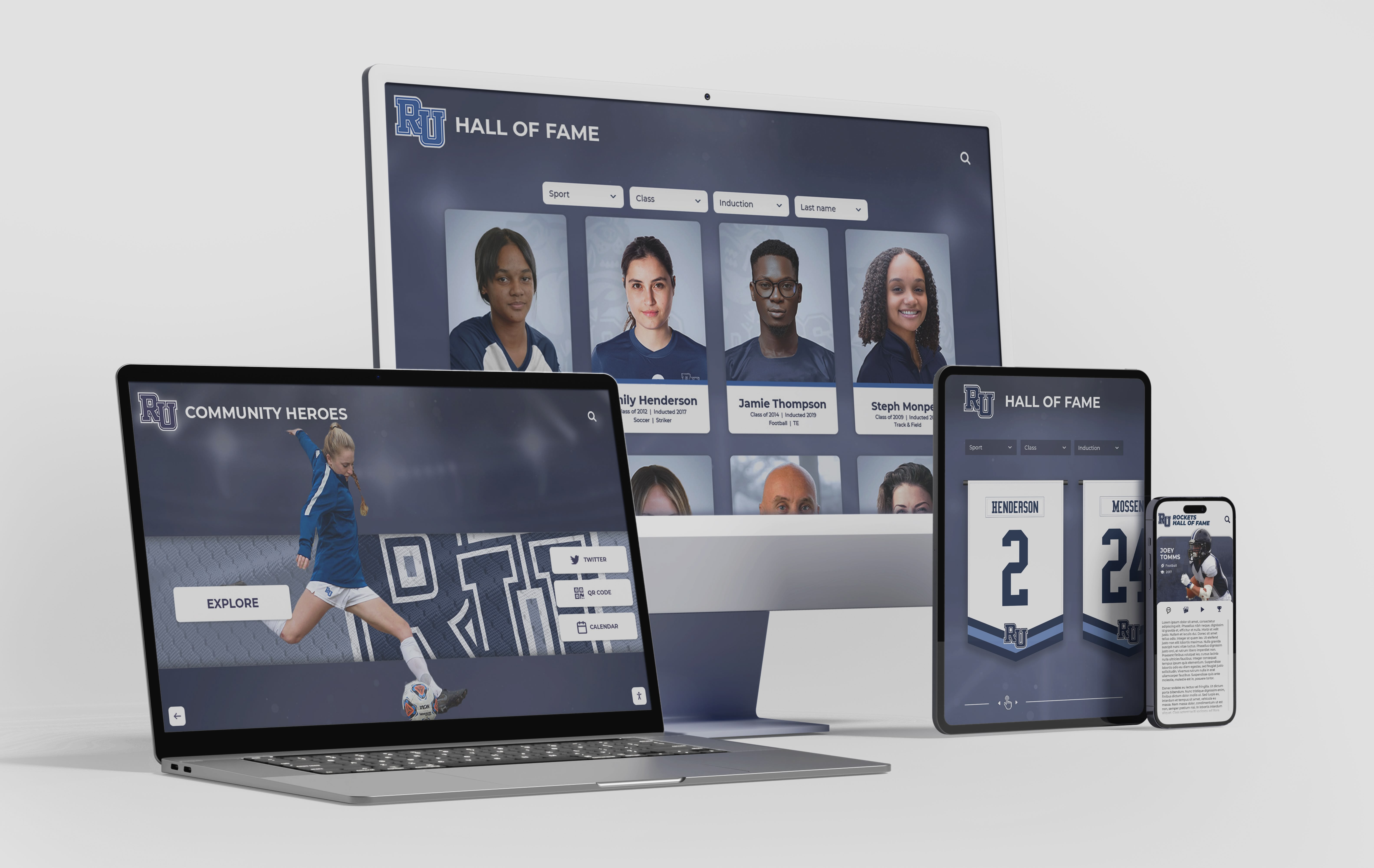
Digital Hall of Fame Search Result Highlighting Audit: Make Name Matches Clear
A digital hall of fame search result highlighting audit is a structured review confirming that every matched term in a recognition platform’s search results—inductee names, sport categories, graduation years, award designations—is visually distinguished from surrounding context text in a way that helps visitors quickly locate the correct record, without reducing contrast, obscuring surrounding text, or introducing barriers for users who rely on assistive technology. The short answer for school administrators, athletic directors, and IT teams: search your recognition platform for a known inductee’s name, inspect the result cards that return, verify that the matched characters are wrapped in a semantically appropriate element such as <mark> or a <span> with a distinct but accessible color, confirm that the highlight meets WCAG 1.4.3 contrast requirements, and test the highlighted results with a screen reader to confirm that assistive technology users receive equivalent information.
Read MoreDigital Hall of Fame ARIA-Errormessage Audit for Search and Nomination Forms
A digital hall of fame ARIA errormessage audit is a structured review confirming that every validation error displayed by a recognition platform’s search and nomination forms is programmatically linked to its triggering control through the aria-errormessage attribute—and that the control simultaneously carries aria-invalid="true" whenever a validation error is active. The short answer for school administrators, athletic directors, and IT teams: open each form on the platform, trigger a validation error on every field, use browser developer tools to confirm that the input element carries both aria-invalid="true" and an aria-errormessage value matching the ID of the visible error element, then test the flow with a screen reader to confirm the error message is announced automatically when a user reaches the invalid field.
Read MoreDigital Hall of Fame Diacritic-Insensitive Search Audit for Inductee Names
A digital hall of fame diacritic insensitive search audit is a structured test confirming that visitors who type a name without accent marks—such as “Garcia,” “Hernandez,” or “Muller”—still find the correct inductee even when the authoritative display record stores the accented form “García,” “Hernández,” or “Müller.” The short answer for recognition program administrators: compile a list of every inductee name that contains a diacritical character, run a search for each name using both the accented and unaccented forms, record which queries return no results or the wrong results, and fix the search layer using Unicode normalization so that accent-stripped queries match accent-carrying records—without altering the name as it appears on the inductee profile.
Read MoreDigital Hall of Fame Consistent Help Accessibility Audit: WCAG 2.2 Checklist for Search and Nomination Flows
A digital hall of fame consistent help accessibility audit is a structured review confirming that every contact link, chat widget, FAQ reference, and other support mechanism on your recognition platform appears in the same relative position—and in the same order among surrounding page content—across every page in the inductee search flow, the individual profile view, and the multi-step nomination form. WCAG 2.2 Success Criterion 3.2.6 (Consistent Help, Level A) requires that when help mechanisms repeat across multiple pages in a set, those mechanisms occur in the same order relative to other page content unless the user initiates a change. The short answer for recognition program administrators: audit each page type in your hall of fame platform for the presence and position of every help mechanism, compare positions across the full search-to-nomination flow, flag any page where a mechanism disappears or shifts position without a user-initiated action, and remediate by restoring the mechanism to its expected position before the next induction cycle opens.
Read More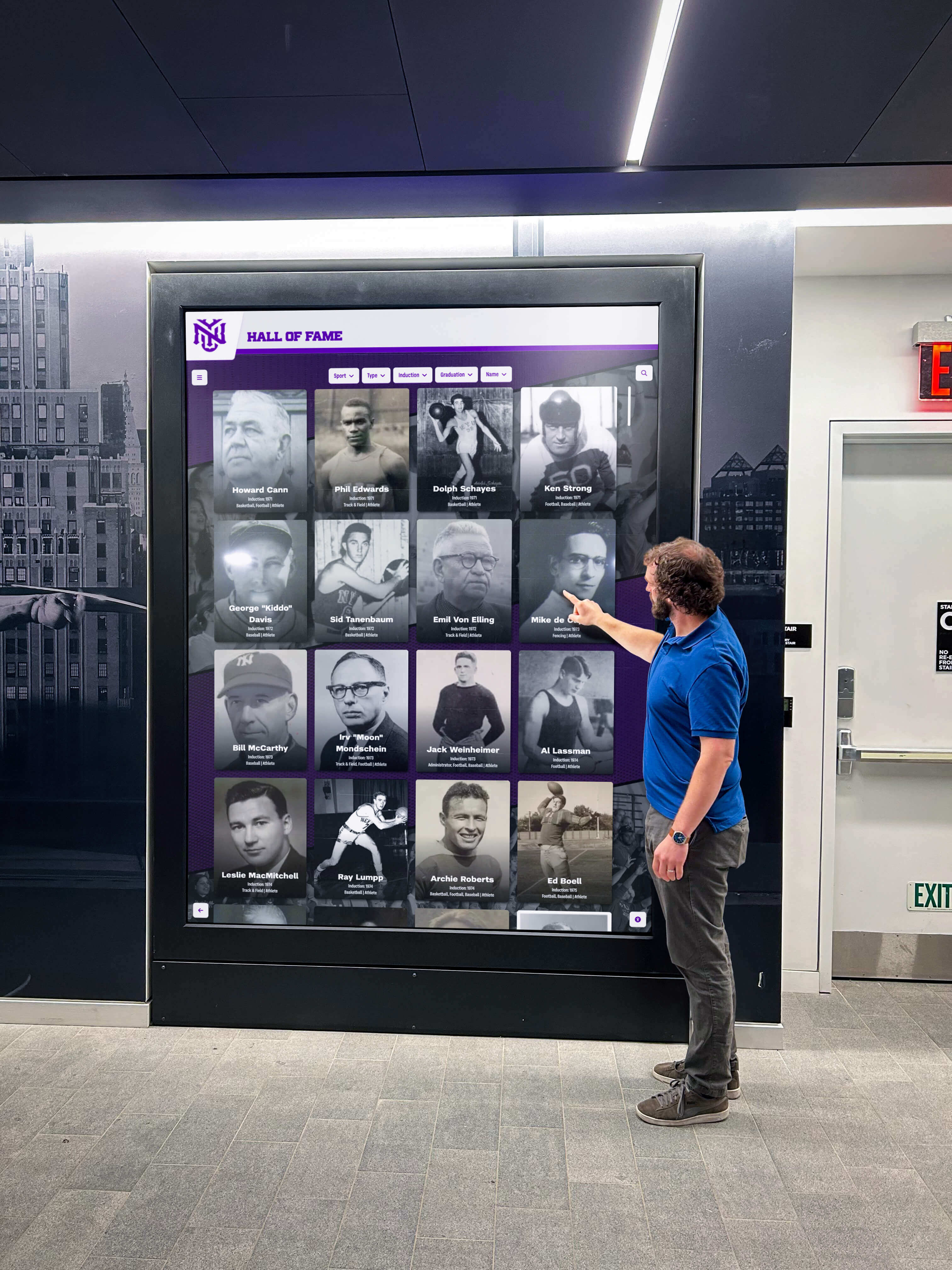
Digital Hall of Fame ARIA-Current Audit: Make Active Navigation Clear to Screen Readers
A digital hall of fame aria-current audit is a structured review confirming that every navigation link, sport-category filter tab, class-year selector, and breadcrumb on your recognition pages uses the aria-current attribute to communicate its active state to screen readers. Without this attribute, a visitor navigating your inductee gallery with NVDA, JAWS, VoiceOver, or TalkBack receives no programmatic signal identifying which link is active, which tab is selected, or which page is currently displayed—even when those states are clearly indicated by visual styling such as color, font weight, or underline. The short answer: add aria-current="page" to the <a> element of the active navigation link on every page, add aria-current="page" or aria-current="true" to the selected tab in every sport-category or class-year filter group, verify those attributes are present with a screen reader before each major content update, and confirm the attribute updates dynamically whenever a visitor activates a new tab or filter.
Read MoreDigital Hall of Fame Focus-Not-Obscured Audit: WCAG 2.2 Checklist for Sticky Controls and Dialogs
A digital hall of fame focus-not-obscured audit checks whether every keyboard-focusable element on your inductee pages, search tools, and navigation menus remains fully or at least partially visible when sticky headers, cookie consent banners, and modal dialogs are present on screen. WCAG 2.2 Success Criterion 2.4.11 (Level AA) requires that a focused component is never completely hidden by author-created content; SC 2.4.12 (Level AAA) extends this to prohibit any partial concealment. School web teams, IT departments, and recognition-program administrators can run this audit using only a keyboard and a browser—no specialized tools required.
Read More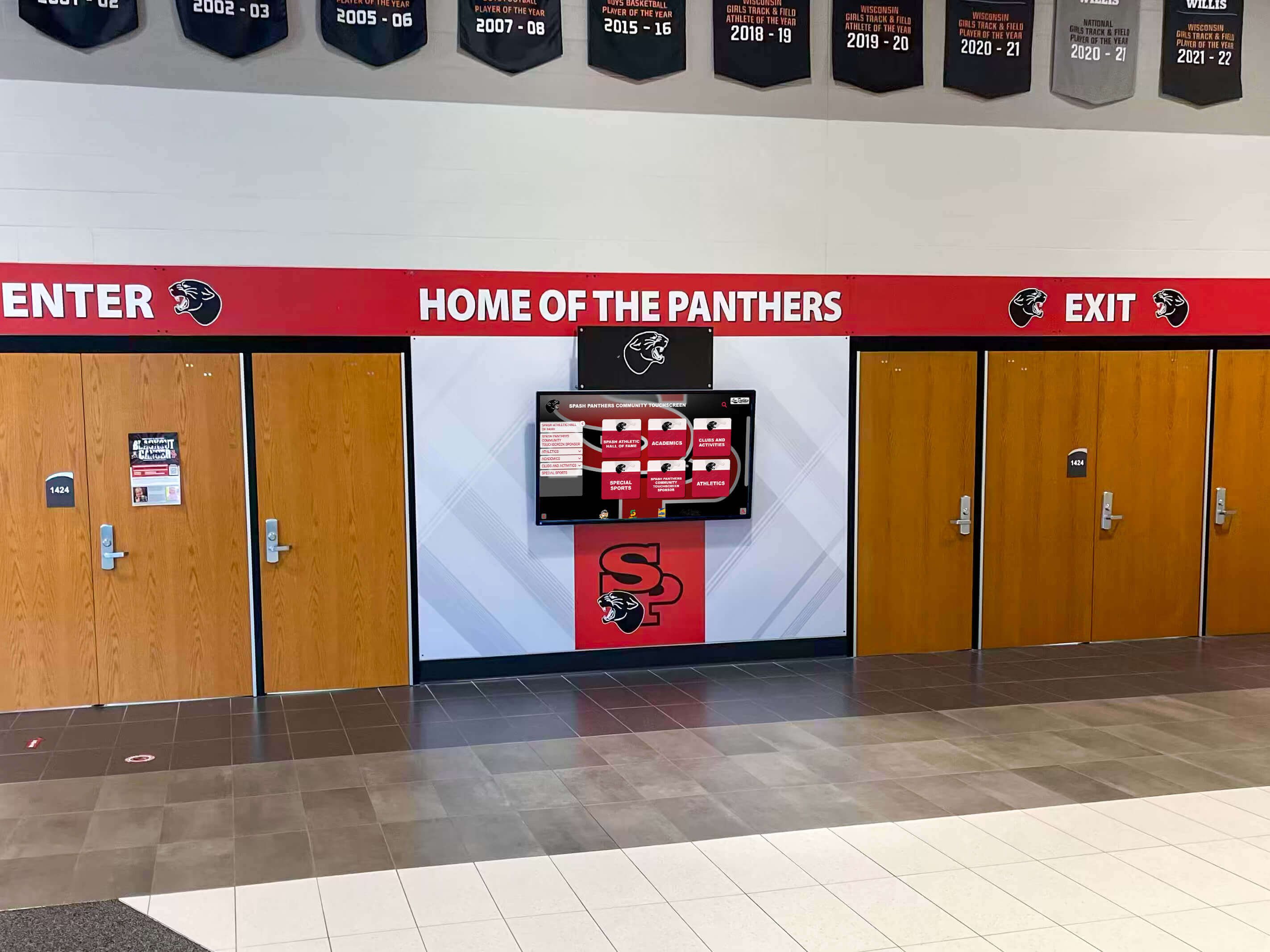
Digital Signage for Schools: Complete Guide to Campus Communication Displays
School administrators are rethinking how their campuses communicate. Static bulletin boards, printed flyers, and fixed plaques share one critical limitation: once they’re up, they’re fixed. Digital signage for schools solves this by putting any message, schedule, announcement, or recognition story onto any display—updated in seconds from one dashboard. This guide covers how school digital signage works, what features matter when selecting a system, why MDM device management is worth understanding, and how one platform delivers unlimited digital signage for schools at $50 per year.
Read MoreHall of Fame Website Browser Compatibility Testing Checklist for Inductee Profiles
Intent: research. A hall of fame website browser compatibility testing checklist is the structured set of tests that confirms inductee profile pages, photo galleries, nomination forms, and navigation menus display and function correctly for every visitor regardless of which browser or device they use. The short answer: build a testing matrix from your actual visitor analytics data, test inductee profiles in Chrome, Safari, Firefox, and Edge across desktop and mobile viewports, verify that portrait grids, video embeds, and form submissions work correctly in each browser, and schedule a full re-test before each induction cycle. This checklist covers every major content type and interaction on a hall of fame website in the order most likely to surface real compatibility failures.
Read MoreHall of Fame Website Core Web Vitals Checklist: Faster Inductee Profiles and Media
Intent: research. A hall of fame website core web vitals checklist is the set of technical audits and remediations that ensure inductee profile pages, photo galleries, and recognition media meet Google’s LCP, CLS, and INP thresholds so they load fast, stay visually stable, and respond quickly on every device. The short answer: measure with PageSpeed Insights, prioritize the Largest Contentful Paint image on each profile page, set explicit image dimensions to prevent layout shift, defer off-screen media, and preload critical fonts. This checklist walks through each metric, its specific causes on recognition pages, and a prioritized fix sequence.
Read MoreDigital Hall of Fame Content Licensing Register: Track Photos, Video, and Usage Rights
A digital hall of fame content licensing register is a master document—typically a spreadsheet or database table—that records every photo, video clip, biography, logo, and document asset used in a recognition display, along with who owns it, what uses are permitted, what attribution is required, and when any license expires. Without one, schools routinely publish photographs whose copyright belongs to a commercial photographer, display video clips under a tacit consent that was never put in writing, or use a sponsor’s logo well past the agreement that authorized it. When those situations surface—and they eventually do—the program scrambles to establish what was agreed, often without records to consult. A written digital hall of fame content licensing register converts that guesswork into a manageable, auditable workflow that protects the school and respects everyone who contributed content to the display.
Read More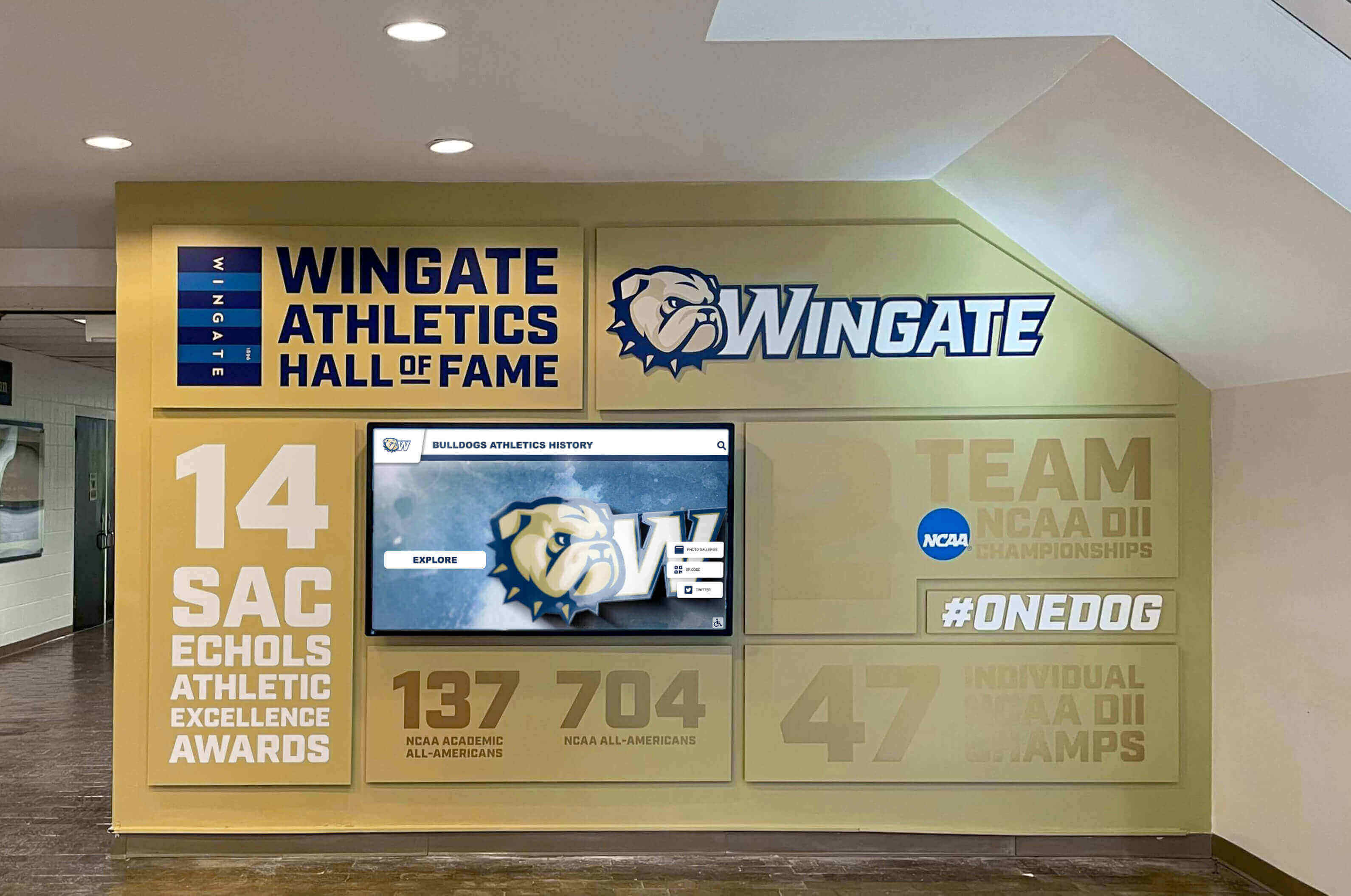
Hall of Fame Annual Content Review Checklist: Audit Profiles, Records, Links, and Rights
A hall of fame annual content review checklist is a structured set of tasks that athletic directors, archives staff, and recognition-program administrators complete once a year to confirm that inductee biographies, athletic records, photographs, external links, and usage rights on their recognition displays are accurate, current, and properly permissioned. Running this review on a scheduled basis—rather than waiting for complaints—keeps the hall of fame credible, protects the institution legally, and respects the real people whose histories are displayed.
Read More
Athletic History Takedown Request Policy: A Fair Process for Photos, Bios, and Records
When a school publishes athletic history on a hallway display, a digital wall of fame, a touchscreen kiosk, or a public website, it invites the community to celebrate the people and achievements that define the program. Most of that content stays published for decades without issue. But occasionally, a former athlete, a family member, or a coach submits a request to remove, correct, or restrict something—a photo taken before a name change, biographical information that became inaccurate, a performance record linked to a difficult personal period, or an image the subject never consented to display publicly. Without a written athletic history takedown request policy, schools handle each of these situations differently, inconsistently, and sometimes in ways that create legal exposure or damage the trust of the very people the recognition program is meant to honor.
Read More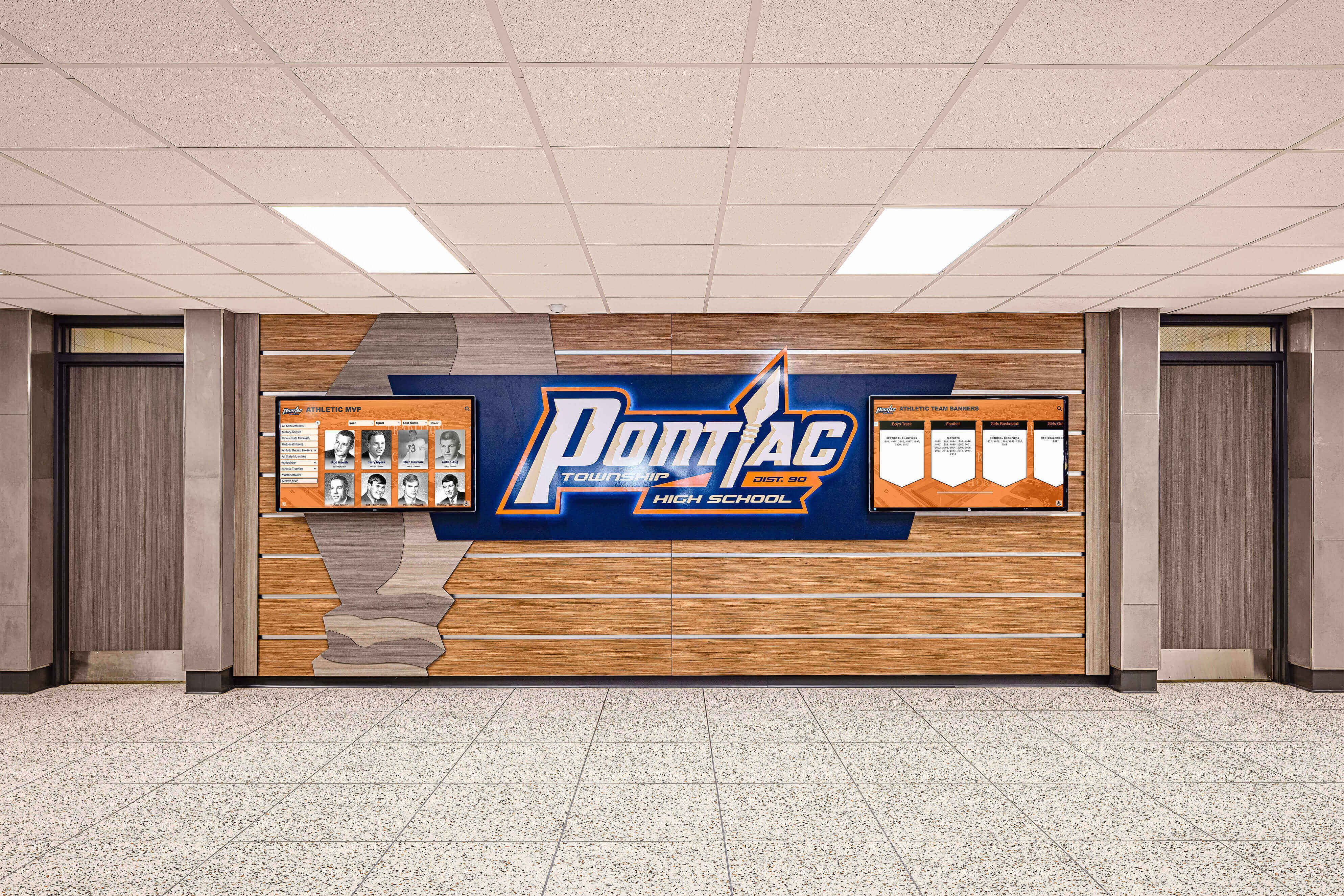
Recognition Board Examples: Digital Ways Schools Highlight Students, Teams, and Alumni
A recognition board is a curated display—physical, digital, or both—that a school uses to highlight students, teams, and alumni by category so visitors can find honored names quickly without staff assistance. Recognition boards range from a single honor roll bulletin board outside a classroom to a multi-screen touchscreen system in an athletic lobby covering decades of championships, academic distinctions, and alumni milestones.
Read More
Award Walls: How Schools Organize Plaques, Photos, Winners, and Digital Recognition
An award wall is a curated display—physical, digital, or both—where a school organizes plaques, photos, trophies, and winner records so students, families, alumni, and visitors can find and celebrate recognized achievements in one place. Done well, an award wall functions as a living archive: easy to update each year, searchable by name or category, and capable of honoring every program without running out of wall space.
Read More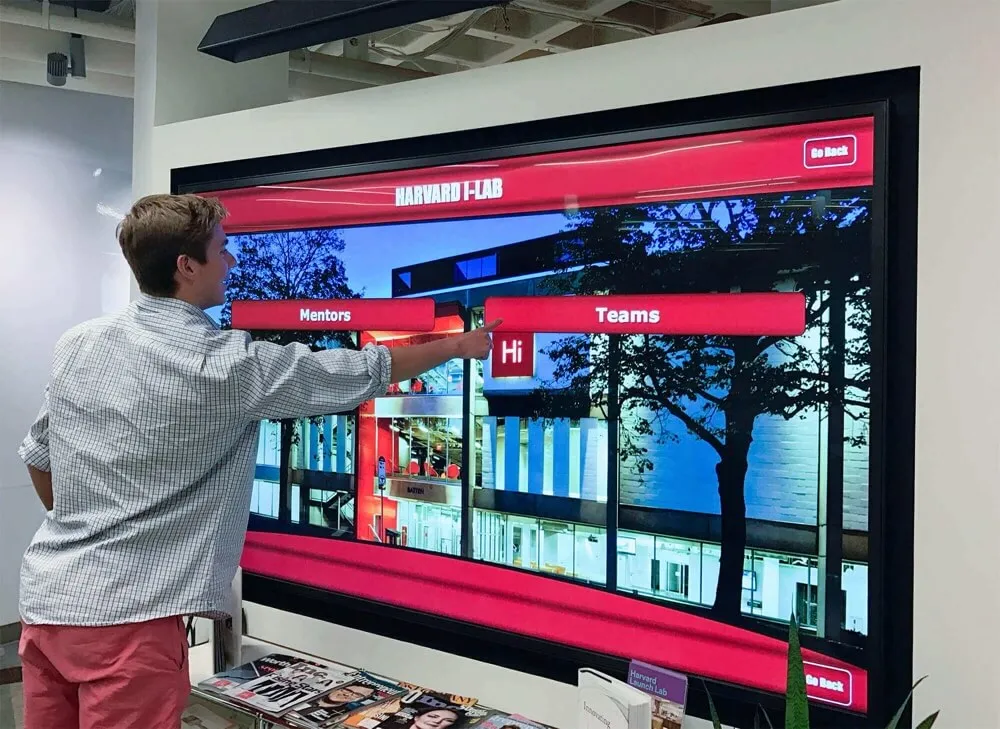
Employee Wall of Fame: How Companies Build a Digital Recognition Display That Boosts Morale
Walk into the lobby of a company where people genuinely want to work, and you will almost always see something that celebrates the people who built it. An employee wall of fame does exactly that—it transforms routine recognition moments like Employee of the Month plaques and five-year tenure pins into a living, visible declaration that the organization values its people. When that display is digital and interactive, sitting on a lobby touchscreen rather than a cluttered hallway bulletin board, the impact scales dramatically.
Read More
Honor Roll: How Schools Recognize and Celebrate Academic Achievement
Every quarter, millions of American students open an envelope, check a school portal, or hear their name called at an assembly—and discover they made the honor roll. For many students, that recognition is the first time a school institution has publicly acknowledged their hard work. For others, it marks another milestone in a long record of academic excellence. Either way, the honor roll is one of the most universal academic recognition programs in American education, and the way schools design, announce, and celebrate it has a direct effect on student motivation, school culture, and community pride.
Read More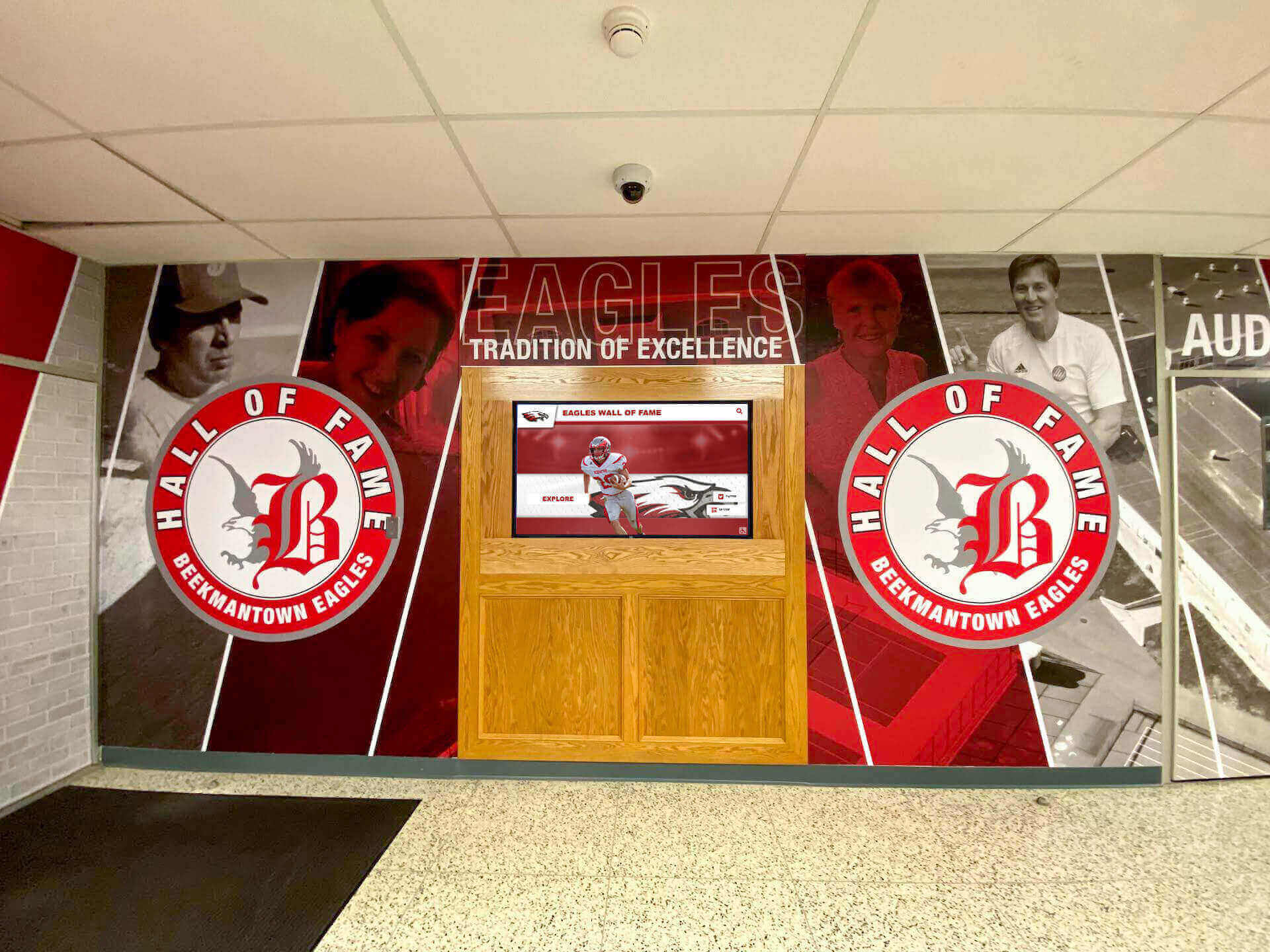
School Banners Ideas: Creative Designs for Halls, Gyms, and Digital Walls of Fame
Walk into any championship-caliber high school and you’ll immediately notice one thing: banners tell the story. From hallway displays celebrating academic excellence to gym rafters showcasing decades of athletic championships, effective school banners ideas transform blank walls into inspiring visual narratives that connect current students with institutional legacy while motivating future achievement.
Read More
Modern Donor Wall Ideas: Contemporary Designs That Inspire Giving
Traditional donor walls—bronze plaques arranged on marble backgrounds, static name lists organized by giving level, fixed displays requiring expensive fabrication for every update—served institutional fundraising for decades. Yet these approaches face mounting challenges in contemporary philanthropic environments where donors expect personalized engagement, institutions manage multiple simultaneous campaigns, and limited wall space forces difficult decisions about whose contributions receive recognition.
Read More



























