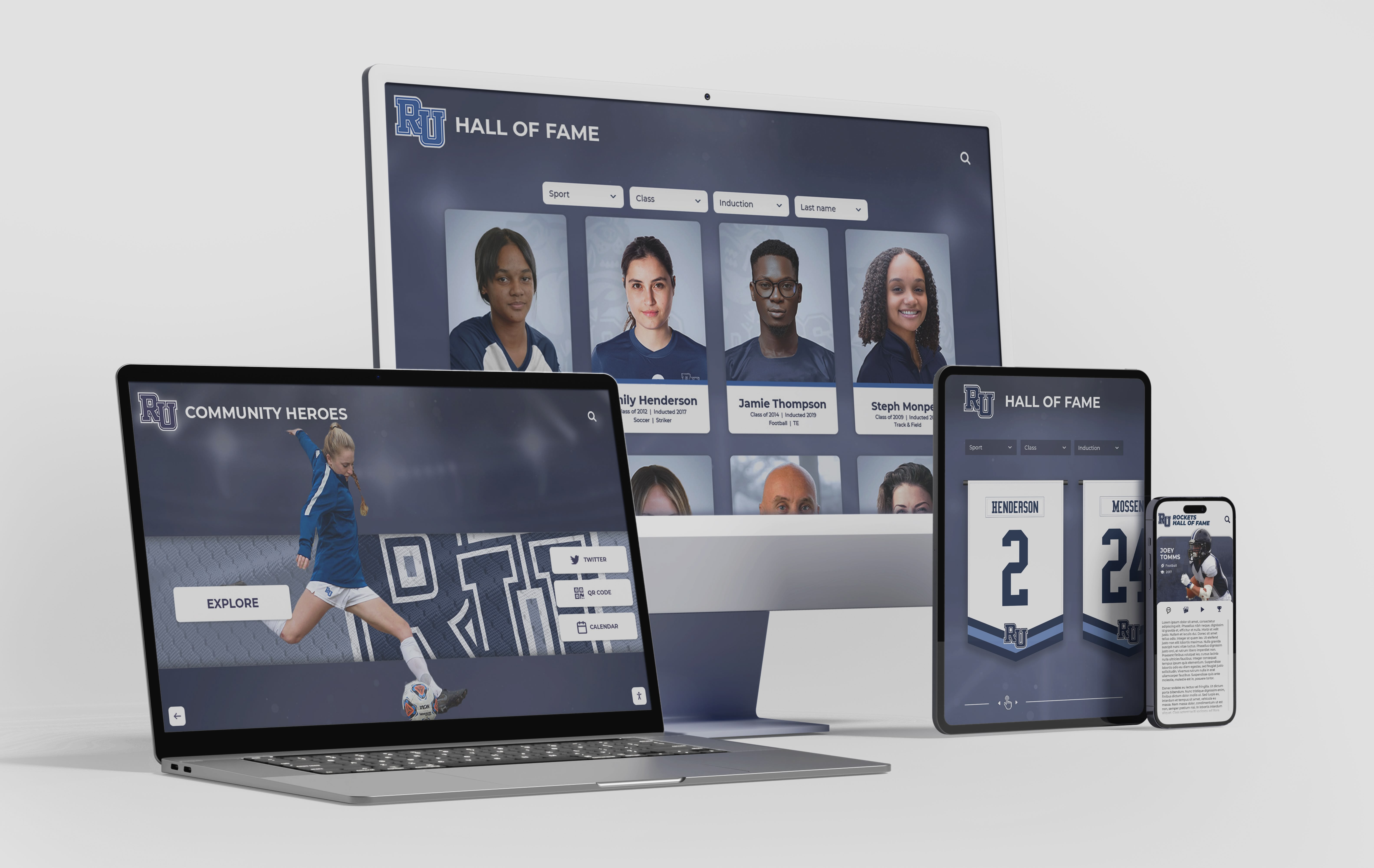
Hall of Fame Website Browser Compatibility Testing Checklist for Inductee Profiles
Intent: research. A hall of fame website browser compatibility testing checklist is the structured set of tests that confirms inductee profile pages, photo galleries, nomination forms, and navigation menus display and function correctly for every visitor regardless of which browser or device they use. The short answer: build a testing matrix from your actual visitor analytics data, test inductee profiles in Chrome, Safari, Firefox, and Edge across desktop and mobile viewports, verify that portrait grids, video embeds, and form submissions work correctly in each browser, and schedule a full re-test before each induction cycle. This checklist covers every major content type and interaction on a hall of fame website in the order most likely to surface real compatibility failures.
Read MoreHall of Fame Website Core Web Vitals Checklist: Faster Inductee Profiles and Media
Intent: research. A hall of fame website core web vitals checklist is the set of technical audits and remediations that ensure inductee profile pages, photo galleries, and recognition media meet Google’s LCP, CLS, and INP thresholds so they load fast, stay visually stable, and respond quickly on every device. The short answer: measure with PageSpeed Insights, prioritize the Largest Contentful Paint image on each profile page, set explicit image dimensions to prevent layout shift, defer off-screen media, and preload critical fonts. This checklist walks through each metric, its specific causes on recognition pages, and a prioritized fix sequence.
Read MoreHall of Fame Website Image Optimization Checklist: Faster Profiles Without Losing Detail
Intent: research. A hall of fame website image optimization checklist is the set of decisions—format, compression, alt text, filename, responsive delivery—that determines whether your inductee portraits load quickly and crisply on every device, rank well in image search, and remain accessible to all visitors. The short answer: convert color portraits to WebP with a JPEG fallback, target 100–150 KB per portrait at display resolution, write descriptive alt text for every image, name files with inductee name and context, add srcset for responsive delivery, and set explicit dimensions to prevent layout shift. This checklist walks through each step in sequence.
Read More



























